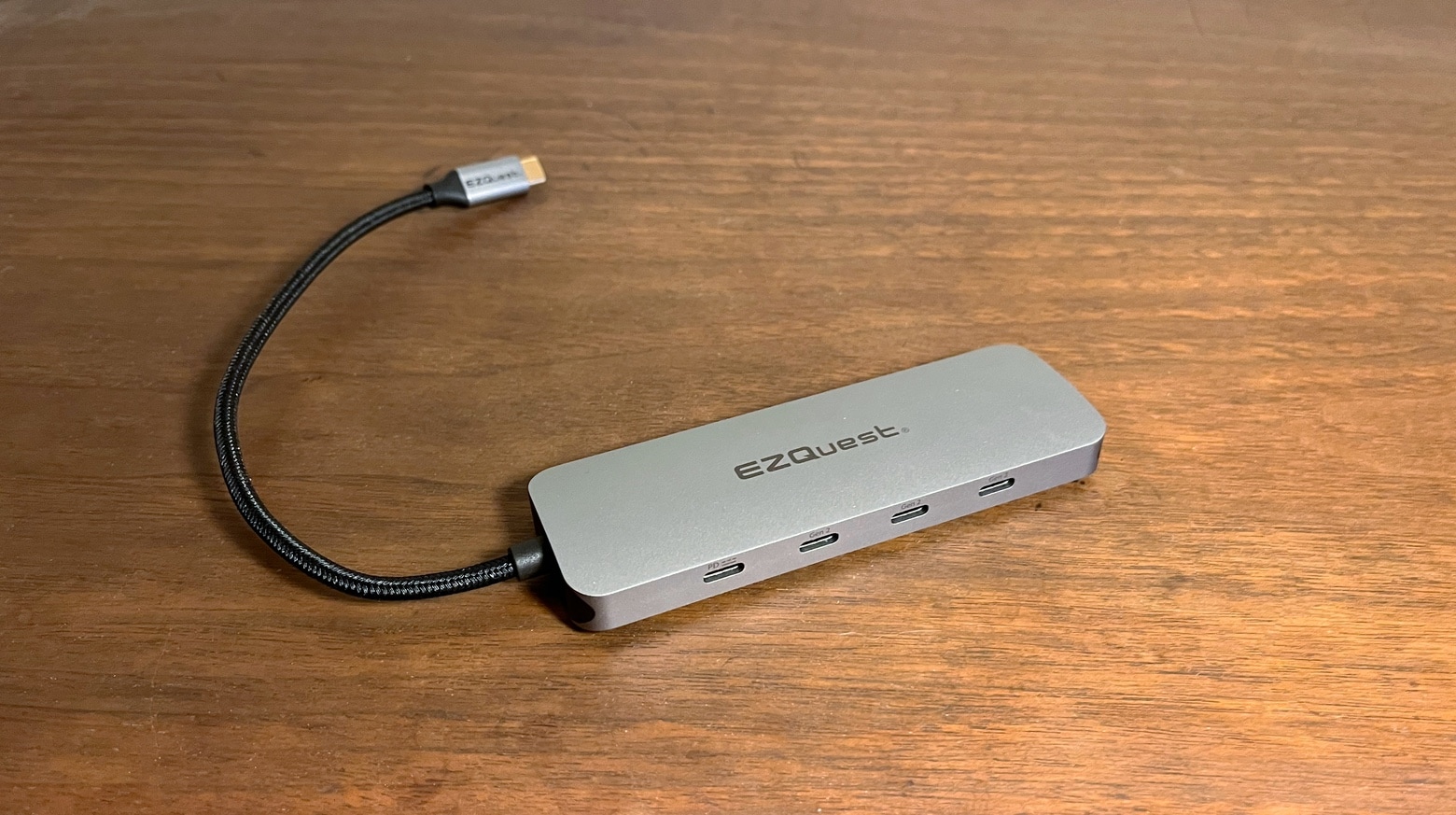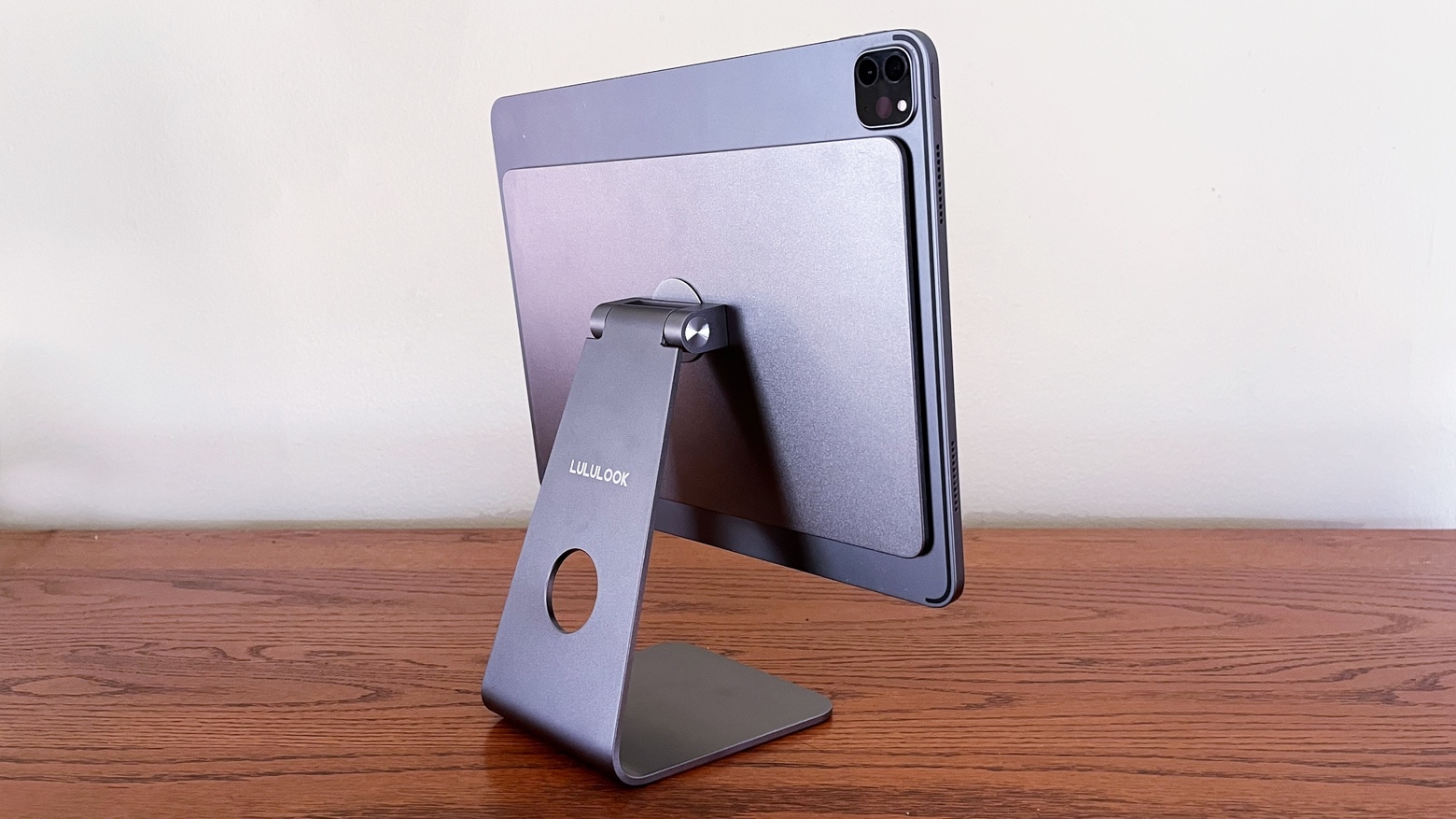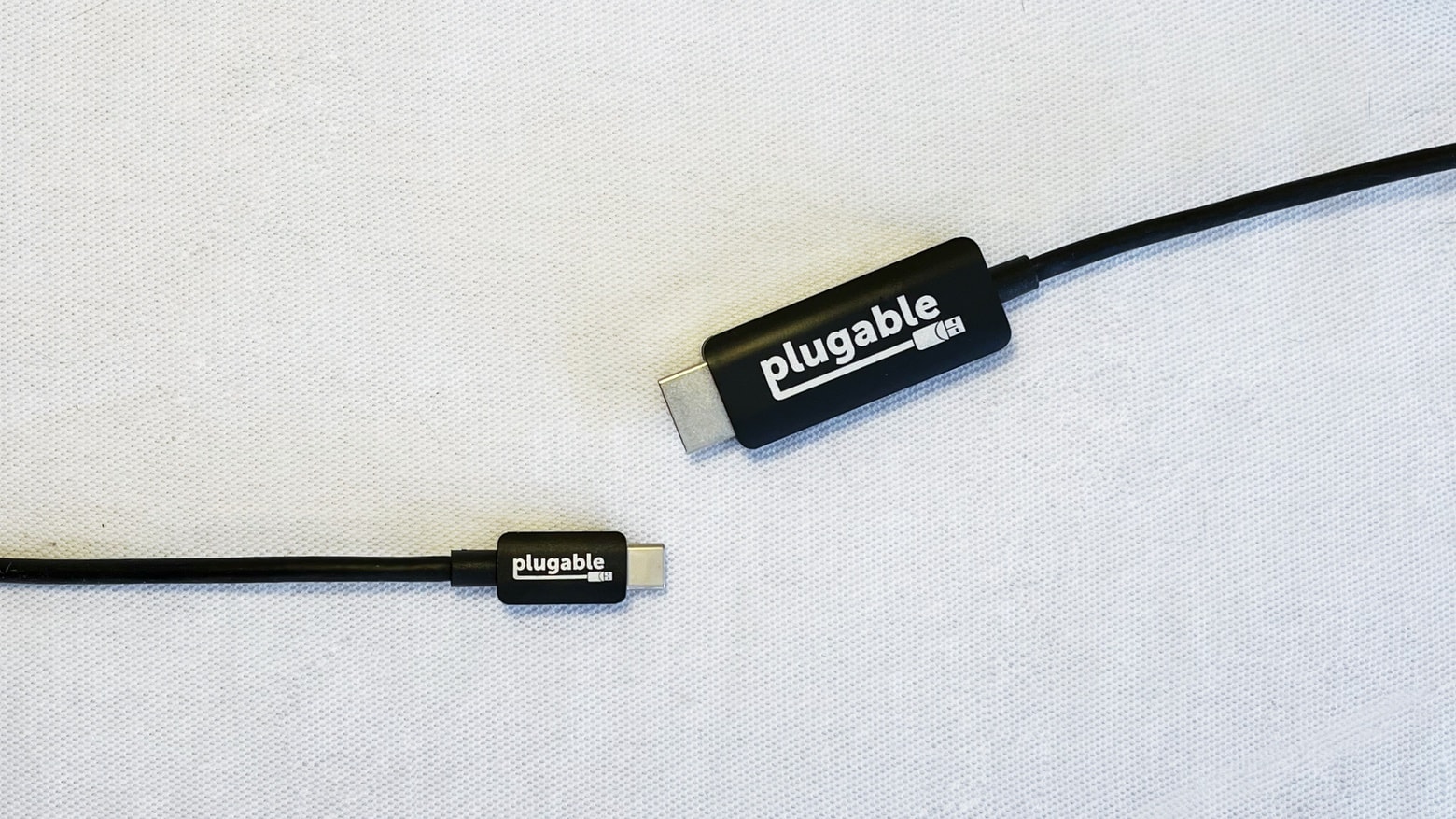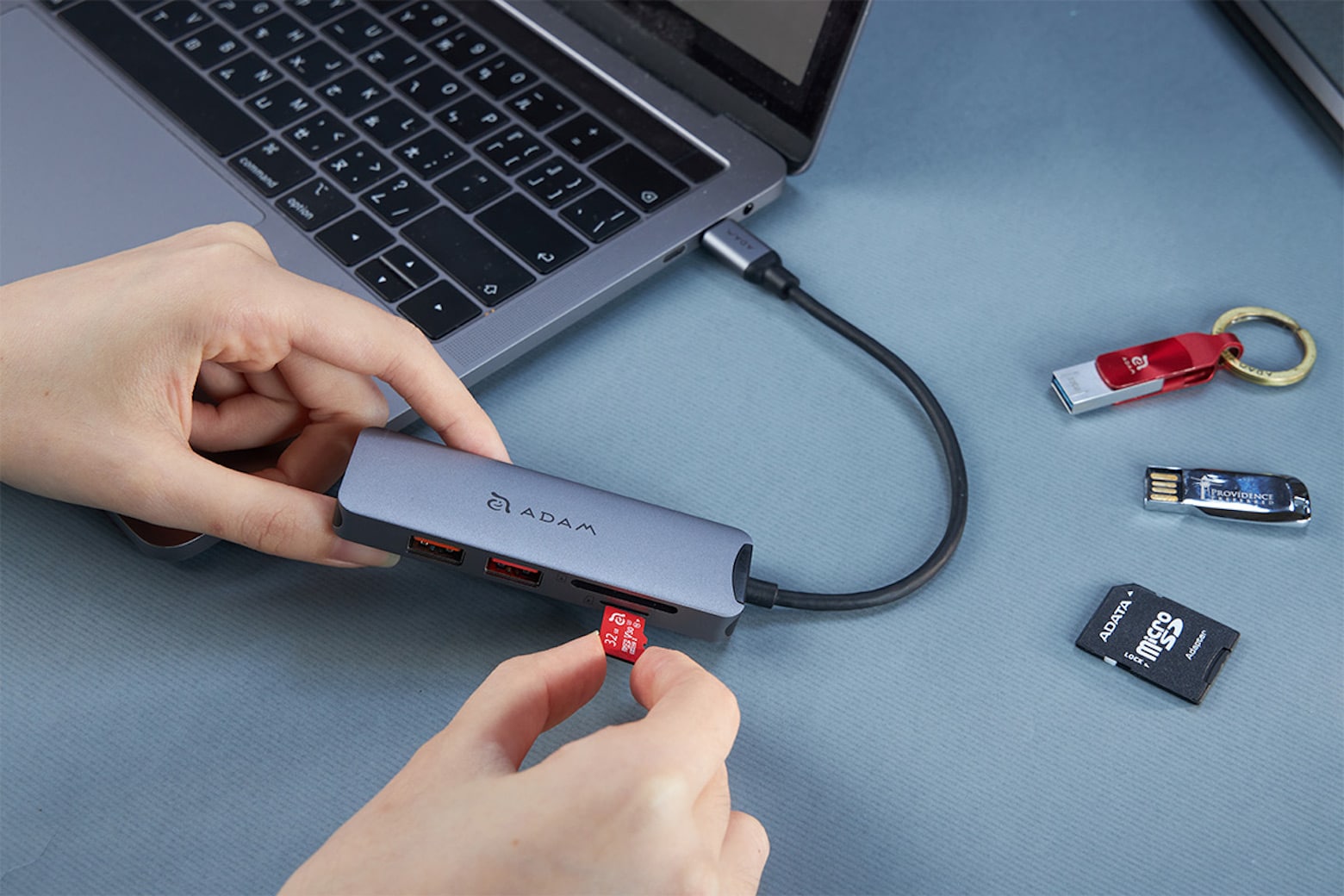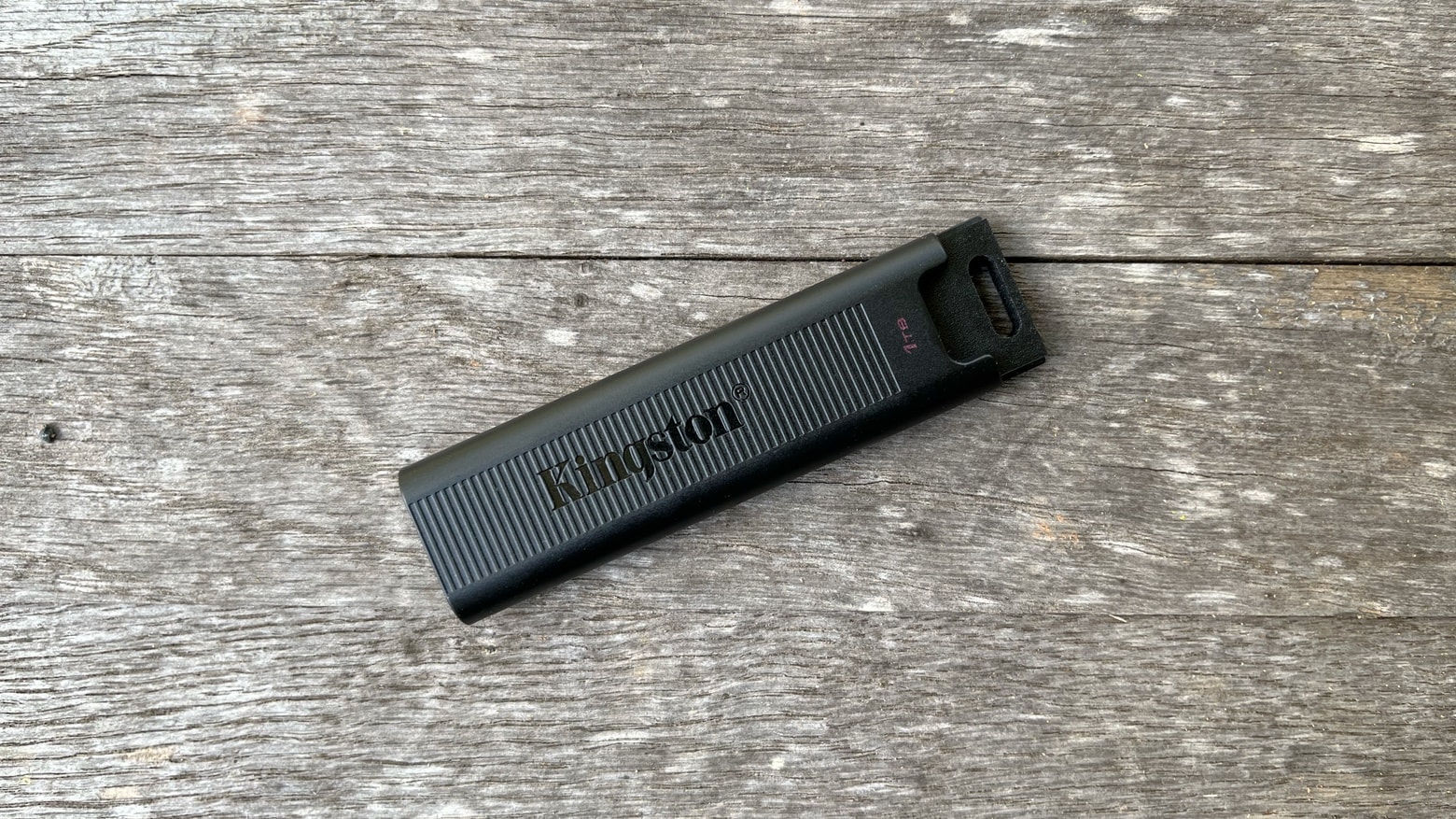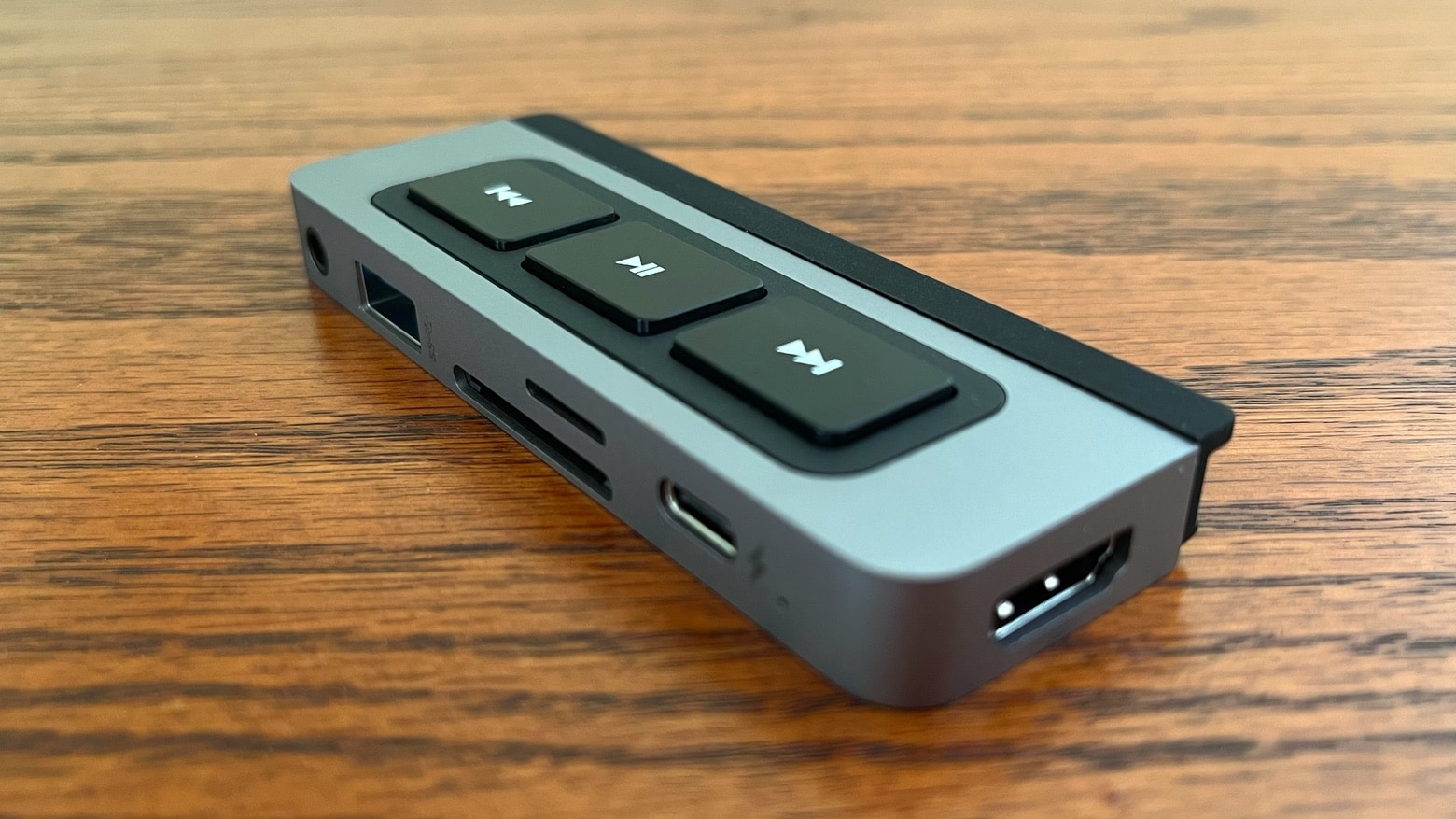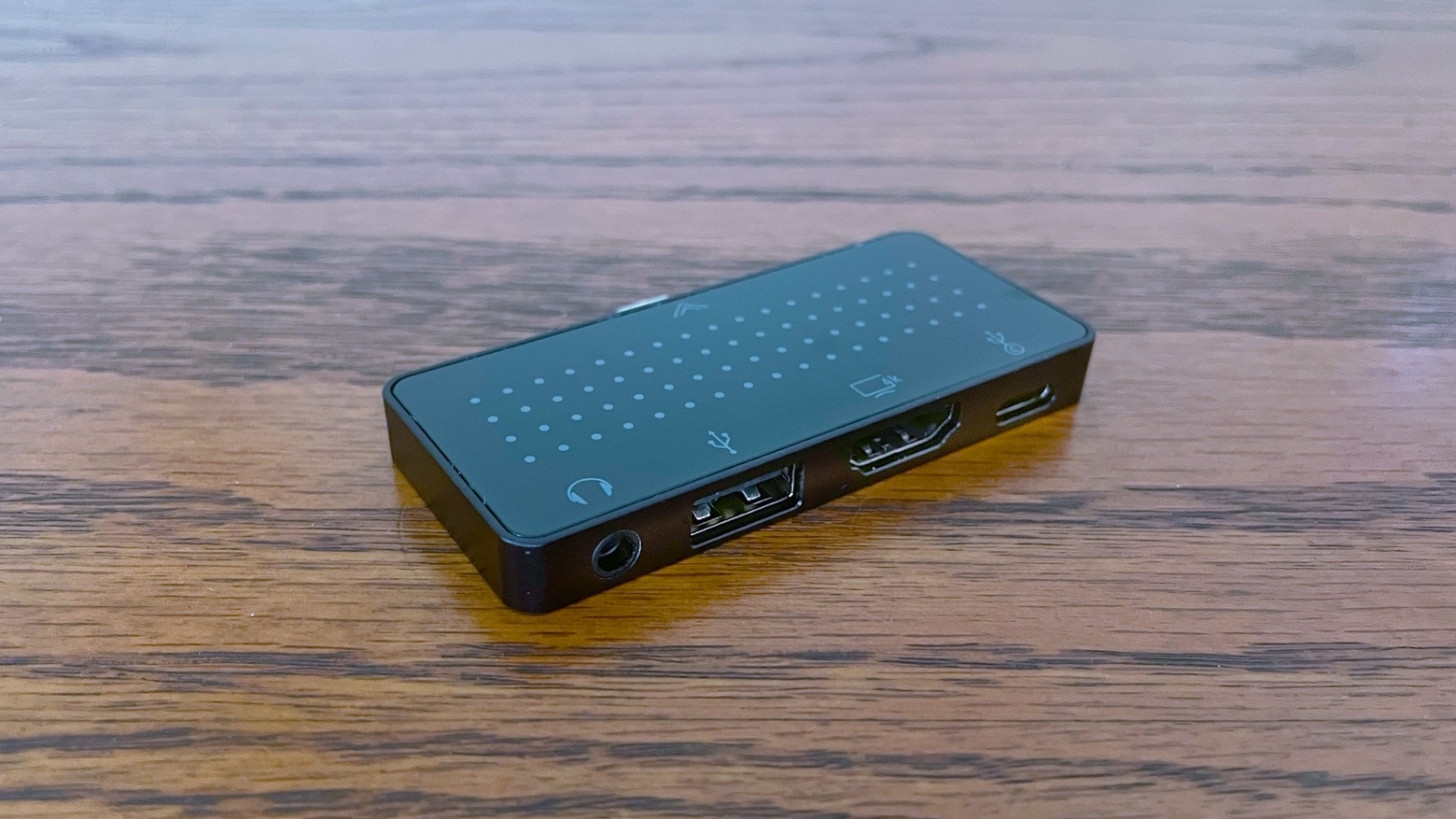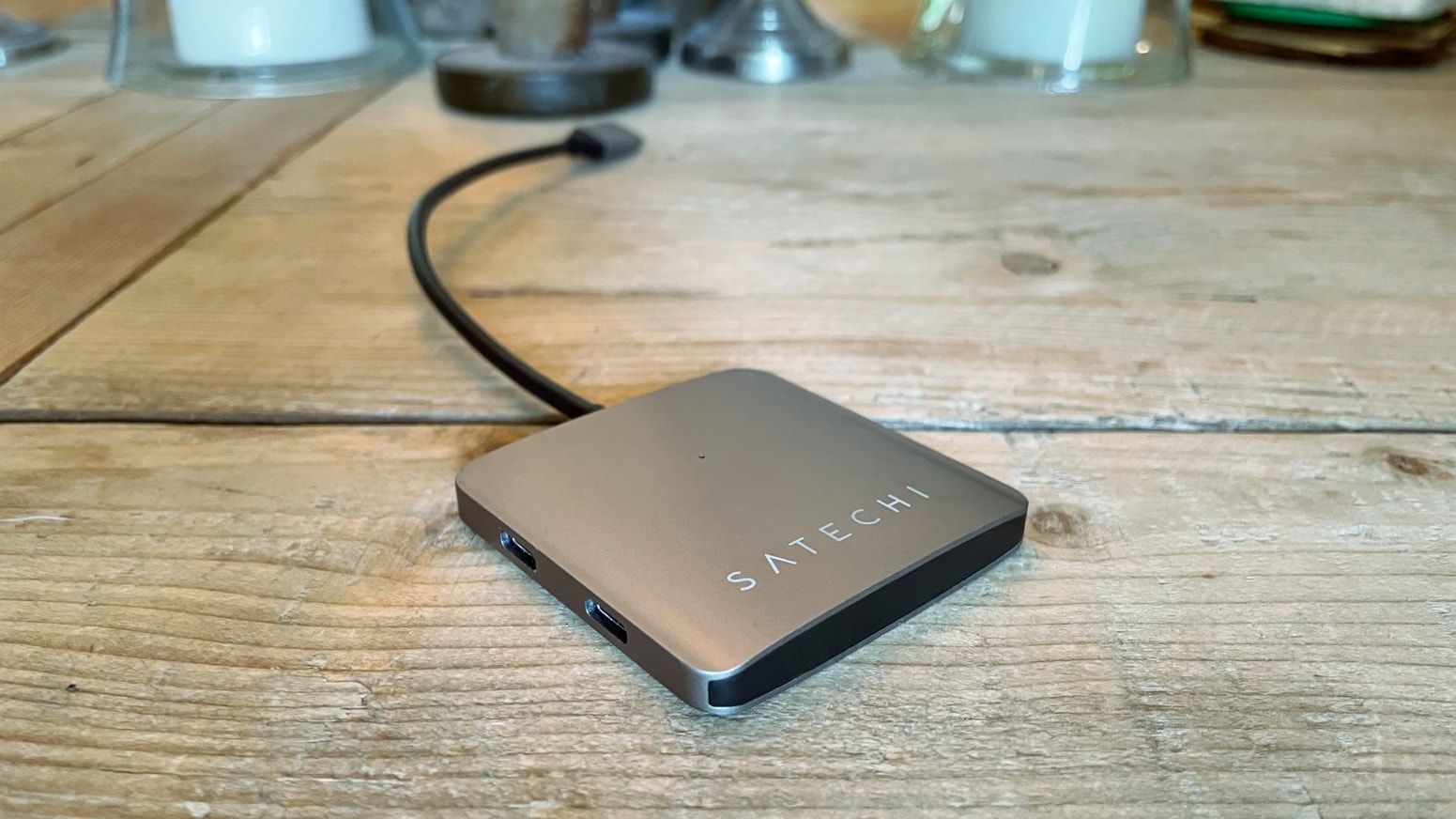
With the Satechi 4-Port USB-C Hub, you can add USB-C ports to your computer quickly and easily. Photo: Ed Hardy/Cult of Mac
The Satechi 4-Port USB-C Hub adds a quartet of useful USB-C ports to your Mac or iPad. The days of struggling along with too few ports are over — you can finally connect as many accessories to your computer as you need.
I put Satechi’s new hub through some real-world testing. Here’s how well it works.
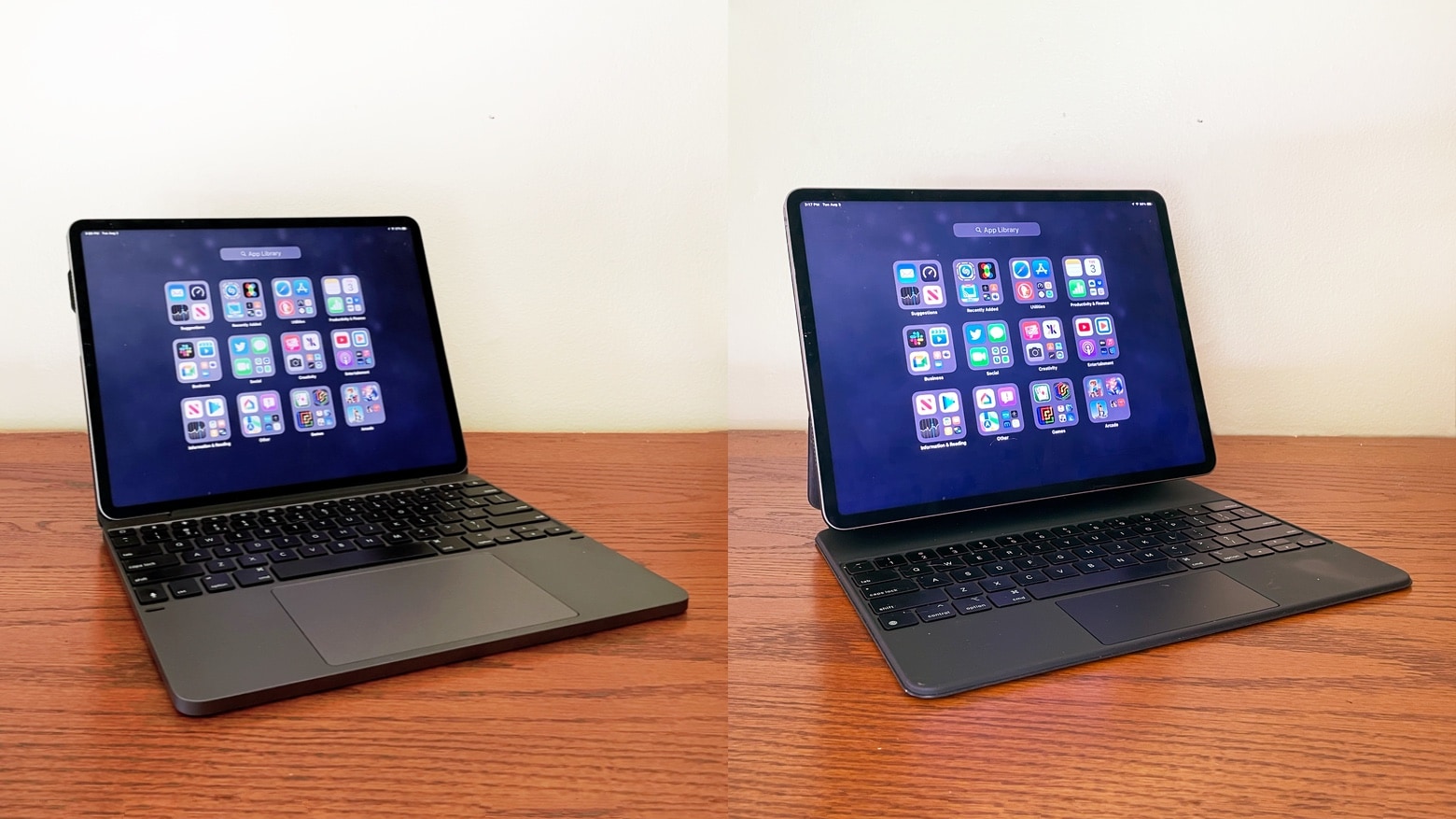
The Brydge 12.9 Max+ is stronger competition for the Apple Magic Keyboard for iPad Pro than many might realize. Photo: Ed Hardy/Cult of Mac
While the Apple Magic Keyboard is an outstanding way to transform an iPad Pro into laptop, it’s not necessarily the best option. The Brydge 12.9 Max+ is also a very capable keyboard case for Apple’s premier tablet. I use both and pitted them against each other. And I found definite advantages to Brydge’s offering.
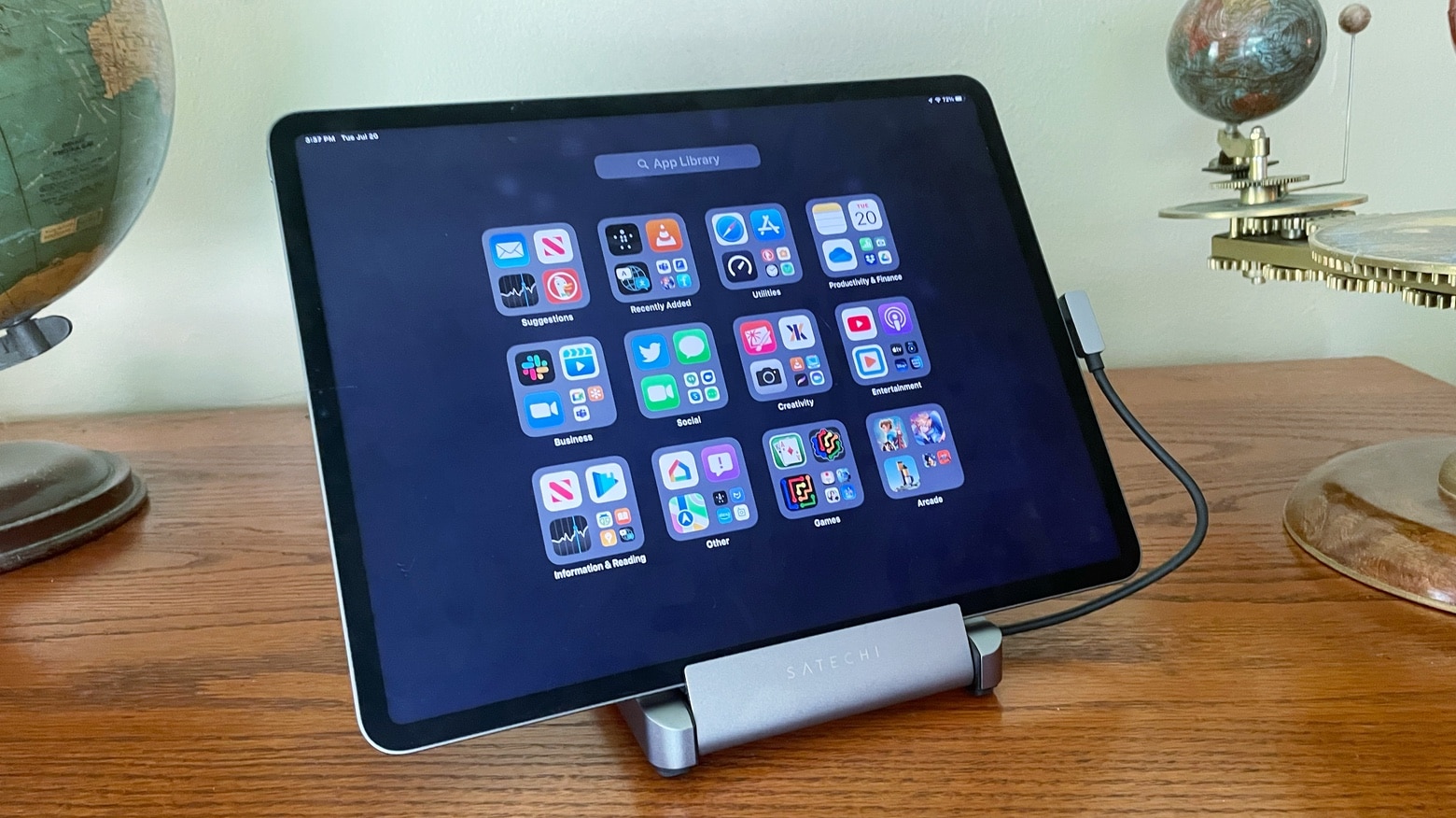
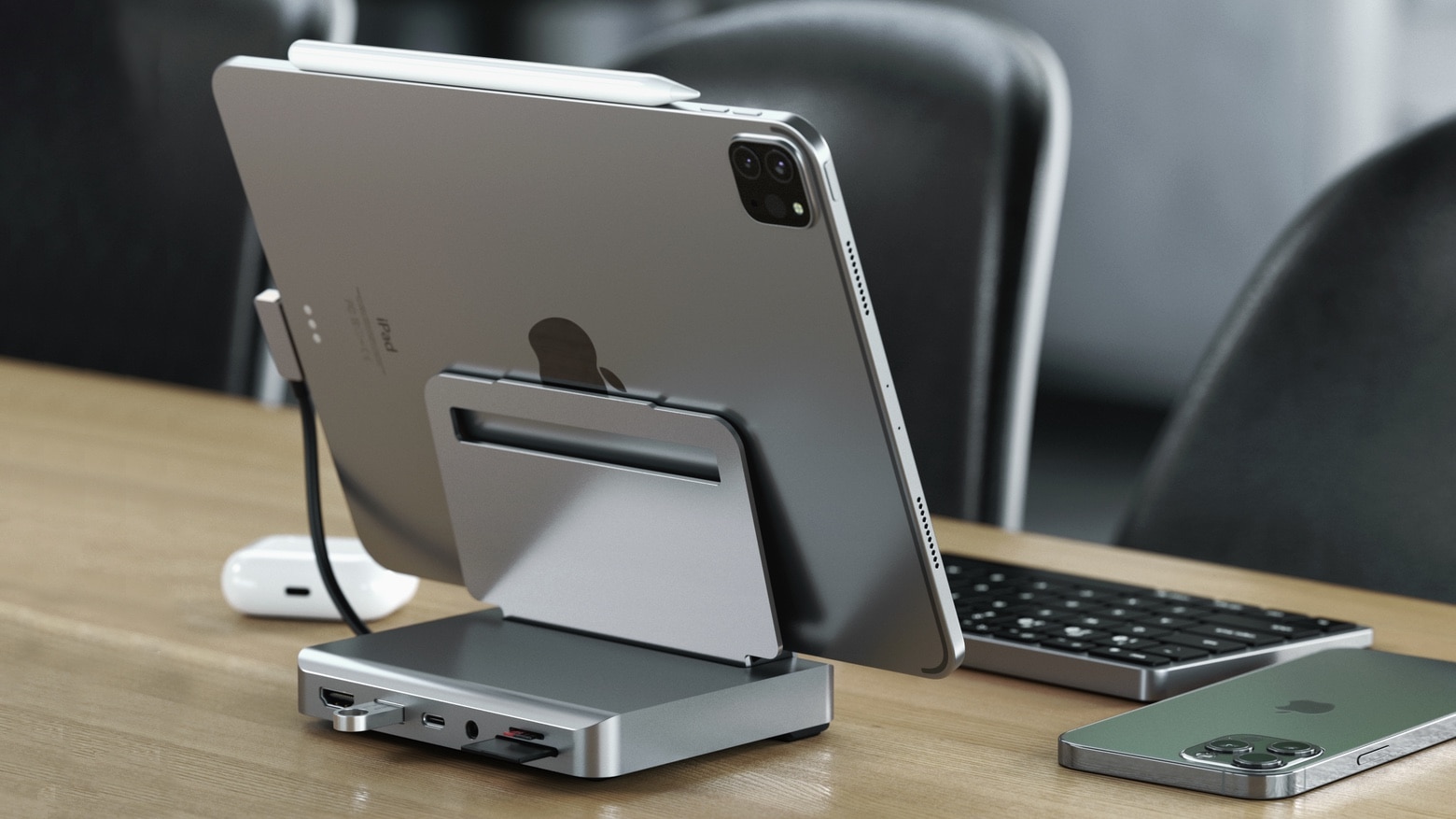
The Satechi Aluminum Stand & Hub has what you need to make your iPad Pro or Air into a portable desktop. Photo: Ed Hardy/Cult of Mac
The Satechi Aluminum Stand & Hub turns your iPad into a useful desktop. Not only does it prop up your tablet, it includes six useful ports. And it goes almost anywhere, from a meeting room to a coffee shop.
I’ve used the tablet stand for weeks, including on a recent vacation. Here’s why I love it… despite a limitation or two.
Brydge 11 Max+ is a premium keyboard case for the 11-inch iPad Pro with a large trackpad. Photo: Brydge
Slip an 11-inch iPad Pro into the newly announced Brydge 11 Max+ to convert it into a premium laptop. There’s a backlit keyboard, sizable trackpad and a clamshell design. The tablet is protected, but is held in with magnets so it’s easily removable.
The keyboard case is also compatible with the iPad Air 4. This is the second such peripheral Brydge has released for these two devices in recent months.
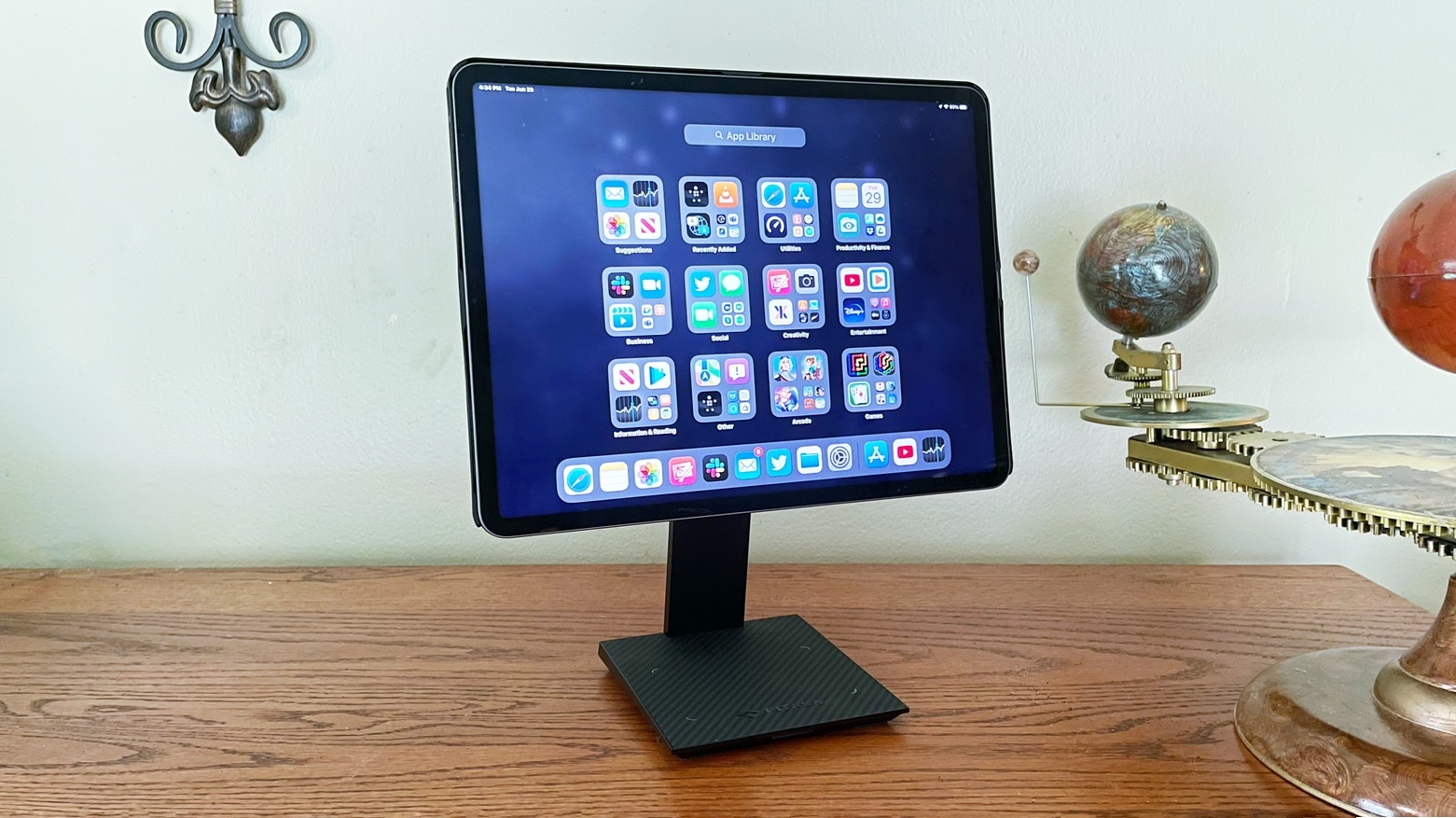
The MagEZ Stand for Tablets is the highlight of a collection of accessories designed to work together. Photo: Ed Hardy/Cult of Mac
The Pitaka MagEZ Stand for Tablets, the MagEZ Case, and the MagEZ Folio give your iPad Pro/Air what it needs to be used in the office or on the road. The stylish desktop stand includes a wireless iPhone charger. The ultraslim case magnetically attaches to the stand, or it can be used with the Apple Magic Keyboard, or combined with a folio case. And the folio case can be used on its own.
I tested these Pitaka accessories in combination and individually. Read on to see why I like them.
Convert your iPad Air 4 into a detachable laptop with Logitech Combo Touch. Photo: Logitech
Logitech’s Combo Touch keyboard case just launched for iPad Air 4. It includes a detachable keyboard and trackpad, as well as a protective case with kickstand. And Bluetooth is unnecessary.
There are versions for other iPad models out already. And there is a new color option for these.
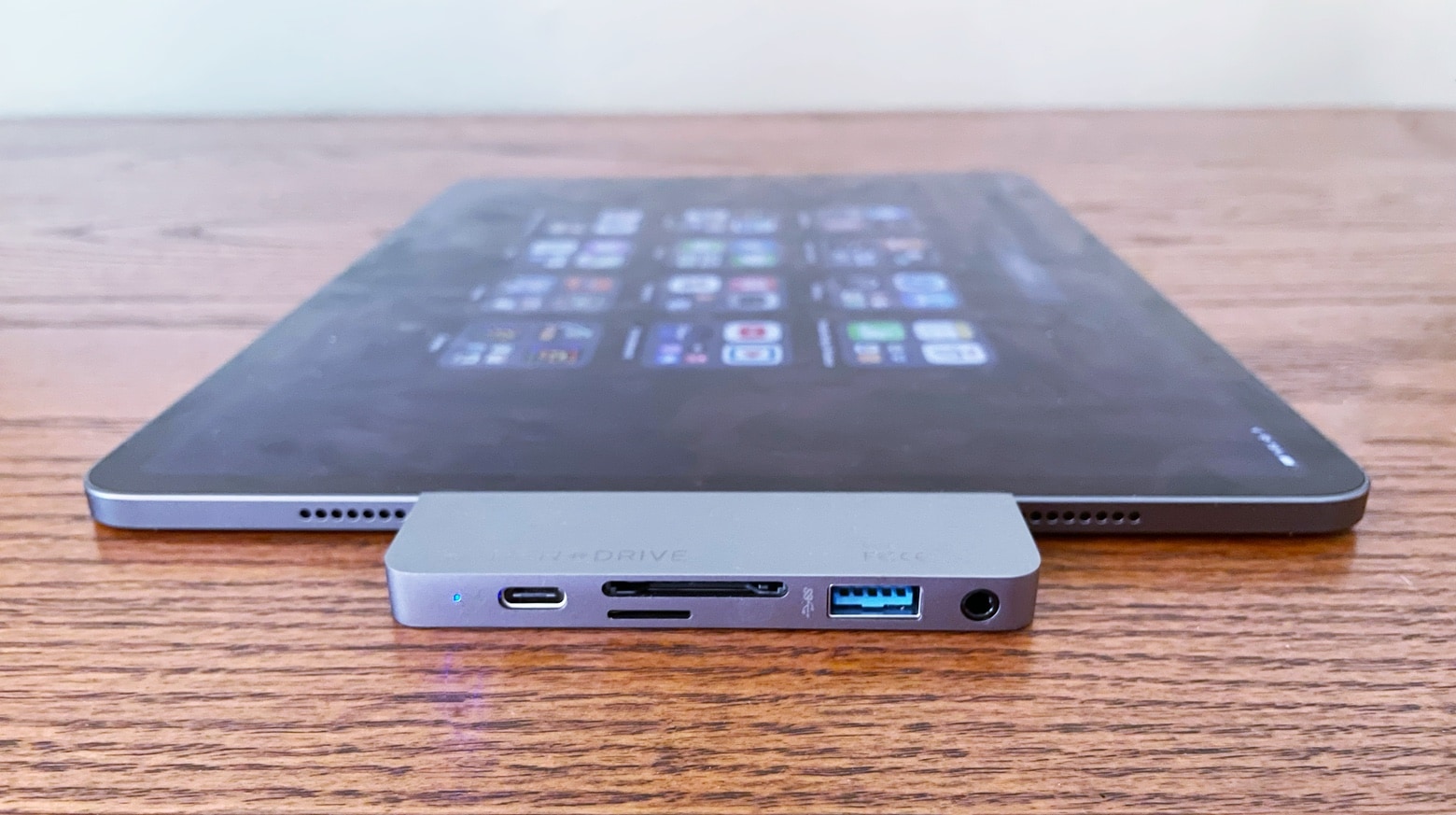
Attach the Sanho HyperDrive USB-C 6-in-1 Hub to your iPad to use a wide variety of accessories. Photo: Ed Hardy/Cult of Mac
The Sanho HyperDrive USB-C 6-in-1 Hub clips to an iPad and adds a collection of ports, allowing the tablet to make use of a variety of popular accessories, from mice and headphones to external displays. The multiport adapter offers outstanding functionality in minimal space.
The original version is one of the best iPad accessories ever. I tested the followup and it’s even better.
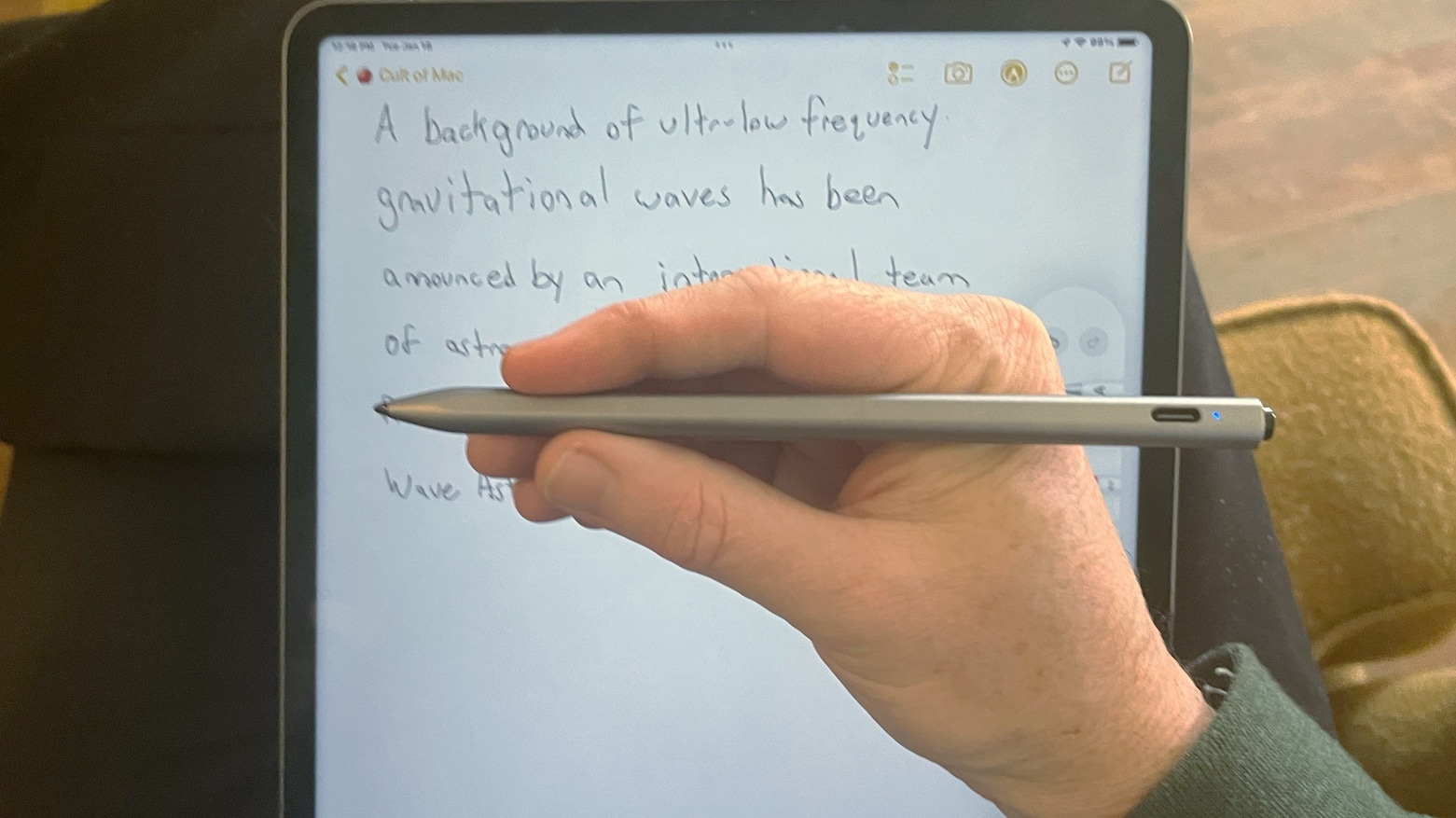
The Adonit Prime looks like a top-tier writing instrument. But it’s a high-quality stylus for either iPhone or iPad. Photo: Ed Hardy/Cult of Mac
Adonit Prime is a stylus for iPhone or iPad that combines a premium form with top-quality function. It’s for anyone not satisfied with everyday styli — anybody who wants one that stands out from the crowd.
I tried both the Prime – Dash (the version for iPhone) and the Prime – Note (for iPad). Here’s why they would be at home on any executive’s desk.
With Father’s Day coming up, the Adonit Prime might be just right for the dad who has everything.
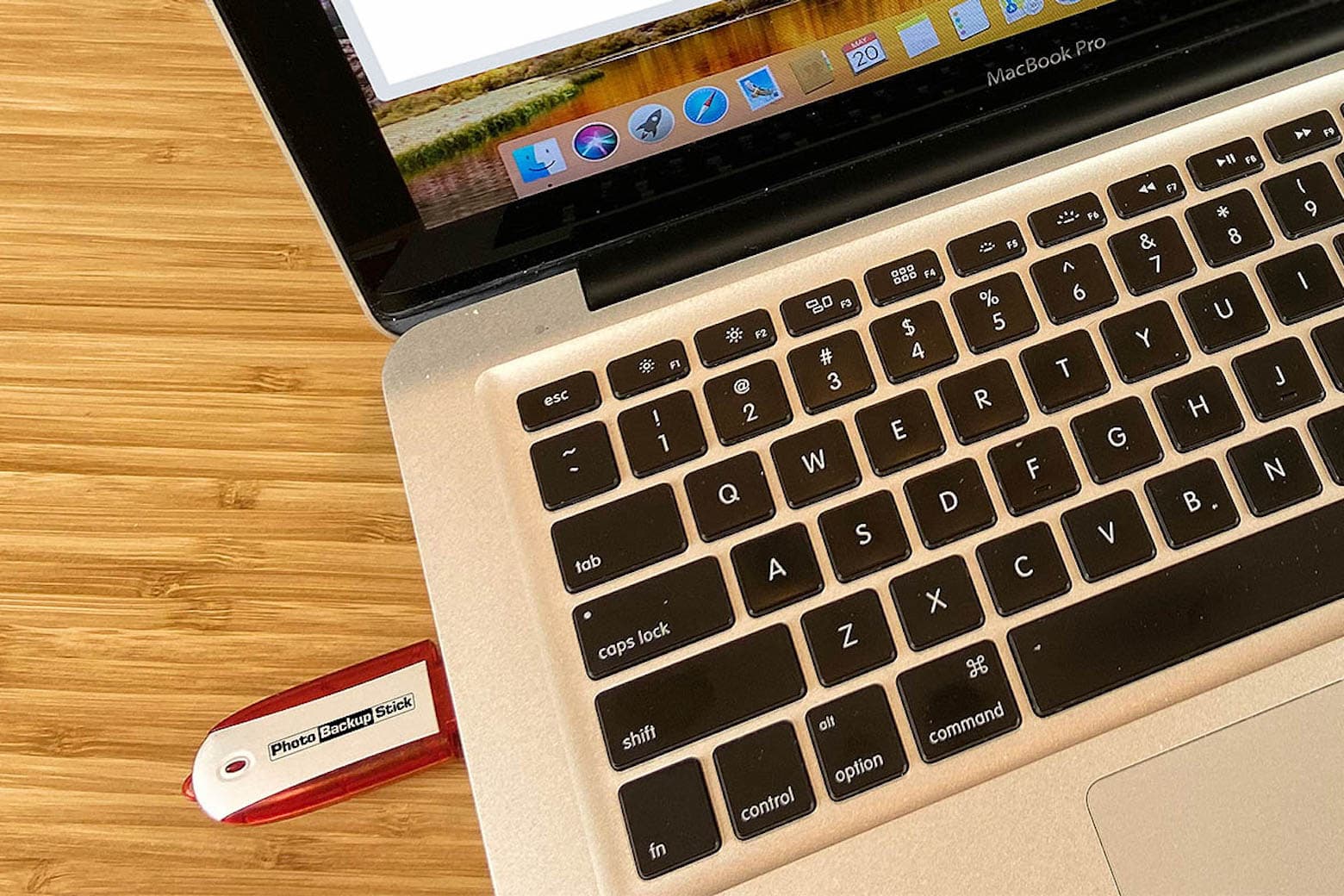
This backup stick protects and stores your photos and videos from virtually all devices. Photo: Cult of Mac Deals
We all go through a similar thought process when our phones, laptops or iPads break, get lost or are stolen. Somewhere between trying to remedy the situation and coming to terms with the loss comes the sharp realization that all your content is gone. Saying goodbye to your photos is never fun, but you can prevent this nightmare from happening by taking precautions now.
What’s better than using cloud storage? Keeping your photo and video content in the palm of your hand. While the cloud can be convenient, the Photo Backup Stick automatically backs up pictures and videos — without having to rely on an internet connection. It can eliminate the need to pay for monthly cloud-storage fees.
This portable iPad stand is also a USB-C hub with half a dozen ports. Photo: Satechi
Turn your iPad Pro into a desktop computer almost anywhere with the Satechi Aluminum Stand & Hub. It folds to be easily carried, but opens to hold up the tablet and provide a USB-A port, HDMI port and more.
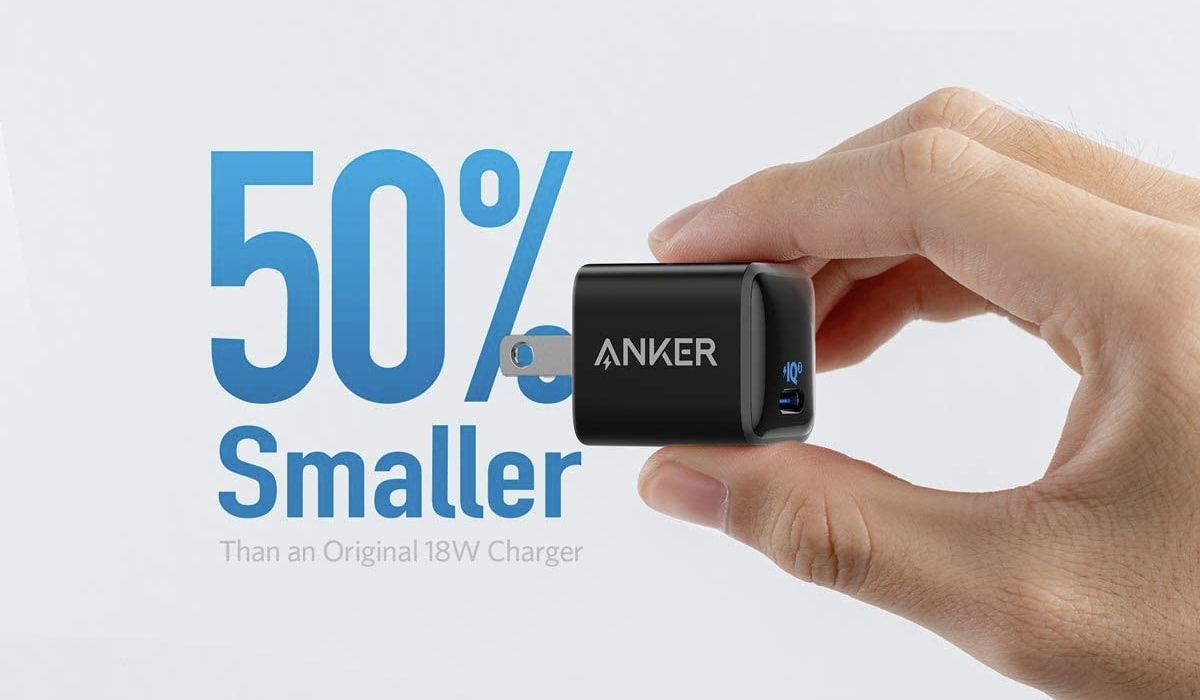
With an ultra-compact design that makes it easy to take anywhere, Anker’s terrific 18W USB-C charger is ideal for those who are always on the go. It will charge your iPhone, iPad, and lots more.
The Belkin Soundform Connect brings the high-quality audio of AirPlay 2 to legacy speakers or soundbars. Photo: Ed Hardy/Cult of Mac
The Belkin Soundform Connect could be just what you need to connect your speakers to Apple Music’s upcoming high-quality lossless audio. The wireless adapter allows iPhone and Mac users communicate with any speaker over AirPlay 2 using Wi-Fi rather than Bluetooth.
I ran some tests, and I’m impressed with the usefulness of this tiny accessory.
Turn your iPad into a laptop — one that can survive a 6-foot fall — with the Zagg Pro Keys. Photo: Ed Hardy/Cult of Mac
Zagg Pro Keys wraps a range of iPad models in a very protective case, and includes a removable keyboard that makes the tablet even more productive. It’s a full-featured accessory that comes at a relatively low cost.
I used the Pro Keys with my work/personal iPad for several days. Here’s what I found out.
Brydge iTrack might complete your iPad-centric desktop setup. Photo: Brydge
Brydge iTrack may be the first trackpad designed specifically for iPad. That allows the desktop accessory to take full advantage of the support for trackpads Apple added to iPadOS.
And while it uses Bluetooth, Brydge promises minimal connection hassles.
The Huex Fades case for iPhone 12 comes in a variety of iridescent finishes. Photo: Laut
This week, Cult of Mac is giving away a bundle of four cases from Laut for iPhone, iPad, AirPods and AirTag. If you’d like some shiny new holders for your Apple gear, be sure to enter this fun and free giveaway.
The Logitech Combo Touch includes a well-designed iPad Pro keyboard and trackpad. And it looks great. Photo: Ed Hardy/Cult of Mac
The Logitech Combo Touch combines an iPad Pro case with a kickstand and removable keyboard. It sets itself apart from the crowd with a large trackpad and using the Smart Connector rather than Bluetooth.
I brought this keyboard case into my daily work life for most of a week. I also compared it to the Apple Magic Keyboard. Here’s why I like it.
The Zagg Pro Keys with Trackpad (center), a new version of the Rugged Book (left) and the Pro Keys without trackpad (right). Photo: Zagg
The Zagg Pro Keys with Trackpad isn’t just for pro-grade iPad users because anyone might want the option to turn their tablet into a laptop. The new keyboard case is compatible with the 11-inch iPad Pro, the 10.9-inch iPad Air and the 10.2-inch iPad.
Zagg also introduced on Wednesday a version of Pro Keys without a trackpad for the 12.9-inch iPad Pro. And the accessory maker launched a Rugged Book keyboard case for the 11-inch iPad Pro and the 10.9-inch iPad Air.
Prop up an iPad with the Moft Snap Tablet Stand. Then fold it flat. Photo: Moft
The iPad doesn’t include a kickstand, but the Moft Snap Tablet Stand can be attached to any full-size model, propping the screen up at a variety of viewing and working angles. And it’s easily removable, slim and weighs in at under 5 ounces.
Even better, it’s compatible with the Apple Magic Keyboard.
This thing can charge your iPhone, iPad, AirPods, MacBook and Apple Watch all at once. Photo: ScoutPro
As technology progresses, it seems that we all need more and more smart devices to power through our day productively: a smartwatch for better workouts, a laptop for better work production, wireless earbuds for better listening, and a smartphone for better communication. While all of these high-powered devices work hard to improve our lives, our reliance on them tends to drain their batteries — and sometimes, everything goes critical all at once.
Twelve South's ParcSlope stand elevates your MacBook or iPad to new levels. Photo: Twelve South
This week, Cult of Mac is giving away one ParcSlope stand from Apple accessory powerhouse Twelve South.
The ParcSlope is a dual-purpose desktop easel that functions as a typing stand for MacBook and as a sketching wedge for iPad. It elevates your MacBook or iPad Pro for a better working angle and an ergonomic viewing height.
If you win, you can use the ParcSlope stand for all of your tasks. And if you don’t, Twelve South is sweetening the giveaway with a $10 promo code to purchase the ParcSlope for everyone who enters.
Kensington StudioDock could be the iPad productivity tool you’re looking for. Photo: Kensington
Add the Kensington StudioDock to the list of accessories thrown under the bus by the redesign of the 2021 iPad Pro. The 12.9-inch version of the upcoming tablet is just slightly thicker, but that’s enough to make the elaborate desktop stand incompatible.
This is sure to displease many of the people who bought the $399.99 accessory and were hoping to use it with future Apple tablets.
The Survivor All-Terrain‘s four layers of shock-absorbing materials deliver military-grade drop protection to the iPad 8. Photo: Survivor
A pair of new rugged cases for the basic 10.2-inch iPad promise military-grade drop protection, and each has a combination kickstand/handstrap to make using the device easier.
Survivor All-Terrain and Endurance are designed for hazardous conditions, like worksites and classrooms.
Made of high-end wood and leather, this glorious charging tray is perfect for all your Apple gear. Photo: Nytstnd
Many wireless charging stations lack something iPad users need: a place to prop up and charge their beloved tablets.
It may seem like a charging station fit for an iPad wouldn’t be as sleek and convenient as smaller models, but the opposite is true for the Nytstnd Quad Tray. Channeling sophisticated elegance with wood and cloth accents, this powerful multi-device charger will create a comfortable home for your essential personal items with a fashionable flourish. Available now for $191.99, this beautiful charger is well worth the price for an upscale charging experience.
Maotoam Pro is a robust tablet/laptop stand and a multifunction USB-C hub all in one well-designed package. Photo: Ed Hardy/Cult of Mac
Maotoam Pro is two popular desktop accessories in one. It’s both a laptop/tablet stand and a USB-C hub with 13 ports. It can prop up a MacBook or iPad at your preferred angle, and connect it to up to a monitor, three USB devices, Ethernet and more.
I used the stand/hub in my everyday life for days. Here’s why I like it so very much.