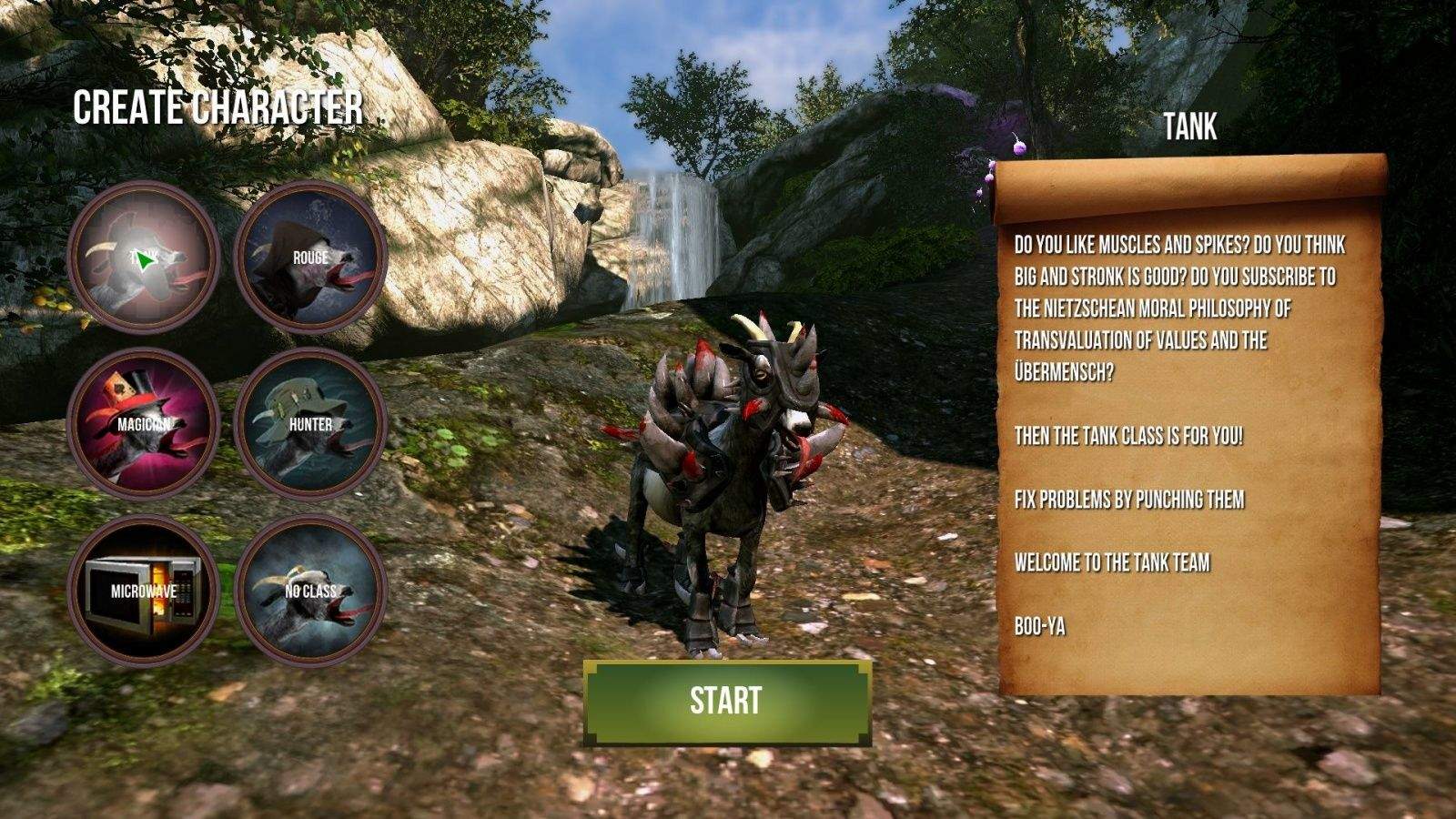
Awwww, yiss! New MMO mode for Goat Simulator is free to current Steam owners. Photo: Goat Simulator
What’s better than goats? Goats you can control in a weird physics-simulator, of course.
What’s better than that? A full-on massively multiplayer online version of the goat sim. Duh.
The hilarious developers at Coffee Stain Studios (Sanctum, Sanctum 2) just offered up a free patch to all current owners (via Steam, not iOS) of the game, turning a wacky game jam cult hit into an MMO with various classes, like the Tank, or Magician.
Shit just goat serious, guys. Check out the sweet trailer below.
My Cult of Mac colleague Killian is obsessed with the actor Tom Hanks to an almost worrying degree.
I’ve never been to his home before (Killian’s, not Hanks’ — although I’ve not been there either), but I like to imagine that it’s full of Forrest Gump and Castaway posters, with the focal point being a single lock of the actor’s hair kept in an airtight jar. Surrounded by candles, with an iPod dock playing the soundtrack to The Da Vinci Code on repeat.
At any other time of year this would seem irrelevant, were today not the occasion upon which Hanx Writer, a typewriter app created by actor and typewriter fan Hanks, went universal on iOS.
Apple has big ambitions for its new music streaming service. Photo: Jim Merithew/Cult of Mac
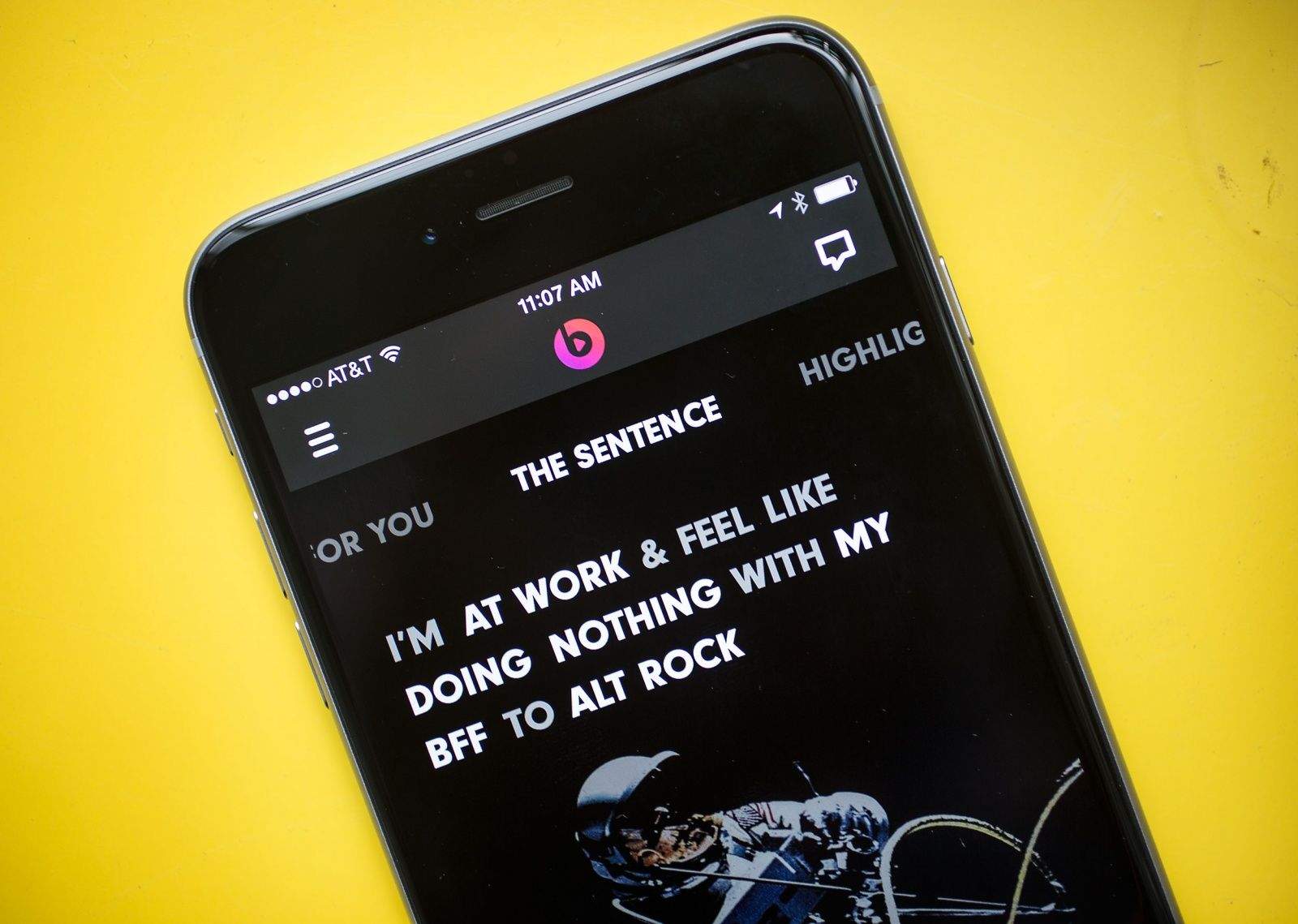
You’ll soon have Beats Music on your iOS device whether you want it or not.
Apple is planning to bake the streaming music service into iOS in early 2015, according to The Financial Times. The integration could happen “as early as March,” which would line up with the possibility of a media event to announce the rumored iPad Pro.
Having been an avid Sim City player going back 20+ years, I will never not be excited about a new game in the franchise.
EA has just released a new trailer for its upcoming SimCity BuildIt worldwide launch, and it has to be said that it looks pretty darn fantastic.
Letting you do all the building, demolition, micro-management and, err, UFO survival the game series is known for, the mobile-only title incorporates full 360° controls, which means that you can explore your beautiful 3-D city from an angle you want.
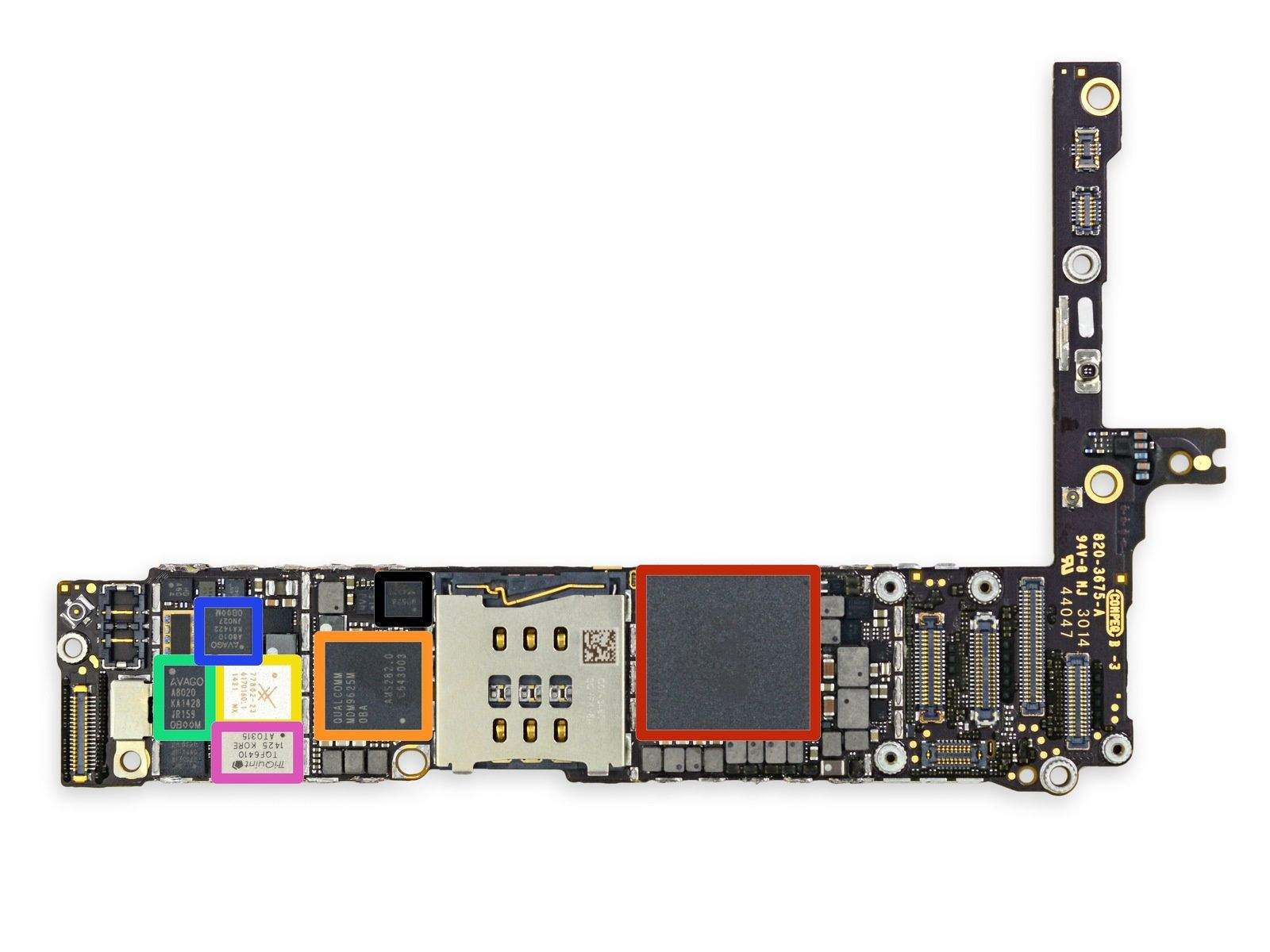
Here's why the iPhone 6 can do with less RAM (outlined in red) than Android phones. Photo: iFixIt
When the iPhone 6 and iPhone 6 Plus were announced, many Android fans laughed at the “pitiful” 1GB of RAM of Apple’s flagship smartphone, when Android flagships tended to ship with 2GB and sometimes more.
But specs don’t always — or even most of the time — tell the whole story. As it turns out, an iPhone 6 with 1GB of RAM runs much faster than a similarly specced Android smartphone with 2GB of RAM. And it all has to do with the fundamental difference in the way iOS and Android handle apps.
Thought WireLurker was bad? Wait till you meet Masque Attack. Photo: Jim Merithew/Cult of Mac
Following the discovery of the serious iOS vulnerability known as Masque Attack, Apple has issued a statement to iMore, claiming that it is not aware of users experiencing this problem, but that users should be aware of online malware that circumvents Apple’s existing security measures.
“We designed OS X and iOS with built-in security safeguards to help protect customers and warn them before installing potentially malicious software,” said an Apple spokesperson. “We’re not aware of any customers that have actually been affected by this attack. We encourage customers to only download from trusted sources like the App Store and to pay attention to any warnings as they download apps. Enterprise users installing custom apps should install apps from their company’s secure website.”
No pun intended, but coffee is hot stuff in Silicon Valley, where overworked engineers rely on cup after cup of the black stuff to keep them focused on building amazing products.
If you too are a bit of a tech-loving caffeine fiend, you may be interested in the new Mr. Coffee Smart Coffeemaker, a gorgeous new smart coffee-making device programmed and controlled remotely from your iPhone.
Using the dedicated iOS app, users can schedule up to a week’s worth of coffee brew times — meaning that your morning pot of joe can start being brewed while you’re still asleep, so that it’s all ready for sipping the moment you arrive in your kitchen.
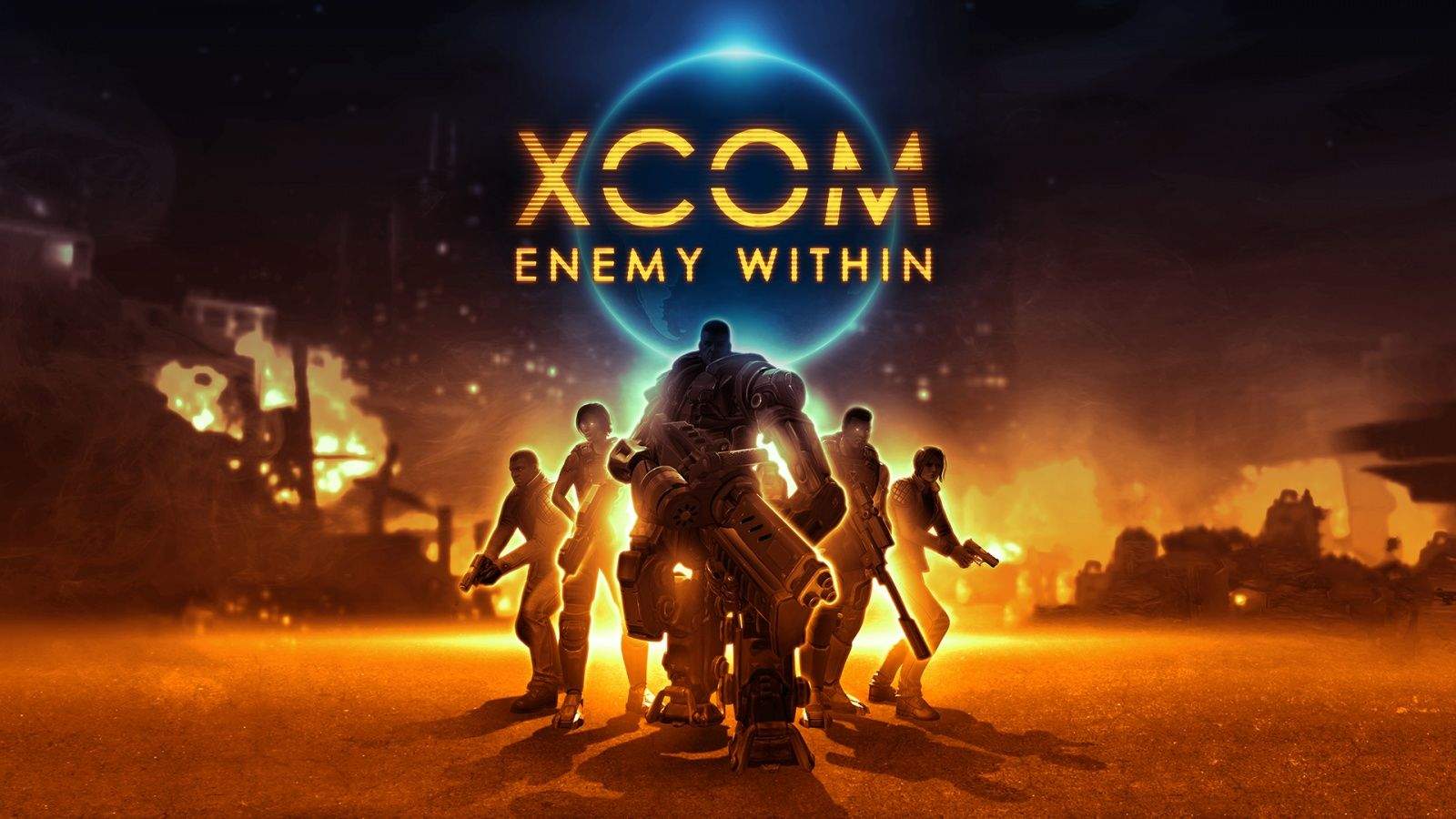
Manage your troops, destroy all aliens, save the world. Again. Photo: 2K Games
The excellent strategy game, XCOM: Enemy Within, is out now for mobile devices as an entirely new standalone game for $12.99. If you haven’t played an XCOM game yet, this is a fantastic place to jump in – the graphics are stunning and the gameplay is addictive; like Civilization, you’ll battle it out with alien invaders in turn-based, tactical maps that offer some thrilling alien-busting fun.
In the new game from developer Firaxis and publisher 2K Games you’ll manage the XCOM global headquarters and send your troops out to fight, dealing with both battle mechanics as well as resource allocation and research into new weapons and gear for your soldiers. The new game adds a “rogue” human faction, EXALT, that will offer even more battles and maps.
“XCOM: Enemy Unknown for Mobile proved that turn-based strategy games are a natural fit for touch interfaces,” said lead designer, Firaxis Games’ Ananda Gupta in a statement. “In XCOM: Enemy Within, players can return to the XCOM universe, where they’ll encounter an assortment of new content including powerful new weapons, abilities and strategies, and confront a host of dangerous new alien threats.”
Trolling with sloths. Photo: Ken Mayer / Flickr (CC)
AirDrop on iOS makes it easier to share images and other files with the people around you than ever before, but it’s also a great way to troll innocent bystanders with space sloths. But there’s a way to protect yourself.
Monument Valley is my pick for iOS game of the year; a twisting, gorgeous, MC Escher-style puzzler that’s spellbinding from start to finish. And given that it has received upwards of 1 million downloads, I’m far from alone in thinking that way.
Which is why it’s great to hear that the game is set to receive its first expansion on November 13. Titled “Forgotten Shores,” the expansion will plunge players back into the world of Princess Ida, as she travels through eight entirely new levels, with a slew of fresh puzzles to solve on her journey.
My daughter wishes these math apps worked better. Photo: Rob LeFebvre/Cult of Mac
My math-averse daughter wanted to cheat on her algebra homework. So we downloaded PhotoMath, a free app that lets you take a picture of your mathematical and algebraic equations, solving them for you and showing the steps to the solution.
PhotoMath has been at the top of the App Store charts for a couple of weeks, hitting number one on the Education, Kids Games and Top Apps lists. Small wonder, as it seems like a great way to get out of doing homework.
However, despite the concerns of some parents and teachers, apps like PhotoMath just won’t help when it comes to cheating — they’re far too limited. Still, it’s a promising technology that, once it matures, might actually turn into the type of wonder tool for education we’ve long been promised, turning our iOS devices into useful educational tools that will help kids actually learn math, rather than simply giving them a shortcut to homework answers.
WireLurker is "the first known malware that can infect installed iOS applications similar to a traditional virus." Photo: Jim Merithew/Cult of Mac
(Updated with Apple statement below.)
A new class of malware targeted at OS X and iOS is spreading like wildfire in China, according to new research by Palo Alto Networks. Dubbed WireLurker, the trojan hides itself in apps distributed through a third-party Chinese app store for OS X and side-loads itself onto iOS devices via USB.
What sets WireLurker apart from other malware is that it is capable of infecting non-jailbroken iOS devices, and it heralds “a new era in malware attacking Apple’s desktop and mobile platforms.”
What were you doing when you were 17? Probably not publishing a book on how to program 3-D terrain in video games.
Game developer Trent Polack did just that. He’s been playing games since, well, forever.
“My mom says I’ve been playing games since I was 2,” he told Cult of Mac, “but I don’t think that’s possible.”
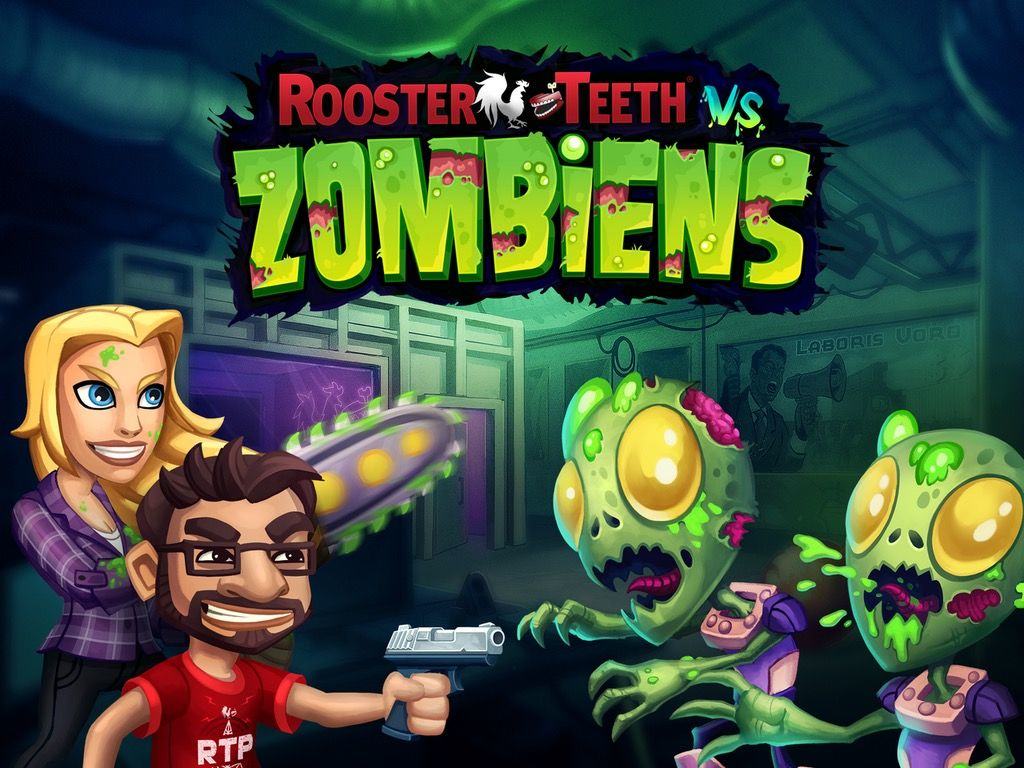
That lifetime of experience is paying off for Polack, creative director of Team Chaos, a small game studio based in Austin, Texas. His team’s latest project is a collaboration with Rooster Teeth, a video production house beloved by gamers for its hilarious machinima, or films created using video game engines (most notably Red vs. Blue, based on the best-selling Halo series).
In the Rooster Teeth vs. Zombiens, which should hit mobile devices in late November, the Rooster Teeth crew gets turned into cannon fodder as they face off against a swarm of zombie aliens. Cult of Mac talked with Polack about that noteworthy project, his gaming roots and his knack for crafting crazy publicity emails.
Android has yet again increased its lead in U.S. market share as its rivals give up precious points, according to the latest data from Kantar WorldPanel. Google’s popular platform now commands an impressive 61.8 percent share of the smartphone market, which is close to double the 32.6 percent now held by iOS.
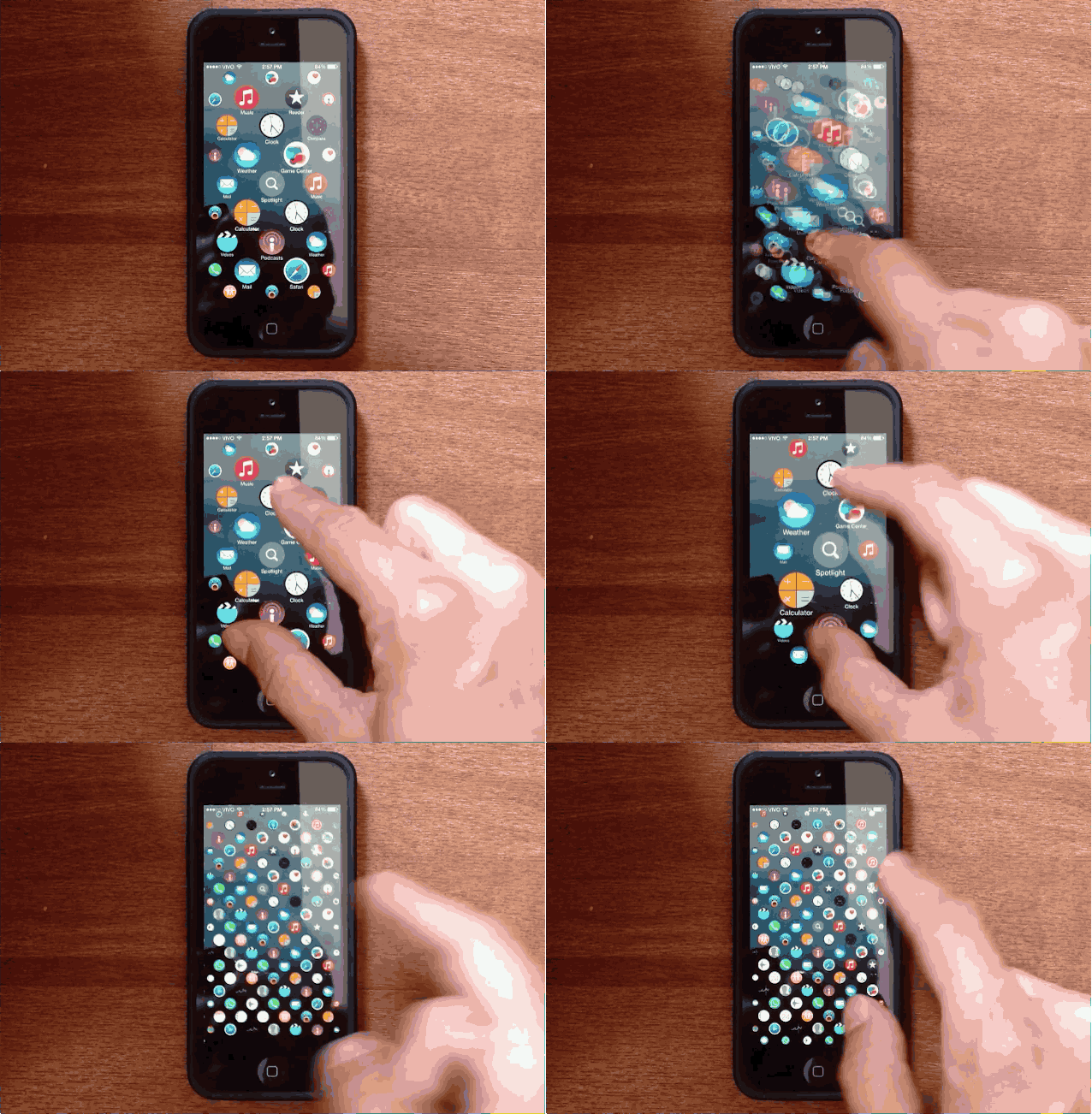
Apple Watch UI comes to the iPhone. GIF: Lucas Menge.
The user interface for iOS hasn’t changed much since the introduction of ‘iPhone OS’ back in 2007. Sure, Jony Ive has added some tweaks over the last few years, but you still swipe around between rows of tiled icons.
Apple’s UI for the Apple Watch though is radically different that iPhone, with circular app icons on a homescreen that can users can zoom in and out of to find their apps easier, so Lucas Menge decided to take the pretty bubbly design and bring it to the iPhone. The results are pretty amazing and bring an entirely new look to the iPhone homescreen.
I still think it’s a mini miracle that Rockstar Games managed to compress the gang-banging goodness of Grand Theft Auto: San Andreas onto a device thinner than a deck of cards and capable of fitting in my pocket.
That’s exactly what happened last year, however, and courtesy of a new update, the game’s remastered, high-resolution graphics now look pristine on your brand new iPhone 6 or 6 Plus thanks to the addition of native-resolution support for Apple’s next-gen handsets.
If you’re looking for a fun puzzle game to play over the weekend you can do a whole lot worse than RGB Express, Apple’s “App of the Week” which has gone free in the App Store.
Arriving on iOS one month ago, the game is a charming strategy title in which you play the route planner for a fleet of trucks, responsible for plotting their paths through increasingly complex neighborhoods, always ensuring that every home receives its package.
Starting off simply but getting increasingly complex as the game goes on, it’s an entertaining challenge, spanning 200 levels in all, that’s sure to appeal to the kind of iOS gamers who also enjoy titles like Blek.
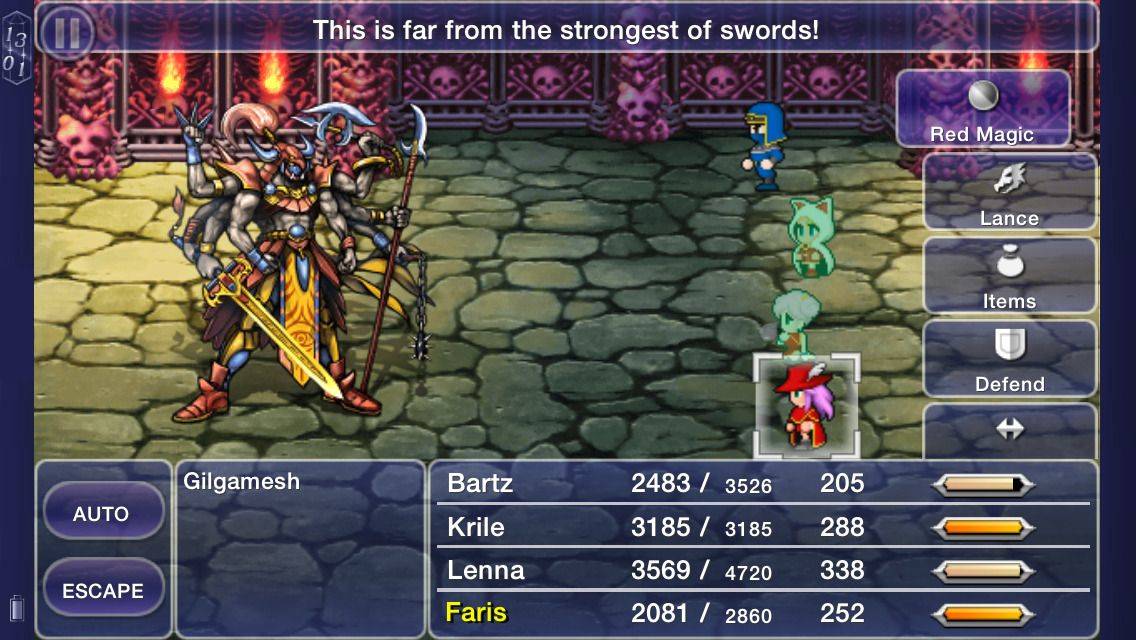
First arriving on the Super Nintendo Entertainment System (SNES) way back in 1992, Final Fantasy V is one of the greatest RPGs ever made — and thanks to a new update by Square Enix, its iOS port is now more playable than ever.
Following on from Apple’s Handoff feature for iOS 8 and OS X Yosemite, the update similarly encourages you to pick up play on whichever iOS device is closest to you with a new iCloud save syncing feature. What this means is that game data saved using iCloud can now be shared across devices, so you can enjoy working through Final Fantasy V on an iPad at home and an iPhone while on the move.
Gotta catch 'em all. Photo: The Pokémon Company International
The Pokémon Company International just took another step towards iOS domination with its free-to-play game, Camp Pokémon, now available on the App Store for iPhone, iPod touch and iPad. This new game will let children of all ages explore Camp Pokémon, learning to become a Pokémon trainer.
This is a big step in the right direction for Pokémon video game players, since Nintendo has as yet refused to put it’s incredibly lucrative Pokémon RPG games on any platform besides its own. However, The Pokemon Company owns the rights to the card game; they can put it on any platform they choose.
“Kids will have a blast exploring Camp Pokémon as they immerse themselves in the Pokémon universe in a fun, interactive setting,” said The Pokémon Company’s J.C. Smith. “Parents will love watching their little campers participate in fun activities and create memories at the virtual Pokémon island.”
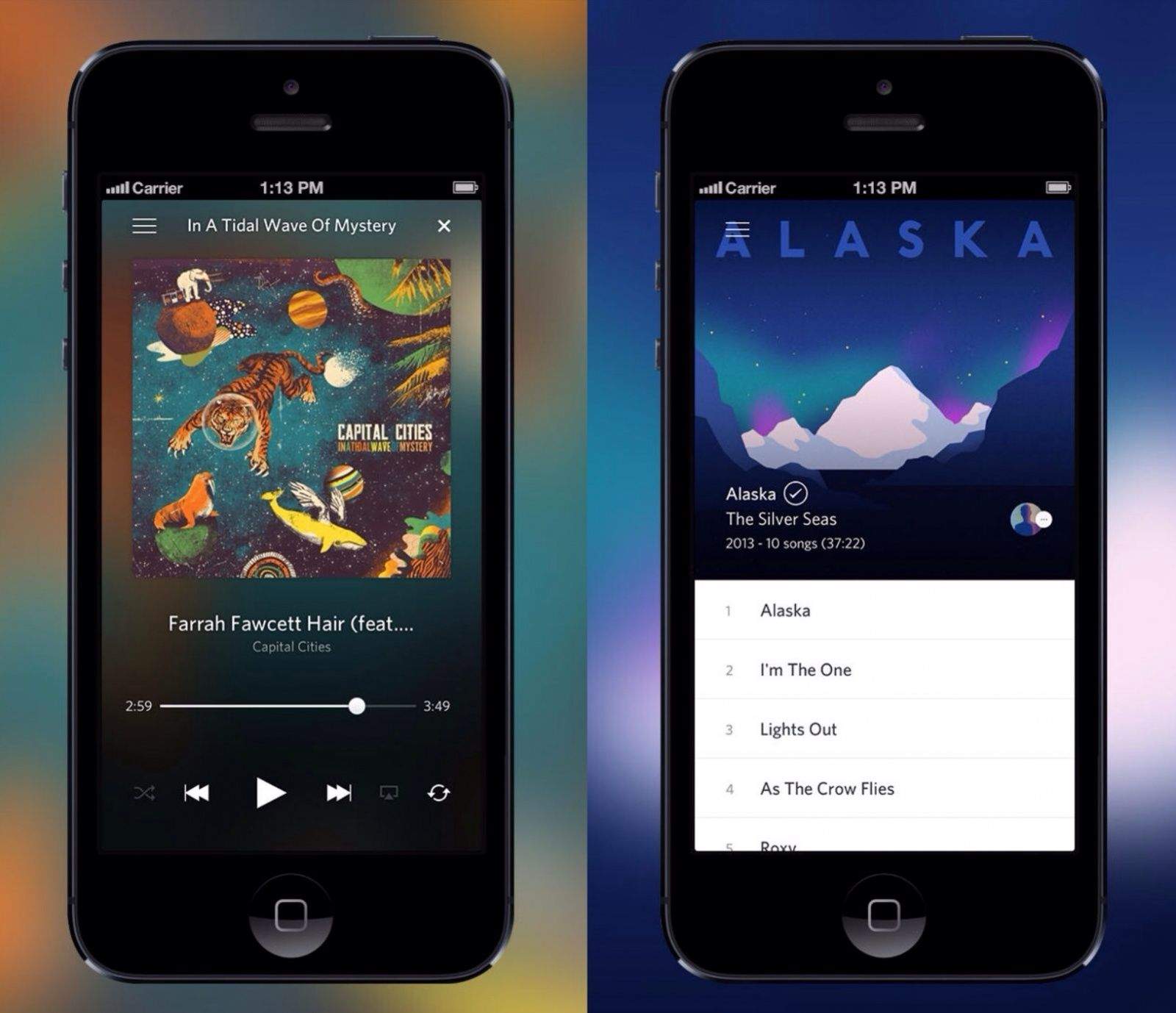
The Rdio app just got better than ever. Photo: Rdio. Photo: Rdio
If you’re an Rdio user, great news. The official iOS app has just been updated to optimize the music-streaming service for iOS 8. And it gets even better if you happen to have an automobile with CarPlay installed.
The messy way to make fruit salad. Photo: Columbia Pictures
It’s not just the Macintosh which turned 30 this year. Another beloved franchise many of us were introduced to as kids, Ghostbusters, also ushers in its fourth decade with… an update to Halfbrick’s fructose-slicing iOS game Fruit Ninja?
That’s right, the game which we first reviewed all the way back in 2010 has received a ghostly update which enhances the already fun title with some neat new visual effects and a great haunted soundtrack.
Instead of a ninja blade, the update means your fruit chopping is now carried out using the Ghostbusters’ proton packs, while true to the movies there’s even the possibility of “crossing the beams” to create an explosion that will turn every melon, pineapple and orange into instant fruit salad.
Designed to help friends and family check on their nearest and dearest during natural disasters, Facebook is introducing a new Safety Check feature for its mobile app.
The tool works by sending a push notification to devices that are near to an affected area. Locations are determined by looking at the places listed in profiles, previous locations from the Nearby Friends feature, and the city from which you’re connecting to the Internet.
All a Facebook user needs to do in the event of an emergency is hit an “I’m safe” button and a news notification will be generated automatically on the Timeline.
How OS X may look on an iPad. Mockup: Killian Bell/Cult of Mac
Having the ability to switch from iOS to OS X on your iPad when you need to get real work done sounds like an awesome idea, but Apple’s full desktop operating system isn’t designed to be used with a touchscreen. That’s why a new rumor that claims the upcoming 12-inch iPad will run both platforms is just downright crazy.
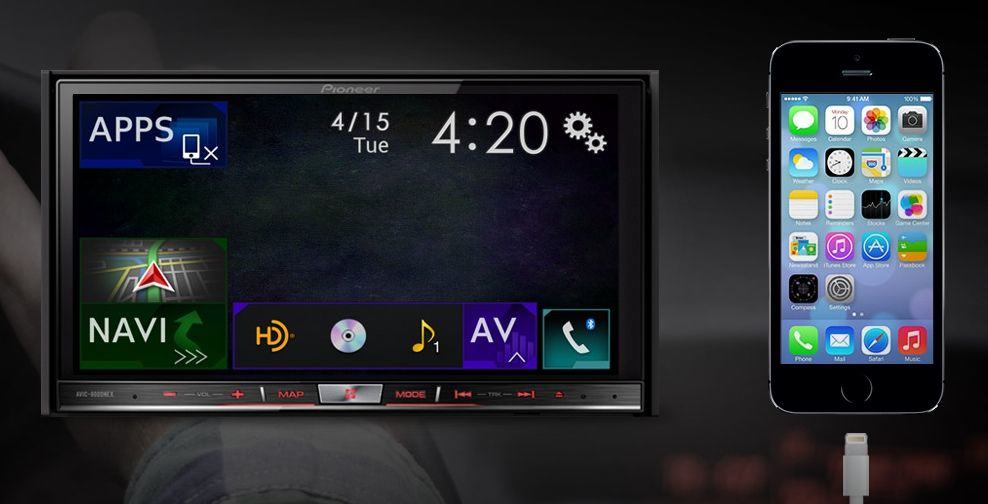
Pioneer Electronics has released a firmware update making Apple’s CarPlay technology live on five 2014 NEX in-dash multimedia receivers. In doing so it becomes the first company to officially support CarPlay’s vehicle integration feature — and means you won’t need a new Ferrari or Benz to use iOS in your vehicle.
Users with an iPhone 5, 5s, 5c, 6 or 6 Plus can utilize Siri to both makes and receive calls, compose and read text messages, access Apple Maps, and listen to music libraries, podcasts, and iTunes Radio.
Protesters in Hong Kong hold their phones high. Photo: AFP
As thousands of protesters flood the streets of Hong Kong demanding a democratic election, the Chinese government is reportedly using sophisticated malware to spy on not only Android devices, but iOS devices as well.
But don’t worry about China peeking at your Snapchats. There has yet to be a widespread instance of iOS malware in the wild, and this particularly “advanced” trojan still requires a tremendous amount of complicit behavior on the victim’s part.