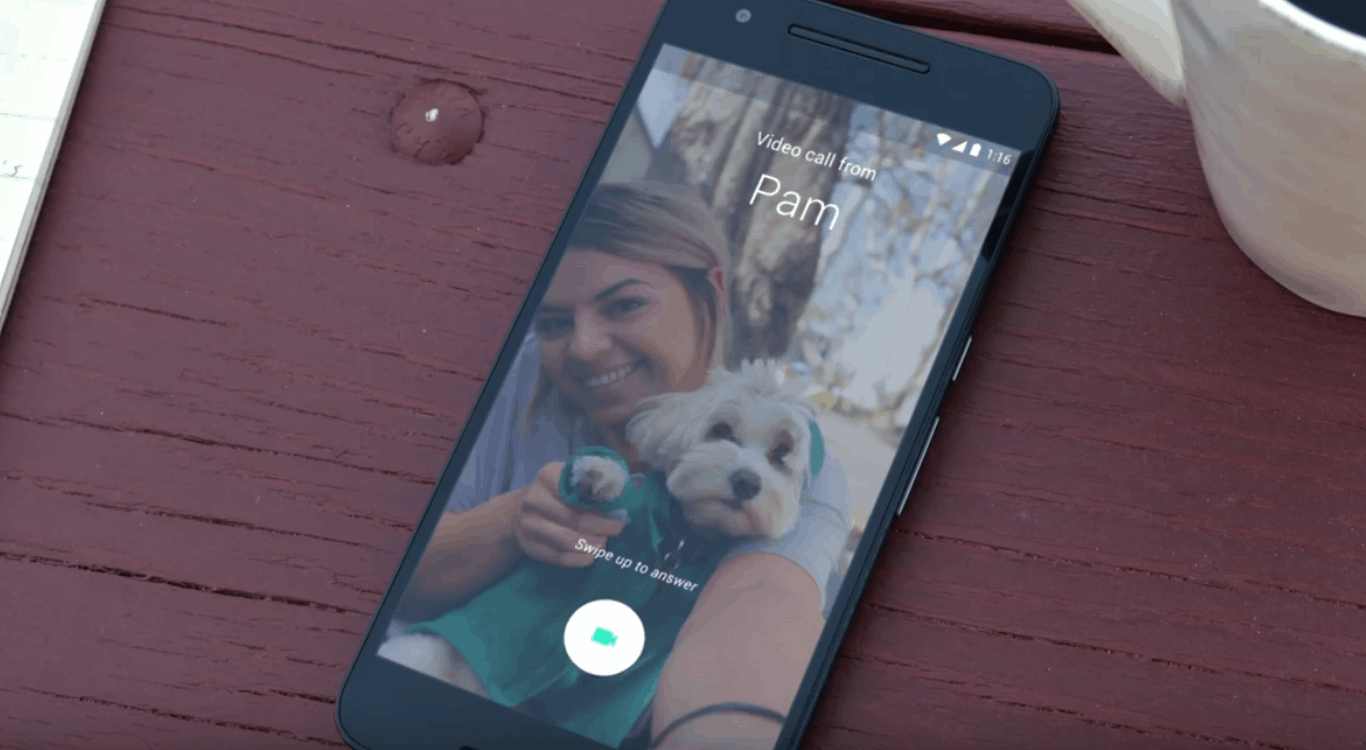
Google Duo makes cross-platform video calling great. Photo: Google
Google has its very own answer to iMessage in Allo, and now it’s taking on FaceTime, too. Google Duo is a brand new video calling platform that’s available to Android and iOS users, and it’s packing unique features you won’t find elsewhere.
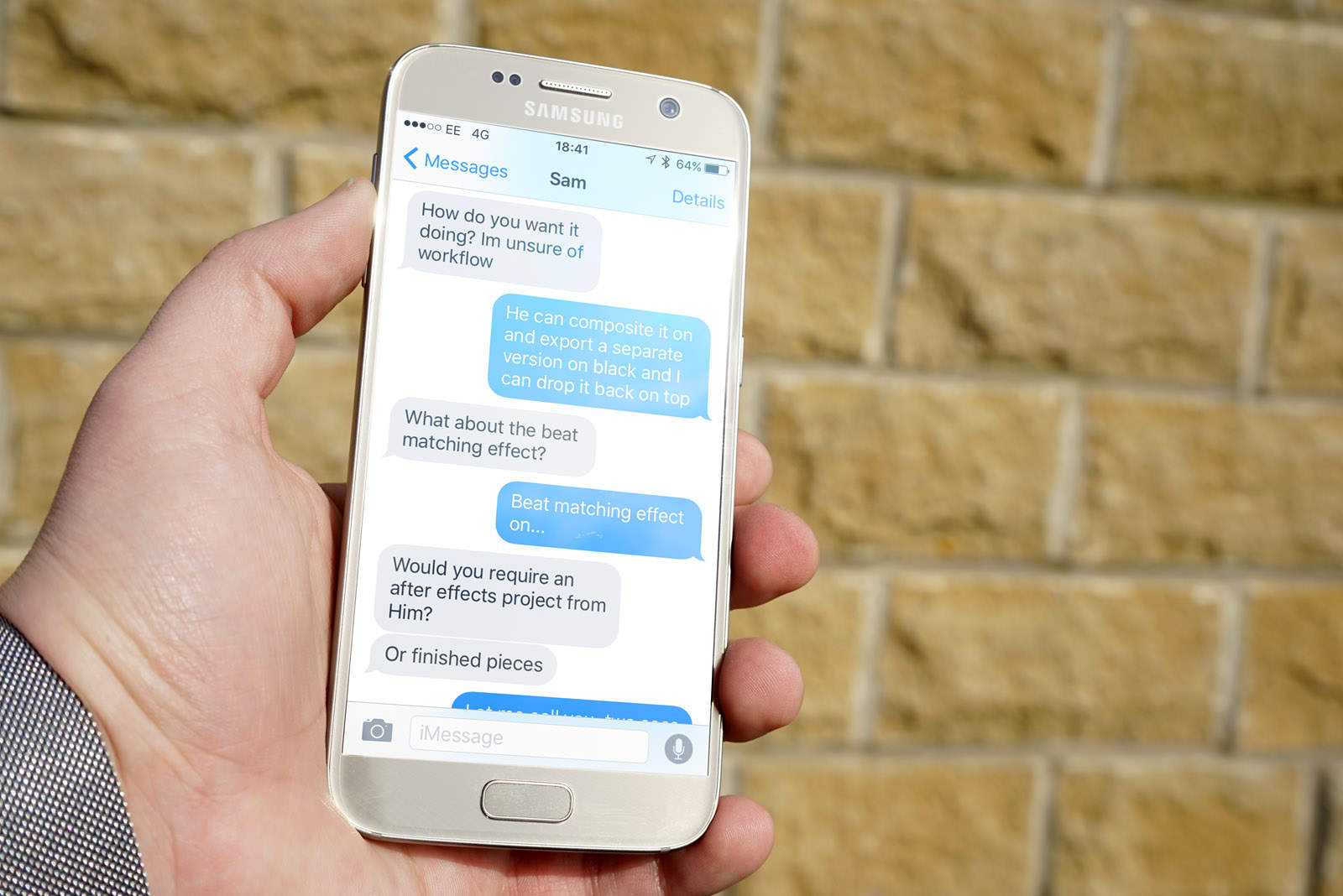
But how long will it last? Photo: Ste Smith/Cult of Mac
Having to bid farewell to iMessage is one of the reasons why many iPhone users won’t jump ship to Android. But thanks to a new app called PieMessage, you can now enjoy Apple’s insanely popular messaging platform on a Google-powered smartphone.
Hush it down, Siri. Hush it down. Photo: Jim Merithew/Cult of Mac
Apple is going hard on Earth Day. Company stores changed their Apple logos green. The App Store has a week-long green app promotion. And today the company has released not one, but two ads.
The second Earth Day video from Apple features Siri and Liam hanging out talking about kale smoothies until Apple’s digital assistant meets its demise.
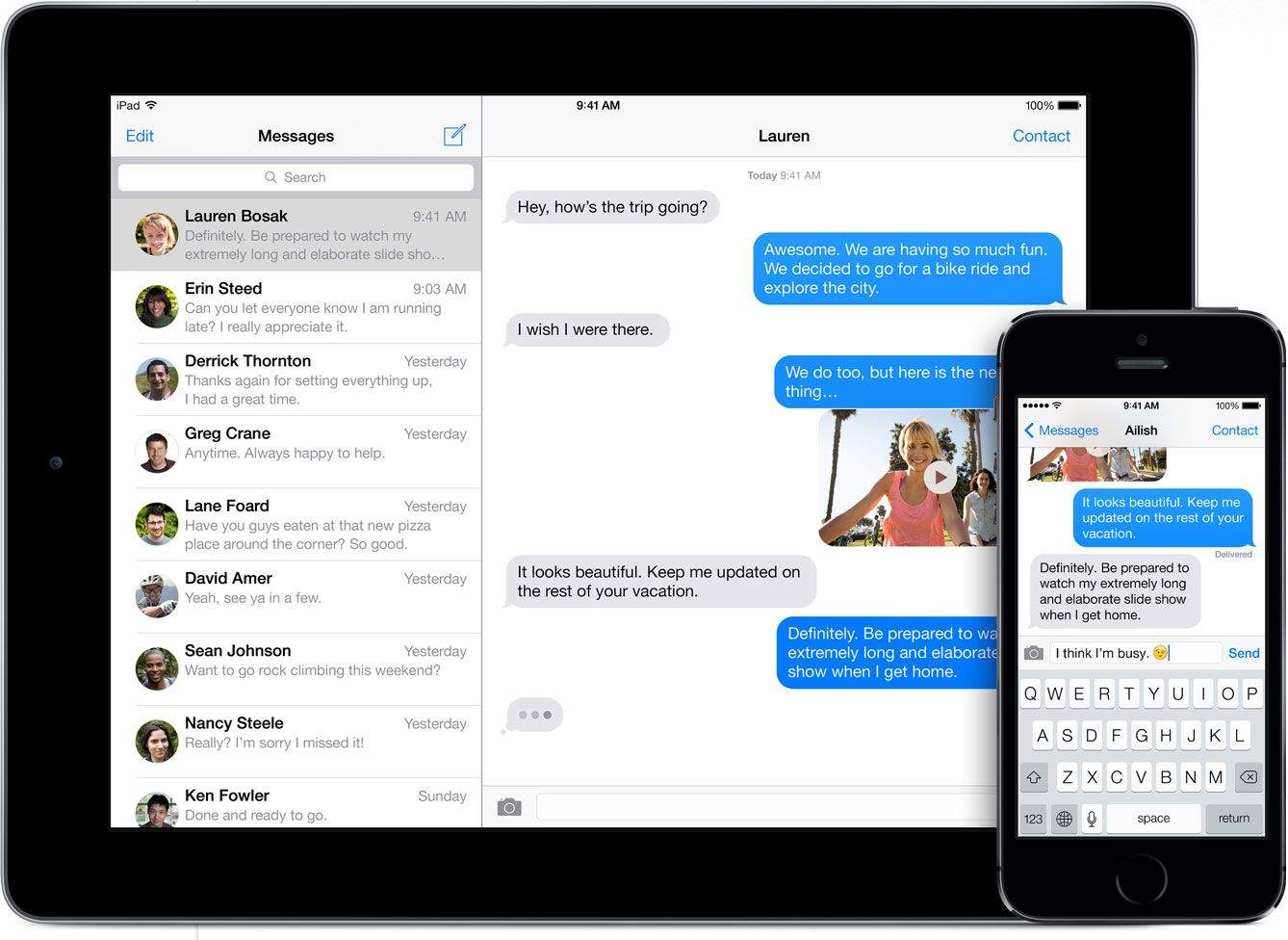
iMessage contains a critical encryption flaw. Photo: Apple
Encryption researchers at John Hopkins University have found a serious flaw in the encryption of Apple’s iMessage platform that shatters the FBI’s stance that encryption on devices like the iPhone is unhackable.
The group of researchers discovered a bug that would allow attackers to decrypt pictures and video sent over iMessage. The flaw wouldn’t help the FBI in its investigation of the San Bernardino shooter’s iPhone, but it shows just how hard it is to get air-tight encryption right, even for a company with as much talent and resources as Apple.
A mind boggling number of iMessages are sent every day. Photo: Apple
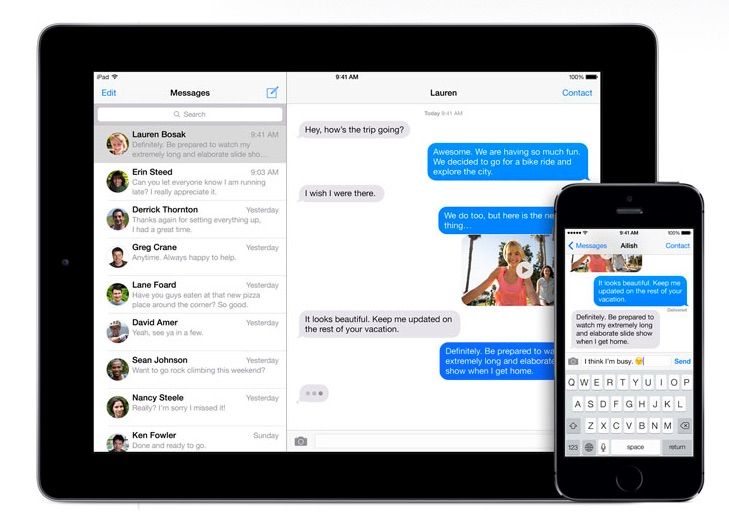
Since being introduced back in 2011, iMessage has gone on to become a monster hit for Apple as a communication tool.
How popular is it? According to Eddy Cue, iOS users cumulatively send up to 200,000 per second: a number which adds up to a whopping 63 quadrillion messages per year.
Apple has been ordered to pay patent troll VirnetX a whopping $625 million after losing a legal battle over the technology used for FaceTime and iMessage. The Cupertino company says it is “surprised and disappointed by the verdict,” and calls for patent reform.
So long, farewell, auf wiedersehen, goodbye! Photo: Rob LeFebvre/Cult of Mac
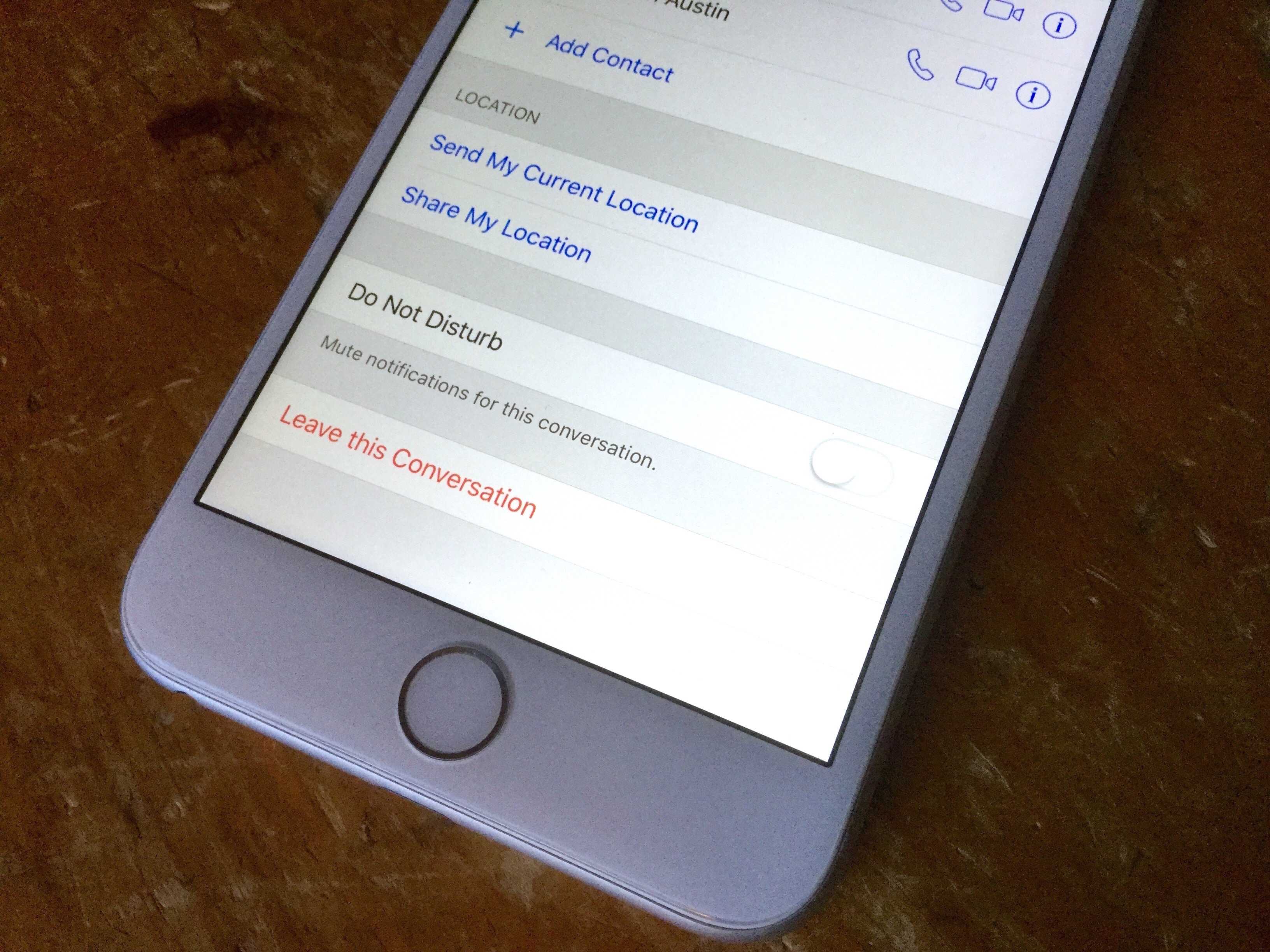
You know how it is — you get invited to a multi-person chat via iMessage with people you sort of know and it gets all kinds of awkward and annoying as the group blows up your iPhone with a ton of messages you really don’t want to pay attention to.
What’s a popular girl or guy like you to do? There are a couple of ways to get out of those iMessage group conversations so you can finally relax.
Apple may have an unexpected payout on its hands. Photo: Breaking Bad
Apple could owe up to $532 million for infringing on secure communication patents, used for both its FaceTime and its iMessage services — or at least it will if patent-holding entity VirnetX Holding Corporation has its way.
A lawyer for the firm told a court in (where else?) the Eastern District of Texas that, “Apple hasn’t played fair. They have taken Virnetx’s intellectual property without permission.”
Apple has claimed final victory in a lawsuit arguing that the company was purposely intercepting and failing to deliver texts sent from iPhones to Android owners.
The case was related to Apple’s iMessage service, which posed a challenge to Apple-to-Android switchers up until 2014, when Apple finally issued a fix for the problem.
Services like iMessage could be affected by the U.K.'s Investigatory Powers Bill. Photo: Apple
Apple has publicly criticized the U.K.’s draft Investigatory Powers Bill, a.k.a. the “snooper’s charter,” for fear that forcing companies to create backdoors in encryption services like iMessage could “hurt law-abiding citizens.”
iMessage will soon let you send money to your buddies. Photo: Jim Merithew/Cult of Mac
Apple is considering using iMessage to make it easy for iOS to transfer users money to one another, according to a new report.
Given iMessage’s high level of encryption and existing popularity among users (particularly millennials), it makes perfect sense that Apple would use the software — rather than developing a completely new app — to further its mobile payment ambitions.
Federal judge shoots down down group iMessage lawsuit. Photo: Apple
Apple has been spending a lot of time in court the past few years, but the company just avoided another potentially costly lawsuit this week, after a federal judge shot down a group’s request to sue Apple over lost text messages.
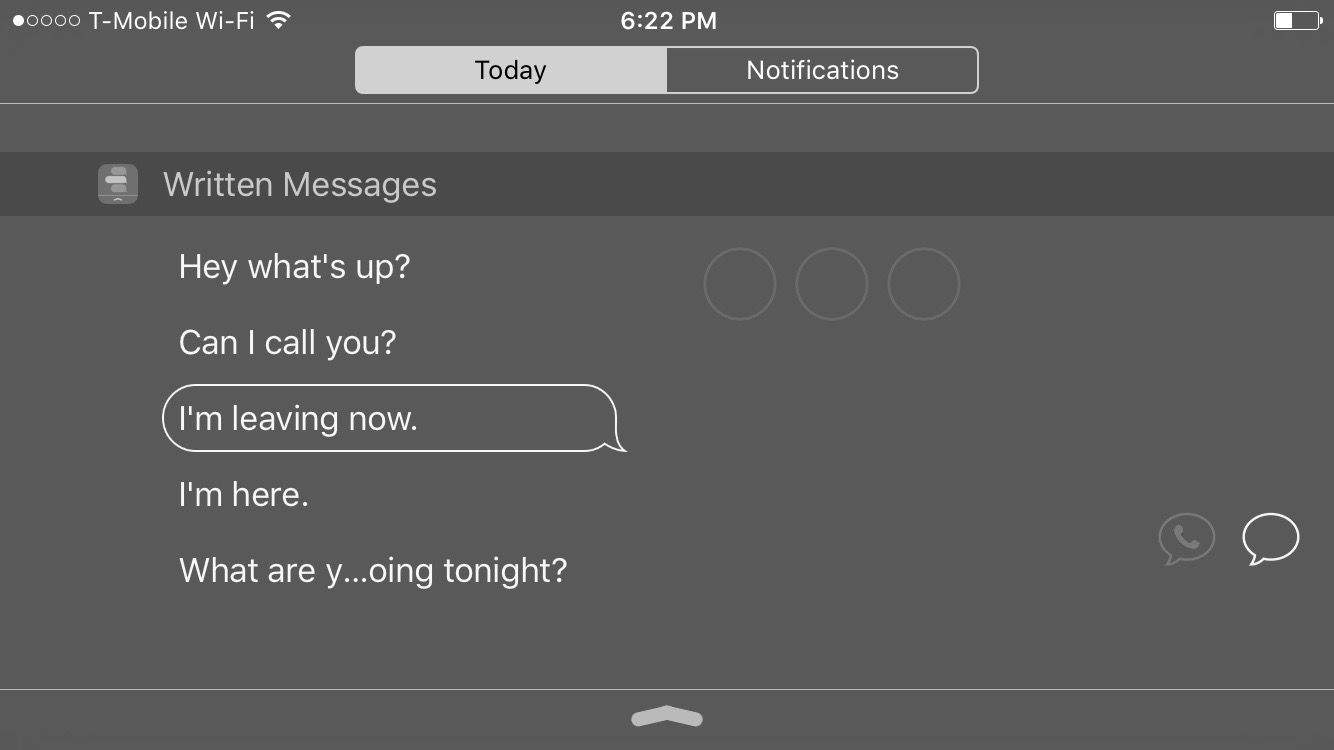
Select a pre-written message and send it straight from Notification Center. Photo: George Tinari/Cult of Mac
“I’m leaving” is a message I probably send way too often, but not as often as “I’m here.” It’s just become routine whenever I’m making plans or picking someone up. It’s not necessarily a burden, but it’d be a nice luxury to be able to quickly send friends these repeat messages automatically to save a little bit of time. You’re smart so I bet you know where I’m going with this.
Yes, Written is a new app for iPhone that lets you write out five of your most commonly used phrases and save them for easy access in Notification Center. Then when you pull down the Today view from the top, you see the Written widget with your five messages. Tap one to send it along to your favorite contacts. It works with the Messages app and even WhatsApp.
This text isn't the only message that's insecure. Photo: Evan Killham/Cult of Mac
If you’re looking to plan a heist, you’d probably best stay clear of Hangouts: Google has inadvertently confirmed that its chat platform is susceptible to police and government monitoring.
While the tech giant usually keeps quiet about Hangouts’ security features, the revelation (of sorts) came out of an “Ask Me Anything” session Friday on Reddit that included members of Google’s public policy department and legal team. Its proposed topic was “the current status of U.S. government surveillance law reform and how Google thinks about these issues,” but the questions were less about laws or reform and more about Google’s practices.
Your iMessages are now safer from the hackers. Photo: Apple Photo: Apple
Apple is making iMessage and FaceTime harder to hack by turning on two-step verification for both services in an effort to tighten security for iOS and Mac users.
The extra security goes into effect today and gives users an extra layer of protection against hackers or anyone else trying to log in to your iMessage account to either impersonate you or steal data.
One of the great things about iMessage and FaceTime is that it encrypts your messages automatically, making it very, very difficult for hackers to spy on the messages you send.
But guess what? If U.K. Prime Minister David Cameron gets his way, iMessage and FaceTime encryption might soon be a thing of the past.
The U.S. Department of Justice has issued a chilling warning to Apple executives as a response to increased privacy protections added to iOS 8: Children might die because we can’t hack into bad guys’ iMessages.
Deputy Attorney General James Cole met with Apple executives last month, reports the Wall Street Journal, to discuss privacy issues, but after making the ridiculous claim that the blood of dead children will be on Apple’s hands if it doesn’t give the NSA access to iMessages, the talks have ended in a standoff.
Apple could find itself facing a class action lawsuit over the loss of “countless” text messages, courtesy of its iMessage service.
California resident Adrienne Moore filed a case against Apple back in May this year, saying that she missed out on receiving text messages after giving up her iPhone 4 and moving to a Samsung Galaxy S5.
Moore’s victory in court means that she now has the ability to pursue a class action lawsuit against Apple. She is also seeking unspecified damages.
One of the longstanding complaints about iMessage is how it can stay active even when you switch to an Android phone. The result is that texts often get sucked into some sort of purgatory where they never actually reach your contacts.
Today Apple released a new web tool that permanently deregisters phone numbers from iMessage. Anyone can enter their phone number and cut all ties with Apple’s messaging platform for good.
Whether you’re a Mac novice or a seasoned veteran, there are a ton of tips and ticks out there for mastering OS X Yosemite. In Part 2 of our Yosemite tip series, we gather more of the very best.
It's an iOS messaging shootout! Photo: Jim Merithew/Cult of Mac
I recently watched The Lady try to convince a friend of ours to download WhatsApp. The friend is moving to the United Kingdom, and we want to stay in touch. Our friend tried to say that email would do the job, but we all know that will never work.
Our friend doesn’t want WhatsApp (maybe because it’s owned by Facebook), and she doesn’t own an iPhone, so iMessage is out. Thankfully, there are plenty of free and good alternatives. Some are more secure, some have more features, and none of them is owned by Facebook.
Let’s take a look at what’s available and how these very different messaging apps compare on a number of key features.
Anyone who has ever tried jumping from iOS to Android, while keeping the same cell number, will know about the horror of trying to get hold of their messages.
The so-called “iMessage purgatory” means that unless you first deactivate your iMessages before ditching your iPhone, Apple’s servers will think that you’re using its proprietary messaging platform. The upshot? Say goodbye to your messages.
While the problem has been gaining more awareness recently as a result of class-action lawsuits filed against Apple, it’s just gotten worse, courtesy of a recent server glitch. The glitched rendered moot one of Apple’s key methods for sorting out the issue.
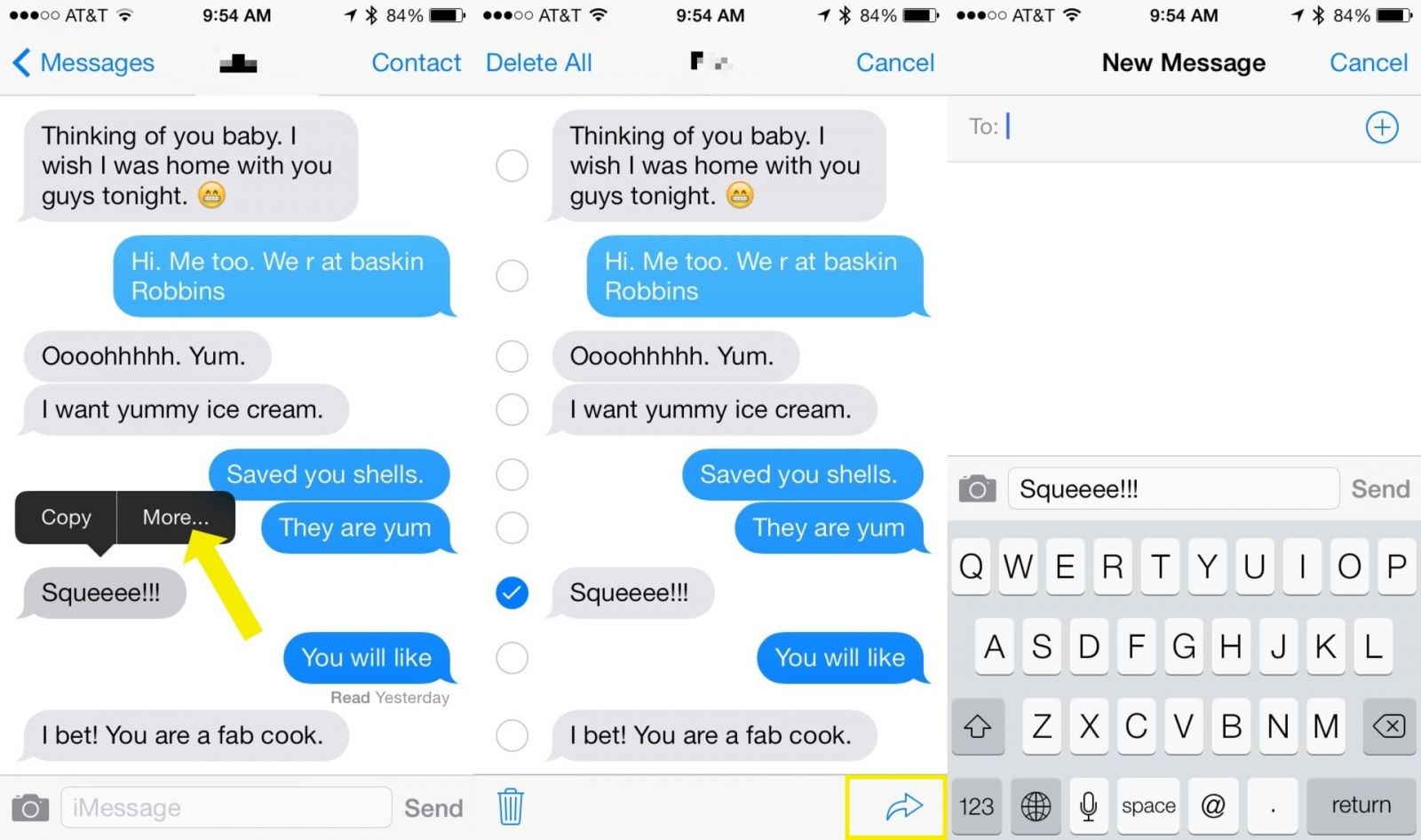
So you get a seriously racy iMessage from someone incredibly inappropriate, and you want to send it along to one of your close confidants. What do you do?
It used to be that you’d tap the Edit button in Messages to be able to forward them.
In iOS 7, there is no Edit button. Nor can you swipe to the left, as that just brings up the timestamps.
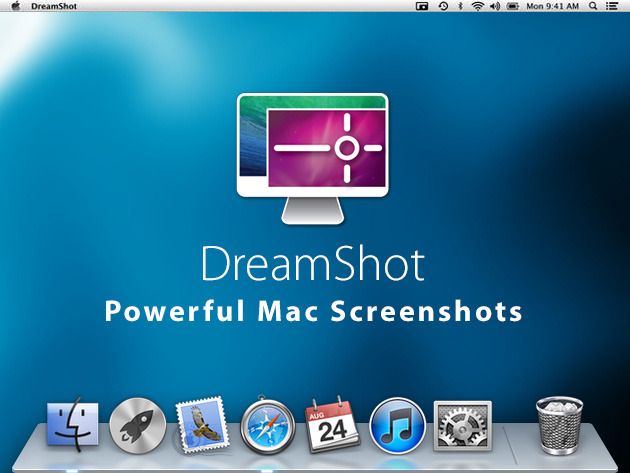
Getting a screenshot on your Mac using the default keystrokes can be adventure in dexterity to say the least. This Cult of Mac Deals offers you a one stroke solution to this dilemma…and at a price that’s tough to beat.
DreamShot uses just one keyboard shortcut to take and send screenshots to all apps, services, and destinations on your Mac that deal with images. Keeping your current system in place, DreamShot is the brain of your screenshot workflow, tying it all together into one seamless experience. And Cult of Mac Deals has it for 50% off – just $4.99.