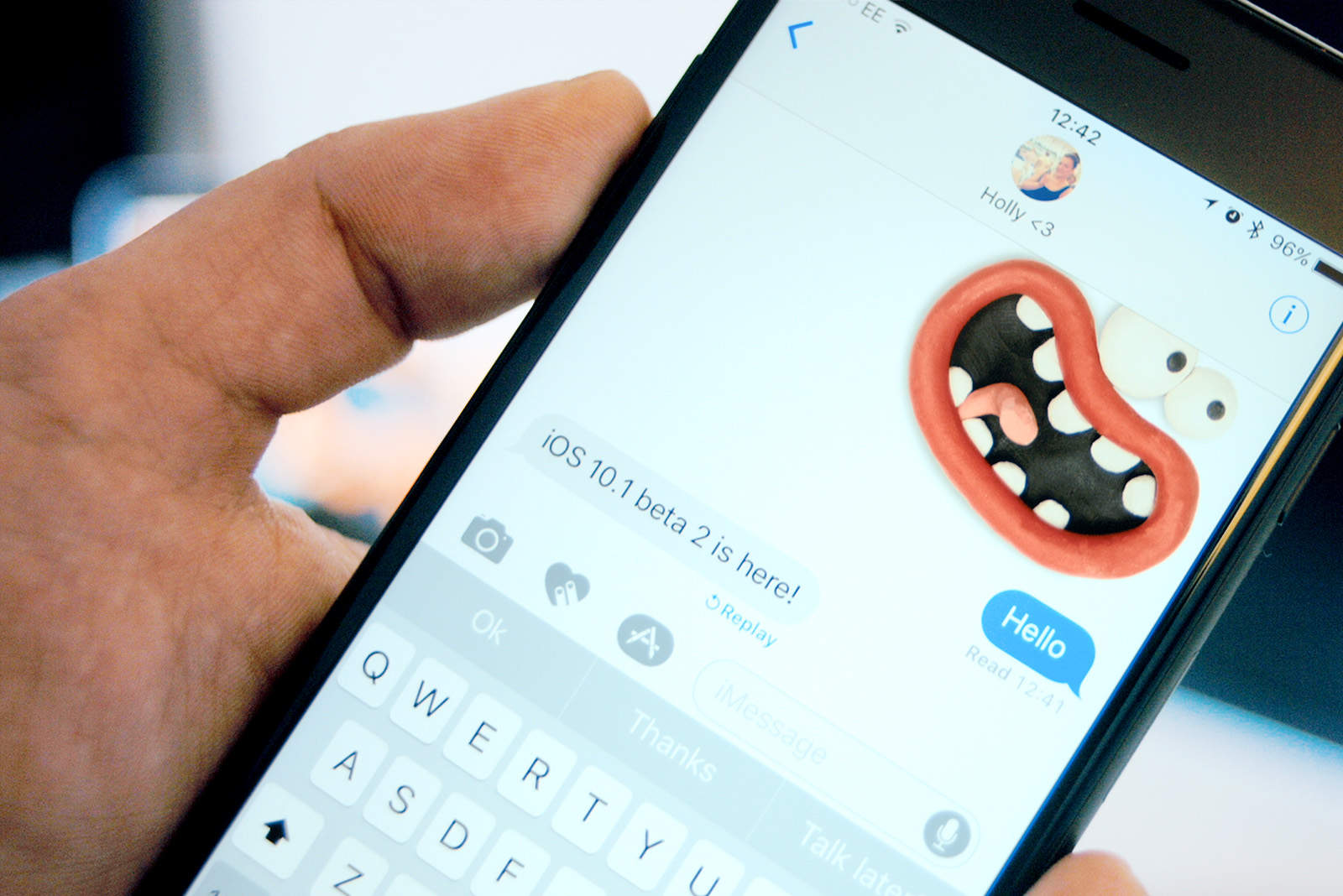
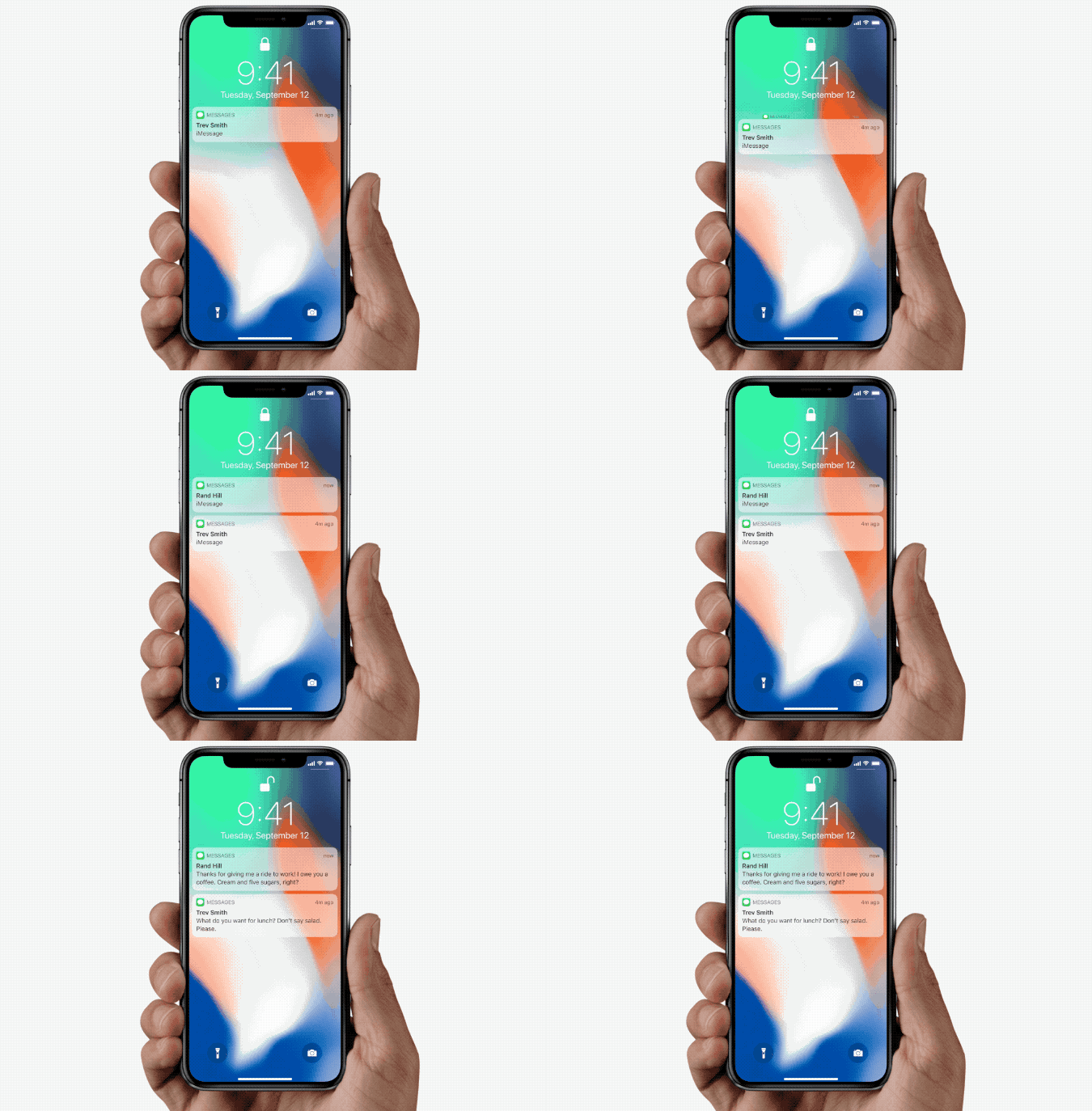
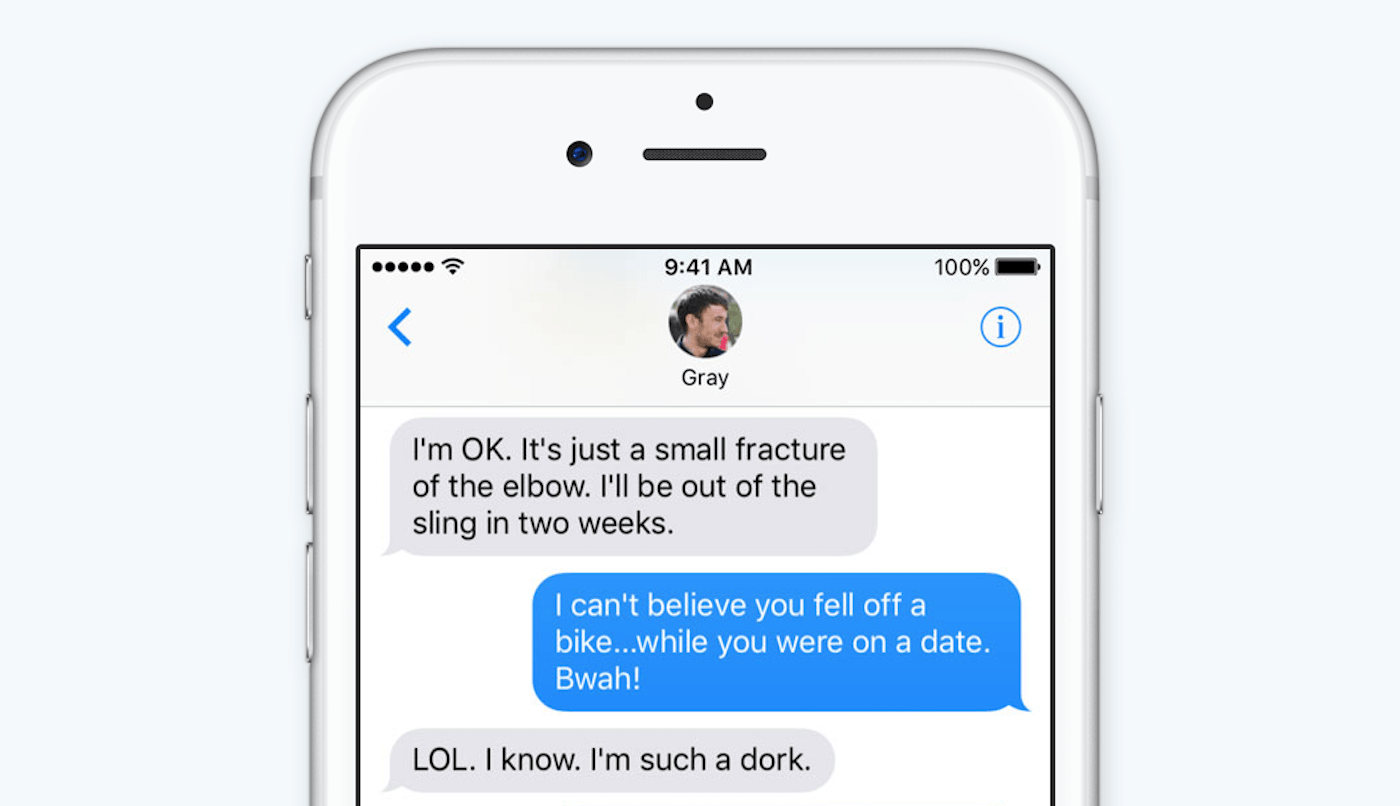
Beeper is a new all-in-one chat app that merges 15 different platforms into one. That sounds pretty interesting already, but what makes Beeper really exciting is its promise to put iMessage on Android and Windows.
The app, from Pebble founder Eric Migicovsky and his team, is “using some trickery” to make the impossible possible. But you’ll have to cough up a monthly subscription fee if you want to take advantage of it.
Apple looks to be gearing up to port iPad’s built-in Messages app over to Mac. The move could immediately fix Messages’ biggest problems on Mac, including its glaring lack of features.
The desktop version of the app still does not support iMessage apps, Apple Pay, message effects and other key features. Evidence of the move has been uncovered in leaked iOS 14 code, indicating it could be executed this fall when Apple drops its next major macOS update.
Unlike the Mac, this screen is difficult to share. Photo: JD X/Unsplash
Are you the tech-support person for your family and friends? Are you the go-to nerd for fixing up iPhones, Macs and maybe even TVs 1? These days, you can’t just pay a visit to your parents to sort things out, so you’ll have to do it remotely. And if you’re all using Macs, that means screen sharing. You can do this very easily via iMessage — it’s as simple as starting a FaceTime call.
But what if your friend/parent/sibling in need doesn’t use iMessage? Don’t worry — all you need is their Apple ID.
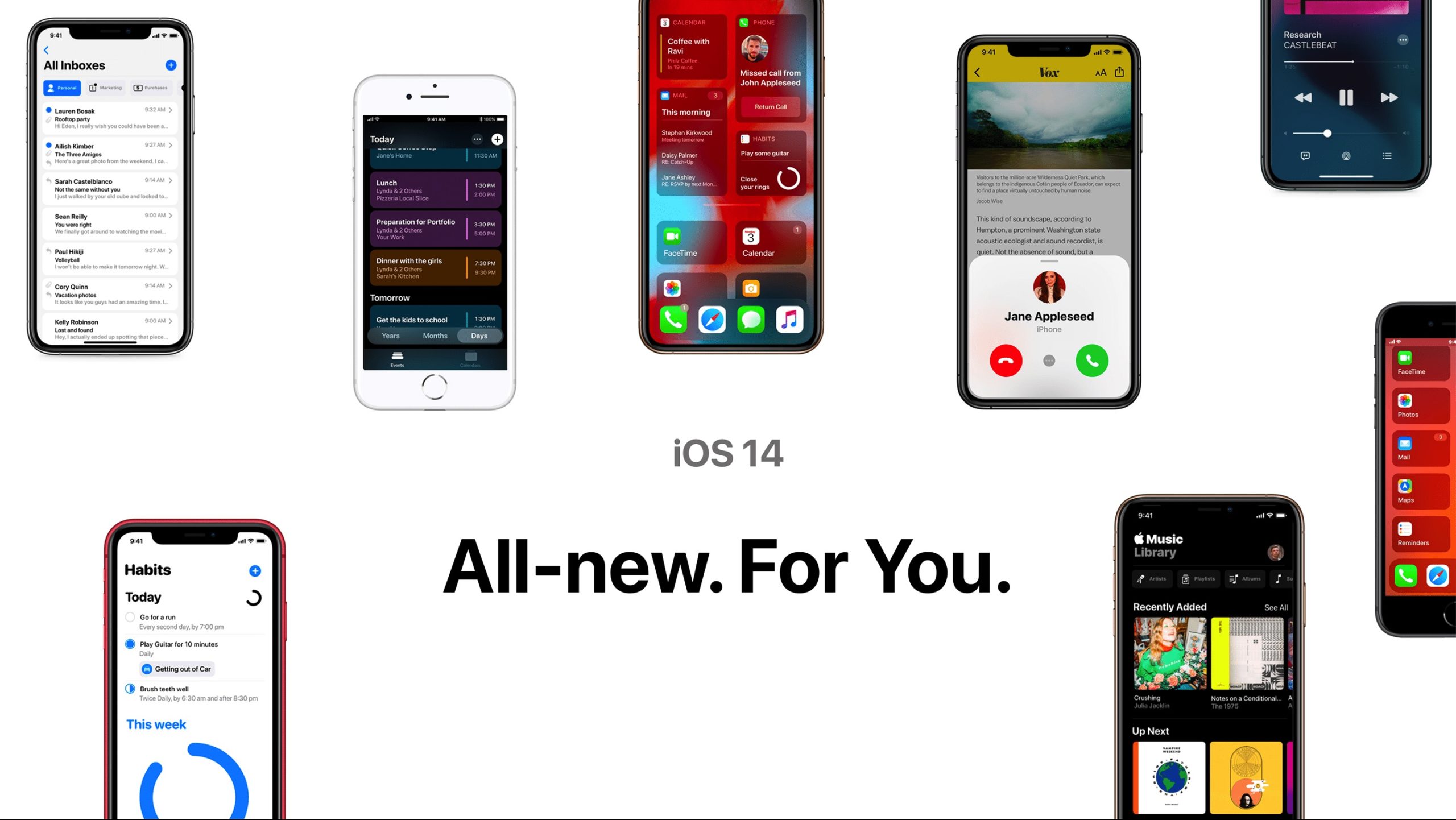
Another iOS 14 concept to get you hyped for the real thing. Photo: Jack Phillip
Some of the most anticipated iOS 14 features that allegedly leaked though an early beta build of the upcoming software are on full display in a fresh iOS 14 concept that’s full of stuff like widgets on the home screen, list view for apps, new call alert screen and more.
The new iOS 14 concept created by Jack Phillip imagines how Apple’s planned mentions feature for iMessage would work, while also tossing in some new ideas, like a list view in Calendar, a Habits app, an overhaul of the Music app’s UI and so much more.
Group FaceTime is a great way to stay in touch with family and friends. Photo: Apple
As the coronavirus spreads around the world, loads of self-isolating people are turning to FaceTime, Skype, Zoom and WhatsApp video to stay in touch with friends and family. And what better way to keep in touch than to chat to everyone, all at the same time? One of the easiest and most secure ways to stay in touch is to make a Group FaceTime call.
Here’s how to set up a Group FaceTime call and add (almost) as many people as you like to it.
Even old iPhones will get iOS 14's new features. Photo: Cult of Mac
Thanks to unprecedented early leaks, some of the biggest new features planned for iOS 14 have already been spoiled. Apple is supposedly making some huge changes to the Home screen, iMessages, HomeKit, Apple Pencil and much more in its next-gen mobile operating system.
The recent wave of leaks proved so overwhelming that we rounded them all up in one place. We will keep updating the list as we inch closer to this summer’s Worldwide Developers Conference, where Apple traditionally previews all of its upcoming platform updates.
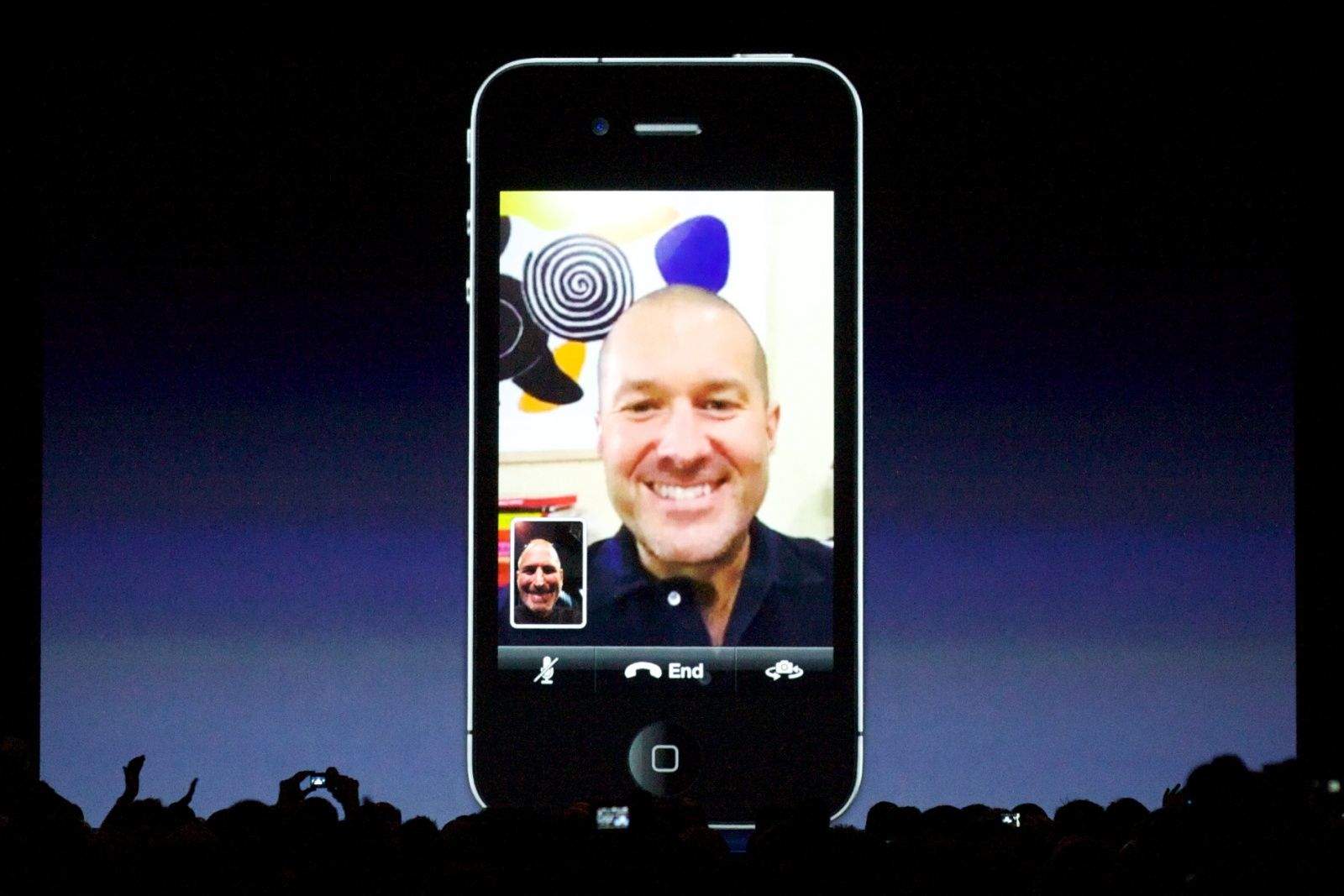
Jony Ive and Steve Jobs talk during the first public FaceTime demo, which took place at WWDC 2010 in San Francisco. Photo: Mathieu Thouvenin/Flickr CC
Out of appeals, Apple cut a check to VirnetX for more than $454 million to end a lengthy patent infringement case.
VirnetX, which sued Apple over patents relating to FaceTime, iMessage and VPN technologies, announced the payment in a one-paragraph press release Friday.
iMessage could get even better later this year. Photo: Ste Smith/Cult of Mac
Apple is reportedly testing a number of new iMessage features that could debut with iOS 14 later this year. They include the ability to retract messages after they’re sent, and to tag other people in group chats. We could also get the option to mark messages as unread.
Cupertino’s seemingly neverending legal battle with patent troll VirnetX Holding Corp. took another turn this week when the U.S. Court of Appeals for the Federal Circuit denied Apple’s request to reconsider an original patent-infringement decision.
VirnetX and Apple have been fighting in courts for a decade over patents related to FaceTime and other secure communications. VirnetX, which doesn’t produce any products, previously won more than $503 million in damages, but courts subsequently threw out the award.
Change the lame smart replies on your Apple Watch. Image: Apple
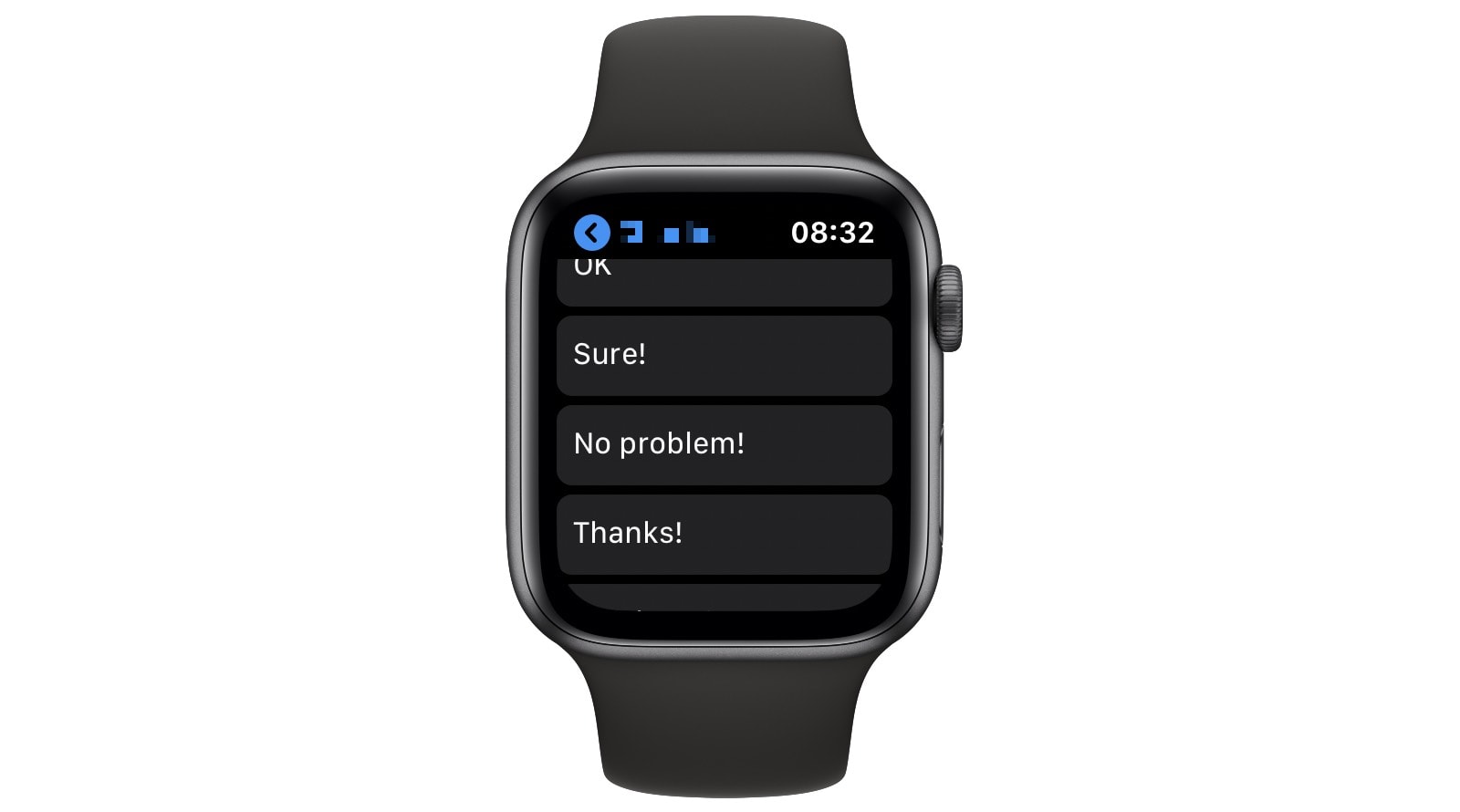
You know when you reply to a message on your Apple Watch, and it’s such a pain to write it out a letter at a time or to dictate your reply (only to have Siri mishear you)? The alternative is to use one of Apple Watch’s canned responses. Unfortunately, they all sound like your account got hacked, or that you don’t care about the sender enough to come up with a proper reply.
However, you can customize those replies to make them much more useful. And with one clever trick, you can make Apple Watch smart replies sound just like you really wrote them.
Screen Time Communication Limits is a boon to digital parenting. Photo: Ed Hardy/Cult of Mac
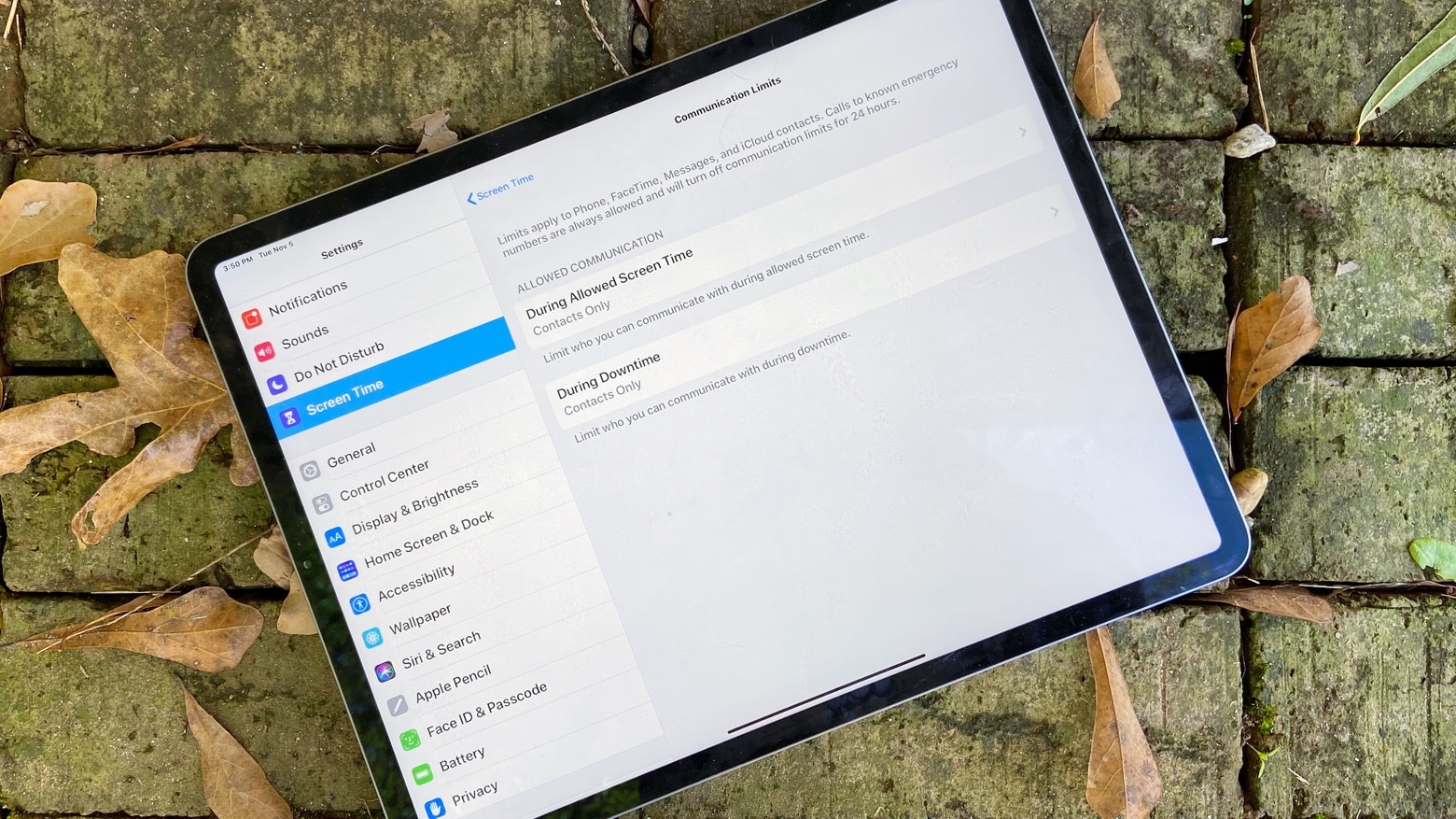
Parents will soon be able to limit when their children use an iPhone or iPad to talk to their friends, thanks to a long-awaited new Screen Time feature. Communication Limits were supposed to come earlier, they debuted in the first iOS 13.3 beta that launched today.
Remember things, when you need them. Photo: Estée Janssens
The Reminders app got a total revamp in iOS 13, making it way quicker and easier to add due dates, alerts and location-based notifications to new reminders. But it also added one killer new feature: Remind me when messaging.
This lets you add a contact to the reminder, and the next time you’re messaging that person, a notification will pop up.
Siri can now read out your incoming messages, automatically. Photo: Charlie Sorrel/Cult of Mac
In iOS 13.2, Siri can announce your incoming messages and read them to you. This is the kind of feature that is so useful, and obvious, that it seems like it should have always been there. It’s called Announce Messages with Siri, and it does just that.
It's even simpler to block email, messages and unknown callers in iOS 13. Photo: Charlie Sorrel/Cult of Mac
The trouble with modern technology is that anyone can try to reach you, at any time. Your boss can leave a passive aggressive email at the top of your inbox overnight, so you see it when you want to check personal mail. Anyone can send you an SMS or iMessage. And anyone with your phone number can spam you, any time.
Currently in iOS, you can block iMessage senders. But in iOS 13, you gain two new ways to keep stalkers, weird friends and over-sharing co-workers out of your digital life. Now you can block unknown phone callers and email senders.
iOS 13 lets you plug almost any USB device into your iPhone or iPad. Photo: Charlie Sorrel/Cult of Mac
iOS 13, which launches today, focuses more on adding a range of incredibly useful features and tweaks rather than pursuing a bold, overarching new direction. For instance, Safari on iPad now functions as a full desktop browser, just like on your Mac. Another great addition is the redesigned share sheet, which includes a top row of one-tap buttons for easily sharing with friends via iMessage. If you’re curious about when someone shares their location how do you see it, iOS also introduces enhancements to location-sharing features, which you can learn more abouthere.
Or, in iPadOS 13, which ships at the end of the month, you can plug in pretty much any USB device and it will work. Hard drives, SD cards full of movies, anything.
So, while you’re waiting for the new version of iOS to install on your device(s), check out all the new iOS 13 features right here.
Do you wish you could draft texts to send out later? Photo: Apple
One of the most-requested productivity features for iMessage probably won’t be added in an iOS update anytime soon.
A Reddit user recently posted an email exchange he had with Apple VP of software Craig Federighi asking for a scheduled iMessage feature for iPhone and iPad. Federighi revealed that Apple has actually considered and is still considering the feature. However, there are a couple of issues with how scheduled iMessages are received that has caused Apple to hold back on the idea for now.
Read Craig’s explanation of why it hasn’t been added yet:
Apple has no intention of scrapping iMessage games — despite some of the rumors you might be reading online this week.
Stories surrounding the supposed move started trending on Twitter, causing some fans to freak about the feature’s removal. But at no point has Apple stated that it will close the iMessage App Store.
iOS 13.1 beta 1 brings back almost every cool feature dropped from previous betas. Photo: Charlie Sorrel/Cult of Mac
Surprisingly, iOS 13.1 is already in beta. It looks like Apple’s release strategy this year is to freeze the current beta version of iOS 13.0 in order to get it ready for the new iPhones expected on September 10. Meanwhile, Apple continues to test the next version, adding back some features removed during the beta period — Shortcuts automations, for example.
So, what other new (or revived) features will you find in iOS 13.1 beta 1?
That doesn't mean you should stop using it. Photo: Apple
Security researchers have uncovered new flaws in iMessage that could give hackers control of your iPhone or iPad.
Apple has already patched five similar bugs, but several are still present in recent versions of iOS. What makes these particularly concerning is that a potential attack requires no input from the user.
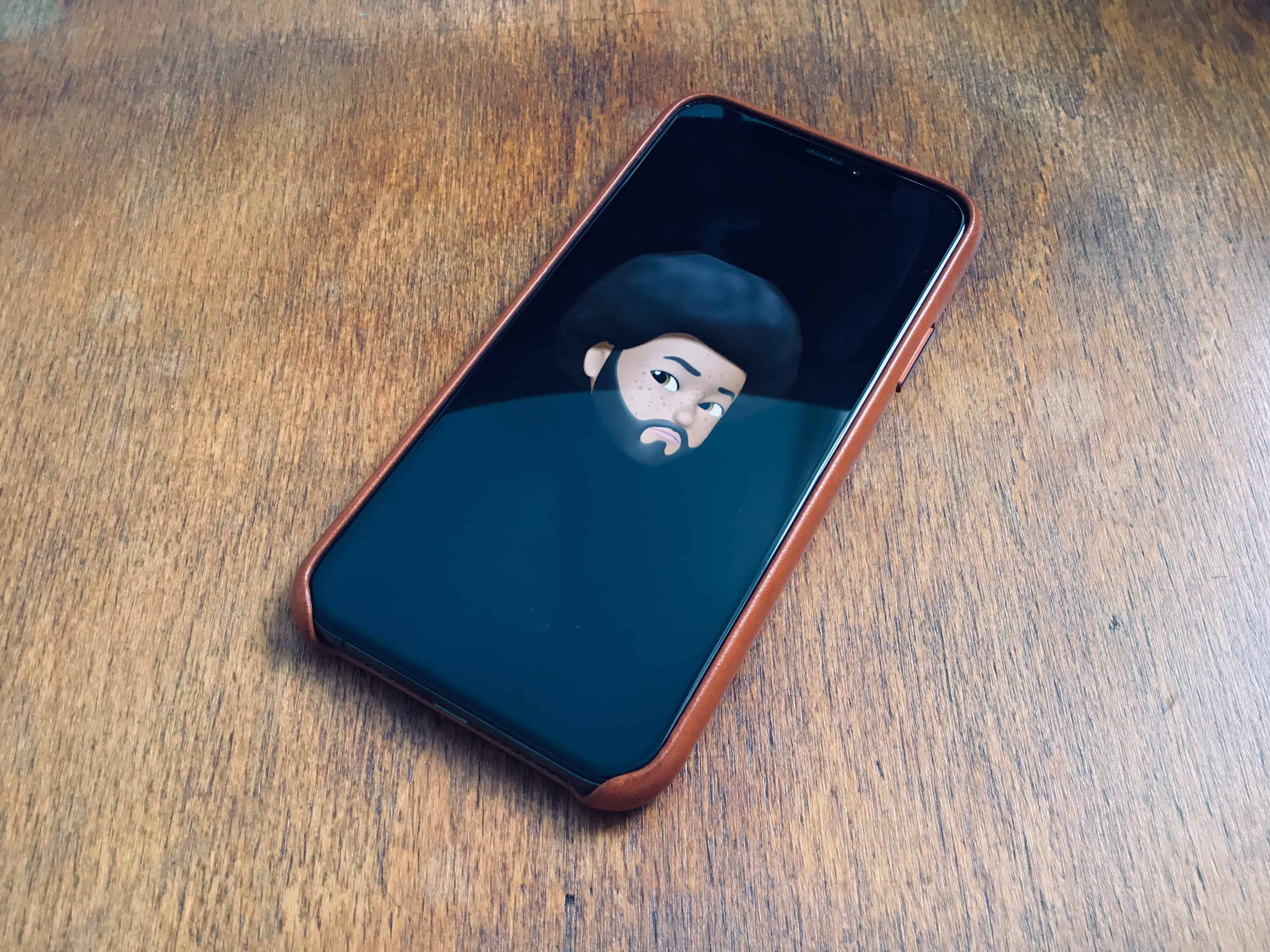
Now you can use Memoji in iMessage profiles. Photo: Charlie Sorrel/Cult of Mac
You know how you can add an avatar to pretty much any social app ever, and all your friends, family, contacts, etc., will see it? Well, in iOS 13 you can finally do the same for iMessages.
No longer will you have to hope that your contacts use a nice photo of you, or worry that your boss is using a picture of a cute pig or pussycat to represent you in the group chat. Now you can add and share your own avatar, or even a Memoji. Let’s see how.
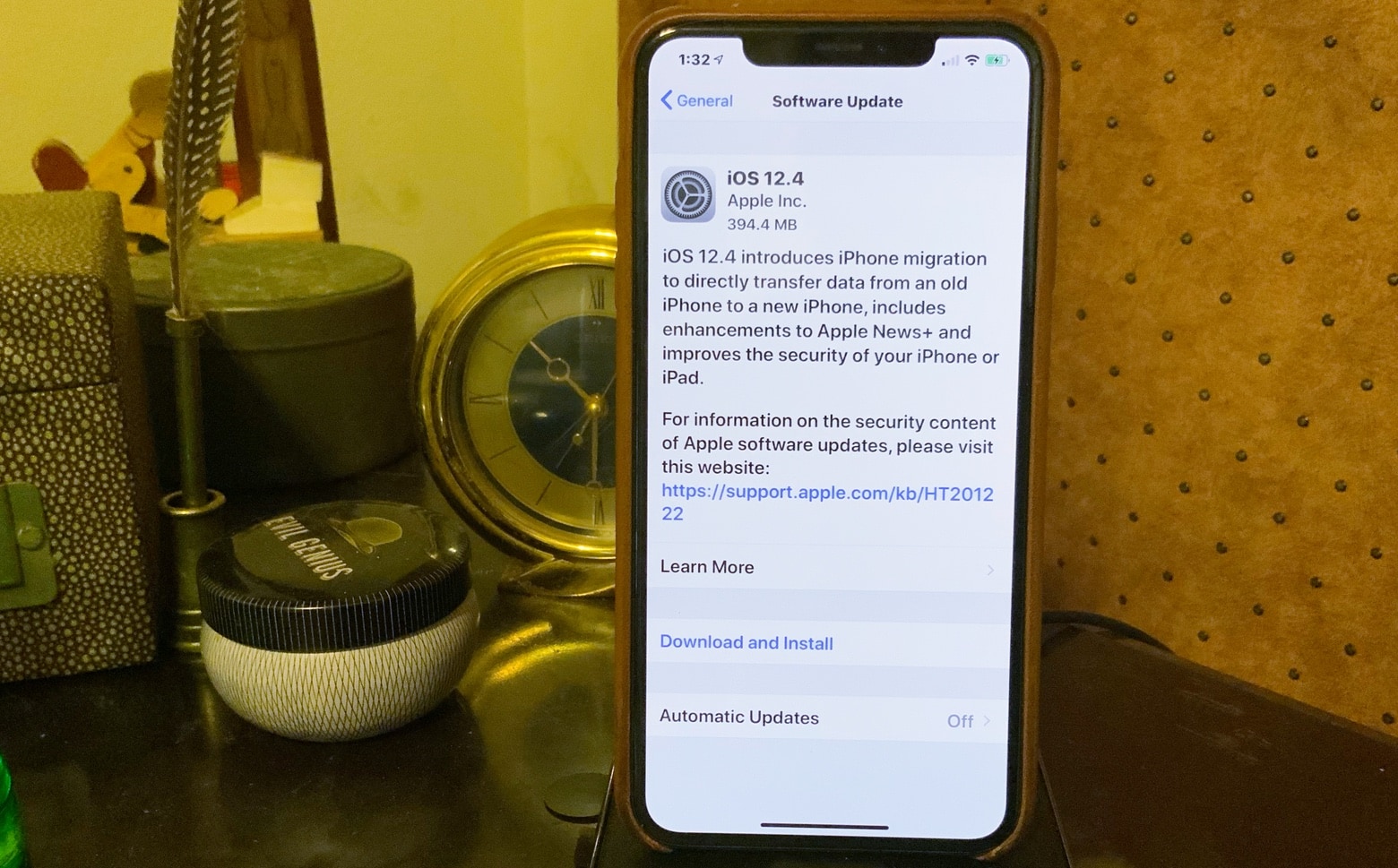
It’s high time you installed iOS 12.4 on your iPhone or iPad. Photo: Ed Hardy/Cult of Mac
Details of five security bugs fixed by last-week’s iOS 12.4 update have been published. This means hackers now have what they need to use them on any device that hasn’t been updated.
Now would be a good time for anyone who’d been procrastinating to install this update on their iPhone or iPad.
This is how "texts" were sent before the flux capacitor made Skynet possible. Photo: Charlie Sorrel/Cult of Mac
Did you know you can send regular old green-bubble SMS (and MMS) messages from your iPad? And even from your Mac? Well, you can, and it is dead easy. It’s called Text Message Forwarding, and it works by using your iPhone as a conduit to the cellular phone network.
Users can't wait to get their hands on iOS 13. Photo: Apple
Apple has come out with new beta builds everysingleday this week and today is no exception.
Hot on the heels of yesterday’s fourth beta build of iOS 13 for developers, Apple has released the third public beta of iOS 13 and iPadOS, allowing anyone to test all the new features and bug fixes.
No, not that kind of sticker. Photo: Charlie Sorrel/Cult of Mac
iOS 13 automatically turns all your Memoji into iMessage stickers. Even better, anyone can create new Memoji, on any device. You no longer need an iPhone or iPad with a depth-sensing Face ID camera to create them.
Using the new Memoji creator tool in the Messages app, you can do almost everything that can be done with Face ID. Here’s how to make and use Memoji stickers in iOS 13.
Delta has become the first airline to adopt Apple’s Business Chat feature.
The service will be used to conveniently connect customers to a Delta representative when they need support. It will be tested with a select group of users over the summer before expanding its reach this fall.