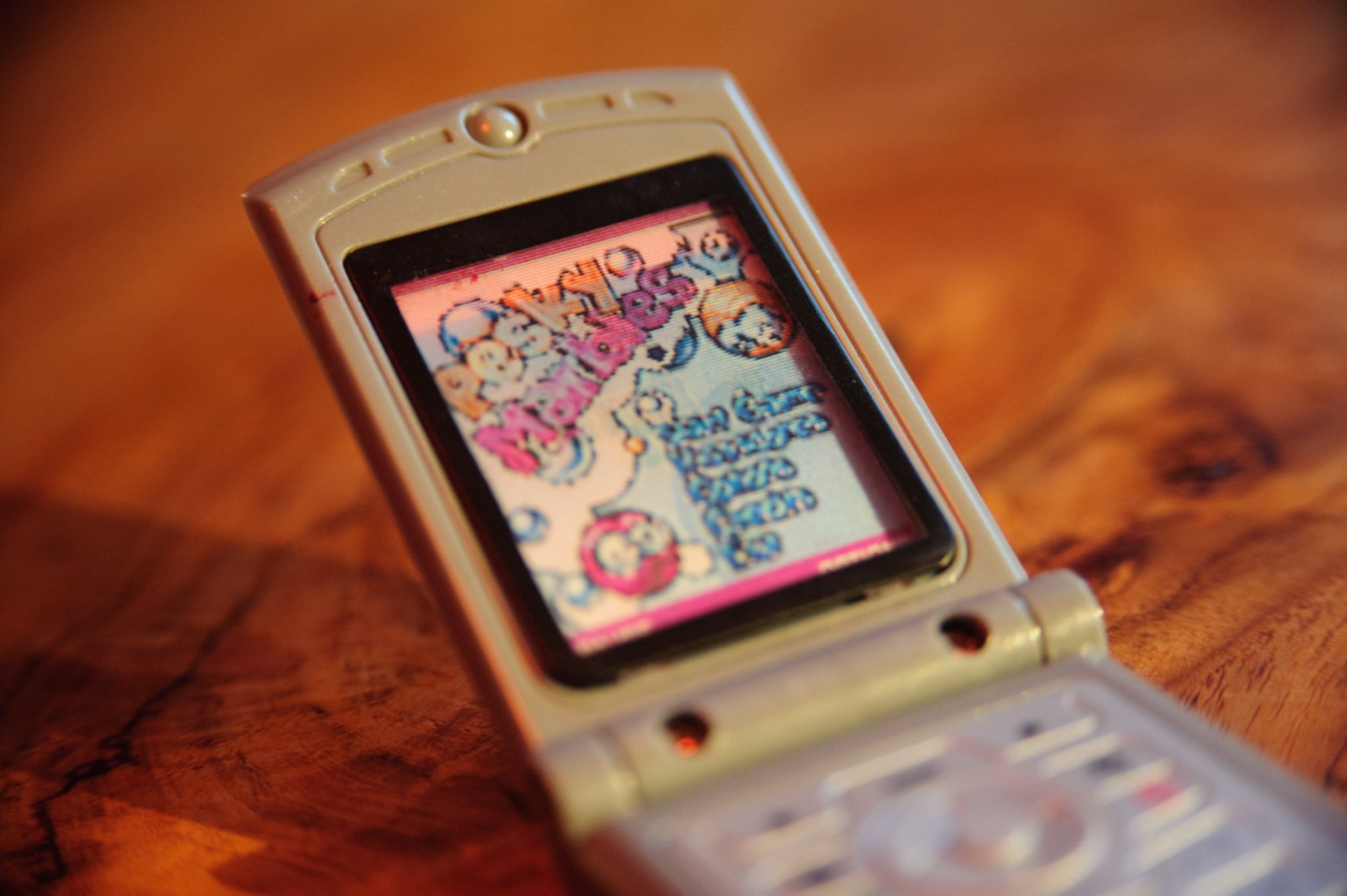
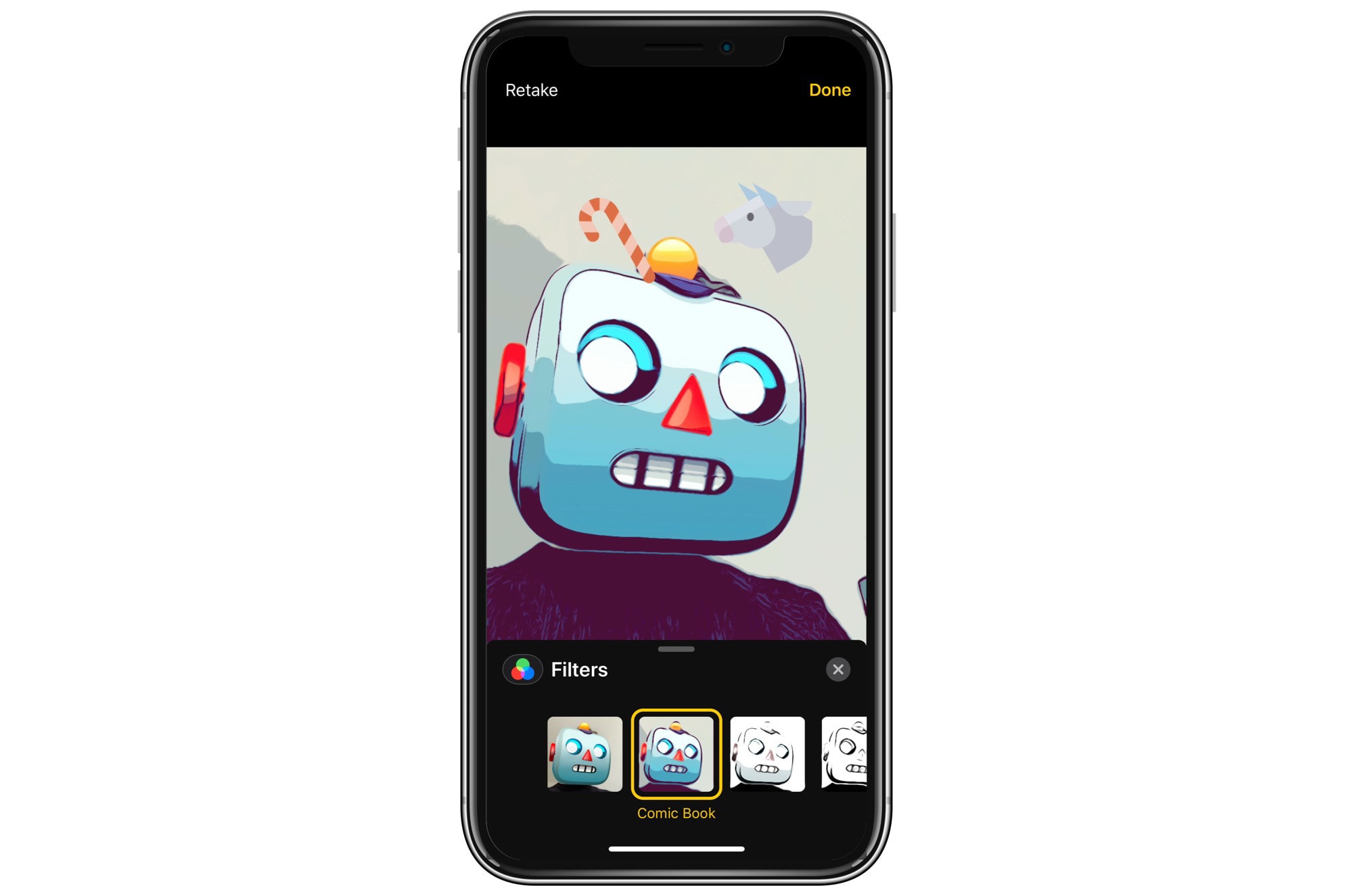
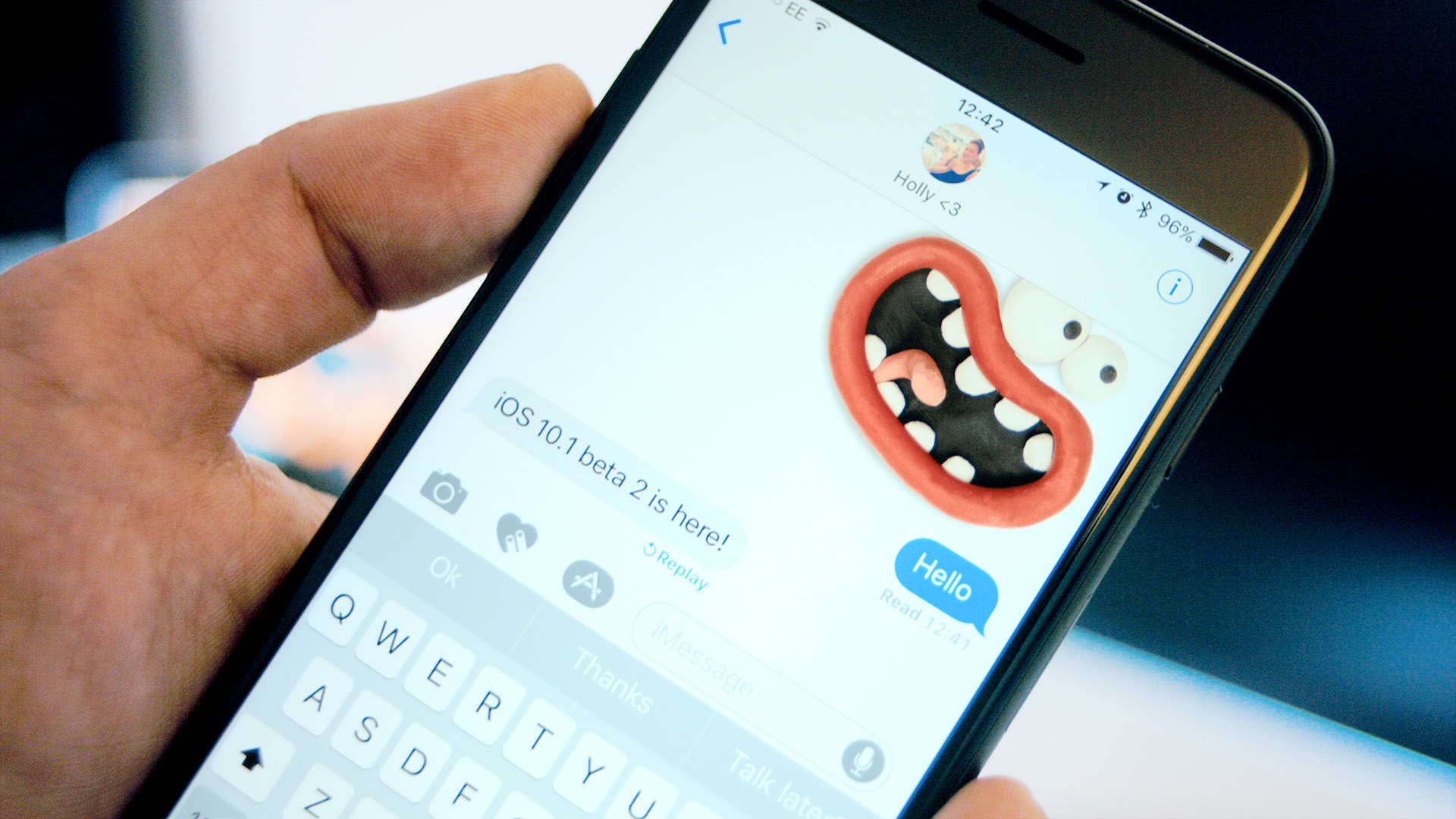
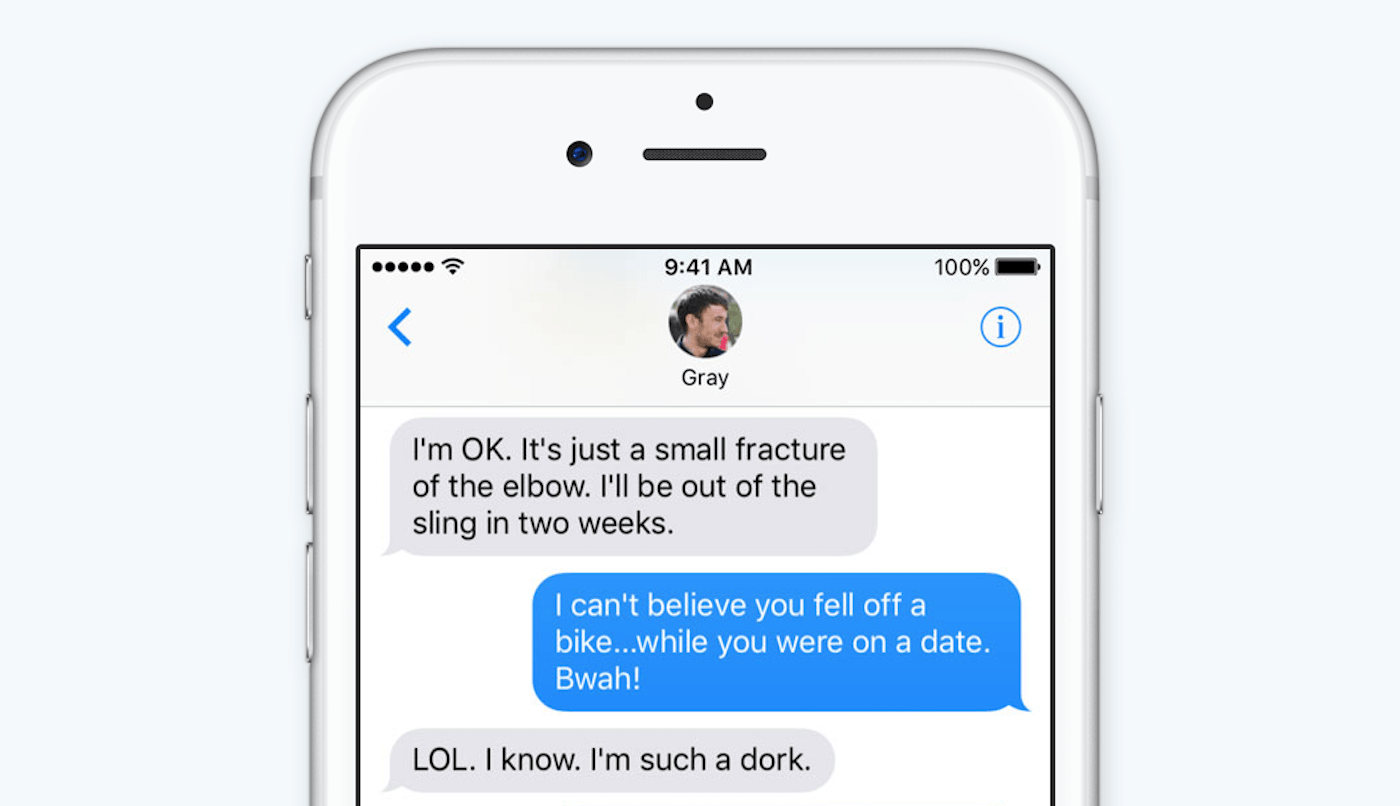
This is how "texts" were sent before the flux capacitor made Skynet possible. Photo: Charlie Sorrel/Cult of Mac
Did you know you can send regular old green-bubble SMS (and MMS) messages from your iPad? And even from your Mac? Well, you can, and it is dead easy. It’s called Text Message Forwarding, and it works by using your iPhone as a conduit to the cellular phone network.
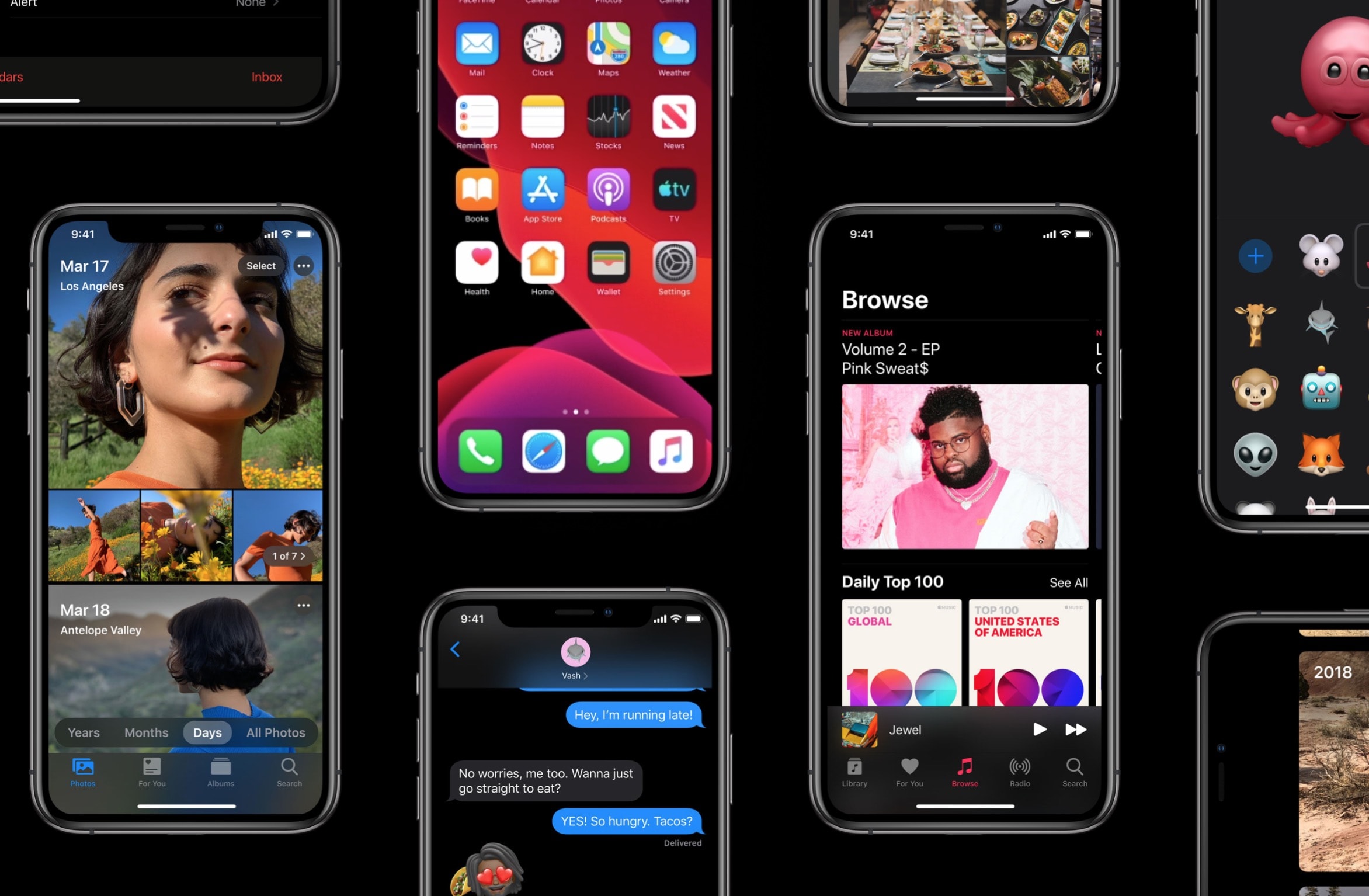
Users can't wait to get their hands on iOS 13. Photo: Apple
Apple has come out with new beta builds everysingleday this week and today is no exception.
Hot on the heels of yesterday’s fourth beta build of iOS 13 for developers, Apple has released the third public beta of iOS 13 and iPadOS, allowing anyone to test all the new features and bug fixes.
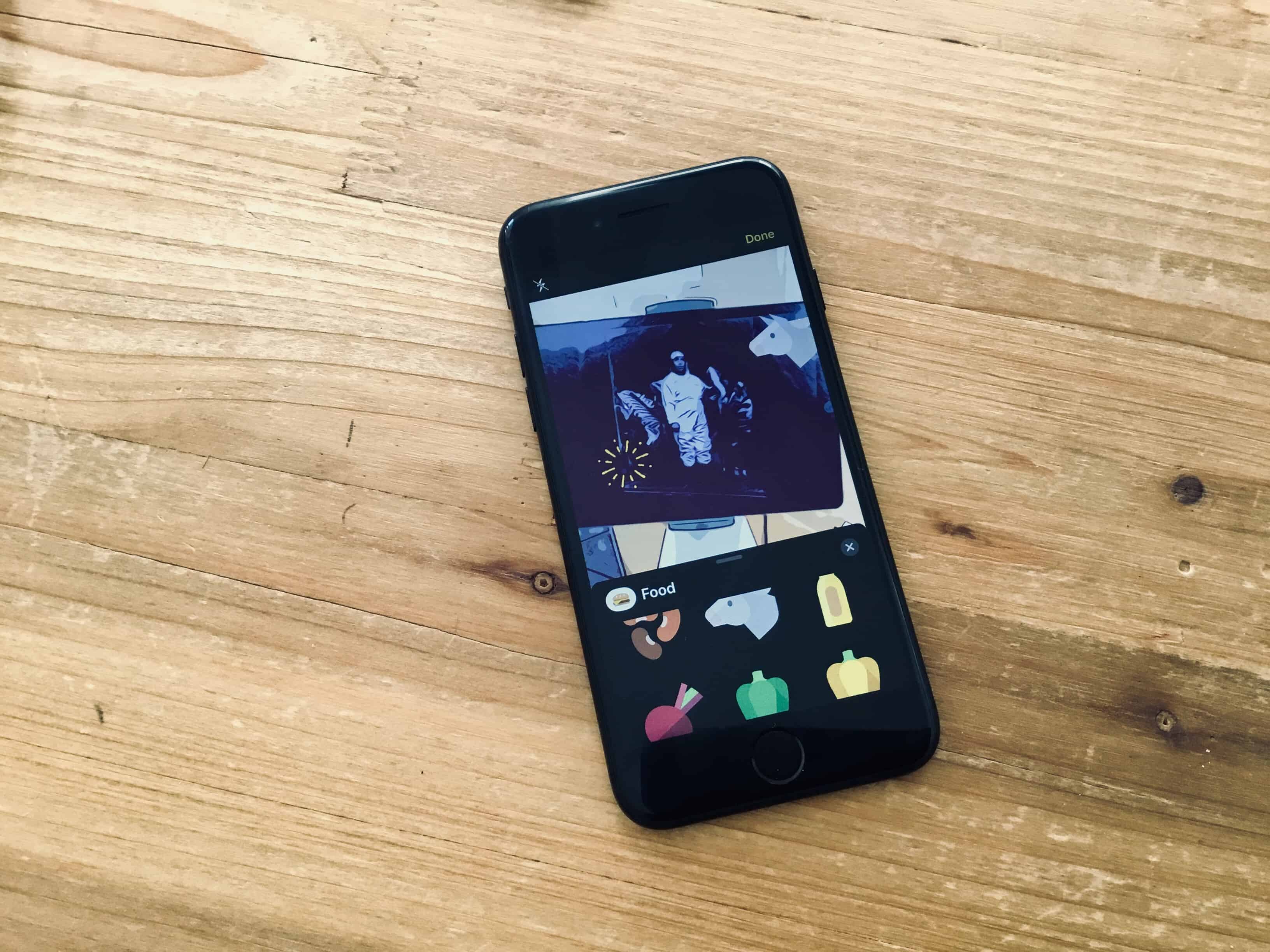
No, not that kind of sticker. Photo: Charlie Sorrel/Cult of Mac
iOS 13 automatically turns all your Memoji into iMessage stickers. Even better, anyone can create new Memoji, on any device. You no longer need an iPhone or iPad with a depth-sensing Face ID camera to create them.
Using the new Memoji creator tool in the Messages app, you can do almost everything that can be done with Face ID. Here’s how to make and use Memoji stickers in iOS 13.
Delta has become the first airline to adopt Apple’s Business Chat feature.
The service will be used to conveniently connect customers to a Delta representative when they need support. It will be tested with a select group of users over the summer before expanding its reach this fall.
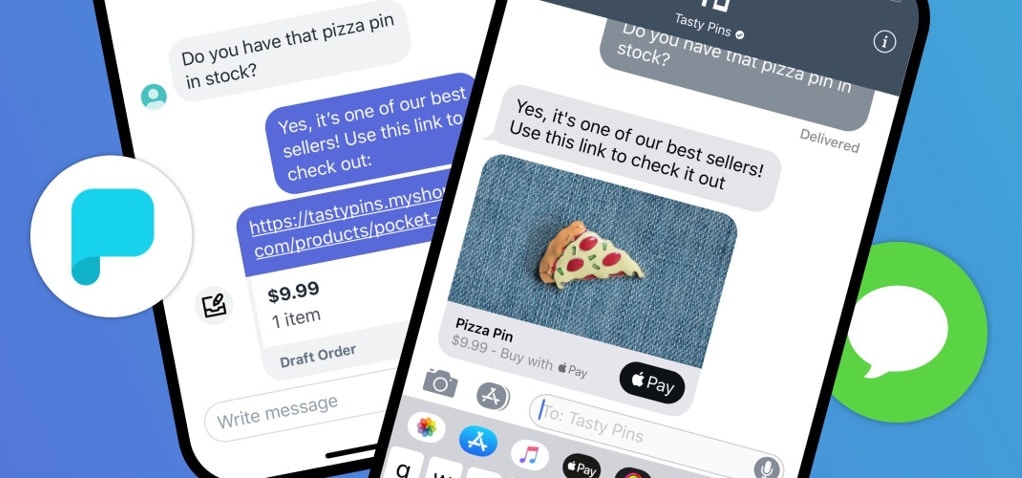
Shopify bought into Apple Business Chat for easier customer interactions. Photo: Shopify
Shopify customers can reach out to business owners with the Messages app on their iPhone or Mac thanks to integration with Apple Business Chat. It’s even possible to make purchases via these text messages.
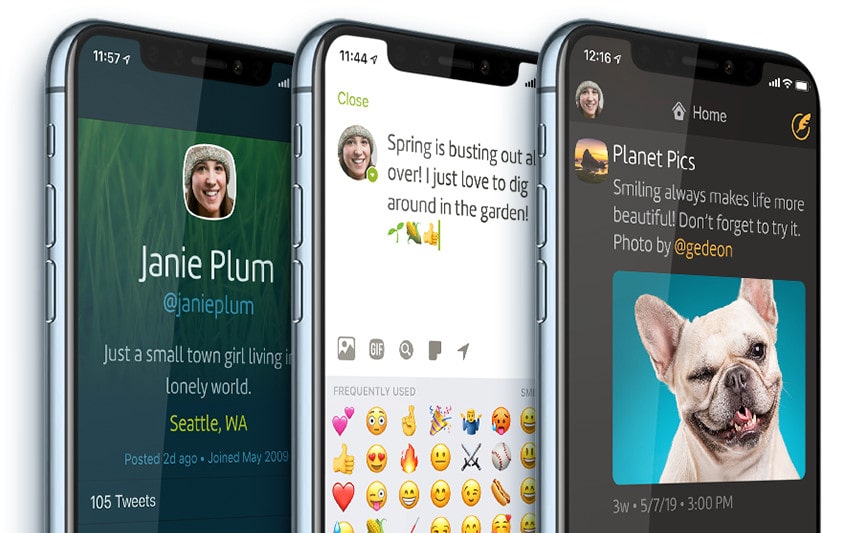
You can enjoy it all for free for the first time. Photo: Iconfactory
A brand new version of the Twitterrific app is now available on iOS.
Twitterrific 6 comes with gorgeous new themes, welcome media improvements, and a host of terrific new features. It also makes the app easier than ever to enjoy, with everything available for free for the first time.
Never lose your old messages again. Photo: Charlie Sorrel/Cult of Mac
Why would you bother to back up your iMessages? After all, they’re all stored in iCloud these days, right? Well, yes your messages are all stored in iCloud, but they’re not backed up up there. They’re synced, which means that if you delete a message thread, it’s gone forever. The answer is to make a local backup, which requires a Mac. Which is ridiculous in 2019, but there you go.
Here’s how to back up your iMessages in case the worst happens.
I got sick of having to tap a zillion buttons just to iMessage a photo to somebody, so I made a shortcut that lets me tap an icon on my Home screen, and sends my latest photo automatically to a preselected friend.
That’s it. You tap it, and the shortcut grabs the last photo you shot, and sends it. If that sounds like something you want, check it out.
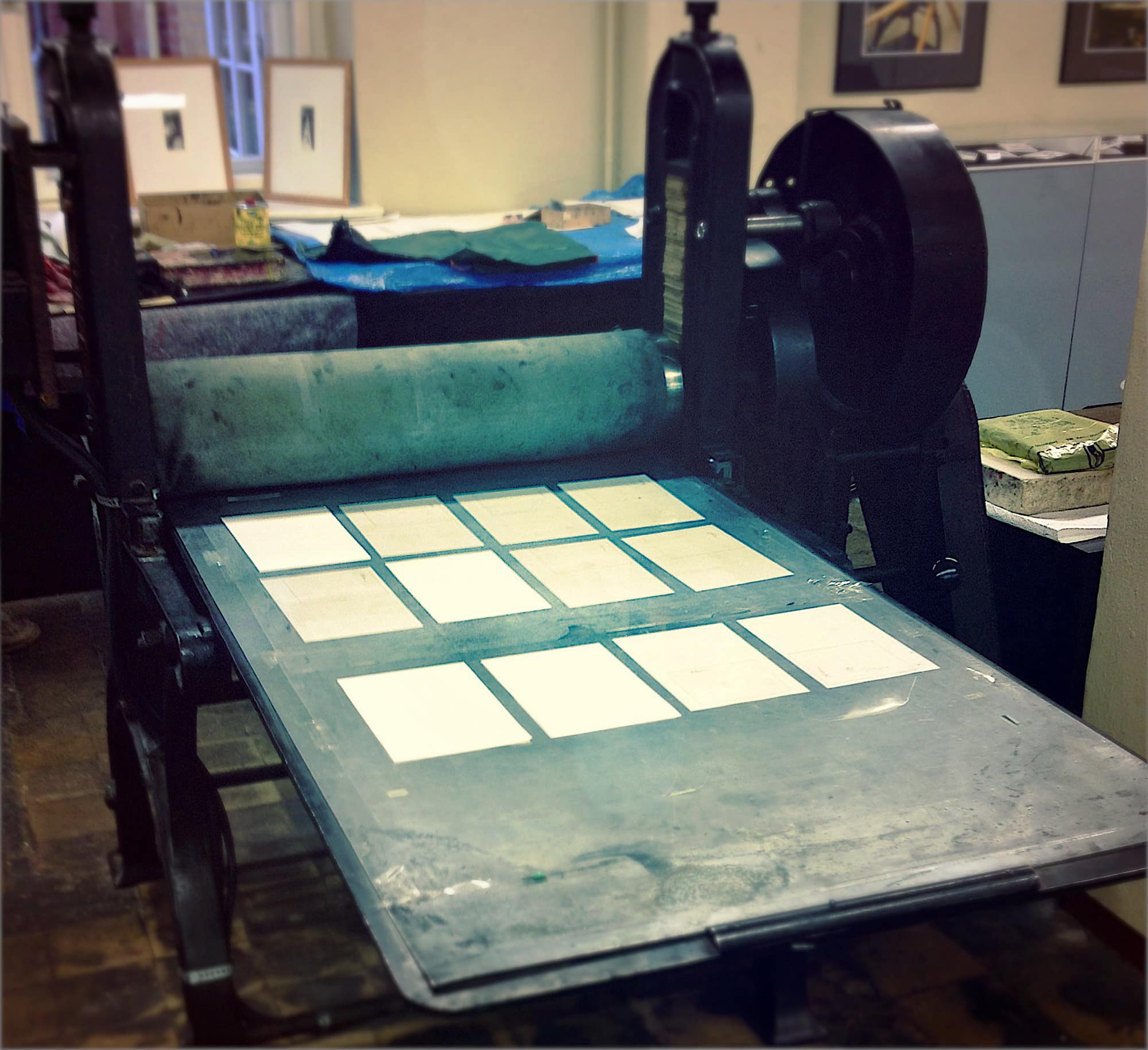
Get your freshly-printed WhatsApps here. Photo: Charlie Sorrel/Cult of Mac
Yes, this sounds like a joke about the olde worlde CEO who has his secretary print his emails, then transcribe his dictated replies. But printing message threads can be pretty useful. Lawyers, for example, may want a printed record, or a PDF, of a message thread. And even regular humans might appreciate a well-formatted archive of their messages that can be easily searched and marked up.
You still can’t do this on your iDevice. However, thanks to the amazing iMazing Mac app, you can quickly create PDFs of your messages, and even print them. Onto paper.
I wanted a Galaxy S10, but I'm stuck with iPhone. Photo: Leander Kahney/Cult of Mac
It’s not easy to give up your iPhone. Even if you’ve already decided you want to switch to another handset, it’s going to be incredibly difficult to let go. Apple has you locked in. And for some iPhone owners, there is no way out.
That’s because it’s not just your iPhone that you’d be saying goodbye to. Many other apps and services you use every day — some without even thinking about it — make switching to another platform nearly impossible.
Here are all the ways Apple makes it hard to jump ship and switch to Android.
AirMessage bridges the gap between iMessage and Android. Photo: AirMessage
Android lovers can finally bust out of the green bubble life without owning an iPhone.
Thanks to a new app that brings iMessage to Android, you can now enjoy one of Apple’s best features even if you don’t have an iOS device. It’s not a perfect solution and you’ll need a Mac but it’s better than any of the other workarounds we’ve seen.
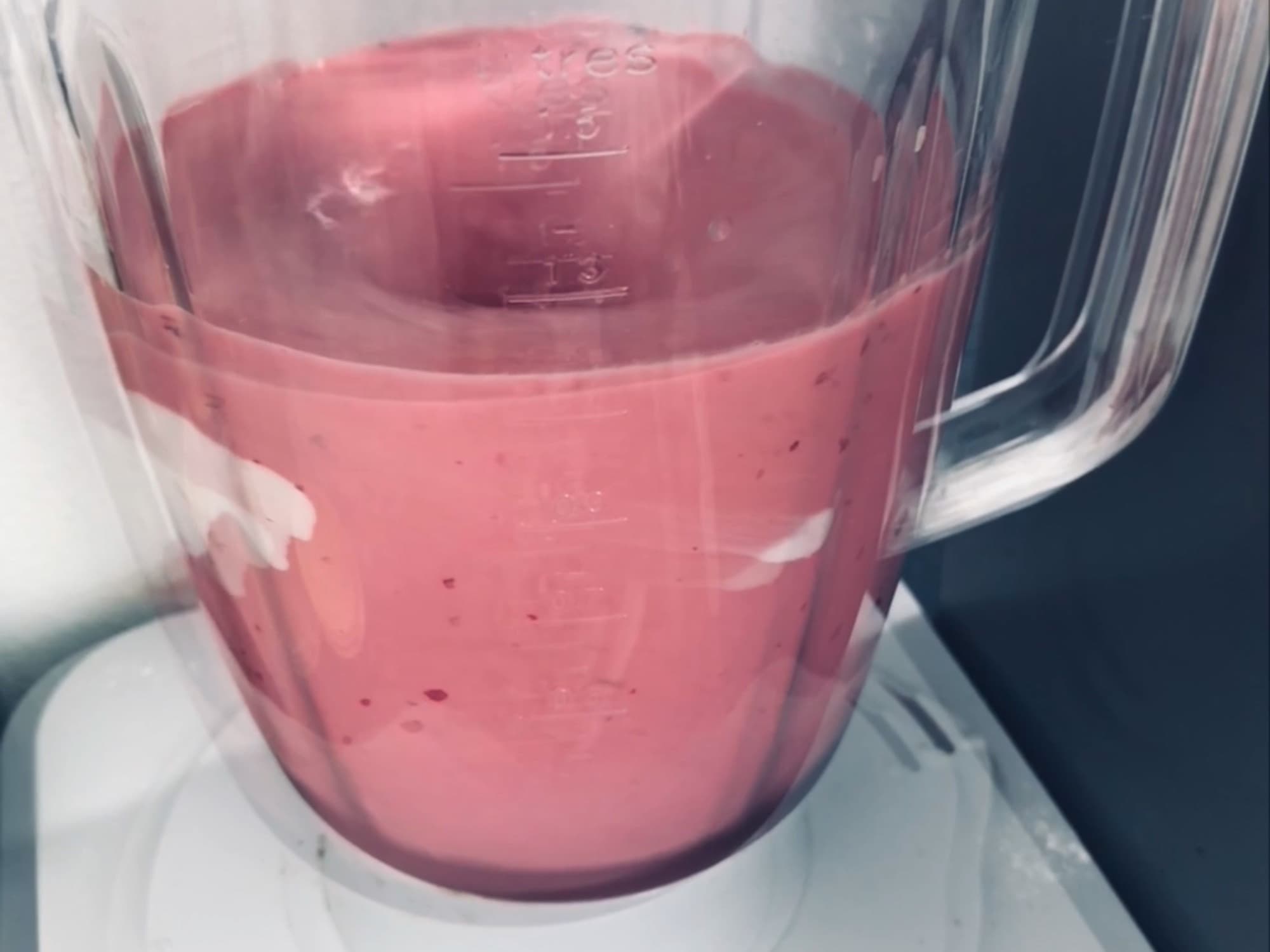
It’s hard to convey a moving photo with a still image, but doesn’t this smoothie look delicious? Photo: Charlie Sorrel/Cult of Mac
Quick question: How do you send a GIF selfie from your iPhone? One answer is just don’t bother. It’s too much hassle. Another way is to use this handy shortcut to make one. But there’s a third way, which is also the best way: Don’t send a GIF at all.
If you and your intended GIF recipient both use iOS devices, there’s a much better option.
Who wouldn’t want to receive this totally non-creepy stickered-up selfie? Photo: Cult of Mac
You already know how to take a selfie. It’s probably the first thing you did when you got your iPhone up and running. But did you know you can take a selfie and add stickers? Right there in the Messages app?
Your friends are already hungry for another one of your awesome selfies. Imagine how fired up they’re going to be when they see those stickers.
Grab the new iOS update now! Photo: Killian Bell/Cult of Mac
The first iOS update of the year is finally ready for the masses.
Apple is releasing iOS 12.1.3 today, bringing a number of bug fixes and performance improvements to the iPhone and iPad. iOS 12.1.3 is a minor update and doesn’t contain any big UI changes or new features, but it resolves some important issues with CarPlay, iMessage, Photos and the iPad Pro.
Is Messages due for a big upgrade on iOS? Photo: Ste Smith/Cult of Mac
Apple is said to be “in discussions” over adding Rich Communications Services (RCS) to iOS.
The upgrade to traditional text messaging would allow for some iMessage features — like read receipts and typing indicators — when talking to friends who use Android and other platforms.
Former iOS chief Scott Forstall has revealed that the company approached operators in an effort to convince them to take a number of features that make iMessage so great and bring them to traditional texting. But due to a number of reasons, the “explorations didn’t pan out.”
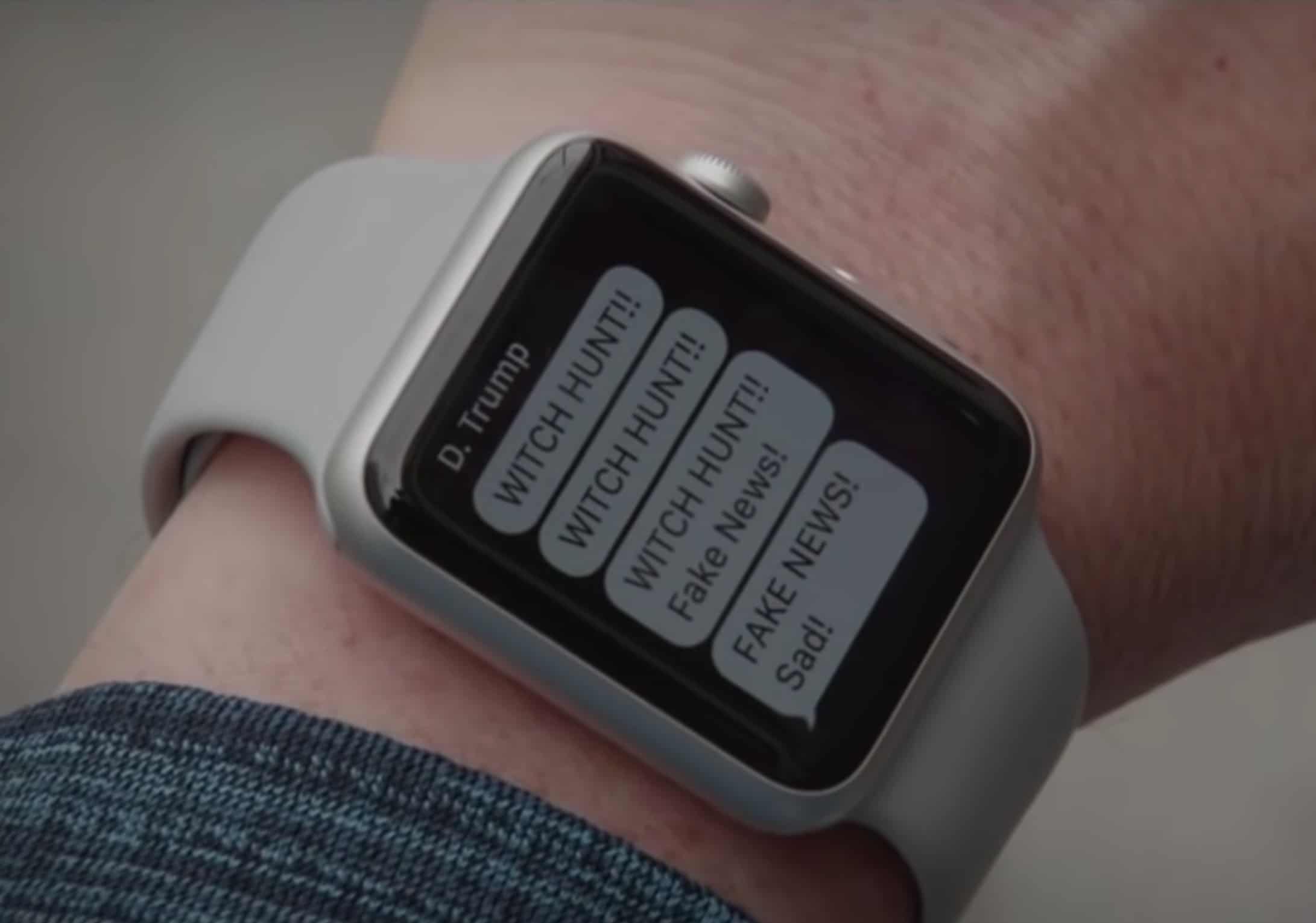
Trump's texts cause nationwide mayhem in Kimmel's hilarious video. Photo: Jimmy Kimmel Live!
Giving Donald Trump the power to send a text to every person in the U.S. is a horrible idea, but as Jimmy Kimmel has shown, it could make for a great movie.
Everyone was talking about the first-ever nationwide Presidential alert. Thankfully, it wasn’t nearly as bad as Trump’s tweets. However, during Jimmy Kimmel’s show last night, the late night comedian showed what type of mayhem could ensue if Trump could text whatever he wanted. From cops shooting their iPhones to a man chopping his arm off to get away from Apple Watch alerts, the entire movie concept is truly phenomenal.
iMessage photos are now saved to the camera roll, automatically. Photo: Charlie Sorrel/Cult of Mac
If you take a photo inside the Messages app in iOS 11 and earlier, that photo stays trapped in the message thread forever, unless you explicitly long-press and save it to your camera roll. In iOS 12, that’s changed. Now, when you take a photo using the messages app, any pictures you snap are saved to your Photos library. But that’s not quite the whole story.
The new iMessage photo filters are so good, you'll want them in the regular camera app. Photo: Charlie Sorrel/Cult of Mac
You’ve long been able to take photos inside the Messages app on your iPhone, sending pictures directly into a conversations without saving them to your camera roll first. And you’ve also been able to grab photos from your library. But in iOS 12, both of these features are way better. Especially the camera. Not only does it ditch the stupid thumbnail-sized camera view, but you get access to some awesome new filters, and even AR stickers. Let’s take a look.
One day I'll run out of street-sign photos to illustrate notification how-tos, but not today. Photo: Charlie Sorrel/Cult of Mac
One of iOS 12’s big changes is Notifications Center. It gets the seriously great Do Not Disturb at Bedtime feature, and it also now groups notifications, stacking them per-app in order to reduce clutter and increase clarity on the lock screen and elsewhere.
Notification grouping is totally automatic, but there are new settings that let you customize it if the auto options don’t suit you. Let’s take a look.
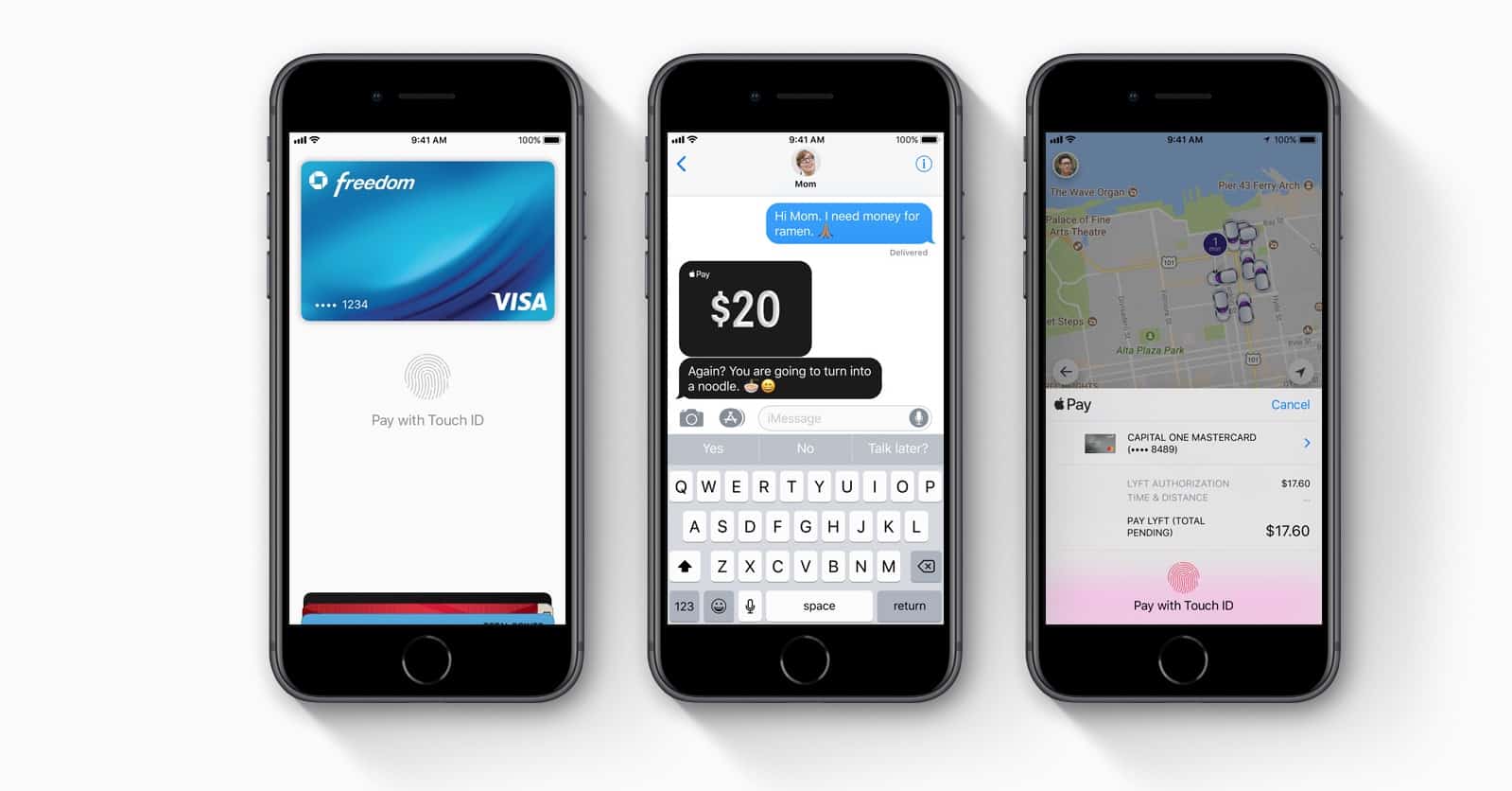
Apple Pay has been a key service for Apple. Photo: Apple
Apple Pay Cash is the easiest way to send money between iPhone users. And it gives us a whole new way to argue over who pays for dinner — as Apple demonstrates in its latest ad from the “Just text them the money” campaign.
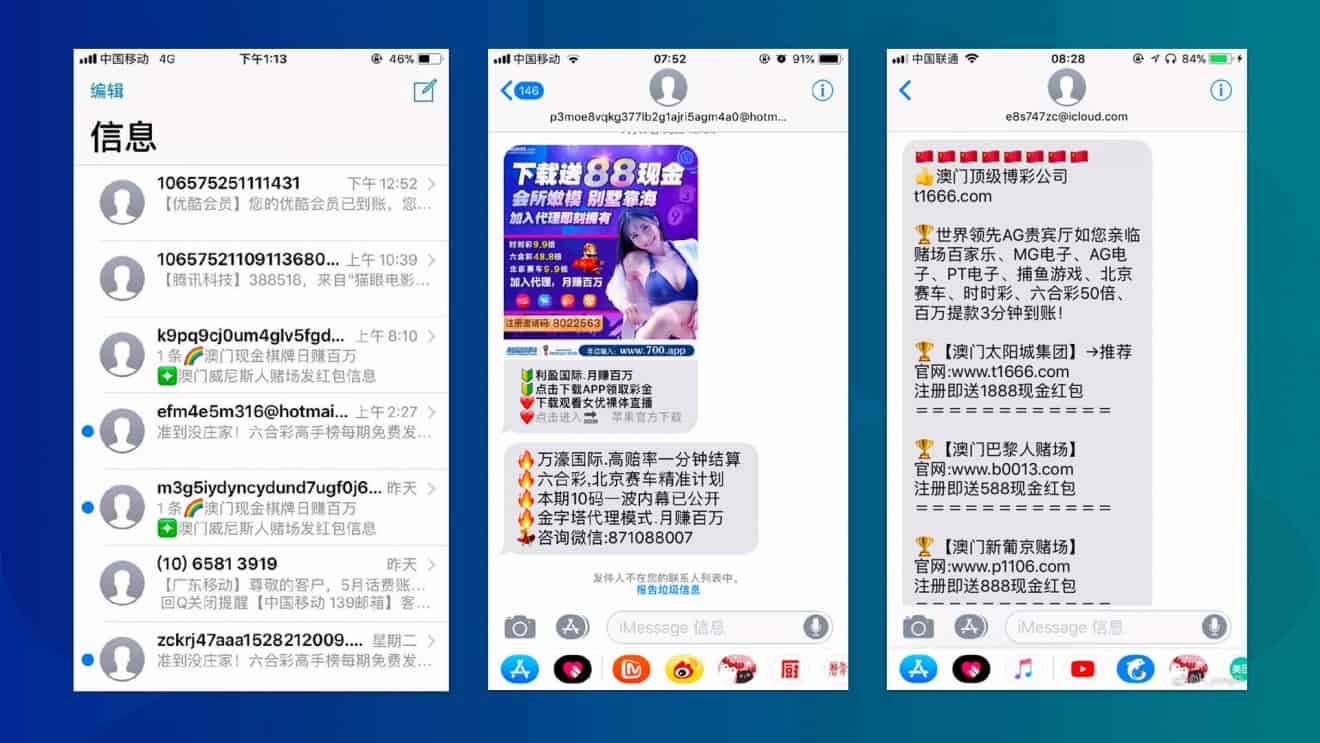
Users in China complain they're being swamped with spam on iMessage. Photo: Weibo
Apple is working with Chinese telecoms firms to find a way to cut down the amount of iMessage spam customers in the country receive.
Apple has recently been under fire by state-controlled Chinese media for supposedly allowing users to be bombarded with illicit content through its iMessages. These are said to include gambling ads (illegal in China, aside from state lotteries), pornography, and counterfeit goods.
State-controlled media in China is accusing Apple of failing to act to block content that is pornographic, gambling-focused, or intended to promote the selling of counterfeit products. At least five news agencies in the country have jumped on the accusations.
Apparently carriers can do nothing to stop it. Photo: Weibo
iPhone users in China are reportedly being bombarded with iMessage spam, many of them promoting illegal gambling.
Much of the iMessage spam in question links to WeChat account or gambling websites. Gambling is illegal in China, with the exception of two state-sanctioned lotteries.