The UK consumer-advocacy group Which? accused Apple of forcing iPhone and iPad owners to use iCloud, and then overcharging them for the service.
It’s asking for a hefty £3 billion ($3.8 billion) in compensation. That’s about £70 per consumer.

The UK consumer-advocacy group Which? accused Apple of forcing iPhone and iPad owners to use iCloud, and then overcharging them for the service.
It’s asking for a hefty £3 billion ($3.8 billion) in compensation. That’s about £70 per consumer.

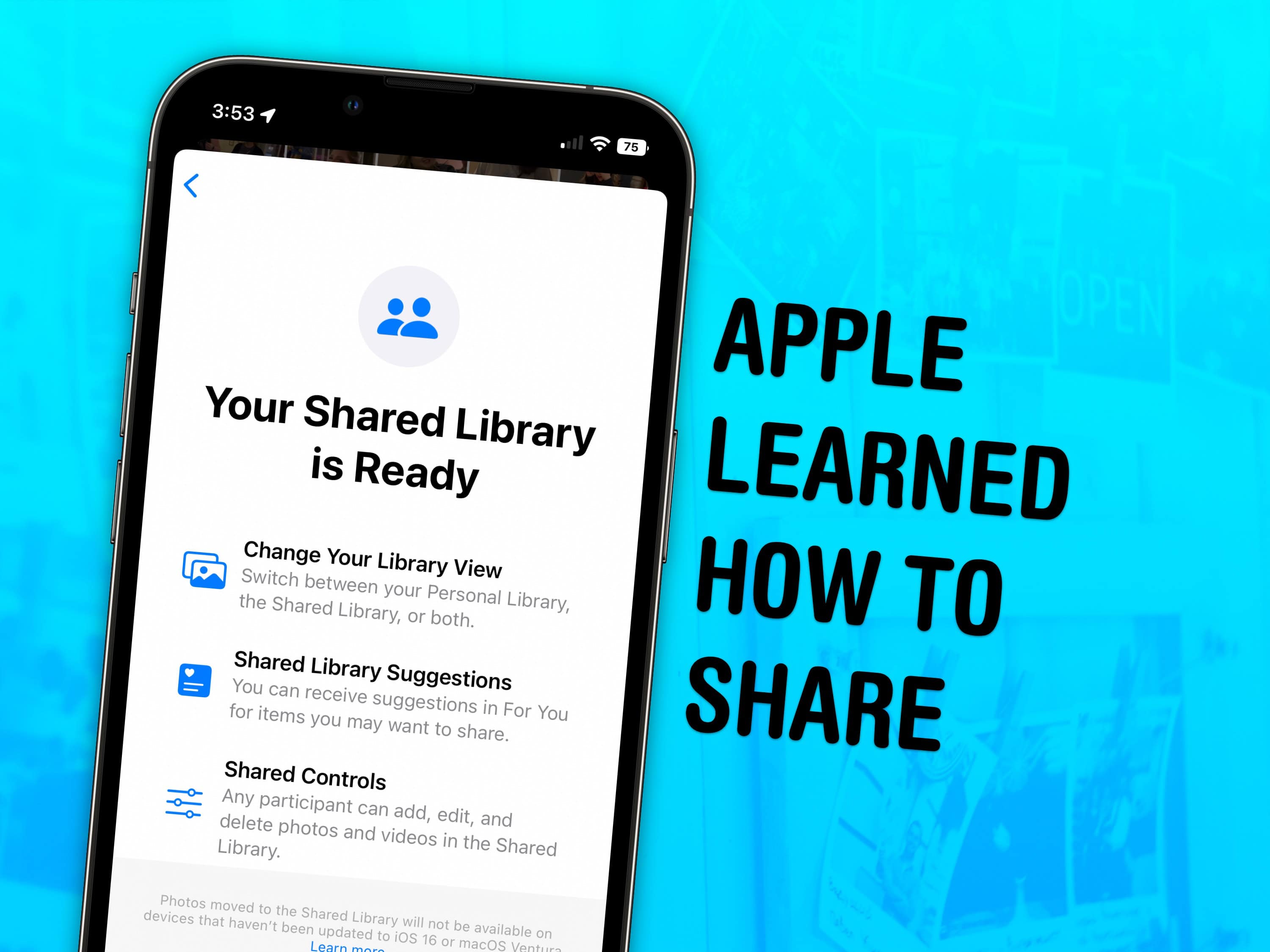
Skip the hassle of manually sending your family all the vacation photos — enable a shared iCloud Photo library instead. Everyone in your family automatically gets all the family photos as if the images were in their own camera roll — in full quality.
Your iPhone will identify faces in photos (securely and privately), and any pictures of people who are in the family will be added to the shared library. If all of your phones are in the same place while you’re taking a lot of pictures, even if you aren’t in them (like at an aquarium or a museum), those pictures will be added automatically, too. As you’re shooting in the camera, you can easily toggle between the shared library for everyone and the private photo library on your own devices.
Starting a Shared Photo Library with your family is the best way to organize family photos. Continue reading to see how to turn it on.
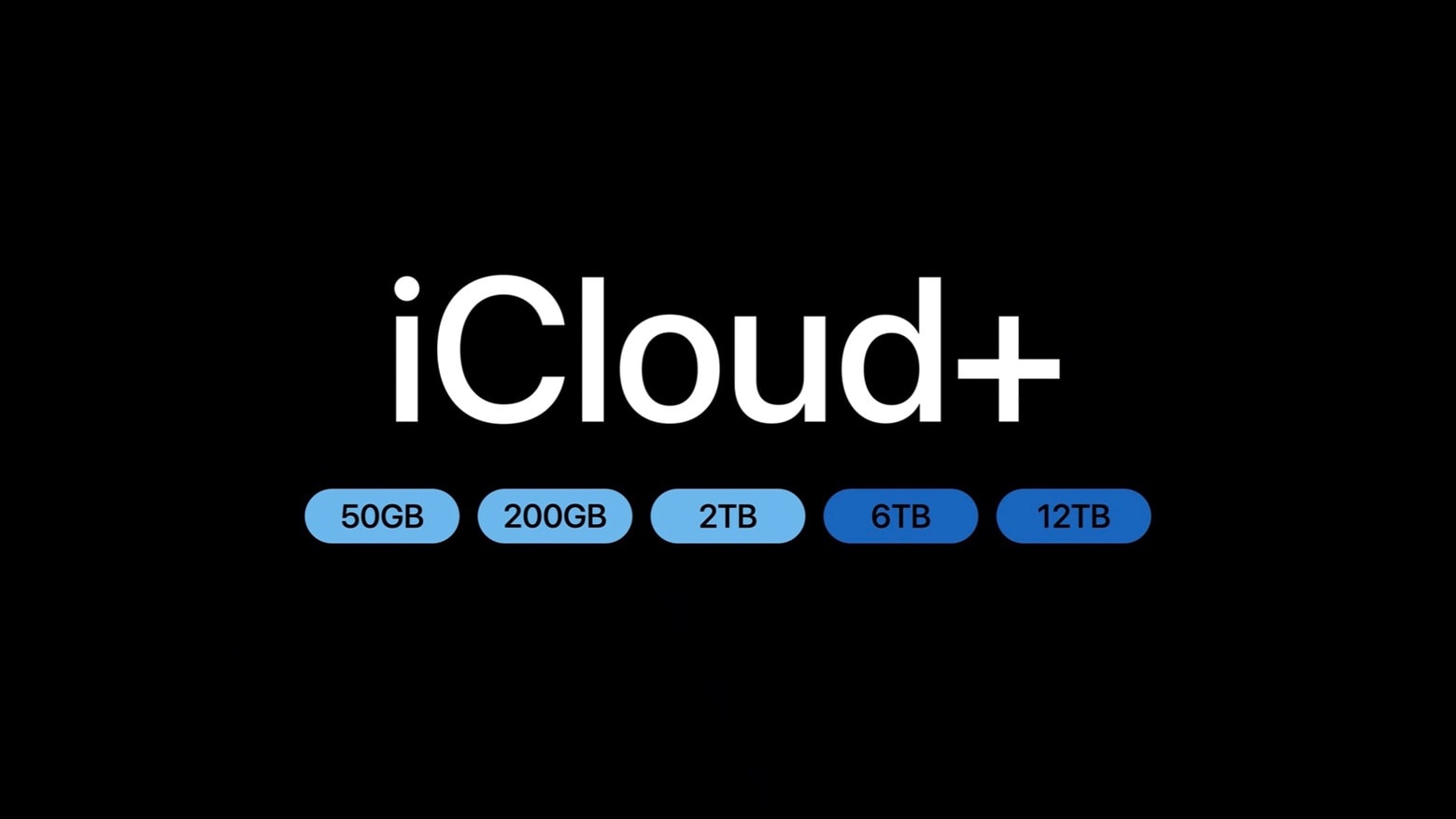
iCloud+ is Apple’s most successful service by a wide margin, according to an analysts’ report released Monday. Seems plenty of iPhone and Mac users are willing to pay for more than the 5GB of free storage available.
Adoption rates for the Mac-maker’s other services might surprise some people: A third of all Apple users subscribe to Apple TV+, for example.

Update: Late Saturday, more than two days after the iCloud Private Relay problem first cropped up, Apple fixed it.
If you’ve received repeated notifications that iCloud Private Relay is inactive on one of your Apple devices, it’s not a problem with your internet connection or network. The problem is on Apple’s end.
The issue has persisted since Thursday afternoon and into Friday morning, and might be slowing down your web browsing.
It’s now possible to transfer images and videos stored on Google Photos directly into iCloud Photos. Apple and Google cooperated to make this possible.
Wow, these two rivals actually worked together on something.
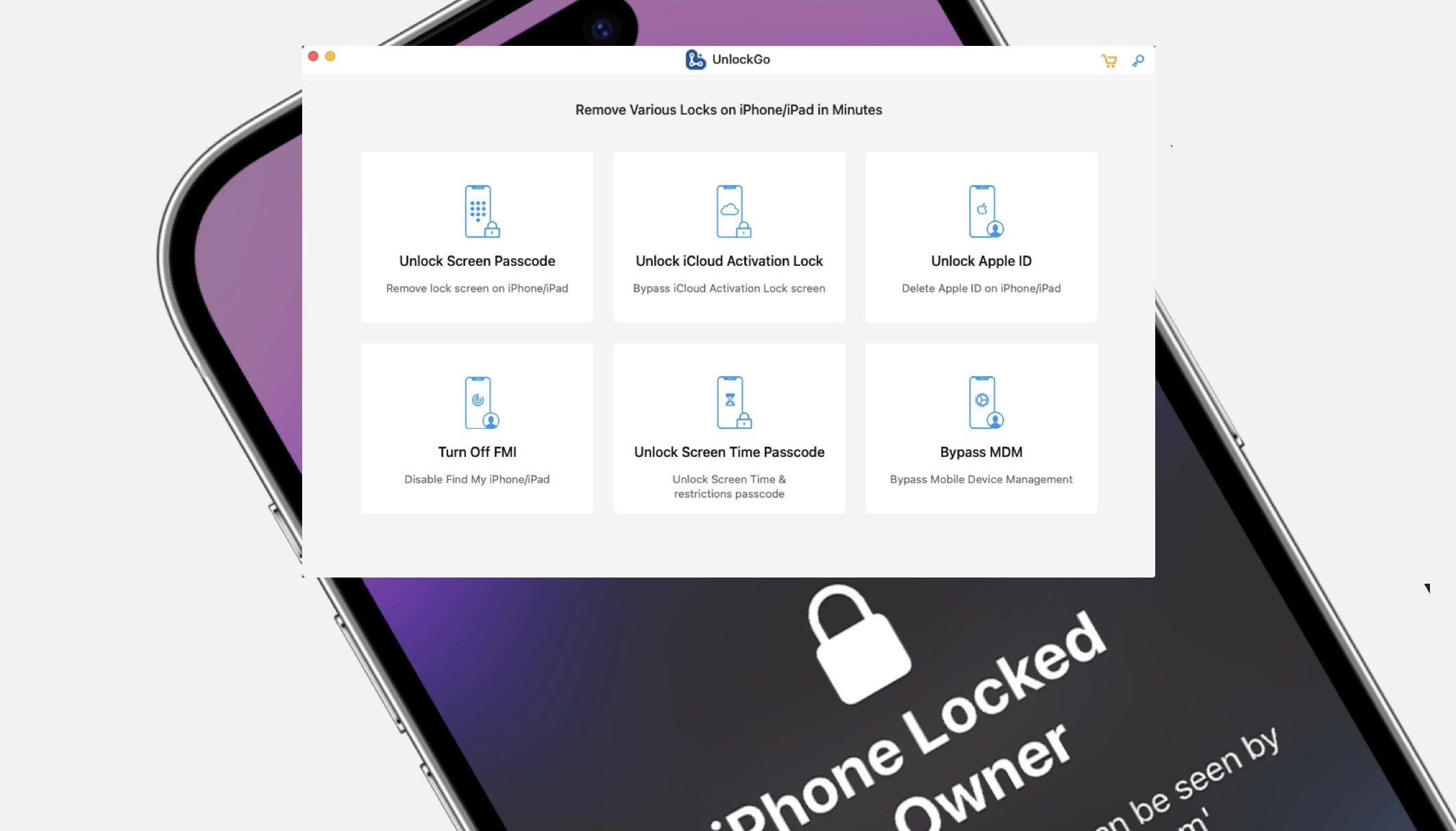
It’s possible to remove an Apple ID from your iPhone without a password using UnlockGo.
You can unlock iCloud Activation Lock without a password or the previous owner, remove a forgotten Screen Time passcode without data loss, bypass MDM locks and more. It’s a really powerful app and it’s available for both Mac and PC.
If you get a second-hand iPhone but find out the seller didn’t fully reset it beforehand, UnlockGo will fix it. Here’s how it works.
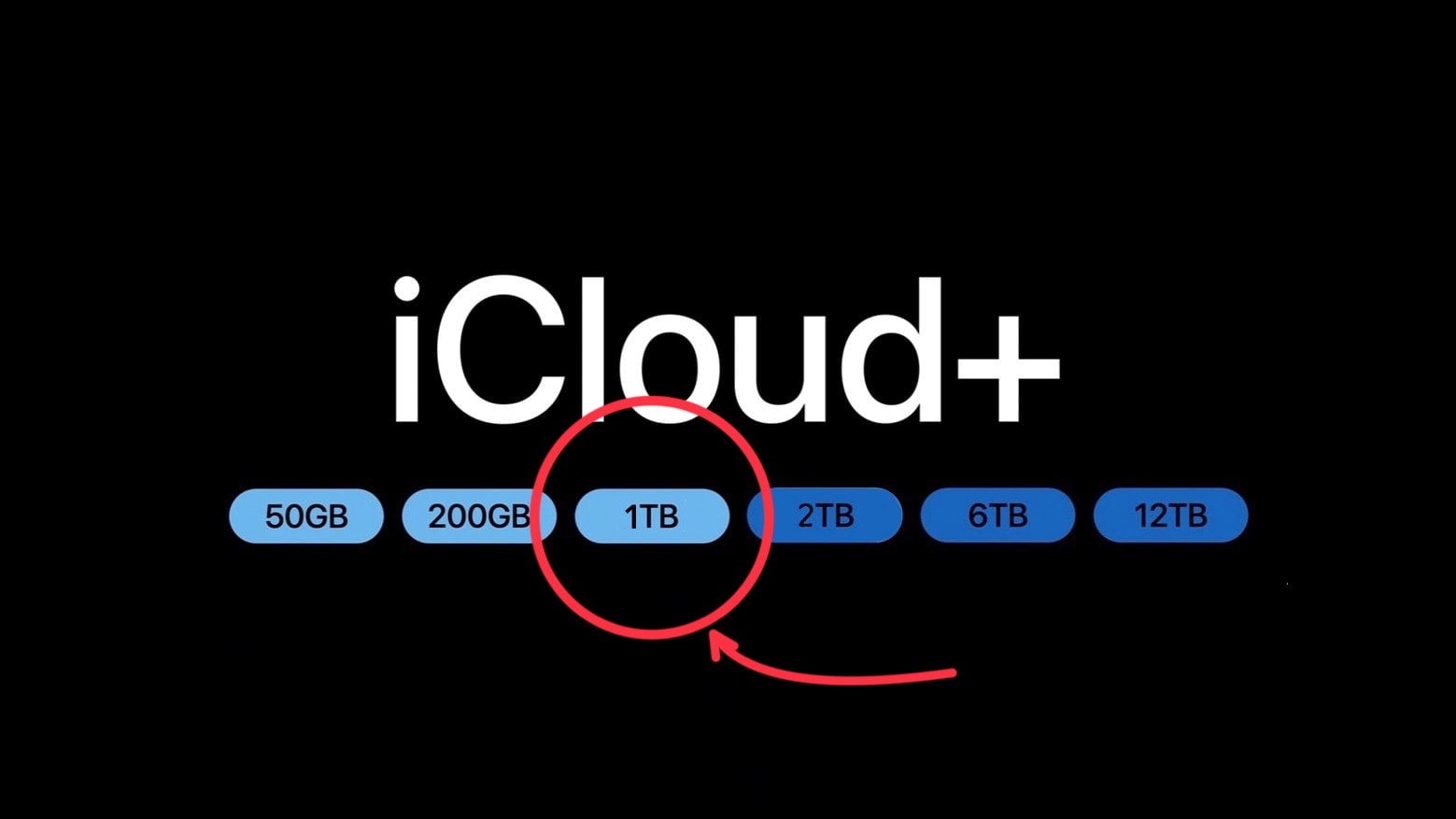
Apple offers iCloud plans for iPhone and Mac users who need a bit of extra storage capacity, and other plans for those who want a huge amount. But there’s a noticeable gap in the middle the company should really fill.
The lack of a 1TB iCloud+ storage plan is painfully evident. Adding it would be a boon to many users, and to Apple, too.
Today is World Backup Day — a fine opportunity to lobby for the additional tier.
The maximum capacity of an Apple iCloud+ account just expanded from 2 terabytes to 12 terabytes. There’s also a new 6TB option. Either one is a heap of storage for Mac, iPad and iPhone user to hold images, videos and other files.
The storage plans also come with useful bonus features, many of which are focused on privacy.


This week on Cult of Mac’s podcast: We dissect all the biggest reveals from Apple’s “Wonderlust” event, which brought us new iPhones, Apple Watches and more. And we stare unafraid at the results of our Wonderlust predictions. We have a winner!
Also on The CultCast:
Listen to this week’s episode of The CultCast in the Podcasts app or your favorite podcast app. (Be sure to subscribe and leave us a review if you like it!) Or watch the video live stream, embedded below.
Apple added two tiers to iCloud+ online storage, allowing Mac and iPhone users to keep as much as 12 terabytes of data on the service. That’s six times as much as before.
The storage plans also come with additional features, many of which are focused on privacy.

Apple gave a more complete explanation of why it cancelled a plan to scan iCloud Photos libraries for child sexual abuse material. It’s the same reason it gave back in 2022, but with more detail.
It all comes down to user privacy, and the potential for the system to be abused by hackers and repressive governments.

This week on Cult of Mac’s podcast: While it’s no big shock that Apple continues to work on new Macs and iPads, two new products reportedly in the pipeline actually do sound surprising — and surprisingly tempting. What are they? An iMac with a big, beautiful 30-inch-plus screen, and a next-gen Apple Watch Ultra.
Where do we place our preorders?
Also on The CultCast:
Listen to this week’s episode of The CultCast in the Podcasts app or your favorite podcast app. (Be sure to subscribe and leave us a review if you like it!) Or watch the video live stream, embedded below.

Our password-free future just took a step closer. Apple has begin rolling out signing onto its online store can with a passkey instead of a password. The change allows shoppers to access the site with Face ID or Touch ID. The same is true for iCloud.com and Apple’s dev site.
However, the feature is still in testing so it’s not available for everyone. It requires a beta of iOS 17, iPadOS 17 or macOS Sonoma.

WhatsApp is working on allowing you to transfer your chat history from one iPhone to another without iCloud. A local transfer tool will make WhatsApp chat migration faster and easier.
Currently, your WhatsApp history must be backed up to iCloud before it is transferrable to another device. This is a time-consuming process and also requires you to have enough free space in your iCloud account.

Taking a moment to add an extra passcode to your iCloud account might save your skin if your iPhone is ever stolen by a shady character who’s eyeing you like a hawk. By default, your iPhone passcode is all someone needs to lock you out of your devices and wreak financial havoc on your life. And it’s not that difficult to capture your passcode if you tap into your phone in a public place.
In fact, a recent spate of coordinated scams have played out like this: A spy watches for anyone entering their iPhone passcode in a bar or other public place. Then, the device is yoinked out of the victim’s hands. And before they can do anything, they find themselves locked out of their own iCloud account. Soon, the criminals who stole the iPhone proceed to make unauthorized purchases, empty bank accounts and generally wreak havoc on the victim’s finances and personal life.
Luckily, setting up a second passcode just for iCloud can protect you from this type of criminal operation. I’ll show you how to keep these thieves at bay — and offer some additional advice for keeping your account secure.

Backing up your iPhone to iCloud is the best way to keep its data safe and secure. You can always be at peace knowing your data is always recoverable, even if something happens to your phone.
What better day than World Backup Day to set up and enable iCloud backups for your iPhone then? Read our guide to see what iCloud backups entail and how to get started.

Apple is having a major outage of its online services. No less than 29 of them are reporting major problems, including the App Store, Apple TV+, Apple Music, Podcasts, and some iCloud services.
So it’s not just you. Stop rebooting your computer trying to fix it.
Update: Apple was able to quickly fix some of these, so the current total is eight services still having problems.
Update 2: All problems with Apple online services have now been resolved.
Apple completely abandoned its previously announced plan to scan iCloud Photos libraries for child sexual abuse material. The company will not go through users’ pictures on its cloud-storage servers looking for CSAM images.
Instead, Apple is going the opposite direction by enabling users to encrypt pictures stored in iCloud Photos.

This week on Cult of Mac’s podcast: After new Twitter CEO Elon Musk began publicly questioning some of Apple’s policies, he went mano-a-mano with Tim Cook. Maybe Musk’s meme-y declaration of war was a bit premature …
Also on The CultCast:
Listen to this week’s episode of The CultCast in the Podcasts app or your favorite podcast app. (Be sure to subscribe and leave us a review if you like it!) Or watch the video live stream, embedded below.
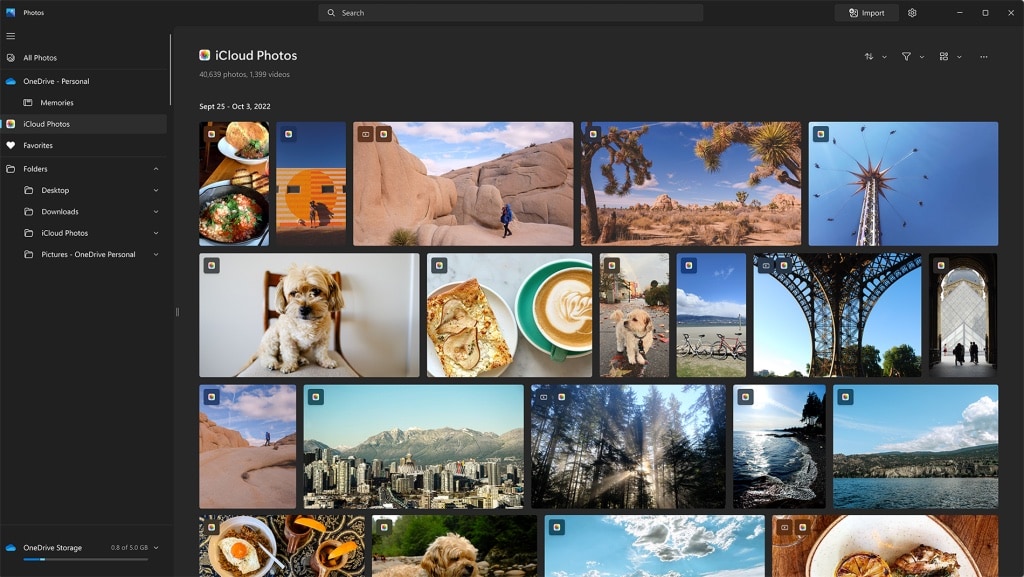
Thanks to cooperation between Apple and Microsoft, the Windows 11 Photos app is now able to access photos and videos from iCloud.
This is one of several recent cross-platform collaboration moves by the two tech titans.
Microsoft and Apple are cooperating to enable the Windows 11 Photos app to access photos and videos from iCloud. In addition, the Apple Music and the Apple TV applications are also coming to Windows.
The Apple vs. Microsoft war is truly over.

Apple says it has eliminated the iCloud sync issue that has been causing all kinds of disruption inside third-party apps.
The problem first surfaced late last year, soon after iOS 15 made its debut, and sporadically prevented many apps from syncing data through iCloud — much to the frustration of users and developers. But it is said to be eliminated now.

Apple paid a cybersecurity student what’s thought to be a record-high $105,000 bug bounty. Why? He showed the company how hacking its webcams can render the devices fully vulnerable to further attacks.

A growing number of developers report persistent CloudKit connectivity issues that break iCloud syncing inside their apps.
It seems the problem has been ongoing since at least November. Many developers say they reported the situation to Apple but have yet to see improvements — or even a response in some cases.
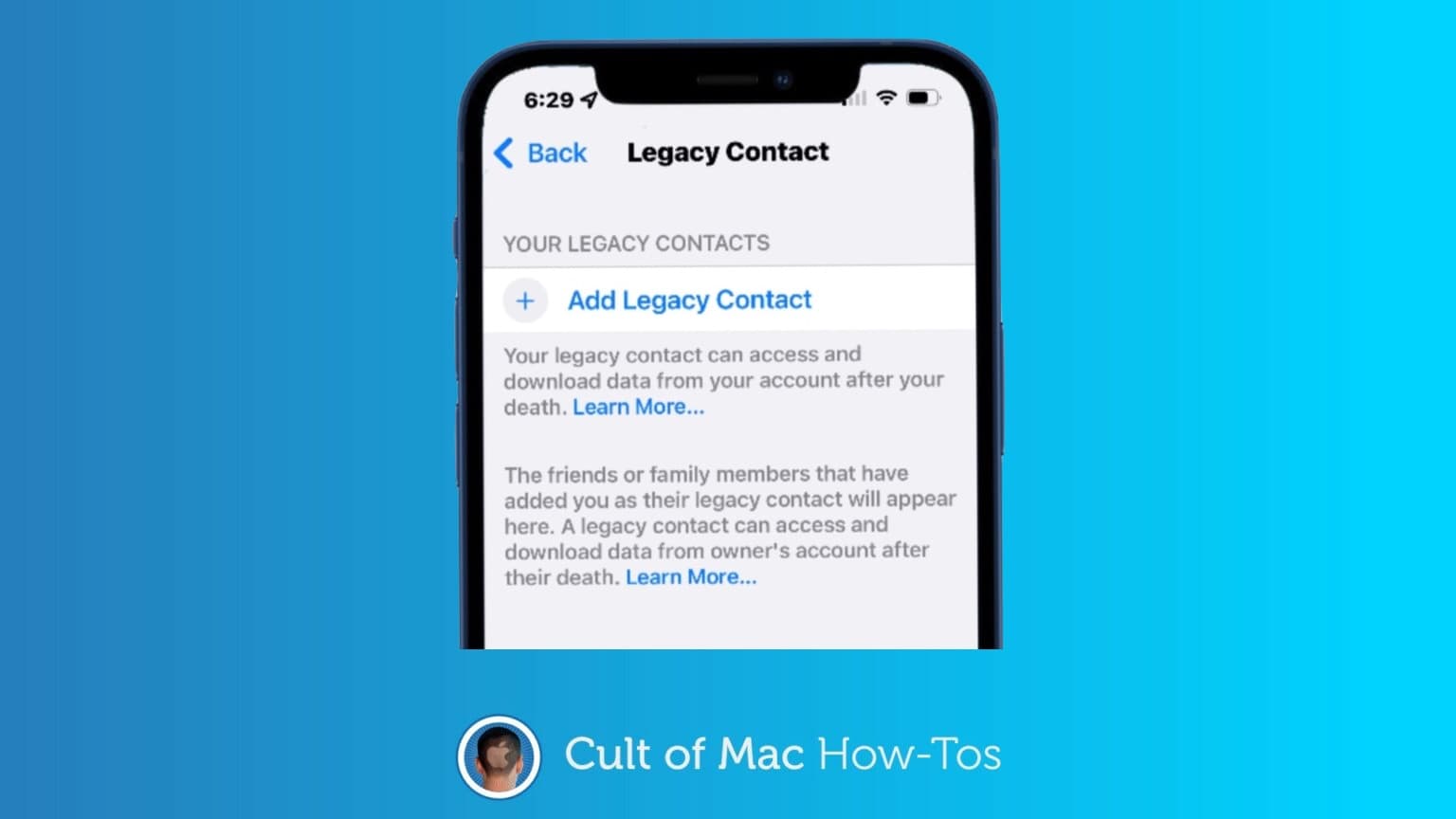
Thanks to a new feature in iOS 15.2, you can designate legacy contacts so your loved ones can gain access to data on your iPhone or iPad after your death without your passcode. The Digital Legacy feature means your personal images, files and other data don’t need to remain locked away after your untimely demise.
It’s easy to specify a Digital Legacy contact. And, like writing a will, it’s a smart move almost everyone should make sooner rather than later. Here’s how.