Mobile menu toggle

iCloud - page 5

US Senator proposes new law aimed at limiting Apple data flow to China

By

China
Tim Cook meeting with China's vice premier.
Photo: Tim Cook

One of tech’s biggest opponents in Washington D.C. proposed a new bill this week that could have huge implications on Apple and TikTok’s business operations if put into law.

GOP senator Josh Hawley from Missouri introduced legislation today that would prevent the Chinese company that owns TikTok from collecting information on American users and sharing it with the Communist Party of China. The bill would also stop American companies like Apple from storing user data in China.


The best alternatives to Apple’s disastrous MacBooks

By

Macbook alternatives: The Surface Book comes with a 100%-working keyboard.
Unlike MacBooks, the Surface Book comes with a 100%-working keyboard.
Photo: Clint Patterson/Unsplash

Apple’s current line of MacBooks is probably its worst laptop lineup in years. The keyboards are so broken that even the newest MacBook Air is covered under Apple’s keyboard repair program. There are too few ports, and too much heat. And if you want to upgrade any internal parts? You’ll have to buy a new MacBook. But what are the best MacBook alternatives?

If you want to ditch the MacBook, you will find plenty of options. However, none of them offer one essential element: macOS. Switching to another operating system is like moving house and having to leave everything but your clothes behind. But there are workarounds even for that. Let’s check out the best alternatives to the MacBook in 2019.

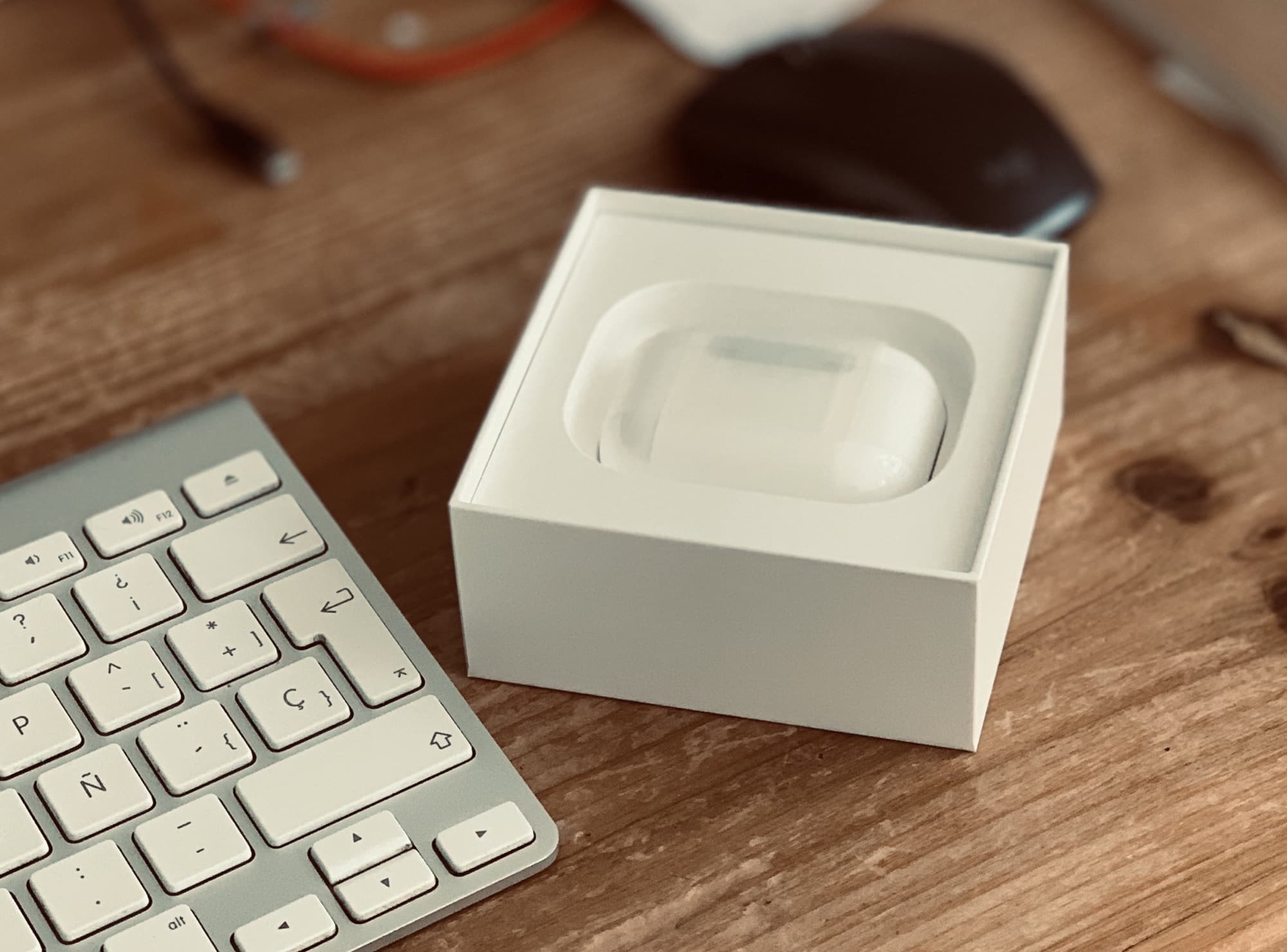
How to give away your old AirPods

By

Unpair airpods
New AirPods? Why not give your old AirPods away?
Photo: Charlie Sorrel/Cult of Mac

You’ve got your amazing new AirPods Pro, and now you have a set of perfectly good (if a little waxy) AirPods Normal just taking up mental space.

Should you keep them as spares? I guess that’s the safe route (just in case you misplace the Pros). But how about giving them away to a friend or family member? Today we’ll see how to unpair AirPods from your iCloud account so you can do just that. (Plus how to clean them before you pass them along.)

With the holiday season approaching, maybe you could make someone very happy.

Why can’t you turn off Personal Hotspot in iOS 13?

By

Personal hotspot
No, not that kind of hot spot.
Photo: Charlie Sorrel/Cult of Mac

iOS 13 isn’t just about exciting new bugs. Apple did a lot of cleaning up and moving things around in its latest mobile operating system. One big, behind-the-scenes feature change comes in the iPhone’s Personal Hotspot. You can no longer turn it off. Or rather, you haven’t been able to turn it off for a while now. It’s just that iOS 13 finally makes it explicit.

However, this doesn’t mean your iPhone will constantly broadcast its hotspot status, or that it will run down your battery. In fact, this feature is now easier to understand, and more sensibly described, than ever. Here’s what the Personal Hotspot changes in iOS 13 mean.

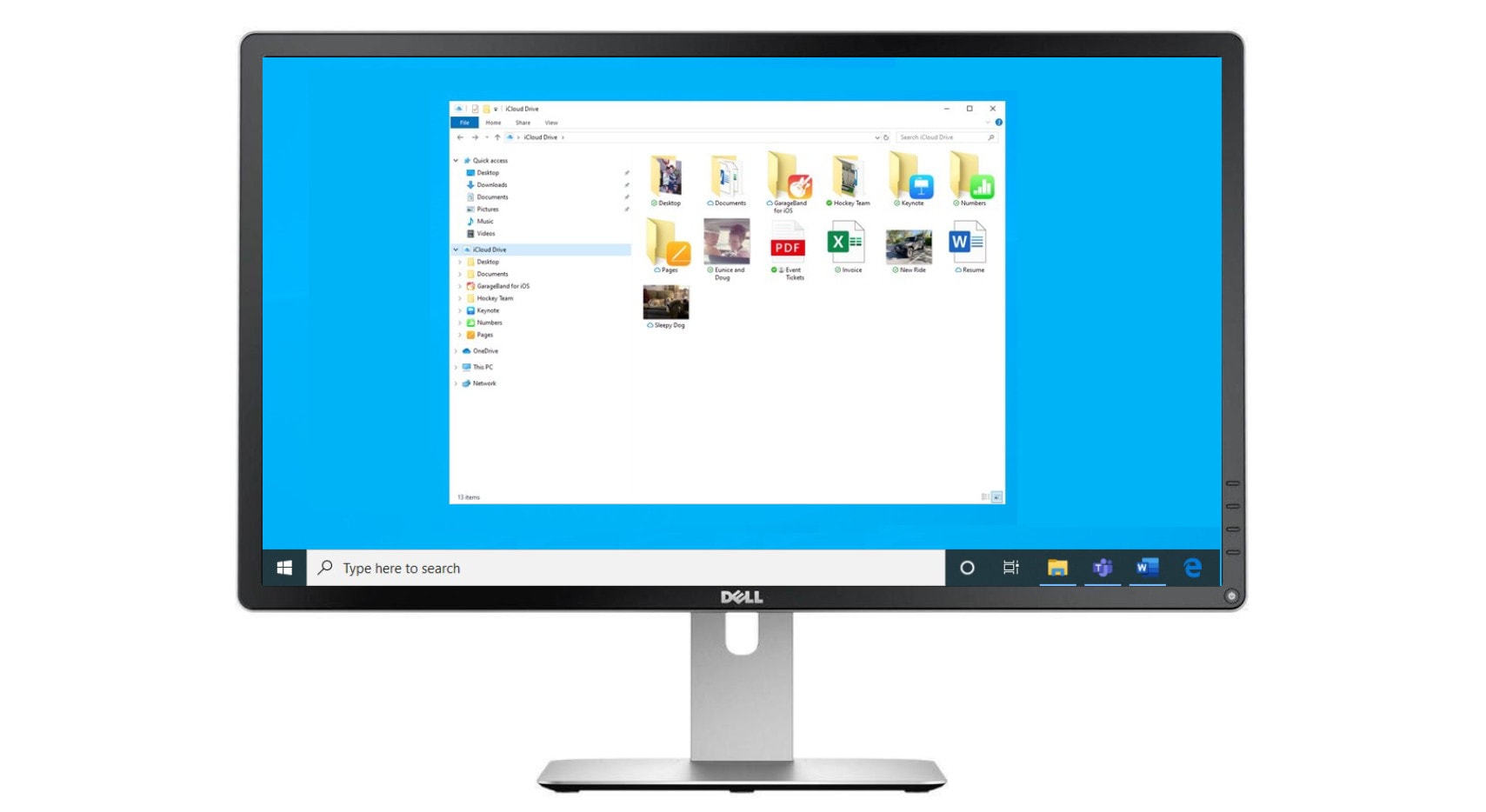
Apple patches iCloud, iTunes for Windows to plug malware hole

By

Apple iCloud for Windows app
Update today!
Photo: Microsoft/Cult ofMac

Apple’s latest patches for iTunes and iCloud for Windows are out to block potential ransomware attacks.

The software previously contained a vulnerability that allowed malware to piggyback on Apple’s digital signatures and go undetected by antivirus software.

And don’t assume you’re safe if you’ve already uninstalled Apple’s apps.

Apple launches new beta version of its iCloud web portal

By

iCloud new version
The new iCloud interface.
Screenshot: Apple/Cult of Mac

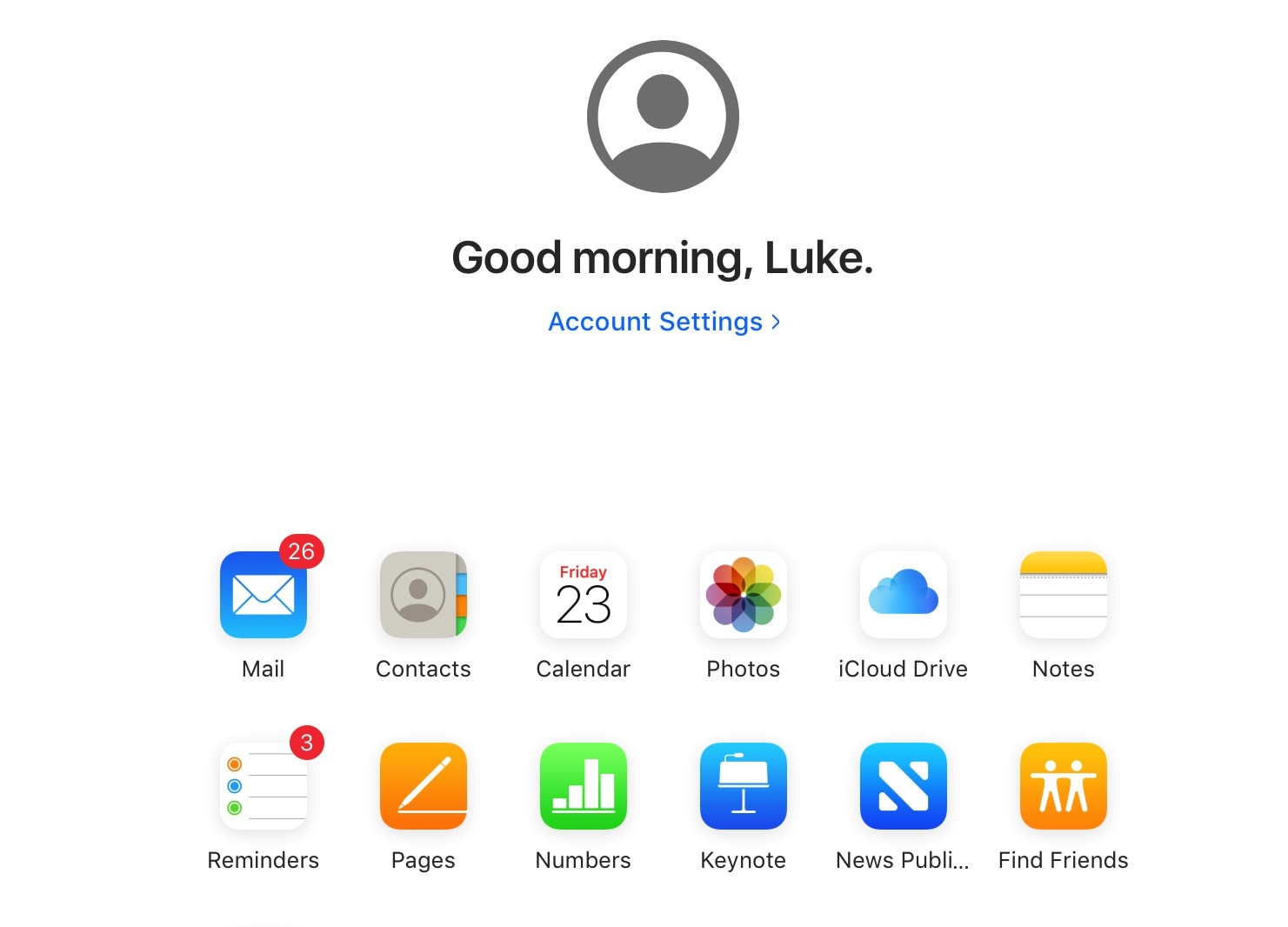
Apple has launched a new beta version of its iCloud web portal. It includes a new background, revamped Reminders app, and new launch screen.

The change ditches the bubble-filled blue backdrop the iCloud web portal had before. Instead, there’s now a simple minimalist white background.

Apple sued for alleged lack of transparency over iCloud data

By

iCloud
Apple isn't completely clear about where your data ends up.
Photo: Apple

A class-action lawsuit filed this week takes aim at Apple for storing some iCloud data on third-party servers.

The company is accused of breaching consumer trust to sell iCloud subscriptions. It states iCloud data will be “stored by Apple,” but offloads some of it to Amazon and other companies.

Apple expands bug program with monstrous $1 million bounty

By

The CIA has a team of more than 5,000 hackers.
Hackers can get PAID for finding bugs now.
Photo: Brian Klug/Flickr CC

Apple is ready to pay a bigger bounty than any other tech company when it comes to finding bugs on the iPhone or other Apple products.

The iPhone-maker revealed today at the Black Hat conference in Las Vegas that it will now pay up to $1 million for some discovered vulnerabilities, up from the $200,000 it offered when the bug bounty program began three years ago.

How to send a green-bubble SMS from your iPad

By

Old mobile phone toy: This is how
This is how "texts" were sent before the flux capacitor made Skynet possible.
Photo: Charlie Sorrel/Cult of Mac

Did you know you can send regular old green-bubble SMS (and MMS) messages from your iPad? And even from your Mac? Well, you can, and it is dead easy. It’s called Text Message Forwarding, and it works by using your iPhone as a conduit to the cellular phone network.

Let’s set it up and see how it works.

How to stop your Photos library from taking over your Mac

By

Film Contact sheet
Don't let your photos take over your whole SSD.
Photo: Charlie Sorrel/Cult of Mac

The Photos app on the Mac has two options for storing your photos. You can tell it to keep the full-size originals of everything, or you can have it self-manage, keeping your master library in iCloud and storing a mixture of full-resolution and low-res versions locally to save space.

The trouble is, even when you choose the “Optimize Mac Storage” option, the Photos app’s storage can metastasize and take over your whole drive. Today we’ll see how to cap this storage, giving Photos a hard limit on how much space it can use. For instance, if you have a MacBook with a 128GB SSD, you could choose to only use 30GB for Photos — and it will never, ever use more.

Beta users can now sign into iCloud using Face ID or Touch ID

By

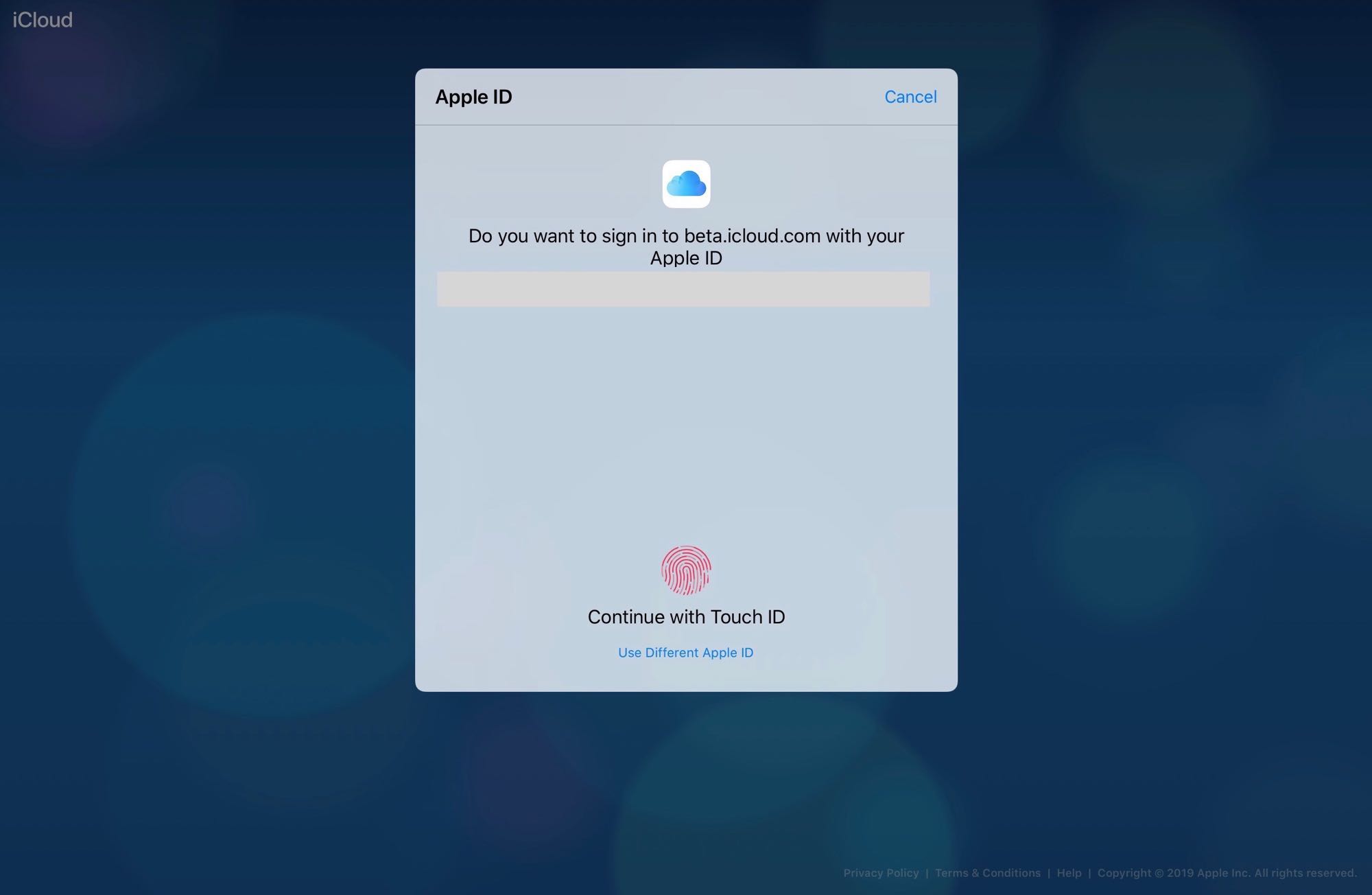
The latest Apple betas offer the option of signing in with Face ID or Touch ID.
Screenshot: Charlie Sorrel

Users running the latest iOS 13, iPadOS 13 or macOS Catalina betas can now sign into iCloud using either Face ID or Touch ID.

If you’re using these beta versions, visiting iCloud in Safari will present a pop-up asking if you want to log in using biometrics.

How to create smart playlists in Apple Music on iOS (finally)

By

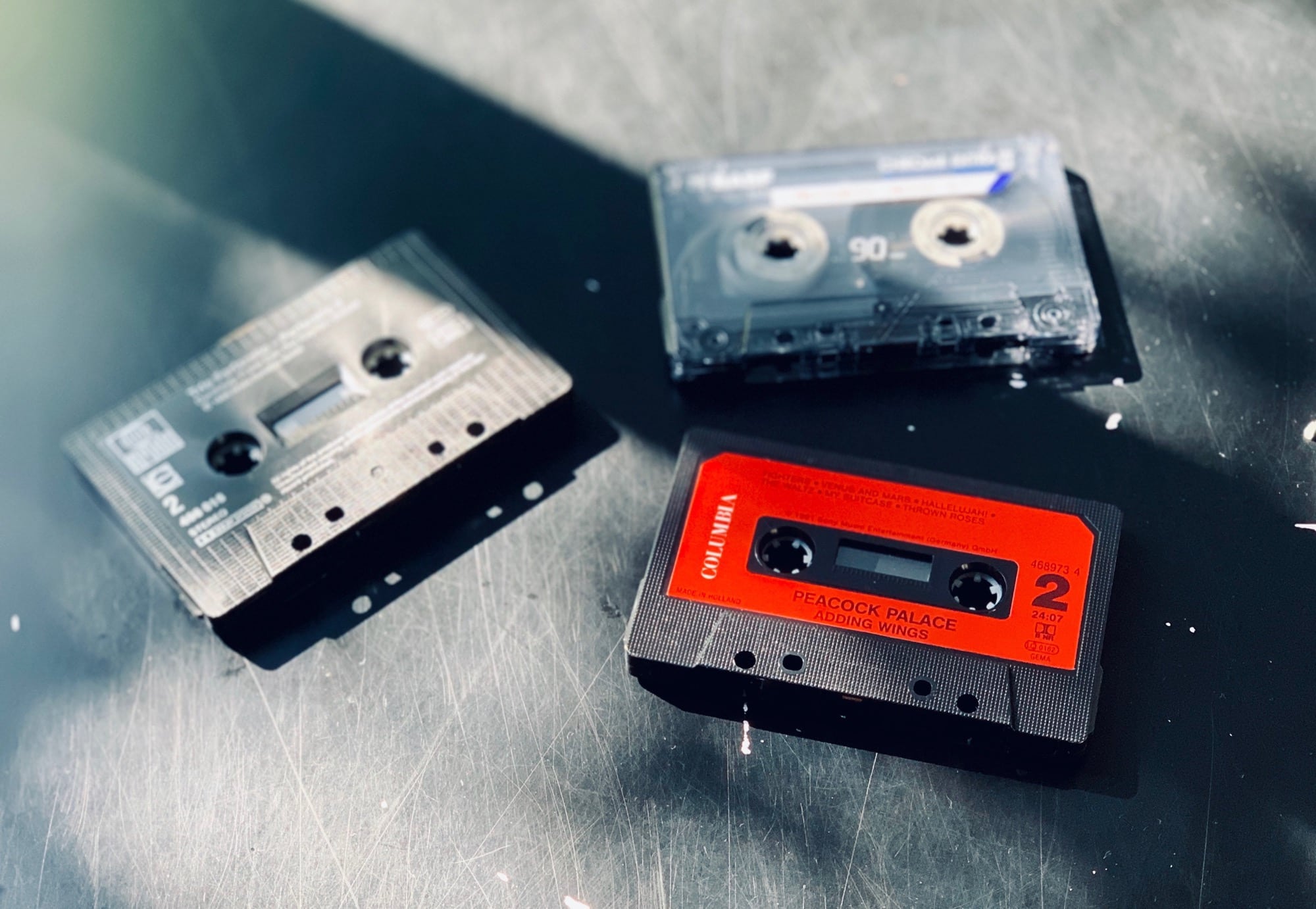
Cassette tapes
Let's do this.
Photo: Charlie Sorrel/Cult of Mac

It’s impossible to create smart Apple Music playlists directly on the iPhone. Or rather, it was impossible. Previously, you had to fire up iTunes on your Mac or PC, create a smart playlist there, and then let it sync to your iPhone over iCloud.

Even in iOS 13, this is still the case. But now there’s another way. A new iOS app called Miximum can create smart playlists, and even sync them to the regular Apple Music app. It is, as they say, a game-changer.

It’s not just you, Apple online services hit with multiple problems [Updated]

By

Out of Order
This sign should be posted on many of Apple’s iCloud services.
Photo: publicdomainpictures.net

Apple reports that every iCloud service is currently experiencing problems. This affects users of iCloud Drive, Keychain and many more.

However, this doesn’t seem to be cropping up for every user. And many of this company’s other online services are running fine.

Update (3:40pm): All today’s issues with Apple services have been cleared up.

iOS 13 wish list: Giving health & fitness a workout

By

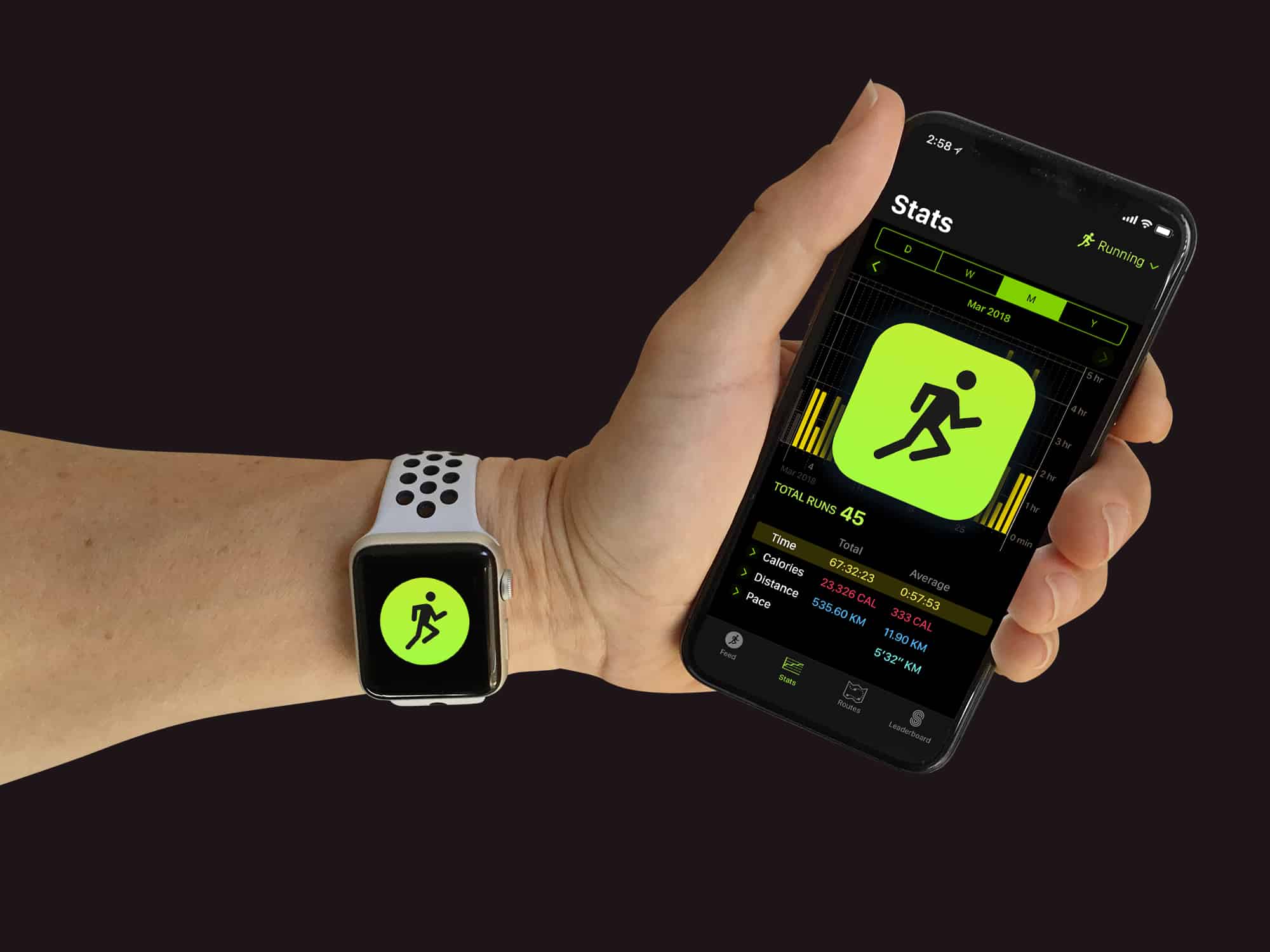
Will Apple move workouts to iCloud so you can browse them on any device?
Photo: Graham Bower/Cult of Mac

WWDC is less than a week away and there are already plenty of rumors doing the rounds on what new features Apple has in store for iOS and watchOS. Dark mode, a refreshed Reminders app and a new Find My app all look set to make an appearance.

But will Apple also be giving its operating systems a shot in the arm to improve their health and fitness as well? Here’s my top-ten wish list of announcements I’m hoping to hear during next week’s keynote. These features will get my pulse racing so fast it’ll trigger a heart rate warning on my Apple Watch.

Court orders Apple to give widow access to late husband’s iPhone photos

By

court order iCloud access
Plan ahead so that family can access your iPhone photos if you die.
Photo: Jim Merithew/Cult of Mac

A U.K. court ordered Apple to provide a widow access to her late husband’s iPhone photos, after a lengthy legal battle that ended Sunday when the woman and her daughter could finally look at the pictures.

Matt Thompson did not leave a will when he took his own life in 2015, and Apple makes clear that user accounts are non-transferable after death.

Brace yourself for Apple’s next ugly earnings call

By

Apple earnings
Apple's Q2 earnings are expected to be a bit of a downer.
Photo: Ste Smith/Cult of Mac

Wall Street is anxiously awaiting Apple’s earnings report for the second quarter of 2019 that will be delivered on Tuesday, April 30. Apple’s stock value has risen about 30% this year even though iPhone sales are slowing.

Most analysts predict that nearly all of Apple’s numbers will be down compared to the same quarter last year, but there are few bright spots that could cause the company’s stock price to surge. After looking at the analysts’ numbers, we’ve found a couple of key areas to watch for.

Apple actually reducing dependence on Amazon cloud services

By

This isn't actually Apple's data center, but it's close.
Apple is increasingly using its own data centers, rather than outsourcing iCloud storage to rival companies.
Photo: Pexels

Although a recent report indicated that Apple is spending about $30 million a month for Amazon’s cloud services, new information indicates that’s a considerable reduction from the past.

This is a result of Apple’s growing collection of data centers around the world.

How to back up your iMessages (and why it’s essential)

By

Never lose your old messages again.
Photo: Charlie Sorrel/Cult of Mac

Why would you bother to back up your iMessages? After all, they’re all stored in iCloud these days, right? Well, yes your messages are all stored in iCloud, but they’re not backed up up there. They’re synced, which means that if you delete a message thread, it’s gone forever. The answer is to make a local backup, which requires a Mac. Which is ridiculous in 2019, but there you go.

Here’s how to back up your iMessages in case the worst happens.