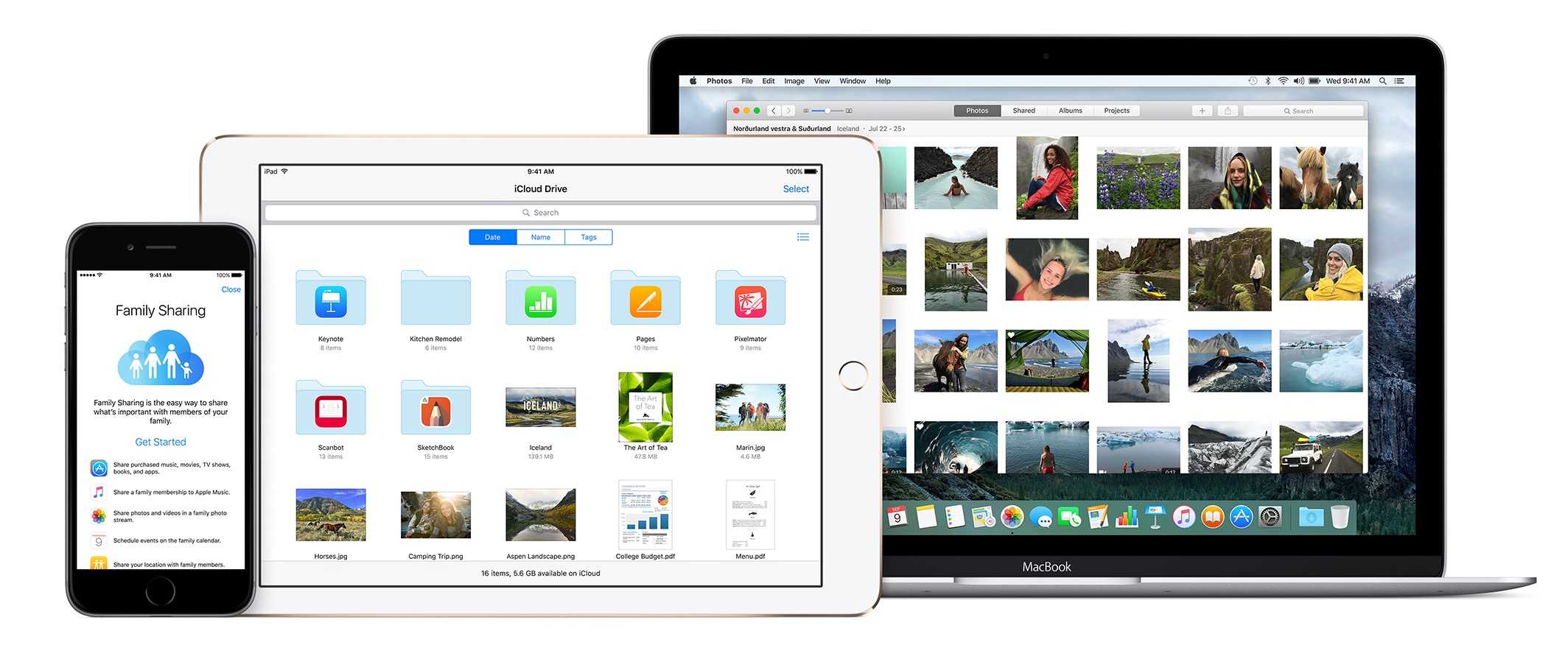
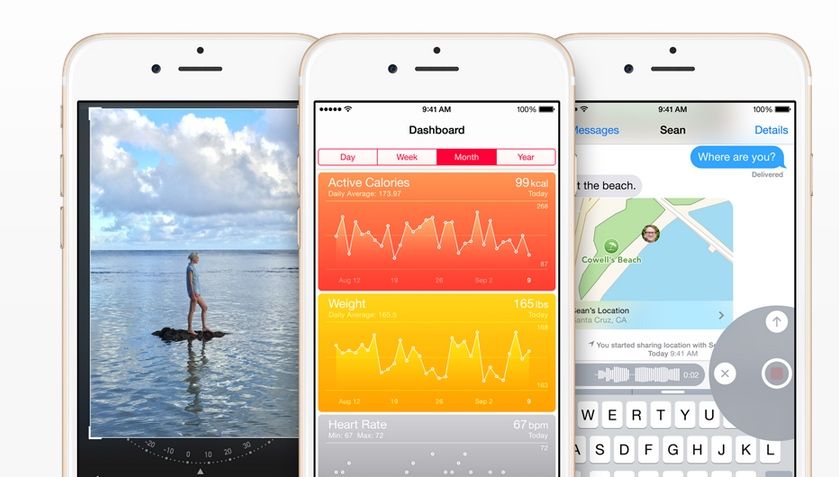
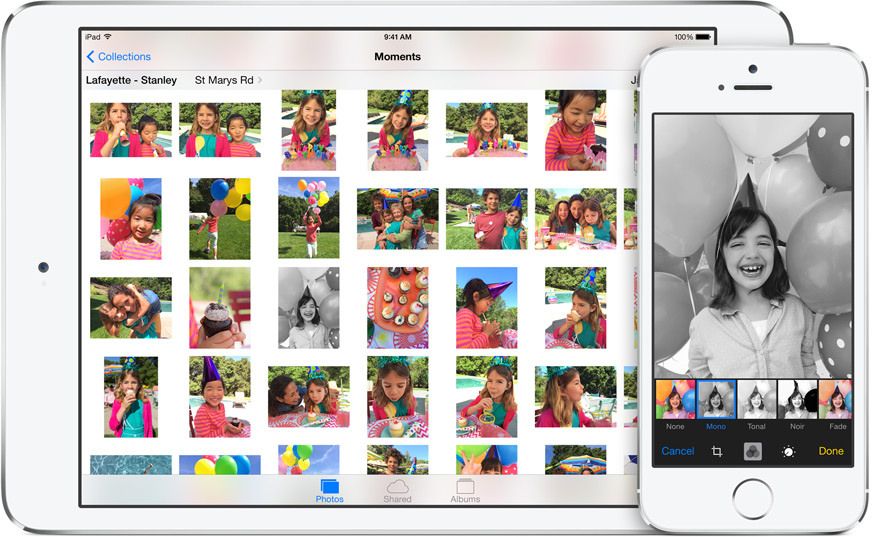
Loads of new features come in Apple’s upcoming software update. Image: Apple/D. Griffin Jones/Cult of Mac
The new Photos app in iOS 27 clearly did not get the memo that this was a small year of bug fixes and performance improvements. While it is faster and more stable, there are tons of excellent new features top to bottom. Sorting through the largest photo libraries will be easier than ever in iOS 27.
Here are all the new features you can look forward to — or, if you’re daring, try out now.
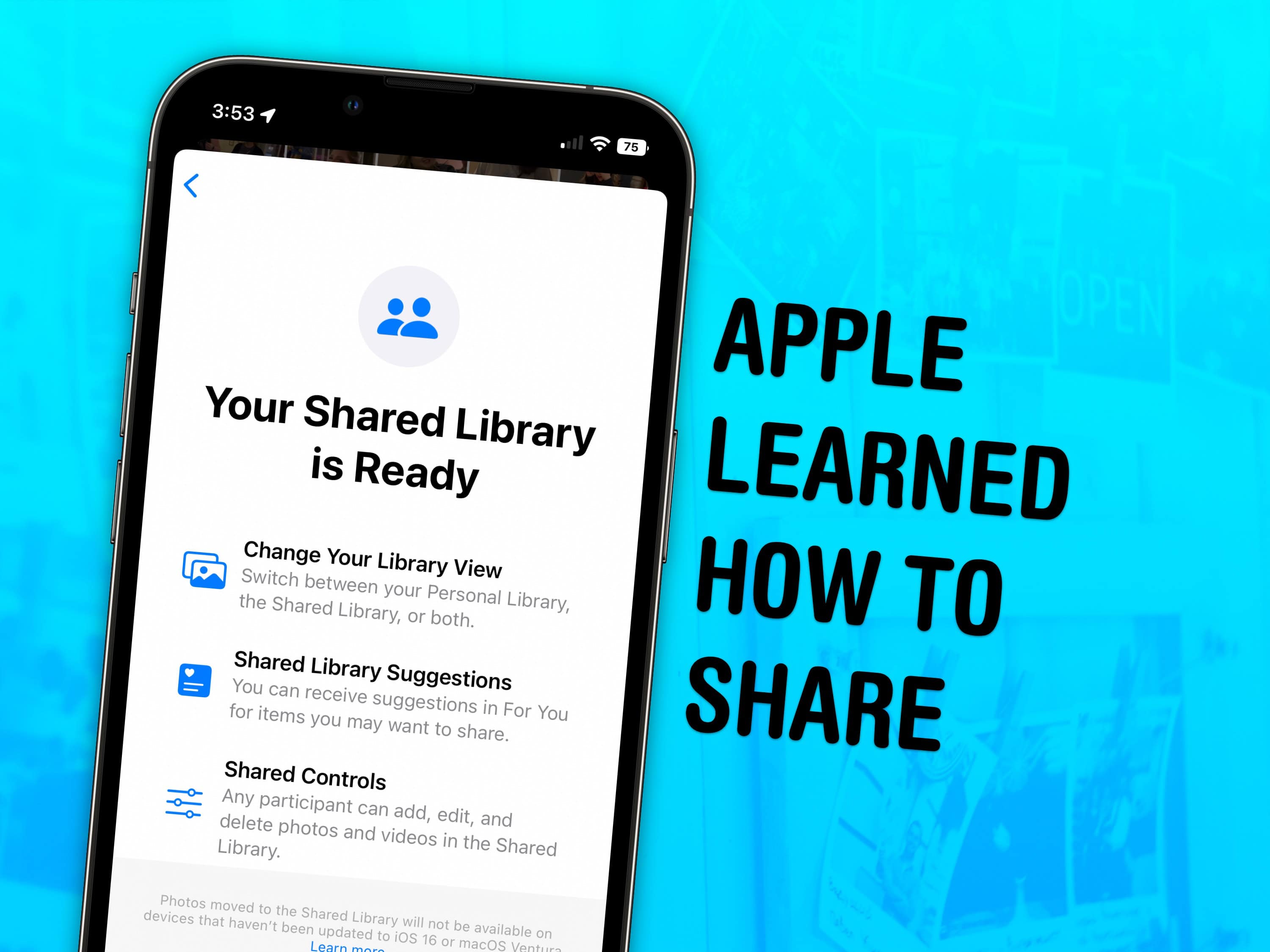
Sharing a photo library with your family is super easy. Image: D. Griffin Jones/Cult of Mac
Skip the hassle of manually sending your family all the vacation photos — enable a shared iCloud Photo library instead. Everyone in your family automatically gets all the family photos as if the images were in their own camera roll — in full quality.
Your iPhone will identify faces in photos (securely and privately), and any pictures of people who are in the family will be added to the shared library. If all of your phones are in the same place while you’re taking a lot of pictures, even if you aren’t in them (like at an aquarium or a museum), those pictures will be added automatically, too. As you’re shooting in the camera, you can easily toggle between the shared library for everyone and the private photo library on your own devices.
Starting a Shared Photo Library with your family is the best way to organize family photos. Continue reading to see how to turn it on.
Copying images and videos from iCloud Photos to Google Photos is surprisingly easy. Graphic: Cult of Mac
Apple now makes it easy to copy the pictures and videos you have stored in iCloud Photos over to Google Photos. The process is straightforward, but there are a few hoops to jump through.
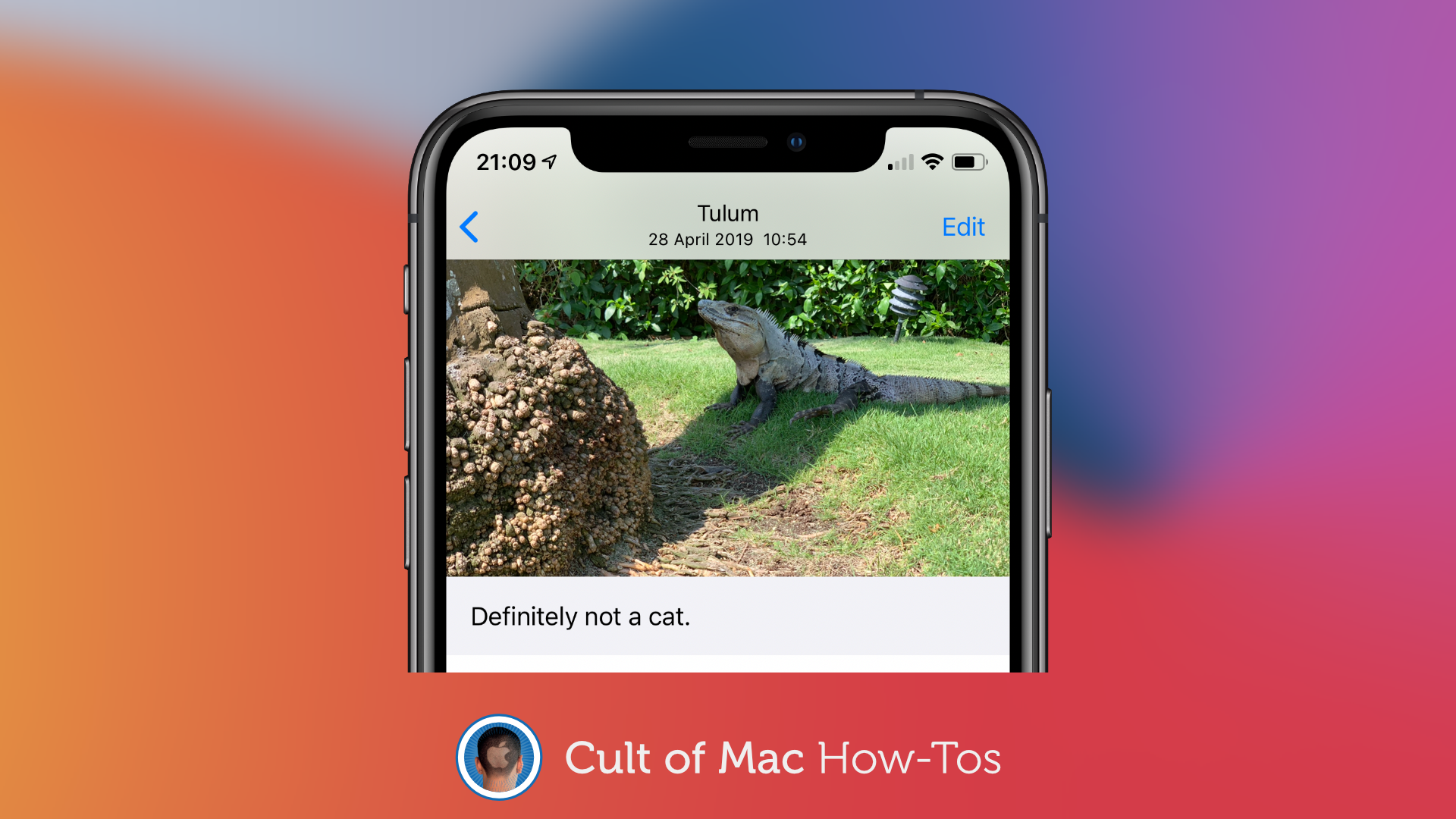
Add important details to your snaps. Image: Killian Bell/Cult of Mac
iOS and iPadOS 14 let you add captions to your photos for the first time. You can use them to add detail to your most precious memories, and to make images easier to discover through search.
Back up your precious — and totally non-creepy — memories. Photo: Charlie Sorrel/Cult of Mac
Wait, what? Why would you want to back up your iCloud Photo Library? Apple takes care of that, right? After all, the clue is in the name — the library is stored in iCloud.
Not so fast. That’s true, but what if something screws up at Apple’s end? What if you lose access to your iCloud account? What if, what if, what if? In most cases, you’ll be fine, but being a good computer nerd, you probably understand the value of redundant backups. So today we’ll see how to make sure all your images are safely stored. Just in case.
If you buy the 64GB iPad Pro, you're getting ripped off. Photo: Apple
I’m a pretty seasoned iPad buyer. I’ve been using them since the very first iPad back in 2010, and I’ve always known exactly how much storage to buy. Back in the early days it was easy — never buy the lowest storage tier, and if in doubt, always buy more than you think you’ll need. But today, the issue is a lot less clear. With cheap iCloud storage, and a pretty-decent entry level of 64GB, how do you decide how much space you need? Let’s see.
Apple’s iCloud platform is getting fresh competition this week from some of its former engineers who want to completely change the way content is stored on your iPhone.
Co-founded by Bertrand Serlet, former senior VP of software engineering at Apple, the new startup called Upthere is launching its first iOS app that allows users to store digital photos in Upthere’s cloud that was custom made to be screaming fast.
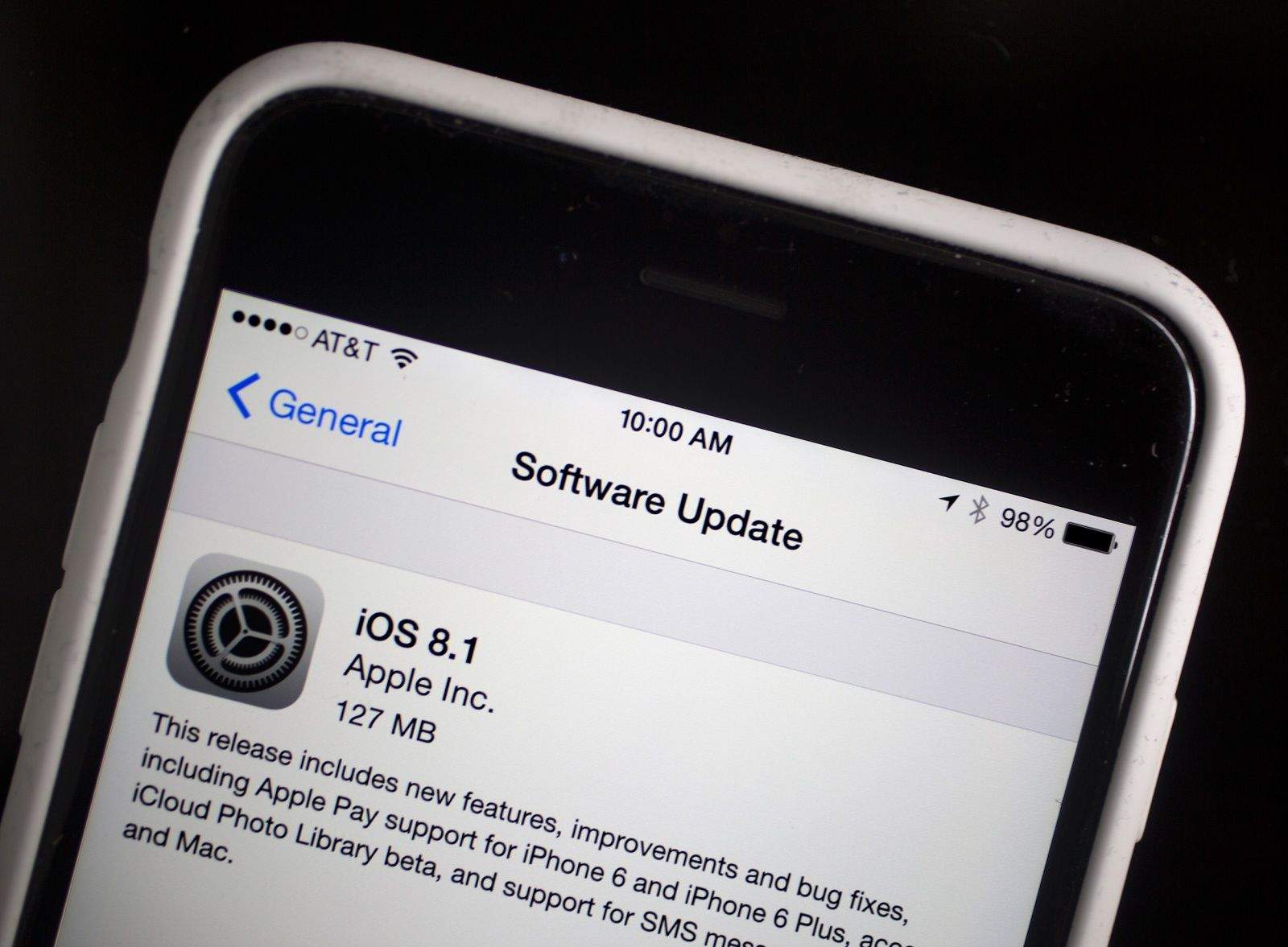
iOS 8.1 is now available to the public. Along with bringing Apple Pay into the wild, this major update is packed with new features that bring harmony to your iPhone and Mac workflow. Instant Hotspot and SMS Relay connect your iPhone like never before, and there are a few other sweet new features you probably haven’t heard about yet.
Here are the biggest features in iOS 8.1 you need to know:
Apple just released iOS 8.1, bringing Apple Pay, iCloud Photo Library and other new features to the mobile operating system.
Available now via Software Update, iOS 8.1 will let you quickly set up Apple Pay on compatible devices. Upgraders running OS X Yosemite will also notice additional Continuity features that let iOS 8 work with the latest version of the Mac operating system.
[UPDATE: Lots of readers report that the new option to activate iCloud Photo Library isn’t showing up on their devices. I’m looking into it. So far I know that the GM version — the one I used to write this guide — and the final version are identical, build number 12A365. My guess is that Apple turned off the beta already]
iCloud Photo Library is rad. The idea is that all your full-res photos (including RAW photos) reside on Apple’s servers, and you access them from all your devices.
That’s a change from Photo Stream as it is now, which stores only the last 1,000 photos you took, not your whole collection. Apple has also introduced new tiers of iCloud storage pricing to cope with all your photos (and videos). This is now live, and I signed up for the 200GB option ($4 per month) to test it out.
Apple finally fixed photography on iOS. Or rather, it’s fixed organizing your photos, wherever they might be. The iPhone is already a great camera. The problem was everything that happened after you tapped the shutter.
Now, in iOS 8 and OS X Yosemite, you’ll never have to worry about organizing your photos again — they’ll be everywhere, all the time. And best of all? It looks like you’re never going to need iPhoto again, on the Mac or on your iPad.