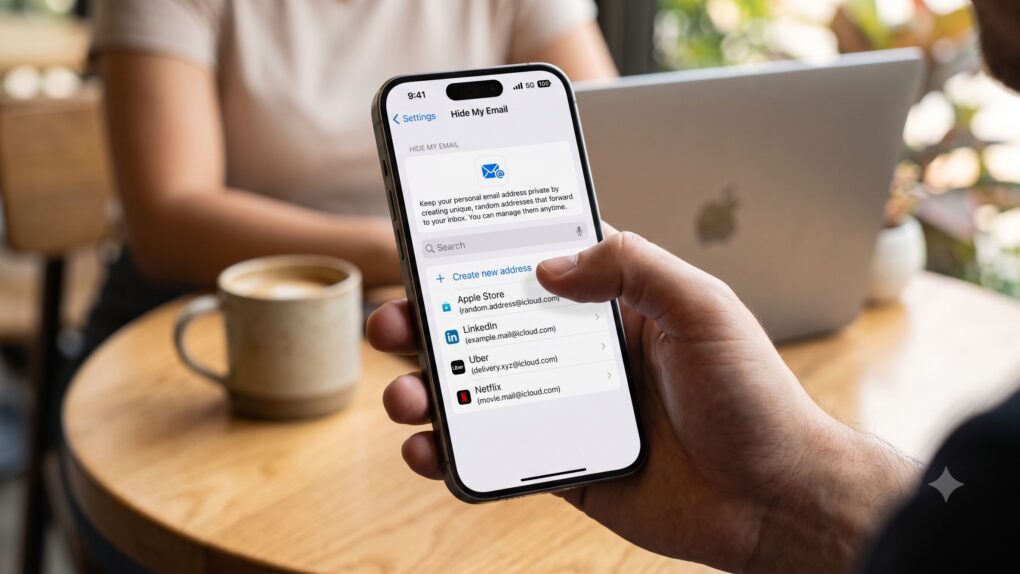
Apple finally fixes the Hide My Email flaw that allowed others to see the real email address behind an alias. AI image: Google Gemini/Cult of Mac
Apple finally fixed the Hide My Email vulnerability that allowed outsiders to unmask a user’s real address behind an alias. The patch went live on July 3, closing a loophole that Apple knew about for more than a year.
The fix landed only after the bug became public — and a class-action lawsuit followed close behind. But the bigger question is: Why did it take outside pressure to get Apple to fix it?
The Hide My Email lawsuit claims Apple knew its address-hiding feature was broken and kept selling anyway. Photo: Apple
Apple is facing a new Hide My Email lawsuit, and it does not look good. A proposed class-action suit claims the company sold customers privacy promises it couldn’t deliver on.
The suit says Apple knew about a certain flaw in its address-hiding feature for more than a year, but kept marketing Hide My Email as airtight privacy the whole time.
Hide My Email is supposed to keep your real address off signup forms — but a year-old bug means it may not be doing that. Photo: Apple
Apple’s Hide My Email has one job — to keep your real inbox out of other people’s hands. But it isn’t doing that job, and Apple reportedly knew this for more than a year.
If you’ve ever used Hide My Email to sign up for a sketchy app or website, you’ll want to pay attention. A security researcher says he managed to unmask the real email address behind virtually every Hide My Email alias. And Apple hasn’t fixed it yet.
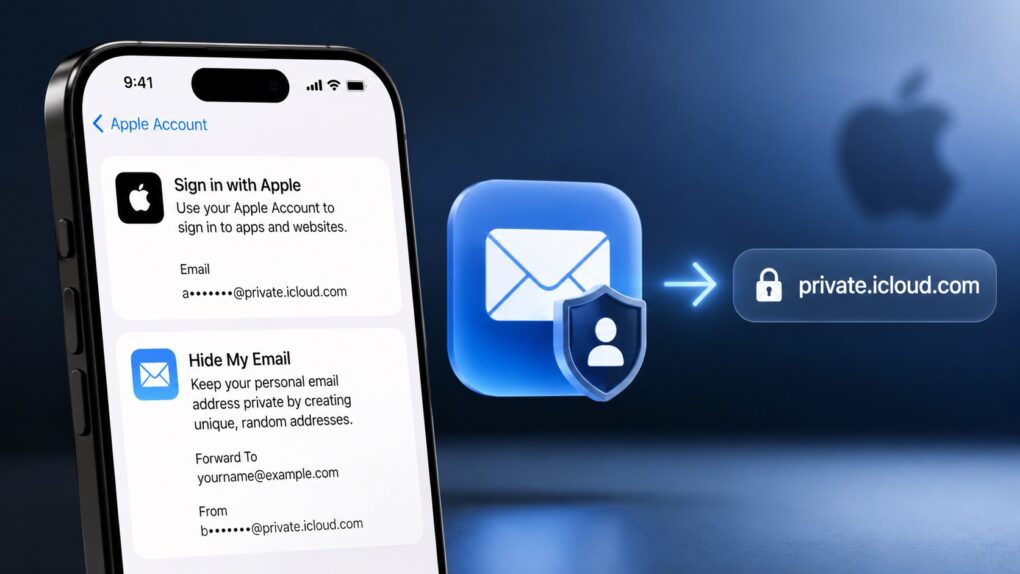
Apple’s privacy-focused email services are getting a unified domain. AI image: ChatGPT
Starting “later this summer,” Apple will use a unified domain for Sign in with Apple and Hide My Email. The two services will use the private.icloud.com domain.
The change will only apply to email IDs generated in the future. Existing accounts will continue to work with the old domain.
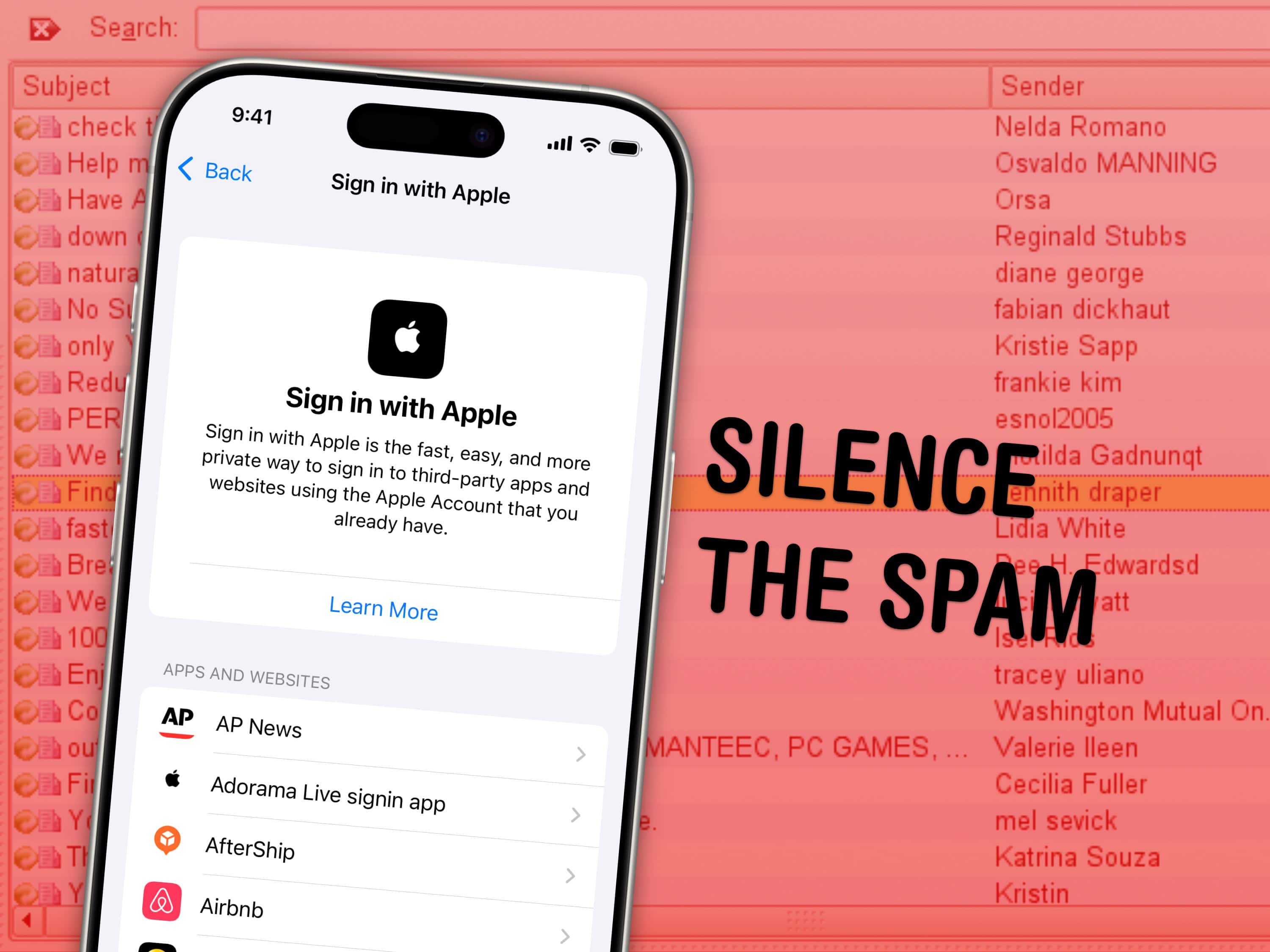
Apple’s privacy-focused features in Mail are really handy at keeping spam at bay, but you might still need to find that secret email address or delete an account after a while. Image: Ascánder/Wikimedia Commons/D. Griffin Jones/Cult of Mac
The Sign in with Apple feature, which lets you log into third-party accounts using your Apple ID while keeping your personal info private, is so easy to use that I utilize it everywhere. But that also means my disguised logins pile up, accumulating in the digital junk drawer that is iCloud Settings. If you ever need to manage or transfer yourApple purchases history, Apple now offers an option to migrate digital purchases between accounts.
I’ll show you where you can find, manage or delete these accounts. Perhaps you’re jumping ship from iPhone to Android, and you want to make sure you still have another way of signing into your Chipotle account.
The Hide My Email service is similar. It creates a temporary email address that forwards to your real one — handy if you’re signing up for a shady website, or if you need a public contact email. I’ll show you where you can create new ones and delete the old ones.
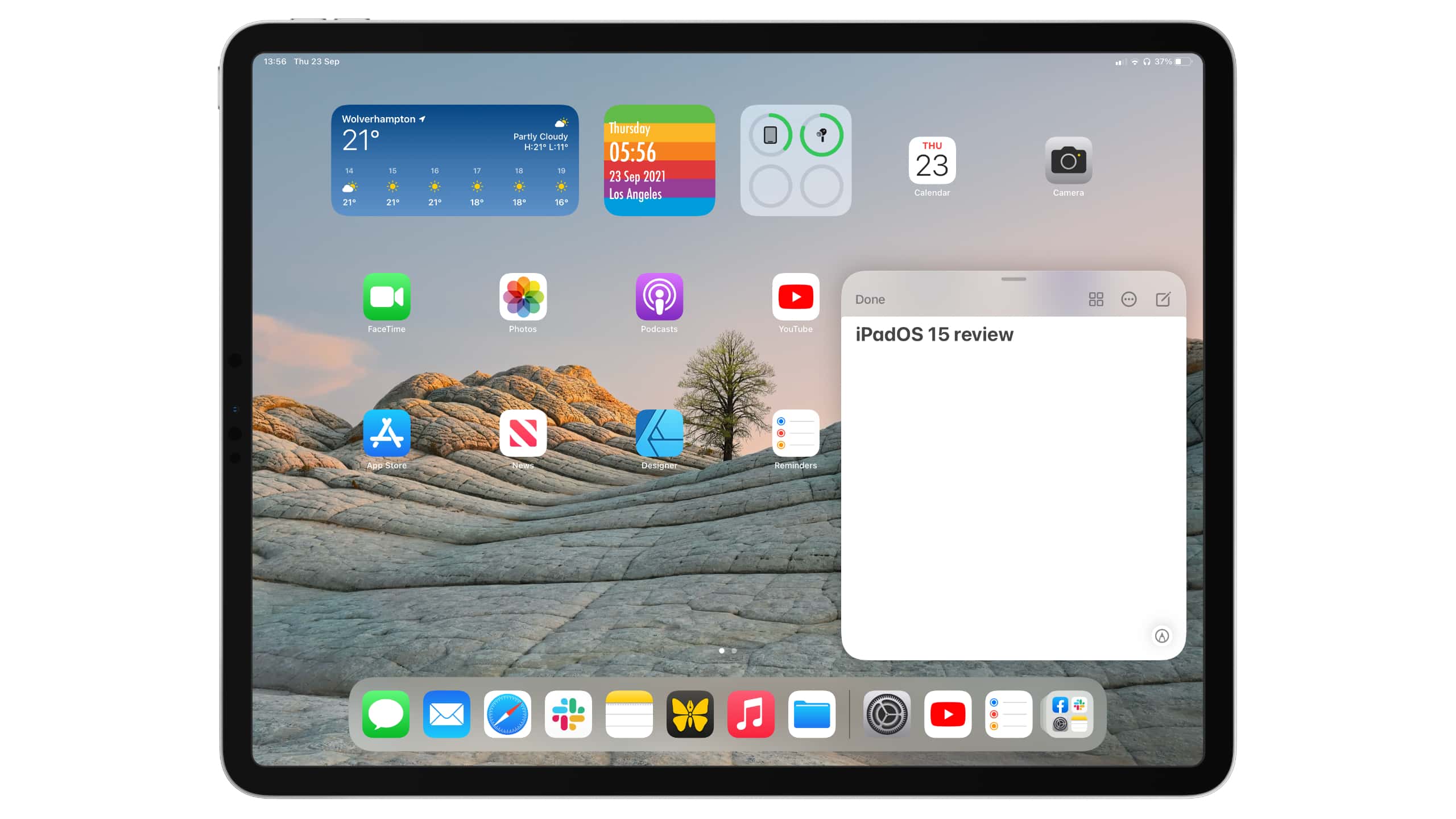
Improvements are nice, but just not enough. Image: Killian Bell/Cult of Mac
Apple somehow created the world’s greatest and most disappointing tablet operating system. iPadOS is by far the best you’ll find for larger touchscreens, and yet, it leaves us wanting so much more.
This year’s iPadOS 15 release is an incremental upgrade over its predecessor. It improves upon the split-screen multitasking system, adds some new features like Focus mode, and finally allows us to put widgets anywhere.
But it’s still iPadOS as we know it, and it’s still holding back iPad Pro. We could be doing so much more with the hardware, especially now that the newest models pack even-speedier M1 chips. But Apple won’t let us.
Here’s our full iPadOS 15 review. It lays out what’s good about the new operating system — and explains why we think it’s time for a little more ambition.
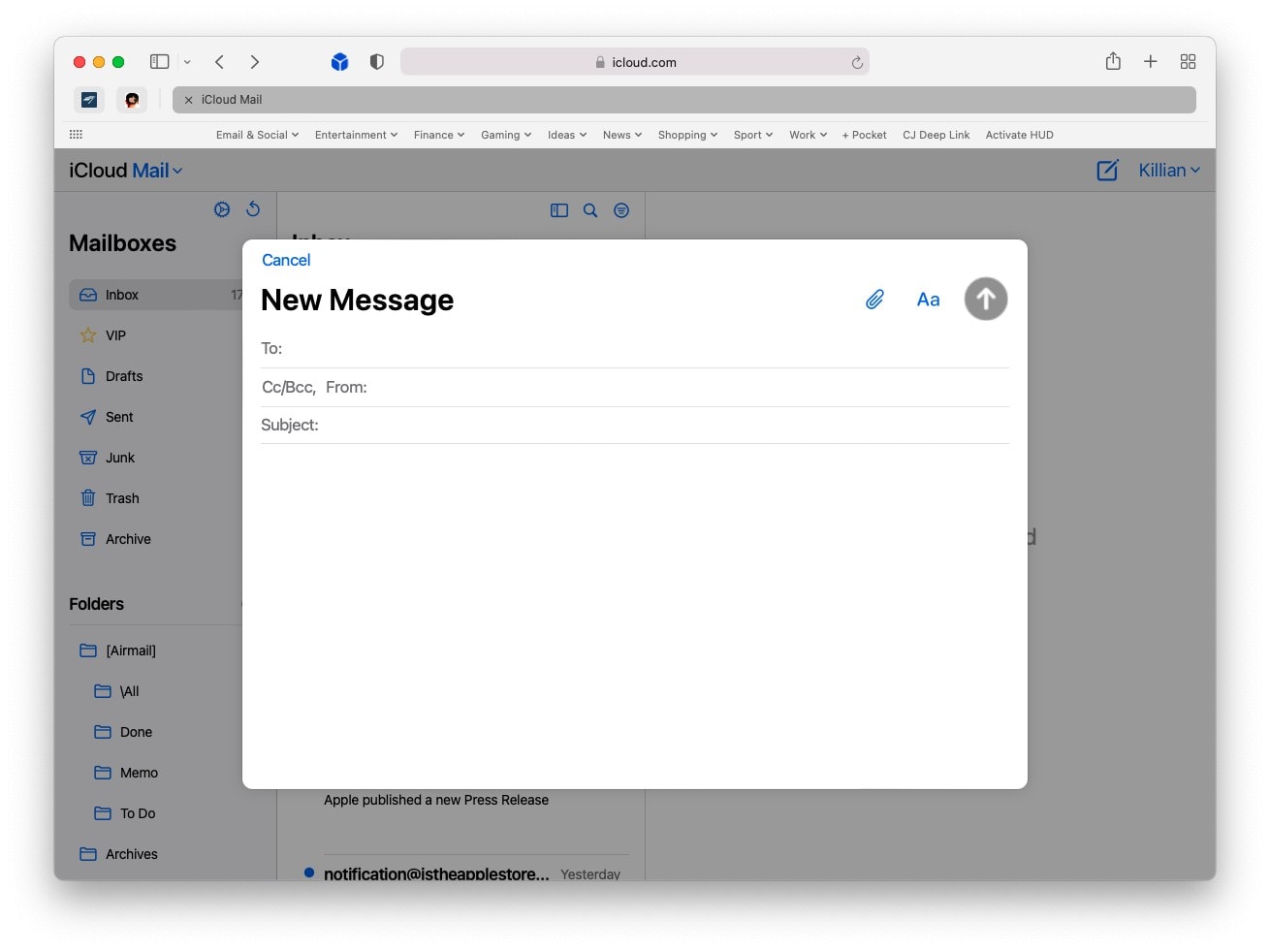
It's a big improvement over the last design. Screenshot: Killian Bell/Cult of Mac
iCloud Mail has a shiny new interface on the web. The new look, which first entered beta testing back in June, is now available to all. It will be instantly familiar to those who use the built-in Mail app on Mac and iPad.
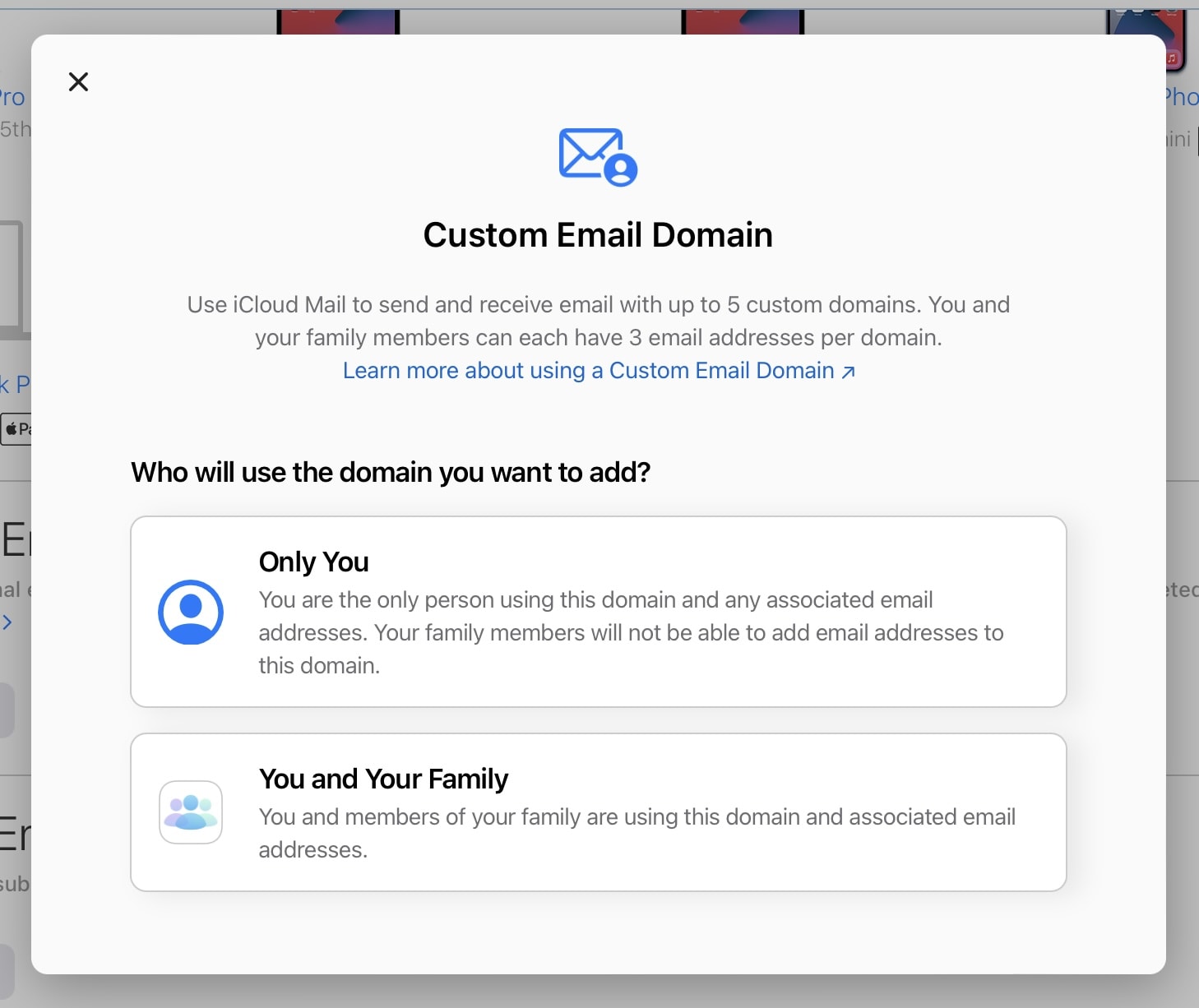
Anyone can access the feature in beta. Screenshot: Killian Bell/Cult of Mac
iCloud+ subscribers can now start using custom domain names with iCloud Mail. The new feature, announced at WWDC 2021 alongside iOS and iPadOS 15, just rolled out in beta with support for up to five custom domains.
Keep your real email address a closely guarded secret. Image: Apple/Cult of Mac
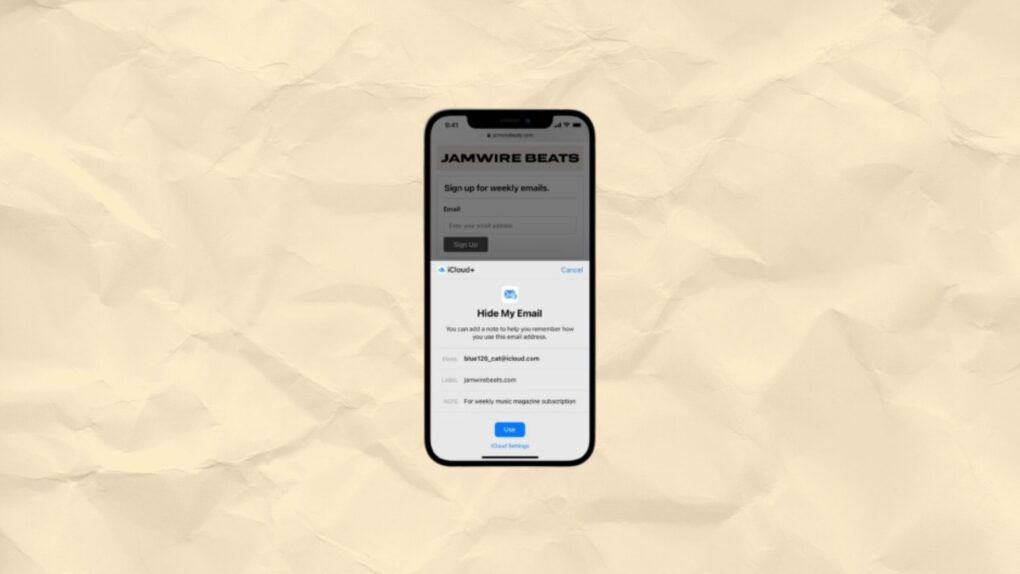
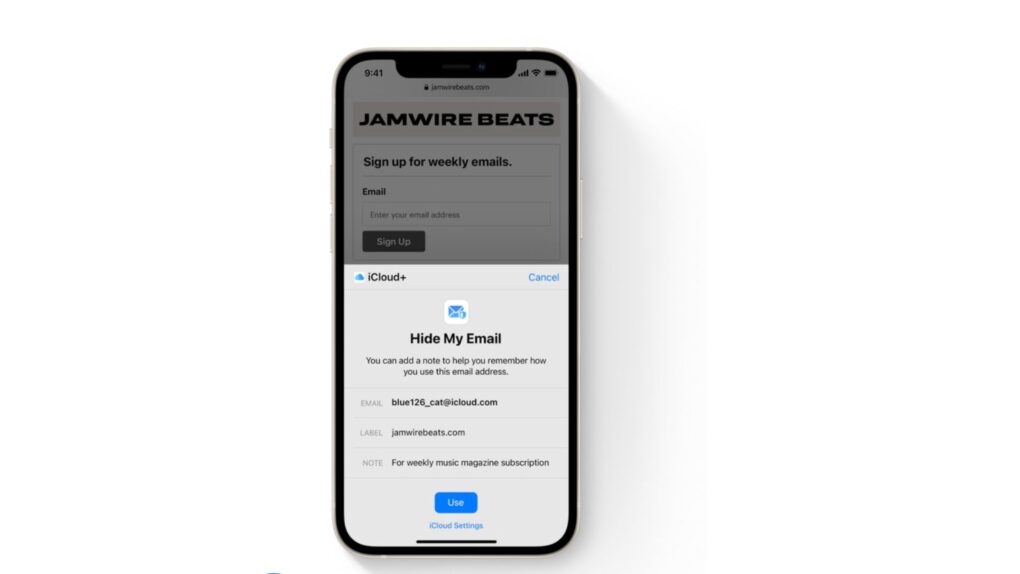
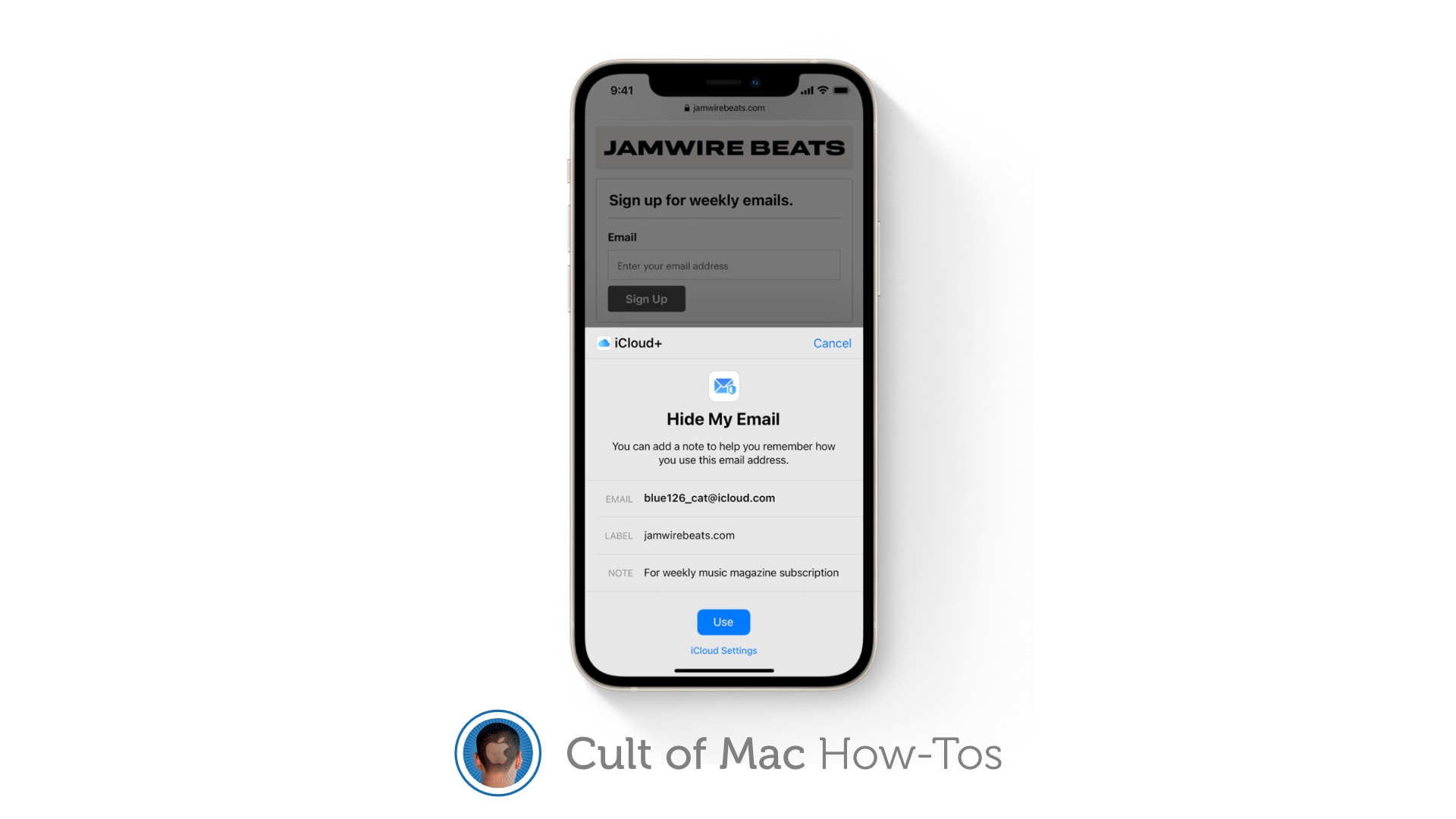
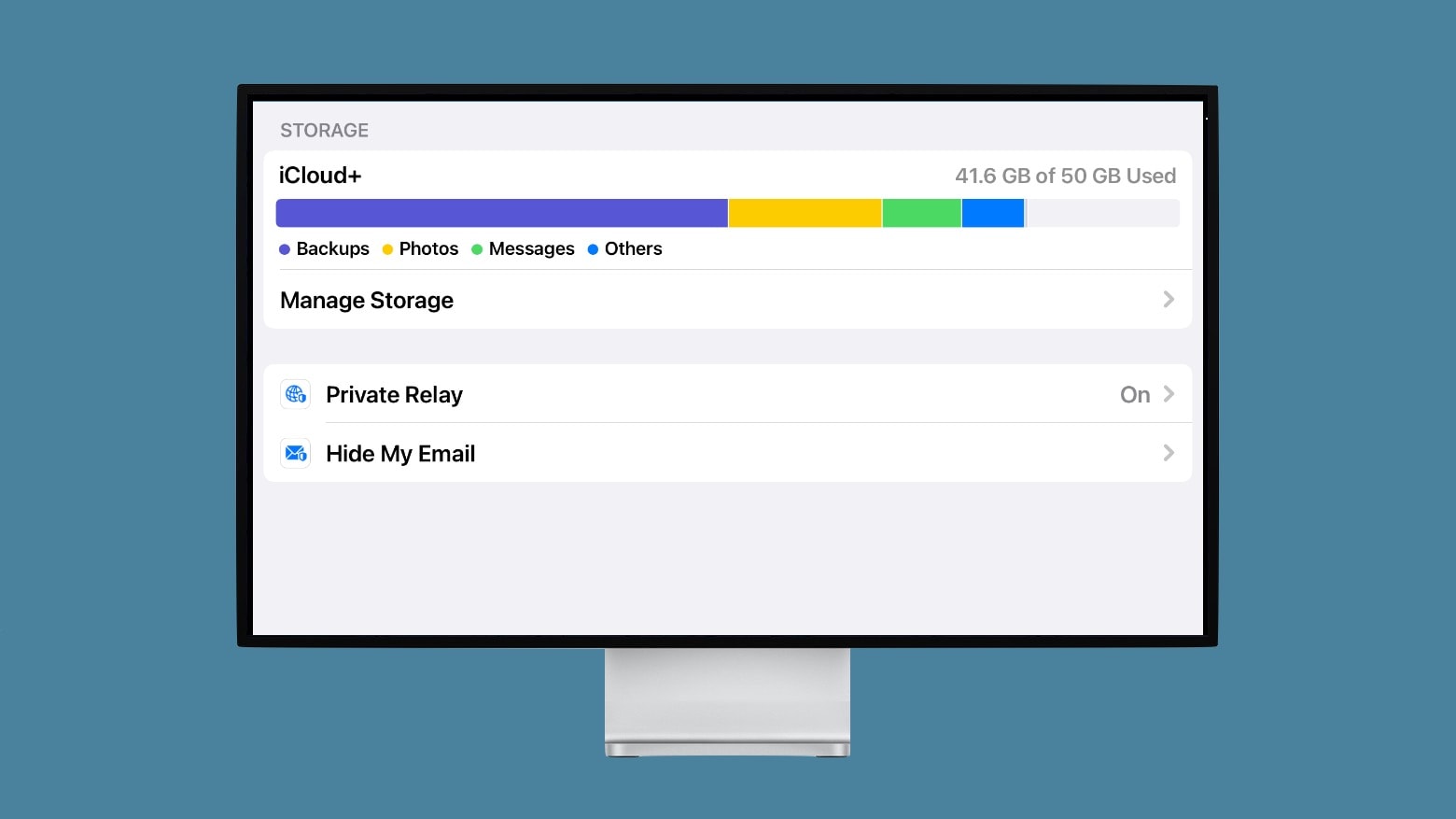
iCloud+ gives you the ability to hide your email address when completing online forms and signing up for newsletters in iOS 15, iPadOS 15, and macOS Monterey. Here’s how to activate and use the new Hide My Email feature.
Private Relay protects your online privacy. It’s the best part of Apple’s new iCloud+. Photo: Ed Hardy/Cult of Mac
Private Relay is the latest way Apple devices can protect your privacy. The service, a part of iCloud+, makes it much harder for the websites you visit to track you.
Unlike many of Apple’s privacy services, it’s not free. But the new iCloud+ service costs very little and comes bundled with iCloud storage at no additional cost. And it comes with some other privacy benefits, too.