Mobile menu toggle

Reviews - page 2

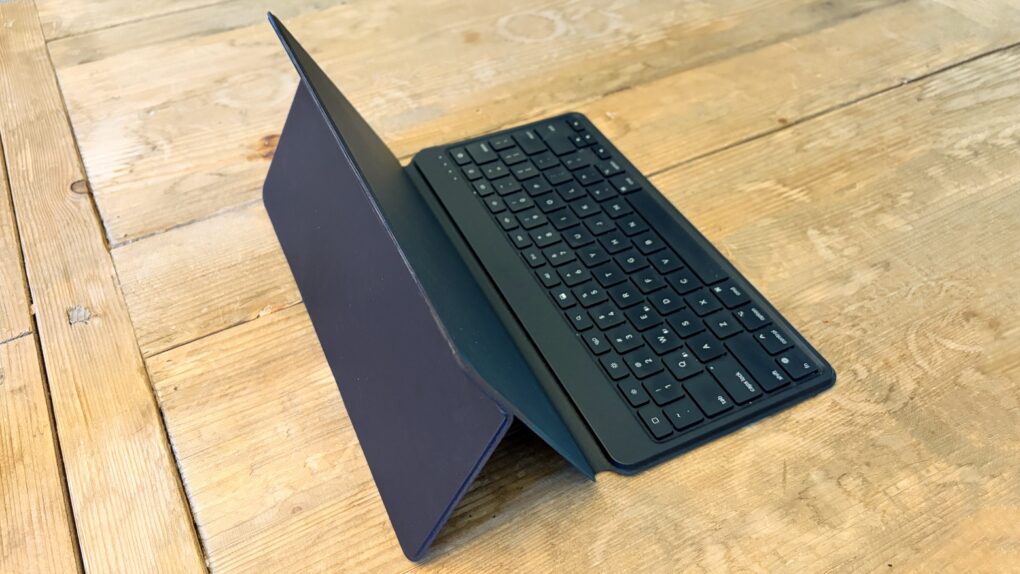
This brilliant Bluetooth travel keyboard/stand works with any iPad [Review] ★★★★

By

Satechi OntheGo Bluetooth Keyboard with Stand★★★★
The Satechi OntheGo Bluetooth Keyboard with Stand works with any current or future iPad.
Photo: Ed Hardy/Cult of Mac

The Satechi OntheGo Bluetooth Keyboard with Stand is an ideal option for those who need to add a travel keyboard to their iPad and don’t want to limit the accessory to only one tablet. Or want to add a portable keyboard to their iPad without giving up the case they like.

It can switch between computers with a simple push of a button. Plus, it’s not limited to tablets.

I’ve tested the multi-device input device with my iPad and iPhone, and came away quite pleased.

First reviews call M5 MacBook Pro a beast — but M4 owners can skip this upgrade

By

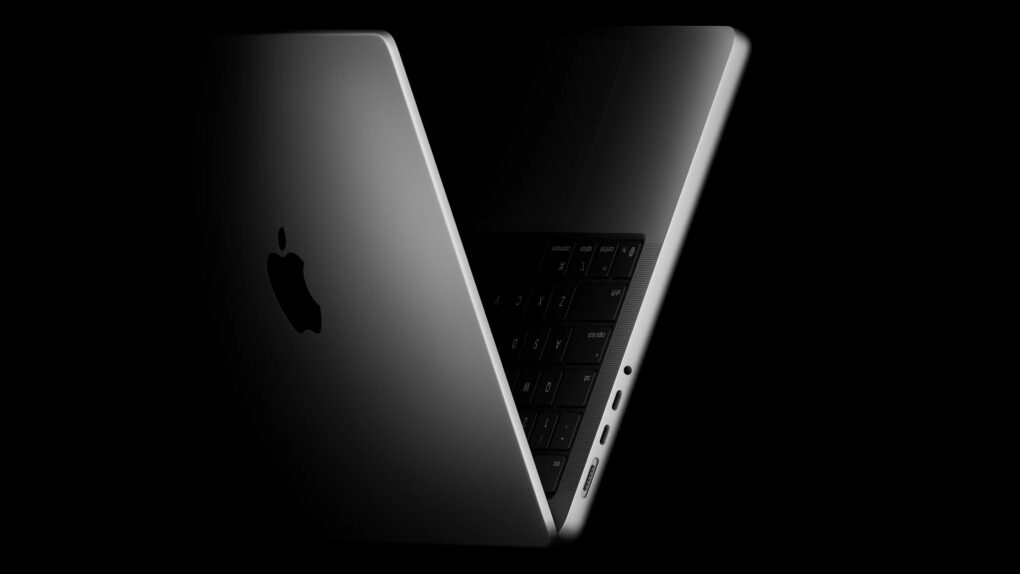
M5 MacBook Pro reviews see modest but meaningful upgrades
Reviewers find the incremental update impressive for performance upgrades, but not necessary for M4 or M4 Pro users.
Photo: Apple

The first reviews for Apple’s new M5 MacBook Pro just landed, and the consensus among tech reviewers is clear: The incremental update improves an already excellent laptop. The 14-inch machine’s design remains unchanged from last year’s M4 model. However, improvements to processing power, storage speed and AI capabilities make it a compelling option for those upgrading from older machines. Still, current M4 MacBook Pro owners have little reason to feel envious.

Across M5 MacBook Pro reviews from The Verge, Wired, Tom’s Guide and Engadget, the laptop earns praise for its performance while raising questions about who should actually buy it.

M5 iPad Pro reviews roundup: Closer to Mac than ever

By

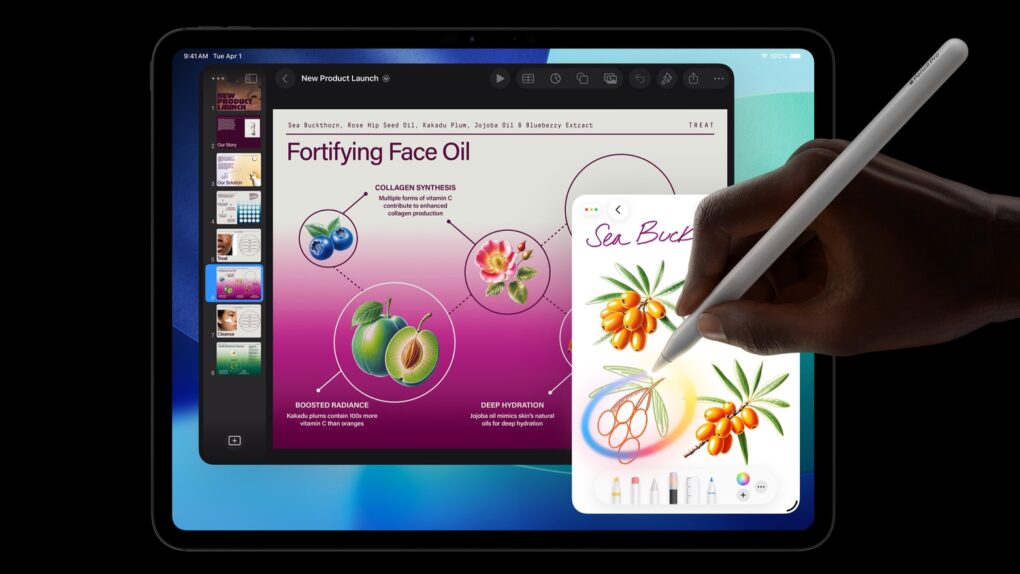
M5 iPad Pro with Apple Pencil
The Apple M5 chip boosts the performance of the 2025 iPad Pro, but not as much as iPadOS 26 does.
Image: Apple

Many early reviews of the 2025 iPad Pro with Apple’s new M5 processor share a general theme. The new chip makes the device faster, and paired with the major redesign of iPadOS 26, the tablet might just rival a MacBook.

Read on for M5 iPad Pro reviewers’ comments.

5 best Sennheiser earbuds for iPhone users

By

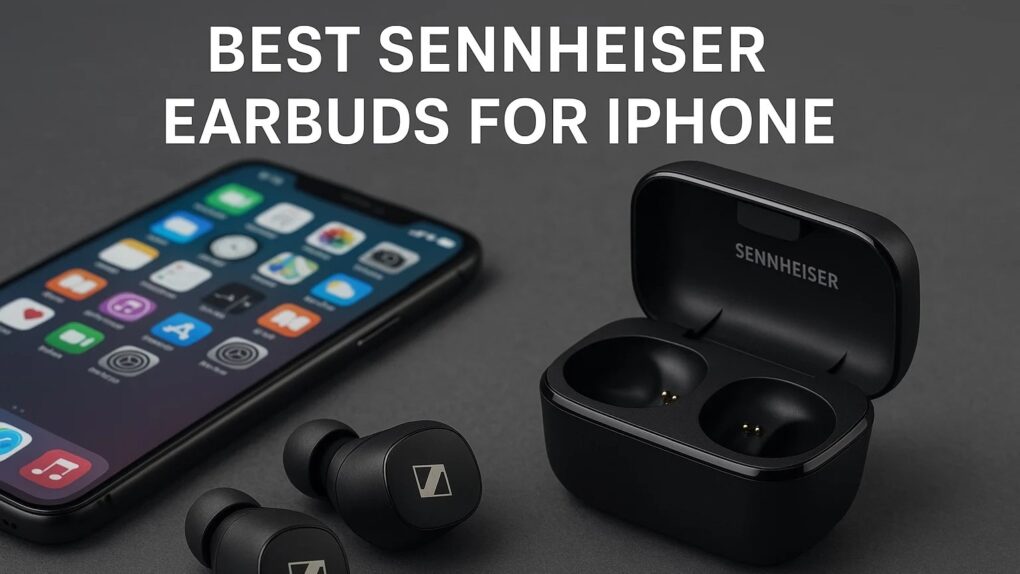
Best Sennheiser earbuds for iPhone
When it comes to the best Sennheiser earbuds for iPhone, users are spoiled for choice.
Photo: ChatGPT/Cult of Mac

Pairing your iPhone with the right earbuds shouldn’t be a compromise. While Apple’s ecosystem makes AirPods the obvious choice, Sennheiser’s German-engineered earbuds deliver superior sound quality that transforms how you experience music, podcasts and calls. We ranked the five best Sennheiser earbuds for iPhone users, with picks for various price points and uses.

From flagship audiophile options to budget-conscious picks, here’s everything you need to know about finding your perfect Sennheiser earbuds for iPhone.

Ugreen MagFlow Qi2.2 charger tops up iPhone, AirPods and Apple Watch fast [Review] ★★★★☆

By

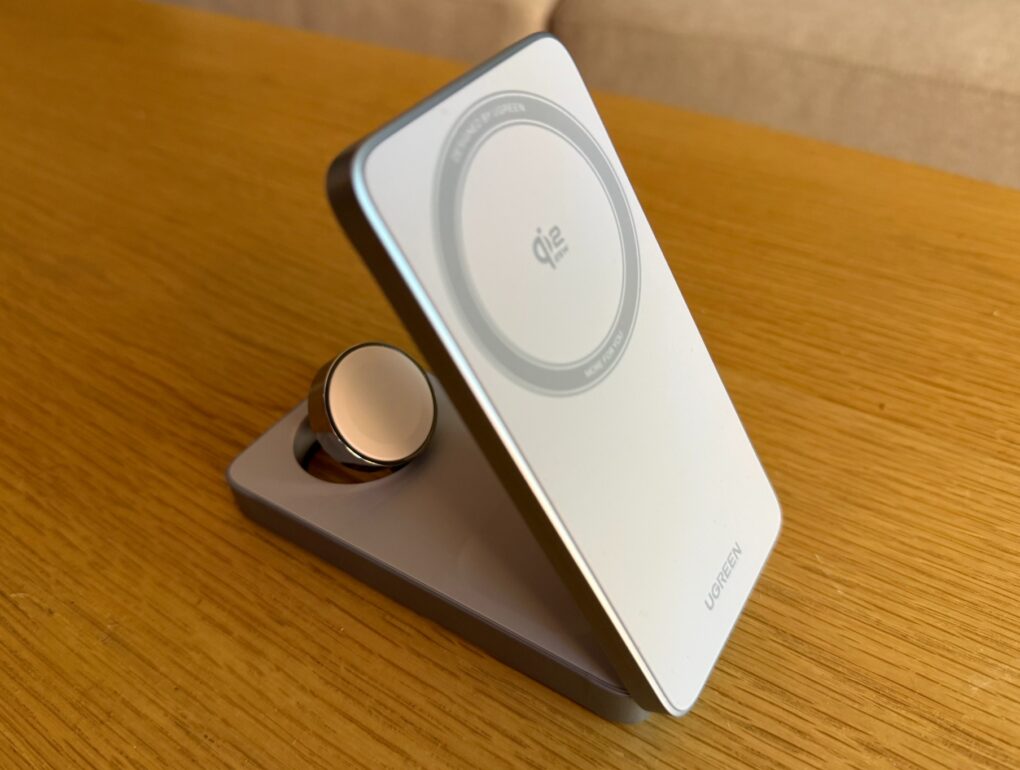
Ugreen MagFlow 3-in-1 Magnetic Wireless Charger review★★★★☆
When not unfolded for use like this, the charger folds flat.
Photo: David Snow/Cult of Mac

In the evolving landscape of wireless charging, Ugreen has positioned itself at the forefront with the MagFlow 3-in-1 Magnetic Wireless Charger — one of the first products to receive official Qi2.2 certification from the Wireless Power Consortium. With that boost from 15 watts (Qi2) to 25W (Qi2.2) for late-model iPhones, it’s great — but not without some minor problems.

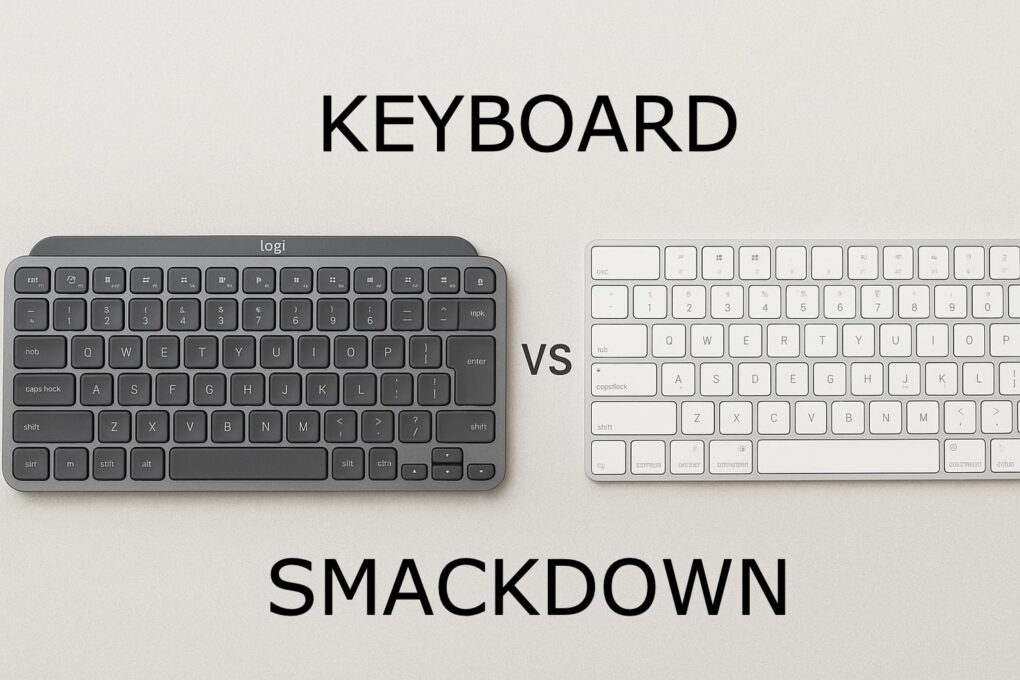
Logitech MX Keys Mini vs. Apple Magic Keyboard: Which to choose?

By

Logitech MX Keys Mini vs Apple Magic Keyboard
See which of these highly productive keeb suits you best.
Photo: chatGPT/Cult of Mac

It’s the ultimate battle of the small Mac keyboards: Logitech MX Keys Mini vs. Apple Magic Keyboard. Choosing between these two premium compact keyboards is tough, and the decisions you make can significantly impact your daily typing experience and productivity.

They’ve both become top contenders for professionals and tech enthusiasts alike. And while they’re similar, they’re not the same.

Find out which is better for you in our head-to-head comparison. 

This tiny external SSD plugs into new and old computers [Review] ★★★★

By

PNY Duo Link V3 review★★★★
PNY Duo Link V3 is a portable SSD for your new computers and your old ones, too.
Photo: Ed Hardy/Cult of Mac

The PNY Duo Link V3 external SSD includes both a USB-C and a USB-A connector. That means the flash drive can plug into a recent Mac, iPad or iPhone, but can also go into a smart TV or other accessory that lacks a USB-C port — no adapter needed.

And it’s quick, with data transfers at up to 800MB/s. Capacities go up to 2 terabytes.

I put the affordable SSD through a series of real-world tests. Here’s what I found.

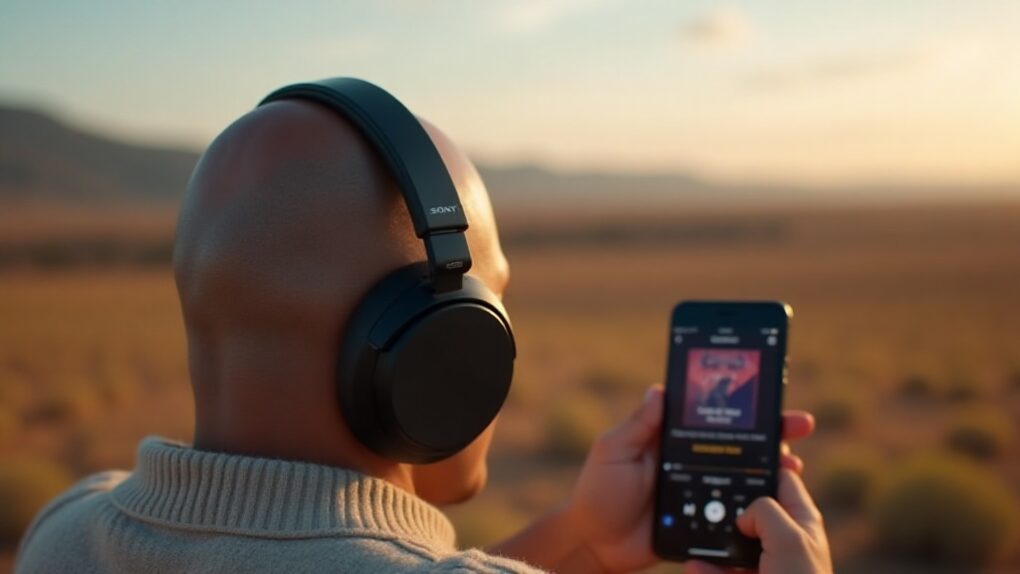
8 best Sony headphones for iPhone users

By

Best Sony headphones for iPhone
Choose the best Sony headphones to use with iPhone.
AI image: Grok

Finding the perfect Sony headphones for iPhone might seem challenging when Apple pushes its own audio ecosystem so heavily. This comprehensive guide examines each model’s features, pros, cons and pricing to help you find the perfect match for your specific needs and budget. Let’s dive into what makes these Sony headphones exceptional companions for your iPhone.

How Backbone enhances mobile gaming for iPhone users

By

Photo of a person using a Backbone gaming controller to enhance mobile gaming on iPhone
A Backbone game controller makes iPhone gaming much more like using a console.
Image: Gemini

Nothing makes playing advanced games on an iPhone better than a Backbone game controller. Clip one to your phone, and it basically turns the handset into a mobile gaming console, ready to play wherever you go.

There are many top-quality first-person shooters and RPGs available for iPhone. Don’t waste your time playing these great games with just a touchscreen. Get a Backbone One or a Backbone Pro controller and snap it onto your iPhone. You’ll be glad you did.

Live Translation with AirPods: A hands-on test

By

Two people, one wearing AirPods, smiling at each other, with an image of AirPods in the middle
AirPods can now connect you to talk to people who speak other languages.
Image: D. Griffin Jones/Cult of Mac

I put AirPods’ new Live Translation feature to the test and came away impressed with the results. 

I tested the feature with the help of Niléane, a native French speaker and fellow tech blogger. While we hit a few stumbling blocks in our conversation, we were able to have a perfectly good chat for a solid 10 minutes.

I cut it down to a seven-minute video, where you can see it for yourself. Keep reading for my full thoughts and analysis of the fantastic new feature. 

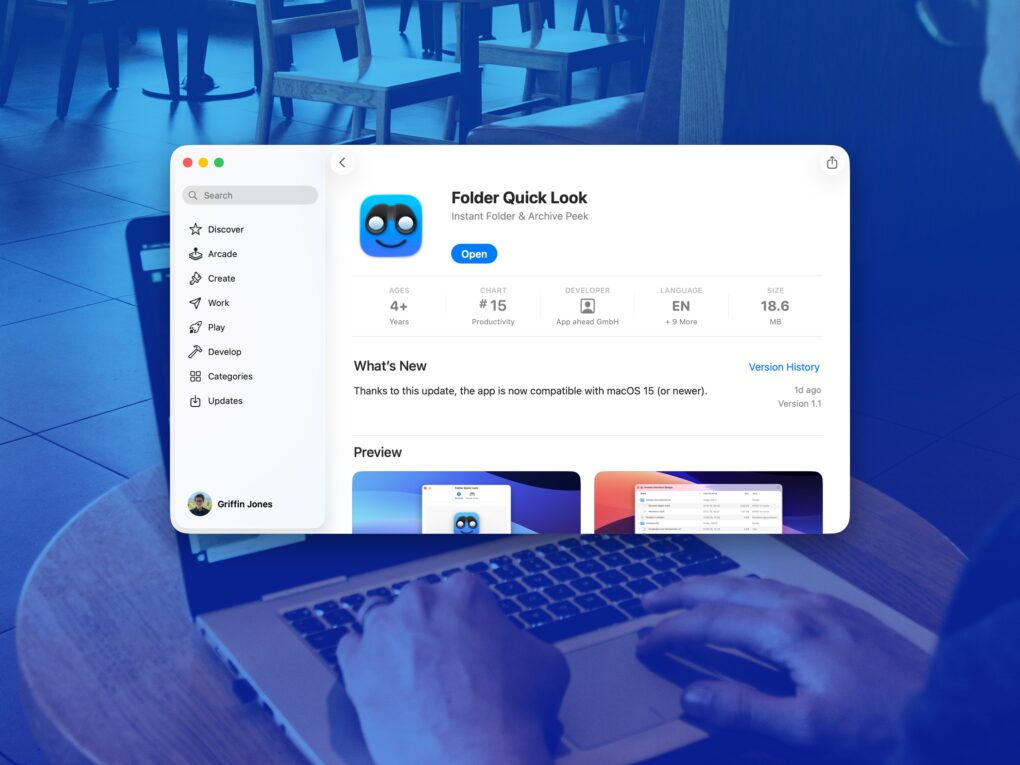
Folder Quick Look fixes an all-time Mac grievance for free [Awesome Apps]

By

Folder Quick Look on the Mac App Store
A simple app that solves a big problem.
Image: D. Griffin Jones/Cult of Mac
Awesome Apps

Folder Quick Look is a totally free Mac app that scratches an irritating itch the Mac has had for a long time. It lets you preview the contents of a folder when using Quick Look.

It’s a great utility that does one thing, does it perfectly, and doesn’t cost you a dime — it’s free and collects no data! There’s no reason not to try out Folder Quick Look. Find out why it’s an instant must-have Mac utility in our Awesome Apps review below (or watch our video demo of the app).

Halo Collar 5 is simply the best GPS dog tracker [Review] ★★★★★

By

Halo Collar 5 review★★★★★
Stop worrying about losing your furry friend — get Halo Collar 5.
Photo: Halo

You won’t find a better way to track your dog than the new Halo Collar 5. It uses GPS to accurately locate your pup anywhere on Earth and can show you the location on your iPhone (or Android). Plus, it offers two days of battery life.

As a bonus feature, you can set up a “fence” so the collar warns your pet to stay in its yard. And you can place virtual fences anywhere you go.

I did real-world testing of the GPS dog tracker and came away very impressed.

This great-looking 4K portable monitor is pleasantly affordable [Review] ★★★★

By

QQH Z12-4 4K Portable Monitor review★★★★
The QQH Z12-4 4K Portable Monitor looks beautiful showing video… just not perfect.
Photo: Ed Hardy/Cult of Mac

The QQH Z12-4 4K Portable Monitor shows that there’s no reason to get a 1080P screen for travel when a 4K one is so affordable. The 15.6-inch screen can make you more productive on business trips, or let you enjoy movies and games on a high-resolution display. All without straining your budget.

Don’t be concerned if you haven’t heard of QQH before. I hadn’t, so I went into this review with a skeptical eye. I tested the 4K portable monitor for weeks with my iPad Pro, and it also supports MacBook and even my iPhone. Here’s why I’m pleased with it.

Especially as there’s a deal that knocks 29% off the cost of the QQH Z12-4.

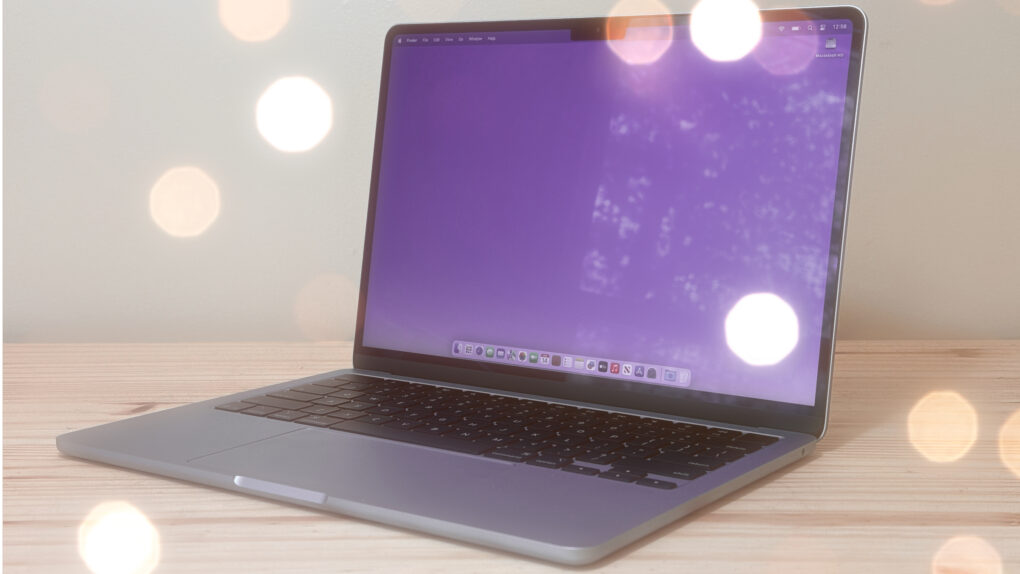
These 6 apps will change how you use your Mac

By

Photo of an M4 MacBook Air sitting on a desk with lights glinting off it, used to illustrate a guide to best Mac utilities.
I can't use my Mac without these utilities.
Photo: Cult of Mac

The best Mac utilities can make a great computer even better. From smarter window management to easier automation and cleaner navigation, a few well-chosen tools can dramatically improve your workflow.

I’m a longtime Mac user, and I can’t do my job without these six essential Mac utilities. In this guide, I’ll show you how they can make everyday tasks faster and simpler.

Anker’s Nano Power Bank is the iPhone battery pack Apple should have made [Review] ★★★★★

By

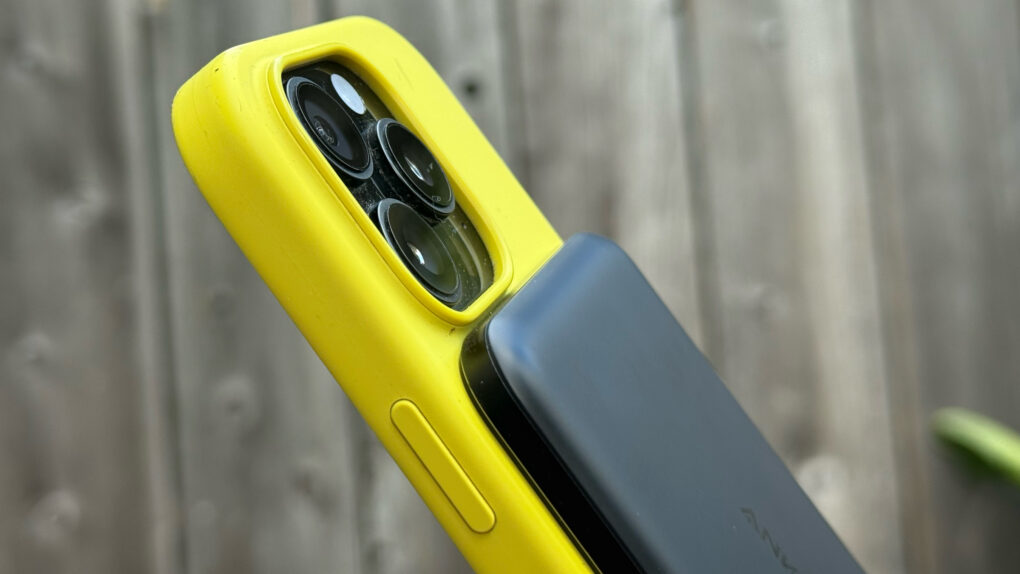
Photo showing Anker Nano Power Bank on back of iPhone 16 Pro in bright yellow silicone case★★★★★
Anker's slender new power bank can give your iPhone the battery boost it needs.
Photo: Lewis Wallace/Cult of Mac

With the Anker Nano Power Bank (5K, MagGo, Slim), thin is definitely in. Measuring just 0.34 inches deep, the Qi2 power bank attaches magnetically to MagSafe iPhones and delivers enough juice to get you through a frantic afternoon on the go.

At just 5,000 mAh, it won’t take modern iPhone batteries all the way to 100%. But it will power up a dead iPhone from zero to 20% in a little over 20 minutes. And it does so while attached comfortably to the phone, without the excessive heat generated by some competing power banks.

Top 10 power banks for Apple users in 2025

By

Ugreen MagFlow Qi2.2 power bank
With fast Qi2.2 (25W) wireless charging, faster wired charging and an informative display, this is our top choice.
Photo: David Snow/Cult of Mac

Ever been stranded with a dead iPhone in a crucial moment? Finding the best power banks for Apple devices can be the difference between staying connected and watching your screen go black. Thankfully, the market is loaded with great portable power banks that can keep your iPhone and other Apple devices powered up on the go. We rounded up the top 10 power banks for Apple users, including two of the fastest Qi2.2 models available so far. 

Apple Watch SE 3 is all the smartwatch you need [Review] ★★★★★

By

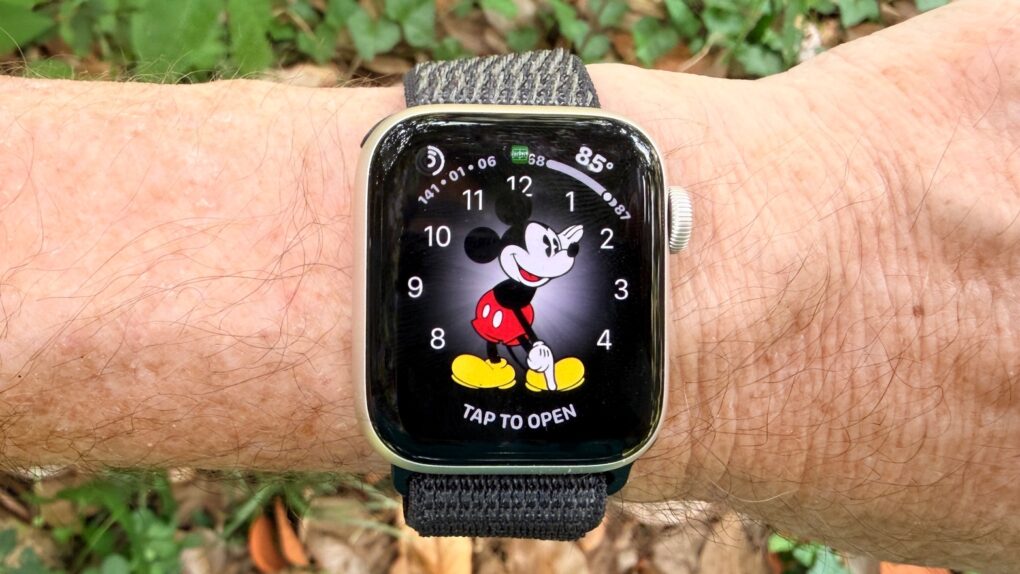
Apple Watch SE 3 review★★★★★
The Apple Watch SE 3 can probably save you $150.
Photo: Ed Hardy/Cult of Mac

Apple Watch SE 3 is a huge upgrade, packing an always-on display, a new processor, fast charging, gesture support and many more improvements. It’s so good that it presents a problem for Apple Watch buyers: is there a reason to pay more to get a Series 11?

After a week with the SE 3, I’m blown away at how much I got for $249. Here’s why.

Why AirPods Pro 3 are my new favorite headphones [Review] ★★★★★

By

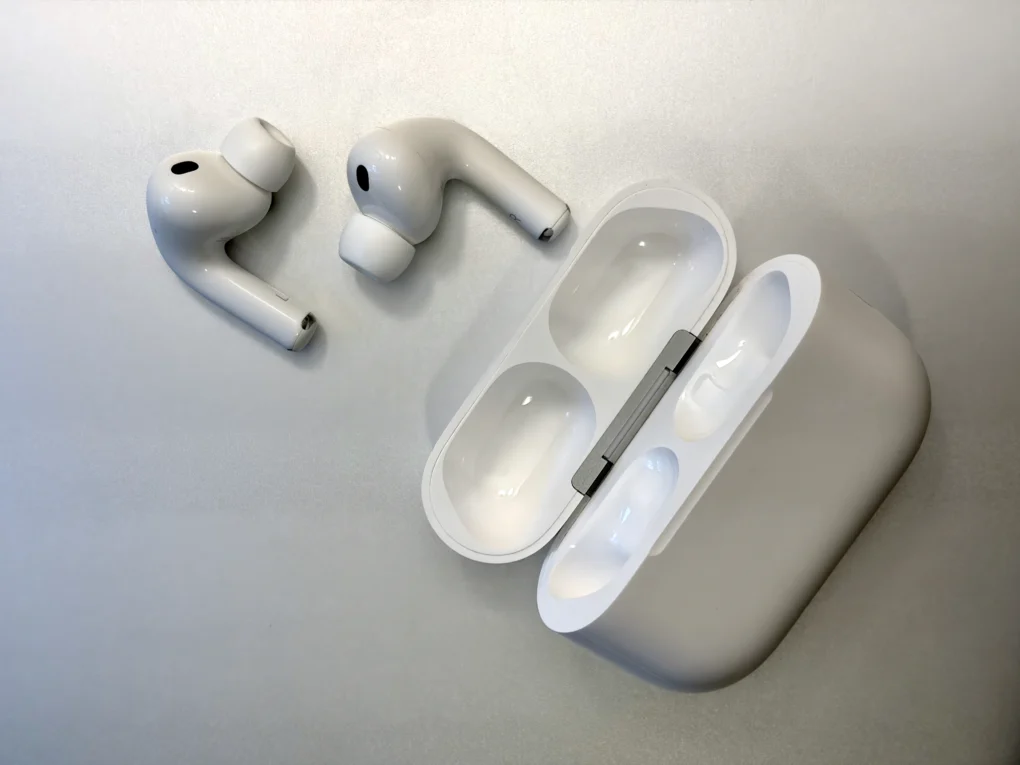
AirPods Pro 3 and their charging case on a silver aluminum background★★★★★
They look familiar at first glance.
Photo: D. Griffin Jones/Cult of Mac

In testing the latest AirPods Pro 3 for this review, I found Apple’s high-end earbuds deliver remarkable audio quality and practically unbelievable active noise cancellation. Add to that a heart rate monitor that’s on par with the Apple Watch’s sensor, and Apple has made the best earbuds around even better.

The biggest upgrade is the AirPods Pro 3’s new foam-infused ear tips. They help increase the earbuds’ noise cancellation to uncanny levels. Plus, somehow, the audio quality sounds punchier than ever. I get better sound out of Apple’s tiny earbuds than from some over-ear headphones.

Here’s how the AirPods Pro 3 stack up to their predecessors.

iPhone 17 Pro is a powerhouse without functional compromise [Review]

By

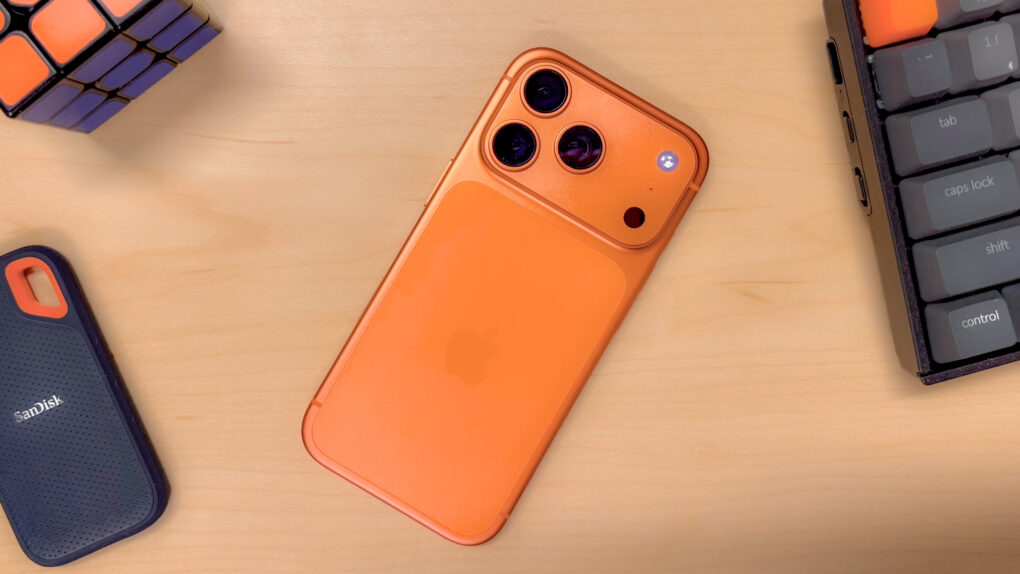
An iPhone 17 Pro in Cosmic Orange, on a desk surrounded by objects with orange accents
The iPhone 17 Pro finally brings some chromatic excitement, and extremely pro features to the lineup.
Photo: Ian Fuchs/Cult of Mac

For the first time ever, Apple released a Pro iPhone where “pro” means professional, not premium. The wafer-thin iPhone Air swiped the coveted premium device seat this year, but the iPhone 17 Pro still sits at the head of the table.

With its upgraded pro features and a new, no-nonsense design, the iPhone 17 Pro delivers the goods for people who need maximum power.

If you touch an iPhone Air, you’ll want to buy it immediately [Review] ★★★★

By

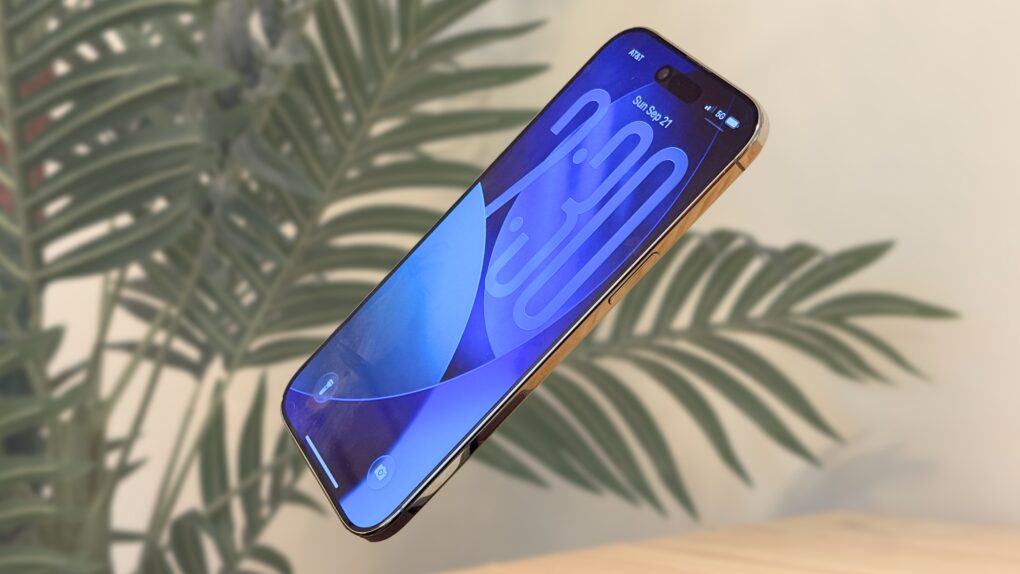
iPhone Air floating in front of a fake palm tree in a beige room★★★★
Light as air.
Image: D. Griffin Jones/Cult of Mac

The iPhone Air is what the people say they’ve been asking for: something new. This is the first iPhone in a long time that will truly shock you when you take it out of the box and hold it in your hand.

That means cutting a few things you’ve come to expect from the iPhone: the second speaker, the second (and third) rear cameras … but also, the thickness and weight. And the more time I spent with the iPhone Air, the more I appreciated what was still there: the super-bright and big display, the improved front camera and, most surprisingly, the battery life.

Here’s my experience switching from the iPhone 16 Pro to the iPhone Air. It’s a path I think you might enjoy taking, too. Keep reading or watch our video review.

Screen and camera upgrades make iPhone 17 Apple’s best base model ever [Review] ★★★★★

By

iPhone 17 review★★★★★
The base model iPhone 17 is so good you might forgo the Pro version.
Photo: Ed Hardy/Cult of Mac

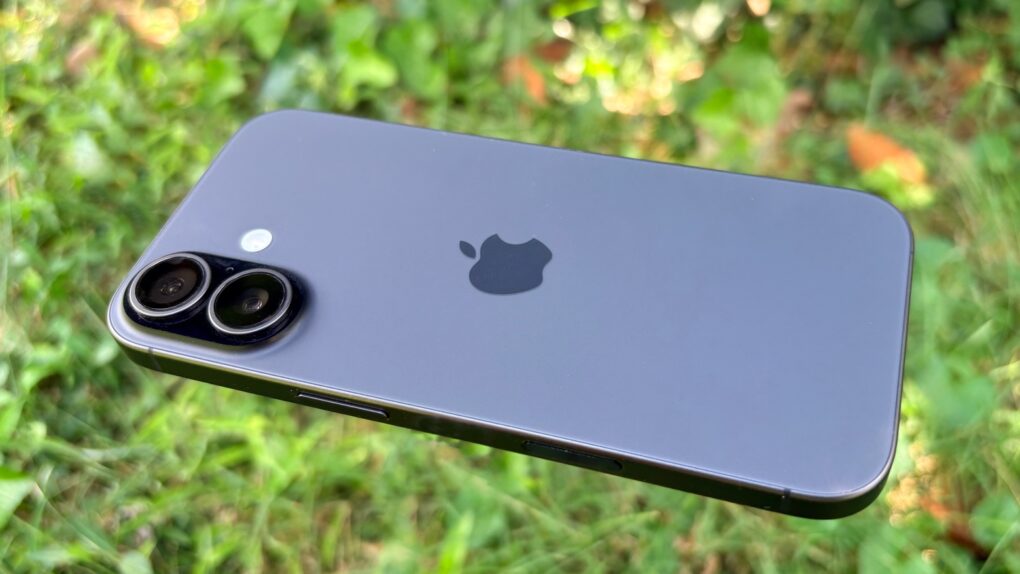
Apple put an always-on screen in the iPhone 17 and improved the display’s refresh rate to 120 Hz. Plus, the selfie cam got a brilliant new feature. There are plenty of other enhancements too — including double the storage capacity! — which all combine to make Apple’s new base-model iPhone a welcome upgrade for those ready to move up from an aging device.

This is the first time I’ve regularly used a basic iOS model in almost a decade. I’m impressed with what Apple offers for $799. It’s really made me question the need for a Pro model. Here’s why.

See pro photographer’s dramatic high-altitude iPhone 17 Pro pics

By

Austin Mann iPhone 17 Pro camera system review
Austin Mann delivered his iPhone 17 Pro camera system review from Italy's Dolomite Mountains.
Photo: Austin Mann

Professional photographer Austin Mann dropped another edition of his annual iPhone Pro camera reviews Wednesday. He took his new iPhone 17 Pro up into northern Italy’s Dolomite Mountains during a biking, cycling and paragliding trip. Stunning photography resulted.

“At Apple’s keynote last week, I was most interested in the new 48-megapixel 4x telephoto lens, the 8x telephoto lens, Center Stage selfie mode, 4K ProRes Log at 120FPS and the new Photographic Style, Bright,” he wrote. “As always, Apple’s presentation is full of flashy new tech, but I always have one question: How will this new tech make our pictures and videos better?”

Find his in-depth video and a link to his full review with many more photos below.

Super-solid Uplift Standing Desk V3 makes all the difference [Review] ★★★★★

By

Uplift Standing Desk V3 review★★★★★
Uplift Standing Desk V3 makes the most of my M4 Pro MacBook Pro and dual-display computer setup.
Photo: David Snow/Cult of Mac

With my history of back trouble, I relied on standing desks and kneeling chairs way back when you hardly ever saw such things in offices. But since then standing desks have become essential in the modern workspace, offering flexibility and health benefits for anyone who spends long hours at a computer. This Uplift Standing Desk V3 review looks at the latest in Uplift’s well-regarded line of adjustable workstations, released Wednesday. 

In a nutshell, if you can afford it, this thing rocks. And the base version is actually pretty affordable. It’ll lift up any Mac setup in more ways than one. 

Early reviews rave about Apple’s biggest iPhone upgrades in years

By

Demand for AI features helps drive robust iPhone 17 sales
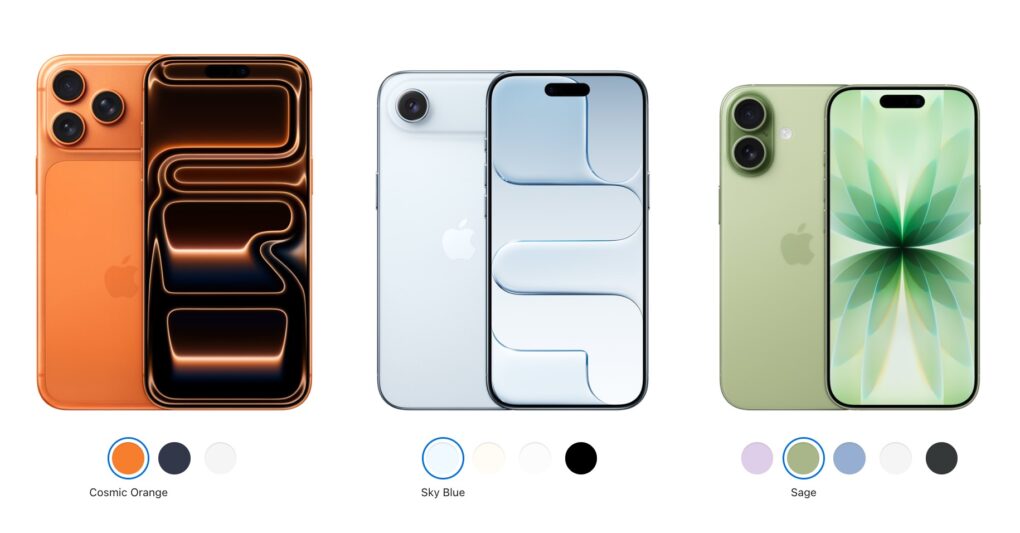
This year's iPhone lineup includes the iPhone 17 Pro, the super-slim iPhone Air and the "regular" iPhone 17.
Photo: Apple

Early reviews of the iPhone 17 lineup say the 2025 models bring Apple’s most significant generational upgrade in years, despite some caveats here and there.

The series spans four models, each targeting different user priorities, from the newly capable base model to the ultra-thin iPhone Air and the two powerhouse Pro variants.

Apple Watch Series 11 reviews: Nice battery boost but not much more [Updated]

By

Apple Watch 11 reviews roundup
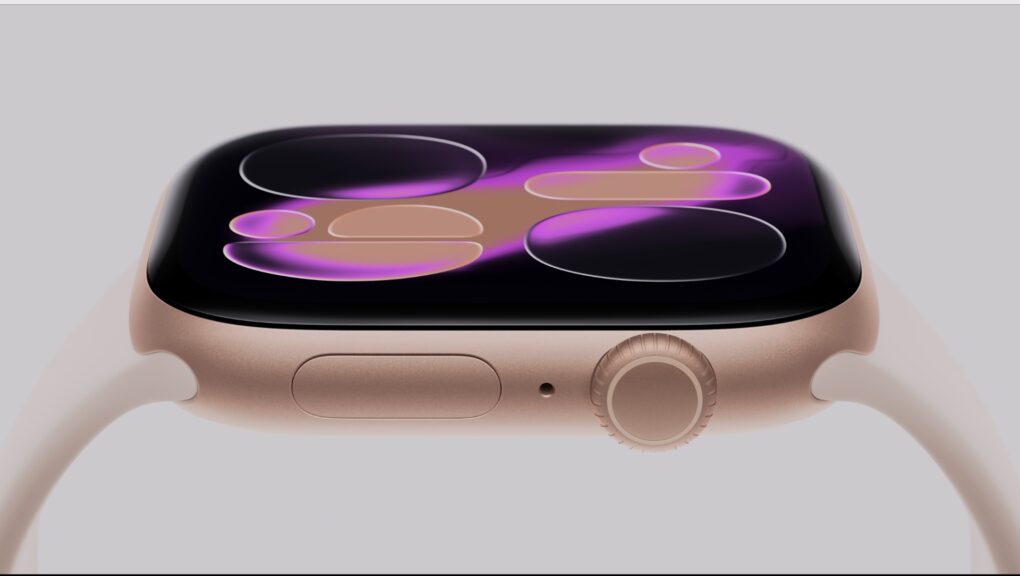
Extended battery life is the biggest upgrade over Apple Watch 10.
Photo: Apple

Early reviews of Apple Watch Series 11 seem to agree that while it looks just like its predecessor, this incremental update delivers meaningful improvements in some areas.

The biggest upgrade: longer battery life. But those with an Apple Watch Series 9 or 10 can skip this round unless you really want the six-hour battery boost. Check out review notes and review videos below.