Mobile menu toggle

apps - page 21

TopoCharger iPhone Case Stores Maps On External Frickin’ Cards

By

The TopoCharger is an odd little device, but it could be useful for some. It’s an iPhone GPS case. What? Yes. A GPS-less GPS that comes with on-board storage for maps, and a big fat battery pack so you can use your iPhone in GPS mode without killing its own battery dead. If you’re wondering why you’d bother with this instead of just using a regular battery case, then keep wondering, because I have no idea. Yet. Let’s check it out.

iThoughts Notes App Fixes Up iPhone Text Selection

By

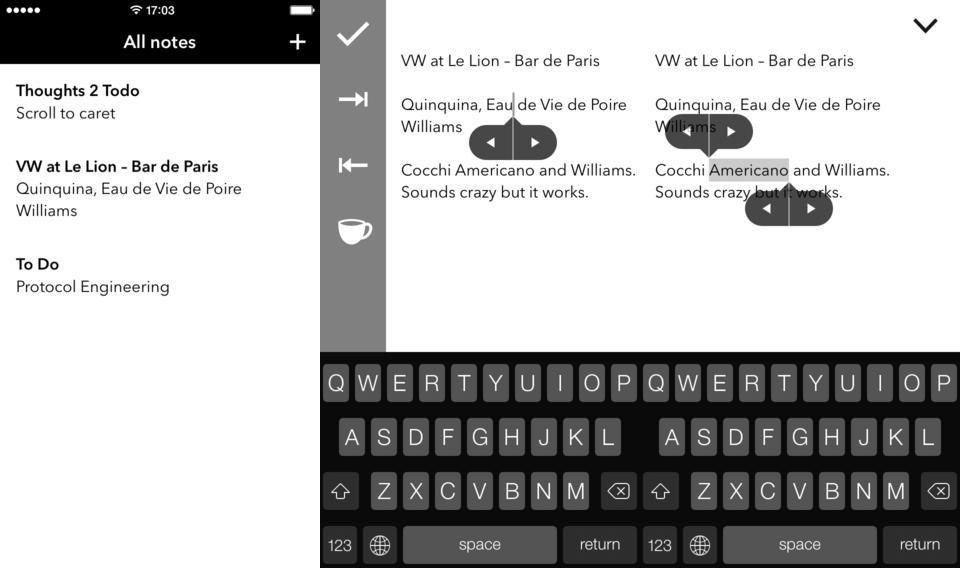
Text selection on iOS is still a pain in the ass. Some apps fix it up with extra buttons above the virtual keyboard, but Thoughts 2, an iPhone notes app, adds extra buttons to the text selection itself. This makes it easy to expand and contract the selection one character at a time which – given the fickle nature of text fields in iOS – should help a lot.

Photosmith Now Handles RAW Photos On iPad, Gets Easier To Use

By

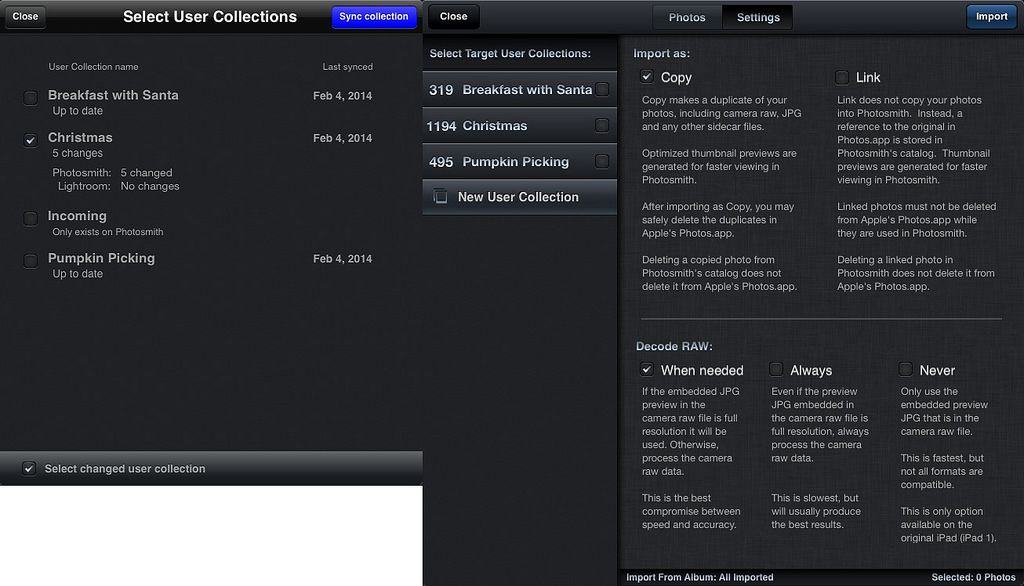
Remember Photosmith? Yes, it’s the excellent iPad app that hooks up to your Mac’s Lightroom collection and lets you rate, reject, tag and manage your photo library from the comfort of your couch. That’s the promise, anyway. In practice, it crashes far too often, and it is confuddling (confusing and befuddling) as hell to use.

Ever since v3, though, Photosmith has been a lot easier to use. And now in v3.1, the LR sync part has also been improved, with a whole new sync dashboard. Oh, and the app also adds support for RAW photos.

MarginNotes Would Be The Ultimate Classroom Notes App, If It Weren’t So Confusing

By

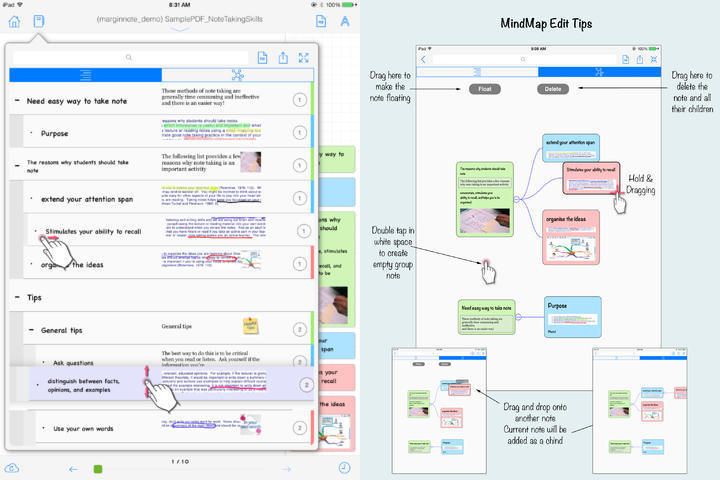
MarginNotes is an interesting app that may just be a little too confusing to use, or may be the perfect document markup app ever. I still can’t figure out which.

The app will open EPUB and PDF files and let you mark them up, adding comments, margin notes, sketches and anything else, and also lets you add entire outlines, or turn the document into an outline – I’m not quote sure. Let’s take a quick look:

Pics.io Launches In-Browser Photo Editor, But Why?

By

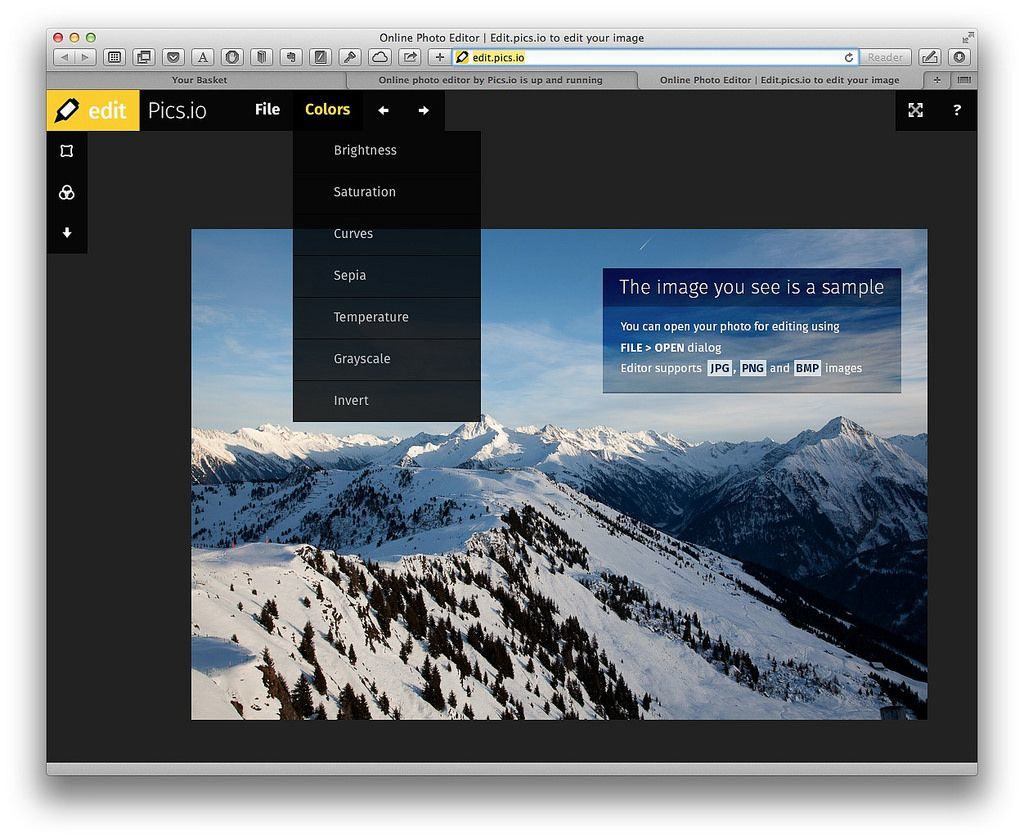
Between your iPhone, your iPad and your Mac, it’s hard to imagine a time when you’d be online and need to edit a photo, but somehow not have access to an app like Snapseed (which has its own browser version BTW).

But should you find yourself trapped at a PC, while nestled deep in bowels of a government building that has confiscated your iPhone and iPad at the gate (to be root-kitted and infected with spyware no doubt), and with a desperate need to add some pop to that cute cat photo you found, then head for Pics.io.

The Sochi Olympics: Streaming, News And…Recommended Beverages

By

This story first appeared in Cult of Mac Magazine.

Want to watch the Winter Olympics in Sochi, Russia, but don’t have a TV? Or do you have a TV but just prefer the coverage given by other countries?

Then you’re in the right place. Today we’re going to take a look at ways to watch the games on your Mac and iDevices, and which apps you might want to use to follow along with the fun.

Picturelife, Now With In-App Photo Editing Tools

By

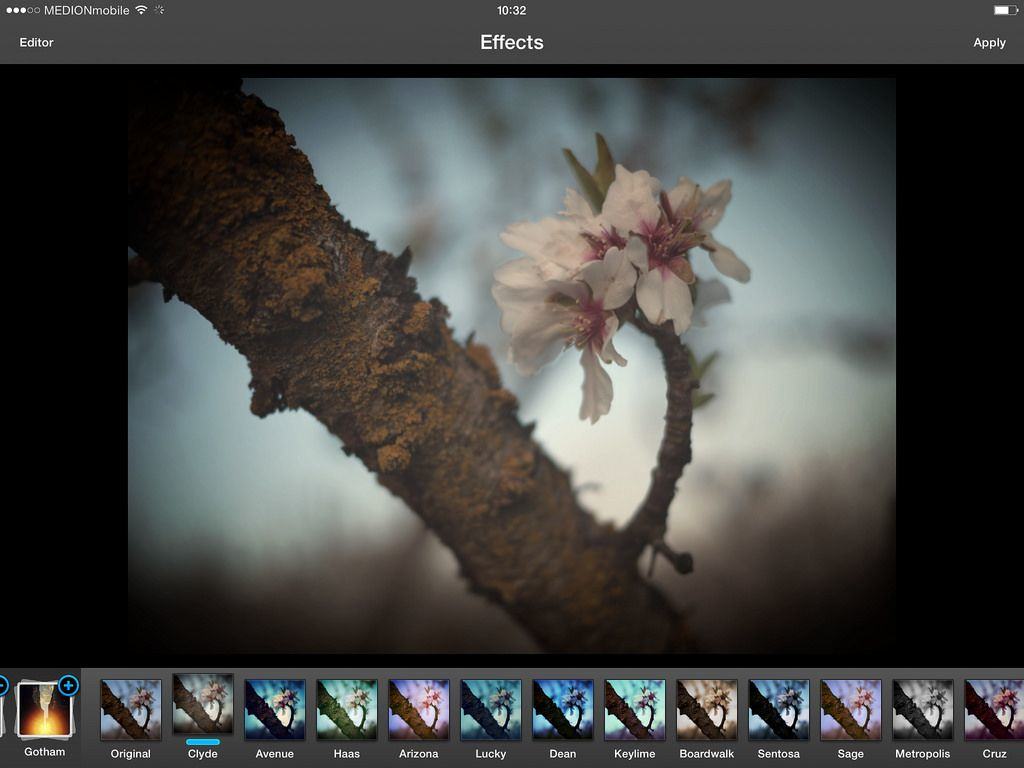
Users of Picturelife on iOS can now edit their cloud-stored photos right there in the app, thanks to an update launched yesterday. Picturelife was already one of the most full-featured photo-wrangling services around (it’s my favorite, although I have a bit of a dupe problem at the moment), and now it can serve as a full-on organizing, editing and sharing suite.

IFTTT Now Adds Items To Evernote Checklists

By

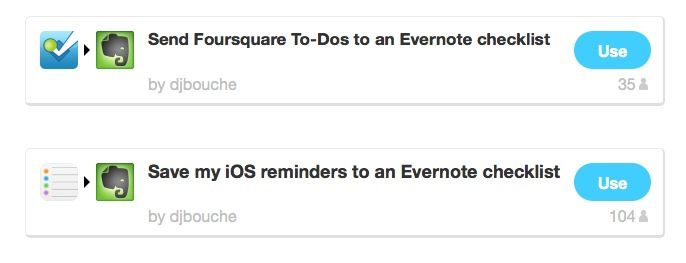
IFTTT’s new Evernote action might not seem like much, adding one measly little function, but it’s a biggy. You can take anything, and append it to an Evernote note as to-do item, complete with a checkbox.

Example uses: Send your Foursquare to-dos to an Evernote checklist, or save iOS reminders to Evernote.

Reader 7 Accurately Displays Word Files On Your iPad

By

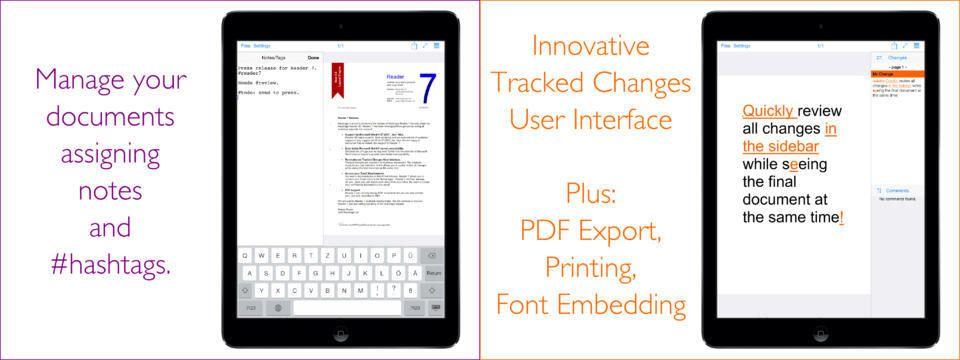
Reader 7 is a single-minded app with a single-serve purpose. You know when somebody sends you an MS Word DOC or DOCX file via email and all you want to do is look at it, and maybe track the changes that have been made to it, but then you open in in Pages and all bets are off? That’s what Reader 7 is here to fix.

It’s an app which can accurately display Word documents with complex formatting.

StreamNation Now Imports Instagram, Lightroom, Flickr Photos And More

By

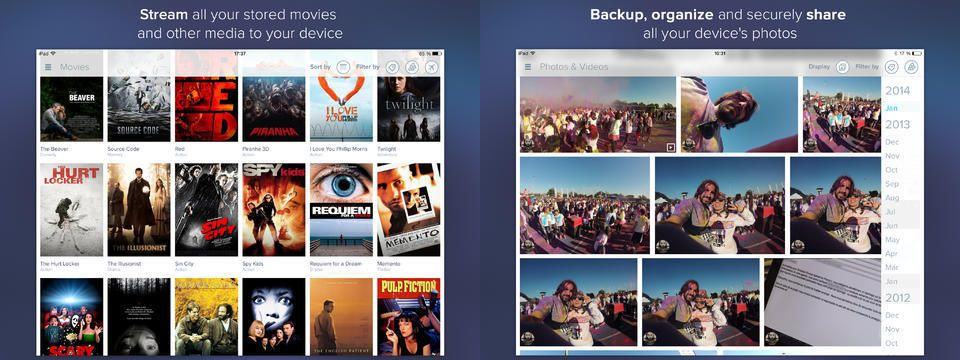
Keeping photos on Instagram, Facebook, iPhoto, Google Drive, Google+, Flickr, Lightroom, Aperture, Picasa, Dropbox or OneDrive? Then you might like StreamNation, an app and service that collects them all together in one place.

What’s more, it also gives you 20GB of free storage to get started, and the upgrade rates aren’t so bad either.

Tangent iPhoneography App Plagued By App Store Fakes

By

Pixite’s fantastic Tangent app gets a big update with v1.5, adding in a new “Urban Decay” pack that lets you point your iPhone camera at a building and have it crumble into rubble and dust, and then snap pictures as zombies and wild animals reclaim what us evil humans were only ever borrowing.

Wait, no. Urban Decay is a new set of fancy filters for grungifying your pictures. Just make sure you get the right Tangent app, as the developer has been plagued by a copycat who keeps putting fake versions of the app up on the store.

SuperTab Adds Every Function Ever To The Mac Tab Switcher

By

Command-tab, a keyboard shortcut so ingrained in the Mac user’s finger-memory that it’s easy to find yourself hitting it when using a keyboard with your iPad, or when you’re on a PC (NB: don’t use a PC unless you have been professionally trained and are wearing a tie).

The switcher already lets you flip between apps, quit apps, view recent documents in a cool Exposé view (use the up/down arrows), and to drag and drop documents onto apps to open them. But now there’s SuperTab, an everything-but-the-kitchen-sink-style app which adds even more.

Super Ball Juggling Is Flappy Bird Developer’s Newest Success [Video Review]

By

post-266151-image-99d820aa00838427762395dc0af8b4ad-jpg

The elusive developer behind the smash-hit app Flappy Bird has other games in the App Store that haven’t yet been pulled. Are they any good?

Take a look at Super Ball Juggling and see if it measures up to the hype and fame of Flappy Bird.

This is a Cult Of Mac video review of the iOS application “Super Ball Juggling” brought to you by Joshua Smith of “TechBytes W/Jsmith.”

Gloss Lets You Highlight And Save Snippets Of Text On The Web

By

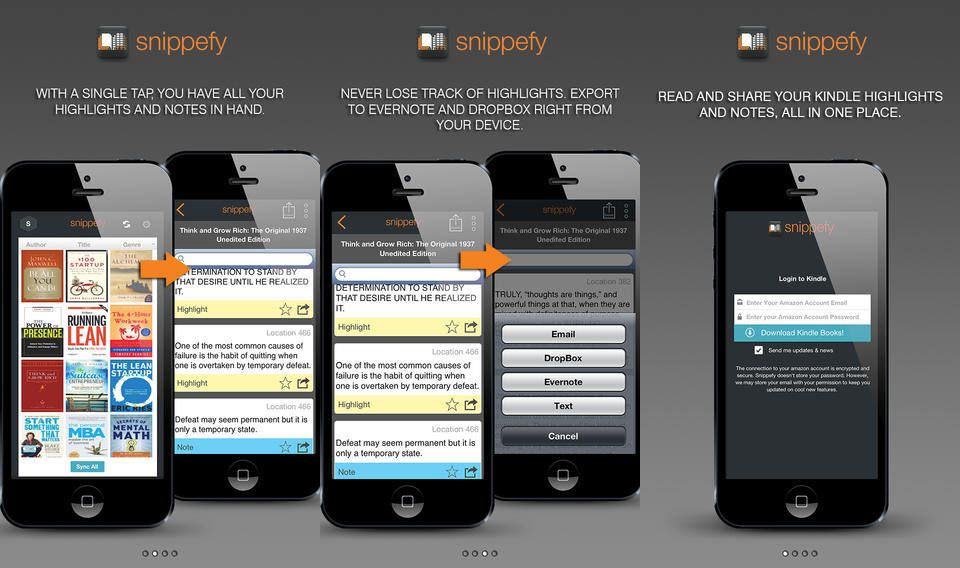
Ever wanted to save just one sentence of a web page? Or have you ever bookmarked a page, or sent it to your favorite read-later service, only to come back and wonder what the hell it was you’d wanted to remember?

Then Gloss is for you. It’s a bookmarklet and service that lets you highlight a single line of text on any web page, and it rocks.