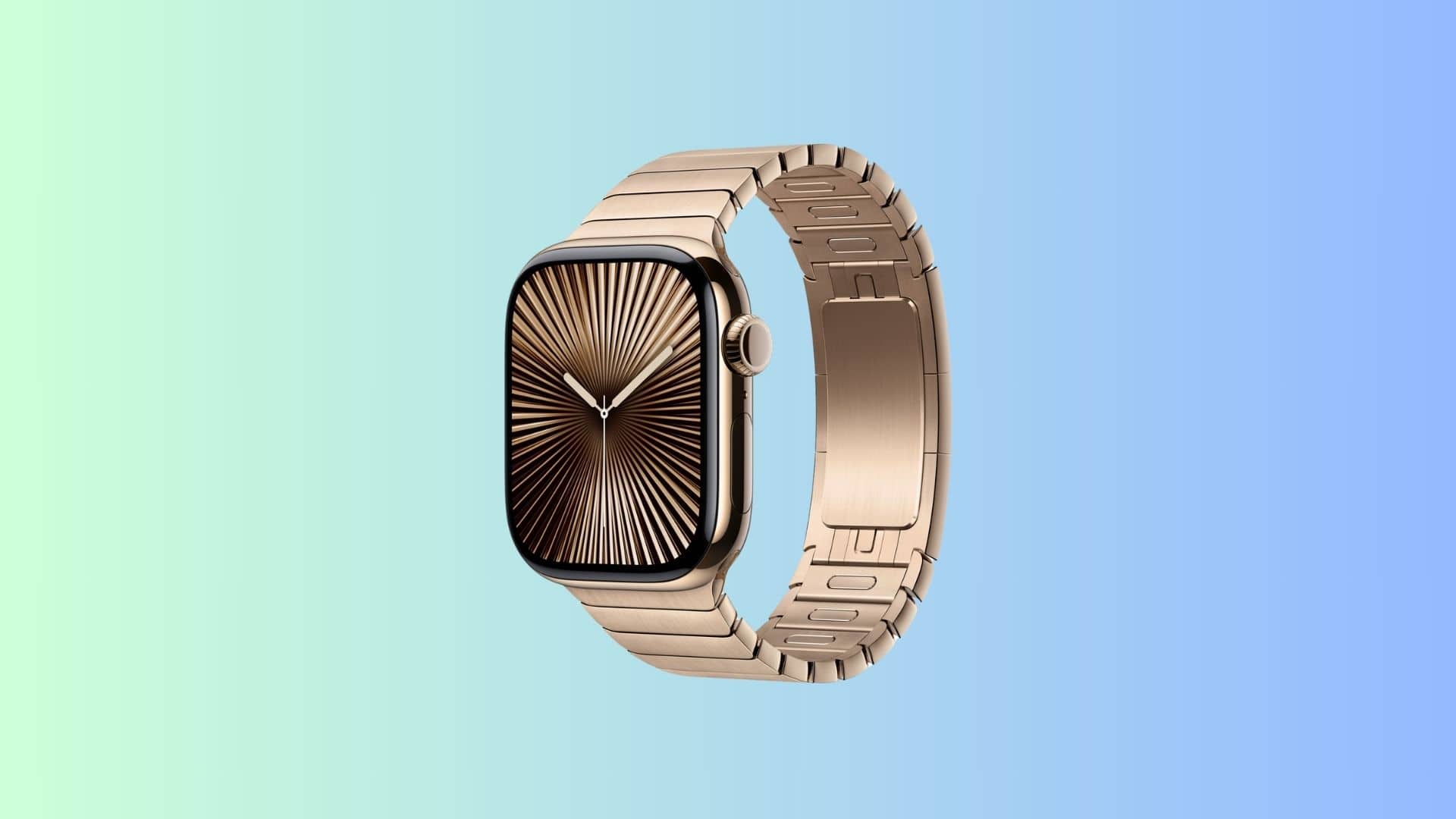
Apple Watch Ultra 3 might be able to communicate via satellite. Photo: Apple/Cult of Mac
Apple Watch Ultra 3 reportedly will let hikers and other travelers send texts via a satellite connection when cellular communication isn’t available. Anyone who gets into trouble in a remote location could turn to Apple’s top-tier smartwatch to ask for help — a potential lifesaver.
In addition, Apple is still working to add blood-pressure monitoring to the wearable.
The many, many colors on sale include the 2021 Pride Edition Braided Solo Loop. Photo: Apple
Amazon bargain site Woot! brings you all the colors of the rainbow in deeply discounted Solo Loop and Braided Solo Loop Apple Watch bands. You can get incredible price cuts — 59% to 70% off — on many classic colors through Friday at 10 p.m. Pacific. That means you pay prices like $20 instead of $49.99 for Solo Loop and $30 instead of $99 for Braided Solo Loop.
And, as part of Woot’s “buy more, save more” promo, you can cut those prices even further. “Spend $39 or more & use code ‘APPLEBANDS’ at checkout for an extra 15% OFF these items,” the bargain site says.
Look, ma, no keys! And both renters and property managers get benefits from the new smart lock. Photo: SmartRent
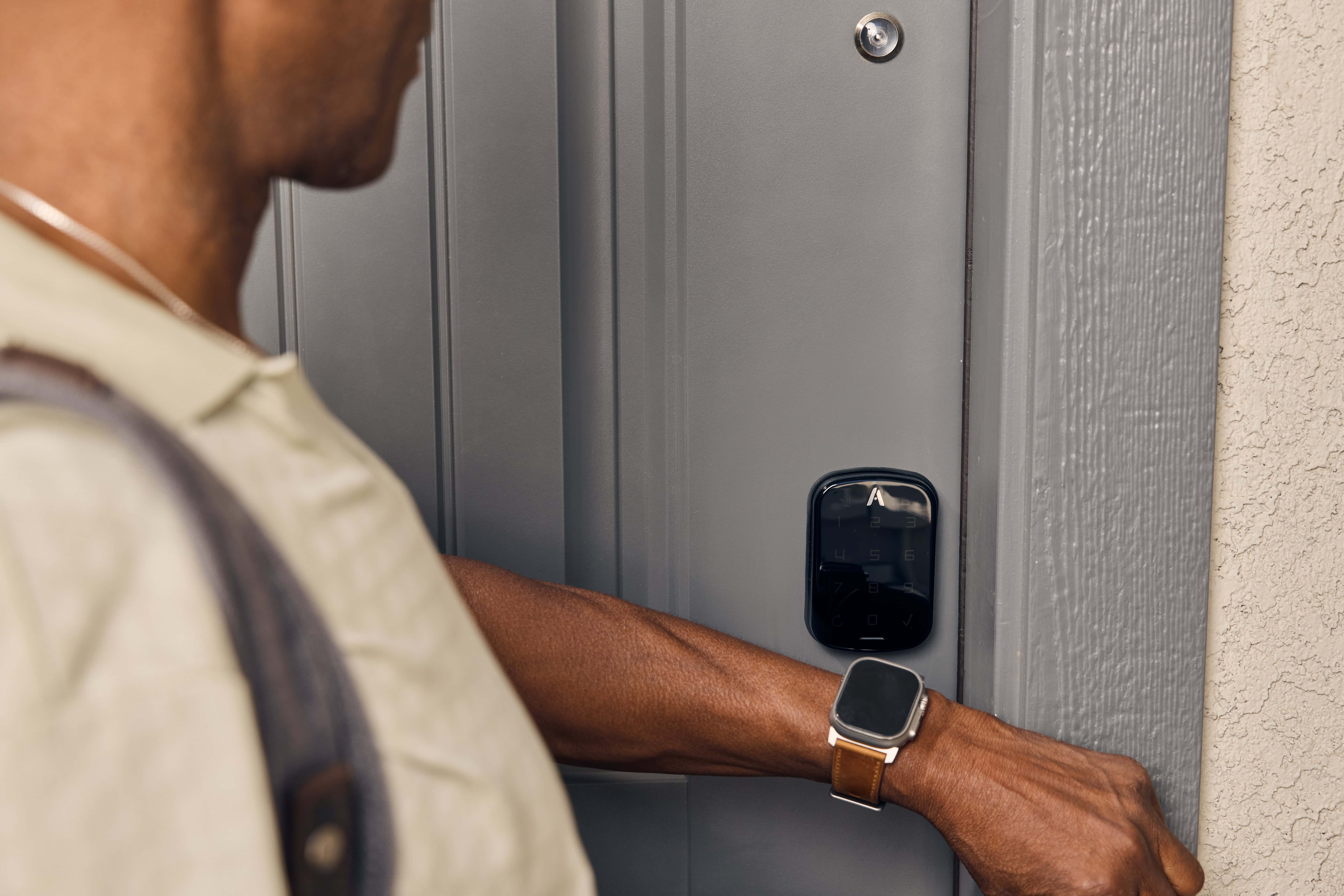
Apple Wallet-compatible smart lock Alloy Deadbolt+ will make life easier for renters and landlords alike, SmartRent said Wednesday. Debuting at a Starwood Capital Group property, Alloy Deadbolt+ expands on the security, functionality and convenience of smart locks by integrating with resident keys in Apple Wallet. It easily lets you in, as well as your property manager and designated friends and service providers.
“Alloy Deadbolt+ enhances the way we think about secure access, providing a straightforward and reliable solution for both residents and property managers,” SmartRent Chief Technology Officer Isaiah DeRose-Wilson said.
The Apple Watch Ultra 2 in the new Black Titanium finish is available at its lowest ever price for Black Friday. Photo: Apple
Note: This post has been updated with new deals and the latest price drops. Some prices vary according to Apple Watch color, band, etc.
Apple Watch Cyber Monday deals are live, featuring some significant price drops on both the most affordable and the priciest models.
The best deal is the entry-level Apple Watch SE 2 from just $149 (save $100 or 40%). This is a great price for a great watch that boasts almost all the same features as its pricier siblings. It’s a great starter watch and perfect for kids (and you can track them with it). Meanwhile, the latest high-end Apple Watch Ultra 2 in sleek black titanium is also $80 off. Or pick up a refurbished Ultra 1 for just $380.
Not to be left out, the brand-new Apple Watch Series 10 with its big beautiful screen is available at its best price to date on Amazon, starting at just $329. The biggest savings are on Series 9.
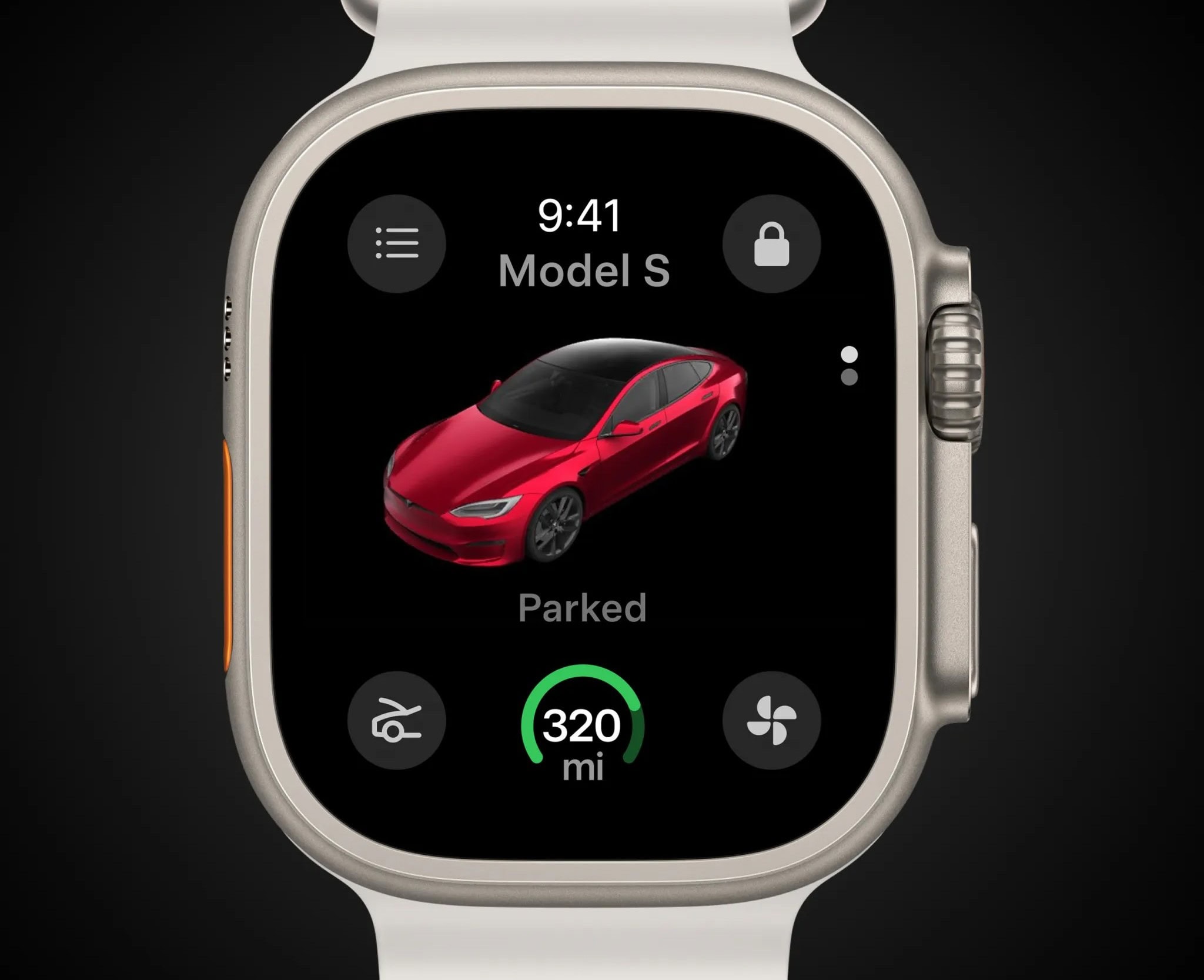
Tesla's rendering shows how the app will look on your Apple Watch display. Photo: Tesla
Tesla is rolling out a significant holiday software update, headlined by the launch of its first Tesla Apple Watch app. The new app, long expected and finally available next week, will allow owners of Tesla electric cars and trucks to use their Apple Watch as a digital key to lock and unlock their vehicles. That eliminates the need to carry a smartphone (at least for that reason).
Users can also view battery charge levels, control climate settings, and remotely open the front trunk (“frunk”) directly from their wrist.
All the insanely great deals we can find on Apple products on Cyber Monday. AI image: MidJourney/Cult of Mac
There are plenty of great Apple deals this Cyber Monday 2024—but not from Apple directly. As usual, Apple keeps its discounts minimal (Tim Cook loves his big fat profits!). This year, you can get up to a $200 gift card with select purchases, but the newest products, like the iPhone 16, M4 MacBook Pros, iMac, and Apple Watch Ultra 2, aren’t included.
That said, third-party retailers like Amazon, Best Buy, Walmart, and B&H Photo are offering significant discounts on a ton of Apple gear. From AirPods to iPhones, Apple Watches, and iPads, you’ll find some fantastic deals. Here’s a roundup of the best offers we’ve come across.
Jump on this chance to get a GPS + cellular Apple Watch at a low price. Photo: Cult of Mac Deals
We’ve seen loads of Apple Watch deals in Black Friday sales, but this refurbished Apple Watch Series 8 looks pretty good. It’s an incredible discount on a smartwatch that tracks your steps, keeps you in the loop with your notifications and offers cellular connectivity.
Strap one on while it’s price-dropped to just $219.99 during our Black Friday/Cyber Monday sale. Whether you’re treating yourself or someone special to this Apple Watch, you’ll want to act while supplies still last.
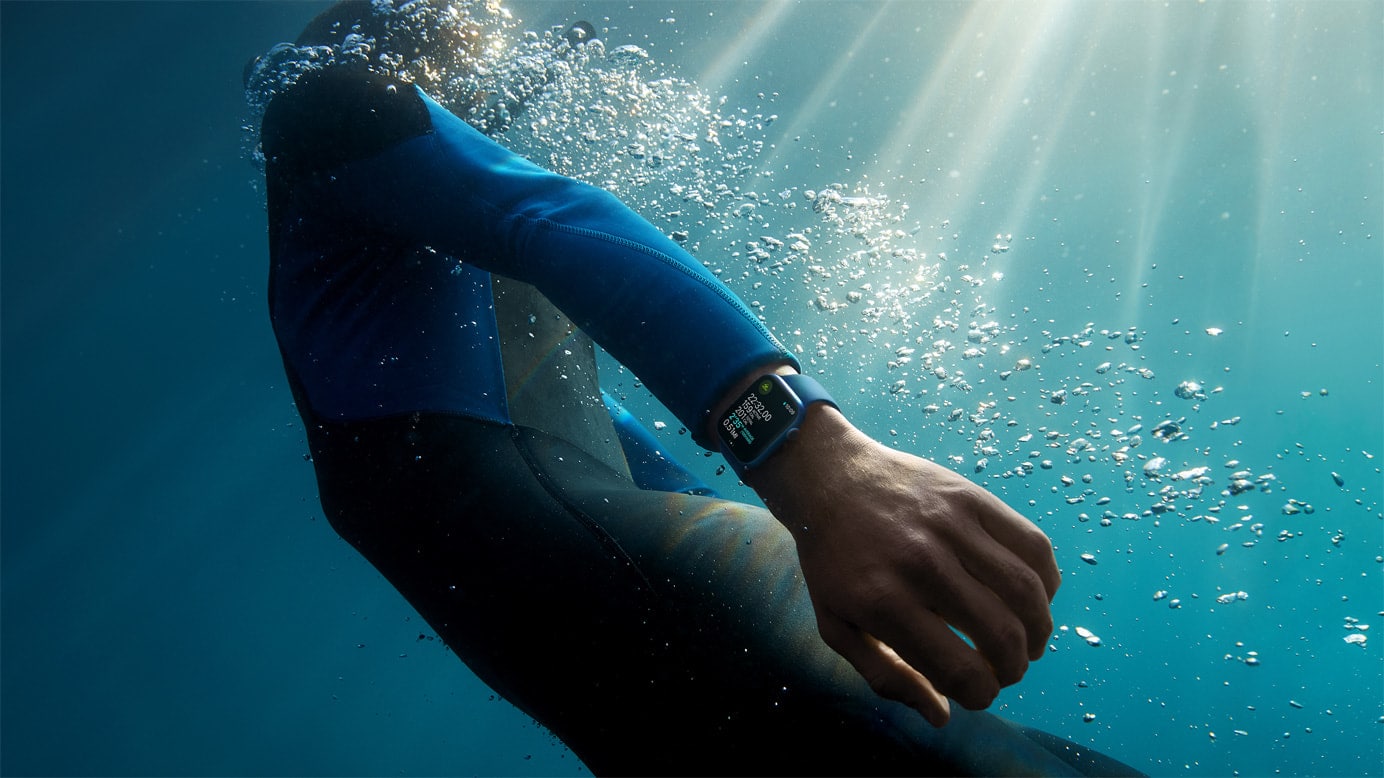
Apple Watch makes for a good fitness tracker underwater. Photo: Apple
If your Apple Watch feels like it’s not responding to your taps, it could be in Water Lock mode. It’s easy to forget to turn off Water Lock Mode after you go for a swim or a shower.
There’s also a bit of confusion about how Apple Watch’s Water Lock feature works. Read on to see how to (and how not to) use it.
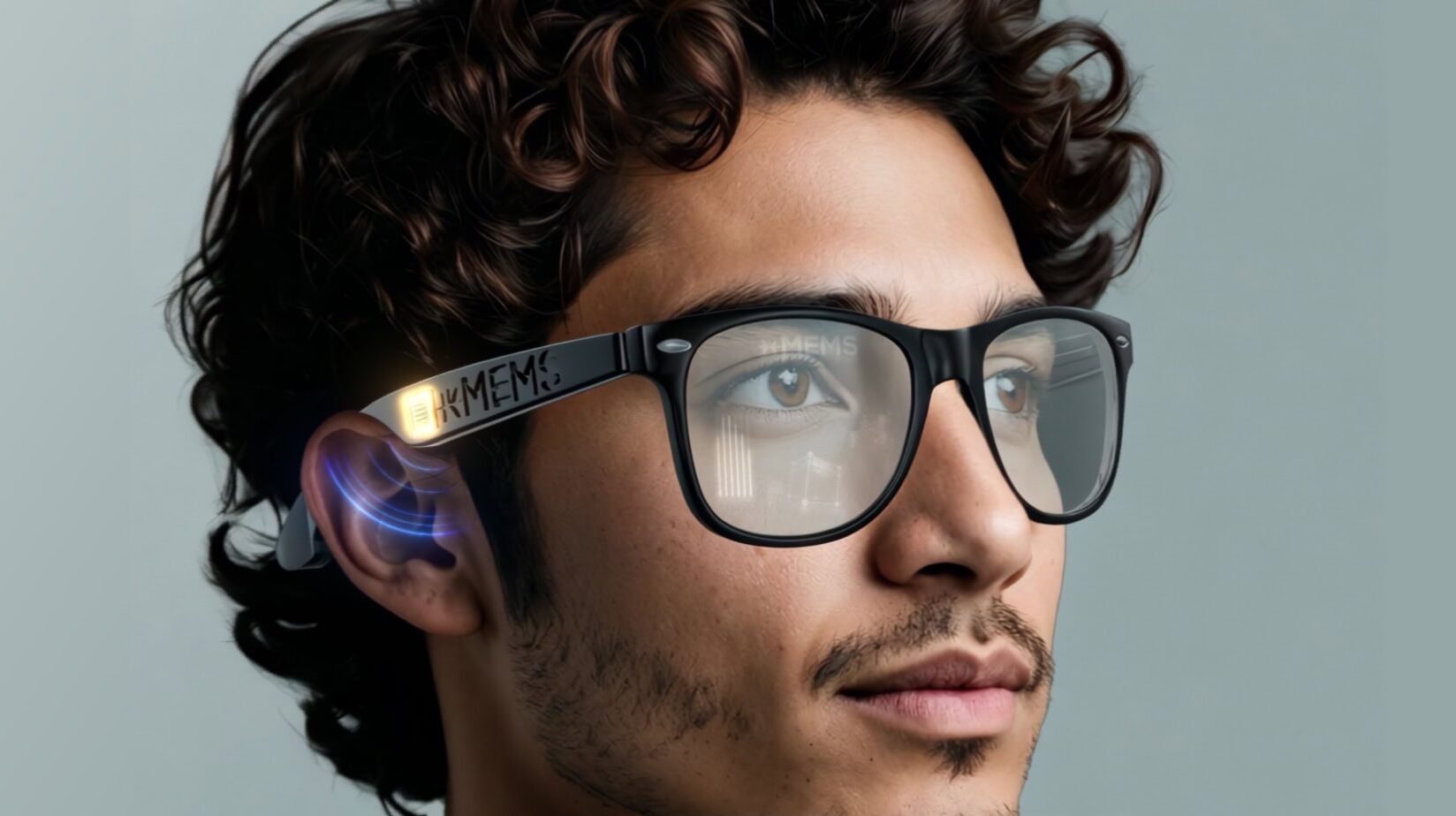
The xMEMS Sycamore microspeakers sit in the stems of AR glasses near the ear. Image: xMEMS Labs
In what could be a breakthrough for wearables and other electronics, xMEMS Labs unveiled Sycamore on Tuesday. It’s the world’s first full-range near-field MEMS micro speaker. Measuring just over one millimeter thick, the innovation promises to make some noise with compact gear you don’t put in your ears. Those would be items like open-fit earbuds, such as AirPods and sport earphones, smartwatches like Apple Watch, AR glasses and headsets like Vision Pro, and other consumer electronics.
Like other xMEMS micro speakers that bring solid-state sound to earbuds and headphones, the new technology uses a novel “sound from ultrasound” platform. It generates full-frequency audio from ultrasonic waves within a chip-sized form factor.
“With Sycamore, mobile electronics can now achieve thinner, more stylish form factors while maintaining big, rich sound,” said Mike Housholder, xMEMS VP of marketing and business development. “With better performance at both the low and high ends, Sycamore delivers powerful, full-range audio for smartwatches, smart glasses, and any other small, mobile form factor that engineers dream up.”
You can now buy the Gold Link Bracelet for your Apple Watch Photo: Apple
Apple is now selling a Gold Link Bracelet for the Apple Watch. Listed for $349, the band is made from 316L stainless steel alloy and features over 100 components.
Apple first showcased the band while unveiling the Apple Watch Series 10 at its September “It’s Glowtime” event.
There are several ways you can quickly find a misplaced iPhone with another Apple device. Image: D. Griffin Jones/Cult of Mac
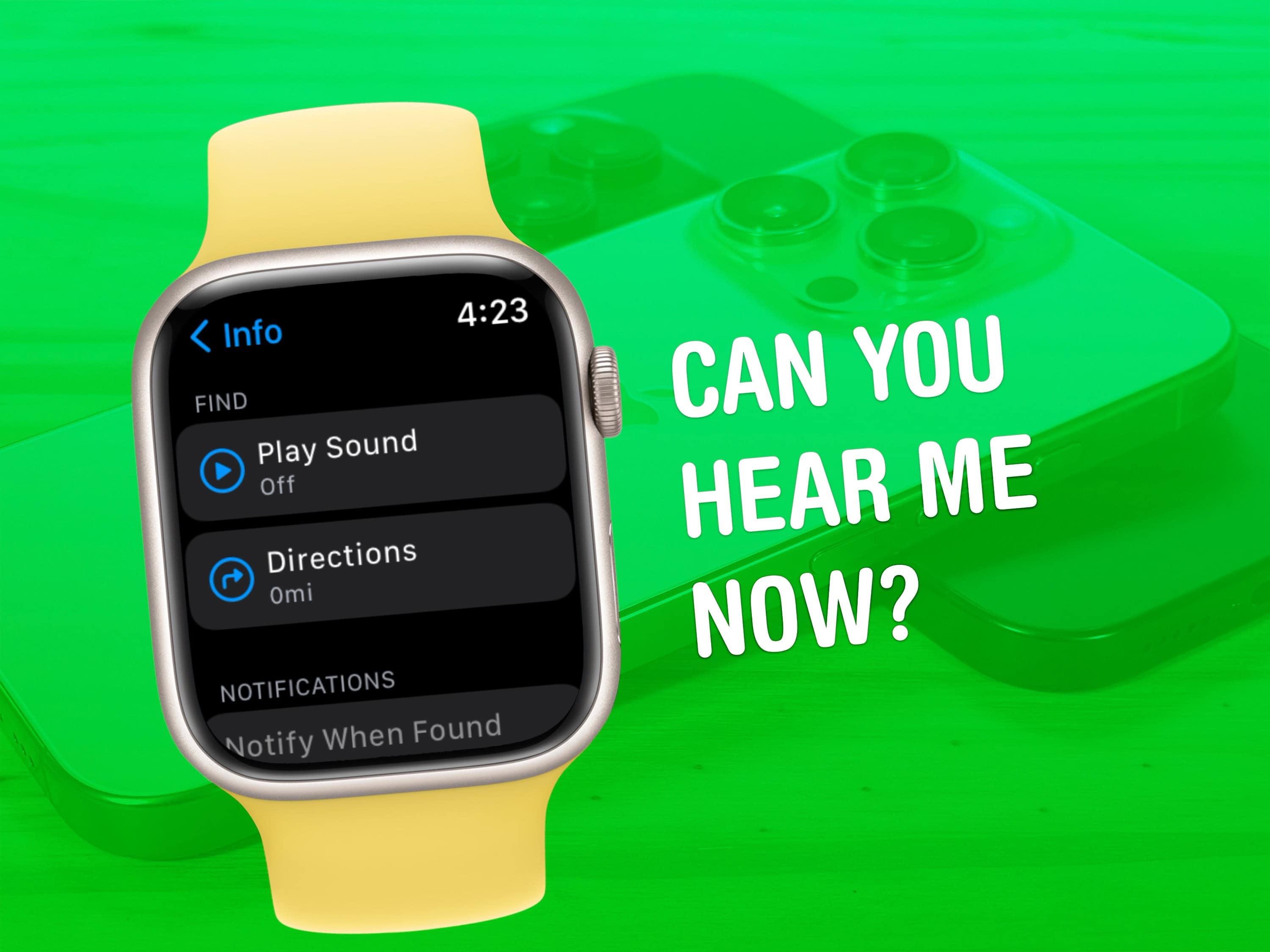
Everyone misplaces their iPhone.* You’re walking around, you set down your iPhone, you do some chores, you get ready to go. Where is it? If you own an Apple Watch, it really is the fastest way to find your lost iPhone.
It’s totally easy to ping your iPhone from your Apple Watch. At the push of a button, you can make your iPhone ring, even if it’s on silent. And, while you might know about the basic feature that lets you ping your iPhone, the Apple Watch also offers advanced options for tracking down your missing device.
Bonus: Even if you don’t own an Apple Watch, anyone in your Family Sharing group can ring your iPhone even louder with the Find My app. And if you don’t have a family, you can use any other device signed into your Apple account.
★★★★☆
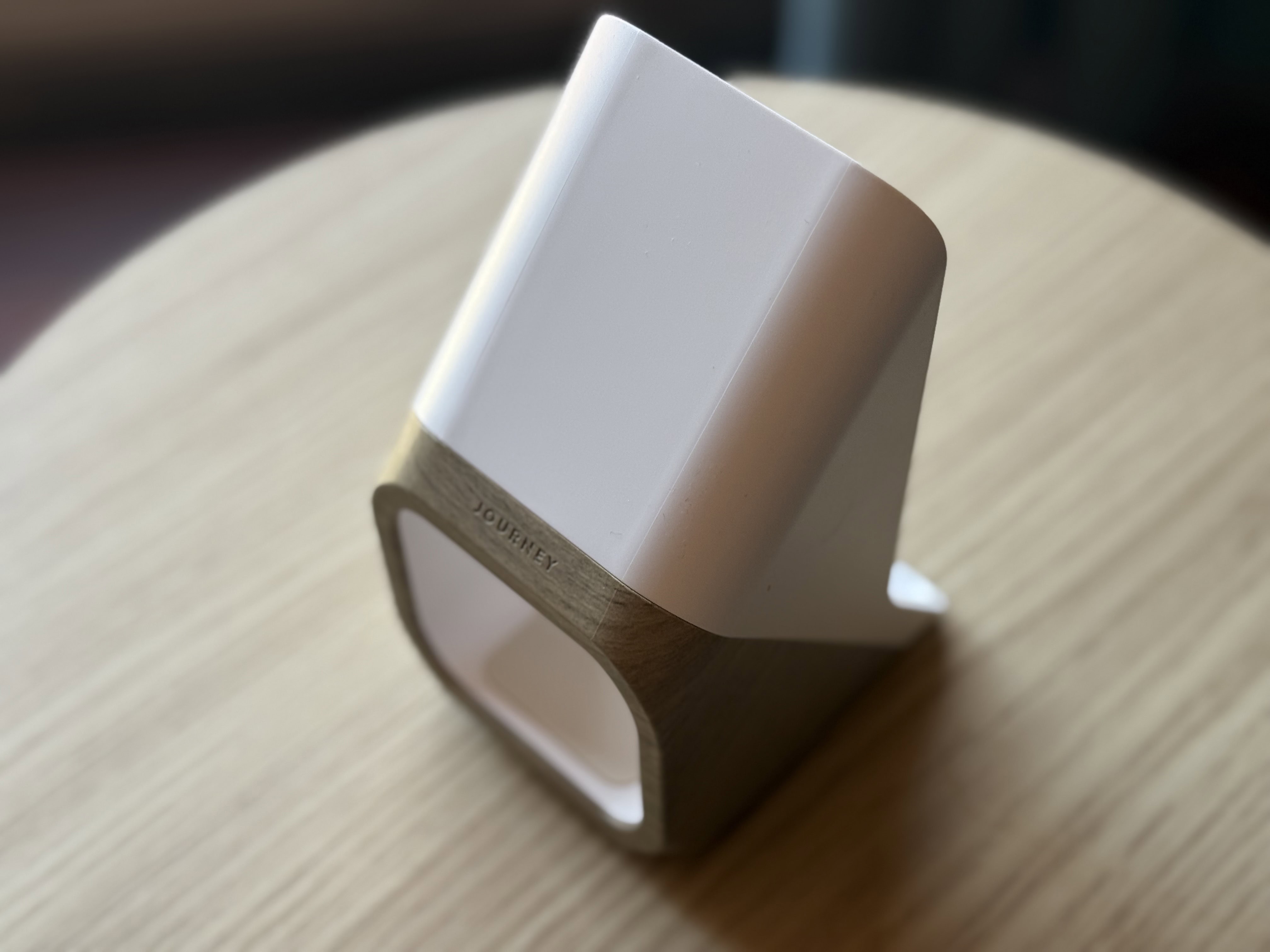
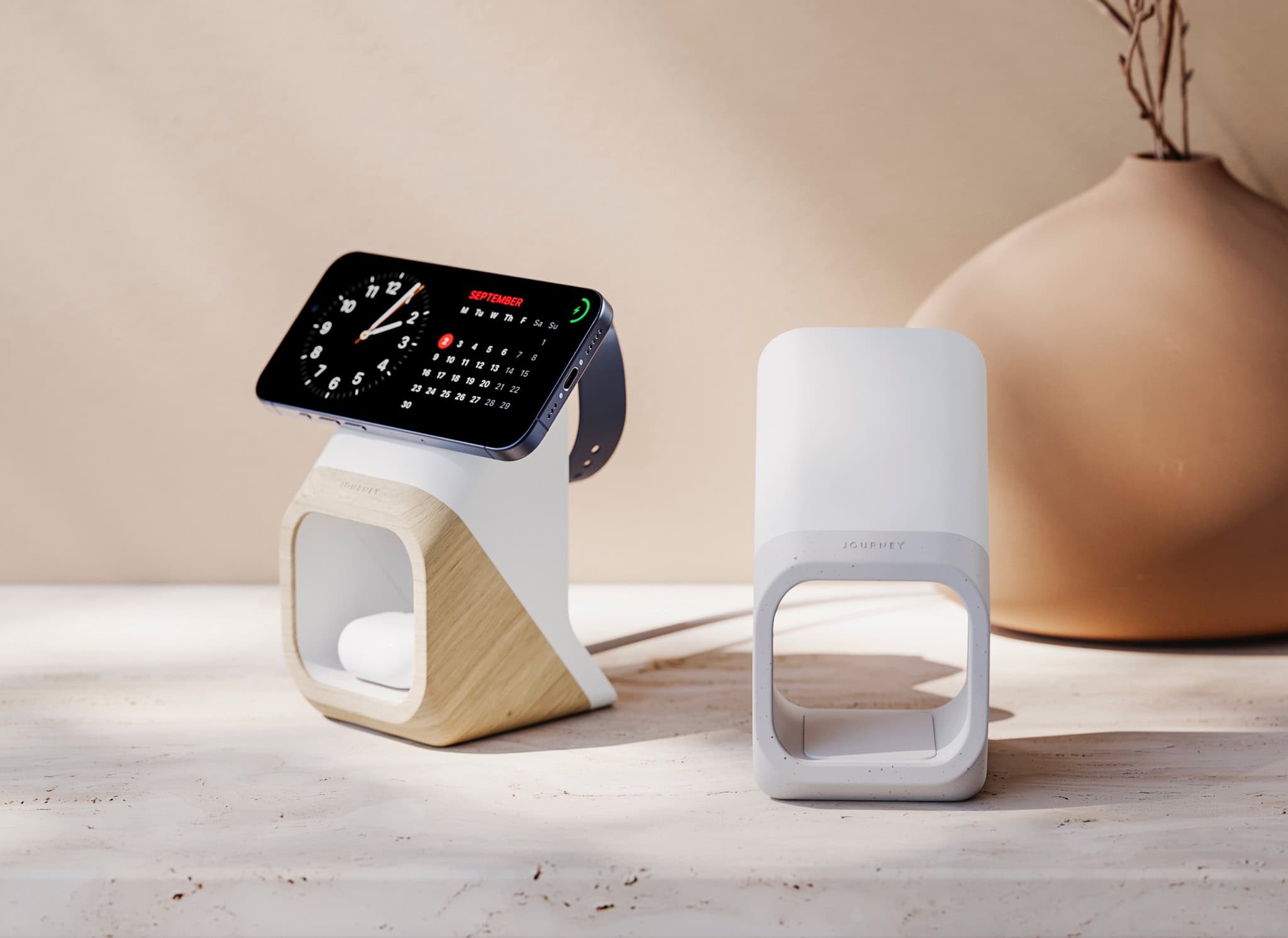
So that's a ... charger? Photo: David Snow/Cult of Mac
In a world of look-alike 3-in-1 chargers for iPhone, Apple Watch and AirPods, the new Journey Nova 3-in-1 Wireless Charging Station stands out. Like its distinctive looks or not, seeing it without any devices charging might make you wonder what the hell it is — an abstract sculpture, or maybe a prop from the original Star Trek? But for many it could be the sleek charger that subtly fits in with modern decor — if they’re willing to pay the hefty asking price ($139.99).
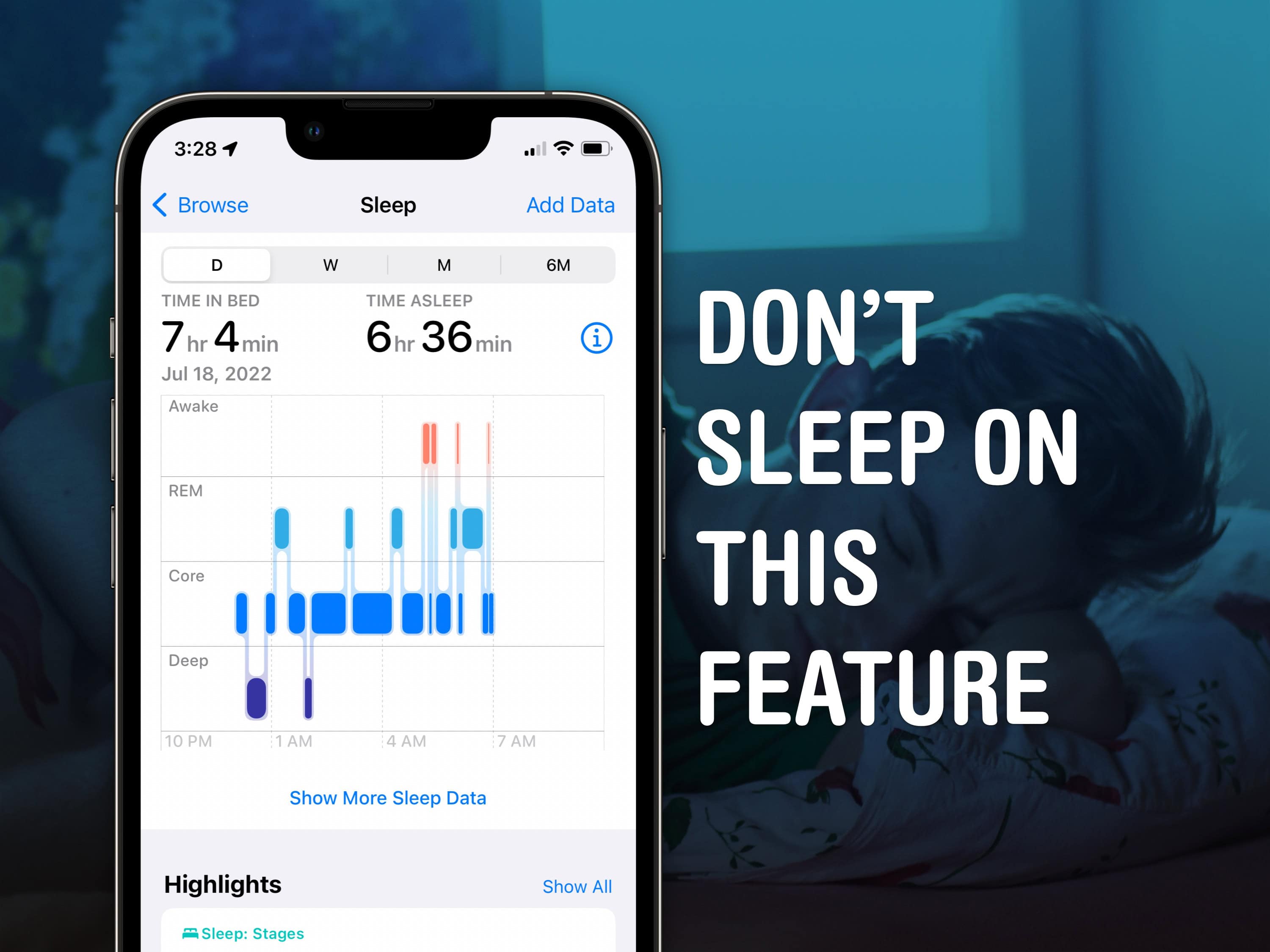
Sleep tracking on Apple Watch is pretty advanced. Image: D. Griffin Jones/Cult of Mac
Apple Watch sleep stage tracking might help you get to the bottom of what’s going on with your sleep. Ever since watchOS 9, it can track what sleep stage you’re in. That means you can see if you’re not getting enough deep sleep or REM sleep, or if you’re waking up too often in the middle of the night. If you have insomnia or sleep apnea, this information could be very useful.
Read on to see how to use the advanced sleep stage tracking on Apple Watch.
The app under development is separate from plans for a noninvasive blood sugar monitor. Photo: Pexels
Apple is secretly testing a new health app designed to help individuals with prediabetes manage their diet and lifestyle choices, according to a new report. The experimental app, tested with select employees earlier this year, focuses on helping users understand how different foods affect their blood sugar levels. That might help stave off Type 2 diabetes for some.
Some might use it just to marvel at how that cookie is spiking their blood sugar and choose an apple next time, instead.
The new Journey Nova 3-in-1 fast charger carries a distinctive look. Photo: Journey
Multi-device chargers for iPhone, AirPods and Apple Watch come and go, but Journey just rolled one out that really catches the eye: the Journey Nova 3-in-1 Fast Charging Station. It’s available for preorder now.
“Our designers envisaged an anti-tech aesthetic for Nova,” said a Journey spokesperson. “The exterior complements decors much like a vase, chair or pot plant might.”
A pot plant, they say! Well, that is a good aesthetic model to emulate, although it being on the “anti-tech” side seems debatable.
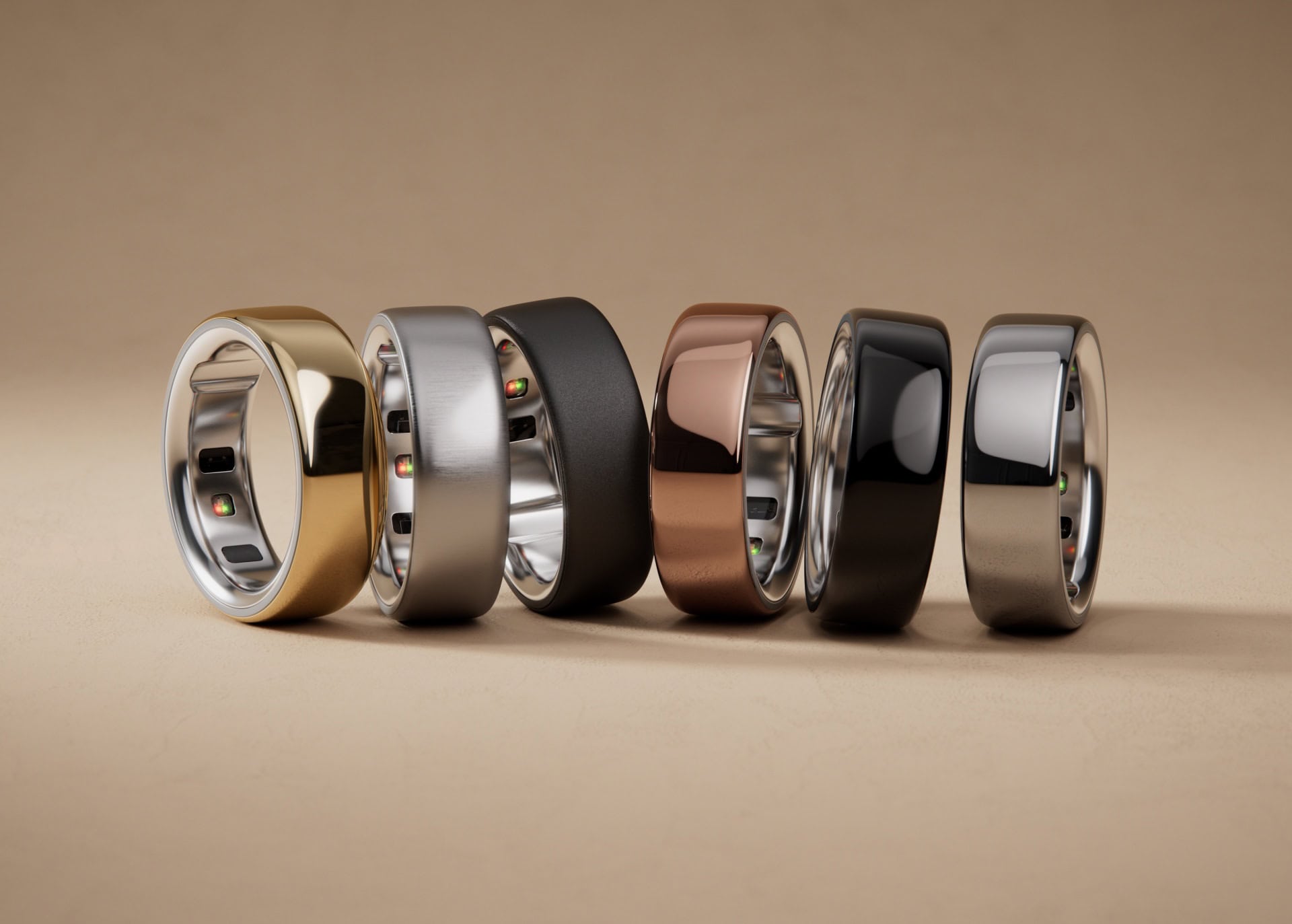
Oura Ring 4 enhances comfort and health sensing over Oura Ring 3. But where is Apple's smart ring? Photo: Oura
The new Oura Ring 4, with a sleek and subtle design and improved health sensing, is now available for preorders, ŌURA said Thursday. Shipping of the new smart ring — which is sure to spark a new round of speculation on when Apple will launch its own — begins October 15.
“The next-generation Oura Ring 4, reimagined Oura App, and the development of the Smart Sensing platform represent significant steps forward for wearables across accuracy, comfort, personalization and design,” said ŌURA CEO Tom Hale.
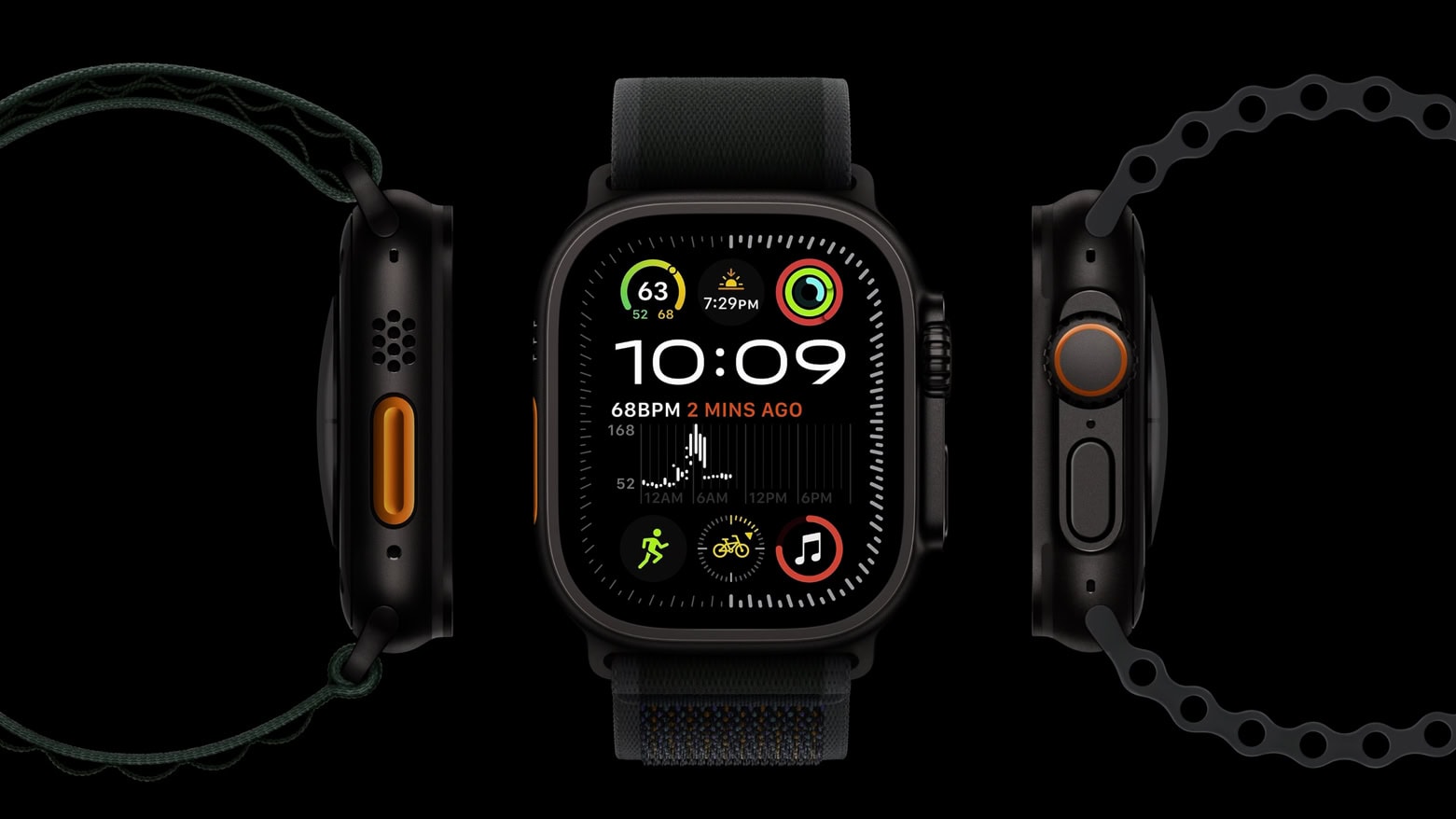
Would you buy an Apple Watch Ultra 2 just because it looks this amazing? Photo: Apple
Rather than Apple Watch Ultra 3, we got the Ultra 2 in a “satin black” titanium finish. This might be more disappointing if early reviewers weren’t raving about the new color.
★★★★☆
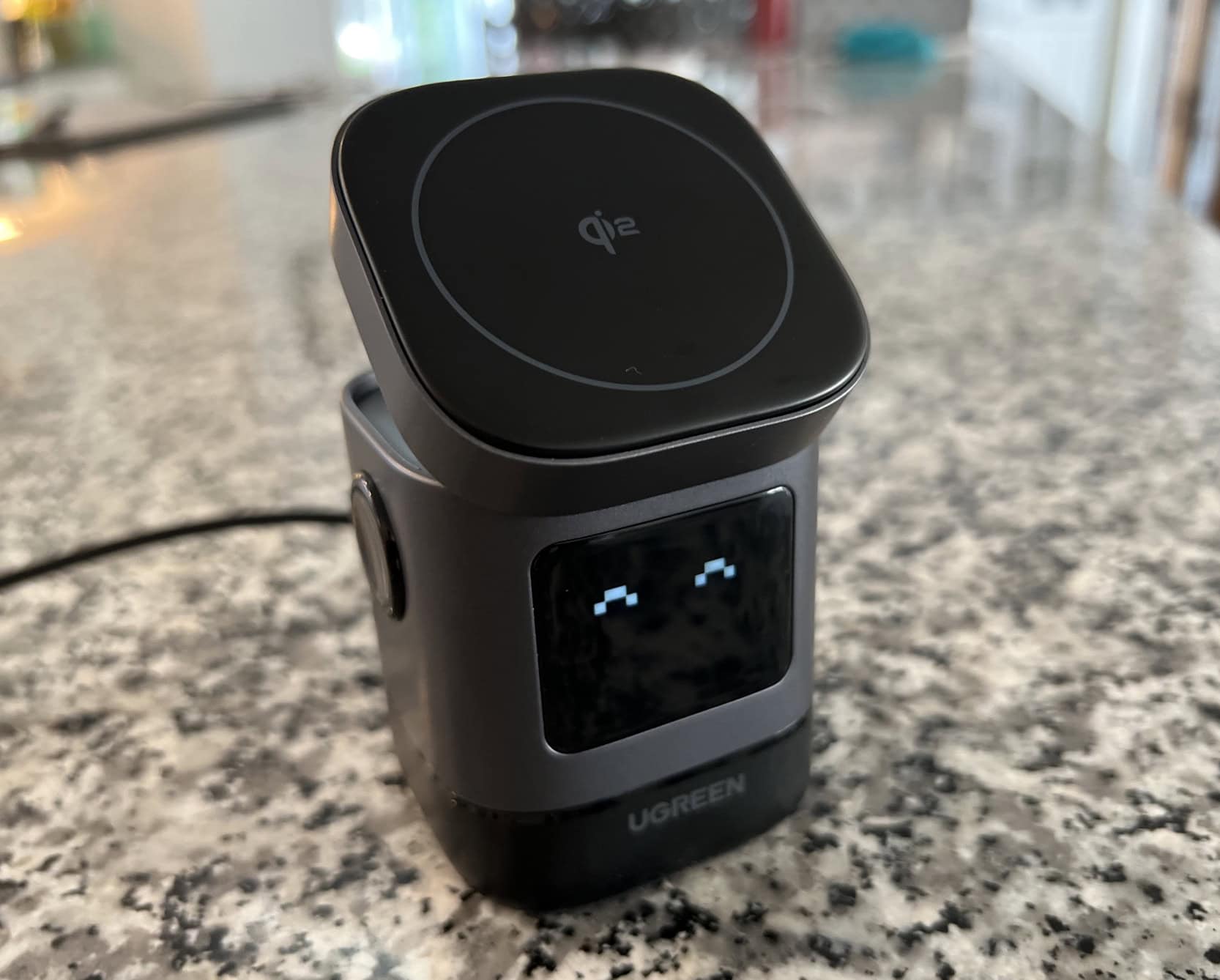
The little bot charger gives you a digital smile to indicate charging status. Here, eyes-only means it's plugged in, on standby. Photo: David Snow/Cult of Mac
The charging station’s compact design makes it one of the smaller MagSafe-compatible docks I’ve seen that supports 15W fast charging. Measuring just 3.07 x 2.36 x 2.36 inches, it’s small enough for travel if you have space in your bag or for keeping your workspace tidy because it doesn’t take up much space. The charger’s build quality is top-notch, featuring a tilting top charging panel for MagSafe iPhones that adjusts up to 70 degrees for a better viewing angle. This flexibility allows me to easily see notifications or watch videos while my device charges. It’s great for Standby mode, too. If you’d like toknow more about similar charging solutions, check out this review.
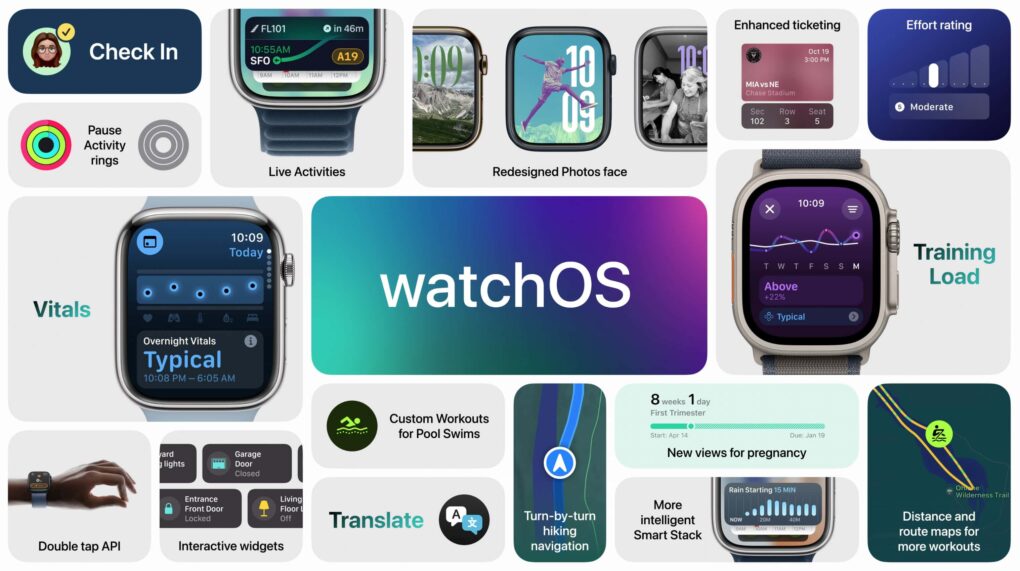
watchOS 11 brings some notable usability improvements. Image: Apple
watchOS 11 is a smaller update with a few great features people have wanted for years. You can pause your Activity streak without losing it, customize the beautiful new Photos face and set different Activity goals for each day of the week. It comes with some new apps, as well — Vitals, Tides, Translate and a new training load feature.
Apple released watchOS 11 on Monday. After you update, here’s the big list of things you can check out.
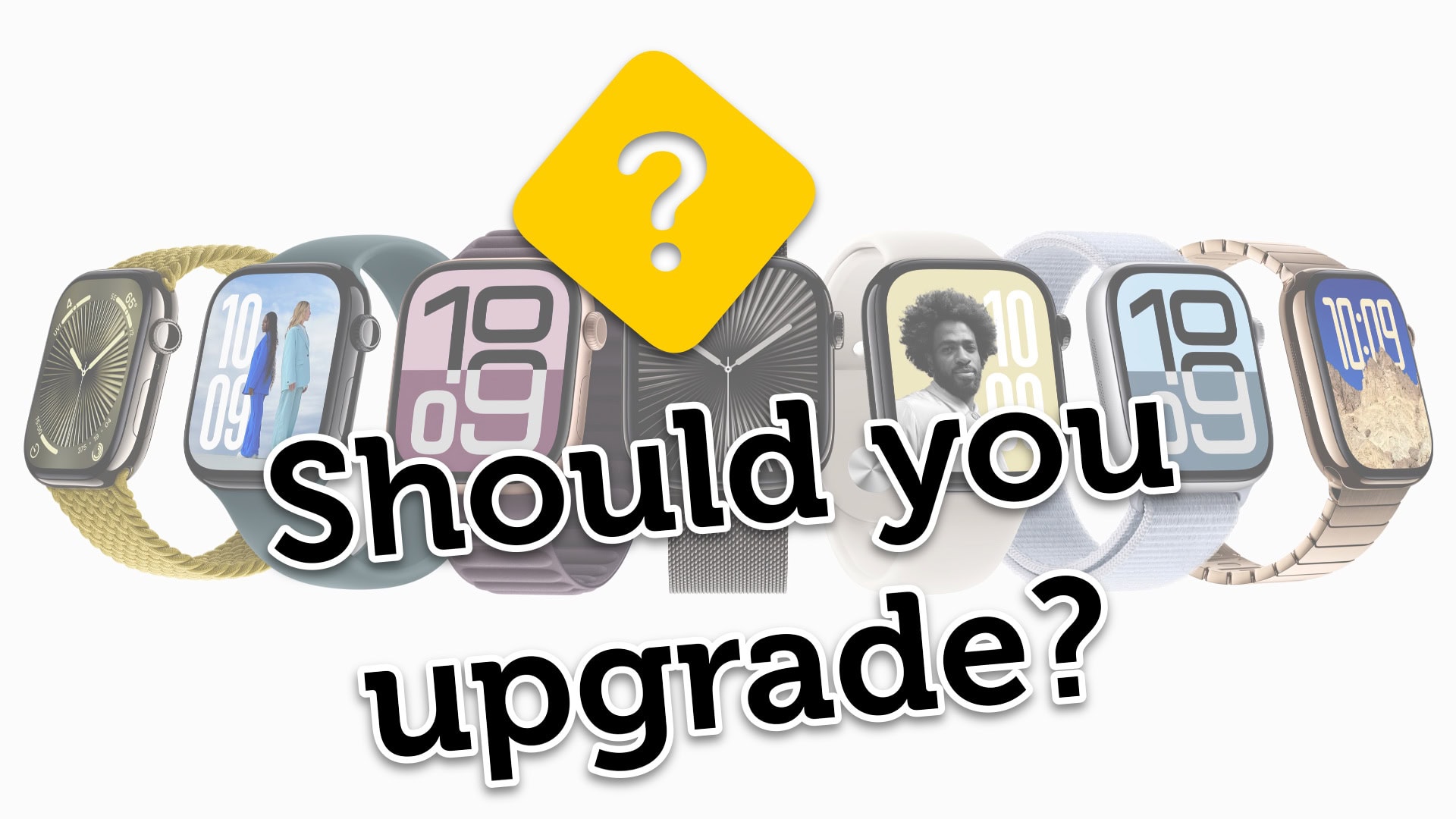
Is it time to buy a new Apple Watch? Image: Apple/D. Griffin Jones/Cult of Mac
Is it time for you to upgrade and buy the new Apple Watch Series 10 or Apple Watch Ultra 2? The new Apple Watch is larger and thinner, with advanced new sensors and health features. And the Apple Watch Ultra 2 … comes in black. If you’re wondering what’s next, Apple Watch Ultra 3 rumors indicate that Apple could be planning even more significant updates for its premium smartwatch lineup.
Now that the new watches are available to preorder, you might be wondering whether it’s worthwhile to upgrade. That depends on what devices you have, so I put together a buying guide with charts and a video to help you decide.
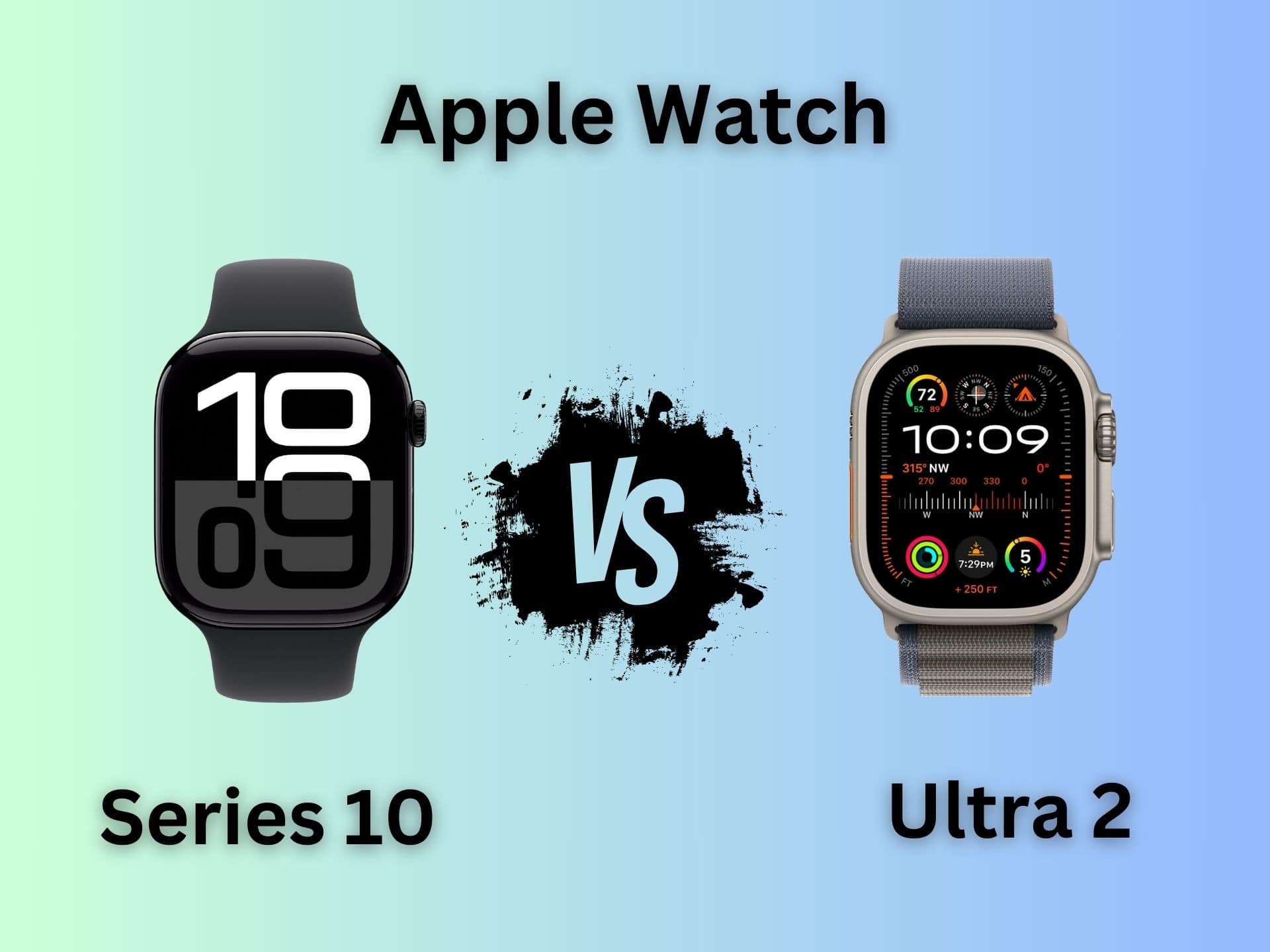
Which Apple Watch is right for you? Series 10 goes head to head against Ultra 2. Photo/Graphics: Apple/Rajesh Pandey
The Apple Watch Series 10 packs significant upgrades over its predecessor. However, Apple did not give the same love to the Apple Watch Ultra this year. Instead of a third-gen Ultra, Apple only unveiled a new black titanium finish for the Apple Watch Ultra 2. That makes an unusual comparison — Apple Watch Series 10 versus Apple Watch Ultra 2 — an intriguing proposition.
The “regular” Apple Watch Series 10 comes closer to its rugged Ultra sibling than ever before. But between the two, which is the right pick for you? Read our Apple Watch Series 10 versus Apple Watch Ultra comparison to find out.
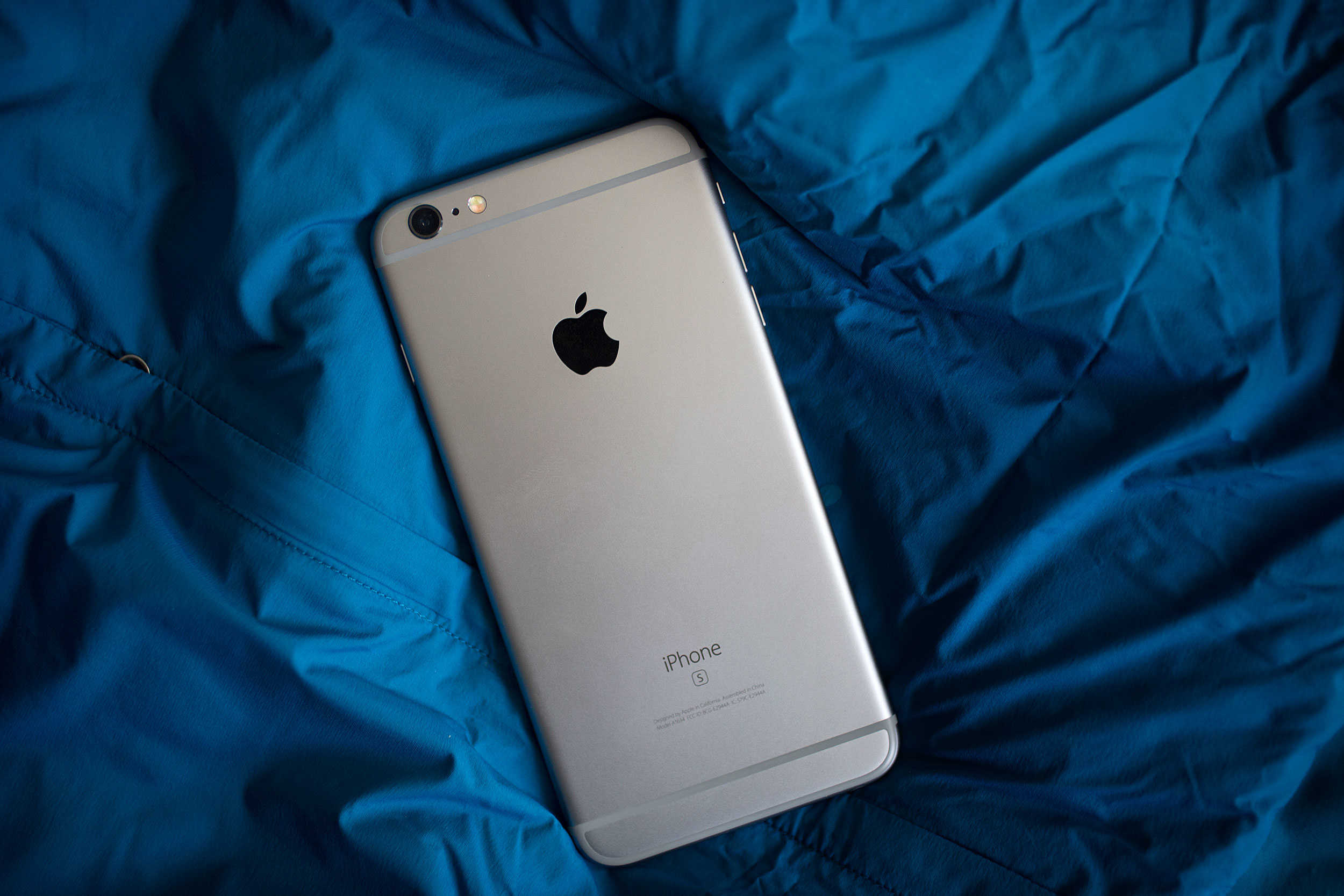
If you're upgrading to iPhone 16, now is the time to secure the best possible price for your old iPhone trade-in. Photo: Jim Merithew/Cult of Mac
With Monday’s impending iPhone 16 reveal, excitement abounds! However, one downside of the “It’s Glowtime” event is the impending drop in value of your iPhone trade-in.
Every year, newer models push older iPhones, Apple Watches and MacBooks further and further down the path to obsolescence. But there’s good news: Cult of Mac will still buy your old devices. And we’ll help you maximize the money you get for your iPhone trade-in, too.
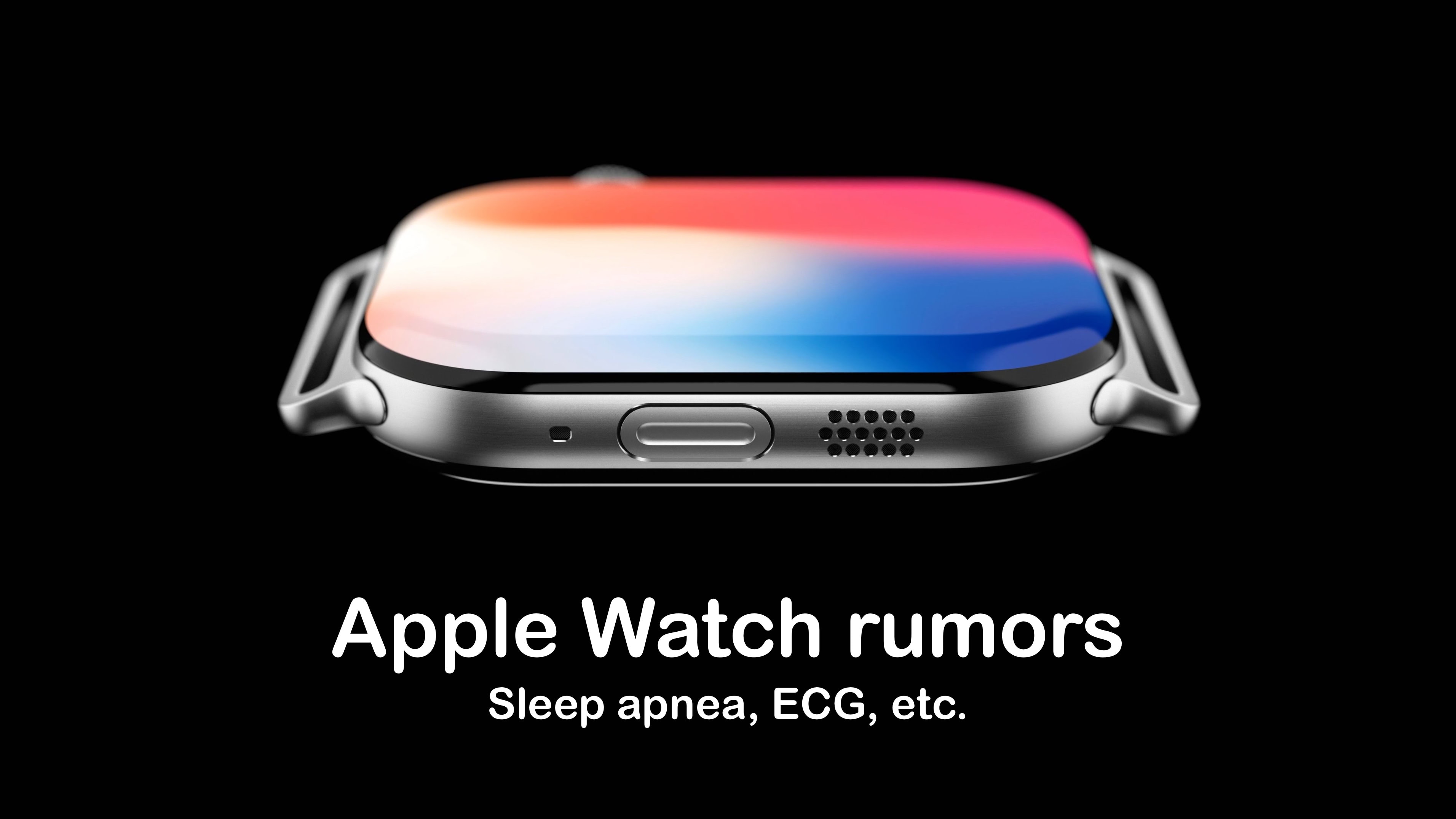
Apple Watch Series 10 could be able to detect a serious sleep problem. Image: concept_central/Cult of Mac
In addition to design changes, the upcoming Apple Watch Series 10 adds the ability to detect sleep apnea, according to a reliable source. And its heart sensor could be getting an upgrade.
But a legal problem will apparently keep blood oxygen sensing off the new wearable.
The iPhone 16 lineup will steal the spotlight, but Apple has much more in store. Image: Cult of Mac
The most important day of Apple’s year comes Monday, September 9. But there’s no reason for you to spend the weekend wondering what’s on the agenda for the “It’s Glowtime” event — we can spill the beans now: iPhone 16, AirPods 4, Apple Watch Series 10 and more.
We also already know what’s not coming at the September event, like MacBooks. Read on for all the details.