Mobile menu toggle

Action button

Read Cult of Mac’s latest posts on Action button:

I figured out the best use for the iPhone’s Action button [Pro Tip]
By

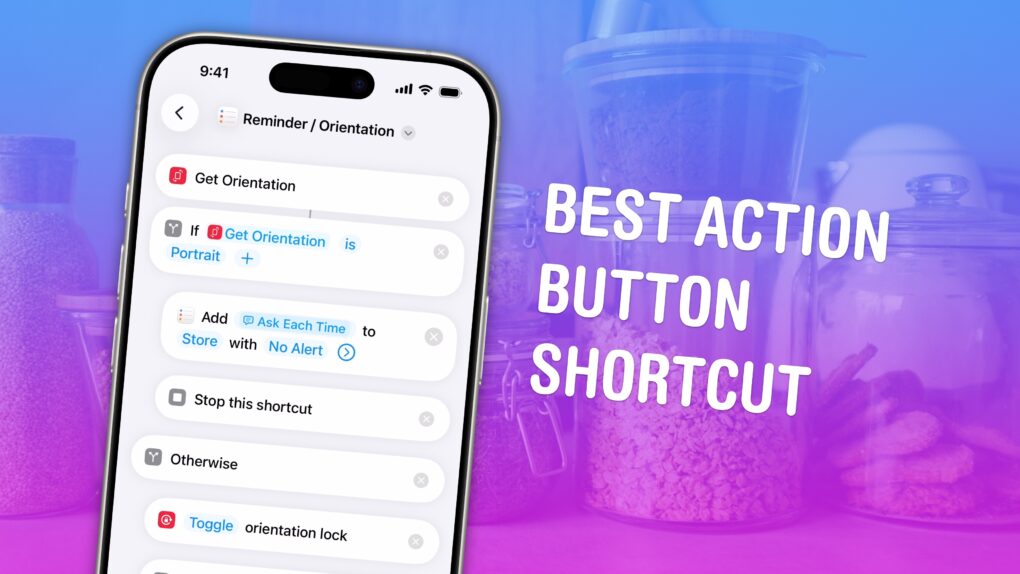
The Best Action Button Shortcut
Two things I use all the time in one elegant shortcut.
Image: D. Griffin Jones/Cult of Mac

I finally figured out the perfect set of controls to assign to the iPhone’s Action button. I created a shortcut that cleverly combines the two controls I want to use it for.

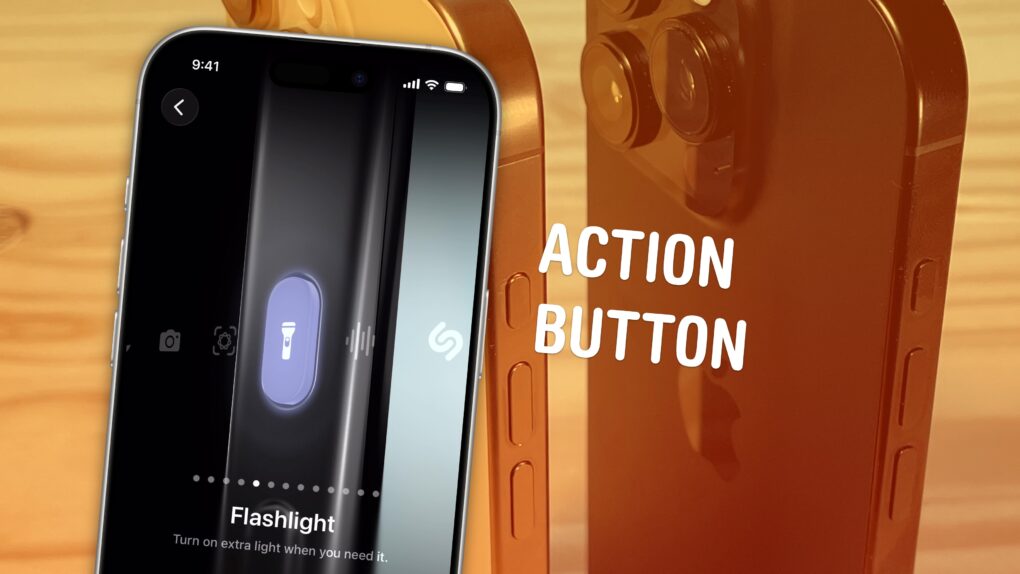
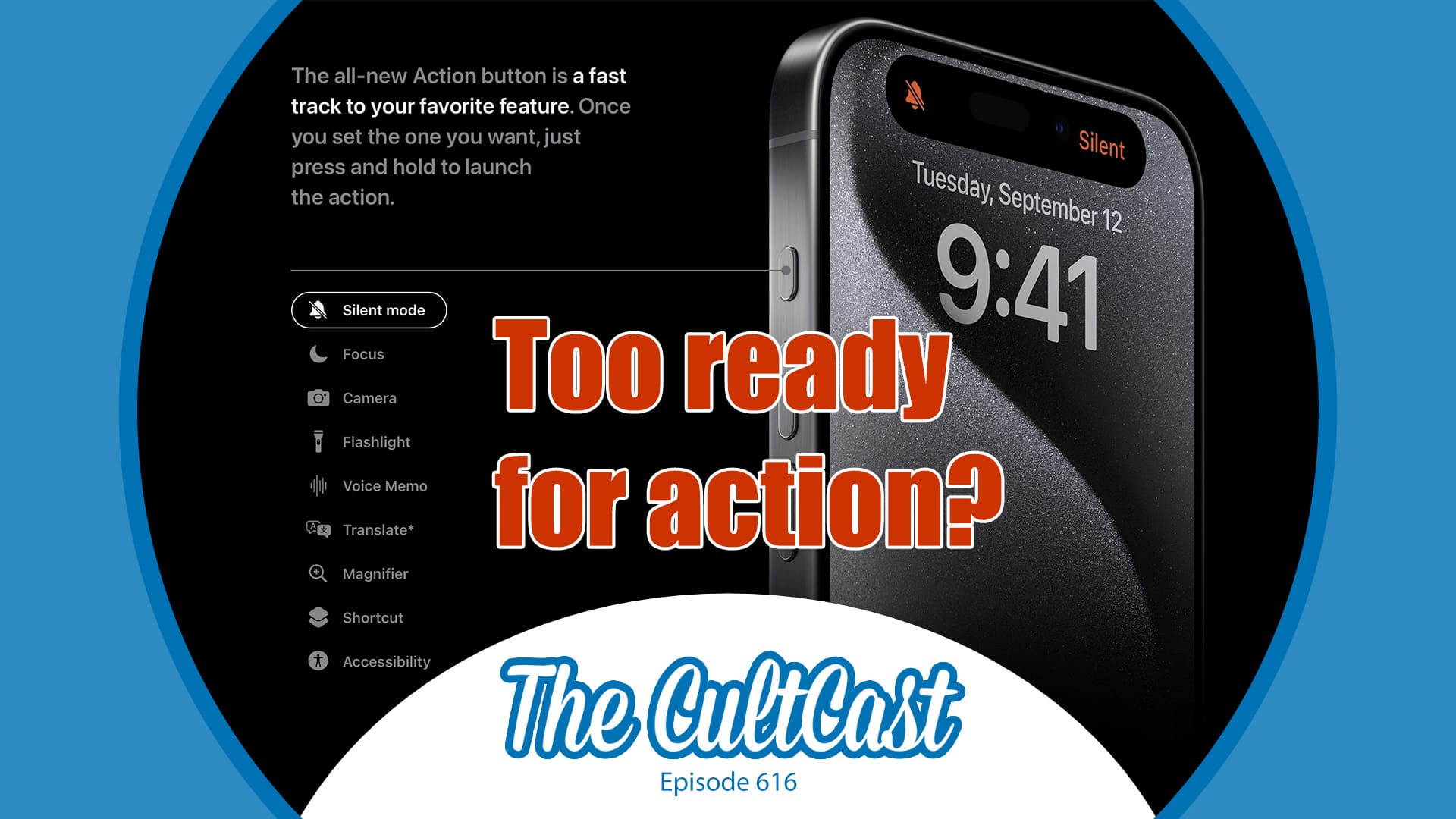
The Action button can toggle the flashlight, mute audio, toggle an accessibility feature, open the camera, start translation, run any shortcut of your choosing and more. It’s so open-ended that figuring out what to use it for can trigger decision fatigue

Don’t panic — I discovered what you should use the iPhone’s action button for. And I’m sharing the shortcut, which combines two actions into one elegant system, so you can use it, too. 

How to use and customize the iPhone’s Action button

By

iPhone Action Button
It’s not just ring/mute — it can do whatever you want.
Image: D. Griffin Jones/Cult of Mac
The iPhone’s Action button replaces the former ring/mute switch, and while it can fulfill the same purpose, there’s much more you can do with it. Apple gives you a bunch of options out of the box if you want instant access to your flashlight, camera, Shazam and more.

You pick the function, and it’s just a button push away. You can even turbo-charge the Action button by running a shortcut.

Setting up the Action button to do your bidding is easy. And once you do, you’ll undoubtedly enjoy quick access to your favorite feature.

8 super-cool things you can do with iPhone Action button shortcuts

By

What Else Can You Use It For?
The Action button opens a world of possibilities.
Image: Apple/D. Griffin Jones/Cult of Mac

You can go beyond the basics if you customize the iPhone’s Action button with shortcuts. You can make a fart sound, or get ChatGPT to help you write an email, or just about anything else you dream up.

Apple lets you assign the iPhone’s Action button to one of eight preassigned things — but if you choose Shortcut, you can do much more. Shortcuts offer a way to reach inside an app and automatically run a feature without opening it. With the iPhone 16’s Action button, you have a physical button you can press no matter what you’re doing on your phone, adding quick access to custom actions.

Some power users use the Action button to do incredibly useful (or frivolous) things. I’ll show you how to do the same — and also how you can trick your phone into assigning two or more shortcuts to the single Action button.

iPhone 16 renders bring latest leaks to life

By

iPhone 16 renders bring latest leaks to life
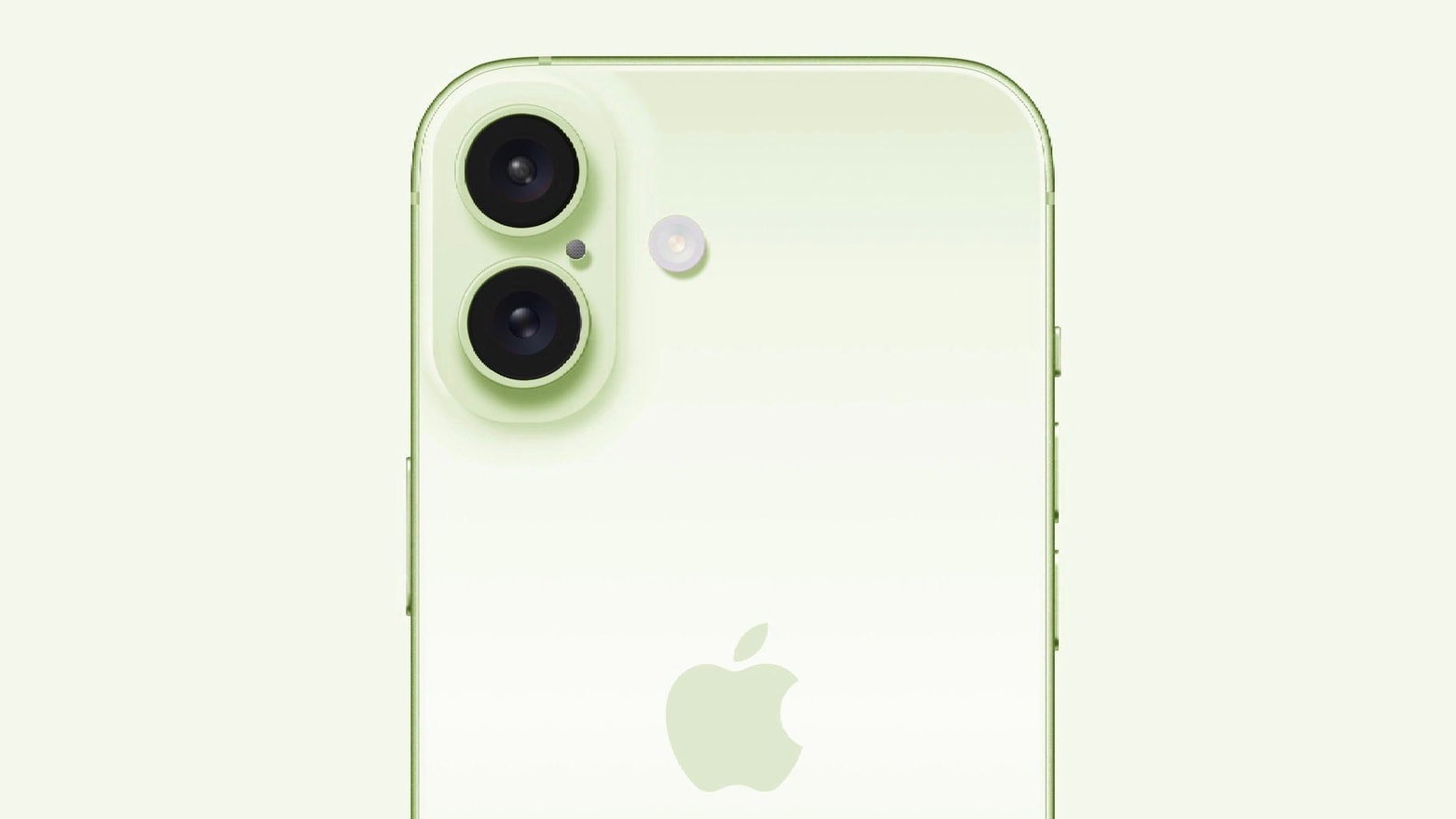
This might be a very early image of iPhone 16 in green
Image: Majin Bu

The iPhone 16 camera bump will shrink considerably, according to new CAD renders that supposedly show the future device. The customizable Action button from the iPhone 15 Pro models will appear on entry-level iPhones as well.

In addition, simulated images based on the renders show possible color options for the upcoming handset.

Hands-on with the 10 best new features in iOS 17.2

By

iOS 17 promotion artwork with a sticky note that says
A bunch of new features are coming in this big update to Apple’s latest.
Image: Apple/D. Griffin Jones/Cult of Mac

iOS 17 brought dozens of great features and changes, but the latest 17.2 update adds even more.

The headline feature is the new Journal app — other new tweaks come to iMessage stickers, NameDrop and Apple Music. If you have a new iPhone 15 Pro, you can record Spatial Videos and use the Translate app directly from the Action button. You can also customize more notification sounds and StandBy.

Here are the ten best features in 17.2.

Entire iPhone 16 lineup could feature force-sensitive Action button

By

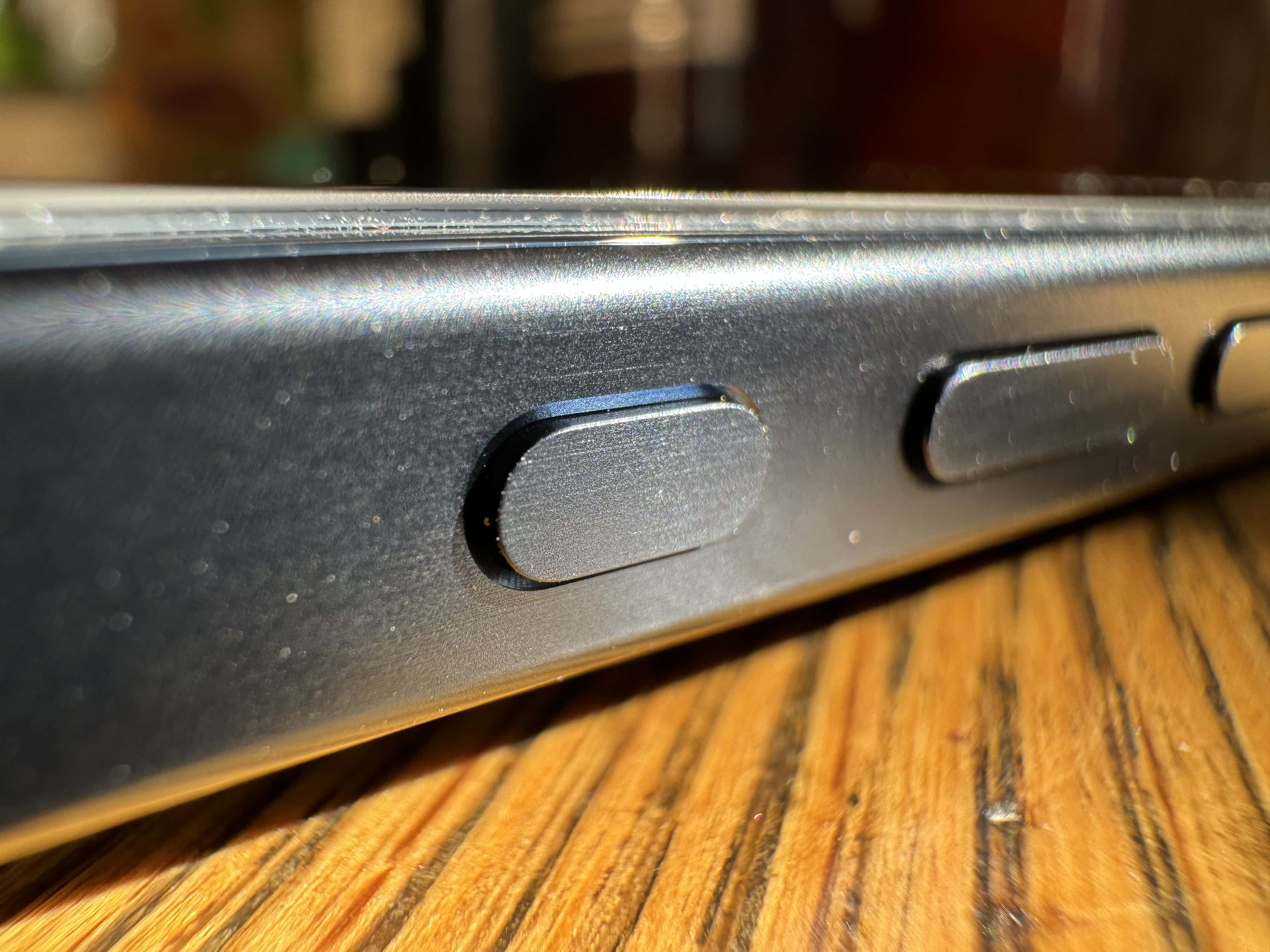
Closeup of iPhone 15’s new Action button.
iPhone 16's Action button could benefit from force-detection capabilities.
Photo: Leander Kahney/Cult of Mac

Apple reportedly will bring the iPhone 15 Pro’s Action button to the entire iPhone 16 lineup next year. It will seemingly be a capacitive button and pack a lot of additional functionality.

The new rumor indicates the iPhone 16’s Action button will use a force sensor, allowing it to detect changes in pressure.

Does iPhone 15 Pro’s Action button really need this fix? [The CultCast]

By

Is the iPhone 15 Pro
We love the iPhone 15 Pro's Action button just as it is, but hey ... upgrade away!
Image: Cult of Mac

This week on Cult of Mac’s podcast: An iOS 17 update supposedly will stop the iPhone 15 Pro’s Action button from triggering in your pocket, at least in certain circumstances. Is this really a problem that needs fixing?

Also on The CultCast:

  • When it comes to upcoming Macs and Apple Watch, this week’s no news sounds like very bad news indeed.
  • Apple’s Vision Pro headset seems to be straining the necks of some pencil-necked geeks.
  • For this week’s Under Review segment, I’ve got a unique-looking charger and Erfon and Griffin bring very different sorts of cameras to the podcast’s version of show and tell.

Listen to this week’s episode of The CultCast in the Podcasts app or your favorite podcast app. (Be sure to subscribe and leave us a review if you like it!) Or watch the video live stream, embedded below.

iOS 17.1 will add pocket-detection mode for iPhone 15 Pro’s Action button

By

Closeup of iPhone 15’s new Action button.
iOS 17.1 will make a slight change to iPhone 15 Pro's Action Button behavior.
Photo: Leander Kahney/Cult of Mac

Apple will tweak the Action button’s behavior on the iPhone 15 Pro with the upcoming iOS 17.1. The change should prevent accidental keypresses from triggering the camera or flashlight.

The customizable Action button is easily one of the key highlights of the iPhone 15 Pro series.

How Apple muffed the iPhone 15 Pro’s new Action button

By

Promo shot of iPhone 15 Pro with the Action button reversed to the opposite side
The Action button would be easier to reach for right-handed phone holders.
Photo: Apple/D. Griffin Jones/Cult of Mac

I’ve been using my new iPhone 15 Pro for a couple of weeks now, but I still haven’t gotten used to the new Action button.

The Action button can be configured to give easy, one-button access to a range of functions, from launching the flashlight to opening a Tesla car door.

I have mine set up to open the Camera app and then act as the shutter button. But it’s kinda useless for two reasons.

Some case-makers guessed wrong on iPhone 15 Pro’s Action button

By

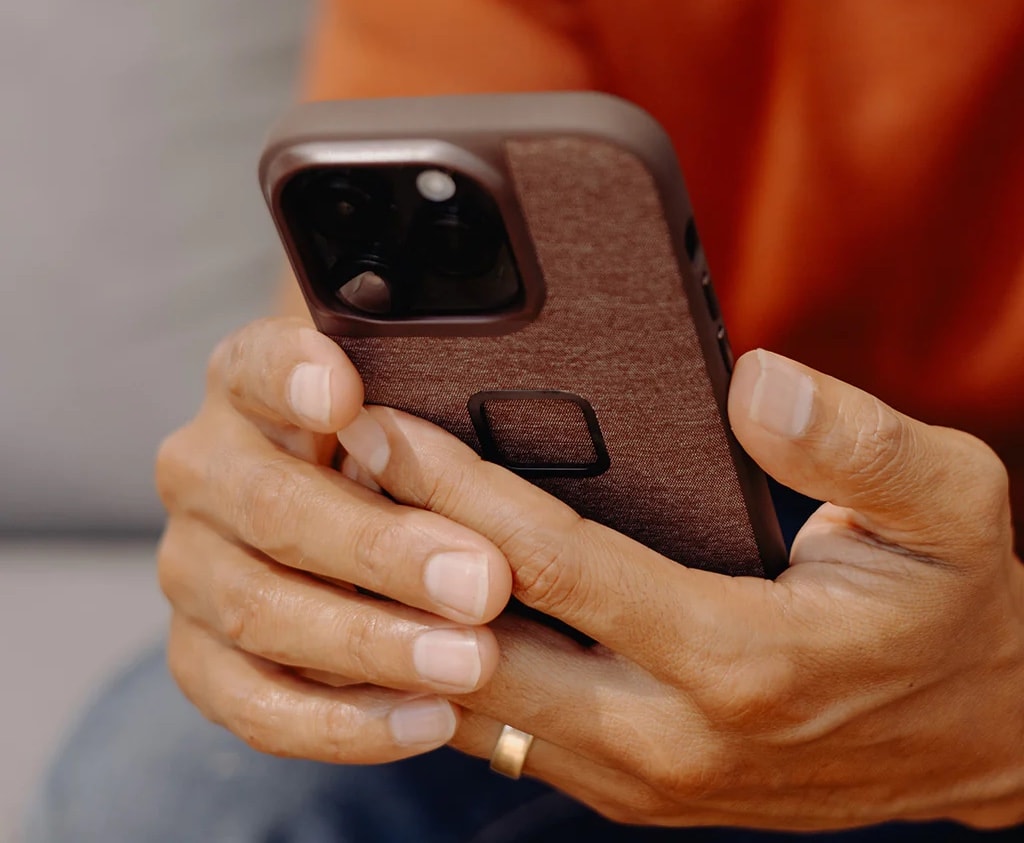
Peak Design put a cutout instead of a button over Apple's new Action button.
Photo: Peak Design

The Action button on new iPhone 15 Pro models is throwing some third-party case-makers for a loop, according to a new report Friday.

Preparing to launch new cases in tandem with the new handsets’ release, some companies guessed right on the phones’ designs and some got it wrong.