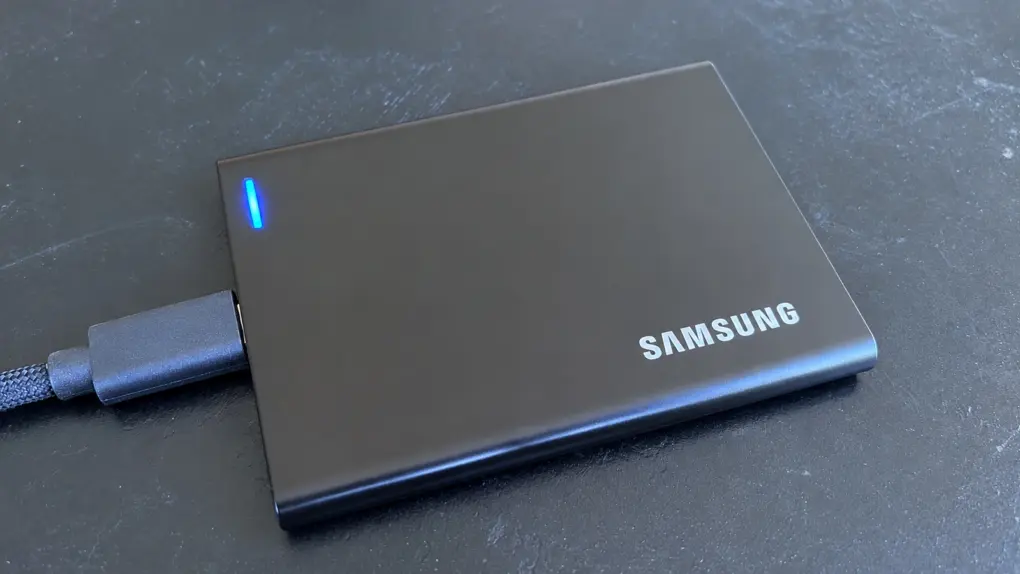
The Samsung P7 brings a jump in speed to this company’s portable SSD lineup. Thanks to USB4, it tops out at a whopping 4,000MBps. And storage options range from 1TB to 8TB, even though the device isn’t much larger than a credit card.
Because the solid-state drive uses USB-C, it can easily be shared between multiple computers, as well as an iPad and even iPhone.
And as an accessory meant to be used on the go, Samsung built in drop protection. It’s designed to survive falls of over 6 feet. Which is good, considering this SSD is an expensive piece of kit.
I put the new drive to the test. Here’s why I’m pleased with it.
Samsung P7 portable SSD review
Wish your Mac had more storage? I bet you do… especially if it’s getting older. Have you thought about adding a couple of terabytes with a portable SSD to save yourself from needing to buy a completely new computer?
And in a few years, when you do buy a new Mac, you can still use that SSD.
In the meantime, you have a convenient external drive for your Time Machine backups so you aren’t SOL if your internal drive dies.
Spend less time transferring large files with read/write speeds up to 4,000MBps. Take your files wherever you go with durability built for everyday bumps, vibrations and drops up to 6.5 feet. From PCs to smartphones, tablets, cameras, TVs, and gaming consoles, the P7 portable SSD is compatible across the devices you use every day.
- Up to 4GB per second data transfers
- 2-meter drop protection
- USB-C convenience
- Expensive

Table of contents: Samsung P7 portable SSD review
- An SSD that’s the right amount of portable
- USB-C flexibility and convenience
- Super-fast data transfers
- Samsung P7 vs. P9: Thermal management
- Samsung P7 portable SSD review: Final thoughts
- Pricing
An SSD that’s the right amount of portable
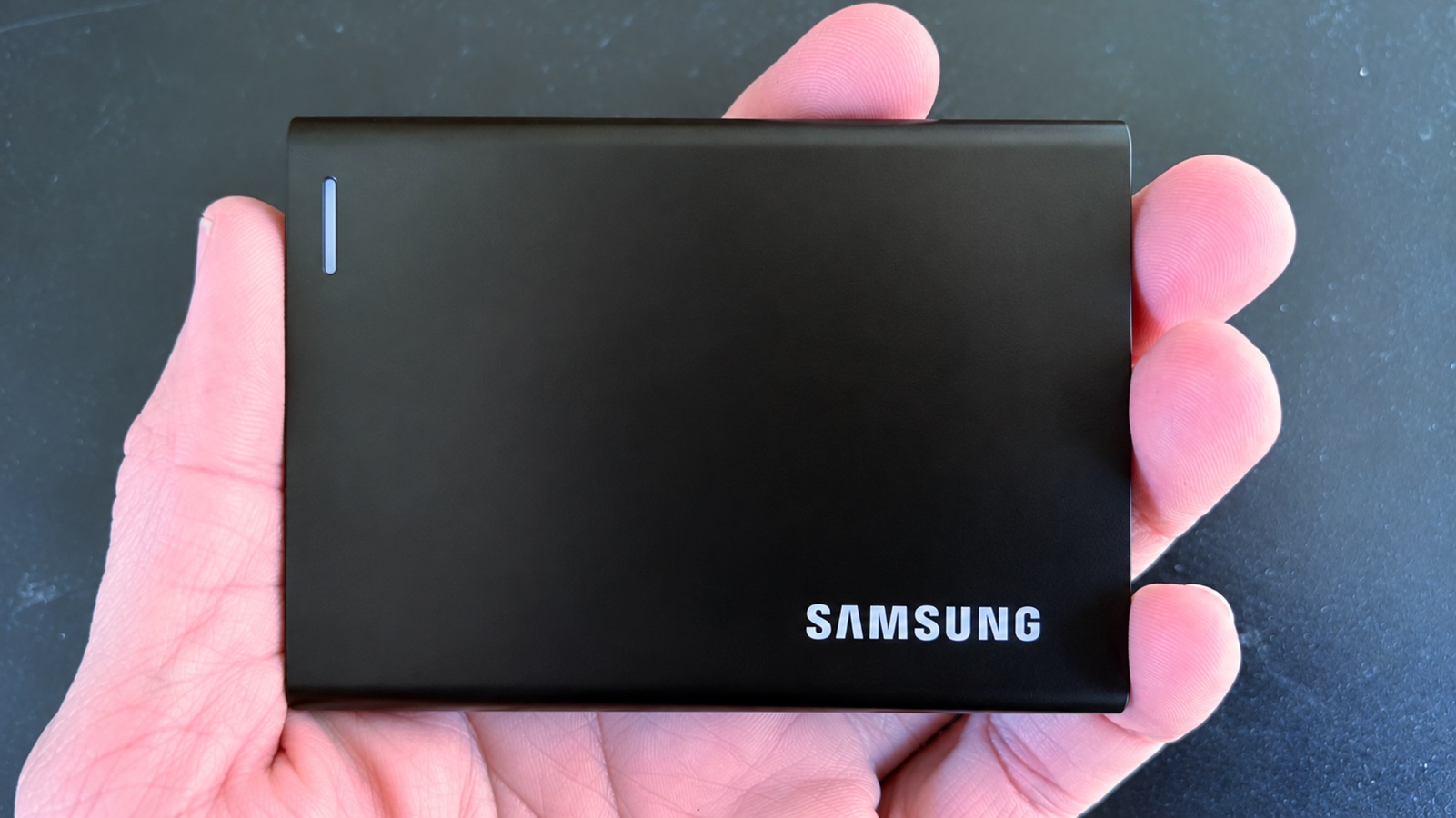
Photo: Ed Hardy/Cult of Mac
The Samsung P7 portable SSD measures 3.5 inches by 2.6 inches by 0.3 inches and tips the scales at a mere 3.5 ounces.
To be sure, there are smaller storage options, including a 2TB microSD card. And an 8TB SD card is in development. But as someone who once lost a very expensive microSD card because it was just too damn small, I prefer a device with just a bit more heft.
This portable SSD hits the sweet spot for me. I can’t slip it into my wallet, but neither do I struggle to find room for it in my laptop bag. It’s small enough to be very portable, but not so tiny I can easily misplace it.
Plus, it’s durable. “The P7 has up to 6.6-foot (2-meter) drop resistance as well as shock and vibration durability testing,” promises Samsung. I didn’t try to break it, but the device came through my use testing without a scratch.
I really like that I can’t tell just by looking at it that the portable SSD is so rugged. It looks sleek and professional. And the long edges are rounded so the accessory is comfortable to hold.
A new feature in this latest portable SSD from Samsung is a prominent blue status LED on the front. Previous versions included a smaller LED on one edge where it was harder to see.
USB-C flexibility and convenience
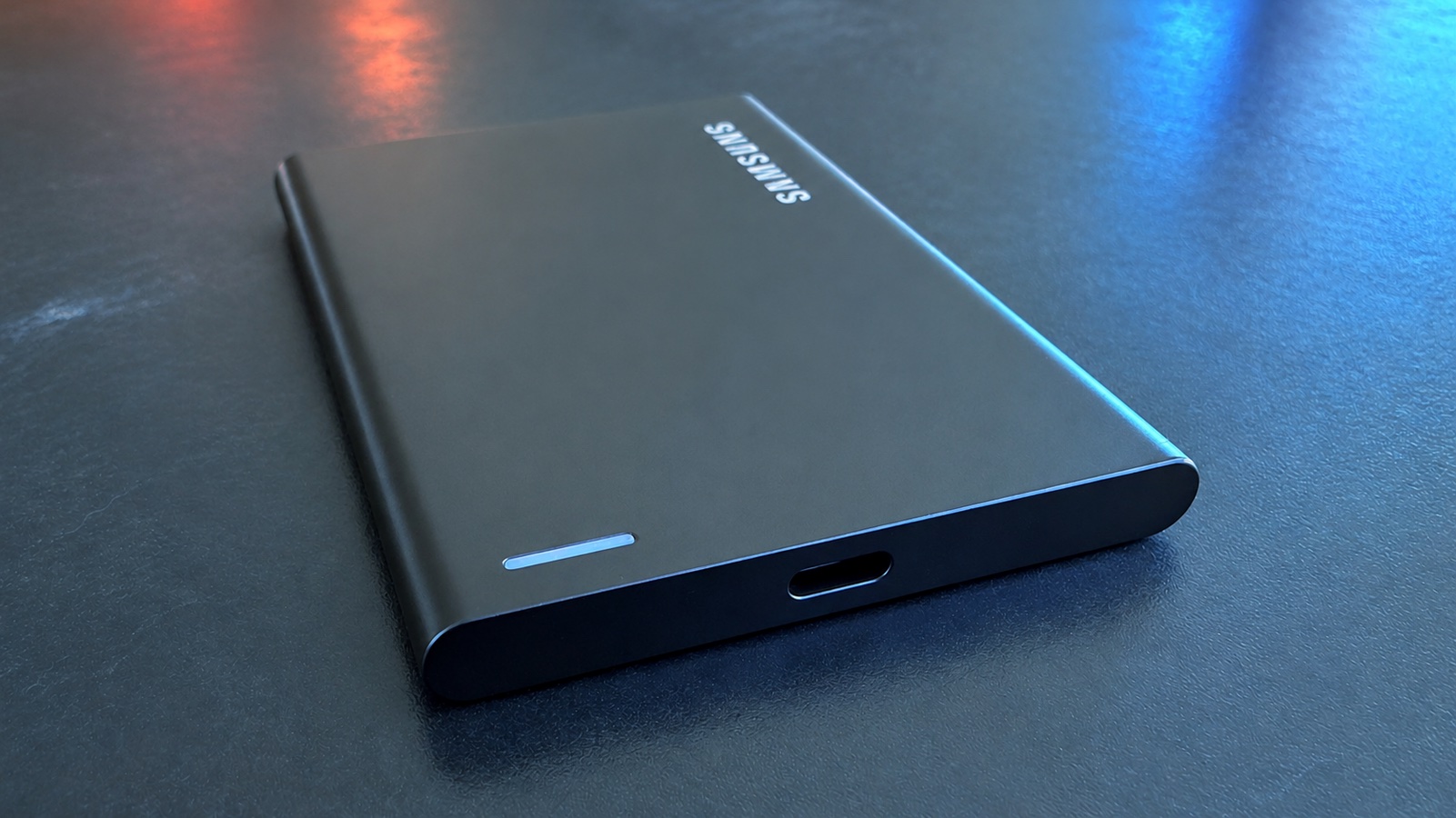
Photo: Ed Hardy/Cult of Mac
Just so we’re clear, this isn’t a solid-state drive meant to be built into a PC, as it doesn’t use a SATA or NVMe interface. Nor is it an NVMe drive that connects through an M.2 slot.
As a portable SSD, the Samsung P7 includes a USB-C port so it supports a range of computers, and can easily switch between them. And that cable is the only one it needs — it’s both power and data.
Maybe you’d only ever connect it to your Mac, but the drive is perfect for people who keep a collection of files that they share between multiple computers, including your iPad or iPhone.
Sure, you can do that with iCloud or some other cloud storage, but the P7 offers privacy advantages over cloud storage because your files remain physically in your possession rather than being stored on remote servers operated by another company.
Also, a portable SSD works whether you have an internet connection or not. You always have access to your files wherever you go. And the data transfer speed is far, far faster.
Super-fast data transfers
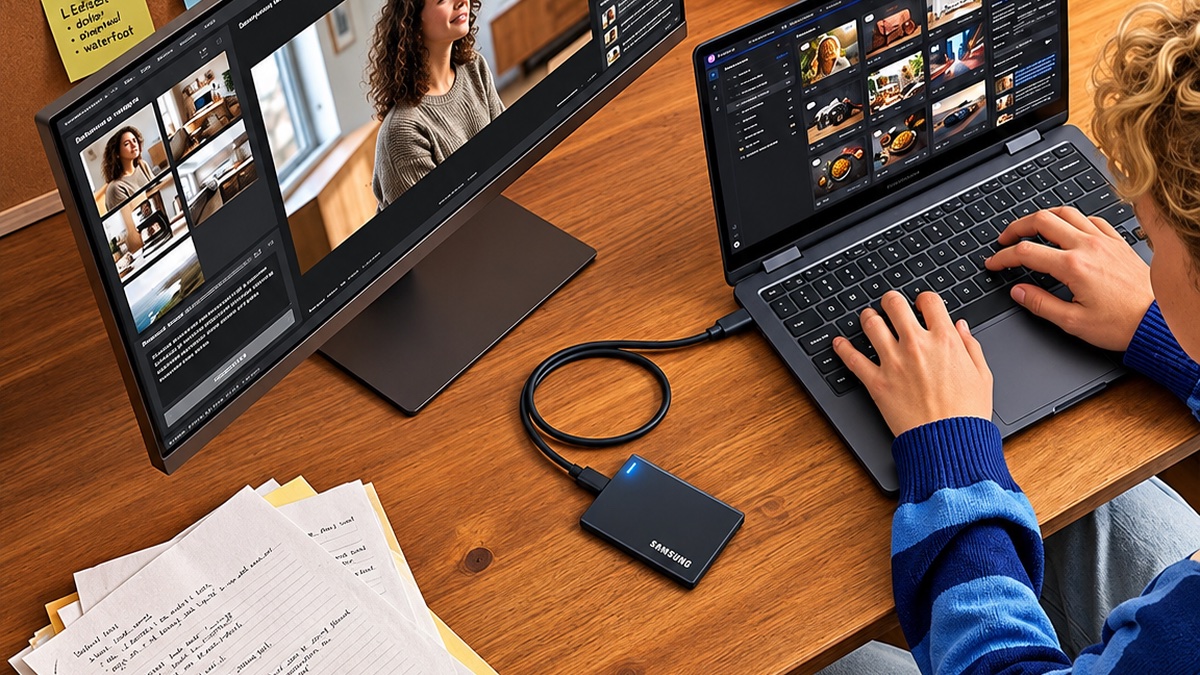
Photo: Samsung
The Samsung P7 supports USB4. For those who aren’t familiar with that term, it’s approximately equivalent to Thunderbolt 4. There are certainly differences, but they don’t matter to a portable SSD.
What does matter is that USB4 promises data transfer speeds up to 4,000MBps. (Or 4GBps if you prefer.) That’s the read speed. Samsung says the drive writes at up to 3800MBps.
But those are theoretical speeds. I did real-world testing — and came away genuinely impressed. Over multiple test runs, the P7 averaged just over 3000MBps. To stay in real-world terms, when I need to move a 10GB file, it takes about 3.5 seconds. Moving a 1GB file is essentially instantaneous.
I remember the days when moving a 100GB file gave me time to go get a cup of coffee. With the P7, that job gives just about the right amount of time to lean back and take a sip.
Just note that to get these speeds your computer must fully support USB4. The good news is that’s any Mac with Apple silicon, even the M1. Plus, any iPad Pro with an M-series processor supports it, too. No iPhone makes the list, though.
And be sure the cable you use can handle really high-speed data transfers. The one Samsung includes with the P7 definitely does. Some random cable you found in a drawer might not.
Samsung P7 vs. P9: Thermal management
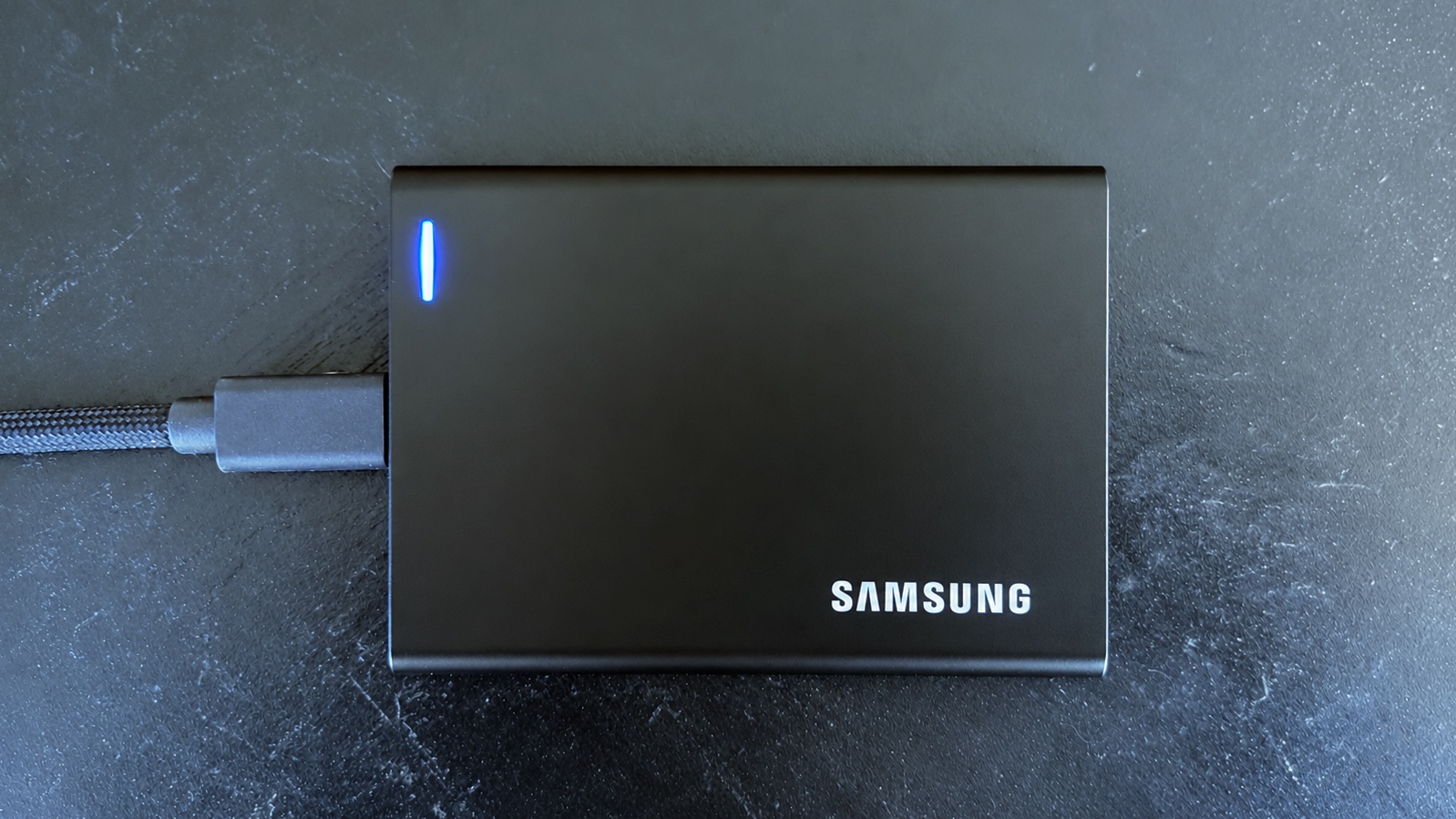
Photo: Ed Hardy/Cult of Mac
Samsung launched the P9 portable SSD at the same time as the P7. They have quite a lot in common, including size, data-transfer speeds, and ruggedness.
The difference is that Samsung’s description of the P9 promises “Advanced thermal management helps the portable SSD stay cool during intense recording sessions.”
The P7 makes no such claim. It’s certainly not terrible at thermal management, but in my testing, the temperature of the SSD’s outer casing rose by 10 degrees after 30 minutes of continuous data access.
That’s why Samsung says the P7 is for fast data backups and everyday workflows, while the P9 is for creative professionals. And why the P9 costs a bit more.
Samsung P7 portable SSD review: Final thoughts
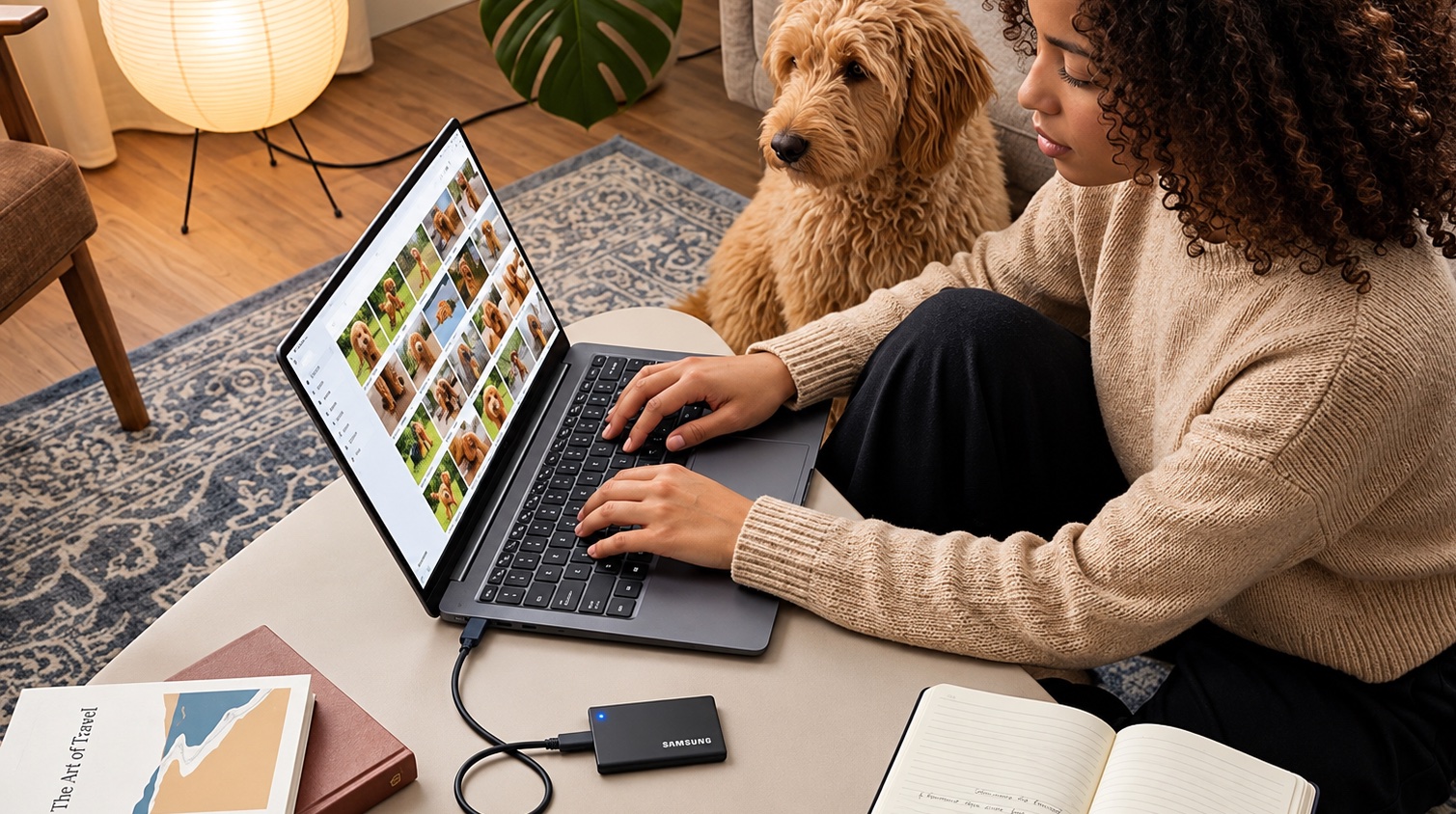
Photo: Samsung
I used the Samsung T9 for years. It’s been a great portable SSD. But its time as a flagship product is over. The drive tops out at 2,000MBps, and for Mac users the top is roughly 1,000MBps. The new P7 is at least twice that, and for Mac users it’s 4X as fast.
Plus, Samsung’s latest is enormously faster than any cloud storage system. And the USB-C port means the portable SSD can easily connect and switch between a range of computers and other electronics. It can be your own personal iCloud.
It’s a premium product, so there are cheaper options, but I’ll bet they can’t match the size, ruggedness and blazing-fast performance of this one.
★★★★★
Pricing
The Samsung P7 starts at $289.99 for 1TB and pricing goes all the way up to $2,289.99 for 8TB.
That said, the only versions I can find on the market at this time are the 1TB and 2TB capacities. When Samsung announced the product, it warned consumers that, “Certain capacities may be released at a later date.”
Spend less time transferring large files with read/write speeds up to 4,000MBps. Take your files wherever you go with durability built for everyday bumps, vibrations and drops up to 6.5 feet. From PCs to smartphones, tablets, cameras, TVs, and gaming consoles, the P7 portable SSD is compatible across the devices you use every day.
- Up to 4GB per second data transfers
- 2-meter drop protection
- USB-C convenience
- Expensive
Samsung provided Cult of Mac with a review unit for this article. See our reviews policy, and check out more in-depth reviews of Apple-related items.

Ed Hardy has been writing full-time about tech for 26 years, and using it for much longer than that. His intro to Apple was a Macintosh SE/30 (which he still has), but now he uses a 13-inch iPad Pro as his primary computer.
That’s because he’s a “tablet first” type of guy. Rather than use a Macbook, he connects a keyboard case to the iPad. And instead of a desktop Mac, he connects his tablet to a 27-inch display and full-size keyboard. (So don’t try to tell him that everyone has to use a Mac to be productive.)
Before coming to Cult of Mac, Ed wrote for NotebookReview, TabletPCReview and Brighthand, as well as other sites.