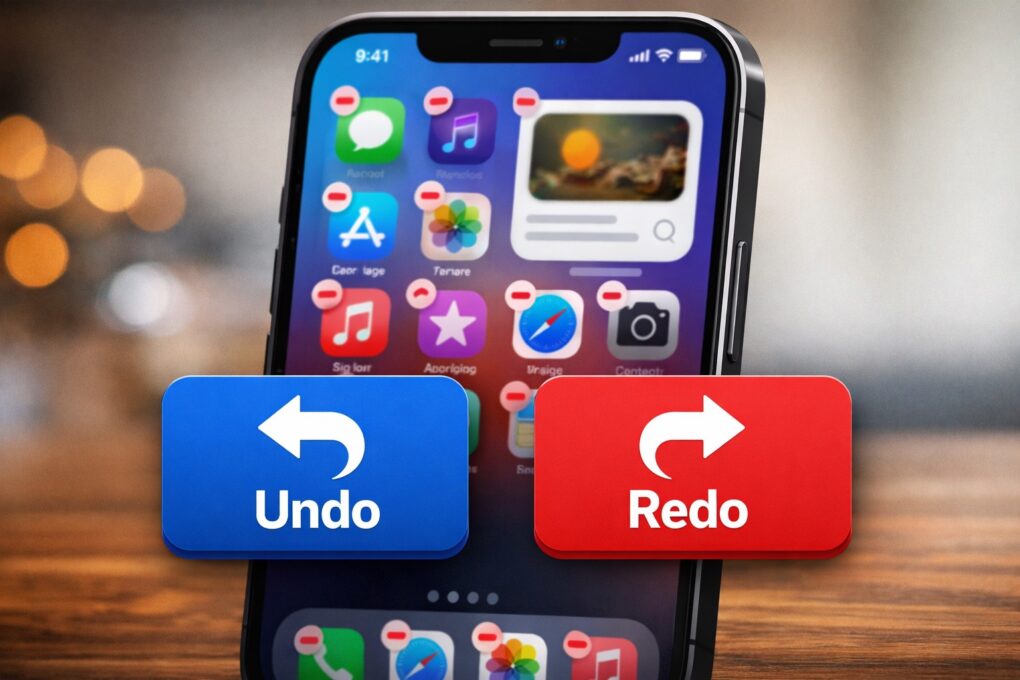
Apple will bring a minor but important upgrade to the iPhone’s Home Screen customization experience in iOS 27. It will reportedly allow you to “undo” and “redo” changes to your Home Screen.
This small tweak should make rearranging apps and widgets far less frustrating, especially when you accidentally move or delete something.
iPhone Home Screen still lacks a basic feature
The iPhone’s Home Screen is a lot more customizable today than it was a few years ago. In recent years, Apple added the ability to change app layouts and tint app icons, giving users more control over the iPhone’s overall look and feel.
But for all the improvements the iPhone’s Home Screen has received over the years, it still lacks a basic undo/redo option.
While that might seem like a minor feature, it would ensure you can quickly go back and forth between a change you just made. This would prove especially useful when you accidentally delete a widget or want to test a new layout.
“Right now, when you long-press on the home screen, you get a bubble in the top left corner with four options: Add Widget, Customize, Edit Wallpaper and Edit Pages. Apple is looking at adding “undo” and “redo” buttons in that same menu to make reversing or redoing changes easier,” wrote Bloomberg’s Mark Gurman in his Power On newsletter on Sunday.
iOS 27 could be all about the little changes
This won’t be the only minor change that Apple will add to iOS 27. A previous report said the company plans to introduce a Liquid Glass slider. This feature will let you control the intensity of the system-wide glass effect. Apple apparently planned to introduce this feature in iOS 26 itself, but ran into engineering problems.
Based on what we know so far, iOS 27 looks set to focus on the basics. Instead of major new features, Apple appears to be refining the core iPhone experience.

Rajesh has been writing about consumer technology for over a decade, with a strong focus on iPhones, Macs and Apple’s ecosystem. He enjoys digging into Apple software updates, hardware changes, and discovering new Mac apps that make work faster and more enjoyable.
You can reach out to him at mail[at]rajeshpandey.me.

