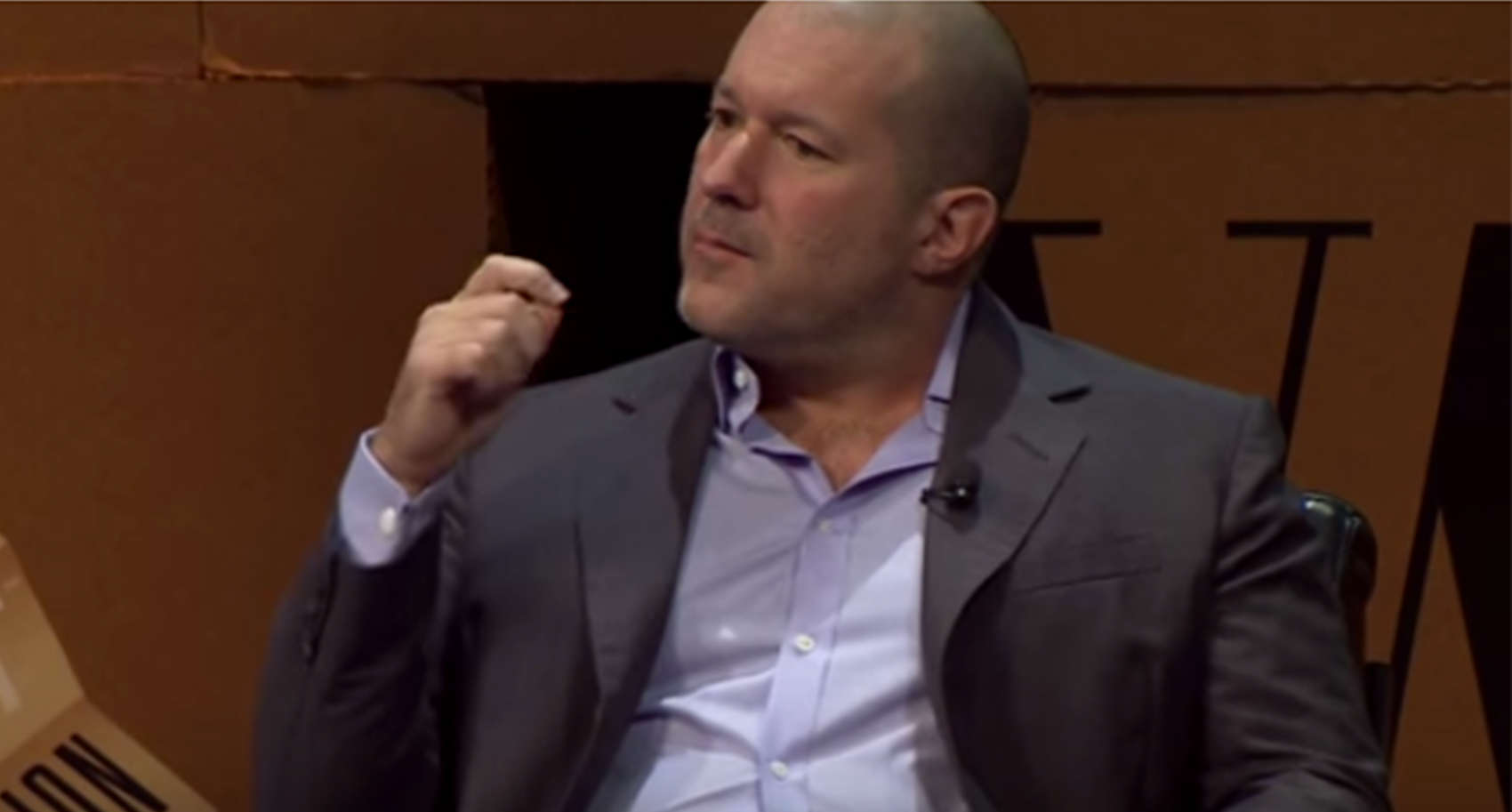
Ive is back manning Apple's day to day design. Photo: Vanity Fair/YouTube
Jony Ive is reportedly returning to hands-on design duties at Apple, two years after being promoted to the role of Chief Design Officer.
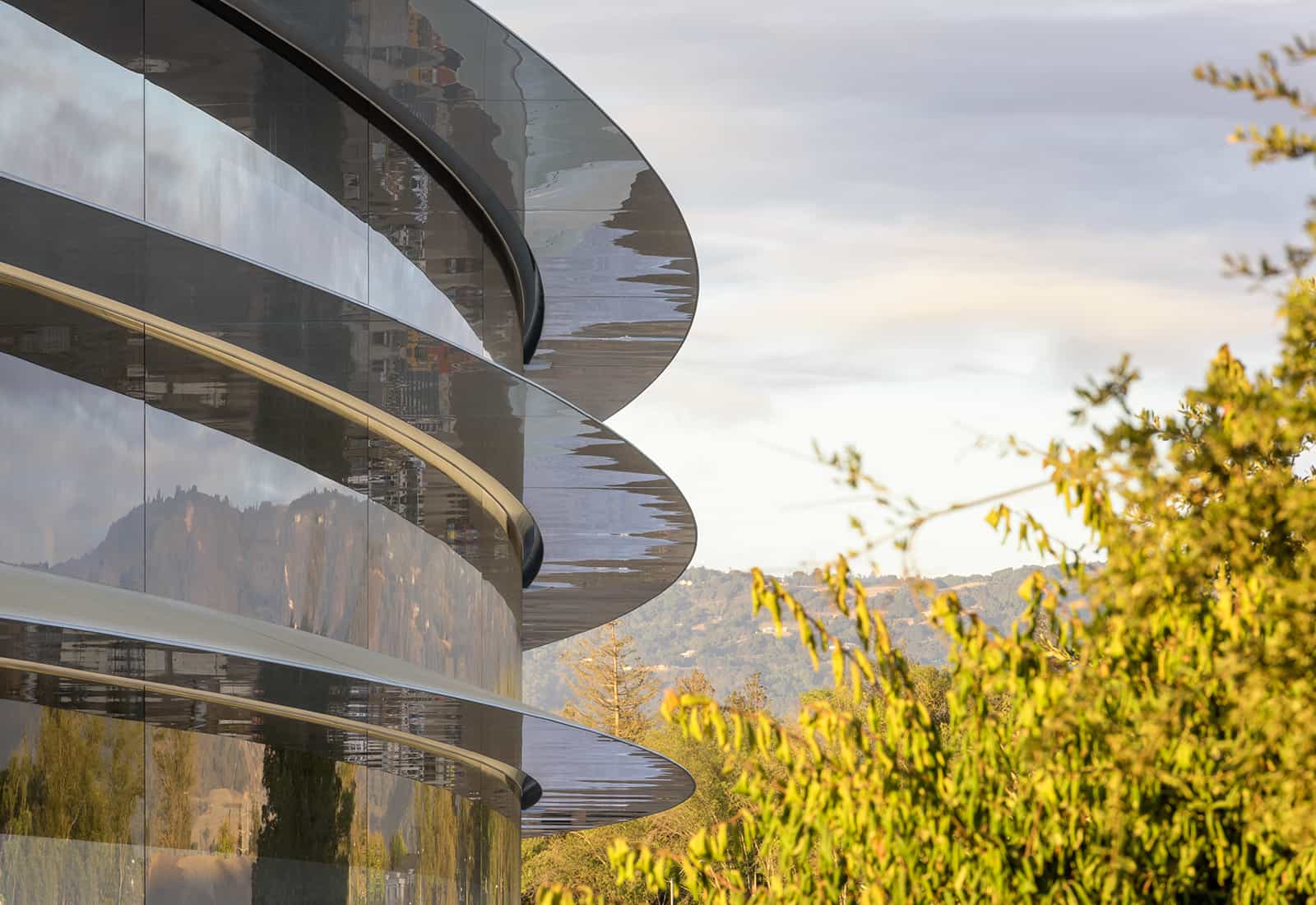
According to an Apple spokesperson, “With the completion of Apple Park, Apple’s design leaders and teams are again reporting directly to Jony Ive, who remains focused purely on design.”
Hundreds of trees are being planted at Apple HQ. Photo: Apple
The iPhone X will gain new functionality over the next year, according to Apple design boss Jony Ive.
In a new interview with design magazine Wallpaper, Ive discussed the challenges of designing in an age when products can be unfixed and fluid. With the edge-to-edge screen on the iPhone X, Apple’s now creating objects that don’t even look like they were designed, which is exactly what excites Ive.
Your old iPhone could be worth a small fortune. Photo: Killian Bell/Cult of Mac
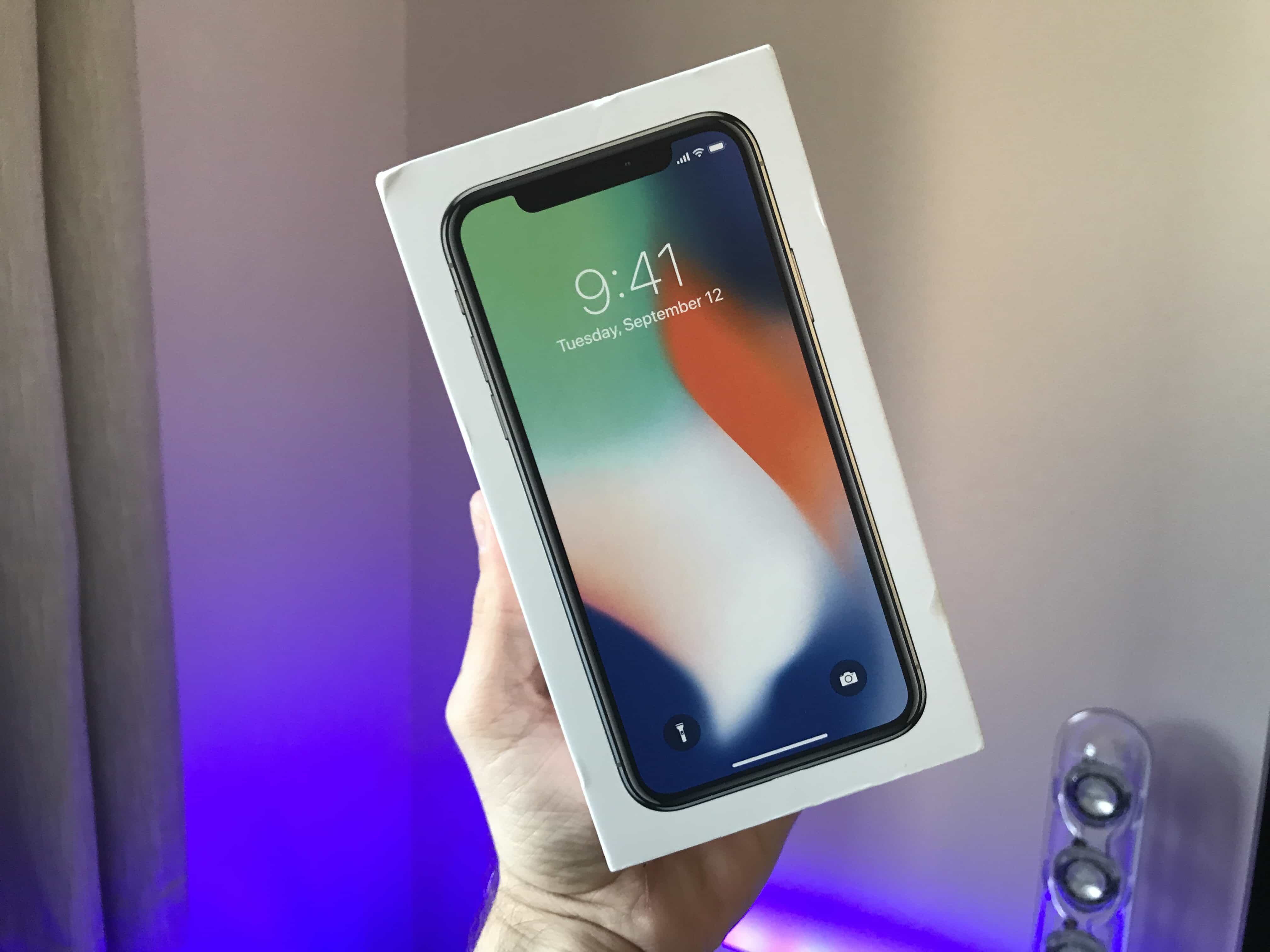
We finally have our hands on iPhone X and we couldn’t be more excited. I haven’t put mine down since it arrived at my door this morning, and while it’s too early to give you our full review, we are offering our first impressions.
Here’s what we think of the smartphone of the future so far, along with our iPhone X unboxing video.
Jony Ive doesn't find failure very interesting. Photo: Vanity Fair/YouTube
Apple is a company with “a bunch of worrying individuals.”
Jony Ive shared this with a New Yorker TechFest audience Friday as an executive paid to shoulder more worries than most. The chief design officer at Apple doesn’t do many interviews, but he joined The New Yorker editor Dave Remnick onstage for a brief but insightful chat.
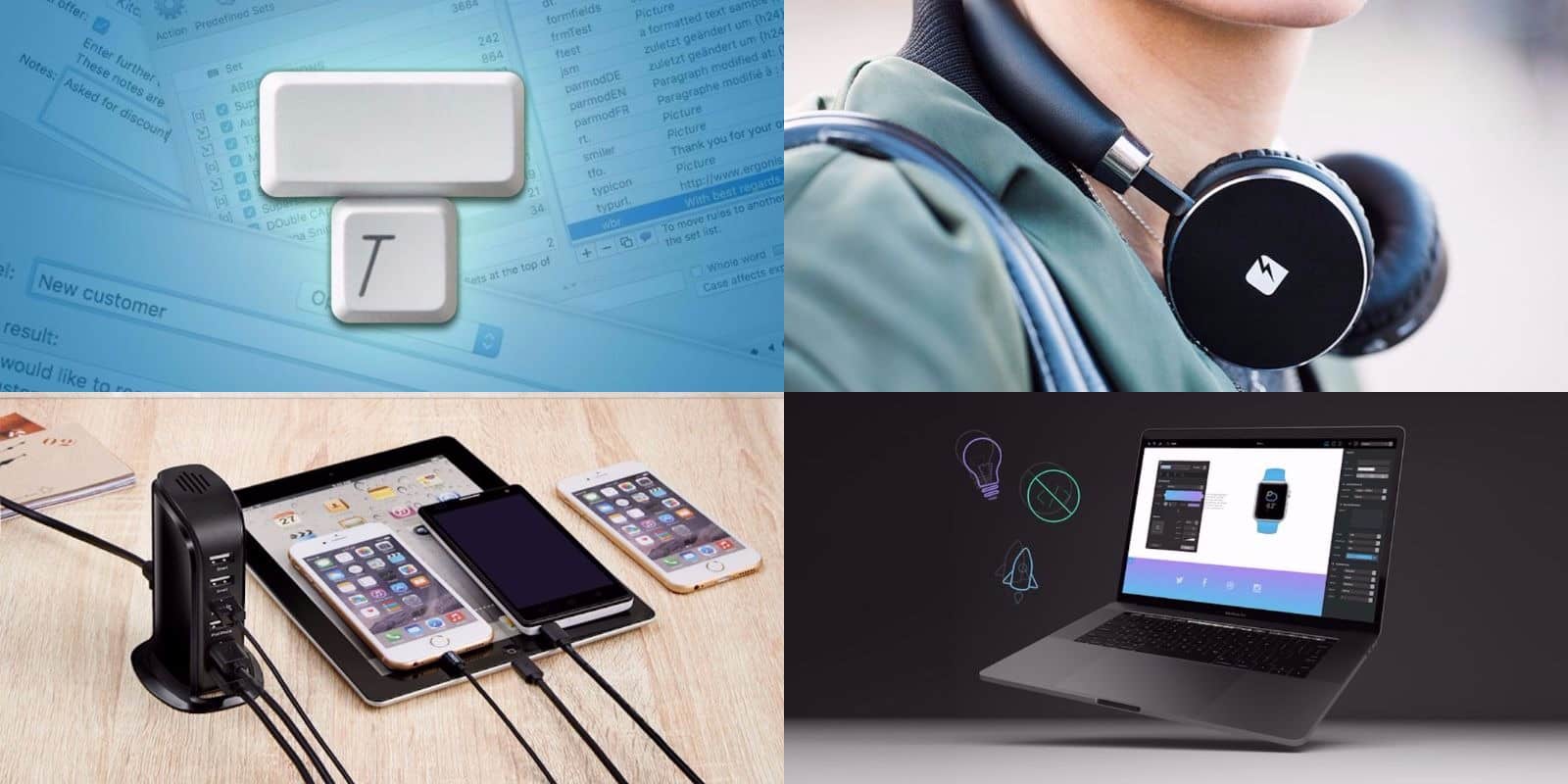
This week's best deals include a keystroke-saving tool, a sleek charging hub, and lots more. Photo: Cult of Mac Deals
Another week, another raft of great new deals at the Cult of Mac Store. This go around, we’ve got a typing assistant that can save you serious time at the keyboard. There’s also a code-free tool for building websites, a sleek set of Bluetooth headphones, and a desktop USB hub. Additionally, everything is discounted by 30 percent or more. Read on for more details:
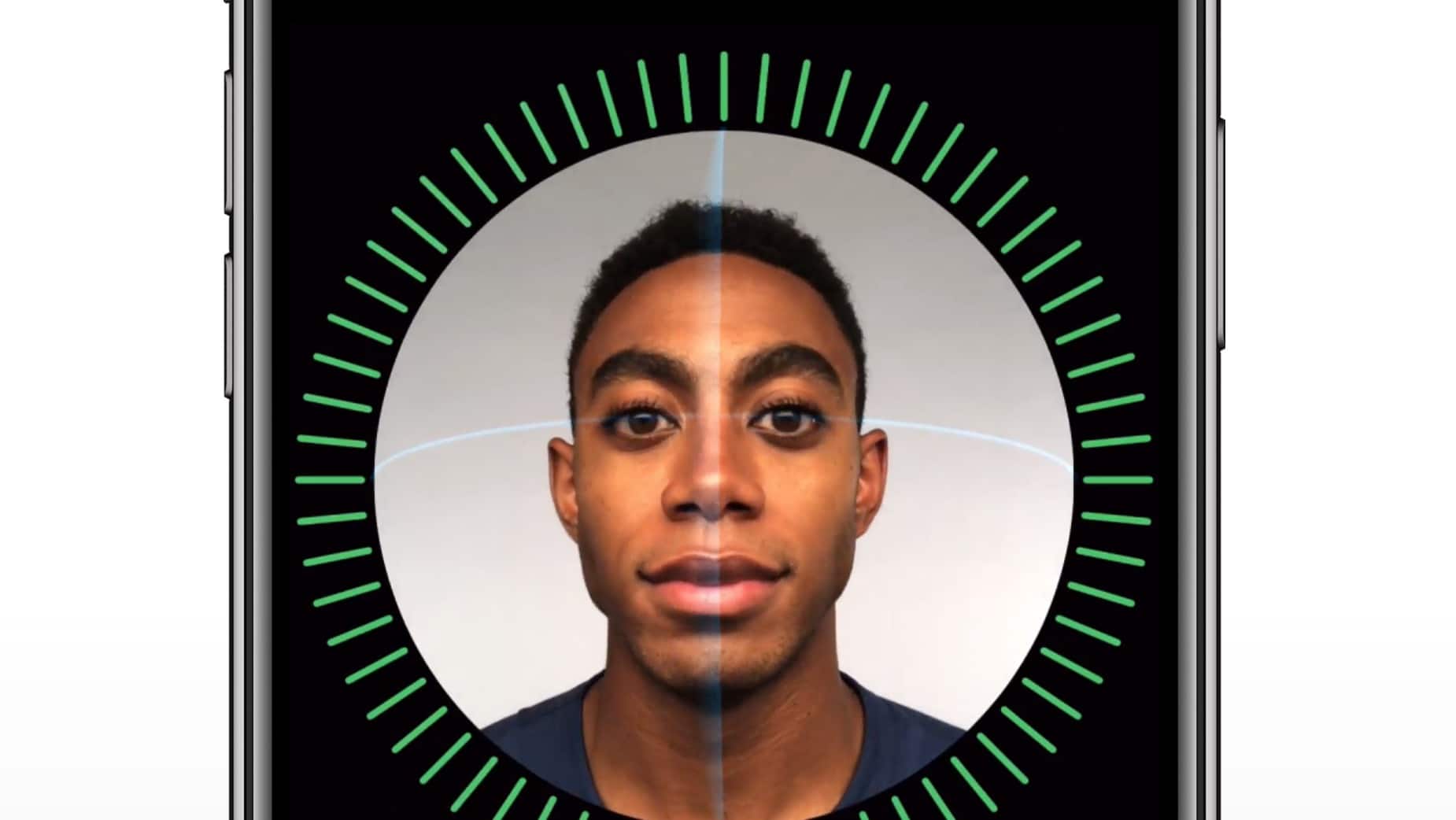
The iPhone X's FaceID feature looks impressive. Photo: Apple
For a company that insists it doesn’t like to look to the past, Apple’s new Face ID logo will certainly feel familiar to longtime Mac users.
Apple debuted the new logo during its iPhone X keynote yesterday to show off the phones facial scanning features. It features a simple smiling face that looks three dimensional, but it’s actually just a repurposed version of the classic Happy Mac icon originally created by Susan Kare for the original Macintosh.
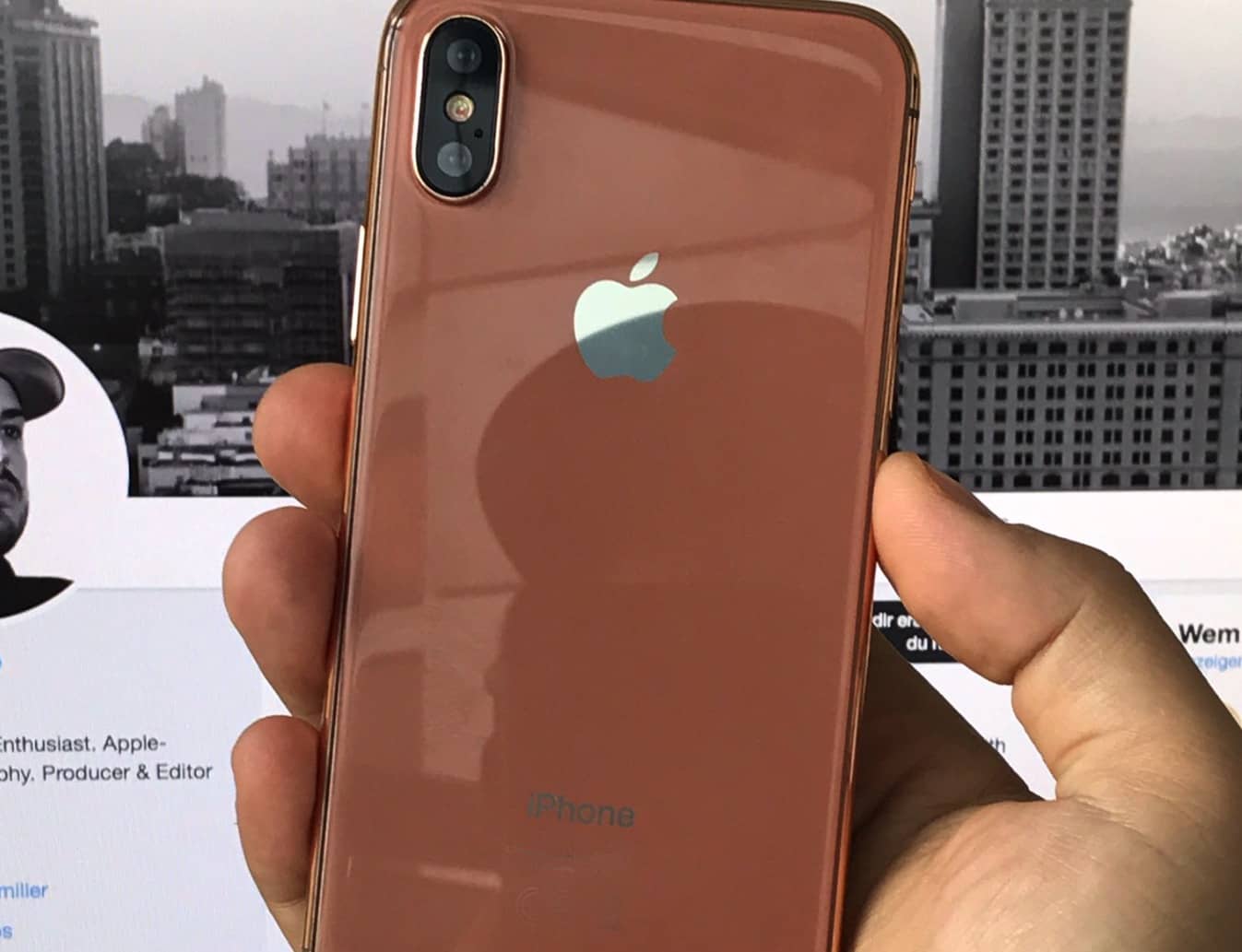
Will this be the new iPhone color? Photo: Ben Miller
The long wait for Apple’s big iPhone 8 upgrade is nearly over.
Apple is set to unveil its new lineup of iPhones during an event at the Steve Jobs Theater in Cupertino on September 12. This year’s model has been hyped more than any in recent memory. Tons of new features are being packed into the 10th edition of the iPhone for what will likely be the most innovative smartphone Apple has released in years.
Here are all the details and new features we know are coming:
Get pro-level tools and guidance for screenwriting, graphic design, coding, and more. Photo: Cult of Mac Deals
We’re right in the middle of the dog days of summer. But the hottest place you’ll find is at the Cult of Mac Store. We’ve been busy stacking up a bunch of new deals that are ideal for digital creatives. We’ve got a set of lessons in coding for the all new iOS 11, and Adobe’s suite of graphic design apps. There’s also the industry standard app for screenwriters, and a rugged phone tripod for mobile photography and video. Discounts range from 40 percent to 95 percent off, read on for more details:
Unpainted Ladies from Burton Rast's Shapes of San Francisco. Photo: Burton Rast
Burton Rast had his first look at San Francisco 20 years ago and wondered aloud to a friend if it was possible to photograph one of the world’s most photographed cities in a new way.
With his iPhone 6s and some creative tweaking of the pictures in Adobe Lightroom Mobile, Rast has succeeded in producing a unique view of the city’s iconic architectural landmarks.
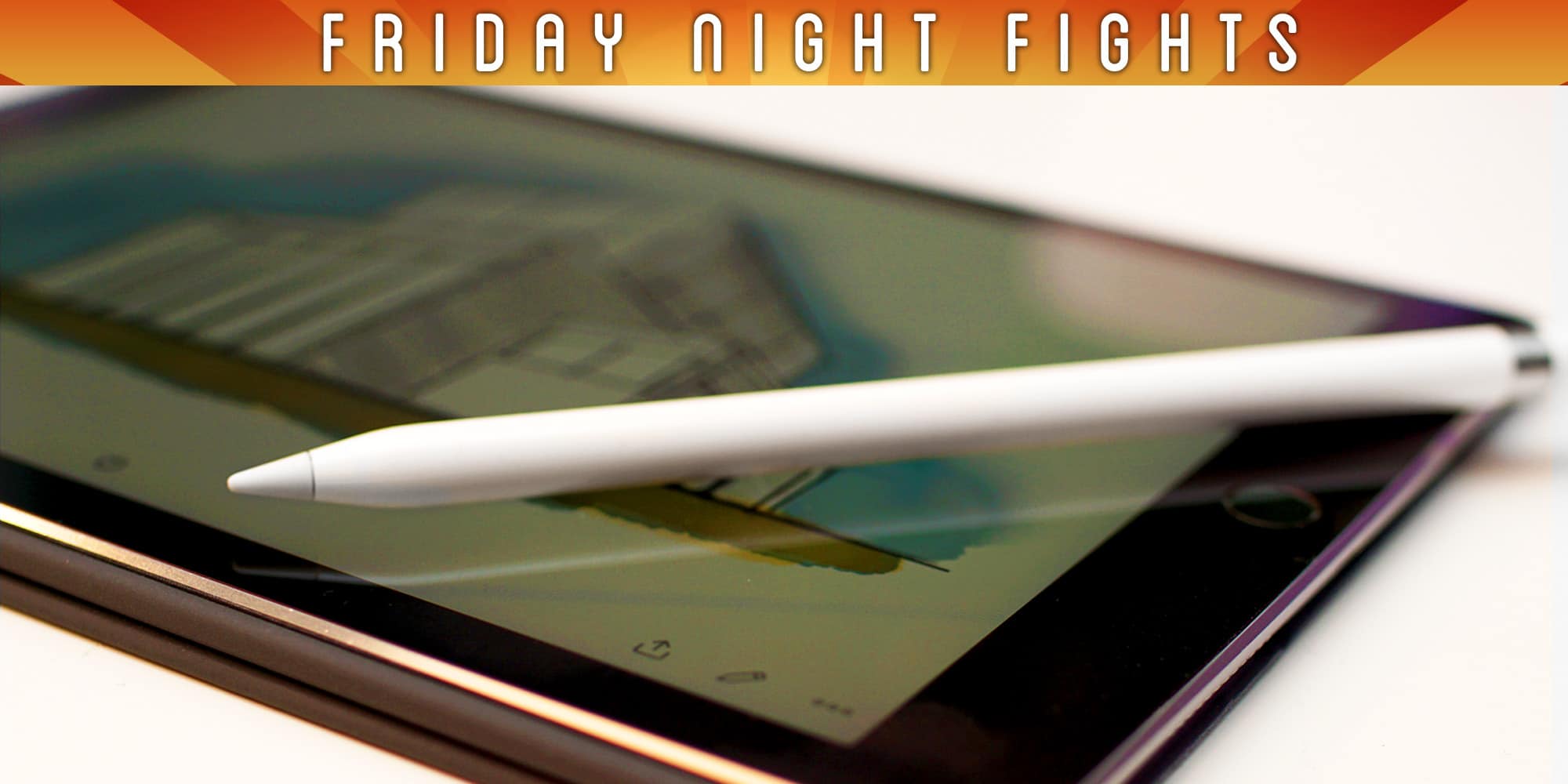
Is Apple's design team losing its way? Photo: Ste Smith/Cult of Mac
Apple is famous for its iconic designs, but is the company slowly losing its way?
Products like the Apple Pencil and Smart Battery Case suggest that Apple’s design team might be missing a certain spark. Even the iPhone, once the prettiest smartphone by a long shot, is now being outshone by rivals from the likes of Samsung and LG.
Join us in this week’s Friday Night Fight as we battle it out over whether Apple design has become lazy and boring. And be sure to have your say!
A lot has changed since the iPhone made its debut in 2007. Photo: Ste Smith/Cult of Mac
The iPhone is turning 10 years old this week and we’re ready to celebrate with more coverage and insight than any Apple fanboy could ever want. Every day through June 29, we’ll be publishing a batch of stories focused on the greatest device Apple’s ever made.
Cult of Mac is collaborating with Wired UK for the 10th anniversary of the iPhone. We’ll run down some of the device’s biggest innovations, failures and what’s in store for the future.
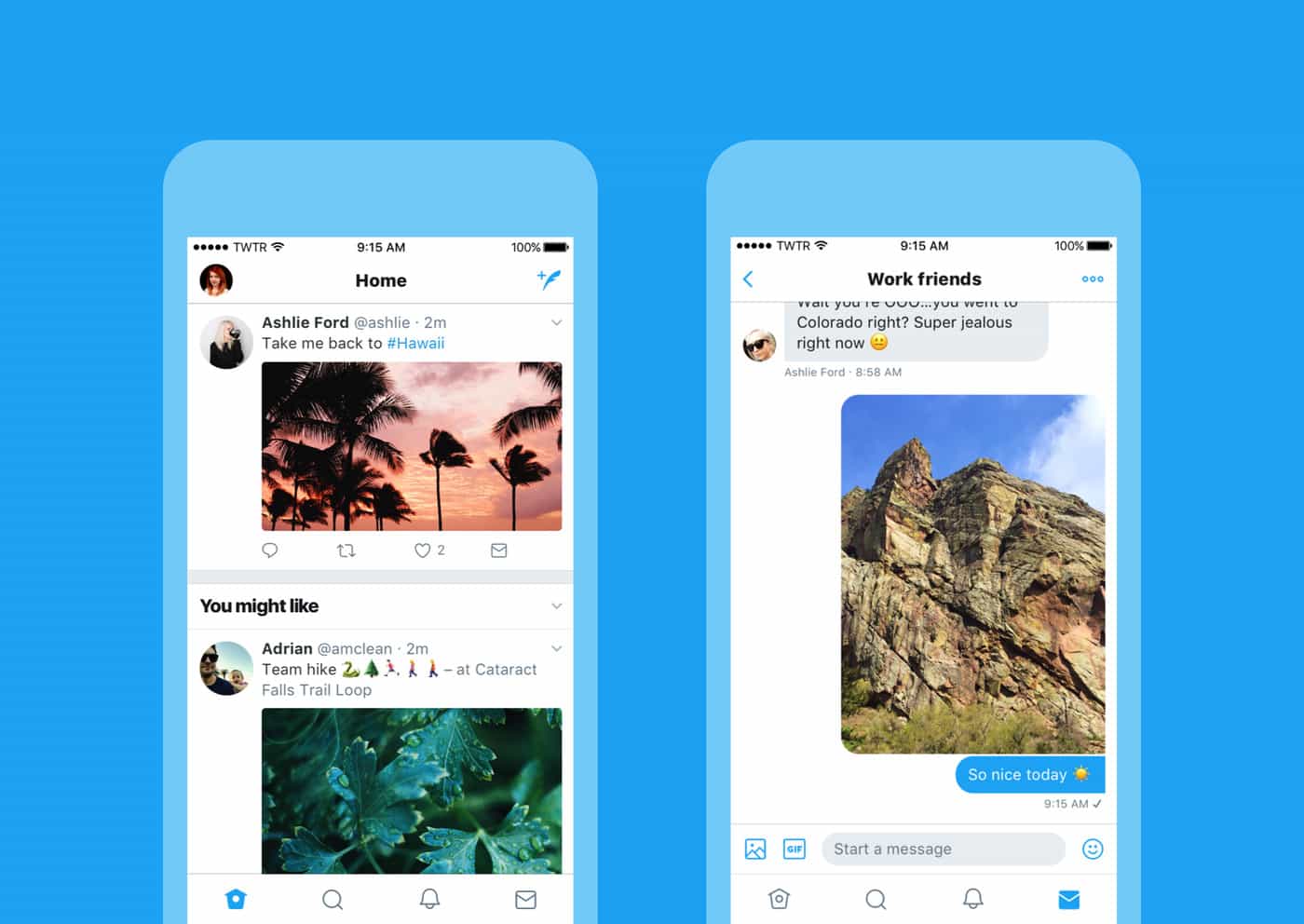
Twitter's fancy new look on iPhone. Photo: Twitter
Twitter has begun rolling out the latest version of its mobile apps today, introducing a big redesign that unifies the user experience across Android and iOS.
It’s prettier and easier to navigate, but it still doesn’t deliver the option to edit tweets.
Apple Design Boss Jony Ive has some low-tech ambitions. Photo: Apple
After developing some of the most iconic tech products of the last two decades, Apple’s design boss Jony Ive has some astonishingly low-tech ambitions when it comes to the future.
During a recent interview at a conference organized by the Norman Foster Foundation, Jony Ive gave a surprising answer when what futuristic product he would like to design next.
Is Apple in desperate need of new ideas? Photo: Ste Smith/Cult of Mac
It’s been some time since Apple delivered something really revolutionary. Every product in its stores looks just like it did last year… and the year before that… and the year before that.
Fans will pin most of the blame on chief design officer Jony Ive. After more than two decades of spectacular and unparalleled ideas, it seems Steve Jobs’s best friend is running on empty. Is it time for him to go to make room for fresh blood and new ideas?
Join us in this week’s Friday Night Fight as we battle it out over whether Apple’s design team needs significant change.
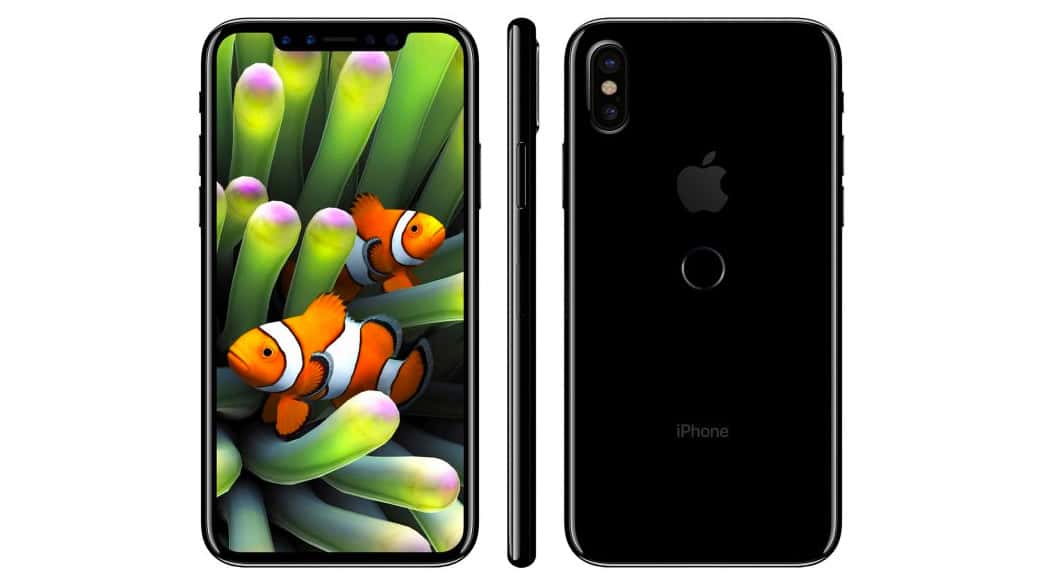
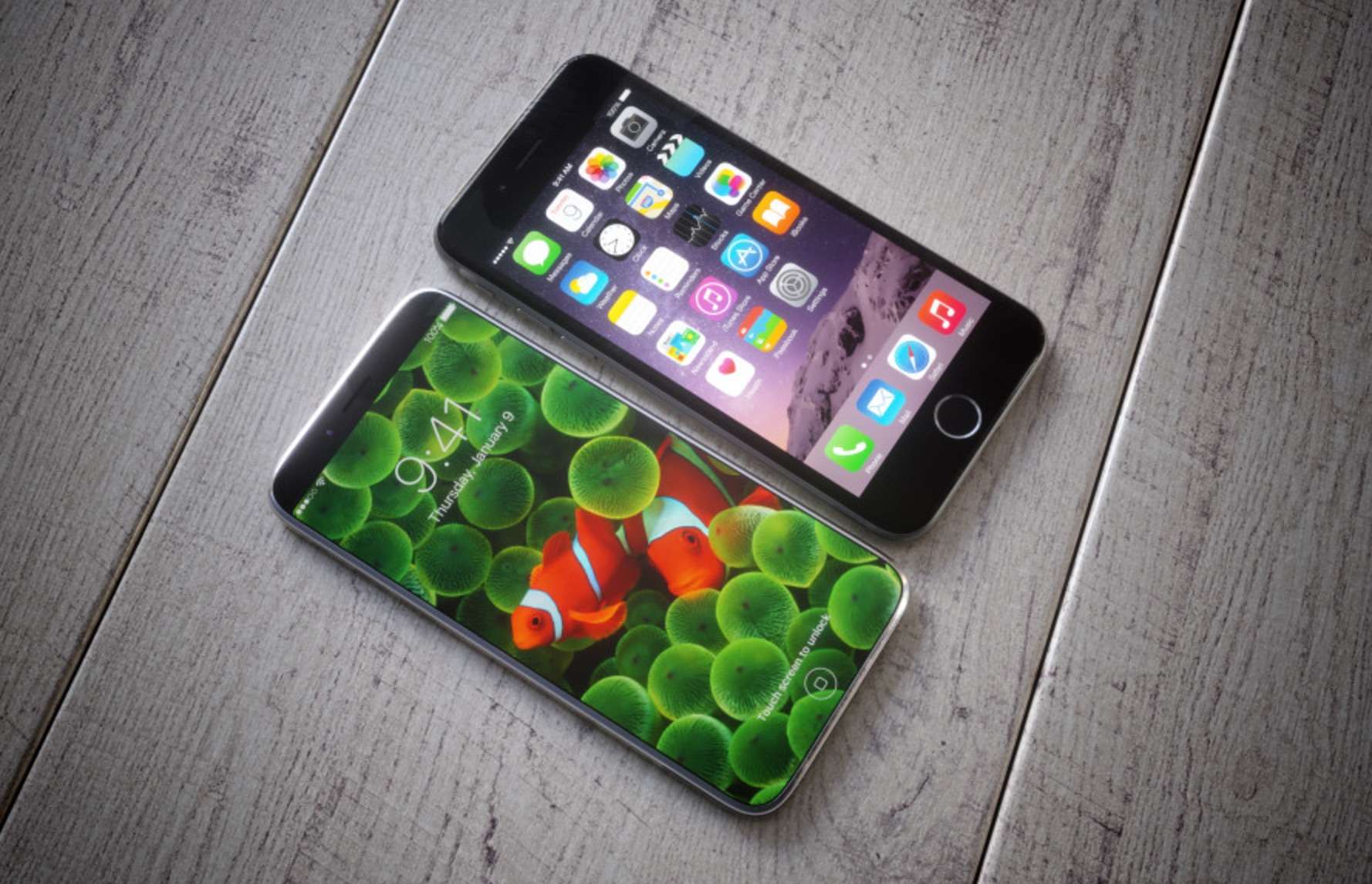
Is this what the iPhone 8 will look like? Photo: BGR
The internet has become awash with apparent iPhone 8 schematics and fan-made mockups in recent months, but these images claim to reveal the final design of a real device in all its glory.
The design looks familiar, proving previous leaks were right on the money, with glass panels flanking the front and back of the device, a redesigned iSight camera module, and a shiny metal frame that holds everything together.
Keyboards are so last year. Photo: Daniel Brunsteiner
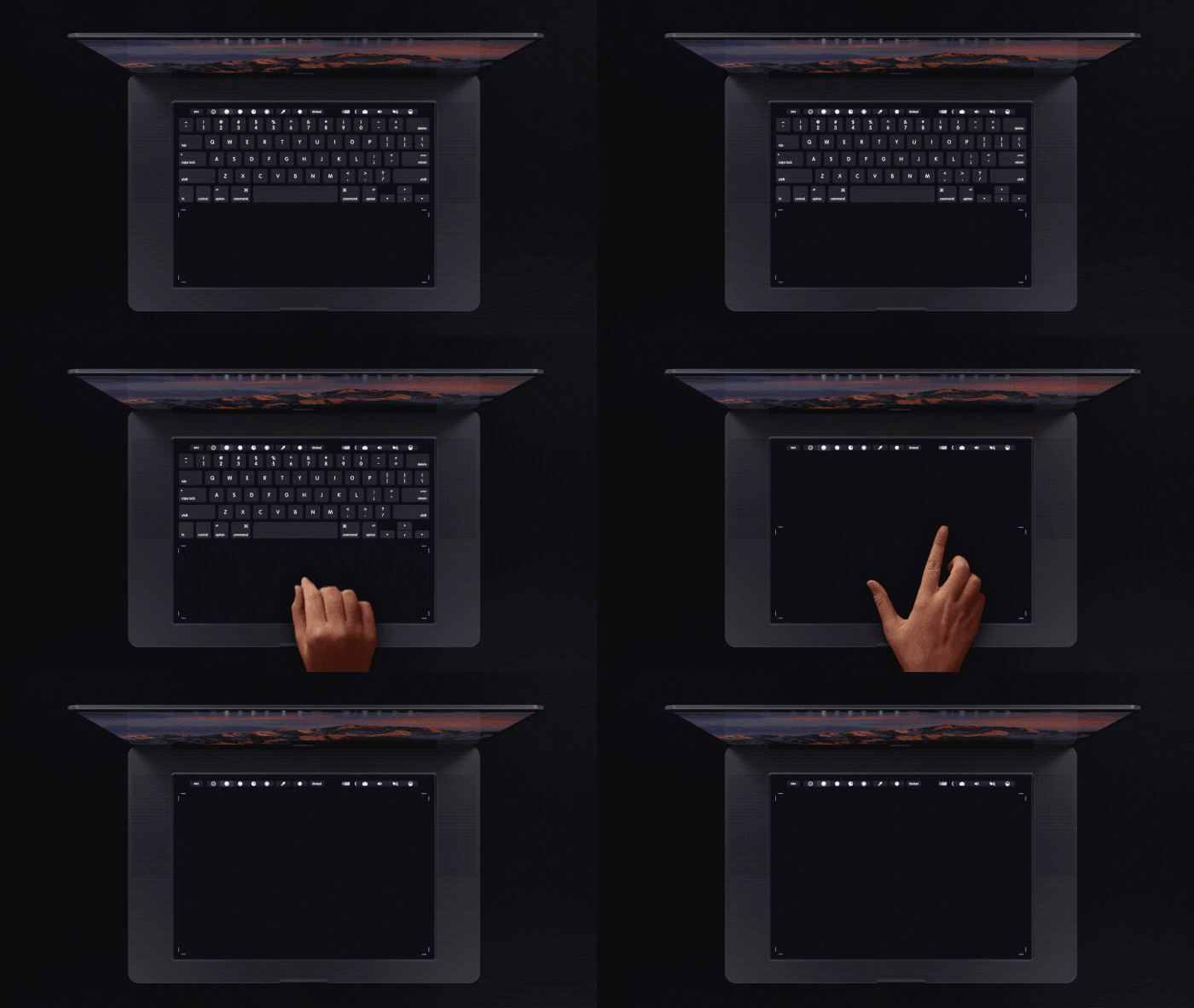
Tim Cook has repeatedly said Apple has no plans to make a touchscreen MacBook, but a crazy new concept imagines what would happen if the company replaced keyboards with a giant touchpad.
Giving creatives a big touchscreen instead of a keyboard may sounds like a horrible idea at first. Typing would definitely take some getting used to. However, designer Daniel Brunsteiner’s concept shows how you could do some cool new stuff with the touchpad.
Same size as the iPhone 7, but with a bigger screen. Photo: Martin Hajek
Thanks to a bevy of leaks that flooded the internet this week, we know more about the iPhone 8 than ever before. Even if only half the rumors turn out to be true, this year’s iPhone is set to be the most innovative device Apple has made in years.
Samsung has a winner in the Galaxy S8. Photo: Samsung
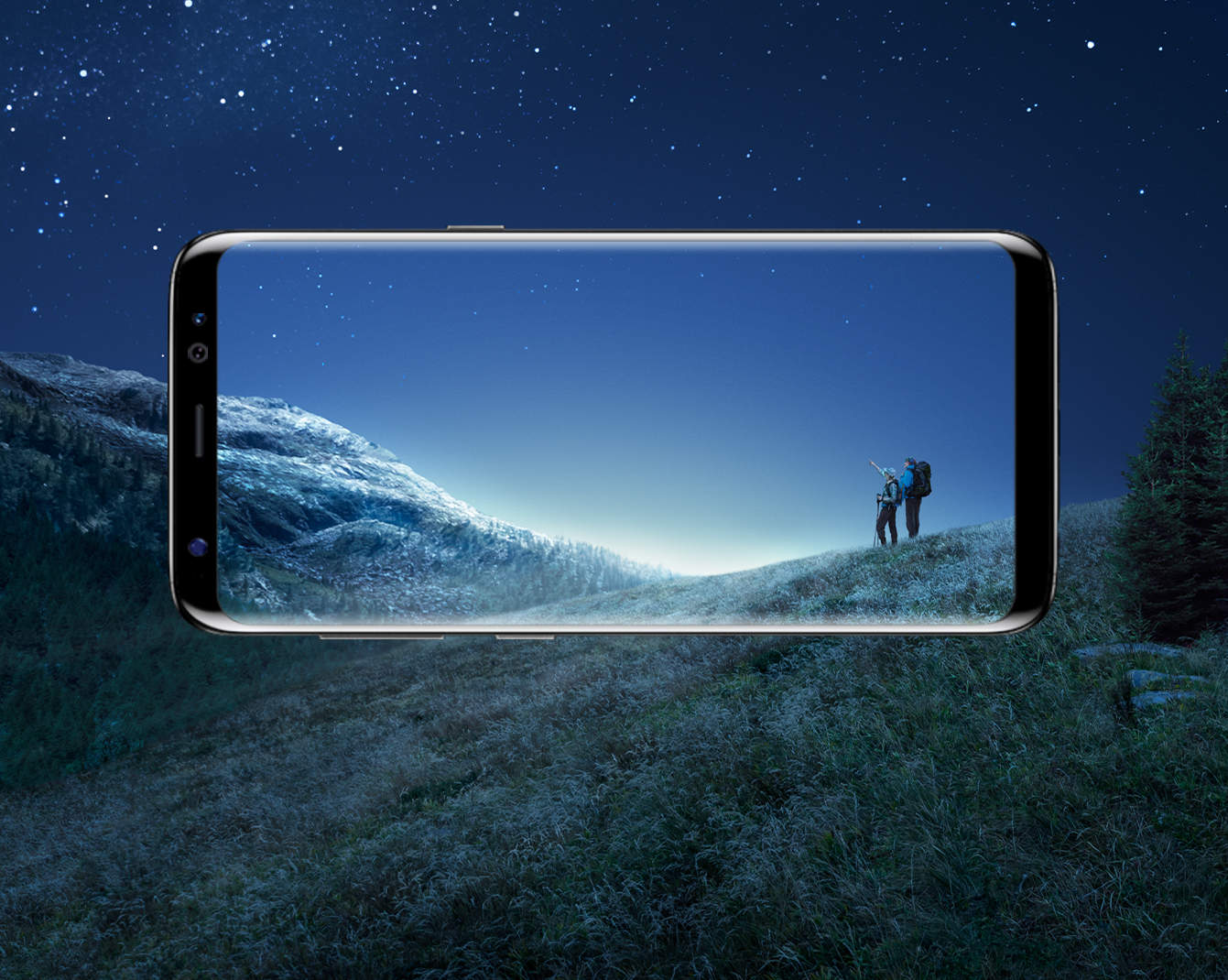
The first reviews of the Galaxy S8 and Galaxy S8+ have dropped a day ahead of their official launch in many markets, and there’s one thing to take away from them: Samsung just knocked it out of the park with its best smartphones to date.
Despite the problems the company encountered with the Galaxy Note 7 last fall, it has managed to produce two new devices that don’t disappoint. From gorgeous design and impressive cameras to the best display on the market, the Galaxy S8 series has it all.
It might not perfect, but the changes and improvements Samsung has made show Apple what a smartphone should be in 2017, and make it even more difficult for the iPhone to catch up.
No animals were skinned for the making of this wallet. Photo: David Pierini/Cult of Mac
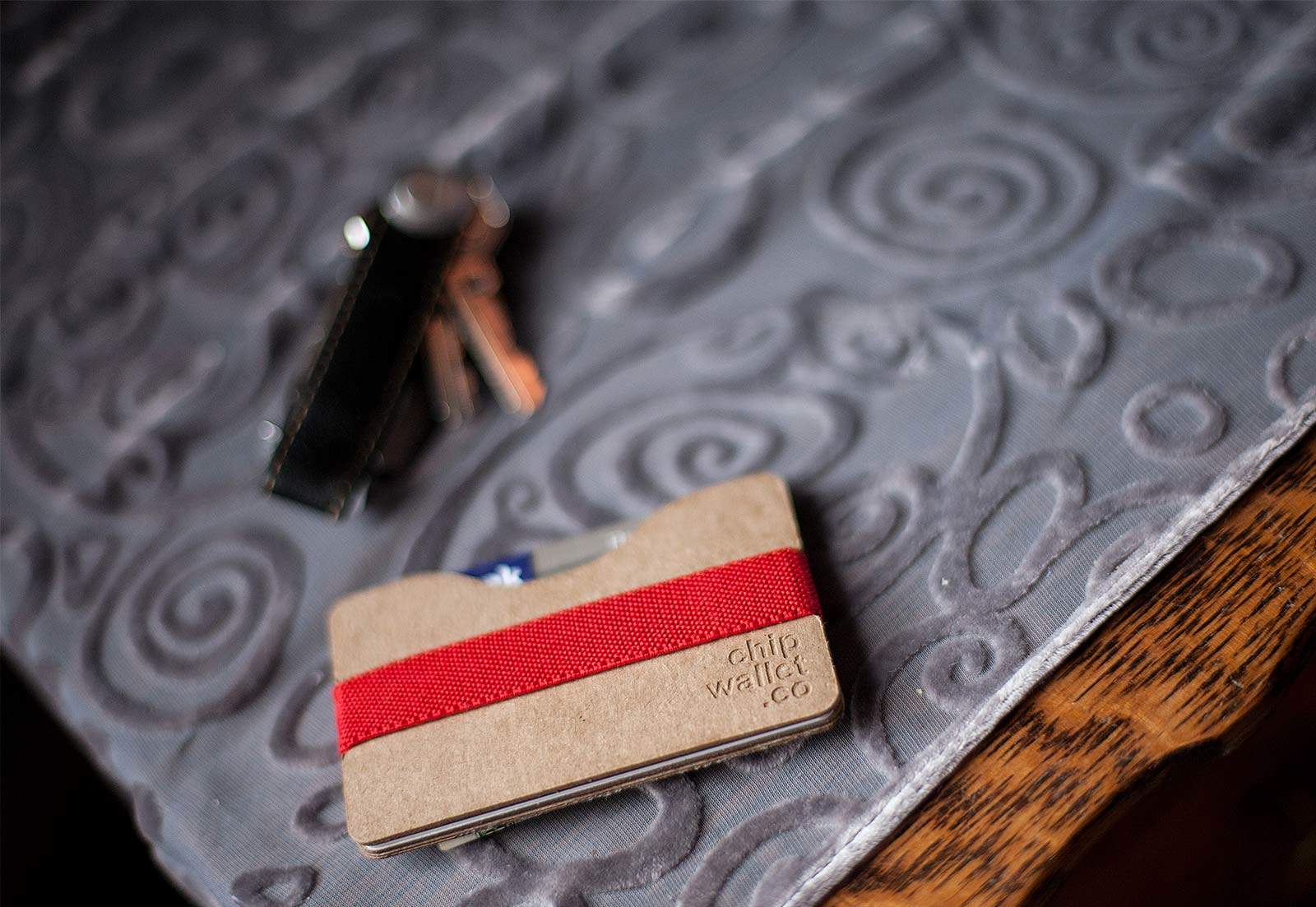
A designer who sets out to reimagine men’s wallets must accept certain time-honored limitations. It has to be shaped to fit in a pants pocket and hold cash and credit cards of a standard size.
No matter the material, color or whether you like your cash folded in half, thirds or tucked in a clip, the look is relatively predictable.
The Chipwallet provides a fresh experience – the user must assemble it themselves.
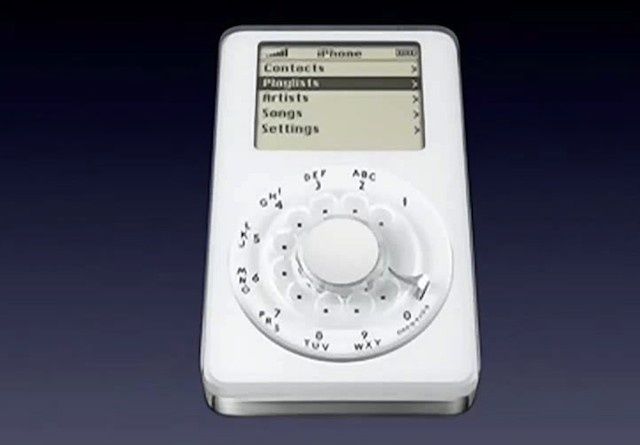
Yep, this is how the iPhone could have looked -- had project P1 taken off. Photo: Apple
Former Apple VP Tony Fadell has dispelled the popular rumor that Apple had two rival teams working on different user interfaces for the first prototype iPhone.
Video of two prototype operating system builds for the original iPhone surfaced this week as Apple celebrated the iPhone’s 10th anniversary. One of the UIs proposed adopted the iPod’s click wheel interface and, according to Fadell, it actually worked really well.
There was just one problem: It sucked at making calls.
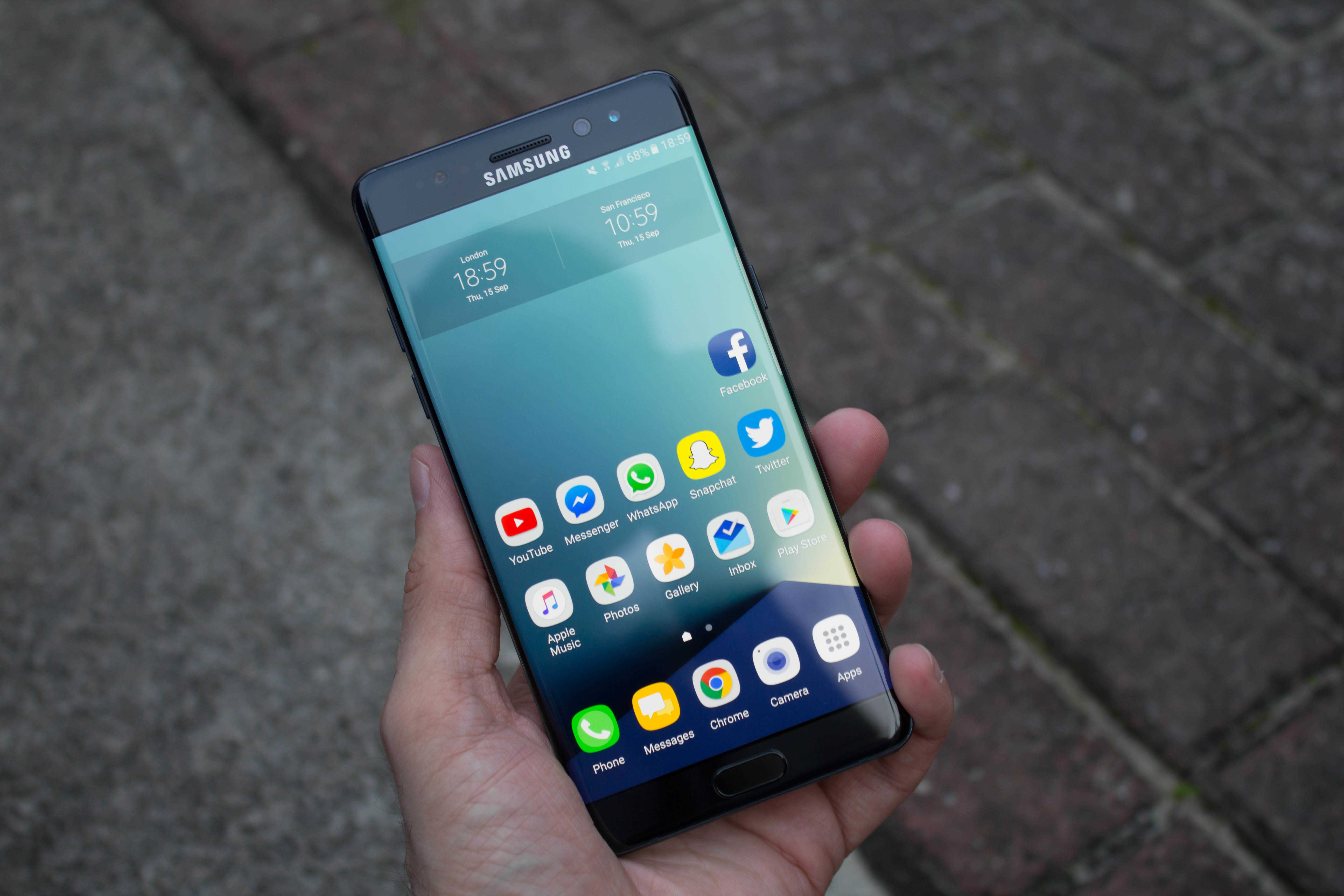
Samsung "shipped a dangerous product," apparently. Photo: Killian Bell/Cult of Mac
The Galaxy Note 7’s embarrassing tendency to catch fire might have been caused by Samsung’s decision to cram the battery too tightly into the smartphone’s body.
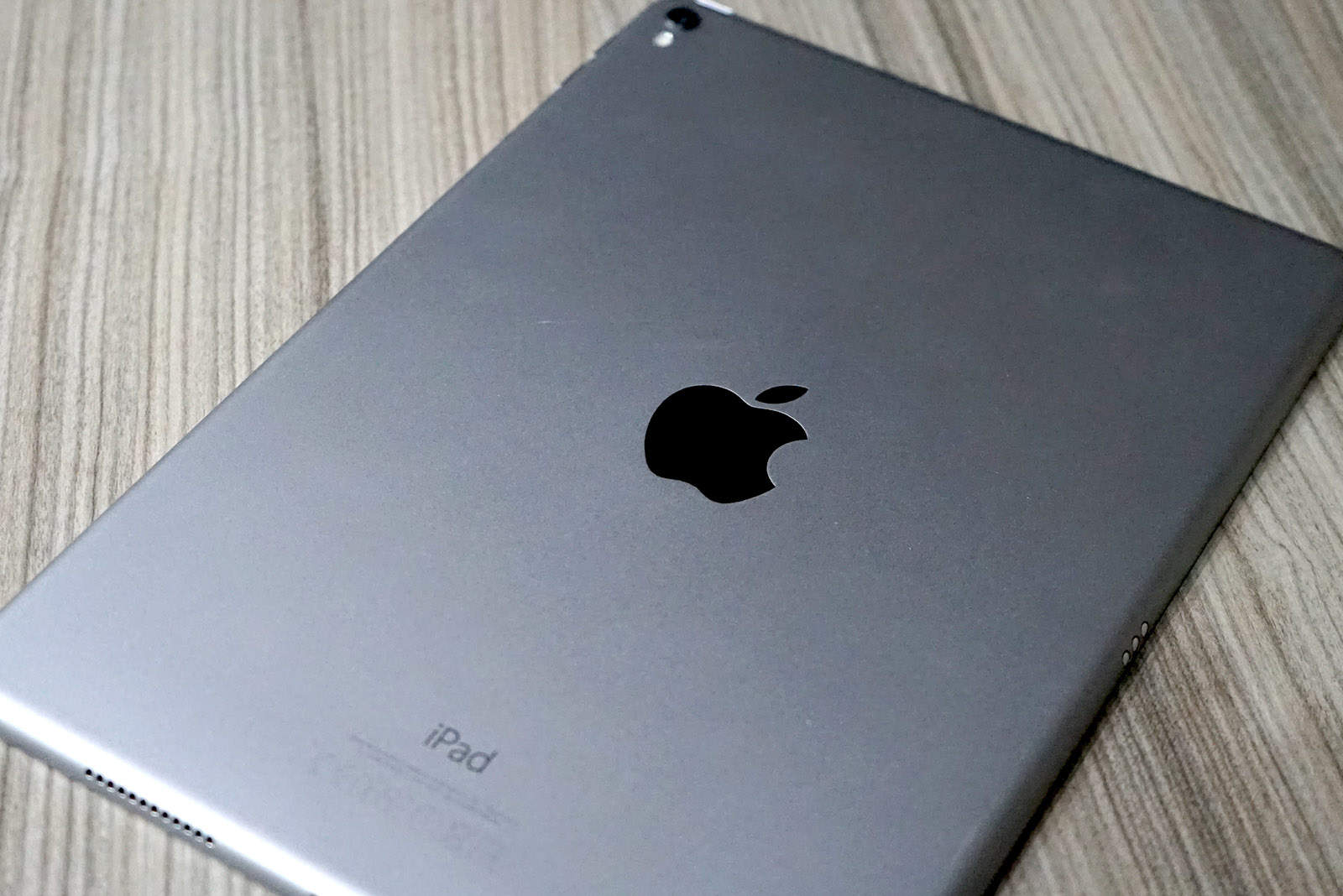
The iPad Pro is about to get even bigger. Photo: Ste Smith/Cult of Mac
Apple is planning to launch new iPad Pros in the first half of 2017 and according to a new rumor out of Asia, they may be a bit thicker than the previous models.
Baubles are only available as an added accessory for the Christmas Tree Pro. Photo: Claridge's
Jony Ive’s vision for Apple stores includes plenty of live trees, so who can be surprised that the “Christmas tree” he and BFF Marc Newson designed for a swank British hotel turned out to be a minimalist fir with not a bauble in sight?
Unusual as it is, Ive and Newson’s creation is far from the most offbeat reimagining of festive firs in Claridge’s history. Check out previous Claridge’s Christmas trees, which range from truly ostentatious to totally bizarre.
The perfect gift for the Apple fan in your life? Photo: Apple
Apple has announced that it will be debuting a new hardbound book, entitled “Designed by Apple in California,” chronicling 20 years of its groundbreaking designs — boasting 450 photographs of past and present Apple products.
The book, which is dedicated to the memory of Steve Jobs, will also include exclusive details on the design processes used by Apple’s design team under the leadership of Jony Ive.