How To Easily Back Up Your Mac With Time Machine [Video How-To]

How To Easily Back Up Your Mac With Time Machine [Video How-To]

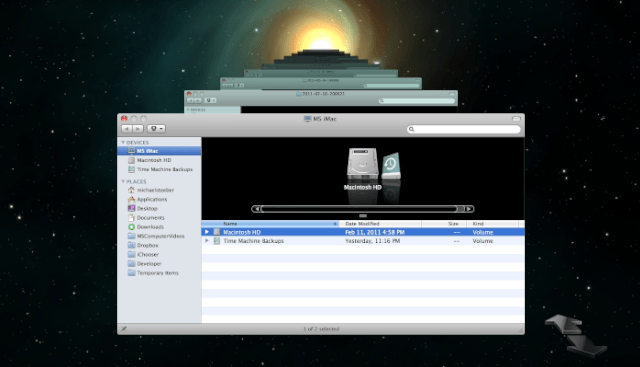
Imagine this scenario: your Mac crashes and all of your files are gone forever. Do you want this to happen to you? If not, Time Machine is the perfect solution. It automatically backs up your Mac every hour, so you can always have the peace of mind that your files are safe. The video below describes how you can set up Time Machine quickly and easily.

DON'T MISS
Keep Your Files Secure With Encrypted Disk Images [Video How-To]

Apps you might like

  • Chuck

    Anyone know how to get Timemachine to sync wirelessly with a macbook via airport extreme? I was told in the Apple store that it would work and got the airport extreme home and it didn’t.

  • Fen Tiger

    Easy until you try to install time machine on a Buffalo Linkstation and need Google and the terminal to get it to work.

  • brnmbrns

    Time Machine is garbage. I only use it to back up my system in-case of a system failure that will lead me to do a complete restore from backup.

    When it comes to ‘going back in time” and restoring specific files, it’s such a painfully slow, laggy process.
    I wouldn’t recommend this to anybody.

  • jeremy

    This is kinda off topic, but where can i get your wallpaper?

About the author

Michael SteeberMichael Steeber is a student who is obsessed with everything Apple. He enjoys making videos and runs the MSComputerVideos YouTube channel in his free time. You can follow him on Twitter as well.

(sorry, you need Javascript to see this e-mail address)| Read more posts by .

Posted in Apple, How-To, Mac, OS X, Software | Tagged: , , , , , |
