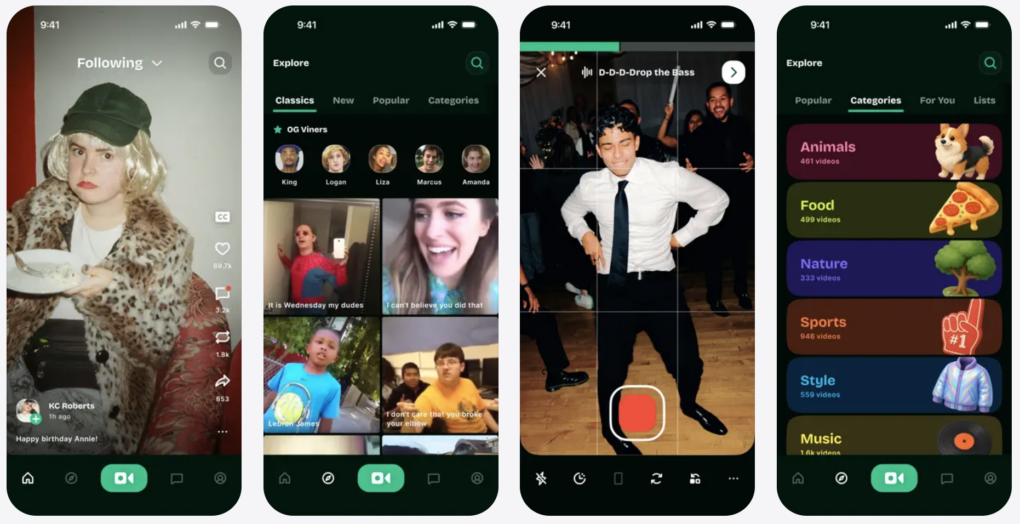
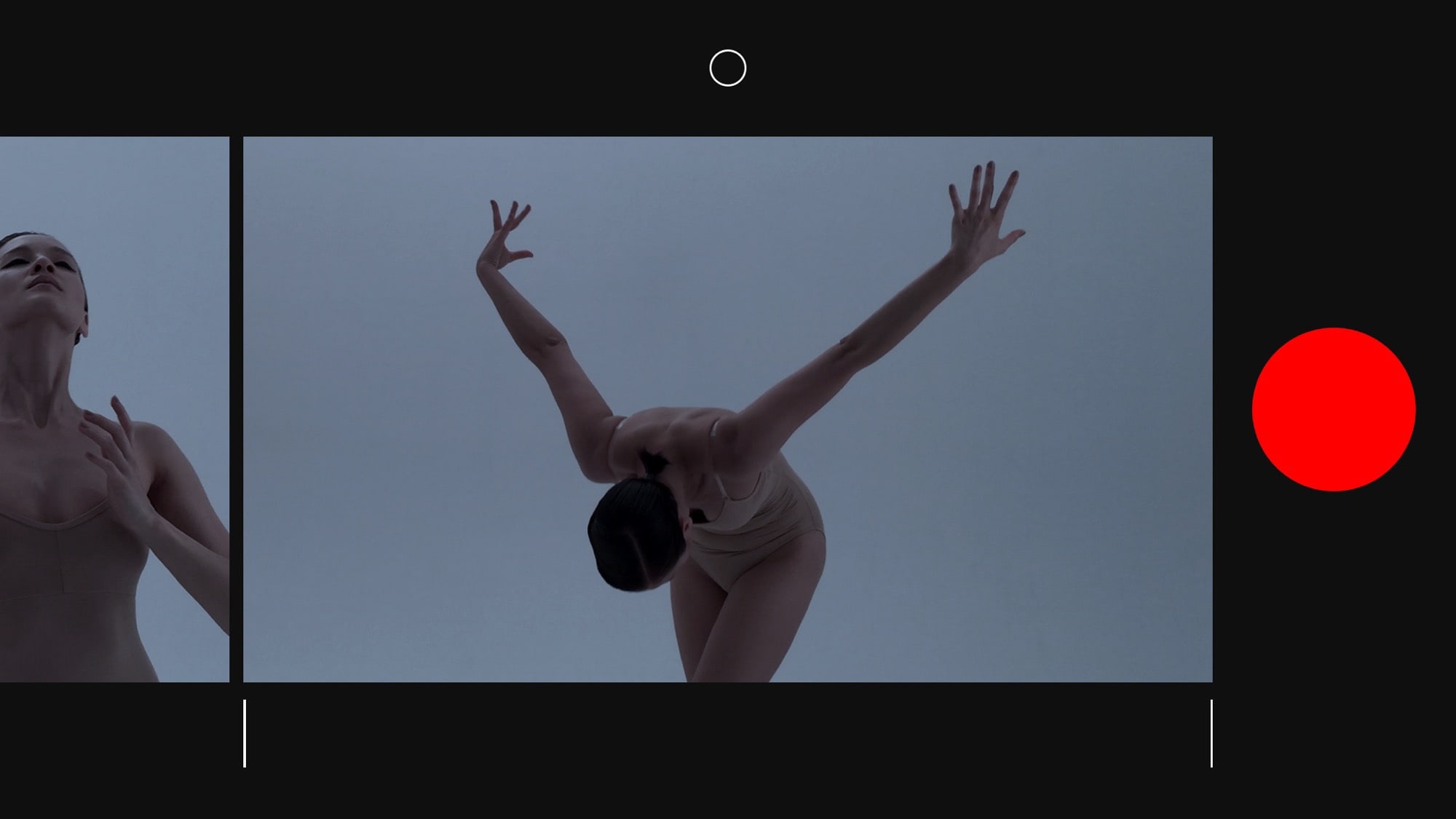
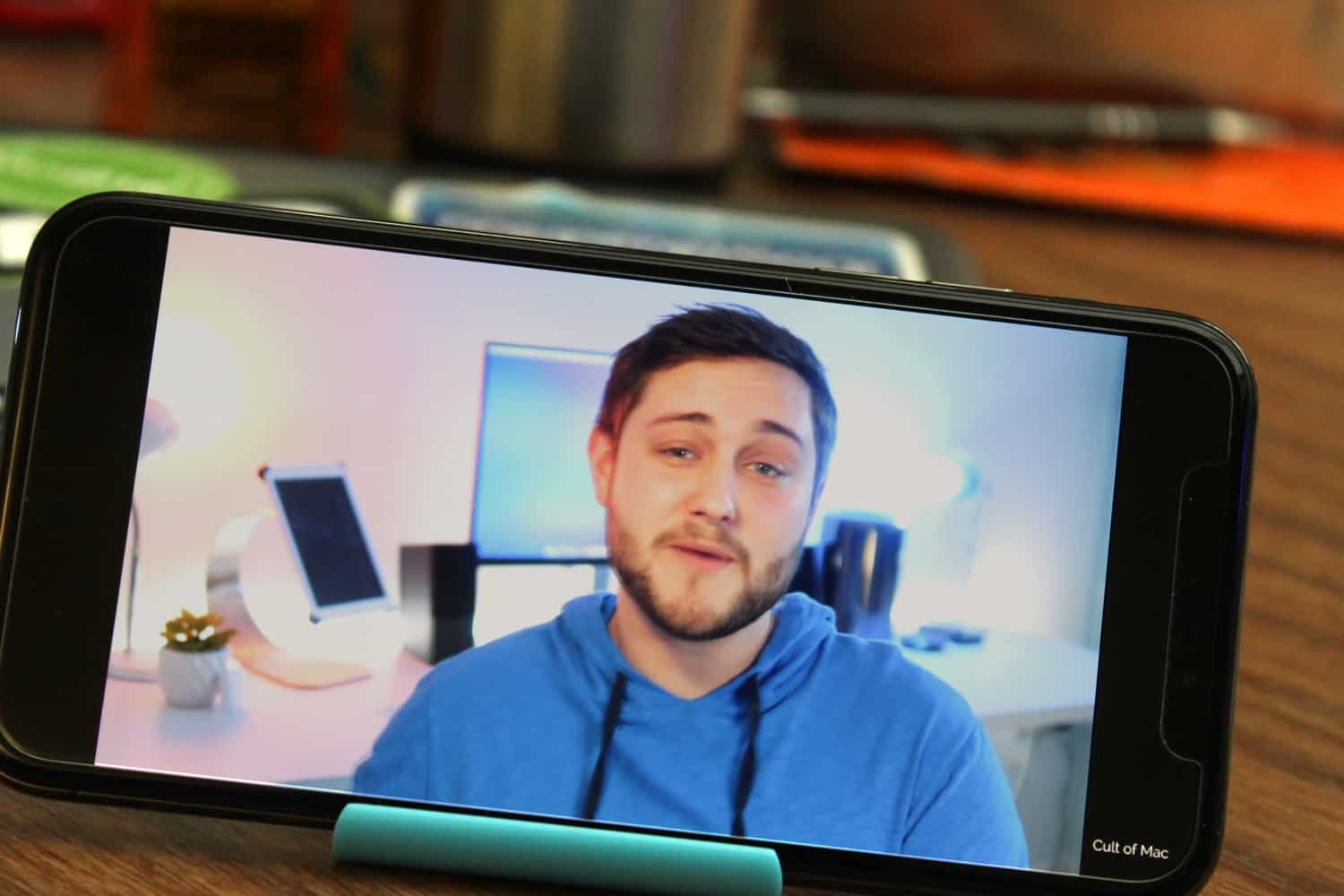
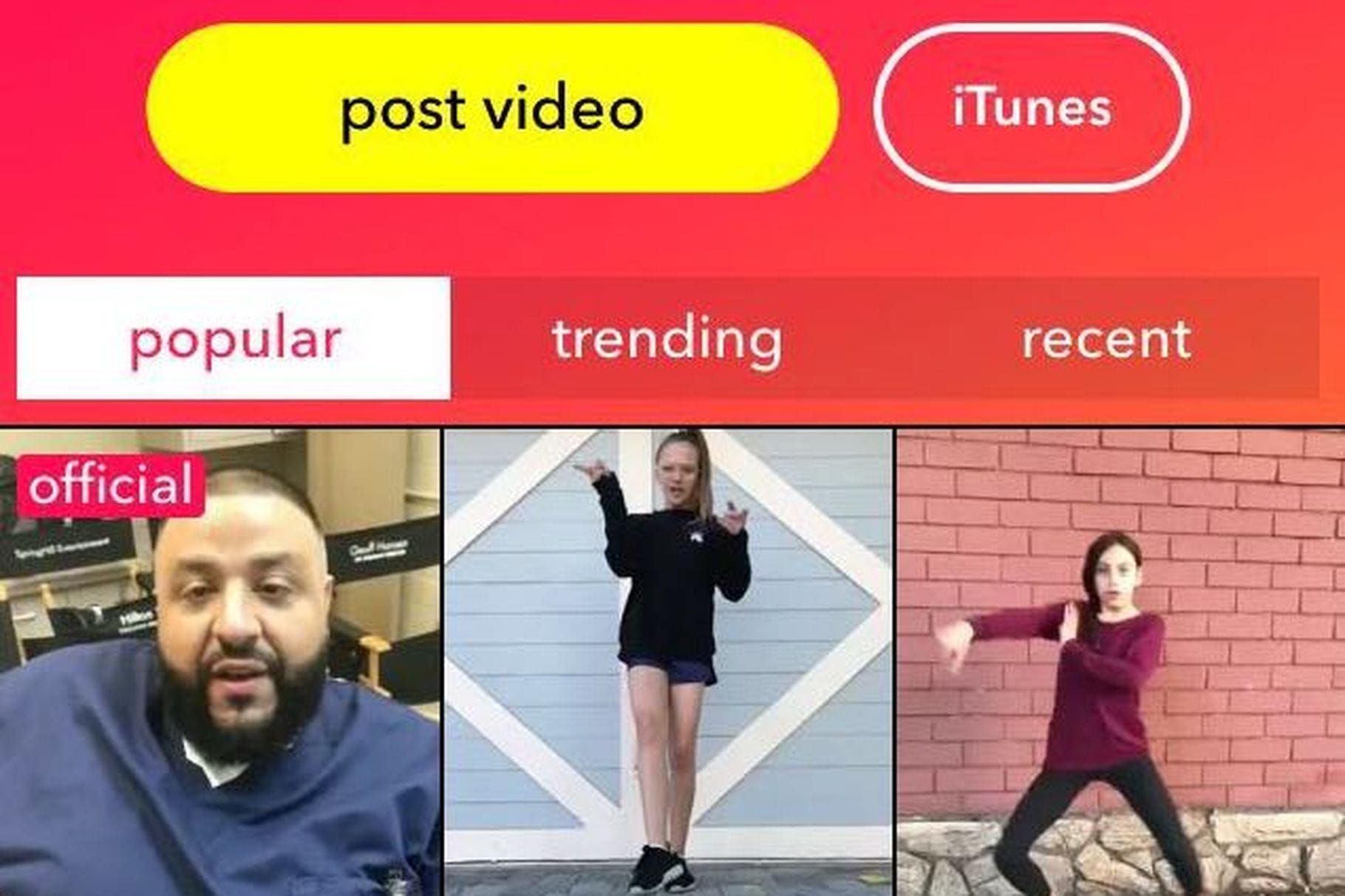
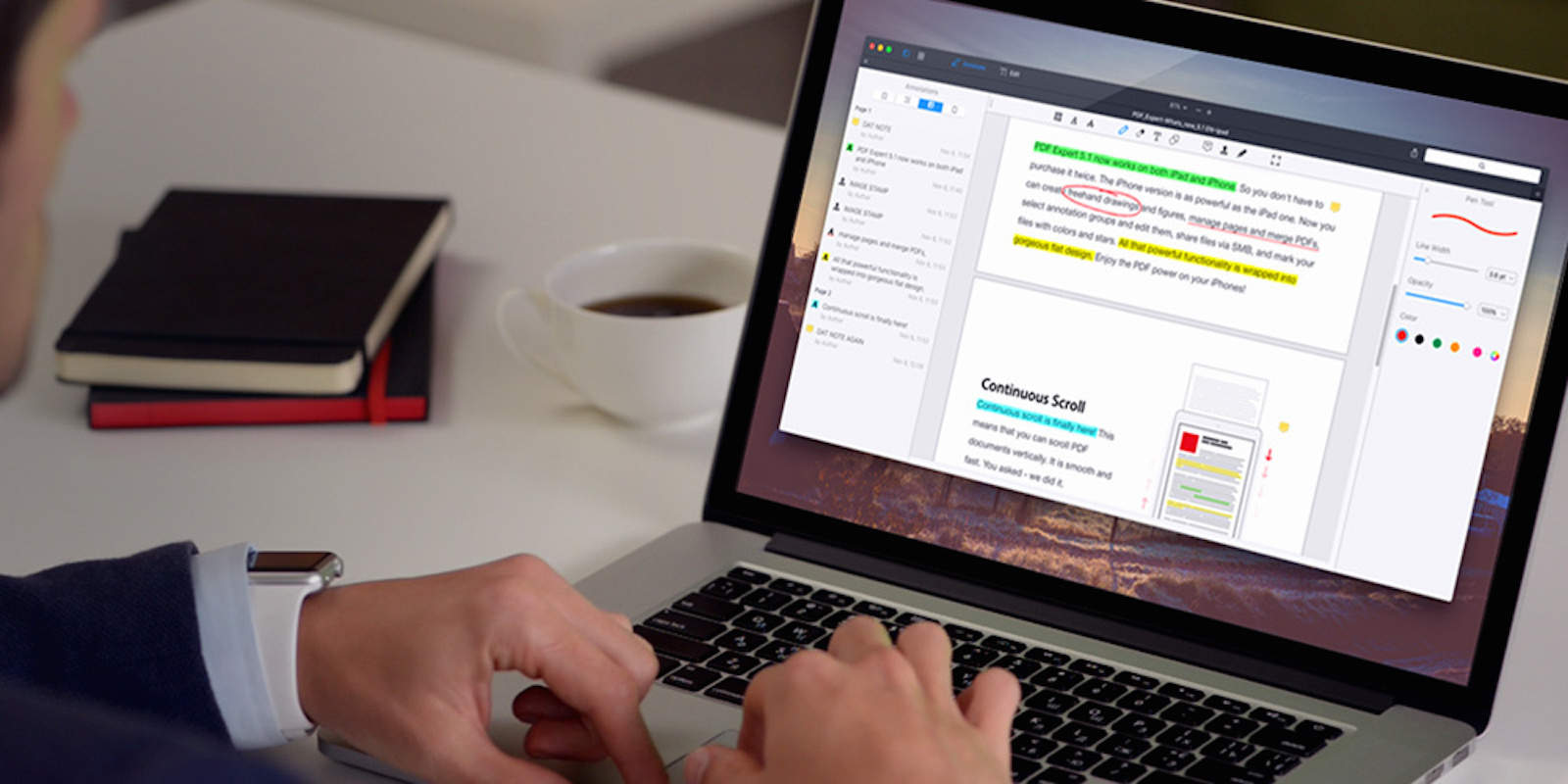
Vine resurrected as diVine on the App Store and Google Play. Photo: App Store
Nearly a decade after Twitter pulled the plug on Vine, the beloved 6-second video app is back — this time under the name Divine. It’s now available as a free download on the App Store.
The Sora app uses AI to generate fun, very realistic videos from user prompts. Screenshot: OpenAI
OpenAI introduced the Sora iPhone app Tuesday, and by Friday, it had already hit the No. 1 spot on Apple’s Top Free Apps list. The secret of the new AI video app’s appeal? It’s a lot of fun, letting users create hilarious short videos with a simple text description.
Watch some of the hilarious (and amazing) videos people have already created, there go make your own.
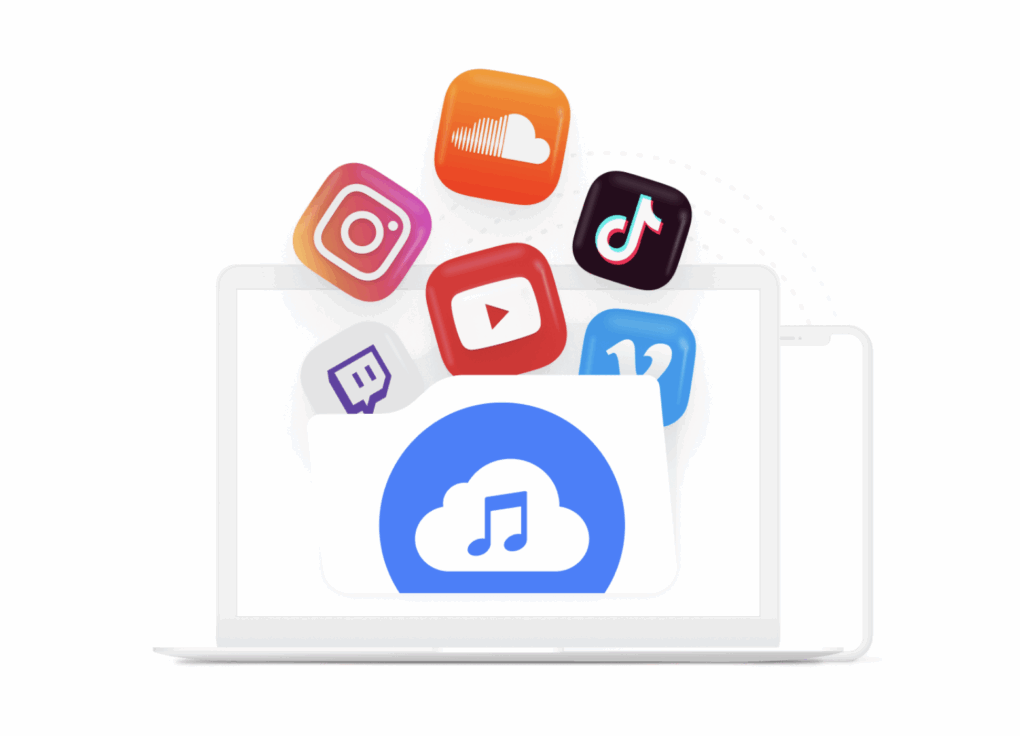
Makes converting video files to audio easy with the 4K YouTube to MP3 app for Mac, Windows and Ubuntu. Image: 4K YouTube to MP3
Need to convert YouTube videos to MP3 files easily, so you can transform your favorite streaming content into high-quality audio files that are a breeze to store and play? One simple way is to download and use 4K YouTube to MP3, a powerful Mac app designed specifically for audio extraction.
This specialized converter focuses on delivering crystal-clear audio files from YouTube videos, podcasts, music and other content across popular platforms including Facebook, SoundCloud and Twitch.
Save time editing content with FocuSee, now only $39.99 for life. Photo: Cult of Mac Deals
Turning screen recordings into compelling videos proves tricky, even for the most skilled video editor. But FocuSee screen recording software for Mac (and Windows) can capture what you see and do on-screen and automatically turn the video into something that looks like it took hours to produce.
It’s perfect for producing eye-catching product demos, easy-to-follow tutorials and more. And right now, you can get a lifetime subscription to the FocuSee screen recording software for just $39.99 (regularly $79).
Pick up the pace (and stop pulling out your hair) with these top-rated productivity apps. Photo: Cult of Mac Deals
With a new year comes new possibilities and the chance to achieve an exciting new set of goals. Whether yours are personal or professional, we could all use a way to maximize the time we have — and productivity apps are the best way to do that.
It’s time to get more done, in less time — and enjoy more free time as a result.
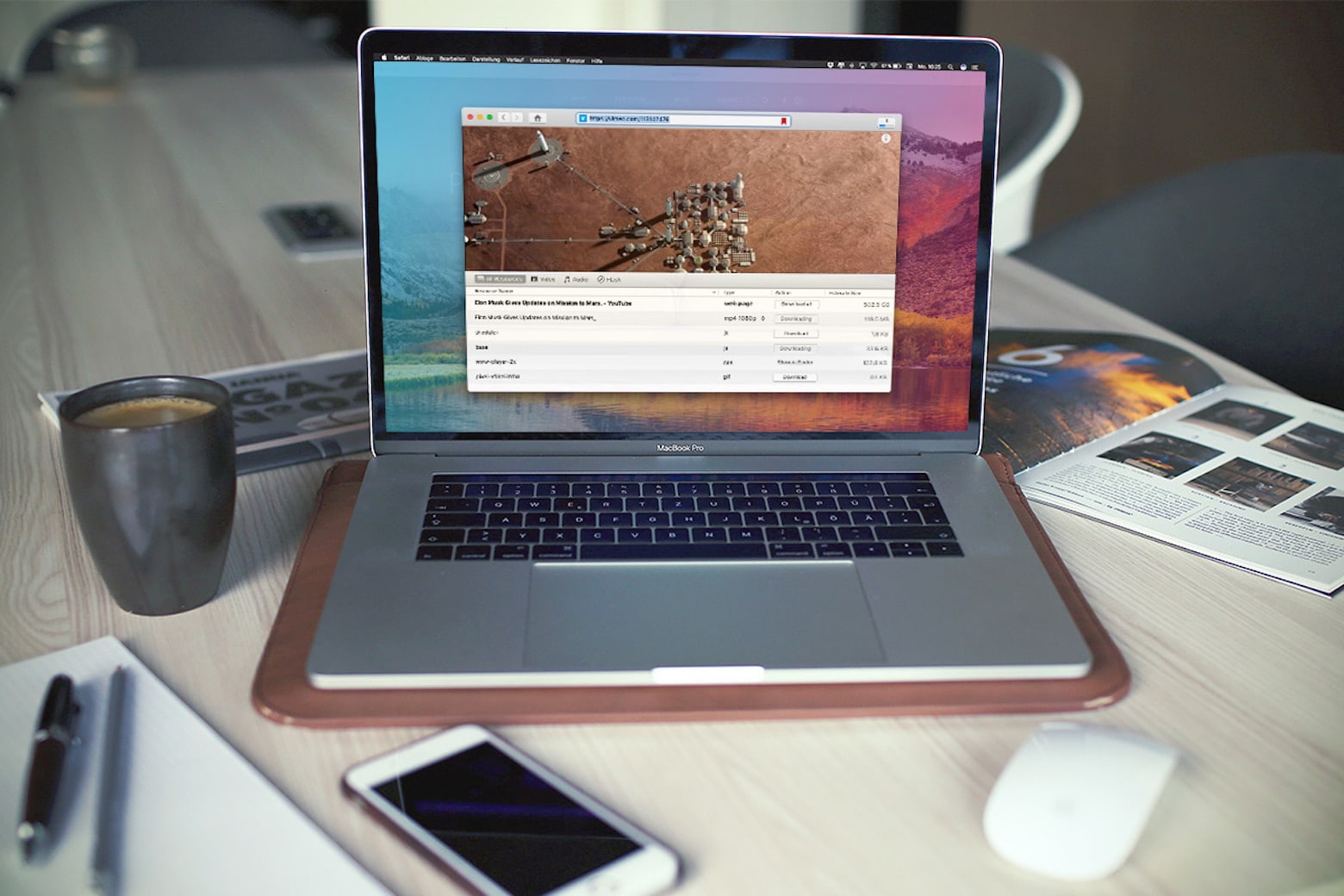
Whatever it was, it’s gone now — and you can’t find it anywhere. But you don’t have to lose your favorite videos. With VideoDuke for Mac, you can download videos straight from many of the most popular video sharing sites for life. And right now the software is on sale for just $29.99.
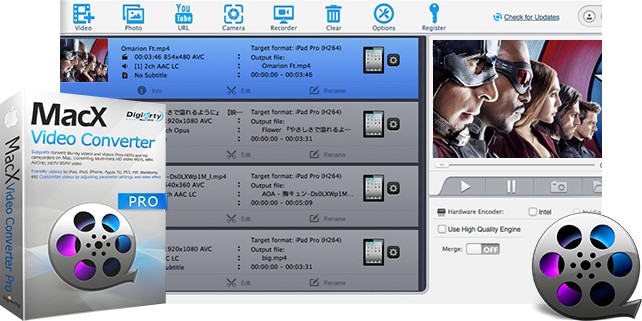
MacX Video Converter Pro makes working with videos by you and others easy. Image: Digiarty
This video converter post is presented by Digiarty.
Digiarty has updated its MacX Video Converter Pro software for 4K ultra-high-definition video processing. Right now, you can get the improved product at a big discount — or even free — for a limited time. Plus, you get some additional free software, too.
The Mac apps in this bundle should handle all your video needs. Photo: Cult of Mac Deals
Who said great video editing software had to come with a high price tag? You can easily create videos on your Mac with the two top-rated apps included in The Essential Filmage Mac Bundle. And right now, lifetime subscriptions are on sale for just $19.99 — that’s 50% off the regular price of $39.
This powerhouse video-processing tool makes clips look their best on any device or platform. Photo: Cult of Mac Deals
Uploading videos to social media or transferring them between devices, it’s easy to wonder what went wrong. Strange compression, weird resolution issues, and other problems can make even high-quality videos suddenly look like junk.
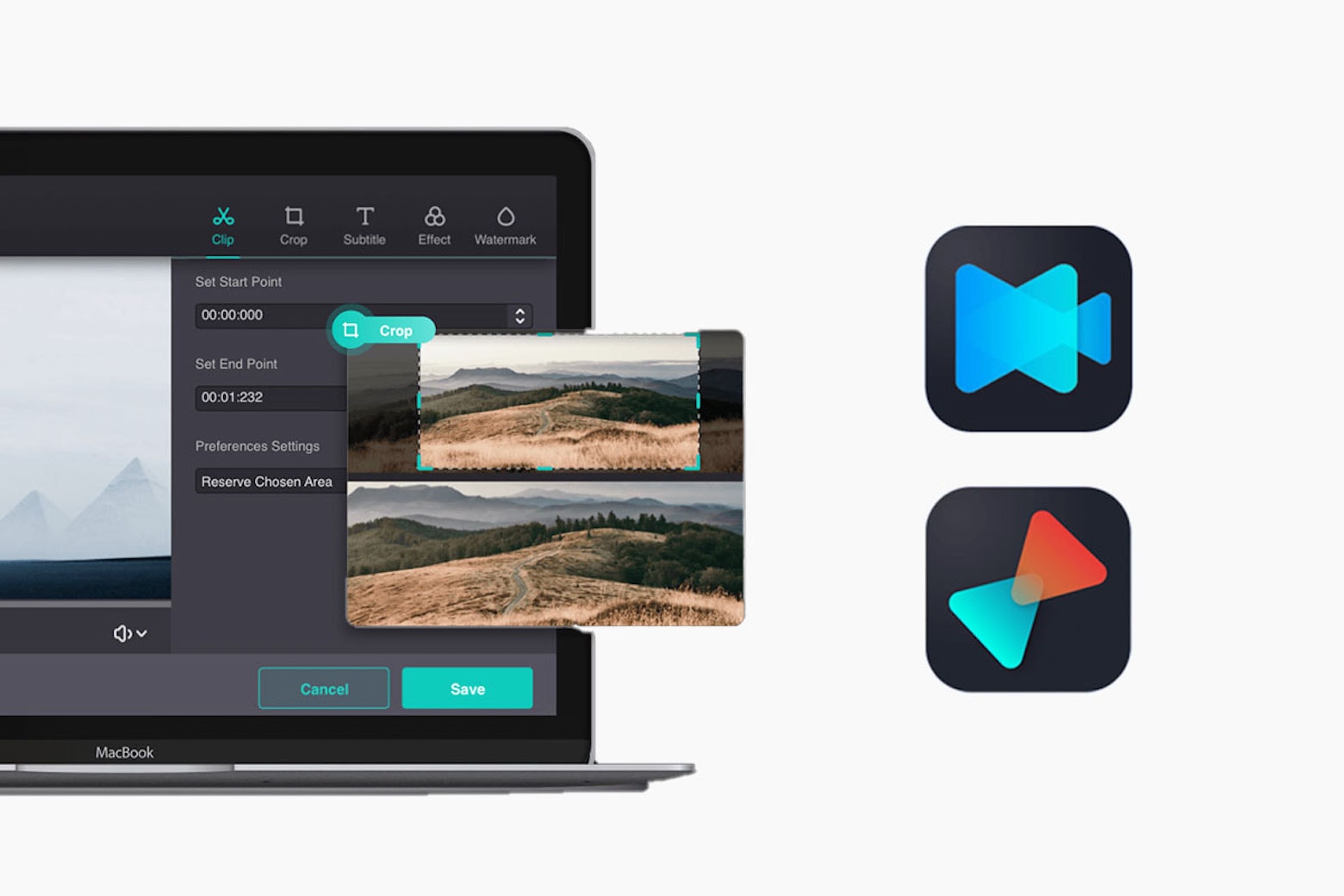
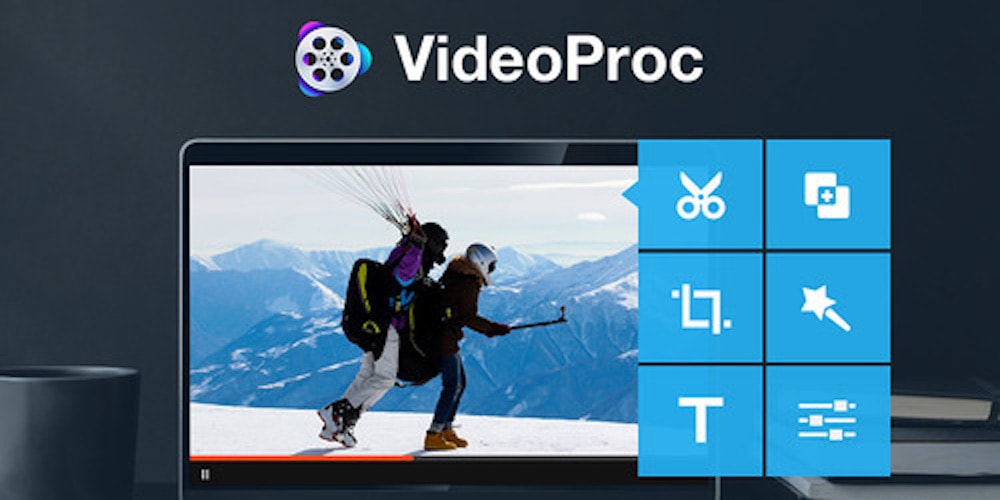
You can avoid those kinds of totally annoying hassles with a heavily discounted lifetime subscription to this video-processing app for Mac.
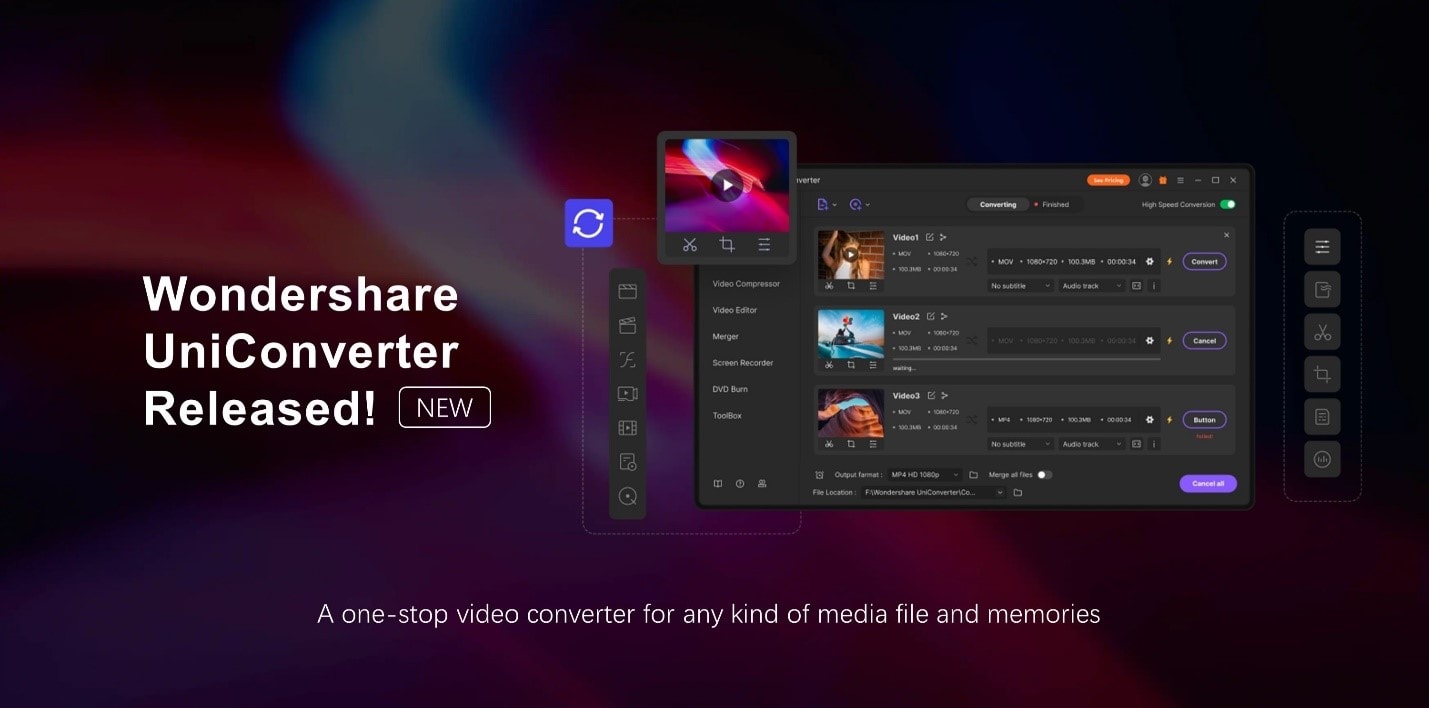
Wondershare UniConverter, now in Version 12, lets you work with a multitude of media formats. Photo: Wondershare
This video conversion post is presented by Wondershare UniConverter.
Whether you love to make videos or just watch and share them, if you want them to be seen in virtually any format on practically any device, you need a good video-conversion tool. It might be time to try Wondershare UniConverter, which can convert any video to more than 1,000 different formats. Try the Mac-dedicated version for a taste of how easy and quick video conversion can be.
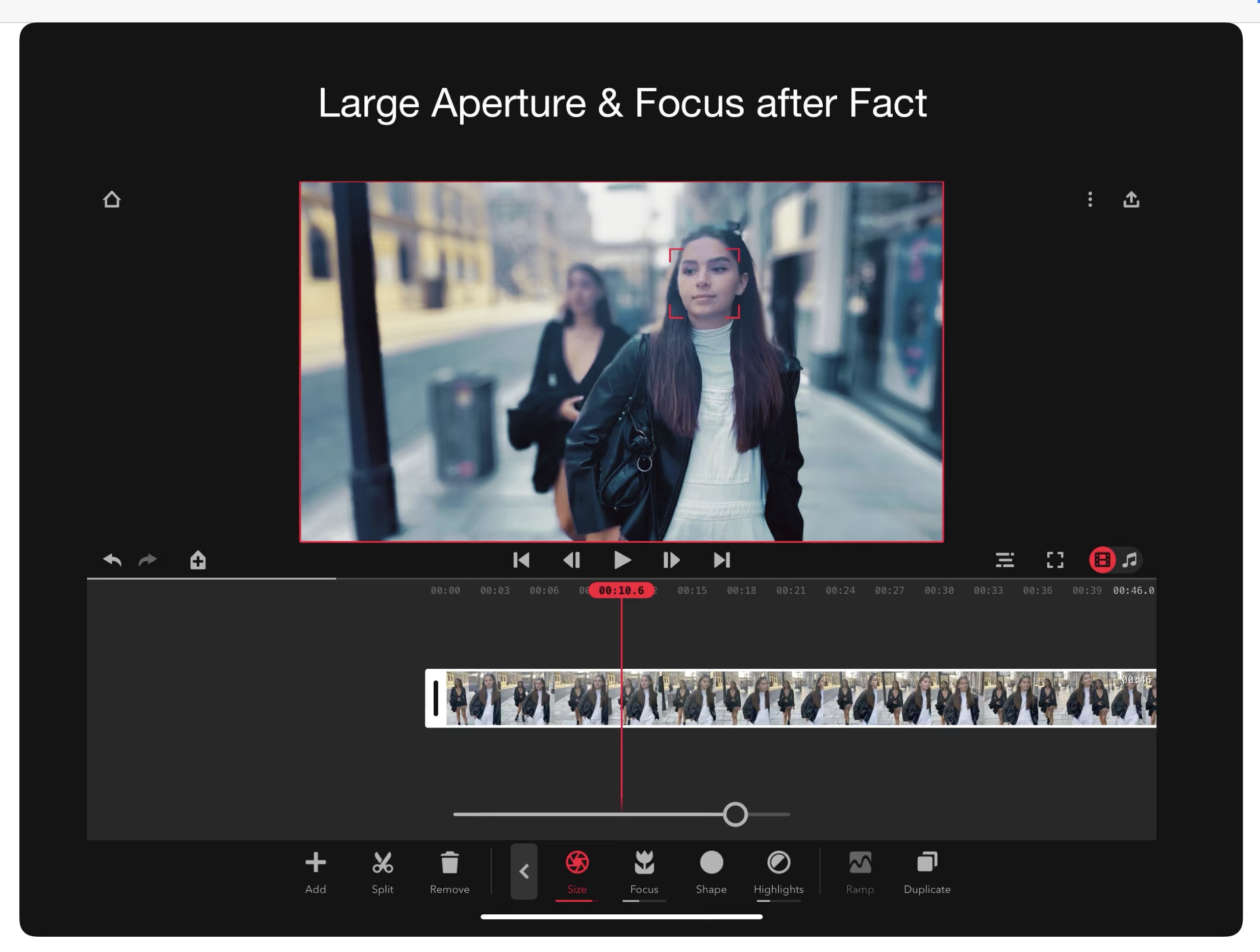
Don’t wait for the iPhone 12. Focos Live lets iPhone users film bokeh video today. Photo: Xiaodong Wang/Cult of Mac
iPhones can automatically blur the backgrounds of still images but not video. Enter Focos Live, a recently released application that brings to iPhone video the effect Apple calls Portrait mode (and everyone else calls “bokeh”). The effect gives photographers the ability to unfocus the background to draw attention to what’s going on in the foreground.
This app is a one-stop app for HD screen recording, fully featured editing, fast conversion and multi-format video playback. Photo: Cult of Mac Deals
Making videos on Mac is easy, if you have the right tools. But subscriptions to creative software suites are expensive, and can take up a lot of space. Often, they’re too complicated for casual users.
Not so with Filmage Screen, a single app that offers a one-stop shop for all your HD video needs.
The YouTube app is the best way to keep up with your favorite channels. Photo: Ian Fuchs/Cult of Mac
Every day, millions of people watch more than a billion hours of video on YouTube. More than half of those views come from mobile devices.
From tutorials and tech reviews to vlogs and movie trailers, YouTube is the largest video sharing service in the world, growing at a rate of 300 hours of content every minute (that’s an average of 18,000 minutes being uploaded every minute of every day). If you’re not using the YouTube app to dive into this ocean of video content, you’re not doing it right.
Soccer is one of the most popular sports in the world — there are soccer fans everywhere. With all of this popularity comes a ton of potential leagues and tournaments to watch. If you’re a big fan, you’ll be glad to know there are some great ways to watch streaming soccer on Apple TV.
Apple wants to appeal to tween and teen users. Photo: Musical.ly
Update: Musical.ly’s partner 7digital denies that it is being replaced by Apple Music, with CEO Simon Cole saying it “just signed a renewal agreement with Musical.ly” and has “in no way ended our working relationship.”
Apple has reportedly teamed up with Musical.ly, a popular music-themed app for video creation, messaging and live broadcasting.
Starting today, Apple Music will be the service that supplies songs for the social network app, replacing joining existing provider 7digital.
Learn all you need to know to get the most out of your iPhone's camera. Photo: Ste Smith/Cult of Mac
While iPhones have pretty much replaced standalone video cameras, they don’t offer the same level of polish that a dedicated video camera or DSLR produces. It’s true that “the best camera is the camera you have with you,” but you can almost always spot a video shot on a phone.
The quality gap isn’t purely due to the lenses and tech within our phones, though. Bad habits make plenty of iPhone videos look lackluster. To show just how good an iPhone video can be, I put all my filmmaking knowledge to use for the montage below.
Instead of using my $3,000 video camera, I picked up my iPhone. With a minimum of accessories, I managed to produce what I think is a pretty cinematic video. You can see the results below — and then I’ll give you some useful tips and tricks for shooting iPhone videos like a pro.
The Disposable Film Festival showcases video shot on iPhones and similar gadgets. Photo: Disposable Film Festival
Calling all iPhone filmmakers! The Disposable Film Festival is now accepting submissions for its 10th annual program in March 2017.
Heralded as the “Oscars of online video,” the Disposable Film Festival showcases the finest films made on everyday devices and “disposable media,” including cellphones, point-and-shoot cameras, DSLRs, webcams, screen-capture software, Flip cams, and newer technology like Google Glass, 3-D printed stop animation, and more.
This 2015 App of the Year will reinvent the way you work and collaborate with PDFs Photo: Cult of Mac Deals
We’ve always got a great raft of deals on great gear and gadgets, but for one day only those prices are dipping even lower. From the award-winning PDF Expert to the revolutionary Lytro Illum camera, a powerful tool for capturing online video and a year of access to a library of awesome games on Steam. Each is discounted even further than their already reduced price but just for one day, so now’s the time to jump on this:
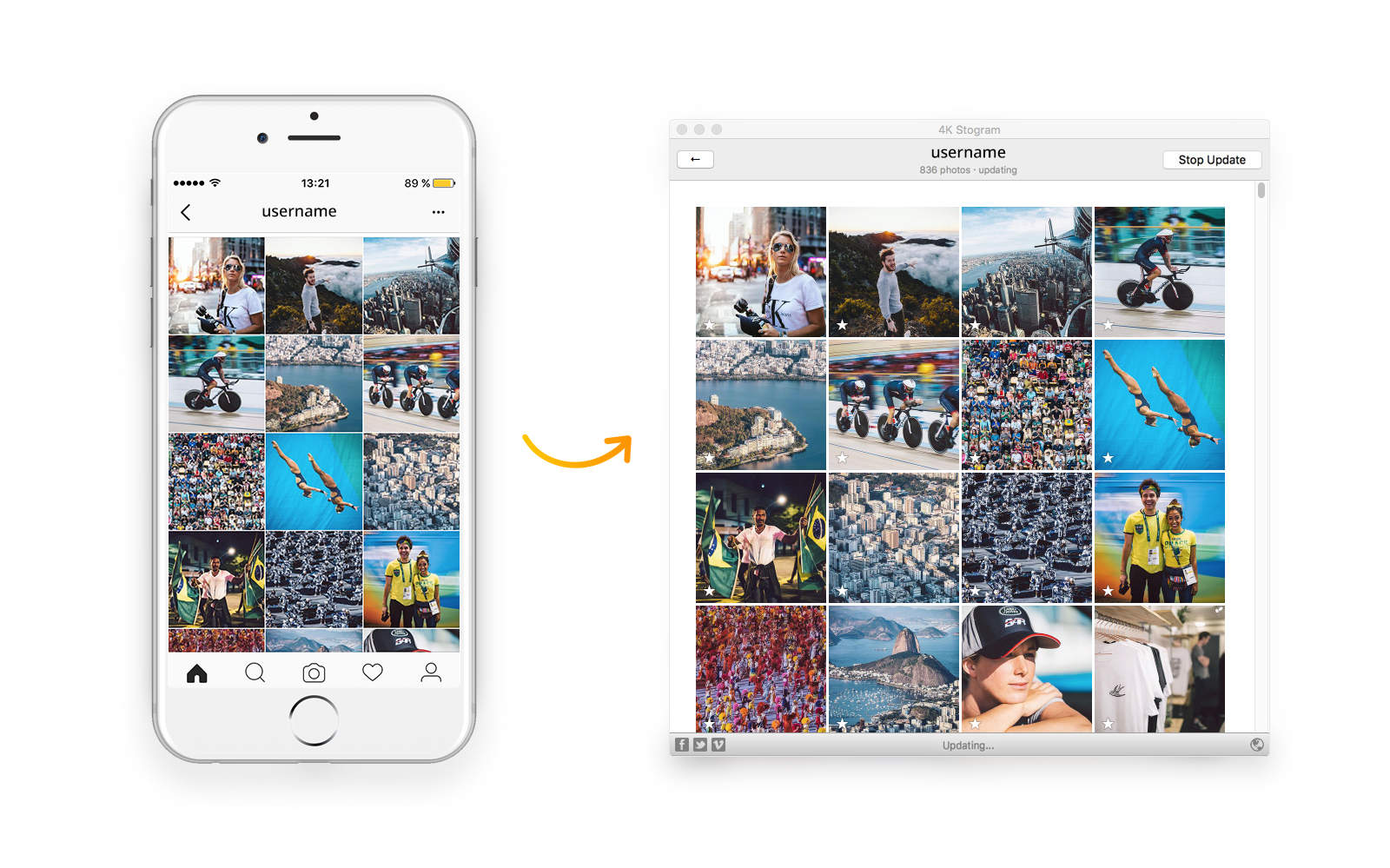
For many of us, Instagram is the primary place to get our daily fix of fresh images and videos. We’ll spend hours browsing the feeds of friends and family, and our favorite artists, public figures or journalists. But all that addicting content — including what you post yourself — stays on Instagram’s servers, where it’s a bit of a hassle to find and only accessible by logging in.
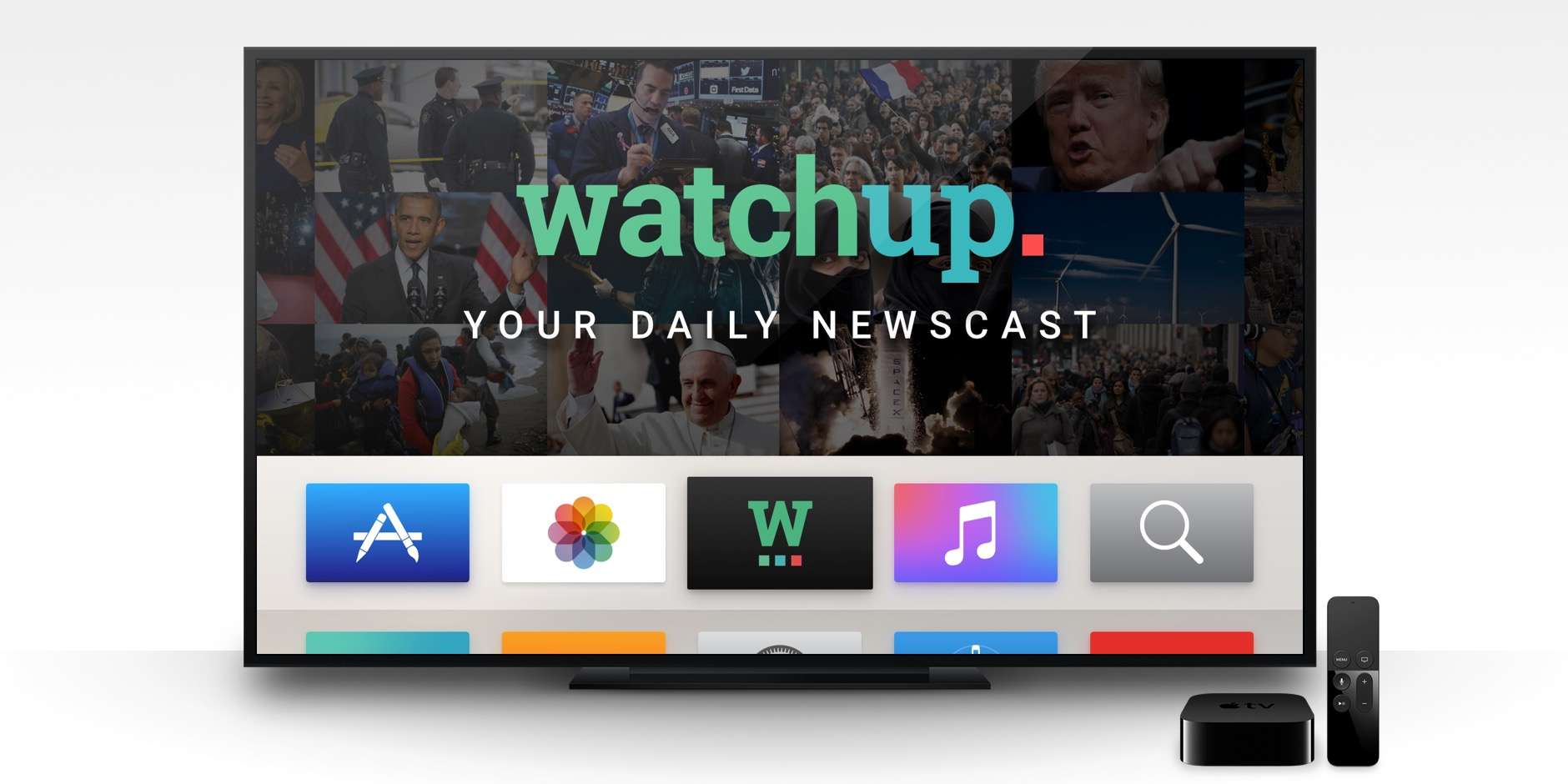
Get all your news, sans cable package, right on your Apple TV. Photo: Watchup
Watchup wants to replace standard TV news with a personalized multi-channel news aggregator that runs right on your Apple TV.
The developer promises that you’ll get a customized, on-demand news app right on your big TV, letting you lean back and learn what’s happening in the world.
All that without a cable subscription; sounds pretty great to me.
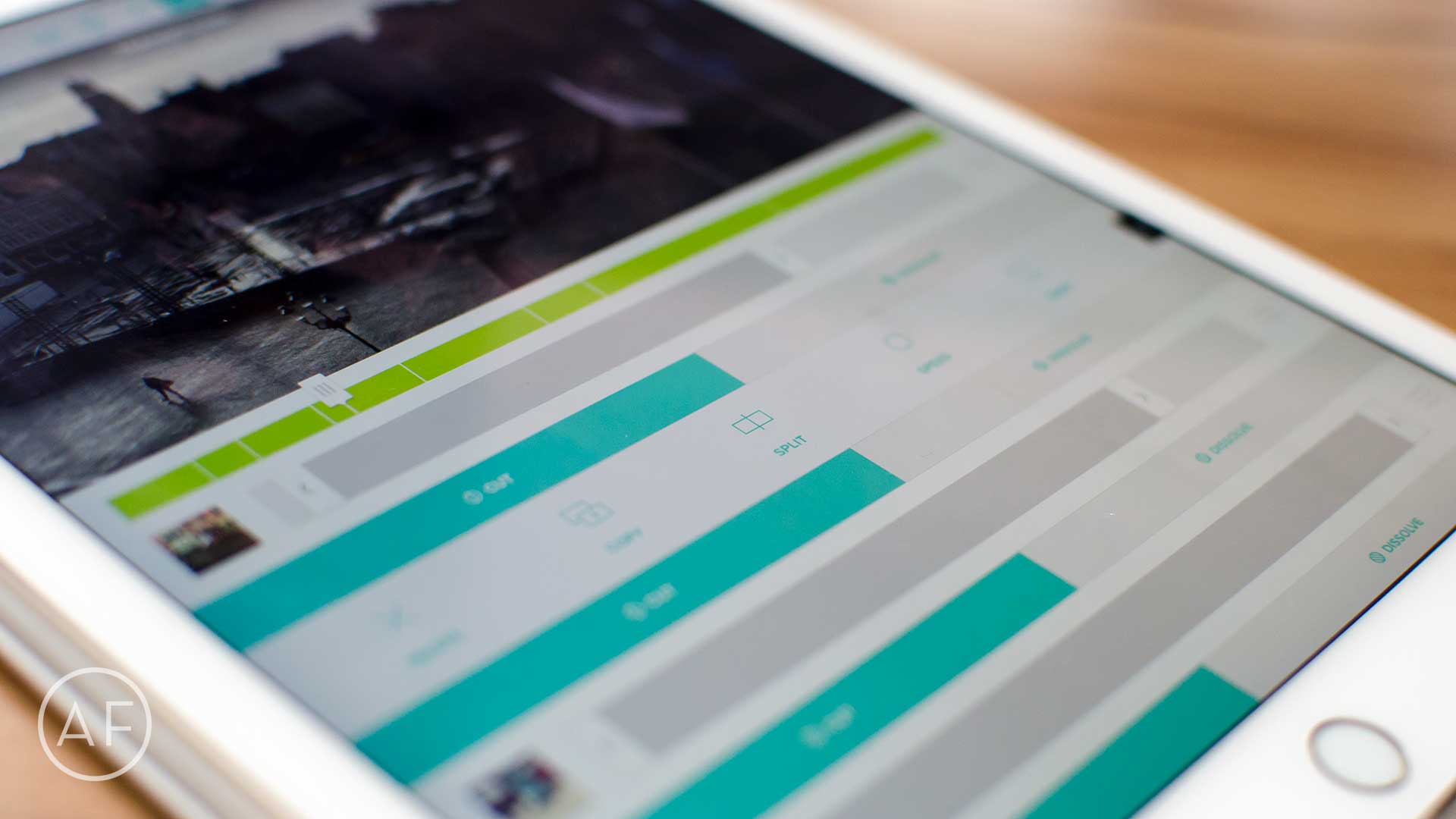
You don't need a Mac to create professional-looking video. With these great apps, an iPhone or iPad will do just fine. Photo: Ally Kazmucha/The App Factor
Long gone are the days where video editing has to take hours and involve your Mac. Thanks to the iPhone and iPad, I’ve put together some awesome, professional-looking video. Depending on what your needs are, and how much control you want over the process, these are currently the best video editing apps I’ve found for iPhone and iPad.
Boomerang is just like Live Photos. Photo: Instagram
Instagram’s new app Boomerang lets users create one-second videos of everyday moments, then share them to Instagram, Facebook or Twitter.
The new app is a lot like the new Live Photos feature Apple introduced on the iPhone 6s and 6s Plus. Boomerang takes a burst of five photos, stitches them together into a mini-video, then plays the clip in forward and then reverse — you know, just like a boomerang!
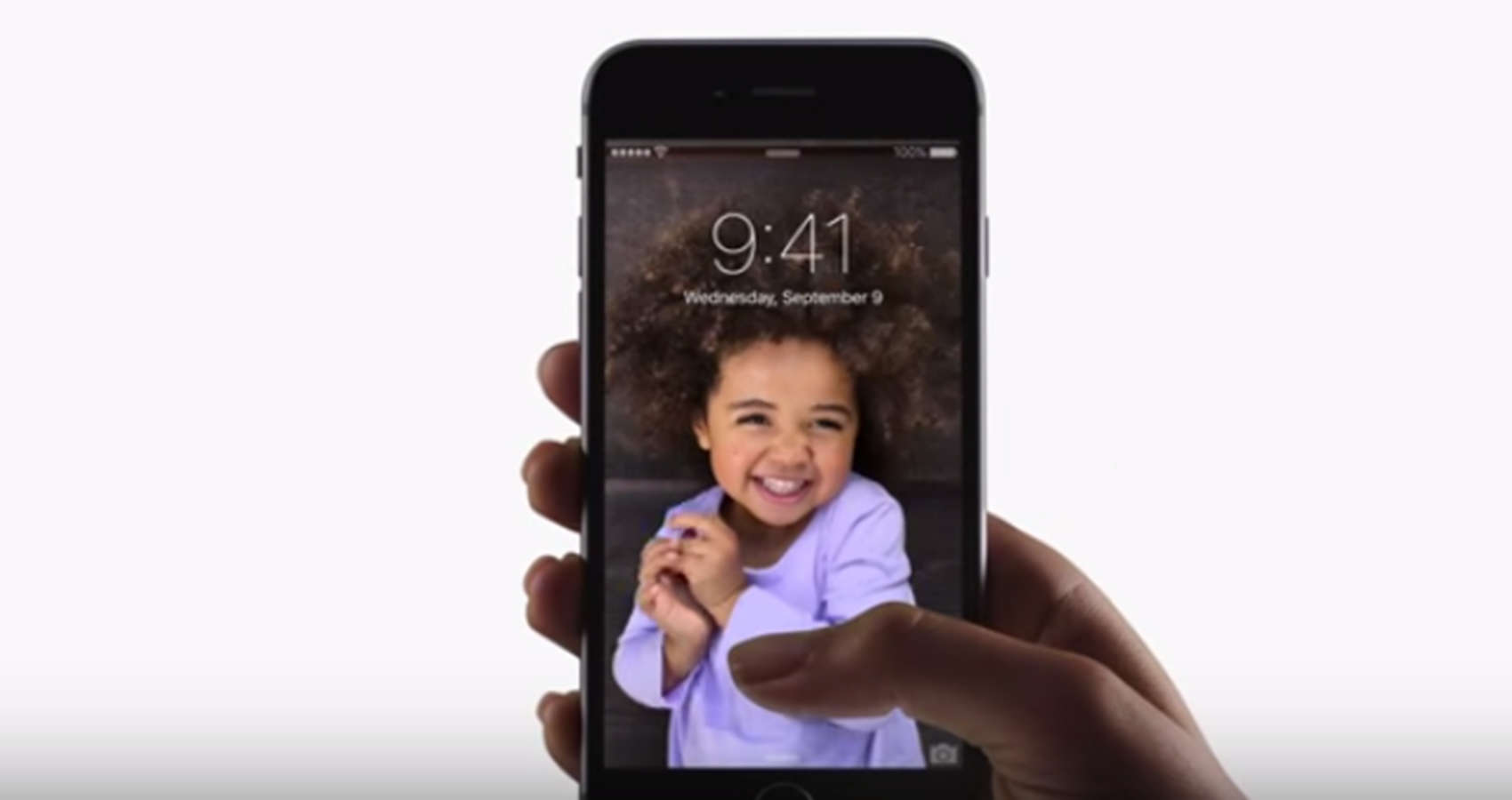
The face that first introduced us to Live Photo. Photo: Apple
The iPhone 6s’ new Live Photos feature created a new media format, but there’s one major problem with the new moving pictures: You have to own an iPhone 6s to see them.
Most of your friends probably haven’t upgraded yet, which means those cool Live Photos you’ve snapped are only viewable by you. However, there is a way to transform your favorite Live Photo into a shareable GIF or video file, allowing everyone to see the movement in your picture, no matter what device they’re on.
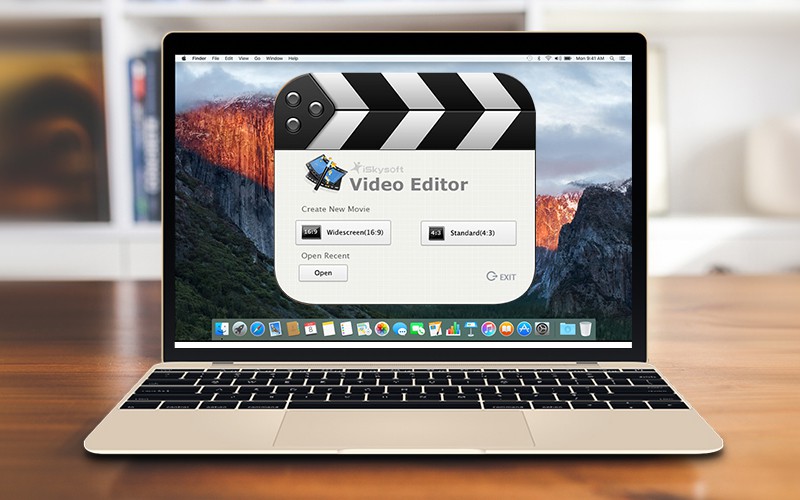
iSkysoft Video Editor makes it easy to dazzle your friends. Photo: iSkysoft
This post is brought to you by iSkysoft Studio.
Videos are the new family slideshow, a way of turning visual memories into entertainment for friends and loved ones.
Our computers double as digital junk drawers, with photos, video clips and audio recordings collecting in folders and collecting dust — one of the best ways to bring those memories back to the light of day is to make videos out of them.