Mobile menu toggle

Top stories - page 614

Run Windows on Mac easier than ever with new Parallels Desktop 12

By

Windows 10 on Mac
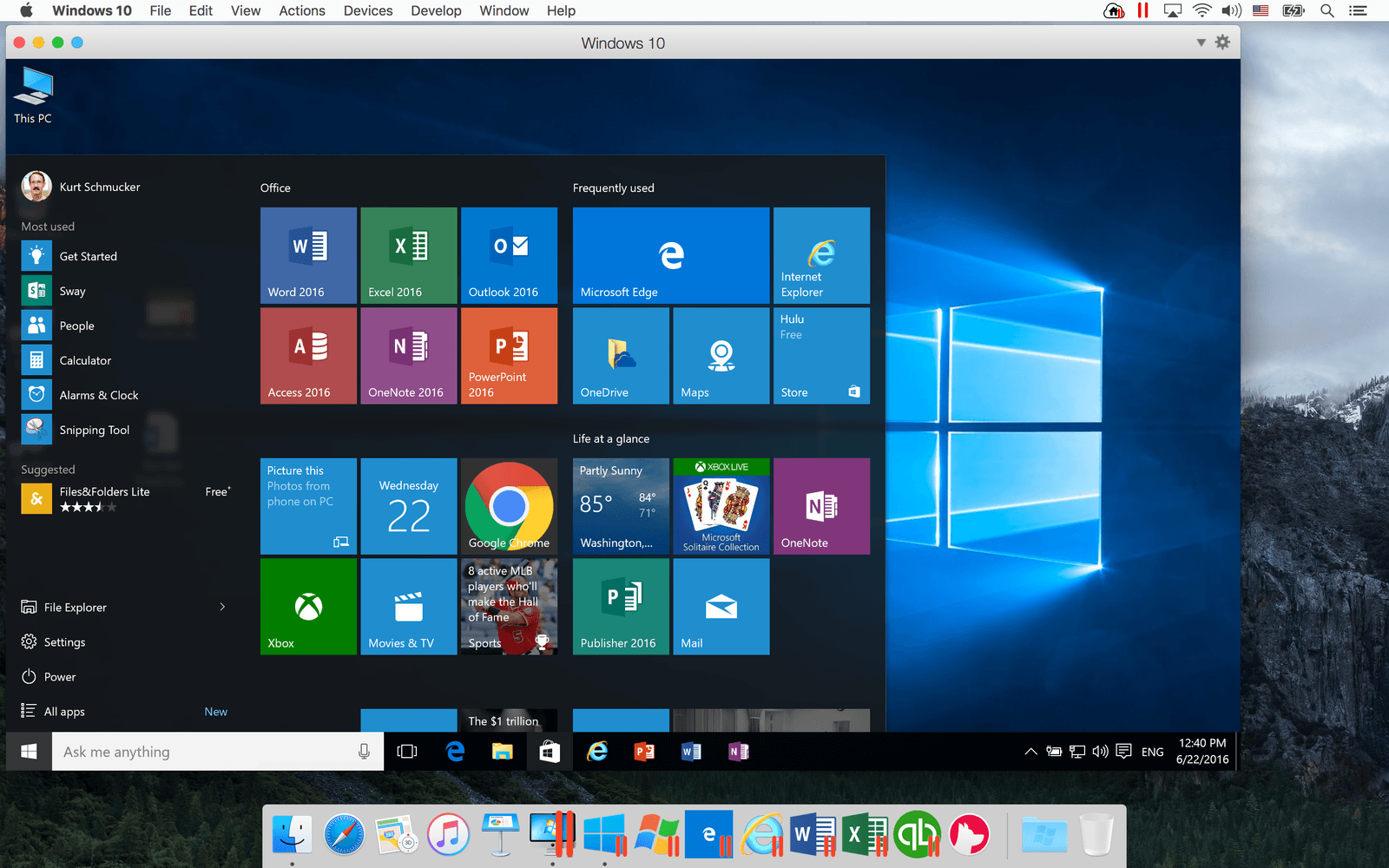
A performance boost in Parallels Desktop 12 means Windows 10 will run faster than ever on your Mac.
Screenshot: Parallels

Parallels Desktop, a go-to program for anybody wanting to run Windows on a Mac, just got more powerful and convenient to use. The Parallels Desktop 12 update, brings increased speed as well as a suite of handy new tools that simplify everyday tasks.

“This is the best Windows-on-Mac performance in the history of Parallels,” said John Uppendahl, Parallels’ vice president of communications, during a briefing about the new software, which will be available Thursday for subscribers and upgraders. (New users must wait until Aug. 23.)


How to use Siri to search, drag and drop images on macOS Sierra

By

siri
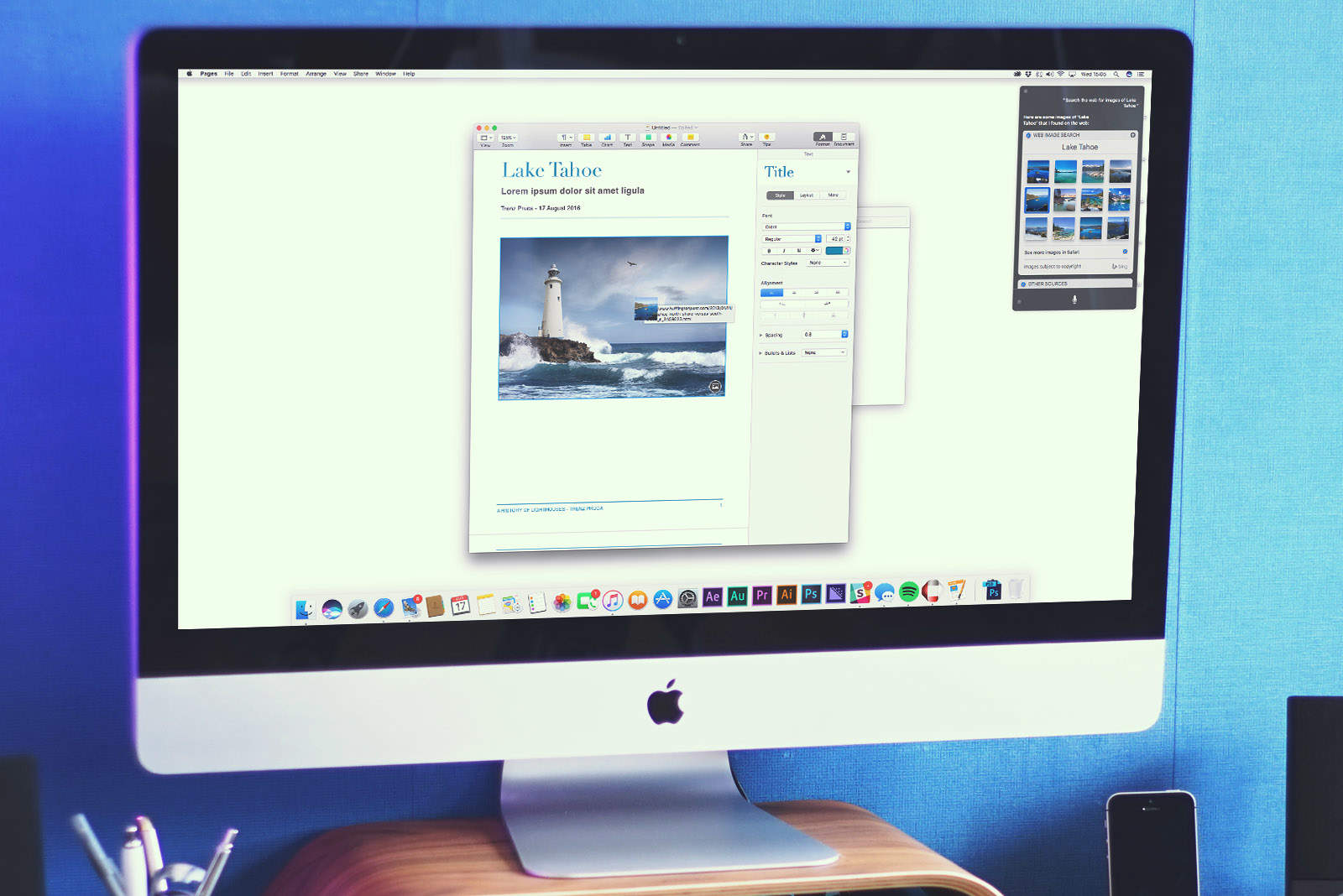
Siri on Mac makes finding images a whole lot quicker.
Photo: Ste Smith/Cult of Mac

The Mac debut of Siri on macOS Sierra opens up a ton of intriguing new use-cases in terms of functionality. One of the most useful? The ability to use Apple’s virtual assistant to search for photos either on the web or your own computer — and then drag them into directly into apps.

Here’s how to use the feature when running Apple’s next-gen macOS, which is currently in public beta and will be released this fall.

With eyesight failing, CEO hurries to make voice-enabled tech mainstream

By

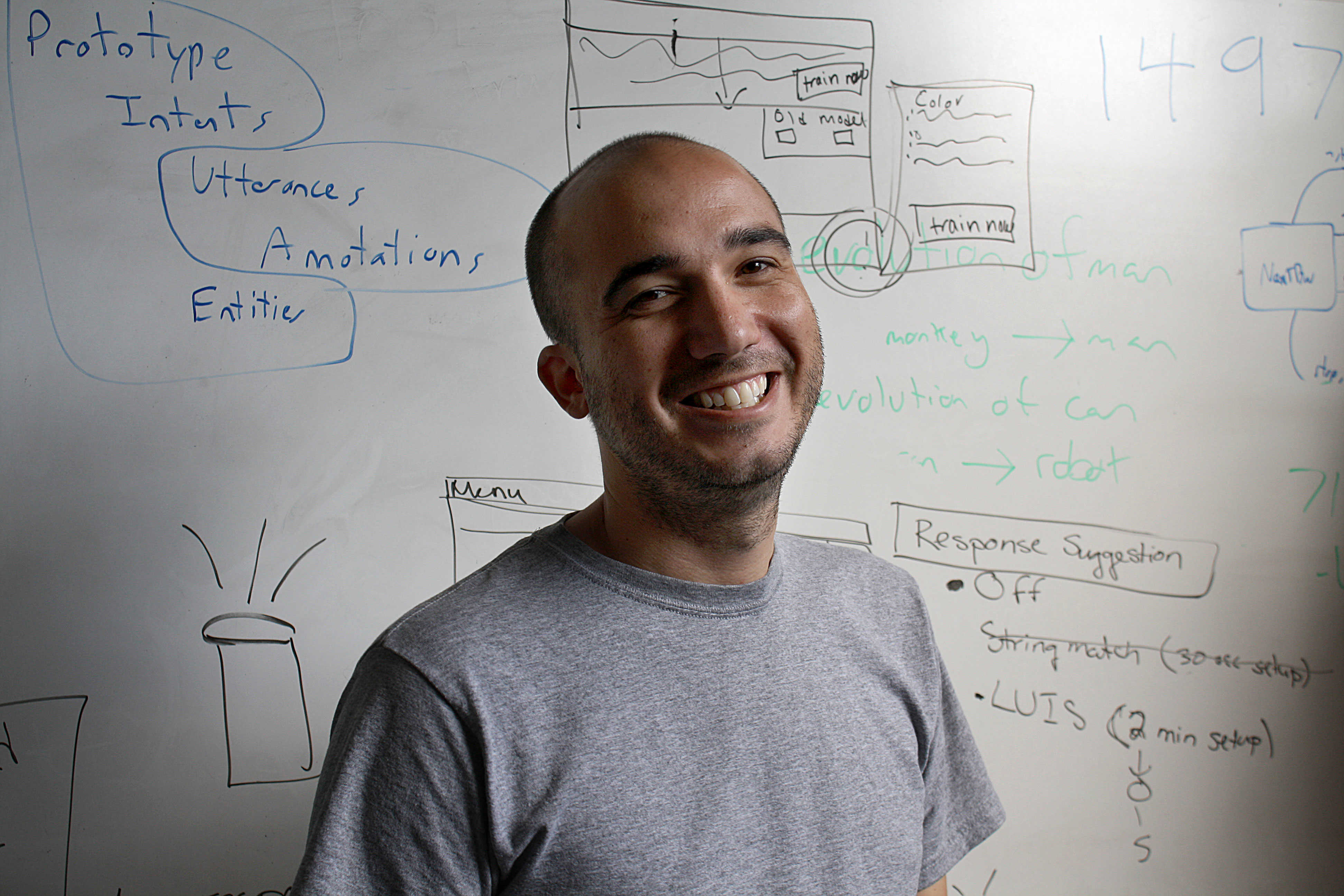
Chris Maury leads the charge towards smarter voice-enabled technology.
Photo: Conversant Labs

Cult of Mac 2.0 bug When Chris Maury tried helping an elderly blind woman use voice commands on an iPad, she thanked him but said, “I just wish Siri could read me the news.”

Maury understood her frustration. He, too, was losing his vision and could foresee a struggle to remain productive using the visual interfaces common on all computing devices.

Stock up on Apple-certified Lightning cables before yours breaks [Deals]

By

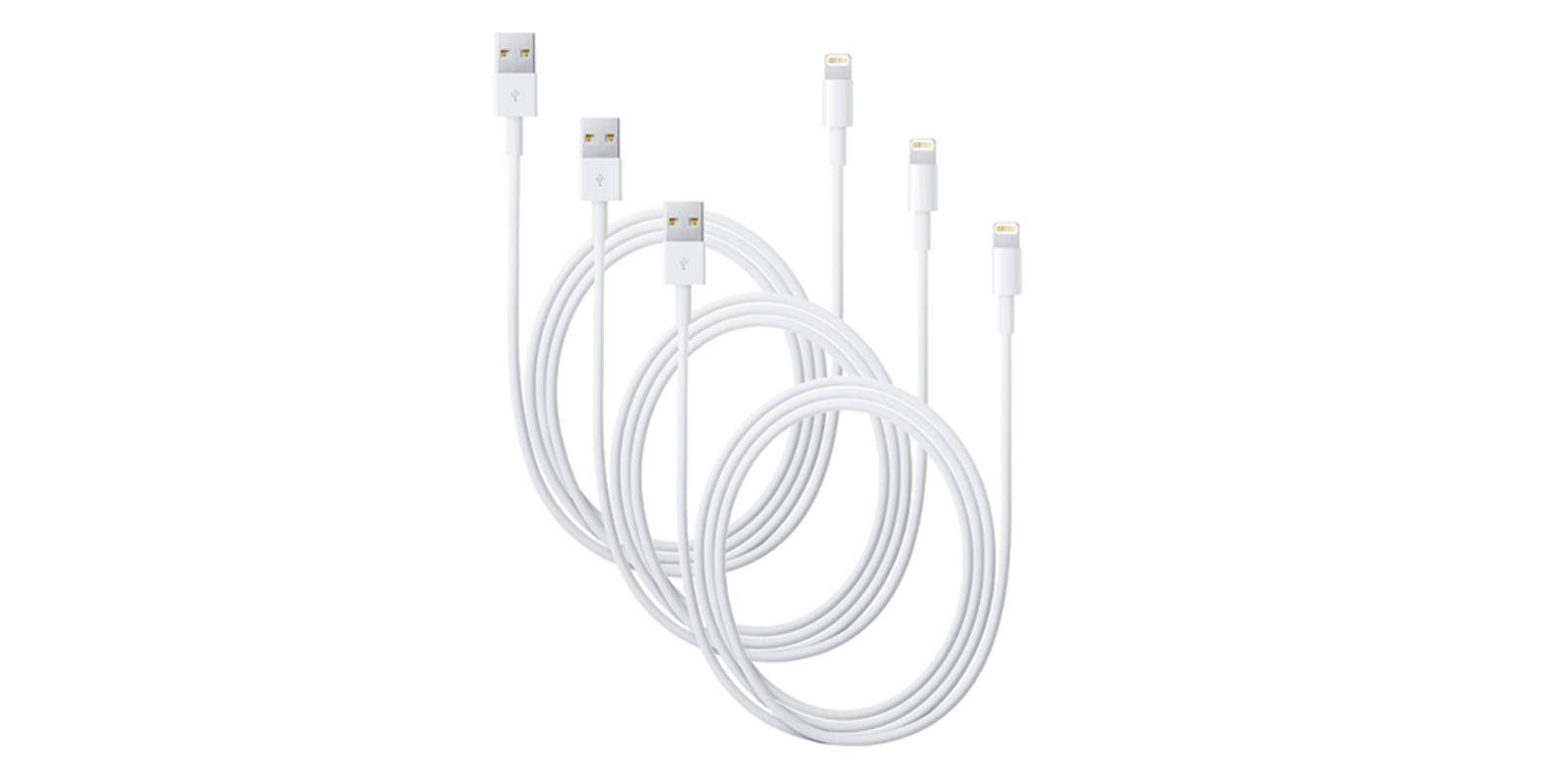
Get these 3 Apple-certified Lightning cables and make sure you're never without one when you need it.
Photo: Cult of Mac Deals

The slim Lightning cables that come with our iPhones serve as their lifeline, but they sure are fragile. If you’ve had one for more than a few weeks, you’ve seen it get frayed, cut, scuffed, and generally put through the ringer. It’s only sensible to have a backup lying around, or three — right now you can get a trio of MFi-certified Lightning cables for a big discount, $21.99 at Cult of Mac Deals.

Today in Apple history: Happy birthday to Steve Jobs’ best friend, Larry Ellison

By

Larry Ellison
Larry Ellison once offered to buy Apple for Jobs to run.
Photo: Oracle Corporate Communications

17AugAugust 17, 1944: Larry Ellison, billionaire co-founder and former CEO of Oracle, and Steve Jobs’ best friend, is born.
A later member of the Apple board of directors and the closest thing Jobs had to a confidante, in the 1990s Ellison even considered staging a hostile takeover of Apple to reinstall Jobs as CEO during his time away from the company.

Jobs’ son, Reed, reportedly referred to Ellison as, “our rich friend.”

Manage projects of any size with Project Planning Pro for Mac

By

Project Planning Pro
Project Planning Pro is a great tool for keeping your projects on track.
Photo: i2e Consulting

This post is brought to you by i2e Consulting.

Keeping any project on track is like cooking a meal, requiring close attention to all the ingredients as well as the sequence and timing of critical tasks. In the kitchen you use a cookbook; in the digital workplace, you face a dizzying array of platforms and software for keeping all the goals, team members, deadlines and contingencies in order.

Project Planning Pro streamlines all that, and right now Cult of Mac is offering a special 30 percent discount on the Mac version of the easy-to-use software.

7 stylish Apple Watch bands your wardrobe needs [Reviews]

By

Bands
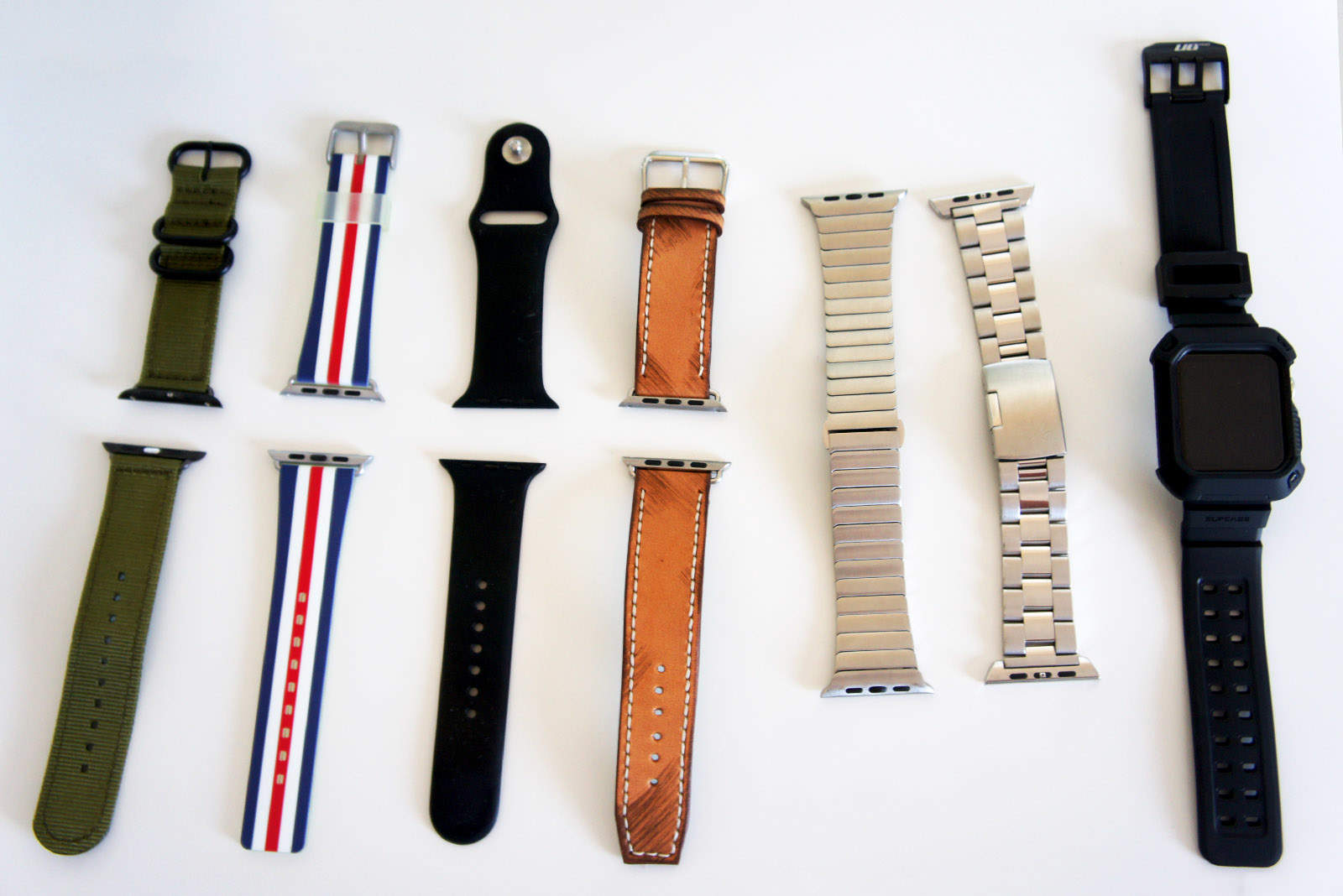
Refresh your Apple Watch with these stylish bands.
Photo: Ste Smith/Cult of Mac

The Apple Watch has been out for well over a year now, and it’s beginning to get a little bit long in the tooth. In addition, the second-generation wearable, which is rumored to arrive along with the iPhone 7 this September, isn’t shaping up to be a worthy upgrade just yet.

The best way to breathe new life into your Apple Watch is to customize it with some different bands and bracelets. Check out my top seven picks in the video below.

How to add, delete and rearrange apps in the new Apple Watch dock

By

apple watch
The new Dock is one of watchOS 3's best features.
Photo: Ste Smith/Cult of Mac

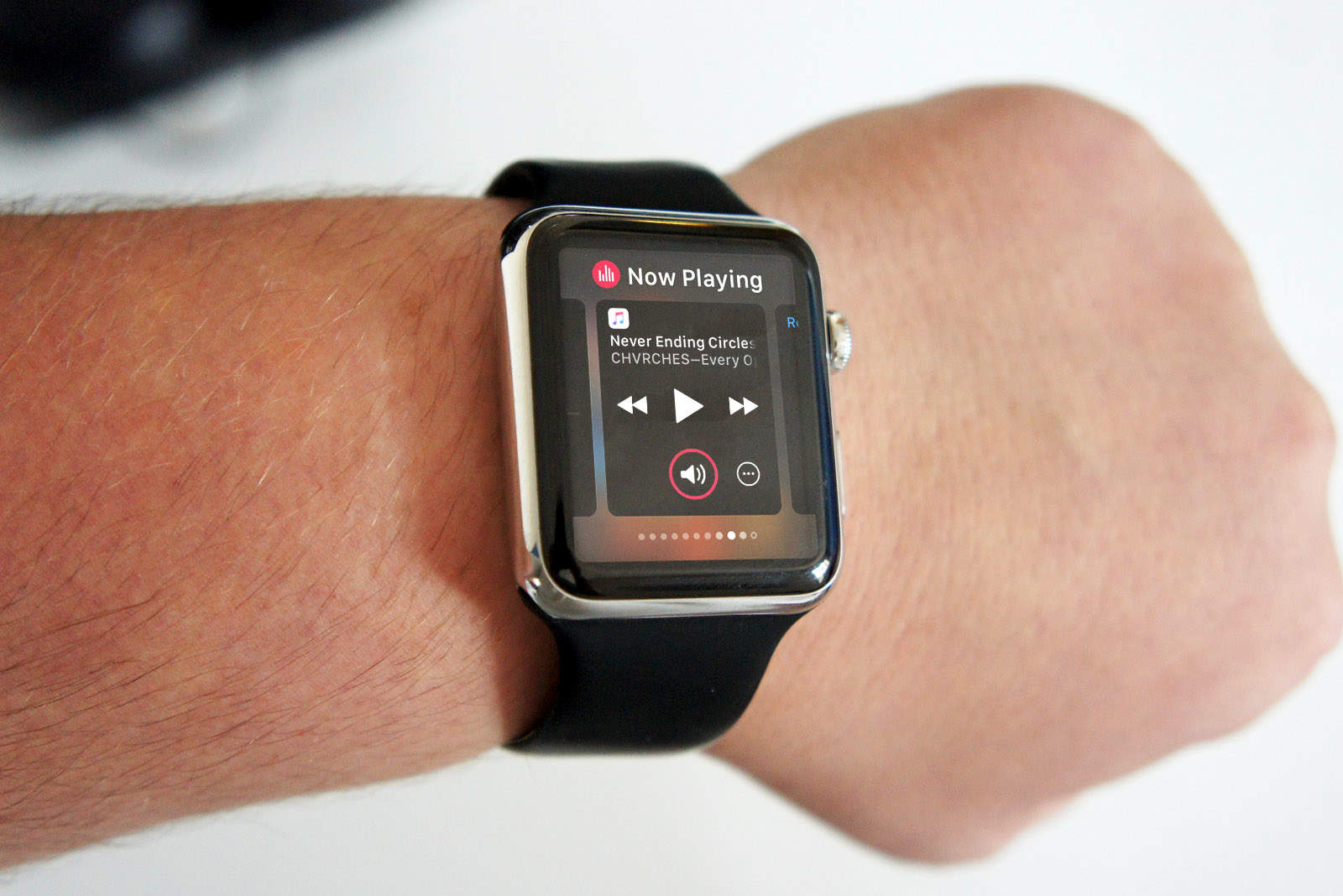
Apple Watch is getting a UI makeover with watchOS 3 which completely changes how you interact with apps, making them faster and easier to access thanks to the all new Dock feature.

Now when wearers press the side button on Apple Watch, instead of bringing up your favorite contacts, the watch brings up the dock providing a quick view of your favorite apps that are now updated immediately, so you spend less time staring at the spinning wheel.

Here’s how to make the most of the new Apple Watch dock:

Microsoft Surface ad mocks iPad Pro’s big ambitions

By

iPad-Pro-vs-Surface-Pro-ad
Microsoft wants you to know the iPad can't replace your PC.
Photo: Microsoft

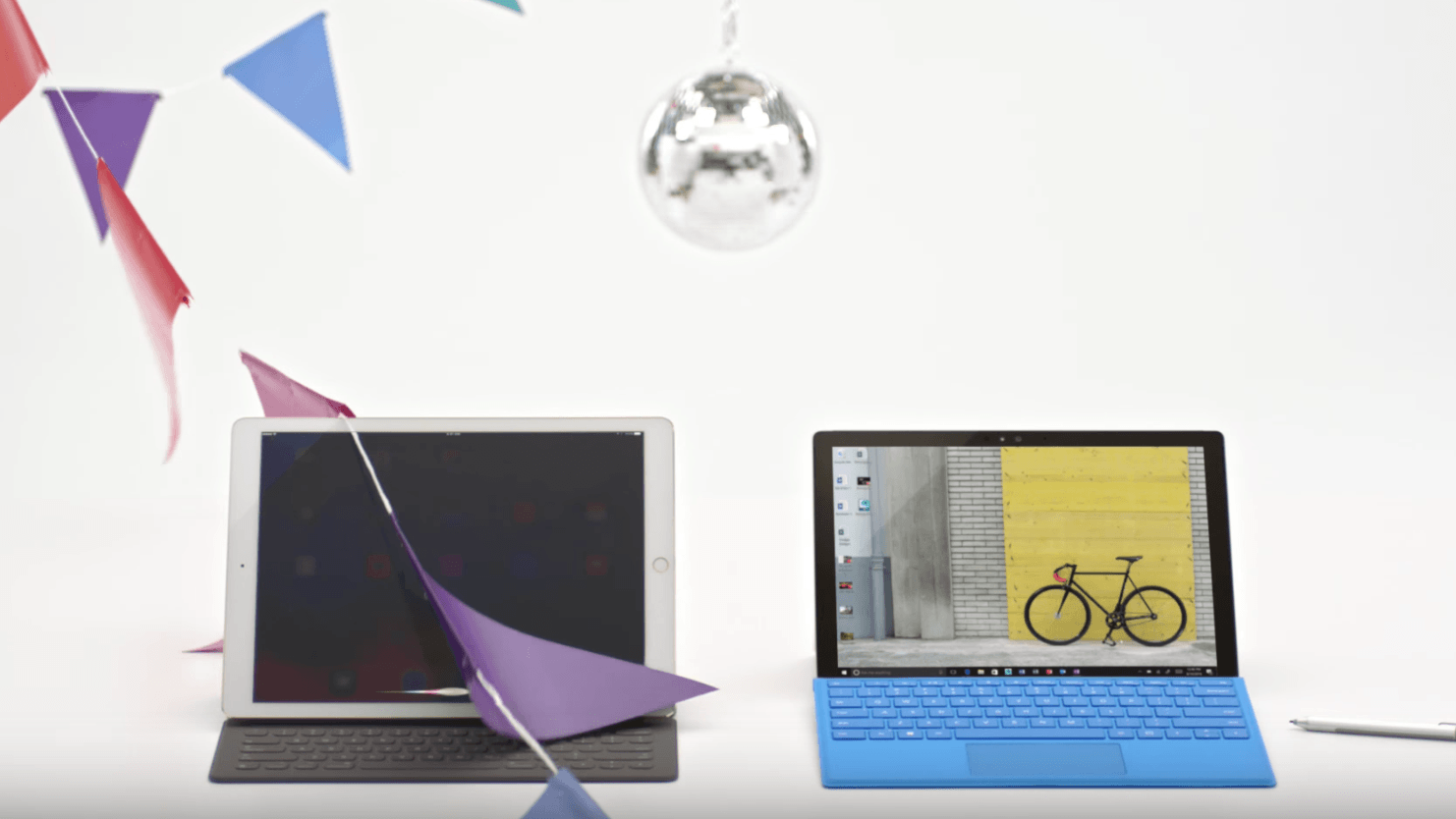
Apple desperately wants the iPad to replace your computer, but it can’t carry out everyday computer tasks as well as some other tablets can. Microsoft highlights that by mocking the iPad Pro’s computer dream in its new Surface Pro 4 ad.

Control all your home electronics from your smartphone [Deals]

By

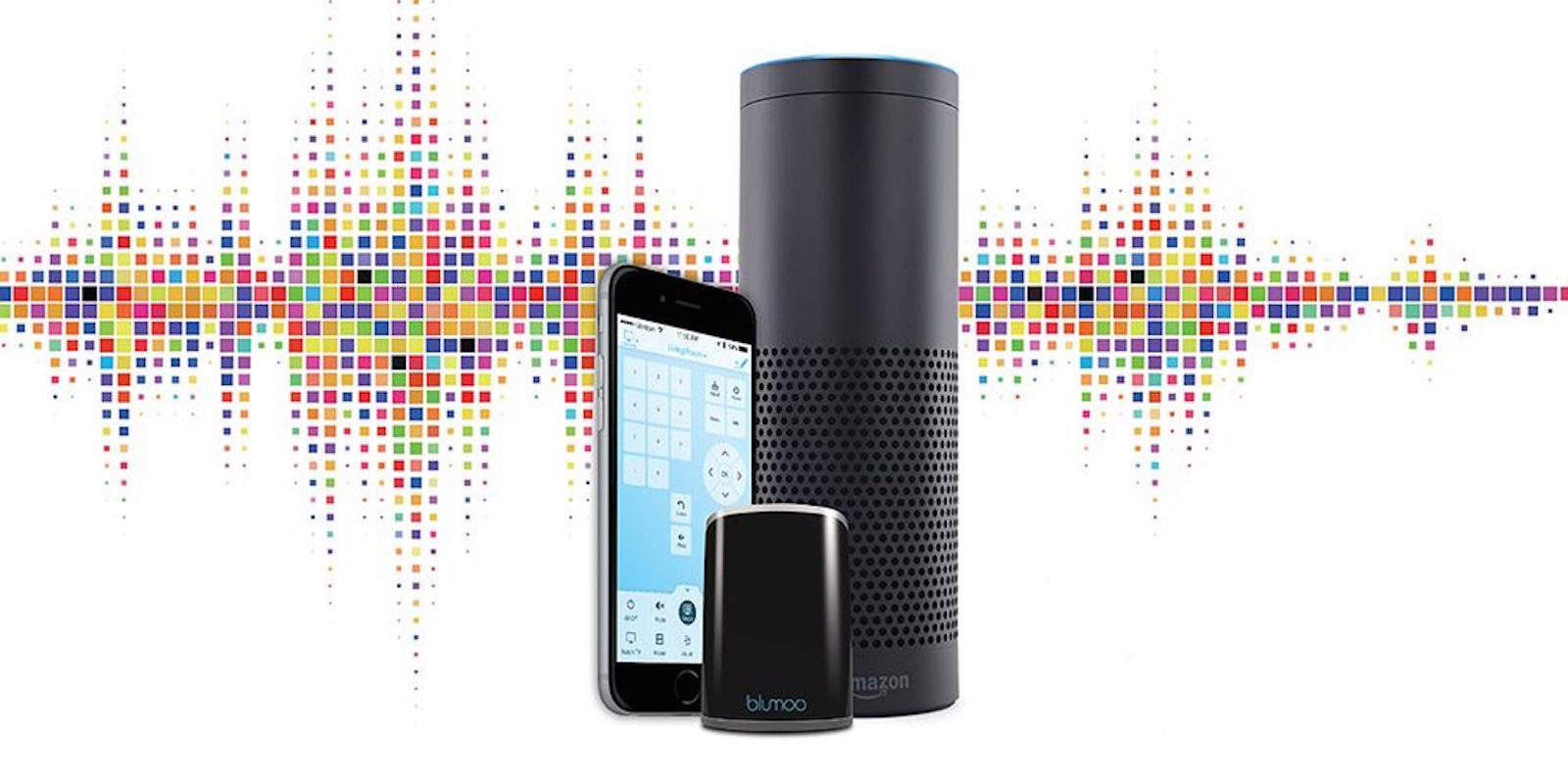
Blumoo turns your iPhone or Android into a remote for every part of your entertainment system.
Photo: Cult of Mac Deals

Is your living room like a boneyard for old remotes? In the age of smart devices, having a separate plastic brick for each appliance in our home seems pretty dumb. Blumoo went ahead and did the logical thing, creating an app that turns your Android or iPhone (or Apple Watch) into a universal remote for your A/V devices. For a limited time, you can get it for $47.99 at Cult of Mac Deals.

Today in Apple history: Ashton Kutcher’s JOBS lands with a thud

By

Ashton Kutcher played Steve Jobs in 2013 biopic.
Ashton Kutcher bore a striking resemblance to Steve Jobs.
Photo: Steve Jobs

Aug16August 16, 2013: JOBS, the Steve Jobs biopic starring Ashton Kutcher, lands in theaters.

The first of two competing Jobs movies (the second one was the Aaron Sorkin version, based on Walter Isaacson’s best-selling biography), the movie receives polarizing reviews from critics, but fails to make an impact at the box office — where it earns just $6.7 million in its first weekend.

Is Apple Maps still the laughing stock of maps apps? [Friday Night Fights]

By

fnf
Is Apple Maps your first choice?
Photo: Ste Smith/Cult of Mac

The release of Apple Maps with iOS 6 was so disastrous it led to the firing of Scott Forstall, former SVP of iOS, and to a rare public apology from CEO Tim Cook.

Friday Night Fights bug Almost four years on, Maps is in a very different place. Apple has worked hard to iron out the kinks and add new features that help the service compete with rivals like Google Maps. But is Apple Maps still the laughing stock of maps apps?
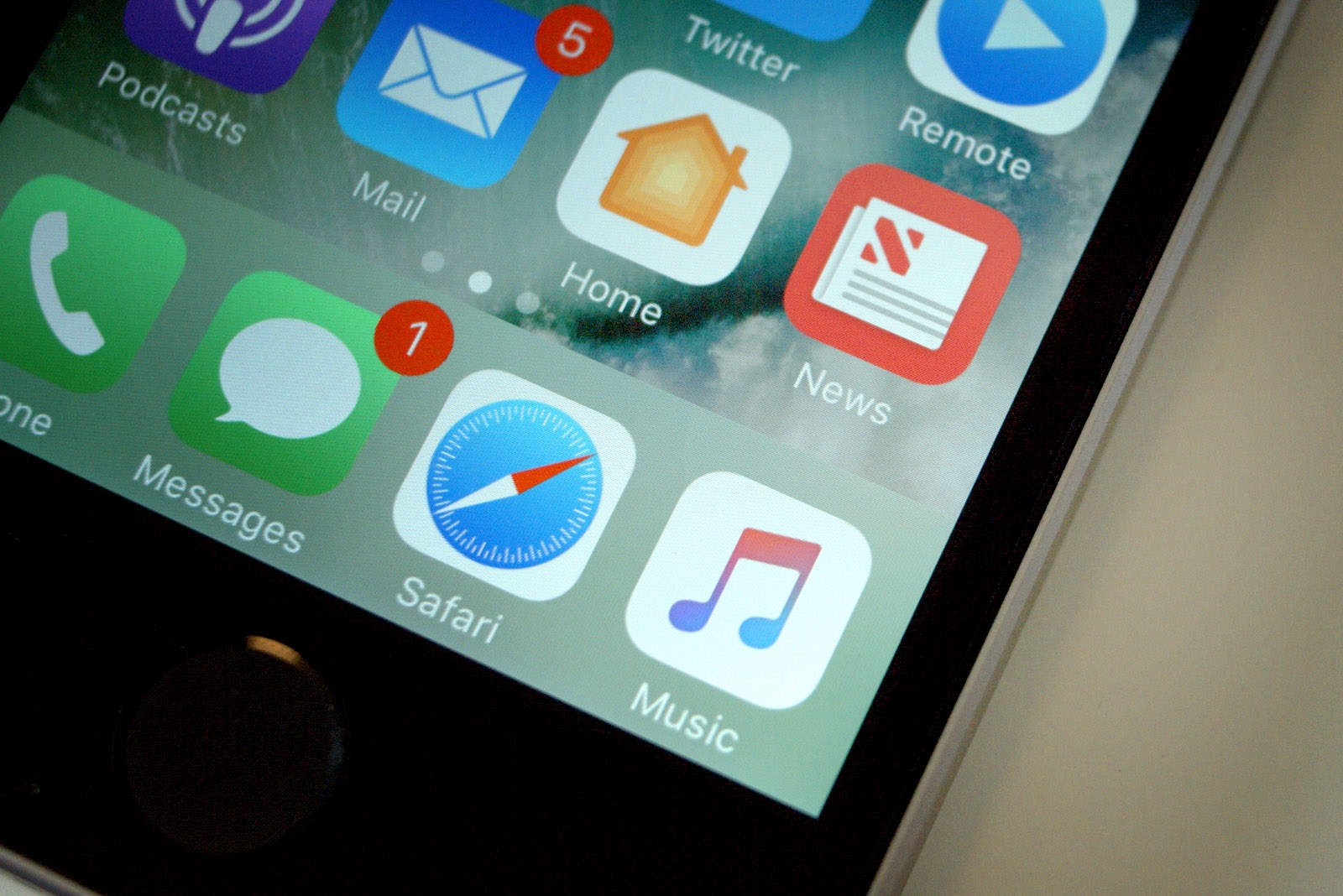

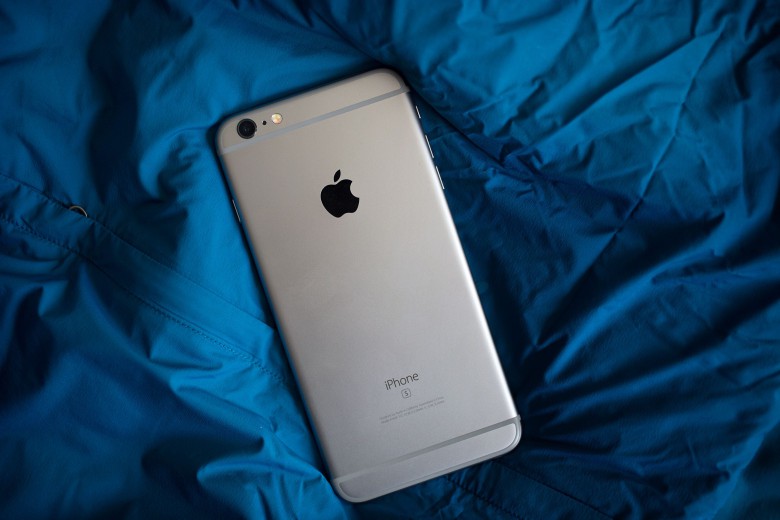
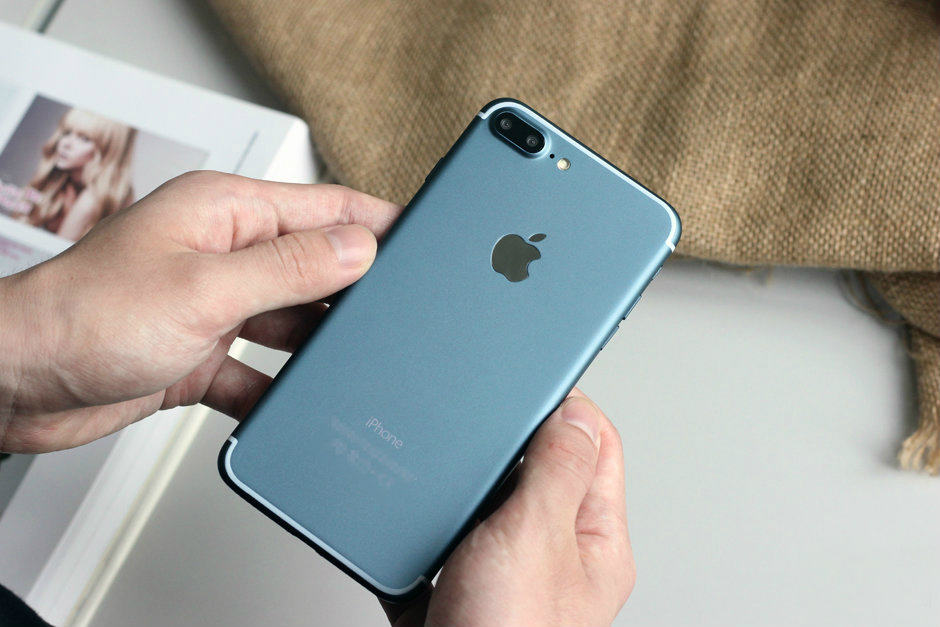
Join us in this week’s Friday Night Fights as we battle it out over the state of Apple Maps.

How to set up multilingual typing in iOS 10

By

QuickType
Apple's QuickType keyboard is even better in iOS 10.
Photo: Apple

Apple has made a bunch of improvements to its QuickType keyboard for iOS 10, and one of those is support for multilingual typing. This lets you type in multiple languages simultaneously, and it’s super simple to set up. Here’s how.

China is buying smartphones again, but not iPhone

By

iPhone 6s
Apple's luck just won't change in China.
Photo: Jim Merithew/Cult of Mac

iPhone sales continued to decline in China during the second quarter of 2016, despite a slight rise in overall smartphone shipments. High-end devices from Samsung are also struggling, and it seems unlikely the situation will change soon.

How to use Apple Watch to unlock your Mac in macOS Sierra

By

cult of mac
Hey, presto! No more typing in passwords.
Photo: Ste Smith/Cult of Mac

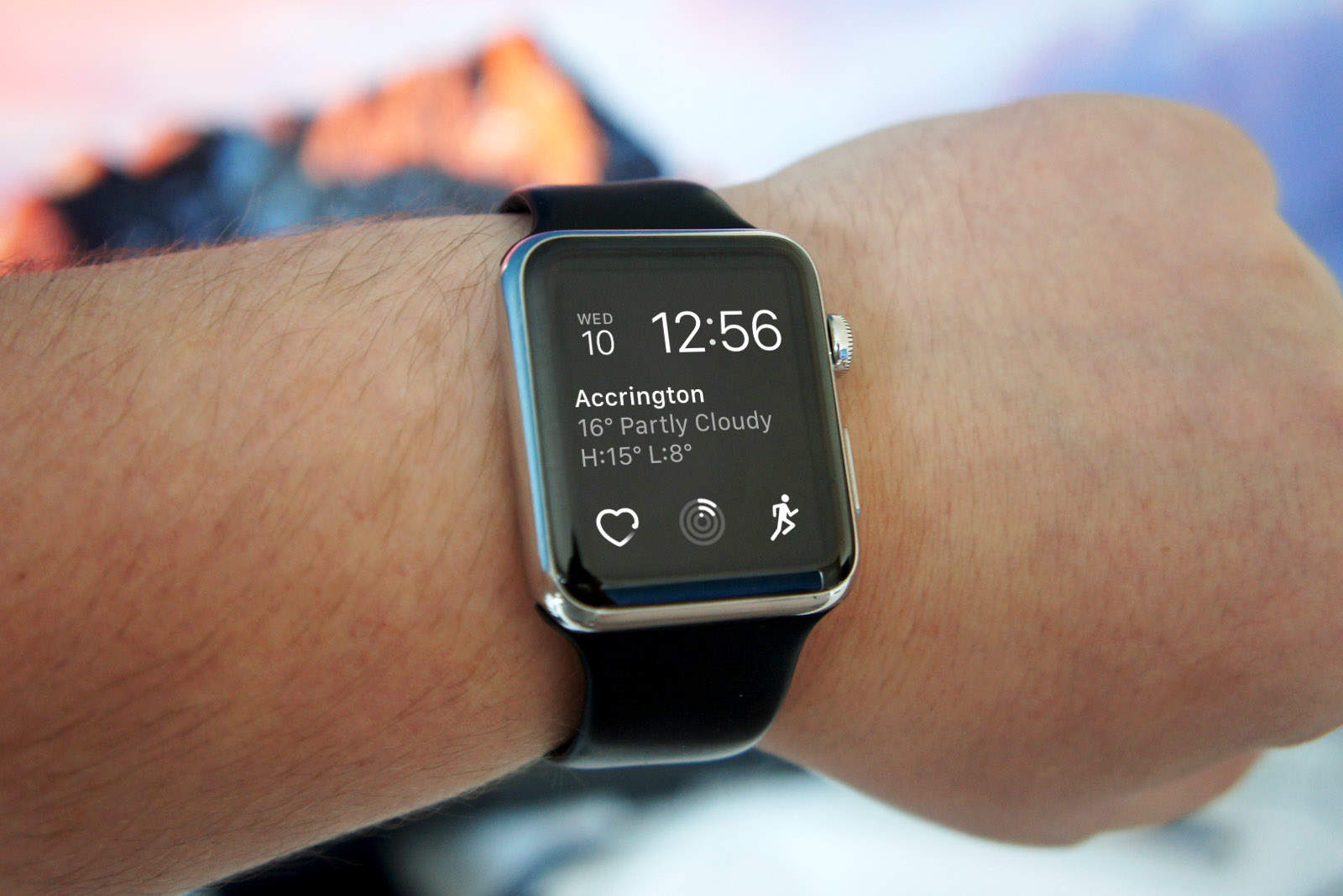
The devices in Apple’s ecosystem always work really well together, and macOS Sierra doesn’t buck that trend. In fact, the upcoming desktop operating system lets Apple Watch owners automatically unlock their Macs using the wearable device — no lengthy password needed.

It’s a small, but incredibly useful, new feature that rewards Mac owners who have taken the dive and invested in an Apple Watch. Here’s how to use it when running macOS Sierra, which is currently in public beta and will be released this fall.

These Mophie battery packs will dramatically extend your devices’ roadworthiness [Deals]

By

CoM - Mophie Powerstation
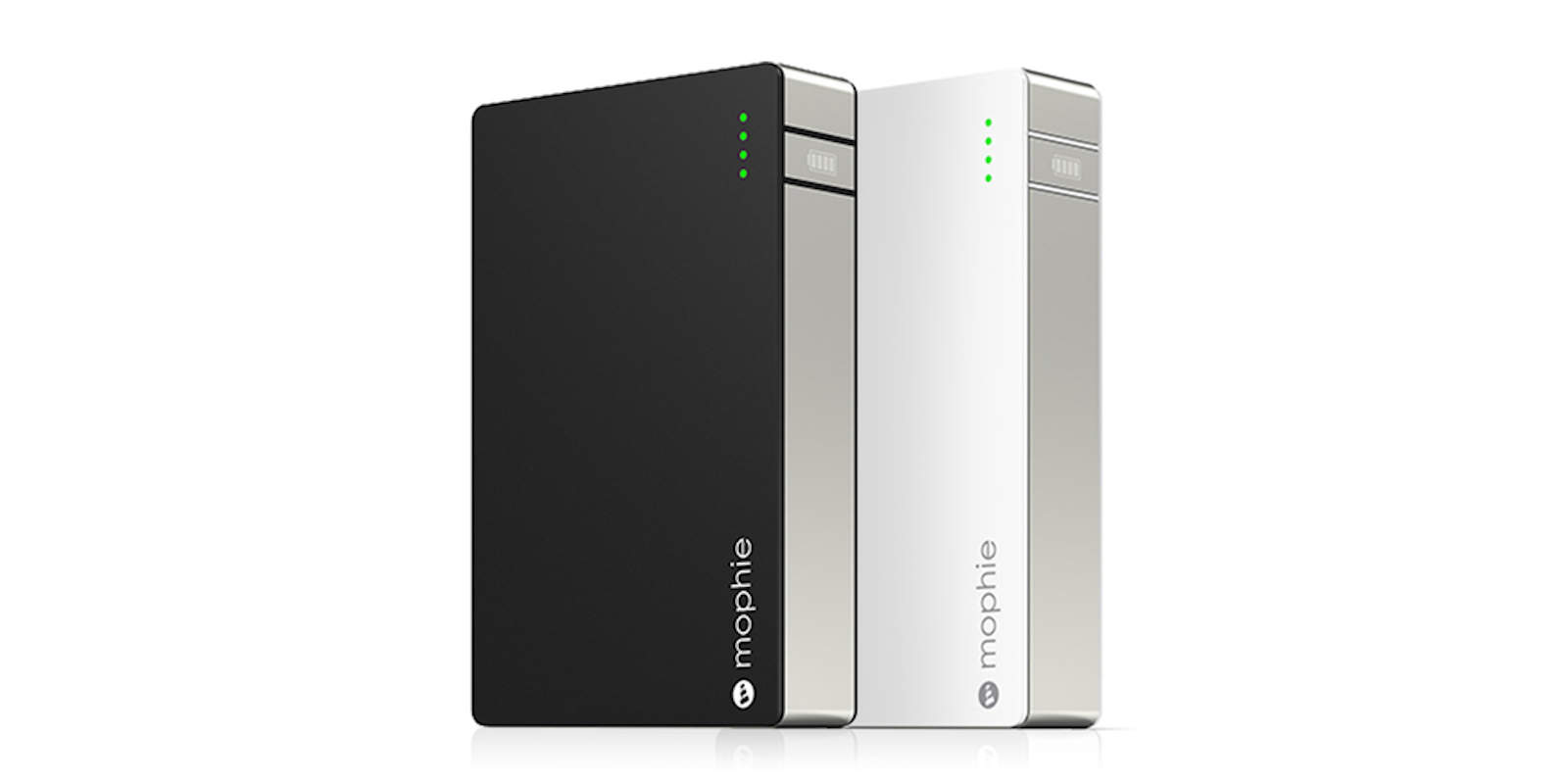
This tough but sleek battery pack will charge any USB-connected device, anywhere.
Photo: Cult of Mac Deals

Traveling puts you in many situations where your mobile device or laptop need juice but there’s none to be found. It’s a problem you can avoid entirely by bringing the power you need with you, which is a lot more convenient than it sounds.

These two battery packs by Mophie — one a sleek power brick with multiple charging levels, the other an iPhone 6 case with built-in charger — carry enough power to vastly extend the road life of your devices without being bulky. Take a look:

10.5-inch iPad Pro coming in 2017, OLED upgrade in 2018

By

iPad Pro
A new size of iPad Pro is on the way, apparently.
Photo: Ste Smith/Cult of Mac

Apple will ship three new iPads next year, according to well-connected Apple analyst Ming-Chi Kuo — including a low-cost 9.7-inch iPad, upgraded 12.9-inch iPad Pro, and a new 10.5-inch iPad Pro variant as well.

But the really big changes, he claims, are planned for the year after…

10 things we learned from Tim Cook’s most revealing interview yet

By

Tim Cook
Tim Cook had a lot to say.
Photo: Jim Merithew/Cult of Mac

Due to Apple’s secrecy, and the company’s marketing-driven need to stay “on message,” interviews with senior execs can often be frustratingly free of revelations. That’s not the case with the recent in-depth interview the Washington Post did with CEO Tim Cook, however.

Here are the 10 most interesting tidbits we learned from Cook’s most revealing chat yet.