iOS 14 benchmarks running on the iPhone 6S show that Apple’s newest operating system doesn’t slow down old handsets.
iOS 14 doesn’t destroy the performance of older iPhones

Screenshot: iAppleBytes

iOS 14 benchmarks running on the iPhone 6S show that Apple’s newest operating system doesn’t slow down old handsets.
Apple just removed one of the biggest remaining restrictions from the iPhone and iPad. It’s finally possible to change the default email application in iOS 14 and iPadOS 14 to something other than Apple Mail.
Making the change is easy. However, a current limitation will delay many people from taking immediate advantage of it.

Staying home means streaming a lot more shows and movies. That means running down the list of content available on streaming video services like Netflix and Amazon. Luckily, there are other options — and they’re more affordable, too.
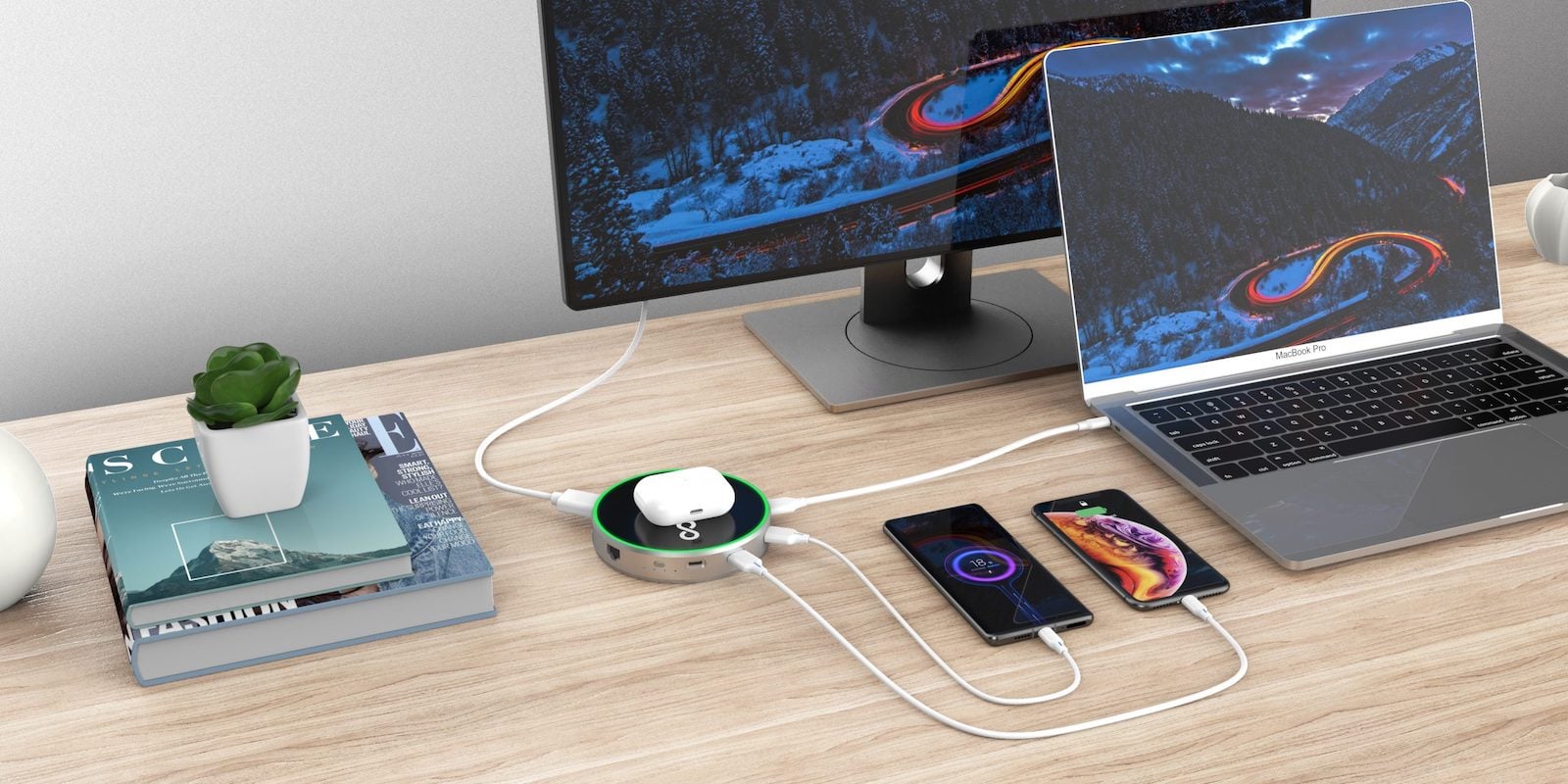
More devices means more trouble keeping everything charged. These four Mac and iPhone accessories will give you all the power you need, no matter your situation (assuming you’re not a supervillain hell-bent on world destruction).

If you downloaded iOS 14 — and you really should — you probably know it’s packed with tons of new features. Find out how to make the most of all the latest additions with our roundup of iOS 14 tips and how-tos.
And, naturally, we’ve got plenty of coverage of this week’s big “Time Flies” event. Get the scoop on the new Apple Watches, iPads and Apple services in the latest edition of Cult of Mac Magazine. It’s free, and it’s a blast to read on your iPad or iPhone.
You’ll also get the rest of our Apple how-tos and product reviews. And, if you don’t want to download the mag (did I mention that it’s free?), you can get the week’s top stories in your browser below.

In 2020, video has become an essential part of everyday life, from Zoom calls to vlogging to learning the latest TikTok dance. If you want your video to truly shine, you need some extra gear. These four great accessories will help you get more from your iPhone or Mac camera.

If you’ve already updated to iOS 14 and iPadOS 14, you might be wondering why green or orange dots sometimes appear in the corner of your screen on iPhone and iPad. It’s not the result of a strange bug.
Instead, those dots are there to help protect your privacy. When they appear, it means certain features on your device are in use, and it’s important to look out for them. Here’s why.
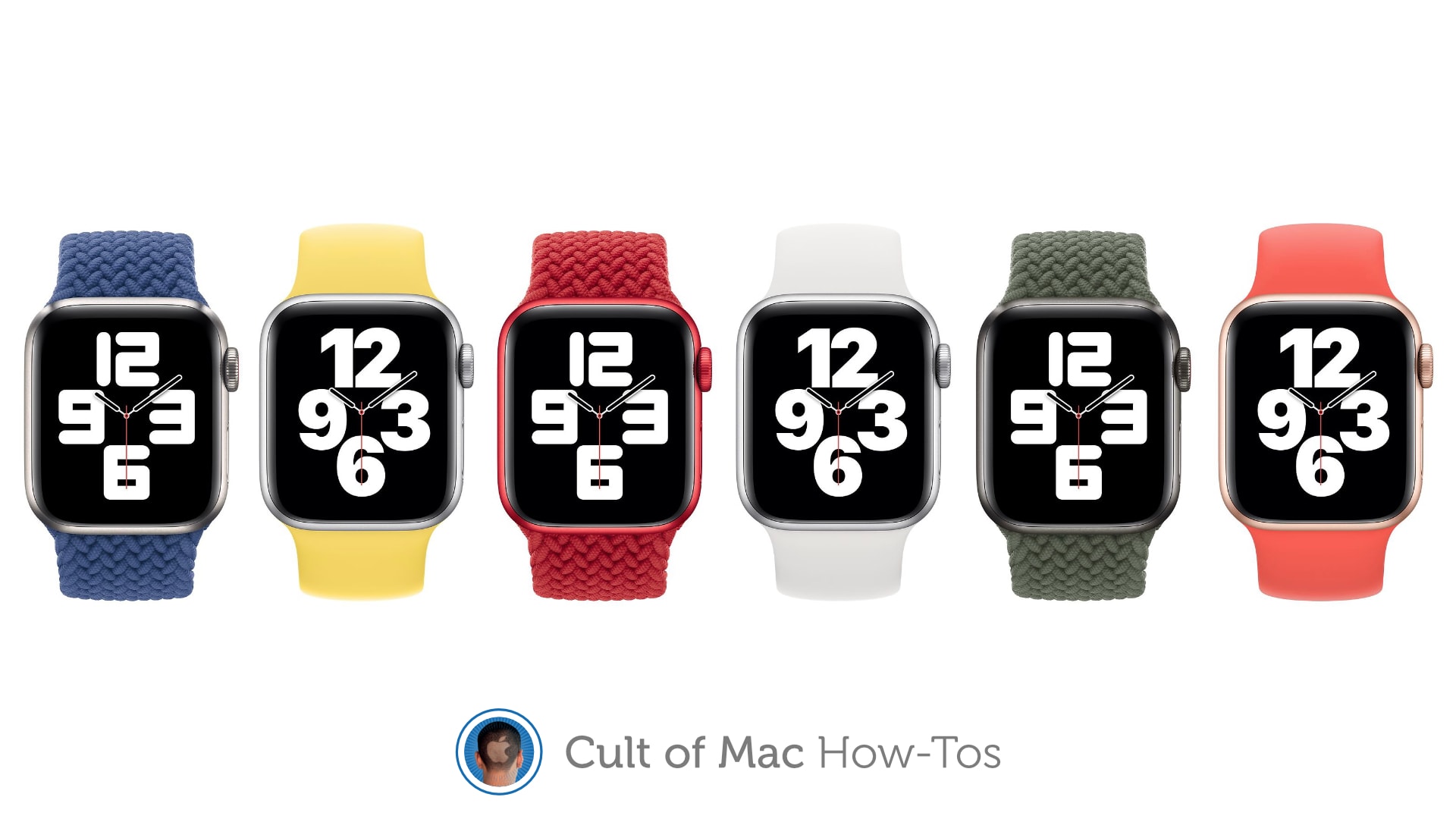
Thinking about picking up one of Apple’s new Solo Loop or Braided Solo Loop bands for Apple Watch? Unlike others, they’re not adjustable, so you’ll need to pick the right size for a perfect fit.
We’ll show you how.
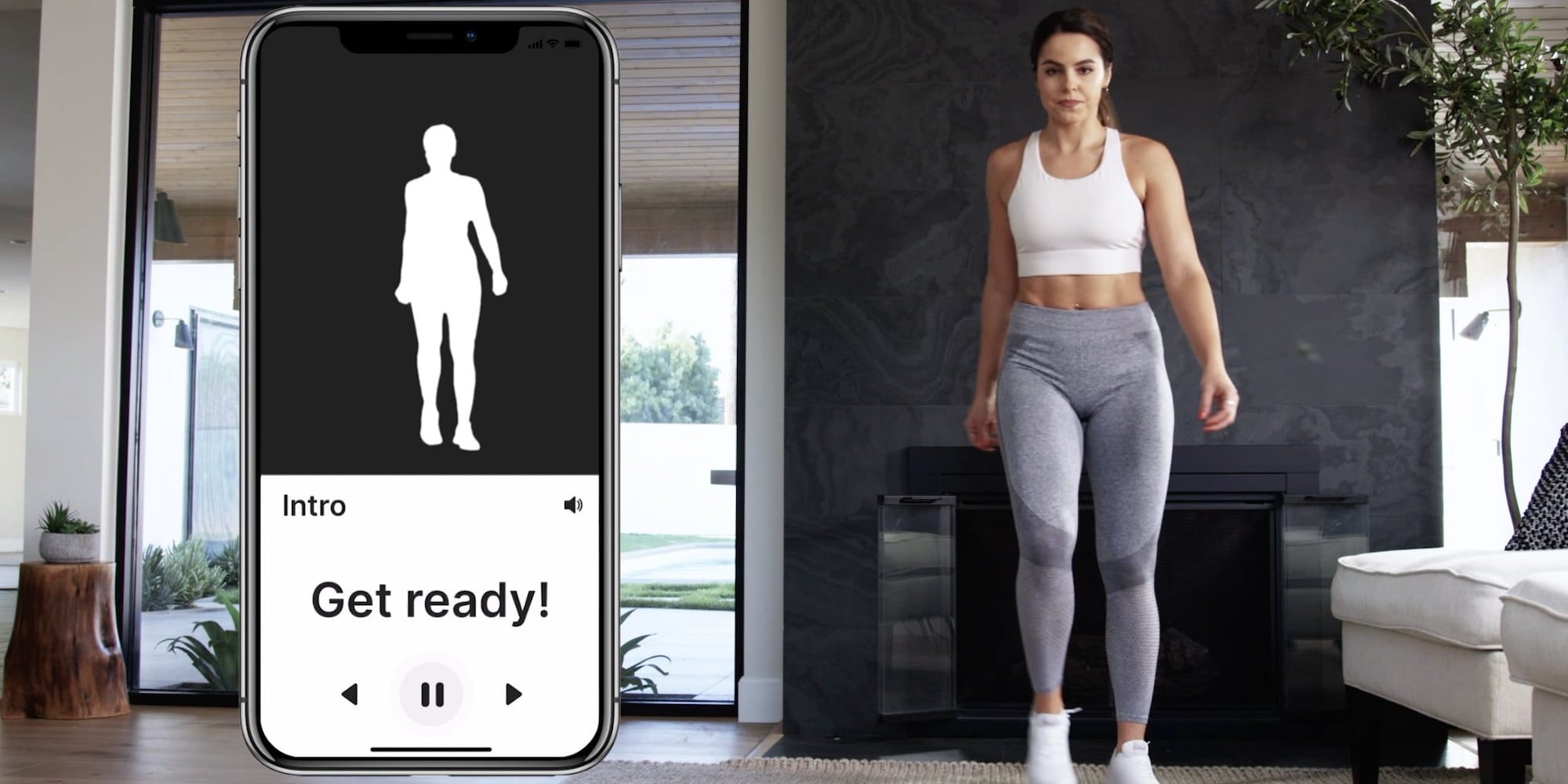
Everyone loves a deal, so we’ve rounded up four great ones. Save upwards of 60% on VPN protection, lifelong meditation tools, home workout app, and lots more.

Feeling the urge to hit the road? What better way to hit the road than in a brand new Tesla Model 3? So what if you can’t afford one, most of us can’t. But with this giveaway from Cult of Mac Deals, you can get one for free.
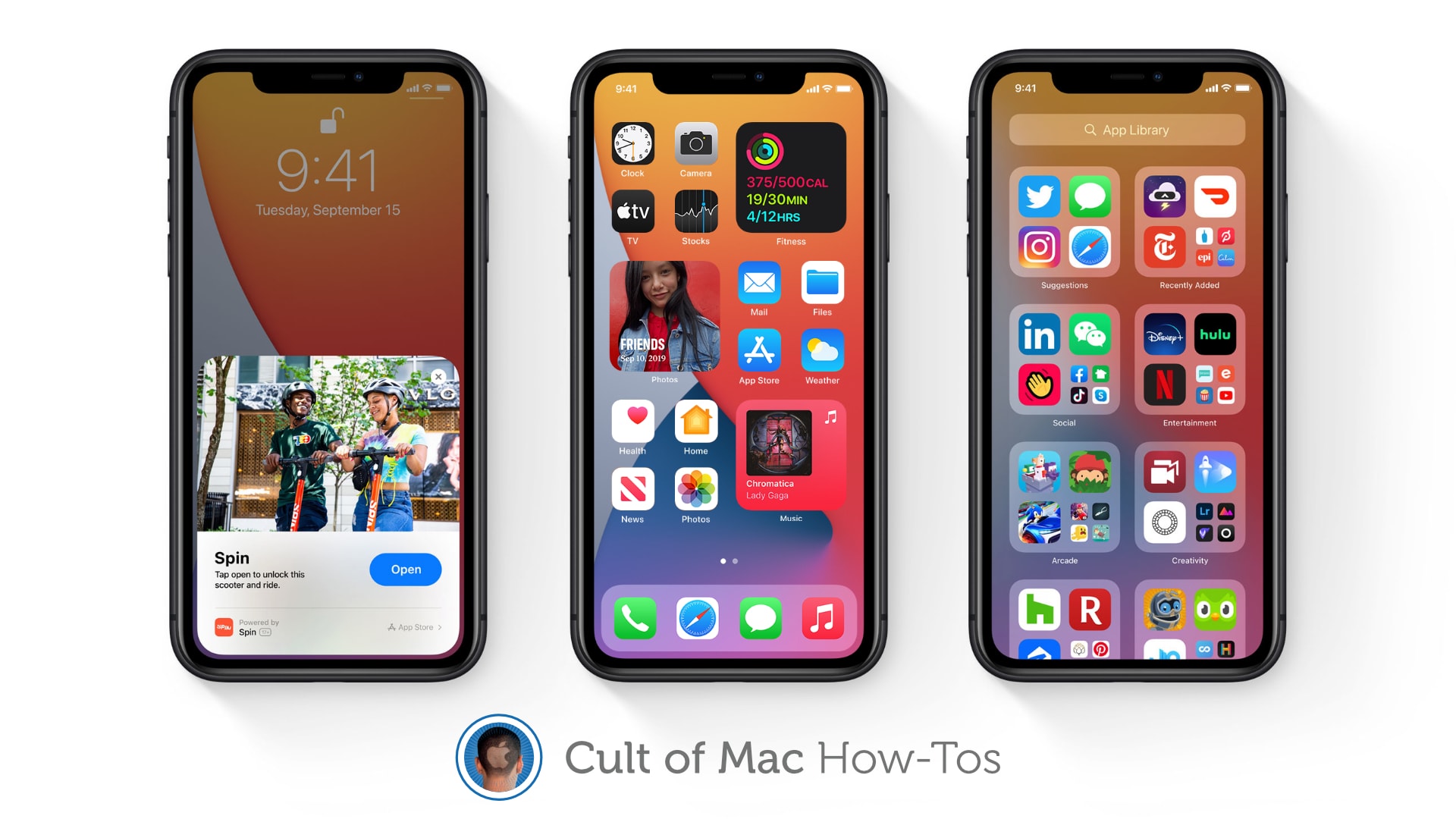
iOS 14 is finally out and packed full of awesome new features that make being an iPhone user even greater. We’ve got real Home screen widgets, a useful new App Drawer, Picture in Picture, and more!
If you were able to avoid the iOS 14 beta and all these things are still brand-new to you, you might be wondering how some of them work. Well, don’t worry — Cult of Mac has how-to guides on all of them.
Find out how to use some of the best new features in iOS 14 right here.
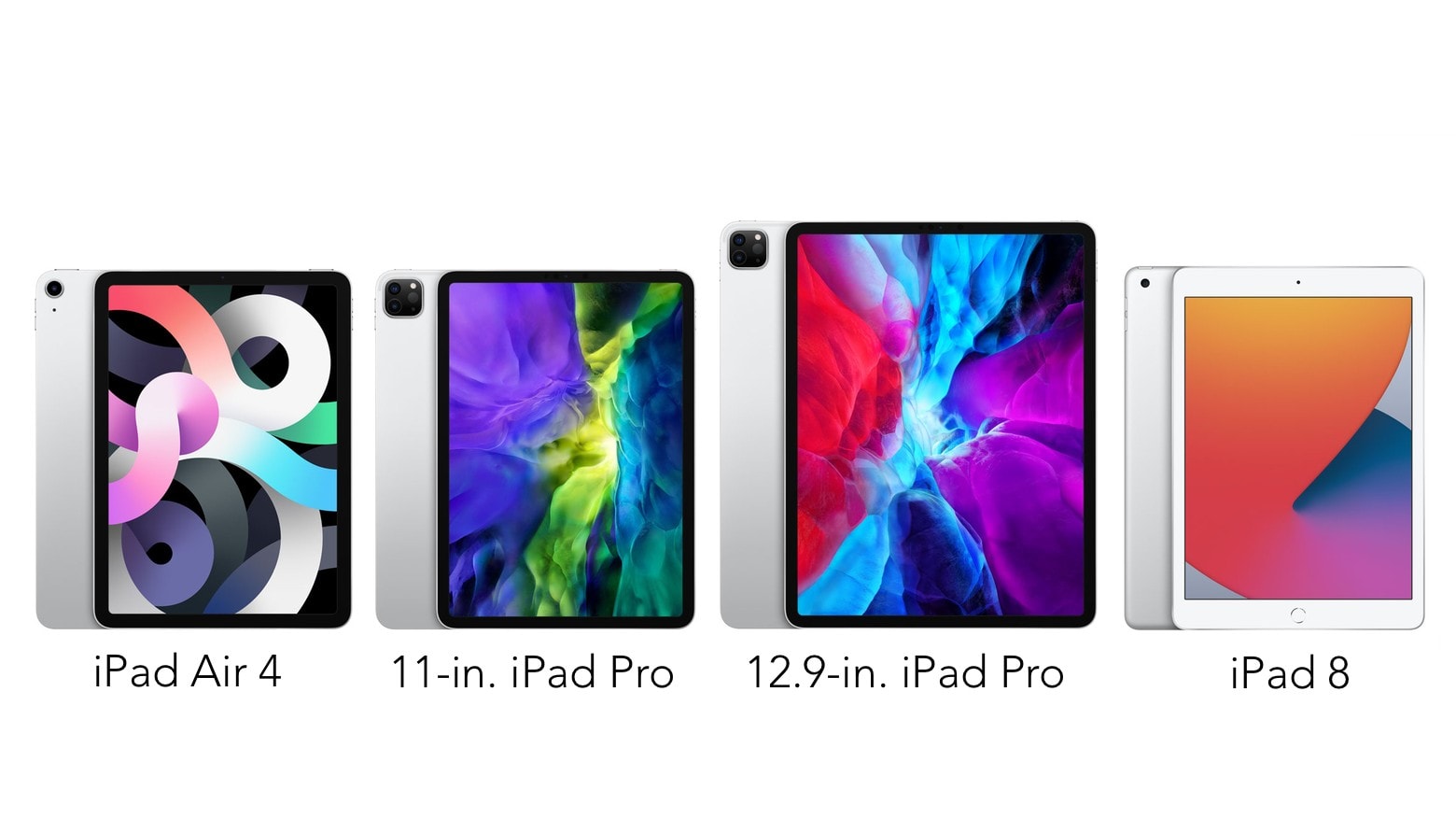
The newly announced iPad Air 4 is going to make choosing a tablet harder. It borrows so many features from the 2020 iPad Pro models that many who might have gone for one of Apple’s professional tablets should choose this new model instead. But certainly not everyone.
Here’s how these devices compare, with the newly-unveiled iPad 8 thrown in for good measure.
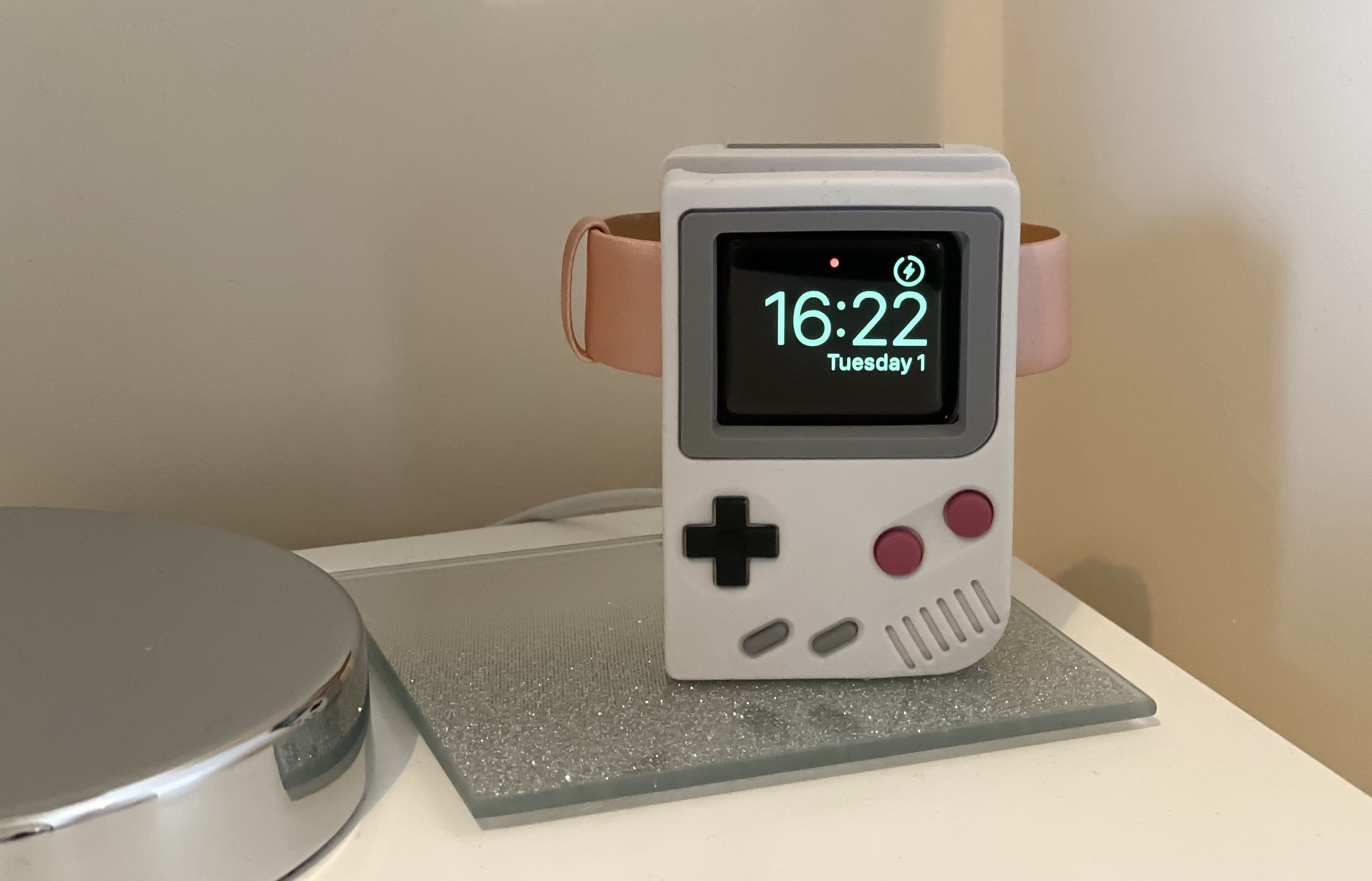
Every Apple Watch deserves a good charging stand. The W5 from Elago takes you back in time with a one-of-a-kind design that resembles an iconic handheld gaming console.
Made from high-quality silicone, it’s simple, sturdy and surprisingly affordable. It’s also compatible with every Apple Watch ever made. Here’s why we think the Elago W5 charging stand is a great way to spend $19.
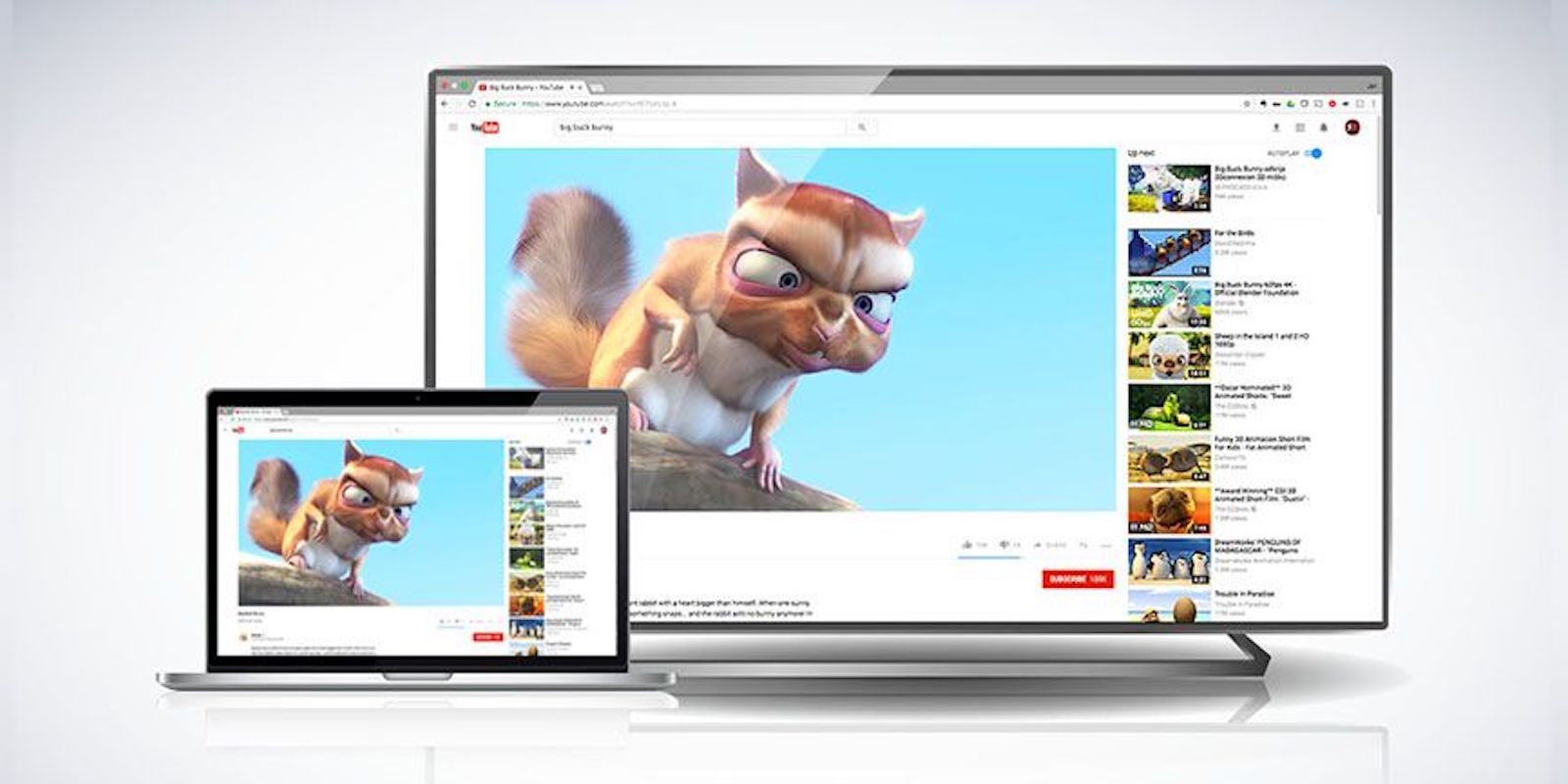
Apple TV is the go-to tool for slinging your Mac’s screen to your television. But that’s a costly option. This Mac app offers a simple and much more affordable option.
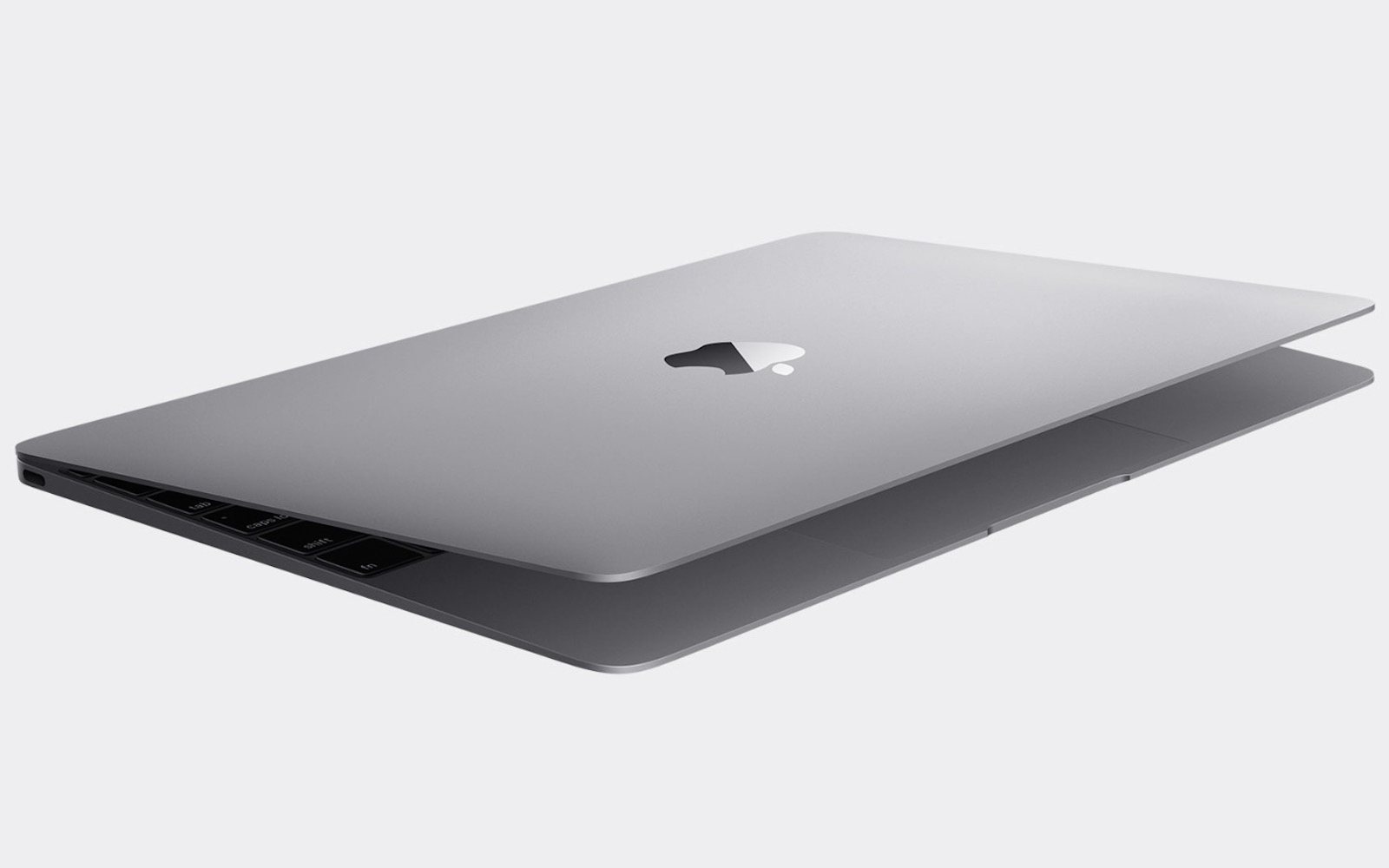
Woot is hosting another massive blowout on refurbished Apple devices, giving you the chance to save hundreds on MacBook, MacBook Pro, and iPad — as well as some original Apple accessories.
These deals are available today only, so enjoy them while you can.
This post contains affiliate links. Cult of Mac may earn a commission when you use our links to buy items.
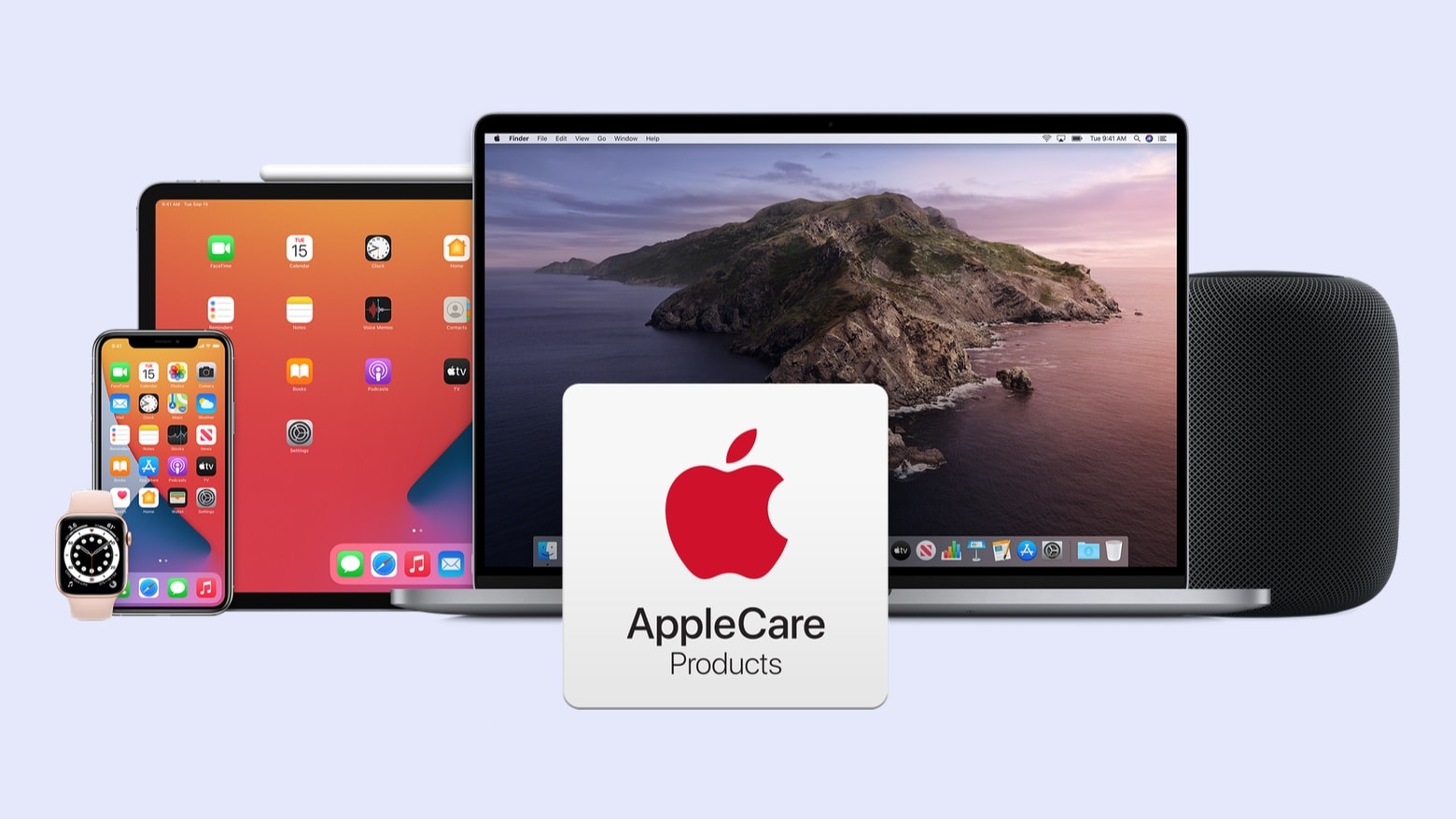
Apple just made its AppleCare+ breakage insurance cover more accidents. In some cases, twice and even three times as many.
The program now offers deeply-discounted repairs on two accidents for every twelve months of coverage. Previously, it only covered a total of two repairs.
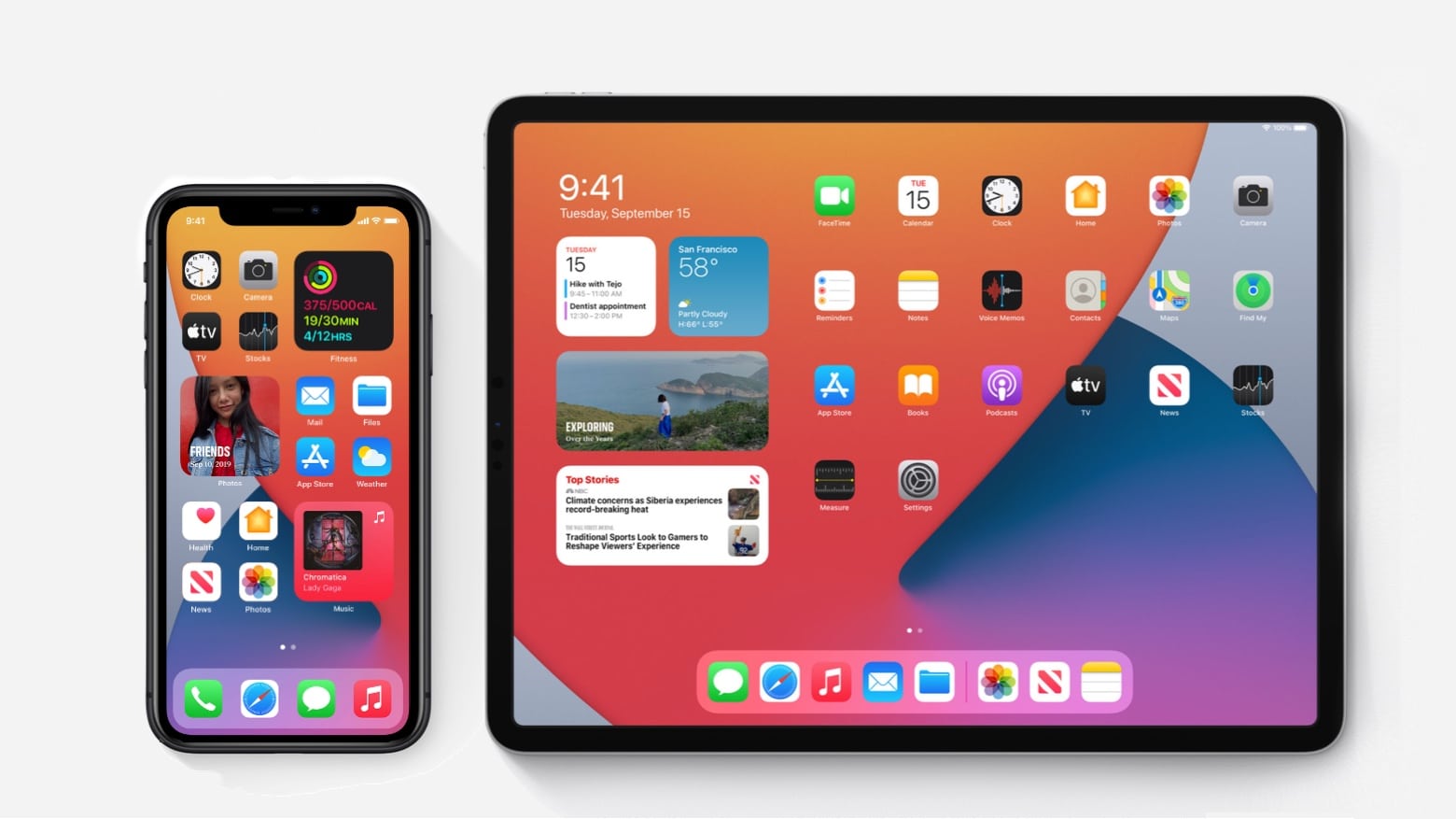
Apple released the full version of iOS 14 and iPadOS 14 on Wednesday. iPhone owners get Home screen widgets and a new way to organize their devices. And iPad owners get handwriting recognition and new drawing tools.
While reports indicate not everyone has access to the new versions yet, Apple says it released them at 1 p.m. Pacific time. The Golden Master versions of these upgrades went out to beta testers Tuesday.

Apple One, which bundles several of the company’s vaunted services together, is a genius move. At best, it saves you money. At worst, it looks like it does.
I think it’s going to be a massive hit for Apple, and will provide a much-needed boost for struggling services like Apple News+ and Apple Arcade. However, it might cause some big headaches in Cupertino, too.
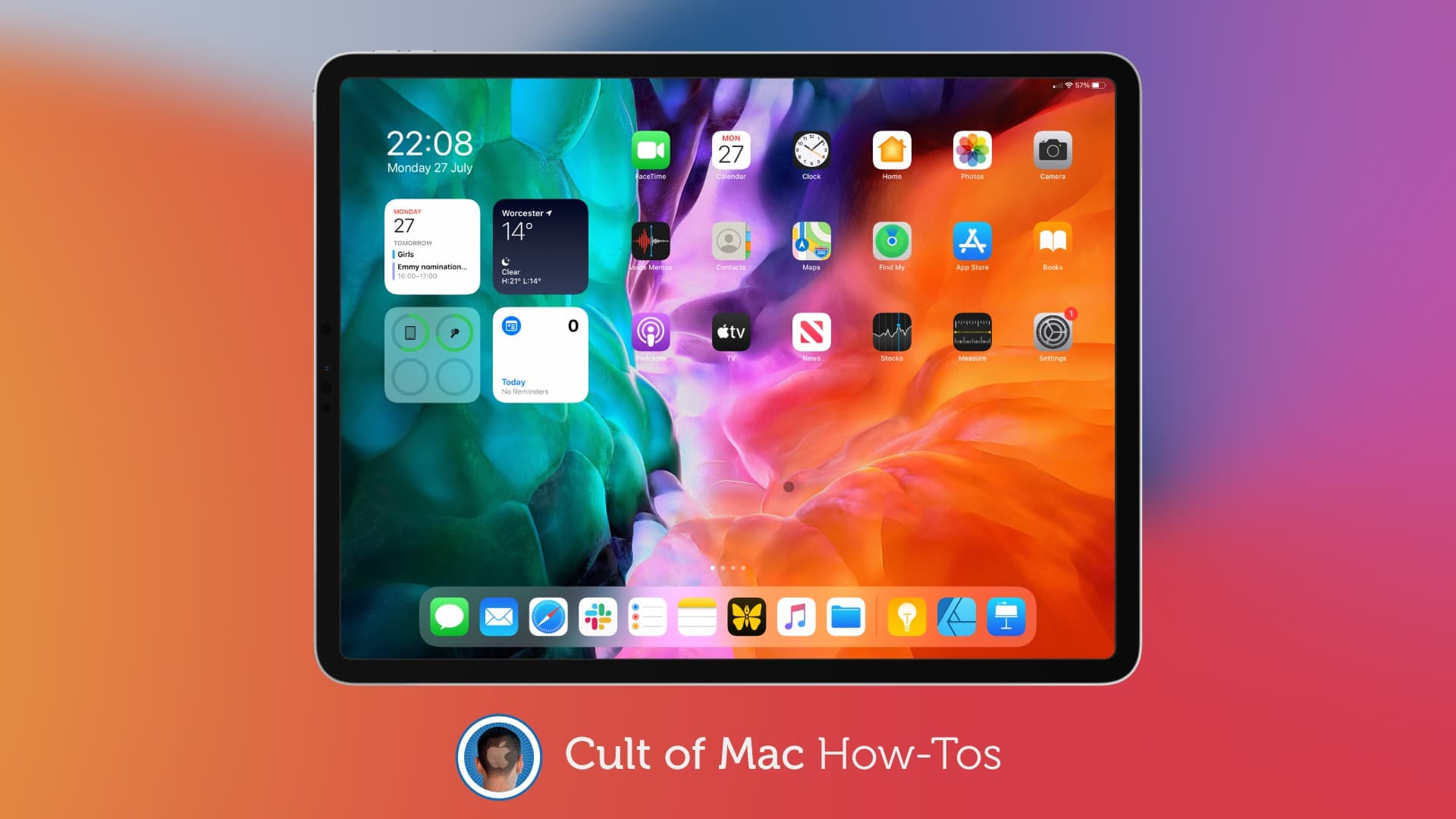
With iOS 14 and iPadOS 14 on its way to all, you no longer need to be enrolled in Apple’s beta program to get your hands on them. In fact, it’s a good idea to leave the program now that it’s not necessary.
While you have a beta profile still installed on your device, you will miss out on public releases that could include important fixes and security patches. We’ll show you how to easily remove it.

After months of near quiet, a images and even video leaked out supposedly showing Apple’s first over-the-ears headphones, possibly called AirPods Studio.
If real, these show the headphones will have a squarish design, with curved edges and corners.
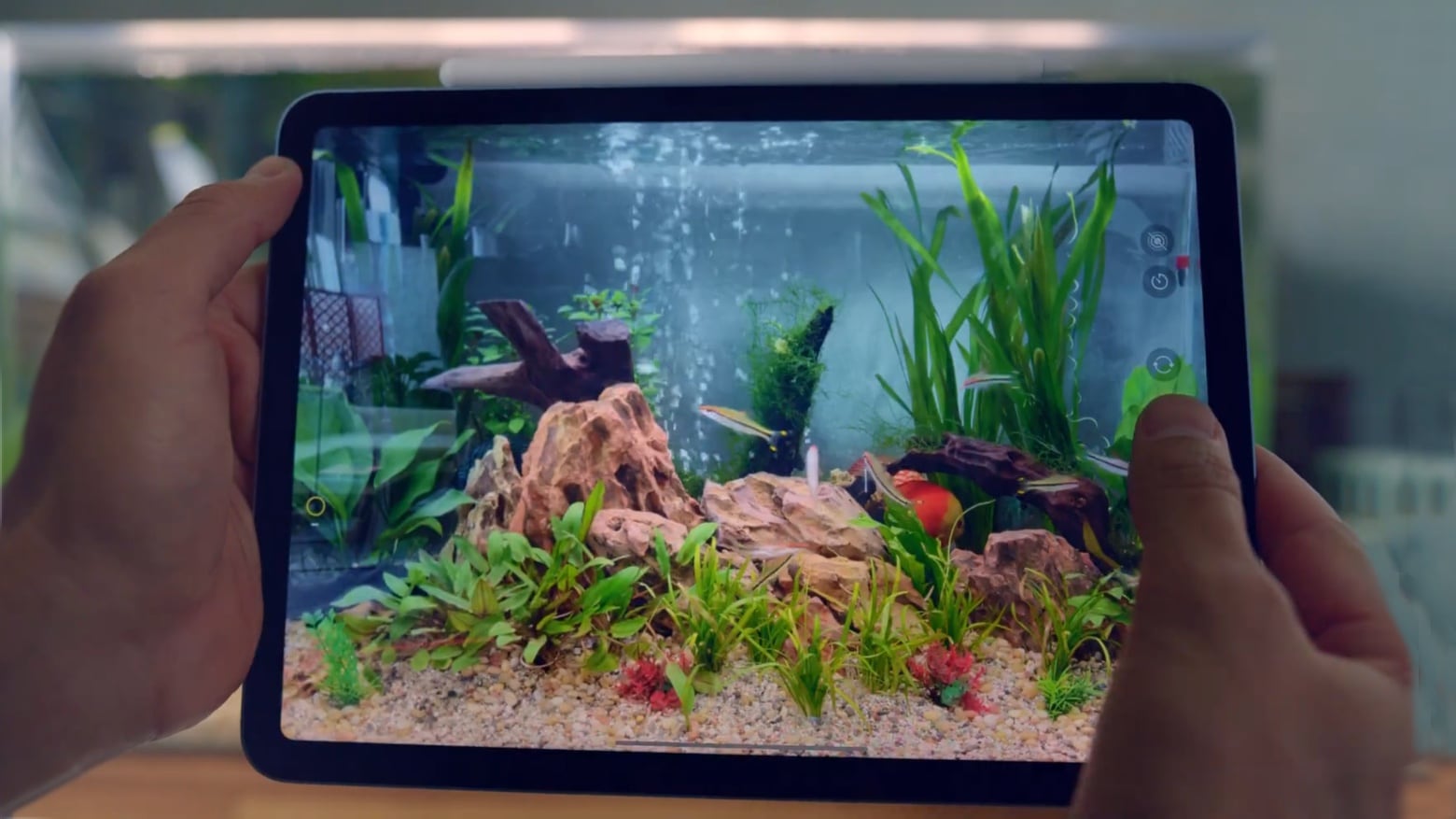
Apple lets its new devices strut in a series of video ads. The iPad Air 4 goes through its paces, with an emphasis on Apple Pencil features. And the Apple Watch Series 6 gets an introductory video, too. Plus, there are two more about Apple Watch in general.
Watch all these videos now:
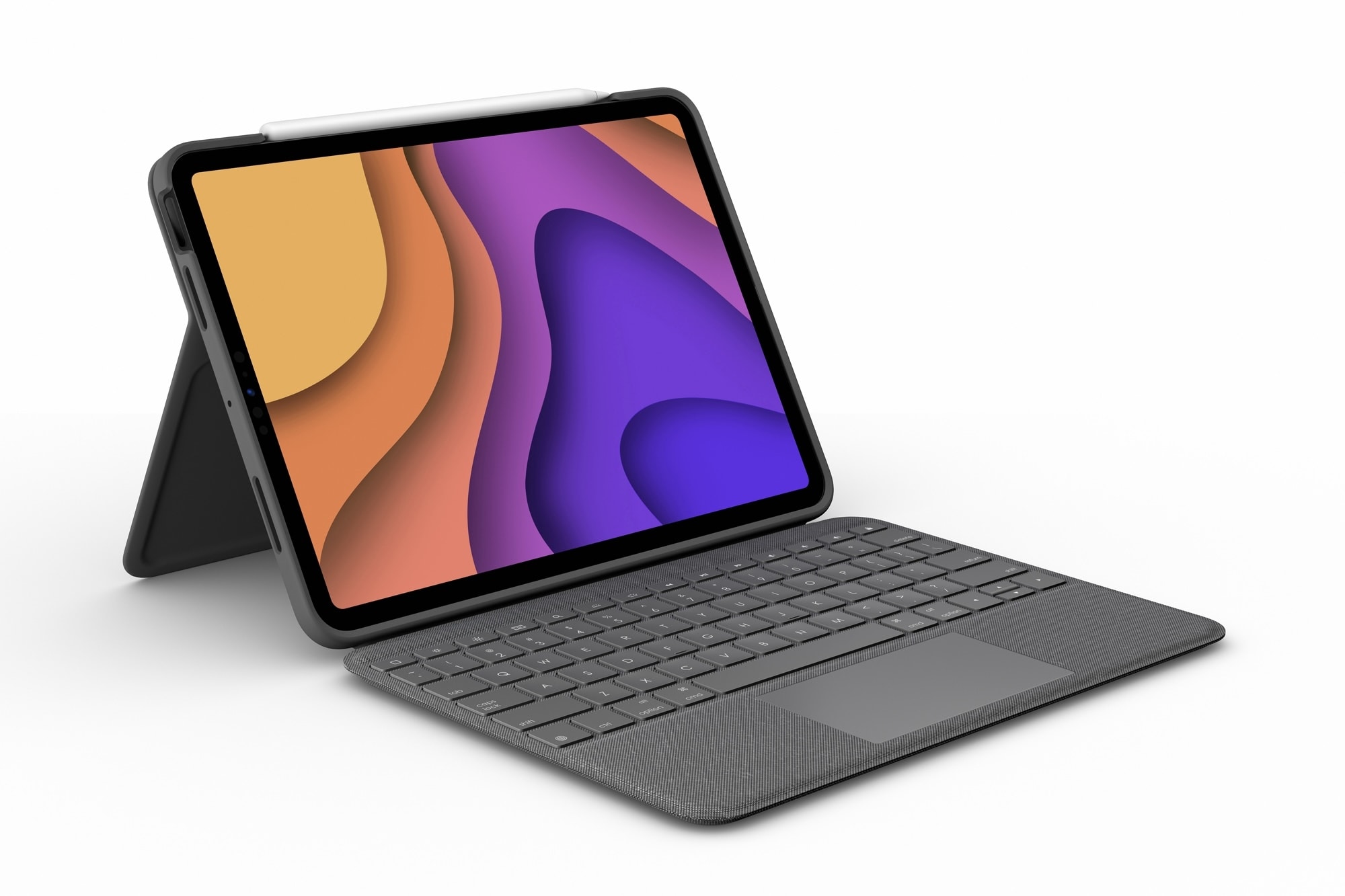
Picking up a new iPad Air next month? If you’re switching from a 11-inch iPad Pro, you will be pleased to know that most of your existing accessories should work just fine with your new tablet.
Both devices are almost identical in size, with the new iPad Air being ever so slightly thicker than the iPad Pro. Unless you have an incredibly tight-fitting case, you shouldn’t have any compatibility issues.
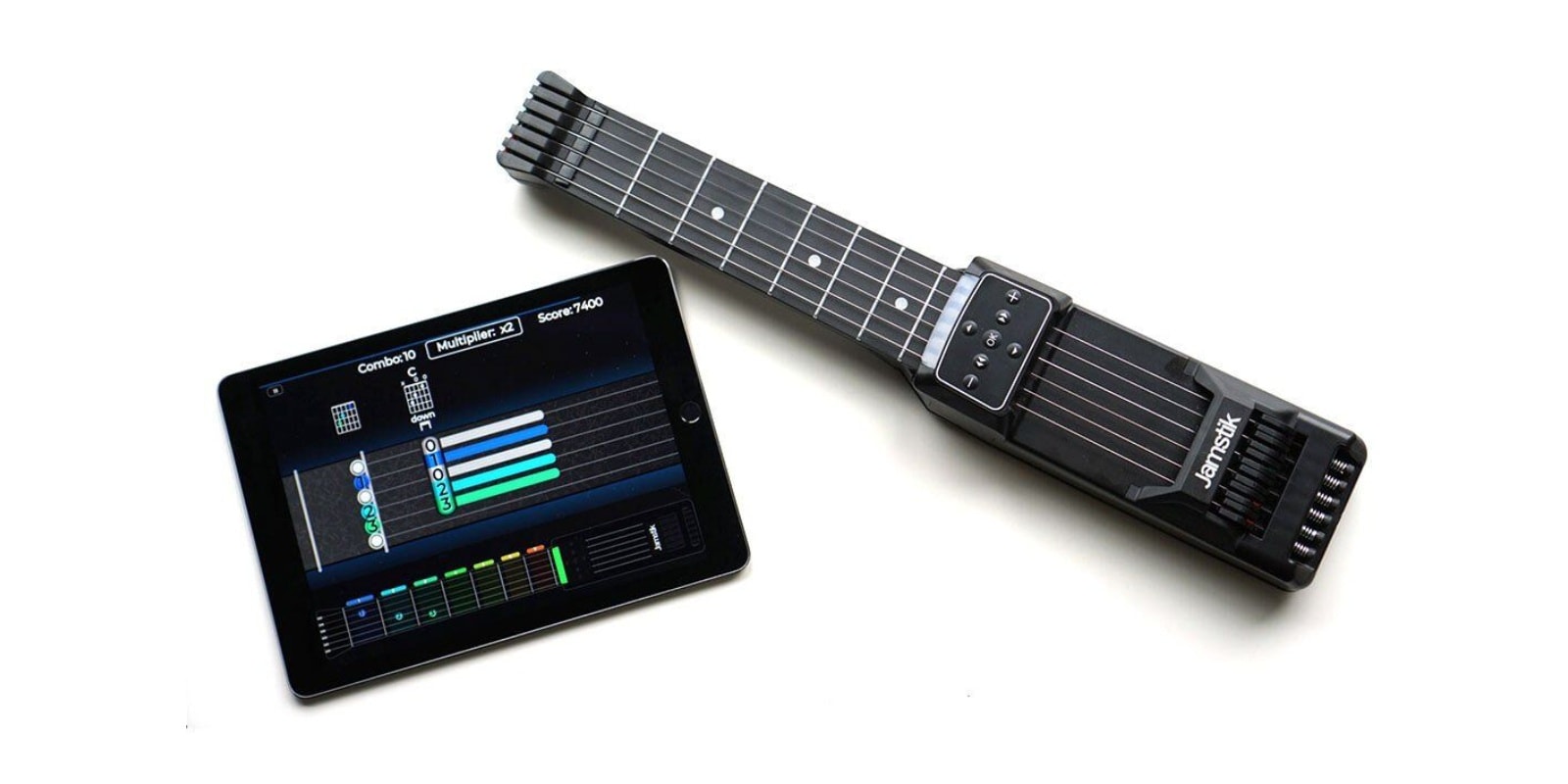
Lots of people are practicing guitar in the age of quarantine, and guitars are perfectly portable around the house. But try traveling with one, and they suddenly become a much bigger hassle. Thankfully digital technology has made it so you can practice guitar anywhere, without a guitar.
The Jamstik Guitar Trainer is a cleverly designed, compact guitar practice controller, with six strings, directional pad controls and a feature-packed companion app. At just over 18 inches long, the controller fits inside any backpack, but it also includes a convenient travel case. The new 2020 edition features spring-loaded strings for a more realistic feel. As you play, you’ll see your fingers on the screen in real-time, so you can get a grip (literally) on chords, scales and songs. AI-generated exercises, play-along sequences, and a gamified progression system make it exciting to progress. It’s like Guitar Hero, except that by the end you’re actually better at guitar.
Buy now: Get a Jamstik Guitar Trainer for $199. That’s 13% off the usual price.
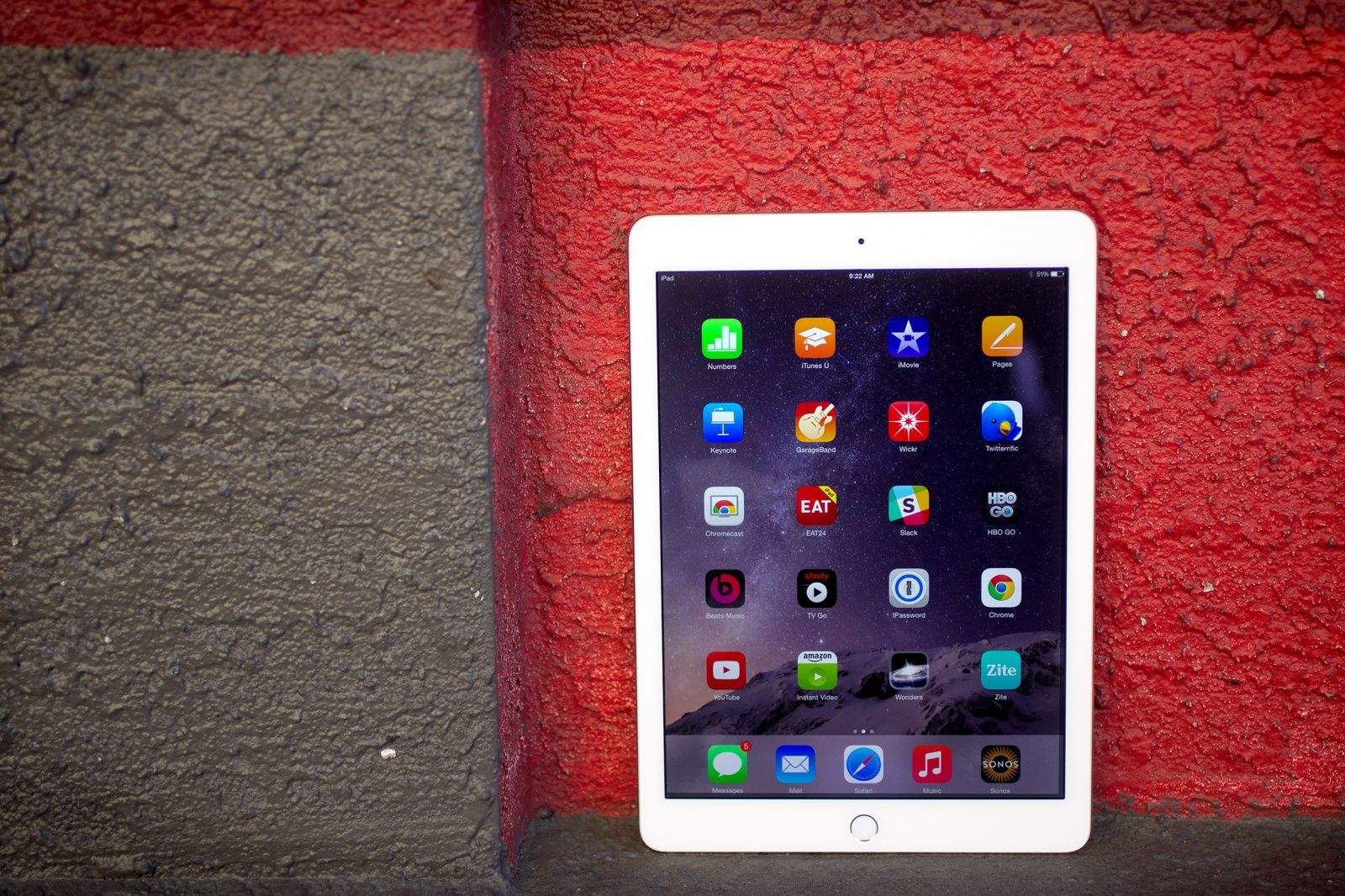
You don’t want to miss out on Apple’s big iPadOS 14 upgrade, and you don’t have to splash out on a brand-new iPad to enjoy it, either. Pick up a refurbished iPad Air 2 today for as little as $219.99.
This post contains affiliate links. Cult of Mac may earn a commission when you use our links to buy items.

Apple executives took to virtual stages on Tuesday to unveil a parade of important new products at its “Time Flies” event. The much-anticipated Apple Watch made its debut, and a cheaper version too. And the iPad Air got a massive upgrade. Plus, there are new services and more.
Here’s why you shouldn’t overlook anything Apple just announced.