Tim Cook told Apple shareholders that, “technology should help us leave the world better than we found it.” Screenshot: Apple
Apple CEO Tim Cook said Tuesday that his company is “made up of people who want to spend their lives making things that enrich the lives of others.” He described Apple’s identity at length in response to a question during the company’s annual shareholders meeting. Cook also answered questions about privacy and other topics during the virtual meeting.
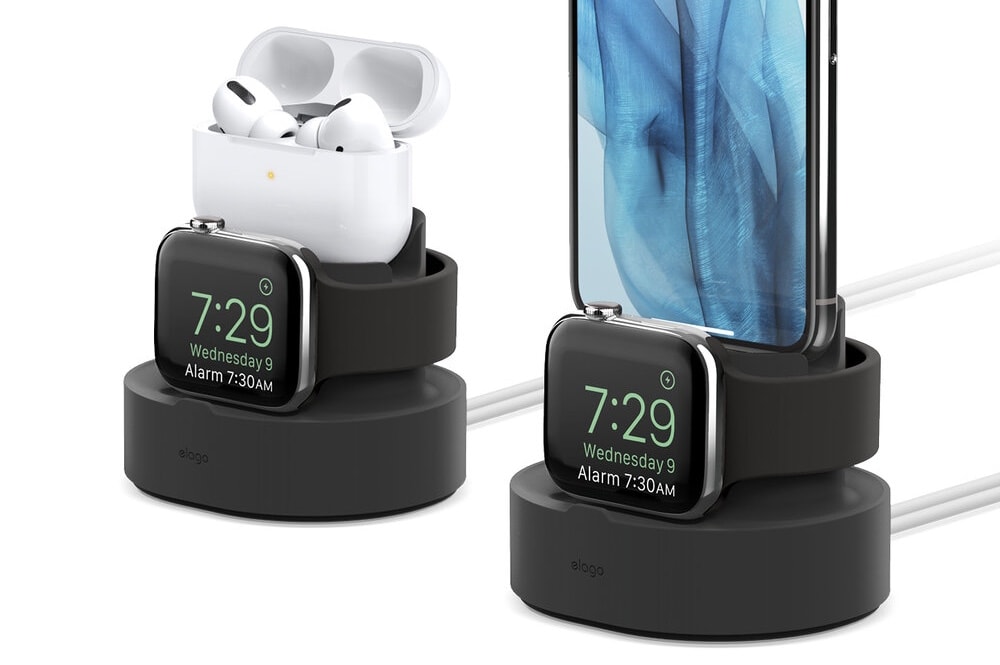
Charges Apple Watch and iPhone (or AirPods). Photo: Elago
Don’t spend hundreds on Apple Watch and AirPods Pro then leave them to get all scratched up on your bedside table while they’re charging. Keep them tidy and protected with Elago’s Duo Pro stand.
Its 2-in-1 design, available in four pretty color options, securely holds both your devices while they’re charging and keeps cables organized so they don’t get in the way. It’s even compatible with iPhone.
If you use your laptop all day, excessive heat could damage it over time. Thankfully, a cooling pad is all you really need to prevent overheating and extend the life of your laptop. The Havit Laptop Cooling Pad is one such accessory, and it’s on sale now for just $32.95. That’s 13% off the regular price of $37.
Silver Sparrow could be in your M-series or Intel Mac. Here’s how to find out. Graphic: Cult of Mac/Red Canary
Some of the first malware targeting both M-series and Intel Macs has affected thousands of computers. At this point, the malicious code — called “Silver Sparrow” — is not dangerous, and Apple may have pulled its teeth. But users of the latest macOS computers still might want to know if their device has it. And the same goes for owners of Intel-based Macs.
Here’s how to find out if your computer has been hit.
This inexpensive course is perfect to kick-start your coding career. Photo: Cult of Mac Deals
Want to start an exciting new career in coding or land the promotion you’ve always wanted? The Master Learn to Code 2021 Certification Bundle will teach you everything you need to succeed, and it’s on sale right now for just $34.99. That’s a huge 98% discount off the regular price of $2,594.
This setup includes 3D-printed elements and Nintendo-inspired decorations. Photo: Vincent Belotti
Vincent Belotti, a mechanical engineering student at Farmingdale State College on Long Island, New York, has a colorful setup — and we’re not just talking about his screensaver. He 3D-prints some of the components in it himself, and he can’t get enough decor related to his favorite games.
3D printing as a hobby
As an engineering student, Belotti has made 3D printing into a hobby. He uses his MacBook Pro to model and slice prints that become components to enhance his setup. They include an Apple Watch dock, shown on the right side of his desk in these photos, and 3D figurines on the shelf above his monitor.
Bag yours today before the deal ends. Image: Killian Bell/Cult of Mac
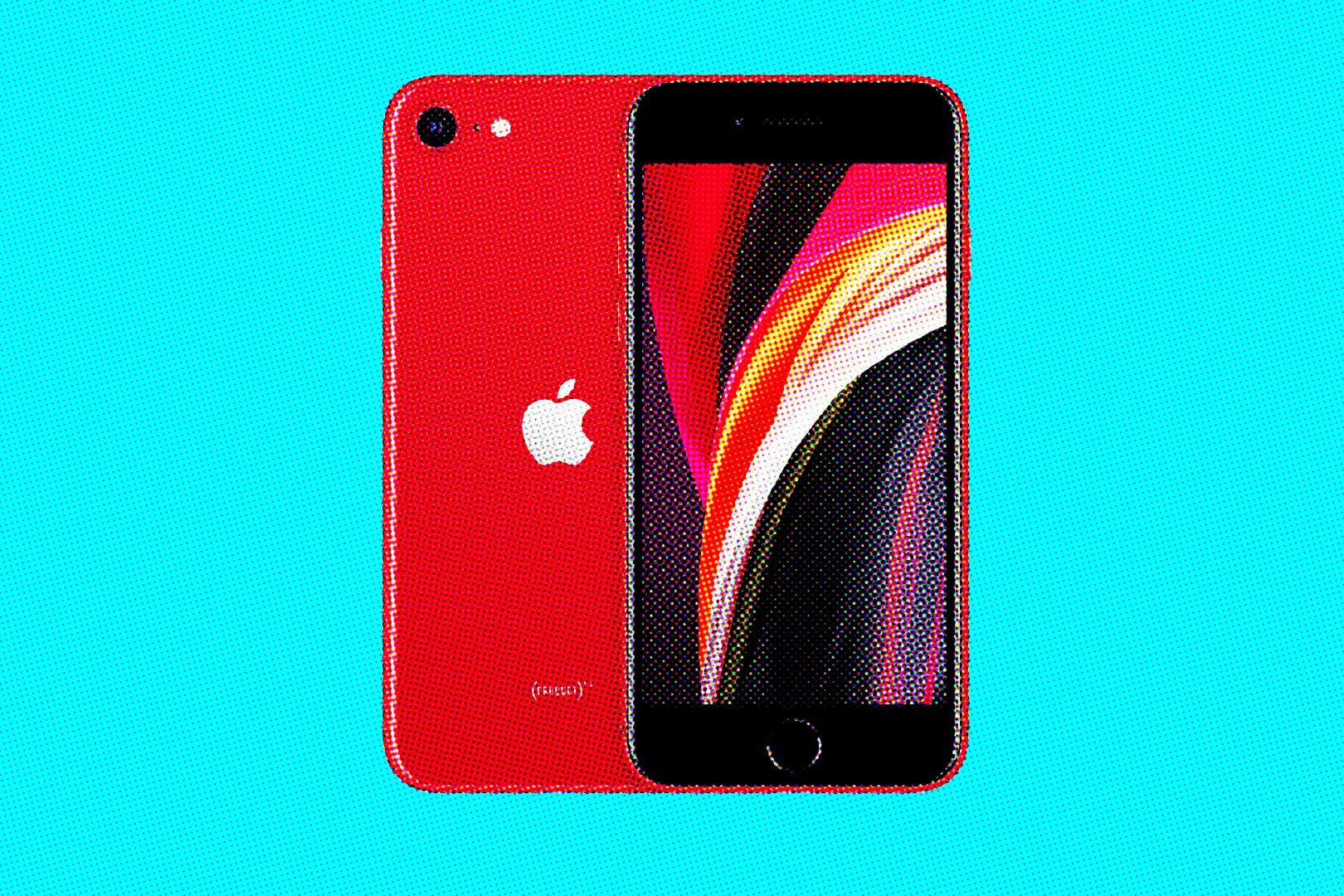
Verizon is now offering the 2020 iPhone SE for free when you purchase it online and take out a new line. That’s a staggering saving of $399 — and you’ll get another $20 off line activation, which usually costs $40.
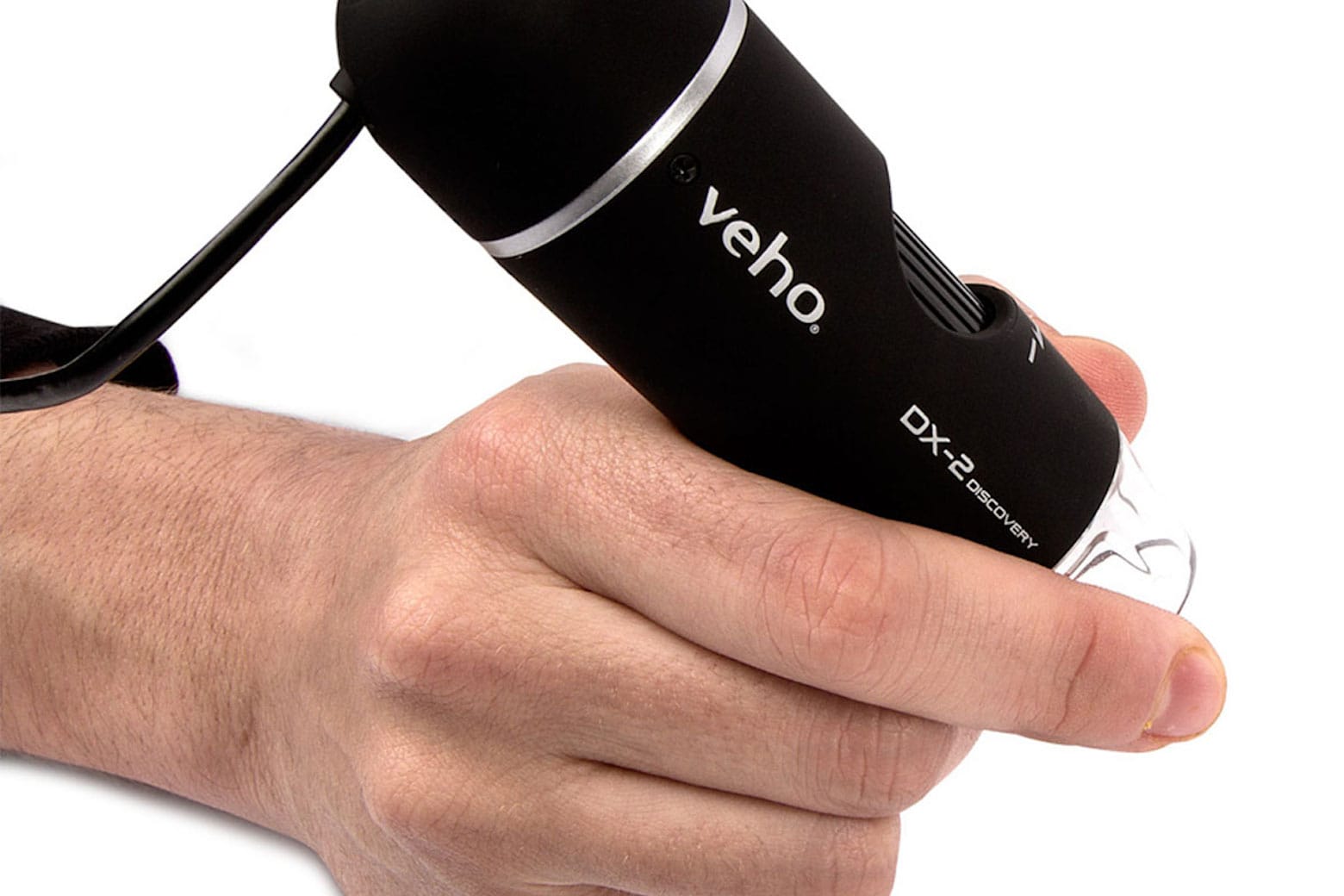
A digital microscope gives you an amazing view of tiny things. Photo: Veho
If you love building things — especially if you’re assembling something with a lot of small, delicate parts (i.e., a computer or a drone) — you might want to get a closer look at whatever it is you’re working with. And whether you’re using your weekends to tinker around by yourself or as a bonding activity with your child, this Veho DX Discovery USB Digital Microscope with Stand is the perfect tool to use.
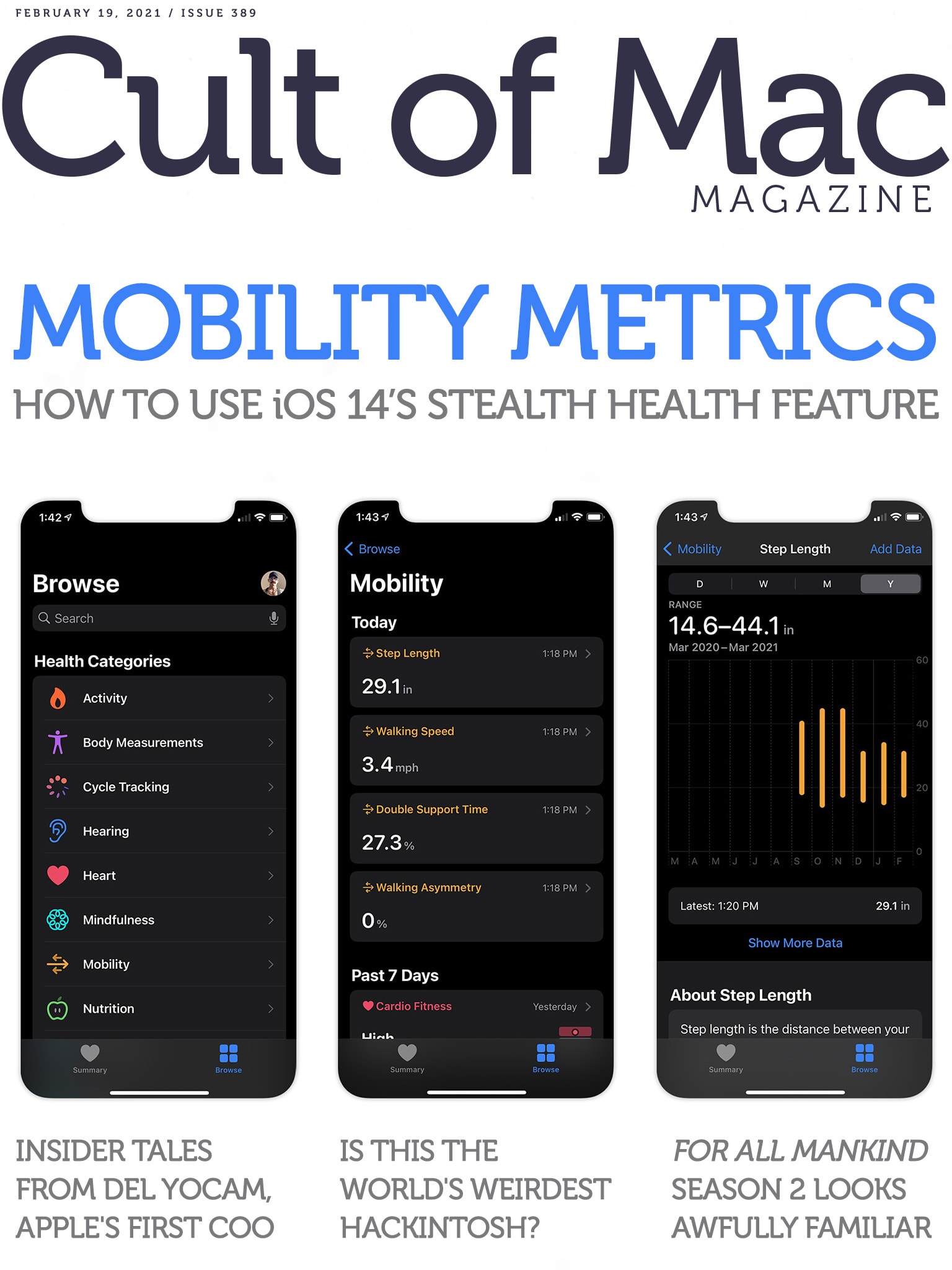
Your iPhone knows more about how you walk than you do. Cover: Leander Kahney/Cult of Mac
There’s an interesting new feature in iOS 14 that you might never have noticed. It’s called Mobility Metrics, and it tracks several things that offer insight into your overall fitness, coordination and health. Find out where to look for these metrics, and what to make of them, in our in-depth Mobility Metrics how-to.
Also in this week’s issue of Cult of Mac Magazine, we’ve got several hot rumors about upcoming Apple gear (and a possible March 16 event), plus loads of Apple TV+ reviews and first looks at upcoming shows. Download it now to enjoy on your iOS device.
P.S. If you’re a fan of Apple lore, don’t miss our exclusive interview with Del Yocam, the company’s first COO and a mentor to Steve Jobs. He’s got some interesting stories to tell.
Don't miss this great buy on Beats noise-canceling headphones. Photo: Cult of Mac Deals
Beats headphones set the standard for listening before Apple bought the company six years ago. Since then, Cupertino’s $3 billion acquisition has resulted in a slew of new products with Apple’s proprietary tech integrated into the Beats lineup for a seamless audio experience.
That means Beats fans know what to expect when using their headphones with Apple devices: smooth performance, excellent sound quality and thoughtful design. These Beats Solo Pro Wireless Noise Cancelling On-Ear Headphones are no exception. That’s why they earned 4.7/5 stars on Amazon out of 5,520 reviews. And now Cult of Mac Deals can offer these headphones at a massive 46% discount.
On this week’s episode of Apple TV+’s millennial melodrama Dickinson, Austin’s drowning, Emily’s flailing, Mrs. Dickinson’s catering two tea parties, and John Brown’s raiding Harper’s Ferry. And that’s just in the first few minutes.
The future hangs in the balance. And with only two episodes left in the show’s second season, every action and word counts. The show only wastes some of them.
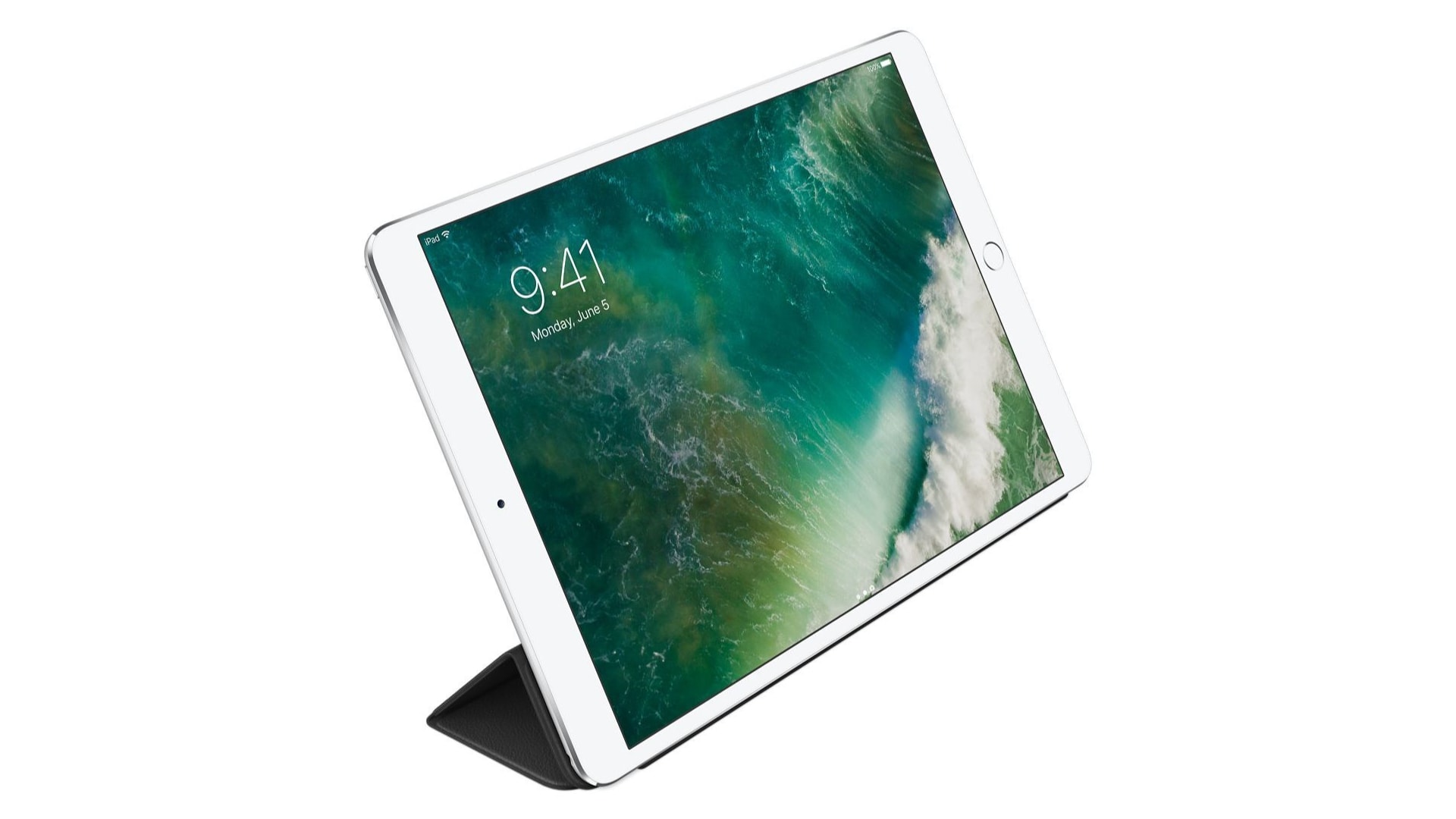
Pick up a brand-new and genuine Apple Smart Cover for the 10.5-inch iPad Pro for just $10.99 today on Woot. This is the lowest price we’ve seen so far on this model, but it’s good for today only. Enjoy it while you can!
Alice, played by Ayelet Zurer, finally gains the upper hand this week. Photo: Apple TV+
Losing Alice starts to wind down its look at the perverse triangle formed by a screenwriter, a director and their star in the Apple TV+ psychothriller’s penultimate episode.
The time has come for Alice to direct David and Sophie in their big, erotic close-up. Can they find the chemistry needed to sell it before the wheels come off the machine and Sophie is found out?
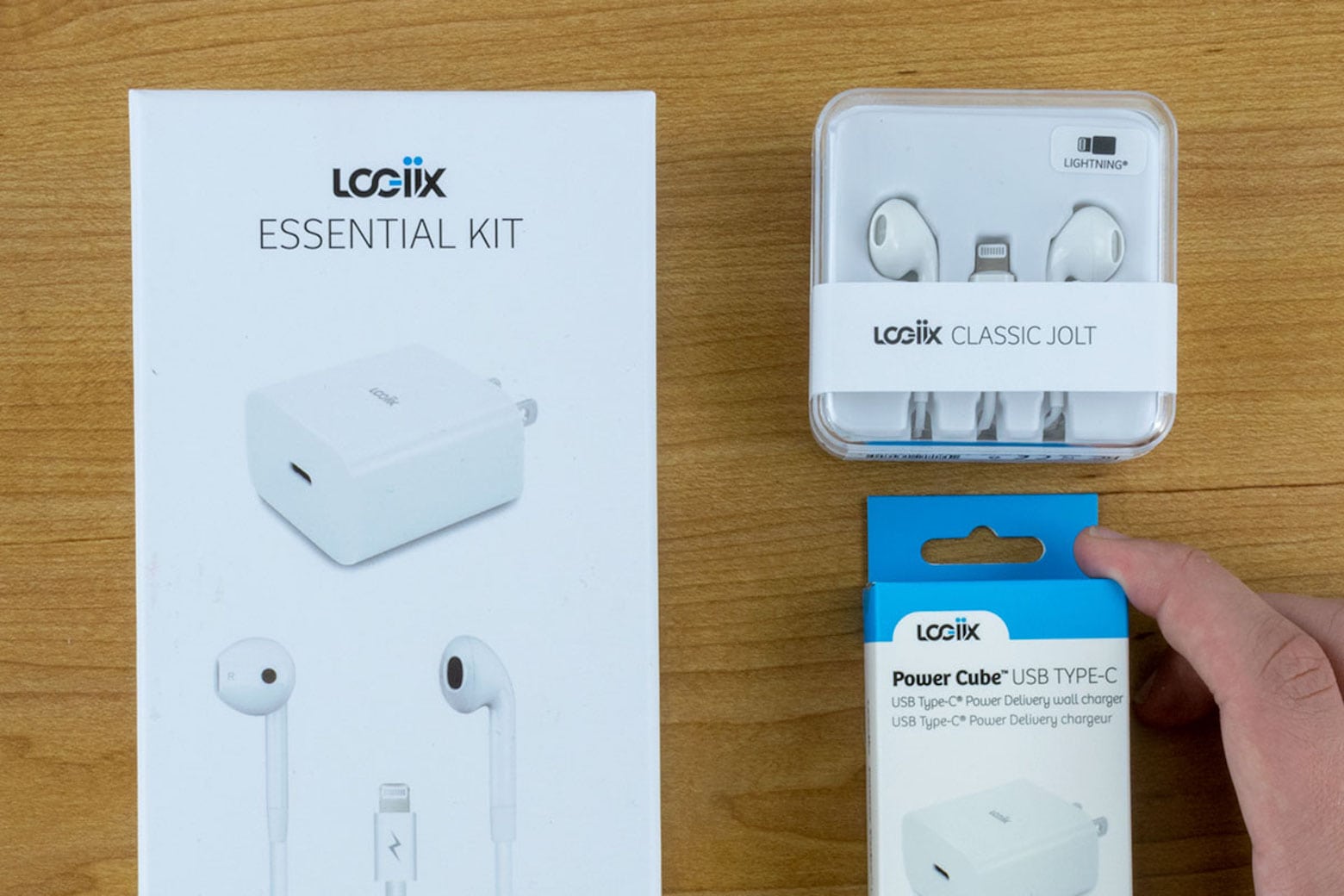
Get the iPhone accessories Apple apparently doesn't think you deserve. Photo: Logiix
If you own one of the iPhone 12 models — which Cult of Mac reviewers basically called the greatest thing since sliced bread — you know they’re fabulous smartphones. But even near-perfect devices can still be missing something.
And in this case, that “something” seems fairly obvious. But this Logiix Essential Kit — with an 18-watt power adapter and Lightning earphones — fills that void. It packs the accessories you wish your iPhone 12 came with out of the box.
The Cold War heats up -- on the moon! -- in Season 2 of For All Mankind. Photo: Apple TV+
Apple TV+’s alternate-history space race extravaganza For All Mankind is back for a second season (with a third already paid for). Things are different on the moon but they’re very much the same in the drama department.
Activation Lock prevents anyone else from taking over your Apple device. Here’s how to turn it off. Graphic: Cult of Mac
When you sell an iPhone, Mac or other Apple computer, it’s critical to turn off Activation Lock or else the buyer won‘t be able to use the device. It’s easy to do when you still have the product, and not that much harder if you’ve already sold it.
Tony Walker's setup centers on a 2020 iMac. Note the 2nd-gen iPod at upper left. Photo: Tony Walker
Tony Walker has been an Apple user since 2003. As a college student in his early 20s, he did his classwork on a 12-inch PowerBook G4 and a 3rd generation iPod during downtime at his graveyard-shift job.
Things have changed a little almost two decades later.
Del Yocam (center) chats with Steve Jobs. Photo: Del Yocam
Long before Tim Cook brought his operations wizardry to Apple, Del Yocam lent his logistical prowess to Cupertino. Apple’s first chief operating officer, he helped transform the company from a chaotic, scrappy startup into a streamlined manufacturing powerhouse.
He also served as an early mentor to Steve Jobs, the young Apple co-founder who sometimes seemed out of his depth in 1979.
“When I first got to know him, he was lost,” Yocam told Cult of Mac. “He was no longer involved in the Apple II and no one wanted him around, especially management. He didn’t care about money at that time. He was like an orphan, living away from home.”
In many ways, Yocam was the proto-Tim Cook, a manufacturing and operations specialist who helped transform a dysfunctional startup into a massive, moneymaking leader of the early PC industry. He also helped take the rapidly growing company international.
Yocam deserves more credit for helping build Apple than history has so far accorded him. He was one of the main players at a crucial point in Cupertino’s history.
Yocam, now 76, recently talked with Cult of Mac about Apple’s early days. In this exclusive interview, he discusses his friendship and working relationship with Jobs, Apple’s challenging, fascinating, and sometimes malodorous co-founder.
He also reveals new details about Jobs’ tearful ouster from Apple — and how Jobs later offered him an amazing job, only to revoke it at the last moment.
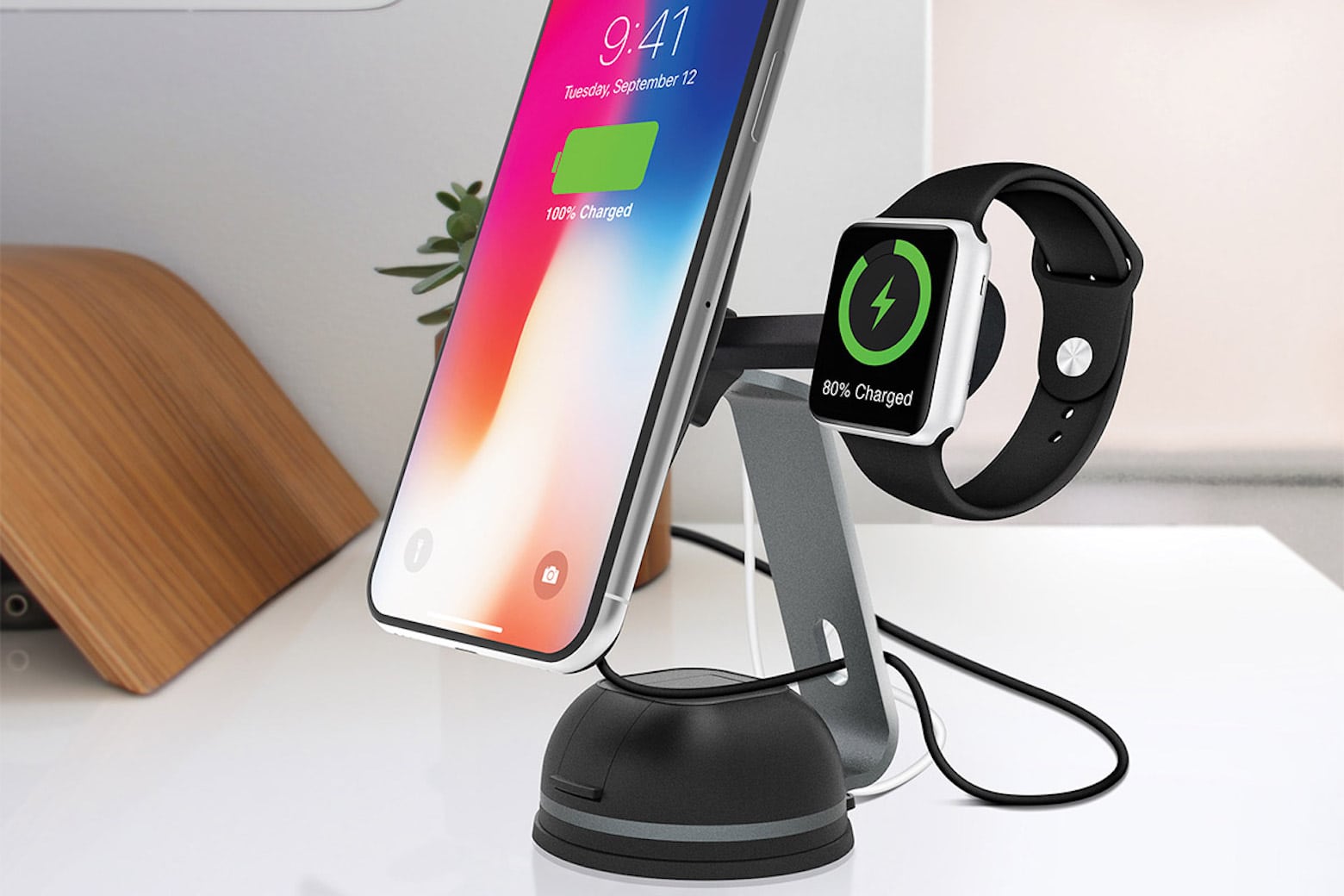
Keep your iPhone handy and fully charged with this magnetic mount. Photo: Naztech
There are plenty of situations where you need your iPhone in a pinch — a last-minute video call, for example, or finding a local coffee shop when you’re on the road. In those moments, the last thing you want is for your iPhone to be running low on battery, right when you’re relying on it the most. That’s where this MagBuddy Wireless Charge Desk Mount comes in handy. It allows you to keep your hands free and your device fully charged while you’re otherwise occupied.
With SpeakMe, you can turn any text into your own personal podcast. Photo: Cult of Mac Deals
So much to do, so little time. These days, we’re expected to be more productive than ever thanks to technology. Unfortunately, that can leave you with more emails, news articles and company reports than you know what to do with — and that doesn’t even account for all the hobbies that keep you sane, like gardening or taking long walks.
Luckily, there’s SpeakMe. It’s an ingenious, easy-to-use Mac app that converts text to audio and exports those audio files into a shareable format.
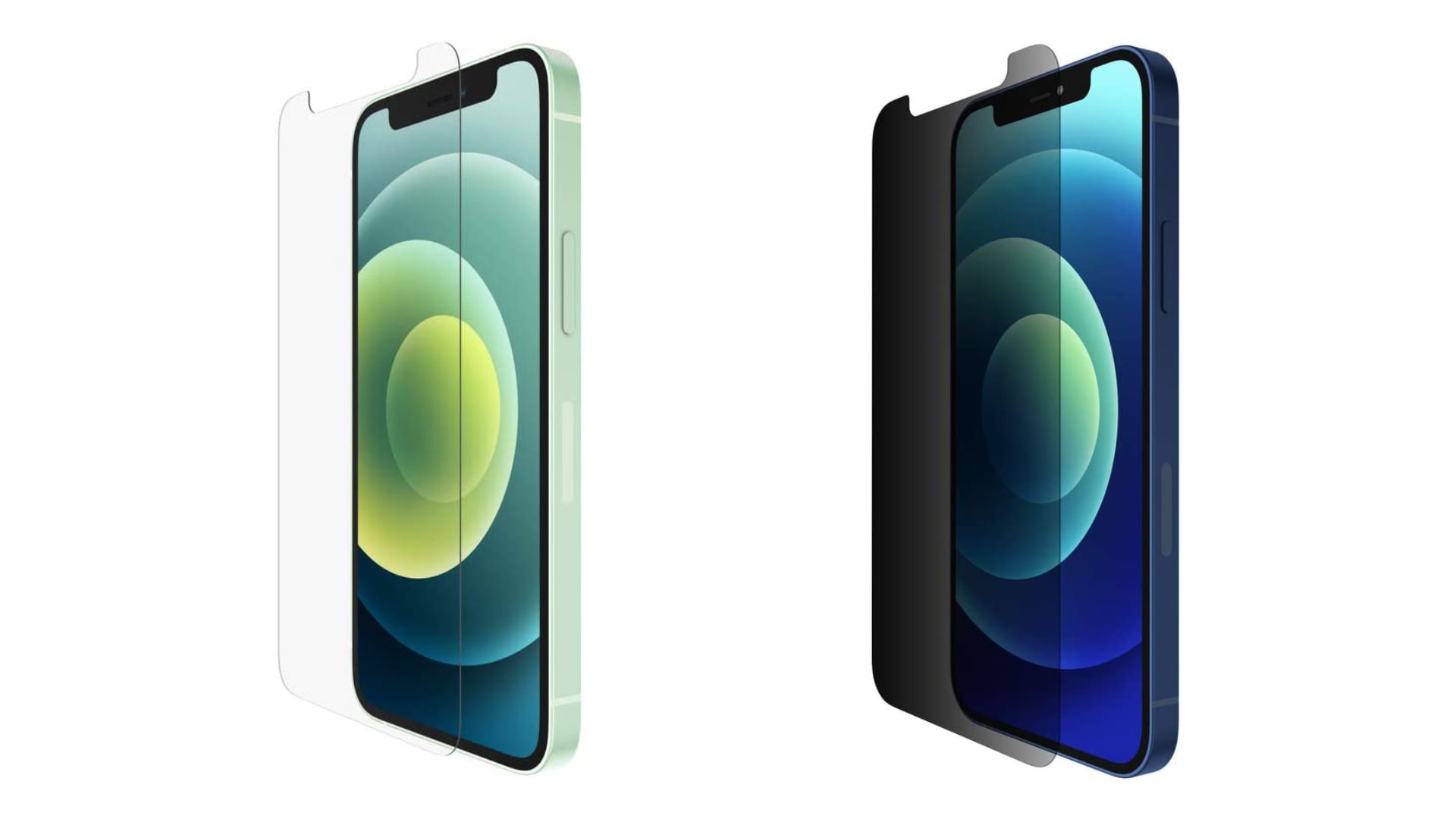
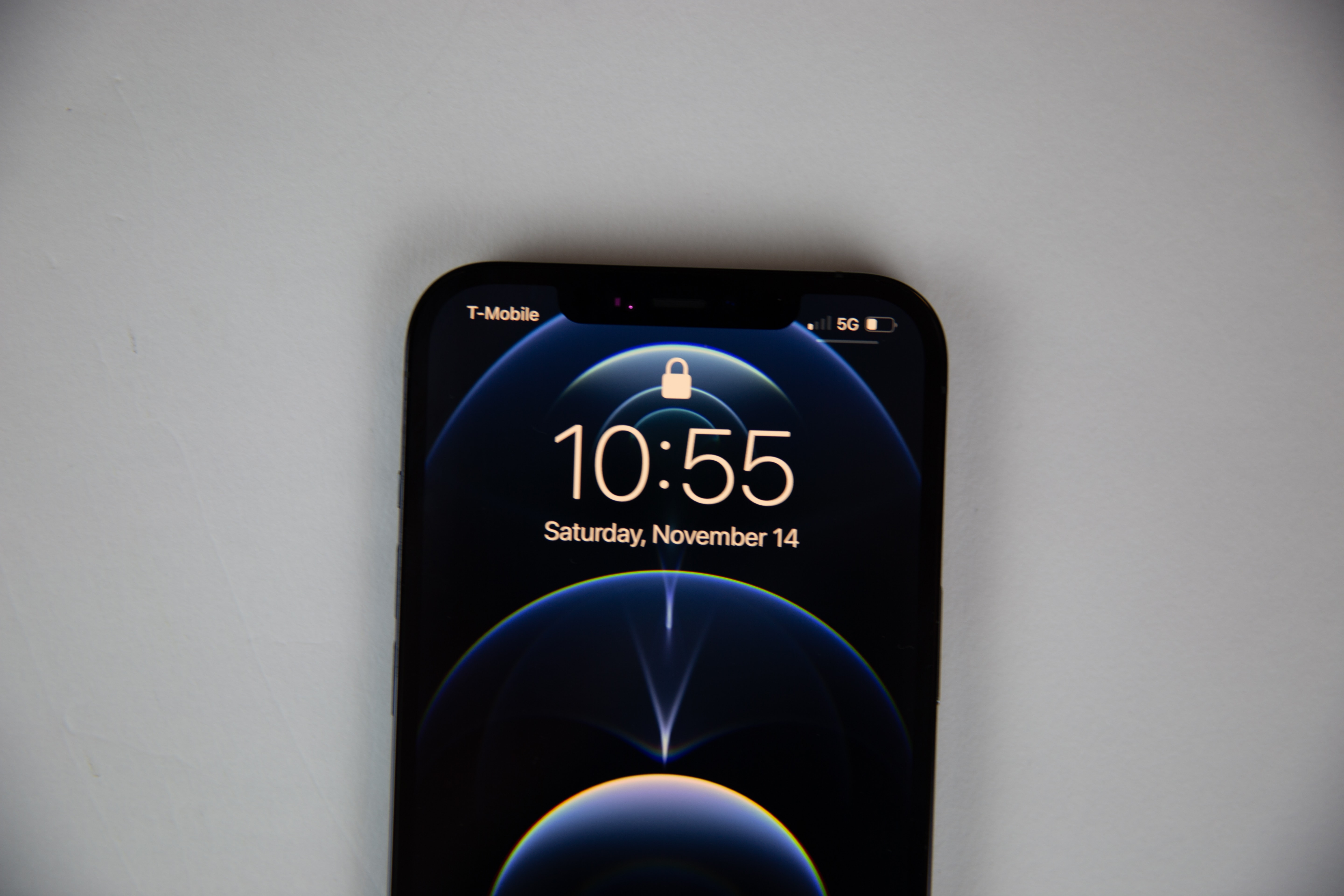
iPhone 12’s display glass is the toughest you’ll find in any smartphone today, but that doesn’t mean it can’t get scratched. You’ll need a good screen protector if you want to keep yours looking brand-new.
Despite its high cost, the iPhone 12 Pro Max is the most popular 5G model in the US. Photo: Lyle Kahney/Cult of Mac
Americans are united about one thing: the iPhone 12 Pro Max. Market research from two different sources finds that the Apple’s super-size handset is the most popular 5G phone in the US.
Shad Ahmad's straightforward setup centers on a MacBook Pro and 32-inch monitor. Photo: Shahid Ahmad
Shad Ahmad was a hard-studying freshman majoring in biology and minoring in history at Harvard University in Cambridge, Massachusetts, when the COVID-19 pandemic struck.
Going home to continue classes for a semester remotely from his parents’ house in Wisconsin may not have been ideal, but Ahmad found a comforting upside. Integrated smart technology makes his life easier, he told Cult of Mac.
Whether you already love to draw, or always wished you could, these courses will show you traditional and creative ways to render your vision. With lifetime access to the coursework, you can learn at your own pace. But you’d better jump on this deal right now if you want to take advantage of a massive 97% price cut on the four-course bundle.
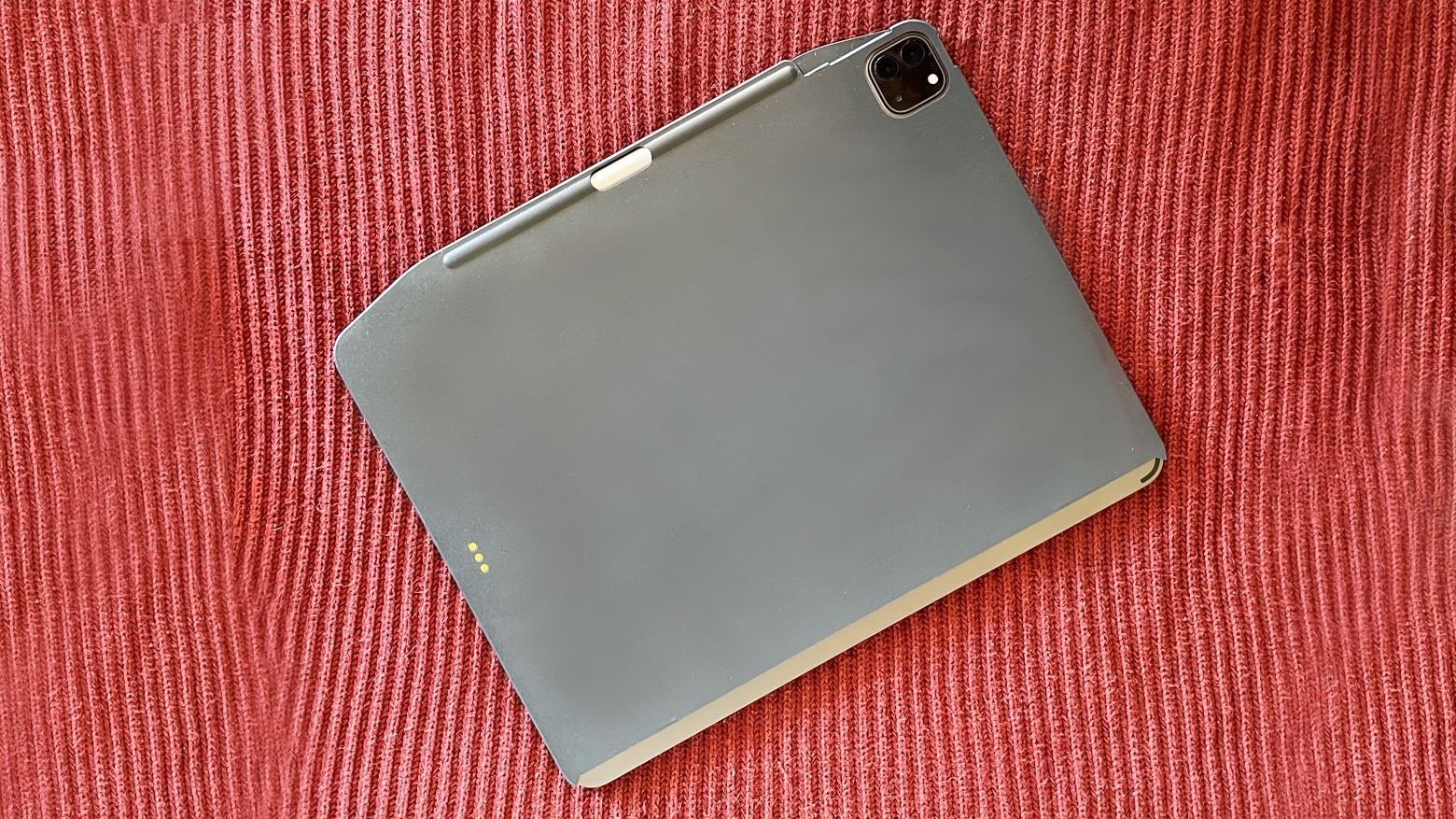
SwitchEasy CoverBuddy adds extra protection for iPads that are used with Apple’s clip-on keyboards. Photo: Ed Hardy/Cult of Mac
The Apple Magic Keyboard and Smart Keyboard for iPad are amazing but they prevent putting the tablet into most cases, so it has to be “naked” when not clipped to the keyboard. That’s no problem for the SwitchEasy CoverBuddy, a protective case that Apple’s clip-on keyboards can work right through.