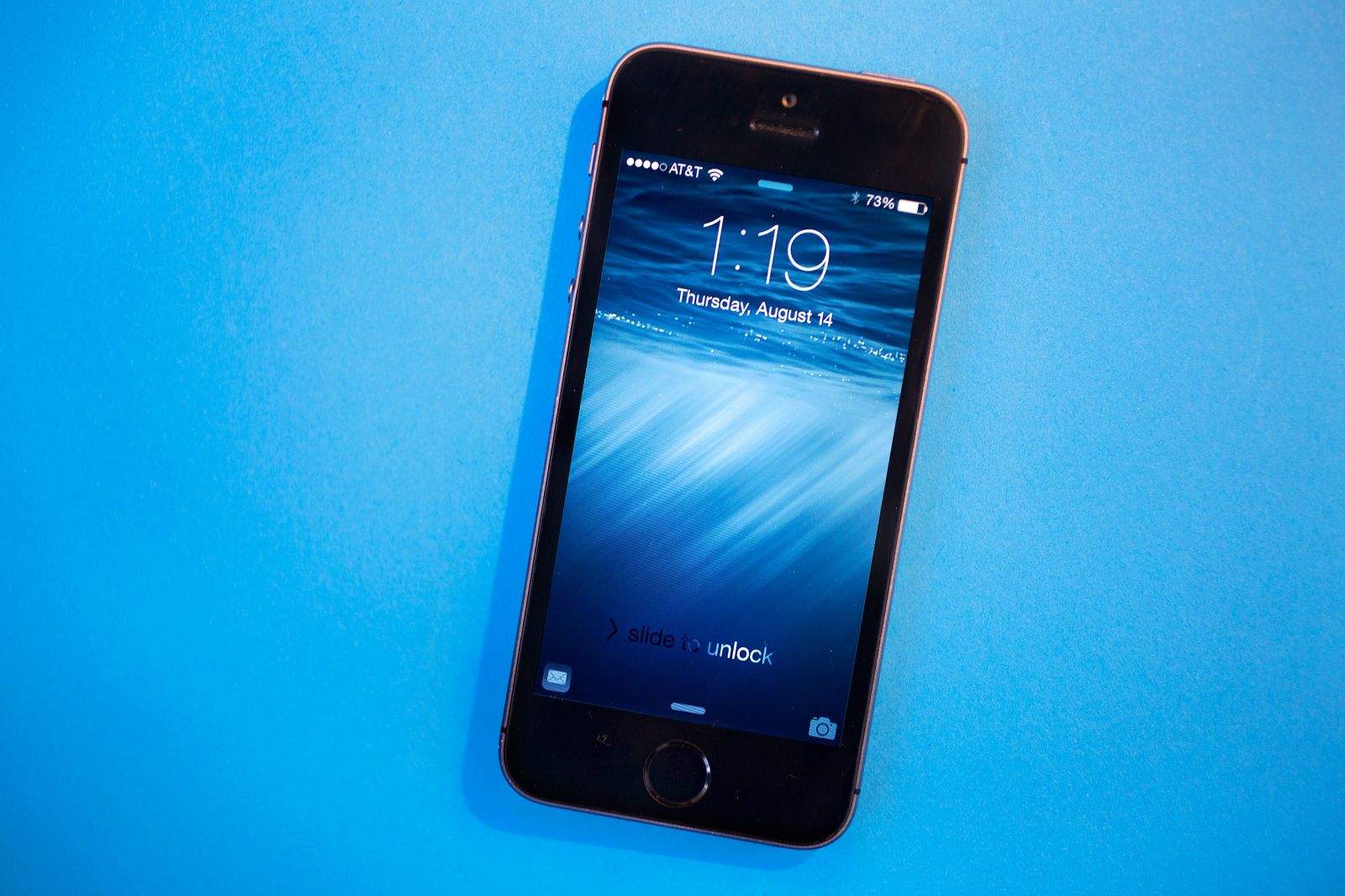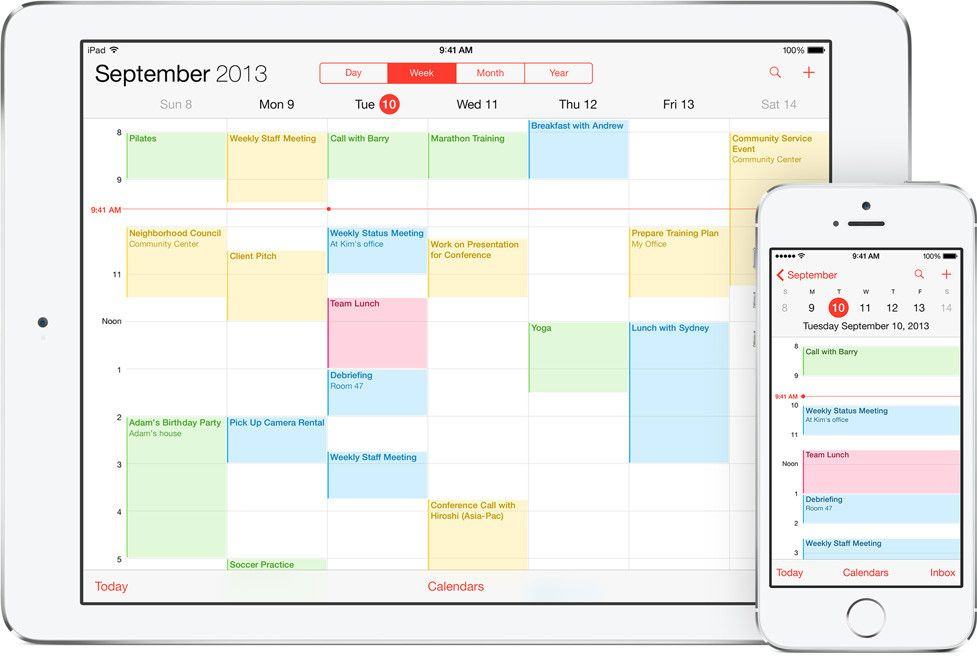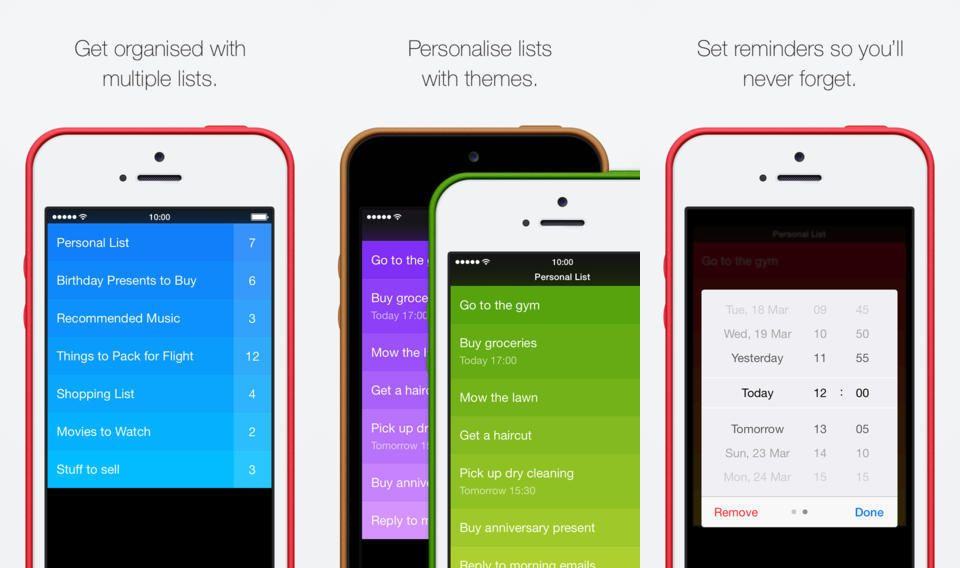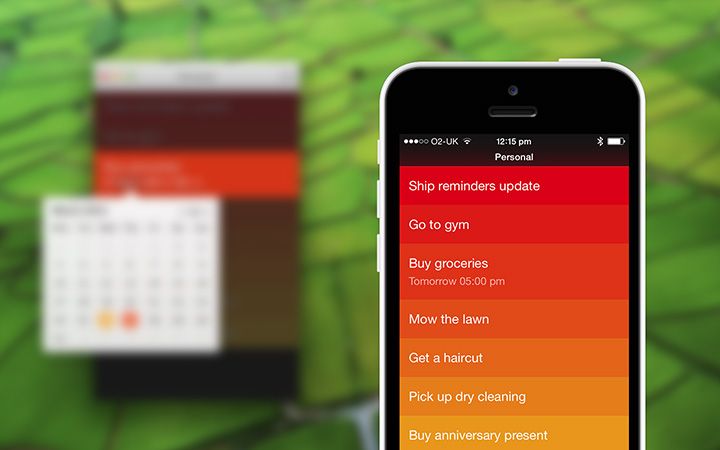
Today we’ll see how to put a Shortcut into a reminder, so you can just tap the reminder alert to run it.
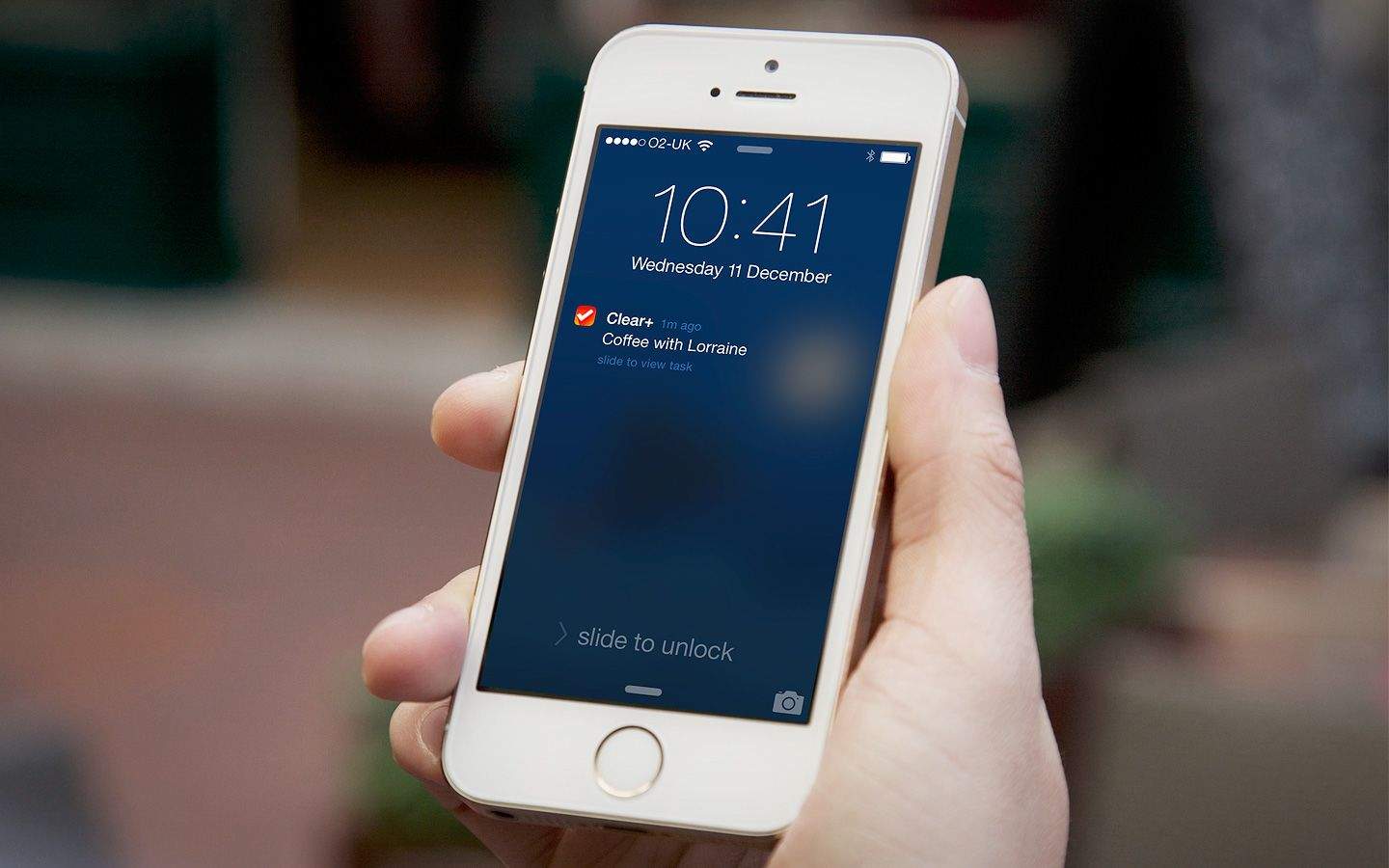
For this, we’ll use the new iOS 12 Shortcuts app, or Apple’s existing Workflow app. For instance, you could have a reminder that pops up every morning at 9AM, telling you to log your run. In the pop-up alert, right there on the lock screen, will be a button to execute a Shortcut/Workflow to do just that. Tap it, and you’ll be able to log your run via a pop up.
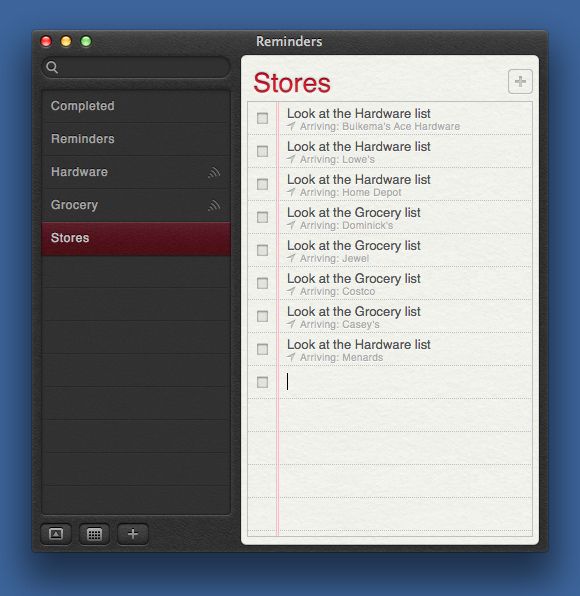
And of course this isn’t limited to fitness, nor even to time-based reminders.