Mobile menu toggle

iOS apps - page 18

Fitness apps obsess over running, but is it really good for you?

By

x
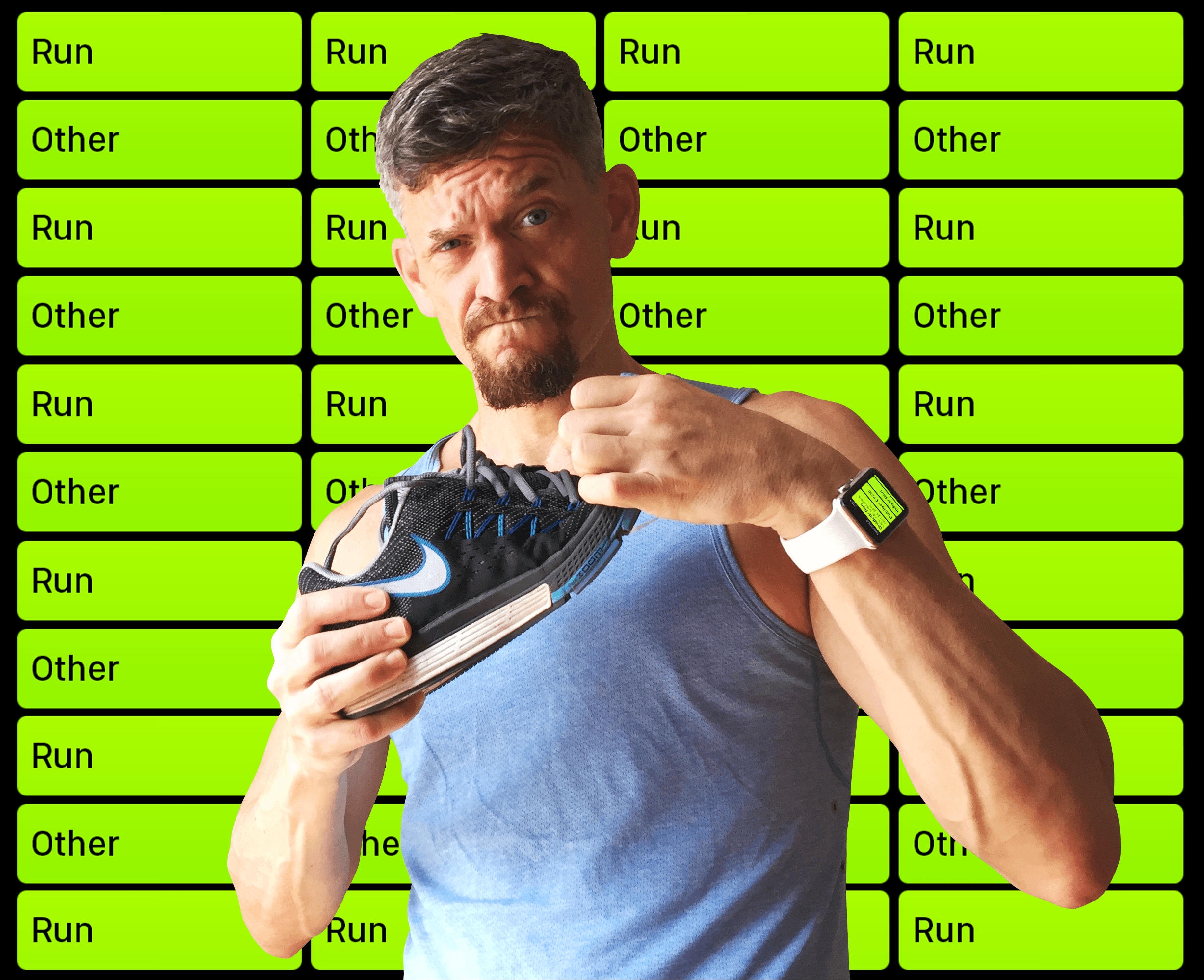
To run, or not to run? That is the question.
Photo: Graham Bower/Cult of Mac

Millions of people go running with their iPhone or Apple Watch every day. Logging runs is one of the main features of just about every fitness gadget on the market.

So should you join the sweaty masses and start using a running app? Not so fast. Not everyone is suited to running, and it won’t develop all aspects of your fitness. Plus, there are loads of other kinds of exercise you could be doing instead. What makes running so special?

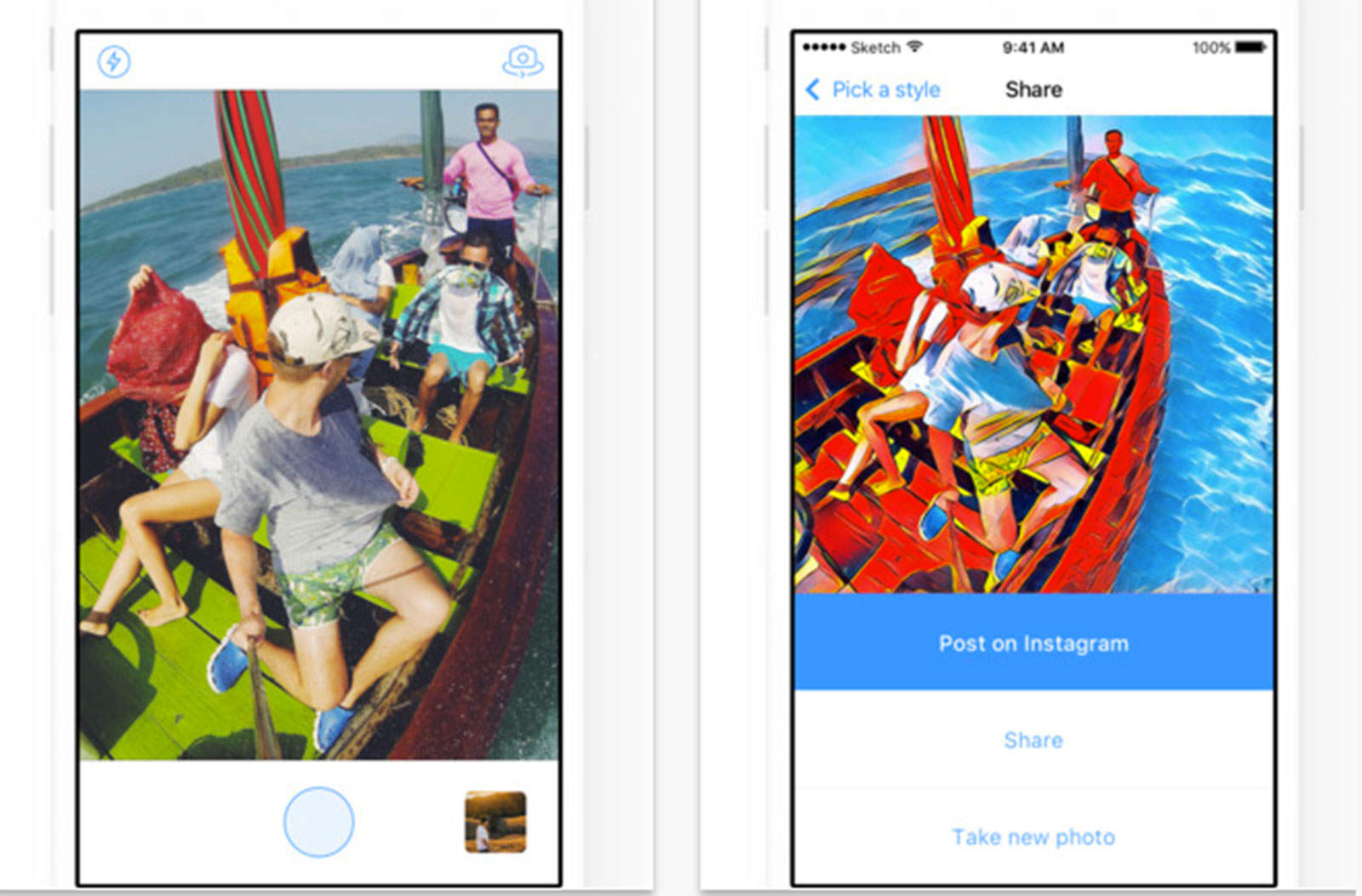
App world goes bananas for art app that turns photos into Van Goghs

By

Prisma
The Prisma app for iPhone lets you apply the painting style of a famous artist.
Photo: Prisma

An AI-powered app that turns any boring photo into an art masterpiece is taking the app world by storm.

Prisma is an iOS app that not only transforms an ordinary photo into a painting, it does so in the styles of different famous artists, from Van Gogh and Picasso to Edvard Munch of “The Scream” fame.

Developed in Russia, the app is taking off like a rocket, doubling its servers, topping the charts and inspiring the #Prisma hashtag. It even counts the Russian President among its enthusiastic users.

Time to get ahead of the iOS 10 development frenzy [Deals]

By

ios
iOS 10 is coming, developers. Now's your chance to get ahead of the pack and master its many new features.
Photo: Cult of Mac

iOS 10 is coming, and as with anything worthy of a base number it’s bringing a host of foundational changes. Messages is getting enhanced with a bevy of new features, Siri can now work with apps from the App Store, the Home app brings the Internet of Things one step closer to reality. Photos, texting, shopping, navigating, basically everything is being revamped or reinvented, meaning developers have their work cut out for them. This bundle of lessons is one way to make sure you’re ahead of the game and ready when iOS 10 drops, nearly 200 hours of training for just $29.

Focus Matrix helps you focus on the things that matter

By

Focus Matrix features
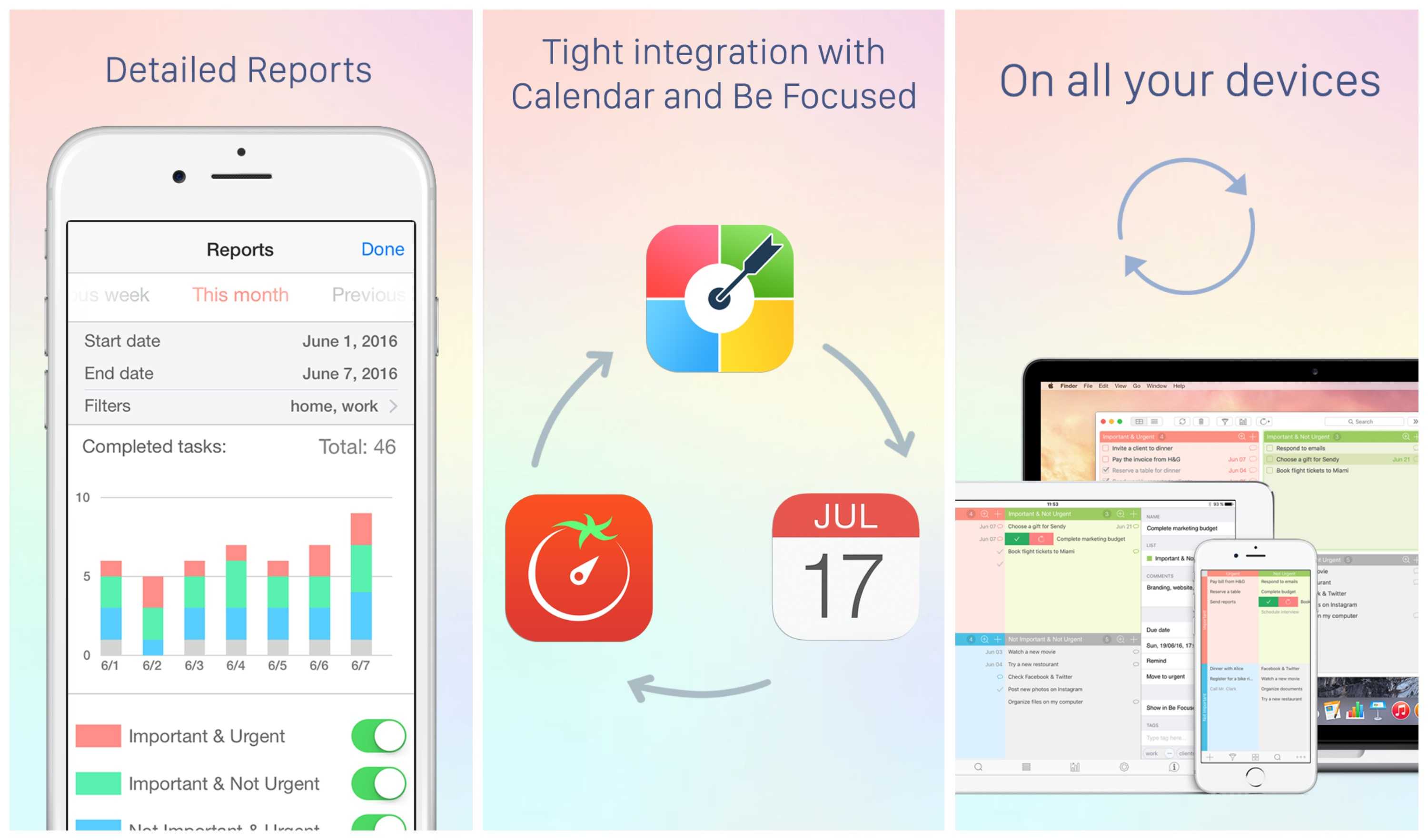
Focus Matrix brings simple yet effective time-management tools to iOS and Mac.
Photo: Xwavesoft

This post is brought to you by XwaveSoft.

“I have two kinds of problems, the urgent and the important,” President Dwight D. Eisenhower reportedly once said. “The urgent are not important, and the important are never urgent.” This idea underpins a way of organizing tasks named for the former general, using a grid to position tasks in the order they should be taken on.

Focus Matrix turns this time-honored approach to task management into a feature-rich app for both iOS and Mac.

Should you trust an iOS app to find a babysitter? This mom says yes

By

There are apps to connect people to all sorts of services. Hello Sitter finds babysitters parents can trust, according to the app founder.
Photo: Hello Sitter

A New York City mom has created an Uber-like iOS app that makes finding a babysitter as simple as finding a ride.

But we’re willing to assume some risk when catching a lift to the airport. Turning a young son or daughter over to algorithm-matched childcare is another matter. Hello Sitter CEO Lauren Mansell personally vetted each of the more than 200 qualified sitters available through the app by answering this question — Would I leave my daughter with this person?

Get 5 years of unlimited cloud backup for less than a dollar a month [Deals]

By

G-Cloud
It's time to take control of your backups.
Photo: Cult of Mac Deals

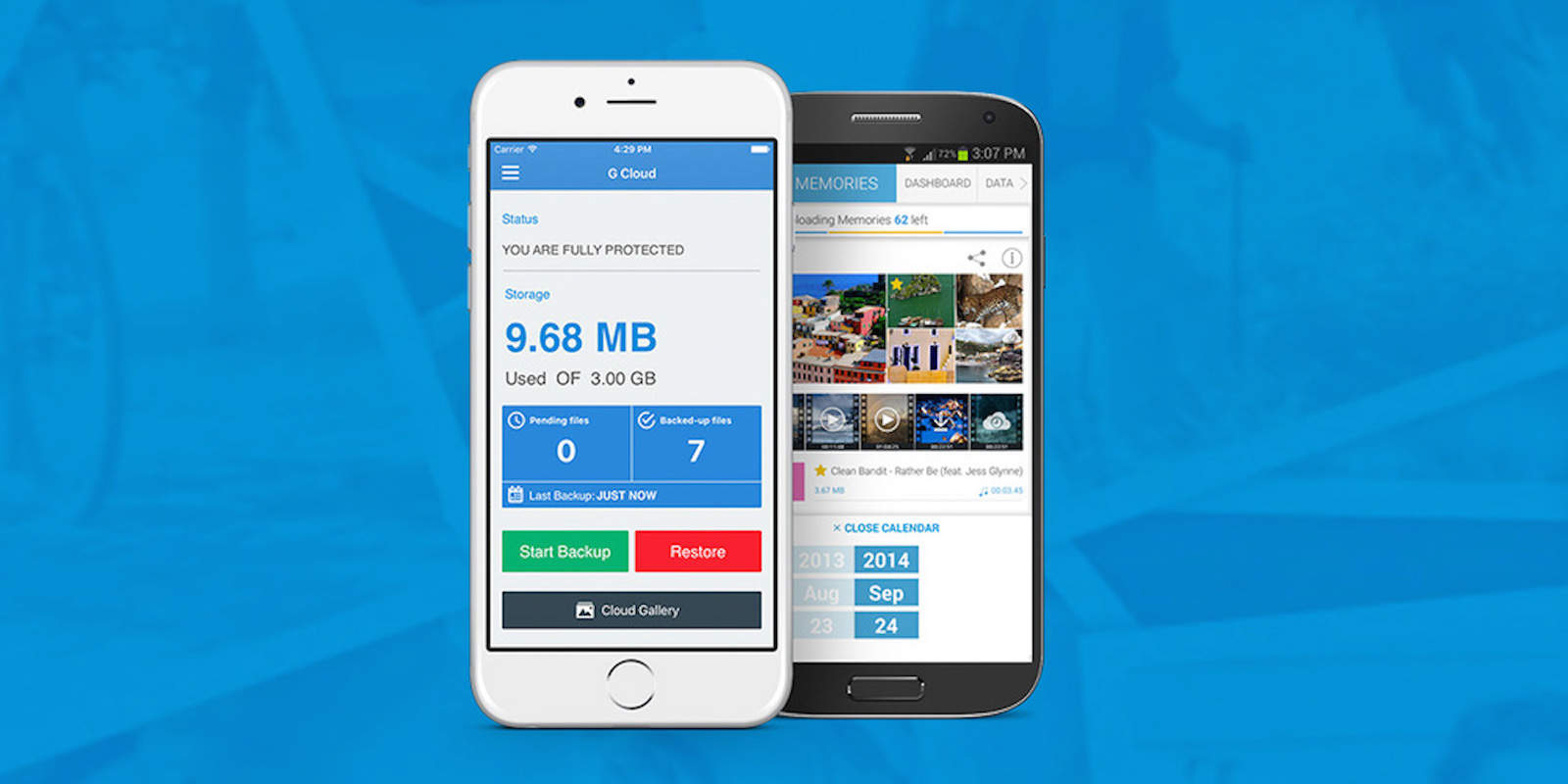
Losing or breaking a phone can be seriously upsetting, especially when it means losing all the stuff you forgot to back up. G-Cloud’s app for iOS and Android makes it easy to back up all your devices’ files on Amazon’s super-secure AWS Cloud under a single account. This is easy and reliable cloud storage, with unlimited space for five years, and you can get it now for $29 at Cult of Mac Deals.

iOS 10 hands on: Everything that’s new in Apple Music and Apple News

By

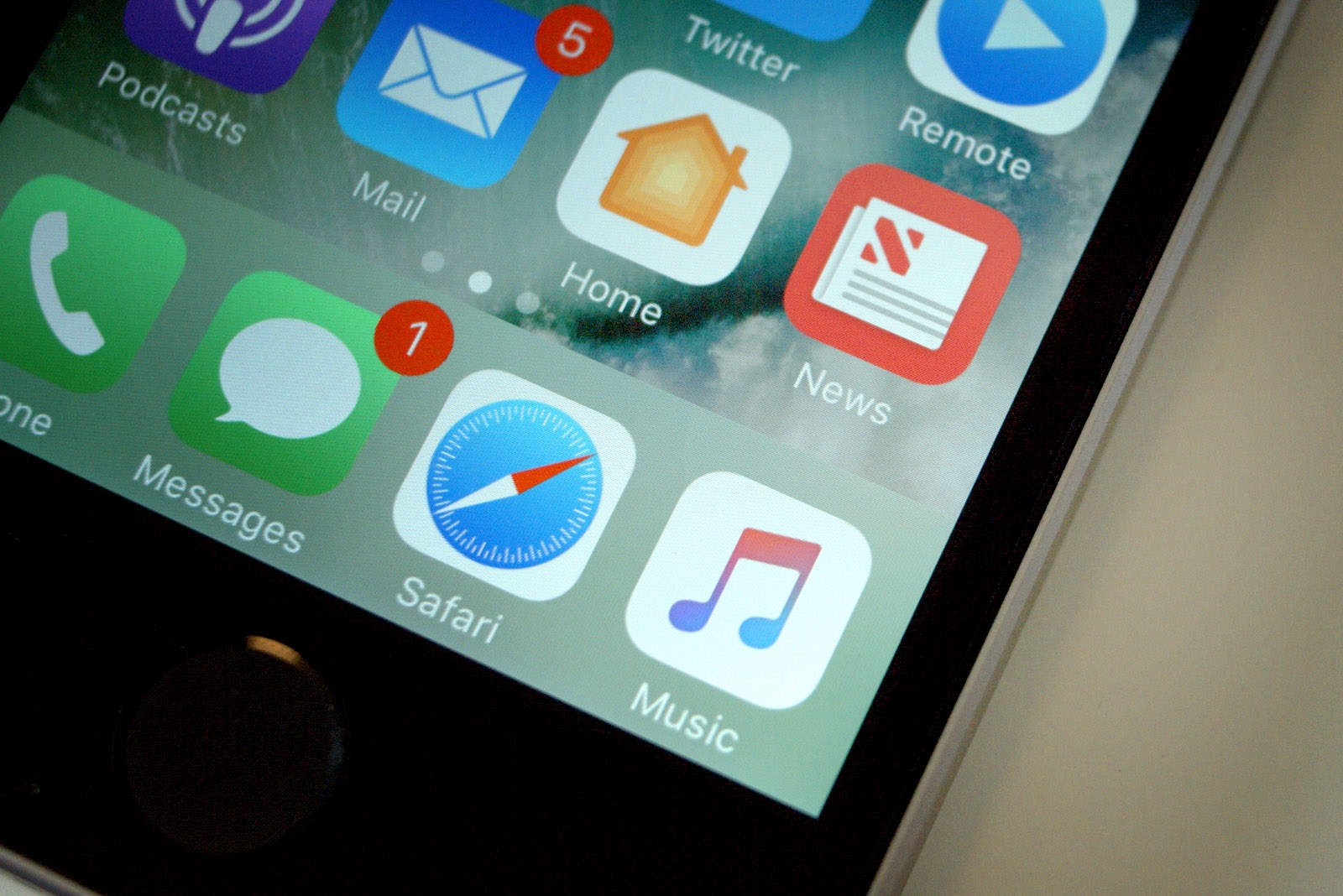
News and Music ios10
Apple News and Apple Music get much-needed redesigns in iOS 10.
Photo: Ste Smith/Cult of Mac

iOS 10 brings much-needed design overhauls for the Apple Music and Apple News apps.

The big iOS update, which is currently in beta but should hit iPhones and iPads this fall, brings huge changes to the Apple Music UI as well as minor improvements to navigation in the music app. To see all the changes in action, watch the Cult of Mac video below.

Week’s best Apple deals: Cheap Lightning cables, free apps and $100 off iPad mini 4

By

deals ipad mini 4, lightning cables, star wars kotor
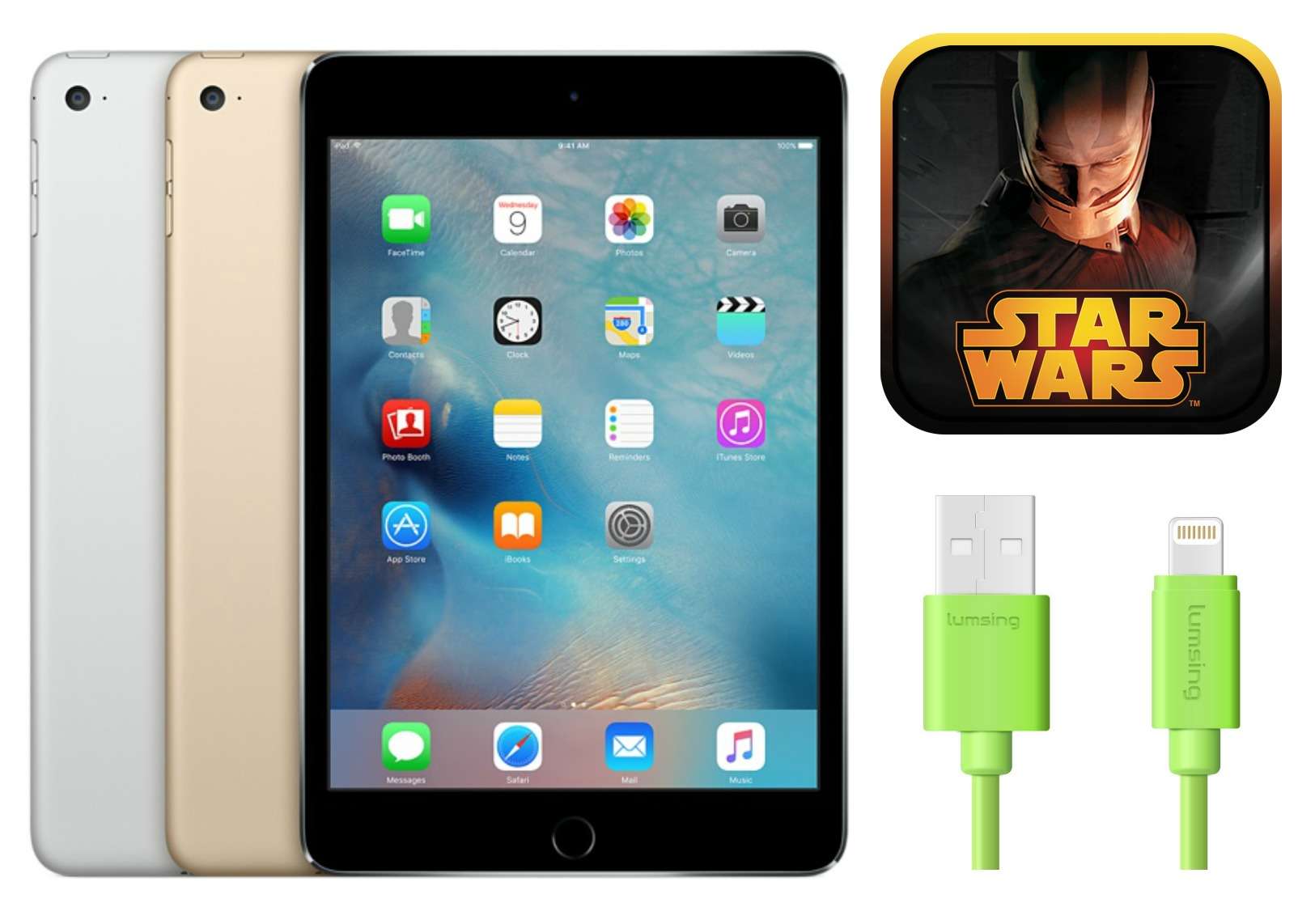
This week brings hot deals on the iPad mini 4 and more.
Photo: Photos: Apple, Aspyr Media, Lumsing

Get some third-party charging cables for cheap, or some in-demand apps for big discounts (or free). We’ll give you the lowdown on those unbeatable bargains — plus a mouthwatering $100 off the iPad mini 4 — in this week’s roundup of the best Apple deals.

What’s on my iPhone SE? Take a look

By

What's on Ste's iPhone
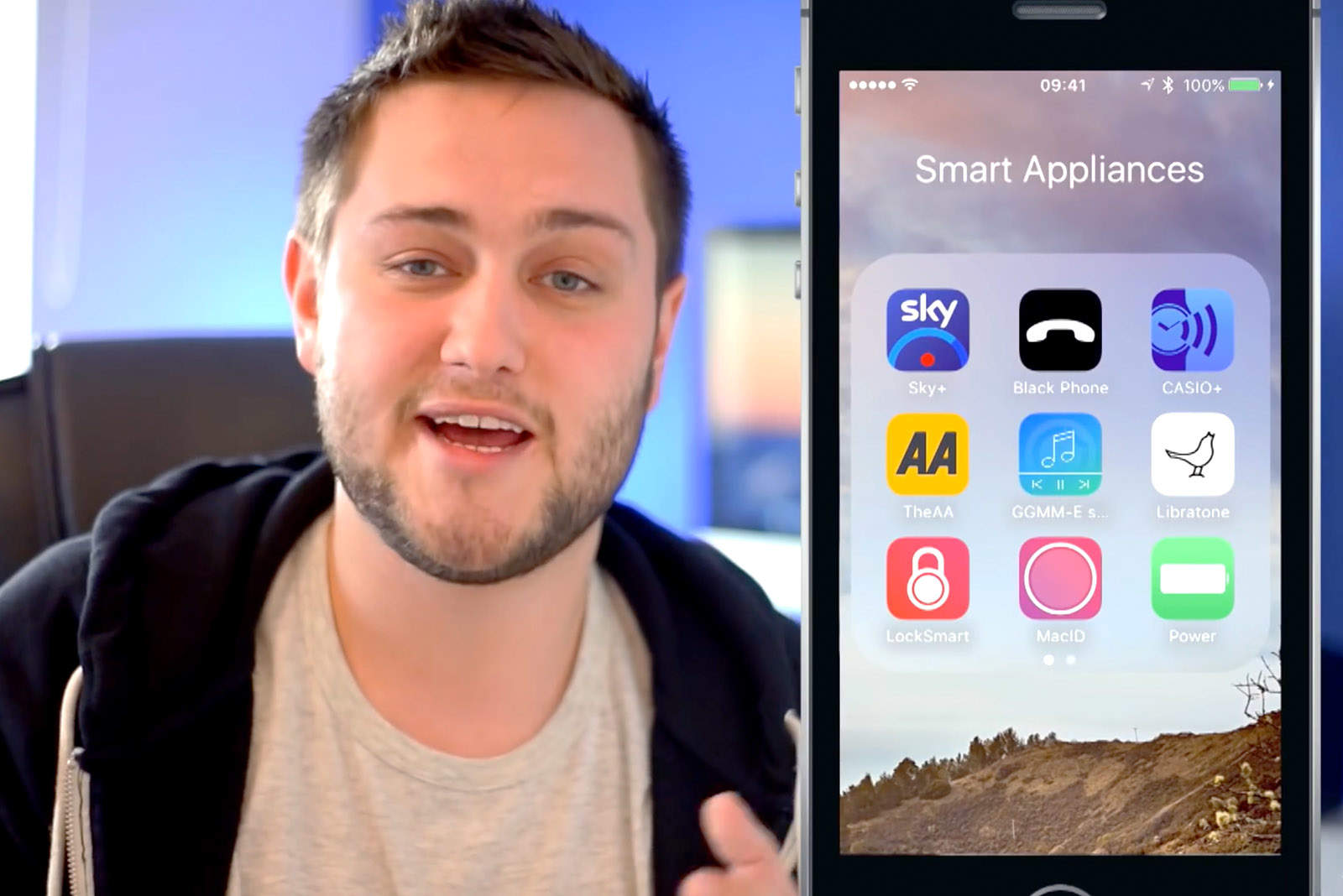
Feeling nosey? Take a tour around my iPhone.
Photo: Ste Smith / Cult of Mac

The iPhone is one of the most personal devices around, with so many apps out there that there’s near limitless scope for customizing the device with whatever tools we need to make it fit our requirements.

With that in mind, here are the apps that I’m currently running on my iPhone SE. Looking for some tips on what to download for Apple’s latest smartphone? Interested in a tour to see what your favorite Liverpudlian Cult of Mac team member has on his handset?

Whatever your reasons, check out my latest video below.

The Jot 8.5 eWriter brings notepads into the digital age [Reviews]

By

boogie-board-jot-8-5 - 4
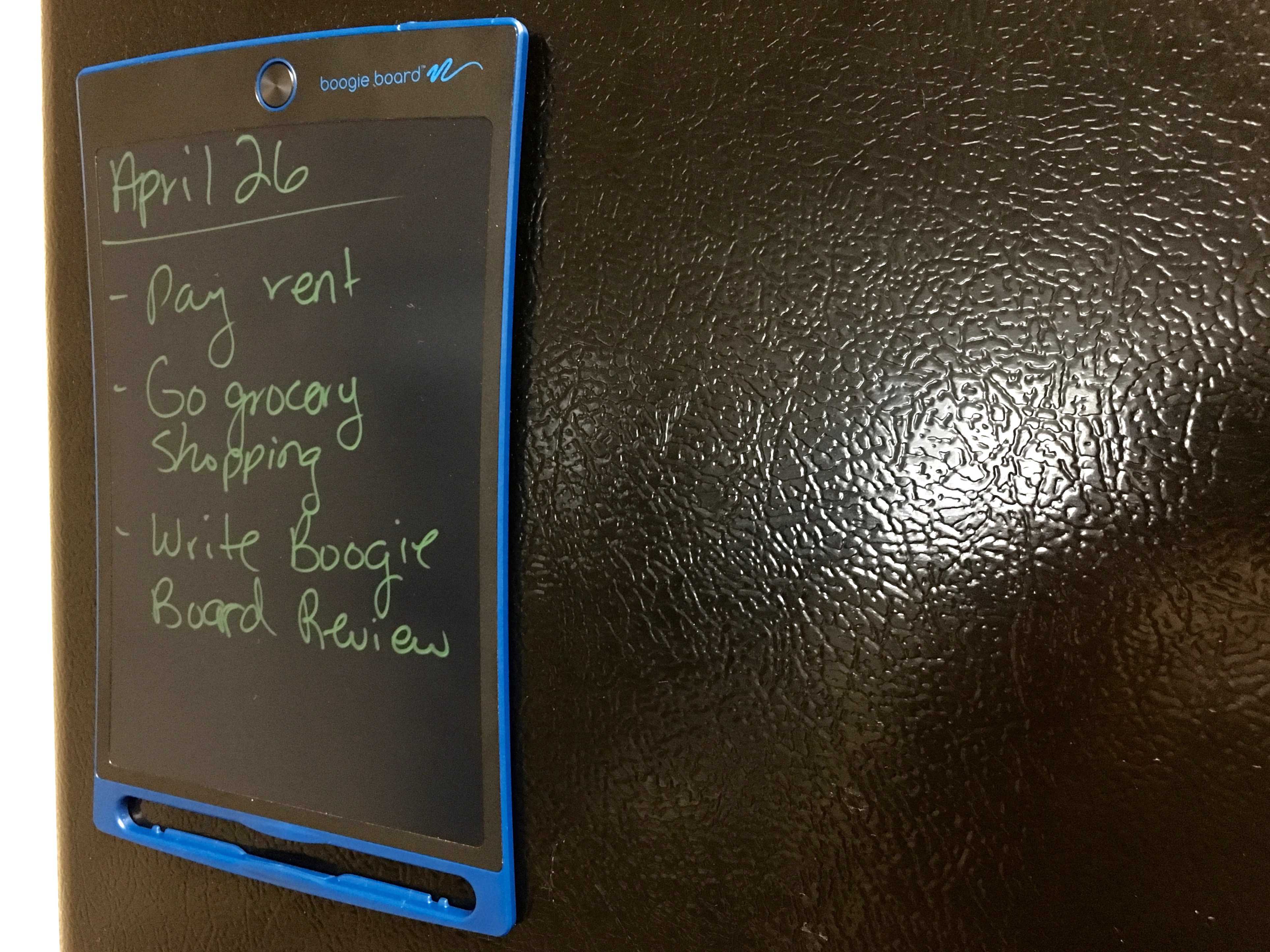
Still better than a "smart" refrigerator.
Photo: George Tinari/Cult of Mac

Nowadays it seems like we’re ready to replace just about every standalone device with a smartphone app or add a Wi-Fi connection to it, when the reality is that plenty of these devices work perfectly fine already. (I’m looking at you, Wi-Fi-enabled refrigerators.) So it was refreshing to be able to review a product that’s confident in what it is and what it isn’t: the Boogie Board Jot 8.5 eWriter.

The Jot 8.5 is an ultra-thin display that lets you write or draw whatever you want on it, then instantly erase all the contents at the push of a button. Think of it as a practical Etch-A-Sketch that doesn’t suck.

One contact app to collect them all

By

1sync_promo (1)
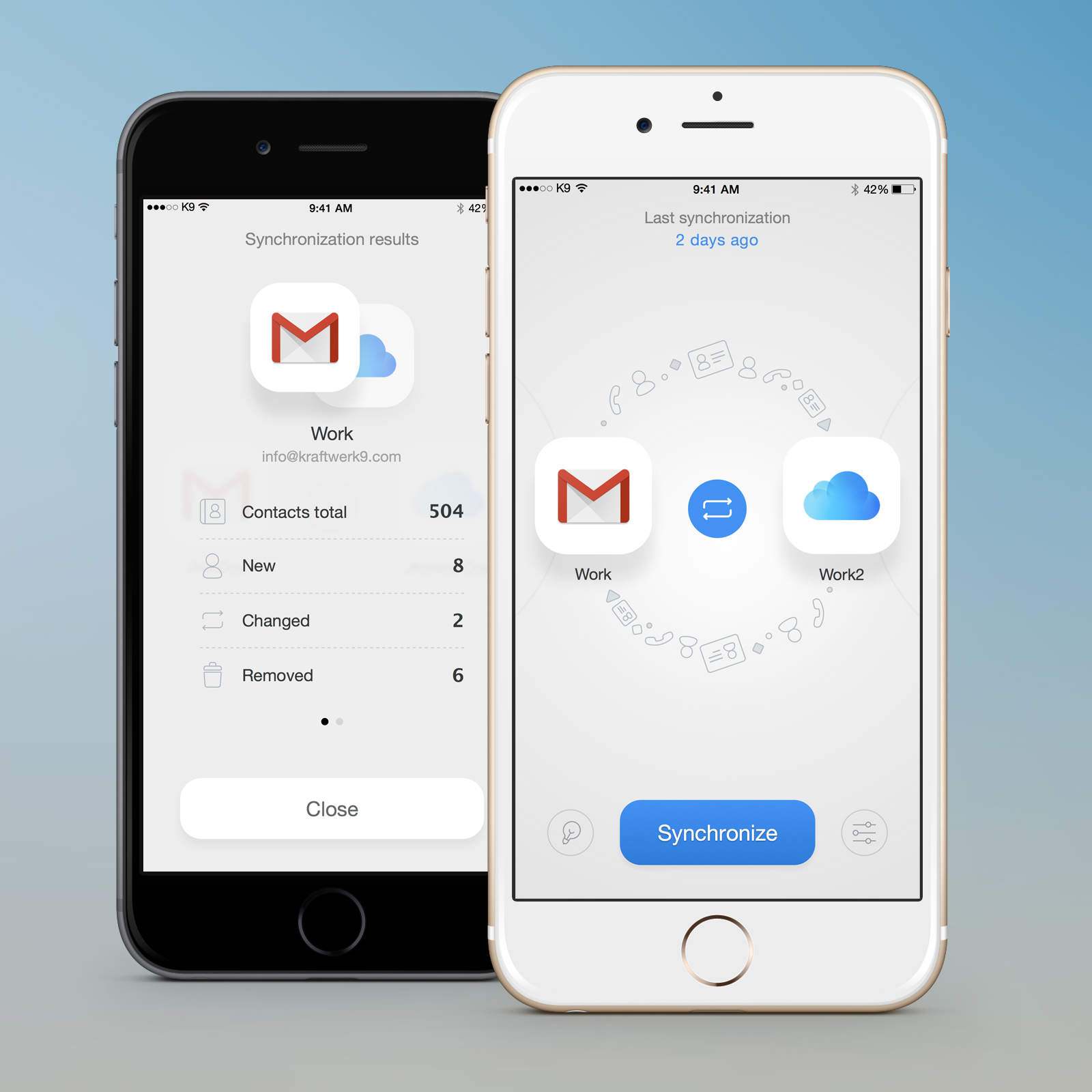
1Sync takes the hassle out of managing all your contacts.
Photo: Kraftwerk9

This post is brought to you by Kraftwerk9, maker of 1Sync.

For all the fancy features on our phones, somehow keeping our many streams of contacts organized remains a tedious hassle. When you meet someone on Facebook, get a phone number, connect via Gmail, or get in touch through any of the other myriad forms of communication we use daily, you create a new contact in an isolated contact category.

How to get ripped with Apple Watch weightlifting apps

By

Gymaholic plugs the gaps in Apple Watch's fitness offering

Fitness is not just about walking, running and cycling, despite what your Apple Watch may have you believe. Strength training is also important. Without it, your fitness routine is like a one-hand clap. Whether you are aiming for a ripped beach body or just to improve your overall health, you need to lift some weights.

Apple Watch and iPhone do not offer built-in support for strength training, but the good news is there are plenty of third-party apps that can plug the gap. Apple Watch weightlifting apps can help in three ways: by telling you what to do; showing you how to do it; and keeping a log of what you’ve done.

How to make your own hilarious memes with Aviary

By

We hope your memes are even funnier.
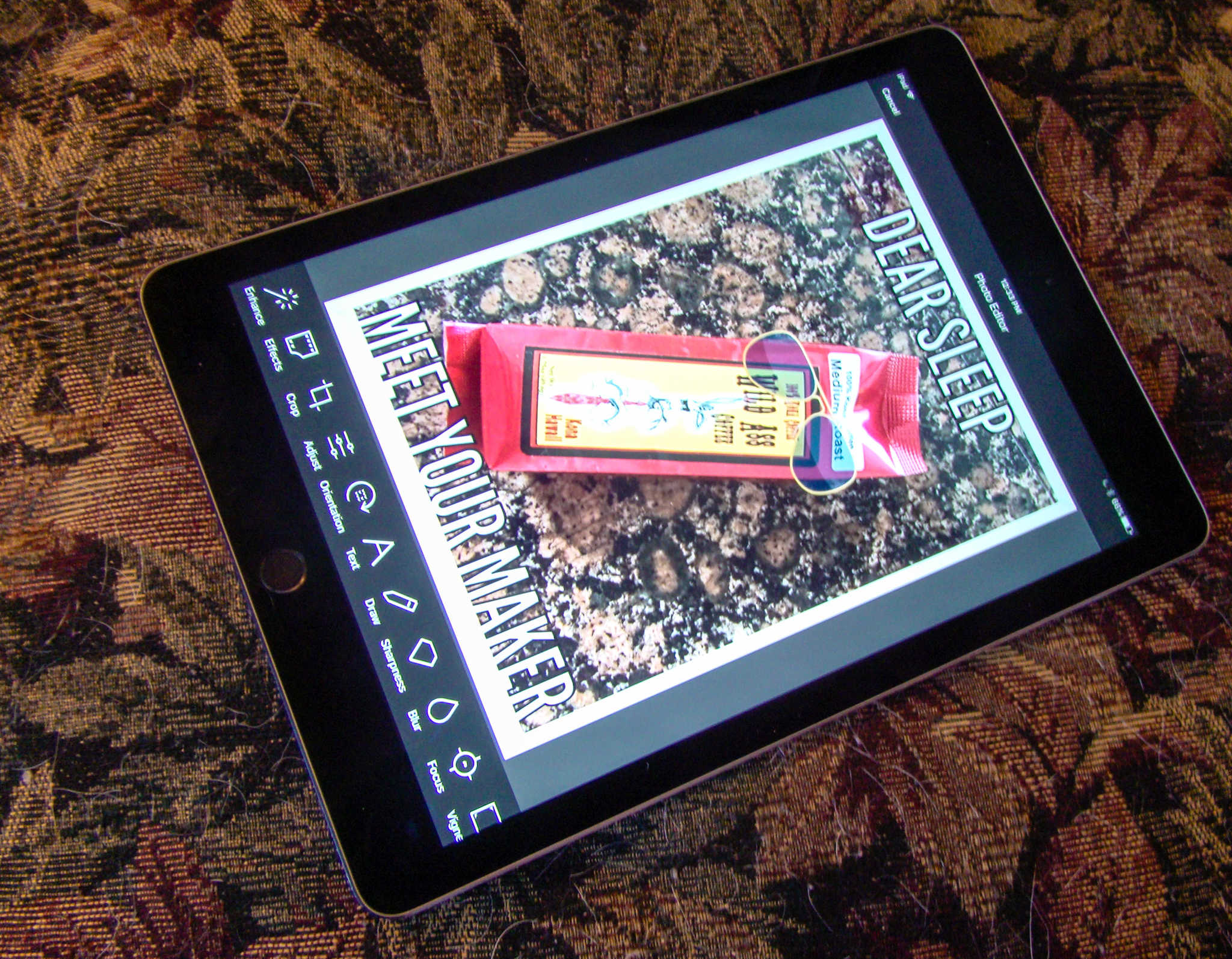
Photo-editing app Aviary is a meme-making machine.
Photo: Rob LeFebvre/Cult of Mac

Have you ever wanted to make your own memes? You know, the funny pictures with the bold text on the top and bottom that all the kids are going crazy for these days?

With Photo Editor by Aviary, you can do just that, plus add stickers, frames, and even do some pretty great photo editing right in the same app.

Here’s how to make your own hilarious memes with Aviary (though we don’t guarantee your memes will actually be funny — that’s up to you).

How to unlock your Mac with an iPhone or Apple Watch

By

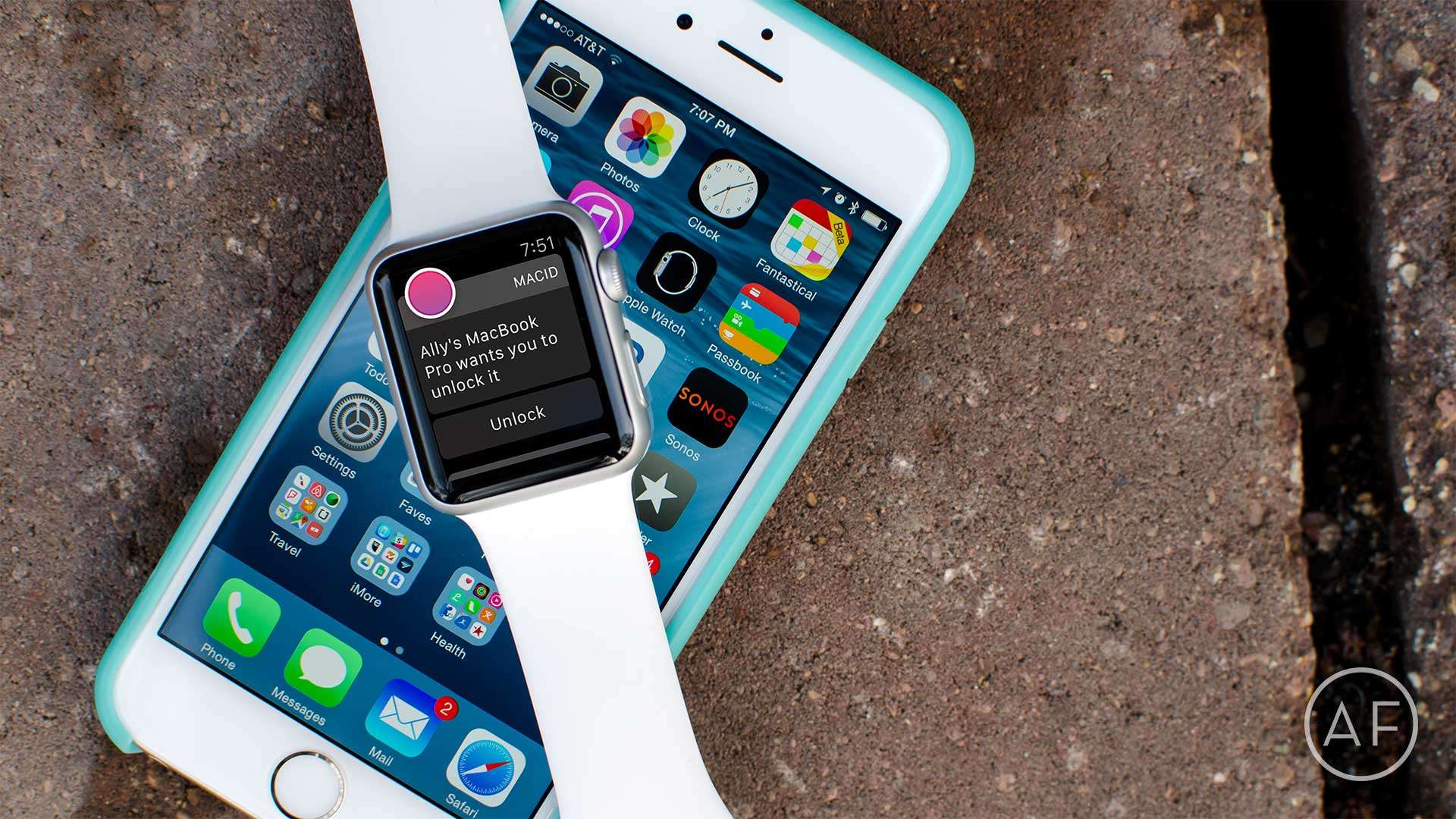
Tired of dealing with login passwords on your Mac? Skip them altogether with MacID!
Photo: Ally Kazmucha/The App Factor

app-factor-logo-thumbnail There aren’t a lot of apps I use regularly on my Apple Watch. The ones that I do use regularly consist of utilities that make my life easier, or apps that help me track things, like water intake or how many tasks I have left for the day. One of my favorite utilities is MacID, which offers even faster access to my Mac with my Apple Watch (or my iPhone).

iOS 9.3.1 brings fix for iPhone-crashing web links

By

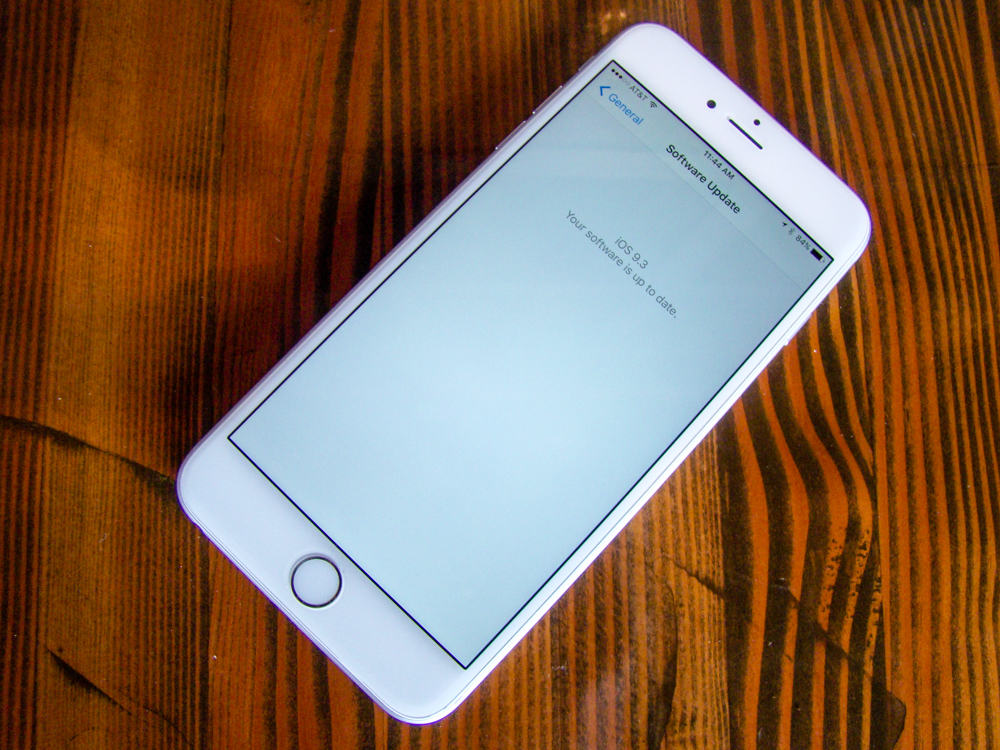
Get your iOS device up to date fast and easy.
Photo: Rob LeFebvre/Cult of Mac

iPhone users suffering from crashing woes on iOS 9.3 are finally getting some relief. Apple has released iOS 9.3.1 to the public, bringing new bug fixes and performance improvements for the iPhone, iPad and iPod Touch.

The update comes more than a week after the release of iOS 9.3, which turned hyperlinks into crash bombs for some users.

New app keeps you motivated by turning chores into one big game [Reviews]

By

motivaction - 4
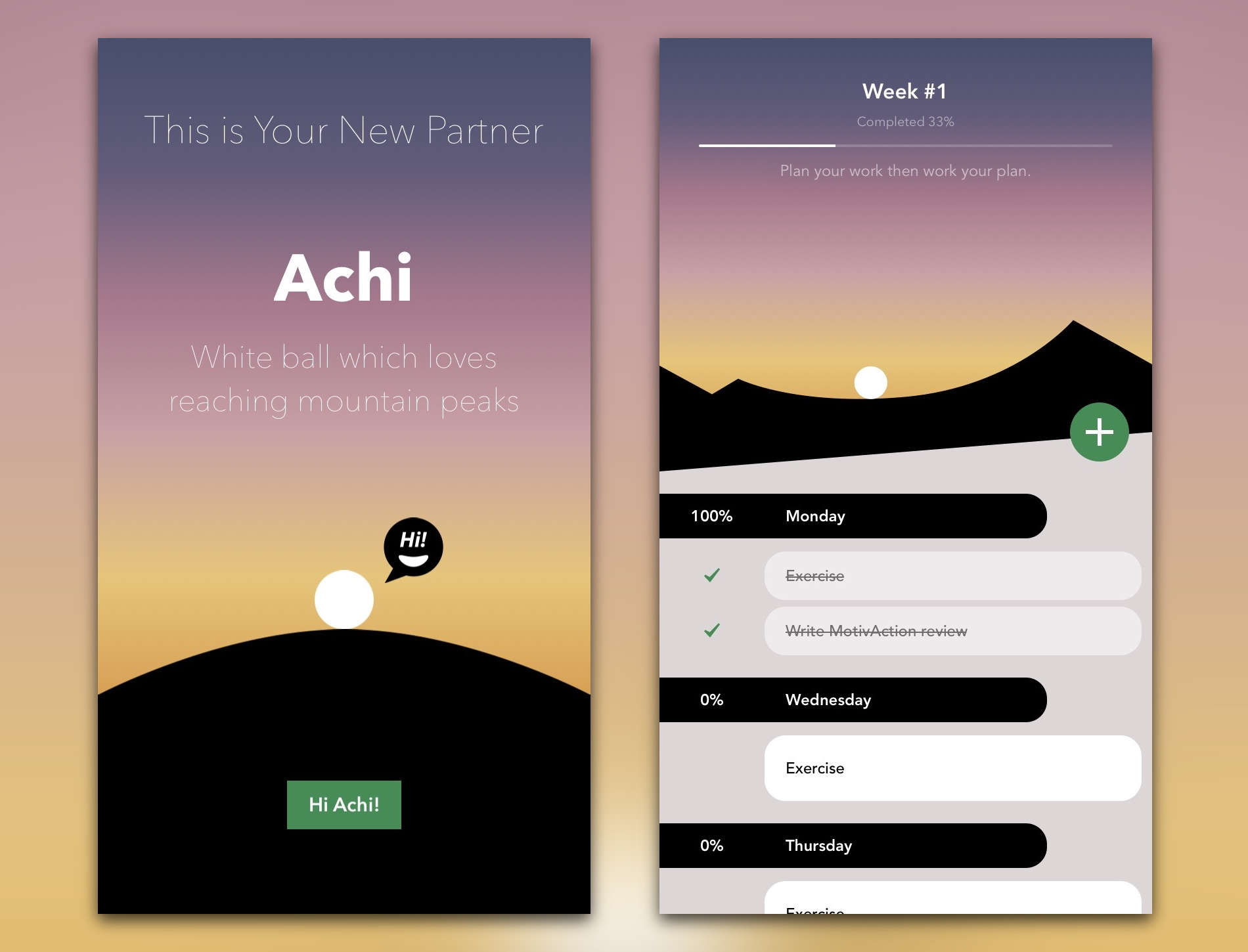
Achi really likes when I'm productive.
Photo: MotivAction

Sometimes no matter how hard I try, I just can’t seem to get the motivation to do anything productive. I can make to-do lists and download productivity apps, but if the drive to complete my tasks isn’t there, I probably won’t get much done. A new app called MotivAction recognizes the real problem of lacking motivation and offers some guidance by combining a to-do app and motivational game in one.

How to add Trello cards to Todoist automatically with IFTTT

By

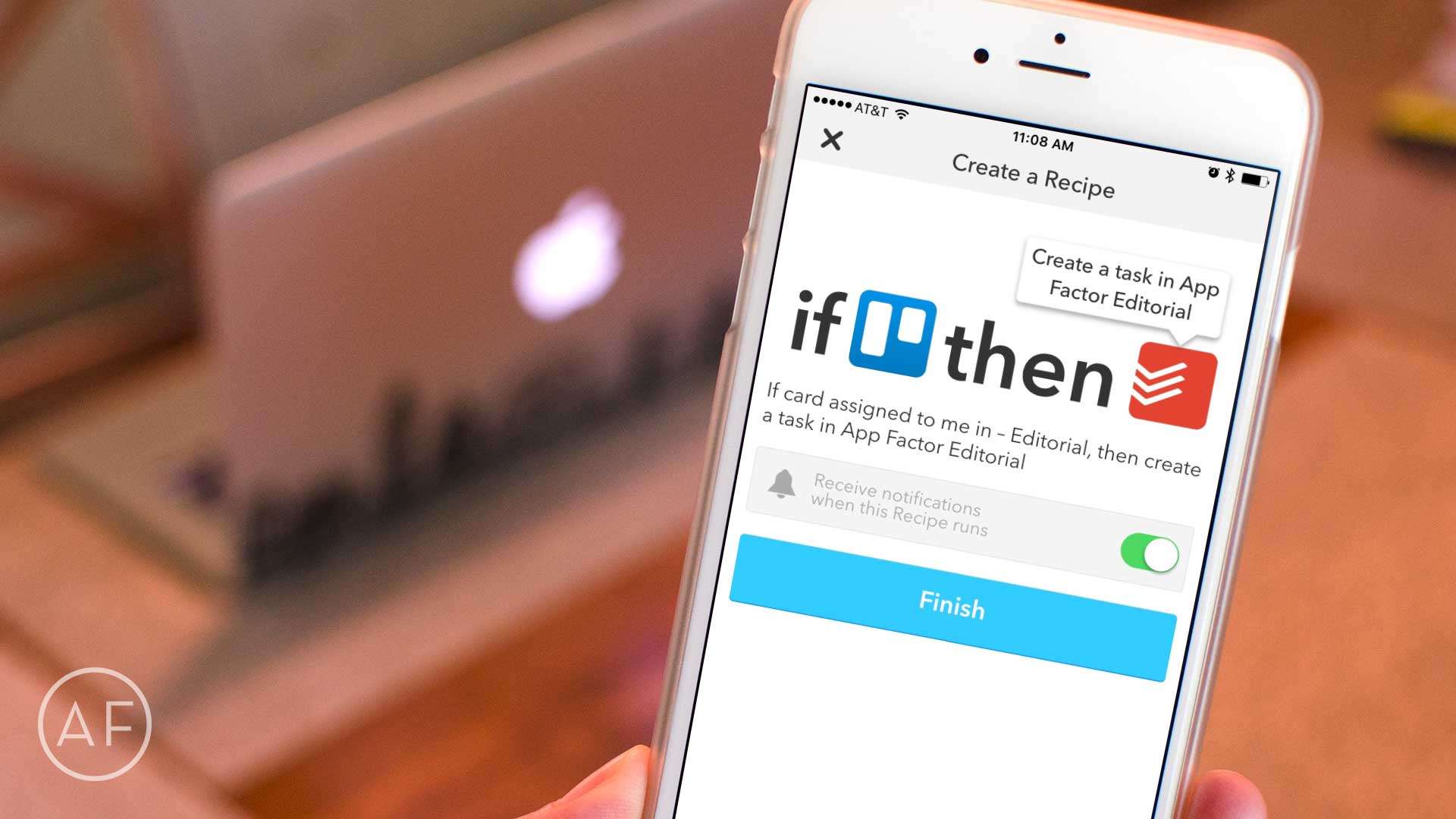
Cut a few steps out of project planning by letting IFTTT do the heavy lifting between Todoist and Trello!
Photo: Ally Kazmucha/The App Factor

app-factor-logo-thumbnailAs you may have noticed over the last month or so, I’ve had a little bit of a fascination with workflow automation and iOS. While some of it is the aftermath of trying to go iPad-only, most of it is simply because I love using iOS to make managing tasks easier whenever possible.

Videos on Instagram just got four times longer

By

Food photography
And you can throw in multiple clips, too.
Photo: Brigham Young University

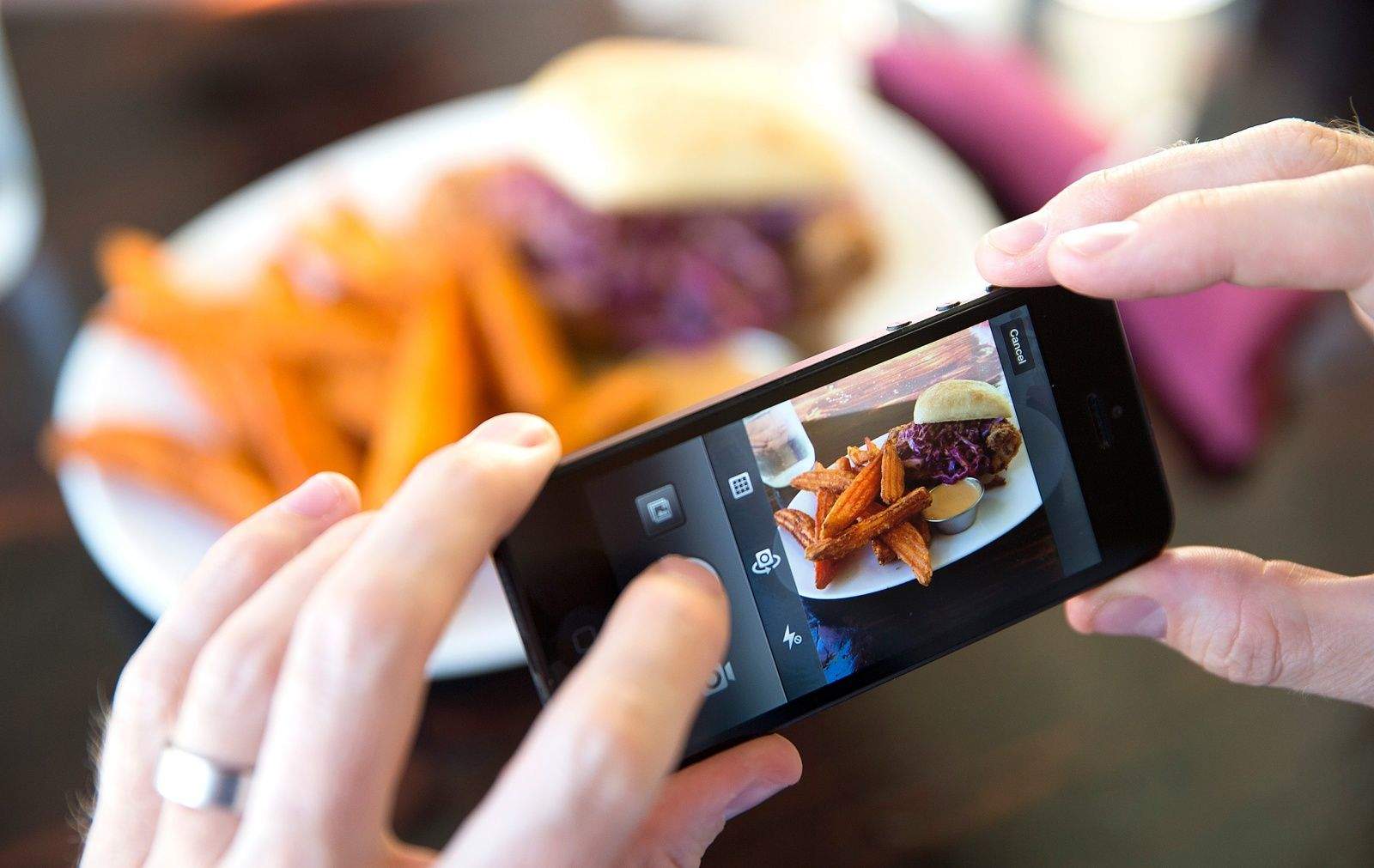
Once an app only for photos, Instagram is now greatly extending its video capabilities. Coming soon, users will be able to share videos up to 60 seconds in length. Instagram started rolling out this change today and says more improvements to video are coming in a future update.

One such improvement Instagram says will arrive sooner rather than later is the reemergence of multi-clip video on iOS. This means that you’ll be able to import multiple video clips from your Photos library and stitch them together for a single Instagram video. It might sound familiar because Instagram actually used to have this feature… before taking it away.

6 things the Mac App Store can learn from iOS

By

App Store_3
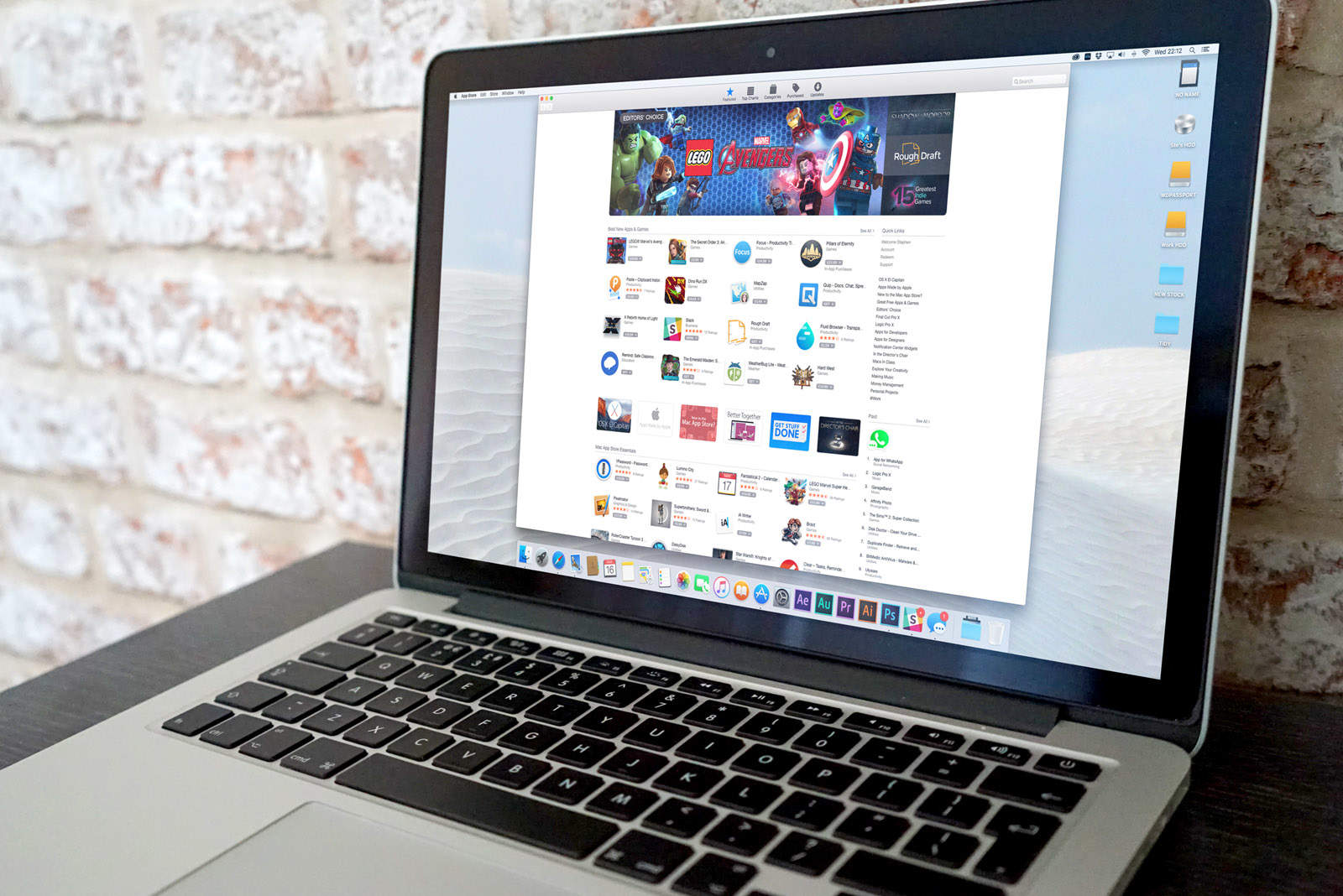
The Mac App Store could use some support.
Photo: Ste Smith/Cult of Mac

This is a guest post by Karthik Suroju, a digital marketer at CloudMagic.

The iOS App Store is a one-stop destination for everything consumers need on the iPhone and iPad. However, that’s not the case with the Mac App Store. At the beginning of January 2016, there were 1,234,267 apps for iPhones, 662,984 for iPads and a mere 27,011 for Macs.

How to view your Google Drive files faster with Launch Center Pro

By

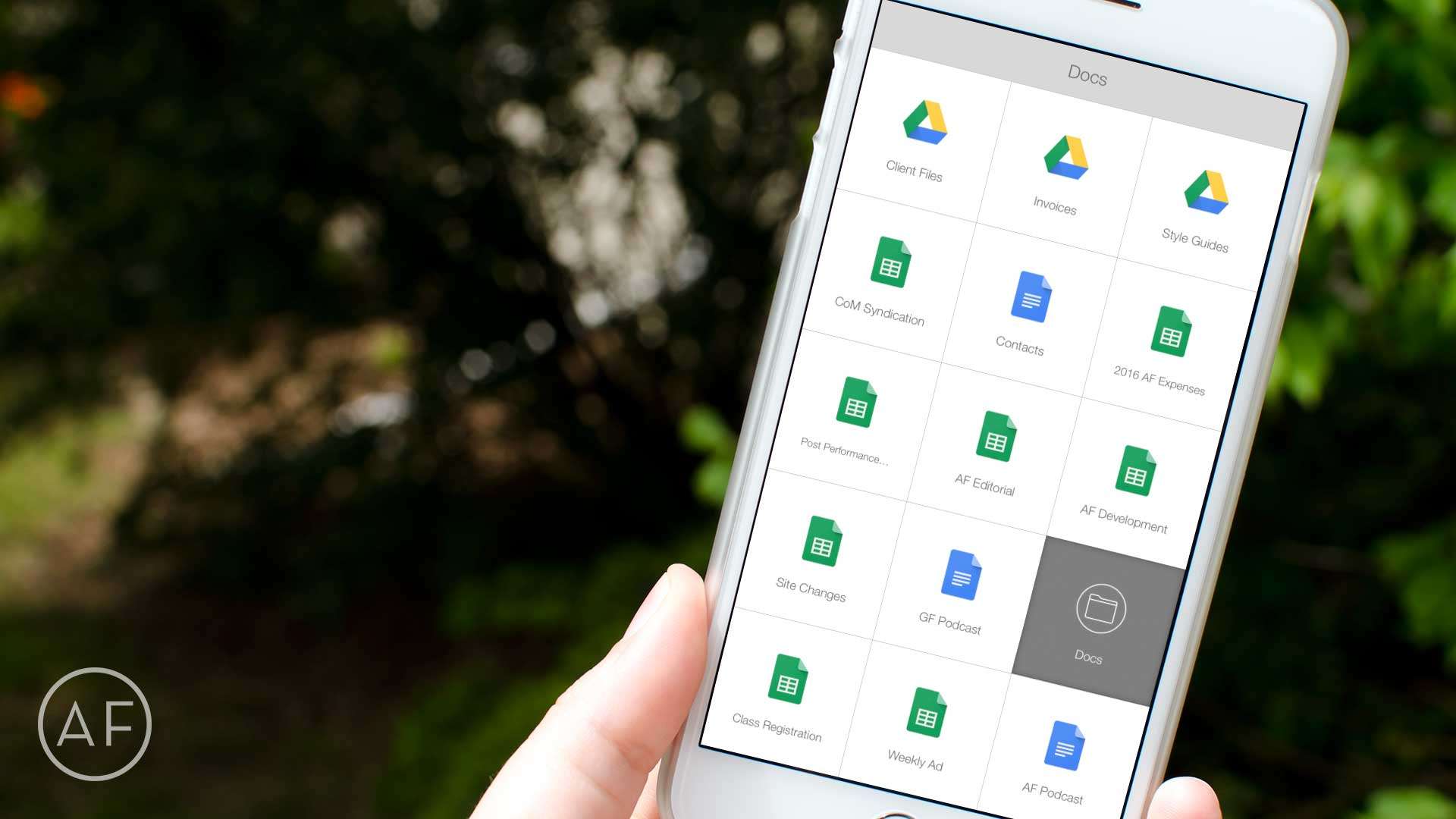
Want even faster access to your most-used Google Drive files? Let Launch Center Pro do the heavy lifting!
Photo: Ally Kazmucha/The App Factor

app-factor-logo-thumbnail Launch Center Pro has solved many workflow problems for me over the years. Most recently it’s been an immense time-saver when it comes to accessing Google Drive files I need often. While the Google Drive app itself is decent enough, it only acts as a hub to Google’s other apps, which is somewhat annoying.

That’s why I started using Launch Center Pro to speed up the process. Here’s how you can, too.

Wikipedia app update will keep you pleasantly occupied for hours

By

The latest Wikipedia mobile update brings exploration to the fore.
Photo: Rob LeFebvre/Cult of Mac

Whether you’re into a quick search for needed information or a deep dive down the rabbit hole of a massive topic of your own choosing, chances are you’ll spend a bit of time on Wikipedia.

Wikipedia’s new iOS app update today will help you with both use cases, letting you drill down to a single bit of knowledge as well as leaning back and enjoying your exploration of the online portal’s over 36 million articles.

Bluetooth LED makes iPhone camera even flashier [Reviews]

By

iblazr-wireless-bluetooth-flash - 1 (2)
This portable Bluetooth flash is perfect for those who thrive on nightlife.
Photo: George Tinari/Cult of Mac

As far as smartphone cameras have come with improved low-light shooting and intelligent LED flash, there will always be some situations in which you could use just a bit more light. This is especially true for photographers who want to make smart adjustments for their photos, or people who tend to do most of their socializing at night. So it’s worth shining a light on iblazr 2, a fantastic Bluetooth LED flash.

This successor to Concepter’s original iblazr isn’t just your ordinary wireless LED flash. It’s equipped with tons of features that let me fine-tune the way I want my photo to come out. The most important feature for me is that it works with the native camera apps on iOS and Android. In fact, according to Concepter’s website, it’s the only wireless LED flash that does.

How to sign, scan and send PDFs with an iPhone or iPad

By

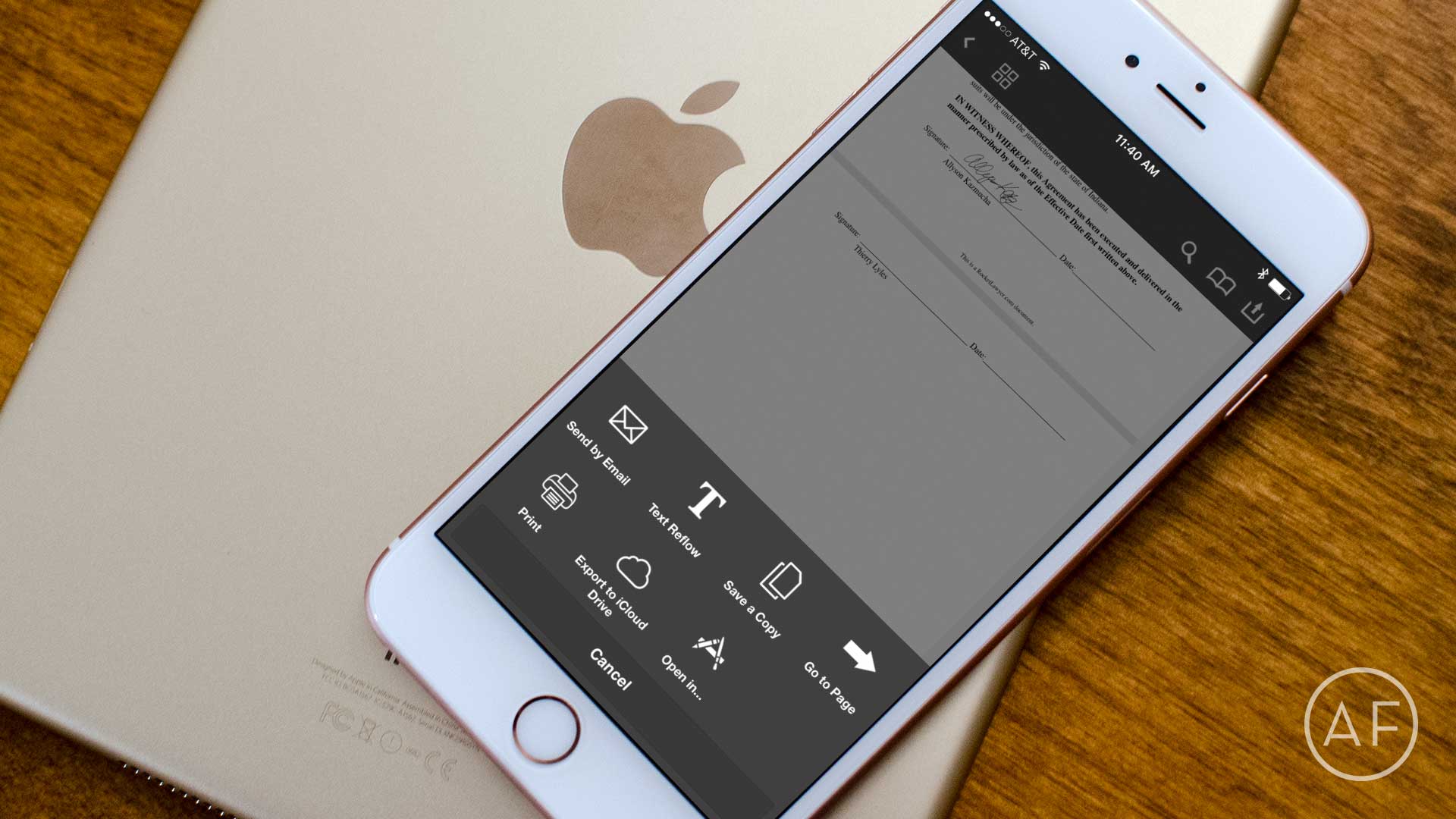
Want to go completely paperless? Here's how to better manage PDF documents on iPhone and iPad!
Photo: Ally Kazmucha/The App Factor

app-factor-logo-thumbnail PDF handling on the iPhone and iPad has vastly improved over the last year or so. Not only can you scan documents as PDFs using the camera, you can sign documents and send them off to the recipient, and even request the signature of others electronically. If you need a reliable iPhone PDF converter, you can find everything you need in this guide.

Google Maps finally lets iPhone users make pit stops

By

Google-Maps-pit-stops iOS
Get it together, U-Stop.
Photo: Google

Android owners have been able to insert detours into their Google Maps routes since October, but now the company is letting iPhone users in on the cool feature.

Starting today, Google is rolling out “pit stop” functionality to the iOS version of its navigation app. The company says it will work in the over 100 countries in which it offers driving directions.