Mobile menu toggle

GameSir

Read Cult of Mac’s latest posts on GameSir:

Upgrade iPhone gaming for cheap with GameSir X5s controller [Review] ★★★★☆

By

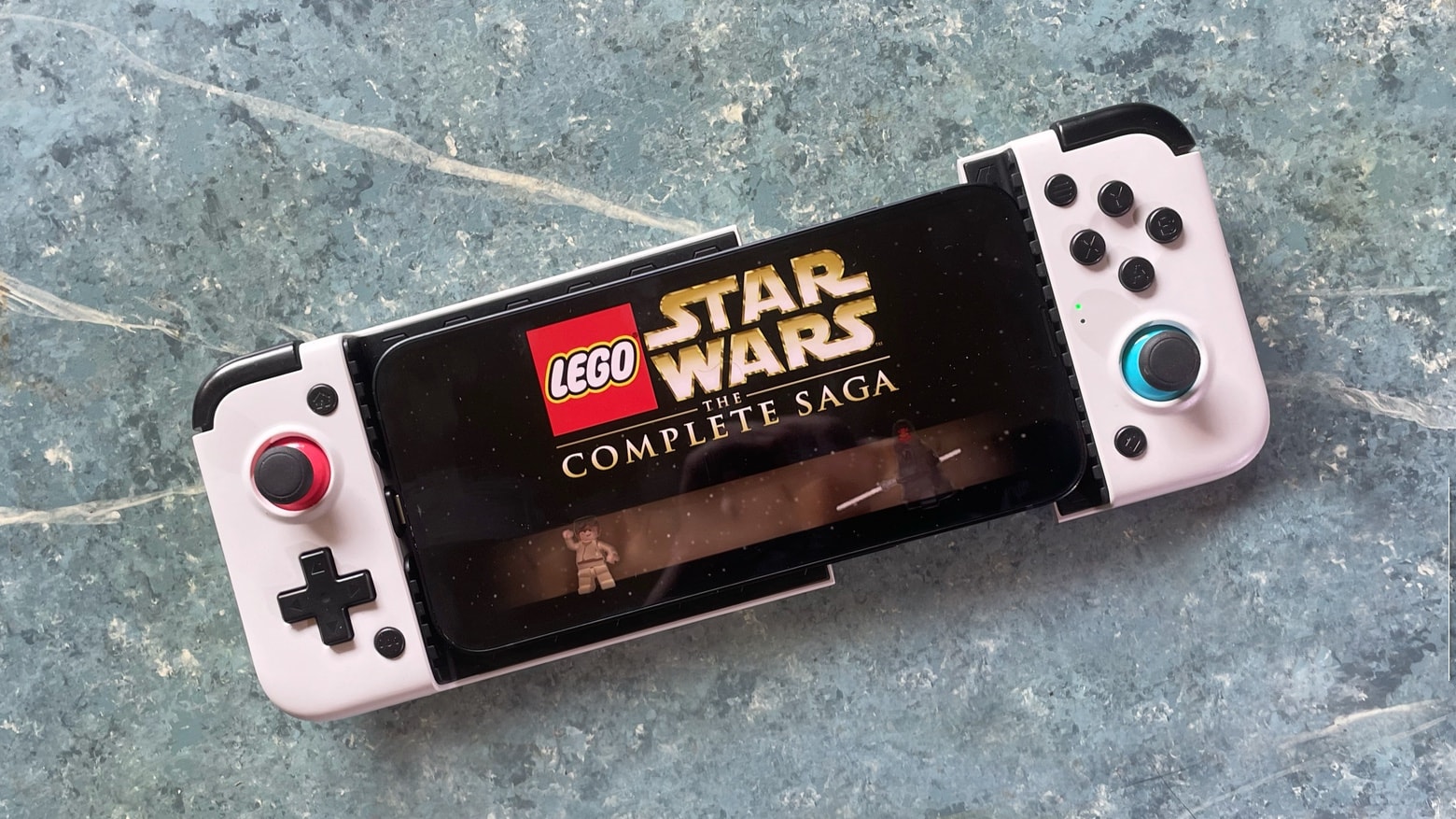
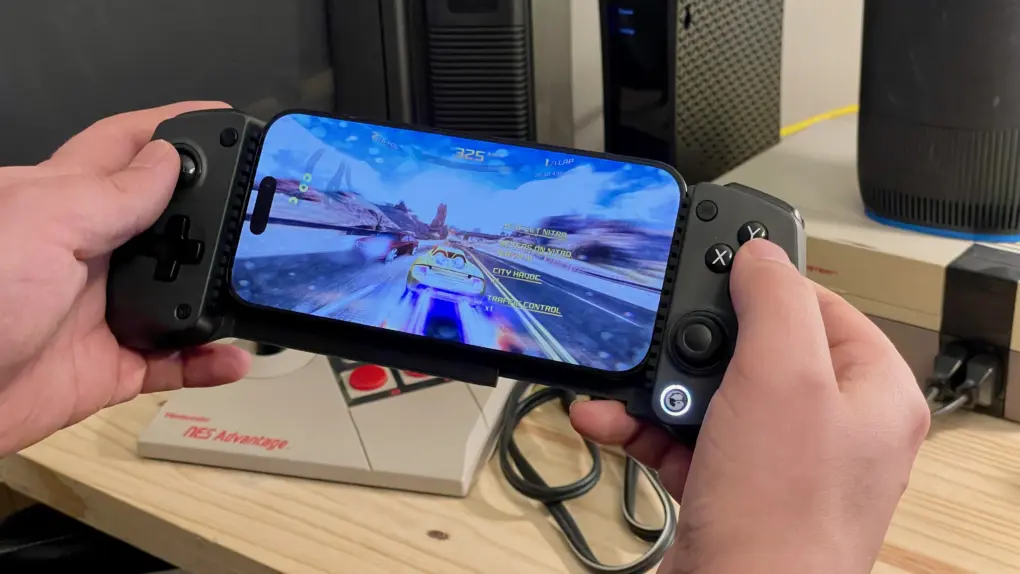
Playing Asphalt 8 on an iPhone in a GameSir X5s controller, in front of an NES★★★★☆
A better way to play games on your iPhone.
Photo: D. Griffin Jones/Cult of Mac

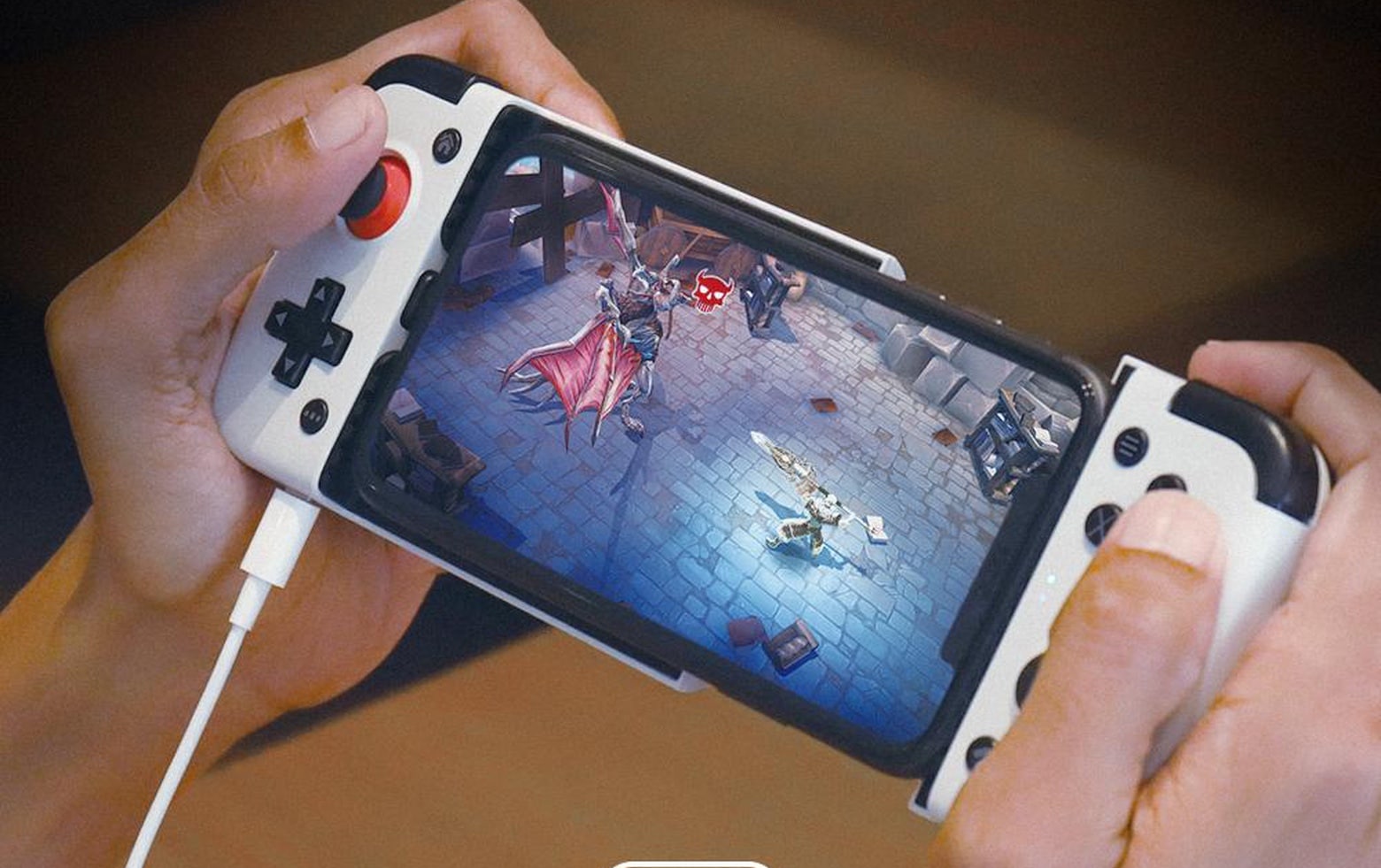
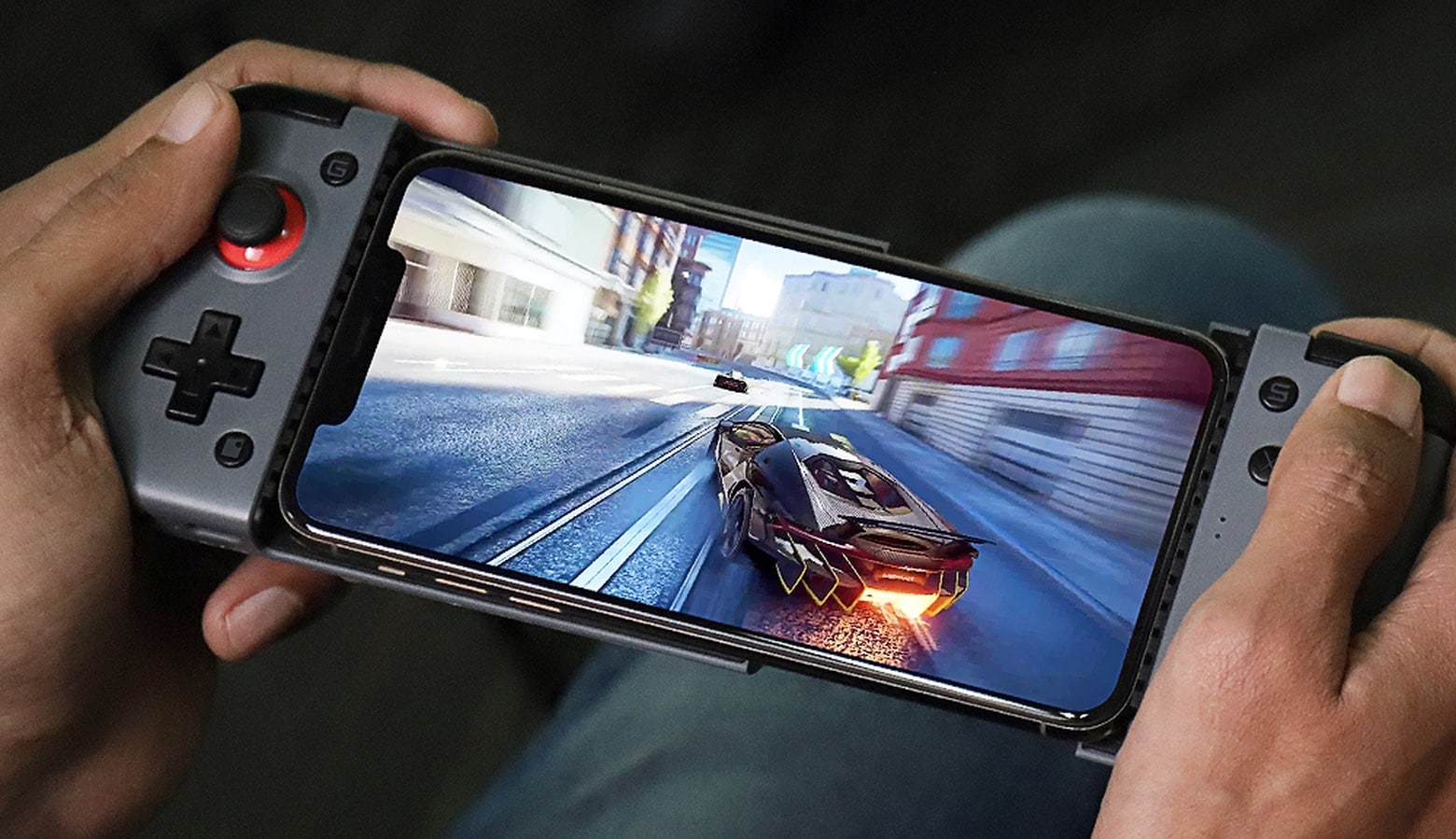
The GameSir X5s is a great and affordable way to upgrade your mobile gaming. Your phone, whichever model you have, slides right in the middle, and suddenly you have console-quality physical controls. It’s lightweight, ideal for traveling, and comes with a simple plastic travel case. 

It even works with the Nintendo Switch — its ergonomic grips are far more comfortable than the flat Joy-Cons. There’s also a matching accessory, the FX5 cooler, that adds active cooling to your iPhone. It’s great for high-performance pro gaming over long periods of time. 

All in all, the GameSir X5s is a great way to take mobile gaming to the next level, whether you’re playing full 3D games or 40-year-old ROMs in Delta

Mac gamers are about to get a great new way to play PC games

By

GameSir GameHub teaser: Mac access to Steam?
With GameSir GameHub, who needs a gaming PC?
Graphic: GameSir

GameSir is bringing its GameHub emulator to macOS, promising “your Mac is now a gaming PC.” The announcement should thrill Mac gamers, as it also promises to support for the Steam gaming platform.

If GameHub lives up to its potential, it could revolutionize Mac gaming by opening up access to large libraries of titles that are not currently playable on Apple computers.

This is the most innovative iPhone game controller in years

By

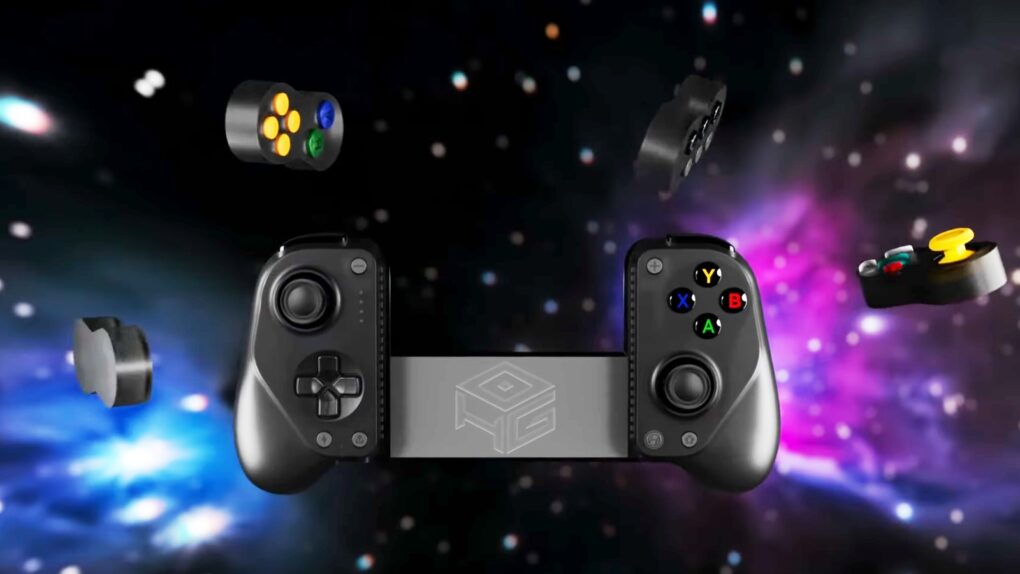
GameSir x Hyperkin X5 Alteron: the most innovative iPhone game controller in years
It took the talents of two companies to create an iPhone game controller this innovative.
Graphic: GameSir/Hyperkin

The GameSir x Hyperkin X5 Alteron is the world’s first fully modular mobile game controller. A variety of buttons and sticks in removable modules can be swapped in and out from either side. Plus, the device telescopes to fit around your iPhone, iPad or Android.

It offers innovation that stands out in the market for side-mounted controllers.

Inexpensive iPhone game controller also connects to Switch and PC

By

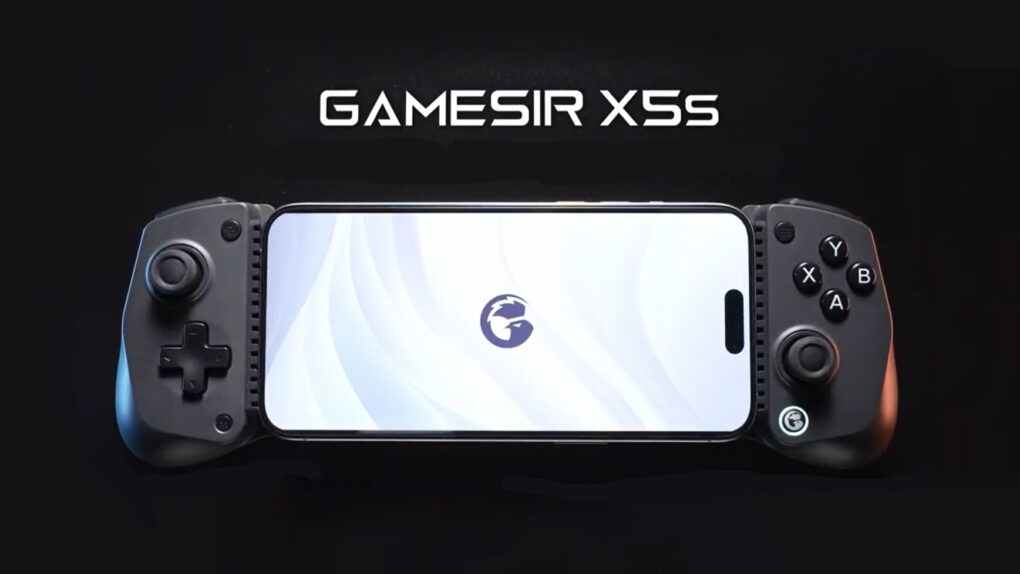
GameSir X5s Wireless Mobile Game Controller
The GameSir X5s Wireless Mobile Game Controller offers tri-mode connectivity.
Graphic: GameSir

Wrap the brand-new GameSir X5s around your iPhone to play high-end games. But that’s only the start — the controller also works with iPad, Nintendo Switch, PC and Android.

It’s lightweight with a portable design but includes Hall Effect sticks and triggers, a gyroscope and rumble motors.

Even better, the GameSir X5s costs under $50.

Your wait for an amazingly affordable iPhone game controller ends now [Review] ★★★★★

By

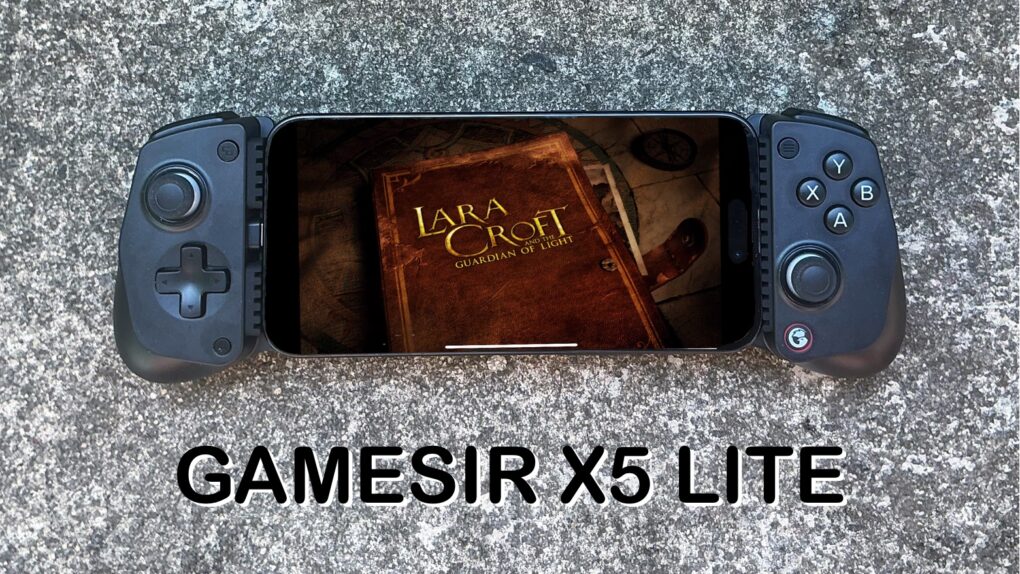
GameSir X5 Lite★★★★★
The GameSir X5 Lite is fun and a great value.
Photo: Ed Hardy/Cult of Mac

The GameSir X5 Lite is the game controller for those who’ve hoped for a truly affordable way to add physical buttons and sticks to their iPhone. It costs a fraction of the price of its chief rival.

But don’t call it cheap. The accessory includes Hall Effect sticks plus a full set of the buttons and triggers needed for cloud gaming or on-device apps.

I enjoyed my time testing the GameSir X5 Lite — read the full review to find out why.

Feature-packed mobile game controller cools your iPhone while you play

By

GameSir X3 Pro Mobile Gaming Controller
The GameSir X3 Pro includes features many mobile controllers leave out.
Photo: GameSir

The newly launched GameSir X3 Pro Mobile Gaming Controller packs Hall Effect sticks, dual rumble motors, micro switch triggers and detachable grips. And its USB-C connector and telescoping design means it fits a range of iPhone and Android models.

A stand-out feature is a cooling plate designed to prevent the handset from overheating while playing very demanding games.

This is the USB-C game controller your iPhone 15 needs [Review] ★★★★

By

GameSir G8 Galileo review★★★★
GameSir G8 Galileo makes iPhone gaming more fun.
Photo: Ed Hardy/Cult of Mac

Wrap your iPhone 15 in the GameSir G8 Galileo and you have the physical buttons, triggers and sticks needed for high-end gaming. And it has a USB-C port so it works with Apple’s latest handsets. Plus the game controller includes swappable sticks, pass-through charging, a headphone jack and more.

I tested GameSir G8 Galileo with my iPhone 15. I had a heck of a good time.

Turn your iPhone into a Switch with GameSir X2 Lightning controller [Review]

By

GameSir X2 Lightning Mobile Gaming Controller review
Slide your iPhone into the GameSir X2 Lightning Mobile Gaming Controller and you’re ready to play.
Photo: Ed Hardy/Cult of Mac

If you’ve ever wished you could merge your iPhone and Nintendo Switch, I have great news. The GameSir X2 Lightning wraps around your handset and adds physical buttons and joysticks in a design reminiscent of the Switch Lite. And it includes a Lightning connector so it plugs directly into your iPhone.

I spent many hours playing games with this accessory — probably more than were necessary for testing. Here’s why I love it.

Make your iPhone more fun with GameSir X2 side-by-side game controller with Lightning

By

Make your iPhone more fun with GameSir X2 side-by-side game controller with Lightning
The GameSir X2 Lightning wraps a game controller around your iPhone.
Photo: GameSir

On-screen game controls can be hard to use, but the GameSir X2 Lightning Mobile Gaming Controller adds physical buttons and joysticks to your iPhone. This newly-launched version includes a Lightning connector, making Bluetooth unnecessary.

In a related development, the GameSir F7 Claw Tablet Game Controller for larger devices is now available on Amazon.

GameSir G4 Pro is the cross-platform game controller you’re looking for [Review]

By

GameSir G4 Pro review
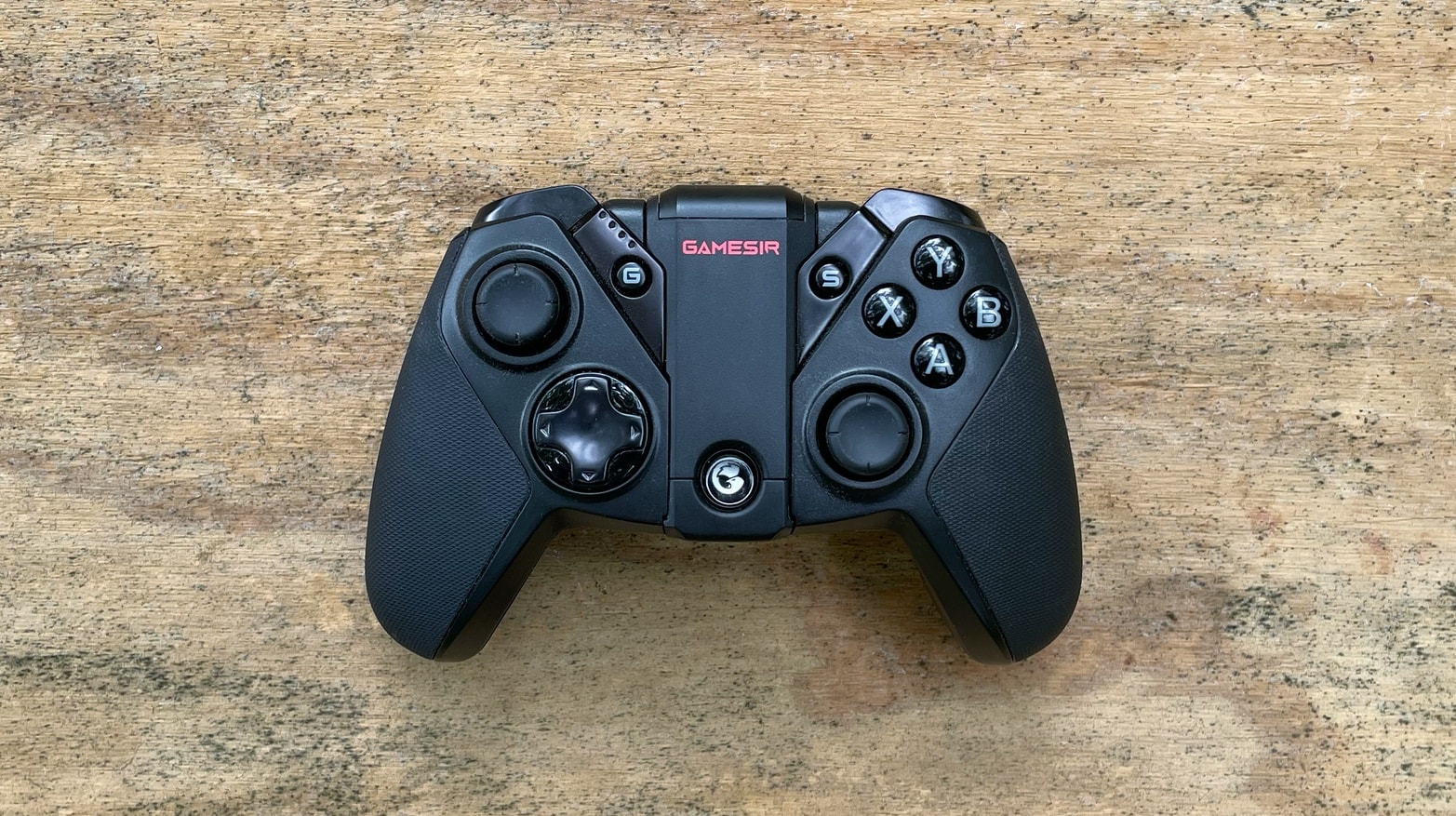
GameSir G4 Pro game controller can be used with iPhone and Android devices. And iPad and PC too. Plus Nintendo Switch.
Photo: Ed Hardy/Cult of Mac

The GameSir G4 Pro is a wireless game controller that works with iPhone and iPad but also PC, Android and Switch. It resembles a wireless Xbox controller but with a flip-out mount for holding an iPhone.

I did quite a bit of gaming with the G4 Pro. Here’s how it stood up.

Add game to your iPhone with GameSir X2 side-by-side game controller

By

GameSir X2 Bluetooth Mobile Gaming Controller works with iPhone and Android
The GameSir X2 Bluetooth Mobile Gaming Controller is compatible with Apple Arcade and cloud-gaming services.
Photo: GameSir

Clip the GameSir X2 Bluetooth Mobile Gaming Controller to an iPhone or Android to add physical controls to the handset. It uses a split design that puts the buttons and joysticks on either side of the screen.

GameSir also launched the F7 Claw Tablet Game Controller for larger devices.