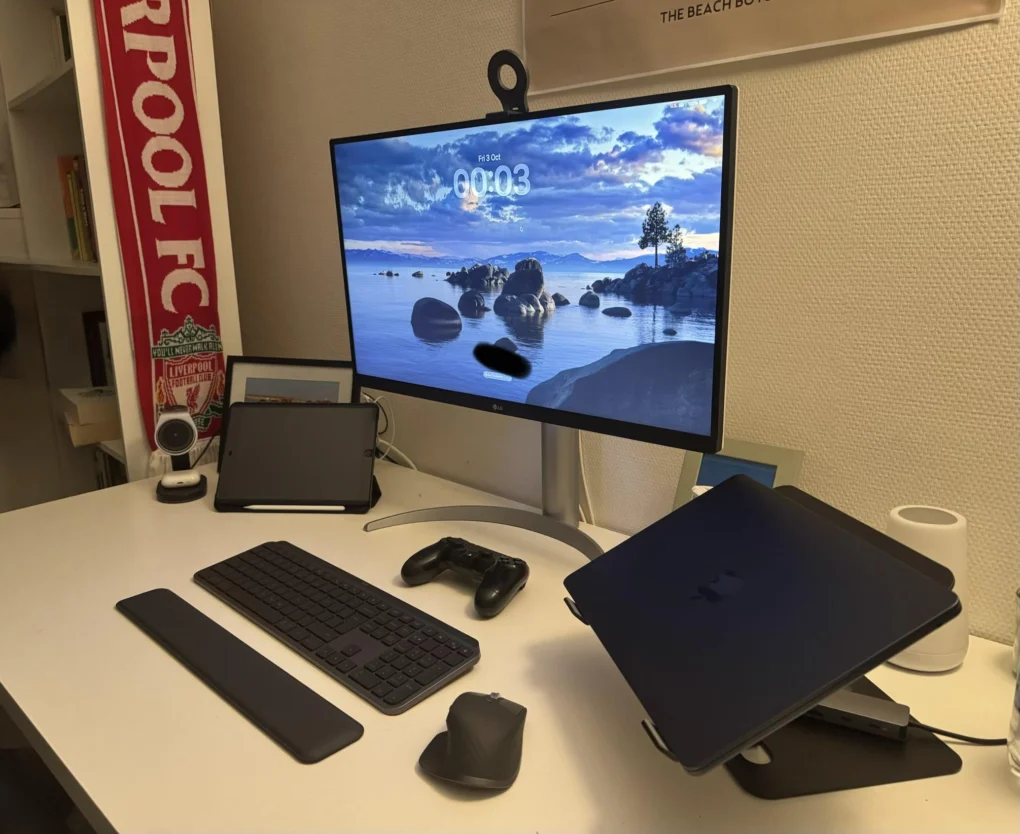
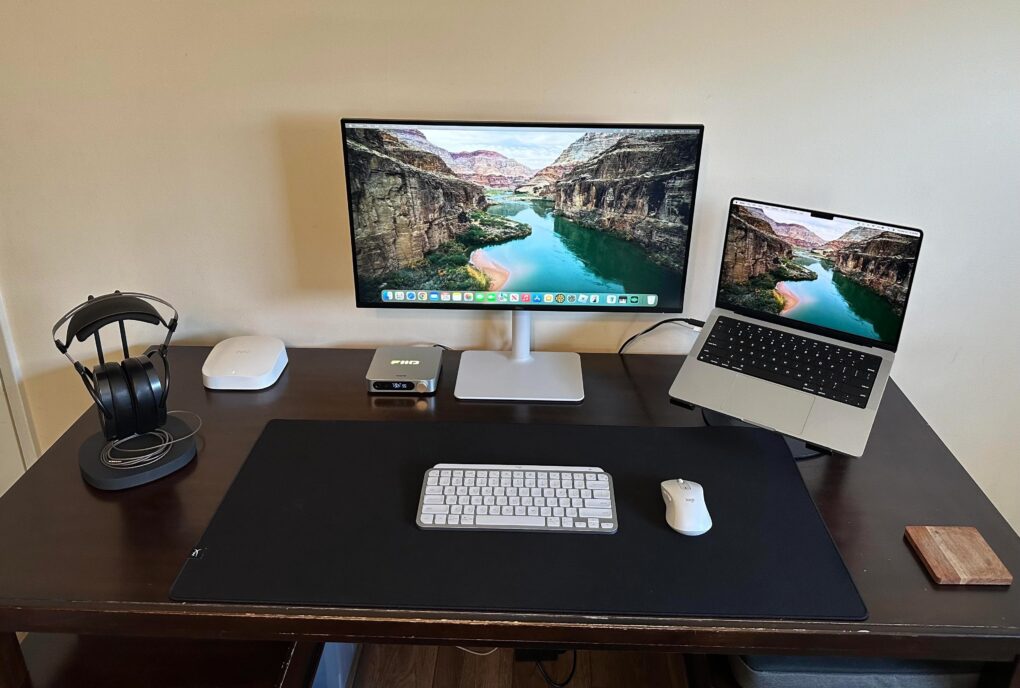
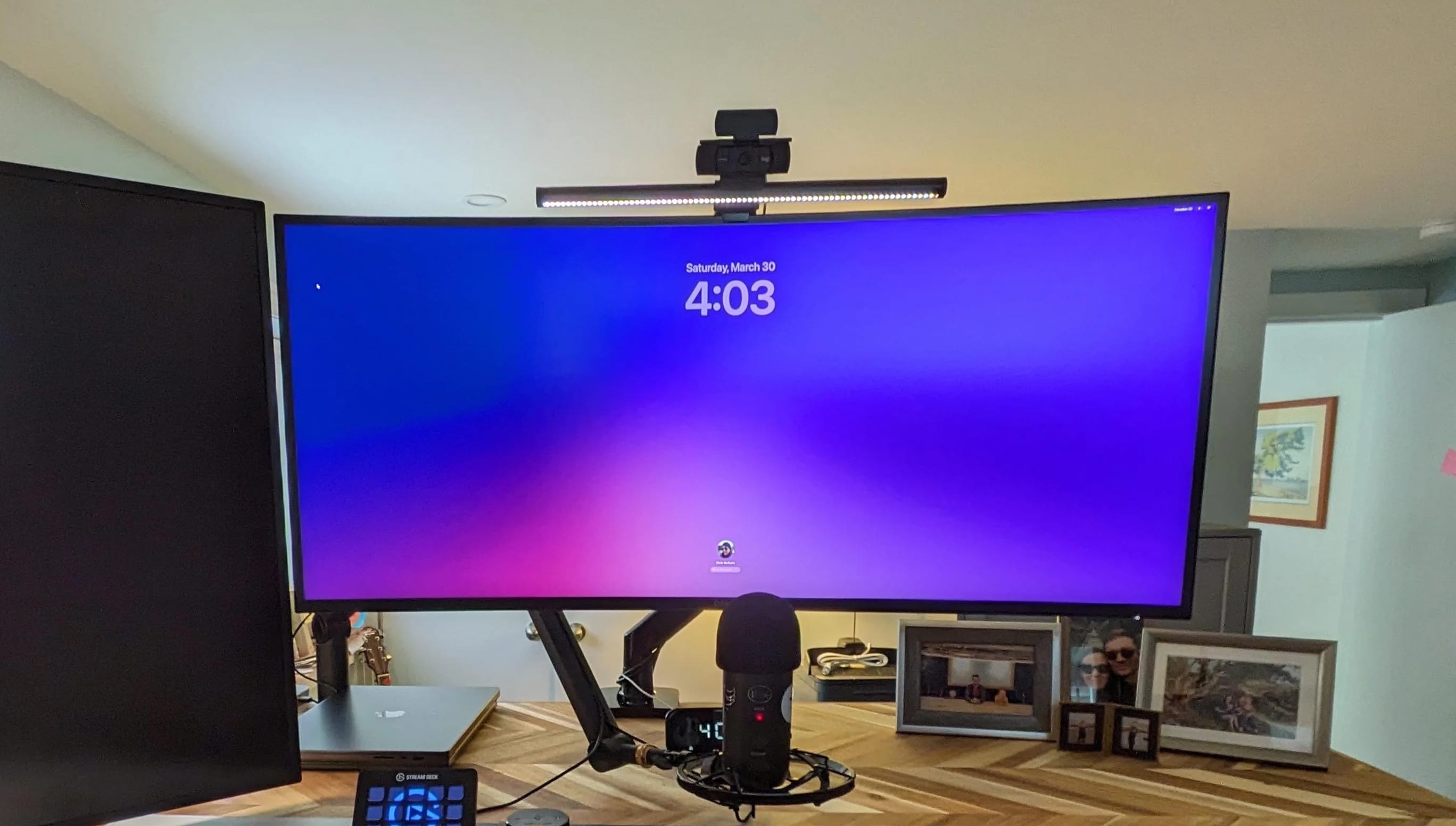
The newly minted "Apple fanboy" jokingly referred to the Apple ecosystem as a huge trap. Photo: [email protected]
Ready to convert to Mac? I came across one user who scored a nice student deal on a MacBook Air, and soon found themself upgrading their whole outdated PC setup as a complete, highly functional and reasonably affordable Apple-ecosystem rig.
“I’m so so cooked … the Apple ecosystem is a huge trap!” they joked. “Don’t let one device get into your house.”
★★★★☆
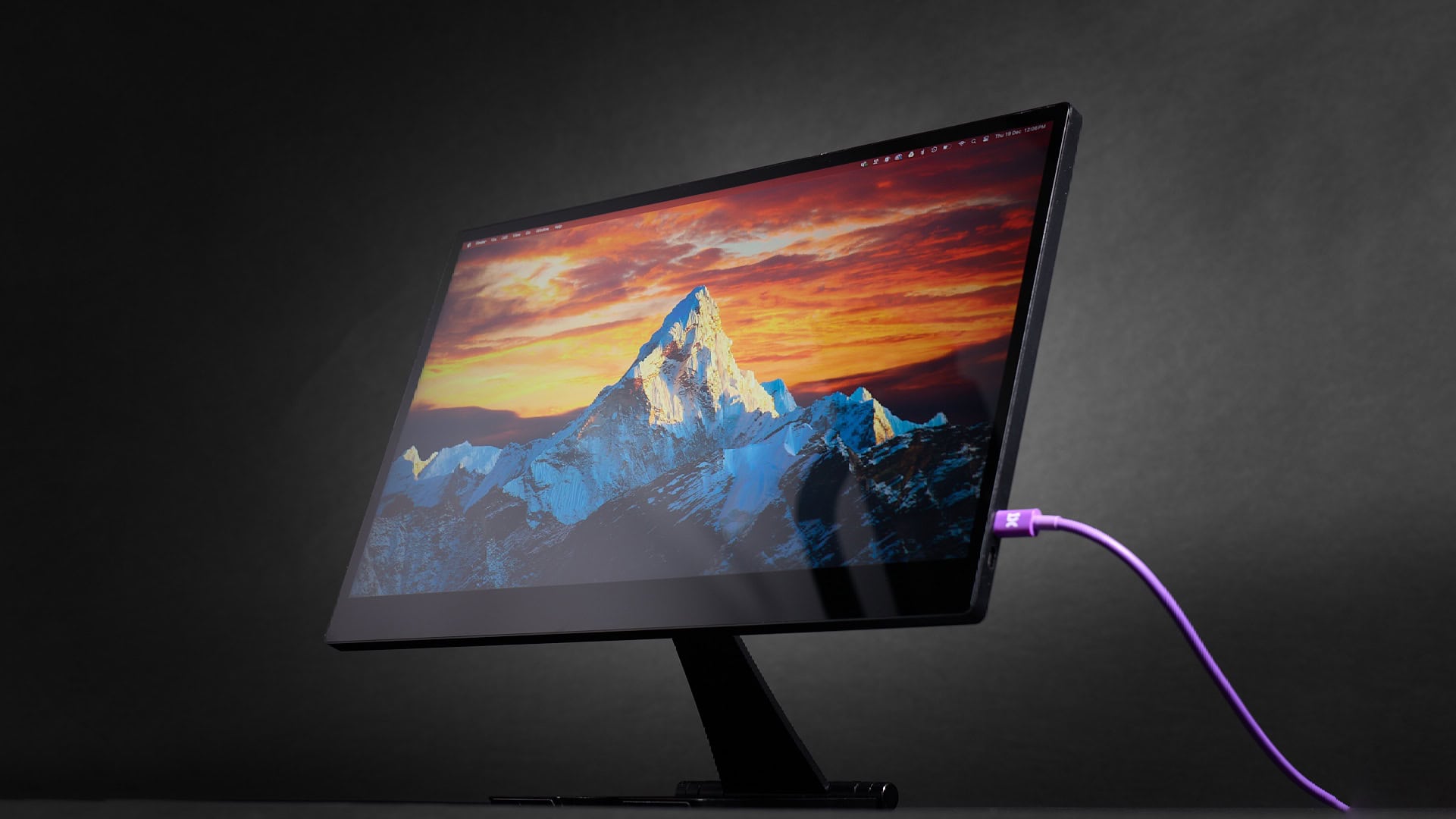
The QQH Z12-4 4K Portable Monitor looks beautiful showing video… just not perfect. Photo: Ed Hardy/Cult of Mac
The QQH Z12-4 4K Portable Monitor shows that there’s no reason to get a 1080P screen for travel when a 4K one is so affordable. The 15.6-inch screen can make you more productive on business trips, or let you enjoy movies and games on a high-resolution display. All without straining your budget.
Don’t be concerned if you haven’t heard of QQH before. I hadn’t, so I went into this review with a skeptical eye. I tested the 4K portable monitor for weeks with my iPad Pro, and it also supports MacBook and even my iPhone. Here’s why I’m pleased with it.
Especially as there’s a deal that knocks 29% off the cost of the QQH Z12-4.
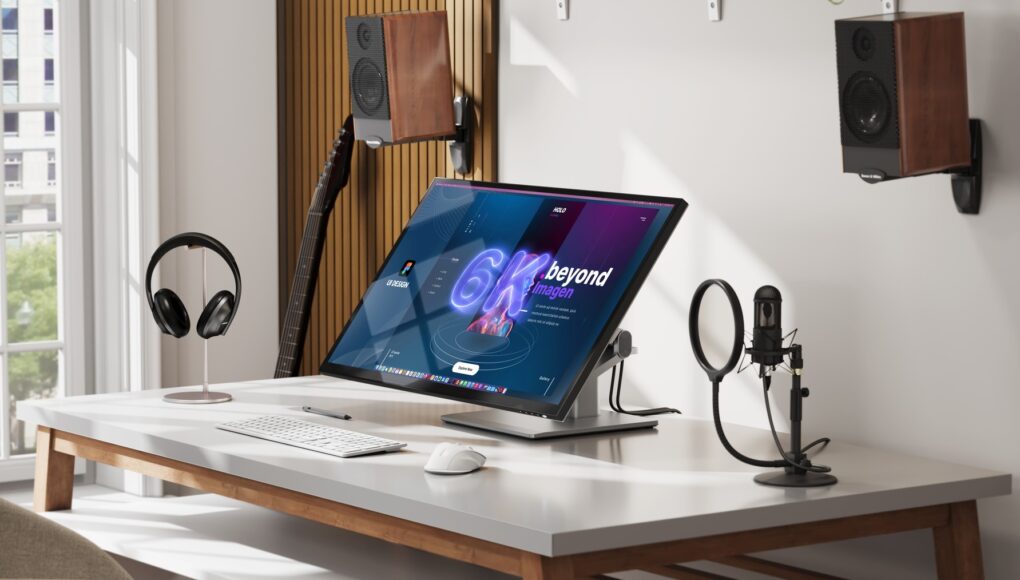
What if an Apple Pro Display XDR sported a touchscreen? Might be like Alogic's new 6K Clarity Touch. Photo: Alogic
Alogic made waves at IFA 2025 in Berlin Friday, introducing advanced displays specifically designed for Mac users — including the first 6K resolution touchscreen display optimized for Mac. That’s like an Apple Pro Display XDR with a touchscreen. The Australian company’s new lineup also features innovative 4K docking monitors and an expanded ultrawide display series.
“With this launch at IFA Berlin, Alogic is delivering a complete ecosystem of professional displays,” said Ritesh Kumar, CEO of Alogic. “From the brand-new, patented Aspekt 4K docking monitors to our flagship Clarity 6K Touch, we are setting new benchmarks in resolution, connectivity and interaction for modern professionals and enterprises.”
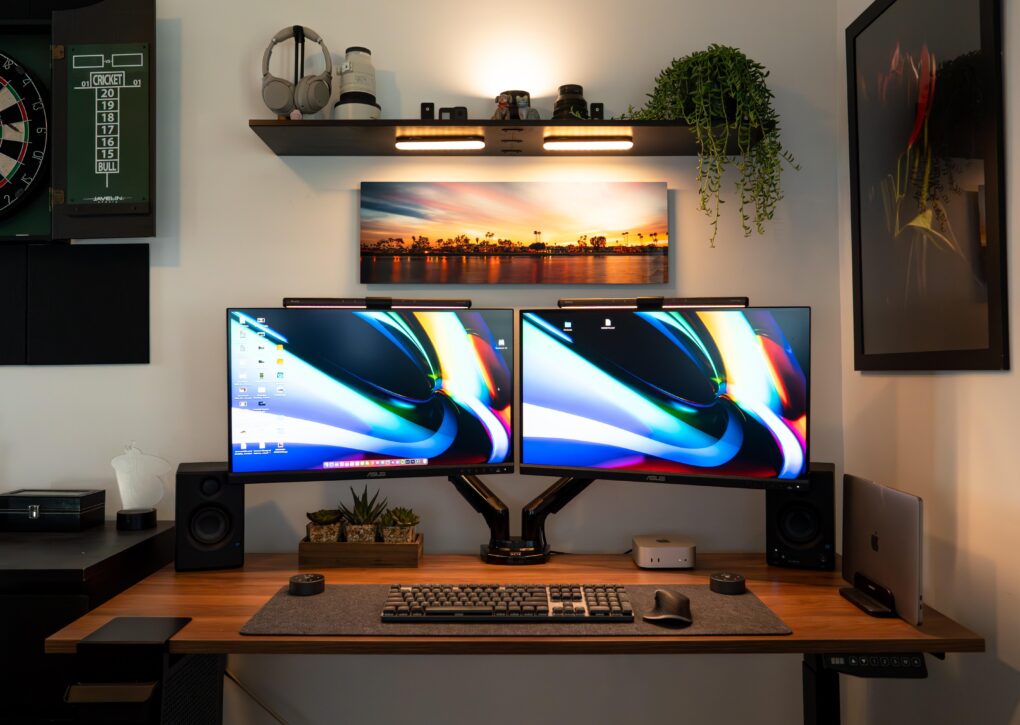
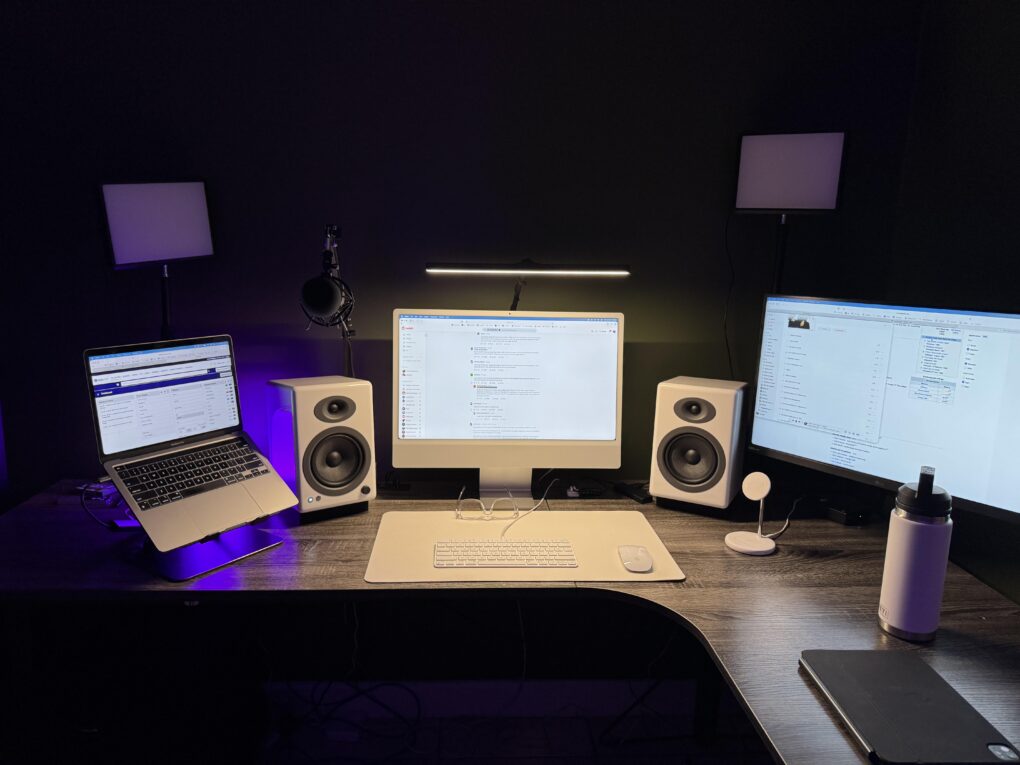
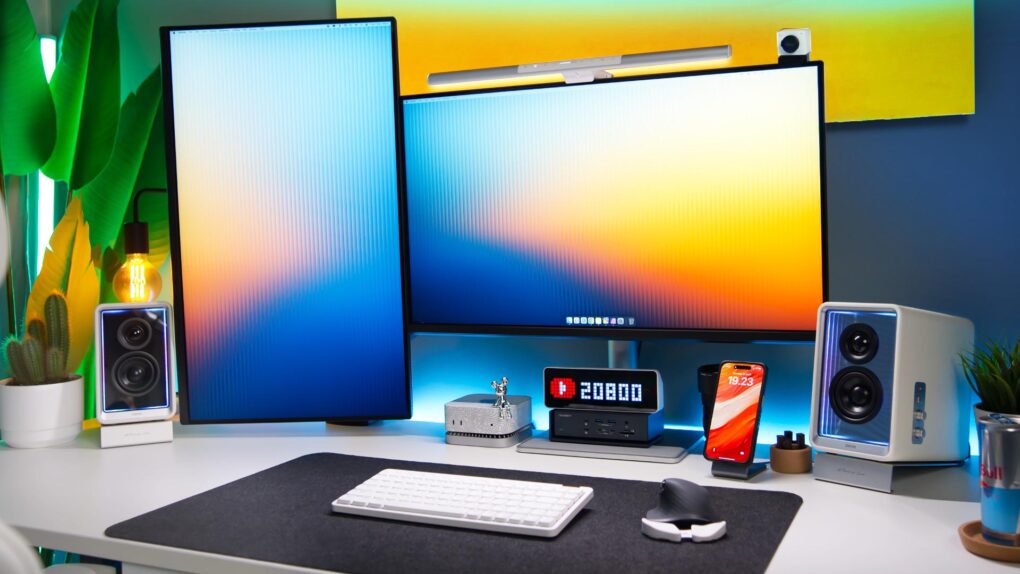
The good-looking and symmetrical setup features a pair of Asus displays nicely mounted on arms. Photo: [email protected]
Some people take an orthodox view of external computer displays and opt for just one with proper windows management. For the rest of us, the best dual-monitor setup we can afford is the best way to go for plenty of screen real estate without going overboard. Check out some of the greatest two-display rigs from setups coverage over the past few years below.
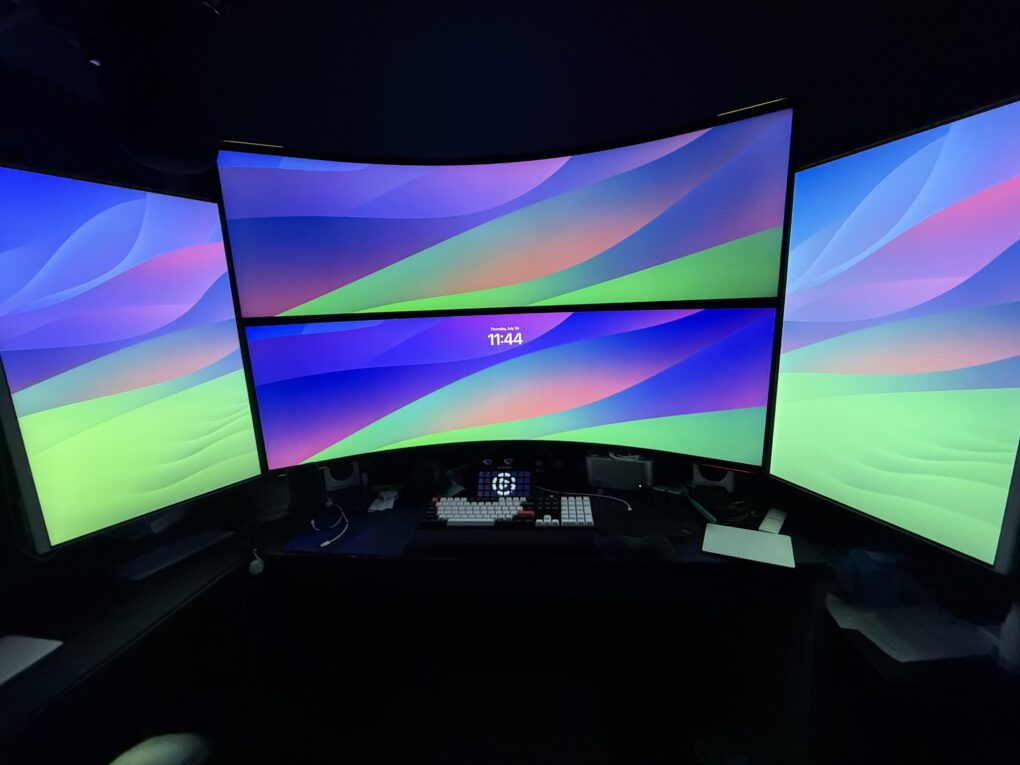
Here are some of the greatest multi-display setup workstations out there, plus some of the gear they rely on. Photo: [email protected]
A big trend in recent years in Cult of Mac‘s setups coverage has been ever-increasing displays — either bigger ones, more of them or both. Sometimes it seems like an arms race to create the most NASA-Mission-Control wall of screens ever. But sometimes it’s not about size, but variety and convenience, including portable monitors and device screens. Take a look at our best-multi-monitor-setup workstations below, along with top displays and other gear that makes them tick.
This user ponders replacing both the M1 MacBook Pro and the M3 iMac, possibly with an M4 Pro MacBook Pro. Photo:
Today’s featured setup user seeks out and gets good advice on his upgrade questions. He runs an aging MacBook Pro and a more recent iMac, but wonders about replacing them both with a newer MacBook Pro, perhaps an M4 Pro model. Commenters on his post offered useful thoughts, below, on future-proofing choices of Mac models as well as external display options.
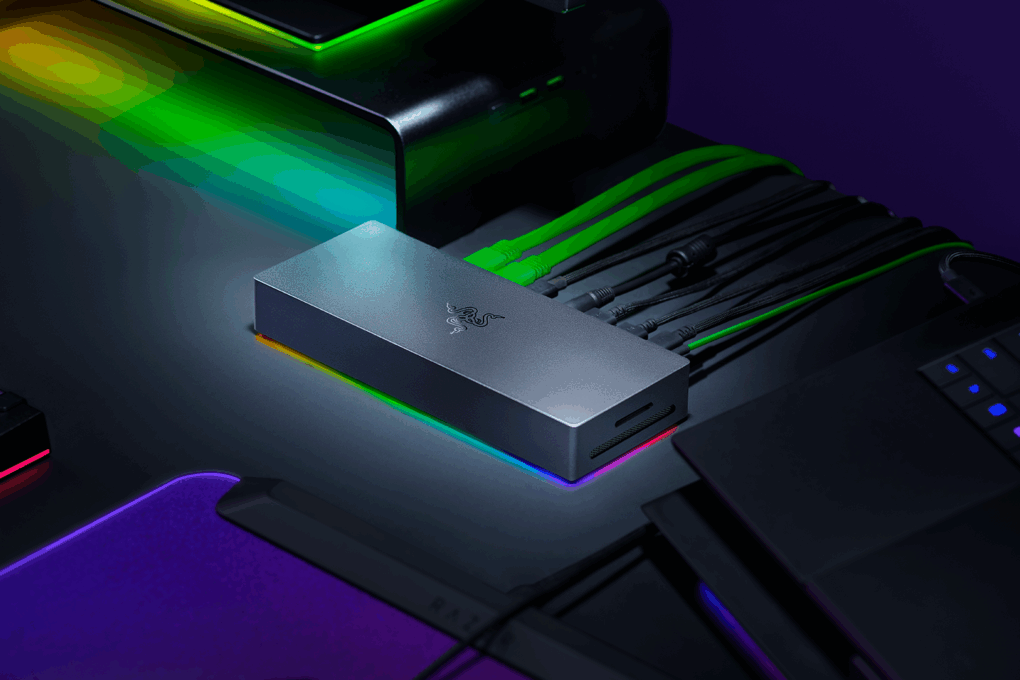
Razer's entrant brings built-in support for SSD storage expansion to the Thunderbolt 5 dock race. Photo:
The new Razer Thunderbolt 5 Dock Chroma promises to transform how Mac users connect their devices while delivering blazing-fast data speeds, support for massive SSD storage expansion, expanded display capabilities and RGB lighting, the gaming peripherals giant said Wednesday. Priced at $399.99, the dock stands in the first wave of major accessories to fully embrace Intel’s latest Thunderbolt 5 standard.
“The Razer Thunderbolt 5 Dock is designed to meet the growing need for faster data transfer and robust multi-display support,” said Travis Furst, notebooks and accessories chief at Razer.
The M3 Max MacBook Pro hangs off the right-hand edge of the desk in a clamp-on tray. Photo: [email protected]
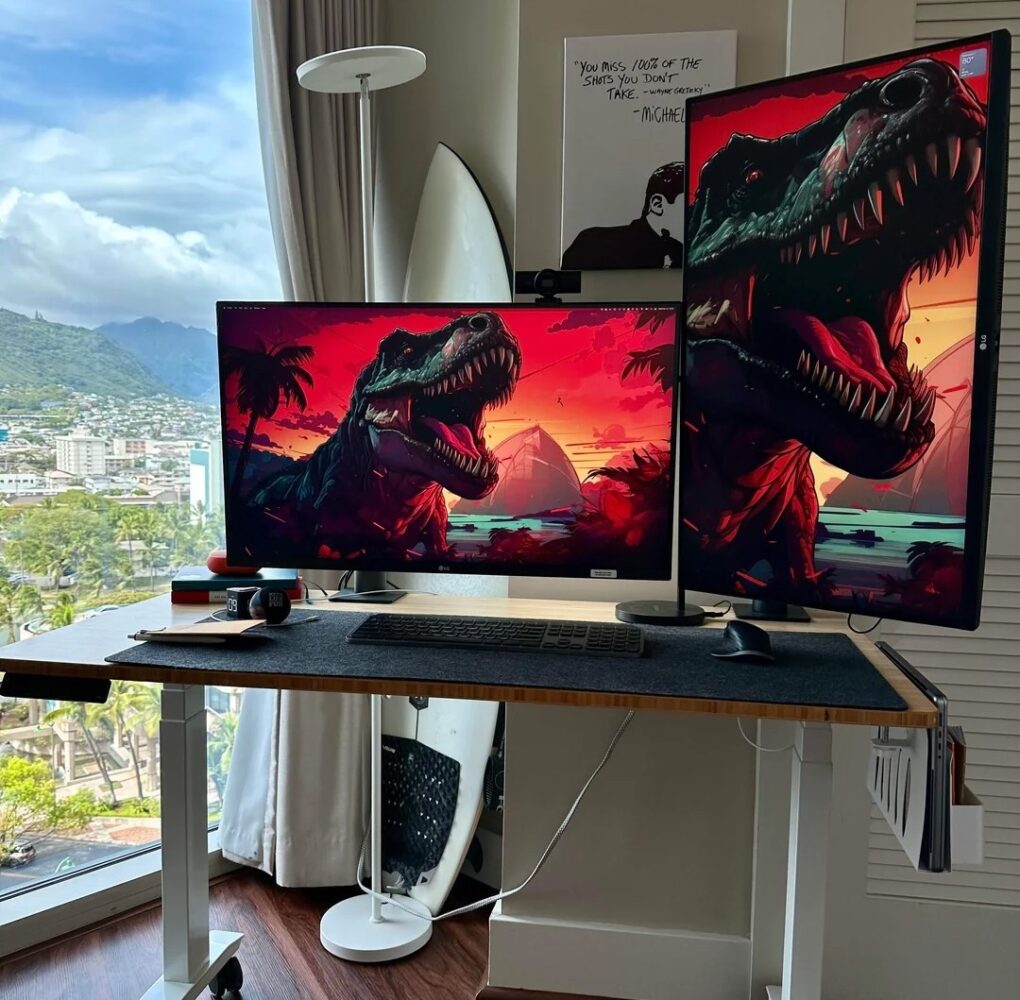
Today’s M2 Max MacBook Pro setup with dual 4K LG monitors is enviable and well-situated. I say that not just because the compact workstation is cool, but because it’s in Hawaii with a dramatic view.
And the cool dinosaur wallpaper on the two 32-inch LG UltraFine 4K displays got a plenty of love from commenters, as did the Michael Scott (The Office) poster of him quoting hockey great Wayne Gretzky (“You miss 100% of the shot you don’t take.”)
Here the latest iteration. The user outlined all the recent changes. Photo:
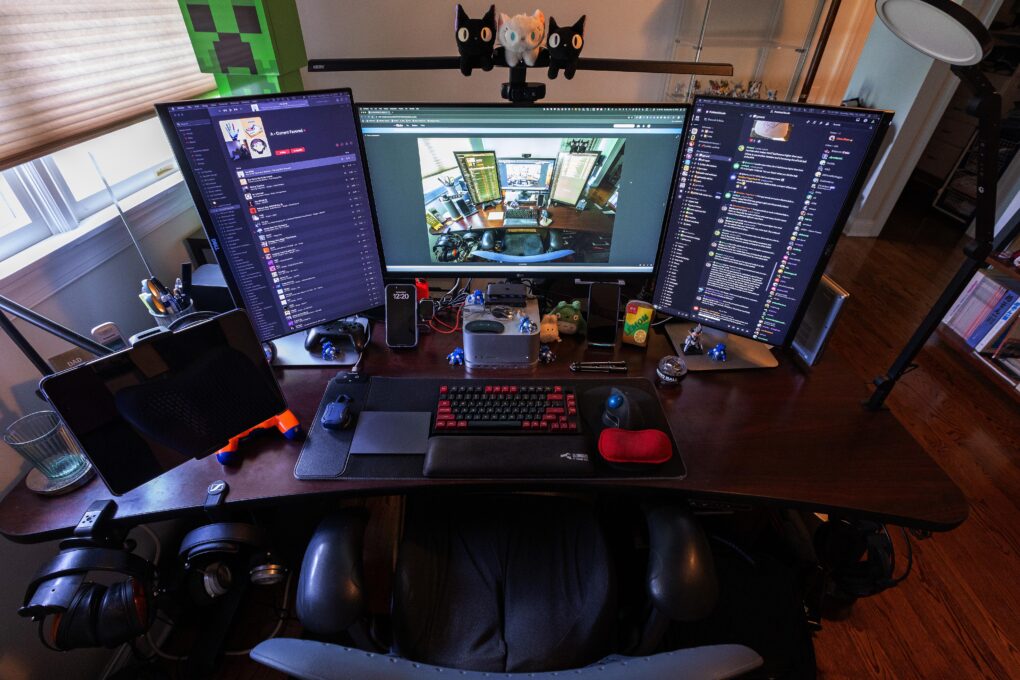
What’s almost as popular as a dual-display computer setup? A 3-display setup, of course. Today’s Mac Studio workstation has rocked the same external display configuration for more than a decade, but with newer monitors swapped in multiple times. Check it and its gear out below.
Lucky Mac mini! BenQ calibrates these 4K displays for accurate Mac color matching. Photo: [email protected]
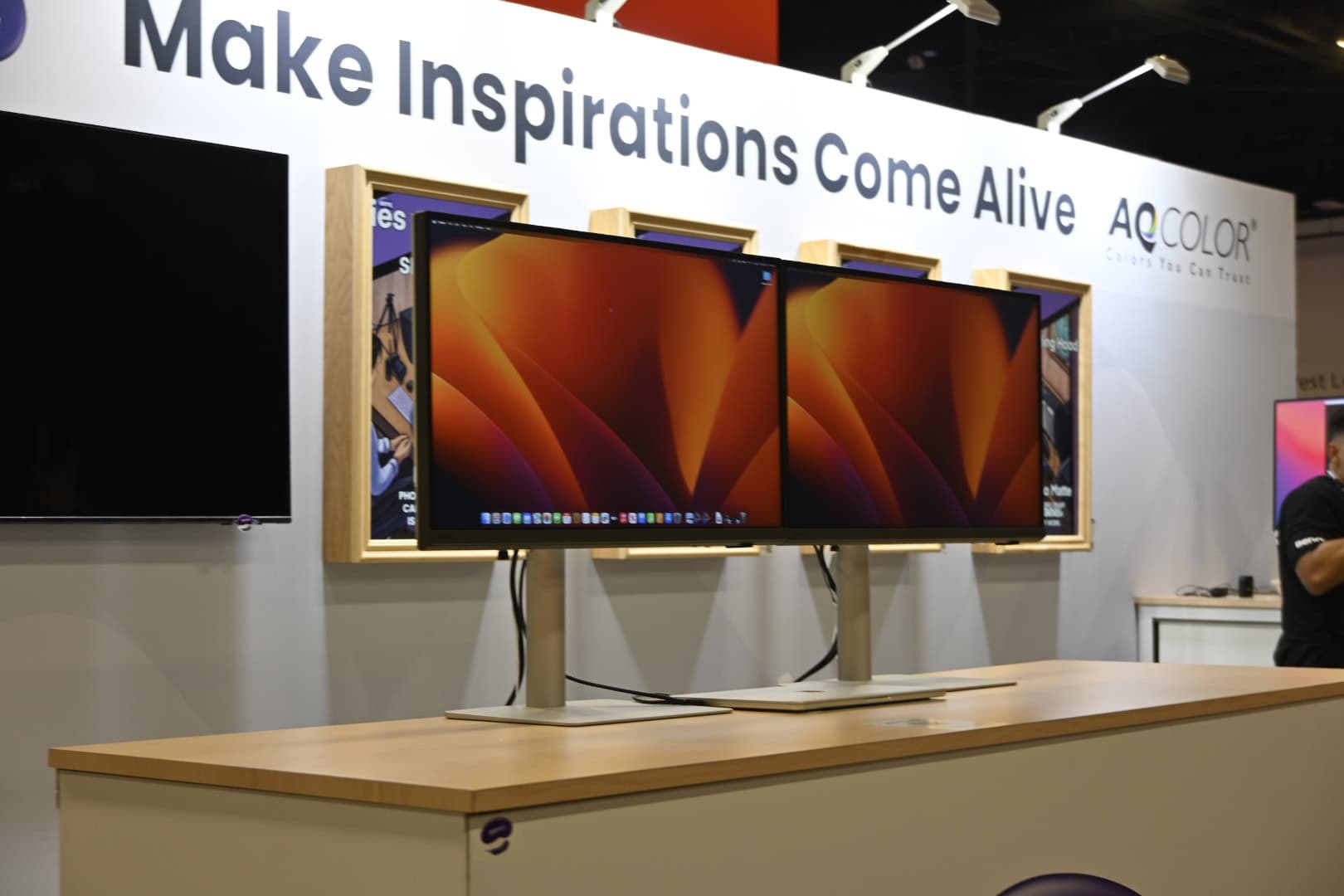
If you work with visual media in some way — like as a graphic designer or video editor — you know how important color accuracy on external monitors can be. Today’s M4 Pro Mac mini user relies on a pair of BenQ monitors specifically calibrated to match Mac colors. They’re actually made for MacBook Pro and MacBook Air, to reproduce the rich colors on the laptops’ Liquid Retina (Air) and Liquid Retina XDR (Pro) displays.
And that’s not all. The sleek and deceptively simple setup actually packs in a surprising amount of cool gear. See below.
The Dell 4K display is new to this MacBook Pro setup. Photo: [email protected]
This setup is simple but effective. The MacBook Pro workstation user added a Dell display that brings the setup to a whole new level, with a spacious screen sporting 4K resolution visuals.
Get some HDMI 2.1 cables to go with your Thunderbolt 4 and 5 cables. Photo: Anker
Need faster cables in your Mac setup? Amazon just put up a limited-time sale on Anker’s various sizes of certified ultra-high-speed HDMI 2.1 cables, which are great for connecting high-resolution displays, or almost any gear where you want to transmit high-quality audio and video. The cable size with the biggest discount reaches a staggering 46% off.
With deals like these, maybe it's time to double up on Studio Displays. Photo: [email protected]
If you use a desktop computer like Mac mini or Mac Studio — or if you typically hunch over a MacBook or other laptop — it’s time to bring beautiful views to your computer setup with a big, bright external display. And with the holiday season upon us, you can monitor Black Friday and Cyber Monday deals with plenty of Amazon bargains on external displays with 4K or 5K resolution to choose from. That includes every iteration of Apple’s popular Studio Display at $300 off!
Update: While most of the Studio Display options are sold out, plenty of other deals are still in effect for Cyber Monday. And some discounts are even better now.
It's just the base model, but this user is over the moon so far. Photo: [email protected]
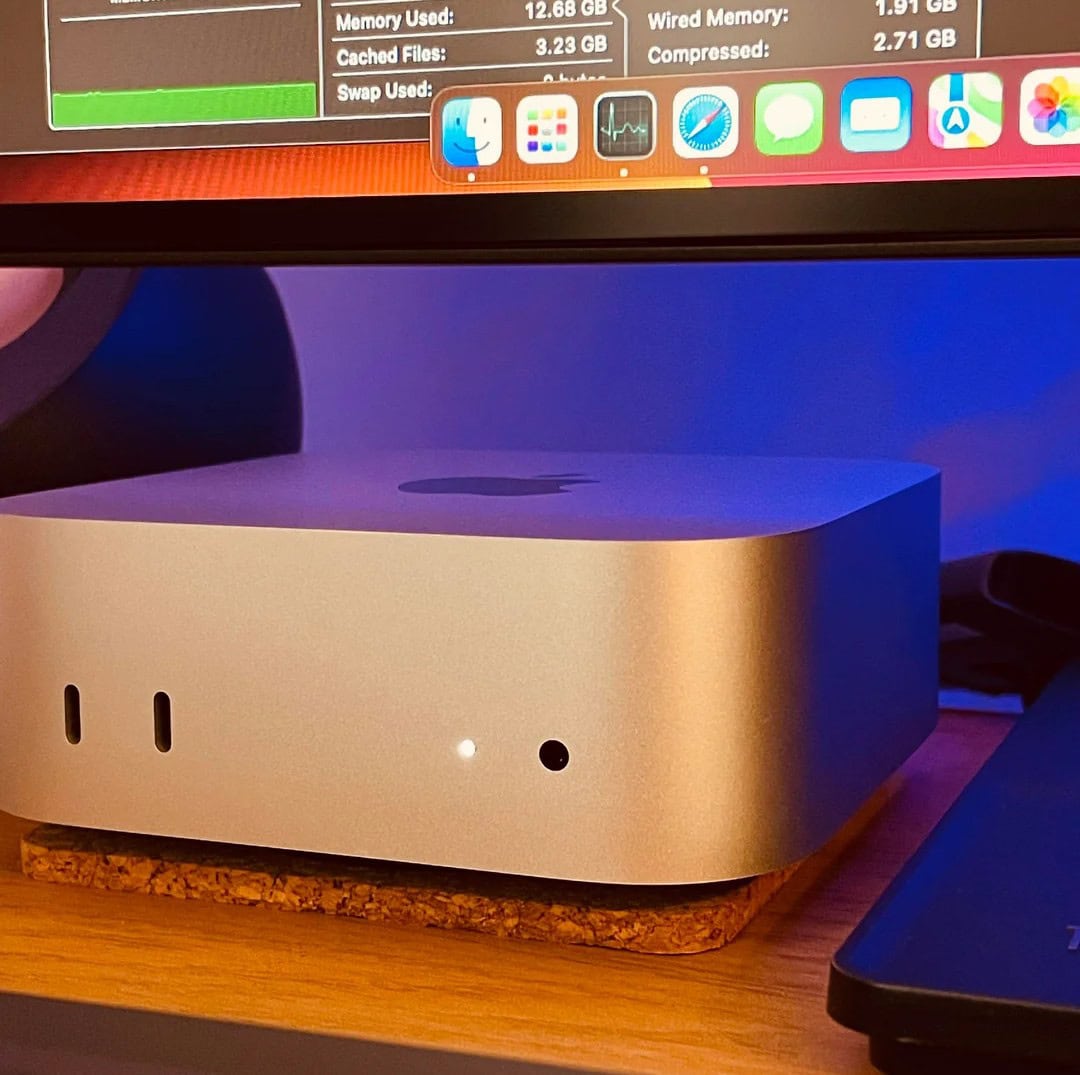
Now that the new M4 Mac mini editions are even smaller than before but mightier than ever, plenty of other Mac users might migrate. That could include laptop devotees. Today’s M3 Pro MacBook Pro user, who also has an M1 Pro laptop, “couldn’t be happier” with his “incredibly impressive” new M4 Mac mini (the base model, no less). And he’s doing some intense work on his new desktop machine, too.
This developer runs a pair of Mac minis, but the setup's real conversation starter is that LG DualUp monitor. Photo: [email protected]
In the world of high-resolution external displays, the LG DualUp monitor holds a special place. It’s a bit weird. The square-ish 28-inch display has an 18:16 aspect ratio, similar to two stacked displays. A developer swears by it because he no longer has to turn his head constantly, like he did when he used four 24-inch displays. And the monitor isn’t the only odd bit in his computer setup. He also uses two Mac mini desktop computers. He explains why below.
BenQ showcased two new displays, one with 5K resolution and one with 4K and a speedy refresh rate. Photo: BenQ
Two new external monitors BenQ showcased this week at Adobe MAX in Miami cater specifically to Mac and MacBook users — especially creative professionals. PD2730S and PD3226G, part of BenQ’s DesignVue PD series, promise to deliver exceptional color accuracy and performance for designers, illustrators and content creators.
“BenQ has meticulously gathered feedback from professionals to design monitors that precisely meet their requirements with always accurate and consistent colors,” said Houston Wei, senior director of BenQ North America. “The new PD2730S and PD3226G were designed with both Mac and PC users in mind to provide unparalleled color features with invaluable new software including Display ColorTalk and Palette Master Ultimate.”
Maybe Prime Day is your chance to double up on Studio Displays! Photo: [email protected]
If you use a desktop computer like Mac mini or you typically hunch over a MacBook or other laptop, it’s time to bring beautiful views to your computer setup with a big, bright external display. And with Amazon Prime Day in full swing July 16 and 17, you have plenty of Prime Day deals on external displays with 4K or 5K resolution to choose from. See below.
UPDATE: We first ran this post for July Prime Day, and now we’ve updated it with great external monitor deals for Prime Day October 8 – 9, including 24-inch 1080p displays and portable screens, too. And Wednesday saw more updates, like an even lower price on Studio Display with Standard Glass (more than $300 off!). And other deals below got sweeter, too. And though prices on some items fluctuate, Amazon has extended many deals beyond Wednesday.
This big Dell UltraSharp 4K display rivals many smart TVs, and it's 16 inches larger than the commonplace 27-inch monitors out there. Photo: Dell
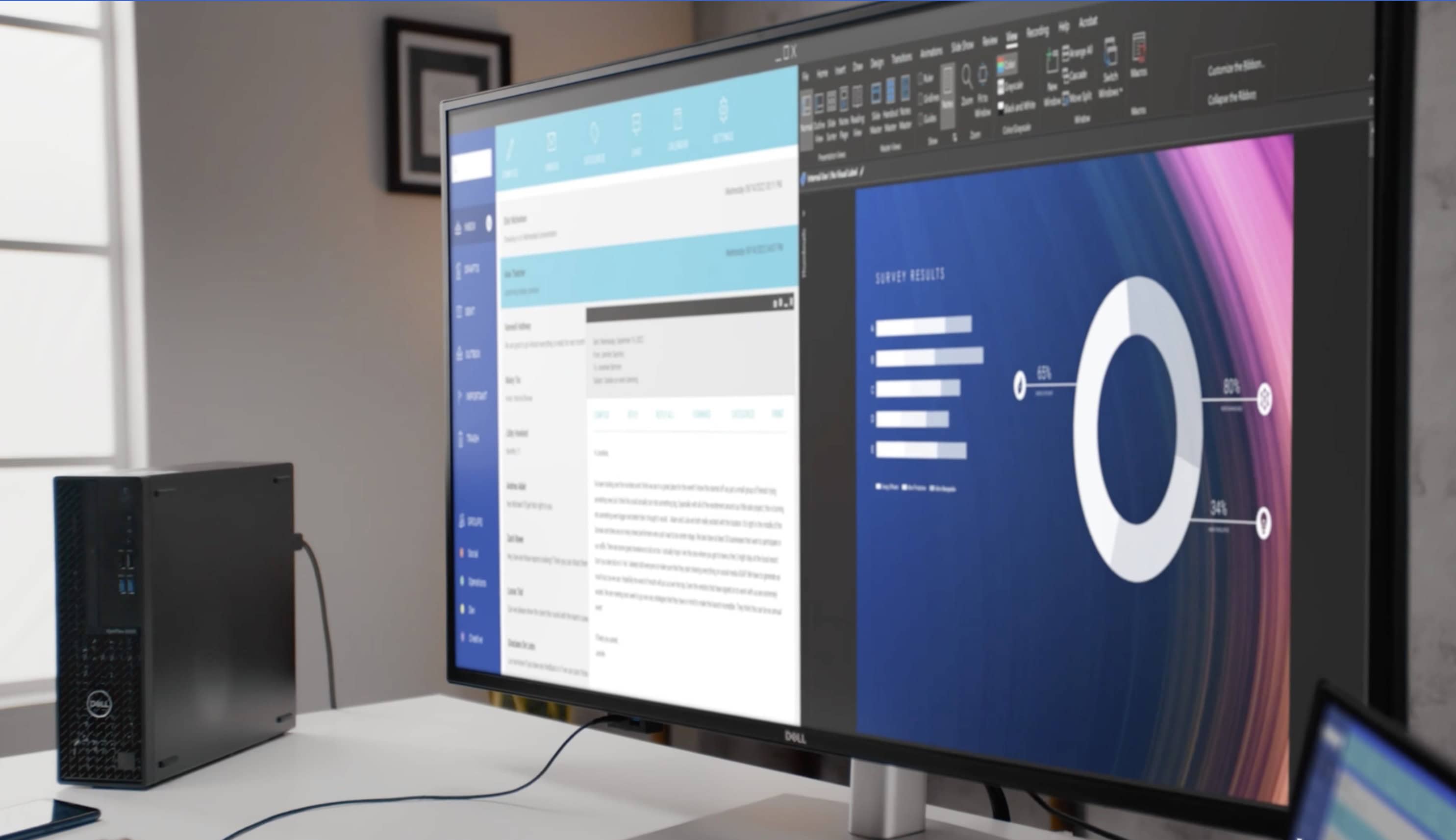
We’ve seen a trend for some time of people using massive smart TVs as external computer displays because they want something even bigger than most purpose-built monitors. But regular monitors are catching up. We’ve seen a few 49-inch curved gaming displays out there, of course, and today’s MacBook Pro setup uses a giant 43-inch Dell flat panel with 4K resolution.
This shot from MSI highight's the diplay's graphical capabilities. Photo: MSI
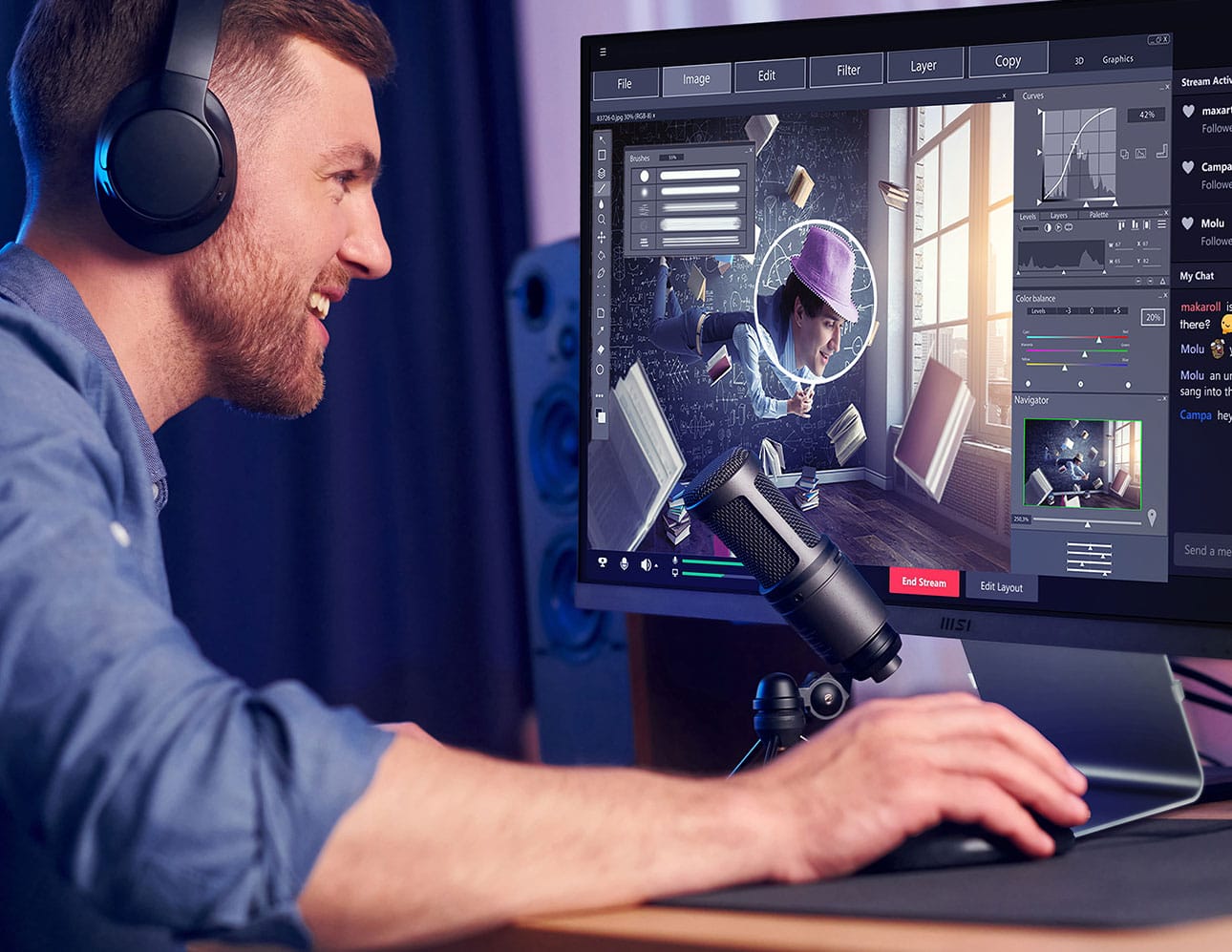
Perusing computer setups online, we love to point out great deals on great gear when they come along. In today’s M1 Mac mini setup, the 27-inch external 4K display looks like a gem, with great features at a low price.
A user joked that this setup is so clean it looks like artificial intelligence generated the image. Photo: [email protected]
When one commenter saw today’s Mac Studio workstation, they said “Setup so clean it looks AI generated. I like it.” Well, we also like the Mac Studio and custom PC setup, especially for its innovative use of a portable display alongside its main external display, which is a killer gaming monitor we’ve never seen before.
In this shot from a video showing the user's display, BenQ demonstrates color accuracy. Photo: BenQ
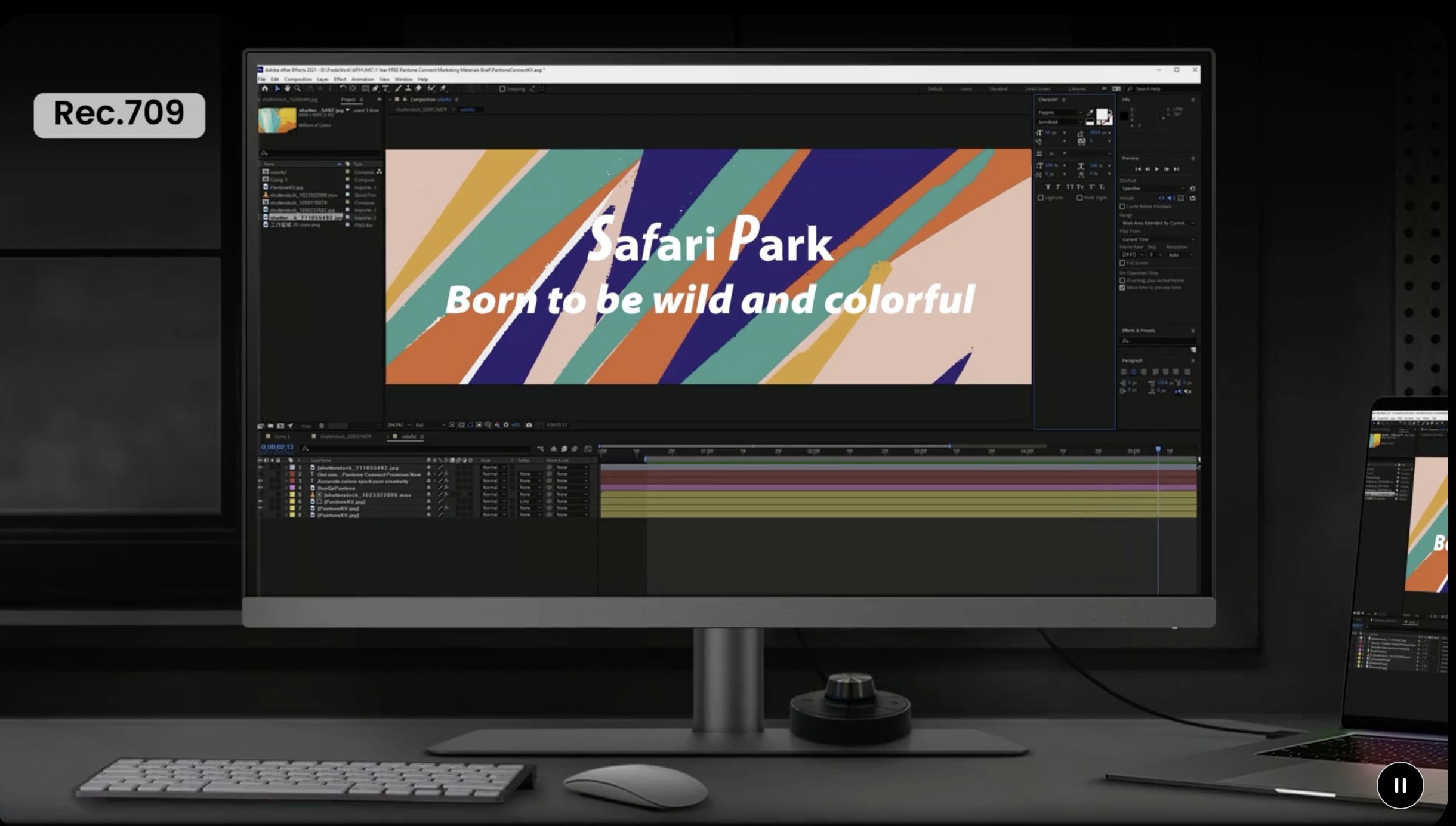
For folks who work with color, like graphic designers, a monitor’s color accuracy becomes crucial. Today’s M1 Max MacBook Pro user really likes their BenQ 4K display for its fantastic color reproduction in photo and video editing.
BenQ says these displays are easy on the tired eyes and challenged postures of coders. Photo: BenQ
If you’re a software developer or frequently find yourself hip-deep in code for some other reason, BenQ just released five new computer displays just for you. It called its new RD Series “the world’s first line of monitors custom crafted to meet the unique and extensive needs of programmers.”
The displays use versions of BenQ’s Fine-Coated Panel plus anti-glare and anti-reflective properties to enable long coding sessions.
This 40-inch Dell 4K curved monitor makes a great external display. Photo: [email protected]
A Dell curved 4K monitor — especially a big 40-incher — can make an excellent external display, if today’s featured MacBook Air and MacBook Pro setup is any indication. The user put the dramatic display together with a 27-inch 4K monitor after trying two other configurations.
BenQ's new PD3225U Designer Monitor packs features ideal for Mac and MacBook users. Photo: BenQ
BenQ rolled out a new 32-inch 4K display Wednesday aimed straight at Mac and MacBook users. It’s the BenQ PD3225U Thunderbolt 3 Designer Monitor. At $1,100, the 4K display packs features that might tempt you away from spending more on a Studio Display or another 5K monitor.
“Featuring IPS Black for 2000:1 contrast ratio, Color Match with Mac devices through M-book mode, and iKeyboard Control, the PD3225U is the perfect creative complement for Mac users in need of color accuracy and enhanced connectivity,” the company said.