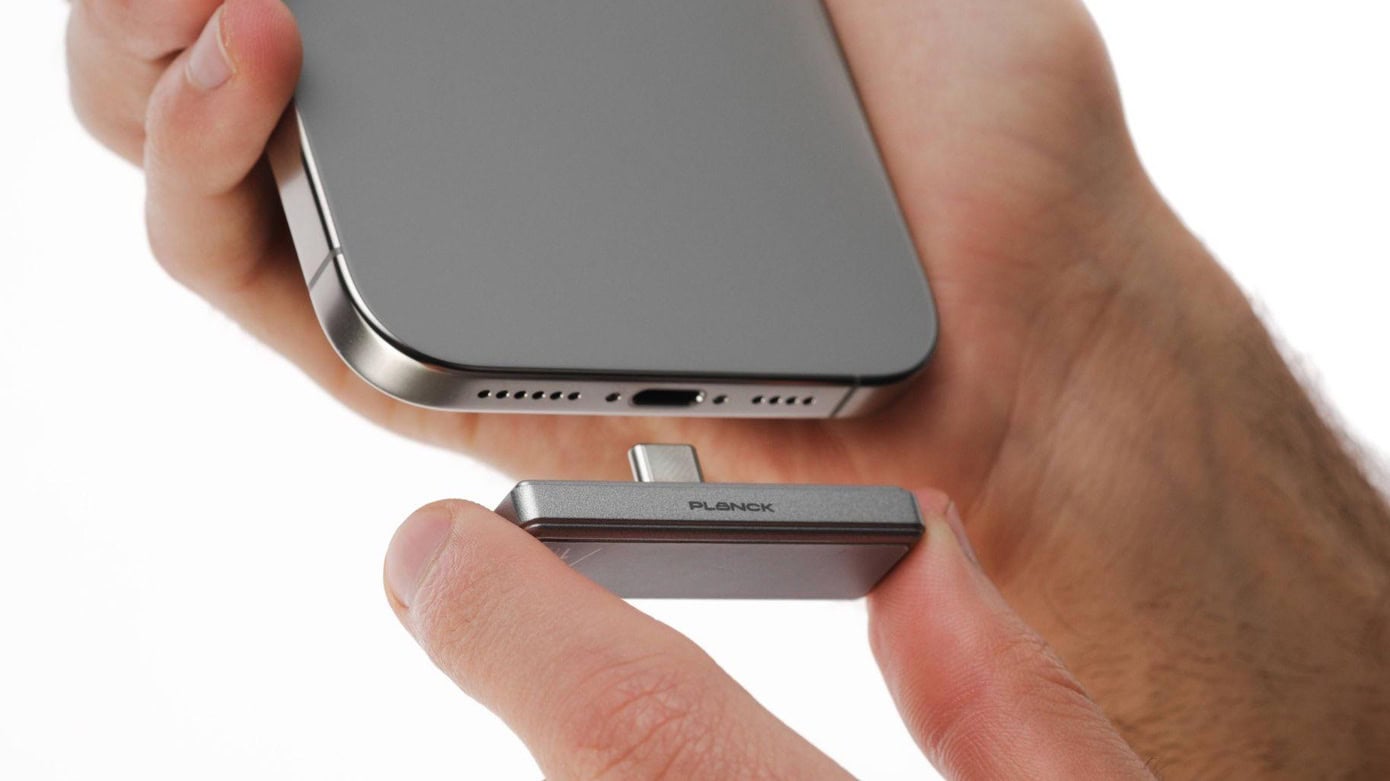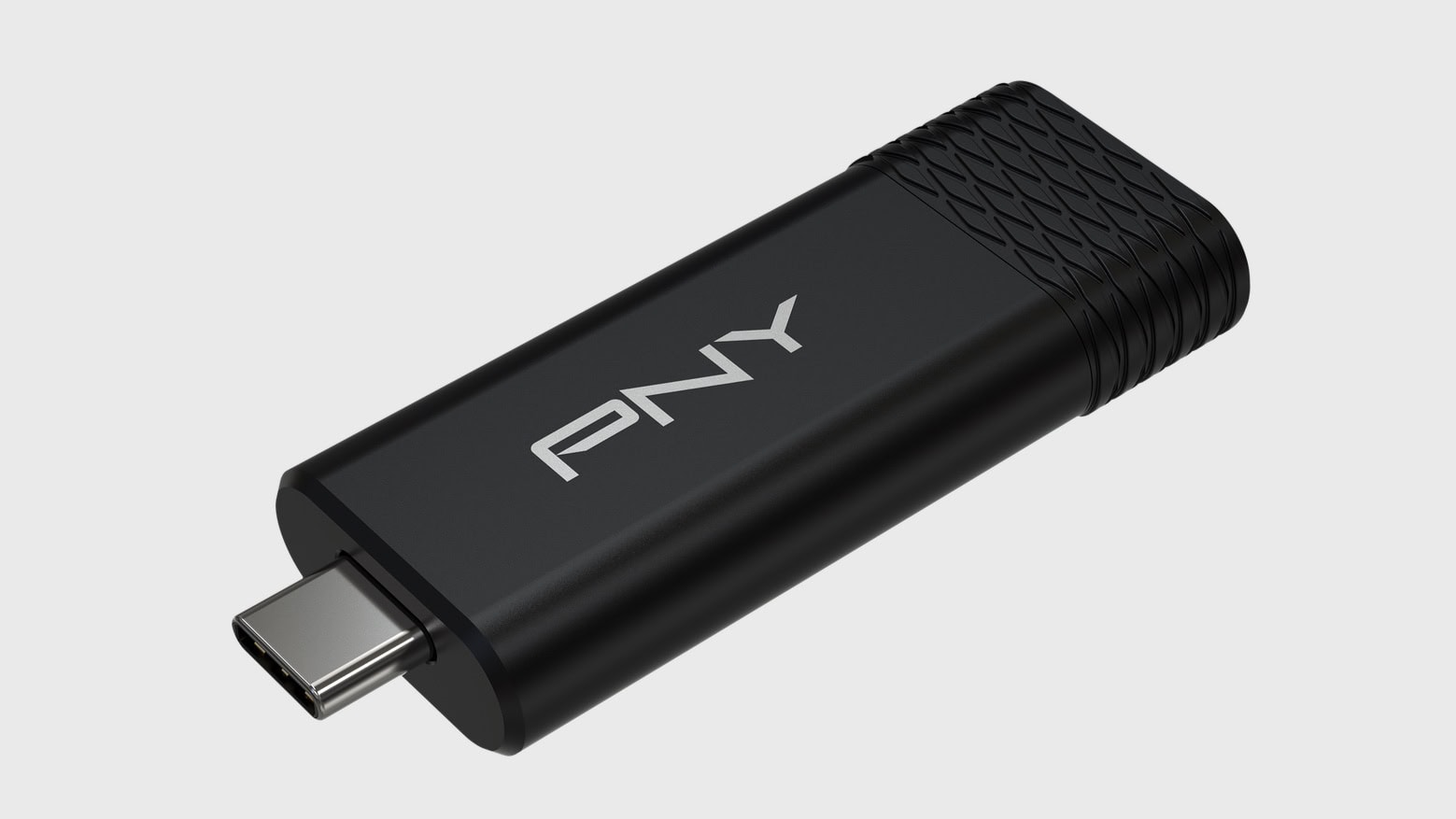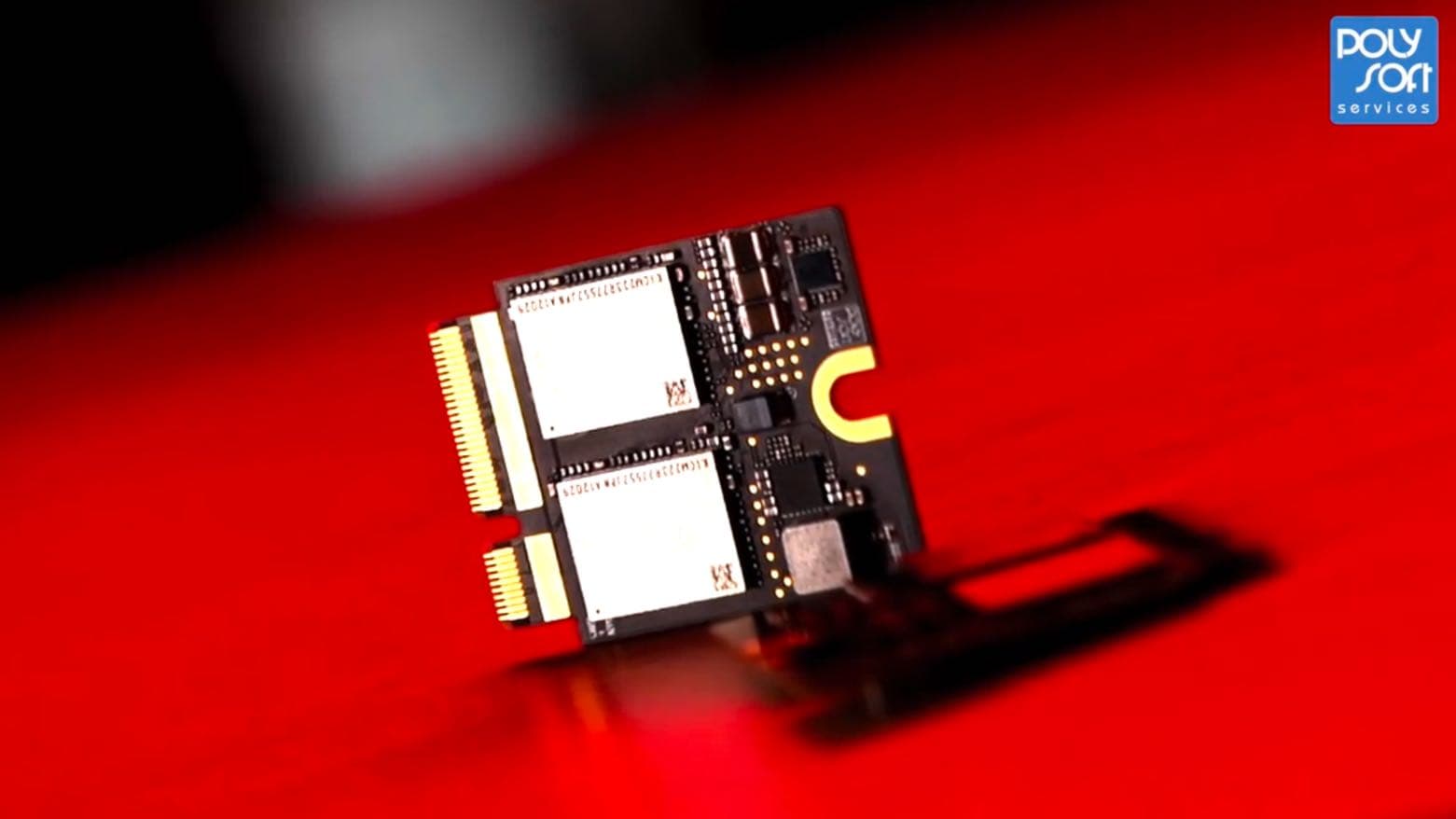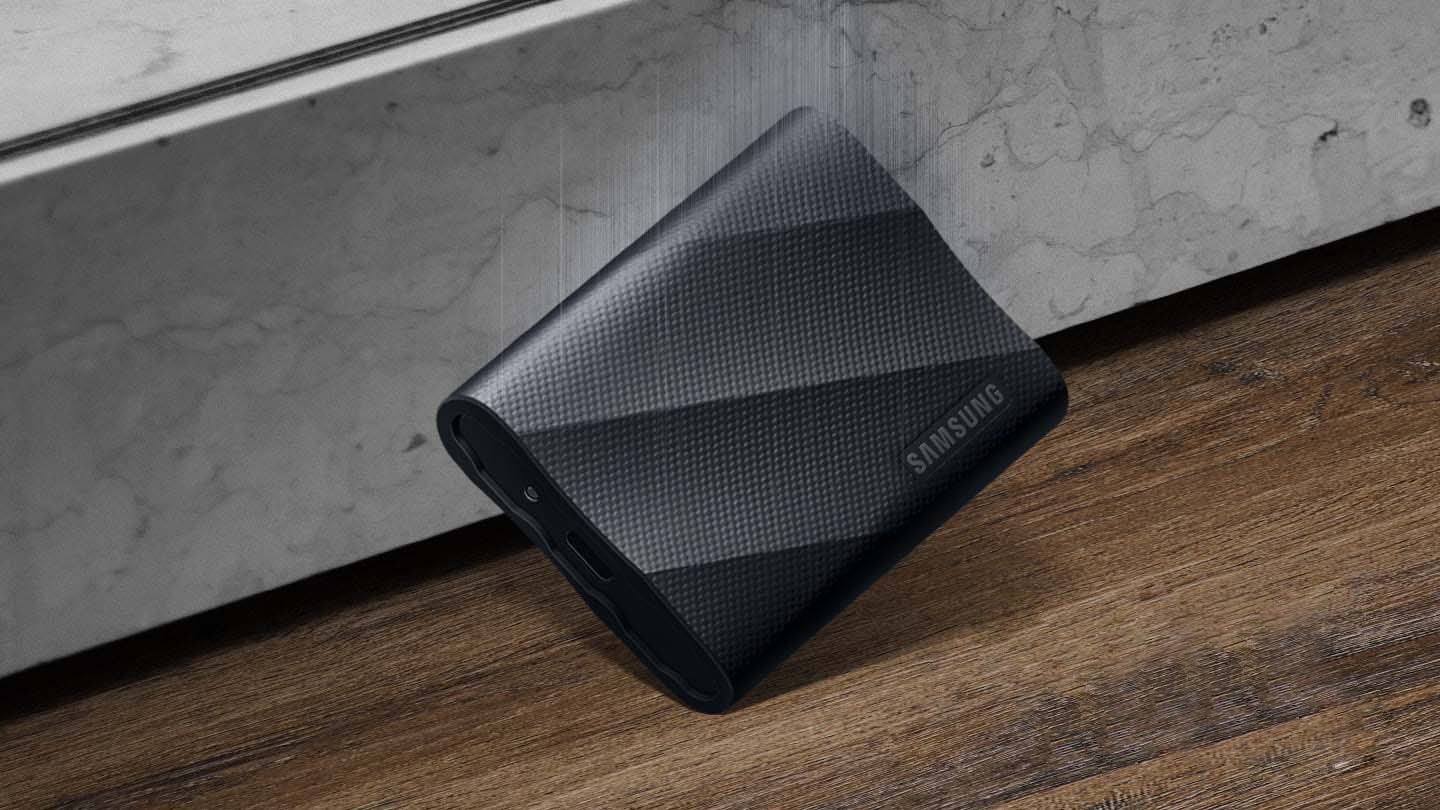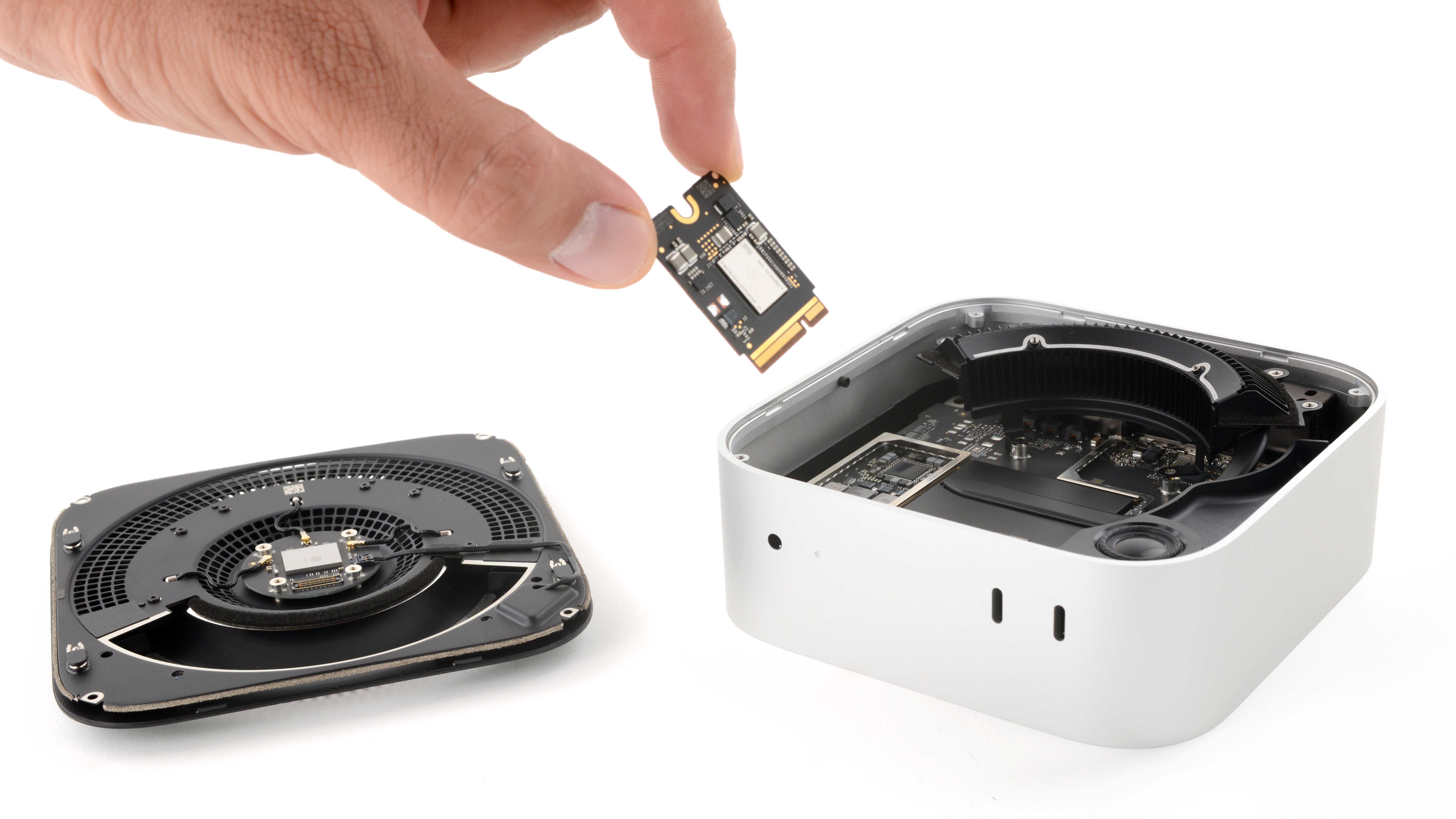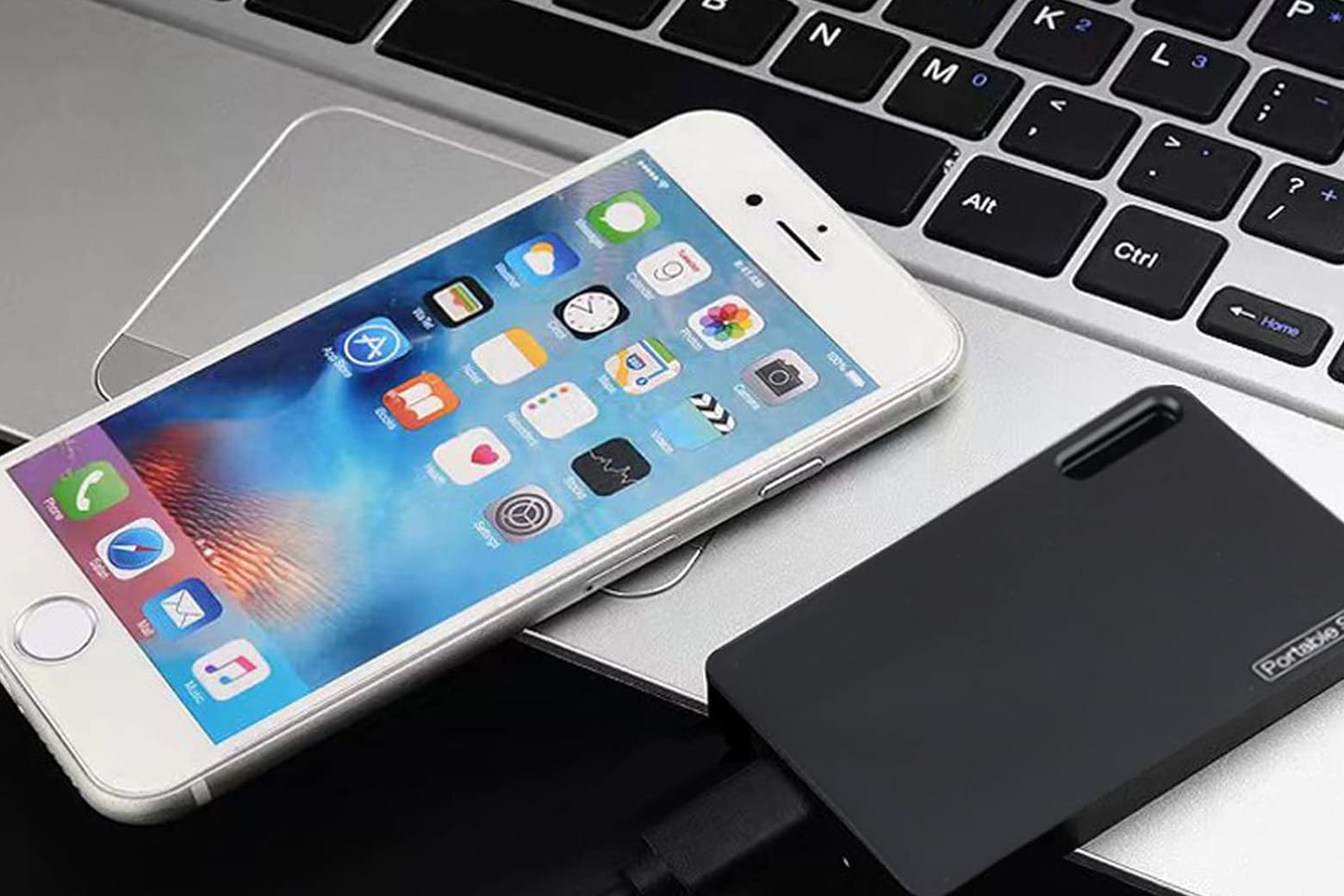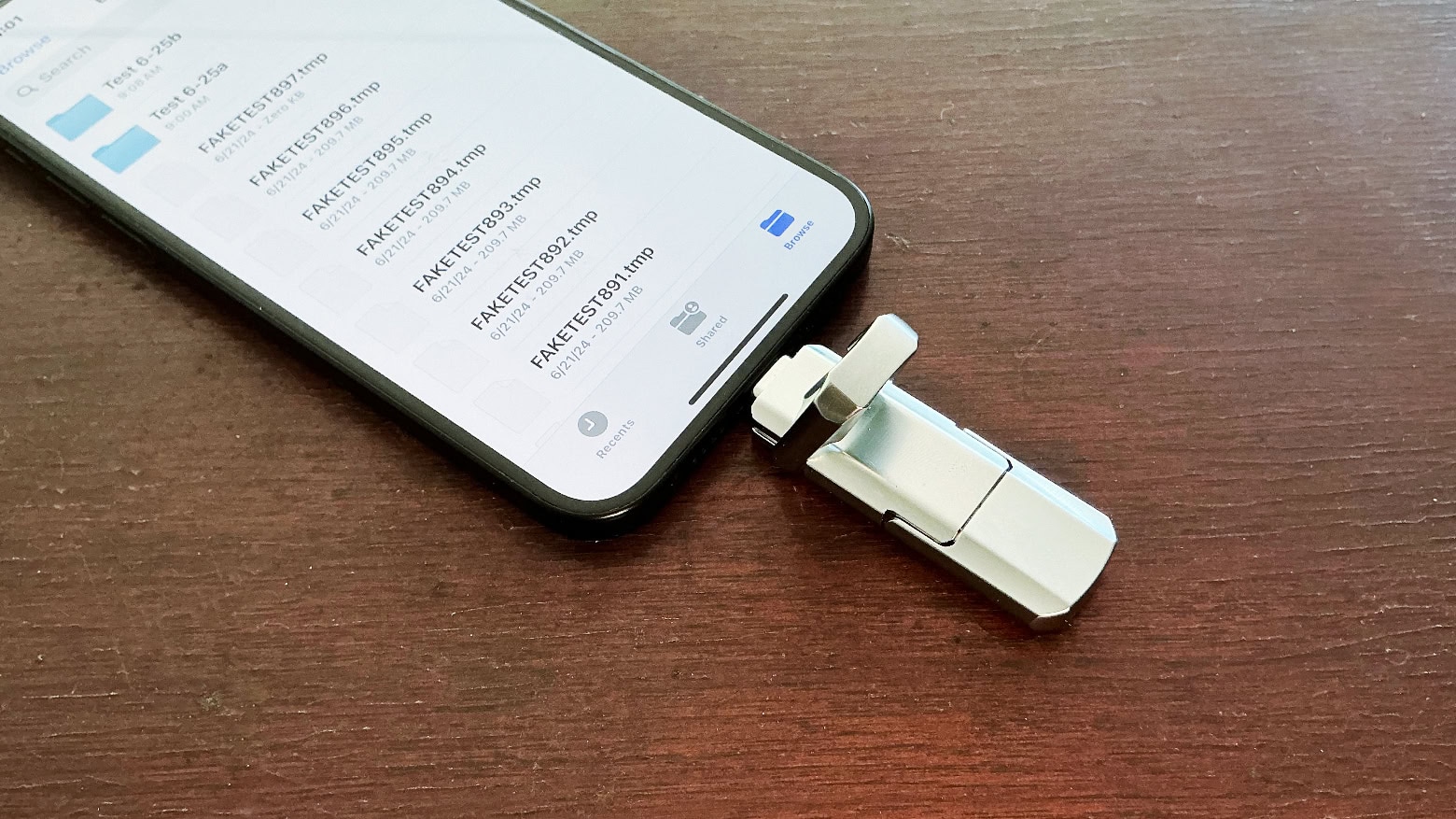
Apple charges a ton for storage upgrades on Macs. Worse, you cannot extend the built-in storage after buying the Mac. Thankfully, smarter solutions exist, as long as you don’t mind plugging an external disk into your Mac.
Here’s a breakdown of the best ways to expand your Mac’s storage, along with ideal solutions based on particular needs.

![Tiny external SSD shows terabytes of storage don’t have to be expensive [Review] ★★★★★ PNY Pro Elite V3 external SSD flash drive](https://www.cultofmac.com/wp-content/uploads/2025/03/PNY-Pro-Elite-V3-review-1020x574.jpg)
![Budget flash drive sports USB-C and USB-A connectors [Review] ★★★★☆ UGR Tech Dual USB-C + USB-A 3.2 High Speed Flash Drive review](https://www.cultofmac.com/wp-content/uploads/2024/06/UGR-Tech-USB-C-USB-A-drive-review.jpg)
![Keep your old NVMe SSD useful with this rugged enclosure [Review] ★★★★★ HyperDrive Next USB4 NVMe SSD Enclosure review](https://www.cultofmac.com/wp-content/uploads/2023/11/HyperDrive-Next-USB4-NVMe-SSD-Enclosure-review-1.jpg)
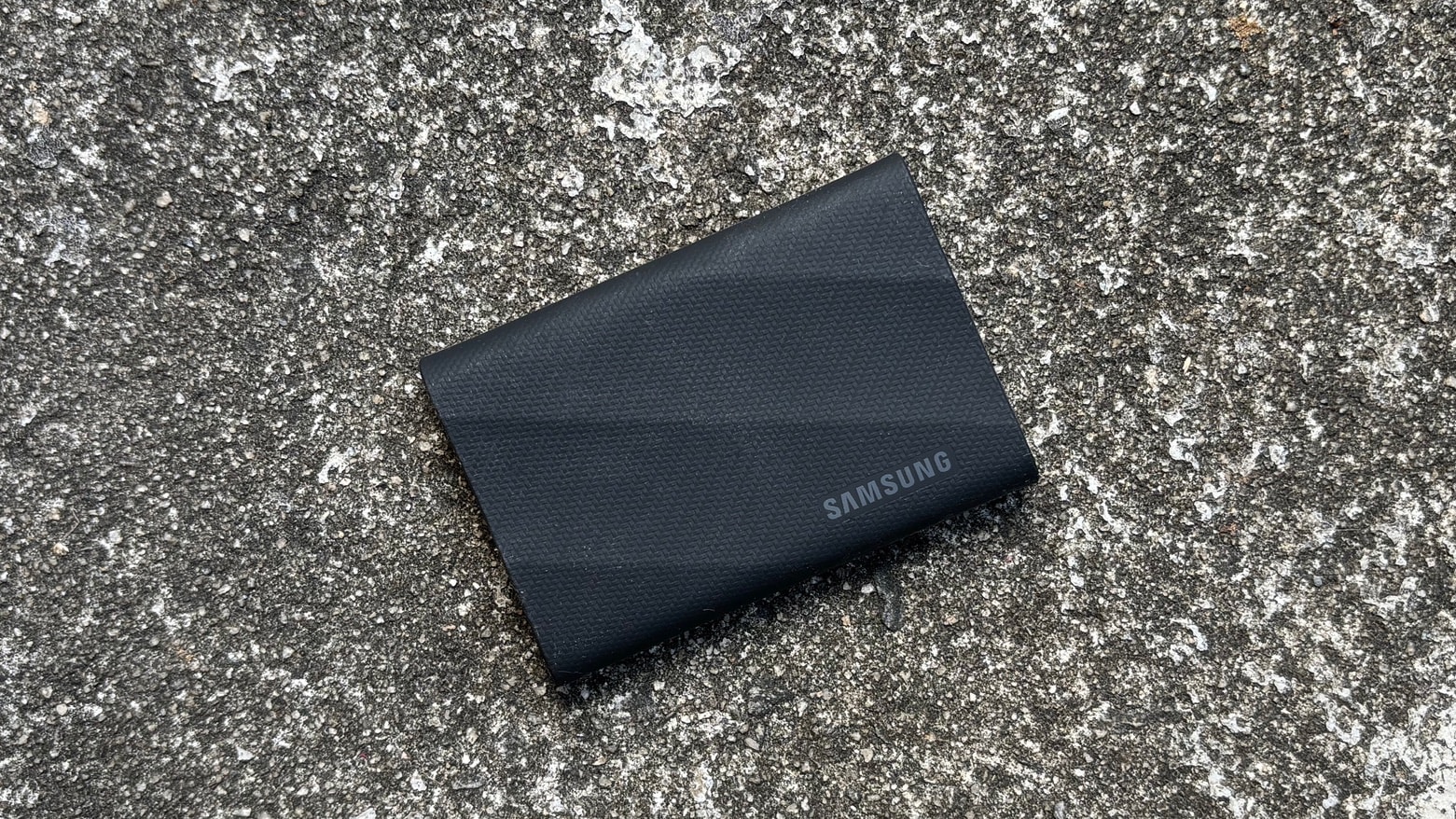
![Samsung T9 portable SSD offers big, fast storage in a tiny package [Review] ★★★★☆ Samsung T9 portable SSD review](https://www.cultofmac.com/wp-content/uploads/2023/10/Samsung-T9-portable-SSD.jpg)
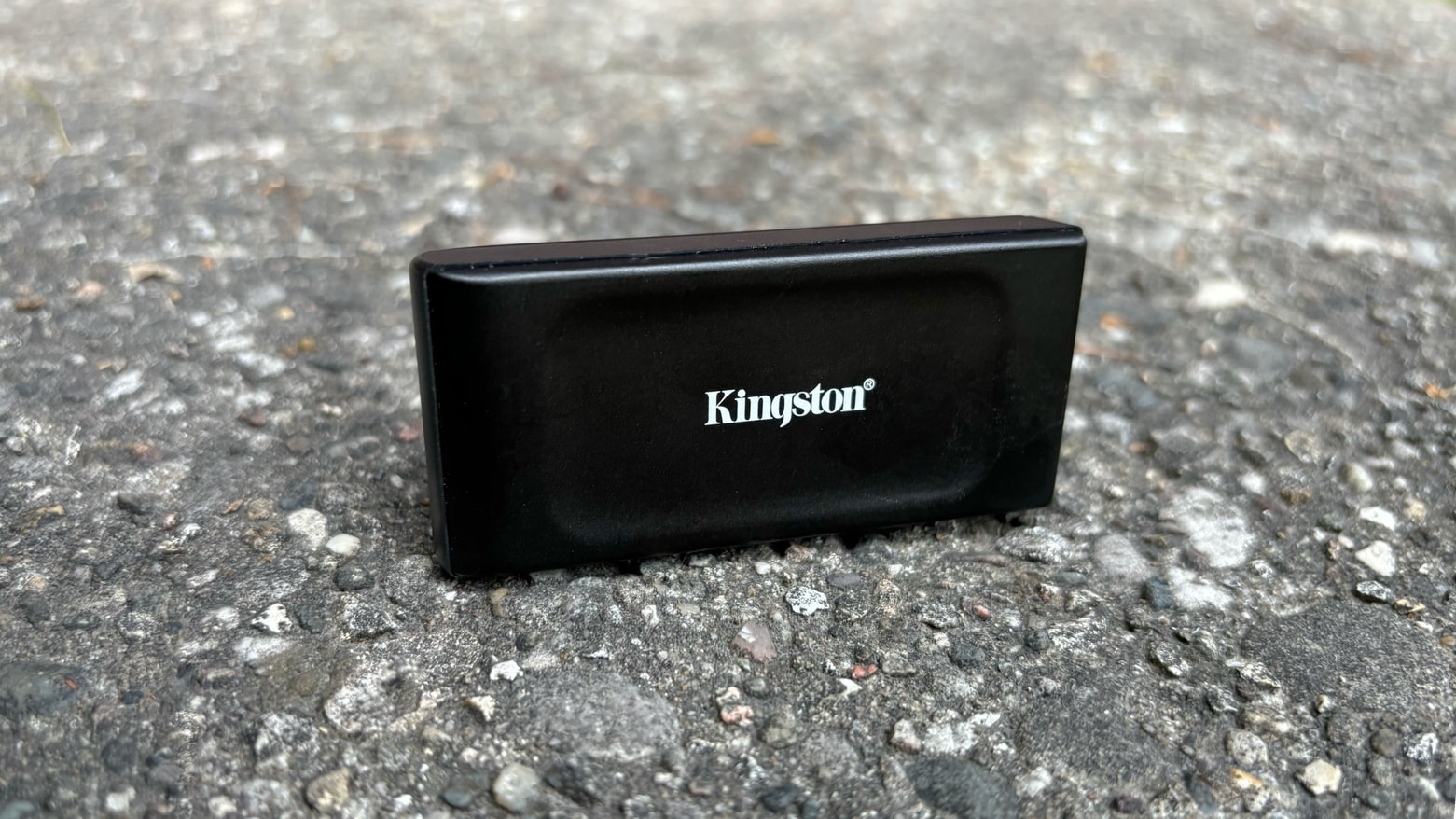
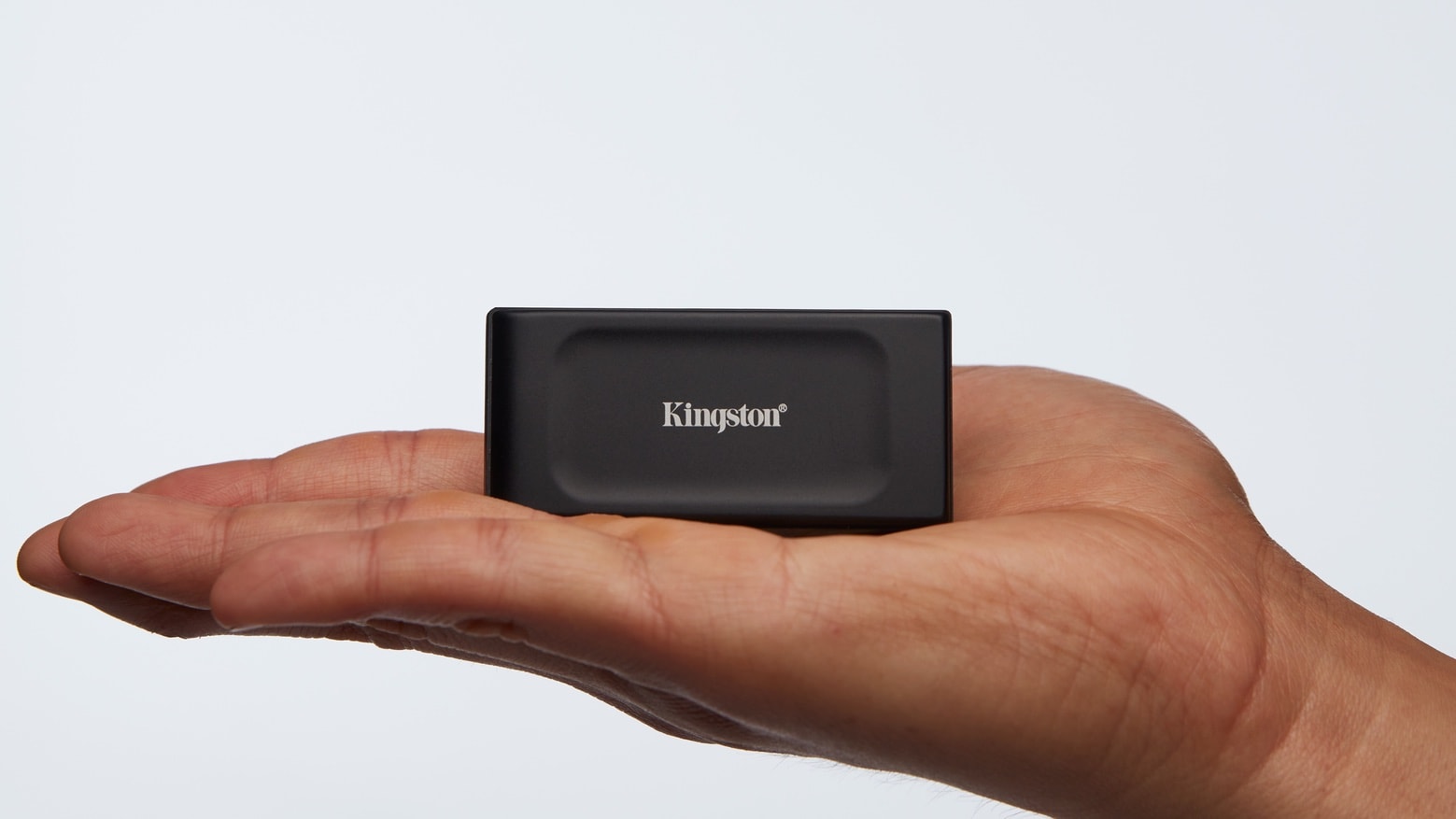
![Kingston’s tiny new external SSD is quick and budget-friendly [Review] ★★★★☆ Kingston XS1000 External SSD review](https://www.cultofmac.com/wp-content/uploads/2023/09/Kingston-XS1000-review-3.jpg)