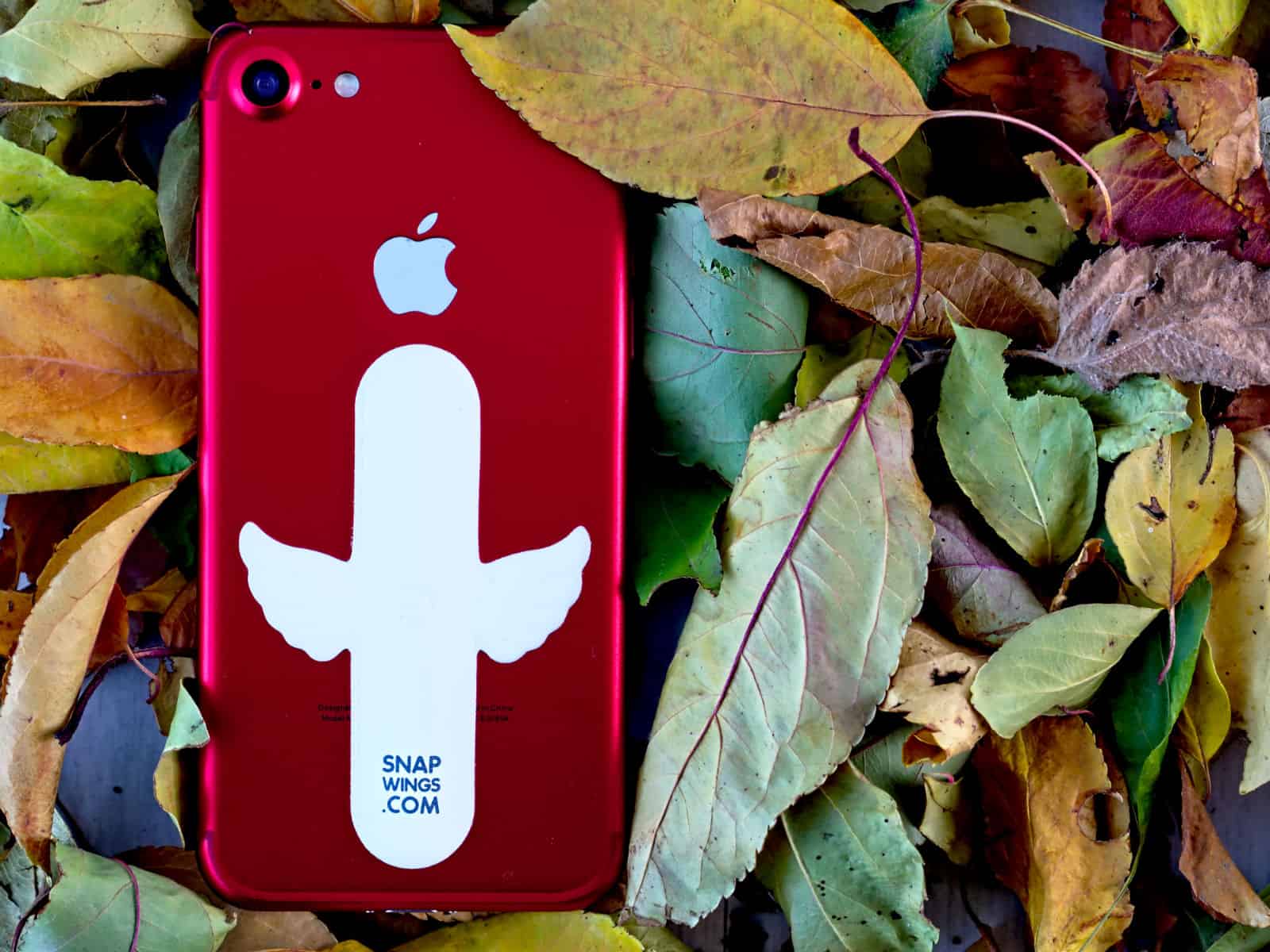
To keep your phone propped up at a convenient reading angle, you need a special case with a kickstand or some sort of (typically bulky) iPhone stand. But over at Kickstarter, a new solution just snapped into view.
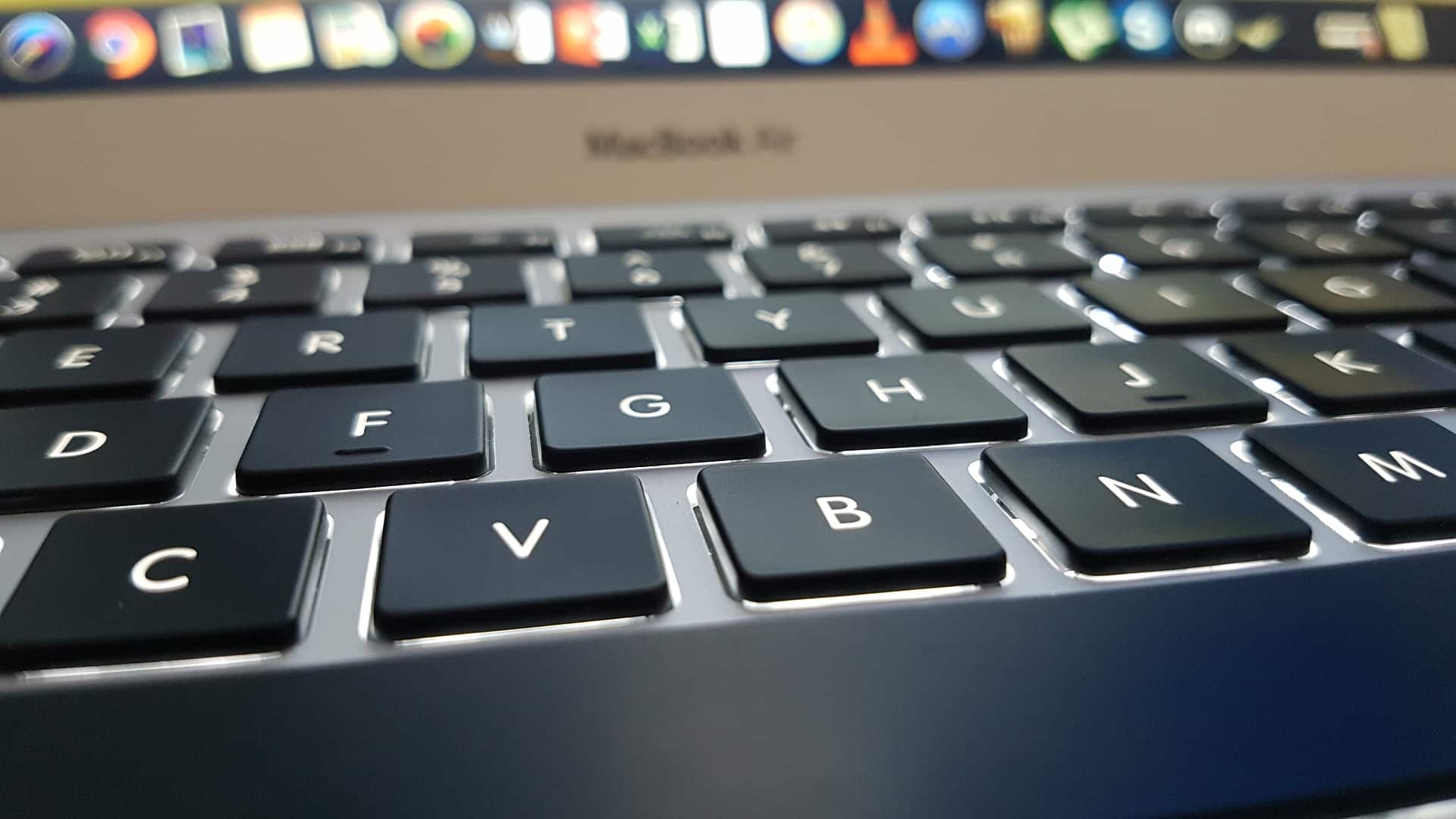
Keep your Mac optimized by deleting junk files with Dr. Cleaner. Photo: Felipe Maass/Pixabay CC
This post is presented by Trend Micro, maker of Dr. Cleaner.
Your Mac is a complex machine. That means there are a lot of ways it can get clogged up. Whether it’s junk files or overused application memory, keeping a clean Mac is a lot like keeping a clean house. A little bit of regular tidying goes a long way.
That’s what Dr. Cleaner is. A little cleaning kit stored away for when you need it.
MacX Pro might be the fastest 4K video converter. Photo: Digiarty
This post is presented by Digiarty, maker of MacX Video Converter.
Thanks to iPhone 8 and iPhone X, 4K video is now the norm. 4K video looks incredible, but it also means a lot of super-high-definition content to manage. Having a powerful converter app is essential to making sure that video looks as good as possible — and works on all your devices.
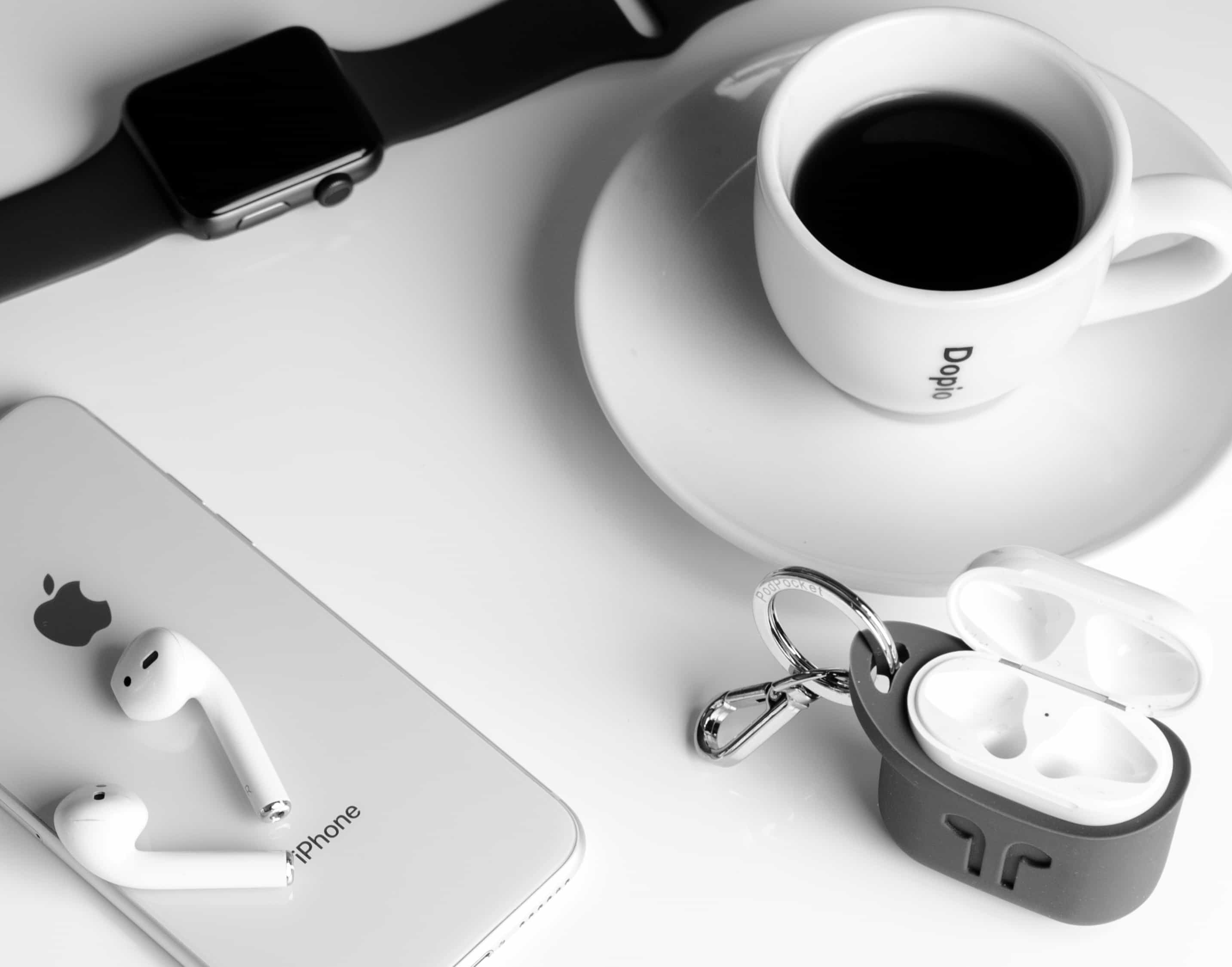
Apple’s futuristic wireless headphones might look like they belong in Elroy Jetson’s ears, but they’re still subject to gravity. Think it stings when you drop a couple hundred bucks on a new set of AirPods? Imagine the feeling of dropping them on the pavement.
Bottom line: AirPods are great, but also expensive, fragile and easy to lose.
This post is presented by Wondershare, maker of PDFelement.
What happens when you’re about to send an important PDF, only to spot a typo? If it was a Word document, you could just open it up, zap the offending letters, save and send. But with a PDF, it’s not so easy — if you don’t have the right software.
That’s why an app like PDFelement for Mac is a potentially invaluable part of anyone’s digital document toolkit. With it, you can edit, add and delete text in a PDF as easily as you would a Word document. Here’s how it works.
Who is your "dr.foner"? Thank your personal tech guru and win a prize! Image: Wondershare
This post is brought to you by Wondershare, maker of dr.fone.
Thanksgiving is a joyous and meaningful celebration of all that we hold dear in the world. It’s a time when we can stop to appreciate the things we have, rather than dwell on what we don’t have. Most importantly, Thanksgiving is about people, and about community. It’s about recognizing all the people who matter most in your life, looking at them and thanking them for always being there for you.
This year, dr.fone would like to enliven your Thanksgiving further with the help of a little contest.
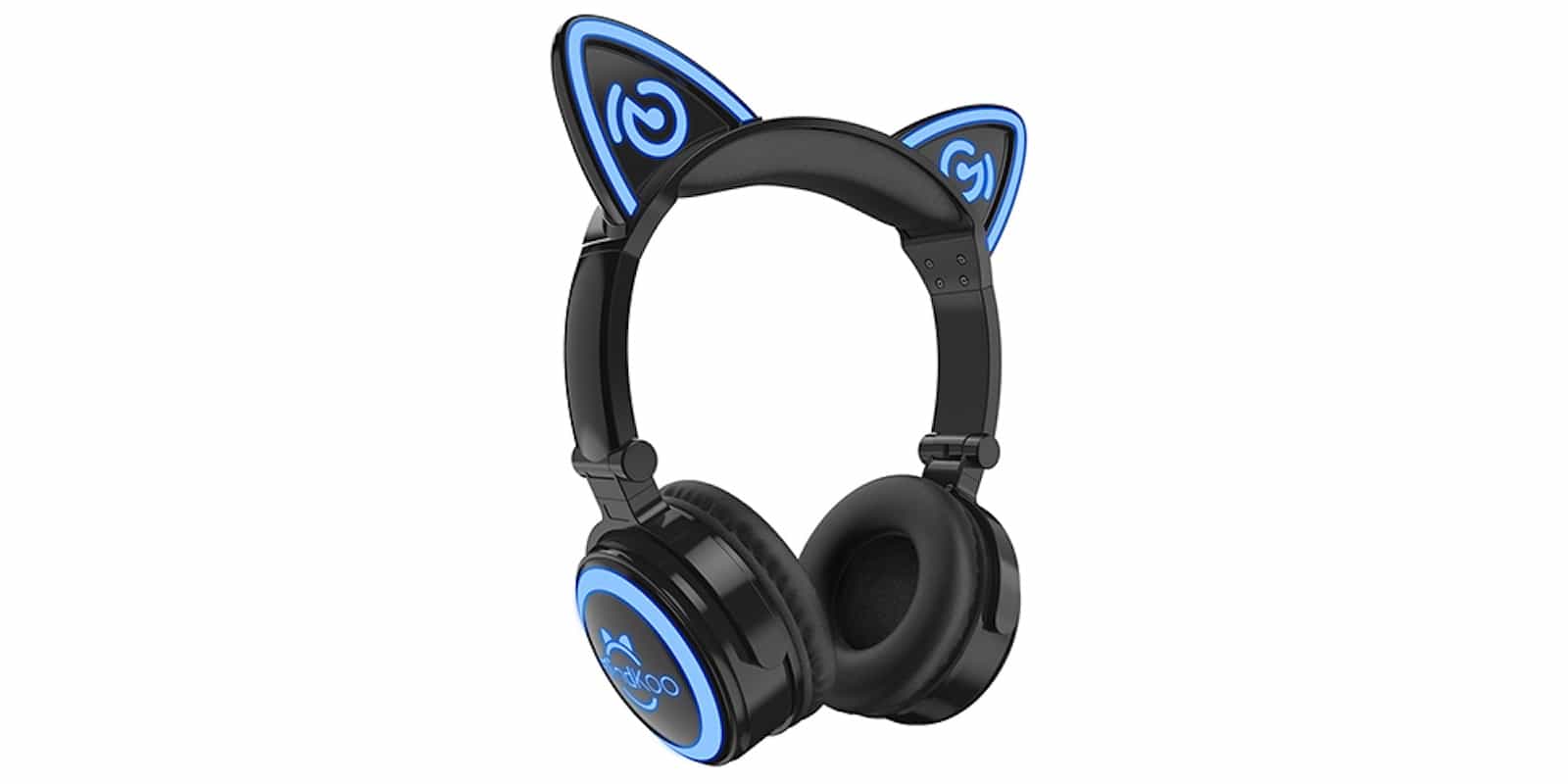
These Mindkoo cat ear headphones are perfect for the kids this holiday season Photo: Mindkoo
Parenting can be especially difficult at this time of year. One wrong move, and your family’s holiday is shattered by the absence of this year’s impossible-to-get Furby.
With AnyTrans' new Air Backup feature, you can wirelessly and automatically back up all your iOS devices. Image: iMobie
This post is presented by iMobie, maker of AnyTrans.
It’s easy to forget the value of doing regular iOS backups. That is, until your iPhone or iPad crashes and jogs your memory. For the less diligent among us, automatic wireless iOS backups can prove priceless.
The perfect holiday gift for yourself (or anybody else who stares at a screen all day). Photo: GlassesUSA
Pointing out that many people spend most of their waking hours staring at screens is like pointing out that water is wet. Unfortunately, gazing at multiple backlit screens for an extended period can adversely affect your eyes.
Today Weather is a simple, sleek app that's an ideal fit for iPhone X's OLED display. Image: Today Weather
This post is presented by Tho Tran, maker of Today Weather.
If you venture outside on a regular basis, chances are you check your weather app pretty often. Whether the info it gives you is good or bad, it should deliver it in eye-pleasing style. Especially if you’ve forked over the cash for a new iPhone X.
Sparkle turns responsive web design into a simple drag-and-drop affair. Image: River SRL
This post is presented by River SRL, maker of Sparkle.
Launching a business or personal brand means getting a bunch of ducks in a row. One of those ducks is building an attractive, useful website. And if you aren’t already skilled in building websites, that can seem as difficult as, well, building a duck.
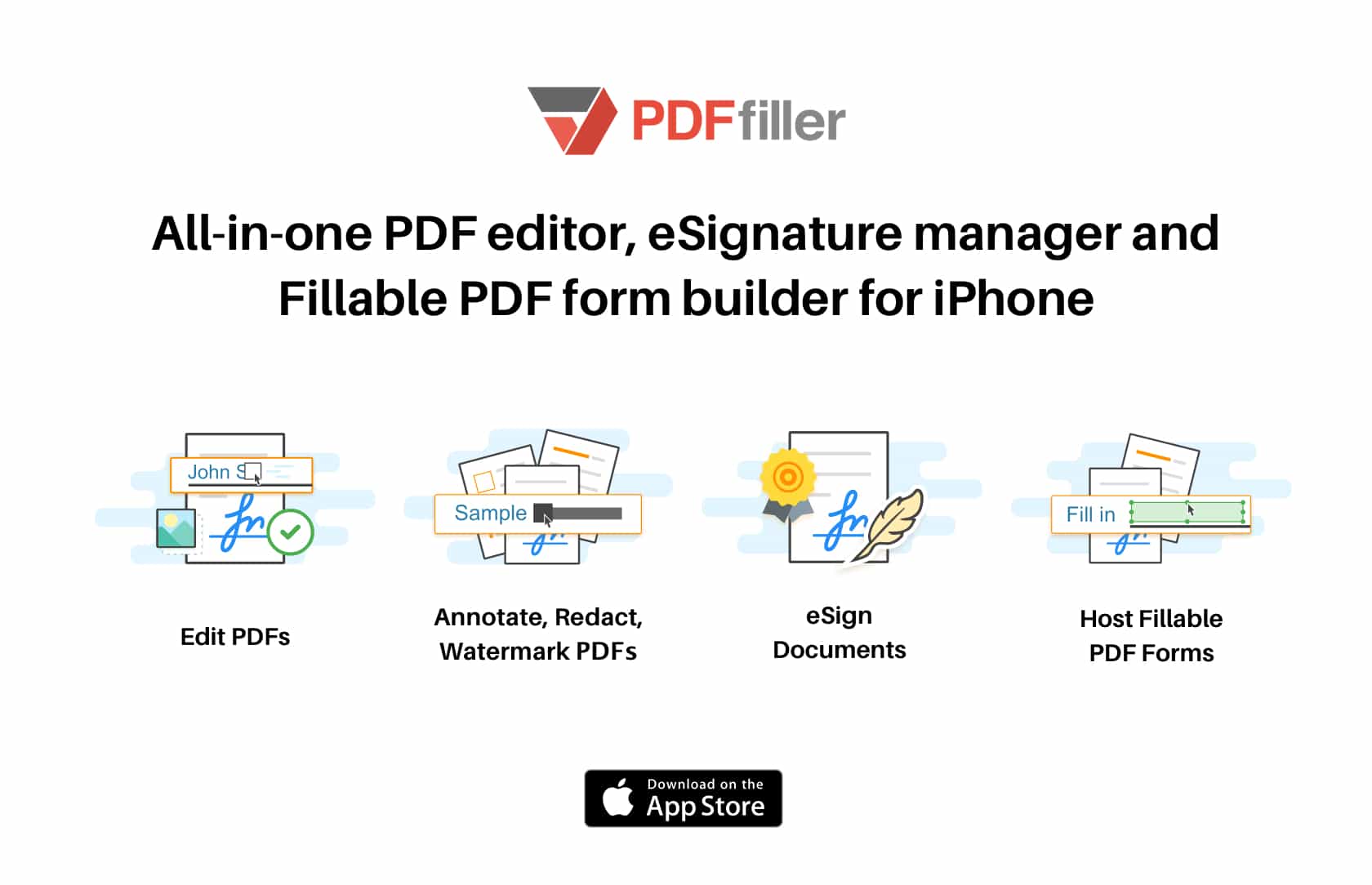
PDFs might be the most common document format to cross any digital desktop. They’re a universally recognized, great-looking way to share all kinds of readable content. But they’re also famously unfriendly to last-minute edits. Spot a typo on that resume or a confidential detail on that memo? Better hope you have the original document handy.
That’s least likely if you’re spotting a change that needs making from your mobile device. These are situations that PDFfiller for iPhone aims to solve.
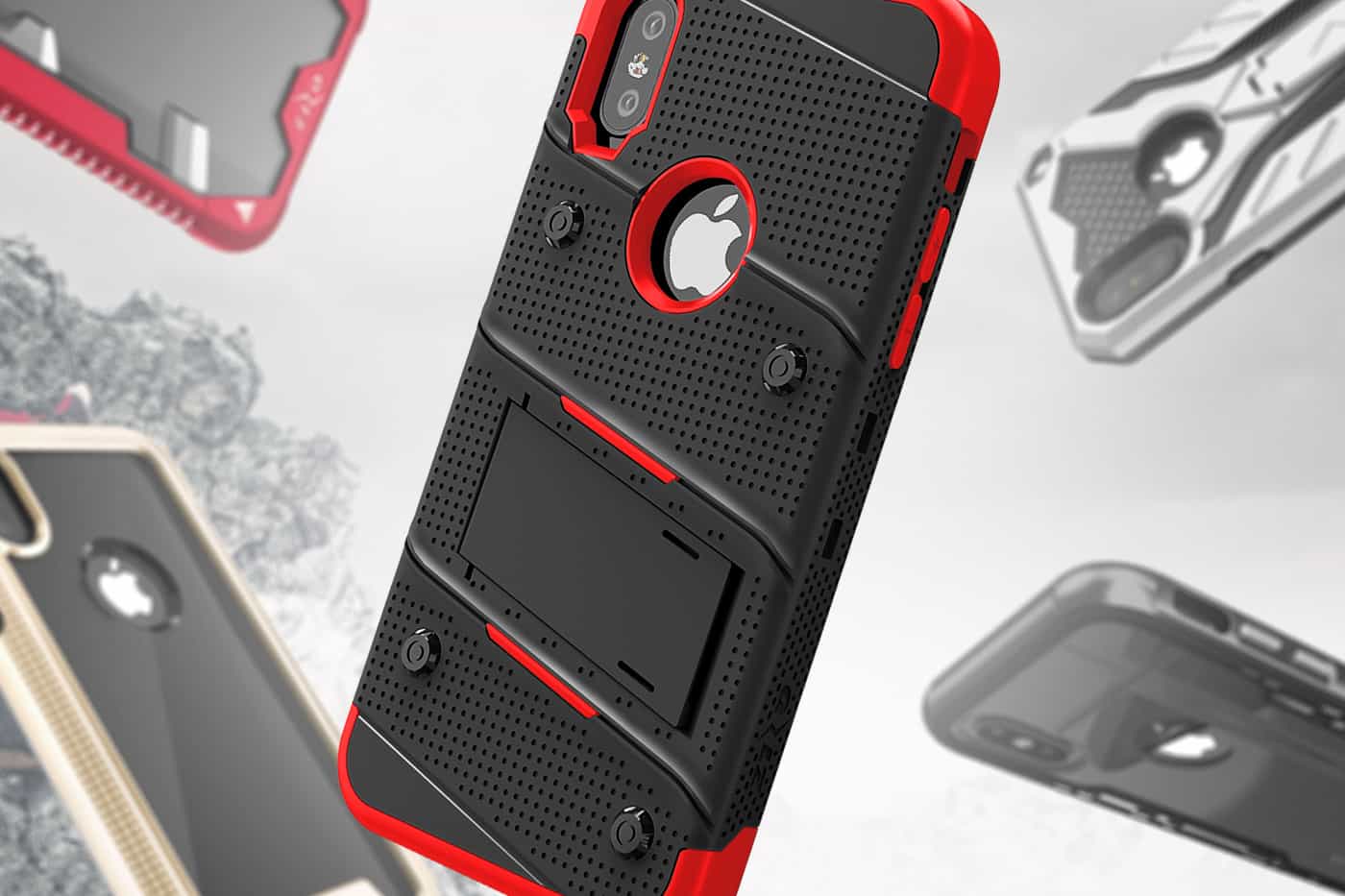
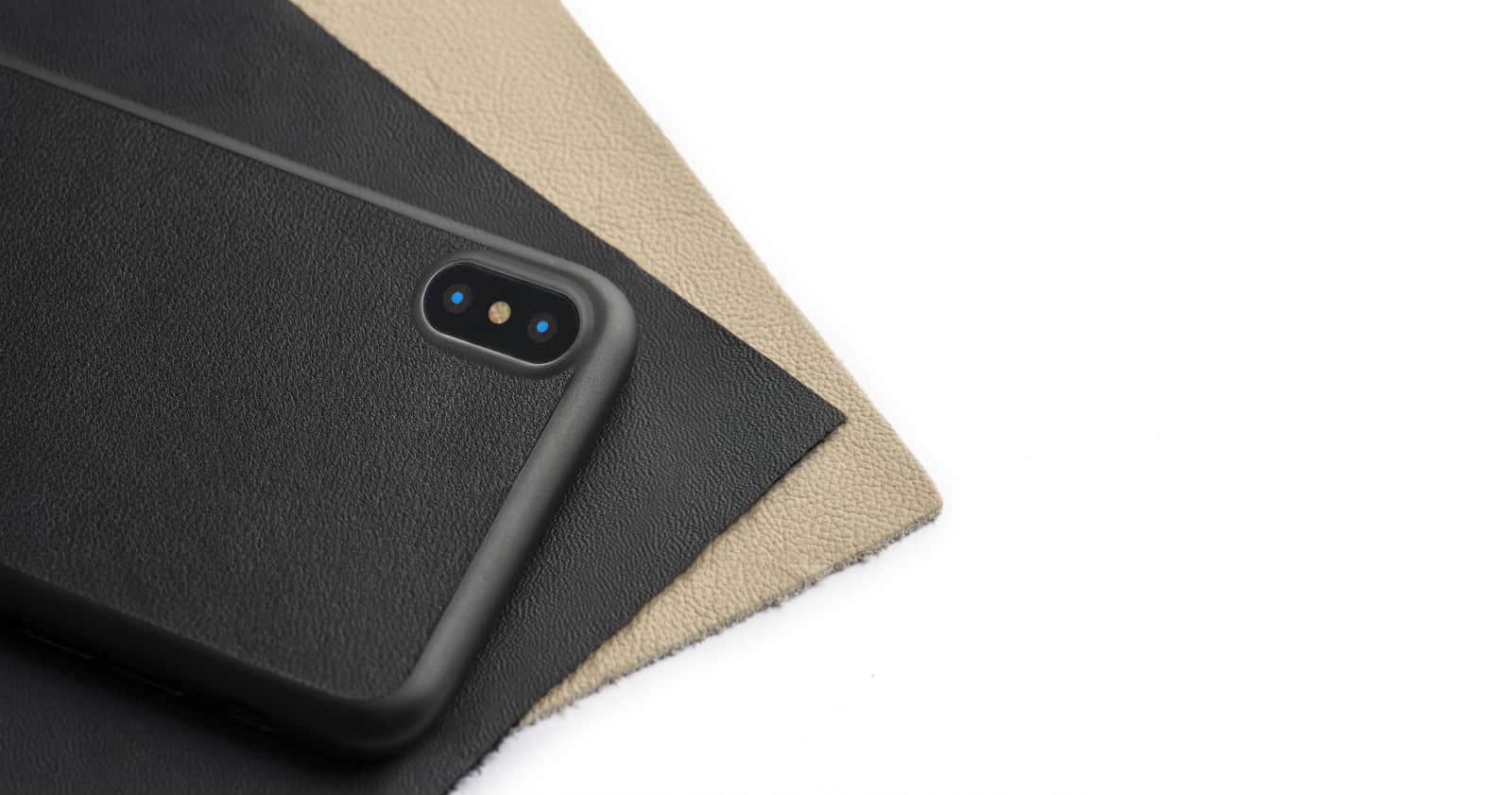
Buying a new iPhone means being being constantly vigilant about not dropping the thing. As nice as the naked phones feel in-hand, no amount of tactile pleasure can overcome the terrible feeling of cracking the screen or worse. Now, with the iPhone X commanding a bank-busting $1,000 per unit, the stakes are even higher.
Lost iPhone contacts don't need to stay lost forever. Image: Wondershare
This post is brought to you by Wondershare.
Losing iPhone contacts can be quite a nuisance. You have to collect contact details from all the important people in your life again. You can never recover some old contacts, and if you lose your business contacts that’s even worse.
However, if you’ve accidentally deleted your iPhone contacts, all hope isn’t lost. There are three convenient means of recovering deleted contacts on iPhone.
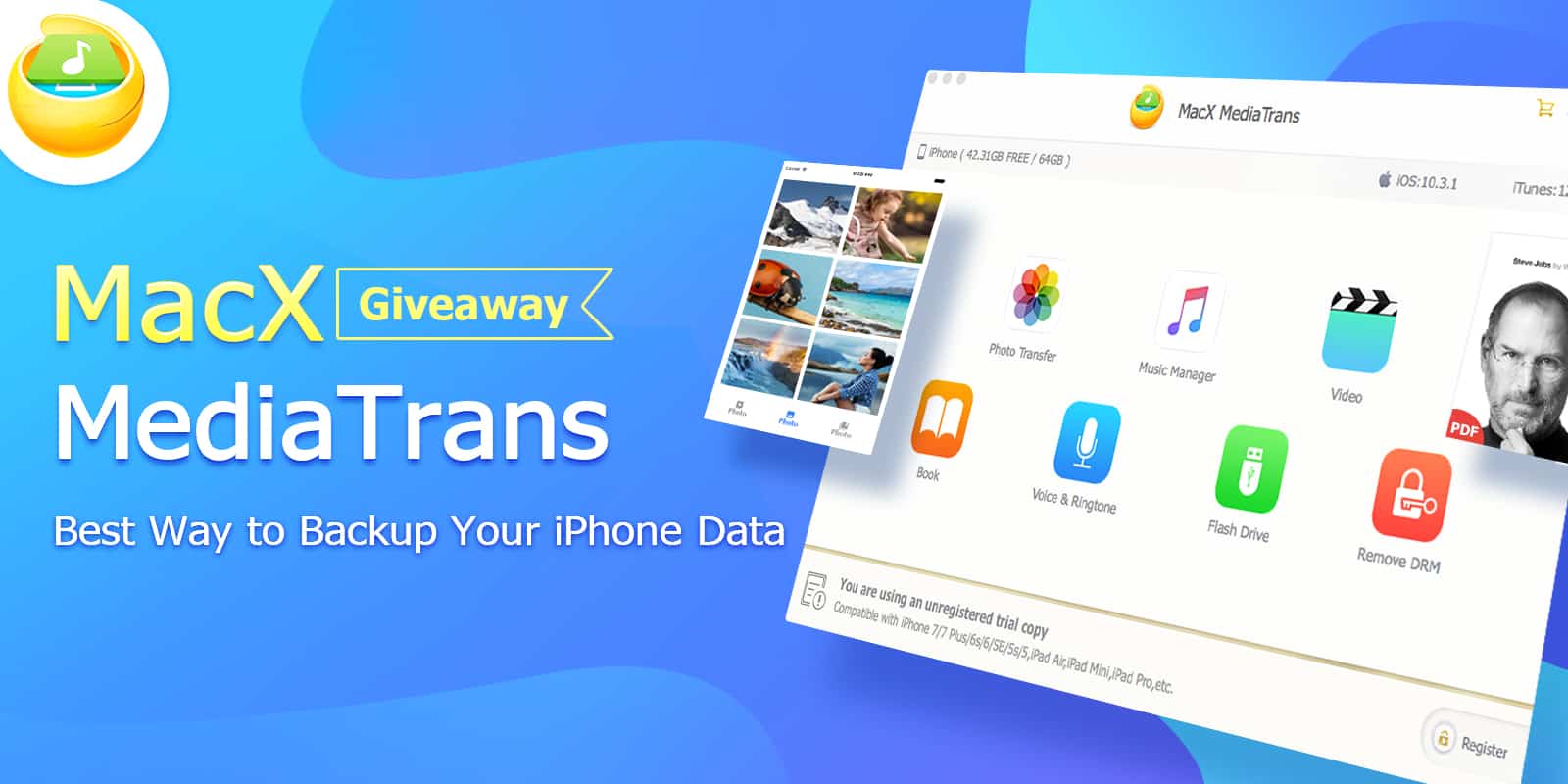
At long last, Apple released the latest and greatest version of iOS. Now anyone eyeing a new iPhone 8 or iPhone X, or simply upgrading to iOS 11, faces the always-fun process of using iTunes to manage and back up data. Prepare for ham-handed syncing, and repeated tries before you get your device’s data in order.
If you’re looking forward to a new device, but not to the process of using iTunes, you’ve got other choices. One option is MacX MediaTrans, which you currently can try for free, thanks to a limited-time giveaway.
iPhone X isn’t just a replacement for your old phone. It’s an attempt to dramatically expand the ways we use our personal devices, bringing augmented reality, facial recognition, wireless charging and more. Buying one is an investment in the future of mobile computing. But at more than $1,000 a pop, it’s a very expensive gadget — and it needs protection.
This post is presented by Prosoft Engineering, maker of Data Rescue 5.
There’s nothing good about a hard drive going bad. Or any drive, for that matter. It’s just as inconvenient to the photographer or videographer to have a corrupted SD card or cartridge as it is for a writer or graphic designer to lose their local drive. At least with computers, many people are in some habit of regularly backing up. But if your bad drive also happens to host your operating system, this headache becomes a migraine.
Sometimes there’s no way around it: Without help, your important data could be lost. A utility like Data Rescue, though, gives you a number of ways to recover.
The WeatherBug free weather app serves up lightning alerts and other real-time info. Photo: Pixabay CC
This post is brought to you by GroundTruth.
Nearly everybody cares about the weather, because unexpected changes can ruin plans or even bring danger. Among the methods for staying up-to-date on weather forecasts, using a weather app stands out as one of the most effective.
But you should think twice before selecting a weather app.
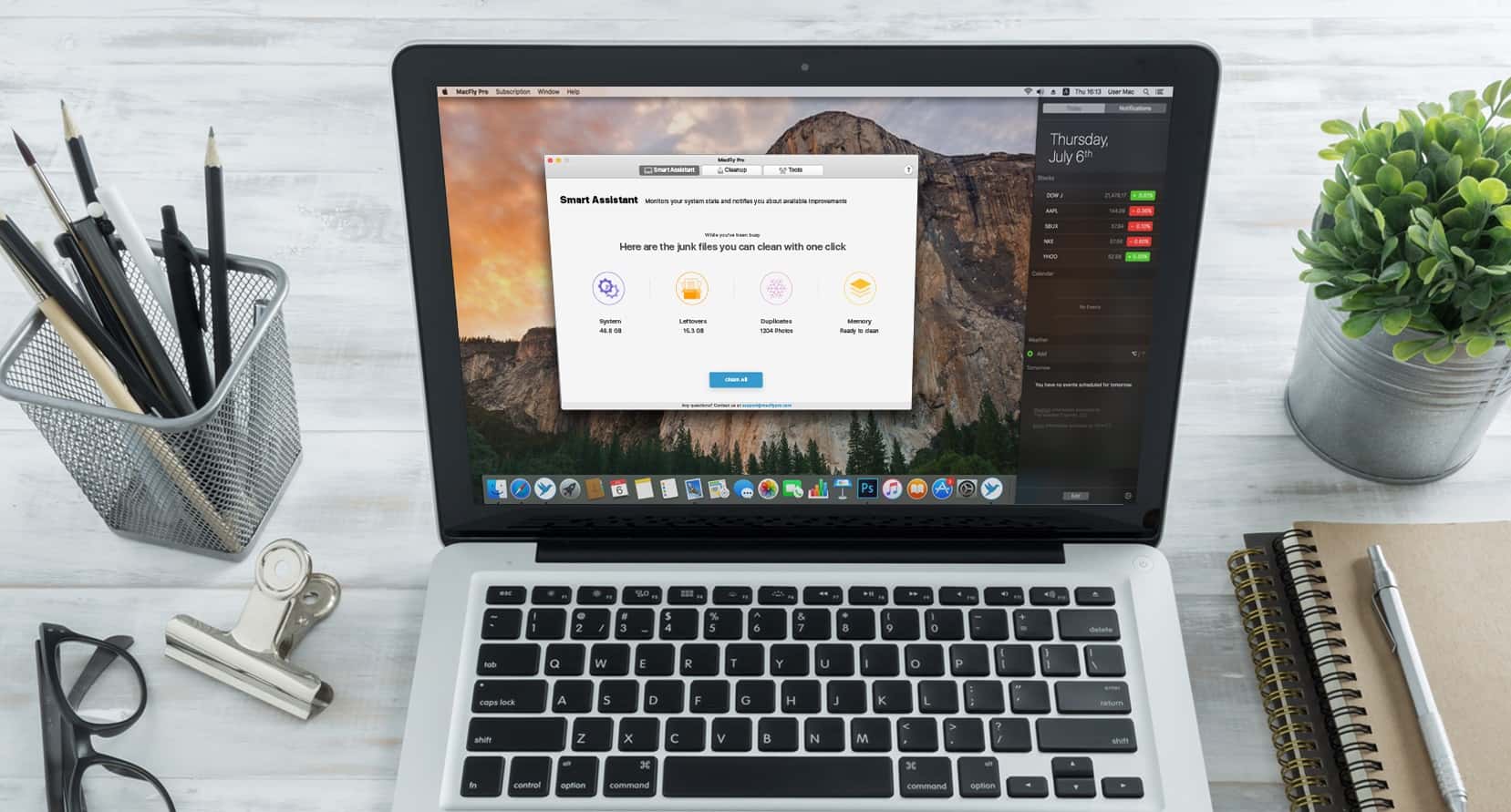
Despite the clean lines and sleek exteriors of our Macs, the insides often look like a real mess. Cluttered photo libraries; old web caches; broken extensions; unused configuration files — the list of data that can gum up our Macs is long. That makes staying on top of it all nearly impossible, unless you’ve got time and energy to spare.
The latest version of Apple’s operating system, High Sierra, was released and is being hailed as “the biggest Mac update you’ll never see.” It’s full of tweaks to essential apps like Safari, but the remarkable stuff is under the surface: a brand-new Apple file system, as well as the groundwork for virtual-reality experiences.
If you have an email address, there’s a very good chance it ends in “@gmail.com.” Well over a billion people use Gmail, which claims more than 20 percent of the email market. Even though Mac users’ machines come with Apple Mail, many prefer to use Google’s email platform in their browser.
One thing Apple Mail users could dangle over the head of Gmail users is the ability to install Mailbutler, a plugin that adds a bunch of useful new functions to the Mac’s built-in email program. But with today’s release of the latest beta, Mailbutler finally becomes available for Gmail.
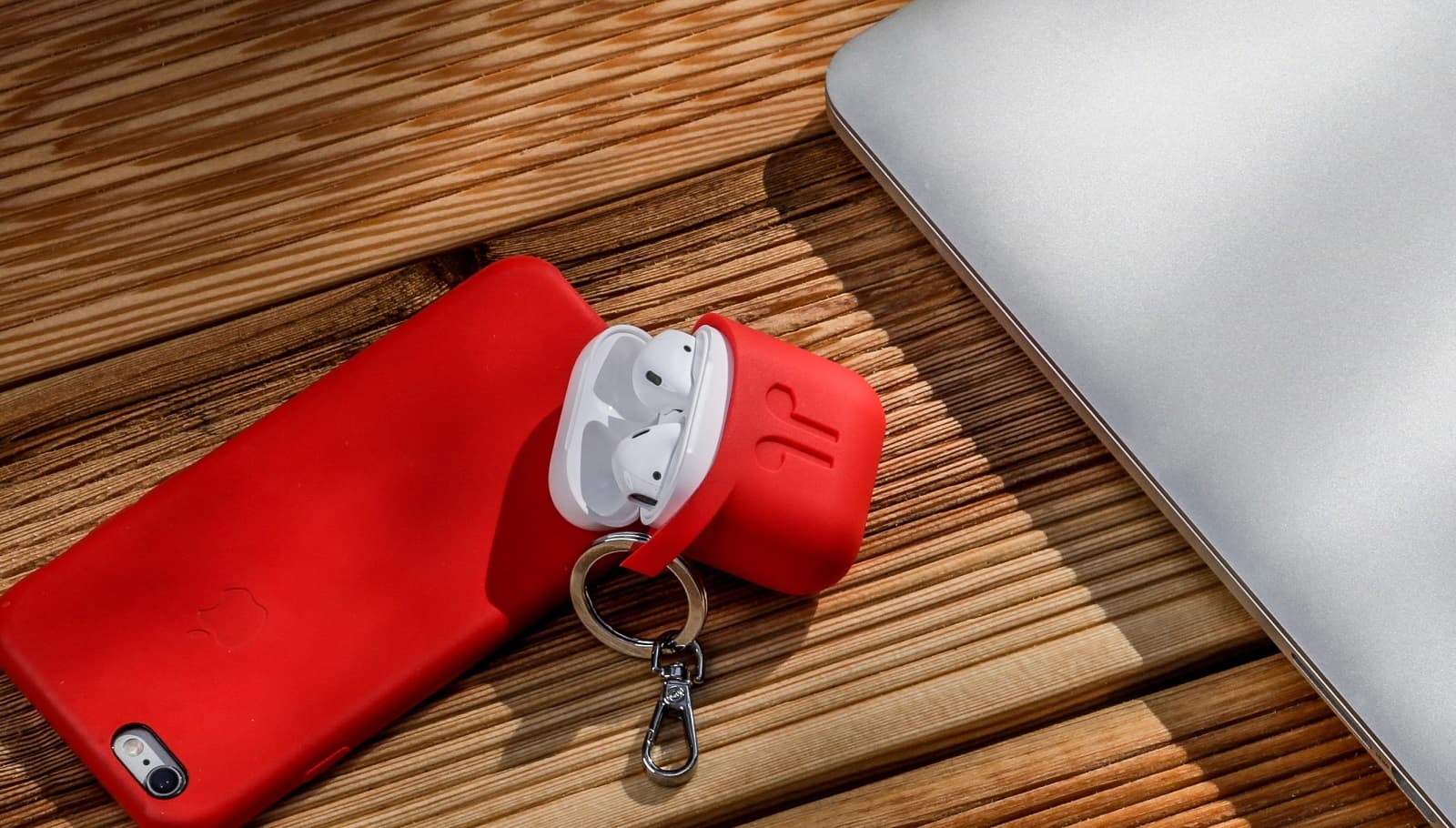
You’ve gone and done it. You sprang for a set of Apple’s hip new wireless AirPods. Now begins a new era of constant worry that you might lose one of the tiny (and expensive) earbuds. It doesn’t have to be that way, though.
Too often, the data you thought was on your phone … isn’t. When that happens, you might be able to resync your device to get it back. If not, you’ll want an app like Enigma Recovery.
AnyTrans makes getting your old data onto your new iPhone a snap. Photo: iMobie
This post is brought to you by iMobie, maker of AnyTrans.
There’s no denying it — the new iPhones look amazing. So it’s no surprise if you’re already plotting how to get one. But with any new device comes the challenge of moving the important stuff from your old one.