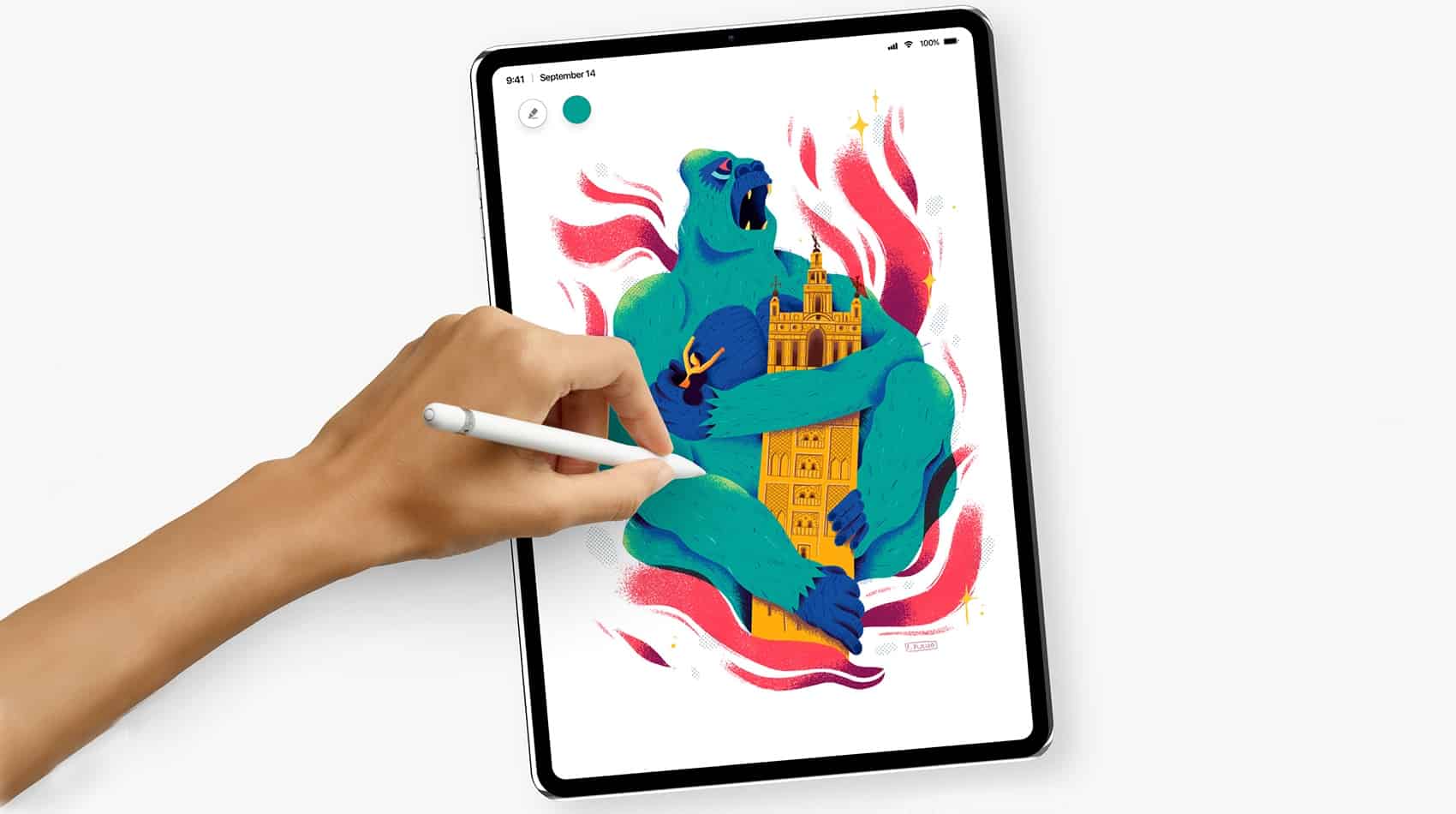
Edge-to-edge phone screens are all the rage, so it’s not surprising that people want them in tablets too.A artist shows what the iPad Pro would look like if the screen bezels were considerably reduced.
His concept device also includes other improvements, including better cameras, Face ID, and a faster processor.
Mobile device management products are designed to solve exactly this problem, and today we're announcing Jamf Now as our official Mobile Device Management (MDM) solution.
Photo: Jamf Now
It’s pretty hard to run a business today without accounting for the devices your employees use to do their jobs. We’re all pretty technically savvy here at Cult of Mac, but as a distributed team, there is a huge need for us to agree on apps, settings and tools that we use.

Mobile device management products are designed to solve exactly this problem, and today we’re announcing Jamf Now as our official Mobile Device Management (MDM) solution.
Importing your passwords into Dashlane couldn't be easier. Check out our video to see how. Photo: Ste Smith/Cult of Mac
This post is brought to you by Dashlane.
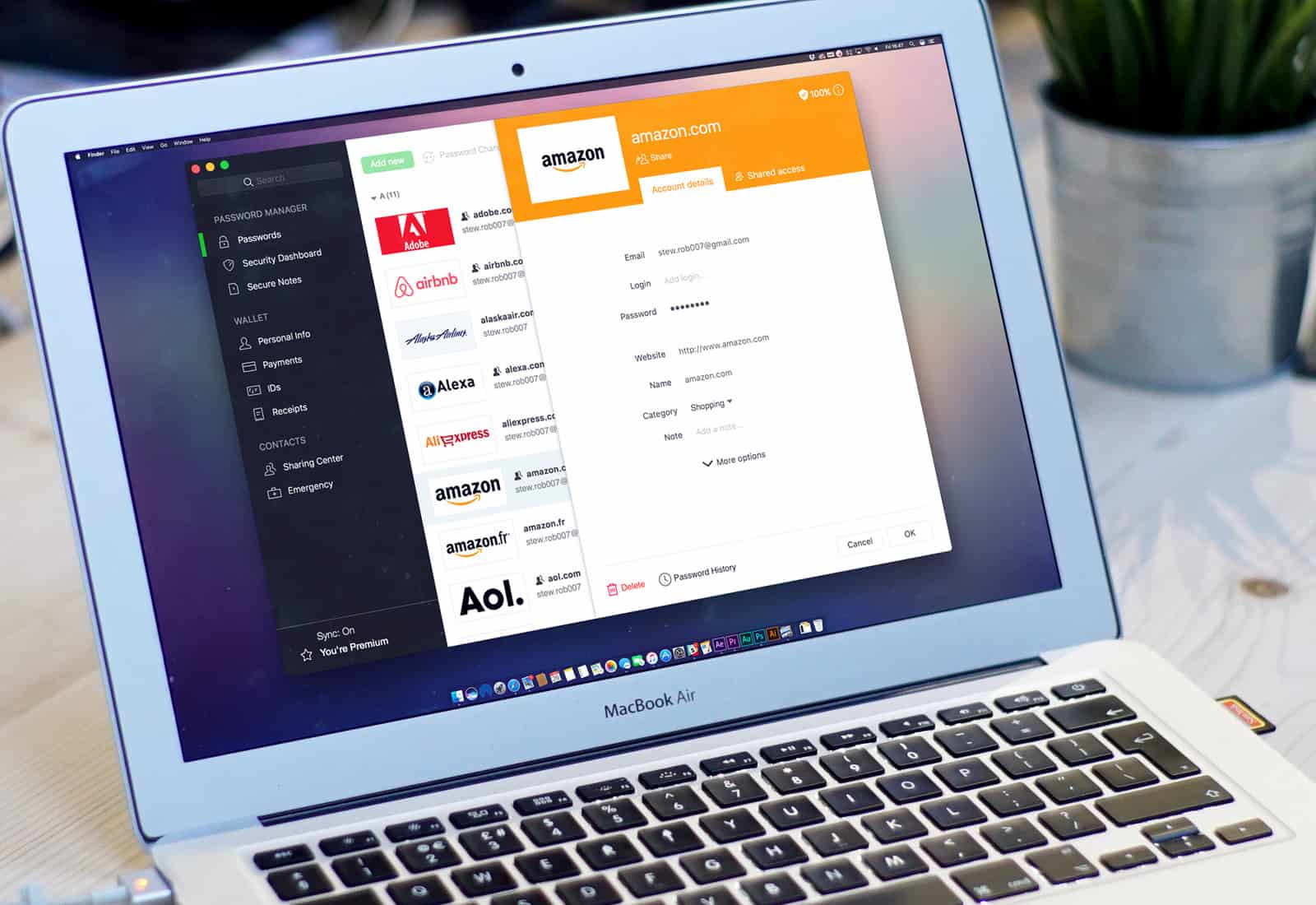
If you’re not using a password manager, you really should be. While it might seem daunting to stop relying on iCloud Keychain or a web browser like Safari, it’s really easy to step up your online security with a password manager like Dashlane, the official password manager of Cult of Mac.
In fact, it’s incredibly simple to import all your passwords into Dashlane. It’s the first step toward taking true control of your passwords — and in today’s video, I’m going to show you how.
Attention, devs: If you haven't localized your apps, you're missing out. Photo: slon_dot_pics/Pexels CC
This post is brought to you by MacPaw, maker of Mac app subscription service Setapp.
One of the amazing benefits of selling software on the internet is that you can reach customers from all over the world. So why would you cut out a huge potential market just by assuming everyone who wants to use your product speaks English?
In fact, ignoring other markets can be one of the biggest marketing oversights software companies make.
Pro tip: Don't rely on your web browser to keep track of your passwords. Photo: FirmBee/Pixabay CC
This post is presented by Dashlane.
Doing anything online means remembering a slew of passwords. That’s why we’re strong advocates of using a password manager like Dashlane. But why use a password manager when your web browser offers to keep track of passwords for you?
The short answer is that, in today’s age of security and privacy concerns, password management is about a lot more than convenience.
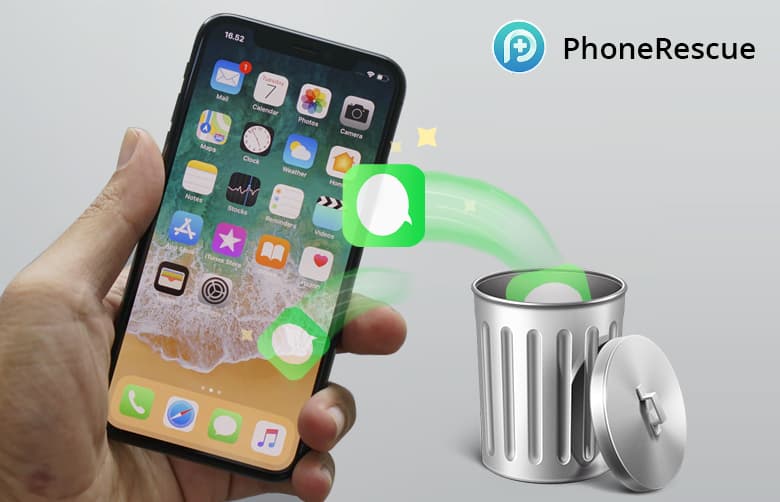
PhoneRescue offers a direct line on the deleted data still tucked away in your phone. Photo: iMobie
This post is presented by iMobie, maker of PhoneRescue.
Your iPhone carries a lot of information, but it’s not a locked box. Eventually, for one reason or another, you’ll go to find a text thread or photo that you’re sure you kept, except you didn’t. Well, with the right tool, almost any data that was lost can be found again.
This post is presented by Fat Cat Software, maker of PowerPhotos.
If there’s one thing photo libraries do, it’s grow. And as they increase in size, they also become harder to organize. Duplicates creep in, folders get mixed up, and the size can easily get out of control. But a Mac app called PowerPhotos offers new moves for managing your digital photo library.
iTunes was groundbreaking when it launched in 2002. But since then, it’s evolved very little, especially in terms of managing iOS data. Updating your iPhone means mastering a maze of syncing options and data categories. iTunes is also the very definition of a walled garden, limited to moving content around that already lives on it — you can’t just pull music straight from your folders onto your phone.
These handmade leather sleeves are the ideal companion to any MacBook. Photo: Harber London
This post is presented by Harber London.
MacBooks are workhorse machines, but they’re also luxury items. The consideration that goes into their design and form is just as much a reason for owning one as their performance. So when you get a case — and you should definitely get a case — you should be aware that some are better fit for the MacBook look and feel than others.
With all of the news about data insecurity at Facebook, you might be thinking twice about using the social network to log in to other apps. Sure, using the Facebook Login feature makes it simple to create an account or log in to apps and websites.
Unfortunately, it also adds to the data dossier Facebook is compiling about you and your friends.
Making a killer video could be the best way to promote your killer app. Photo: Terje Sollie/Pexels CC
This post is brought to you by MacPaw, maker of Setapp.
As indie developers, we can get too caught up in how things work — what features our product has, what users can do with it. It often seems like if we can just explain how our product works, everyone will become a devoted user.
We spend lots of time pulling together onboarding videos and tutorials. But there’s a whole other front in the battle of promotion and conversion: making an emotional connection between a potential user and your product and brand.
If there’s one thing you would like to spend less time dealing with online, what would it be? Filling out the same name, address or credit card info for the hundredth time? Maybe remembering and entering each of your dozens of (hopefully strong) passwords?
So many aspects of our daily lives depend on passwords. Social media, buying stuff, banking — basically anything that we care about online is guarded by nothing more than a string of characters.
Unfortunately, people are really, really bad at passwords. Even if you’re not using “123456” or, heaven forbid, “password” as your password, it’s high time you take password security seriously. In 2018, that means using a solid password manager.
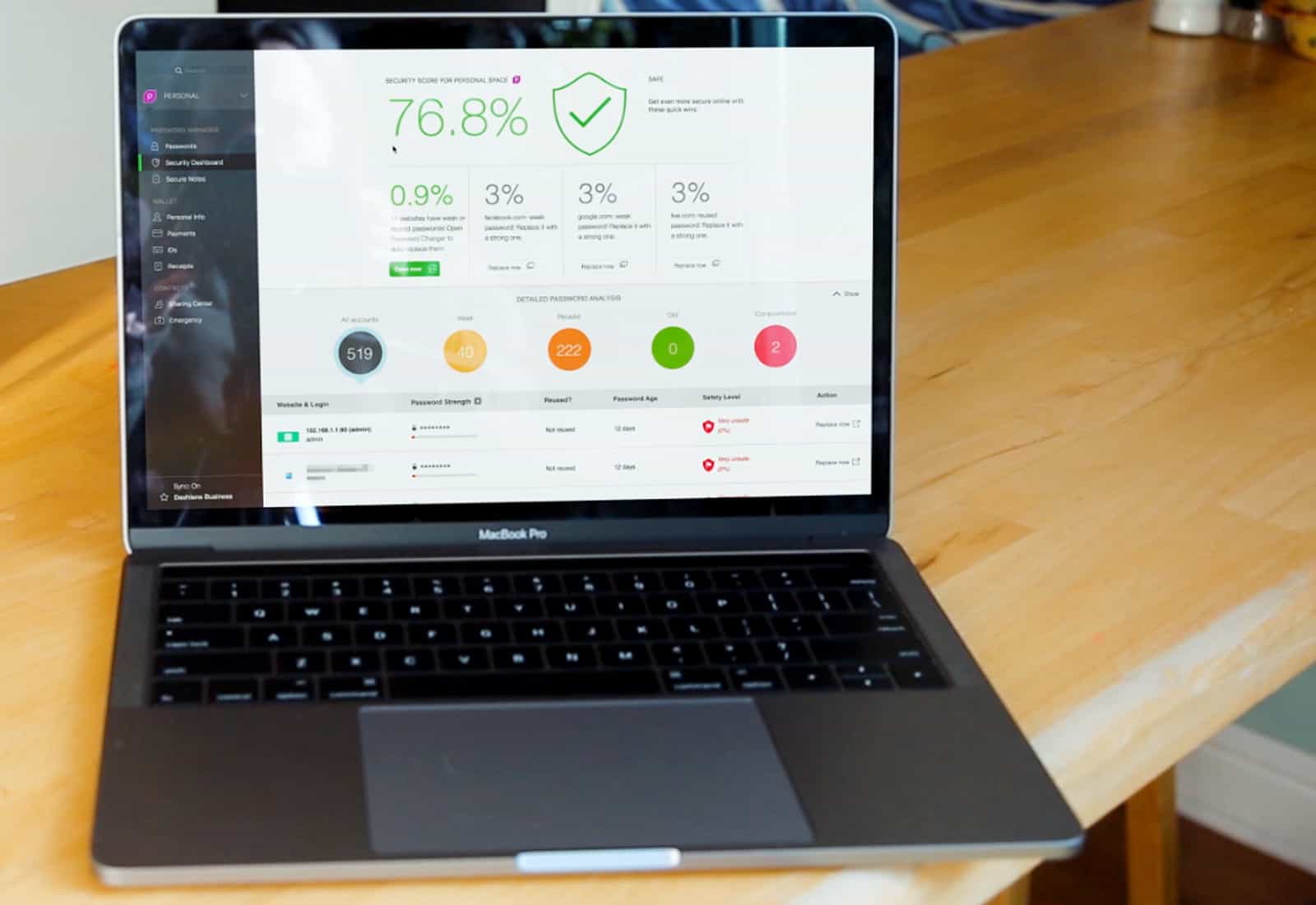
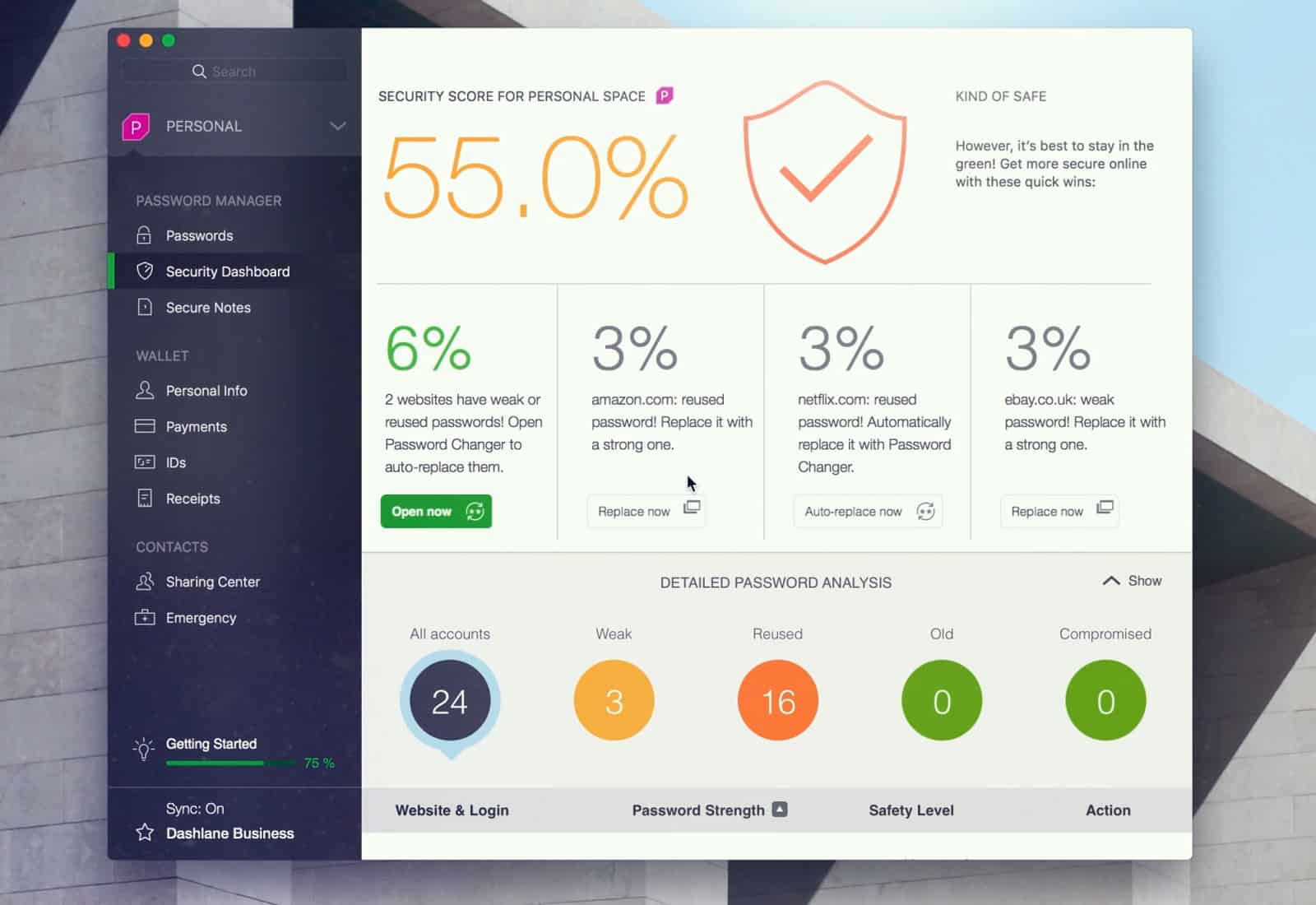
Dashlane's great Security Dashboard is one of the reasons it's our official password manager. Photo: Ste Smith/Cult of Mac
Venturing online can be like an urban safari into the sketchiest, most crime-ridden part of town. The internet is full of scumbags, scalawags and scambots.
That’s why it’s absolutely essential that you use good, strong passwords. And that means you need a good password manager. This is non-debatable. If you do anything at all online — shop, bank or socialize — you need a good password manager. Here at Cult of Mac, we use Dashlane. And in this video, I’ll tell you why.
When most of us buy a gym membership, we imagine having the time and discipline for building muscle or losing weight. Unfortunately, most of us know things usually don’t work out that way.
Nowadays, it’s possible to get a comprehensive workout without a gym, or even any equipment. Bodyweight training has been growing in popularity for years. That’s partly because using your own weight as resistance is economical and effective. But it’s also because smartphones offer a convenient and portable “virtual coach,” thanks to a new class of workout app.
Dr. Cleaner will get the cruft out of your Mac. Photo: JÉSHOOTS/Pexels CC
This post is presented by Trendmicro, maker of Dr. Cleaner.
Spring is coming, and the urge to tidy up follows close behind. Of course, our computers can get just as cluttered as our homes. We use all kinds of cleaning supplies for tidying up our homes easily and effectively. It’s also a good idea to get the right tools for cleaning your Mac.
Dashlane reveals the state of password security across America. Photo: Stephen Smith/Cult of Mac
Late last year, I switched password managers. I traded in trusty old 1Password for relative newcomer Dashlane, and I haven’t looked back.
Dashlane is a well-designed, fully functional and easy-to-use password manager that tops 1Password in one key respect: a Security Dashboard that makes it dead easy to track your online security and update it as necessary.
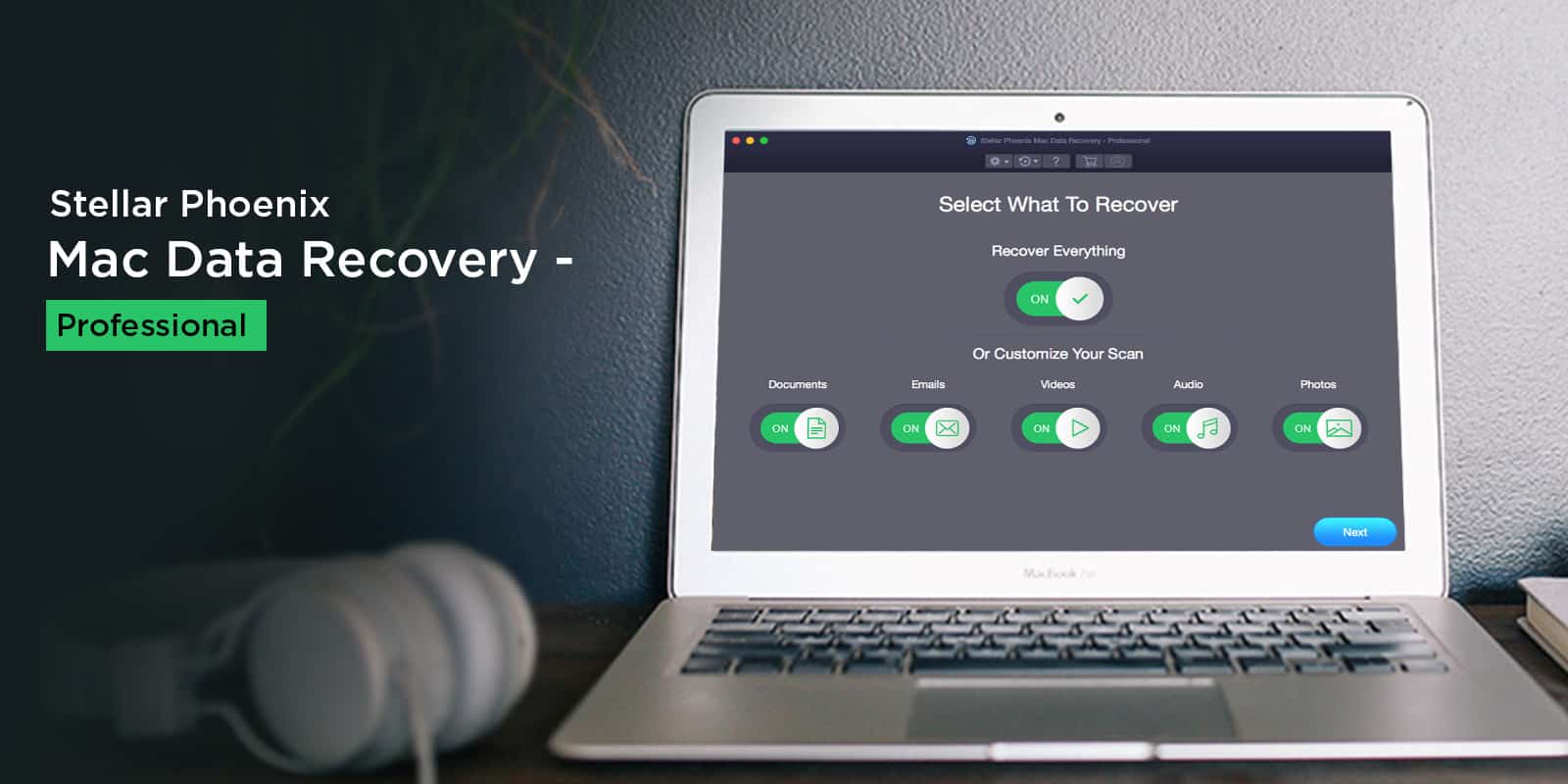
Easily recover all kinds of data from damaged or corrupted drives. Photo: Stellar Phoenix
This post is presented by Stellar Phoenix, maker of Mac Data Recovery.
Data loss can be a bitter pill to swallow, especially when you are unprepared for the eventuality and as such have no backups. Everyone relies on digital devices now, and losing data can have catastrophic implications.
Long known for its anonymous search prowess, DuckDuckGo is going long on privacy. Photo: Kaique Rocha/Pexels CC
This post is presented by DuckDuckGo.
The web is a creepy place. No matter what you do or where you go, countless digital eyeballs watch what you do, looking to sell your data.
DuckDuckGo is known as the search engine that doesn’t snoop on its users. Used by security- and privacy-minded people, DuckDuckGo counts some 16 billion anonymous searches since launching in 2008. The world has changed a lot in the last decade, and the web has only grown creepier. So, DuckDuckGo is expanding its services beyond search.
Protect your Mac from viruses the easy way with Dr. Antivirus. Photo: Tim Gouw/Pexels CC
This post is presented by Trend Micro, maker of Dr. Antivirus.
In some ways, our Macs are a lot like us. They live in a world full of bugs and viruses that can compromise their systems, slow them down, even kill them. Just like people, the best way to stay on top of health threats is to get regular checkups.
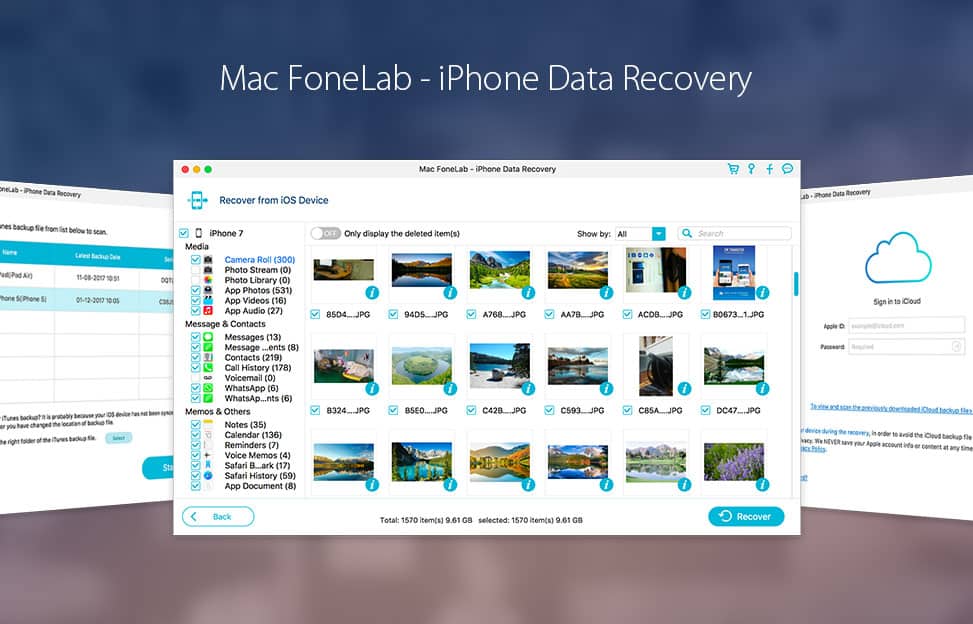
New year, new phone — and the same old risks of damage or data loss. Whether you’ve shelled out more than a thousand bucks for a new iPhone X or still use one from five years ago, these devices are essential to day-to-day life. So just like keeping a first aid kit around, it pays to have the tools to recover your iPhone data if and when something goes wrong.
This new line of "iPhone jewelry" adds an eye-catching layer of bling and protection. Photo: Creatio Design
This post is presented by Creatio Design, maker of Rmour Silver Corners.
An iPhone is a powerful tool, but it’s also a luxury item. When you spend $1,000 on an iPhone X, it’s not just for the powerful camera and fast processor. You’re investing in something that looks and feels fantastic.
Unfortunately, protecting that investment with a case typically obscures the iPhone X’s intrinsic beauty. The opposite occurs with Rmour Silver Corners for iPhone X, a new line of protective “iPhone jewelry” inspired by medieval suits of armor.
Take control or your RAR, ZIP and other archives on your Mac. Photo: Life of Pix/Pexels CC
This post is presented by Trend Micro, maker of Dr. Unarchiver.
Archives are a great way to compress and bundle all sorts of files. Whether massive applications or complex media projects, to get at the contents of an archive you typically must unarchive the whole thing. Depending on the type of archive, you might need special software. And depending on who sent it, you might not trust the files in the archive. Like a vampire, some malware requires you invite it into your machine.
Think you’ll never fall victim to a cybercrime? Think again.
Recent data shows individuals have a one in 10 chance of becoming a victim of cybercrime each year. In fact, people are 20 times more likely to experience fraud than robbery.
It’s time to start taking your data security seriously by ensuring your smartphone, computer and online accounts are safe from hackers. Luckily, Apple products are pretty secure on their own. However, it never hurts to add an extra layer of protection. Start with these nine ways to strengthen your Apple products.