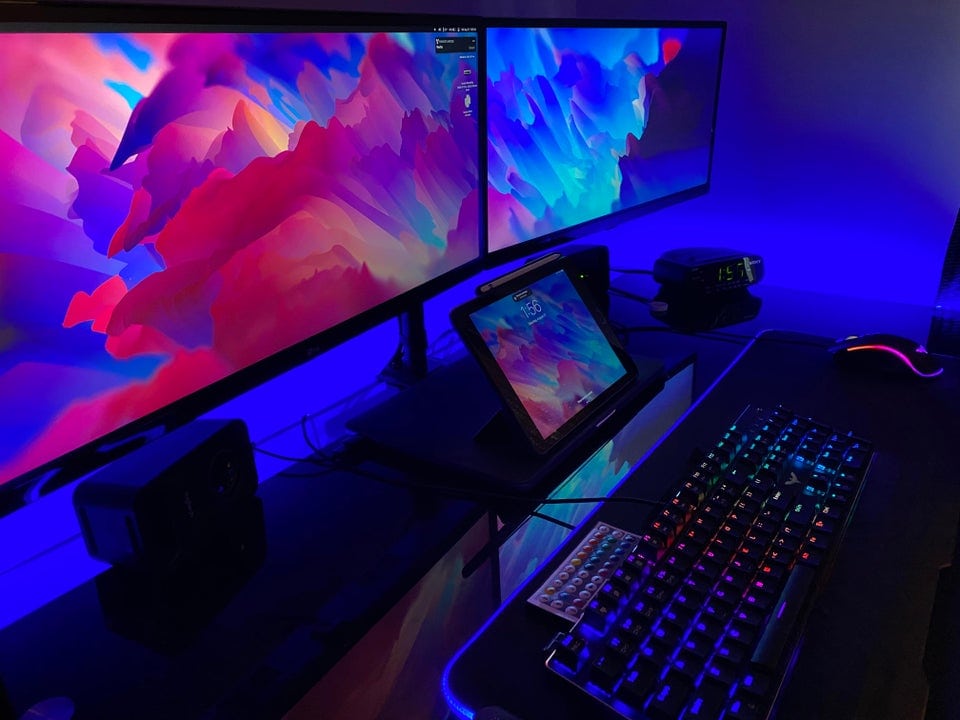
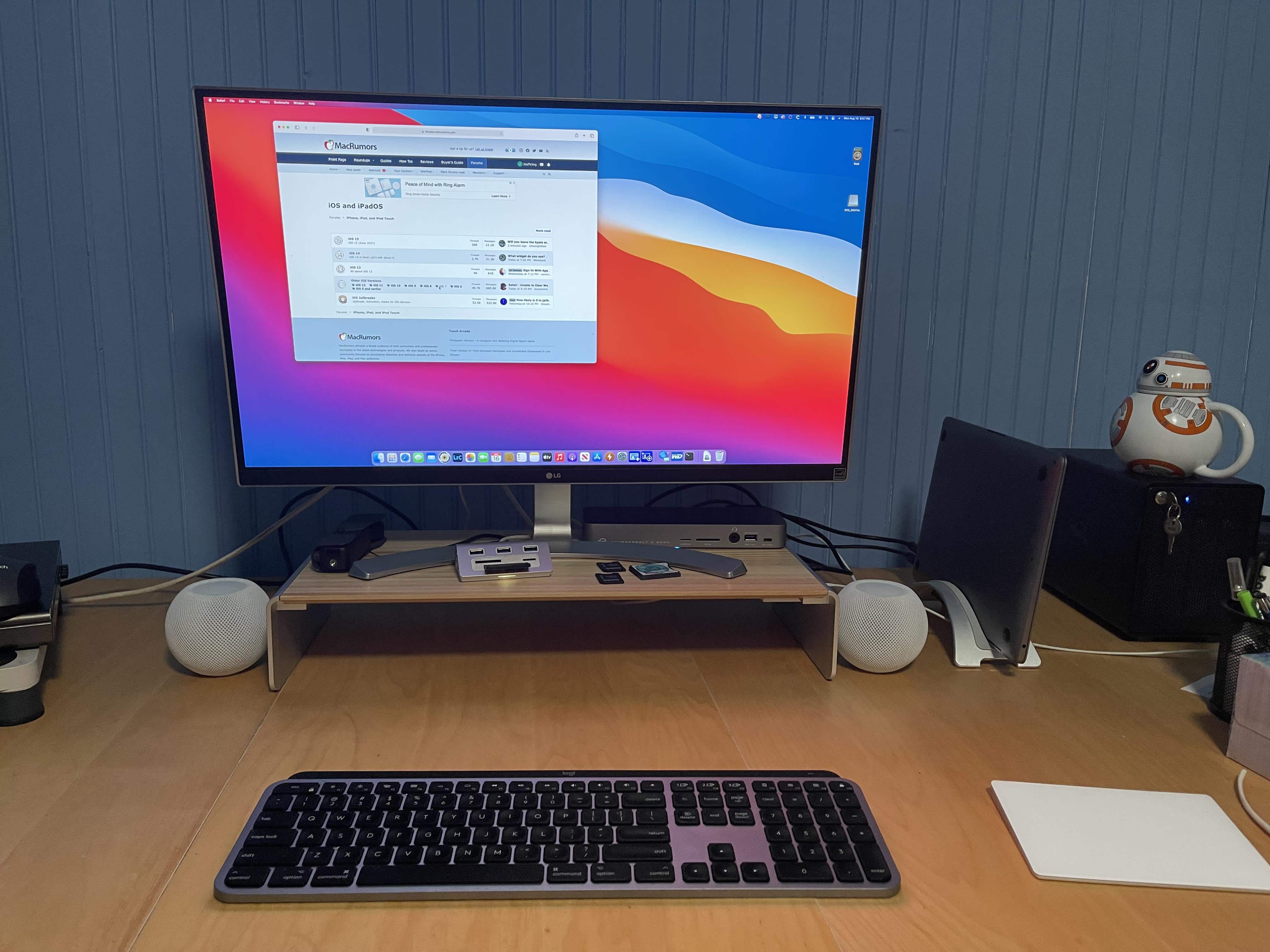
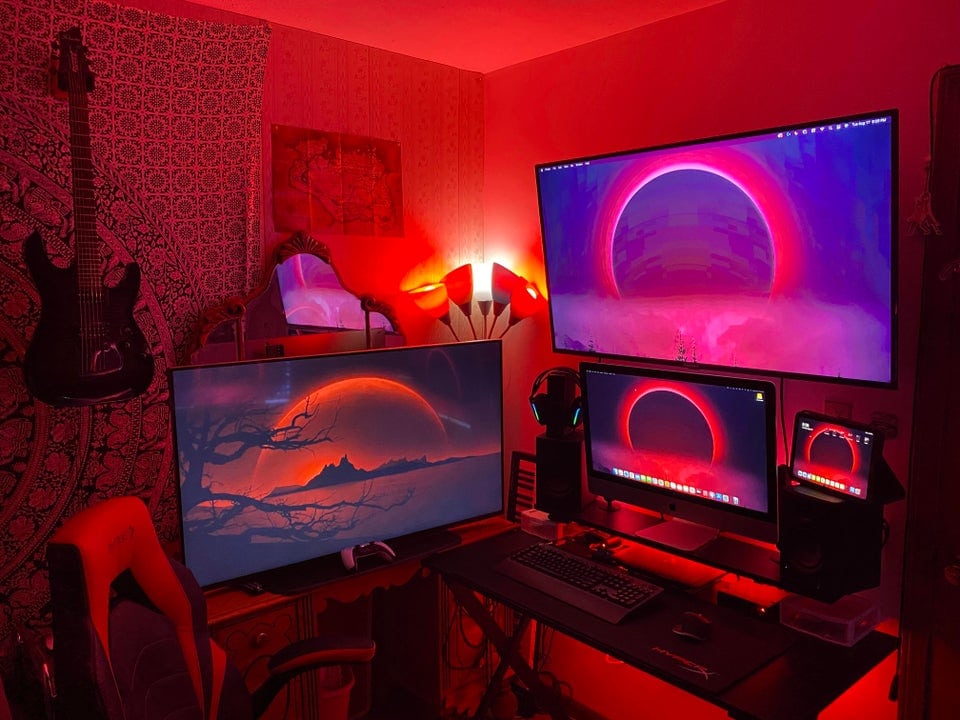
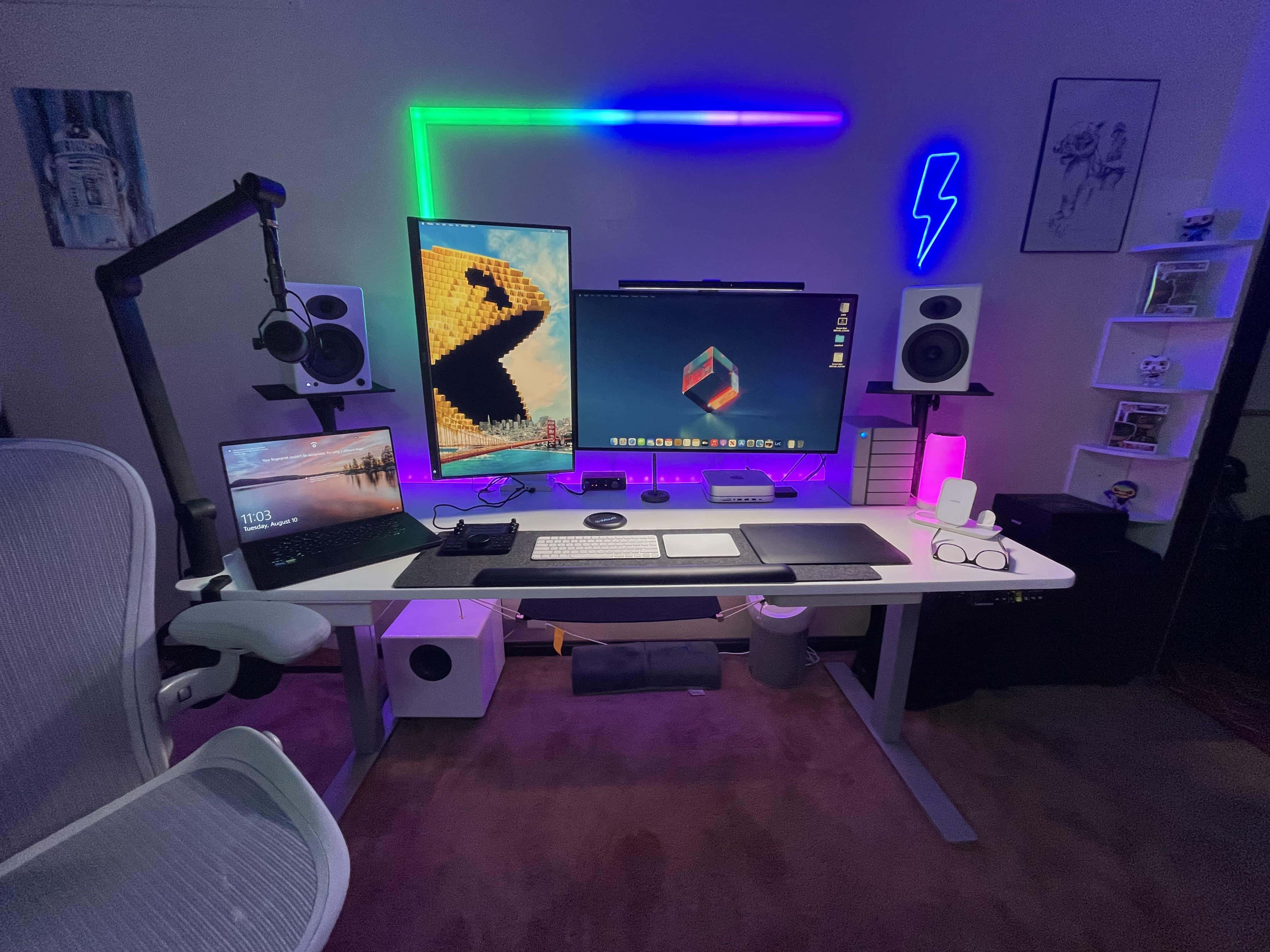
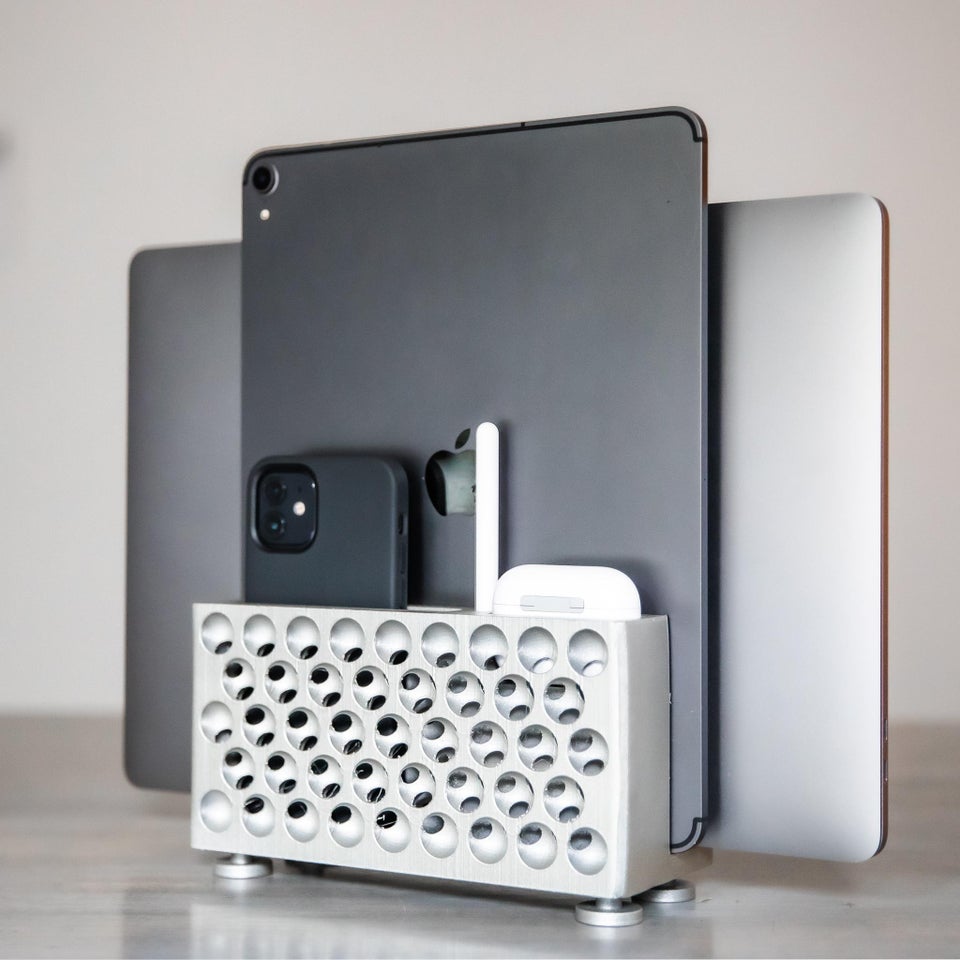
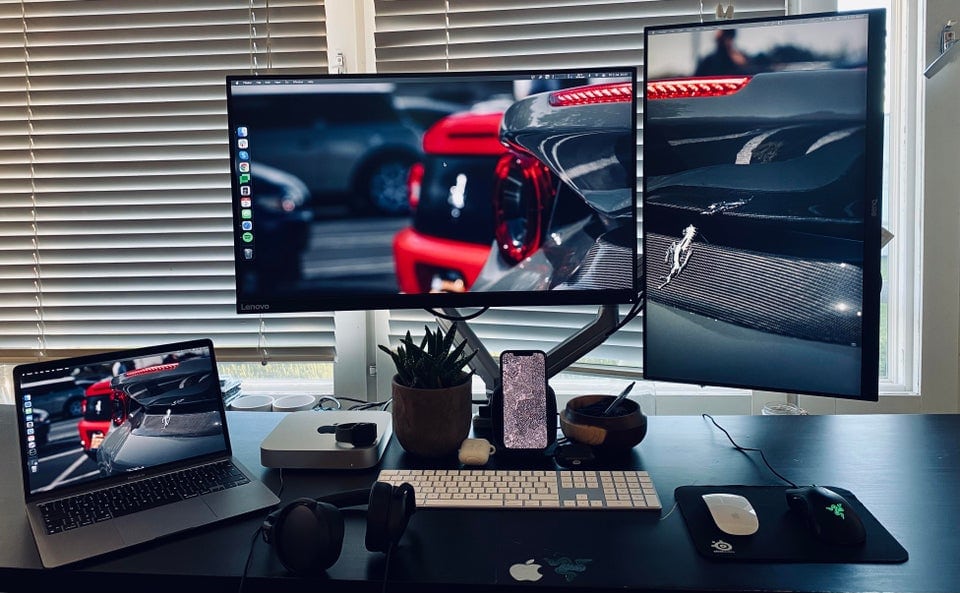
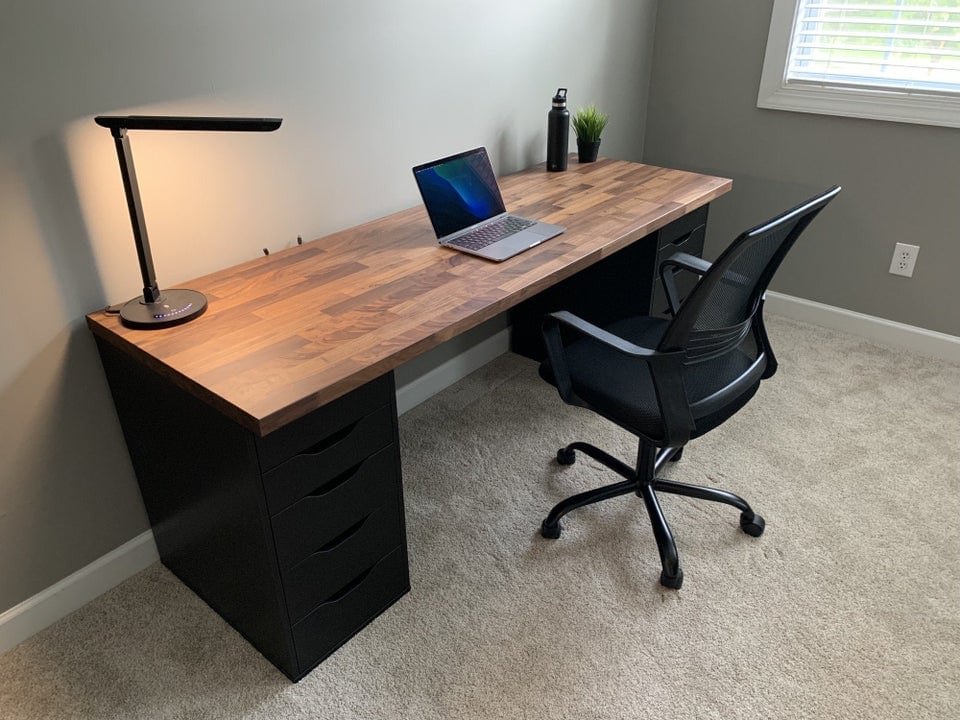
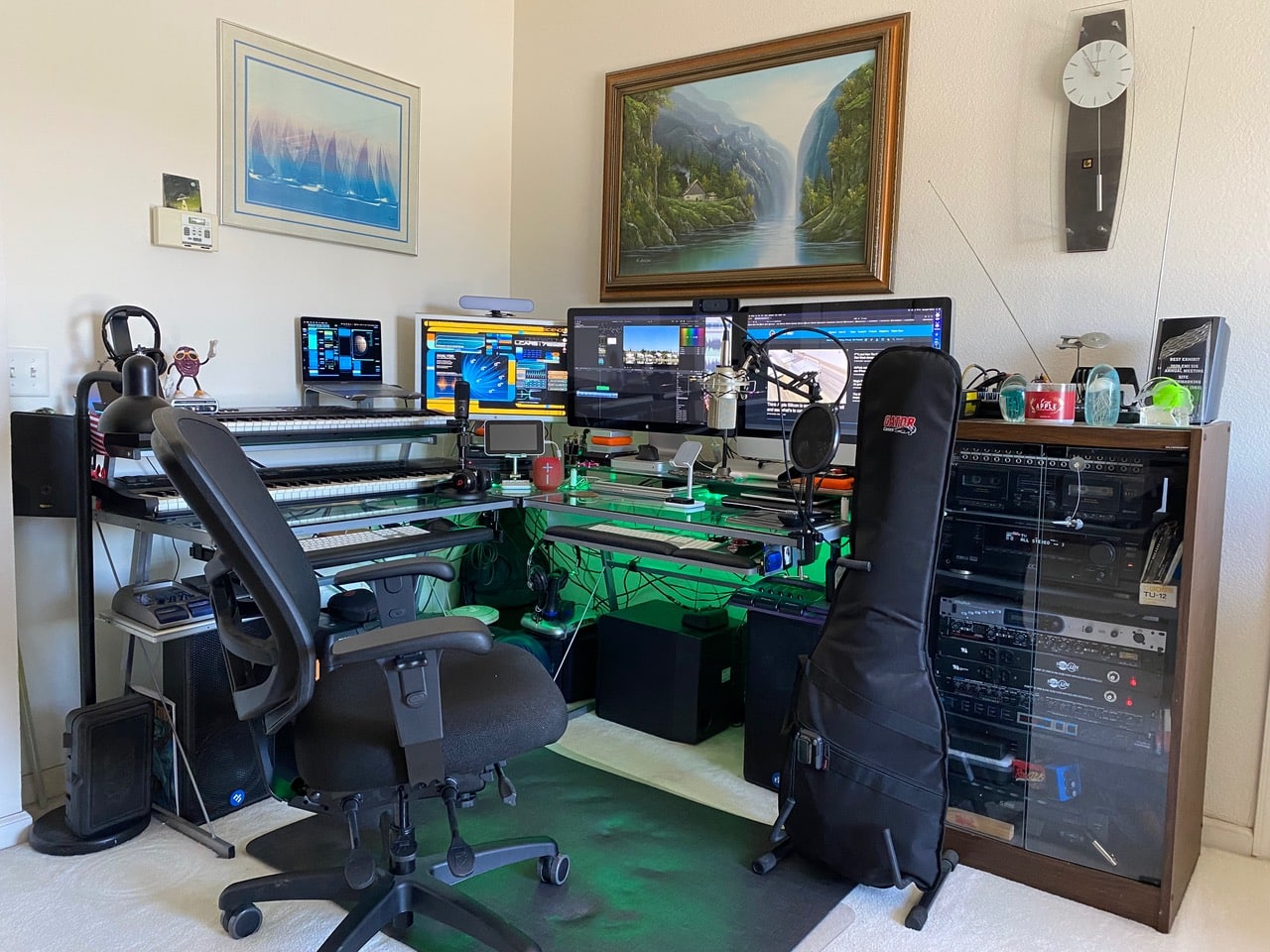
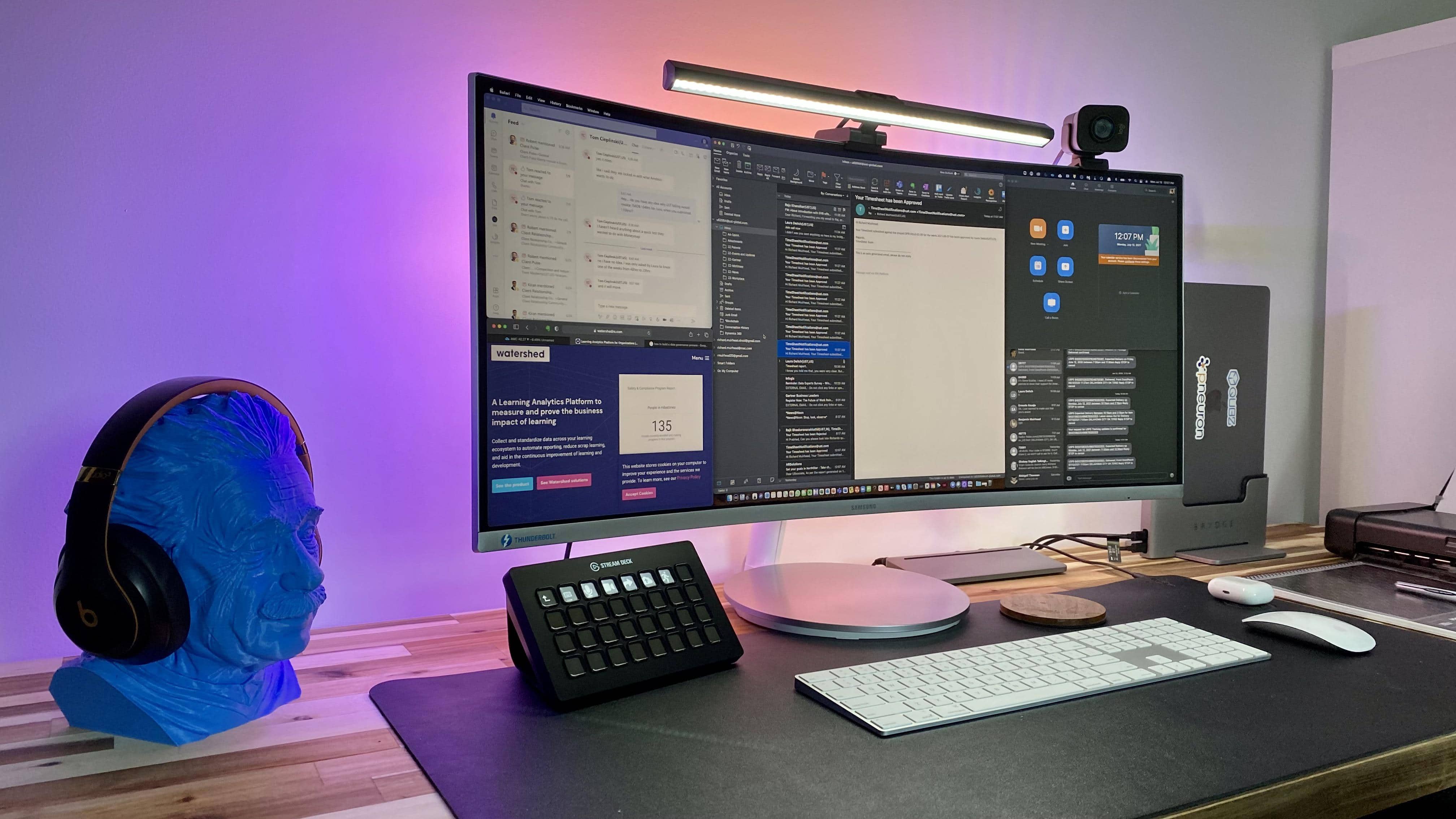
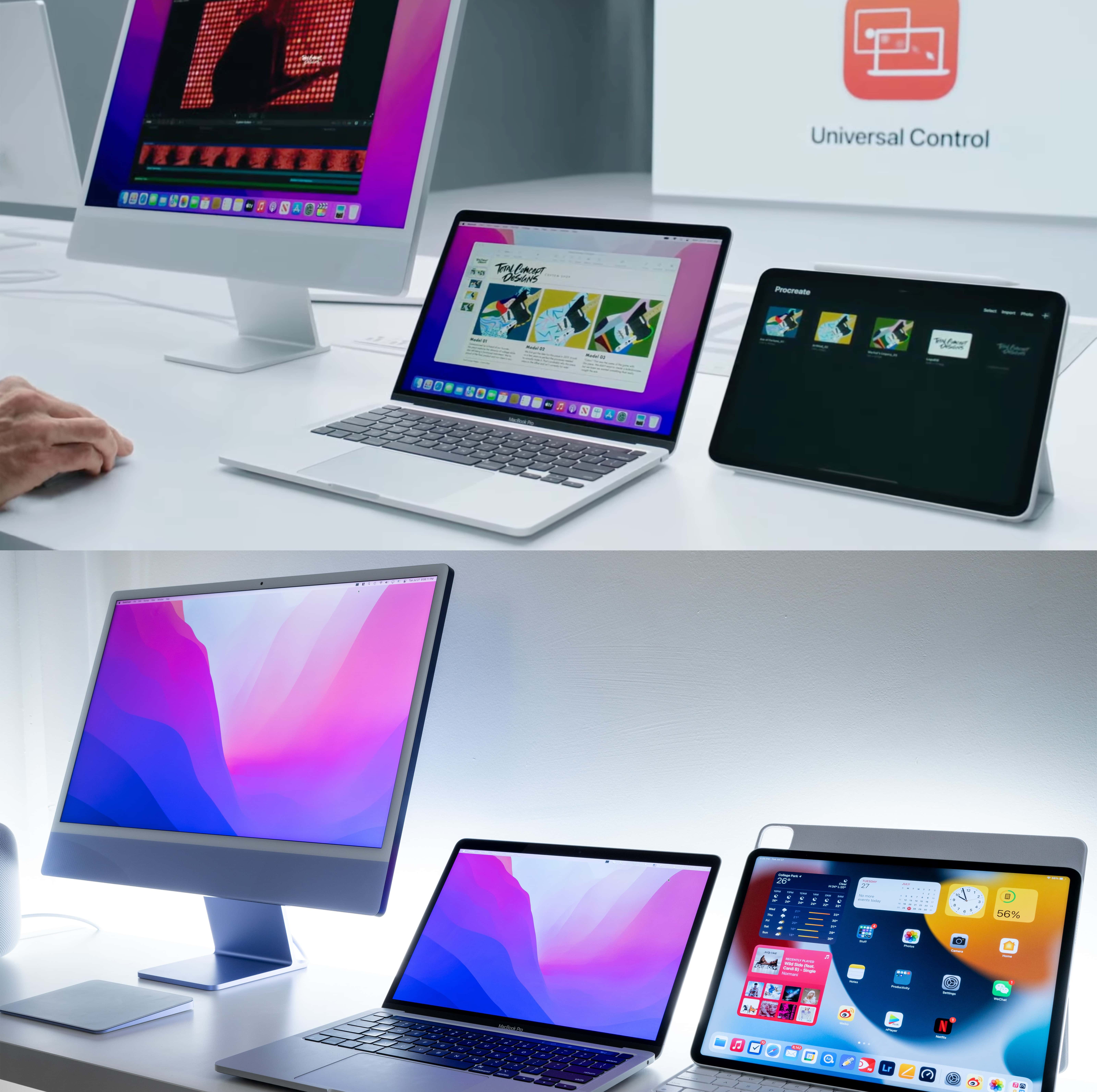
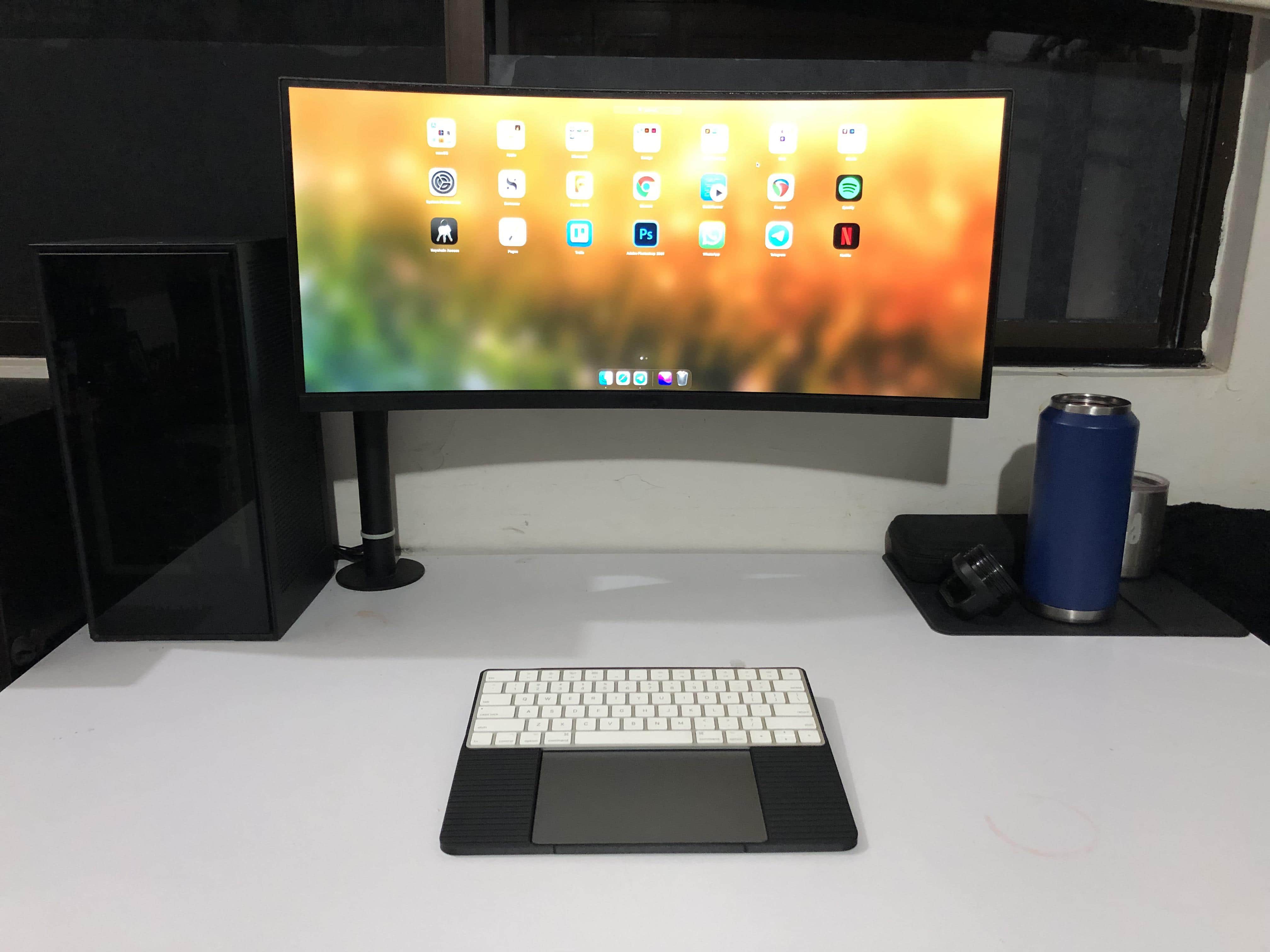
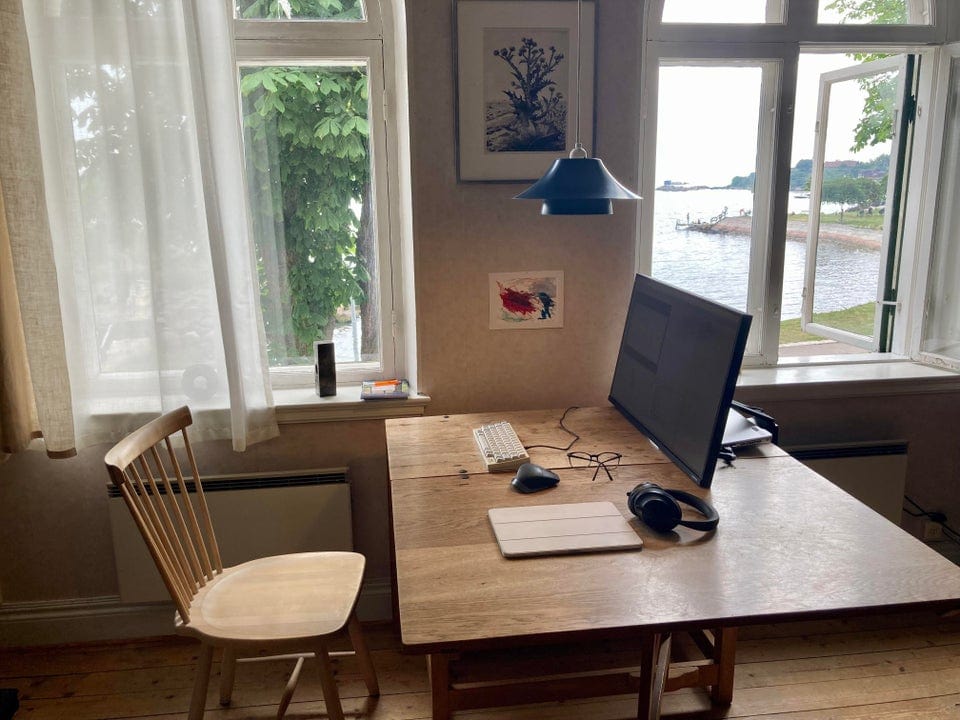
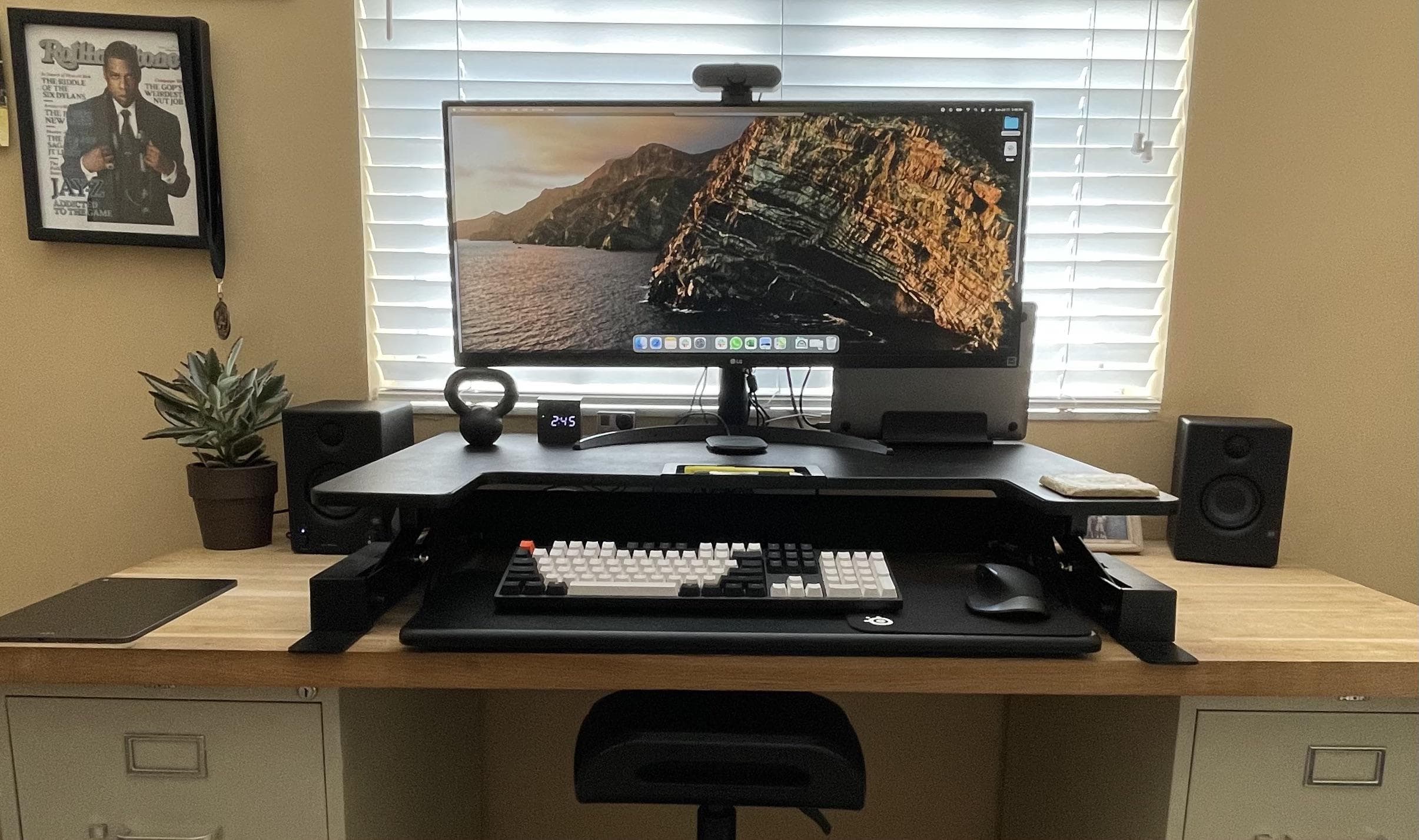
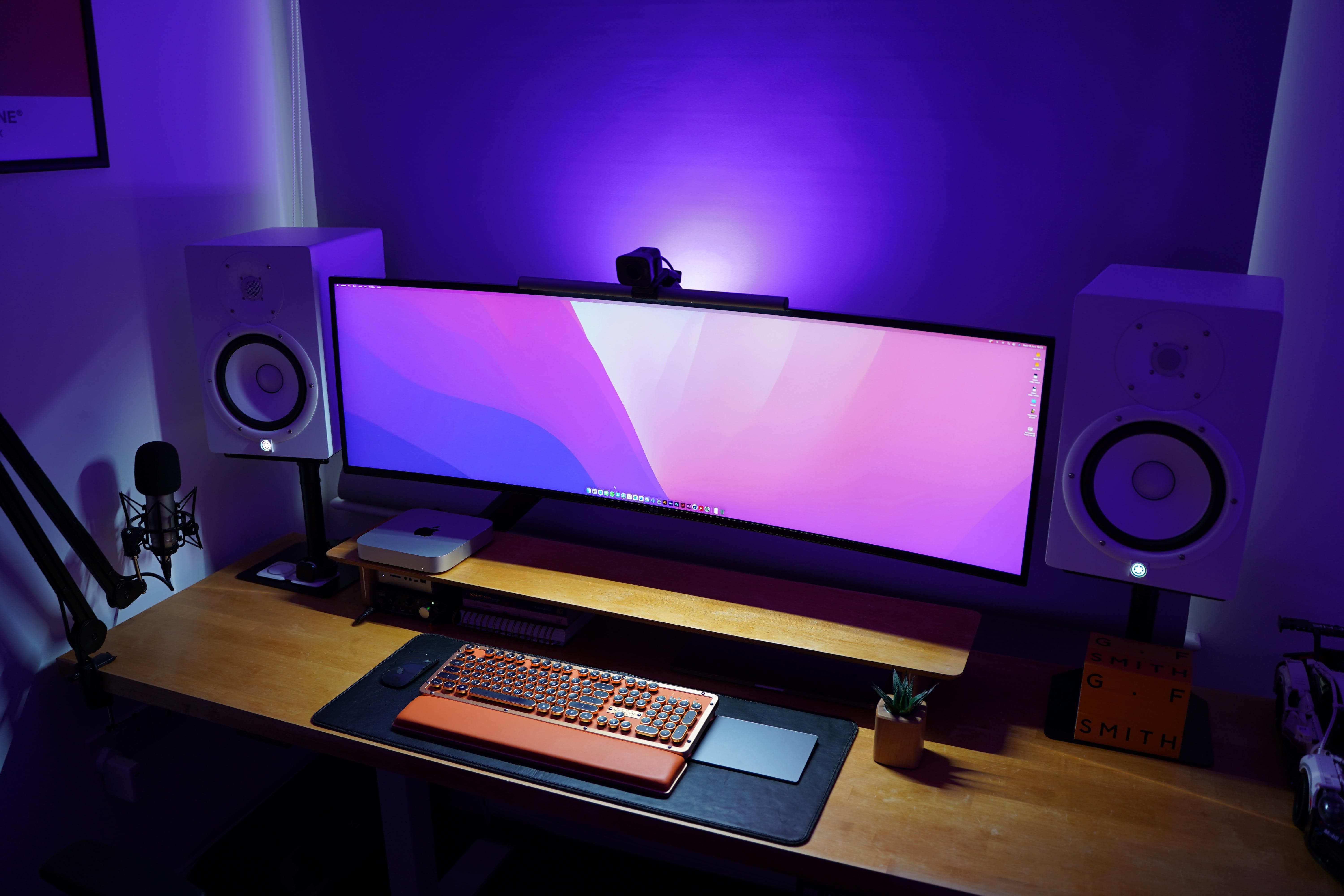
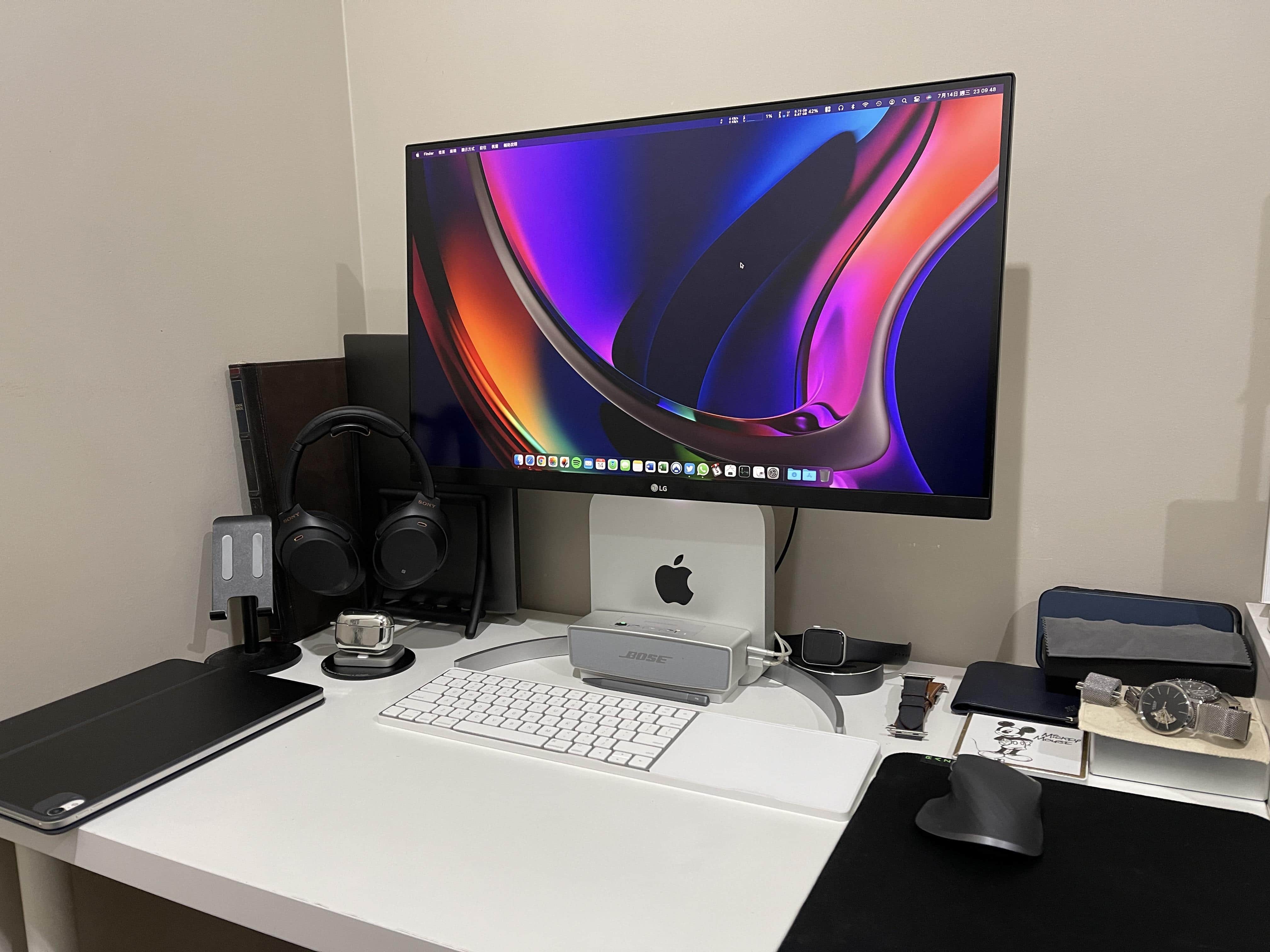
You can stand your Mac mini vertically or mount it behind the monitor or under the desk. Photo: [email protected]
Redditor mnsl0826 decided to save some space by standing up his M1 Mac mini vertically at the base of his monitor, rather than laying it flat. It worked for him, but posting about it on Reddit generated heaps of concern about whether you’re supposed to do that.
See the G4 peeking out from under the desk? Ah, nostalgia. Photo: omgaporksword@Reddit
It sounds like the setup to a punchline: A strapping young Mac mini, a yoked gaming PC and an elderly Power Mac G4 walk into a podcasting primer. Then what happens?
Well, if we’re talking about Redditor omgaporksword’s recent setup post, you learn a few OS-switching tricks, share some old-school Mac nostalgia and see how to position your USB microphone using a boom arm.
There is no punchline and there are no laughs. But please, people. Not everything is about humor. Except maybe omgaporksword’s Reddit handle.
A solid M1 MacBook Air and widescreen setup gets things done. Photo: [email protected]
Redditor floridatastic, who probably dwells in The Sunshine State, said they spent a while as a “serial lurker” on the macsetups subreddit. But after rebuilding a home workstation centered on an M1 MacBook Air, the time came to to take the gear public.
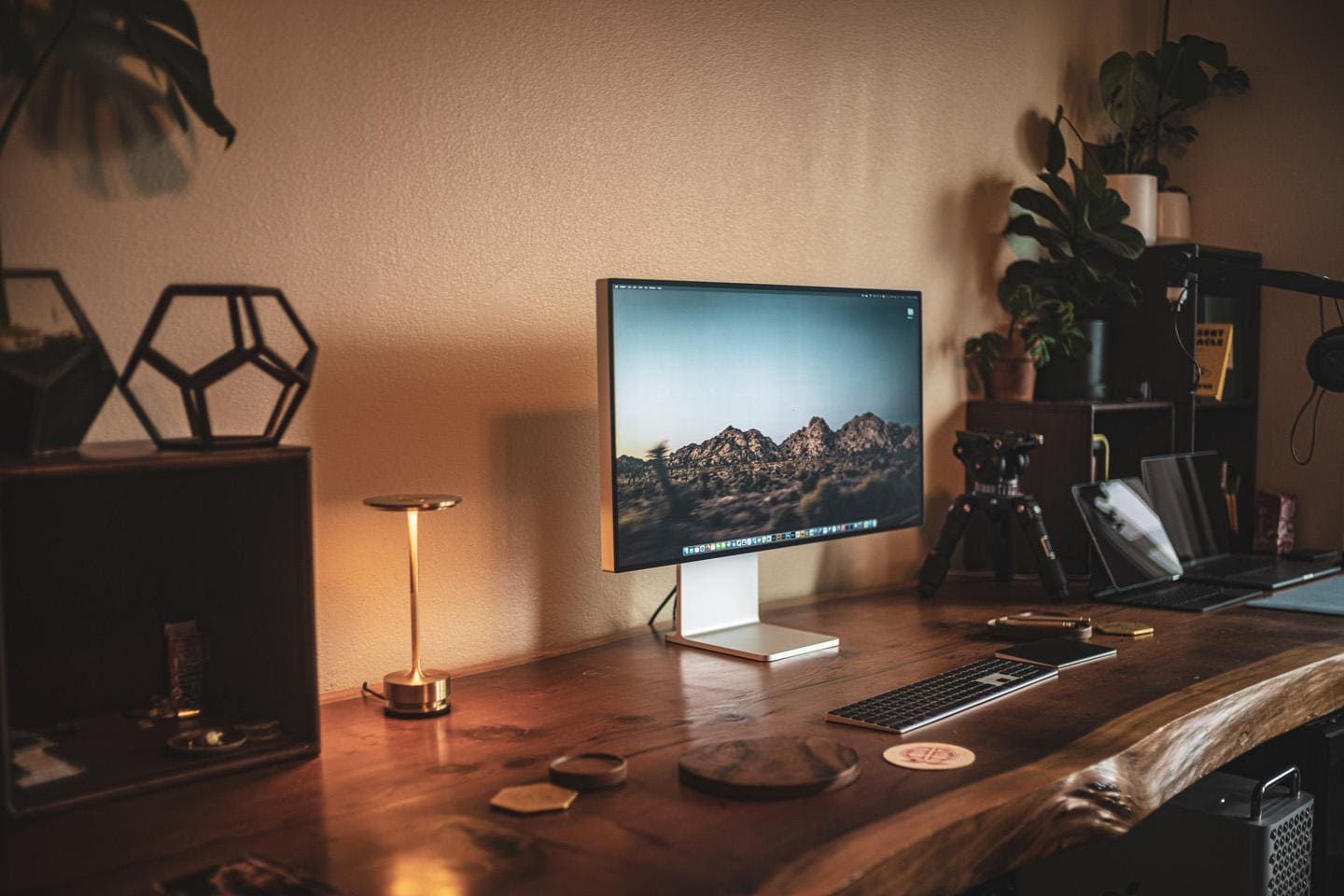
The custom-made redwood desk is nice, but the Pro Display XDR is stunning. Photo: [email protected]
Gorgeous, high-definition monitors hold a place of honor in many a computer setup. And sometimes it’s several displays, actually. But we rarely come across one of the most amazing monitors out there: the Apple Pro Display XDR. Why? Well, it costs $6,000, for one thing. Or, if you’re lucky, not quite that much.
So if you’re not a wealthy or financially irresponsible person, what’s a reasonable alternative to the Pro Display XDR?
Chris Reed's dual-monitor M1 MacBook Pro setup was a long time in the making. Photo: Chris Reed
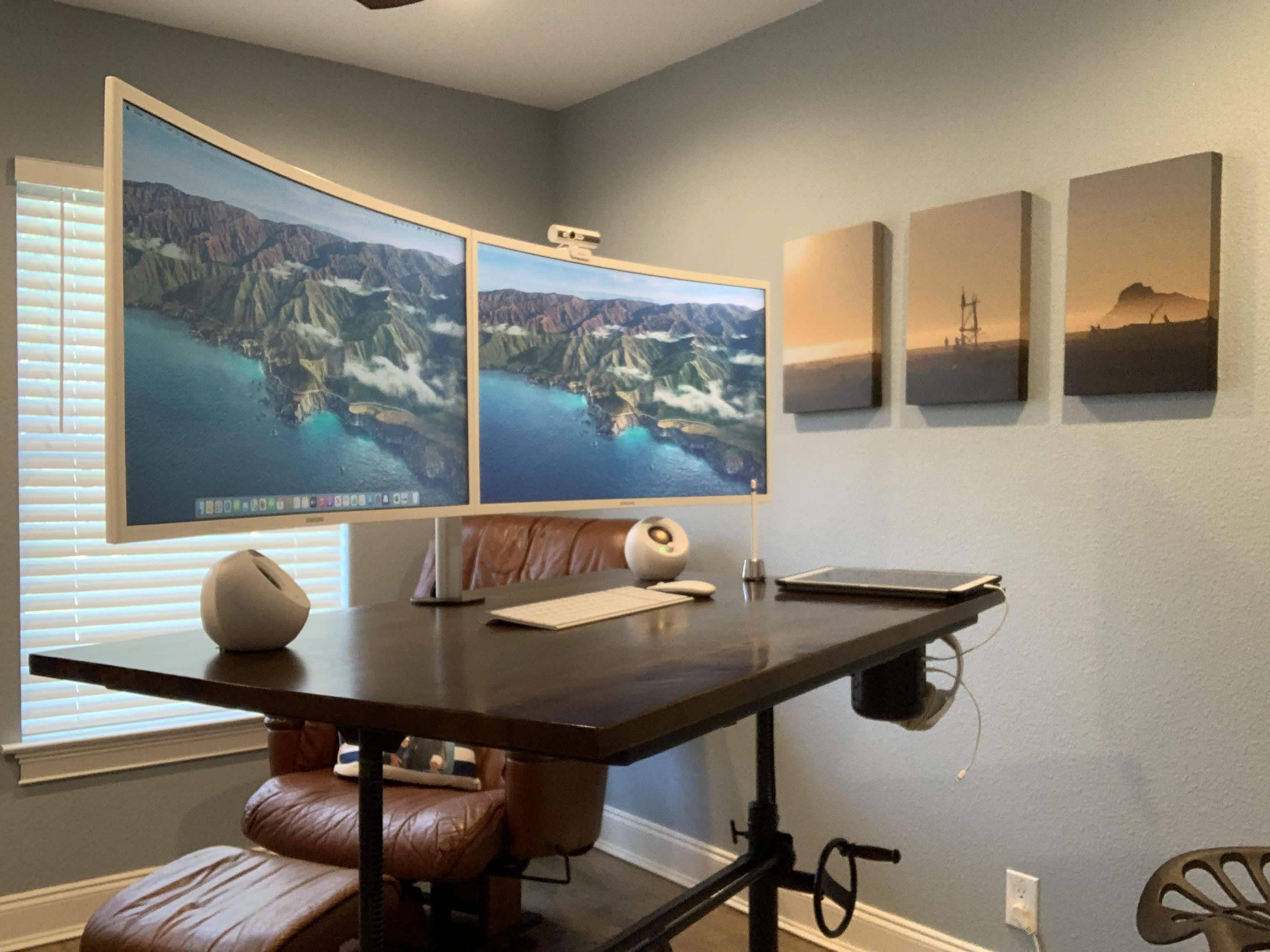
Working student Chris Reed told Cult of Mac he put a year of work into his “slow build” home office and computer setup. In that year he strove to achieve a clean and balanced look, and, judging by his pics and comments, it seems he got there.
Reed said he wanted to go with dual monitors rather than a wide screen display to save some money. He’s pleased with his choice of 32-inch Samsung 1080p curved monitors, run along with his 2020 MacBook Pro and his iPad Pro.
This setup features a tasteful wood-grain desk and a gamer chair fit for Batman. Photo: DeviantSubrbanKid@Reddit
Redditor DeviantSubrbanKid, based in the Philippines, knows how to impress a few computer setup mavens on social media. Make the workstation clean, tasteful and functional. And then add some weird or interesting touches.
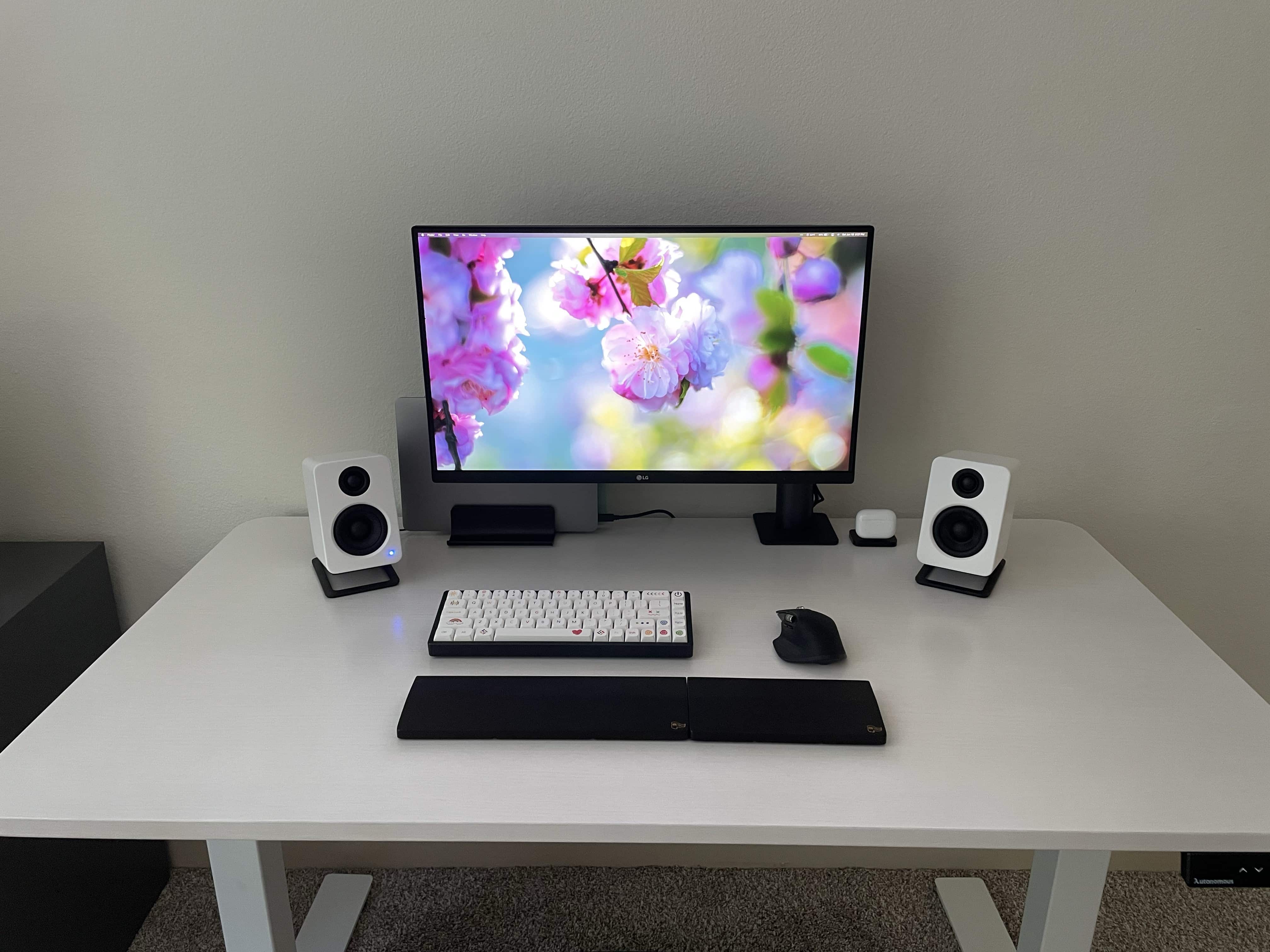
The laptop's not the only thing about this setup that feels light. Photo: cosmiccrispapple@Reddit
Many people have a thing for clean, simple computer setups where distractions are minimized and productivity — of whatever type — is maximized. Redditor CosmicCrispApple seems to find a Zen-like state simply by emphasizing the color white with some black contrast on the desk.
But it’s really not that simple. You also have to keep things, well, simple. And if you do it right, your setup can look and feel as light as air.
A Mac mini usurped a 16-inch MacBook Pro in this super-widescreen setup. Photo: OSJdesigns@Reddit
A lot of folks eagerly await new MacBook Pro models, preferably with updated M1 chips. You know, the ones not introduced at WWDC as predicted? In the meantime, plenty of people are snapping up the affordable and reportedly fabulous M1 Mac mini. We’ve seen it over and over again in our far-flung travels among Setups online.
When you can't built out, built up. Photo: xelferz@Reddit
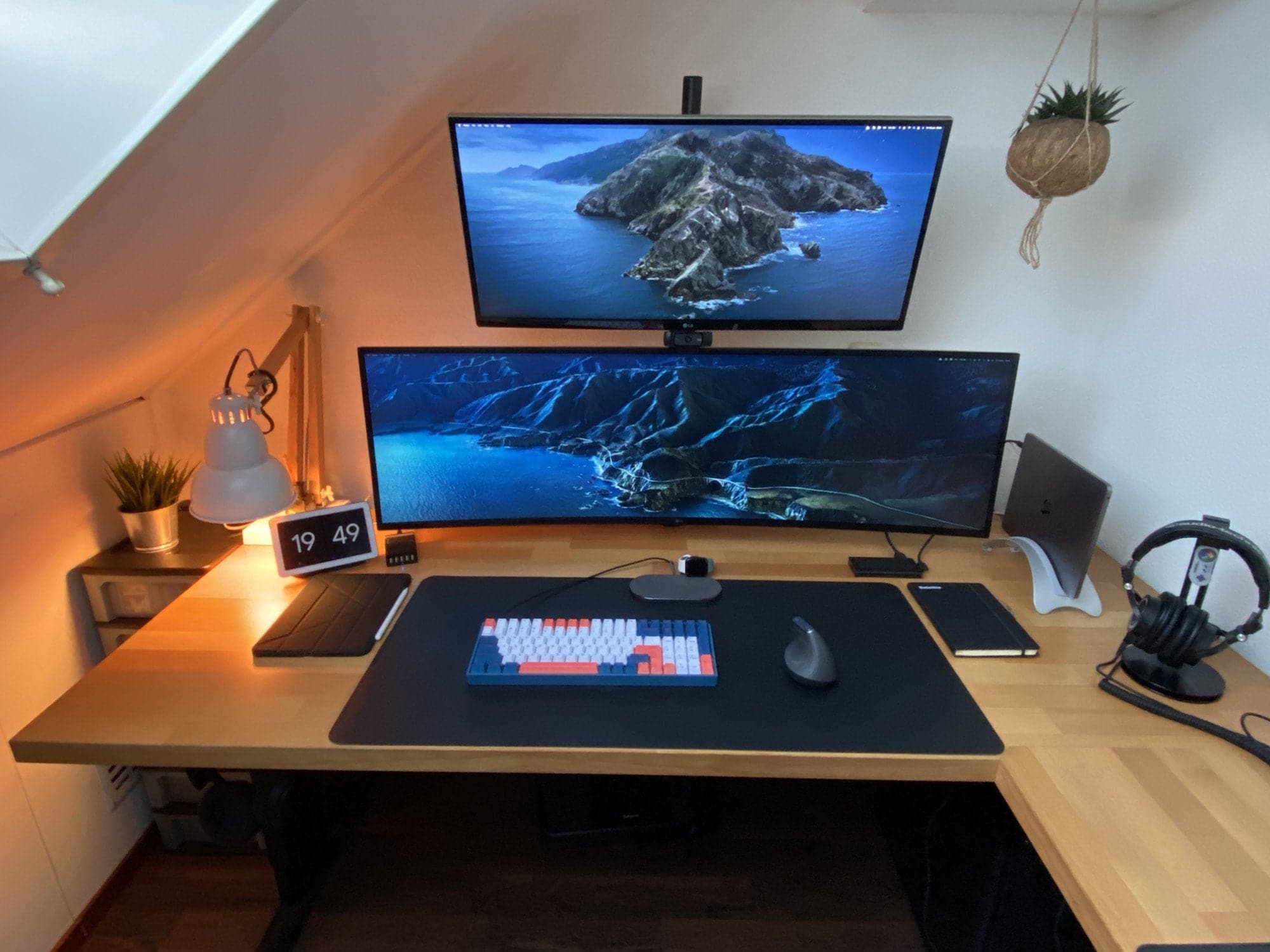
Some computer setups are a little like Manhattan. When you have nowhere else to build horizontally, the only way to go is vertical. Hence the monitor tower seen in Redditor xelferz’s MacBook Pro-and iPad Air-based workstation.
Pressed into the corner of a narrow room with a vaulted ceiling, xelferz’s setup stacks a 34-inch LG ultrawide display on top of a 49-inch, curved ultrawide LG display. A webcam sits on top of the lower screen. The whole thing looks a bit like a tree.
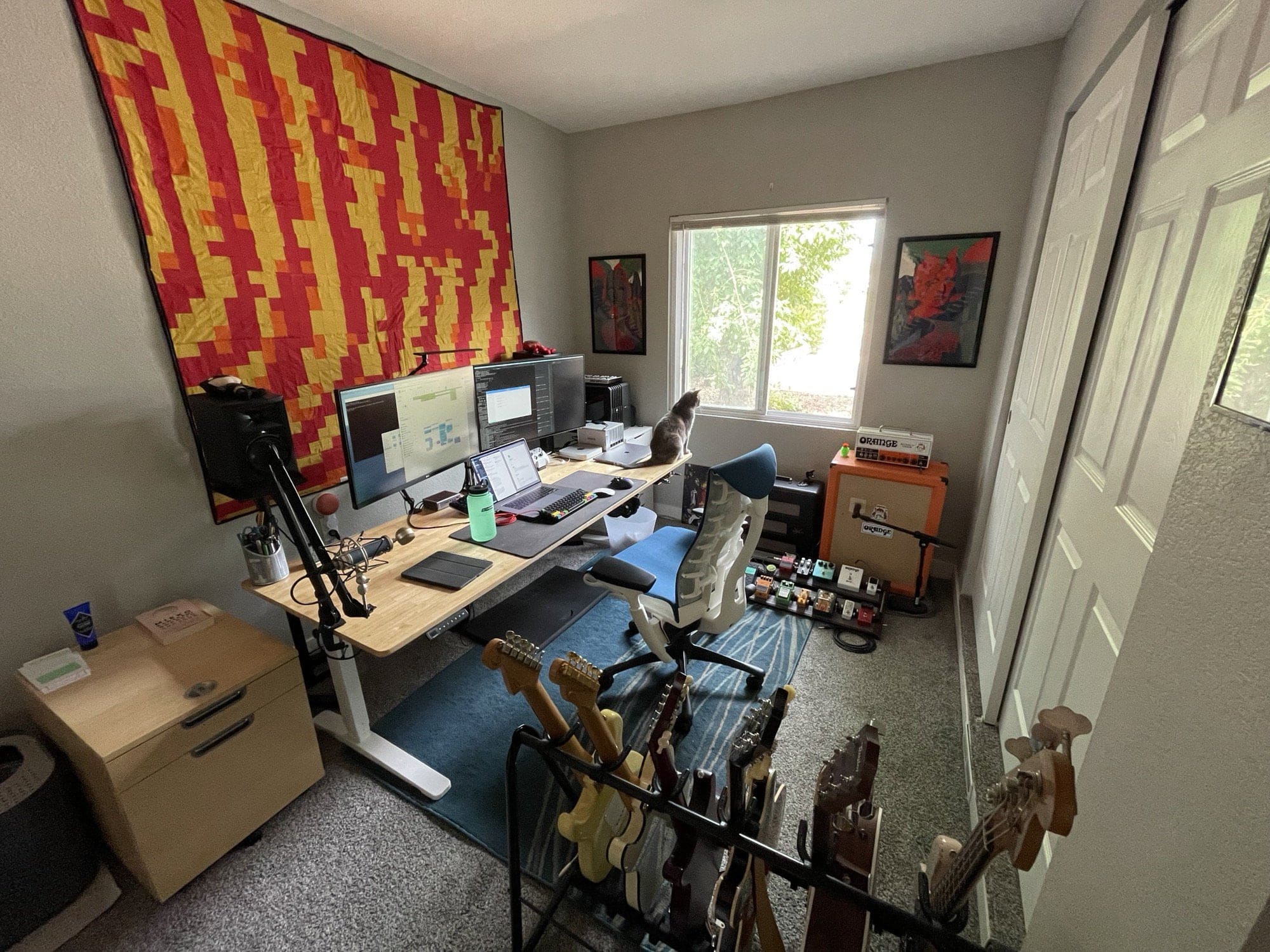
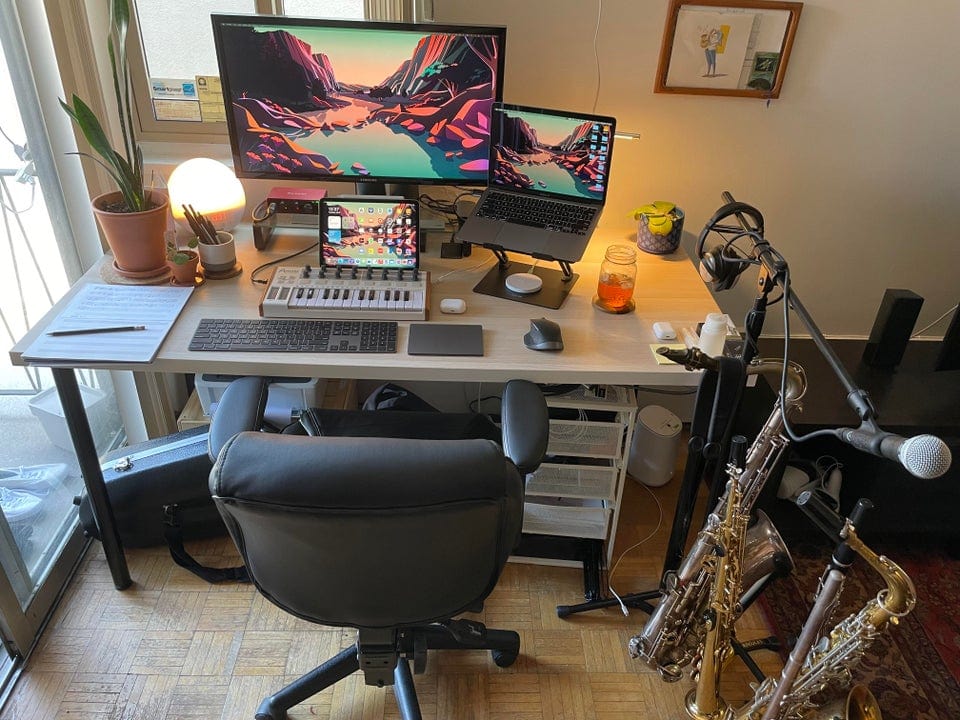
Ignore the electric guitars and amps. This is about Macs replacing PCs. Photo: gnophy@Reddit
Sure, it may be overstating things to call Redditor gnophy a former “Mac hater.” After all, he only said he used to be “anti-Mac” and he “couldn’t get along with the OS.”
Well, good news for Apple. He’s finally been assimilated. And it only took many, many years to subdue the software engineer and musician.
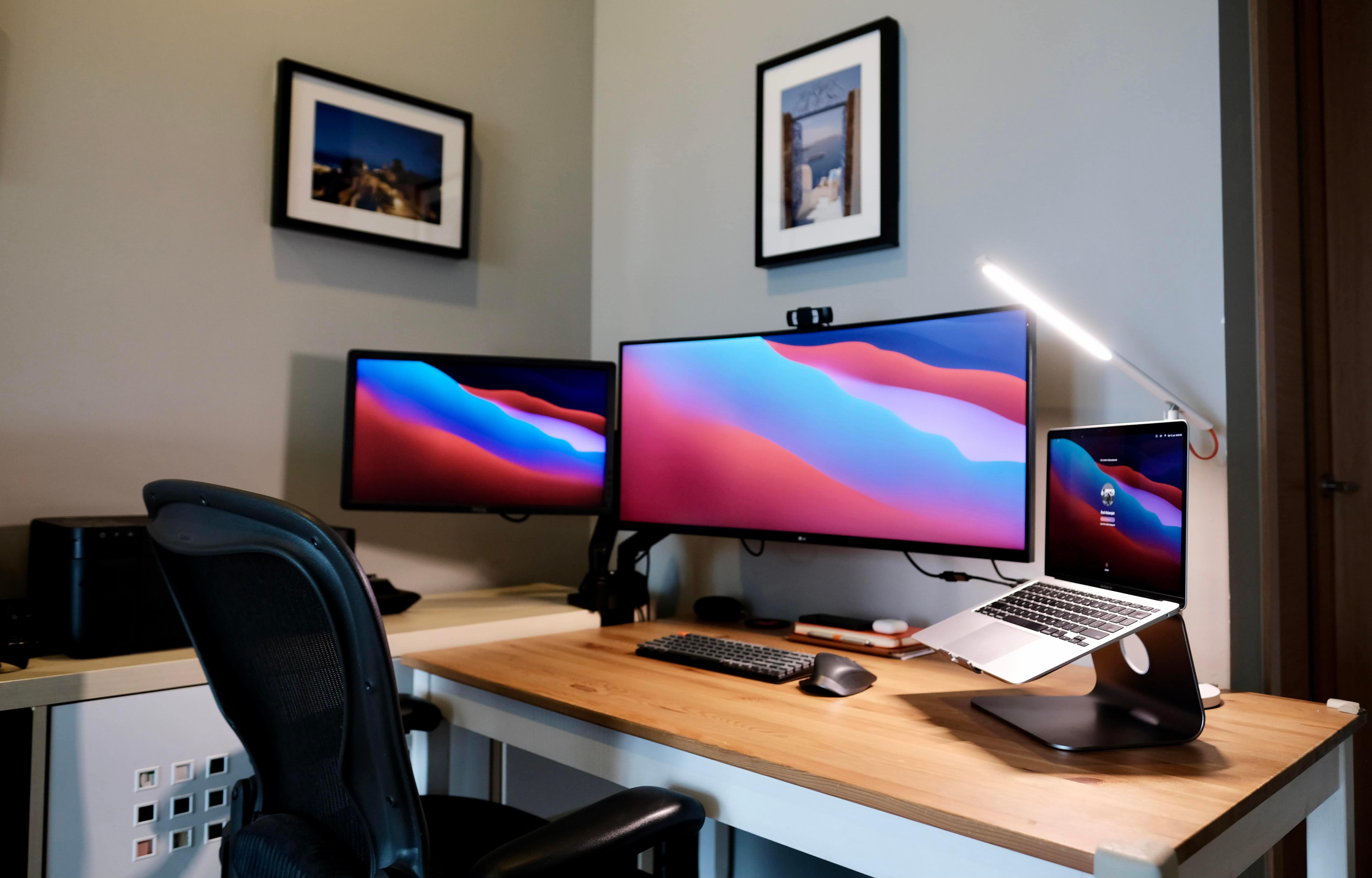
There's a trick to running dual external monitors with an M1 MacBook, but it's not very tricky. Photo: ImajiiMac@Reddit
One of the downsides you hear about the M1 MacBook Air and the M1 MacBook Pro is that they officially (natively) support just one external display in addition to the laptop’s screen, not dual external monitors.
Well, that may be true in the user manual. But Redditor ImajiiMac is among those discovering that “official” ain’t everything.
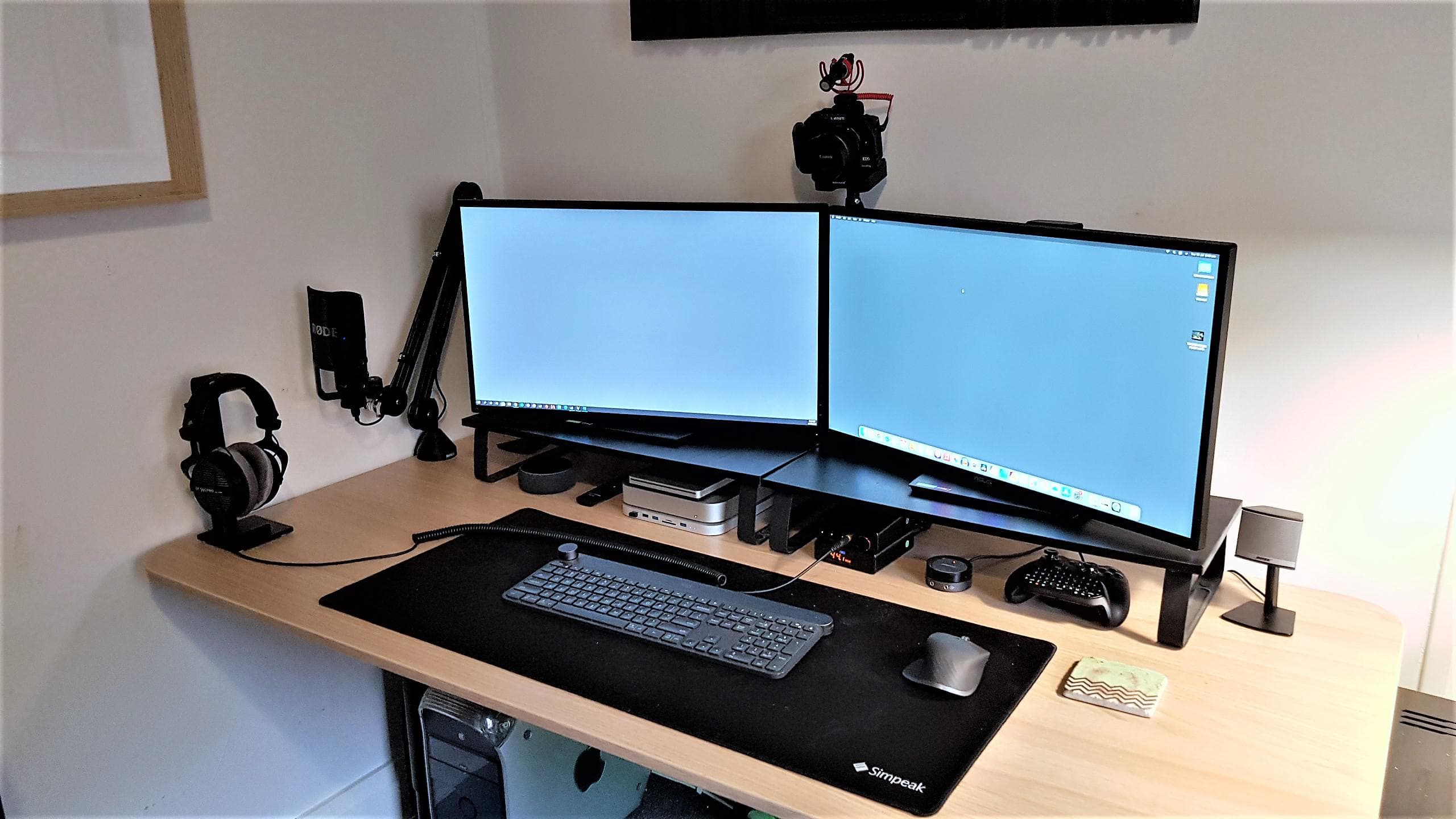
A desk with a metal frame and a bunch of clips and magnets help make a great setup. Photo: QasimZafaraYouTube@Reddit
Quasim Zafar’s neatly laid out computer setup serves as his filming area for YouTube product reviews, his general workstation using a 2020 M1 Mac mini and his Xbox Series S gaming station where he plays Call of Duty.
But that’s only incidental to what you’ll probably love about it and want for your own setup.
And now for an M1 Mac and a long arm for the laptop stand. Photo: KhanathanJr
These days, the M1-processor Macs are calling to a lot of people, and Redditor KhanathanJr is no exception. He’s a first-time MacBook fan wielding a formidable 2019 16-inch MacBook Pro packing an 8-core Intel i9 processor, 16 GB of RAM and a reasonably good graphics card, but … you know.
It's amazing what you can do with a pegboard (left) and some inexpensive but effective lighting. Photo: carrotcakeblack@Reddit
Redditor carrotcakeblack wins more than a few style points for his “mostly monochrome! Also some keyboards” setup, as he calls it in his post’s title.
But he leaves out one of the factors visitors like most about his well-photographed MacBook Pro-based outfit. Namely, the way he hangs so much of his gear on a pegboard off to one side in such a visually appealing way.
Matt Gemmel pares down the setup to distill writing magic. Photo: Matt Gemmell
The classic writer’s garret, a small room where a tortured scribe toils over lonely hours to put words on the page — using a quill or a fountain pen or maybe a Smith Corona typewriter — has been tastefully updated.
Now it’s all about a 12.9-inch iPad Pro locked hard into the Ulysses text editor to prevent any distractions. There’s also a highly customized mechanical keyboard and really nice noise-canceling headphones. At least that’s how Scottish novelist Matt Gemmell limits his gear in a minimalistic setup, he told Cult of Mac.
It helps him focus on writing. That, and sitting his ass down in the chair for hours a day. The chair is a Herman Miller Aeron, by the way. The spartan surroundings need not lack comfort, after all. It’s about limiting distractions.
A MacBook Pro and widescreen display setup has a secret weapon: a desktop whiteboard. Photo: TheCrunks@Reddit
If you look at enough computer setups, you get used to seeing the amazing technology that impresses people on social media sites. But then, sometimes the cool innovation, or let’s say killer retro-innovation, is just an unfamiliar form of whiteboard with dry-erase notes scribbled on it.
Redditor TheCrunks has an admirably capable but compact setup with plenty of tech to like.
A new house calls for a first-time home office with an ultrawide monitor and plenty of toys. Photo: StevenJ95
Redditor StevenJ95 recently moved from an apartment to a house, allowing him to have a new home office. For the first time. He’s got room enough in there for his MacBook Pro, his Samsung curved ultrawide monitor and even his Tesla Model S, Cybertruck and Supercharger.
OK, those last three are two diecast model cars and a cute little desktop Tesla charger for phones and such. But he does have a real Tesla Model 3 — which he sensibly parks elsewhere — as well as a lot of enthusiasm for the brand, judging by how he decorates his setup.
Three setups in one makes for hot fun in the Arizona sun. Photo: Tyler Botha
Arizona-based Tyler Botha, aka theallseeingeye on Reddit, is a TV-focused copywriter for a San Francisco startup and a retired pro DJ. The setup and epic gear list he sent to our attention does triple duty with a capable “WFH Desk,” a powerful “Gaming Corner” and a remarkably complete “DJ Desk.”
Talk about “complete.” Botha’s gear list, represented in the links below, is probably the longest one ever published in a Cult of Mac Setups article. You don’t have to be a DJ to appreciate it, but it helps.
Designer Antonio De Rosa uses his setup to render Apple products and more. Photo: Antonio De Rosa
Designer and concept artist Antonio De Rosa came out with a drop-dead gorgeous rendering of a 16-inch MacBook Pro with an MX1 chip earlier this week that Cult of Mac reported on as a look at something possibly close to the real thing, based on recent leaks and rumors.
Some DIY touches and nice decor top off a highly functional setup. Photo: callum-edw@Reddit
While London-based dental student and Redditor callum-edw studies how to fix your teeth, maybe you should study how he builds a classy computer setup with solid tech plus a few swanky details and DIY touches.
Callum’s rig centers on a MacBook Air M1 tethered to a 24-inch Dell U2419HC UltraSharp external monitor.
This setup has four monitors. How about seven, though? Photo: dm-86@Reddit
How many large displays is “overdoing it” in a computer setup? Redditor dm-86 suggested they’d gone too far with four, but that only ties one of our other favorites.
Some commenters joked around that they saw plenty of space for more in the imposing setup, or bank of screens, if you will.
3D games, video editing, a million browser tabs -- how would you try to jam up a MacBook Air M1? Photo: Typical_Andrew@Reddit
If you owned a new MacBook Air with an M1 chip and 16GB of unified memory, how much would you have to do at once for it to freeze, bringing up the spinning beach ball of death?
Note the stenography machine in the foreground of this "after" photo. Photo: yyzgal@Reddit
In the before-and-after pics of Reddit user yyzgal’s dual-monitor/MacBook Pro setup, guess which one has the stenography machine? Trick question. They both have it.
And it’s what most Redditors admiring the new-and-improved setup wanted to talk about in the comments section of yyzgal’s setup post. Well, that and the Sonnet eGPU Breakaway Puck hidden behind the laptop in the setup’s “after” photo (above).
This artfully executed setup is supposedly in someone's home, not a design museum. Photo: diotav@Reddit
It’s only Monday, but Dutch videographer, designer and web production artist Dion Tavenier probably wins this week’s award for setup design. Cool, spare, architectural — get the Museum of Modern Setups on the phone!
If only there was such a museum. Or such an award.