Mobile menu toggle

Setups - page 11

Find the perfect monitor riser for your desk [Setups]

By

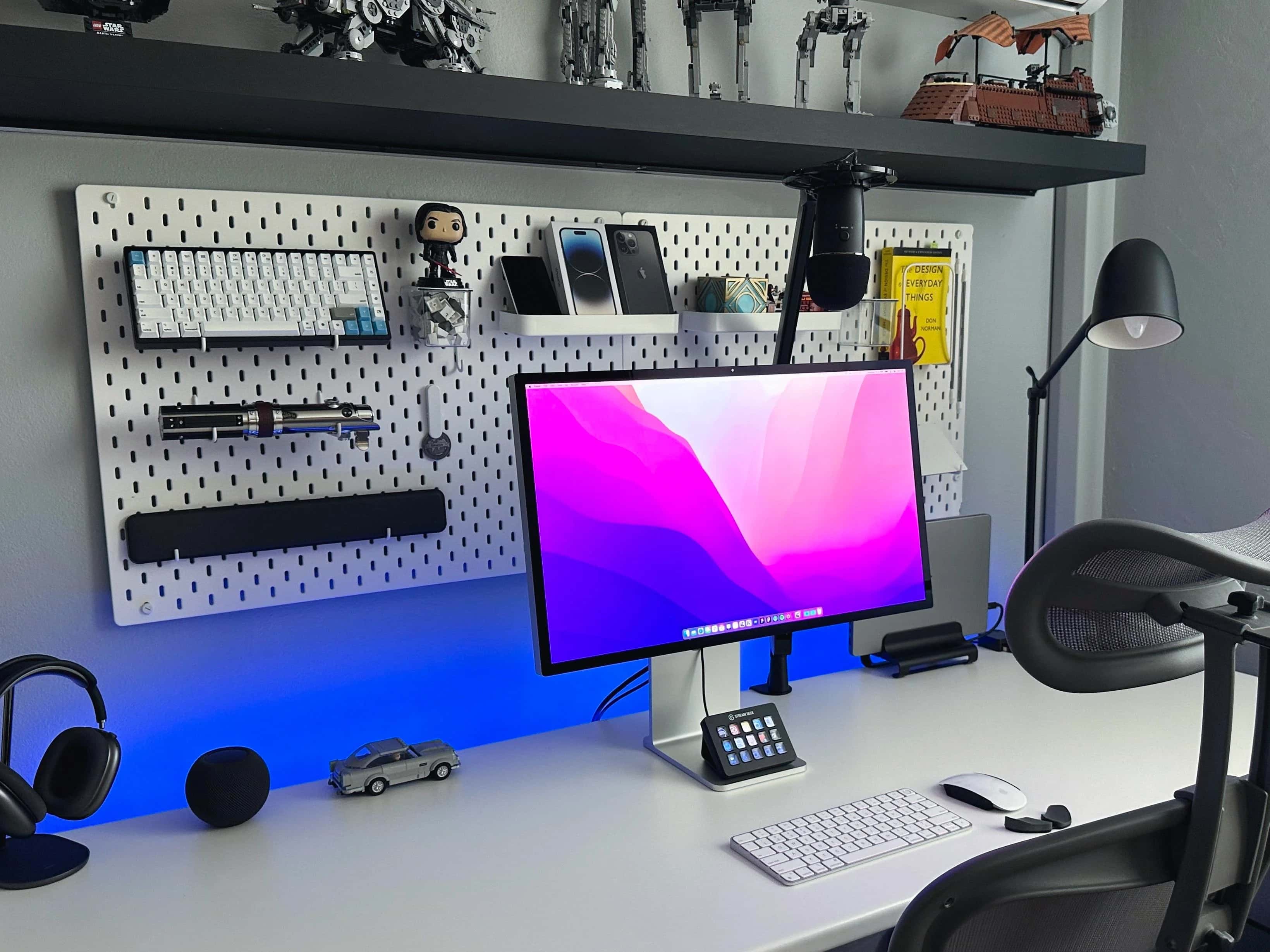
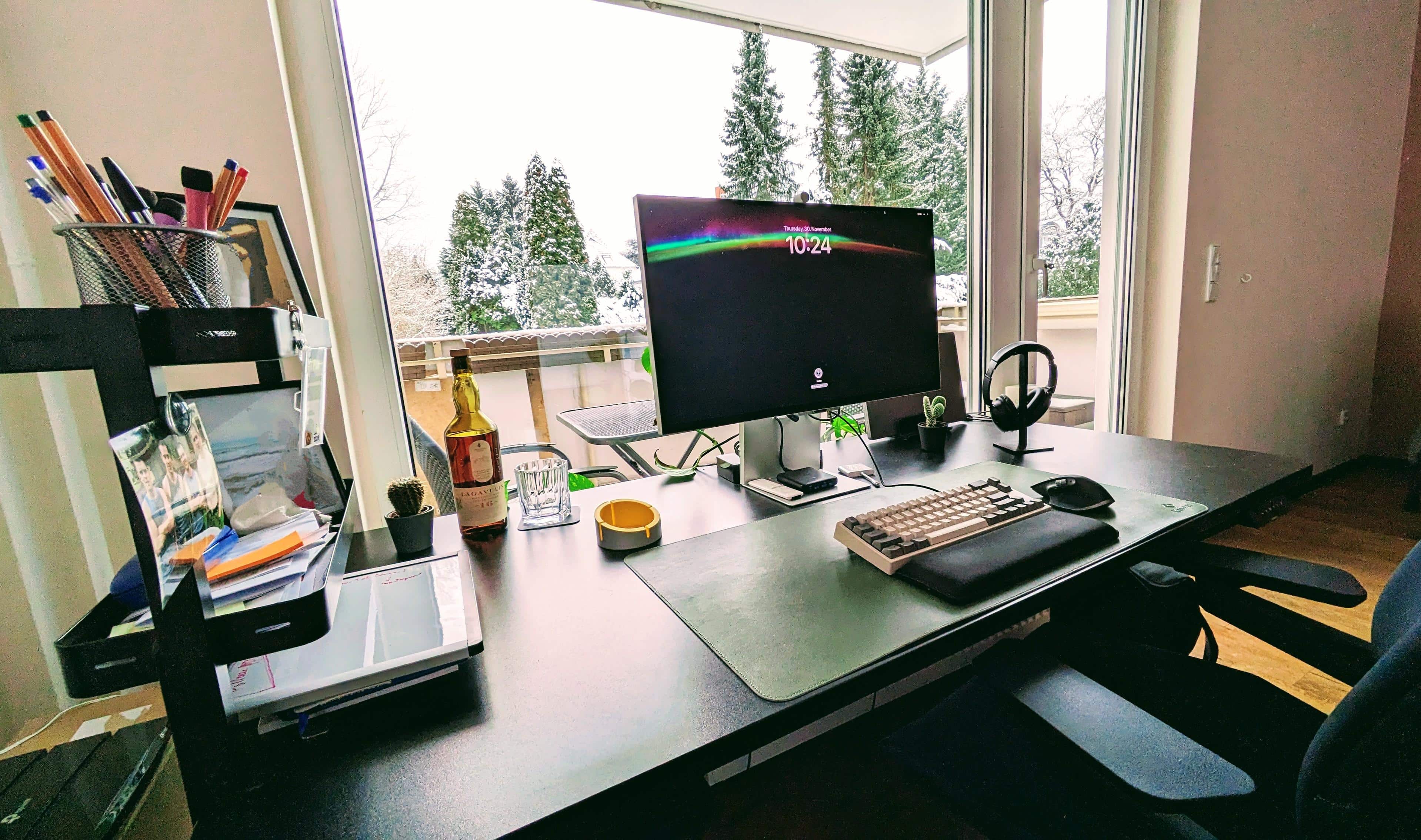
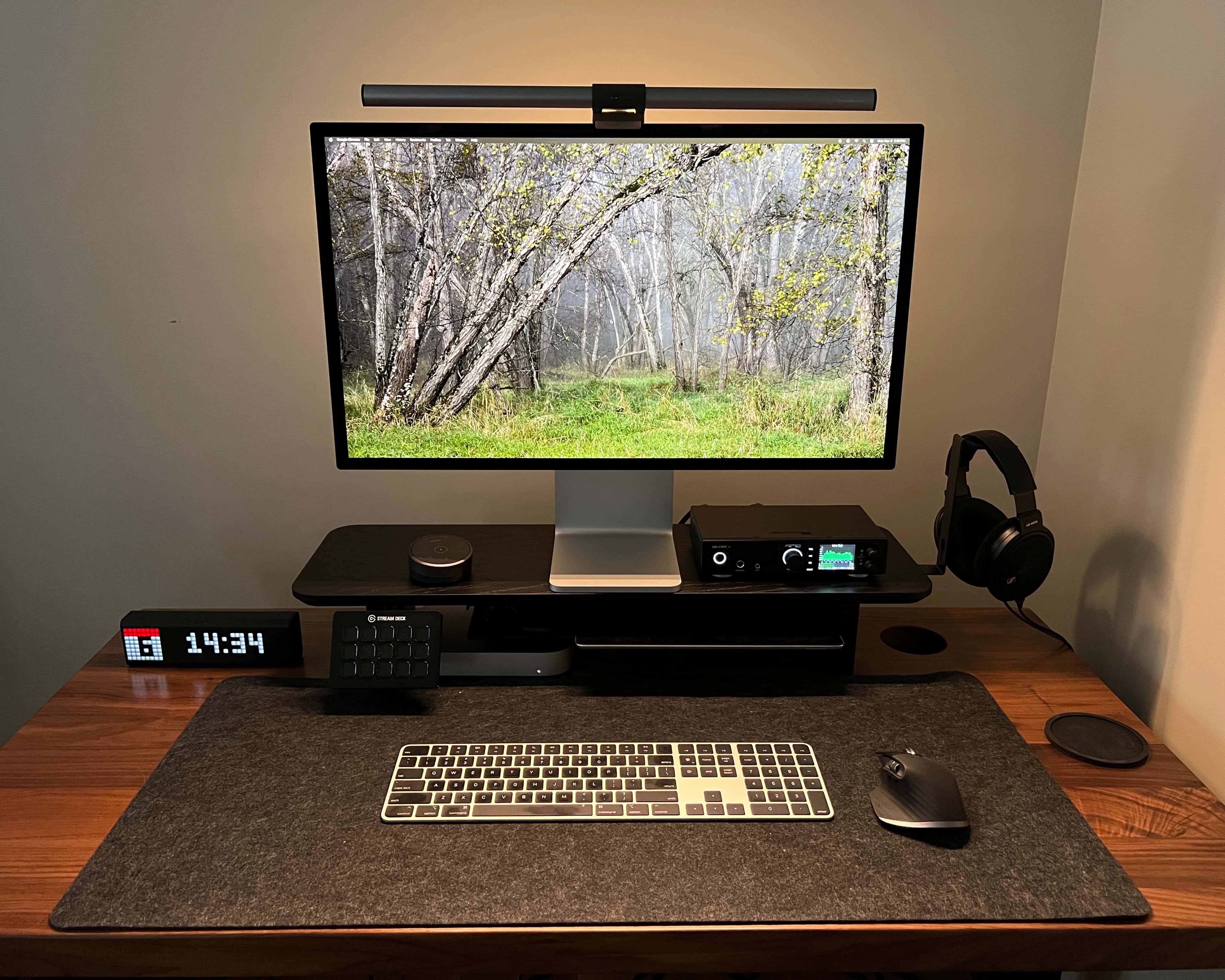
Mac mini setup Studio Display on monitor riser
Though most monitors come with adjustable stands, adding a monitor riser provides benefits to any computer setup.
Photo: [email protected]

Whether you call them monitor risers, desk shelves or display stands, finding the right one for your desk’s size can be a huge boon to your computer setup. Today’s featured Mac mini workstation benefits from a compact Balolo stand sitting toward the back of a small desk.

You can see that choice desk shelf and several other options below, along with all the setup’s gear, including a Studio Display and marvelous high-end headphones.

Beautiful workstation serves up double the fun with dual everything [Setups]

By

Want a highly functional and symmetrical setup? Get two of most things.
Photo: [email protected]

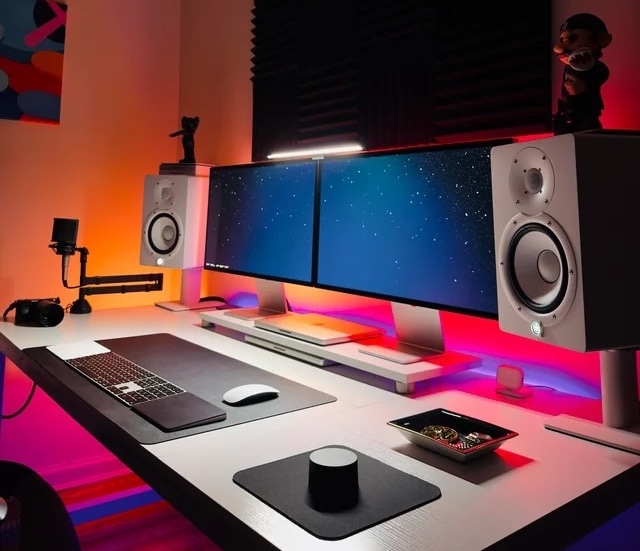
A New York City-based magazine editor showed off a beautiful computer setup that serves up twice the fun because it boasts two of everything. Well, not everything.

But it doubles up on a lot of the main gear — two M3 MacBooks Pro, two Studio Displays, two sets of Philips Hue smart lights, a pair of Yamaha speakers on stands and, believe it or not, two Magic Trackpads and a Magic Mouse.

Read more about the setup’s whys and wherefores below, and check out that gear list of links at the bottom of the article.

Killer MacBook Pro misses top billing in monstrous AV rig [Setups]

By

That's pretty pricey for 'cozy,' but we'll take it.
Photo: [email protected]

If you use an M1 Max MacBook Pro bristling with 64GB of unified memory to drive two of Apple’s top Pro Displays XDR as well as off-the-charts audio gear in a Mission Control-looking workstation, can your computer setup accurately be described as “cozy?” That’s what today’s featured setup user said, improbably.

And while the user’s MacBook is still formidable despite Apple moving on to M3 chips, it’s not necessarily the workstation’s star. It almost pales in comparison to the AV components, including two of Apple’s $5,000-plus displays, incredible headphones and mounted KEF speakers that bring massive audio.

Stunning Mac mini streaming rig took 2 years to perfect [Setups]

By

Setups RetroGameCollector-Reddit
Check the links list below to explore all the gear here.
Photo: [email protected]

It might seem unlikely that a computer setup could take 2 years to build and idealize — until you see just how loaded and beautiful it is. Today’s M2 Pro Mac mini went through many iterations in the past couple of years, its user said, and now they’re finally happy with it.

And they should be. The setup rips through gaming and streaming tasks using an awesome lineup of gear. Read more below and check out that gear list.

Star Wars fan converts old iMacs to Cinema Displays [Setups]

By

There's a lot to look at in SE's setup, including 3D-printed
There's a lot to look at in SE's setup, including 3D-printed Star Wars figures like a BB-8 droid on the shelf next to the Xbox.
Photo: [email protected]

If you’ve got an old or damaged iMac lying around, why not make use of it? You can find plenty of guidance online to help you turn that dead weight into a version of Apple’s classic Cinema Display and use it with other Macs.

The owner of today’s setup talked about doing just that, plus using open-source software to make his old Macs run recent macOS versions.

Some workstations are literally a pain in the neck [Setups]

By

Could you look from one display to the other like that?
Photo: [email protected]

With computer setups we often talk about placing gear properly for healthy, ergonomically correct usage to avoid problems like neck pain. But some folks viewing today’s featured MacBook Pro workstation said they suffered neck pain just looking at the photo.

That’s because the setup’s dual Studio Displays sit on a mount that spreads them out, leaving a big gap in the middle unless the displays are pulled far forward toward the user.

Sometimes the best cable organizer is your desk mat [Setups]

By

We don't feature a ton of iPad-driven setups, but that's not actually the cool thing we're obsessed with in this photo.
Photo: Fernando Silva

We love it when unfamiliar gear in a computer setup cropping up on social media makes us go, “what the hell is that thing?”

It happened with today’s featured setup, which is bit unusual because it centers on an iPad Pro rather than a desktop computer or laptop. But the unfamiliar item turned out to be a desk mat with a cool trick using metal pieces to tame cable clutter.

Why choosing the right monitor light bar matters [Setups]

By

The user said his $180 monitor light bar is absolutely worth it.
Photo: [email protected]

A good external monitor like Apple’s Studio Display is an important part of a computer setup. But what about the monitor light bar that sits on top of it? They’re not all the same and they can hugely impact your workspace.

Today’s MacBook Pro setup boasts a Studio Display, and on top sits a fairly pricey BenQ monitor light. Read on the find out why the user says it’s worth every penny.

Cheap LED strip lights give coder’s MacBook rig a moody vibe [Setups]

By

Two cheap LED lights strips create that whole effect, and with many light strips the colors can change endlessly.
Photo: [email protected]

Deliberate lighting choices, especially those featuring vibrant colors, can do a lot for a computer setup. They can improve mood and vision, and they can even give humdrum gear in a boring room a dazzling look and feel.

Today’s featured MacBook Pro setup belongs to a coder in Panama who used some basic, cheap LED strip lights to transform his workstation into a light show — to the delight of viewers on social media.

Apple admin runs clinic with formidable M2 MacBook Pro rig [Setups]

By

Start with a new 16-inch M2 MacBook Pro, a CalDigit Thunderbolt 4 dock and a huge Samsung display, and go from there.
Photo: [email protected]

Perhaps you’ve heard an expression often used in sports commentary — “so-and-so is running a clinic on this,” meaning showing anyone and everyone how it’s done.

Today’s featured computer setup comes from an Apple administrator who clearly knows how it’s done, if “it” is setting up a rock-solid and highly functional workstation.

Old and new MacBook Pros work in harmony [Setups]

By

This setup features an M2 MacBook Pro, but it still uses a 2015 Retina model, too.
Photo: [email protected]

Who says an 8-year-old MacBook Pro is too old? Today’s featured setup relies on a new M2 MacBook Pro for most of the real work, but a 2015 Retina model still contributes regularly.

“Used it for school but recently graduated in May, only use for it now is YouTube/visuals until it dies,” graphic designer and Redditor izzyontheweb said. “Could you believe it’s a 2015 model and still works amazing?”

Separating work and personal life with 2 MacBooks and 3 displays [Setups]

By

That desktop wallpaper is distracting, to say the least.
Photo: [email protected]

A problem users face with home computer setups is how to separate work from personal use. Today’s setup brings work and personal laptops to the mix — both M1 Max MacBook Pros, coincidentally — along with three displays, including a massive OLED smart TV.

And as is often the case on social media, solid advice sounded loud and clear above the noise.

New home calls for new-and-improved workstation [Setups]

By

Just a few years ago I worked on a laptop on whatever messy desk I found. Now I have dual-monitor M1 MacBook Pro setup with a standing desk and a proper office chair.
Photo: David Snow/Cult of Mac

I moved to a new home over the weekend, and in it I’ve already built a new workstation. What better time to revamp things? Actually, it’s more like another stage in my computer setup’s herky-jerky evolution.

I went from just a PC laptop a few years ago to various iterations of a MacBook Pro workstation to my new rig, featuring dual monitors, a standing desk and a proper office chair for the first time in ages.

You wish your workstation looked this clean [Setups]

By

This M2 MacBook Air and Studio Display setup is well-equipped for such a clean and simple-looking rig.
Photo: [email protected]

Some computer setups look “clean” and “minimal” because they’re, well, empty. Under-equipped. Not all there. But today’s featured M2 MacBook Air setup with Studio Display actually brings enough gear, it just does so in a beautifully clean way that has the rest of us slobs drooling with envy.

Hell, our setup is practically a waste dump half the time, compared to this thing.

Meet the amazing disappearing workstation [Setups]

By

Where did it go? Hint: The display is hiding in plain sight.
Photo: Nick Howard

Cult of Mac reader Nick Howard sent us his clever M1 Mac mini computer setup. It’s clever because it pulls a disappearing act, with very little effort on Howard’s part, whenever it’s not in use. Almost like magic.

“I love this setup as it’s completely unobstrusive when not being used and, in use, it offers the perfect combination of screen size and display of information for me, [while] remaining minimalist,” he said.

Dual flying MacBooks flank external display and iPad [Setups]

By

The user can't decide whether to leave the MacBooks like they are, or close them in clamshell mode.
Photo: [email protected]

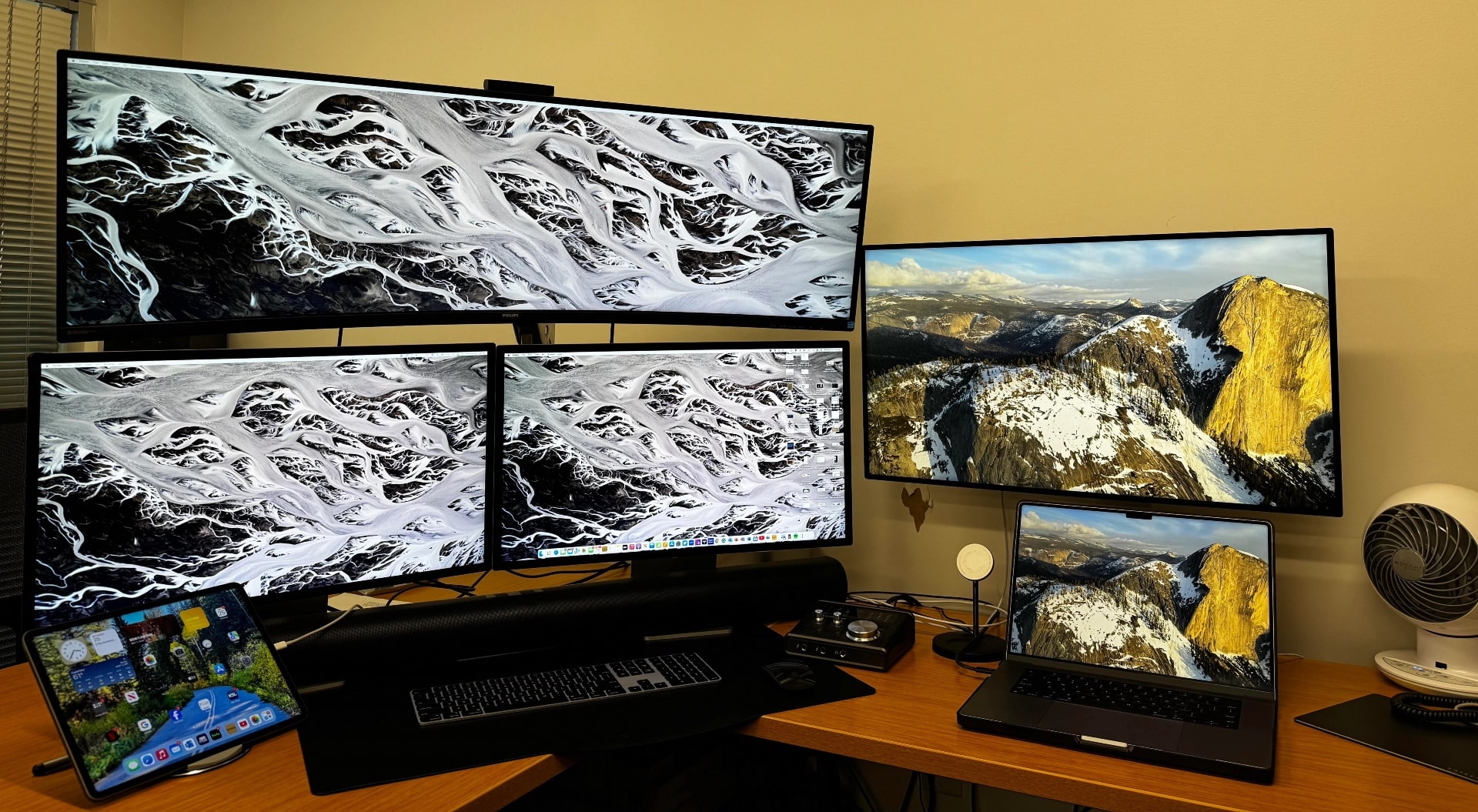
Today’s MacBook Pro setup presents a strange picture not just because of the image repeated on the four screens. It’s just weird seeing dual “flying” MacBooks and an iPad as part of a quad-display setup.

After writing about hundreds of computer setups spotted in the wild, we can’t remember one that featured a pair of MacBooks open on stands like that. And the user questions the choice, too, seeking to possibly save a ton of desk space.

Dual Magic Trackpads? But why? [Setups]

By

This guy claims two Magic Trackpads is the way to go.
Photo: [email protected]

From time to time we see setups with both a Magic Trackpad and a mouse because of their different peculiarities — mainly because many people find trackpads especially good for gesturing. But why would you use two Magic Trackpads?

Well, today’s MacBook Pro setup with dual Studio Displays and dual Magic Trackpads provides a use case.

‘My setup would make Steve Jobs roll in his grave’ [Setups]

By

That's an HP Pavilion desktop machine running macOS.
Photo: [email protected]

The quote in the headline above may be overly dramatic. Steve Jobs might not give a hoot that someone’s running macOS on an HP desktop machine. But the discussion on social media about whether it’s even worth it to bother with a hackintosh anymore is pretty interesting.

And if you’re into gaming, check out this guy’s mechanical keyboard and mouse.

MacBook Pro drives massive 5K2K display plus mini monitor [Setups]

By

This setup lost one of the three display in a recent move.
Photo: [email protected]

Today’s featured computer setup isn’t turning heads for its Apple gear — just a 2019 MacBook Pro — but its displays deserve a good look. The Mac goes through a Razer Thunderbolt 3 dock as it drives an “odd couple” of displays — a huge, curved LG 5K2K monitor and a tiny LG portable display.

And don’t miss the audio gear in the gear list below, either. It’s good stuff.

Finding the ‘perfect’ dock or KVM switch [Setups]

By

This Mac mini user has a Dell laptop and wants to run them both with peripherals.
Photo: [email protected]

Anyone looking to run different peripherals with both Mac and PC might take a look at today’s setup advice-fest. The user runs a Mac mini with dual displays and typical Apple input devices, but wants to add a Dell laptop from work into the mix.

They got plenty of advice on doing just that with the right kind of dock or KVM switch, below.

Tricked-out Mac Studio pairs well with curved OLED display [Setups]

By

This nicely composed frame shows the M2 Mac Studio as a plant stand.
Photo: [email protected]

If you want to see a good example of high-end Mac computing, look no further than today’s elegant featured setup. Its powerful M2 Mac Studio desktop computer works alongside a PC gaming rig as they drive a curved OLED display for maximum contrast.

Throw in a rarely seen mechanical keyboard and a standing desk with a big Grovemade desk shelf, and we’re in business.

Could this be a top Apple-display alternative for gamers? [Setups]

By

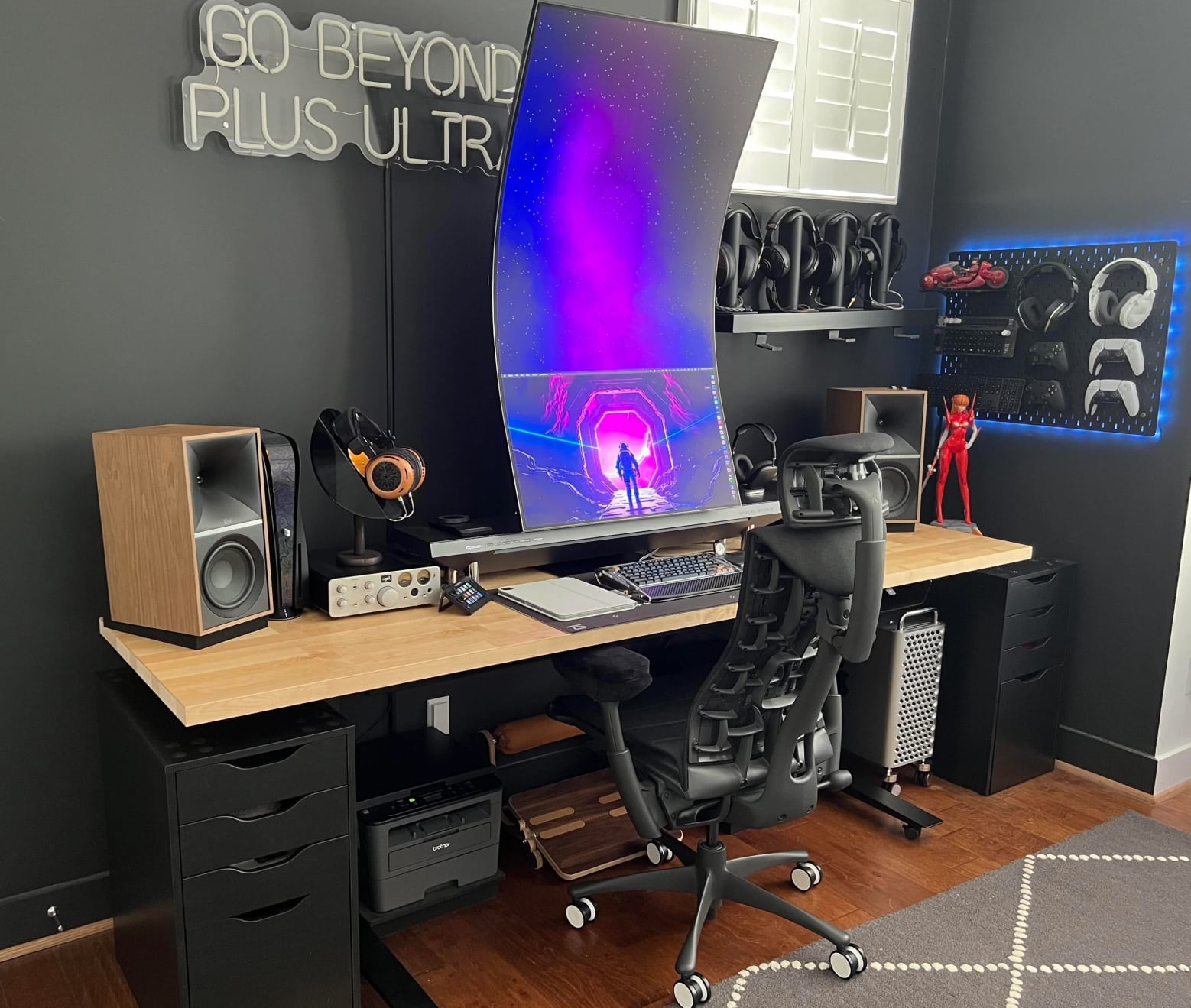
This Mac mini setup's user is over the moon about his new Samsung Odyssey G8 series curved gaming display.
Photo: [email protected]

Quite a few excellent alternatives to Apple’s pricey Pro Display XDR and Studio Display exist for those in need a good external monitor to go with their Mac. Today’s featured Mac mini setup brings up another one — the 34-inch Samsung Odyssey G8 series curved gaming display.

If you like curves and especially if you like gaming, read on the see if the display might be a good choice for you.

All you need to turn a MacBook into a workstation [Setups]

By

Not only does it tell time, this setup and its short list of peripherals and accessories turn a laptop into much more.
Photo: [email protected]

These days, MacBook laptops are more than powerful enough to handle most users’ computing needs. So if you don’t need an even brawnier desktop Mac, why not build your laptop into a full workstation with a few peripherals and accessories?

Today’s setup gets by with a 3-year-old MacBook Pro hooked up to a CalDigit Thunderbolt 3 dock and a nice LG 4K display, plus Logitech input devices and a few other items. It’s a complete workstation whether or not the user ever takes the MacBook Pro to go.

Two powerhouse MacBooks drive dual Studio Displays [Setups]

By

Not everyone can say they have two late model MacBooks Pro and two Studio Displays, but the employer helped out in this case.
Photo: [email protected]

Not many folks get to flaunt two late-model, powerhouse MacBook Pro laptops along with two Studio Displays in their computer setup — but it certainly becomes more likely when an employer contributes gear. Today’s featured setup comes from an art director in just that situation.

His Apple-all-the-way setup won much praise, but some commenters on social media had fits over a backward-facing MacBook Pro — and provided a fix for the flagrant flub.