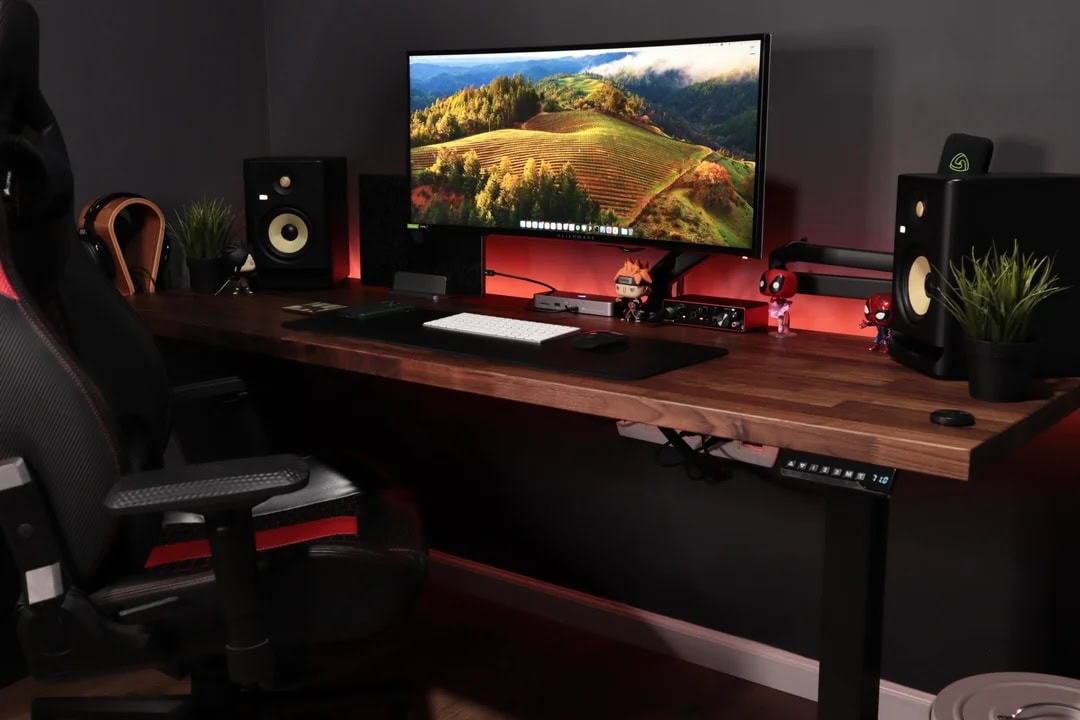
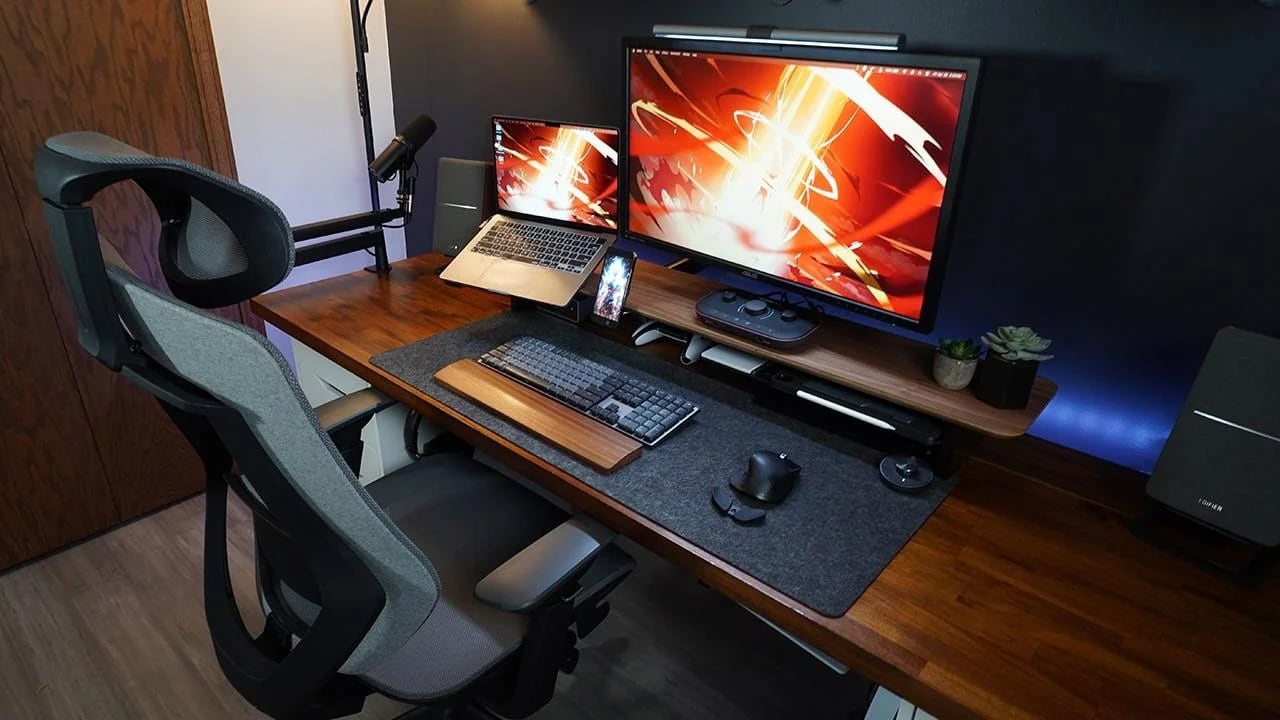
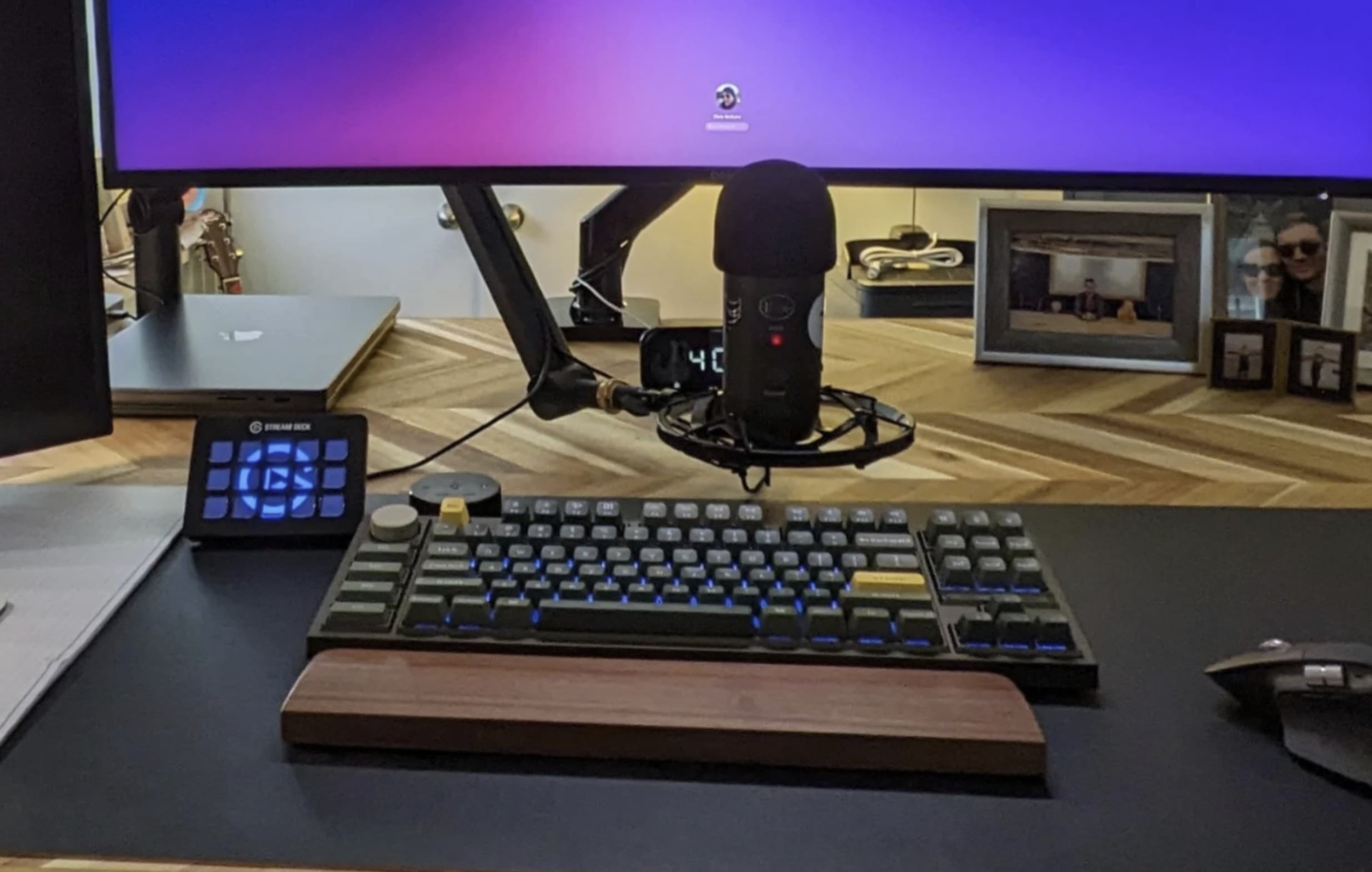
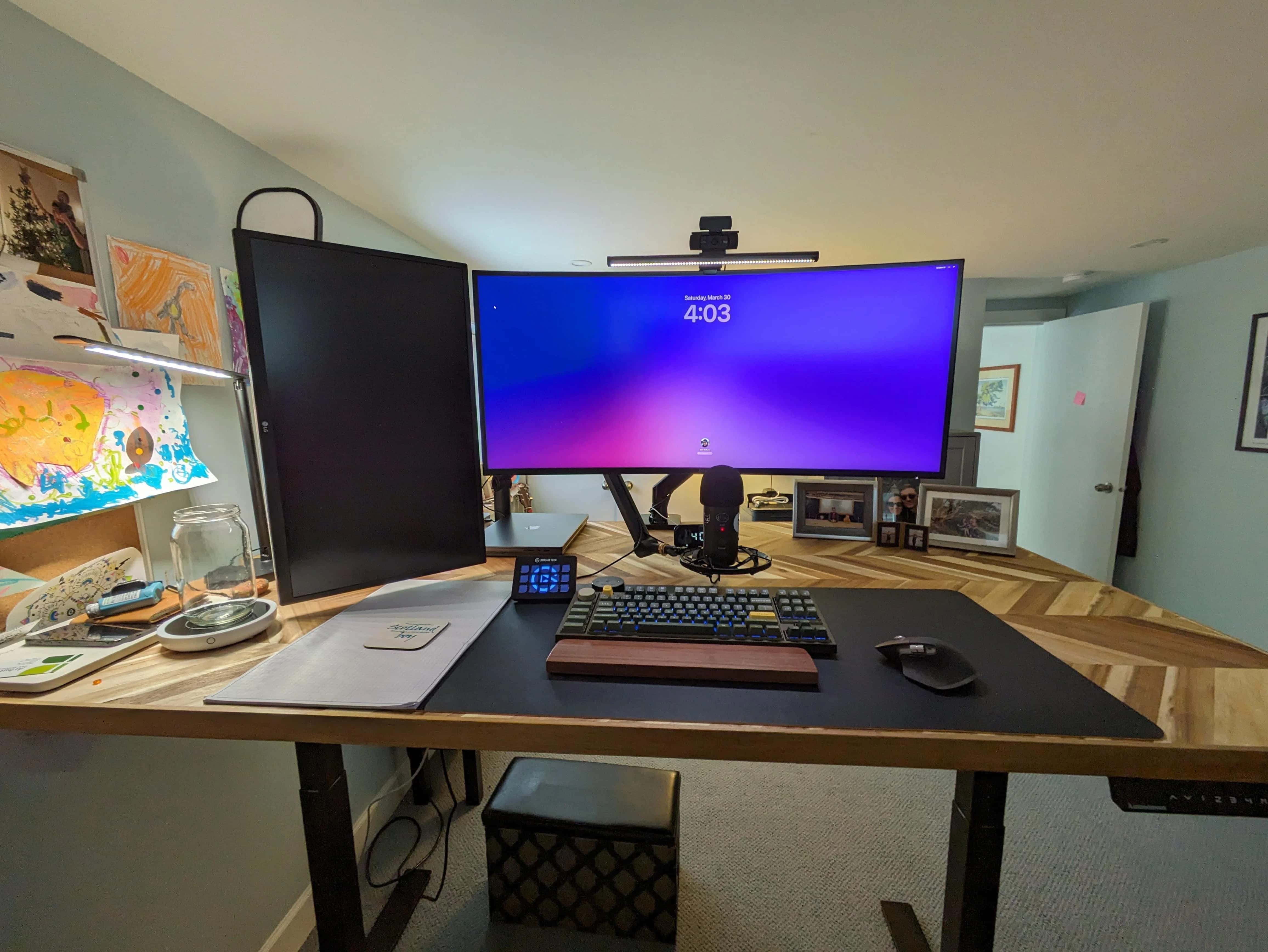
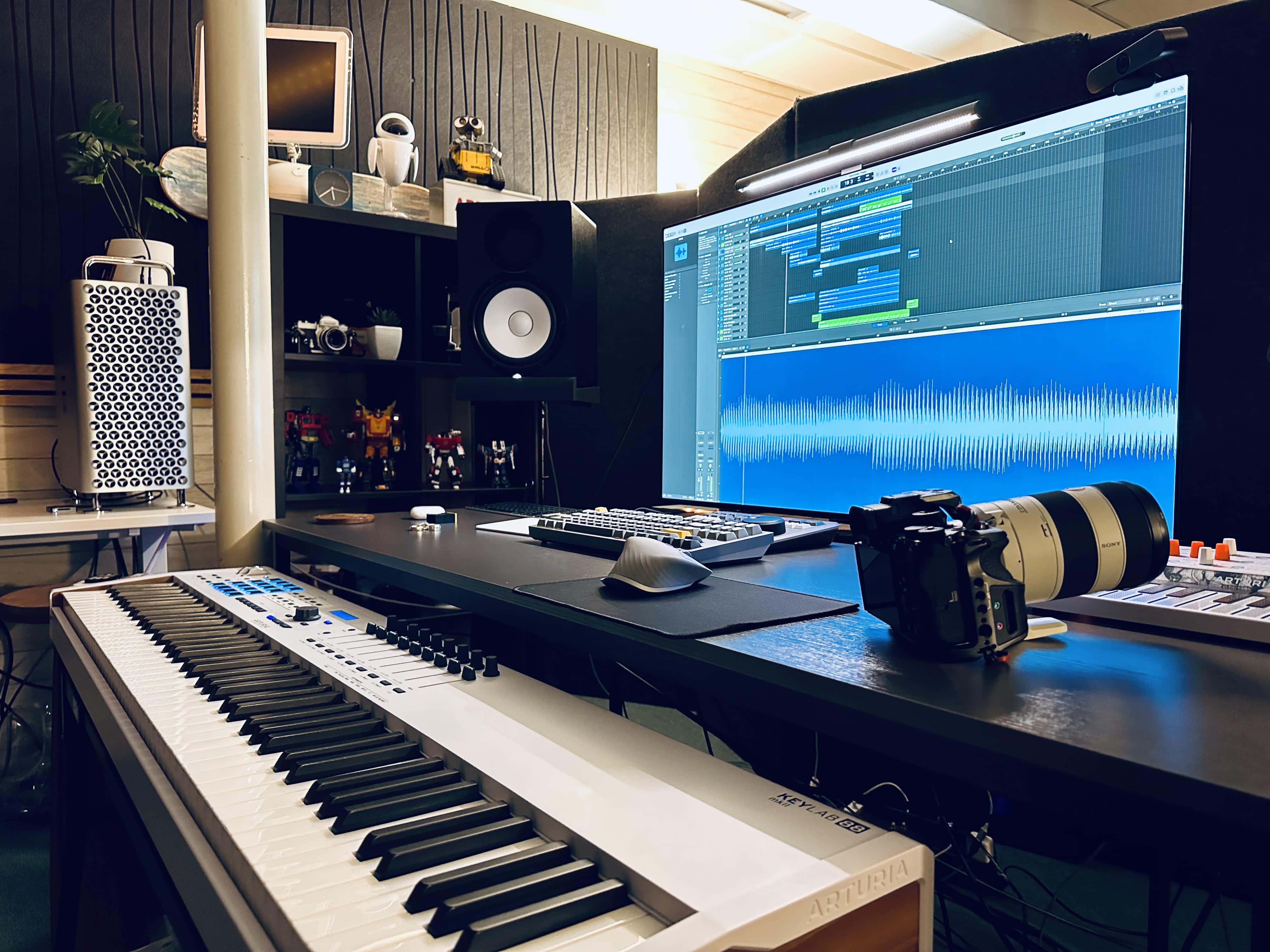
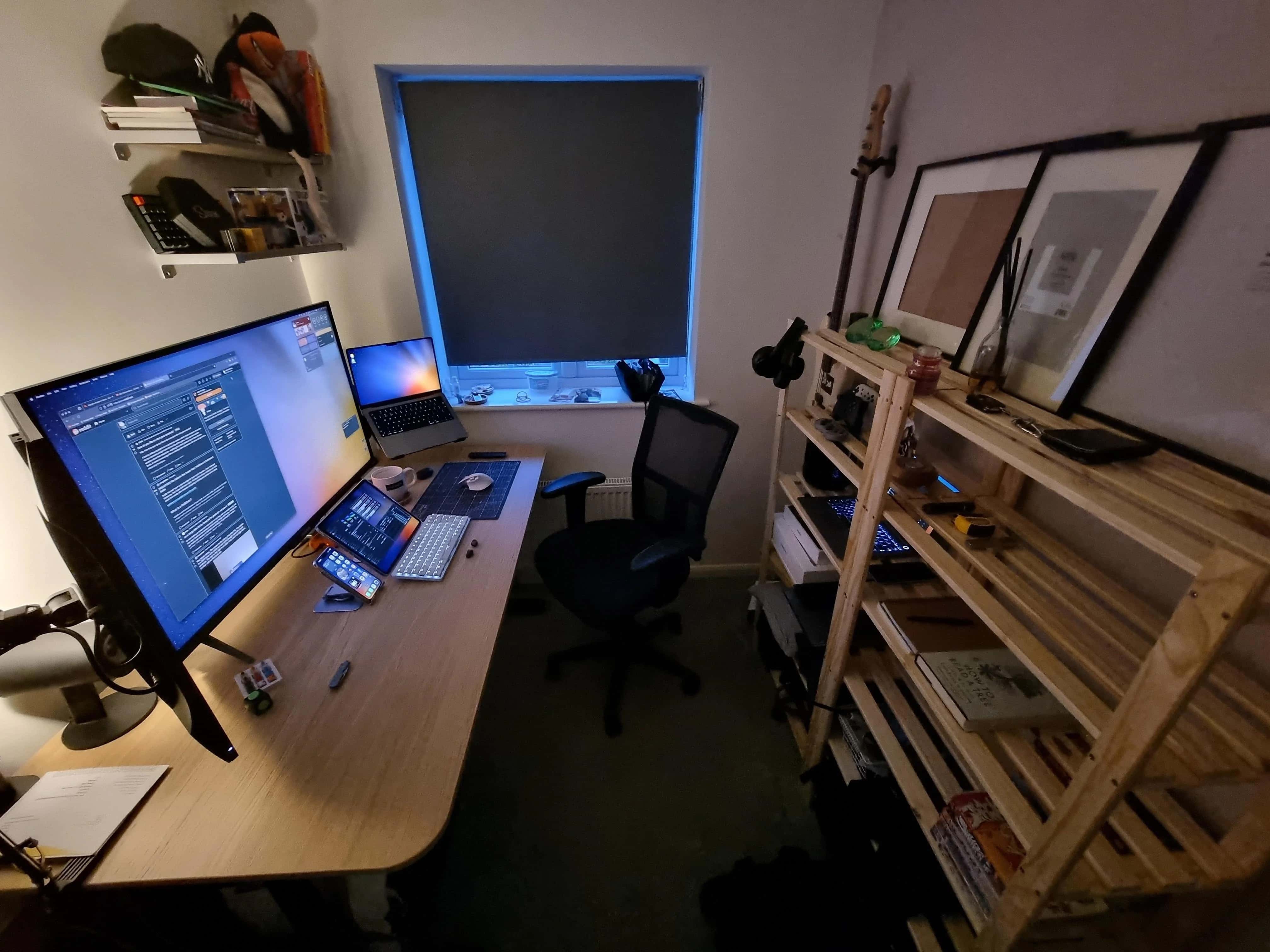
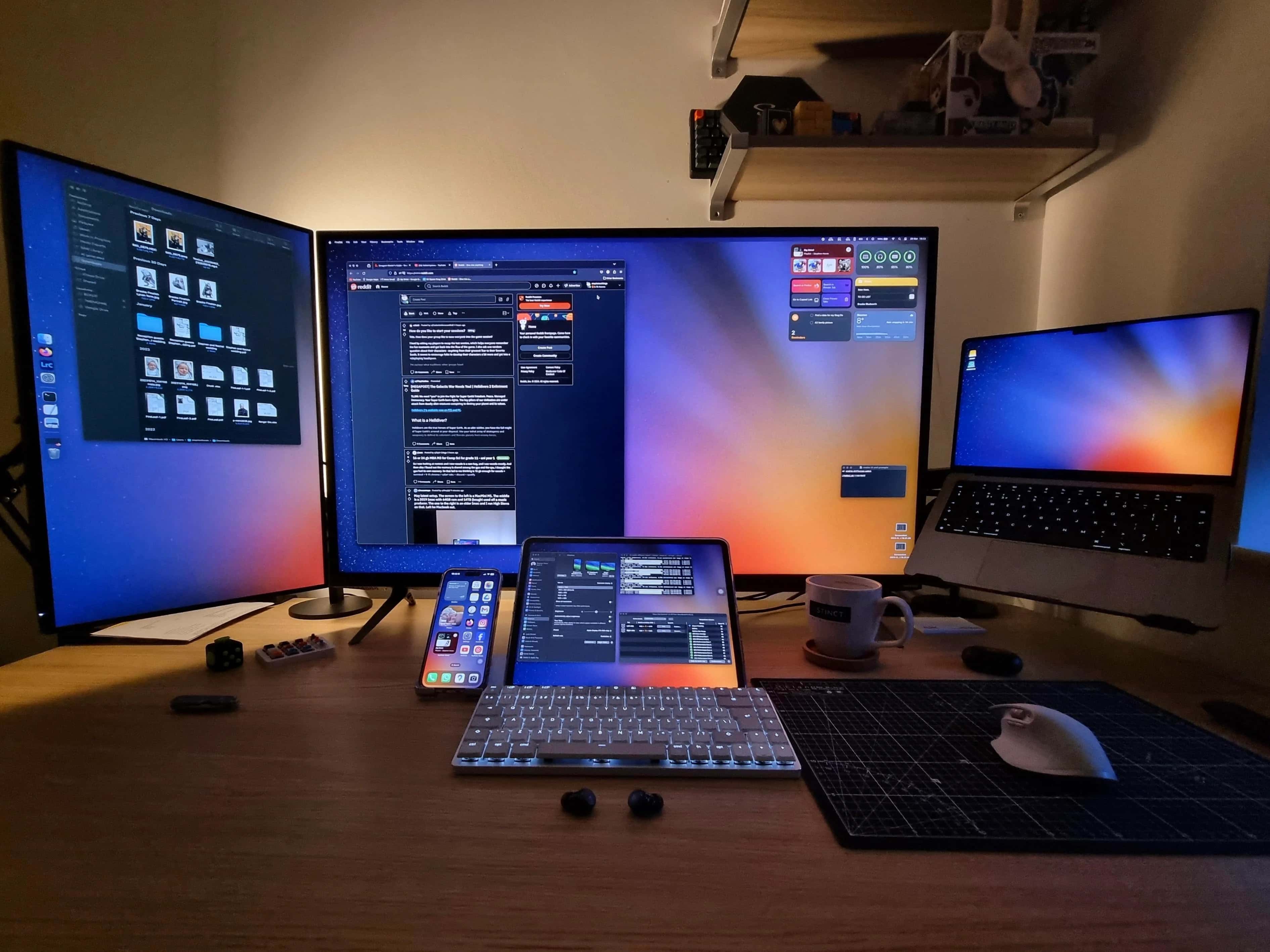

The developer loves his KRK Rokit 5 speakers when he works on music production. And that's a Madara Funko Pop figure standing guard, by the way. Photo: [email protected]
KRK Rokit 5 speakers are the crown jewel among the audio gear in today’s M1 Max MacBook Pro setup. The rig belongs to an iOS and macOS developer who only counts music production as a hobby. But we’ll take his vote of confidence in a fine audio product.
We’ve seen the Rokit 5 boxes in setups a few times, not often, but we have no doubt they sound great and look good doing it.
A 16-inch M1 Max MacBook Pro drives this developer's setup. Photo: [email protected]
Our setups coverage often reveals clues to Apple hardware’s functional longevity. An iOS and macOS developer uses today’s setup. Even though two new generations of powerful Apple silicon chips have supercharged more recent MacBooks, he’s still cranking away on an M1 Max MacBook Pro run through an OWC Thunderbolt 4 dock.
In fact, he just updated his setup. But that turned out to have nothing to do with the computer. It was all about adding decorative toy figures, an LED light strip and a new wooden countertop as a desk.
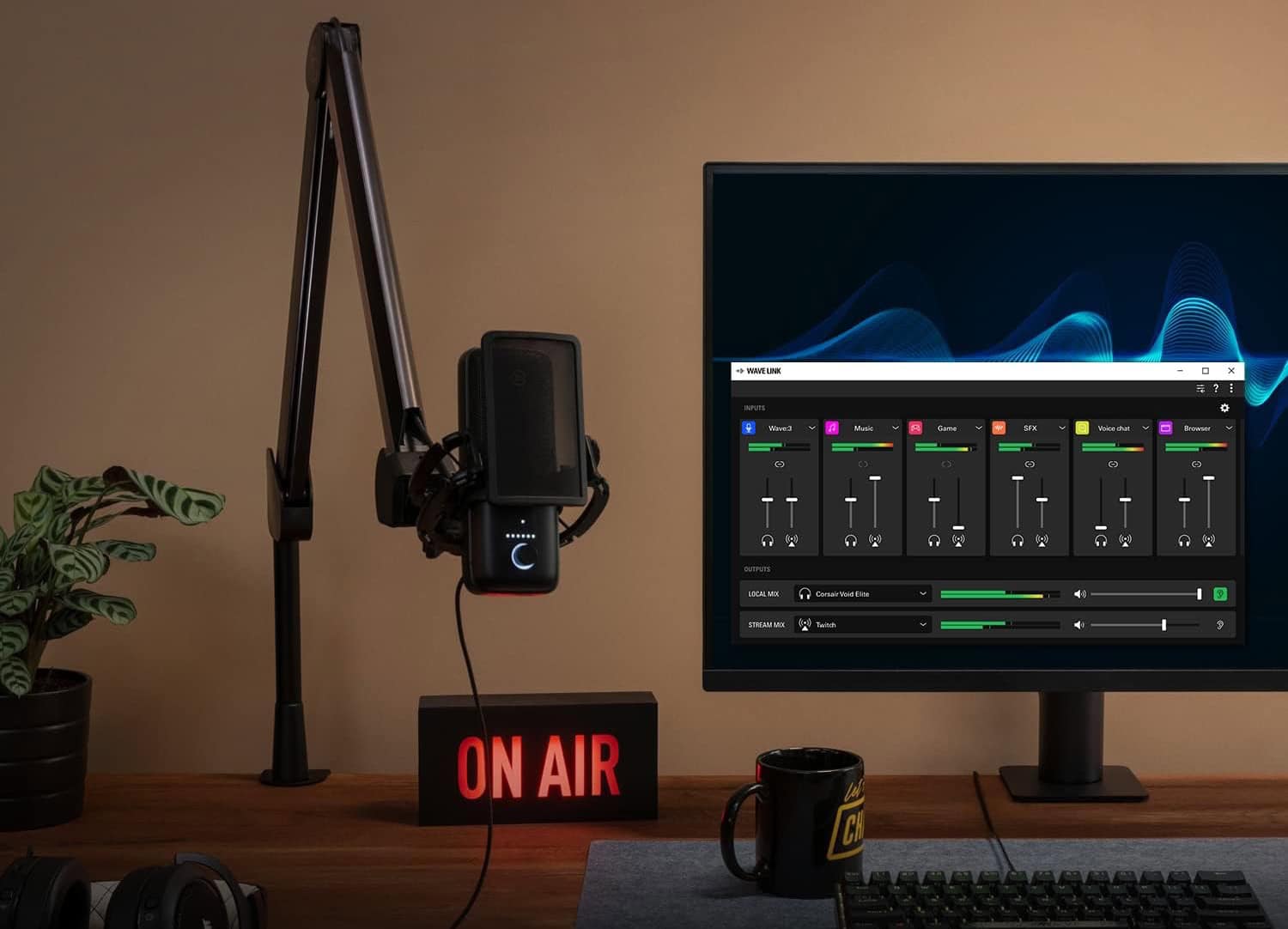
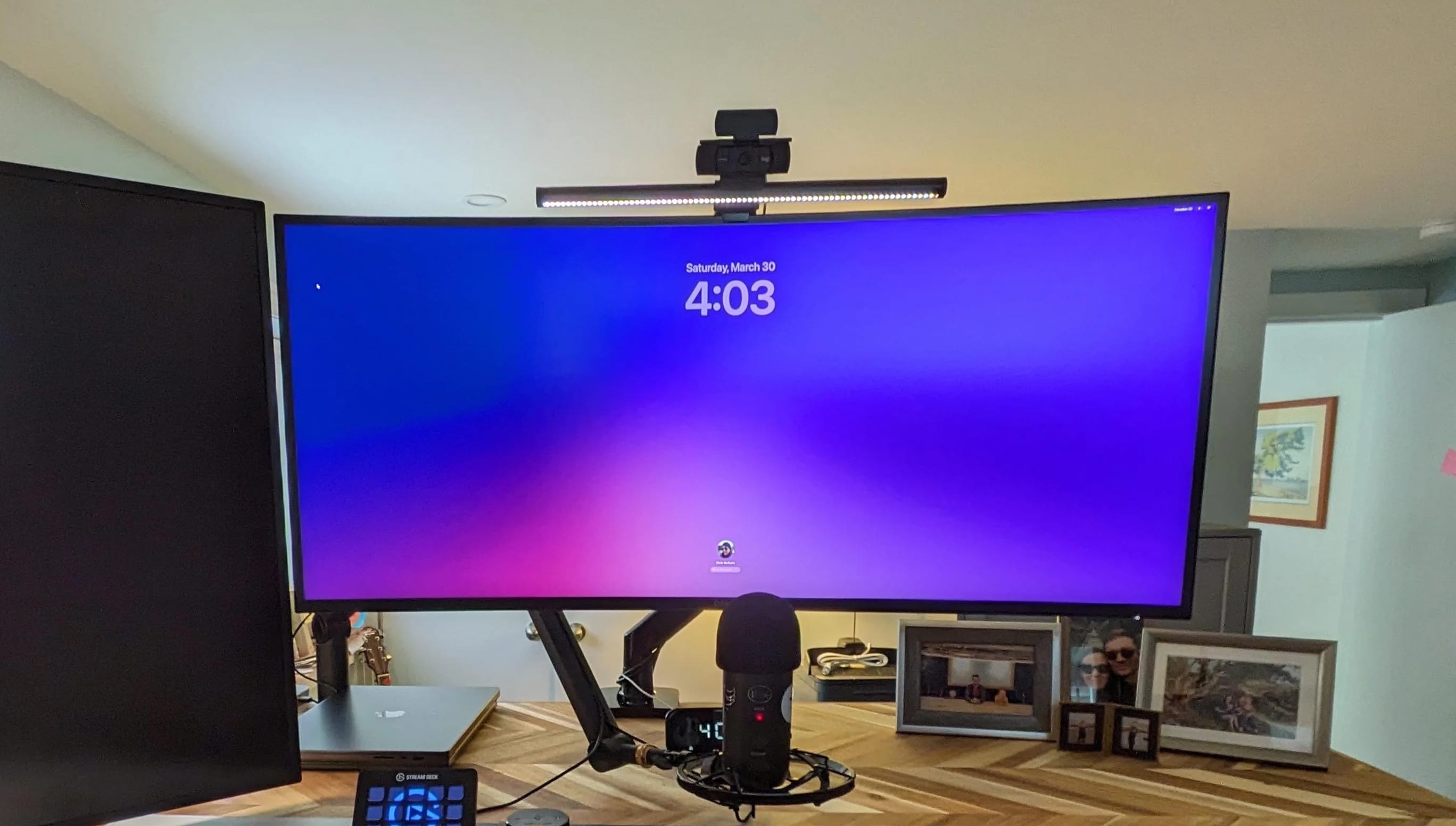
In this shot from Elgato, you get a clear view of its popular suspension boom arm supporting a microphone, as in today's setup. Photo: Elgato
Streamers and podcasters often worry over their choices of microphones and audio interfaces for sound quality. But they shouldn’t forget to select great co-stars for that gear like the Elgato Wave Microphone Arm.
A good microphone boom arm makes working with the mic easy, especially in a computer setup where you need to move it aside to do other tasks. Today’s MacBook Pro and Studio Display setup makes great use of the extremely popular Elgato Wave Microphone Arm supporting an Audio-Technica mic.
And right now you can get one version of the suspension boom microphone arm for 20% off at Amazon ($99.99 $79.99), and it’s the one our user deploys.
Sometimes an overarching LED lamp is even better than a monitor light bar. Photo: Pzloz
Something as simple as the right lamp can make a huge difference in a computer setup. Today’s sexy M3 Max MacBook Pro and Studio Display workstation benefits from a big, wide, clamp-on double-headed Pzloz LED Desk Lamp to brilliantly light the scene.
So it seems sometimes an overhead lamp can beat a monitor light bar, especially on a big, wide desk.
The Shure SM7B microphone and Focusrite Vocaster Two audio interface are crucial to the user's work on YouTube. Photo: [email protected]
A prolific YouTuber runs today’s featured MacBook Pro setup. And you can tell it’s the pride and joy of a streamer or podcaster just by some of the crucial equipment. Namely, an excellent Shure SM7DB microphone run through a Focusrite Vocaster Two audio interface to ensure high-quality audio recording.
The Edifier R1280T powered bookshelf speakers pump up this MacBook Pro setup's sound. Photo: [email protected]
If you’ve read much of Cult of Mac’s computer setups coverage, you know we love good audio. And we love it more when it’s high-value, where the sound is great despite affordable pricing. Edifier R1280T speakers meet that mark.
Edifier is a brand that has long lived in that space. And today’s MacBook Pro and PC laptop setup makes good use of a pair of powered Edifier bookshelf speakers that even MacBook Pro’s fine set of six can’t really compete with (outside of portability).
A 15-in-one Thunderbolt 3 dock handles a MacBook Pro, a PC laptop and a bunch of peripherals. Photo: [email protected]
Another Mac and PC computer setup stands in the spotlight today — this time a MacBook Pro and PC laptop driving a 4K display and an array of peripherals through an Orico Thunderbolt 3 dock bristling with 15 ports.
The setup emphasizes gaming, too, with a PlayStation 5 mounted under the desk. We’ll take a look at that, too.
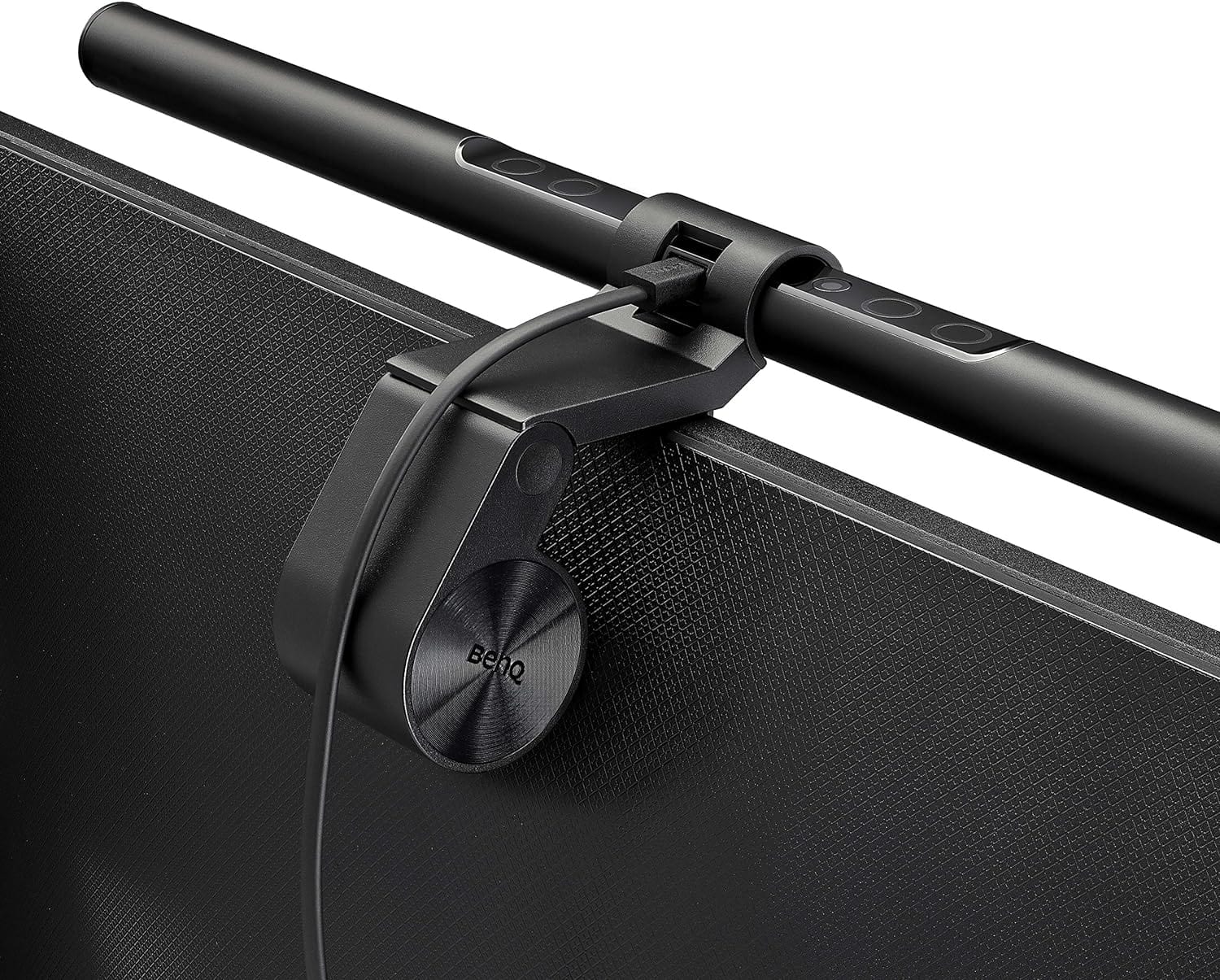
BenQ's ScreenBar monitor light isn't cheap, but it's a good investment. Photo: BenQ
You can buy a monitor light bar pretty cheap, even as low as about $20. But will it be a great piece of gear, illuminating your desk from atop your display, with a nice array of features? Probably not. Today’s M3 MacBook Pro and PC setup laid out a little more cash for a keeper — the BenQ Screenbar Monitor Light.
This IT manager has a heck of a nice M3 MacBook Pro setup. And note the big gaming PC on the right. Photo: [email protected]
Today’s beautiful MacBook Pro and PC setup lets the two “frenemy” computers work easily in the same setup through a 4K external display’s built-in KVM switch. That means no messing around with cables, and no swapping out or re-pairing peripherals.
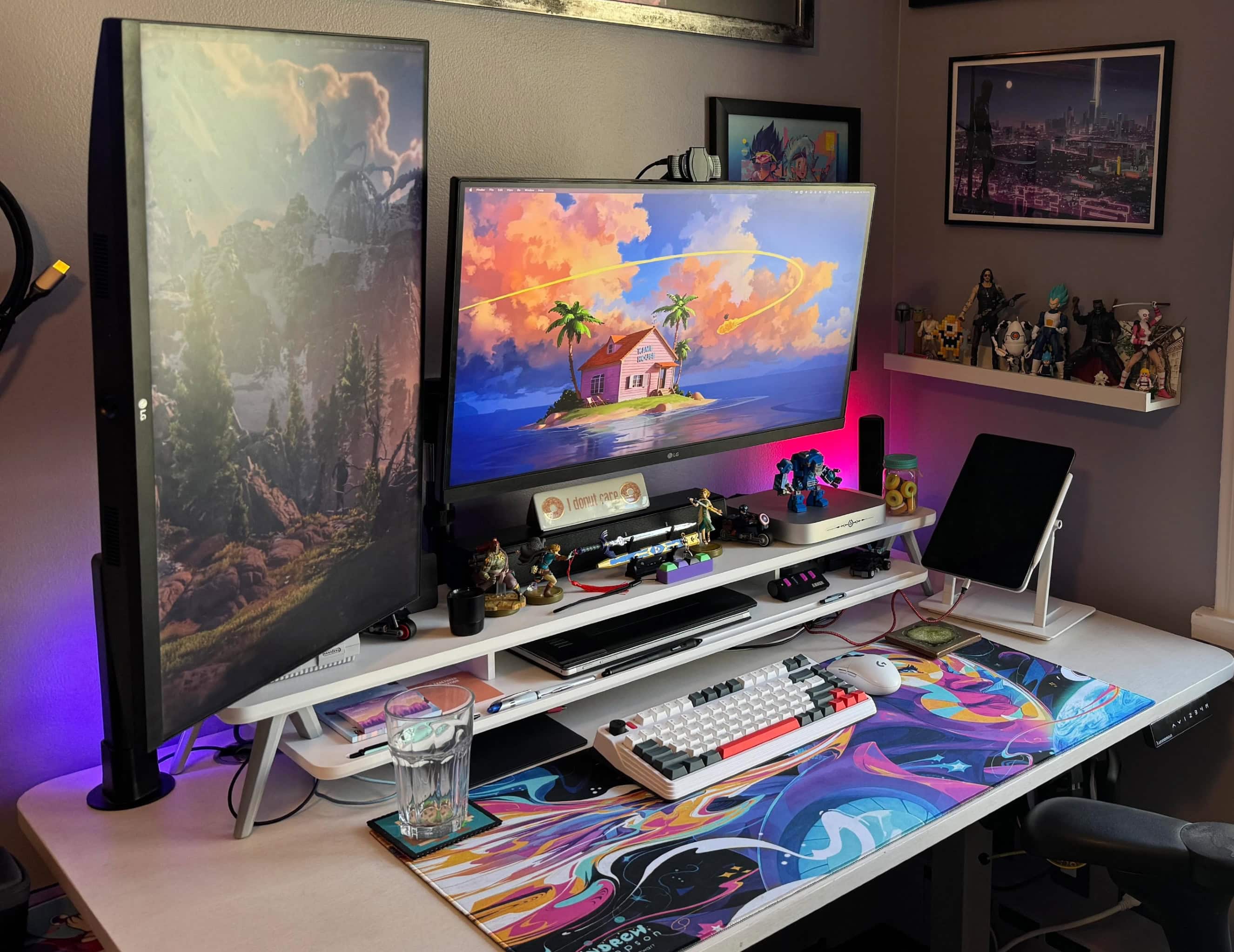
The white Fenge monitor stand, or desk shelf, is one of the coolest choices we've seen lately. Photo: [email protected]
Monitor stands, aka monitor risers or desk shelves, are often unsung heroes of computer setups. Even just a single shelf can add so much in terms of organization and ergonomics. In today’s colorful and artistic Mac mini workstation, the Fenge monitor riser is crucial. Without it, the desktop would devolve into chaos.
This M1 Mac mini setup features a lot to look at, but don't miss that cool iPad Pro stand on the right. Photo: [email protected]
Sometimes what stands out in a computer setup isn’t a major piece, like a computer or display, but a cool accessory. Today’s colorful M1 Mac mini workstation with dual displays and loads of artwork features a cool accessory one could easily miss — a Lab22 Infinity Adjust iPad stand.
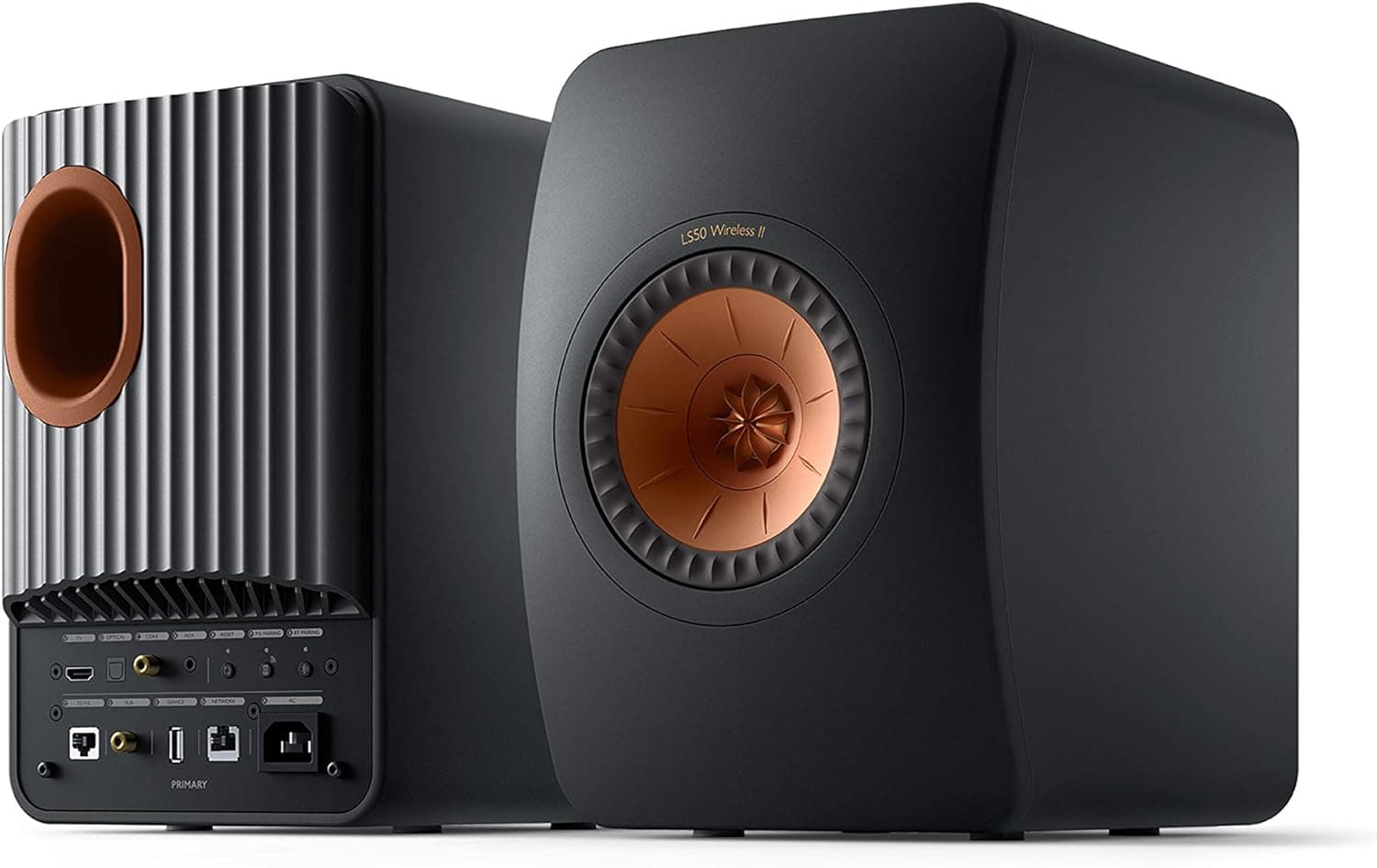
The setup's M3 Pro MacBook Pro has six speakers. But who cares when there are also KEF speakers. Photo: KEF
A more than capable M3 Pro MacBook Pro powers today’s computer setup, but its six-speaker sound system won’t be needed. That’s because the medical student who own the rig has the good taste to include fantastic KEF LS50 Wireless II speakers.
He’ll just have to keep the powerful speakers’ volume in check to avoid having to see an ear doctor.
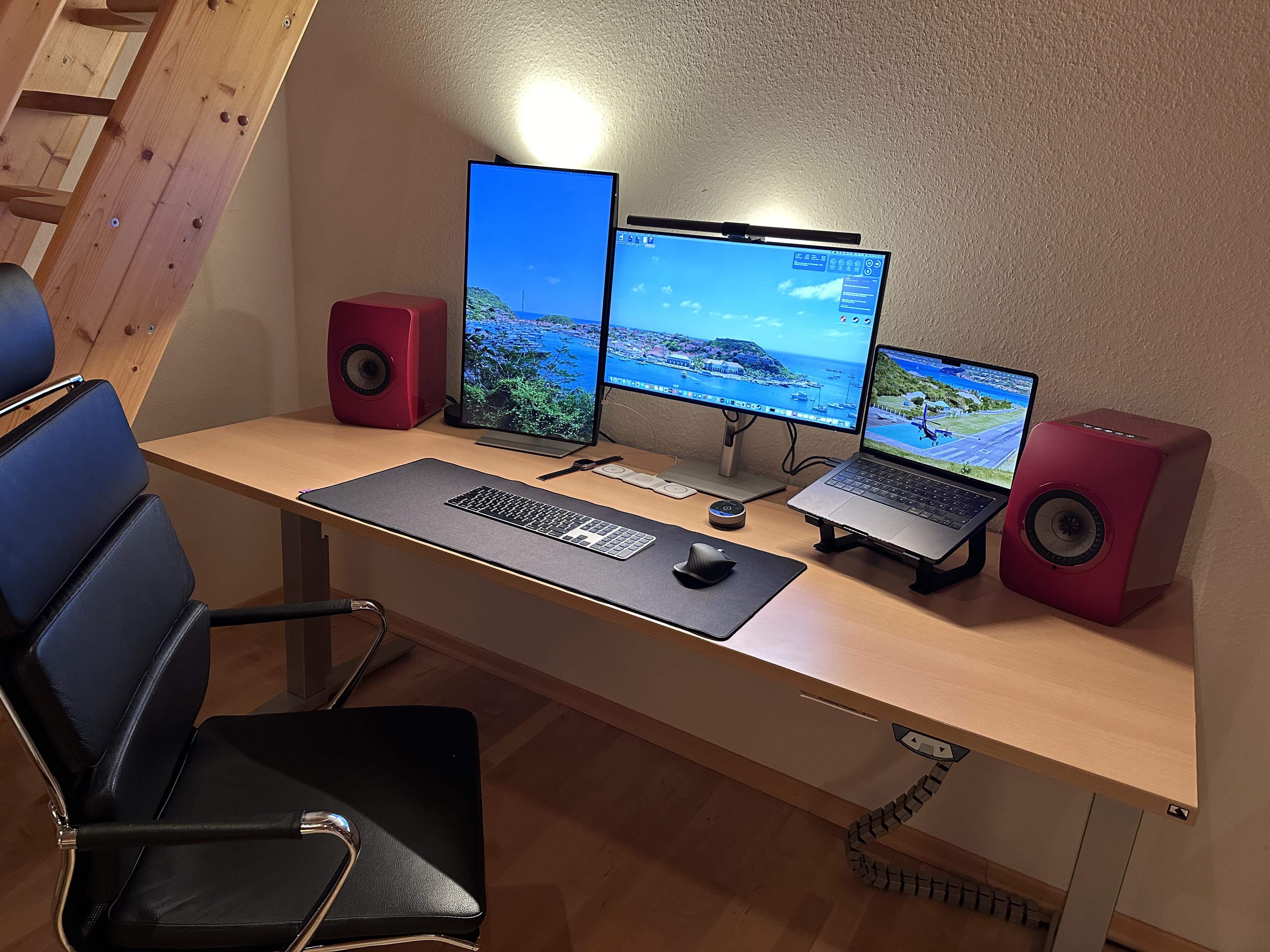
The space black M3 MacBook Pro sits open on a stand rather than in clamshell mode. Photo: [email protected]
A medical school student’s charming dual-display setup adds an M3 MacBook Pro as a third display by keeping it open on a stand. And the three displays form a pleasingly staggered formation, with one in portrait on the left, one in landscape at center and then the laptop’s screen.
In the old version of the setup, the vintage displays were far apart. Photo: [email protected]
Multi-display computer setups with asymmetrical placements — aka, screens oriented in landscape and portrait orientations — are so popular that even vintage Apple displays are getting in the action. Today’s featured rig uses a modern MacBook and vintage displays. A M1 Pro MacBook Pro from 2021 drives a Cinema Display and Thunderbolt Display from many years earlier.
This 40-inch Dell 4K curved monitor makes a great external display. Photo: [email protected]
A Dell curved 4K monitor — especially a big 40-incher — can make an excellent external display, if today’s featured MacBook Air and MacBook Pro setup is any indication. The user put the dramatic display together with a 27-inch 4K monitor after trying two other configurations.
This setups has two MacBooks, but the external keyboard is a Keychron Q3 Pro custom mechanical keeb. Photo: [email protected]
Today’s featured computer setup runs on two powerful MacBooks, which of course have their own keyboards. But the user doesn’t settle for those, except maybe when he’s away. Instead, he chooses to use a mechanical external keyboard with his dual laptops and dual displays. It’s a Keychron Q3 Pro custom keyboard, and it’s a beauty.
With an M2 MacBook Air and an M3 Max MacBook Pro from work, this setup is highly productive. Photo: [email protected]
Who doesn’t love a good MacBook? Or maybe two MacBooks, like in today’s setup. The guy has his own M2 MacBook Air, a formidable machine. But he’s lucky enough to add to it an absolutely screaming M3 Max MacBook Pro courtesy of his employer. Nice perk, that.
He can also thank work for his second 4K display. But it doesn’t top his own.
This photographer said the 42-inch LG C2 smart TV is better than other displays he's tried. Photo: [email protected]
Today’s Mac Pro and smart TV setup is a rare find for two reasons. First, Mac Pro costs so much that we rarely see it in the wild. Second, while big smart TVs used as computer displays continue to gain popularity, we don’t often hear users saying they’re one of the best they’ve ever had. But that’s the case with this LG C2 smart TV setup, used by a photographer and musician.
In it, a powerful cheese-grater Mac Pro drives a gargantuan 42-inch smart TV as an external display.
Music and photography appear to big big jobs for this powerful Mac Pro setup. Note the iMac G4 as well as Wall-E and Eve above the cheese grater. Photo: [email protected]
It’s somewhat rare that we come across a Mac Pro setup on social media for the obvious reason that Apple’s top desktop computer costs a fortune. And the ones we see are often older than 2019’s cheese grater design. But today’s Mac Pro and smart TV setup is a welcome exception to that rule.
It sports a powerful cheese-grater Mac Pro driving a gargantuan smart TV as an external display.
And what’s more, a classic iMac G4 that still works and Wall-E and Eve toys from the Pixar movie look on from a shelf!
You can see one of the Razer Nommo Chroma gaming speakers to the left behind the display. Photo: [email protected]
A systems engineer who works for a software developer showed off today’s M1 Pro MacBook Pro setup, which features unusual audio. Razer Nommo Chroma gaming speakers rarely come up in setups despite their high coolness factor. They look a bit like highway patrol speed guns. And the noise-canceling wireless earbuds are a favorite — Soundcore Space A40.
The two primary external displays in this setup are different sizes and resolutions. Photo: [email protected]
We see many, many dual-display computer setups in our coverage, with the vast majority being two screens of the same size, whether they’re oriented differently or not. But that’s not always the case. Today’s M1 Pro MacBook Pro and Windows laptop rig sports different-size dual displays that even have different resolutions. But it works for the user, a systems engineer who works for a software developer.
This user swaps out an M1 MacBook Pro with a Windows laptop using an Anker dock. Photo: [email protected]
It’s the best of both worlds: A computer setup with a Mac and a PC. They each have their strengths. But how best to use both in the same workstation? Well, today’s setup does it with a MacBook Pro and Anker dock arrangement.
The user, a systems engineer for a software developer, relies on an Anker 5-in-1 Thunderbolt 4 dock to connect an M1 Pro MacBook Pro and Windows laptop to displays that suit them, plus other peripherals.
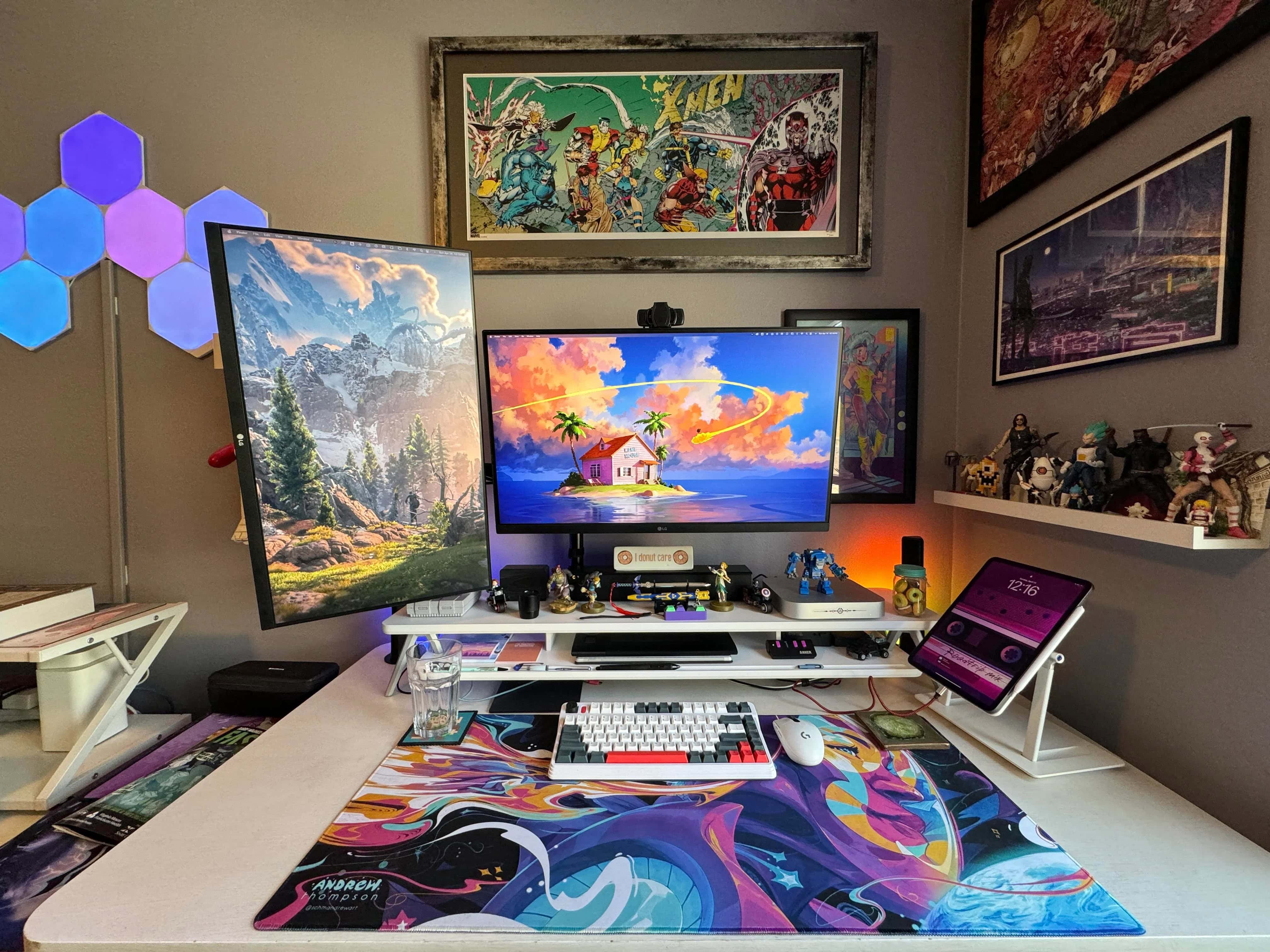
In the user's first Mac setup, a Mac mini drives an LG external display. A Magic Keyboard also sits on the desk shelf, with an iPad Pro on a stand to the right. Photo: [email protected]
Mac mini may be Apple’s smallest desktop computer, but that doesn’t make it meek. It’s anything but meek, in fact. Today’s M2 Mac mini setup is the user’s first Apple rig, and the computer, working alongside a recent 12.9-inch iPad Pro, drives an impressive 35-inch LG ultra-wide display.
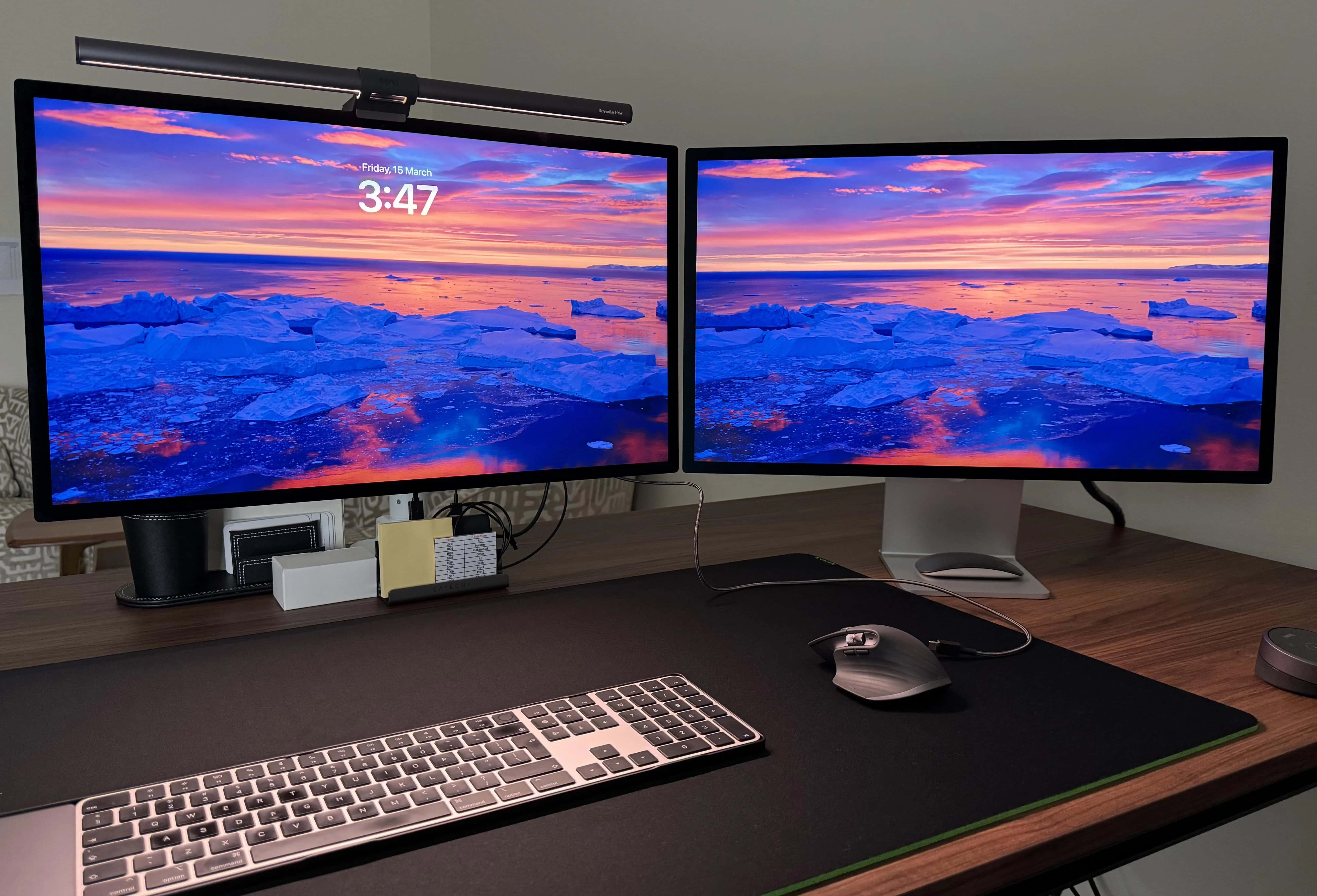
A powerful M2 Ultra Mac Studio drives this pair of Studio Displays. Photo: [email protected]
Today’s M2 Ultra Mac Studio setup puts one of Apple’s most powerful desktop computers front and center, driving a pair of beautiful Studio Displays.
And while the user pointed out his machine packs only base specifications, that’s still a hell of a lot of computer for most people. And if you max it out, the thing is astonishing. Check out the options below.
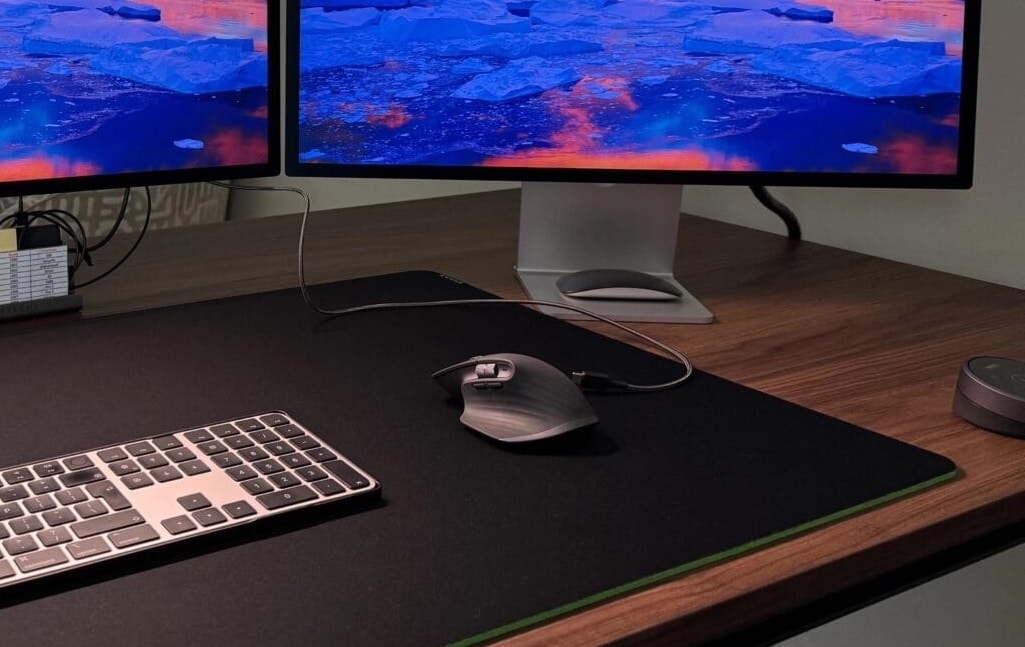
This Mac Studio setup with dual Studio Displays sparked a mouse fight. Photo: [email protected]
Sometimes a setup post on social media can express a common problem or disagreement quite well. Today’s Mac Studio and dual-Studio Display rig is pretty good example, showing the divide between users of Magic Mouse and one of its top competitors — Logitech MX Master 3 (and 3S) wireless mouse. So Magic Mouse vs. Logitech MX Master 3 is on.
Commenters split themselves into pro Magic Mouse and pro Logitech MX camps. And a bunch of them sought middle ground, finding things to like — or hate — about both mice.