Mobile menu toggle

security - page 8

Punish Website only blocks ads on sites you blacklist

By

punish website
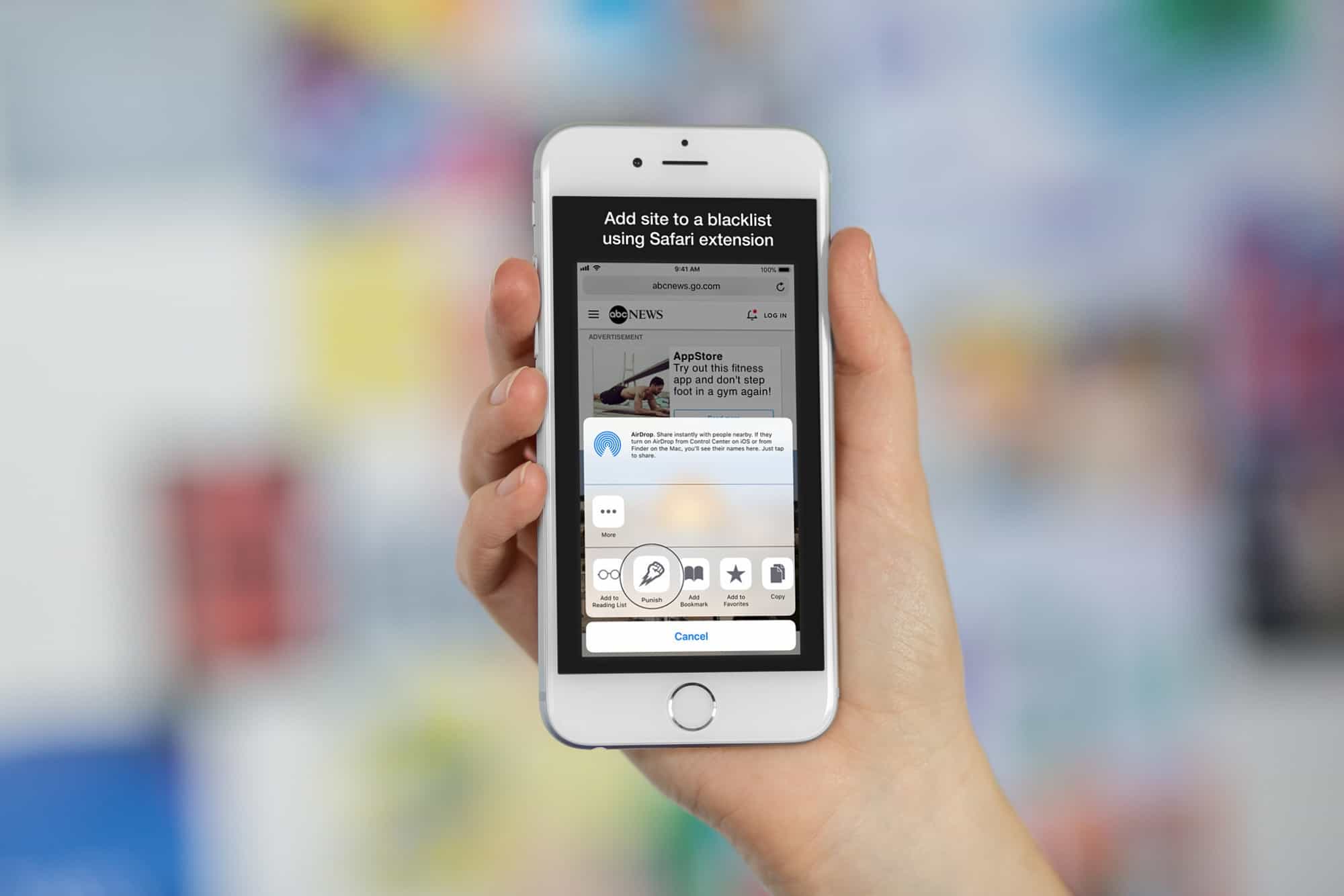
This Safari content blocker only shuts down sites you personally blacklist.
Photo: Cult of Mac/ Salavat Khanov

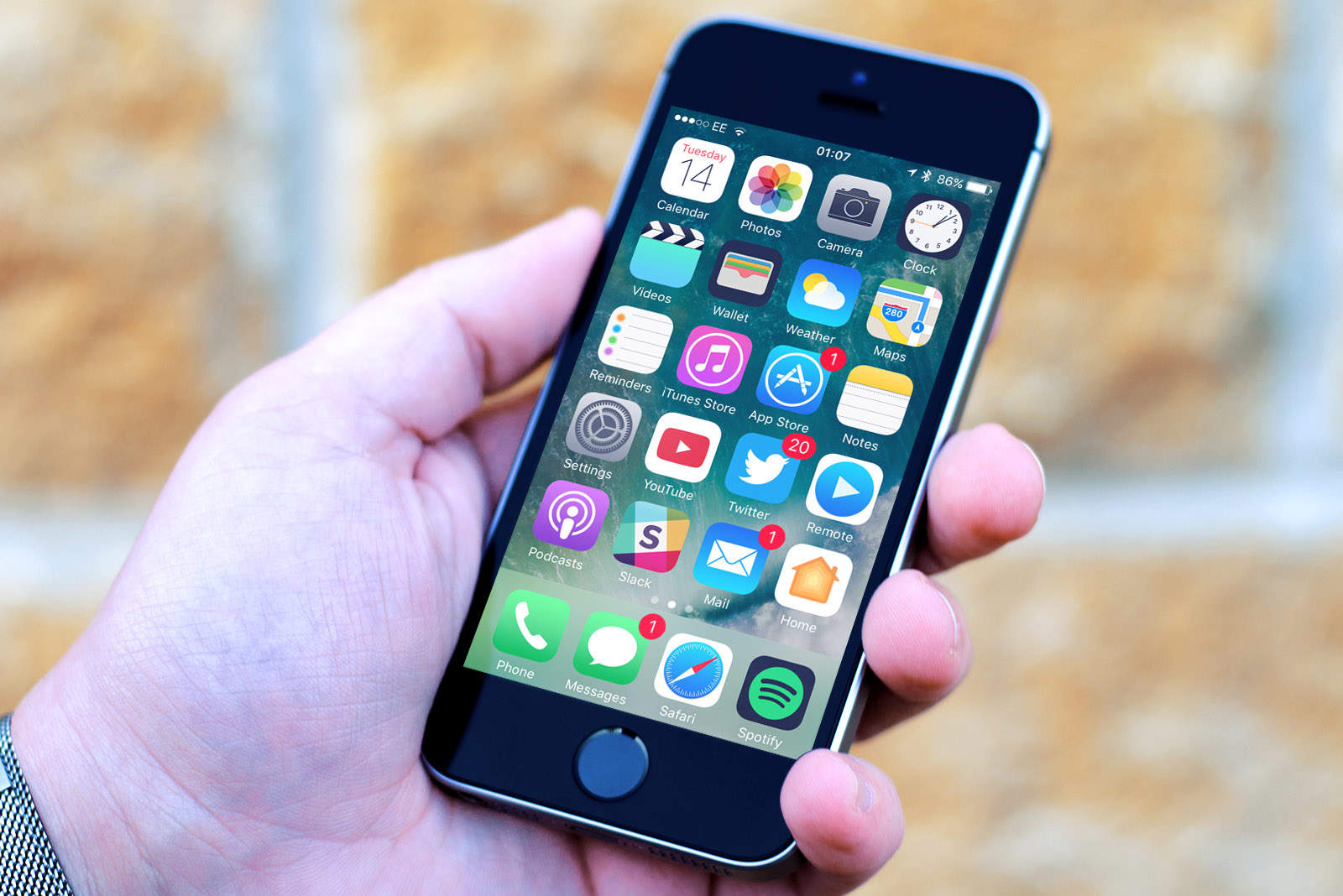
Most ad blockers block everything. You download the app, tell Safari to use it, and then no longer need to worry about sites serving bandwidth-burning scripts that leech your personal information.

But for many people, the blanket approach of nuking everything is too much. You may instead prefer to block some bad actors, but let most sites serve ads — the ads pay the writers who write for the sites, after all. That’s where the bluntly named Punish Website app comes in. The new app comes configured to block nothing, letting you add the sites you hate to your own personal blacklist.

Download iOS 11.2.1 immediately for crucial HomeKit fixes

By

homekit
HomeKit's huge security flaw has been fixed.
Photo: Apple

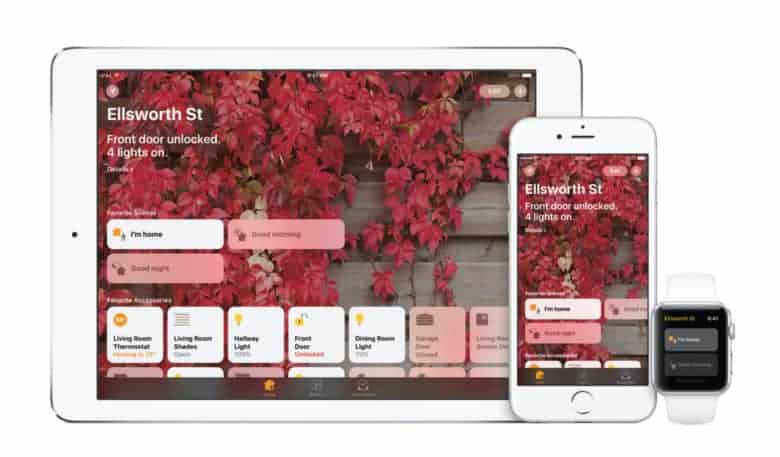
Apple released a brand new iOS 11 update for the iPad and iPhone this morning that makes some big fixes to HomeKit.

iOS 11.2.1 comes a little over a week after Apple dropped iOS 11.2 on the public bringing Apple Pay Cash and a host of bug fixes. The new update is being released along with tvOS 11.2.1 to restore some HomeKit functionality after Apple patched a bug server-side earlier this week.

Moon is a smart home security camera that defies gravity

By

Moon camera
Moon has 360-degree vision.
Photo: 1-Ring

Moon is the world’s first smart home security camera that levitates for 360-degree vision.

Without any blind spots, it can keep watch over an entire room, with automatic rotation when movement is detected. It also keeps track of temperature and humidity, charges wirelessly, and controls other home appliances.

Camera-free security, affordable AirPower alternatives and more [Crowdfund Roundup]

By

Home security without spying eyes.
Photo: Point

Crowdfund Roundup bugApple’s latest devices finally support wireless charging, so why not treat yourself to a charging mat that can top up two simultaneously? Funxim looks as good as Apple’s own AirPower mat, but it will cost you considerably less.

It’s just one of the awesome ideas in this week’s Crowdfund Roundup. We’ve also got home security that doesn’t rely on cameras, an ultra-tough Apple Watch band, and more.

Point is a home security system that can’t spy on you

By

Point home security
Point couldn't be easier to set up.
Photo: Minut

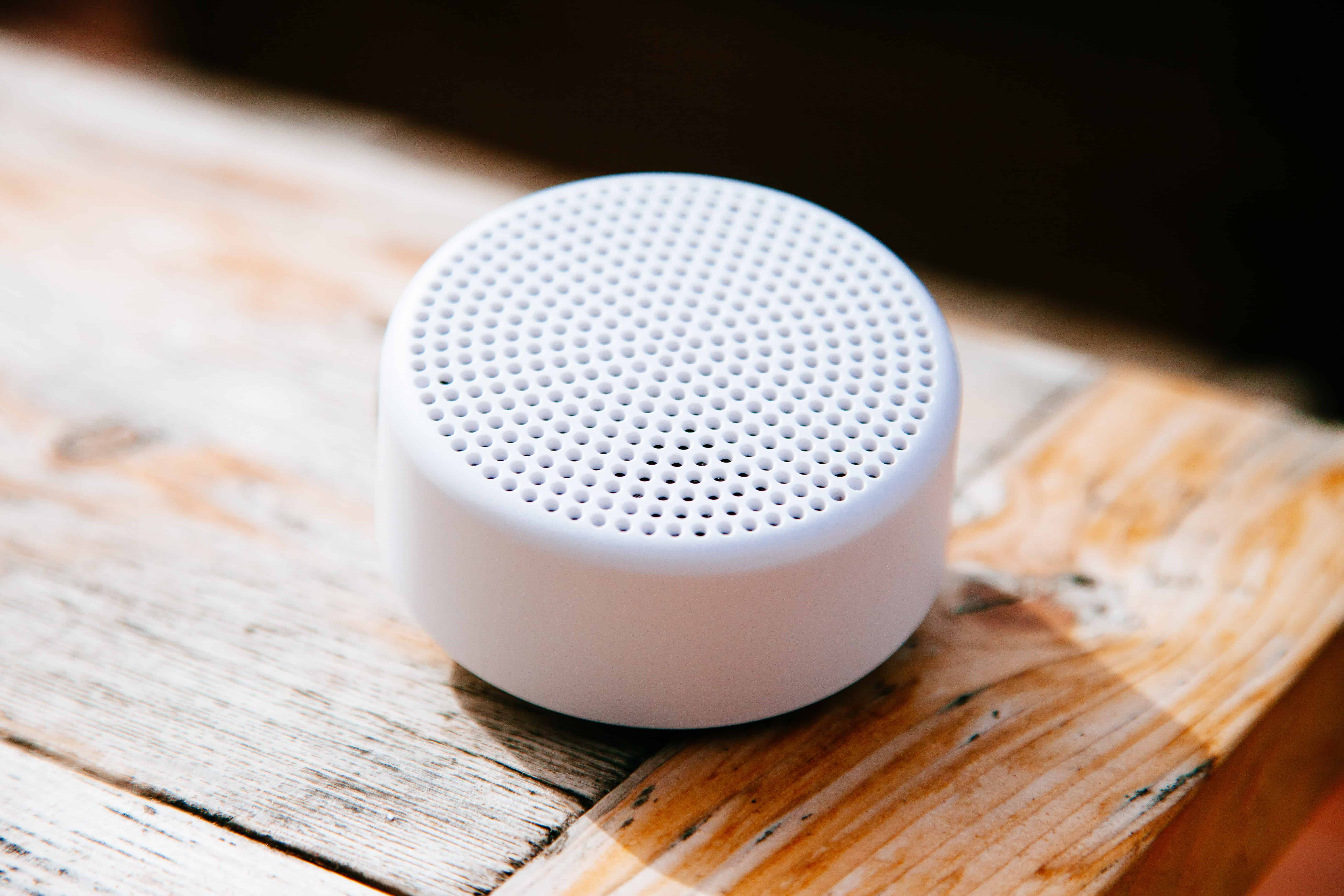
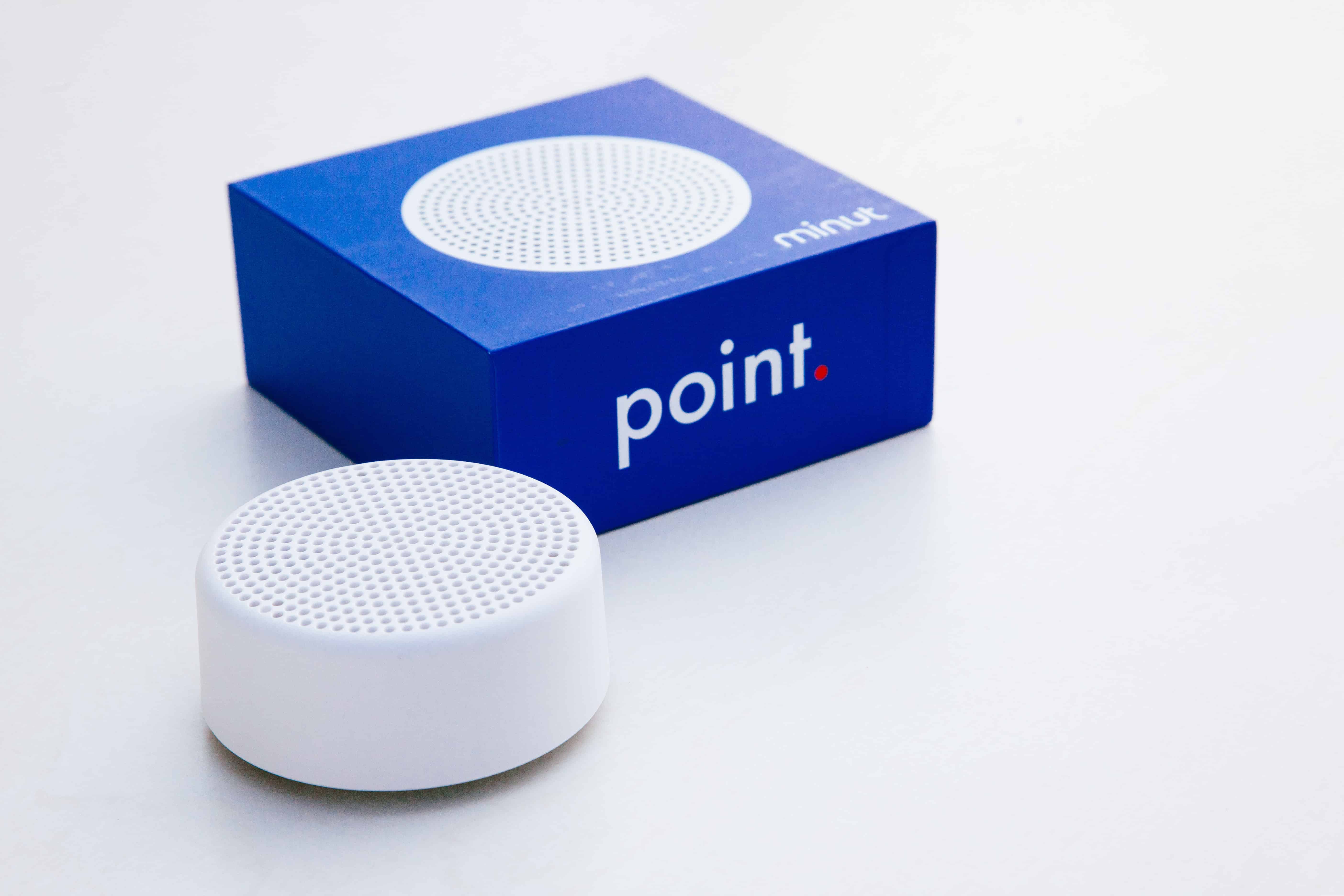
A home security system gives you complete peace of mind when you’re away, but at what cost? If your system relies on cameras, there’s always a worry that someone else could be watching. Not with Point.

Point is a complete home security system that doesn’t require cameras. It’s a single device that can alert you to anything unexpected using clever sensors and machine learning.

Kid unlocks mom’s iPhone X with Face ID

By

iPhoeX
Spot the difference? The iPhone X can't.
Screenshot: Attaullah Malik/YouTube

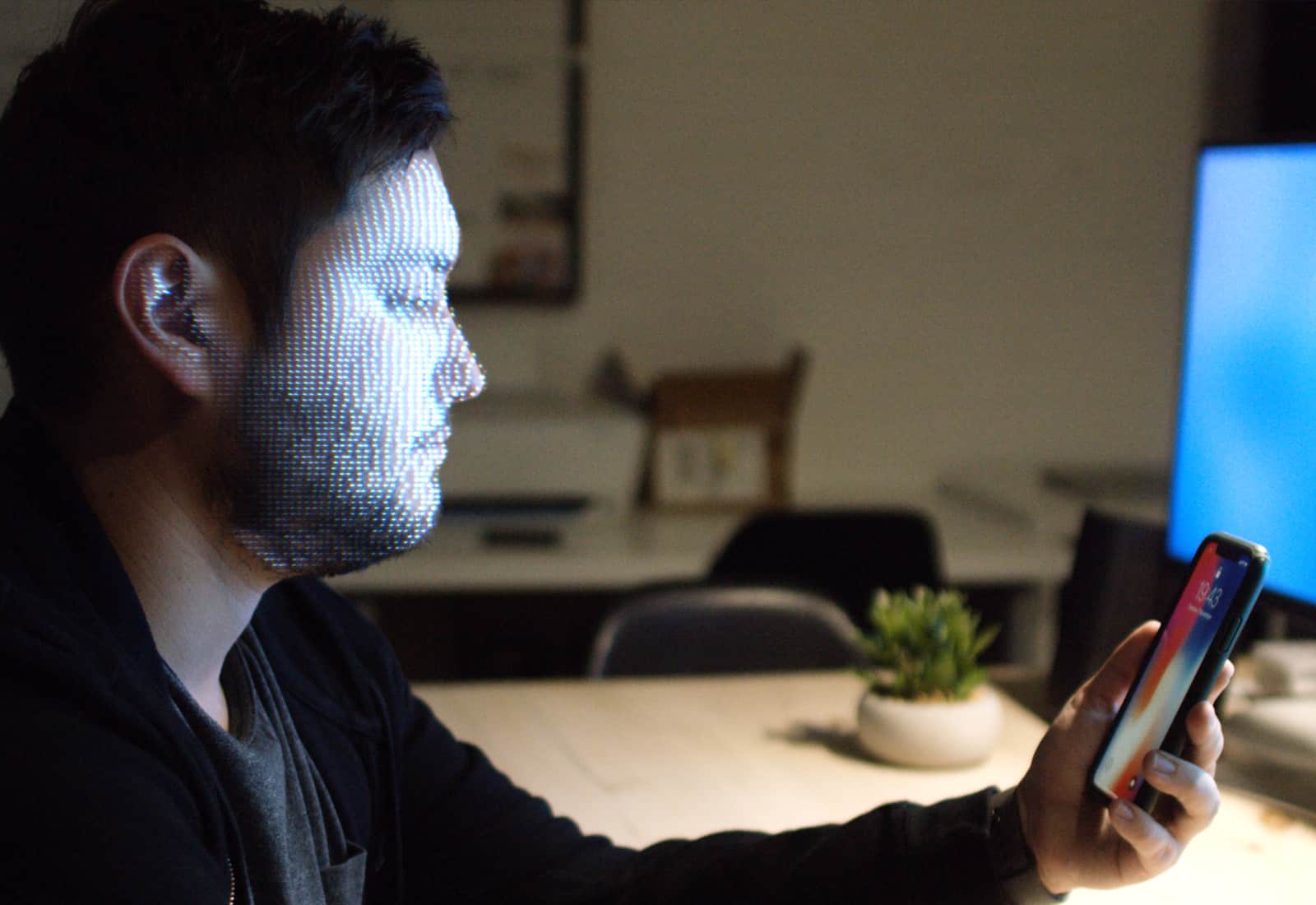
Another way to circumvent the iPhone X’s Face ID security system has been discovered — but, don’t worry, it’s not going to be one that affects the overwhelming majority of users.

The Face ID “hacker” in question is the fifth-grade son of an iPhone X owner, who apparently looks close enough to his mom in appearance that the system recognizes them both as the same person.

Master your iPhone X with these tips, tricks and how-tos

By

iPhone x unboxing
Fresh out of the box.
Photo: Killian Bell/Cult of Mac

The iPhone X is Apple’s most exciting iPhone in years. It packs an incredible portrait camera, ditches the home button so it can squeeze and iPhone Plus-sized screen into a regular-sized body, and adds Face ID.

If you want to read all about your new iPhone X, or to see what the fuss is before you purchase one, check out this roundup of all Cult of Mac’s iPhone X coverage.

iPhone X keeps your notifications secret from people who aren’t you

By

iPhone x notifications face id
iPhone X hides notification previews until you look at them.
Photo: Apple

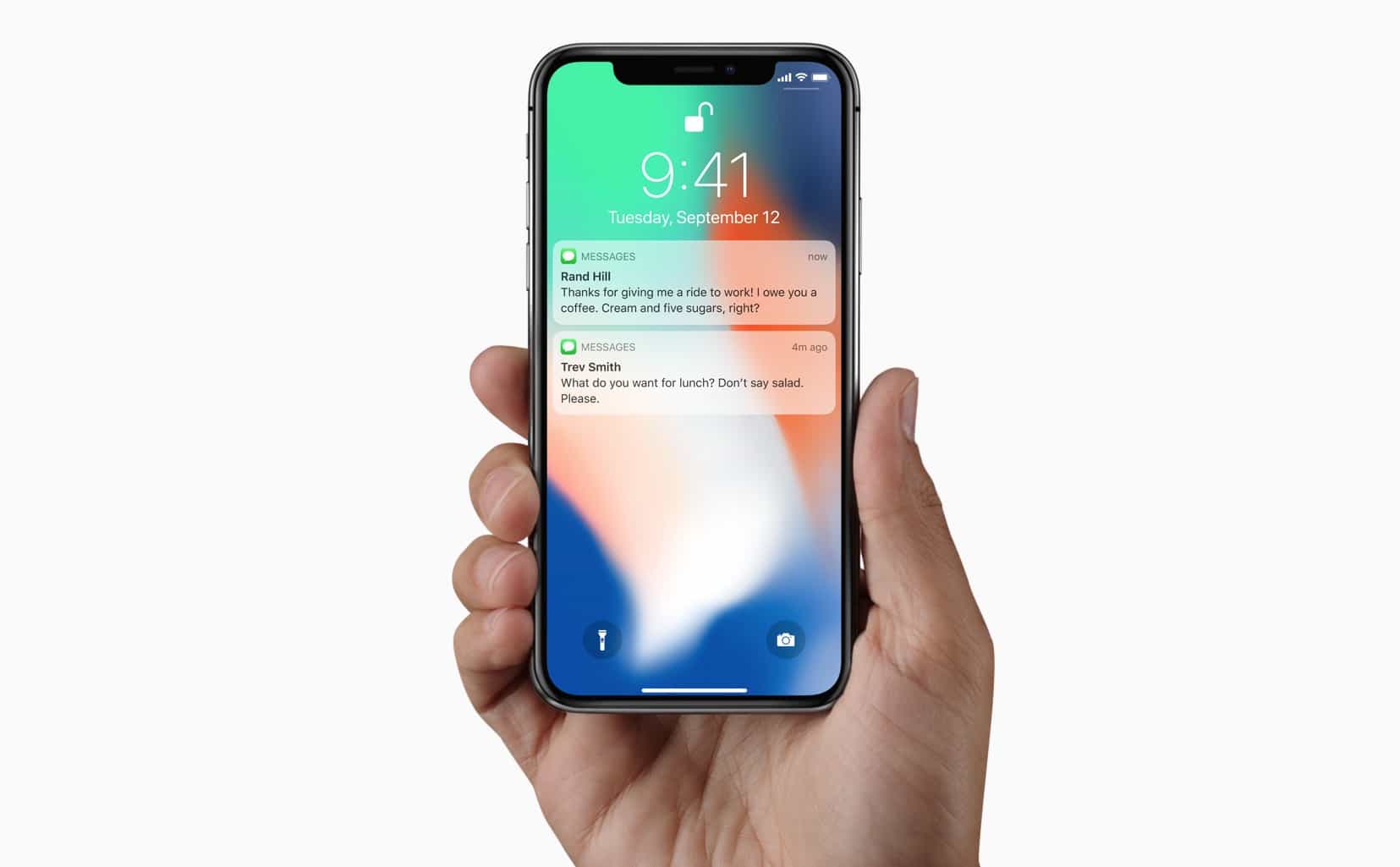
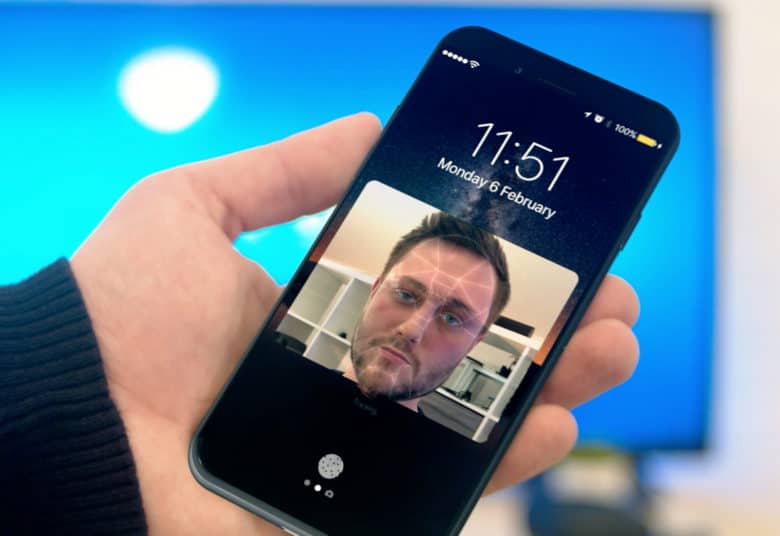
Thanks to Face ID, the iPhone X knows when its owner is looking at it, and can hide the content of your notifications until you do so. Now, if somebody else picks up your iPhone X and takes a peek at your incoming alerts, it will only see a list of the apps that have notifications for you. The content of the alerts remains hidden until you look at the screen, and Face ID expands the boxes to show you your messages.

The twist is that you can already do something very similar with Touch ID, just by changing one setting.

Face ID can be slower than Touch ID, but you can speed it up

By

Face ID iPhone X
Ensure Face ID is as fast as it can be.
Photo: UrAvgConsumer

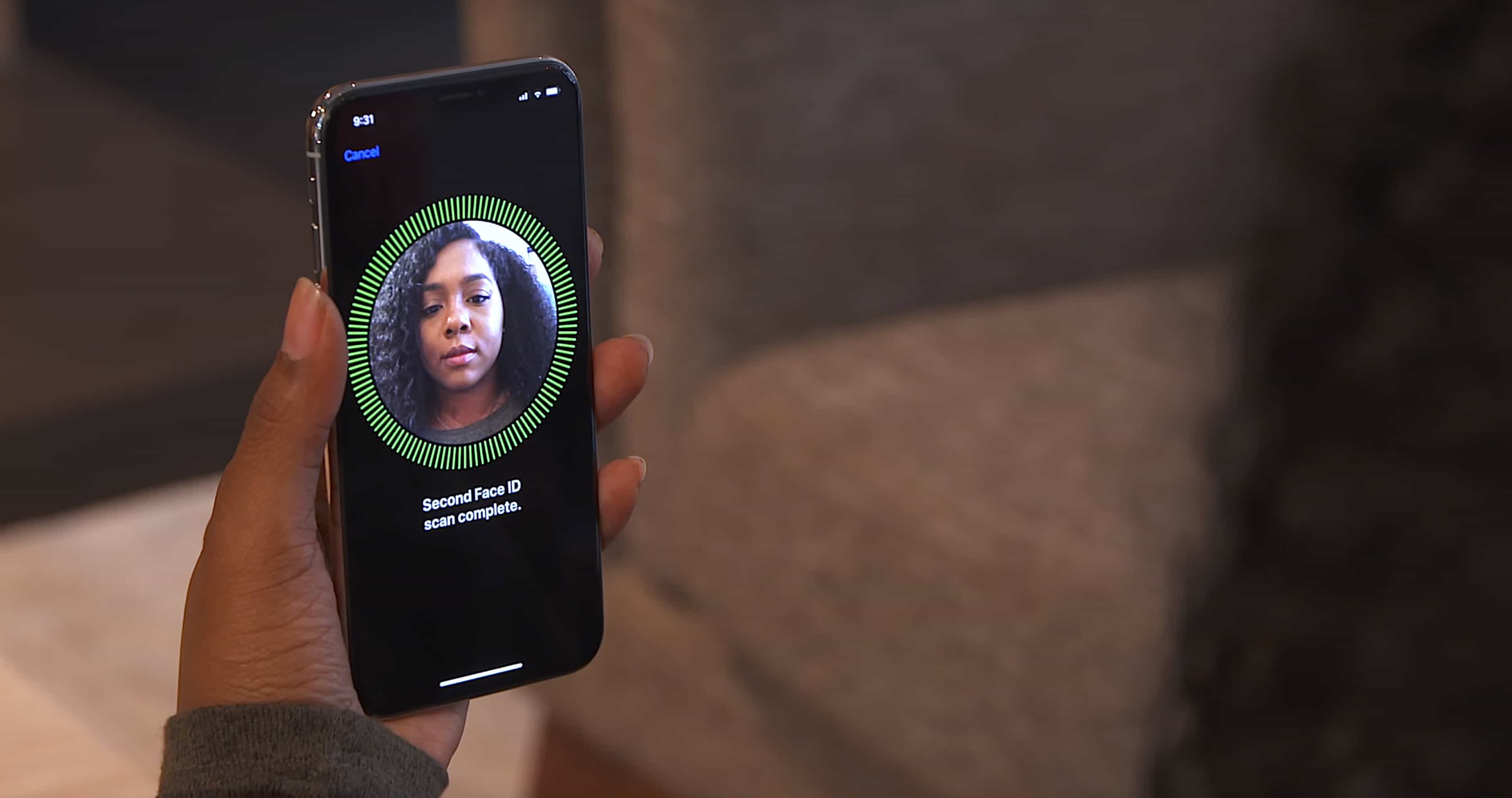
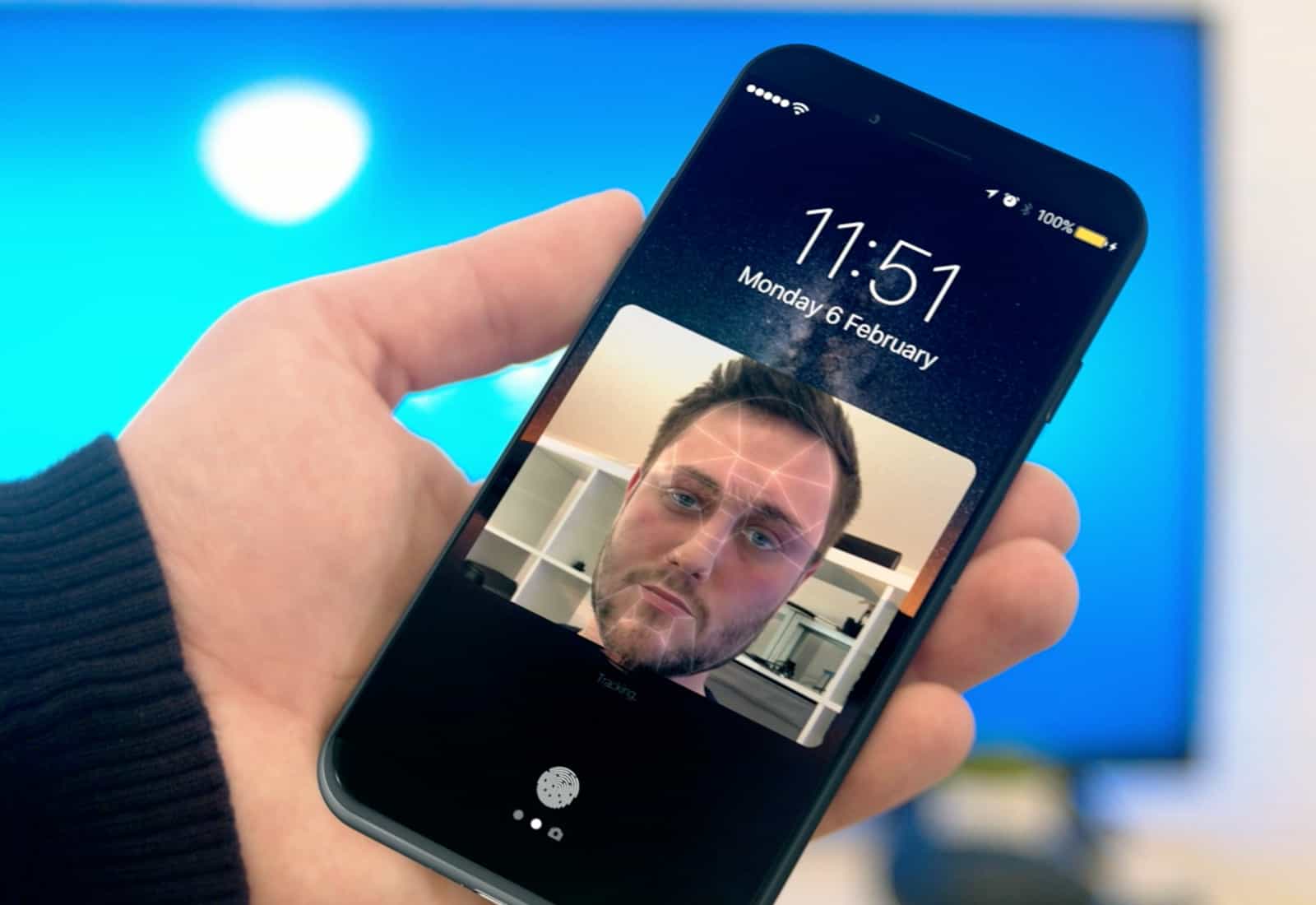
Face ID is the future, and it’s easy to see why. It’s significantly more secure than Touch ID, and it eliminates a number of big limitations. But it’s not quite perfect yet.

Those who are lucky enough to have received a unit early from Apple have discovered that Face ID is slower than its predecessor. There are some things you can do to speed it up, though.

Everything we know about iPhone X’s Face ID

By

Michael Cohen Face ID
Michael Cohen was forced by a court warrant to open his iPhone with Face ID.
Photo: Apple

When the iPhone X arrives November 3, it will bring a new age of security with it.

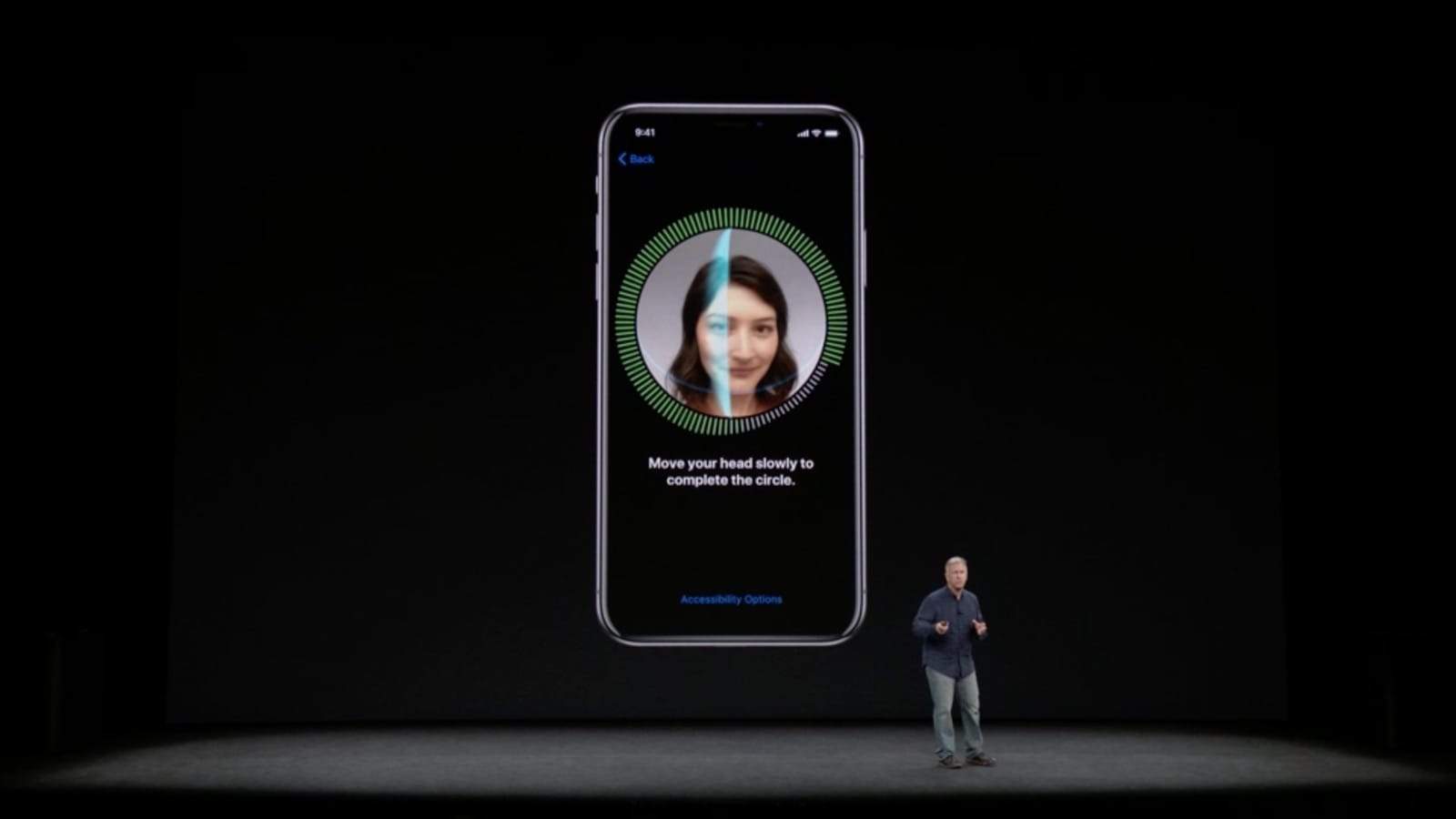
Apple is ditching fingerprints for facial scanning when it comes to unlocking your device, thanks to the iPhone X’s all-new Face ID feature. Not all Apple fans are excited about this. But if Face ID works as well as Apple says it does, it could be the most innovative iPhone addition in years.

Here’s what you need to know about Face ID.

Up your mobile audio, photo and charging game [Deals]

By

This roundup of gear and gadgets includes awesome audio, video, and charging goodies.

Photo: Cult of Mac Deals

Feel like spicing up the digital dimensions of your life? If so, today is your lucky day. That’s because we’ve rounded up massive deals on top shelf accessories, from Bluetooth speakers and headphones, to an awesome digital camera and portable power pack. It’s all discounted by nearly half off or more. Plus, you can get an additional 15 percent off when you use the coupon code “SAVE15” at checkout. Read on for more details:

Why every Apple user should be using a VPN

By

In this age of constant data leaks, using a VPN to protect your online identity is a must.
Photo: Cult of Mac Deals

If you think the buzz around using a VPN service these days is exaggerated hype and paranoia, think again. Never before have so many day-to-day human interactions and transactions occurred online.

Whether we’re emailing our bosses, checking in with our kids, chatting with our friends or using a plethora of apps to schedule and manage our lives, it all takes place online.

How Google’s new Pixel 2 stacks up against latest iPhones

By

Pixel 2
Prepare for new Pixels right after iPhone X Plus.
Photo: Google

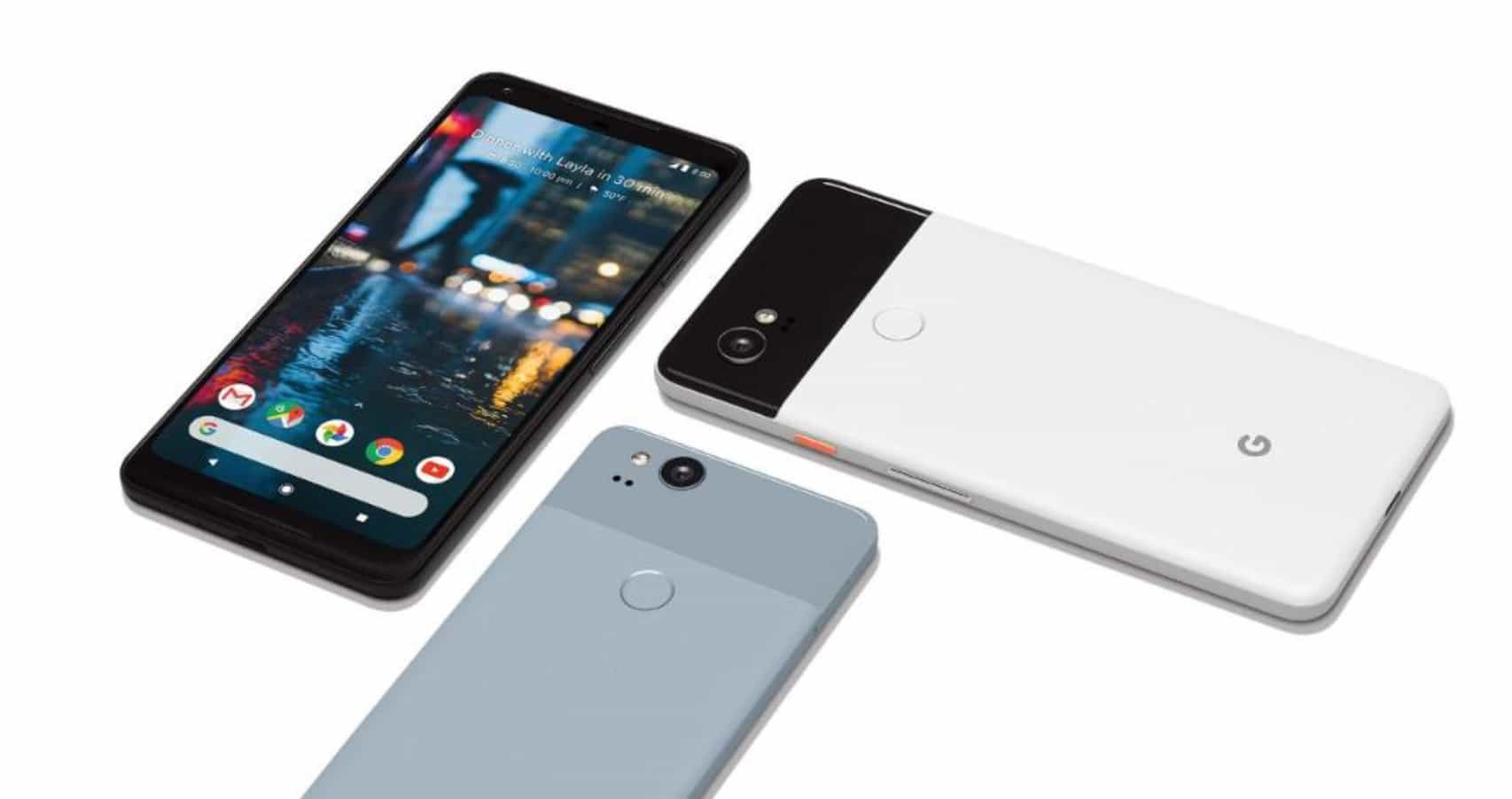
Google’s new Pixel 2 and Pixel 2 XL might be a little disappointing to some Android fans, but they’re still stellar smartphones. Both sport attractive designs that pack the best hardware available, including excellent cameras, and the speedy Snapdragon 835 chipset.

But can they convince iPhone fans to jump ship? Here’s how the new Pixel lineup compares to iPhone 8 and the upcoming iPhone X.

Your up-to-date Mac might be vulnerable to firmware attacks

By

Clean up your Mac the easy way with MacFly Pro.
Check your Mac's firmware. It might be vulnerable.
Photo: StockSnap/Pixabay CC

Updating your Mac to the latest version of macOS might not mean it’s impervious to firmware attacks.

According to a new security report, a shocking percentage of Macs are still vulnerable to critical firmware exploits despite running the latest version of macOS. Making matters worse, most users are completely unaware that their firmware isn’t up-to-date.

How to take screenshots and disable Face ID on iPhone X

By

Face ID
Face ID on iPhone X.
Photo: Apple

Pick up any iPhone (or iPad), press the sleep/wake button and the home button together, and you’ll snap a screenshot. That screenshot will be saved to your camera roll. That’s not possible with the iPhone X, because it has no home button. Fear not, though, because there is an alternative. Better still, Apple has added yet another button-finagling shortcut to the iPhone X — one to disable Face ID.

iOS 11 has another feature to stave off snooping cops

By

iOS passcode

Photo: Killian Bell/Cult of Mac

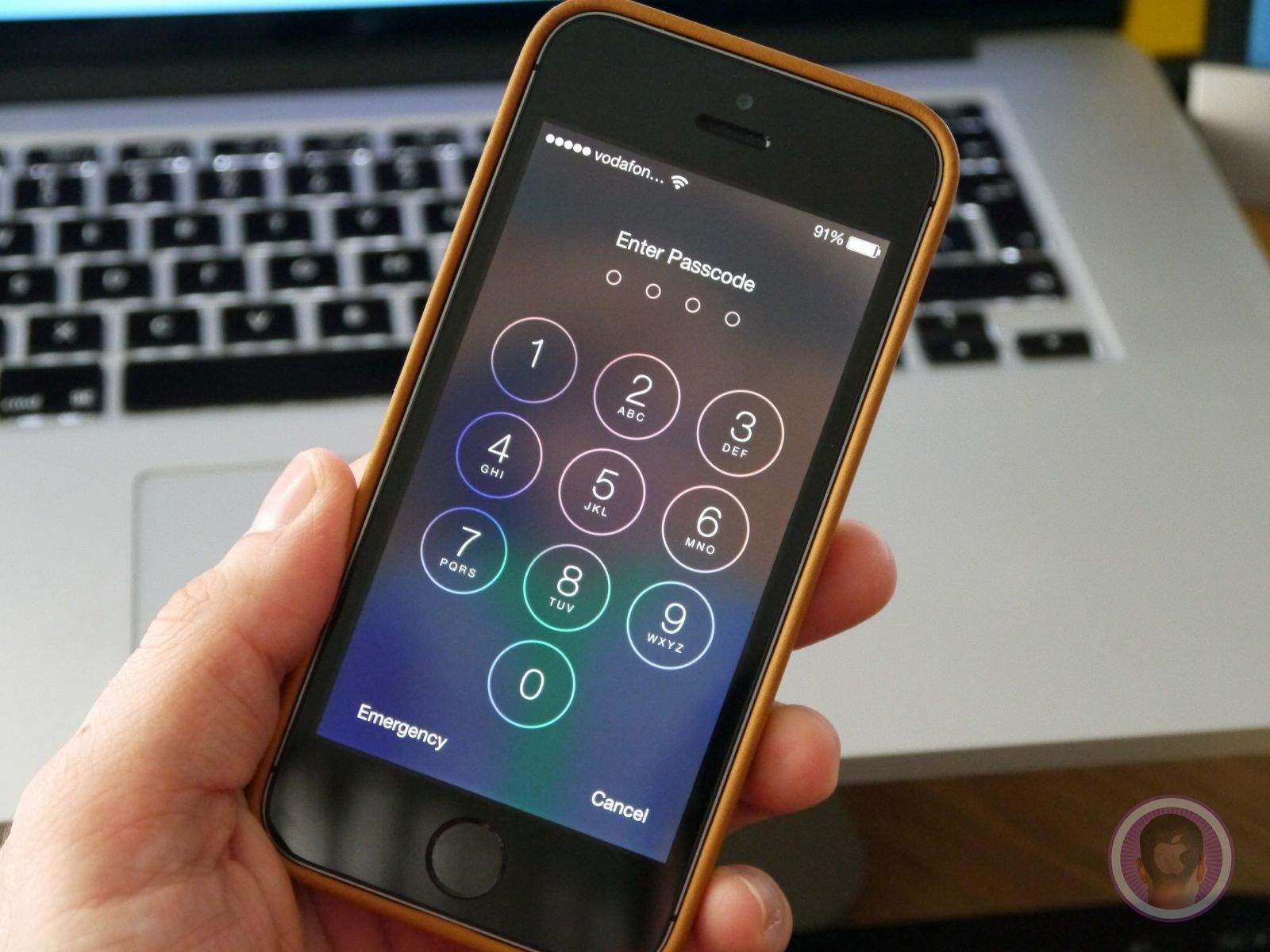
Apple has made a couple of changes in iOS 11 that make it more difficult for cops to get into your iPhone. We discovered one of those last month, and now another has been uncovered by security software developer ElcomSoft.

It makes it even more difficult for law enforcement to obtain the data on your iPhone, even if they have your fingerprint.

iPhone 8 will be missing one big feature everybody loves

By

face tracking
You're going to have to get used to life without Touch ID.
Photo: Ste Smith/Cult of Mac

Since Apple revolutionized smartphones ten years ago, it has kept working to give us new technologies that keep changing the way we use mobile devices. One of those has become beloved by all iPhone fans, but you’re going to have to get used to life without it.

No, I’m not talking about the physical Home button, but rather Touch ID. A new report claims there’s no place for it in iPhone 8.

How to stop your iCloud and Apple ID getting hacked

By

don't get hacked
A good password is just the start of good security.
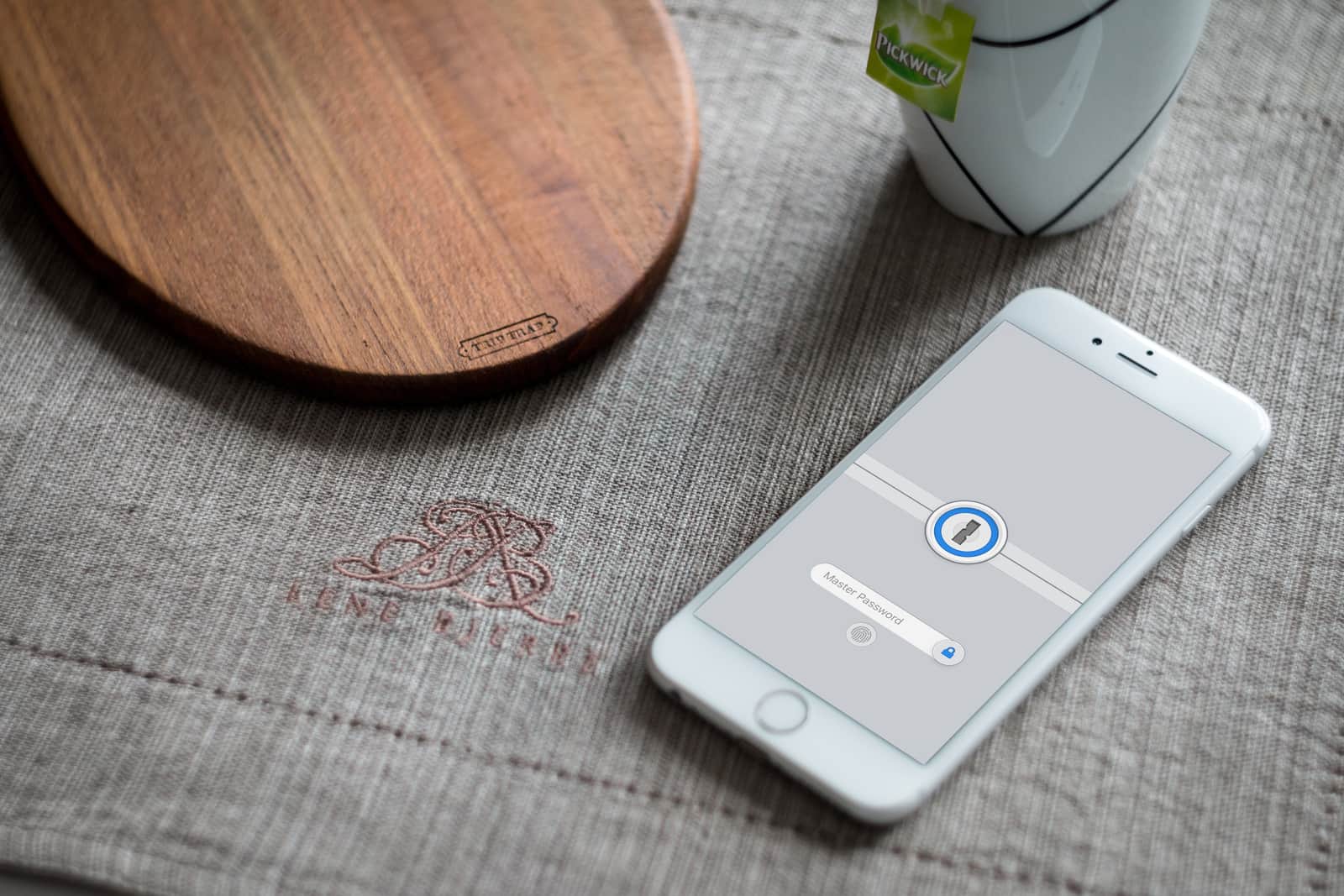
Photo: 1Password

If you have a lame password, then your iCloud account will eventually get hacked. You might not think a hacker is interested in you, but you’re wrong. The good news is that there are several easy steps you can take to lock your Apple ID down and make it safe.

If you don’t think it’s important, consider this: Your photos, your email, all your browsing history, your credit card information, all of the files you have in iCloud, your contacts, notes, calendars, and all your personal messages will all be open to anyone that hacks your account. Not only that, but you can then be impersonated on social media, so that all your other accounts can be hacked too.

Apple’s impenetrable security chip is penetrated by hacker

By

Touch ID
But don't worry — Face ID isn't going anywhere.
Photo: Apple

Apple’s supposedly impenetrable security chip found inside iOS devices has been penetrated.

A hacker has released what is claimed to be a decryption key for the Secure Enclave Processor (SEP) that handles things like Touch ID and password verification. But we shouldn’t worry about the security of our Apple devices being compromised… yet.

Apple’s been planning to replace Touch ID with facial recognition for years

By

iPhone 8 facial recognition
We could be waiting a long time for iPhone 8.
Photo: Ste Smith/Cult of Mac

Apple’s rumored decision to ditch Touch ID on the iPhone 8 may not be as rushed a decision as some rumors have claimed.

Facial recognition features could replace Touch ID on Apple’s premium handset this year and a new patent filing shows the company has been working on the technology behind it for over 3 years.

Little Snitch keeps Mac apps from going rogue

By

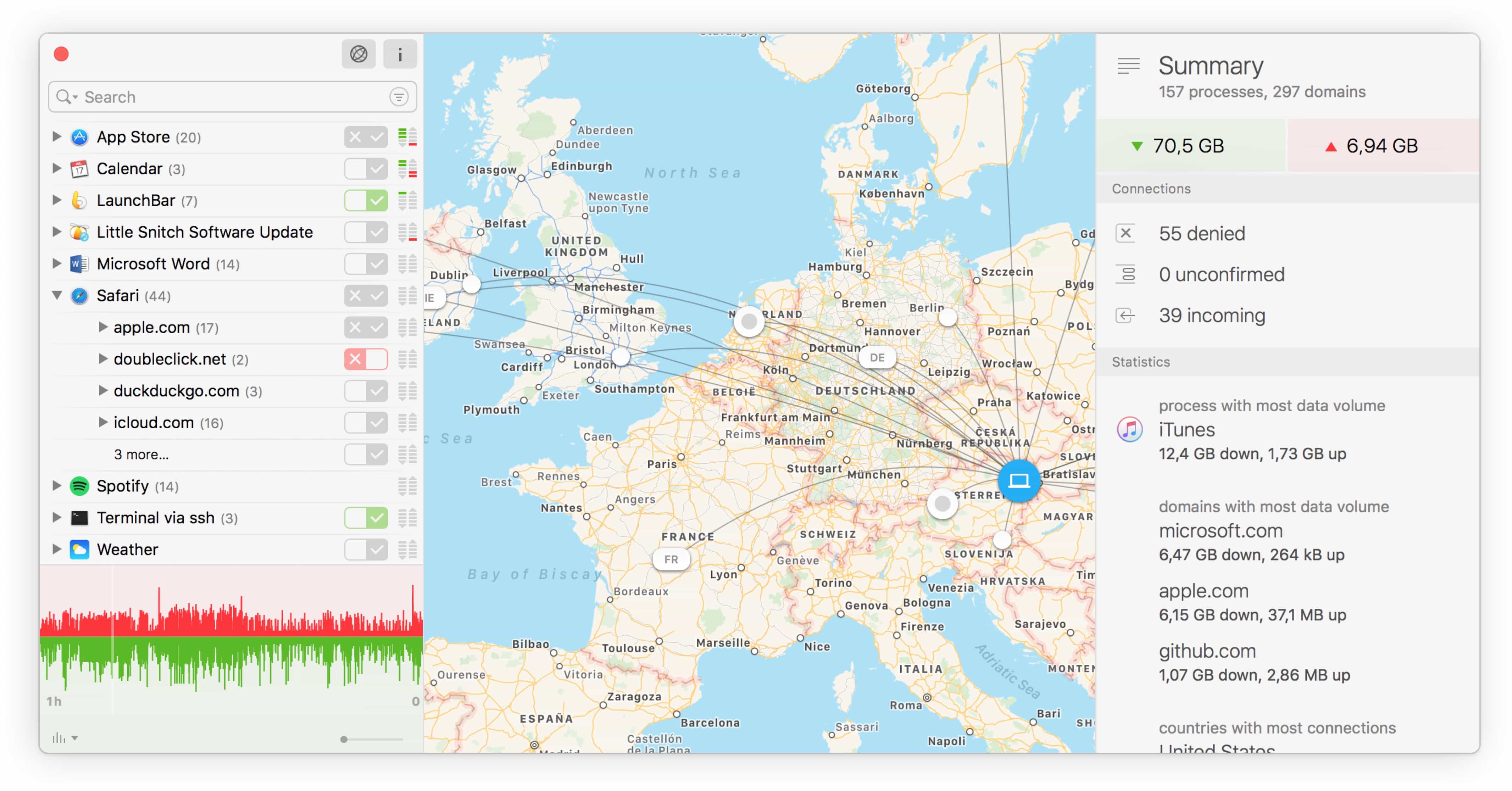
little snitch network map view
It sounds impossible, but Little Snitch 4 makes network security fun.
Photo: Objective Development

Little Snitch, from the maker of the sublime LaunchBar, just got updated with a new Silent Mode that makes the app about a million times better to use, especially the first time you install it. Little Snitch is a network monitor that tattles on every other bit of software on your Mac, telling you when an app connects to outside servers.

That’s pretty much its only function, but Little Snitch Version 4 packs a ton of neat touches that tell you everything about how your Mac is connecting to the outside world. I’ve been using it for the past week or so, and it makes keeping your Mac safe far less annoying.