Mobile menu toggle

Search results for: wwdc

iOS 14 protects your privacy in important new ways

By

During the WWDC 2020 keynote, Apple doubled down on its commitment to privacy.
Photo: Apple

WWDC 2020 The next iPhone and iPad operating systems warn you when the microphone or camera is on, let you share your approximate location, and block apps from tracking you. And these are just some of the ways iOS 14 and the iPad equivalent protect user privacy. Apple is clearly working hard to live up to its promise that it regards privacy as a fundamental human right.

iOS 14 warns you exactly how loud your AirPods are

By

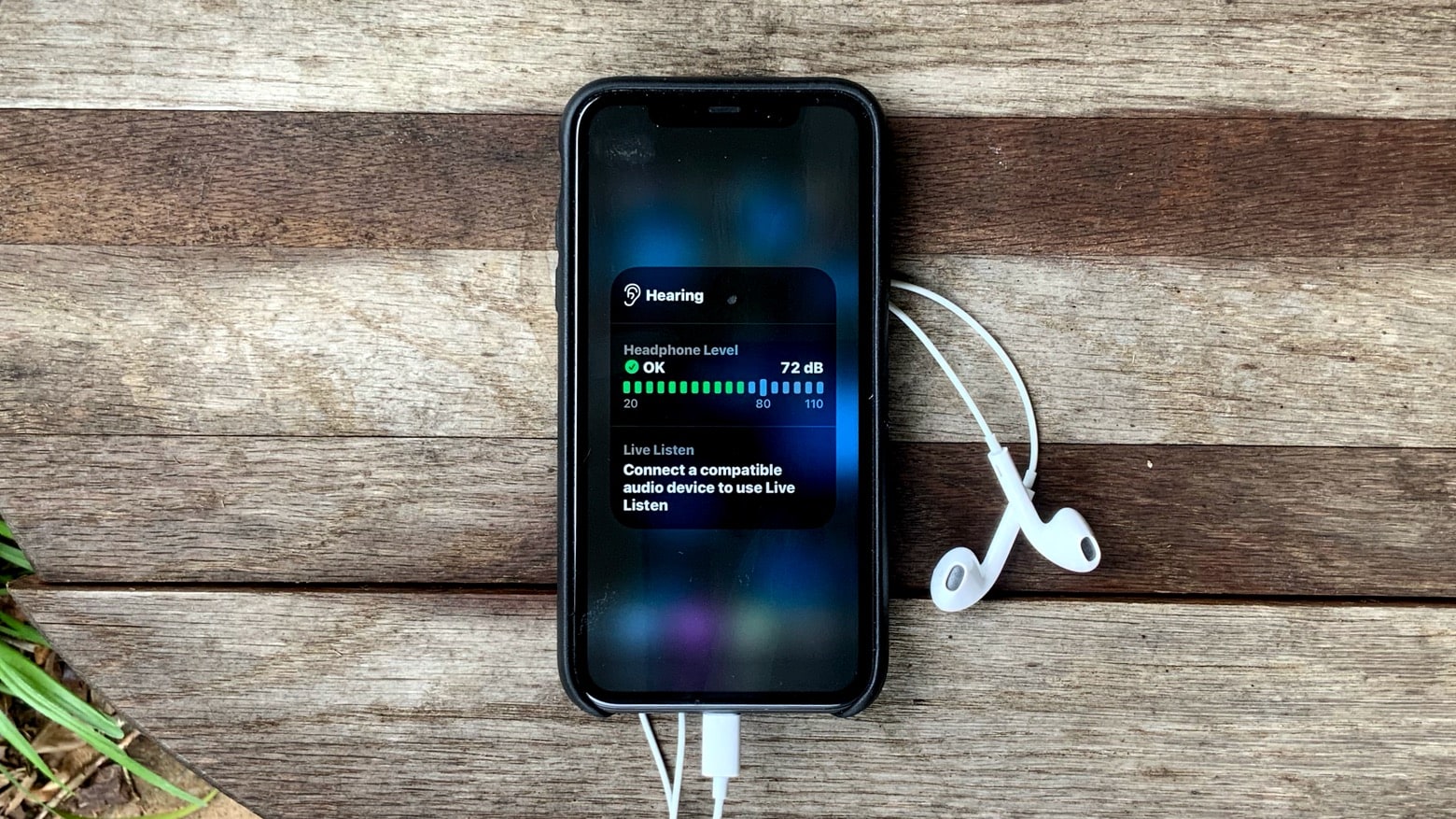
iOS 14 looks out for your hearing
Find out if the song you’re listening to is permanently damaging your hearing with an iOS 14 Control Center feature.
Photo: Ed Hardy/Cult of Mac

WWDC 2020 Listening to music on AirPods at too high a volume can damage your hearing. As a reminder of this, iOS 14 offers an optional icon in the Control Center to show just how loudly the song is playing on a connected pair of AirPods or earbuds at that moment. And it measure the sound pressure down to the exact decibel.

Get ready to log into websites with Face ID or Touch ID

By

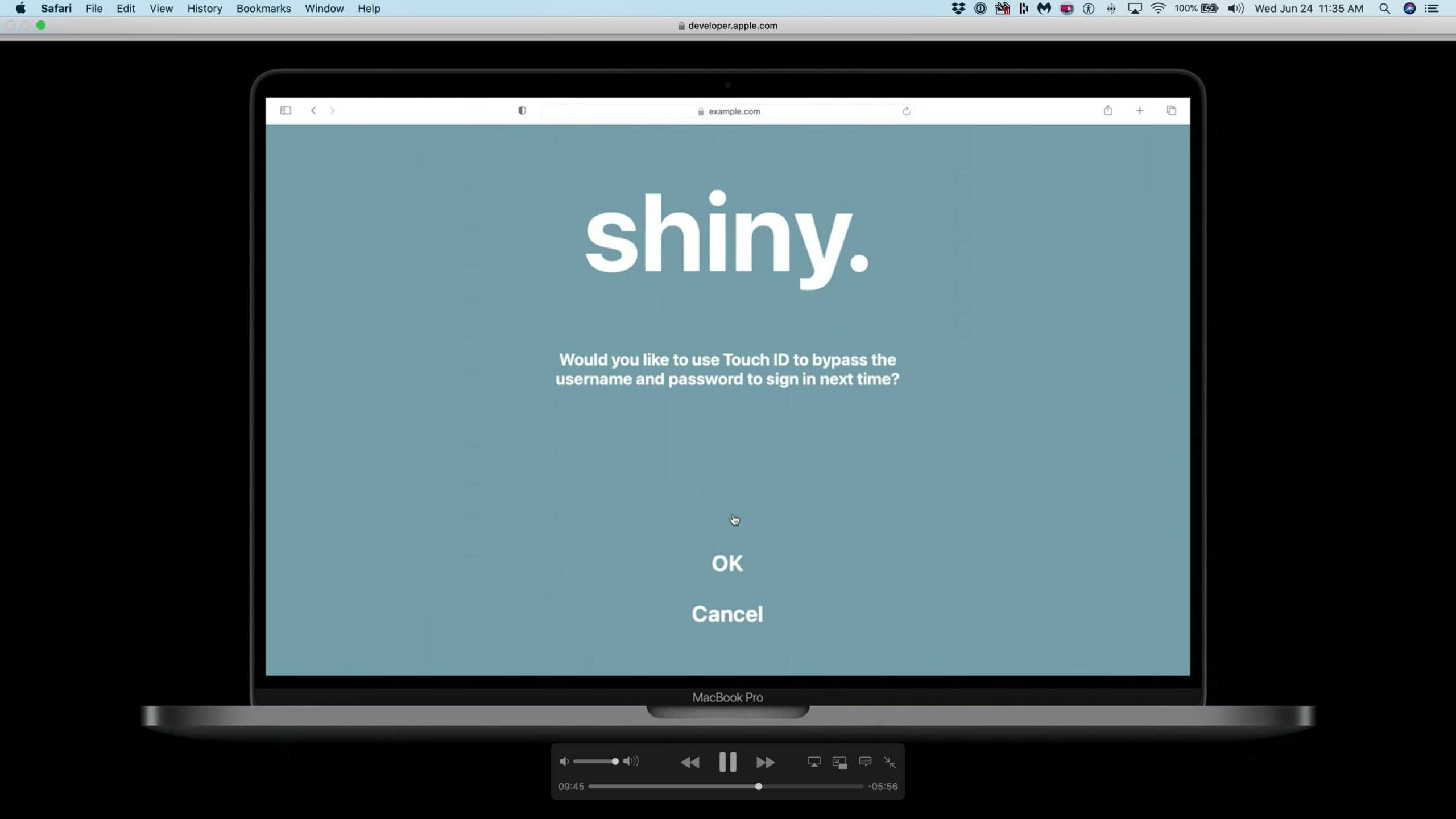
Use Face ID or Touch ID to log into websites with Safari.
Logging in to websites is about to get easier for Apple users.
Screenshot: Apple

WWDC 2020 Safari users soon will be able to securely log into websites using Face ID and Touch ID. The new feature, which Apple is rolling out in iOS 14, iPadOS 14 and macOS Big Sur, should take away one of the most irritating things about using the web — remembering, and then typing in, user names and complicated passwords.

On websites that support the feature, users can opt in to use Apple’s biometric ID systems, making that irritating login dance a thing of the past.

How to customize Home Screen widgets in iOS 14

By

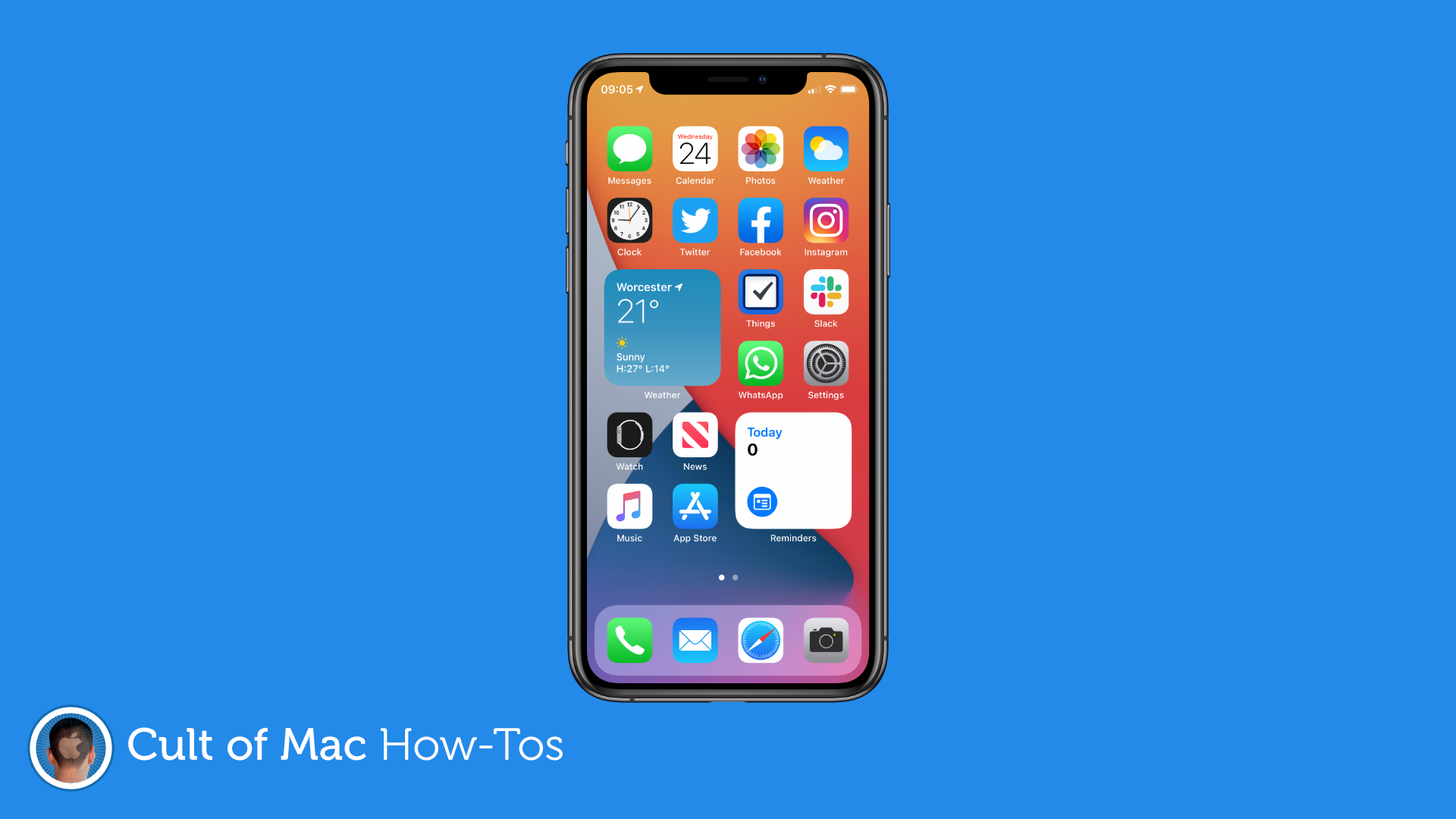
How to use widgets in iOS 14
Make the most of widgets in iOS 14.
Image: Killian Bell/Cult of Mac

WWDC 2020iOS 14 will ship with a bunch of built-in widgets that put helpful information on your Home screen (with many more coming from third-party developers this fall), and most are customizable in some way.

Here’s how you can edit widgets so that they display the information that’s most relevant to you.

iOS 14’s new Home screen widgets aren’t as powerful as you might think

By

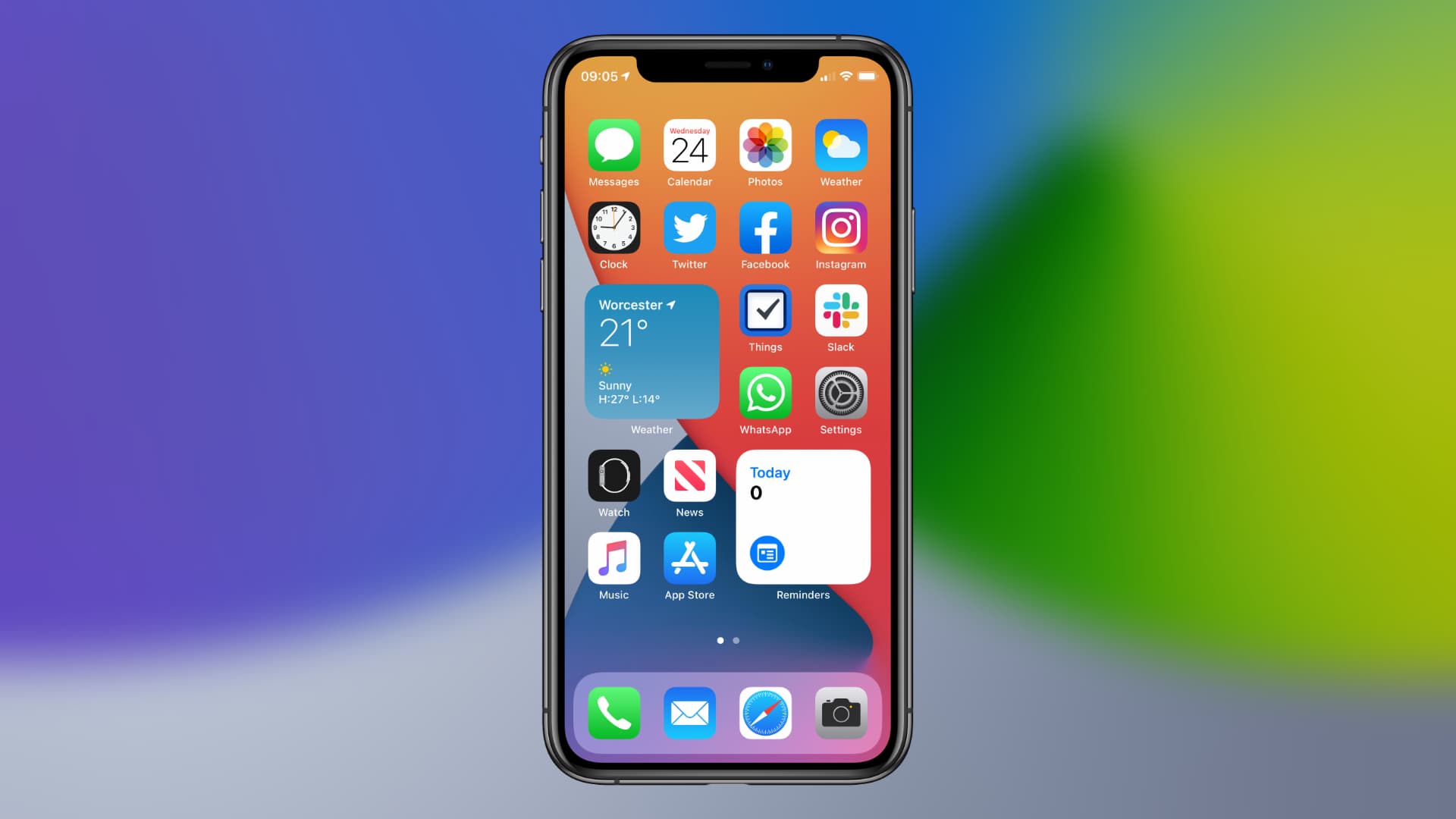
Home screen widgets in iOS 14
Widgets are awesome, but they're missing one thing.
Image: Killian Bell/Cult of Mac

WWDC 2020 For many iPhone users, the biggest and most exciting change in iOS 14 is the addition of Home screen widgets. It’s a feature we’ve been waiting years to get — and a feature Android has offered since the very beginning. But there’s something you should know before you start using them this fall.

iOS 14 Home screen widgets aren’t quite as powerful as you might think they are.

Tap the back of your iPhone to activate handy shortcuts in iOS 14

By

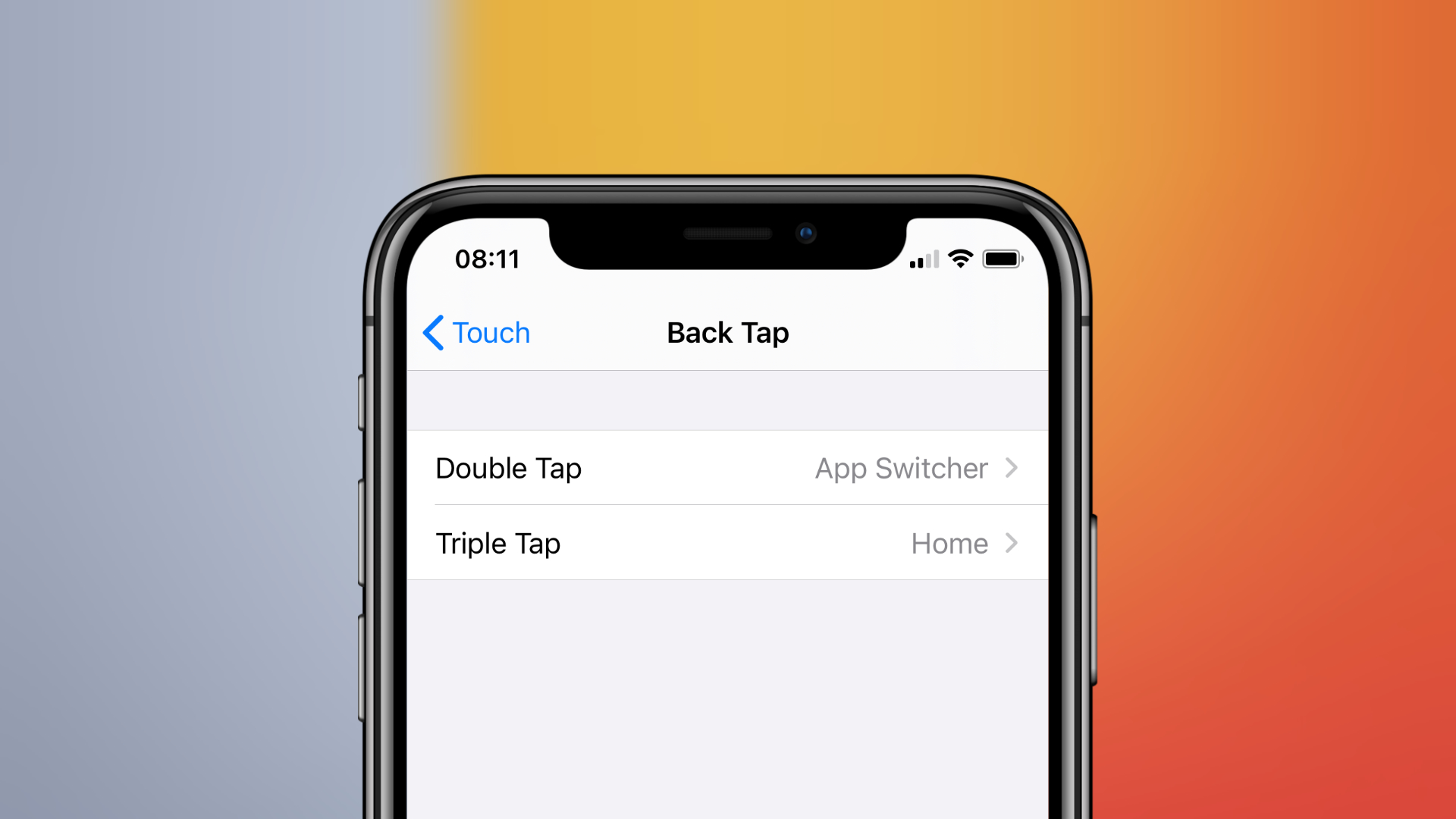
Back Tap settings in iOS 14
A quicker, easier way to get things done.
Image: Killian Bell/Cult of Mac

WWDC 2020One of many hidden new features in iOS 14 is an option to set new shortcuts that are activated by tapping the back of your iPhone. It’s a new accessibility option that can be used for things like returning to the Home screen, snapping a screenshot, muting your device, and more. Here’s how it works.

Apple gets it ‘write’ with Scribble on iPadOS

By

Scribble is the most significant new feature in iPadOS 14
Apple’s Scribble handwriting-recognition system makes iPad styli more useful.
Photo: Apple

WWDC 2020 Apple finally brought handwriting recognition to iPad. With Scribble built in iPadOS 14, it’s possible to enter text simply by drawing on the screen.

My testing with the first version shows its an amazing feature. But one with room for improvement.

Apple opens Find My app to rival item trackers

By

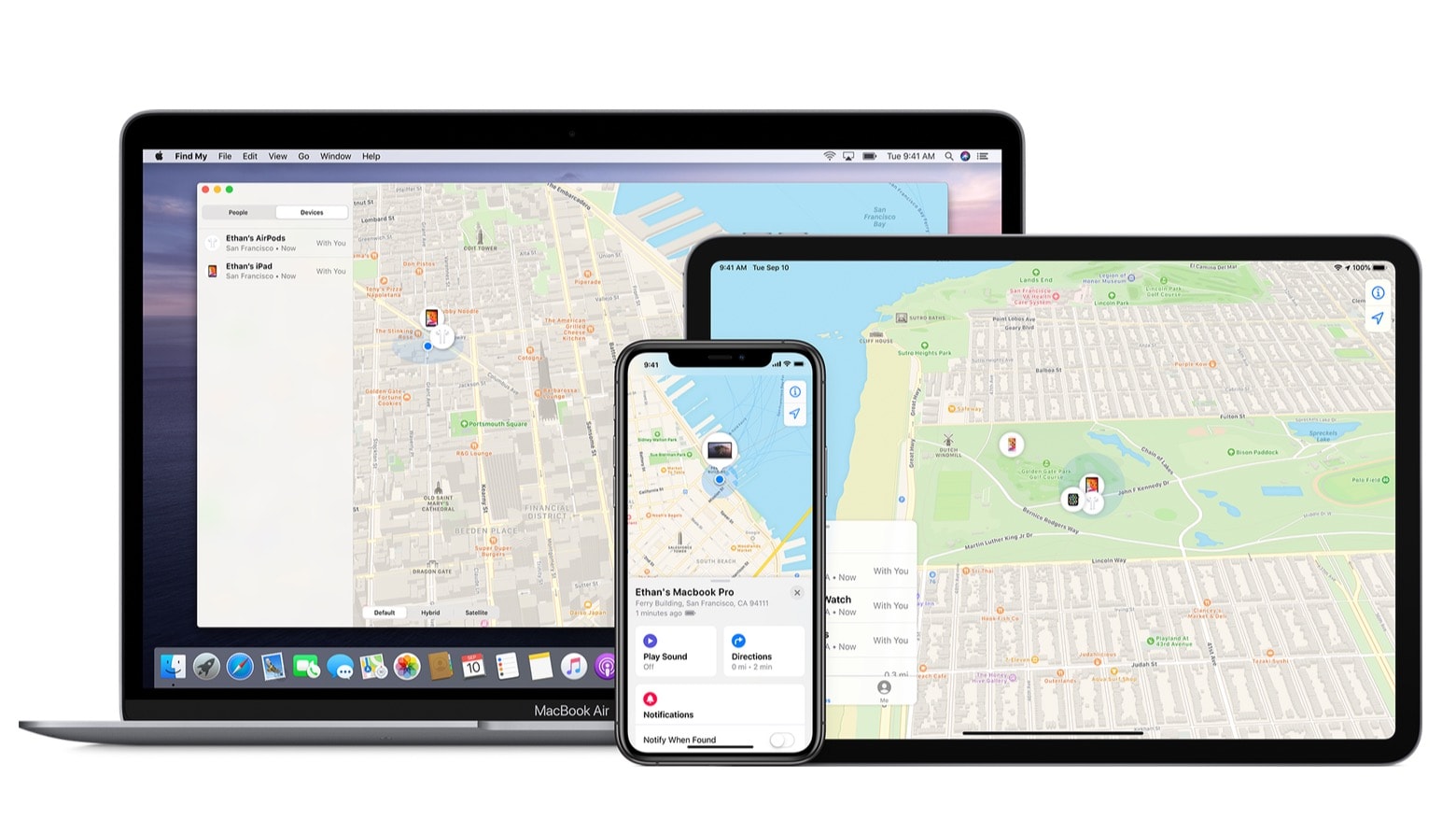
The Find My‌ Network is created by iPhone, iPad and Mac devices
Tile and other location-aware Bluetooth item trackers could soon be accessible through Apple’s Find My app.
Photo: Apple

WWDC 2020Third-party item trackers will be able to connect to the Find My‌ Network created by iPhone, Mac and other Apple devices, the company announced Monday during its annual developers conference.

This will be a huge benefit to Tile, who recently complained to the EU Commission that Apple is making it harder for customers to use Tile’s location-aware tracking tags even as Apple prepares to launch its own.

iOS 14 lets you stack multiple widgets to keep your Home screen clean

By

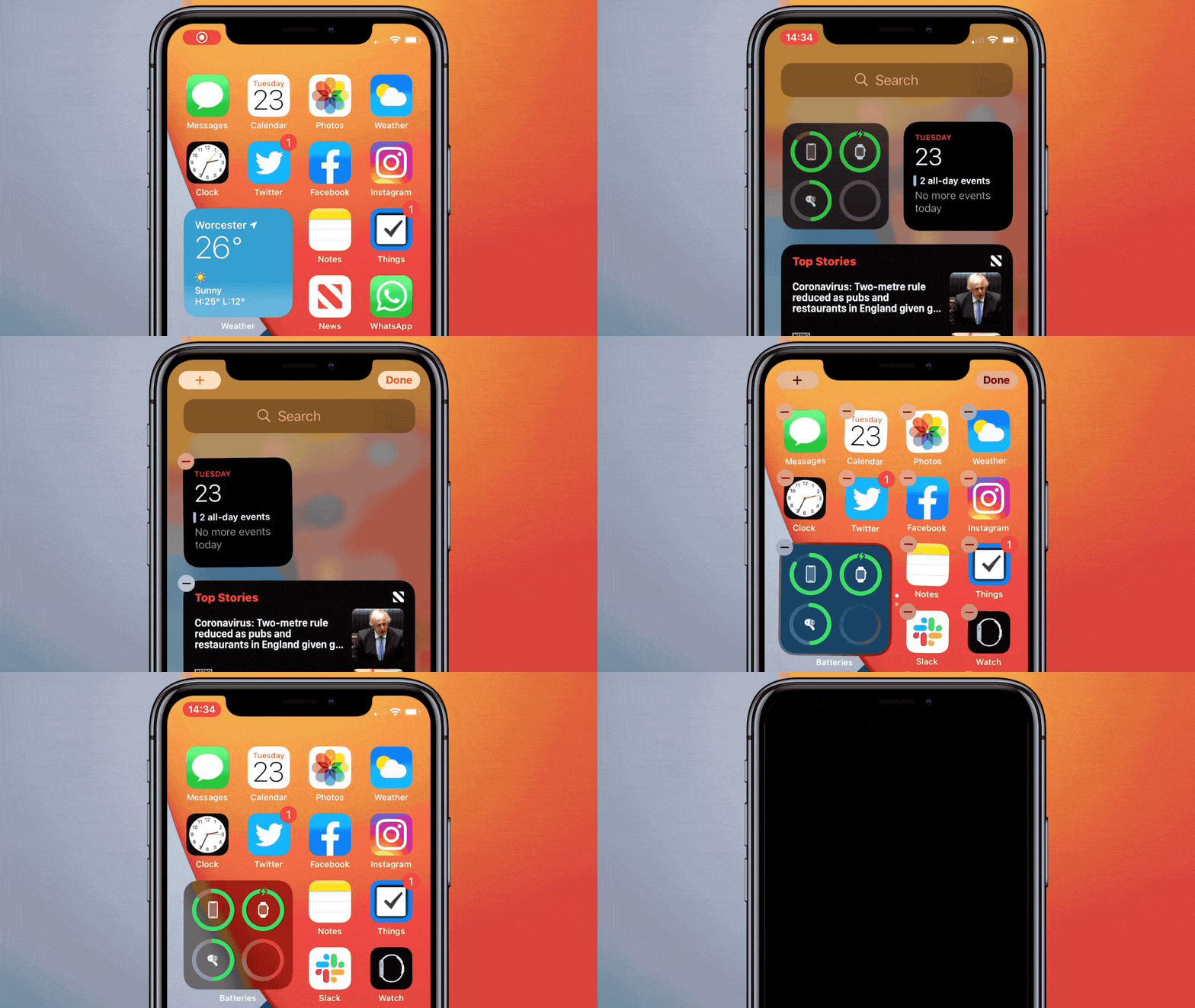
iOS 14 widgets stack
Multiple widgets that don't take over your Home screen.
GIF: Killian Bell/Cult of Mac

WWDC 2020 Apple is finally giving us the ability to add widgets to iPhone’s Home screen with iOS 14 this fall. In the interests of cleanliness, it is even allowing those widgets to be stacked so that they don’t cause too much clutter.

Here’s how it works.