Mobile menu toggle

Search results for: wwdc

How to change the date and time a photo was captured in iOS 15

By

How to change a photo's date and time in iOS 15
Keep your albums and Camera Roll in order.
Image: Apple/Cult of Mac

iOS and iPadOS 15 allow you to change the date and time a photo was captured for the first time. The feature is particularly handy for those who frequently import images from other sources.

In this guide, we’ll show you how to take advantage of the feature on iPhone and iPad.

How to enable wide spectrum audio for FaceTime calls in iOS 15

By

Enable wide spectrum audio for FaceTime calls
Make sure everyone gets heard on a conference call.
Image: Apple/Cult of Mac

iOS and iPadOS 15 bring a number of nice improvements to FaceTime, including some new audio modes that may come in handy in certain situations.

The new wide spectrum audio is one you might want to use during conference calls. Here’s what it does — and how to enable it on iPhone and iPad.

How to enable background blur for FaceTime video calls in iOS 15

By

How to enable background blur for FaceTime video calls in iOS 15
Use Portrait mode to bring background blur to FaceTime on iPhone and iPad.
Image: Apple/Cult of Mac

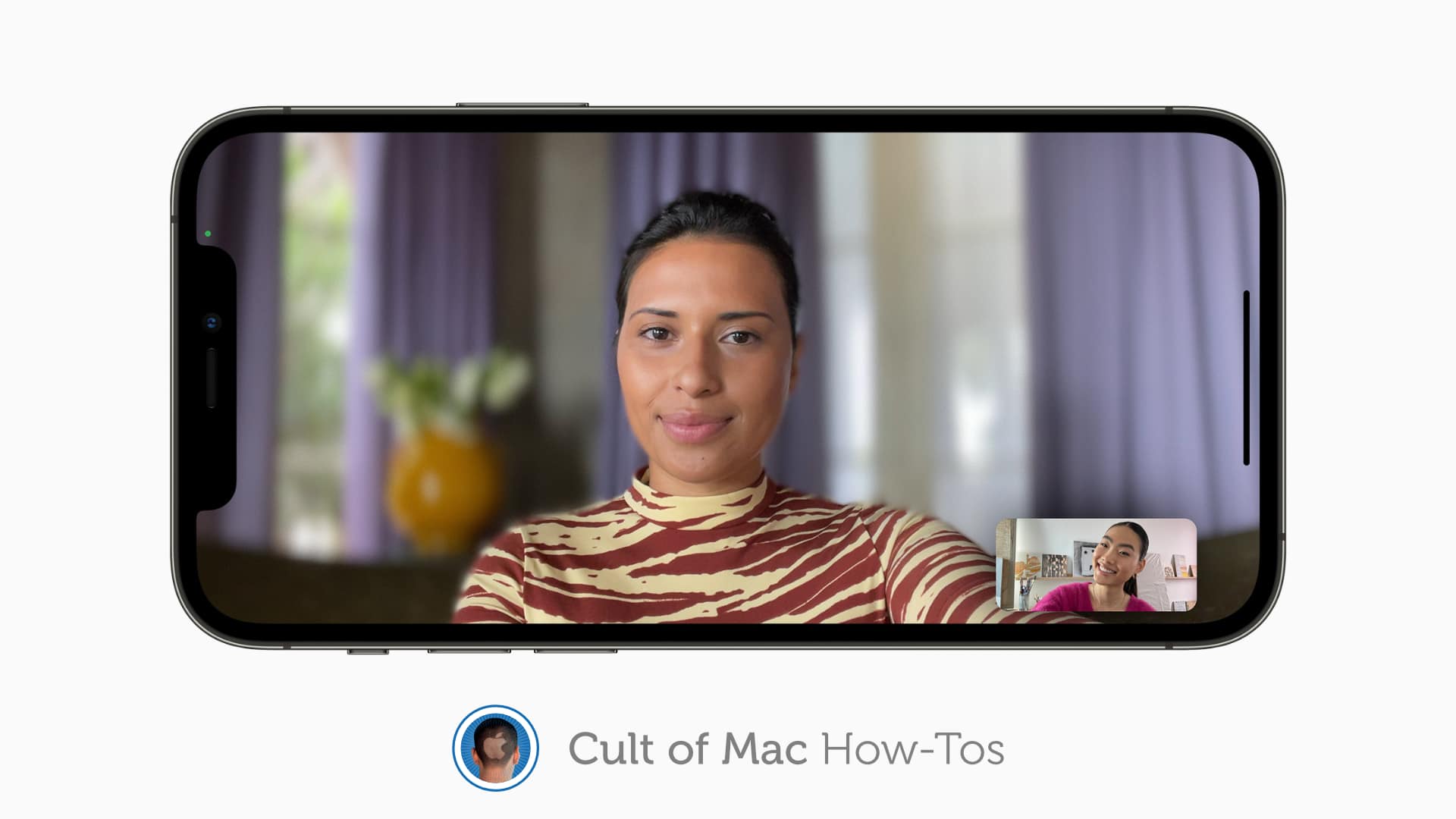
iOS and iPadOS 15 bring a number of big improvements to FaceTime — including voice isolation and the ability to blur your background during video calls like you can on Zoom and other video calling platforms.

We’ll show you how to enable the background blur feature using Portrait mode on iPhone and iPad.

How to play built-in Background Sounds in iOS and iPadOS 15

By

Play Background Sounds in iOS 15
No need for third-party sound apps anymore.
Image: Killian Bell/Cult of Mac

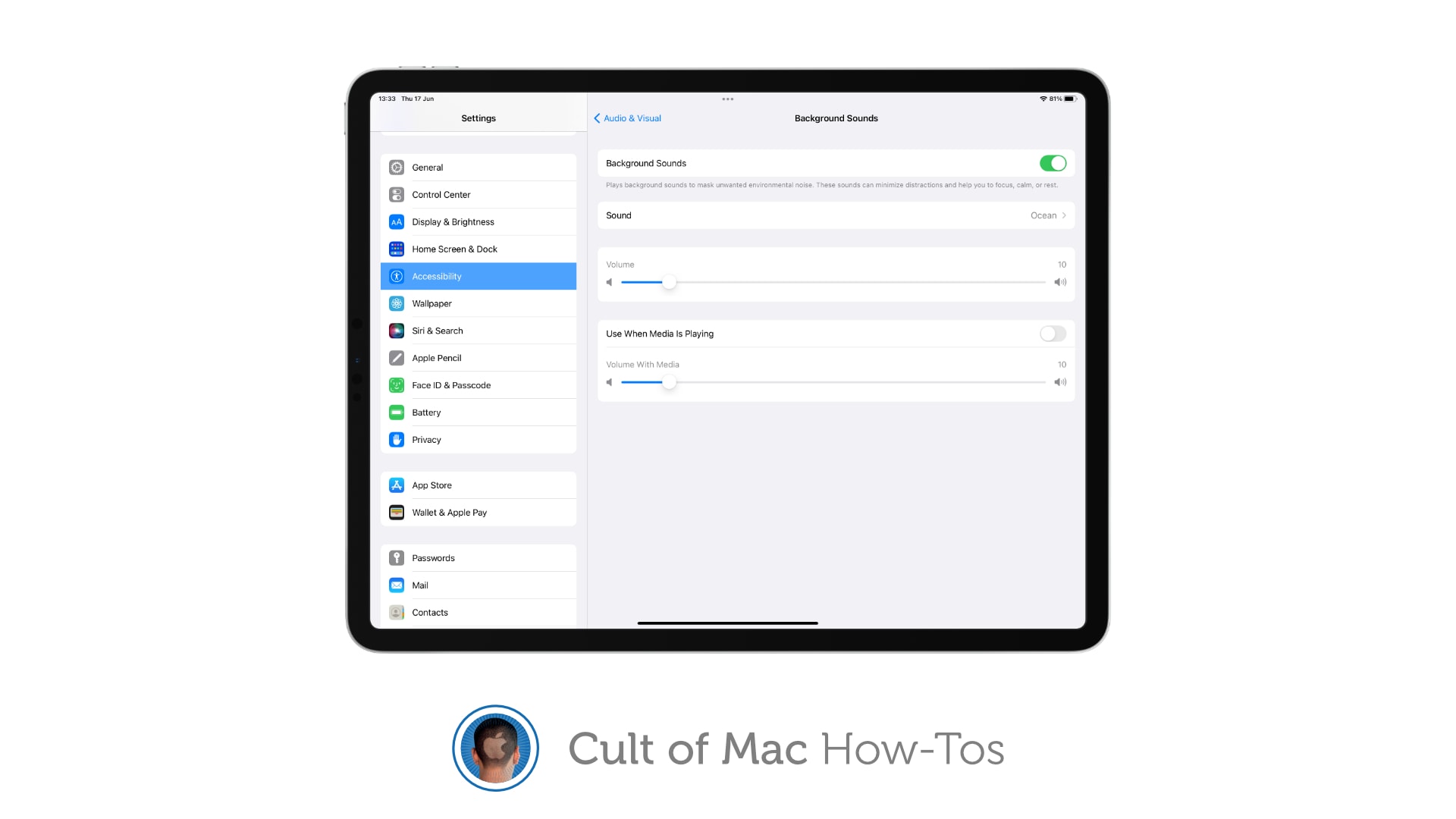
One of the upgrades to Accessibility in iOS and iPadOS 15 is a new Background Sounds feature that plays relaxing audio tracks to help you stay calm and focused, and to block out background distractions.

Here’s how to use it on iPhone and iPad.

How to enable voice isolation for FaceTime calls in iOS 15

By

Enable voice isolation for FaceTime
Keep kids' voices out of your remote meetings.
Image: Killian Bell/Cult of Mac

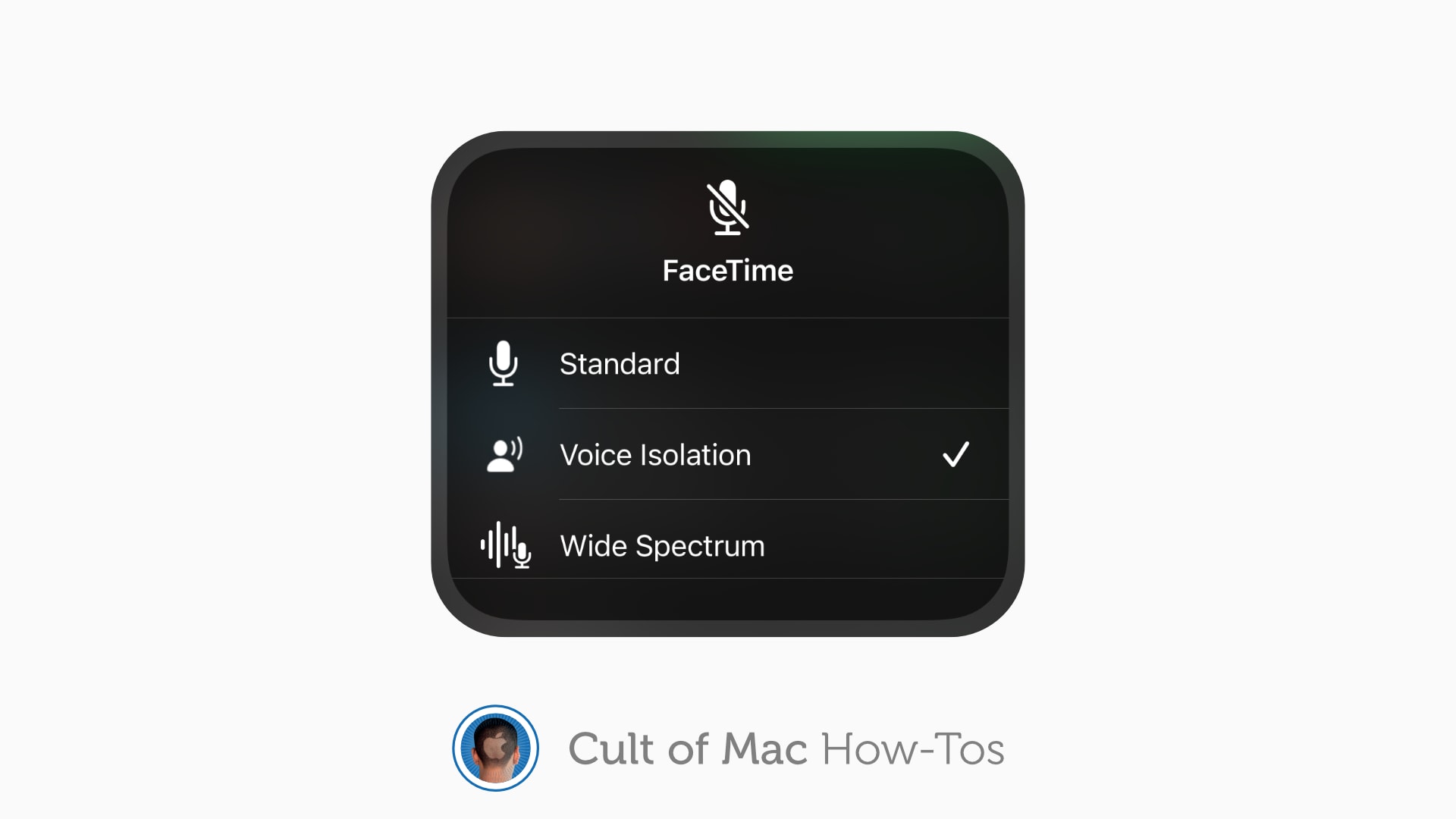
Remote meetings on FaceTime are a lot calmer in iOS and iPadOS 15, thanks to a feature called voice isolation that blocks out background noise. Even better, the feature works in other video-calling applications, including Zoom and Google Duo.

Here’s how you can enable it on iPhone and iPad.

How to use tags to keep Notes organized in iOS 15 and macOS Monterey

By

Use Notes in iOS and iPadOS 15 and macOS Monterey
A new way to sort and find all your notes.
Image: Killian Bell/Cult of Mac

iOS 15, iPadOS 15 and macOS Monterey allow you to use tags inside the Notes app to keep everything organized. They can help you quickly separate notes for different projects, and they make it easier to find things later.

Here’s how to use tags in Notes on iPhone, iPad and Mac.

How to translate text in images using Live Text in iOS 15

By

Translate text in photos in iOS 15
Translate almost anything in an instant.
Image: Killian Bell/Cult of Mac

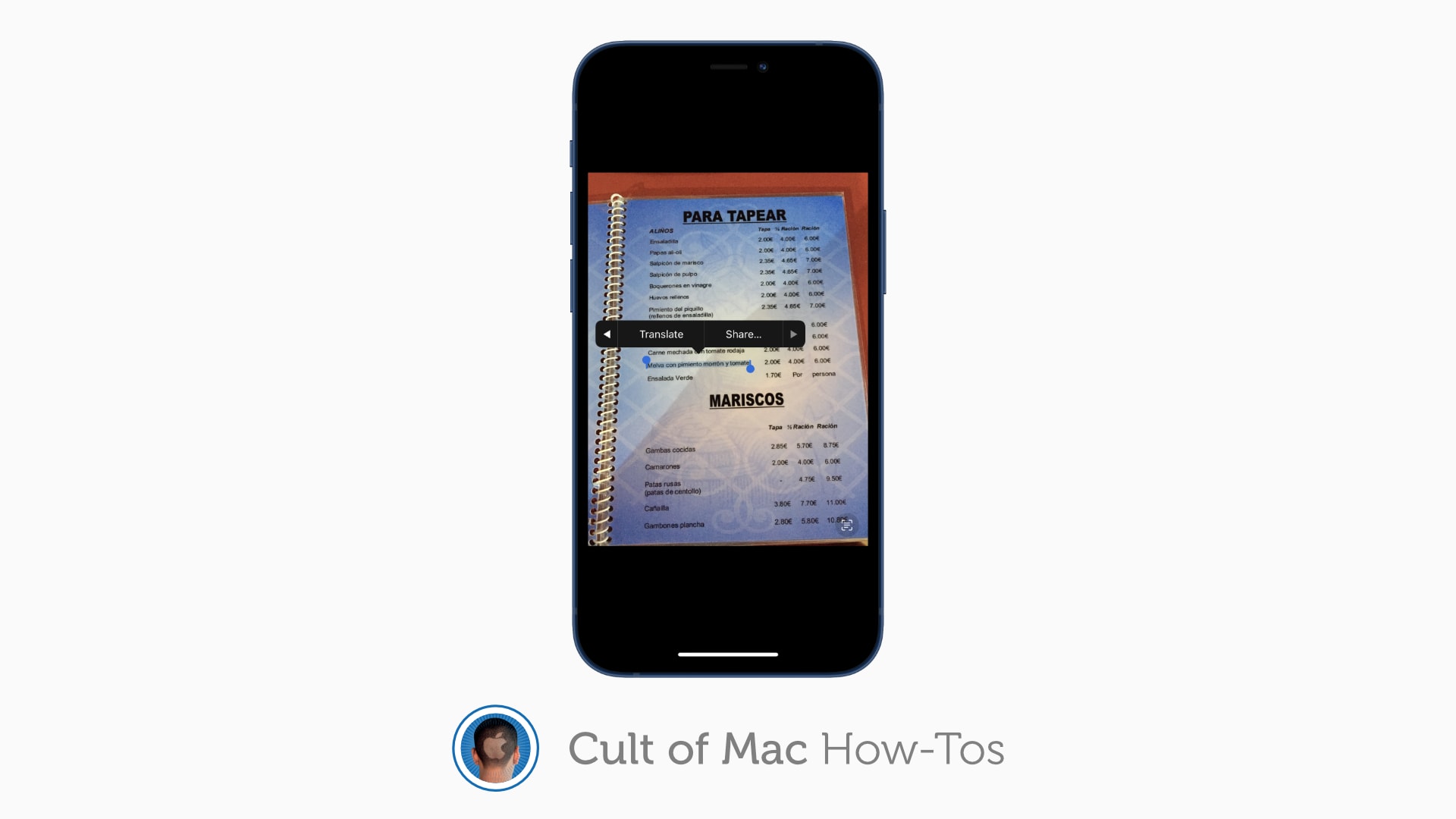
Live Text in iOS and iPadOS 15 is a terrific new feature that makes the text in your photos interactive. You can use it to copy and paste quotes, call phone numbers, find addresses and more.

Here’s how to use Live Text on your iPhone or iPad to translate signs, posters, and other things written in a foreign language.

How to copy text from your photos using Live Text in iOS 15

By

How to copy and paste from photos in iOS 15
Live Text works surprisingly awesomely in iOS 15.
Image: Apple/Cult of Mac

iOS and iPadOS 15 introduce a brilliant new feature called Live Text, which not only identifies text in your photos, but also allows you to interact with it. You can use it for all kinds of things, like making a call, sending an email, or looking up directions to an address.

Here’s how to use the feature to copy and paste text from your images on iPhone and iPad.

Schlage’s new smart lock first to support Apple Home Key

By

The Schlage Encode Plus could be the first smart lock to support Apple Home Key.
Photo: Schlage

The soon-to-launch Schlage Encode Plus smart lock could be the first to support Apple Home Key, according to various leaked documents. And, in another “first,” the smart lock looks likely to offer Thread support for HomeKit.

HomeKit Authority reported on the Schlage Encode Plus recently, citing a since-removed Home Depot listing, Schlage’s own installation guide as well as a Federal Communications Commission filing.

iOS 16 concept showcases long-overdue features you’ll love

By

iOS 16 concept includes long overdue features
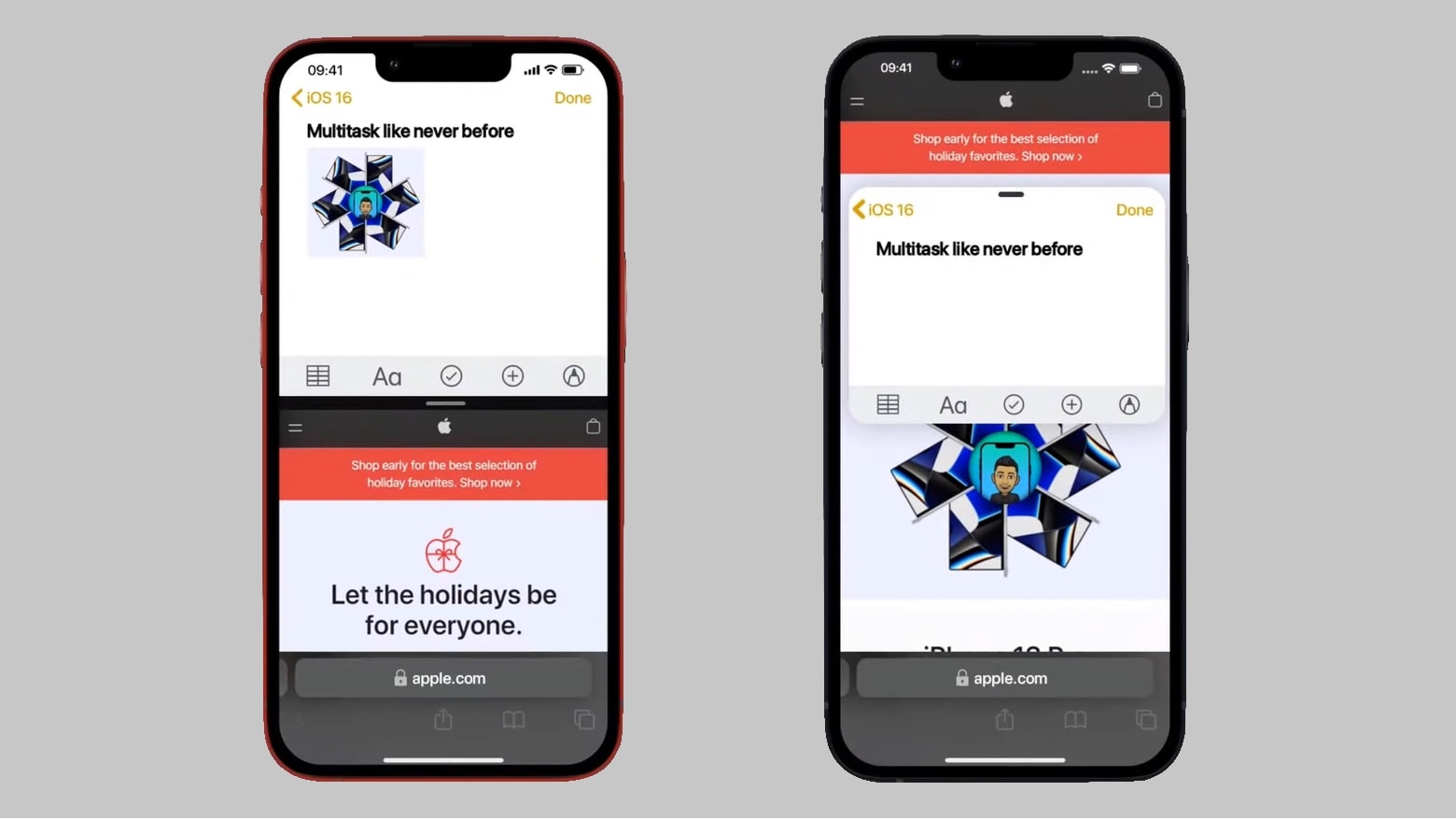
An iOS 16 concept recommends two different versions of side-by-side multitasking.
Concept: the Hacker 34

Apple is doubtless hard at work on iOS 16, and concept artist Kevin Kal has suggestions that many iPhone users will agree with.

He created a video to demonstrate the proposed changes, including Split View, interactive widgets and more.