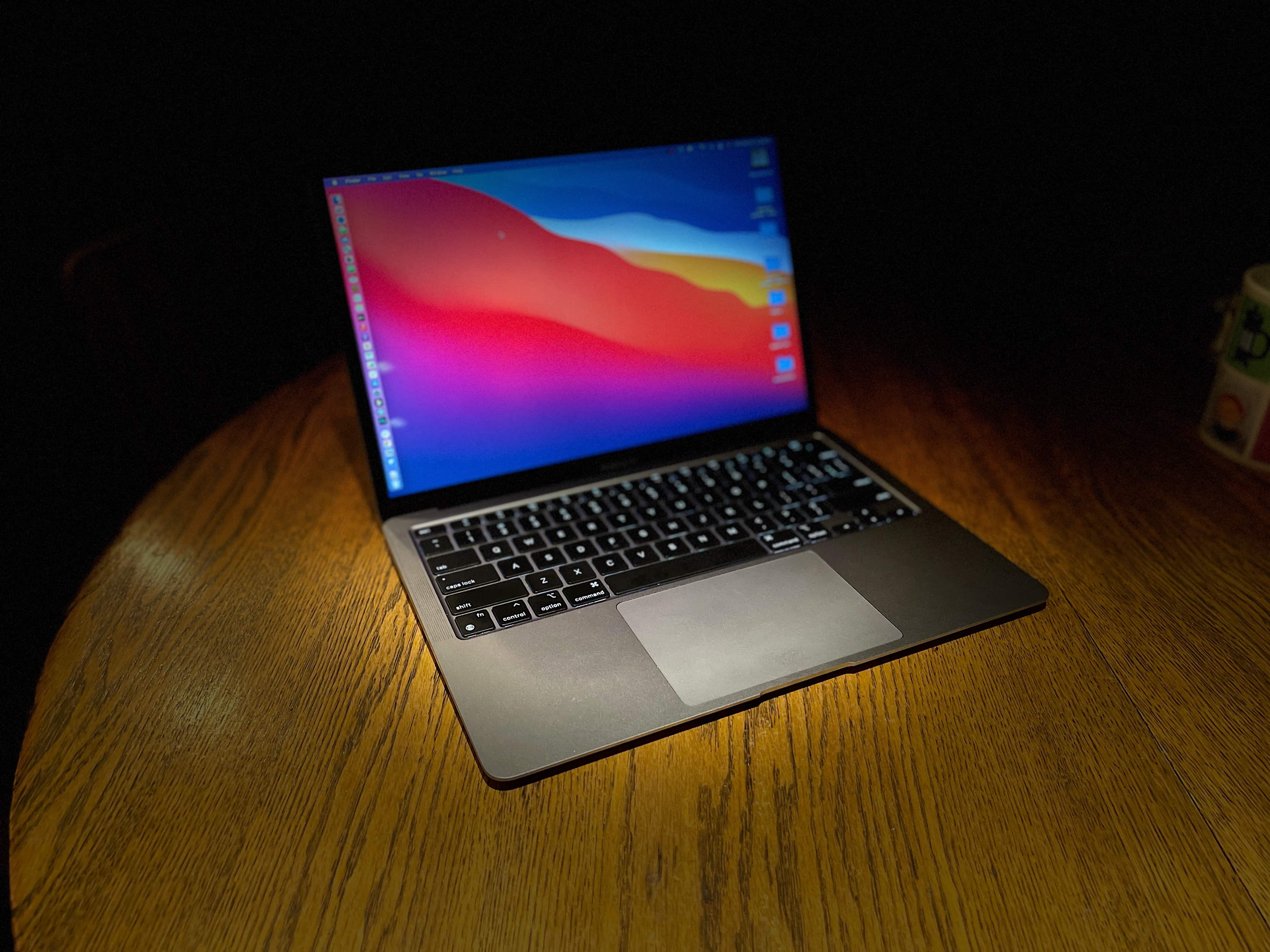
M1 versus M2: Which MacBook Air is right for you? Photo: Cult of Mac
After unveiling the M2 MacBook Air, with its sleek new design and some major upgrades, Apple surprisingly did not discontinue the M1 MacBook Air. Both laptops will co-exist, with the M2 Air commanding a $200 premium over its predecessor.
So, is the M2 MacBook Air worth the additional price? Or should you save some money and go for the M1 Air? Read our comparison to find out.
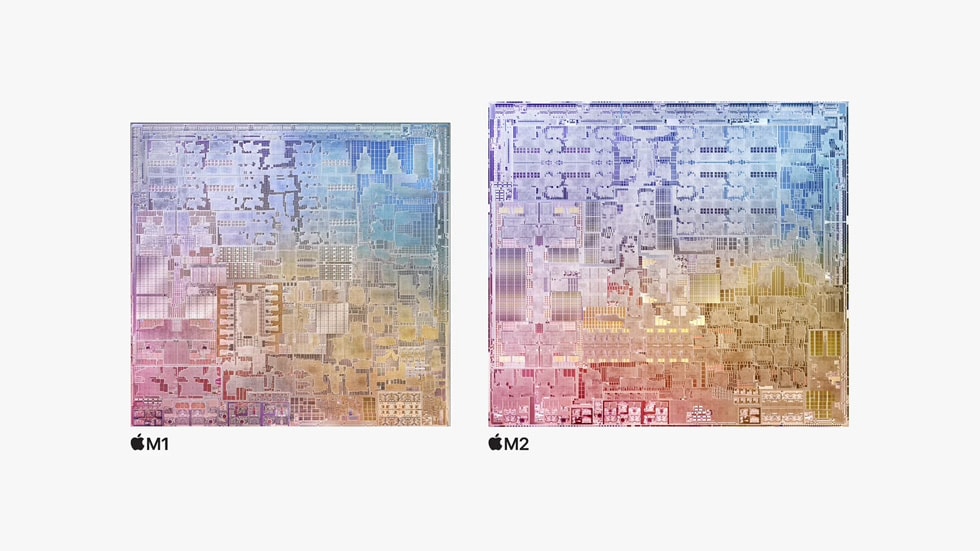
The Apple M2 outperforms the M1, but not the other processors in the M1 series. Photo: Apple
The first real-world benchmark tests of Apple’s M2 chip show that the just-launched processor is about 20% faster than the original M1. That’s welcome news for anyone in the market for a MacBook or iPad in the next few years.
But the newest chip does not offer better performance than Apple’s M1 Pro or M1 Max from 2021. That will have to wait for advanced versions of the M2 expected to launch in 2023.
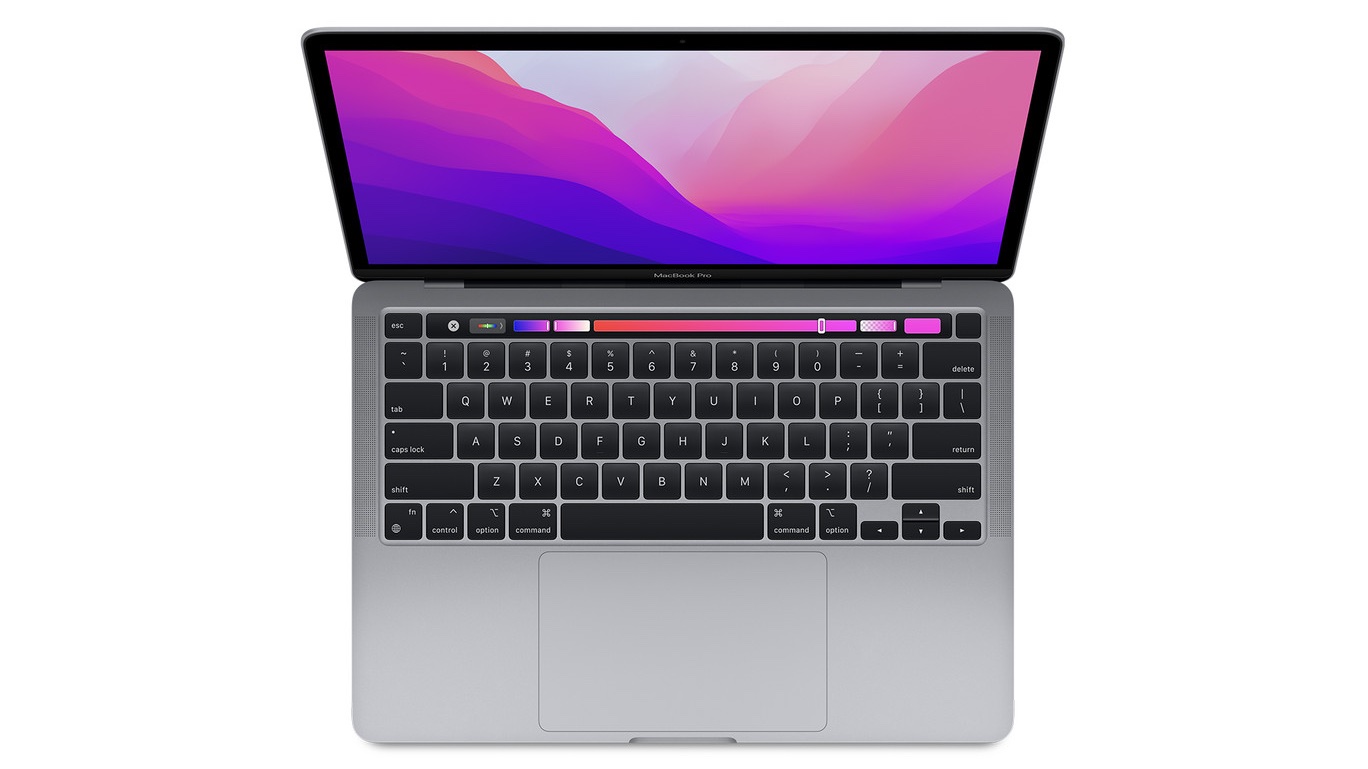
The M2 MacBook Pro gets called "a relic from another era" by Engadget. Photo: Apple
The first reviews of the 13-inch MacBook Pro with an Apple M2 processor are not kind. It gets called a “Pro in name only” and “literally a processor update and nothing more.”
Still, the M2 provides a pleasant increase in speed over the M1, making the new MBP the best-performing 13-inch Mac notebook.
Apple users may be freed from CAPTCHA. Image: Ed Hardy/Cult of Mac
Apple developed Automatic Verification to let iPhone, Mac and iPad users bypass those irritating CAPTCHA image tests that websites use to confirm that someone is a human and not a bot.
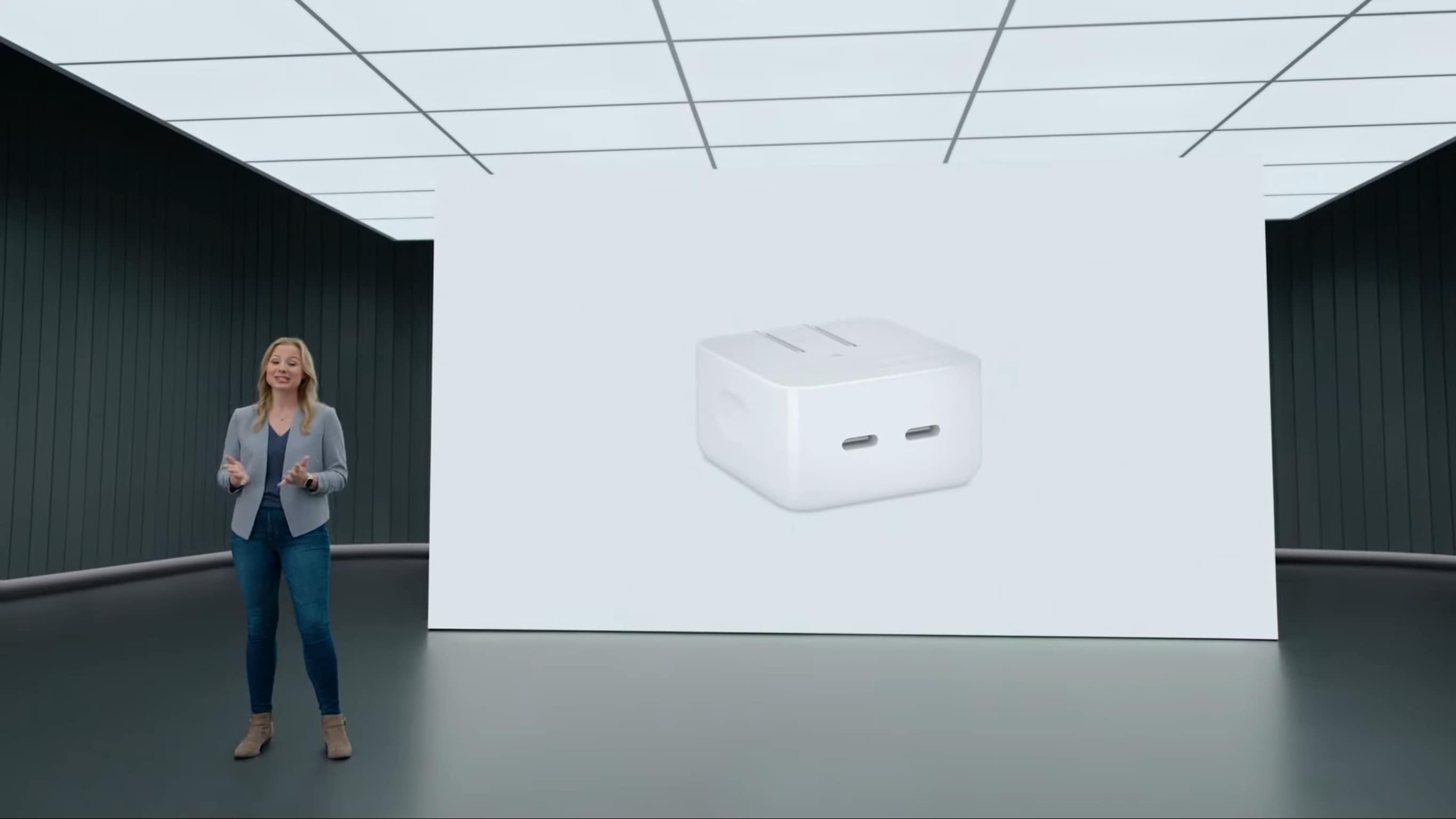
Apple announced its first dual-port power adapter at WWDC22. Screenshot: Apple
The miniature dual-port power adapter that Apple showed off at its recent developers conference is now available. The USB-C charger provides up to 35W and is compatible with a wide variety of devices.
In addition, Apple also launched a version of its classic MacBook power adapter with two USB-C ports, not just one.
Get access to the new features and APIs in iOS 16 with the Developer Beta today. Featuring my dog, Indy Anna Jones. Image: D. Griffin Jones/Cult of Mac
iOS 16 was announced with some awesome, radical new features: a completely redesigned Lock Screen, a shared Photo Library for families, editing and un-sending iMessages, advanced new features in Maps and more. It’s especially hard this year to wait until September to get your hands on it.
Developers have a busy summer ahead of them, too. I spoke with some developers while at WWDC (no, I’m not done flexing that yet) and afterwards on Twitter. Developers are especially excited about creating Lock Screen widgets for their apps, using the new advanced features of SwiftUI and experimenting with the Live Text API.
But you don’t have to wait to get your hands on the beta. Registered developers can install the iOS 16 developer beta today. According to Apple, the Public Beta will be coming sometime in July. If you pay $99 for a developer account, installing the beta on your device is fast and easy. Here’s how.
Some of them are exclusive to the newer models that feature a faster Neural Engine or more RAM. Read below to find out what iOS 16 features are coming to your iPhone.
The 13-inch MacBook Air with M2 might be joined by a larger version. Photo: Apple
A 15-inch MacBook will debut in less than a year that offers either an M2 or an M2 Pro processor, according to a reliable Apple analyst. That could make it one of the first with the upgraded version of the M2.
Note that the notebook might not be branded as a MacBook Pro or a MacBook Air. It could be a “MacBook.”