Mobile menu toggle

Search results for: wwdc

Apple’s Automatic Verification will help us escape from annoying CAPTCHAs

By

Apple Automatic Verification will help save us from CAPTCHA hassles
Apple users may be freed from CAPTCHA.
Image: Ed Hardy/Cult of Mac

Apple developed Automatic Verification to let iPhone, Mac and iPad users bypass those irritating CAPTCHA image tests that websites use to confirm that someone is a human and not a bot.

Cloudflare and Fastly, big cloud computing companies that power tons of websites, are already on board to adopt the new system.

Tiny Apple dual-port USB-C power adapter now ready for purchase

By

Tiny Apple dual-port USB-C power adapter now ready for purchase
Apple announced its first dual-port power adapter at WWDC22.
Screenshot: Apple

The miniature dual-port power adapter that Apple showed off at its recent developers conference is now available. The USB-C charger provides up to 35W and is compatible with a wide variety of devices.

In addition, Apple also launched a version of its classic MacBook power adapter with two USB-C ports, not just one.

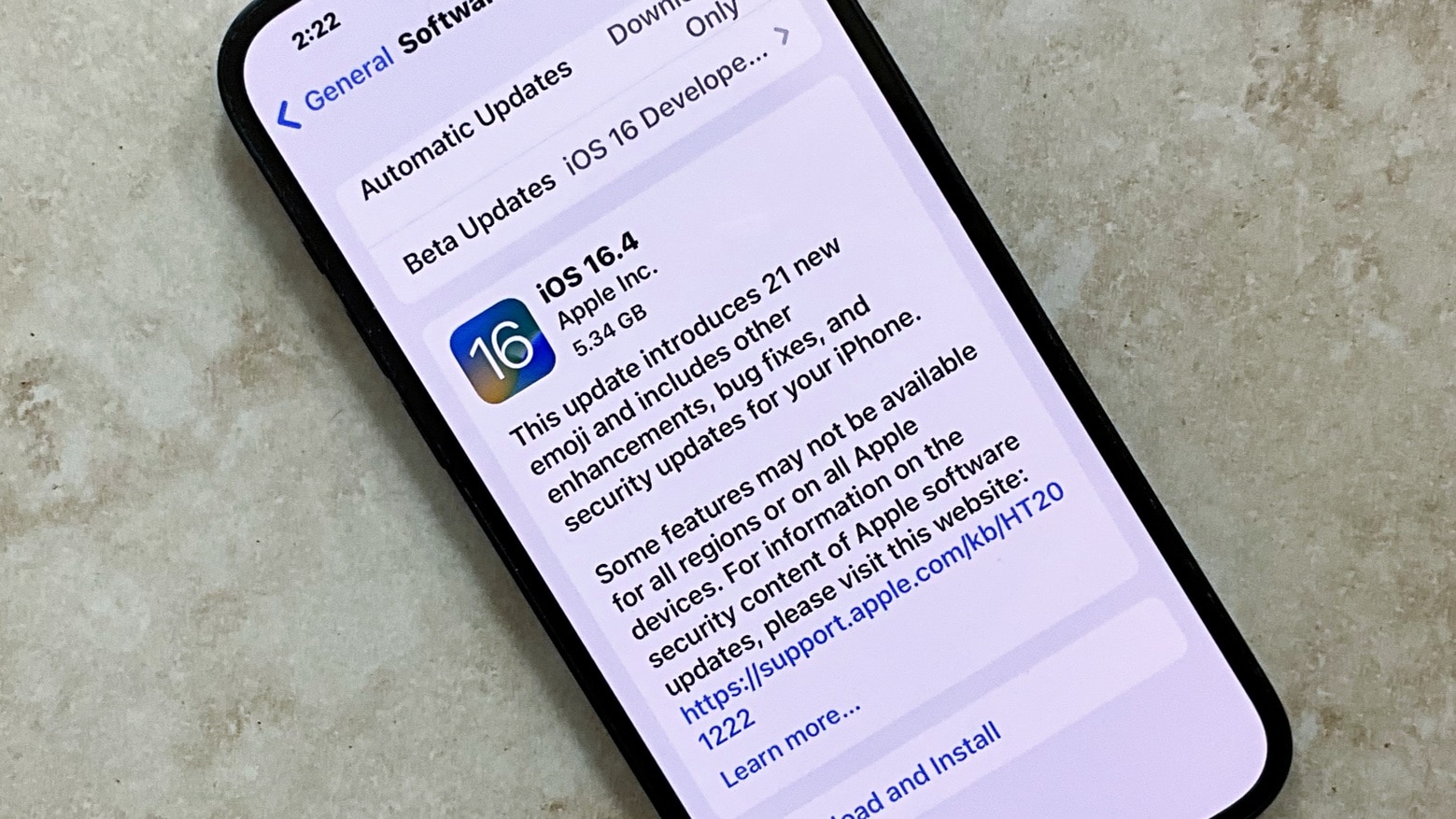
How to install the iOS 16 developer beta

By

Get access to the new features and APIs in iOS 16 with the Developer Beta today.
Get access to the new features and APIs in iOS 16 with the Developer Beta today. Featuring my dog, Indy Anna Jones.
Image: D. Griffin Jones/Cult of Mac

iOS 16 was announced with some awesome, radical new features: a completely redesigned Lock Screen, a shared Photo Library for families, editing and un-sending iMessages, advanced new features in Maps and more. It’s especially hard this year to wait until September to get your hands on it.

Developers have a busy summer ahead of them, too. I spoke with some developers while at WWDC (no, I’m not done flexing that yet) and afterwards on Twitter. Developers are especially excited about creating Lock Screen widgets for their apps, using the new advanced features of SwiftUI and experimenting with the Live Text API.

But you don’t have to wait to get your hands on the beta. Registered developers can install the iOS 16 developer beta today. According to Apple, the Public Beta will be coming sometime in July. If you pay $99 for a developer account, installing the beta on your device is fast and easy. Here’s how.

Your old iPhone will not get these iOS 16 features

By

Unfortunately, some iPhones won't benefit from all of iOS 16's flashiest features.
You need a relatively new iPhone to get all the flashiest new iOS 16 features.
Image: Cult of Mac

iOS 16 packs plenty of new features like a revamped Lock Screen, enhanced Messages and Mail app, Live Text for videos and more. However, while iOS 16 supports iPhone 8 and newer, not all the new features will be available on older iPhones.

Some of them are exclusive to the newer models that feature a faster Neural Engine or more RAM. Read below to find out what iOS 16 features are coming to your iPhone.

15-inch MacBook with M2 Pro might launch in spring 2023

By

13-inch MacBook Air with M2
The 13-inch MacBook Air with M2 might be joined by a larger version.
Photo: Apple

A 15-inch MacBook will debut in less than a year that offers either an M2 or an M2 Pro processor, according to a reliable Apple analyst. That could make it one of the first with the upgraded version of the M2.

Note that the notebook might not be branded as a MacBook Pro or a MacBook Air. It could be a “MacBook.”

How to master the Siri Remote scroll wheel

By

Does the Siri Remote have you going around in circles?
Photo: Graham Bower/Cult of Mac

When Apple TV 4K launched last year, it had fans salivating. But not for the sharper picture or faster processor. It was the new Siri Remote that caught everyone’s eye. Had Cupertino finally made a TV remote control that didn’t suck?

With its iPod-style scroll wheel, the second-generation Siri Remote promised to make scrolling through content effortless. In reality, the scroll wheel turned out to be hard to use, and lacked support from third-party apps like YouTube.

But don’t throw your remote at the TV just yet. When you get the hang of its quirks, the Siri Remote scroll wheel works surprisingly well. And you can use it with loads of essential apps, including Netflix, HBO Max and, of course, Apple TV+.

Grab AirPods Max with a whopping $120 discount

By

Deal alert: This is the best price we've ever seen for AirPods Max.
Now is the perfect time to buy the AirPods Max
Photo: Akhil Yerabati/Unsplash CC

Apple’s expensive but impressive AirPods Max is discounted by a whopping $120 on Amazon. The 22% discount brings the price of the over-ear headphones down to just $429 from its MSRP of $549.

This is the lowest-ever price we have tracked for the AirPods Max so far.

Apple explains why Stage Manager is not coming to non-M1 iPads

By

Why the best iPadOS 16 features are limited to M1 iPads
You can't have iPadOS 16's Stage Manager multitasking system without one of the capabilities of the M1 processor.
Graphic: Ed Hardy/Cult of Mac
WWDC22 - Brought to you by CleanMyMac X

Many of the best features of iPadOS 16 like Stage Manager are only coming to the M1 iPads. This angered a lot of non-M1 iPad users since they believe Apple is intentionally trying to limit the feature to newer devices.

The company has now provided an in-depth technical explanation behind Stage Manager not coming to older iPads.

New MacBook Air is thin enough to make original iPhone look chunky

By

New MacBook Air is thin enough to make original iPhone look chunky
It's a MacBook that makes an iPhone – even an old one – look hefty.
Photo: Ed Hardy/Cult of Mac

Surely you already know that the newly redesigned MacBook Air is super thin. But you might not have realized just how  very sleek it is. It’s actually slimmer than the original iPhone.

In fact, the macOS laptop is much, much thinner than a lot of other classic and recent Apple devices.

Find your sole mate with Amazon AR shoe-shopping via iPhone

By

Turns out you can try on shoes with your iPhone.
Photo: Amazon

Amazon already had a try-before-you-buy program for Prime members, where you can send an article of clothing back after trying it at home. On Thursday it added Virtual Try-On, an augmented reality (AR) experience where you can try on shoes without ever touching them via iOS.

All you need it the Amazon app and an iPhone to see how a pair of kicks will look on your feet.