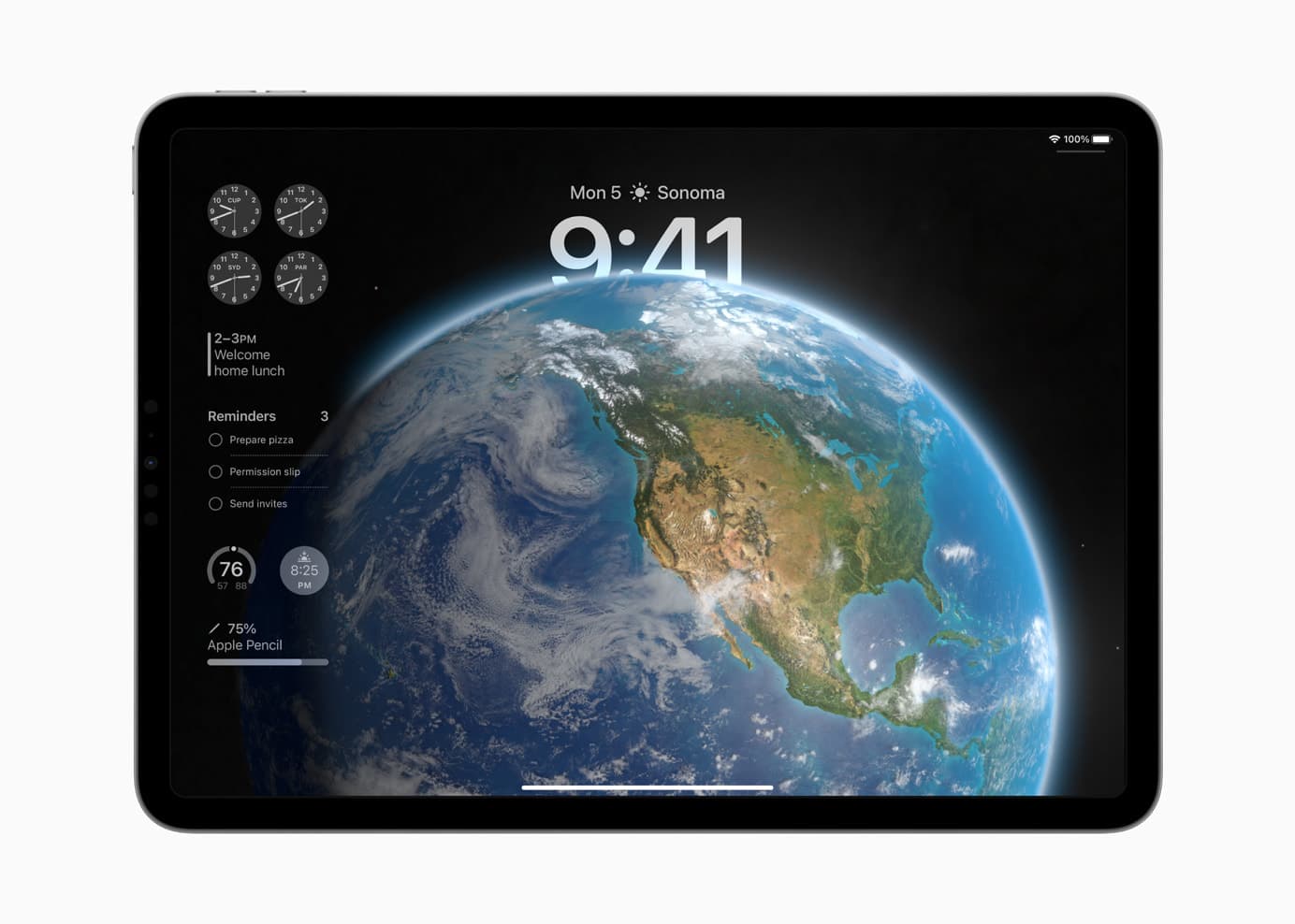
iPadOS 17 brings many favorite features over from iOS. Photo: Apple
How can you install the iPadOS 17 Developer Beta? While the release is months away, you might want to take it for a test drive or see how your apps work in the new release. Right now, you need to make sure you’re signed into your developer Apple ID and that you have developer betas turned on in the Settings app.
These days, the process is far easier. You no longer need to install a beta profile and reboot your tablet a bunch of times to get it working.
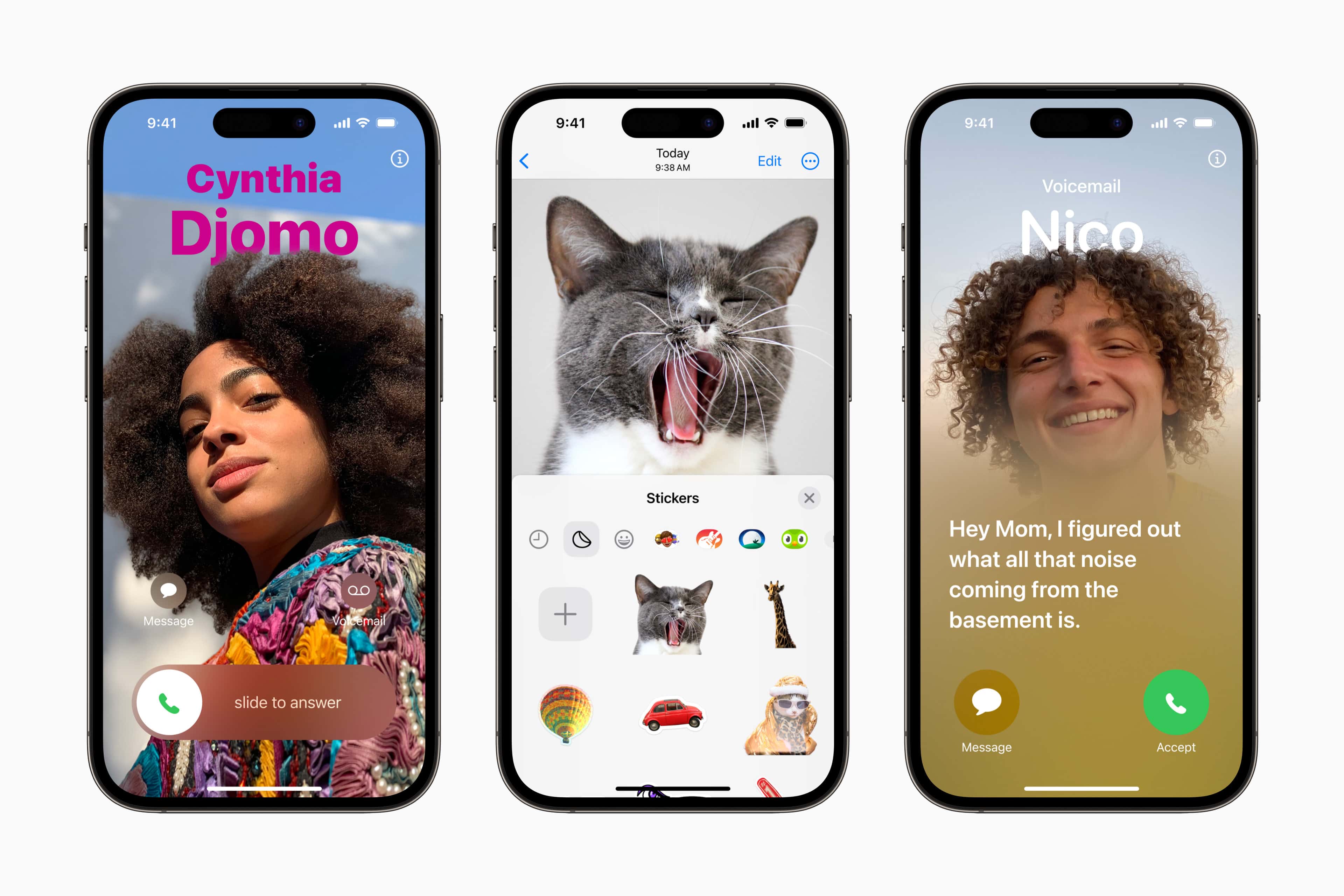
iOS 17 comes in with some hot new features. Photo: Apple
How can you install the iOS 17 Developer Beta? While the release is months away, you might want to take it for a test drive or see how your apps work in the new release. Right now, you need to make sure you’re signed into your developer Apple ID and that you have developer betas turned on in the Settings app.
These days, the process is far easier. You no longer need to install a beta profile and reboot your phone a bunch of times to get it working.
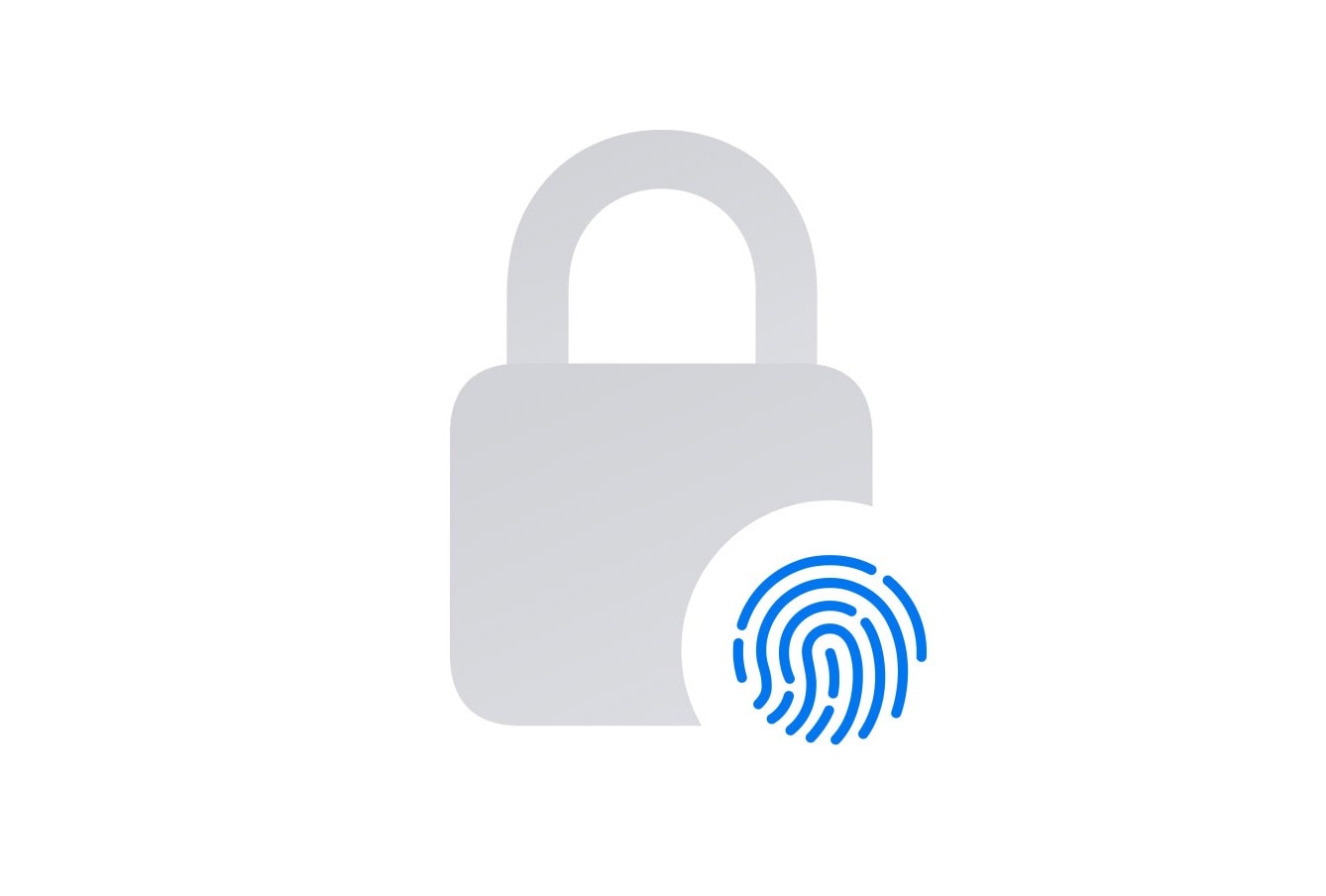
Enhanced Private Browsing helps protect against online trackers as well as folks who gain access to your computer. Photo: Apple
Along with macOS Sonoma and its new features will come Safari 17, the new iteration of Apple’s web browser. It brings an enhanced browsing experience with an even greater emphasis than before on privacy, and most changes will probably apply to iOS and iPadOS, as well.
The changes aren’t terribly glamorous, but beefed-up Private Browsing protects against prying eyes online and off, in addition to some other security enhancements.
And in terms of organization, the new Profiles feature helps you keep separate parts of your life separate and website apps keep your favorite sites at your fingertips.
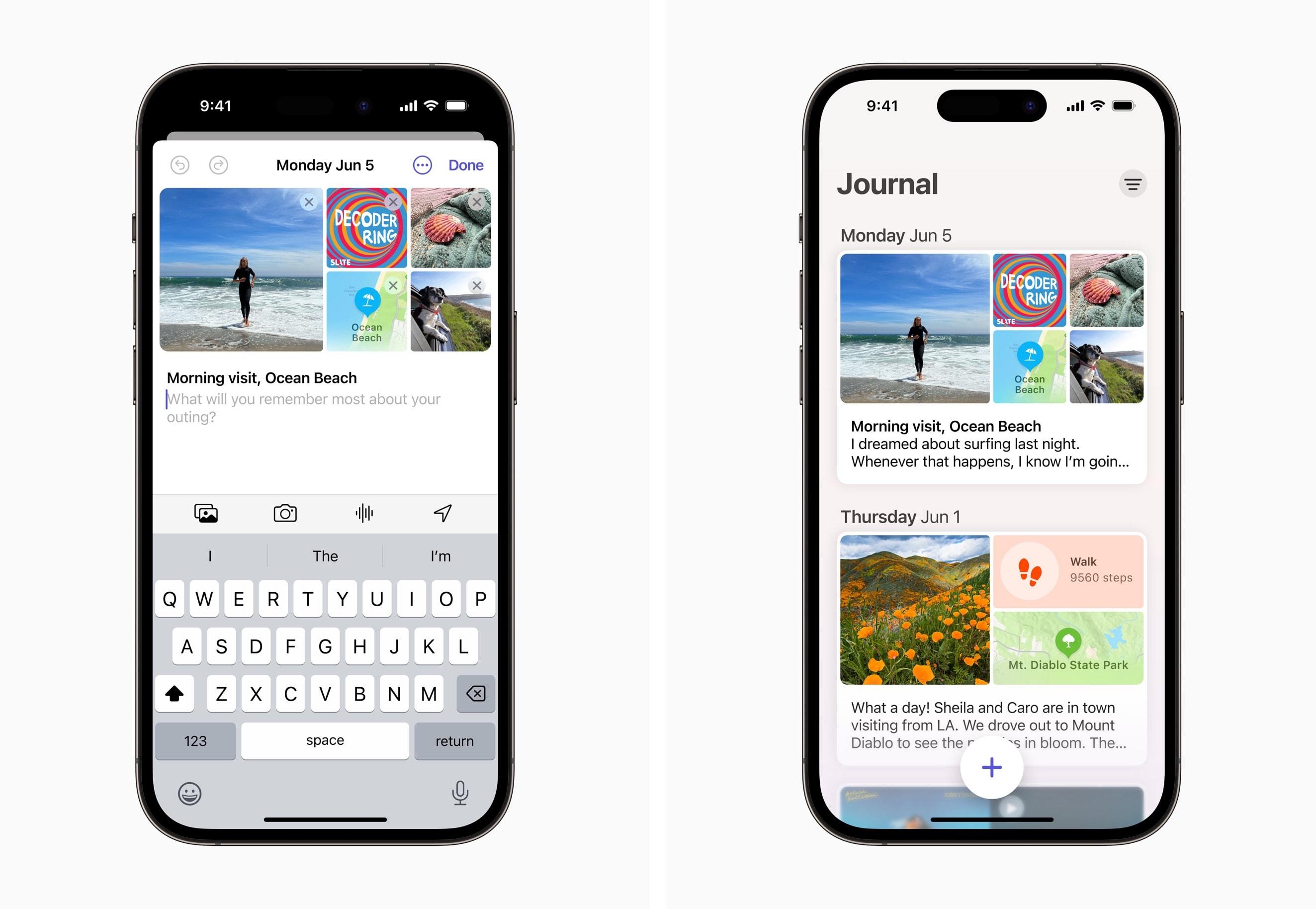
Journal can help you create personalized entries, with content from multiple apps, to help you preserve life’s memories. Screenshots: Apple
During their WWDC23 keynote, along side the introduction of iOS 17, Apple also previewed their new Journaling app. In line with previous rumors and expectations, the app is designed to make it simple to quickly capture a wide range of aspects about your day.
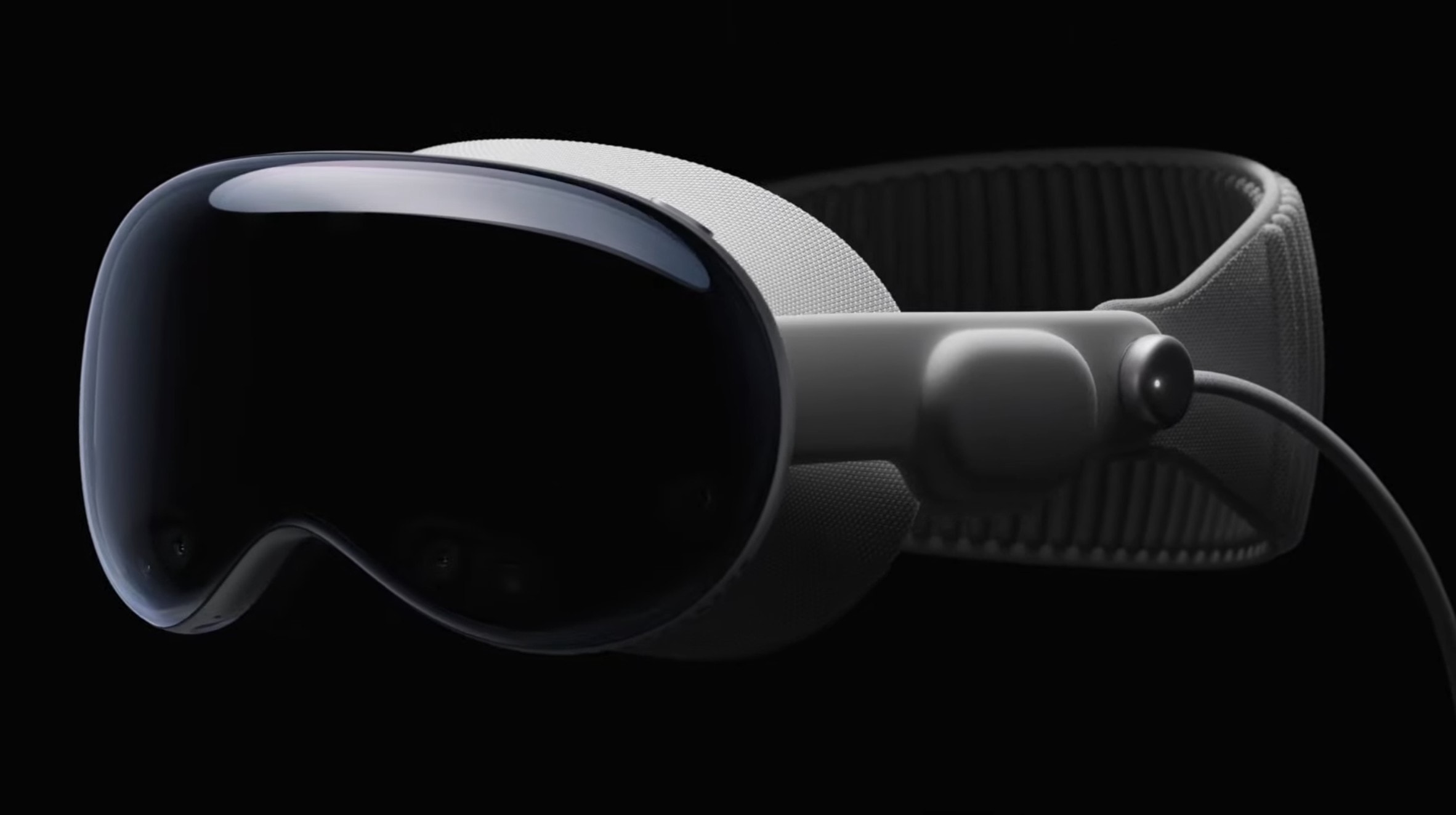
The Vision Pro sizzle reel looks great, of course, but what is the device actually like? Photo: Apple
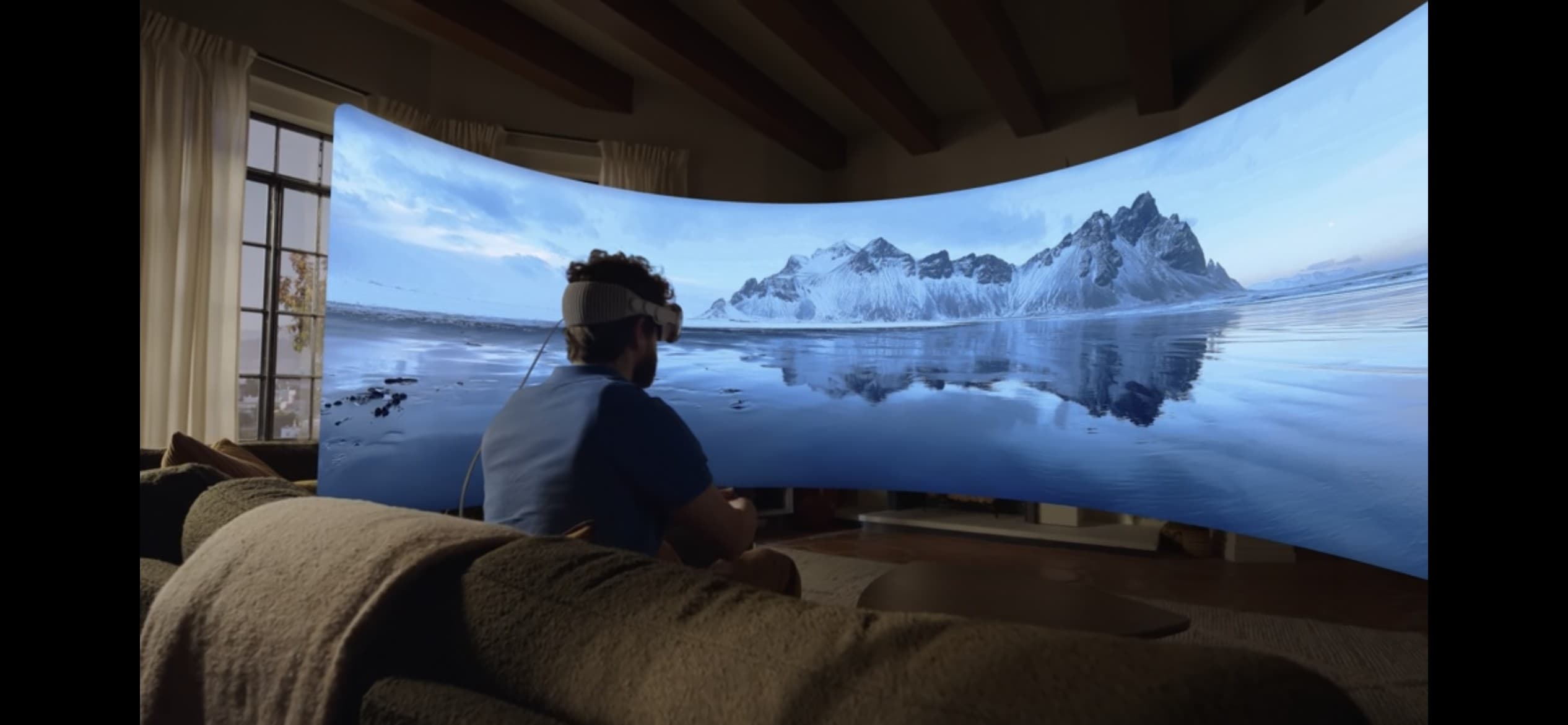
First impressions of the Vision Pro headset make it sound like Apple absolutely nailed both the industrial design and the overall “experience” of wearing a mixed-reality headset.
Apple didn’t let most reporters go hands-on (or rather “heads-on”) with the new device following the Vision Pro’s unveiling at Monday’s WWDC23 keynote. However, the company’s handlers let some members of the media into a private area to gawk at the Vision Pro — and a handful of people actually got to strap one on.
The very first glimpses reveal hardware that looks far better than the competition, paired with a compelling visual experience, and triggers only a few negative reactions.
Nearly every Apple device has a new beta out. Photo: Apple
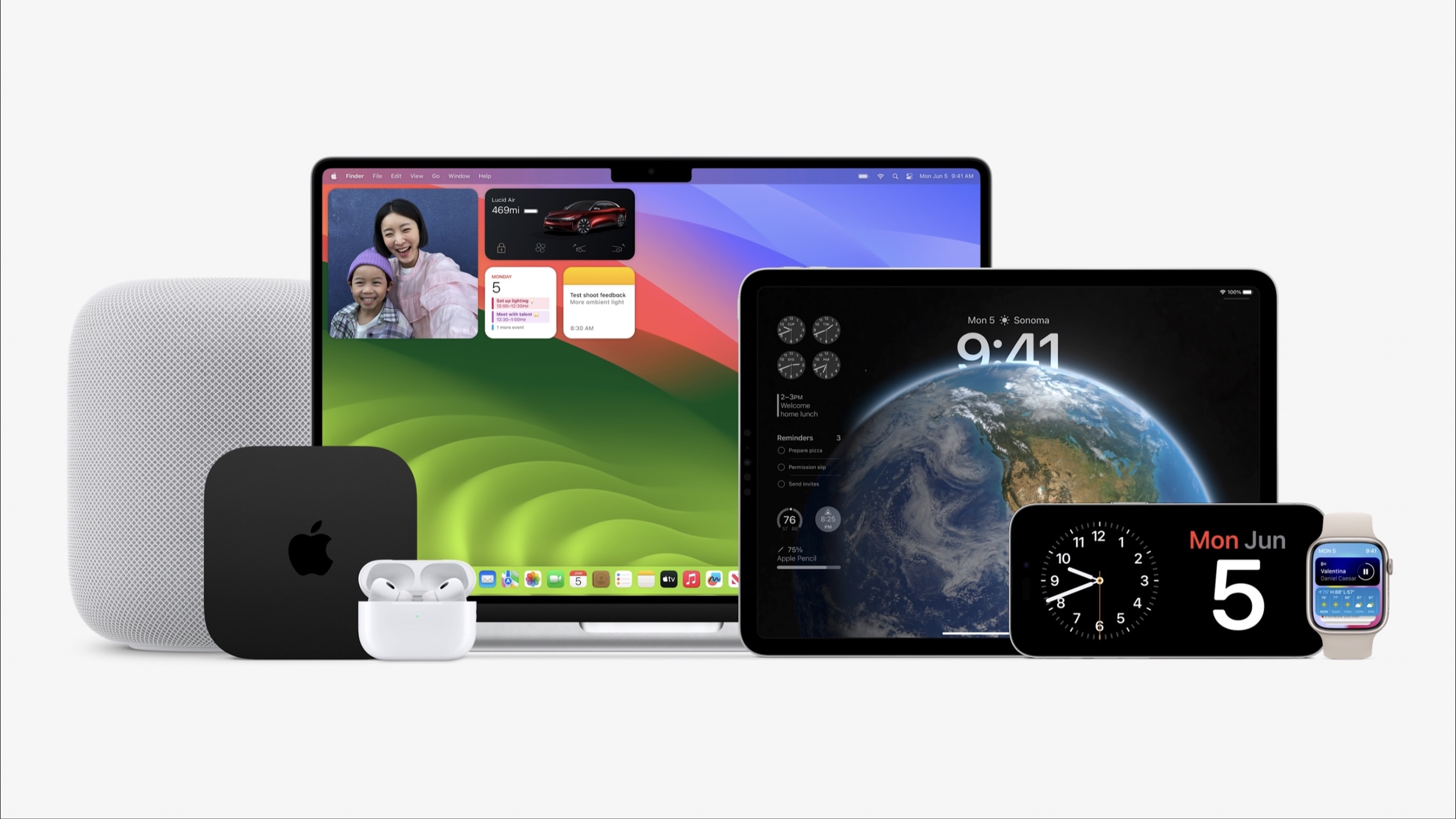
With macOS Sonoma, iOS 17, iPadOS 17, watchOS 10 and tvOS 17 unveiled at WWDC23 on Monday, Apple made the initial betas available to developers. These are major updates for the various operating systems that run all Apple computers.
Beta testing will stretch through summer, with the full release of these OSs not coming until autumn.
Apple's Vision Pro headset ain't cheap; new technology never is. Photo: Apple
People might be squawking about the $3,499 price tag of Apple’s new Vision Pro headset, but let’s put things in perspective. When Apple introduced the Macintosh — the first computer with a graphical user interface — it cost an eye-watering $7,400 in today’s dollars.
The Apple II — the first truly “personal computer’ — proved even more expensive. In 1977, an Apple II with maxed-out memory (a whopping 48KB of RAM, yes kilobytes) cost the equivalent of $14,400.
All that makes the $3,499 price tag of Apple’s new Vision Pro VR headset seem like a relative bargain. It packs insane 4K OLED screens to mesmerize your eyes, an outside screen that shows your face while wearing it, and an array of sensors to capture your hand movements, facial expressions and more.
If Apple is right, and the headset represents the dawn of a new era of 3D spatial computing, then 3,500 bucks isn’t so much to be at the cutting edge. New technology is always pricey … and it could have been even worse. Given the amount of new tech involved, and the high price of nearly a decade of development, the Vision Pro could have been even more expensive. It’s no $10,000 Apple Watch Edition!
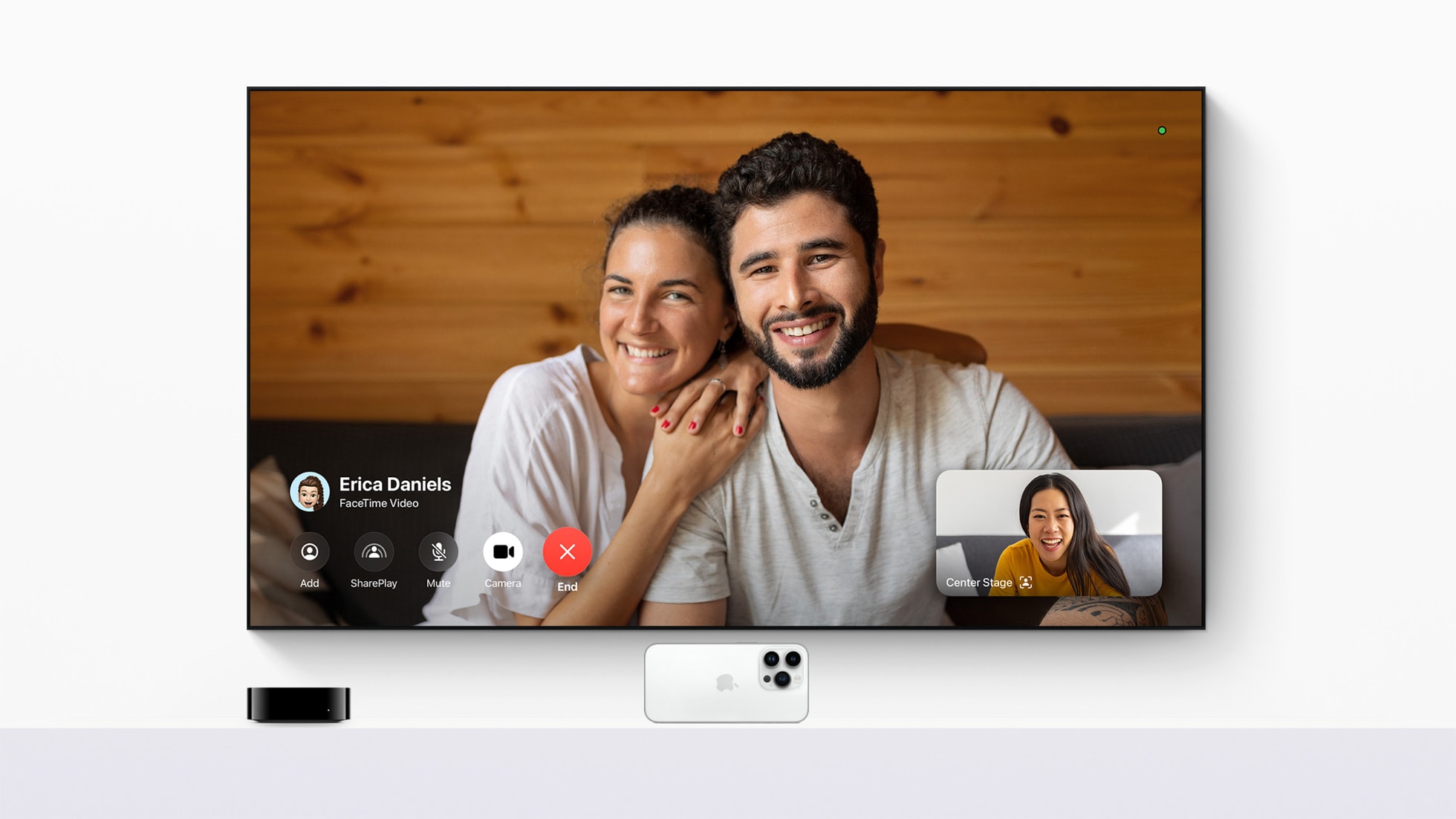
With the tvOS 17 update, FaceTime comes to Apple TV 4K for the first time. Photo: Apple
Apple said Monday in the WWDC23 Keynote that tvOS 17 brings FaceTime to Apple TV 4K for the first time. So you can put your calls with family, friends and colleagues on the biggest screen you have.
“tvOS 17 transforms the biggest screen in the home with FaceTime and new video conferencing capabilities, giving Apple TV 4K users the ability to easily connect with anyone right from their living room,” said Bob Borchers, Apple’s vice president of Worldwide Product Marketing.
“New features and enhancements make Apple TV simpler to use and even more enjoyable, reinforcing it as the absolute best option in the living room for Apple customers,” he added.
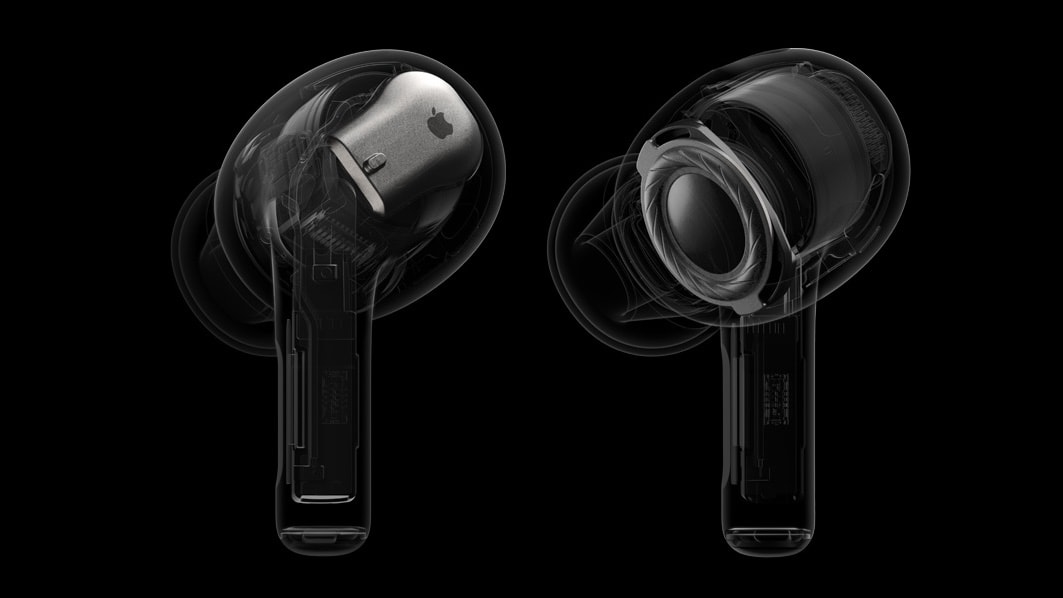
An AirPods Pro 2 software upgrade will add important new audio features. And all Apple wireless earbuds are getting some enhancements. Photo: Apple
An upcoming software update will add multiple new listening modes to AirPods Pro 2. These are designed to make it easier for the user to listen to music while also hearing what’s going on around them.
Apple also announced at WWDC23 that all AirPods will get better at switching connections between devices, plus a change intended to make conference calls easier.
There are loads of new features that developers will be able to take advantage of that Apple didn’t highlight in the main Keynote. Thus far, they’ve covered improvements to the in-app camera, a standard tips balloon, and an easier way to make animations in SwiftUI.