Mobile menu toggle

Search results for: watchos 2

New Pride Edition Braided Solo Loop goes beyond the rainbow

By

Apple’s unique Pride bands have been a visible illustration of the ways in which the company stands with, supports and is proudly made up of members of the LGBTQ+ community.
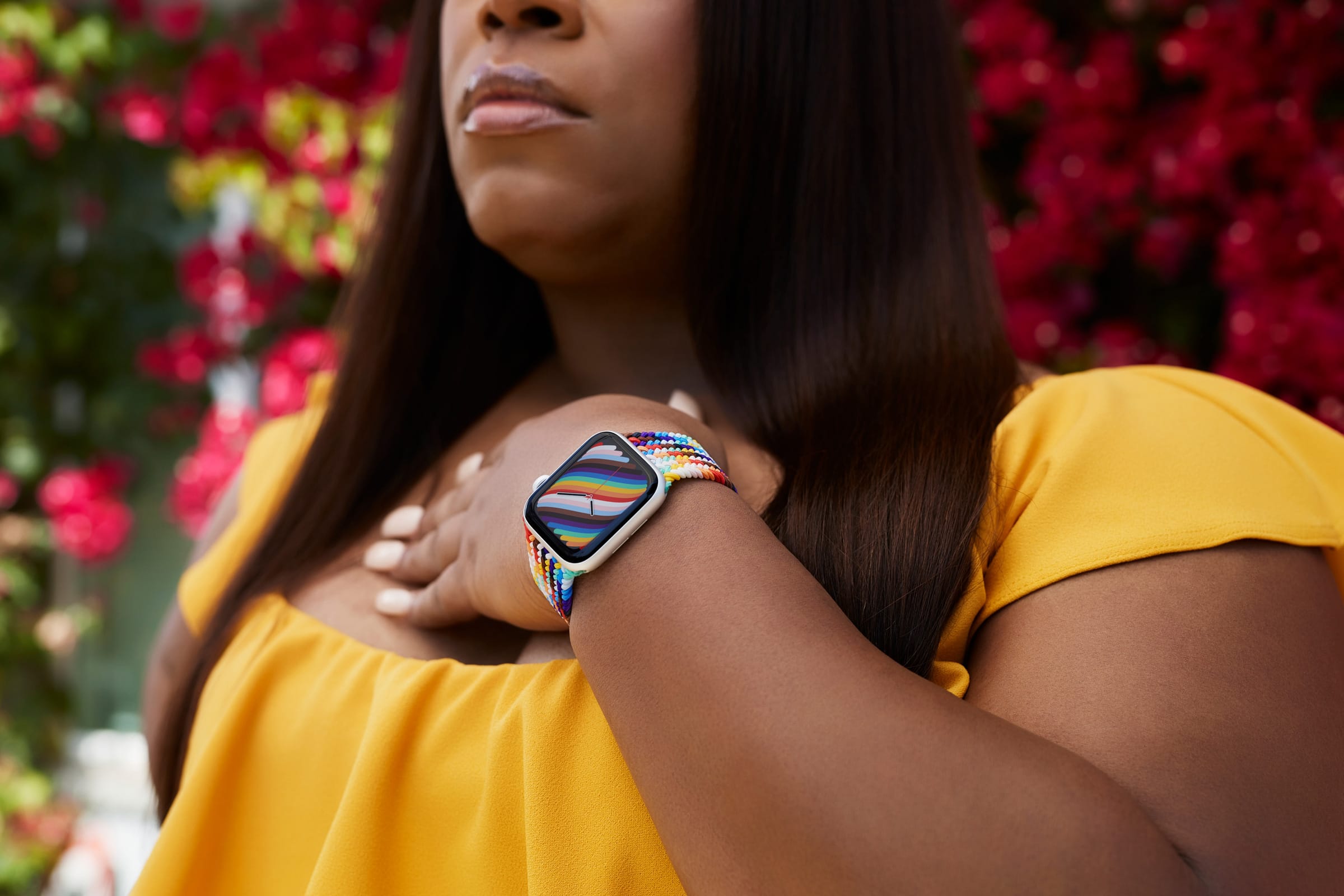
The Pride Edition Braided Solo Loop is new for 2021.
Photo: Apple

Apple has debuted two new colorful, Pride-themed Apple Watch bands and new watch faces to coincide with International Day Against Homophobia, Transphobia, and Biphobia.

Apple has been releasing Pride Edition Apple Watch bands on an annual basis dating back to 2016. The 2021 upgrades include the ultra-colorful Pride Edition Braided Solo Loop ($99) and a new Pride Edition Nike Sport Loop ($49).

Blast off with space games and female erotica [Awesome Apps of the Week]

By

Blast off with space games and female erotica [Awesome Apps of the Week]
These apps are out of this world.
Image: Cult of Mac

Space: the final frontier. And kinda sorta the theme of this week’s roundup of new and updated apps.

We’ve got an app that brings Star Trek, NASA and Tetris faces to Apple Watch. A free iOS game that will get arcade fans flashing back to Asteroids. And an audio app for women that blends erotica, meditation and ASMR for a trip deep into inner space.

I’m not sure how Godzilla and Kong fit into the space theme, but they crash onto the scene as well. (If only we had SpaceGodzilla.) Three … two … one …

Reorganize Control Center to make favorite tools easier to find [Pro tip]

By

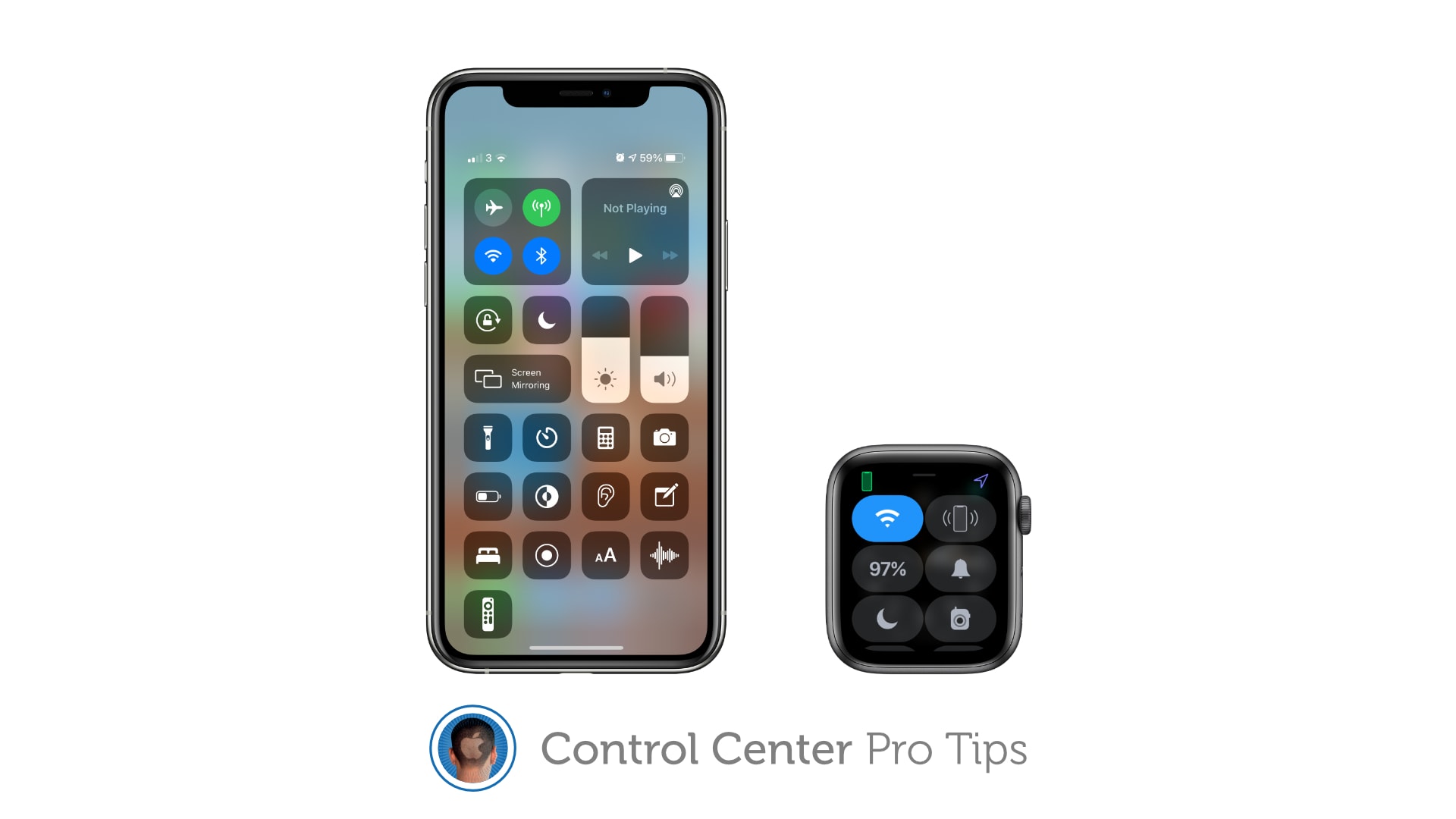
How to reorganize Control Center
And to remove tools and shortcuts you never use.
Image: Killian Bell/Cult of Mac

Control Center Pro Tips WeekWe want to help you master Control Center, one of the most powerful and underutilized features on Apple devices. Cult of Mac’s Control Center Pro Tips series will show you how to make the most of this useful toolbox on iPhone, iPad, Apple Watch and Mac.

Make your favorite Control Center tools and shortcuts easier to find by reorganizing and cleaning up your Control Center window. It’s easy on iPhone, iPad, and Apple Watch — and we’ll show you how.

Enable Schooltime inside Control Center on Apple Watch [Pro tip]

By

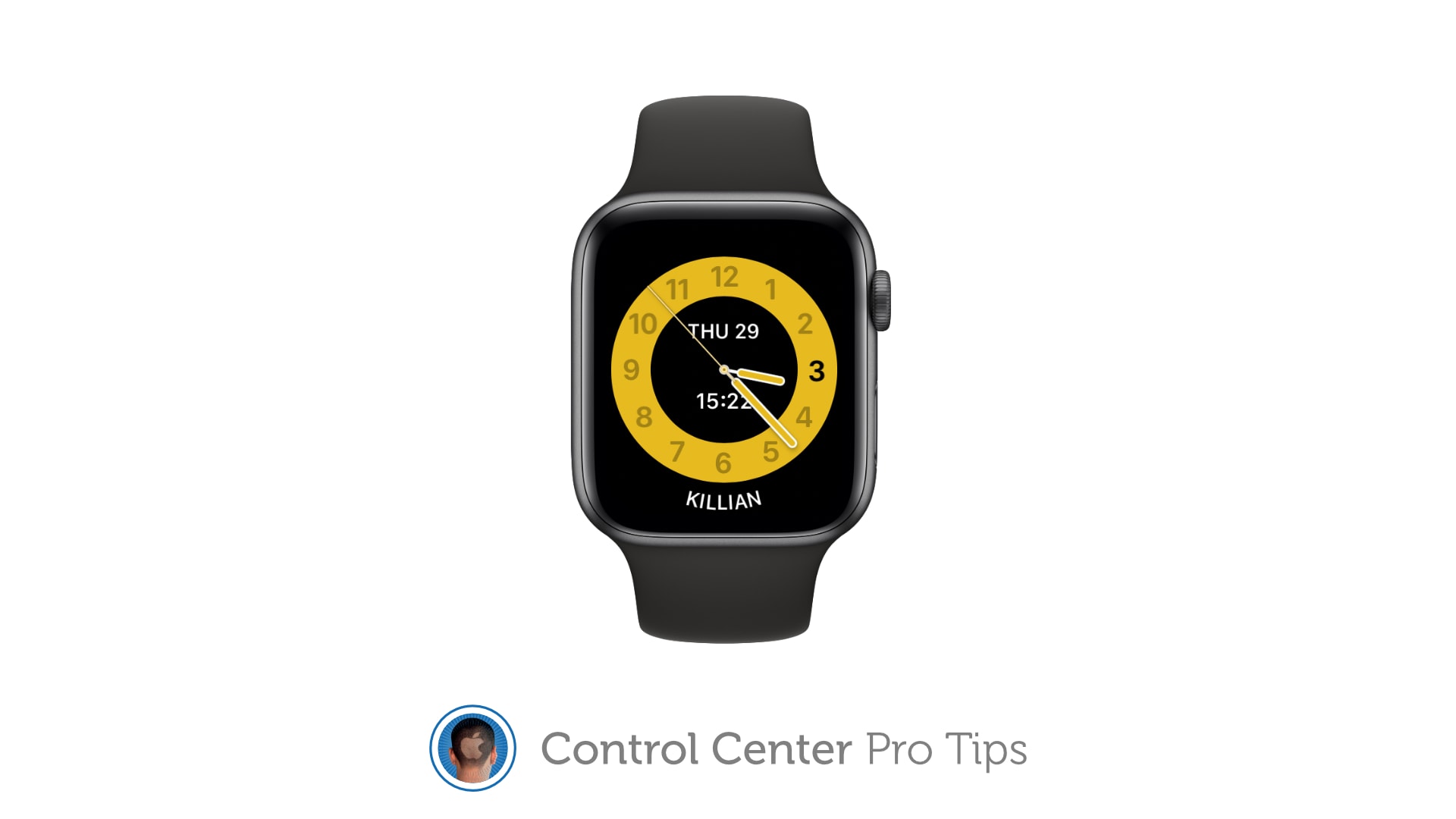
How to use Schooltime in Control Center on Apple Watch
Schooltime prevents Apple Watch from being a distraction in the classroom.
Image: Killian Bell/Cult of Mac

Control Center Pro Tips WeekWe want to help you master Control Center, one of the most powerful and underutilized features on Apple devices. Cult of Mac’s Control Center Pro Tips series will show you how to make the most of this useful toolbox on iPhone, iPad, Apple Watch and Mac.

Schooltime is a handy new feature, introduced in watchOS 7, that keeps Apple Watch quiet and prevents it from being a distraction in the classroom. It can be added to your Control Center options so that enabling Schooltime at any time takes just a swipe and a tap.

We’ll show you how.

Bag an Apple Watch Series 4 refurb for under $180 today only

By

Refurbished Apple Watch Series 5 units are available now
Stock is selling fast. Claim yours before it's too late!
Photo: Apple

Woot is offering refurbished Apple Watch Series 4 units, with edge-to-edge displays and a built-in ECG, from just $179.99 today only. Bag yours before they’re all gone!

This post contains affiliate links. Cult of Mac may earn a commission when you use our links to buy items.

Identify any song in an instant using Control Center [Pro tip]

By

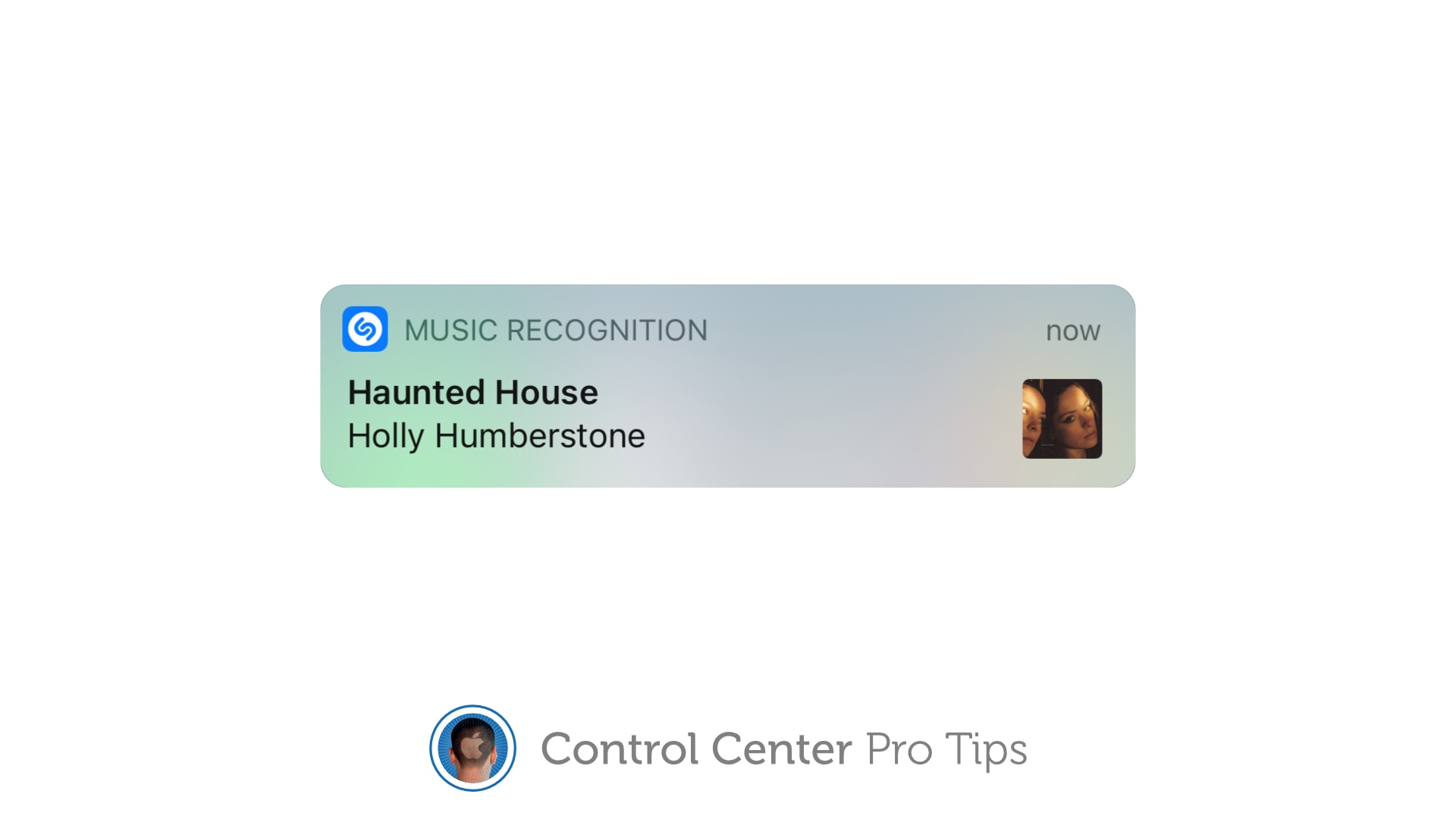
Identify a song with Control Center
And follow along with real-time lyrics.
Image: Killian Bell/Cult of Mac

Control Center Pro Tips WeekWe want to help you master Control Center, one of the most powerful and underutilized features on Apple devices. Cult of Mac’s Control Center Pro Tips series will show you how to make the most of this useful toolbox on iPhone, iPad, Apple Watch and Mac.

When you’re listening to a song you dig, but you have no idea of its name or the artist who recorded it, you can use Control Center on your iPhone or iPad to identify the track in an instant.

It’s the simplest way to invoke Shazam, the powerful music-recognition tool built into iOS, aside from asking Siri to name that tune (which you probably don’t want to do in certain situations). We’ll show you how.

Why Apple Watch’s iPhone unlock changes your freakin’ face-mask life

By

Why Apple Watch’s iPhone unlock will change your freakin’ life
Being able to to unlock your iPhone while wearing a face mask is the best reason yet to get an Apple Watch.
Photo: Ivan Samkov/Pexels CC

iOS 14.5 is the best update of the pandemic era because it works with your Apple Watch to remove the hassle of unlocking your iPhone while wearing a face mask. You don’t have to type in your passcode every single damn time. The phone just unlocks. Like it’s supposed to.

But the trick does require an Apple Watch. If you’ve been on the bubble about getting one, this feature should go a long way toward convincing you. It serves as yet another elegant example of how Apple’s ecosystem offers users simple solutions to modern life’s annoyances.

iOS 14.5 brings App Tracking Transparency, mask-friendly Face ID

By

iOS 14.5 brings App Tracking Transparency, mask-friendly Face ID
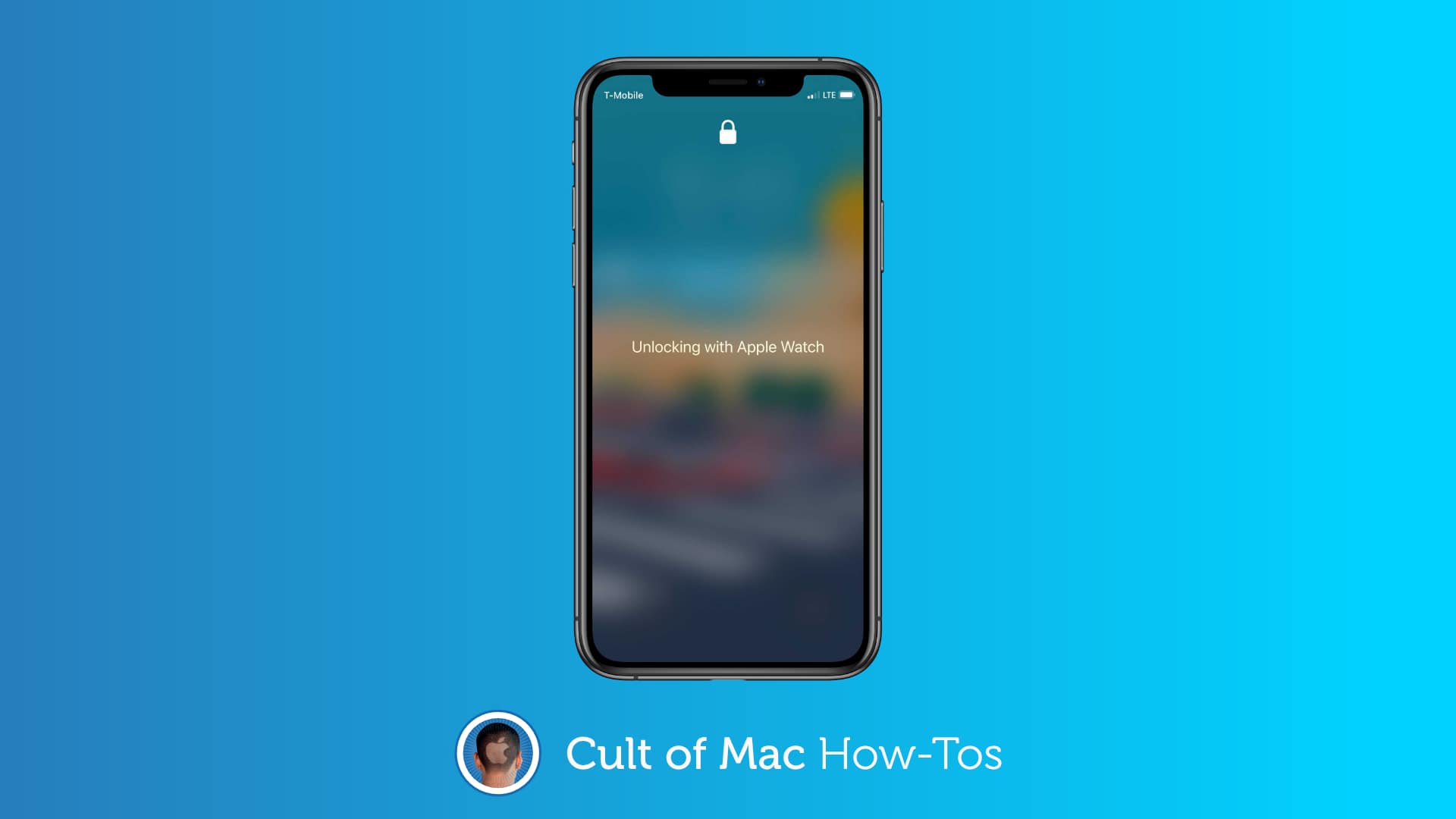
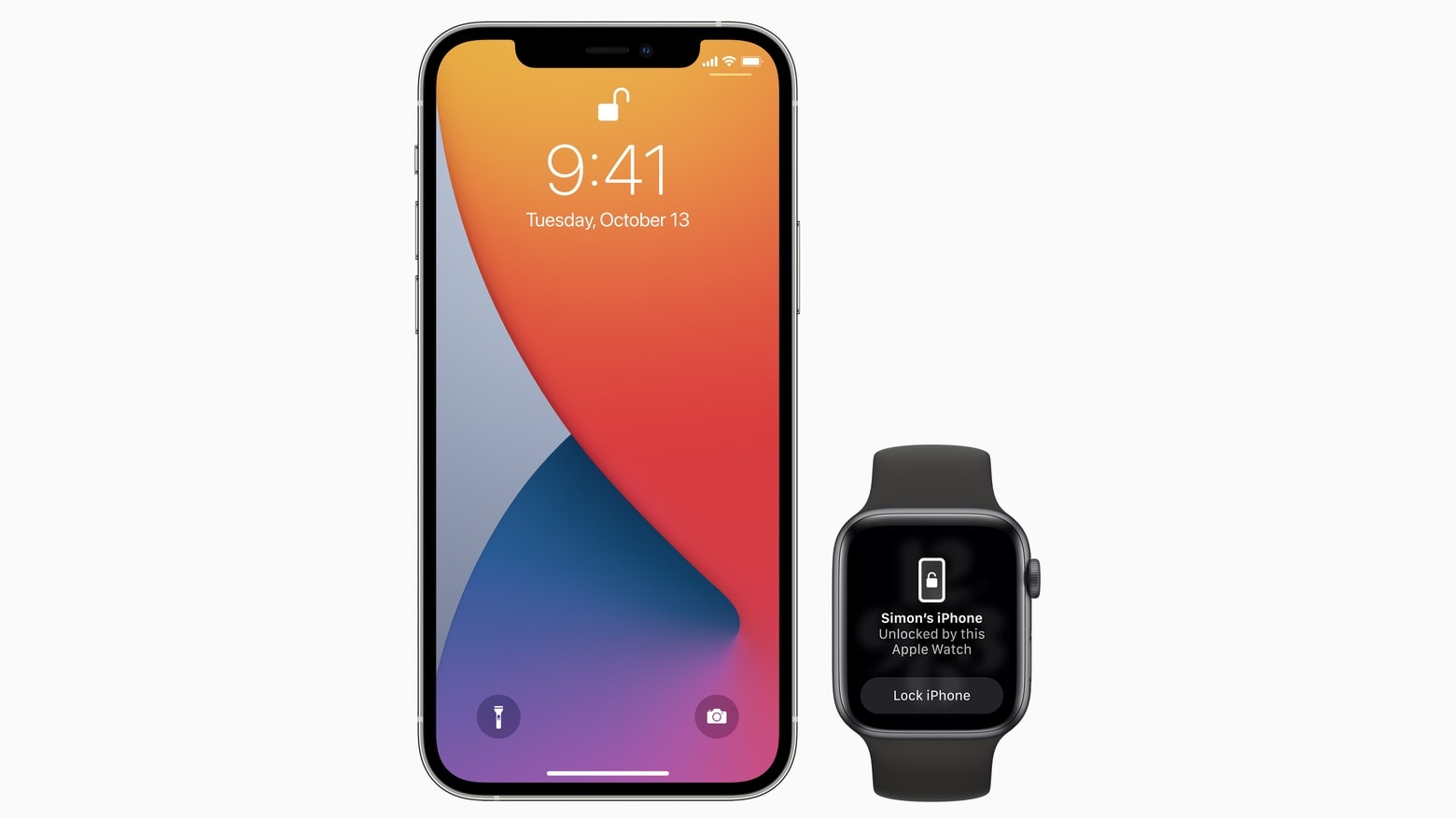
Starting with iOS 14.5, iPhone owners can use their Apple Watch to securely unlock their handset when attempting to use Face ID while wearing a face mask.
Photo: Apple

Apple on Monday gave all iPhone users access to iOS 14.5. And iPad users can install iPadOS 14.5  Today’s updates bring a ton of new features, including unlocking an iPhone with an Apple Watch while wearing a mask.

The OS updates also bring App Tracking Transparency, a controversial change that makes it harder for apps to track users for targeted advertising. Other upgrades include new emoji, fresh Siri voices, additional features for Apple’s news and map apps, support for the just-announced AirTag trackers and a wholesale redesign of the Podcasts app.

watchOS 7.4, which is necessary for the new mask-friendly Face ID feature, and tvOS 14.5 also became available today, along with macOS Big Sur 11.3.

Switch Wi-Fi networks in a snap using Control Center [Pro tip]

By

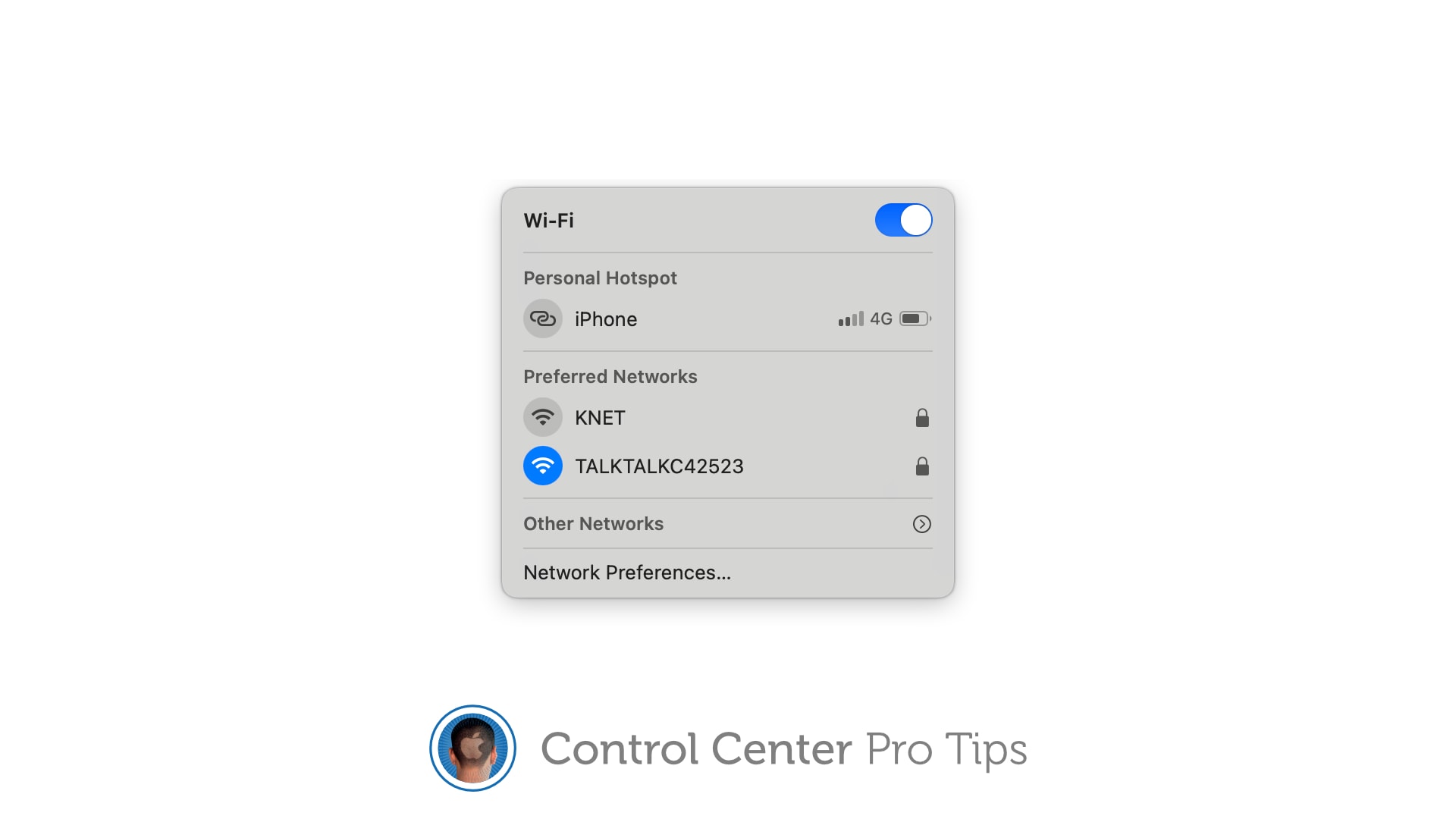
Switch Wi-Fi networks in Control Center
The quick and easy way to change connections.
Image: Killian Bell/Cult of Mac

Control Center Pro Tips WeekWe want to help you master Control Center, one of the most powerful and underutilized features on Apple devices. Cult of Mac’s Control Center Pro Tips series will show you how to make the most of this useful toolbox on iPhone, iPad, Apple Watch and Mac.

There’s no need to mess around inside System Preferences or the Settings app when you want to change Wi-Fi networks. Open Control Center on your Apple device and make the switch in a snap.

We’ll show you how on iPhone, iPad, Apple Watch, and Mac.

1 89 90 91 92 93 136