Mobile menu toggle

Search results for: watchos 2

How to share lyrics from Apple Music on iOS and iPadOS 14.5

By

How to share lyrics from Apple Music
Share snippets from your favorite tracks.
Image: Killian Bell/Cult of Mac
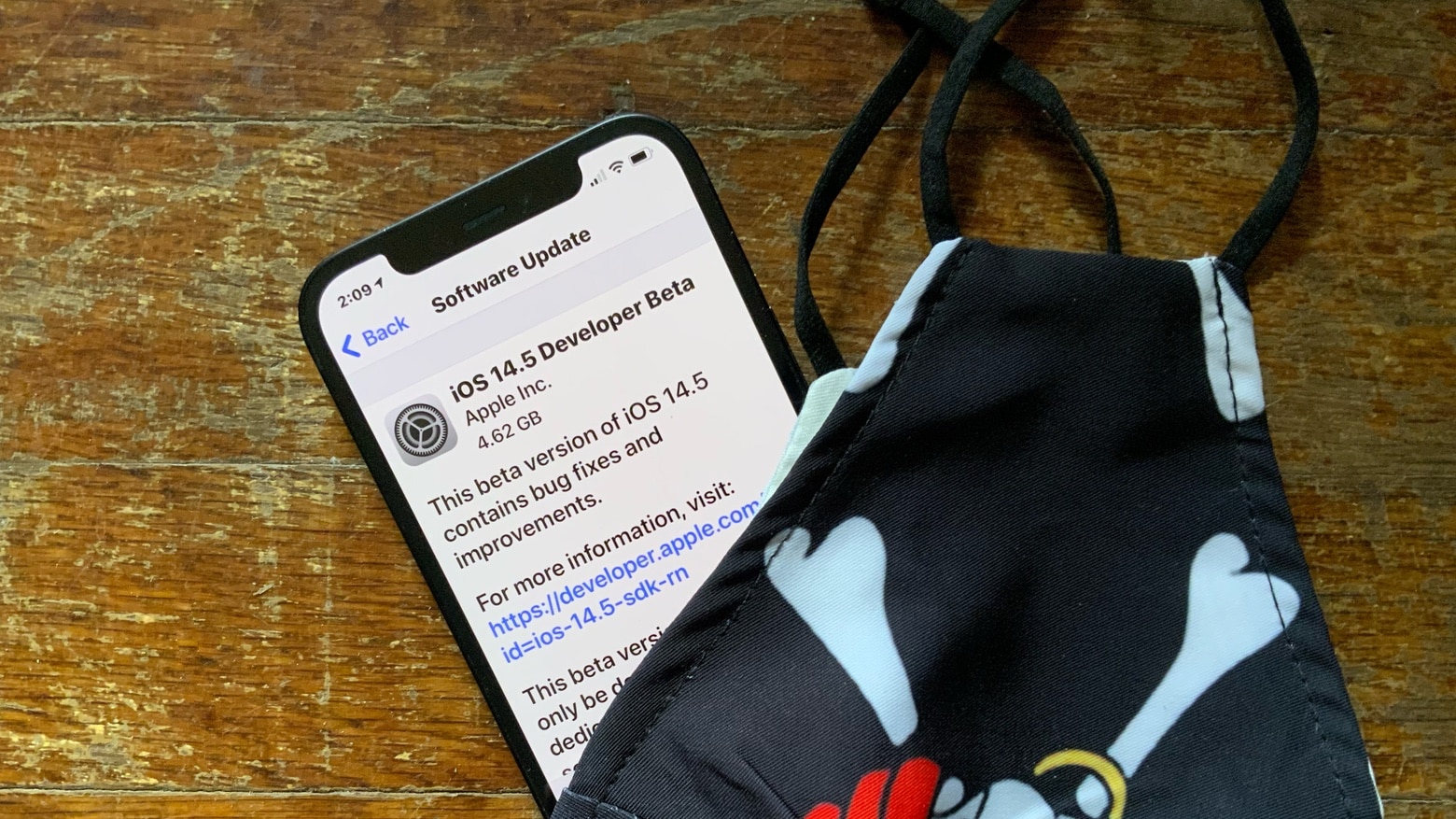
iOS 14.5 and iPadOS 14.5 offer the ability to share lyrics directly from Apple Music for the first time. You can use the feature to send snippets from your favorite tracks to social media, messaging apps, and more.

We’ll show you how to use it on iPhone and iPad.

iOS 14.5 makes zero-click iPhone attacks even more difficult

By

If hackers dump your personal data onto the dark web, you need to know about it. Dashlane Dark Web Monitoring can sound the alarm.
“Dammit, Apple keeps breaking all my best zero-click attacks.”
Photo: sebastiaan stam/Pexels CC

The next iOS version will make it more difficult for hackers to break into iPhones. Security researchers digging around in Apple’s beta code for iOS 14.5 found that the company began encrypting pointer authentication codes, which will make zero-click attacks far tougher to pull off.

How to turn off Activation Lock when selling your Apple device

By

How to turn off Activation Lock when selling your Apple device
Activation Lock prevents anyone else from taking over your Apple device. Here’s how to turn it off.
Graphic: Cult of Mac

When you sell an iPhone, Mac or other Apple computer, it’s critical to turn off Activation Lock or else the buyer won‘t be able to use the device. It’s easy to do when you still have the product, and not that much harder if you’ve already sold it.

Here’s what you need to know to prevent problems.

Apple fixes macOS Big Sur installer bug that could result in data loss

By

With macOS Big Sur, Apple takes things to the next level.
Big Sur issue trapped some users in a never-ending install loop.
Photo: Apple

Apple fixed a bug in the macOS Big Sur installer that could result in data loss and a perpetual install loops for unlucky users.

The macOS Big Sur 11.2.1 fix, released Monday, causes Macs to carry out checks to see if users have enough free space for installation prior to updating their systems.

iOS 14.5 bypasses Face ID, unlocks iPhones with Apple Watch [Updated]

By

iOS 14.5 beta 1 lets
iOS 14.5 beta 1 lets Apple Watch wearers unlock their iPhone without Face ID.
Photo: Ed Hardy/Cult of Mac

Apple has a solution for the hassle of unlocking an iPhone while wearing a face mask. iOS 14.5 beta 1, which was seeded to beta testers in the general public on Thursday, enables users to unlock their iPhone when their Apple Watch is nearby.

Plus, there are other new features. And this wasn’t the only fresh beta introduced. The first pre-release versions of iPadOS 14.5 and watchOS 7.4 are also available for the public and developers to begin testing.

Apple offers limited-edition Apple Watch Series 6 for Black History Month [Update]

By

Apple Watch Black History Month
The new limited edition watch will be available for one month only.
Photo: Apple

To mark Black History Month, Apple is releasing a limited-edition Apple Watch Series 6, among other things.

Apple’s Black Unity Collection includes a new Apple Watch Series 6, a Black Unity Sport Band and a Unity watch face. The watch features the words “Black Unity” laser-etched onto the back crystal, while the strap — inspired by the Pan-African flag — includes the words “Truth. Power. Solidarity.”

Apple tests fix for Bluetooth fault afflicting Apple Silicon Macs

By

macOS 11.2 is right around the corner.
macOS Big Sur might take care of a pesky Bluetooth problem bothering M1 Mac users.
Graphic: Cult of Mac

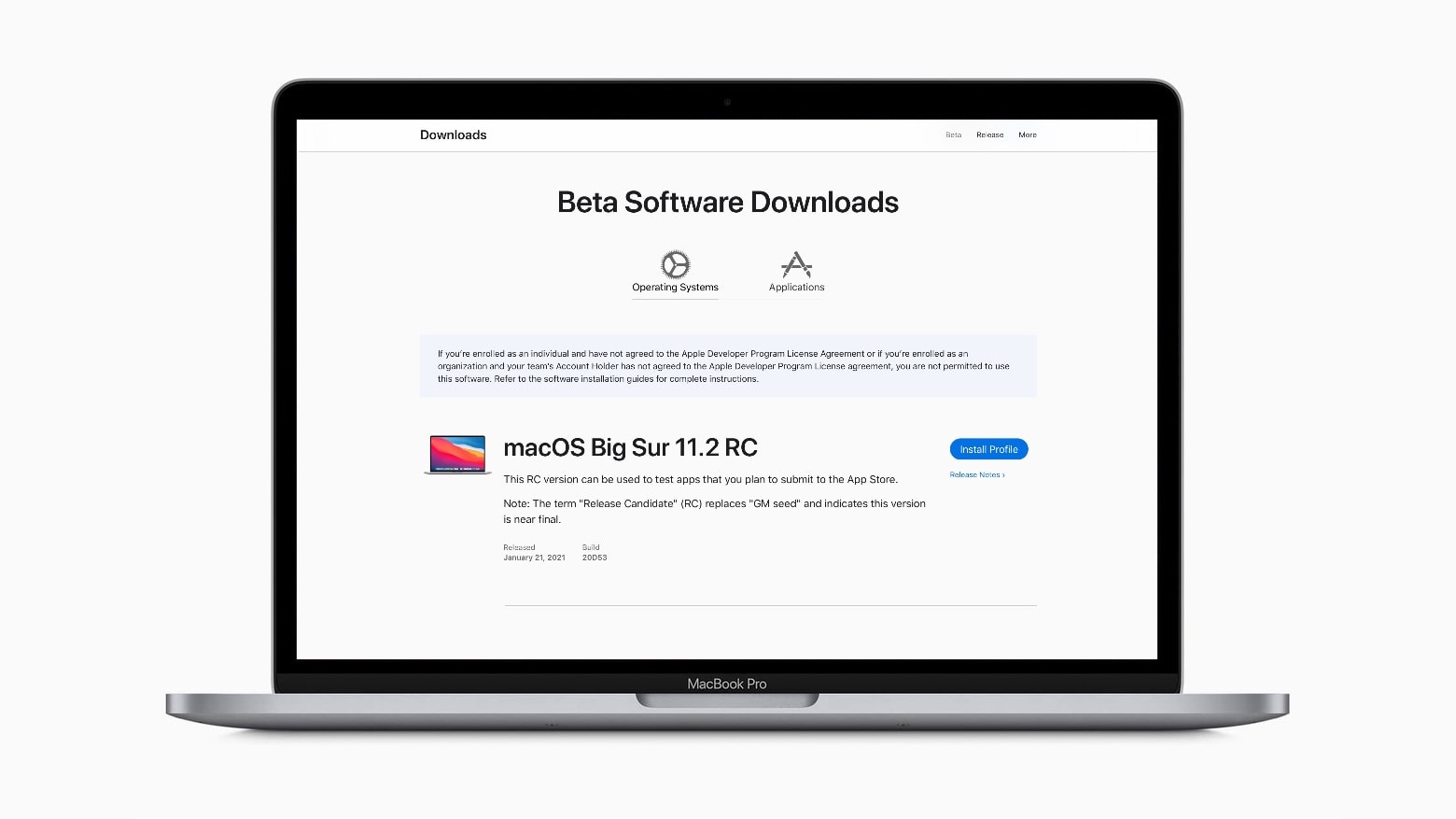
Apple seeded a macOS Big Sur‌ 11.2 release candidate to developers on Thursday. Among other changes, it promises to improve Bluetooth reliability, which is probably music to the ears of those using the recently released Macs built around Apple’s first-generation M-series processor.

Controversial anti-tracking feature is about to go live in iOS 14

By

Your iPhone will soon offer a bit more privacy.
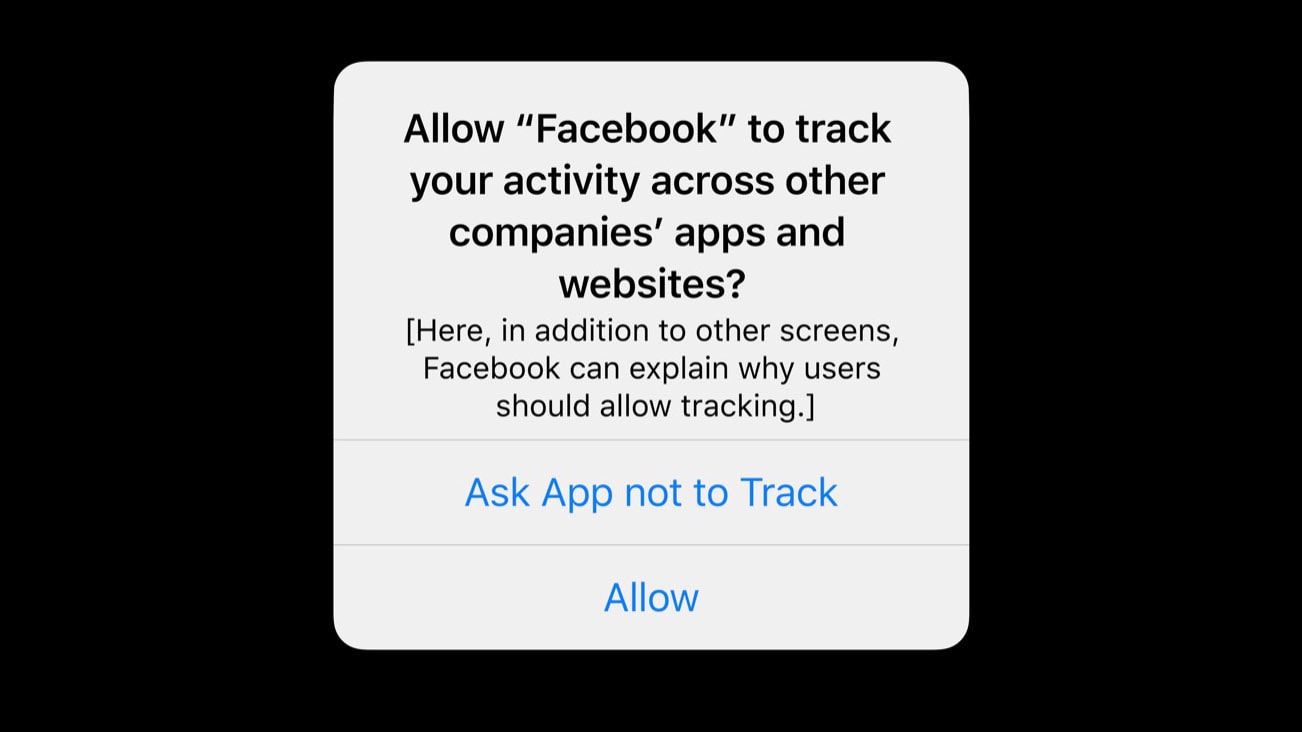
With iOS 14.4 and iPadOS 14.4, applications will have to ask if they can track you.
Graphic: Apple

Apple seeded to developers the release candidates for iOS 14.4 and the iPad equivalent on Thursday. It’s probably the last step before a public release. Among other changes, these new versions will apparently give iPhone and iPad users the option to block third-party applications from tracking them.

Devs can also install watchOS 7.3 RC and tvOS 14.4 RC, which became available Thursday too. But macOS Big Sur 11.2 is still on Beta 2.

How to change Apple Watch app layout to a handy list [Pro tip]

By

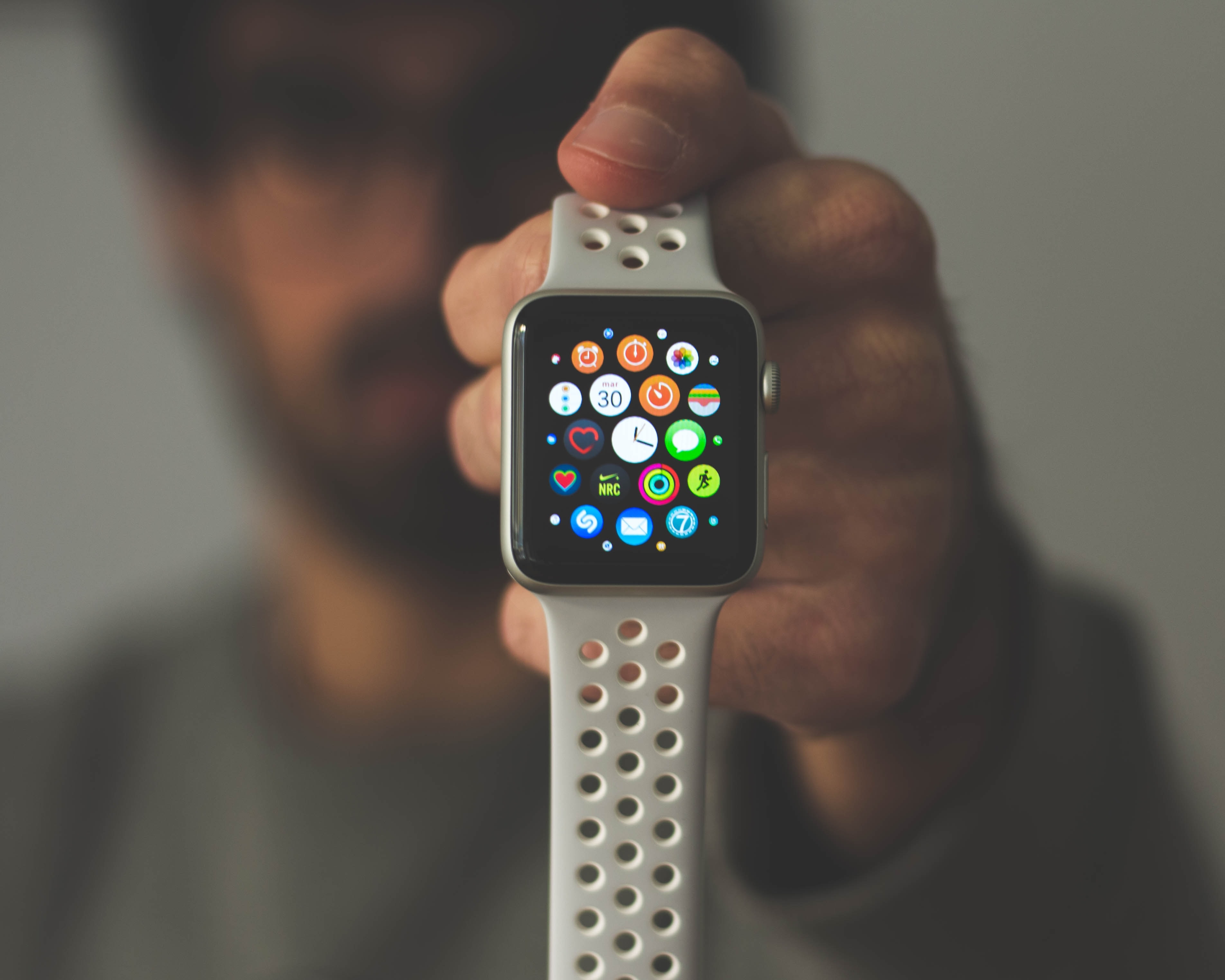
Change Apple Watch app layout from honeycomb grid to list view.
Get ready to say goodbye to the honeycomb app grid.
Photo: Daniel Cañibano/Unsplash CC

Pro-tip-4 By this point, the honeycomb app grid that debuted with the original Apple Watch must have fueled millions of frustrated app hunts.

That swirling sea of apps certainly looked innovative and magical during Apple’s demo in 2014. Apple called the unique interface “fluid and vital,” but in practice, the honeycomb grid often makes it difficult to find the particular app you want.

Luckily, Apple gave you another option. These days, there’s no need to suffer through the search for the app you want. You can easily switch to an alphabetical list view that makes it much easier to find Apple Watch apps.

1 91 92 93 94 95 136