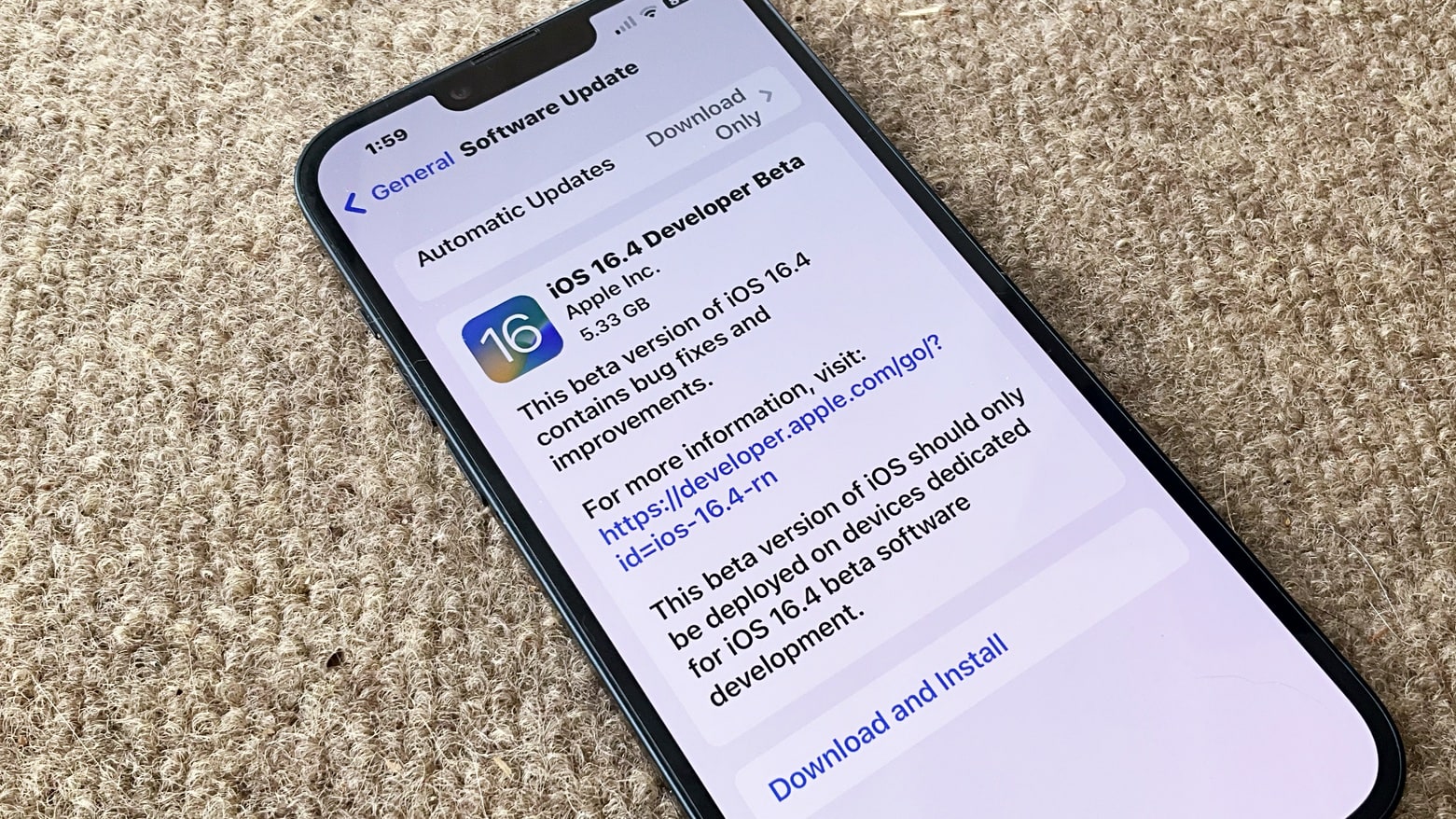
The long wait for iOS 16.4 beta 1 is over. The same goes for macOS Ventura 13.3 beta 1, plus there are new OS updates in testing for many other Apple devices. Photo: Ed Hardy/Cult of Mac
Apple finally seeded to developers iOS 16.4 beta 1 and macOS 13.3 beta 1 on Thursday, followed by releasing public beta versions on Friday. The same goes for the initial betas of iPadOS 16.4, watchOS 9.4 and tvOS 16.4.
The wait for new betas has been much longer than usual. The last round of new prerelease versions was in mid-January.
The new betas bring in a collection of new emoji, an improvement for Apple Pencil, a better way for devs to work with betas, and more changes.
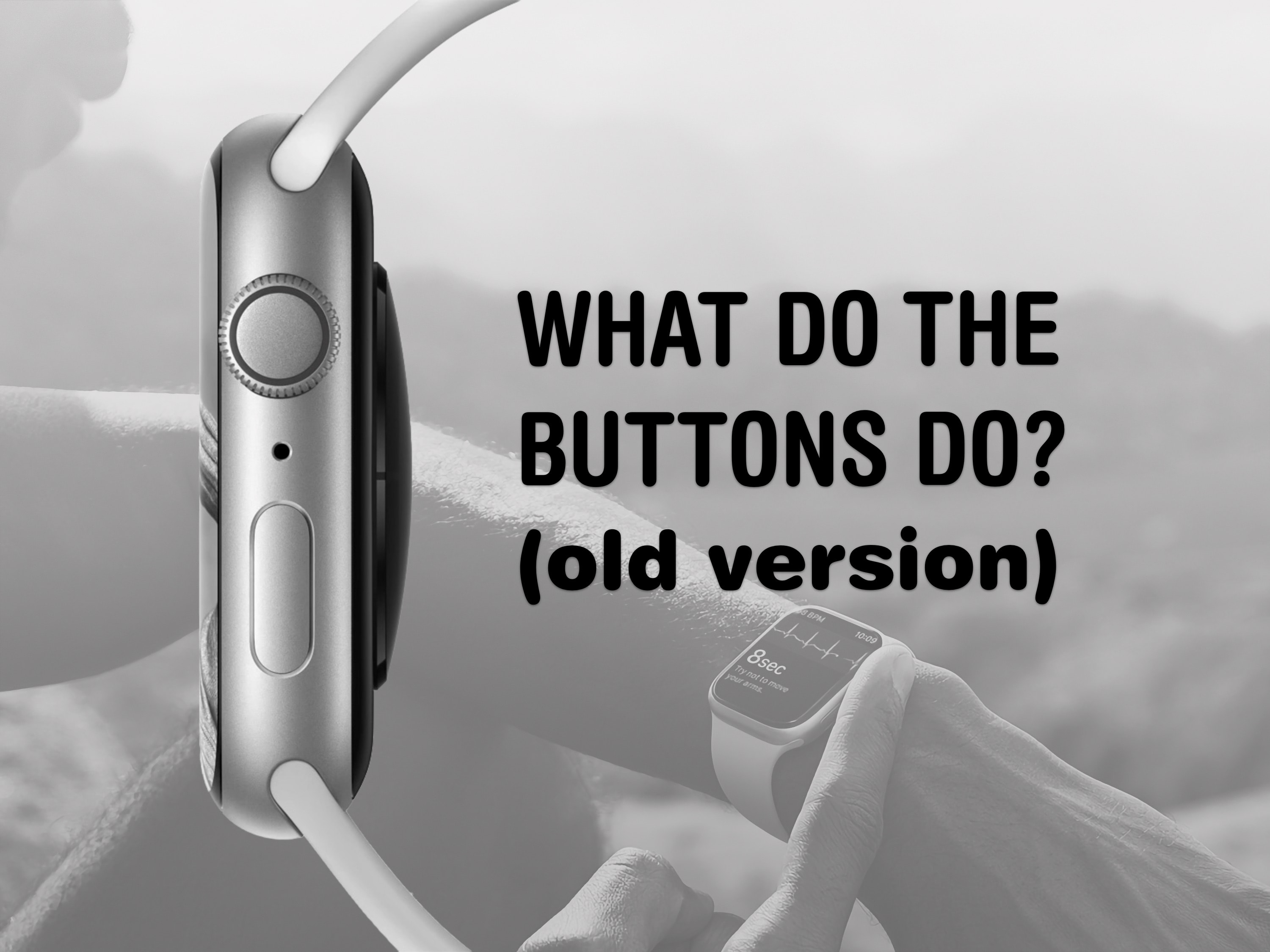
The buttons on the Apple Watch switch apps, activate Apple Pay, open Siri and more. Image: Apple/D. Griffin Jones/Cult of Mac
The Apple Watch borrows a lot from the iPhone, but the biggest difference between them is down to the extra buttons. They each do different things whether you click, double-click or hold them down. What do the Apple Watch buttons do?
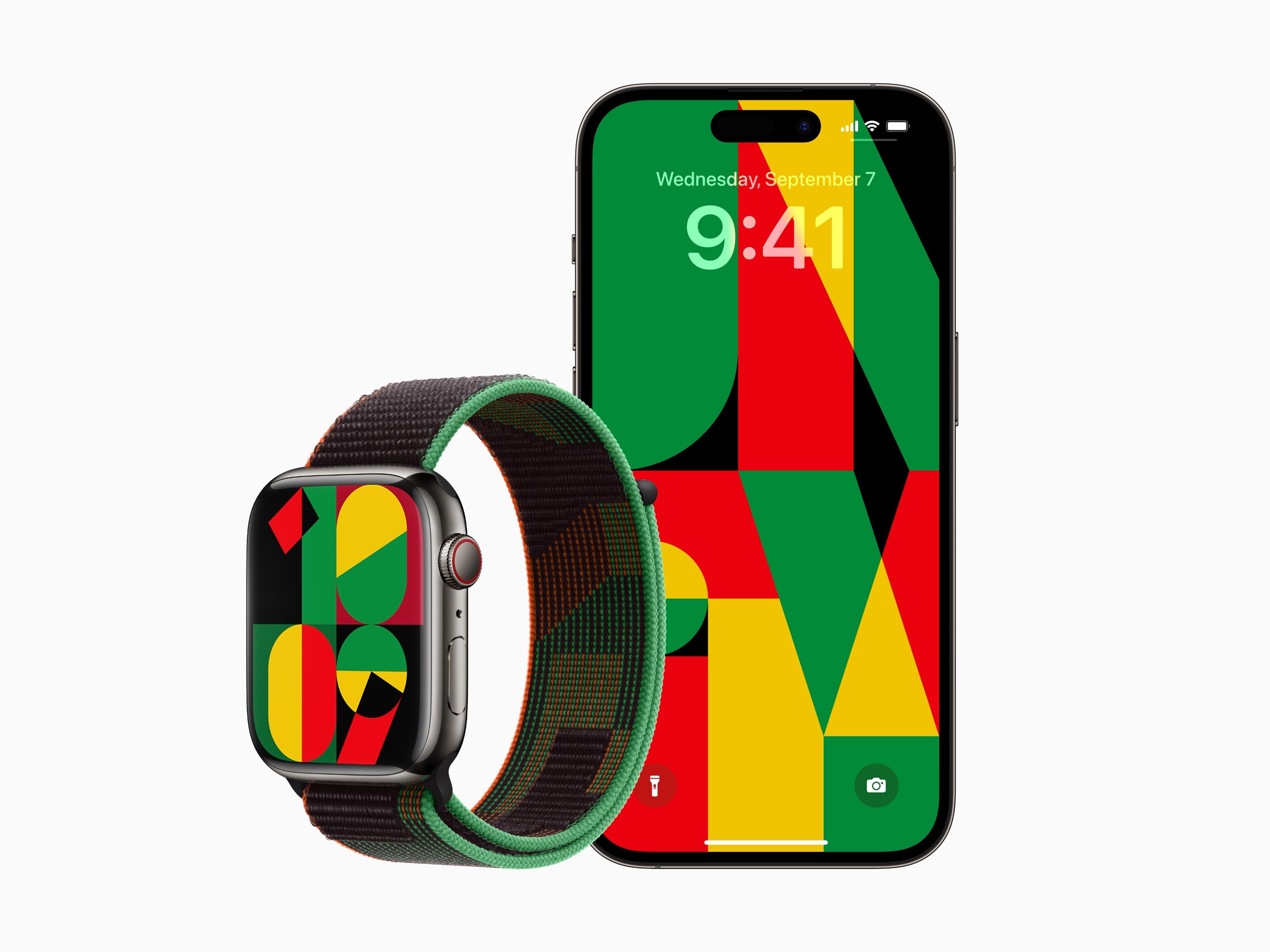
Apple’s 2023 Unity watch band, watch face and wallpaper have a really cool geometric pattern using Pan-African colors. Photo: Apple
Apple has released a special new Apple Watch band, watch face and iPhone wallpaper celebrating Black History Month. Apple has done this every February in 2021and 2022.
The Black Unity Sport Loop is available today in the online store and in “select Apple Store locations beginning January 24” Apple said in its press release. It will cost $49, the same price as other Sport Loop bands. The watch face and iPhone background will be released in a software update next week.
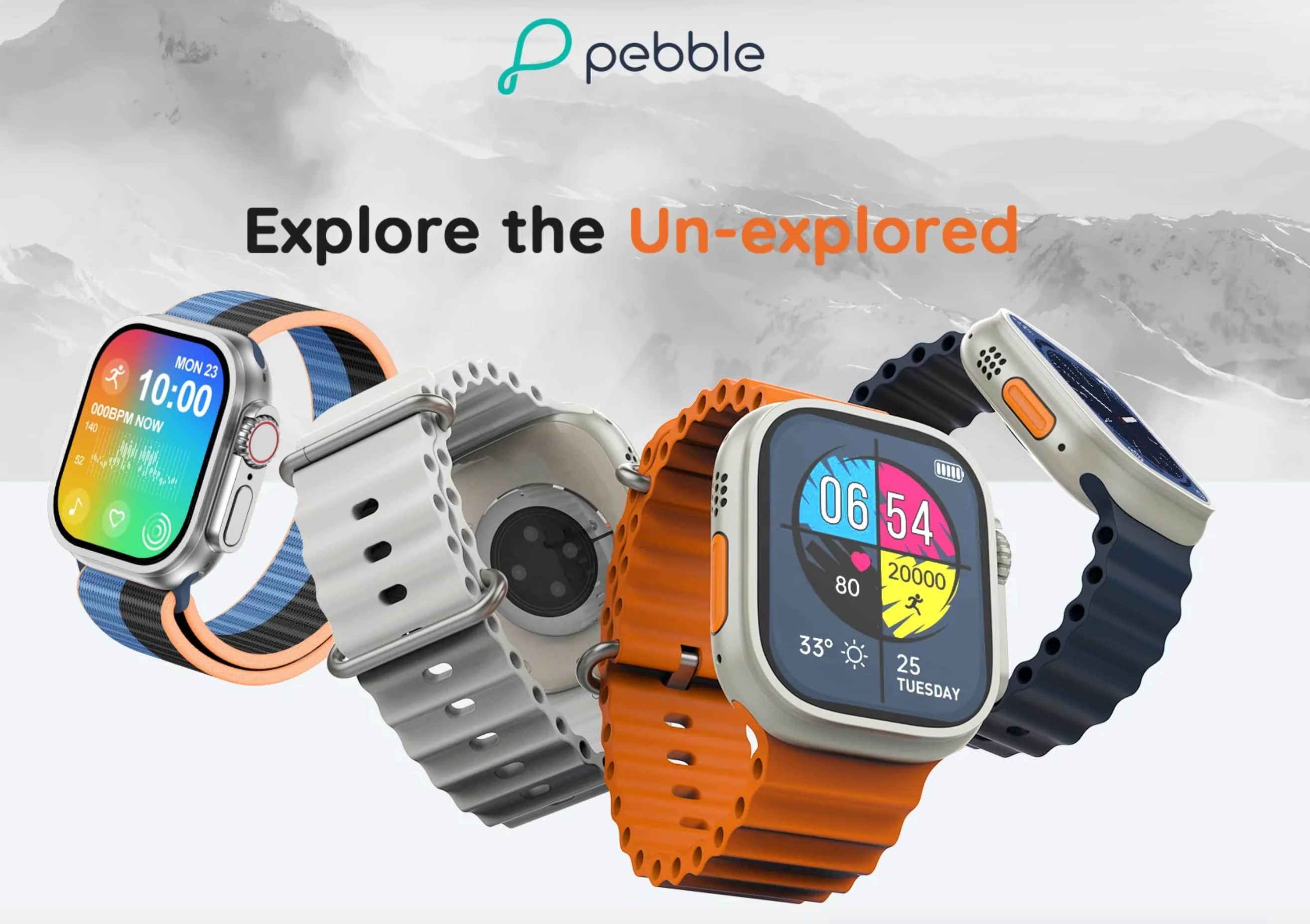
It sure looks the part, but does it do all the rough stuff? Photo: Pebble
Some rugged, outdoorsy types might hesitate over the Apple Watch Ultra’s $800 price tag. But what if they could get a lookalike watch for less than $50?
The Indian company Pebble — no relation to the Pebble smartwatch outfit acquired by Fitbit — said it will ship just such an option soon. And the Pebble Cosmos Engage looks just like the real thing. But it probably doesn’t function like a real Apple Watch Ultra.
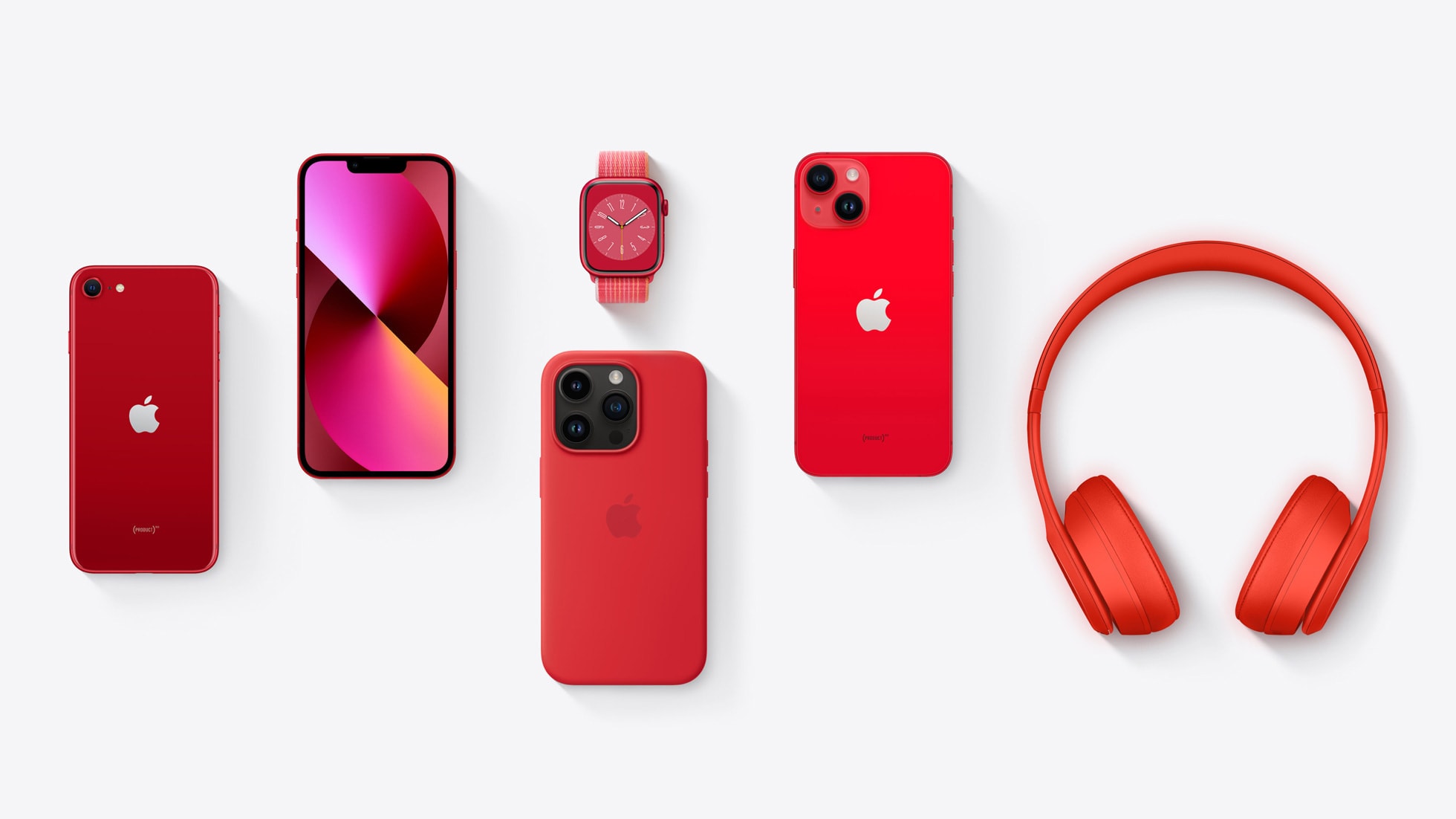
Here's a range of (Product) Red devices that help support the fight against AIDS. Photo: Apple
Apple recognized World AIDS Day Thursday with a reminder about how customers can join the fight to end AIDS. They can help through Product (Red) purchases, downloading and sharing new red Apple Watch faces and other means.
Purchases of Apple (Product) Red devices help support the Global Fund to Fight AIDS, Tuberculosis and Malaria, a major nonprofit fighting HIV/AIDS worldwide.
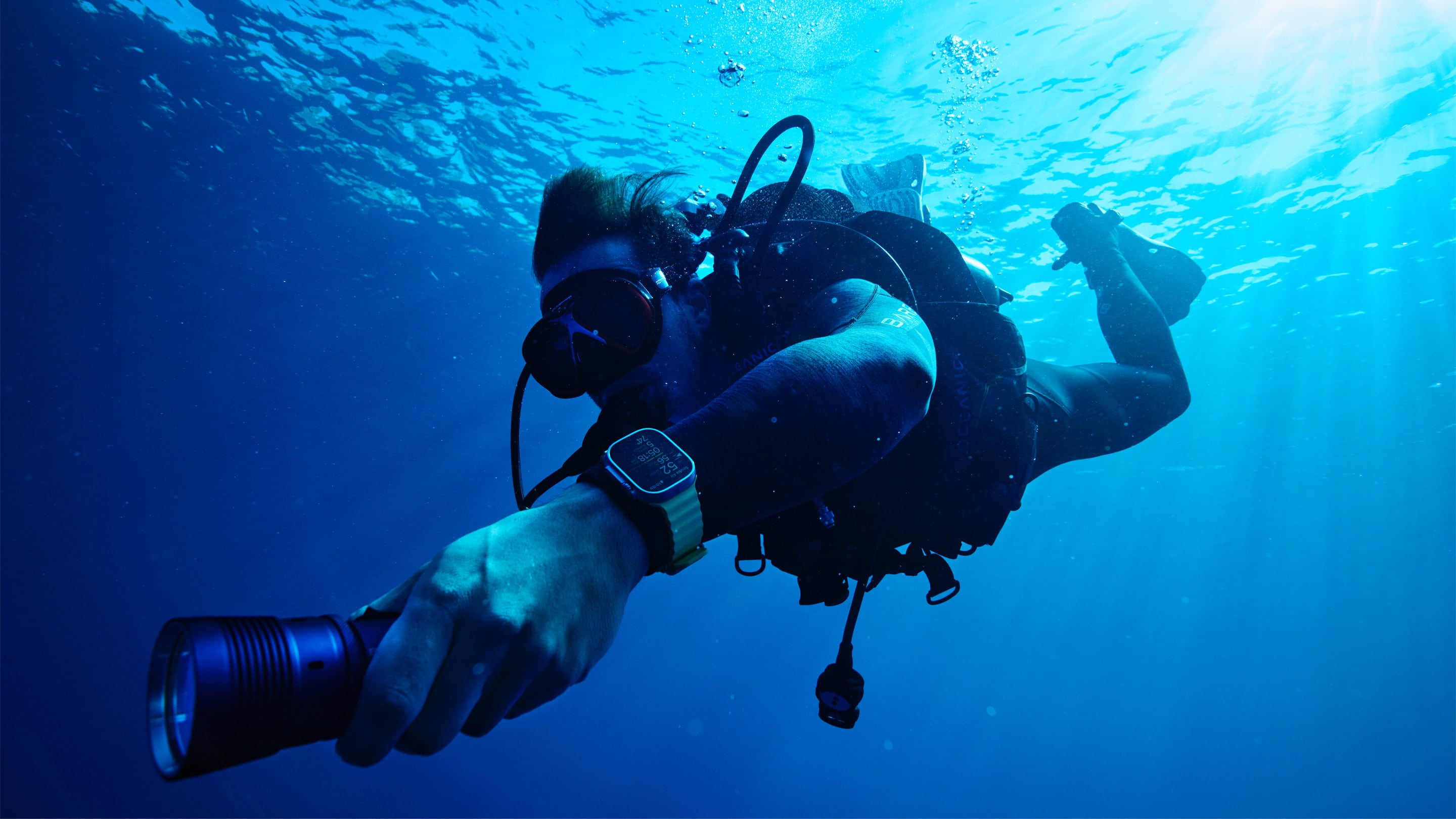
Thanks to Oceanic+ and Apple Watch Ultra, this diver will have all the information he needs to dive safely. Photo: Apple
Apple made a splash Monday in the world of scuba diving, noting that divers can now add the Oceanic+ Dive Computer App to their Apple Watch Ultra and use a companion app for iPhone.
Designed by Huish Outdoors in collaboration with Apple, Oceanic+ takes advantage of Apple Watch Ultra’s depth gauge and water temperature sensors to provide divers crucial information on forays up to 130 feet beneath the surface.
An update to iOS 16.1 is out. The same is true for iPadOS 16.1 and macOS Ventura. Photo: Ed Hardy/Cult of Mac
Apple on Wednesday released iOS 16.1.1, iPadOS 16.1.1 and macOS 13.0.1 to fix bugs and close a couple of security holes. These updates don’t add any new features, but are nevertheless recommended for all users.
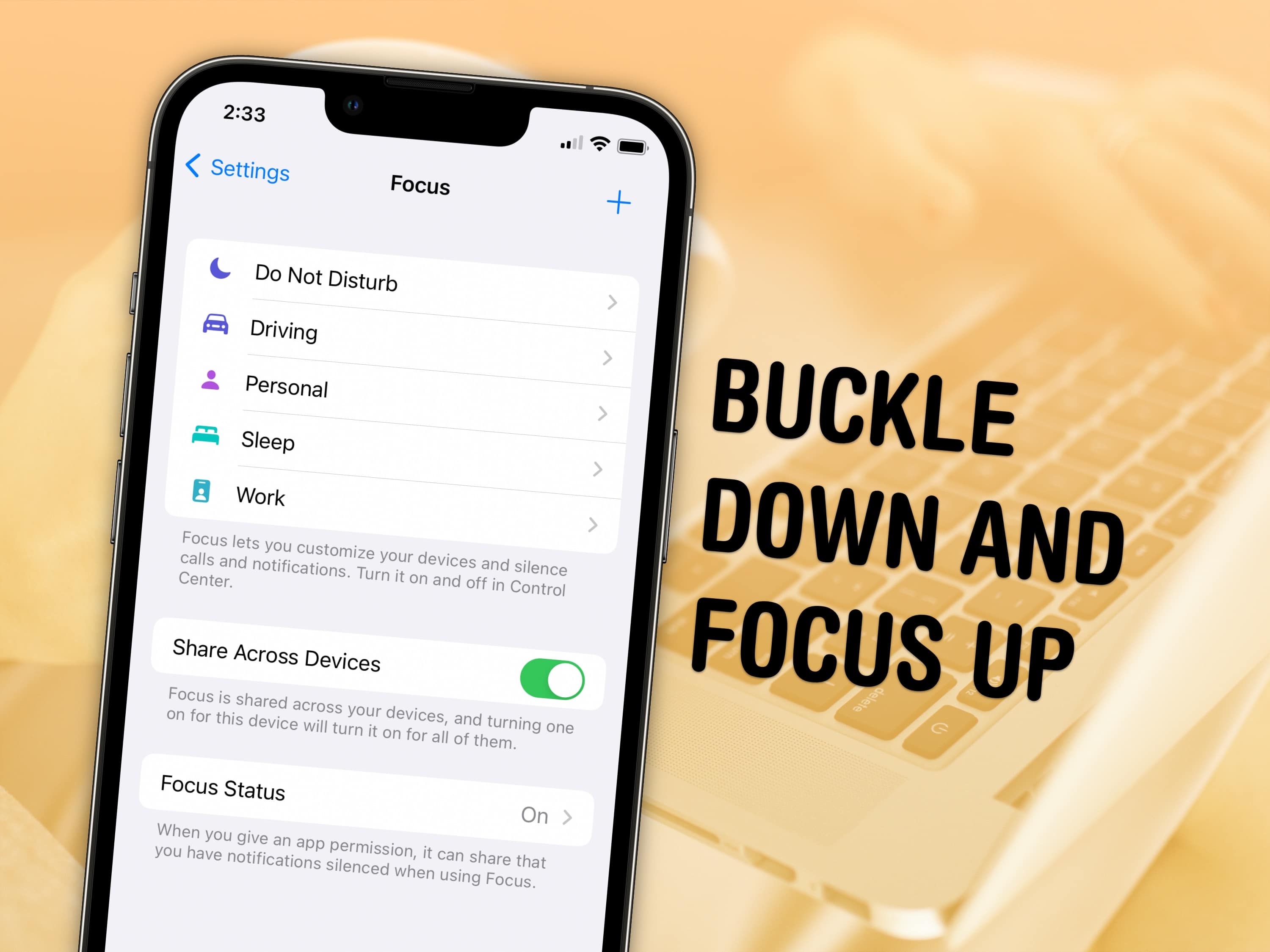
Keep your distractions at bay with Focus modes — easier to set up than ever in iOS 16. Image: D. Griffin Jones/Cult of Mac and Nenad Stojkovic, CC BY 2.0/Wikimedia Commons
Sometimes, you need your iPhone and your Mac to be very different tools throughout the day — Focus modes are all about customizing them for everything you do.
Apple’s Focus modes are a powerful way to change how your iPhone, iPad and Mac look and feel whether you’re driving, sleeping, relaxing or working. It’s all about fully immersing yourself in whatever you’re doing. You can change all kinds of things: from who can reach you and which apps send notifications to custom lock screens, home screens and more.
iOS 16.1 is likely a week away. Photo: Ed Hardy/Cult of Mac
Apple seeded the iOS 16.1 release candidate the developers on Tuesday. This is generally the last stage before an operating system upgrade is introduced to the public.
The iPadOS 16.1 release candidate also went to devs at the same time. As did the macOS 13 Ventura RC, the watchOS 9.1 RC and the tvOS 16.1 RC.
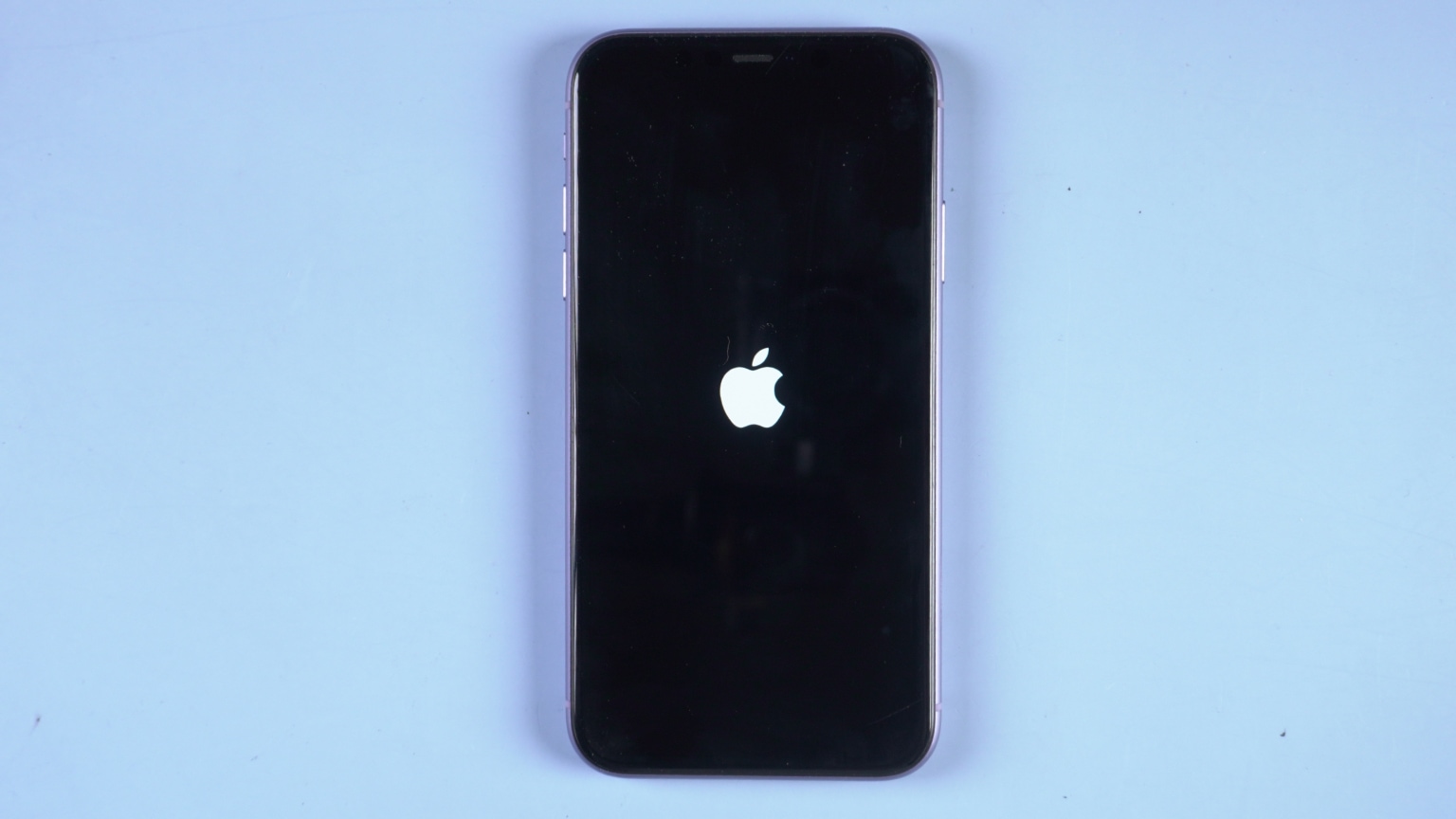
Is your iPhone 14 stuck on the Apple logo? Don't take it in for repairs. You can probably fix it yourself. Photo: Tenorshare
This post on how to fix iPhone 14 stuck on Apple logo is presented by ReiBoot iOS system recovery tool.
The iPhone 14 lineup brings enhanced performance and new features as promised by Apple. From design to premium user experience, iPhone 14 seems to be a nearly perfect smartphone. However, just like previous iPhone models, iPhone 14 can face system glitches occasionally.
One of the most common issues reported by users is “my iPhone 14 is stuck on the Apple logo.” What happens is that iPhone 14 remains stuck on the white/black Apple logo and does not allow you to do anything. So, if you are also facing this issue, remain calm. It is one of the common issues with iPhones that is easily fixable.
Here we will discuss in detail the best methods to fix iPhone 14 stuck on the Apple logo, including the one-click instant fix offered by ReiBoot iOS system repair.