Mobile menu toggle

Search results for: watchos 2

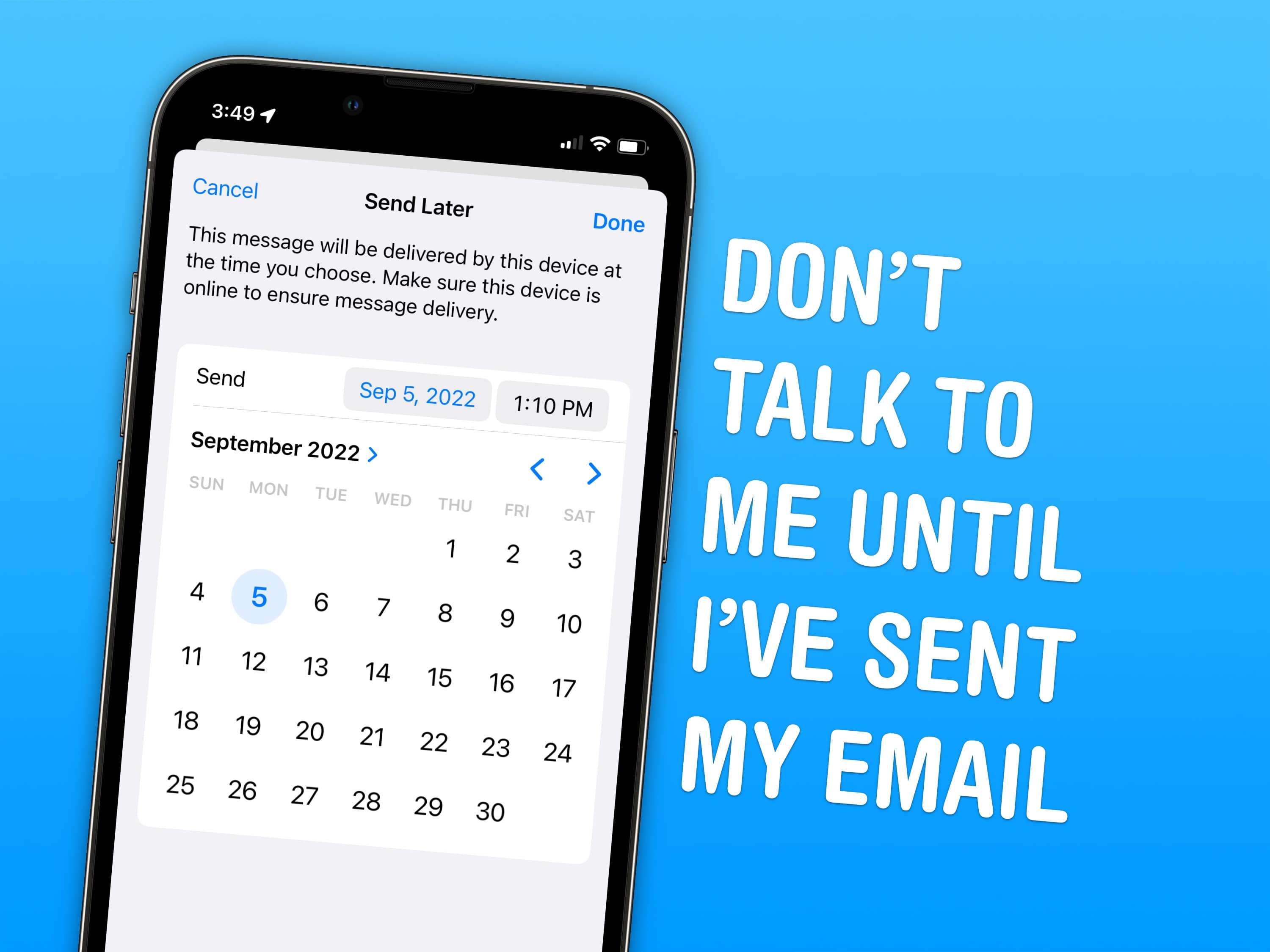
Every new email trick in iOS 16 that you need to know

By

Undo sending emails and schedule emails in advance.
Image: D. Griffin Jones/Cult of Mac

Email doesn’t often get new features. Sending an email still works basically the same as it has since the ’90s. But these days, people want modern features — like scheduling emails or undo send. In iOS 16, Apple brings a bunch of new features to the stock Mail app for the first time.

You can quickly take back an email if you forget to include an attachment, or schedule an important email way in advance. You also can get smart reminders to read email later, or alerts to send a follow-up. If you catch a typo right after sending an email, or if you want to send an invoice on a specific day and time, both features will soon be available.

Read on to see how it all works.

Get the latest OS updates to fix pesky iPhone and Apple Watch bugs

By

Get the latest OS updates to fix pesky iPhone and Apple Watch bugs
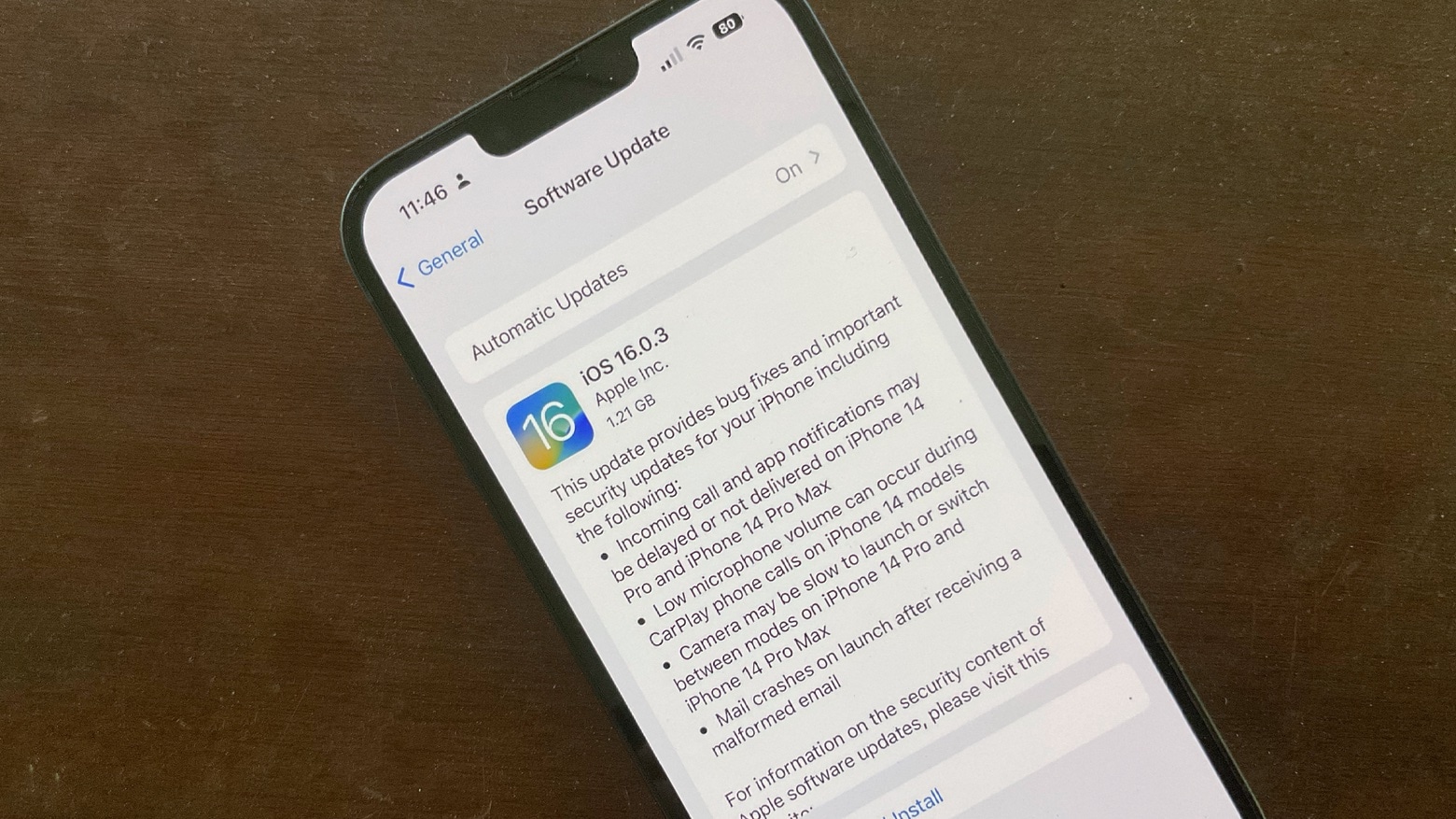
Install iOS 16.0.3 now to remove some irritating bugs.
Photo: Ed Hardy/Cult of Mac

Apple released iOS 16.0.3 and watchOS 9.0.2 on Monday to remove a range of small bugs. Many of these affect the new iPhone 14 series and Apple Watch models.

Both updates are recommended for those with Apple’s latest handsets and wearables, as well as who’ve already installed iOS 16 and watchOS 9.

Apple Watch Series 8 and Apple Watch Ultra users face microphone problems

By

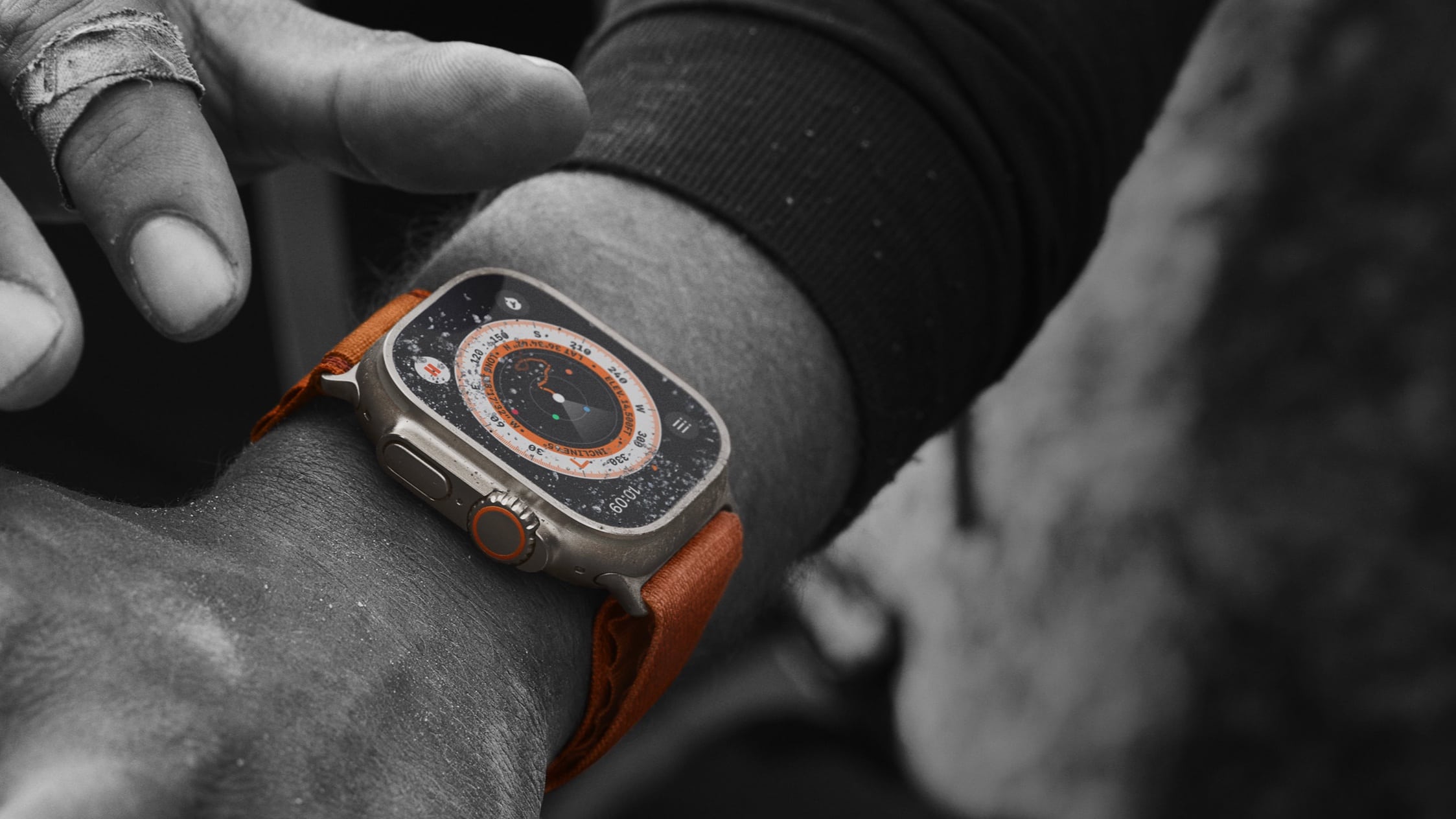
Apple-Watch-Ultra-lifestyle-adventure-220907
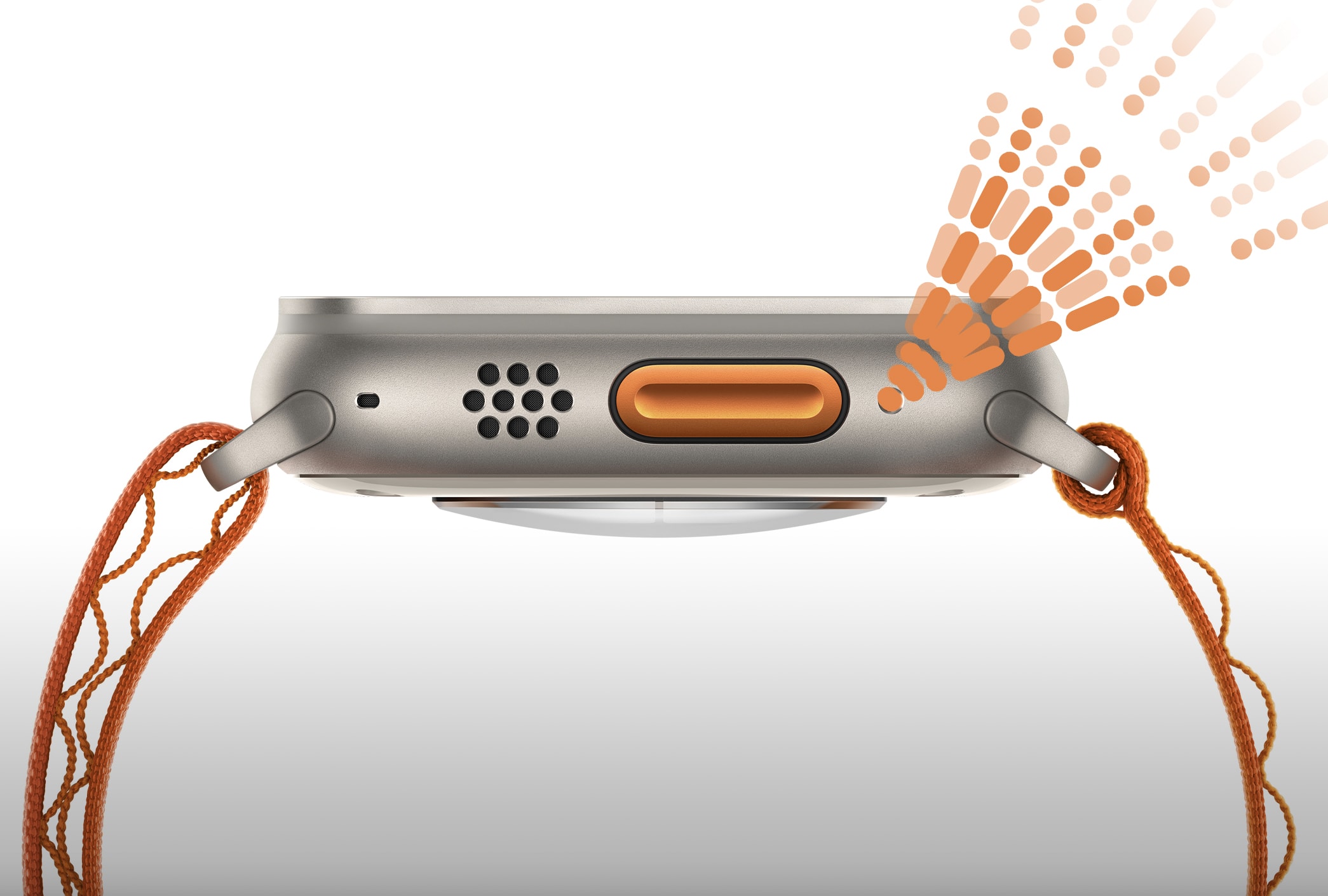
No, your Apple Watch Ultra is not faulty.

Facing problems with the microphone on your Apple Watch Series 8 or Apple Watch Ultra? Apple has acknowledged the issue and is working on a fix.

The company recommends restarting your Apple Watch as a temporary fix. A potential software update to address the problem is seemingly also in the works.

How to use Live Captions to get subtitles for absolutely anything in iOS 16

By

Live Captions will let you read a podcast! …kinda.
Live Captions are great! You’ can watch videos wherever you are, in places where you can’t be loud and you don’t have headphones, like late at night in bed or on the train. At least, you will once it works.
Image: D. Griffin Jones/Cult of Mac

Live Captions, in iOS 16, generate subtitles of any audio playing in any app on your iPhone. Powered by the Neural Engine in Apple’s custom silicon, the capability to turn words from music and/or videos into real-time text is a boon to many users, in many different situations.

If you’re hard of hearing, for instance, the ability to see instant captions on the screen is a game changer. Or, if you don’t have headphones when you’re sitting in bed late at night and your partner is asleep – or you’re in any situation where you don’t want to make noise, like on the bus or in an office – you can turn on Live Captions to get subtitles.

The applications are endless and exciting. Here’s how to use Live Captions in iOS 16.

How to use iPhone’s Lockdown Mode in iOS 16

By

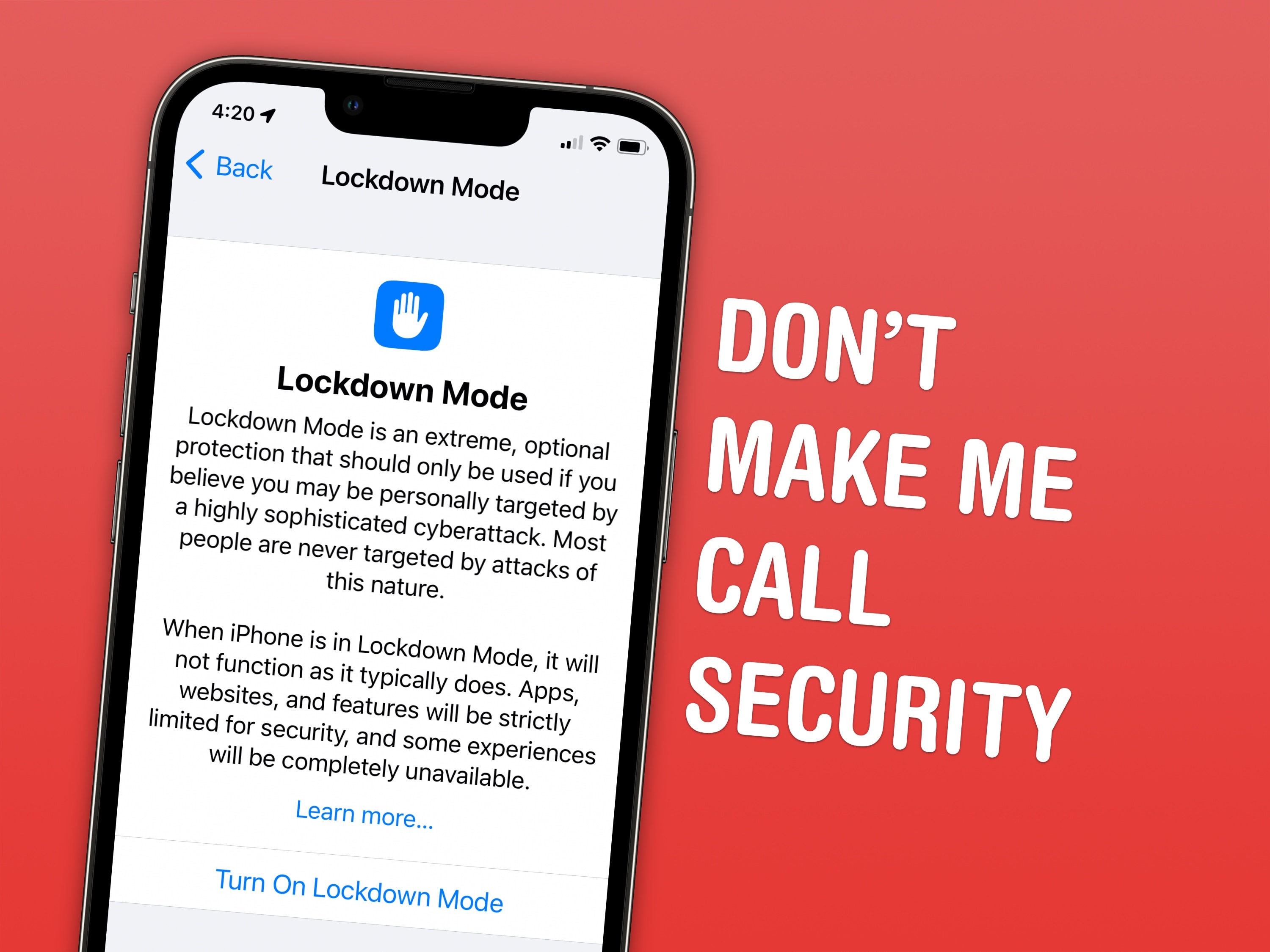
Lockdown Mode is extremely useful for the select few who actually need it.
Lockdown Mode is extremely useful for the select few who actually need it and frivolous for ordinary people like me.
Screenshot: D. Griffin Jones/Cult of Mac

Lockdown Mode is a new option in iOS 16 that limits system features for maximum security. Apple designed it to protect its products from sophisticated spyware, like NSO Group’s Pegasus spyware, which has been used to target journalists, politicians, dissidents and activists around the world.

Spyware like Pegasus may seem like an unlikely threat. But for some, Lockdown Mode could be life or death. U.S. citizens need not worry at the moment, but it doesn’t take a wild imagination to picture how such spyware might be embraced by slightly more fascist administrations.

Right now, Lockdown Mode is meant for high-profile activists and journalists. And I mean real journalists — the kind who expose state secrets — not bloggers like me. Read on to find out how to enable Lockdown Mode and how it affects your device’s functionality.

9 things you probably didn’t know about Apple Watch Ultra

By

The Ultra's siren sounds like nothing else.

The big and rugged Apple Watch Ultra is a very different beast than the “normal” Apple smartwatches that came before it. With so many new features, there’s still a lot we don’t know about it.

But over the past couple of weeks, I have discovered nine fascinating factoids that most reviewers haven’t picked up on yet. So to celebrate Ultra’s launch day, I’m sharing them with you now.

Update your iPhone ASAP to fix iOS 16’s worst bugs

By

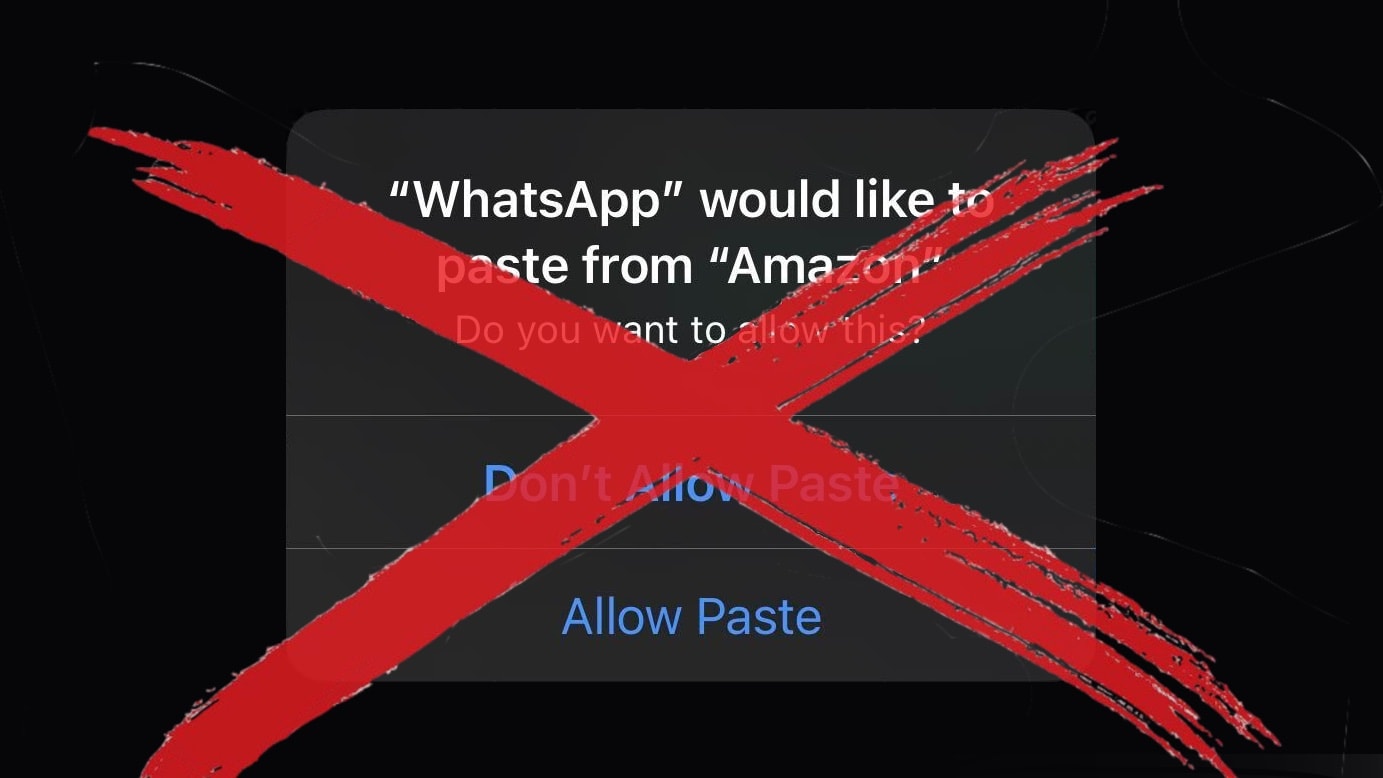
iOS 16.0.2 removes the very irritating 'Allow Paste' bug.
Image: Ed Hardy/Cult of Mac

Apple introduced iOS 16.0.2 on Thursday. The update takes care of problems that have made headlines, and irritated iPhone users, since the original debuted in early September.

The new version is available to be downloaded and installed now.

Apple Watch Ultra gets Day 1 bug-fix update

By

Apple Watch Ultra
After buyers unbox the Apple Watch Ultra on Friday they can install an new watchOS version.
Photo: Apple

When the Apple Watch Ultra launches September 23 there’ll be a software update waiting for it. Apple on Thursday released watchOS 9.0.1 specifically to fix bugs in the new wearable.

Other Apple Watch models are expected to get their own update in the near future.

How to follow your favorite sports teams with My Sports in Apple News

By

Follow the team in Apple News
Follow teams to get scores, schedules and news, all in Apple News.
Image: D. Griffin Jones/Cult of Mac

New in iOS 16 is the ability to follow your favorite sporting pastime with My Sports. It allows you to get the latest scores, read coverage from newspapers and magazines, see scheduled games and watch highlights.

It works across multiple apps, including Apple News, Apple TV and others. You can follow teams from the NFL, NBA, MLB, NHL, NWSL, WNBA and MLS. It also includes college football and basketball. Here’s how to set it up.

Hidden iOS 16 features make us love it even more [The CultCast]

By

Hidden iOS 16 features make us love it even more - The CultCast Apple podcast
The iOS 16 upgrade makes even old iPhones feel brand new.
Image: Cult of Mac

This week on Cult of Mac’s podcast: iOS 16 makes our year-old iPhones feel fresh again. And the various “hidden” features flying under the radar make the iOS 16 experience even more impressive.

Also on The CultCast:

  • We can’t wait for our first trip to the iPhone 14 Pro’s Dynamic Island.
  • Is the iPhone 14/iPhone 14 Plus really a failure? (Even Steve Jobs’ daughter is dissing this year’s “upgrade” to Apple’s midrange iPhones.)
  • What to expect at Apple’s October event.

Listen to this week’s episode of The CultCast in the Podcasts app or your favorite podcast app. (Be sure to subscribe and leave us a review if you like it!) Or watch the video live stream, embedded below.

Our sponsor: CultCloth

Get the only cleaning cloth you need: CultCloth!

1 75 76 77 78 79 136