Get ready to make custom Apple Watch faces like a champ. Photo: Jim Merithew/Cult of Mac
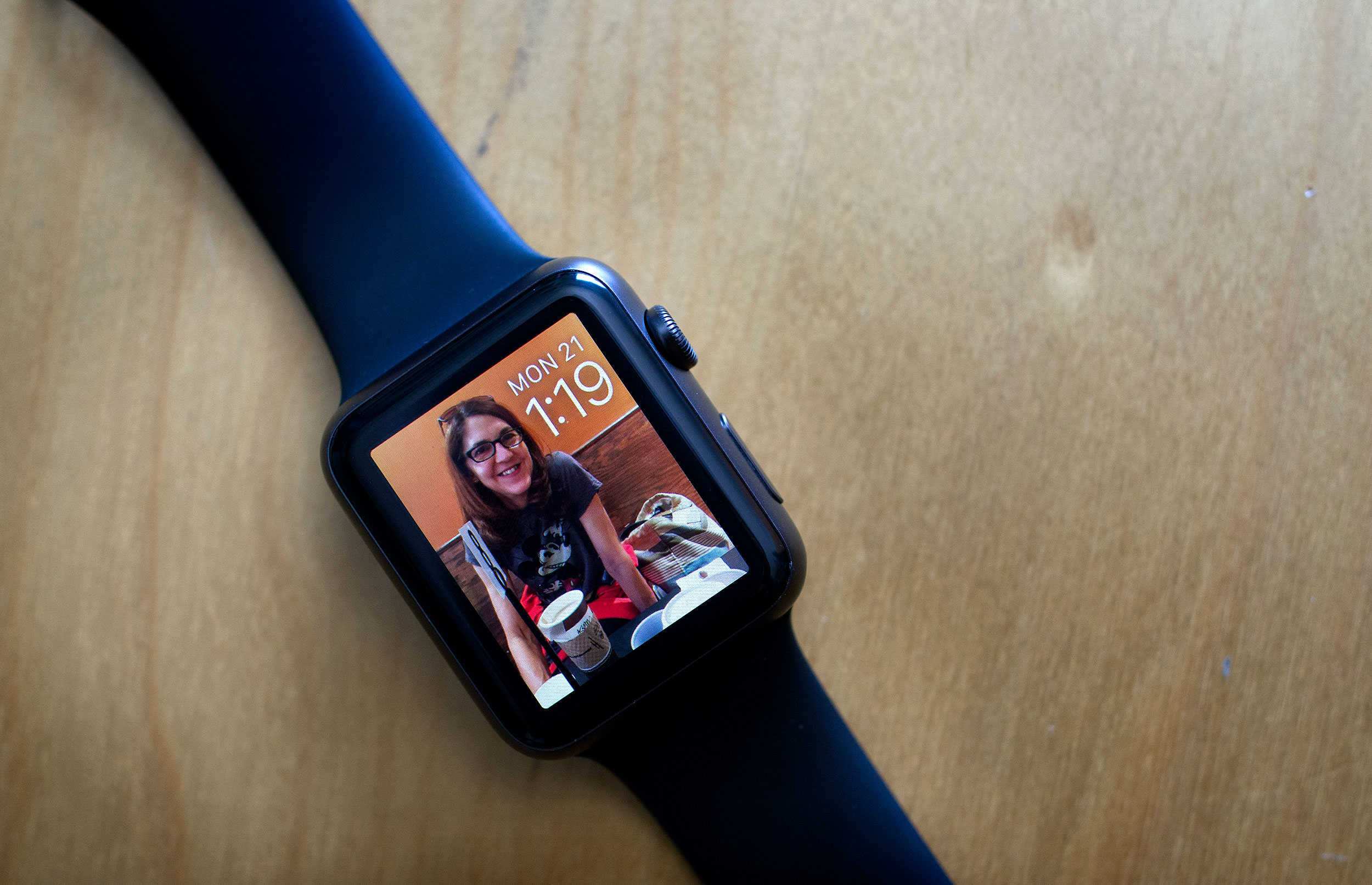
With watchOS 2, you can now use any photo in your library to make a custom Apple Watch face. And that gives you a lot of freedom to make the wearable your own, but sometimes, you and the watch might have different ideas for how to treat your pictures.
Here’s a quick and easy way to make sure that your Apple Watch looks exactly how you want it to.
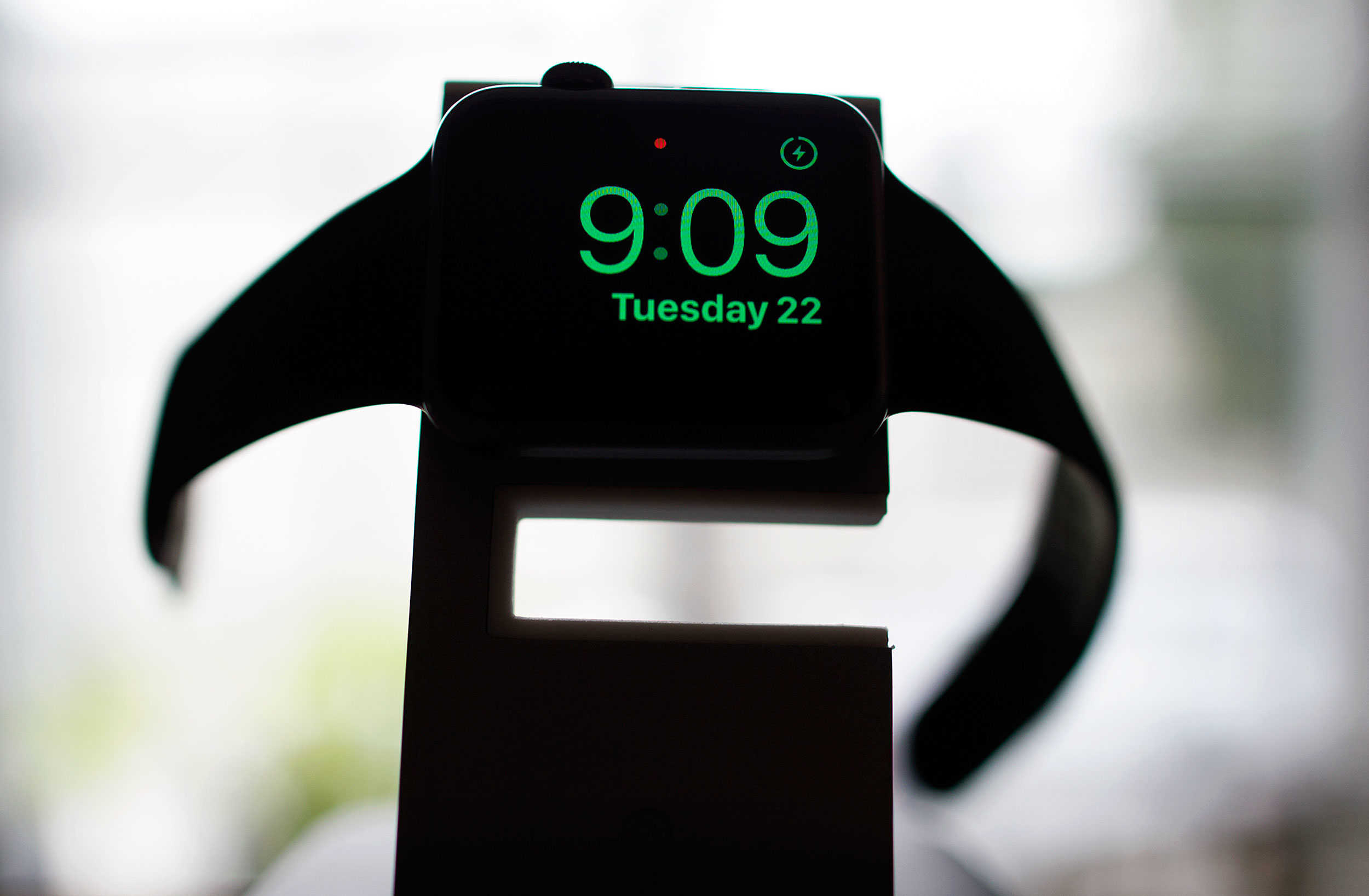
Use your Apple Watch to wake up without all the hassle. Photo: Jim Merithew/Cult of Mac
Every day, it’s the same thing. Wake up to my iPhone blaring OK Go’s “I Won’t Let You Down” at me, then fumble the Tap to Snooze function (which never seems to work for me in the morning). It’s not as simple as an alarm clock, and the distraction of having your iPhone with you when you go to sleep at night is something I think we all can do without.
Apple Watch now has the answer, in the form of a new watchOS 2 feature, Nightstand mode.
Here’s how to use it to help you get your sorry butt out of bed in the morning.
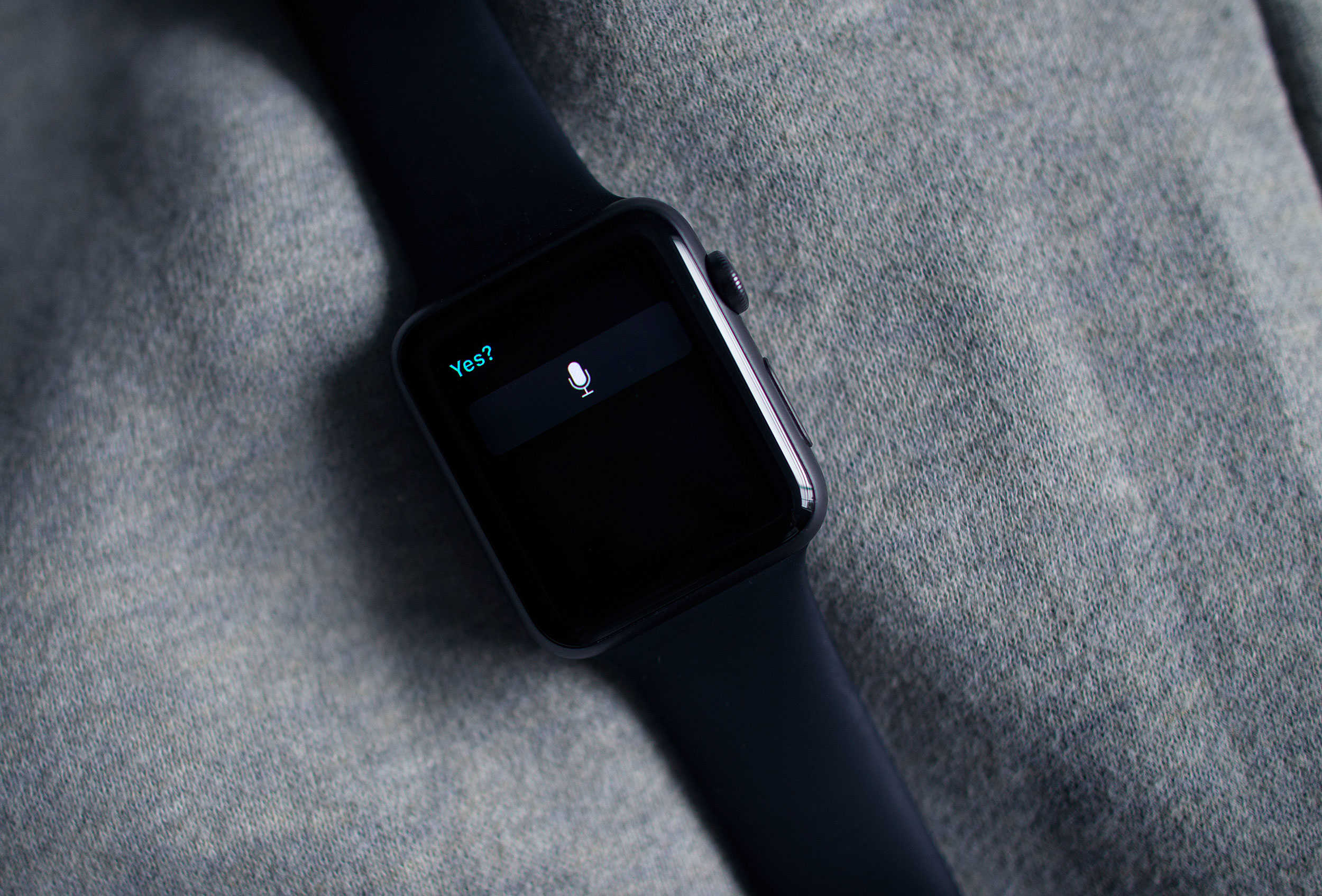
Yes, Siri. It's already on. Photo: Jim Merithew/Cult of Mac
This week’s release of watchOS 2 brings a much-needed security update to Apple’s wearable by adding Activation Lock to the device, and the great news is that you may not even have to do anything to add it.
Activation Lock has been around for a while for other Apple devices, and its purpose is to keep thieves from using them even if they manage to get ahold of your preciouses. The first version of watchOS only included basic locking features and a passkey, which wouldn’t keep smart evildoers from gaining access to sensitive data like your Apple Pay data.
Here’s how the feature shows up on the Apple Watch.
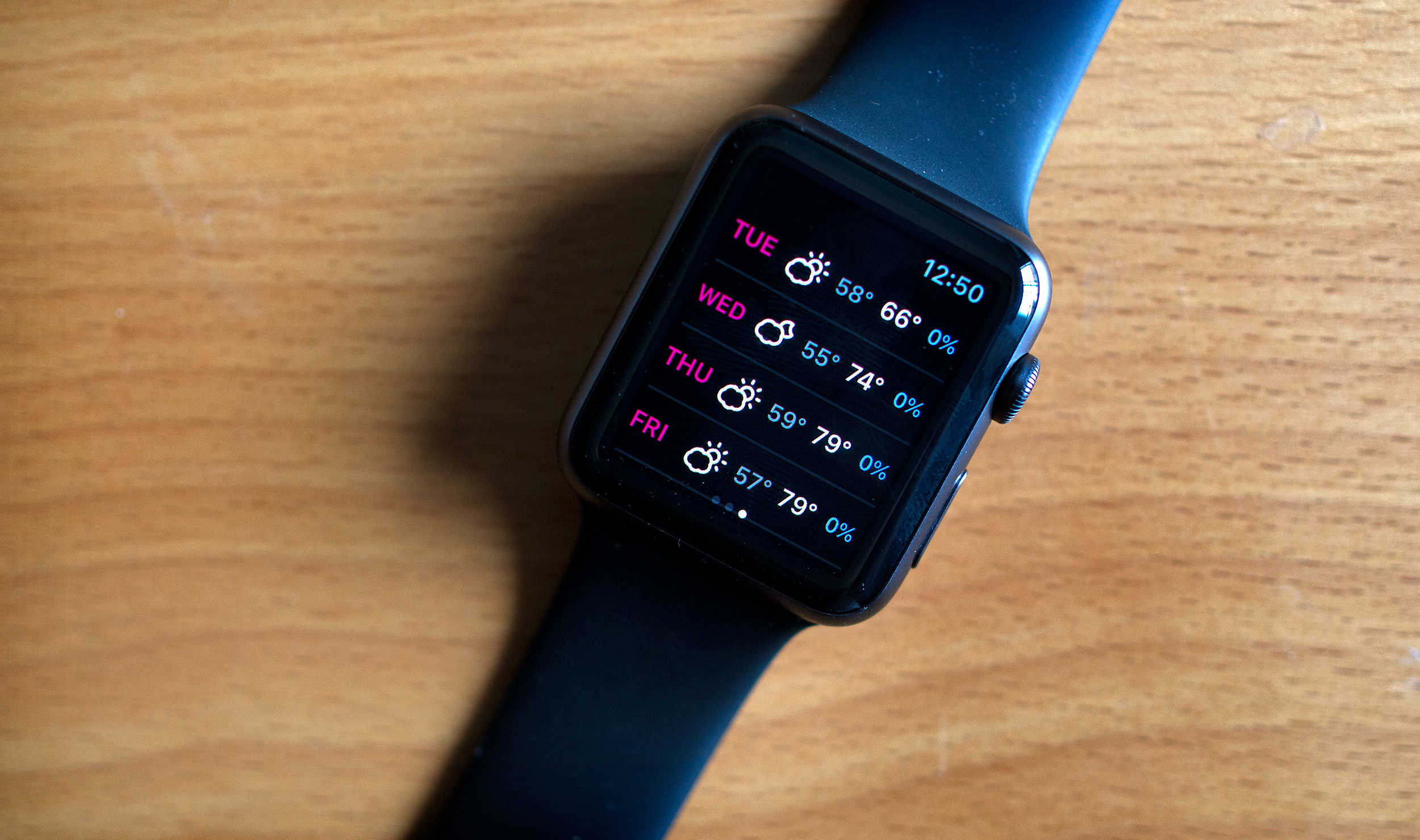
Native apps, like Dark Sky, take advantage of the new OS for Apple Watch. Photo: Jim Merithew/Cult of Mac
The future of computing may be sitting on your wrist, but it’s still tethered to something a little old-fashioned. But as of Monday, the Apple Watch’s new operating system allows it to cut a few of the cords that connect it to the iPhone.
Apple’s watchOS 2 debuted, giving the watch new superpowers but also allowing native apps to run independently of the iPhone.
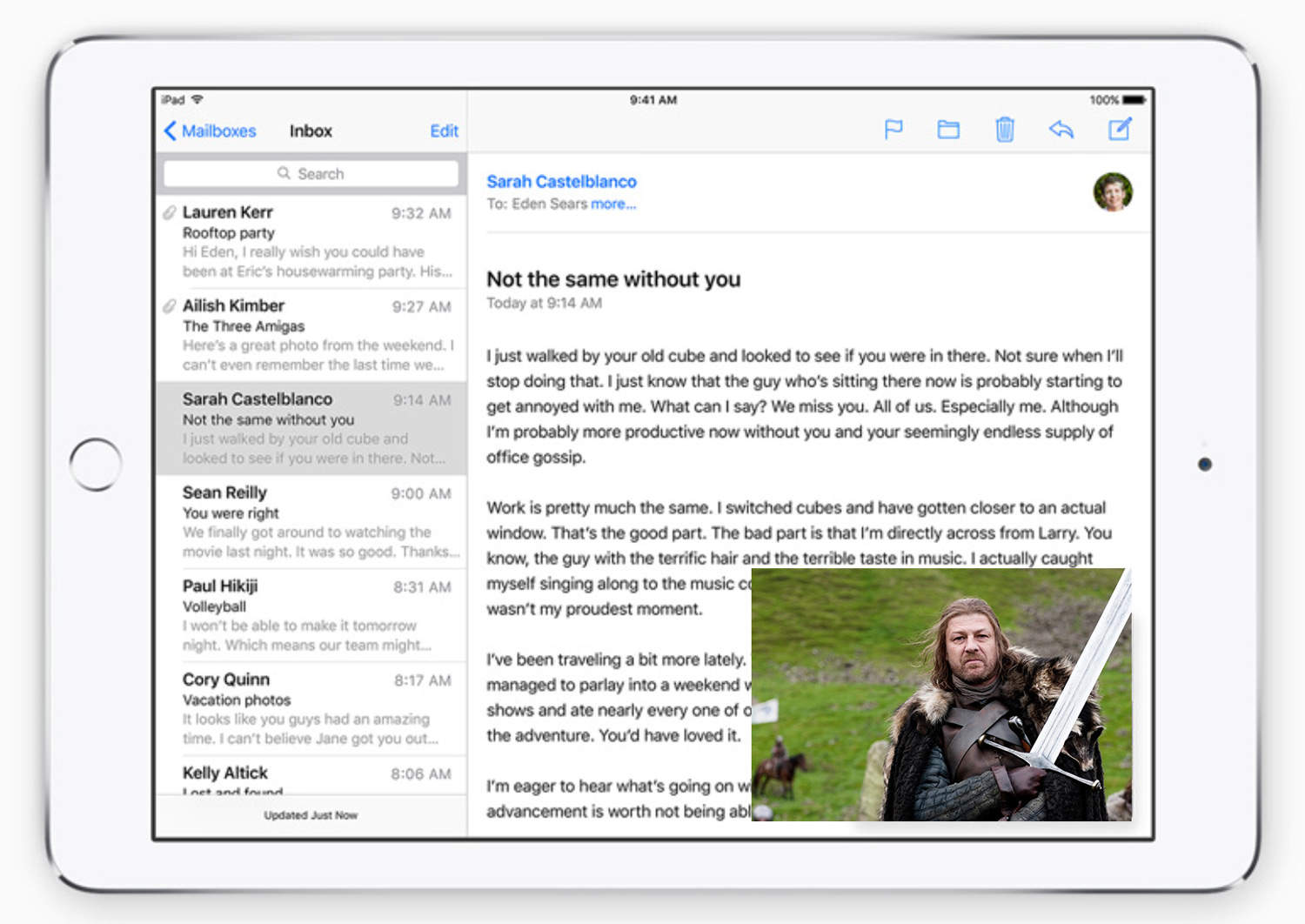
Brace yourselves. Picture-in-picture is coming... to your iPad. Photo: Apple
This week: we review the new and notable features of iOS 9, and some lesser-known features you should definitely be using. Plus: why you probably should’ve gotten the 128GB iPhone; a legit way to save 20% off your next Apple purchase; and what we love and don’t about iCloud storage.
And, we all love the sweeping musical scores that define our favorite movies and videos games, but have you ever wondered who creates them? Composer Gareth Coker, creator of the Ori and the Blind Forest score, joins us to talk about the process of creating a cinematic score from scratch, how music and technology are more intertwined than ever, and what it’s like to work as a modern day video game and movie composer.
You did back everything up, right? Photo: Jim Merithew/Cult of Mac
Some users trying to upgrade to iOS 9 this week have run into a serious problem: After the download happens, they find themselves stuck on the “Slide to Upgrade” screen upon restart. This bug renders their iPhones unusable, which is about the least useful state for an iPhone to be in.
But Apple has noticed, and it’s offering a fix. Here’s what you do to fix the annoying Slide to Upgrade bug.
Apple Watch is expanding its availability. Photo: Apple
The Apple Watch is gradually rolling out to more and more outlets — with British department store John Lewis and electronics retailer Currys saying that they will start selling the wearable devices from 18 September.
You can actually pinpoint the second when Apple announced a stylus. Photo: The Simpsons, Twentieth Century Fox
We’ve seen Wednesday’s Apple keynote dissected every which way, but how about analyzing the moments where viewers’ heart rates jumped at the latest news from the Good Ship Cupertino?
That’s what the developers and beta testers of heart-monitoring Apple Watch app Cardiogram did, as they set their devices to workout mode for the anticipated event to find out what really tugged at their heart strings.
Oh, Siri. You scamp. Photo: Jim Merithew/Cult of Mac
Siri may be able to keep a secret, but once word gets out, just try to stop it from sassing you about it.
Apple’s digital assistant is now chock full of sass in the aftermath of the company’s event today, at which it revealed new models of the iPad, iPhone, and Apple TV.
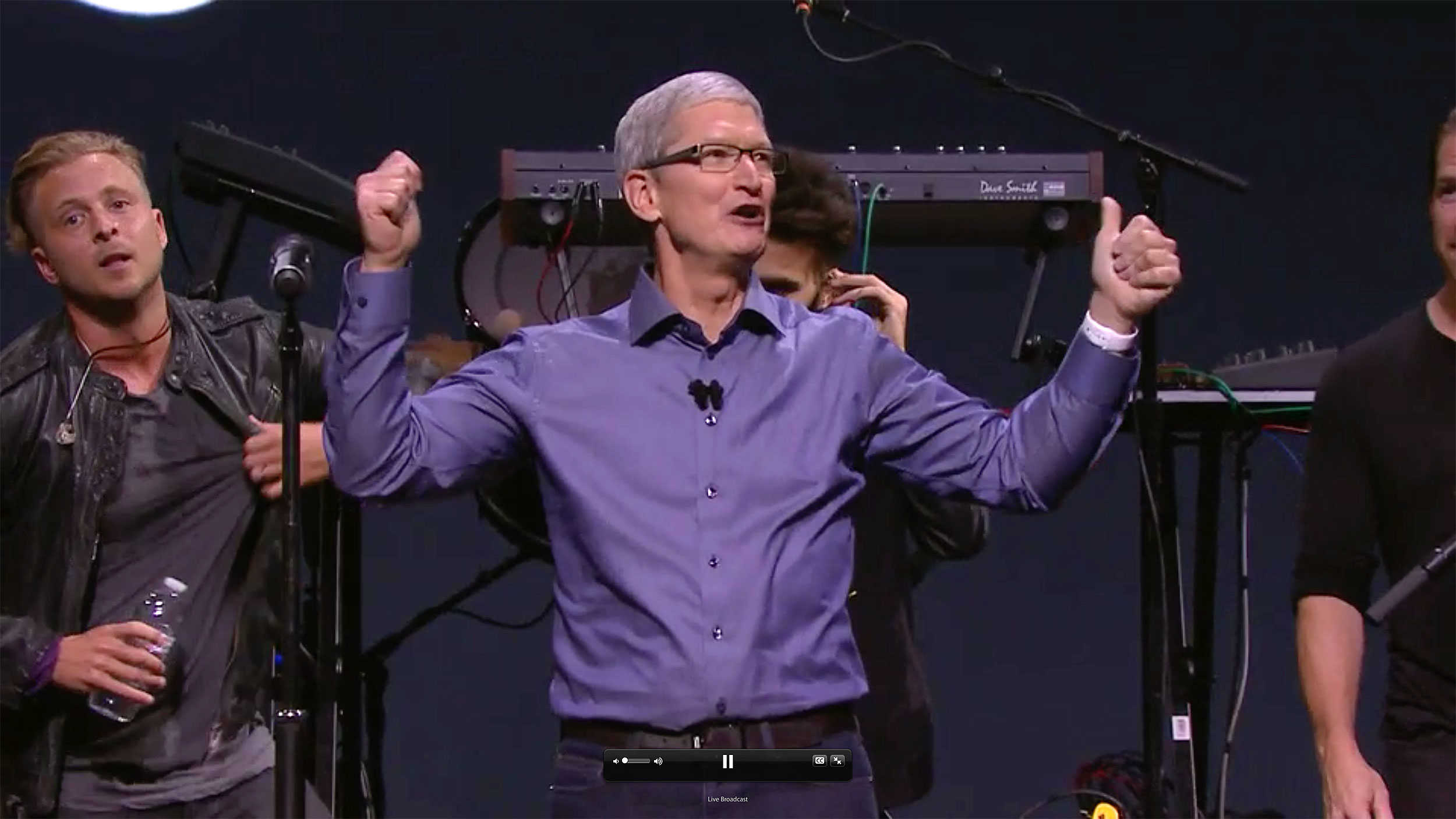
Apple and Tim Cook have plenty to cheer about. Photo: Apple
From the iPhone to the iPad to the Apple TV, Cupertino’s constellation of magical devices just got a little more magical.
Did you expect all that Apple goodness? Most of what we heard today already churned through the rumor mill: the plus-size iPad Pro; new Apple Watch finishes and bands; a refreshed Apple TV with games, apps and Siri functionality. And, oh yeah, the new iPhone 6s and 6s Plus with a whole new level of Force Touch, called 3D Touch.
There were even a few surprises, like the iPad Pro’s new Smart Keyboard and the iPad stylus, dubbed the Apple Pencil. But throughout today’s keynote by Tim Cook and his lieutenants, the series of under-the-hood upgrades they revealed promise to push all Apple products forward into the future.
Let’s take a moment to boil down all two hours and 10 minutes of this incredibly dense and surprisingly succinct Apple event.