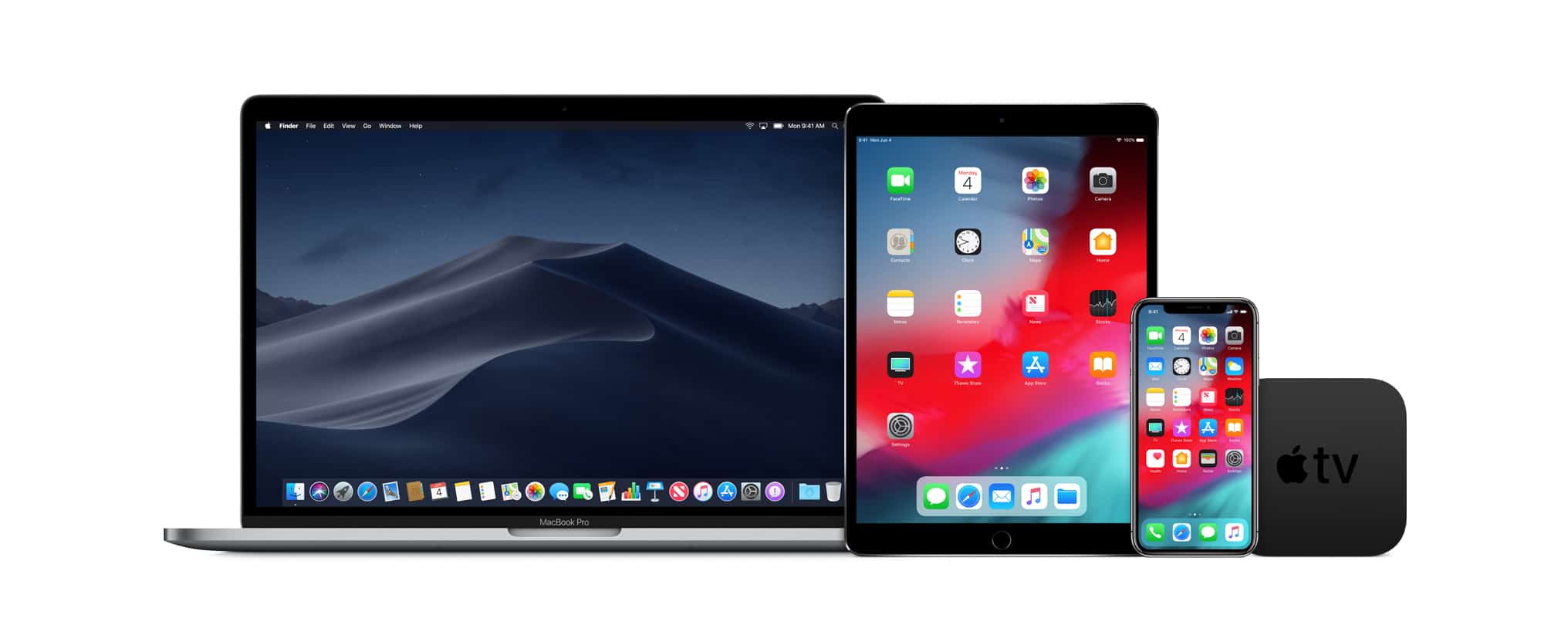
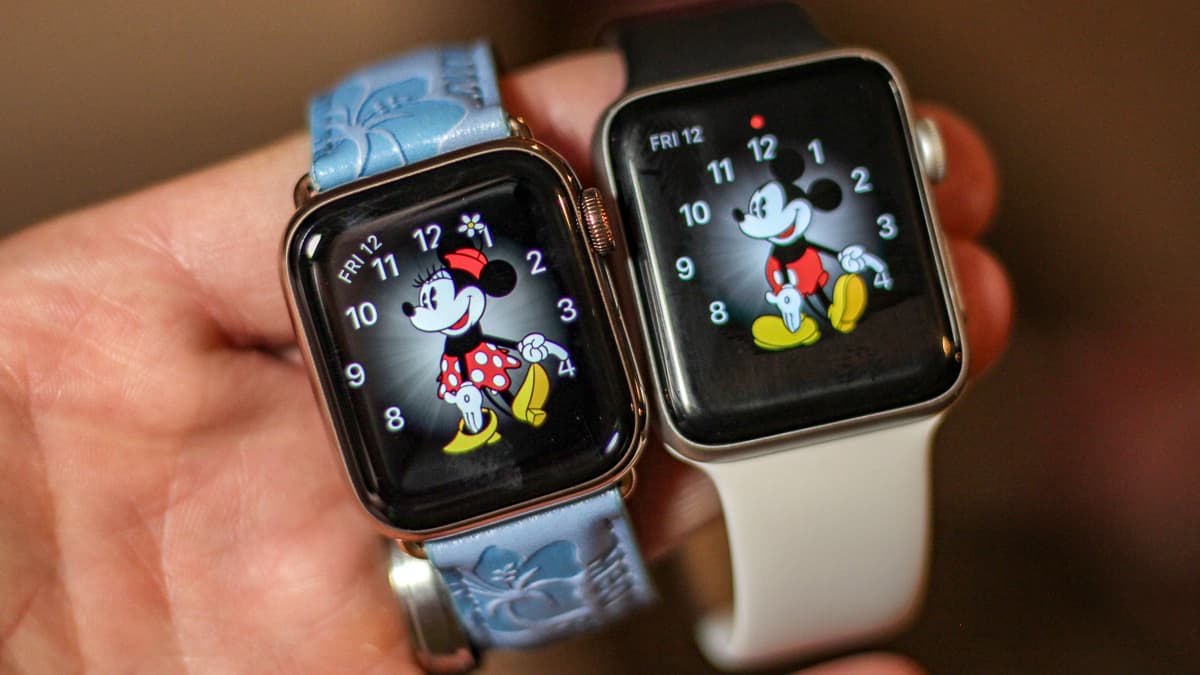
New betas are out for Mac, iPhone, iPad, Apple TV and Apple Watch. Photo: Apple
Apple just released the third beta versions of iOS 12.1.3 and macOS Mojave 10.14.3 to developers and the public. The same is true for a new tvOS 12.1.2 beta. Only developers got access to the new watchOS 5.1.3 beta introduced today, though.
But don’t get your hopes up for exciting new features.
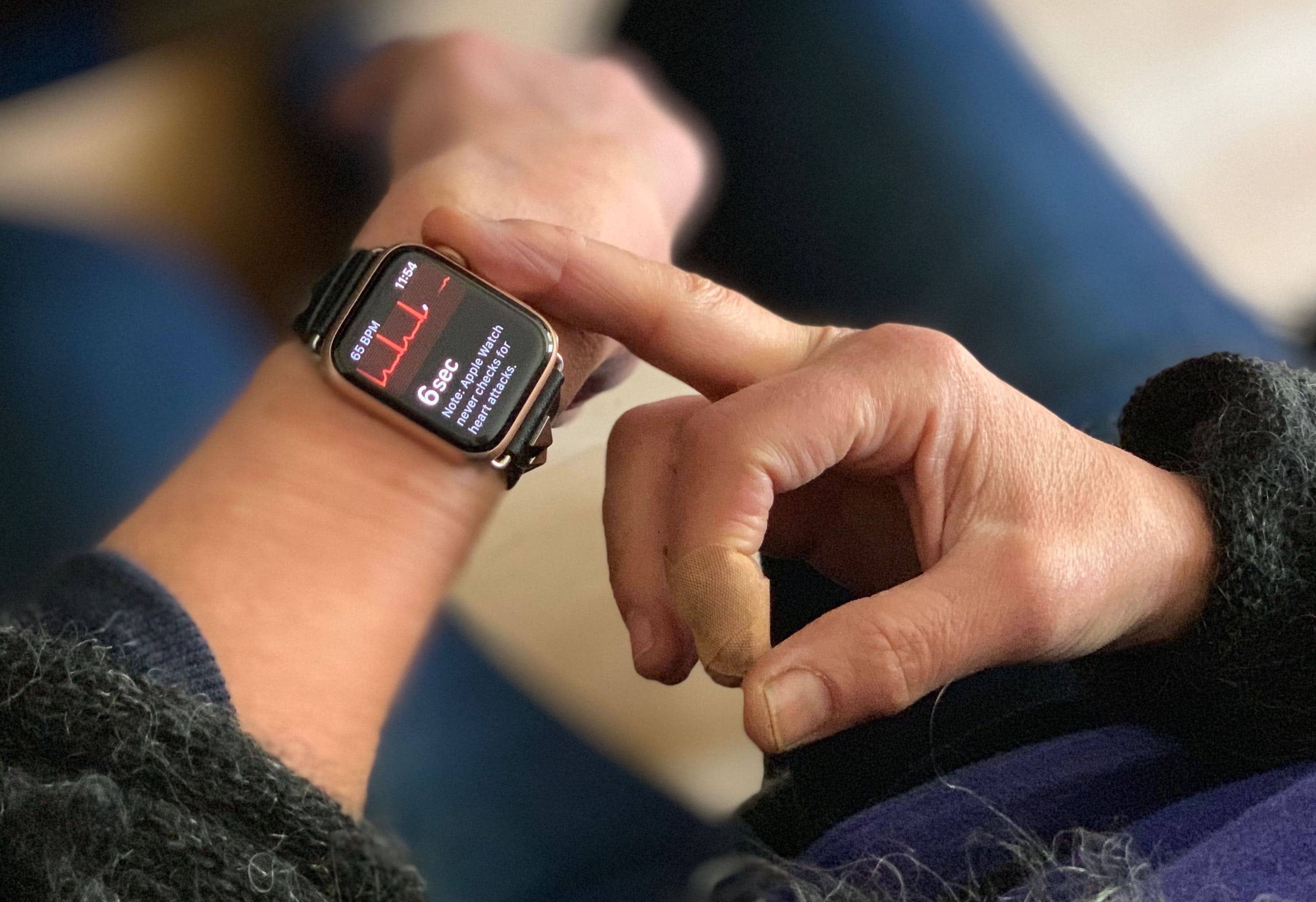
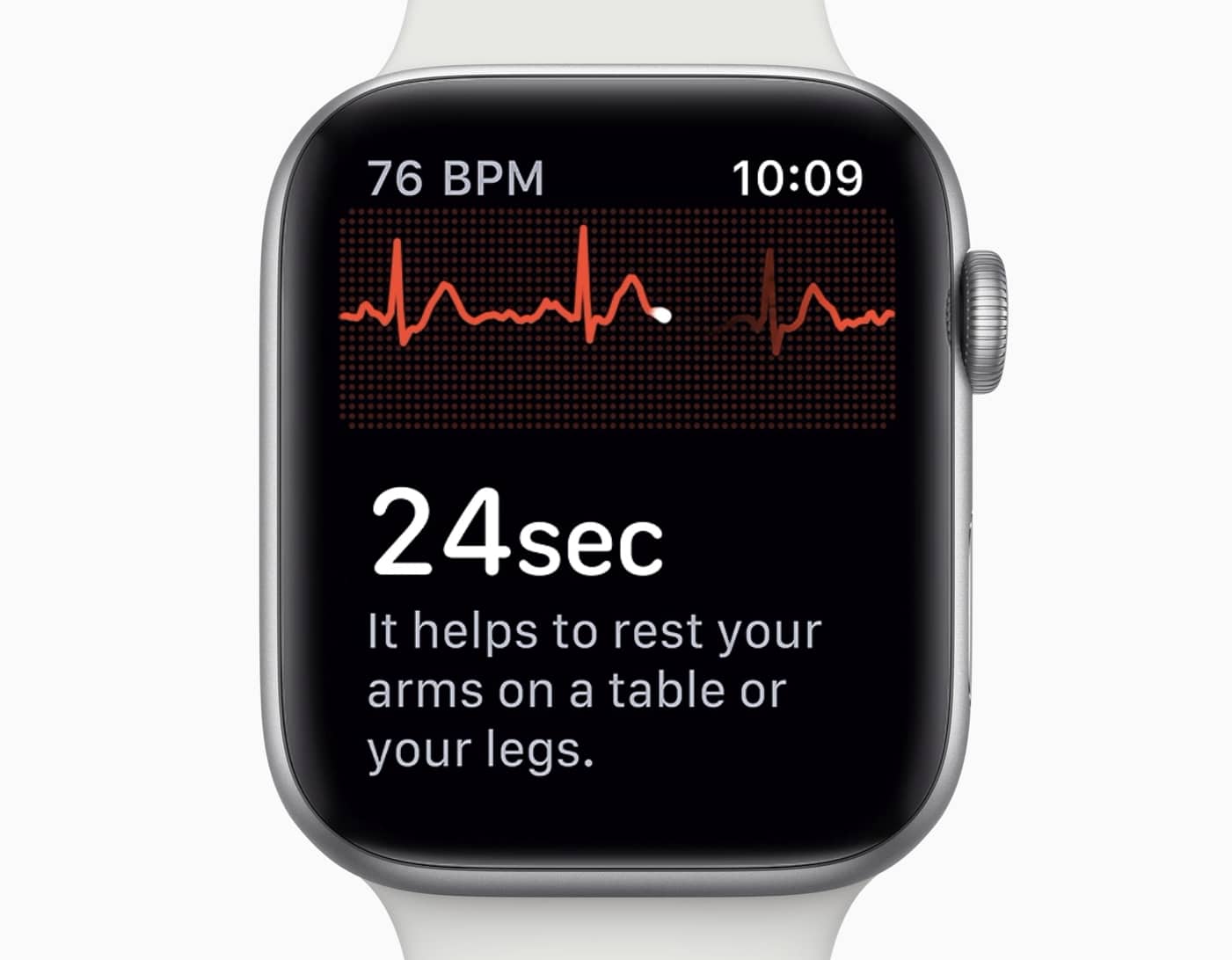
Using the ECG on Apple Watch Series 4 is dead easy. Photo: Lewis Wallace/Cult of Mac
Ed Dentel has become the poster child for the new ECG function of the Apple Watch. He installed the recent update that allowed this wearable to check the electrical activity of his heart and it immediately told him he had a problem.
At first he thought the new technology was faulty. Instead, the fault was his heart.
Apple's health-tracking features have been a game changer. Photo: Lewis Wallace/Cult of Mac
watchOS 5.1.2 launched to the public this morning and finally activated the ECG feature on Apple Watch Series 4.
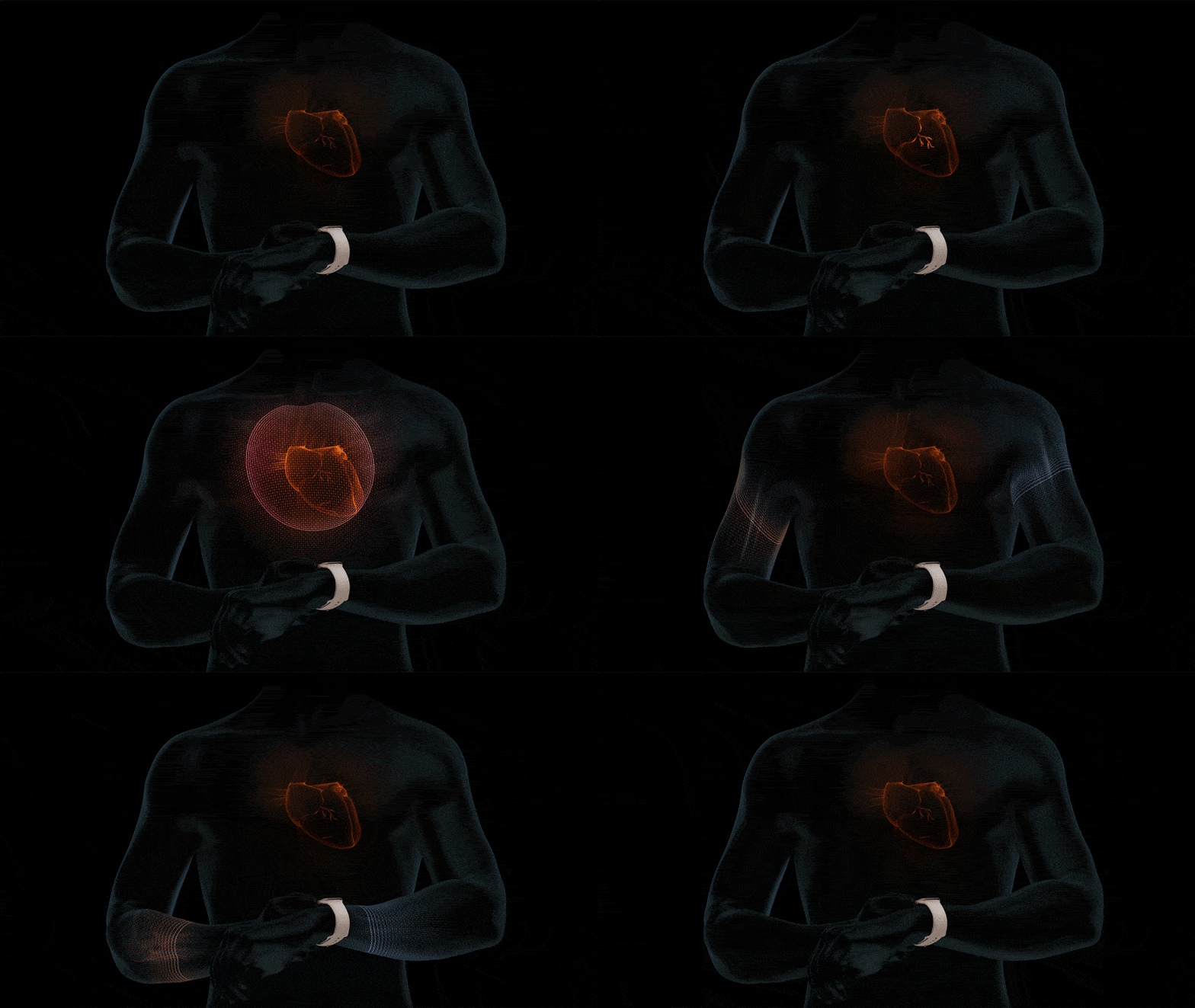
For now, the ECG app can only be used in the US and US territories, but it gives wearers the ability to take an electrocardiogram to see whether your heart rhythm shows signs of atrial fibrillation. Using the ECG only takes about 30 seconds and it could save your life.
The long-awaited ECG app is almost available on Apple Watch Series 4 (if you live in the U.S.) with watchOS 5.1.2.
It is the first wearable of its kind to offer this functionality, which promises to help uses detect atrial fibrillation — the most common form or irregular rhythm. Irregular heart rhythm notifications have also landed on Series 1 devices and later.
Beddit 3 sees you when you’re sleeping; it knows when you’re awake. Photo: Beddit/Apple
The FCC granted its approval for Apple to make a “Sleep Monitor.” This is almost certainly an improved version of the Beddit, a product the company acquired last year.
It will apparently join Apple’s growing lineup of health-tracking products.
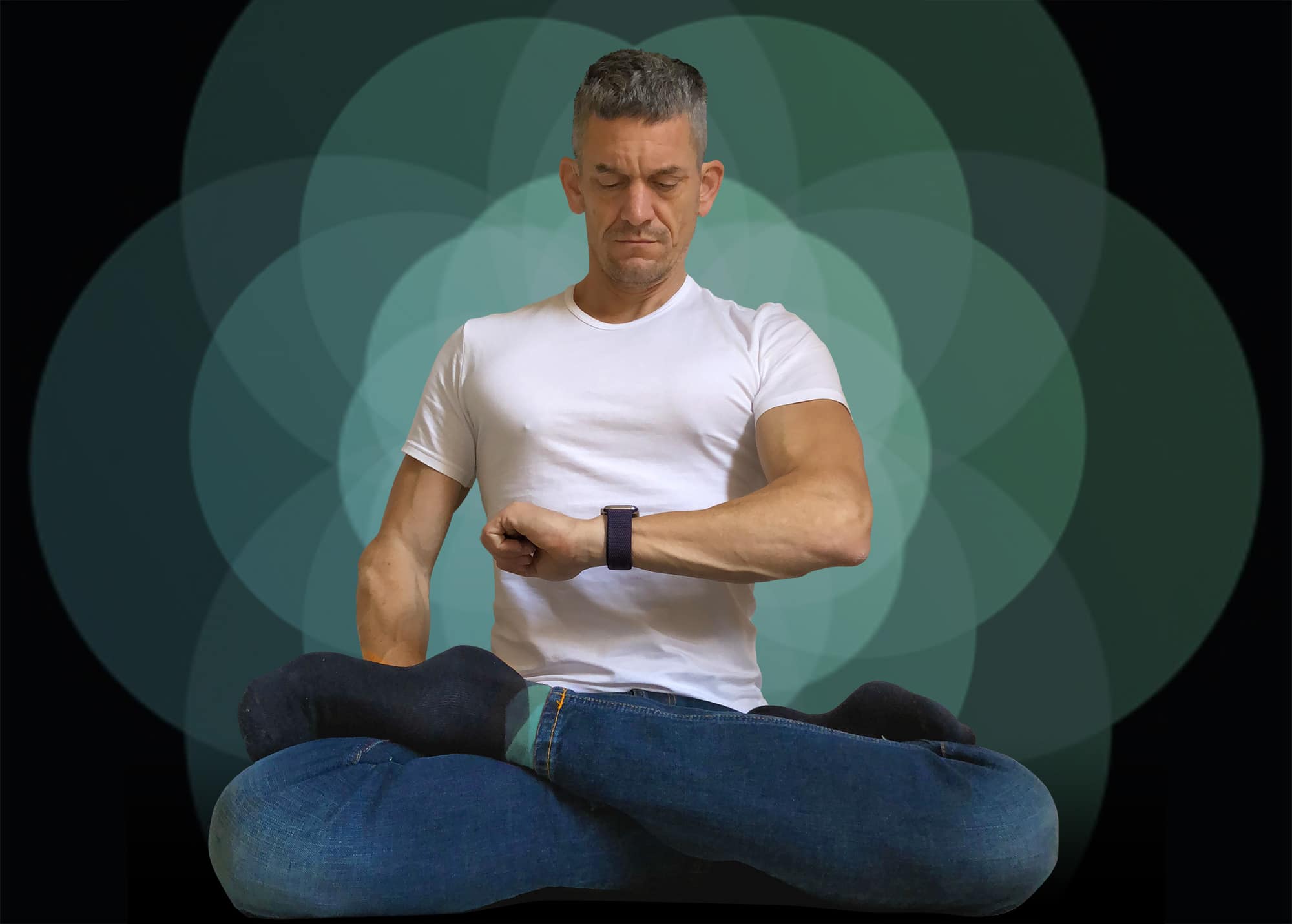
Chill out with the Apple Watch Breathe app. Photo: Graham Bower/Cult of Mac
In today’s fast-paced, connected world, the demands on our time seem endless. We spend much of our day in a state of constant hyperactivity. Apple Watch and iPhone add to the pressure, with their endless notifications telling us what we should be doing, who we should be speaking to and where we should be going.
Fortunately, Apple also offers an oasis of calm that can help us slow down this frenetic pace. The Apple Watch Breathe app draws on the ancient wisdom of Buddhist monks and yogis who practice a technique called “resonant breathing.”
Luckily, you don’t need to be a master of meditation to use the Breathe app that comes built into your Apple Watch. With clever visuals and smart features, it will guide you through this time-honored method for relaxing your body and clearing your mind. It’s a surprisingly subtle and relaxing experience that you might really enjoy.
In this quick guide, we’ll take a look at the origins of the Breathe app, how it works, what the benefits of resonant breathing are, and how to take advantage of this calming tech. So take a deep breath and let’s get started.
Not impressed by the ECG? You’ll have more time to return your Watch. Photo: Apple
Apple Watch buyers will be granted an extended return period if they decide to return their wearable for reasons related to upcoming heart health features.
Apple usually gives shoppers 14 days to return a purchase, but an internal document reveals that some will have up to 45 days to return a Watch — as long as it’s for the right reasons.
Your Apple Watch could warn you to get out of the Sun. Photo: Skitterphoto/Pexels
A future version of the Apple Watch could monitor how much ultraviolet radiation the user is being exposed to, and alert the wearer if they’ve been in the Sun for too long.
According to the World Health Organization, “Ultraviolet (UV) radiation is a known cause of skin cancer, skin ageing, eye damage, and may affect the immune system.”
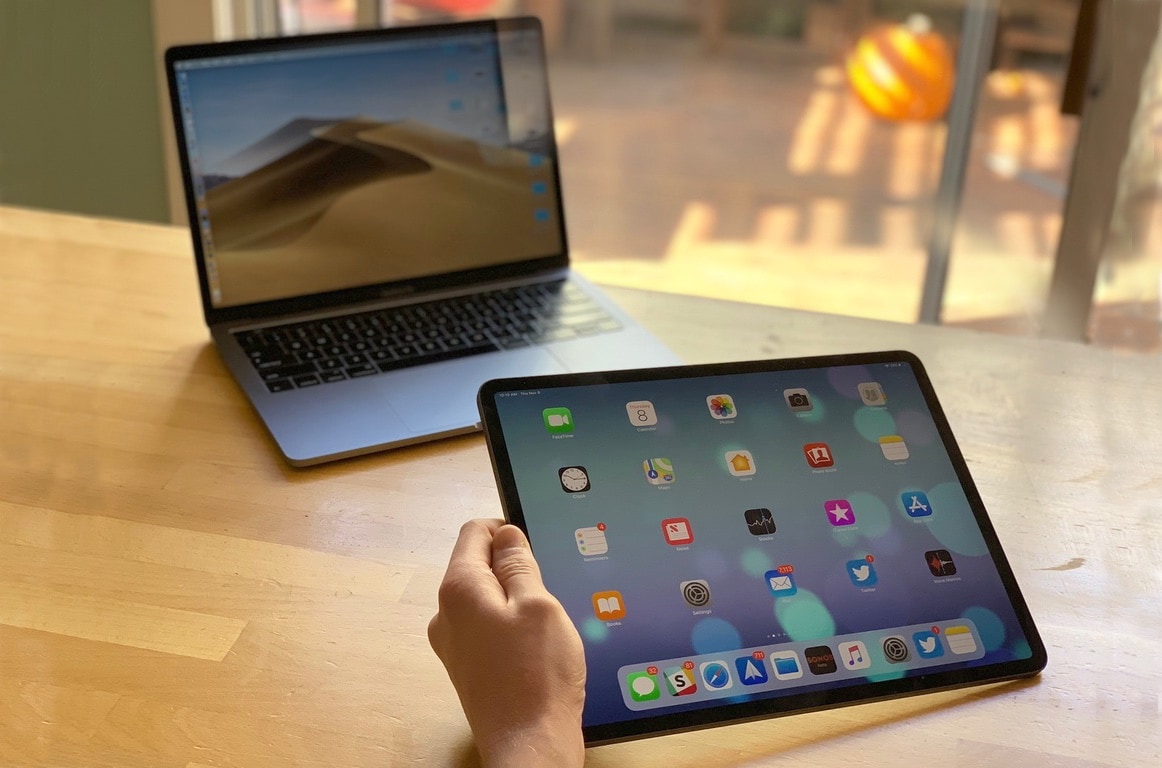
Futurists claim the iPad has already eliminated the need for a Mac. Realists say nah. Photo: Leander Kahney/Cult of Mac
Since the new iPad Pro’s launch, debate about the powerful devices has become increasingly polarized into two opposing camps: futurists and realists.
The futurists argue that the iPad is the future computing. Apple’s tablet has eliminated the need for laptops, they say, and anyone who claims they can’t manage their workflows on iOS is living in the past (and should just get with the program).
The realists, on the other hand, retort that while the iPad may be cool, it remains limited by iOS in a lot of very important ways. Those limitations mean it is currently impossible to use the iPad as a primary workstation for pros.