Mobile menu toggle

Search results for: watchos 2

How Apple Watch pace alerts will make you run faster

By

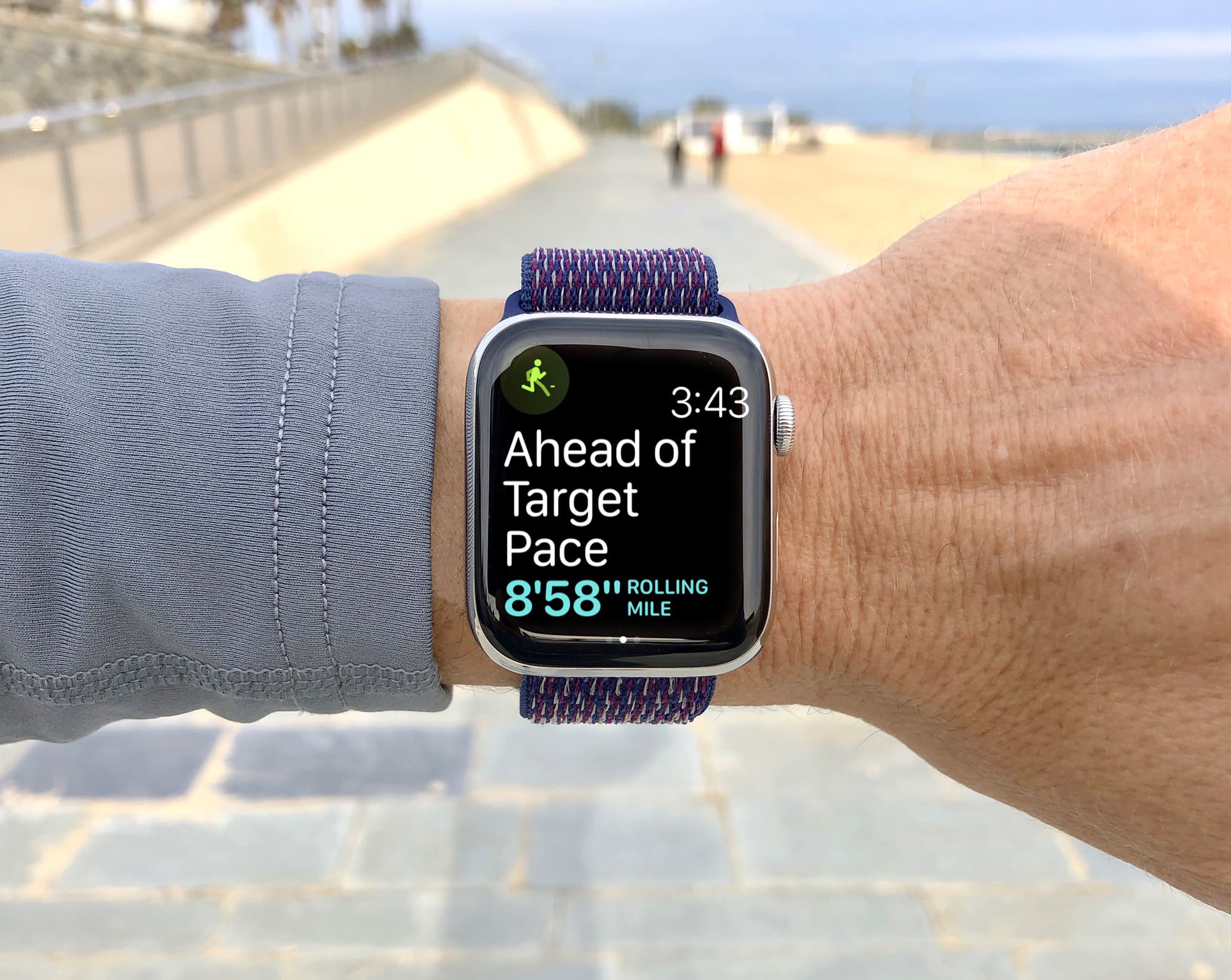
watchOS 5 pace alerts are like having a running coach strapped to your wrist
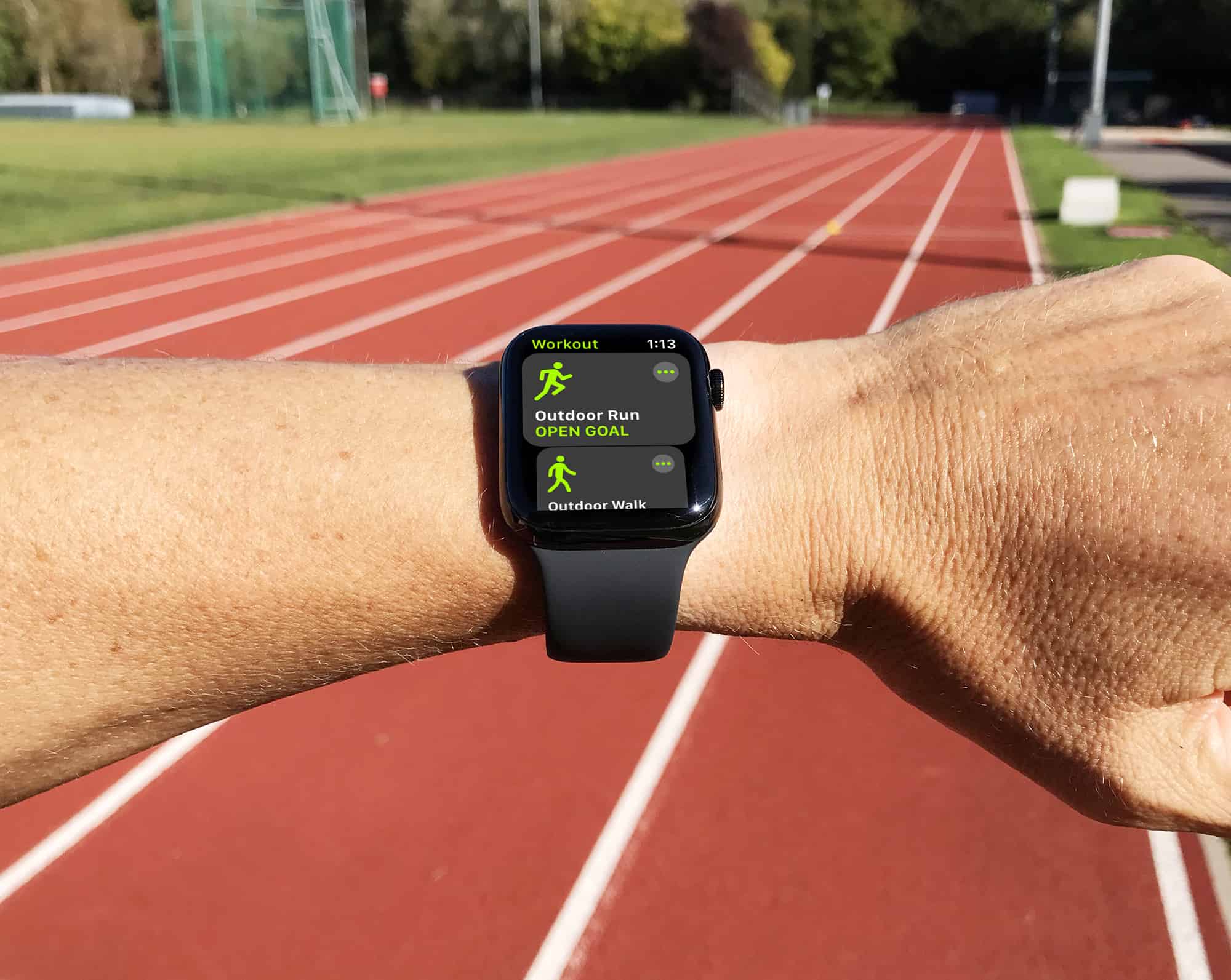
Pace alerts in watchOS 5 are like having a running coach strapped to your wrist.
Photo: Graham Bower/Cult of Mac

Apple made three big strides for runners in watchOS 5, adding Pace Alert, Rolling Mile pace and Cadence features.

In this post, I’ll focus on Pace Alerts, which let you set a specific pace for your run. This handy new feature is not just designed to keep you moving by warning you if you slow down. Pace alerts are ideal for lactic threshold workouts, which will help make you a faster runner. And you can use them to develop your pace awareness — an essential skill if you want to achieve a personal best this marathon season. Here’s how to get up to speed with pace alerts on Apple Watch.

Spotify could finally be on its way to Apple Watch

By

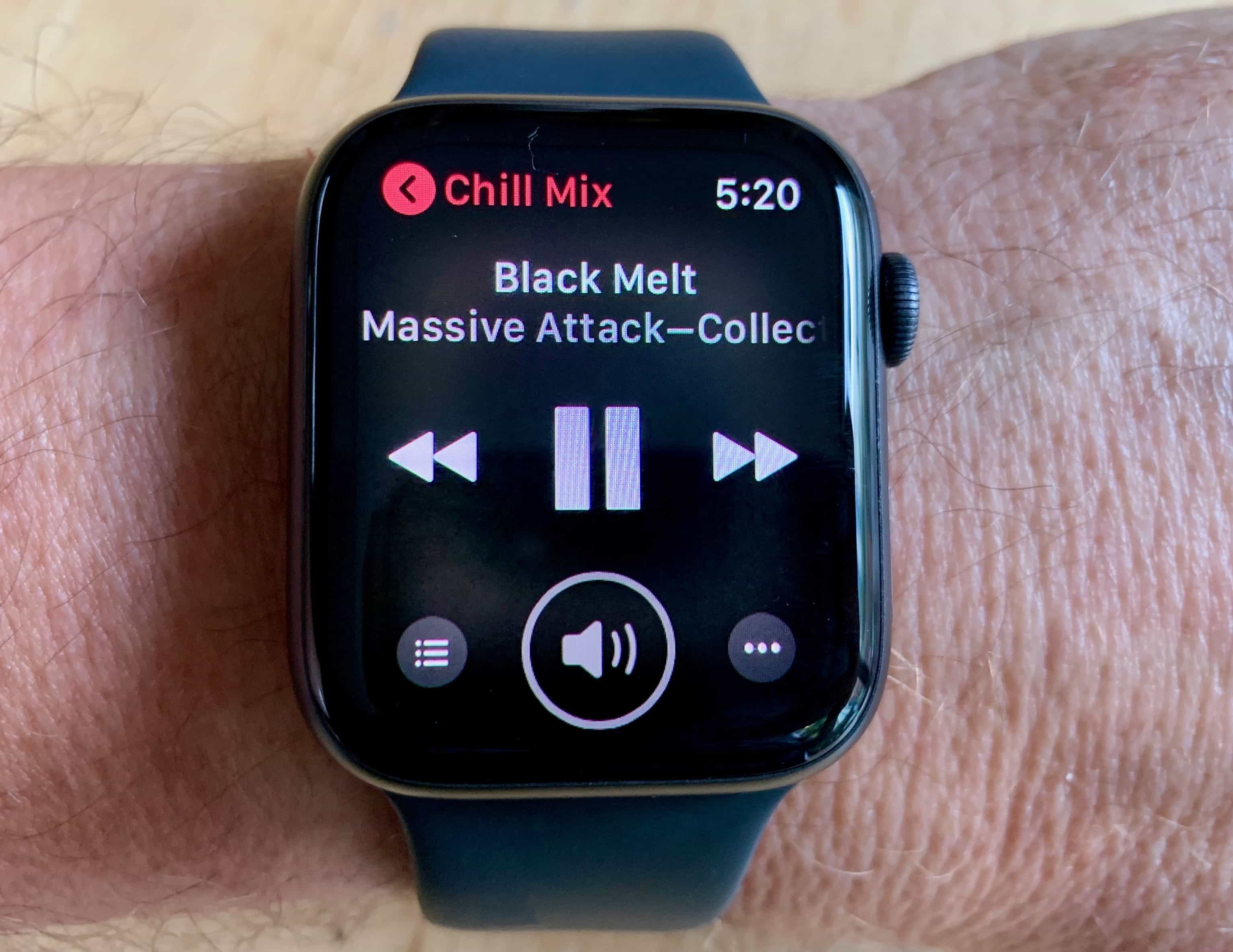
Apple Watch Series 4 Music App
It's about time!
Photo: Leander Kahney/Cult of Mac

It seems Spotify is finally gearing up to deliver the one feature iPhone fans have been calling for: Apple Watch support.

Screenshots from a preview version of the app have been posted online ahead of its official release. They suggest the wearable component will allow users to navigate their playlists, control music playback, and even stream to other devices.

Apple starts new round of iOS, macOS, tvOS ‘bug fix’ betas

By

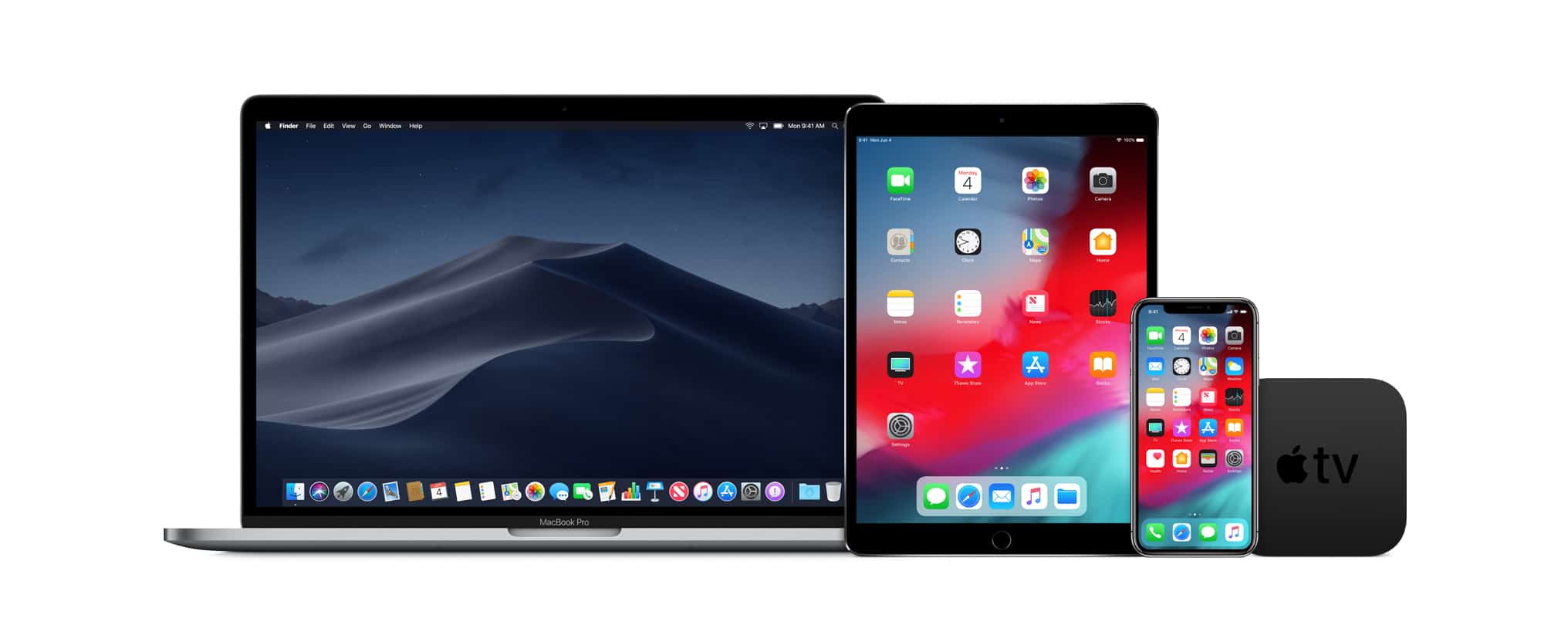
There are new iOS 12 beta versions for developers and the public, as the same is true for macOS Mojave.
New betas of OS upgrades for all these Apple computers were just seeded to developers.
Photo: Apple

Every type of Apple computer got an operating system upgrade yesterday, but the company’s coding team apparently never rests. New betas for phones, tablets, Macs, and TVs were just seeded to third-party software developers.

There’s no new beta for Apple Watch because its OS update yesterday had to be pulled.

Apple Watches across Europe could crash this weekend

By

Man’s brand new Apple Watch turns out to be toilet plunger
Europeans, you can easily save your wearable from an Apple Watch DST bug causing you problems on Sunday.
Photo: Ste Smith/Cult of Mac

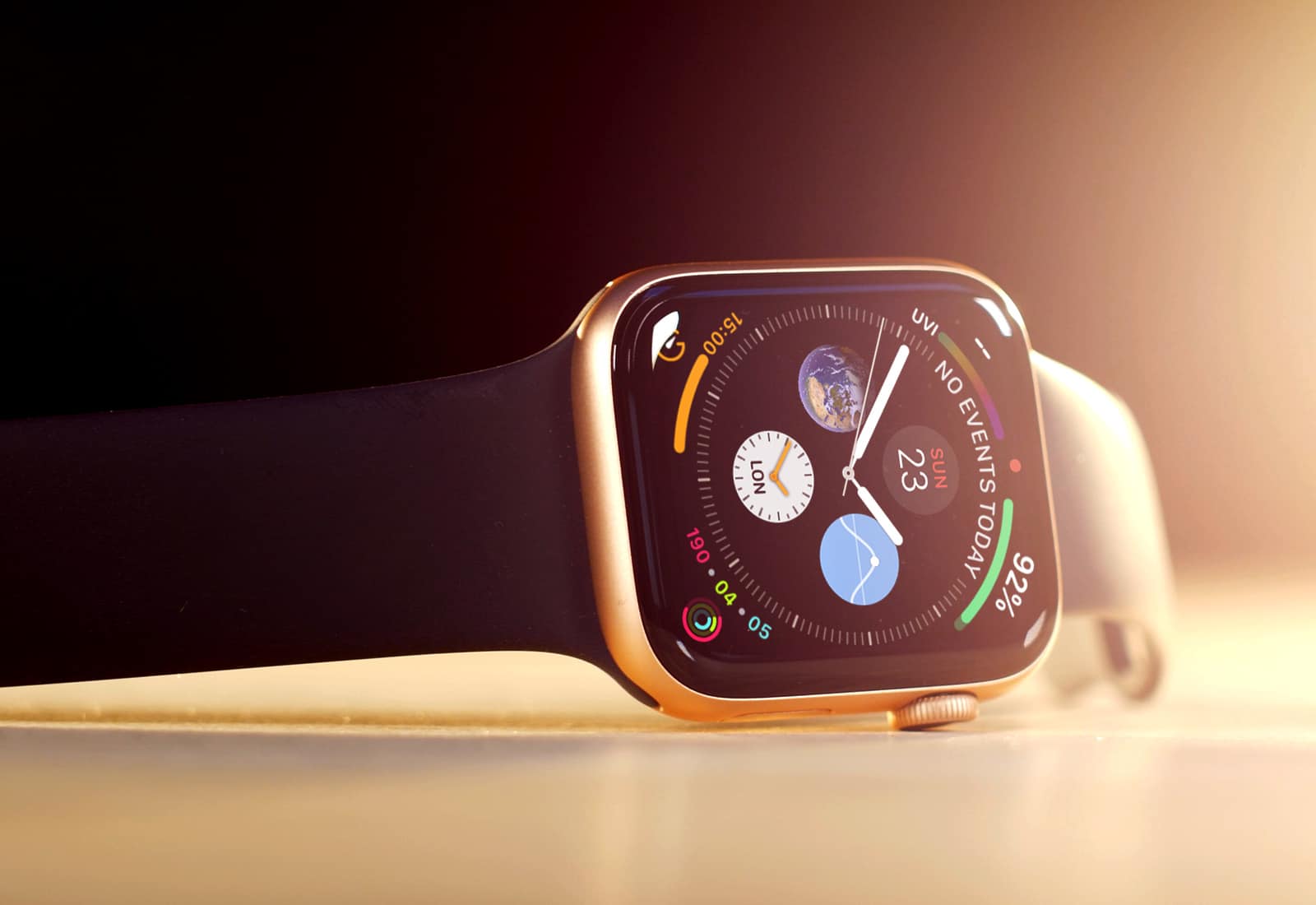
Daylight Saving Time comes to an end in Europe early Sunday morning, and this could cause problems for Apple Watch Series 4 owners.

There could be a repeat of what happened in Australia earlier this month. Apple Watch wearers saw their wearable crash over-and-over on the day DST ended because one of the Watch complications couldn’t deal with a 25-hour day.

Our long national nightmare of ‘bagelgate’ is finally over

By

Would you eat this bland bagel?
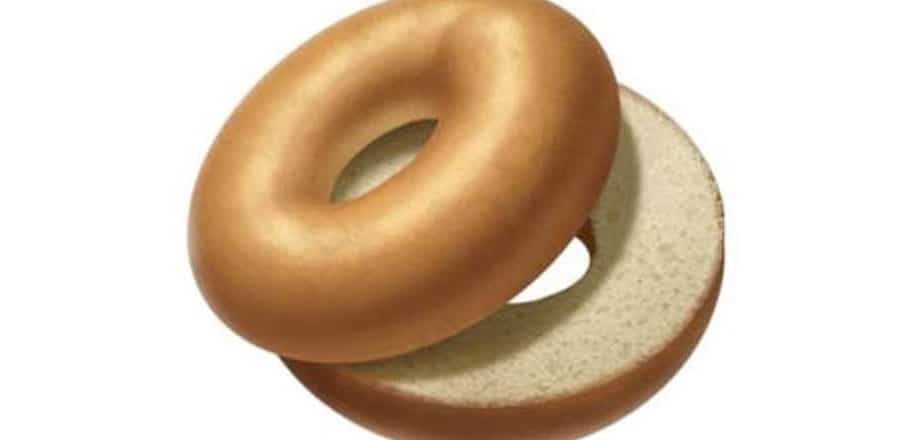
Would you eat this bland bagel? This is the design that set off bagelgate.
Photo: Apple

There are clearly some very strong opinions about bagels. Apple added a bagel emoji to the early betas of iOS 12.1 and some people lost their minds. The proposed image was rather plain, and there was no sign of cream cheese, which was enough to set off a firestorm of protest.

Those who were offended by the emoji can rest easy tonight knowing that Apple has a new version of the bagel that looks more like something a New Yorker would eat. 

Face off! Developers cook up custom Apple Watch faces

By

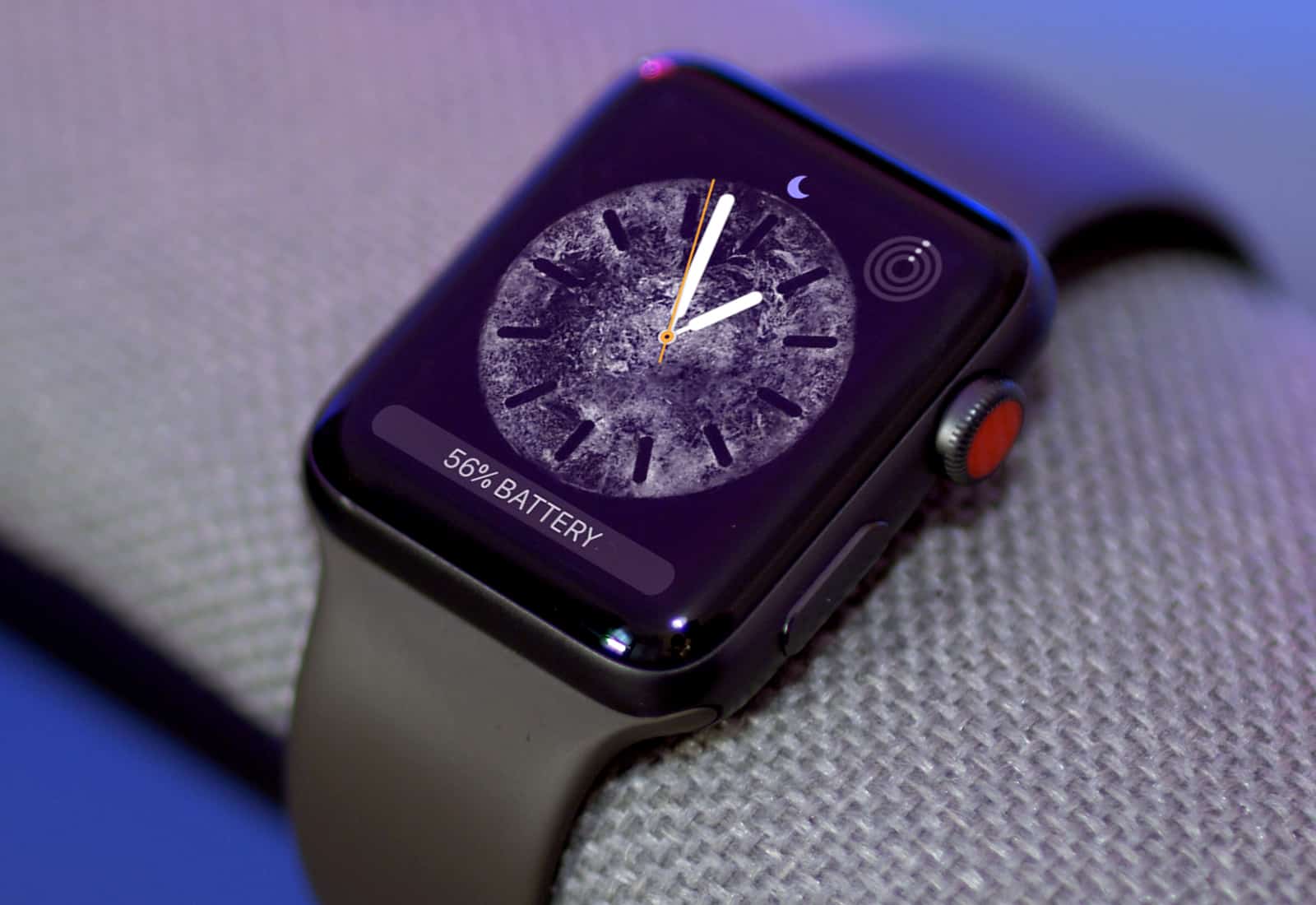
watchOS 5 Face
Apple's new watch faces are great, but we want more!
Photo: Ste Smith/Cult of Mac

The pressure is building on Apple to finally add third-party watch faces to the Apple Watch after a couple of developers have shown how easily they can be made.

Custom watch faces have been the most-requested feature for the Apple Watch since the original version came out in 2015. Nike and Hermes have been the only sources for third-party watch faces, but iOS developer Steve Troughton-Smith has found a hack around that. If you’re curious about the best Apple Watch face options available, there are some fantastic choices.

Taking the new Apple Watch Series 4 on vacation [Review]

By

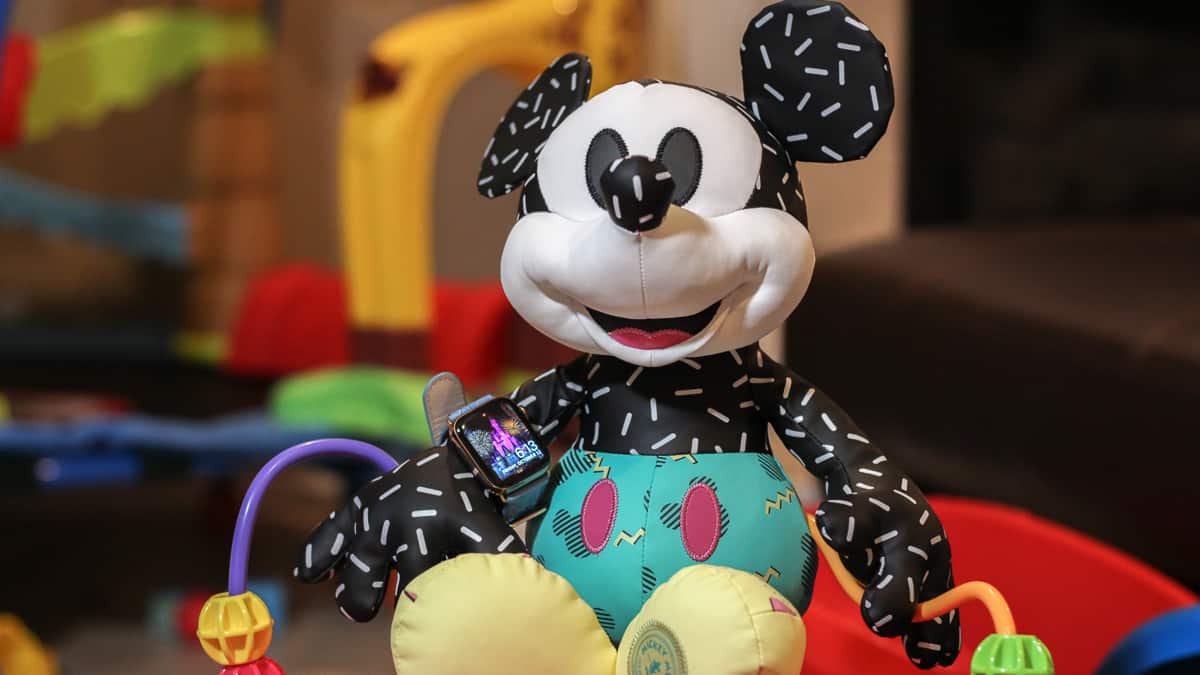
Mickey Mouse Disney Apple Watch Series 4
The Apple Watch Series 4 made a vacation to Disney World more convenient.
Photo: Ian Fuchs/Cult of Mac

In 2015, I purchased my wife a stainless steel Apple Watch (series 0) for her birthday. Since then, she’s used it to track hundreds of workouts, reply to thousands of texts, and triage countless notifications. She’s also told me nearly every day for the past year that she hates it and it never works right.

While that might be a bit of an exaggeration, she has a point. The original Apple Watch is slow and unresponsive. Plus, some features have become frustratingly unreliable (looking at you, Siri).

This year, we decided to upgrade her Apple Watch in time for our family vacation to Disney World. It was the perfect opportunity to test Apple’s magical wrist communicator at the most magical place on Earth.

How to sync your Apple workouts to Strava automatically

By

Strava is ready to play nice with Apple
Photo: Graham Bower/Cult of Mac

Your shiny new Apple Watch is great for logging workouts. But it comes up short when you want to review your training progress and share your workout history with friends. Everything gets bundled in the Activity and Health apps on your iPhone, which are pretty basic.

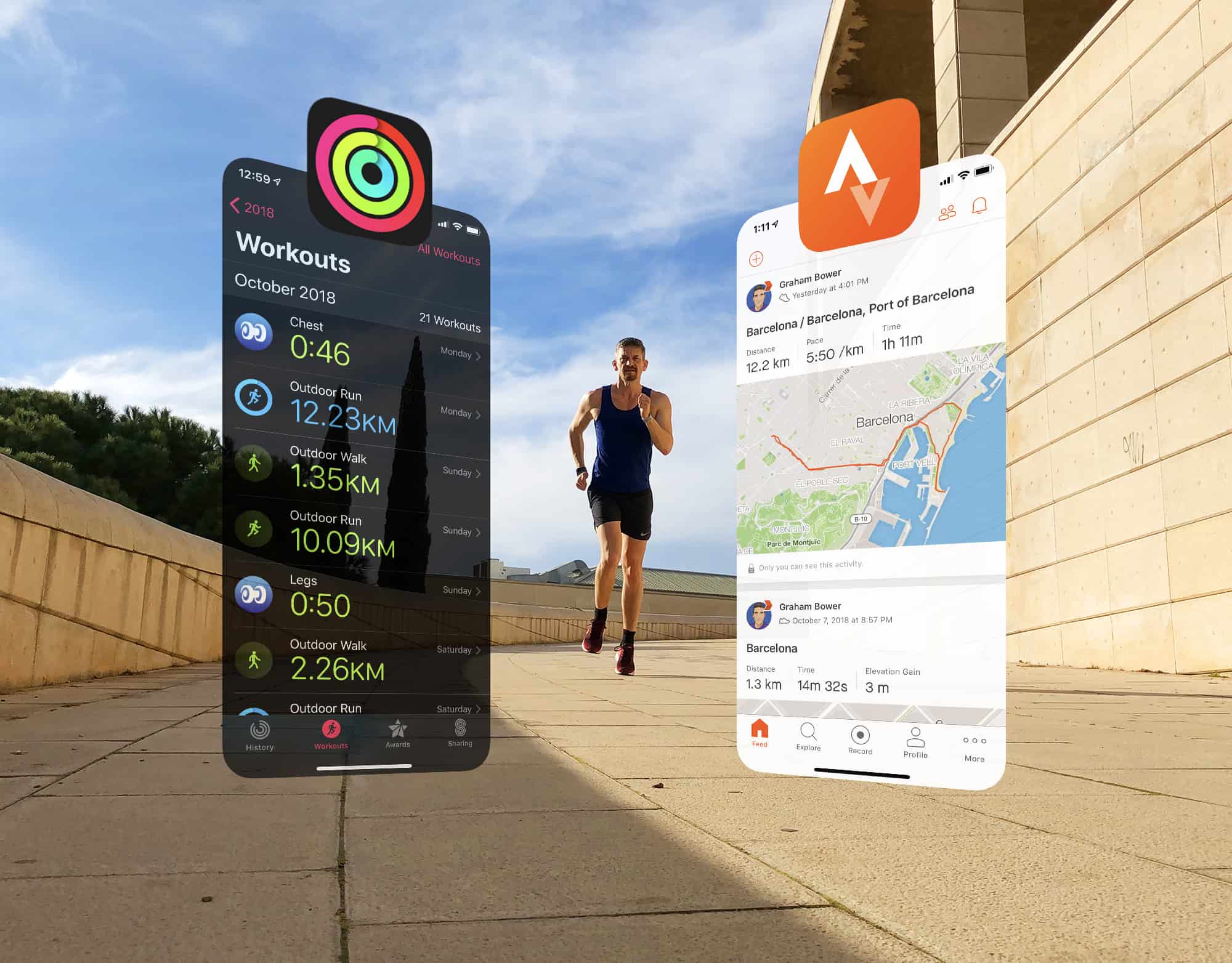
That’s where third-party apps like Strava come in. Strava offers all the essential fitness analytics that Apple overlooks. The trouble is, Strava’s watch app sucks for logging workouts.

If only you could have the best of both worlds: logging your workouts with Apple’s excellent built-in Workout app, then syncing the data automatically to Strava. Well, thanks to a brilliant indie app called HealthFit, you can.

GPS workout maps prove far more accurate on Apple Watch Series 4

By

Would you trust fitness advice from Apple Intelligence?
Photo: Graham Bower/Cult of Mac

Apple Watch is pretty awesome at doing a lot of things. But mapping workouts isn’t one of them. At least, not until now. Back in 2016, I was pretty disappointed with the maps I got from my Apple Watch Series 2 (the first model that came with built-in GPS). When I tested it at my local running track, the maps it generated looked like random scribbles.

Fast-forward to today, and things look a whole lot better. Last week, I repeated that test with a shiny new Apple Watch Series 4 and got some very interesting results.

Scriptable controls your iPhone with JavaScript

By

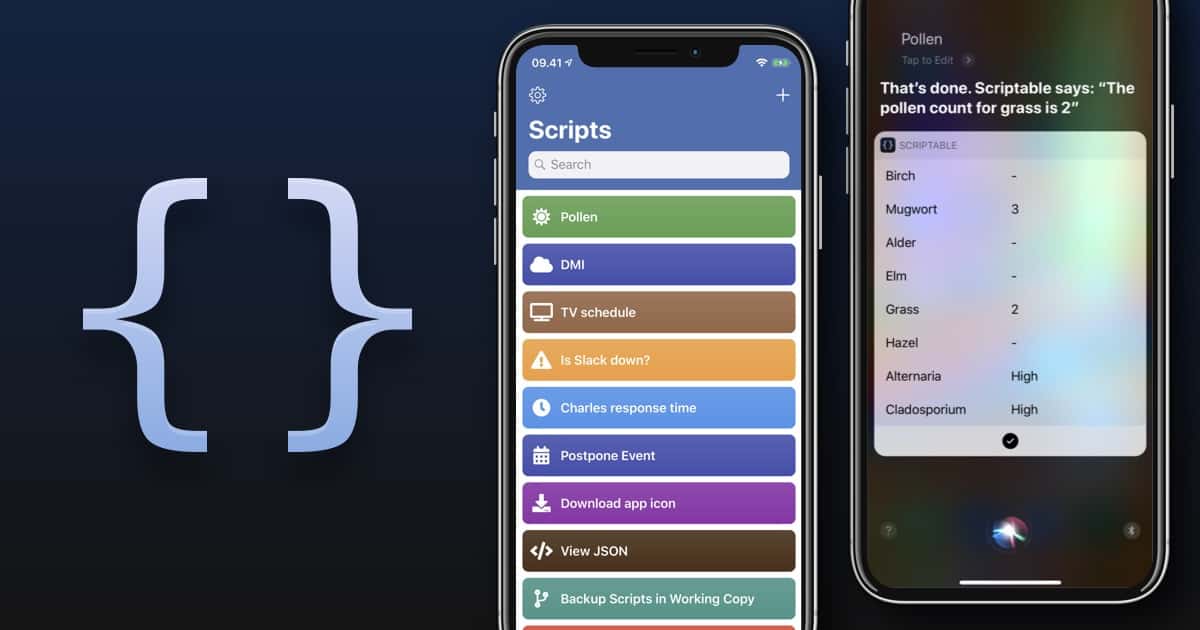
Scriptable works a lot like Siri Shortcuts, only more difficult.
Photo: Scriptable

Now that you’re finally getting used to iOS 12’s new Shortcuts app, here comes Scriptable, a new automation app that runs JavaScript. It can make powerful and deep connections with your iPhone or iPad — working with the Files app, for example, or Reminders.

Why would you want such a thing? Well, maybe you know how to program JavaScript. Scriptable lets you take your code, and integrate it with iOS. You can make your own scripts and use them to automate iOS. For instance, how about creating something as simple as a custom save menu that lets you rename files as you save them?