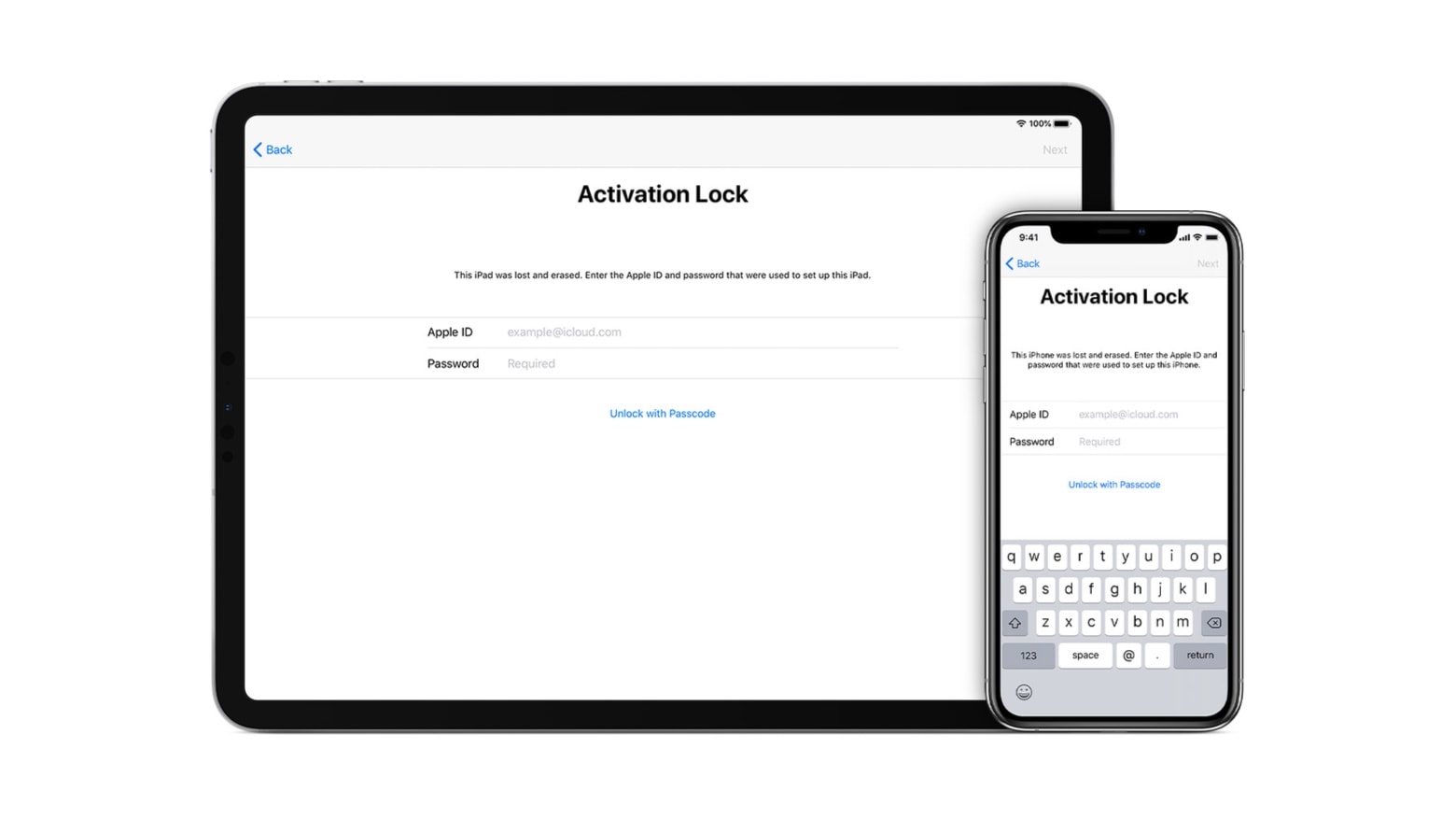
Activation Lock is apparently a surprisingly controversial security feature. Photo: Apple
An editorial by an iFixit employee condemns Activation Lock, a security feature of iPhones and recent Macs because it makes these computers hard to recycle.
But Walt Mossberg, well-known journalist formerly of the Wall Street Journal, calls the editorial “outrageous.”
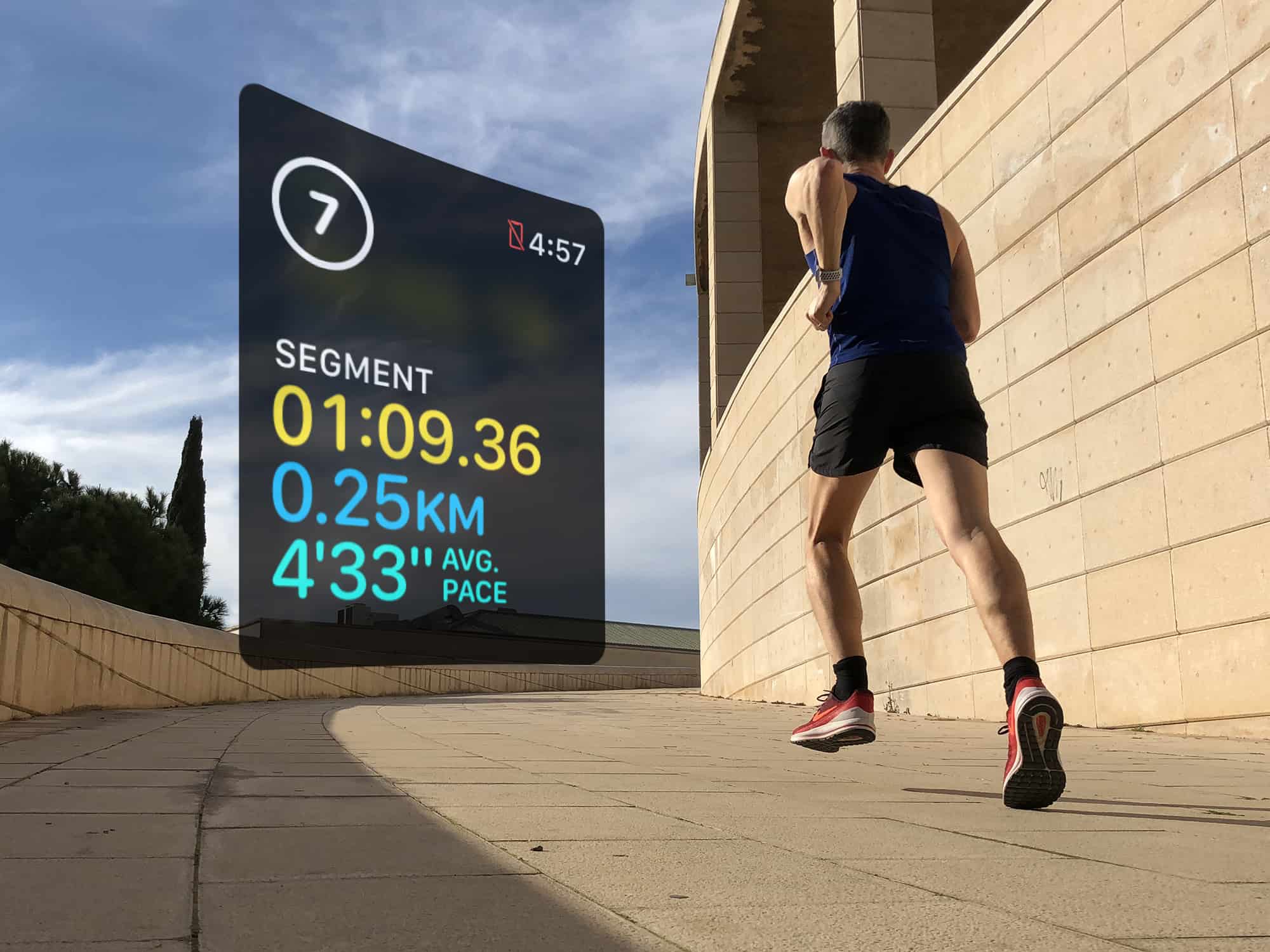
Use segments to log your rest intervals doing HIIT workouts Photo: Graham Bower/Cult of Mac
Interval training has become very popular these days, thanks to high-intensity interval training, or HIIT. Proponents of this type of exercise say it delivers many of the benefits of a much longer workout in a short, sharp burst.
The great thing about intervals is that you can do them with pretty much any type of exercise, including running, swimming and cycling. Interval training is also ideal for indoor workouts, like the cardio machines at your local gym. Or you can get creative and mix things up with a jump rope or weights.
Want to give it a go? If so, Apple Watch is the perfect workout companion for interval training.
Running out of time? There are many ways to boost your productivity. Photo: Pixabay
This Mac productivity apps post is presented by Dashlane.
Productivity apps for Mac are ubiquitous. There are so many of them, you can burn up a lot of productivity while you spend hours searching for the best ones. That’s why articles like this one prove so useful. They help you quickly identify a few key apps worth considering.
The great thing about having Siri built into your Apple Watch is that it’s always there when you need it. The bad thing about it is that it’s there when you don’t need it, too.
BBC Weather meteorologist Tomasz Schafernaker recently ran into an embarrassing mishap on live TV when describing snow in the US Midwest. At that point, Siri kicked in to correct him, saying there was actually no snow forecast.
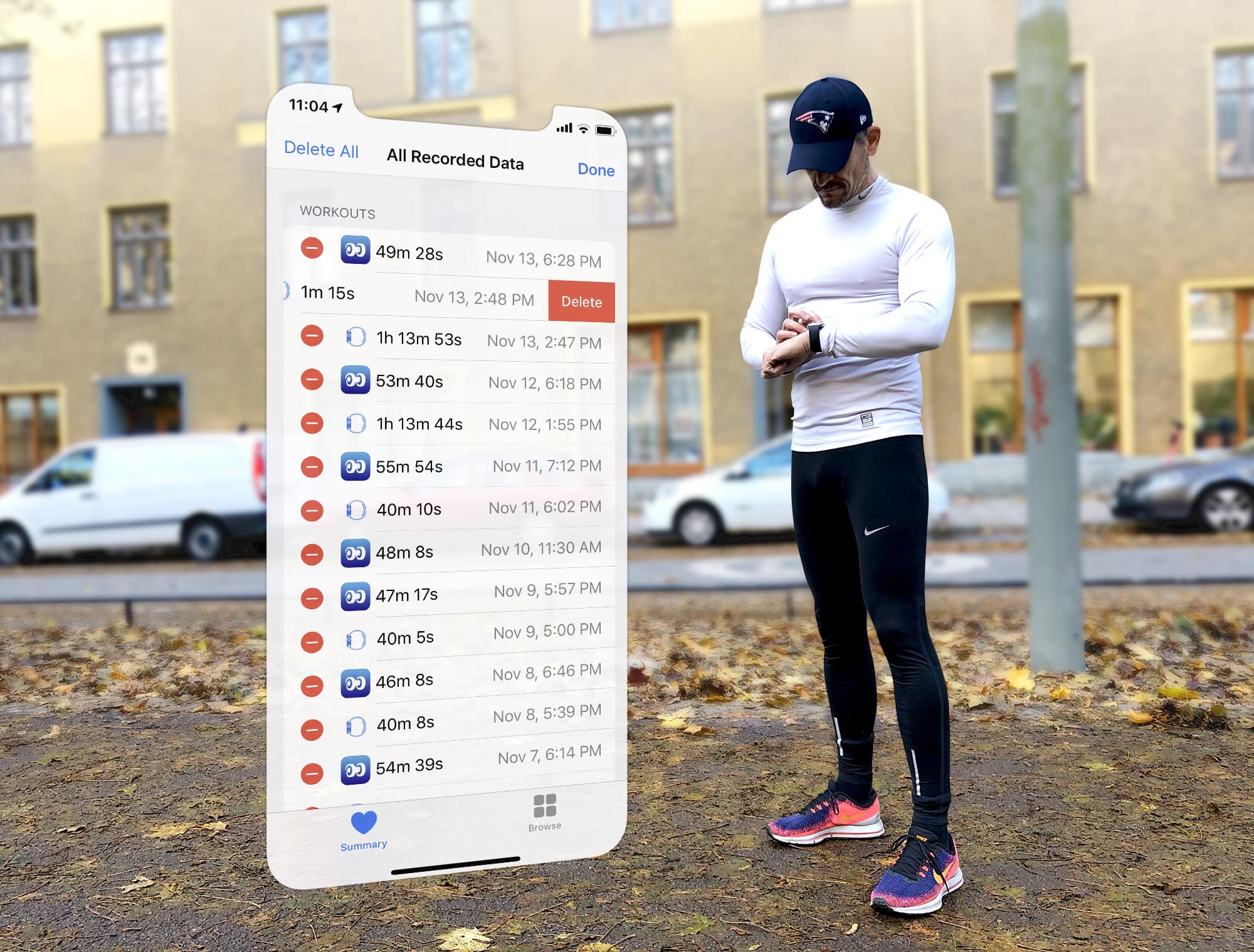
Apple Watch logged your workout wrong? You can still set the record straight. Photo: Graham Bower/Cult of Mac
When you finish logging a workout with Apple Watch, you can gloat over all your hard work in the Activity app on your iPhone. This provides all kinds of useful charts, maps and trends to show you how you’re doing.
But what if you logged that workout by accident? Or if you forgot to log a workout? You can’t edit Apple Watch workouts on your watch, nor in the Activity app on your iPhone. But fortunately, there is still a way to set the record straight. Here’s how to edit Apple Watch workouts.
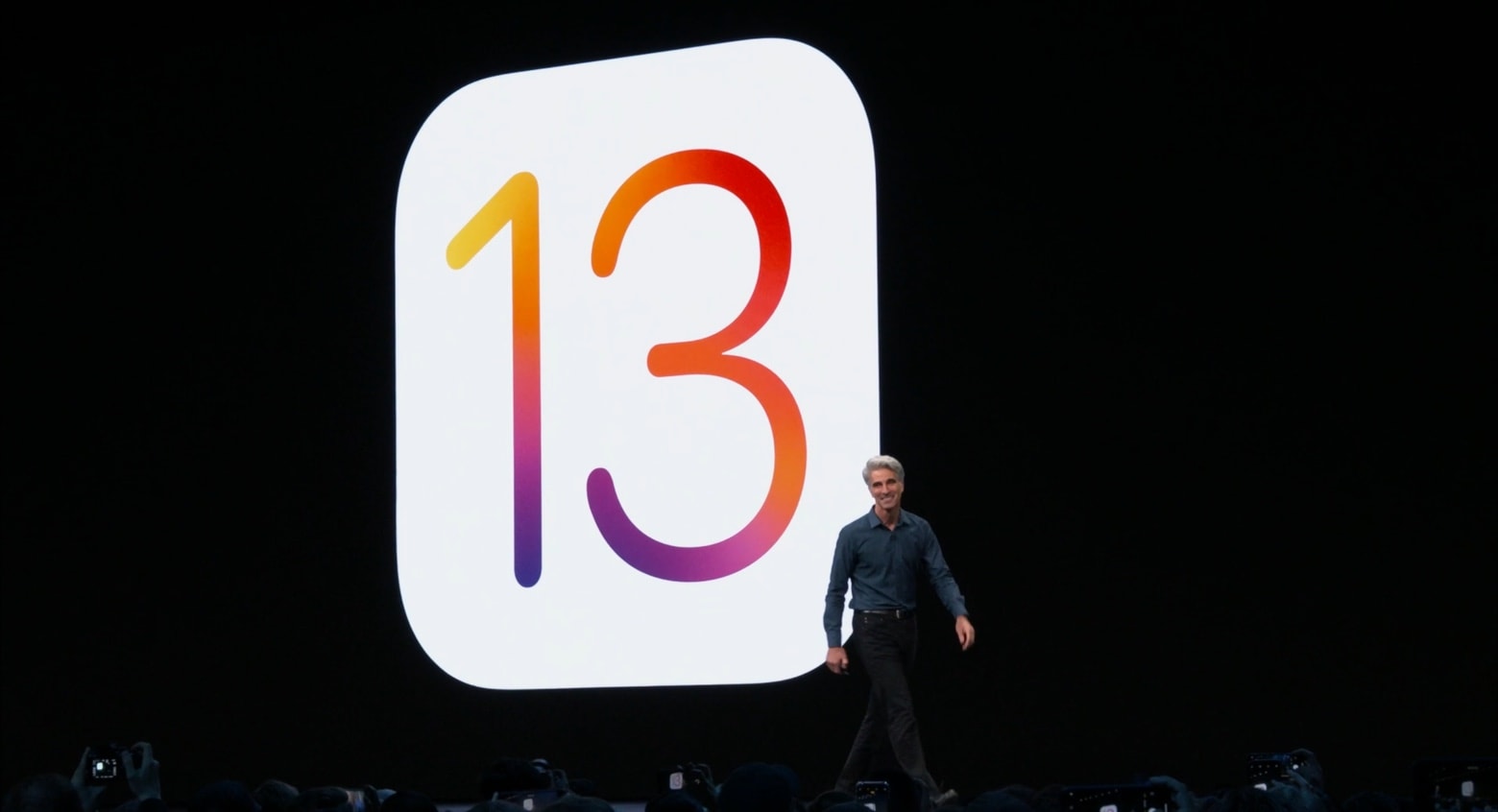
Apple has learned some lessons from iOS 13. Photo: Apple
The challenges Apple has experienced with buggy iOS 13 is causing it to rethink the way it builds and tests operating systems, starting with iOS 14.
According to Bloomberg, software boss Craig Federighi recently announced the changes at a “kickoff” meeting. The new approach will make it easier for testers to be able to switch on and off new features. This is so they can better work out how the features independently impact software functionality.
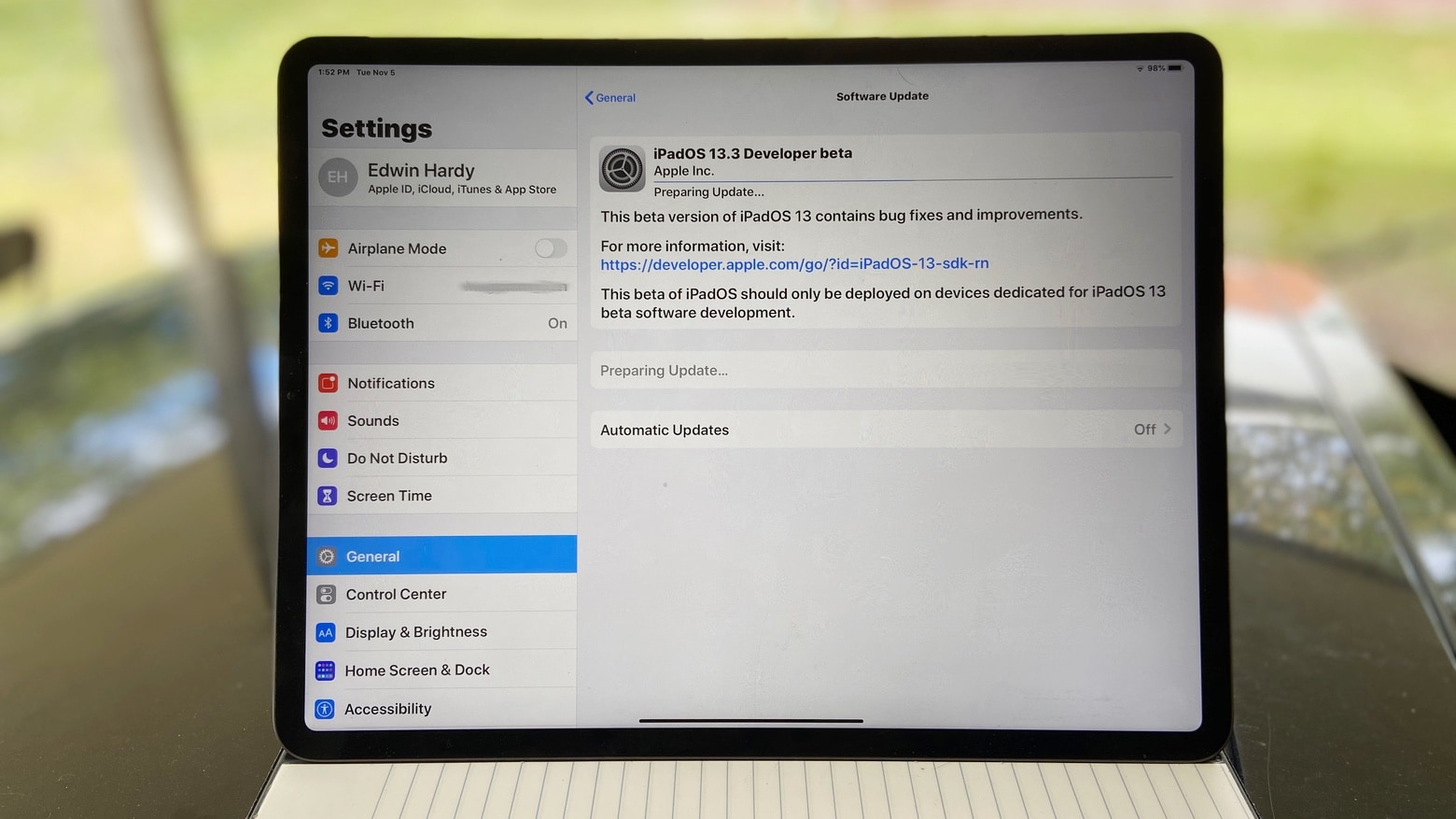
A second beta of iPadOS 13.3 and the iPhone equivalent just came out. Photo: Ed Hardy/Cult of Mac
The beta process for iOS 13.3 and its iPad equivalent is moving along. Apple just seeded the second beta of each to developers. The final version, when it’s released to the general public, will help parents limit who their kids talk to with a big improvement to Screen Time.
In addition, there are new betas of watchOS 6.1.1 and tvOS 13.3.
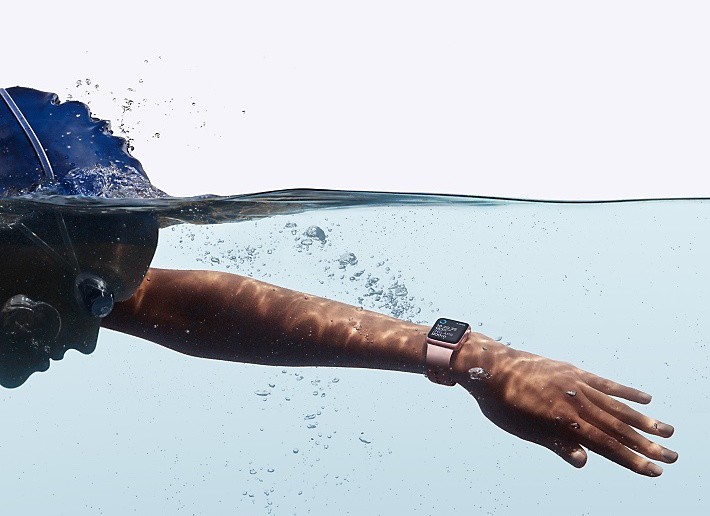
Apple Watch is already swim-proof, but the next version could take that to new depths. Photo: Apple
It’s not exactly going out on a limb, but respected Apple expert Ming-Chi Kuo predicts next year’s Apple Watch Series 6 will be offer better performance than the current one, and include improved wireless speeds. Still, with the launch about likely 10 months away, it’s not surprising that only a few vague generalities can be said about Apple’s next wearable.
What’s more interesting is a mention of enhanced water resistance that raises the possibility of taking this device to the bottom of the sea.
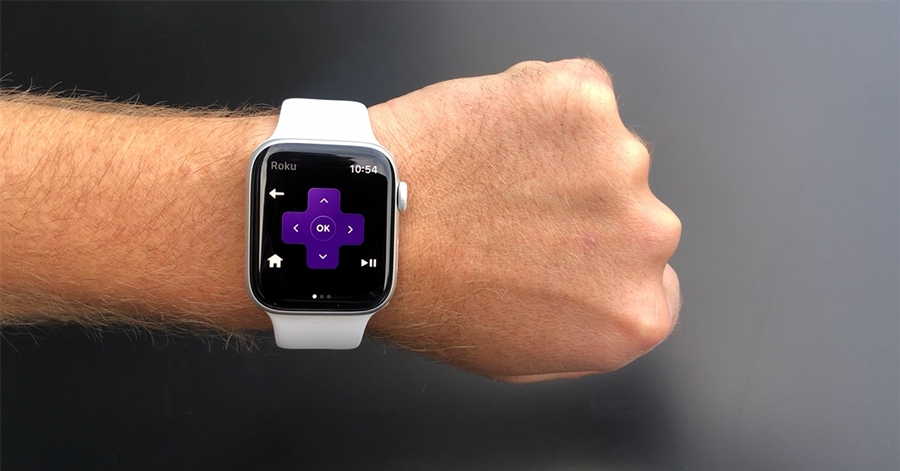
Roku just debuted a new Apple Watch app that lets you control its streaming devices from your wrist.
You can use the app to launch your favorite Channels and control media playback. You can also use its voice recognition capabilities to search for movies and TV shows.