Mobile menu toggle

Search results for: watchos 2

Why you should check your Apple Watch Activity Trends right now

By

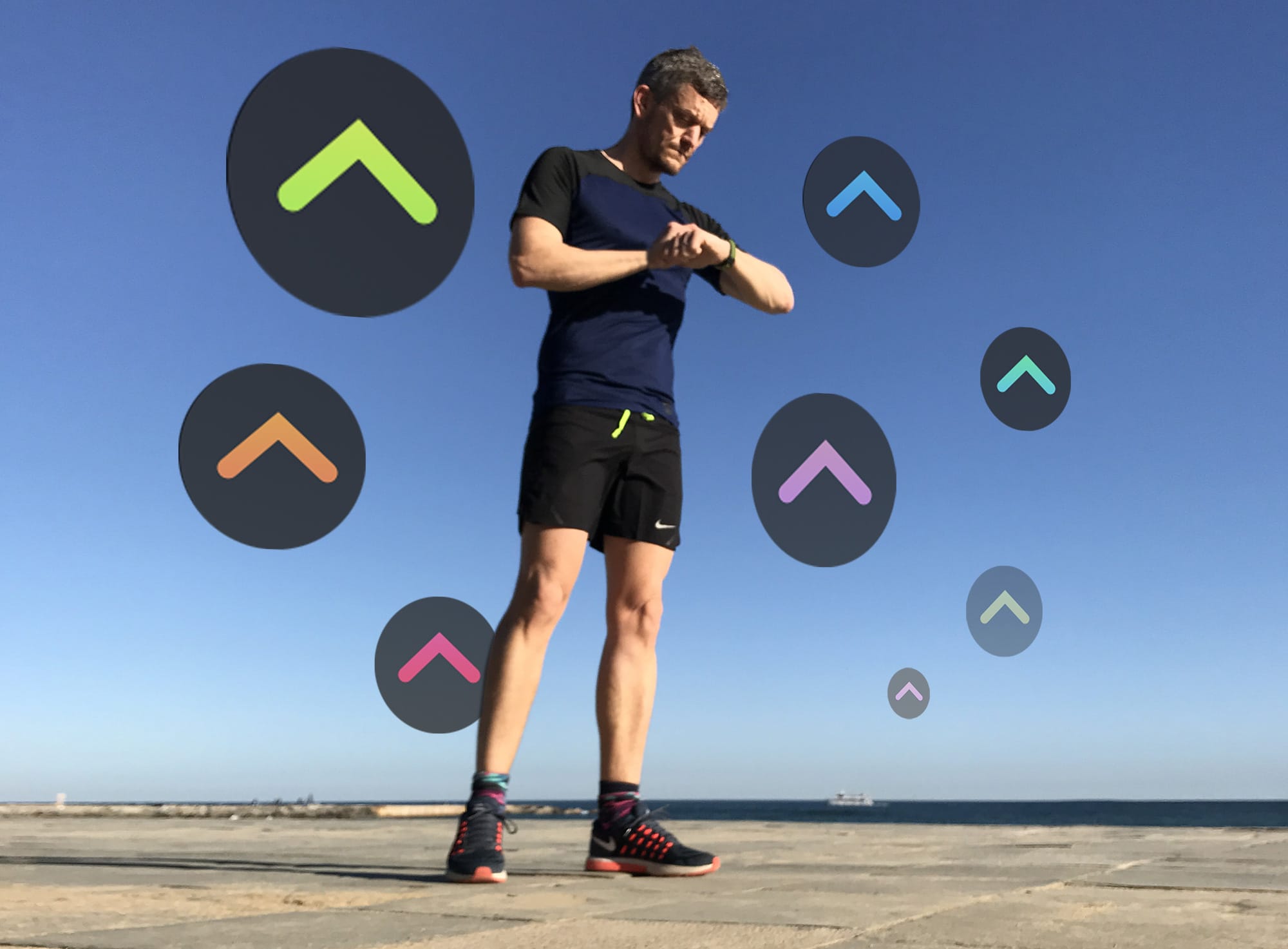
The only way is up. Are your Activity Trends pointing in the right direction?
Photo: Graham Bower/Cult of Mac

Apple Watch has always tracked your daily physical activity with its three iconic Activity rings. That’s great if you just want to focus on hitting your daily goals. But what if you want to see your progress over time?

iOS 13 solves this with Activity Trends, an all-new tab you’ll find in the Activity app on your iPhone. It provides an indispensable snapshot of how you’ve been doing. Trouble is, it takes 90 days to collect all your trend data. Which means if you checked when you first upgraded to iOS 13, there probably wasn’t much to see.

The good news is that it’s now well over 90 days since Apple released iOS 13. So your Apple Watch Activity Trends should finally be visible. Here’s how to make sense of them.

How Apple’s tight rein on iPhone security helps hackers

By

Hackers are always trying to crack iPhone security
While criminals probably can‘t hack an iPhone, government agencies can.
Photo: Soumil Kumar/Pexels CC

Apple keeps a very tight lid on iPhone security, but that might actually benefit very sophisticated hackers, according to some security experts.

This is how Saudi Arabia was allegedly able to hack Jeff Bezos’s iPhone X.

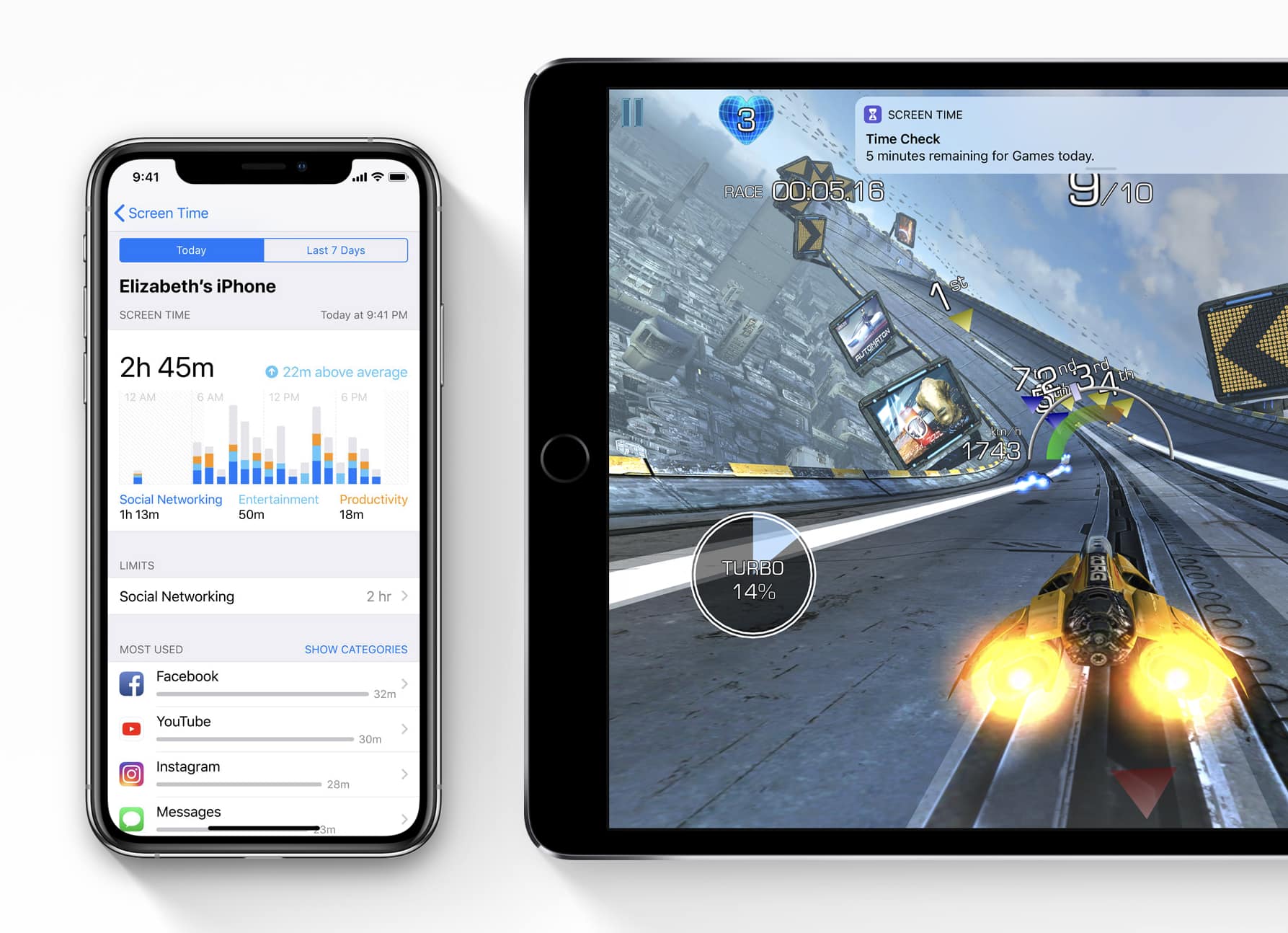
iOS 13.3.1 is out with crucial fixes for Screen Time

By

Screentime
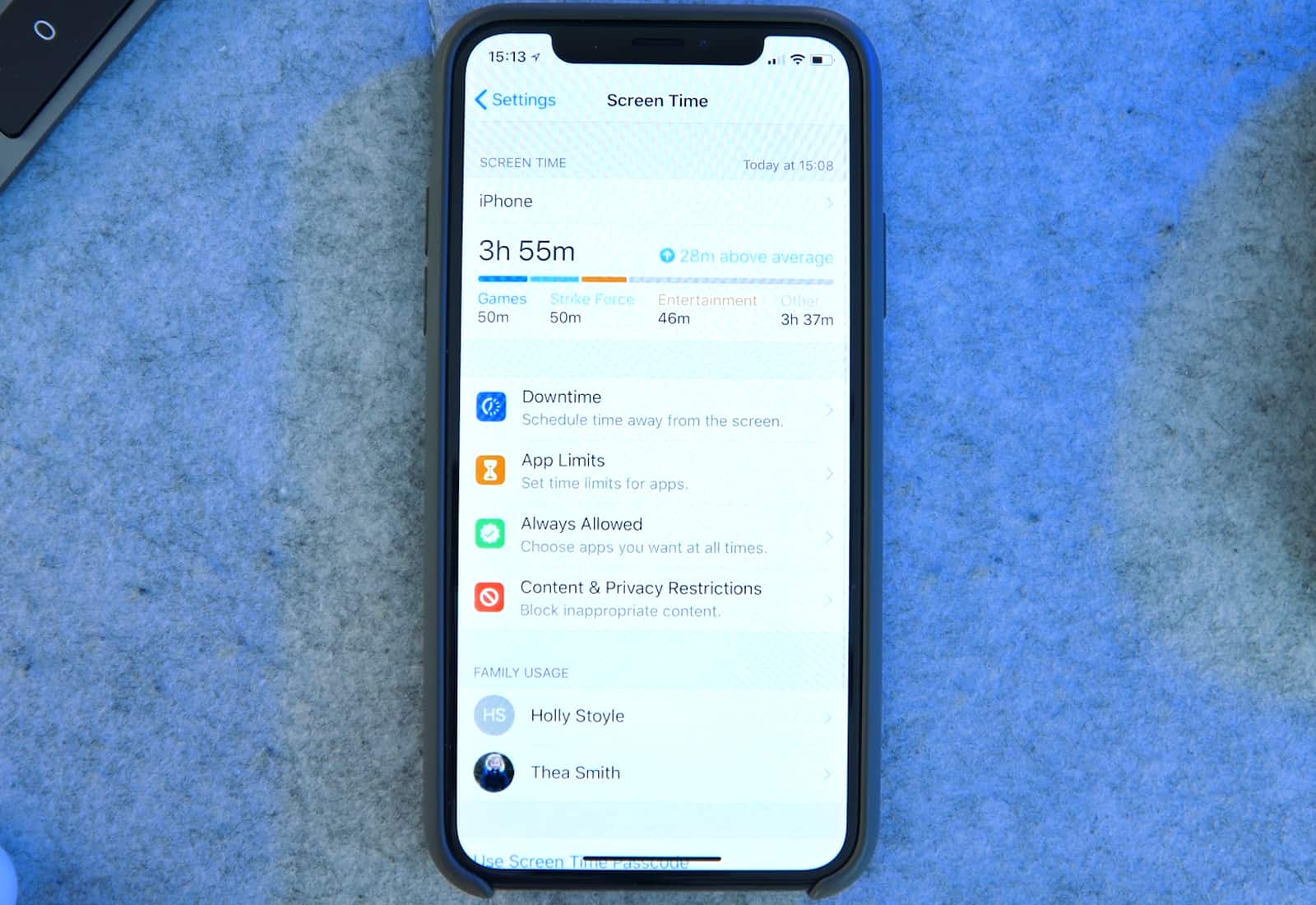
Screen Time has become an important tool for parents.
Photo: Apple

Apple just dumped a truckload of new software updates on customers this morning, including the crucial iOS 13.3.1 update that brings an important fix to Screen Time.

Along with iOS 13.3.1, Apple also released macOS 10.15.3, tvOS 13.3.1, and watchOS 6.1.2. All four of the new updates are fairly minor and mostly focus on under-the-hood improvements.

How to make your Apple Watch tell the wrong time

By

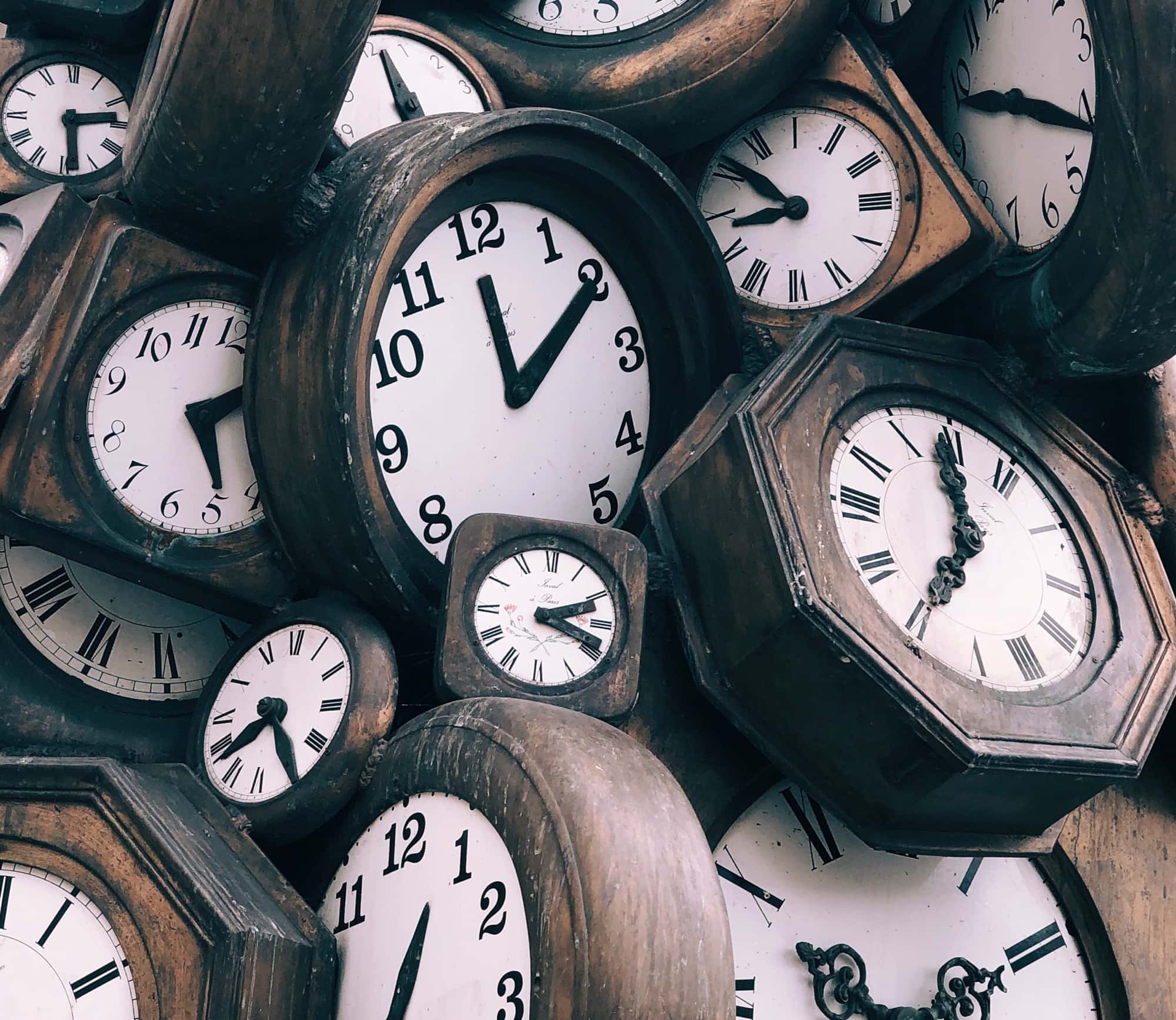
Apple Watch clock
Find out how to never ever know the actual time with this great tip.
Photo: Jon Tyson/Unsplash

Did you know you can force the Apple Watch to display the wrong time? You can. In fact, you can make it add up to 59 minutes to the actual time, and show that bogus data on the main display.

It’s either the most useless setting on the Apple Watch or the most useful, depending on your point of view. Here’s how to make your Apple Watch tell the wrong time.

Apple Watches at Trump impeachment turn senators into scofflaws

By

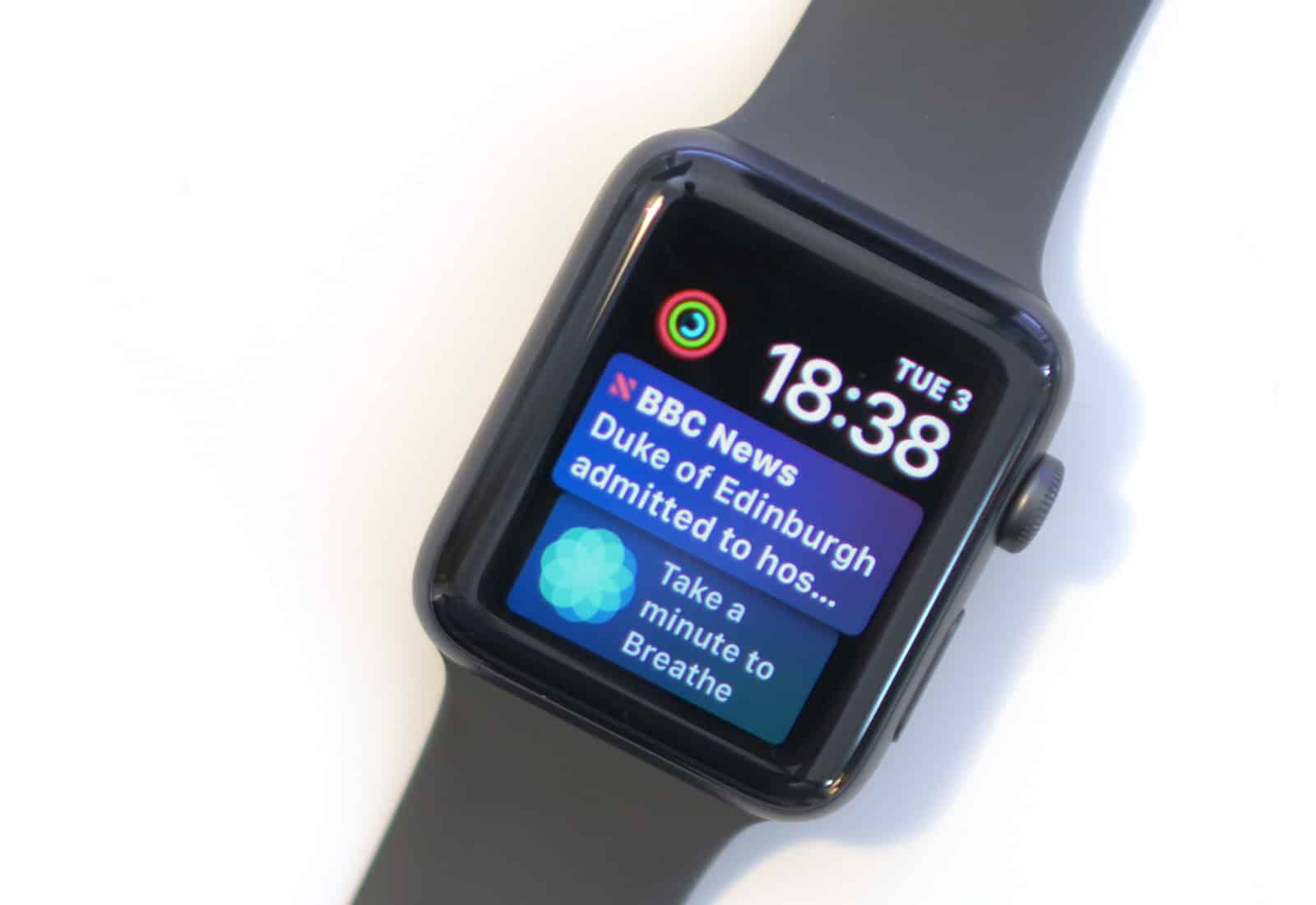
Series 3 6 months on
An Apple Watch is almost as capable as an iPhone (and neither is allowed in the Senate chamber this week).
Photo: Ste Smith/Cult of Mac

Some U.S. senators apparently just can’t be without their Apple gear, even when they aren’t supposed to have it. Lawmakers have been noticed wearing Apple Watches during the impeachment trial of President Donald Trump, a violation of the agreed-upon rules.

Frozen Mac Touch Bar? Here’s how to fix it.

By

To an iPad user, four USB-C ports are a luxury.
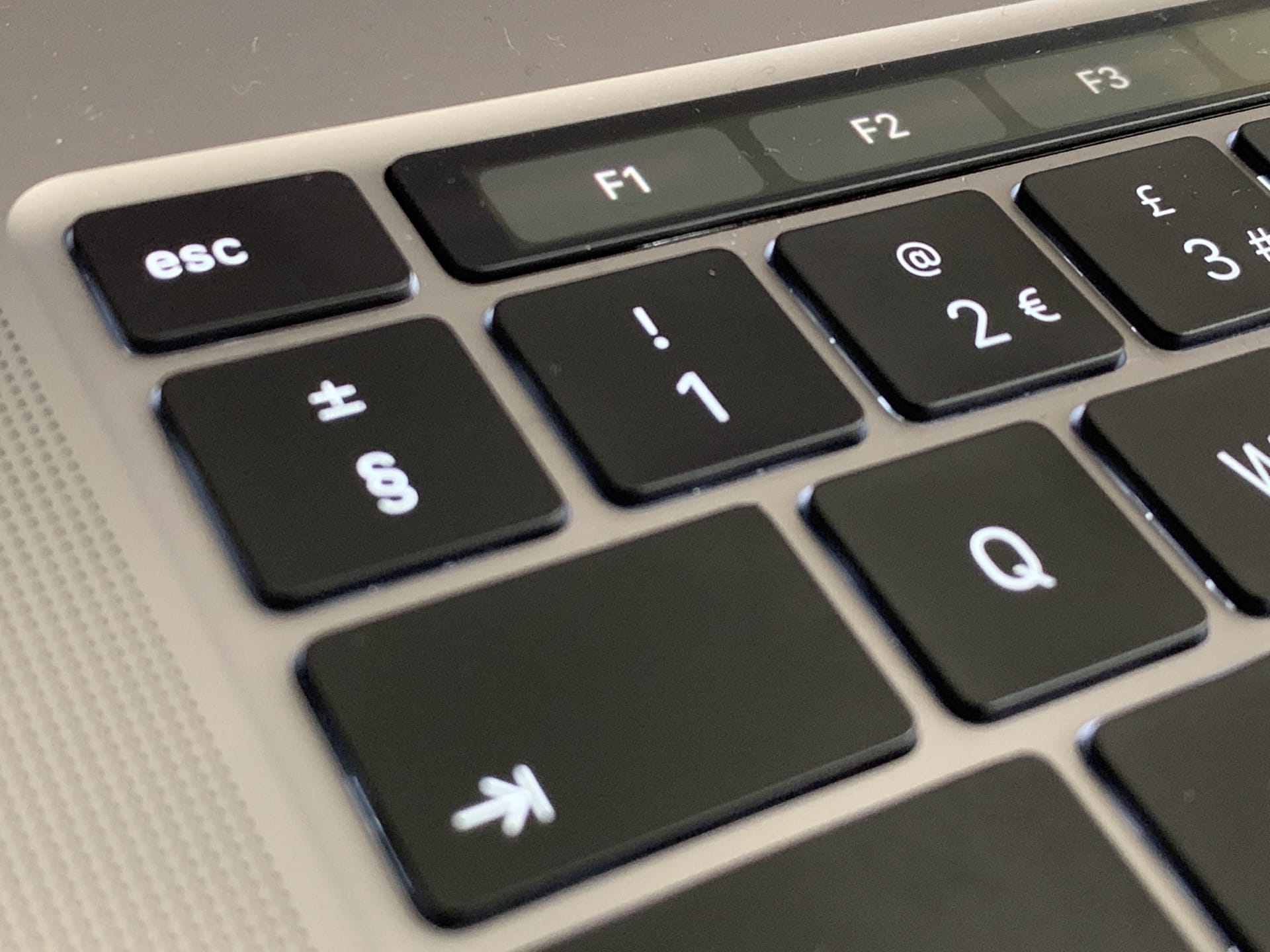
Fix a frozen Touch Bar.
Photo: Charlie Sorrel/Cult of Mac

Just like anything else on your MacBook Pro, the Touch Bar can freeze and become totally unresponsive. And, just like with every other frozen process on the Mac, there’s an easy way to fix it: You just have to force the Touch Bar to restart.

Today we’ll see how to fix a frozen Touch Bar so you can keep using the MacBook Pro’s best feature.

Orangetheory Fitness launches workout tracker for Apple Watch

By

Orangetheory Fitness rower
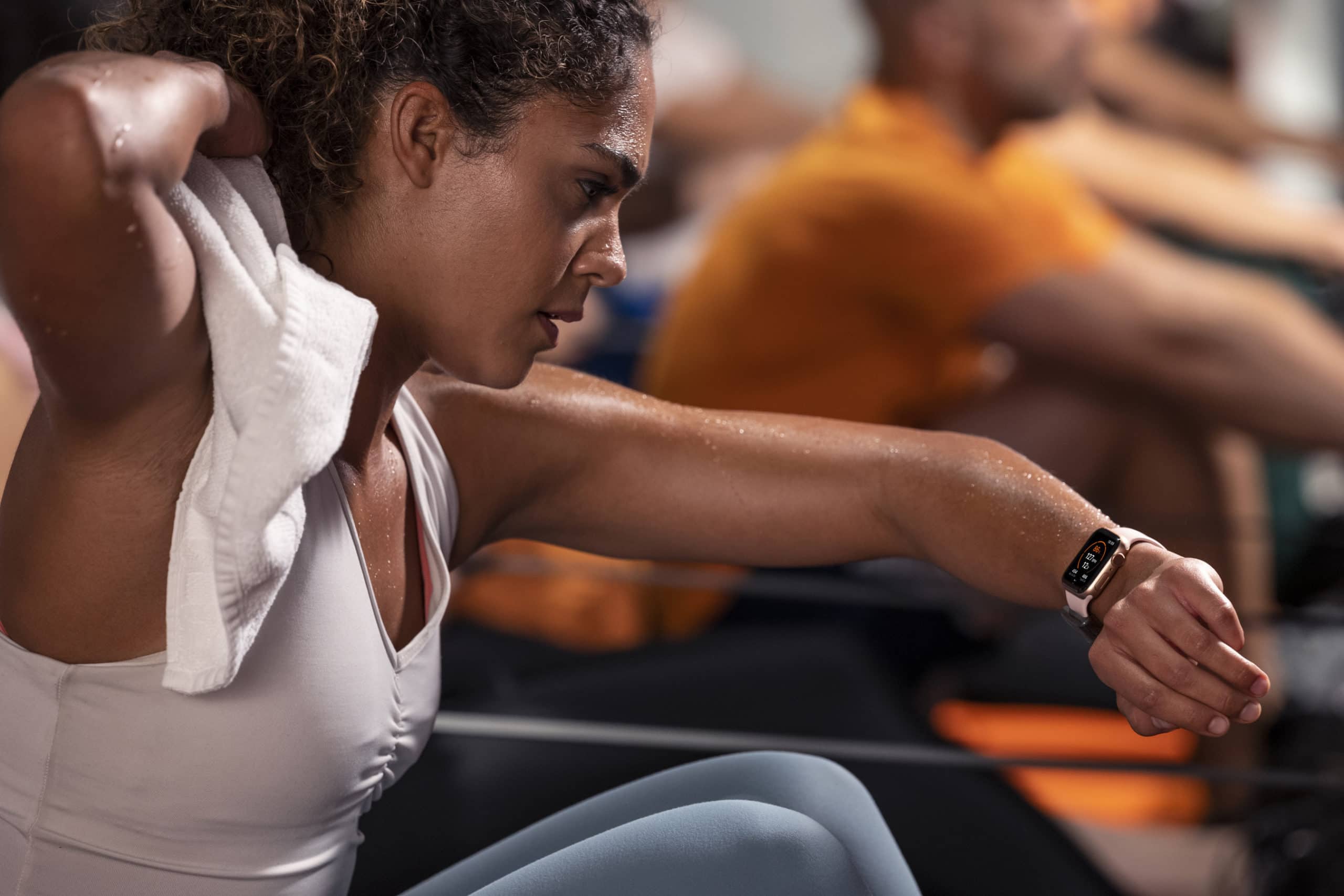
The Orangetheory Fitness franchise has created a small accessory that attaches to an Apple Watch band to track your heart rate during exercise.
Photo: Orangetheory Fitness

The nation’s 13th-largest health club chain, Orangetheory Fitness, will begin supporting Apple Watch in its 1,300 franchise studios by March, the company said Thursday. That will make it the first fitness brand to officially partner with Apple on a fitness studio solution.

The fitness franchise created a small accessory, called the OTbeat Link, that attaches to an Apple Watch band to track the heart rate of customers during exercise classes.

iOS 13.3 is out with new Screen Time controls for parents

By

Screentime
iOS 13.3 helps parents reign in their kids’ iPhone addiction.
Photo: Apple

The last major iOS 13 update of 2019 is finally ready for your downloading pleasure.

After weeks of beta testing with developers, Apple released iOS 13.3 and iPadOS 13.3 to the public today. The update contains a bunch of critical bug fixes to along with some new Screen Time controls for parents.

iOS 13.3 could bring Screen Time improvements this week

By

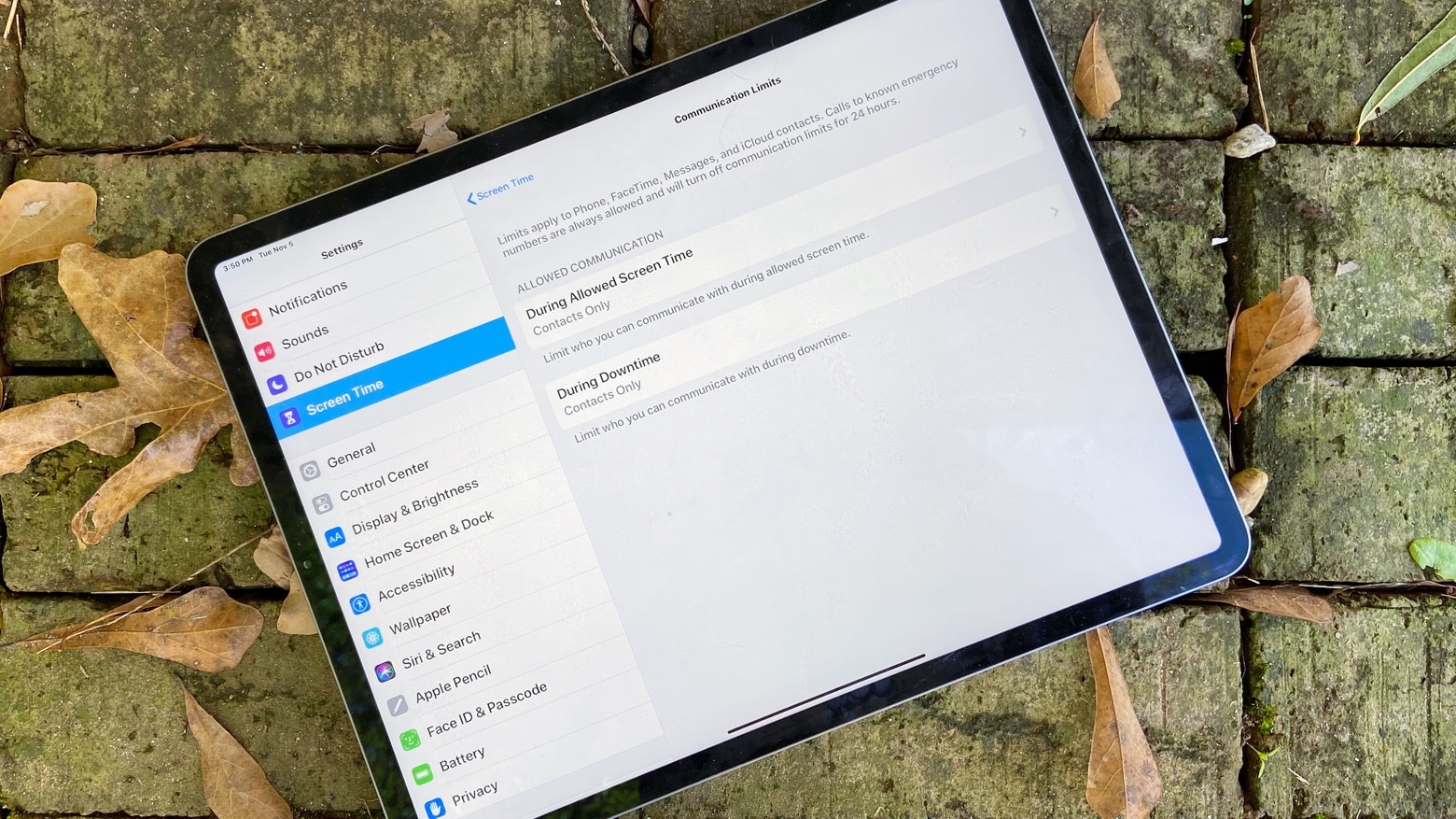
Screen Time Communication Limits
Communication Limits debuting with iOS 13.3 is a boon to digital parenting.
Photo: Ed Hardy/Cult of Mac

The wait for iOS 13.3 is apparently almost over. A Vietnamese telecom revealed that this iPhone upgrade will be out by the end of the week.

The same source indicates that watchOS 6.1.1 is also imminent.

iOS 13.3 inches closer to launch with new beta

By

screen time management
iOS 13.3 brings new features to Screentime.
Photo: Ste Smith/Cult of Mac

Apple developers received a fresh batch of new betas for the first time in over two weeks today with new builds of iOS 13.3, tvOS 13.3 and watchOS 6.1.1.

The new iOS 13.3 beta adds a bunch of new bug fixes and performance improvements to go with a couple new feature additions in Screentime for parents.