Mobile menu toggle

Search results for: shortcuts

Is the MacBook Pro’s Touch Bar a touchscreen replacement? [Friday Night Fights]

By

fnf
Would you prefer a touchscreen?
Photo: Ste Smith/Cult of Mac

Apple’s new MacBook Pro has arrived with its exciting OLED Touch Bar, giving users a brand new way to interact with macOS. It’s the closest we’ll get to a touchscreen on a Mac — at least for the foreseeable future — but is it a suitable replacement?

Friday Night Fights bugThe Touch Bar is already supported by all of Apple’s own apps, and the company says developers are quickly adapting their own software for it. It’s only going to get more useful over time, but would a Mac touchscreen be even better?

Join us in this week’s Friday Night Fight as we battle it out over the Touch Bar and whether it can help macOS users forget all about touchscreen computers.

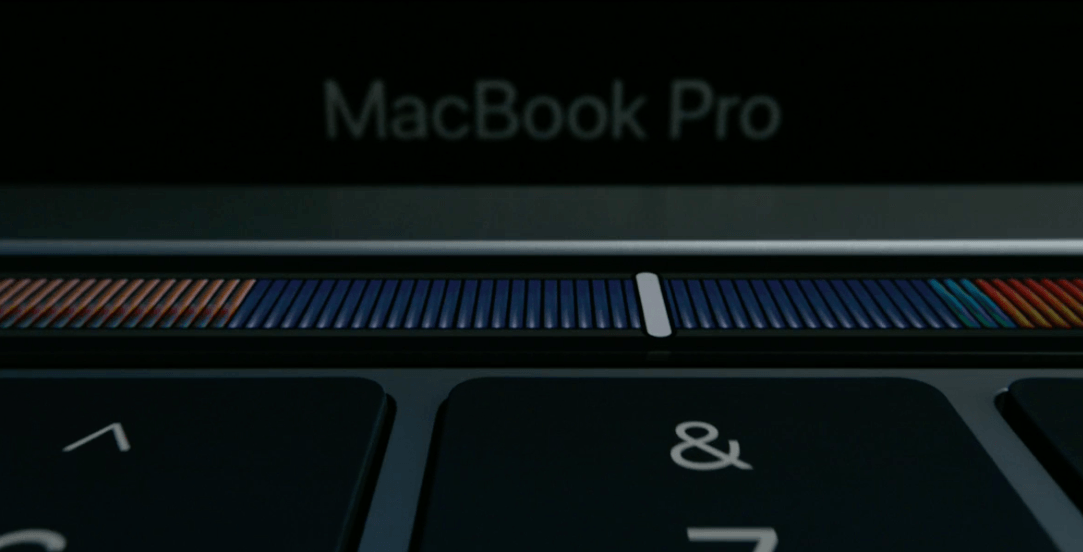
Everything you can do with MacBook Pro’s new Touch Bar

By

macbook pro touch bar
Want to try the new MacBook Pro Touch Bar without dropping a few grand?
Photo: Apple

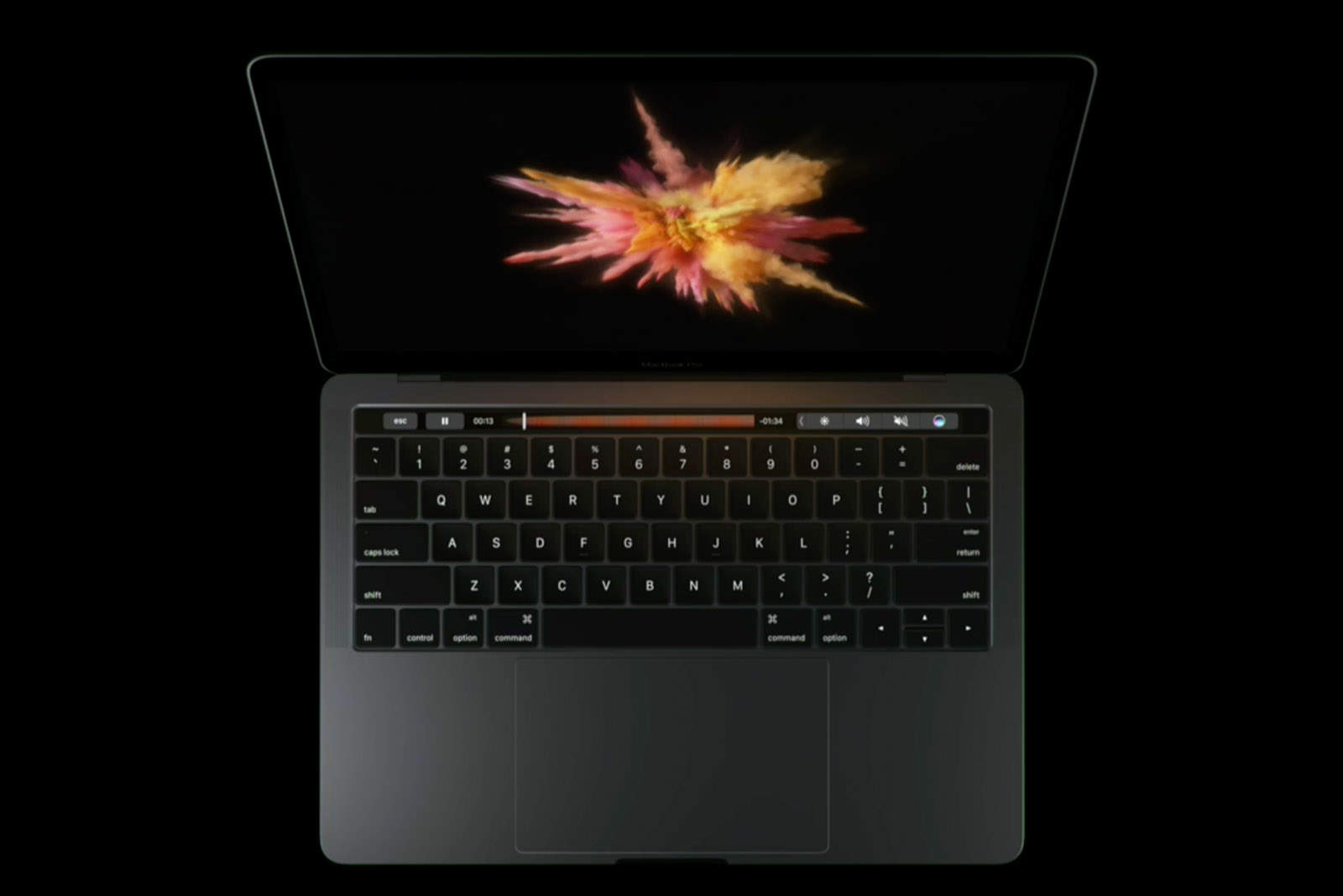
Apple’s new Touch Bar looks like the most exciting new feature we’ve seen on the MacBook Pro in years.

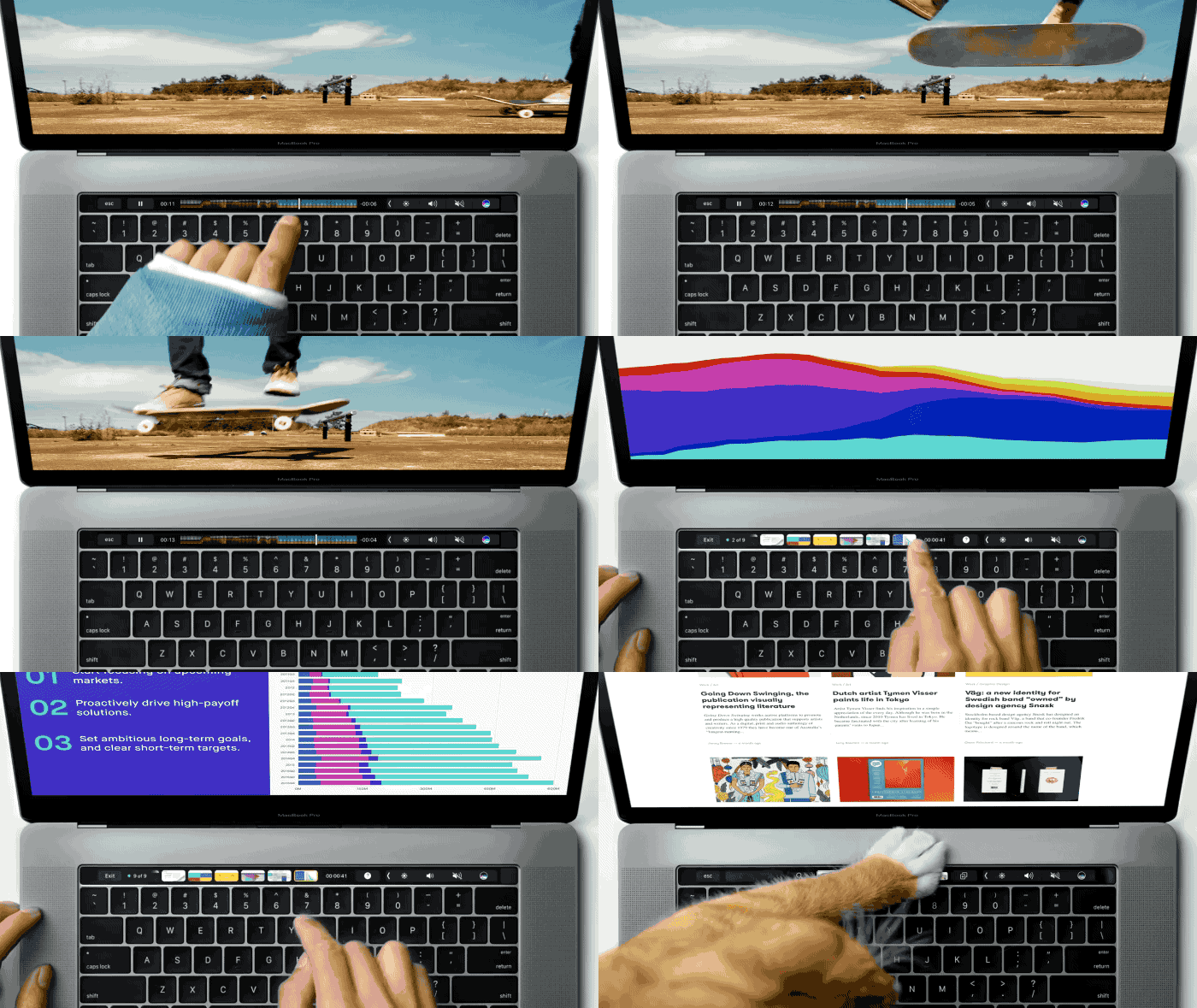
Instead of fumbling to remember shortcuts, Touch Bar puts a handful of commands at your fingertips and dynamically adjusts to whatever app you’re in.

That sounds pretty magical, but what will that actually be good for? Developers will need to add support for their apps, so it might take a few months before Touch Bar really takes off. But if you’re doubting the usefulness of having a touch screen bar at the top of your keyboard, here are the cool things you can do on the Touch Bar.

New MacBook Pro is thinner, faster and more magical

By

macbook pro
Meet the new MacBook Pro.
Photo: Apple

The MacBook Pro refresh we’ve been eagerly anticipating for months is finally here, and it’s everything we dreamt it would be.

Apple’s new high-end notebooks deliver a sleeker design, Intel’s latest Skylake processors, and that magic Touch Bar with Touch ID that we’ve been hearing so much about. The only real problem is the price.

How the MacBook Pro’s Magic Toolbar can cast a spell on the world

By

MacBook Pro
The Magic Toolbar will change depending on the app being used.
Illustration: Ste Smith/Cult of Mac

Apple faces a serious challenge when it rolls out the rumored OLED “Magic Toolbar” on new MacBook Pros tomorrow: It must convince the world that the new adaptive touchpad is more than a gimmick.

Offering customizable function keys that work in different ways depending on which apps are running, the Magic Toolbar could make the new MacBook Pro one of Apple’s most exciting laptops in years.

But to be more than a gimmick, the Magic Toolbar needs to improve the way we interact with our Macs, not simply add another confusing control element to the laptops. The Magic Toolbar needs to make it easier to perform tasks that we now do using keyboard shortcuts or on-screen toolbars. If it can’t do that, the Magic Toolbar will go down in the history books as a failure.

Luckily, there’s one simple step Apple can take to ensure that the Magic Toolbar becomes a success.

Does the new MacBook Pro need an OLED touchbar? [Friday Night Fights]

By

fnf1b
Useful upgrade or unnecessary gimmick?
Photo: Ste Smith/Cult of Mac

Apple’s new MacBook Pro is right around the corner, if recent rumors are to be believed, and it’s shaping up to be one of the most significant refreshes we’ve seen in years. Spy photos all but confirm a new OLED touchbar is coming, but is this advanced hardware really necessary?

Friday Night Fights bug Those who are excited about it can see the how customizable function keys might improve their experience in macOS, while others believe it will be little more than a gimmick.

Join us in this week’s Friday Night Fight as we discuss whether the MacBook Pro really needs an OLED touchbar.

Apple may be working on keyboard with e-ink display keys

By

The next Magic Keyboard may look something like this.
Photo: Sonder

Apple is reportedly in talks to acquire an Australian startup called Sonder that specializes in making keyboards with individual e-ink displays on each key.

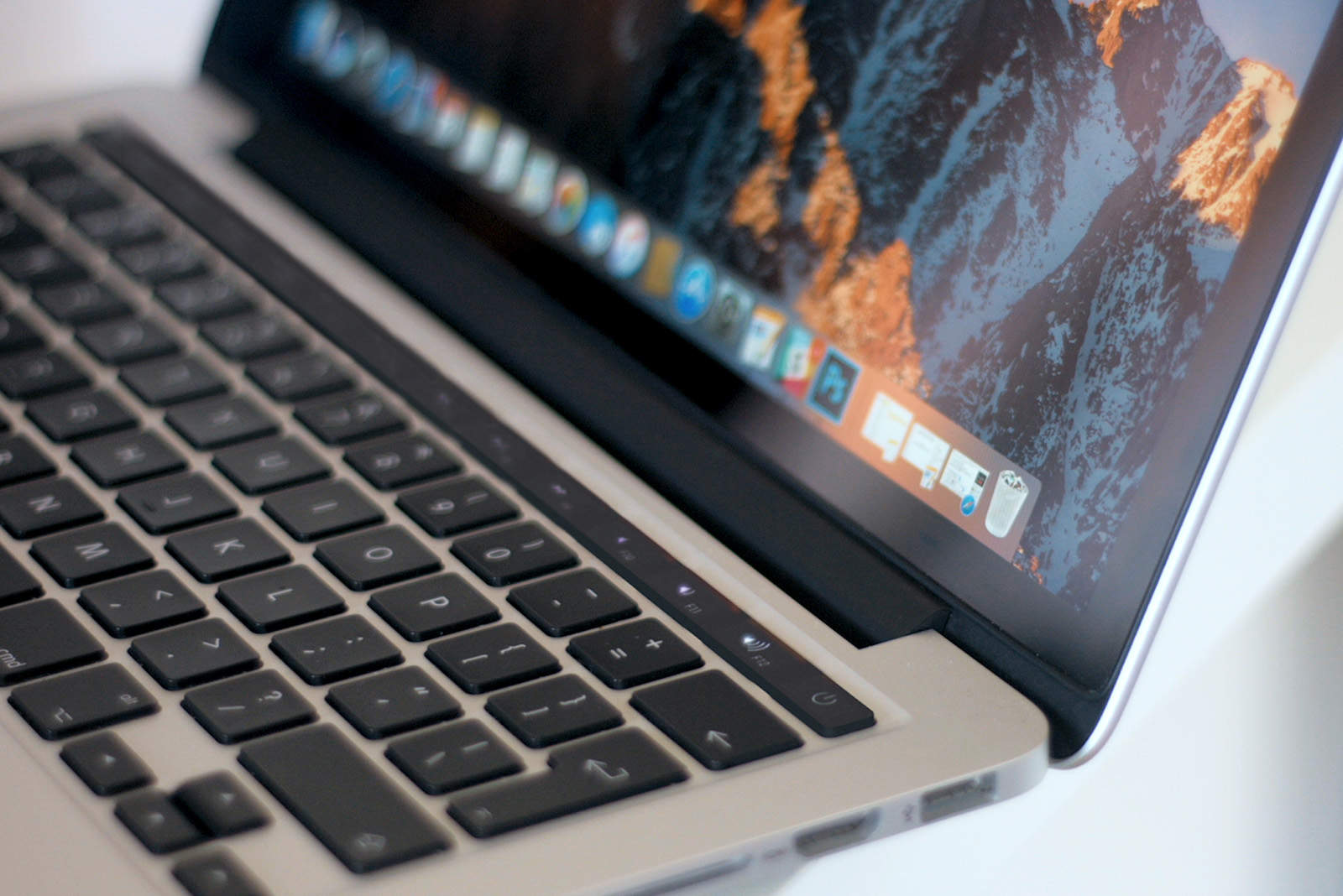
The Sonder acquisition is supposedly part of Apple’s plan to update its Magic Keyboard in 2018 with a smart keyboard module and color e-ink keys that allow programs to quickly swap characters for shortcuts or change to a different language.

Check out the e-ink keyboard in action:

How Google’s Pixel phones stack up against iPhone 7

By

Pixel
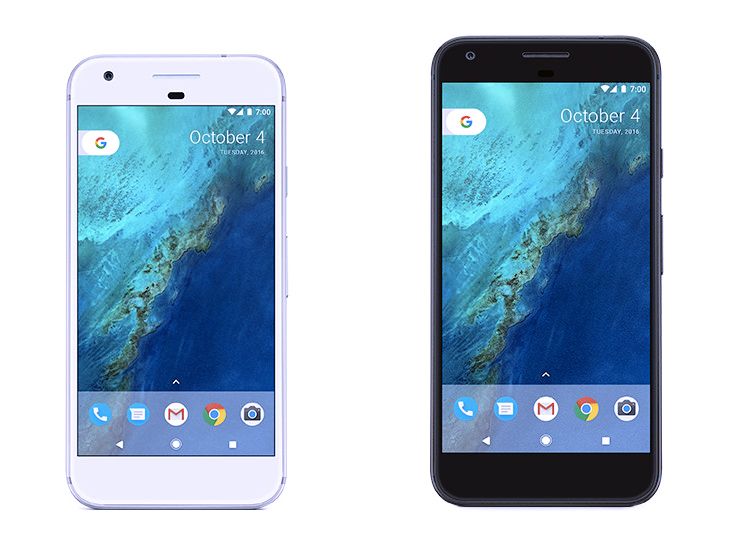
Pixel and Pixel XL.
Photo: Google

Google’s new Pixel smartphones have landed, and they’re here to show the world that Android is stepping up its fight against the iPhone.

The Pixel lineup shares a lot in common with the Nexus family it replaces, but it’s not designed with pure Android enthusiasts in mind anymore. Google wants to reach everyone with its new Pixel and Pixel XL, and it has gone all out to make that happen.

But does the Pixel duo have what it takes to beat iPhone 7, iPhone 7 Plus, and other high-end rivals? Find out in our smartphone comparison below.

1 79 80 81 82 83 121