Mobile menu toggle

Search results for: mechanical keyboard

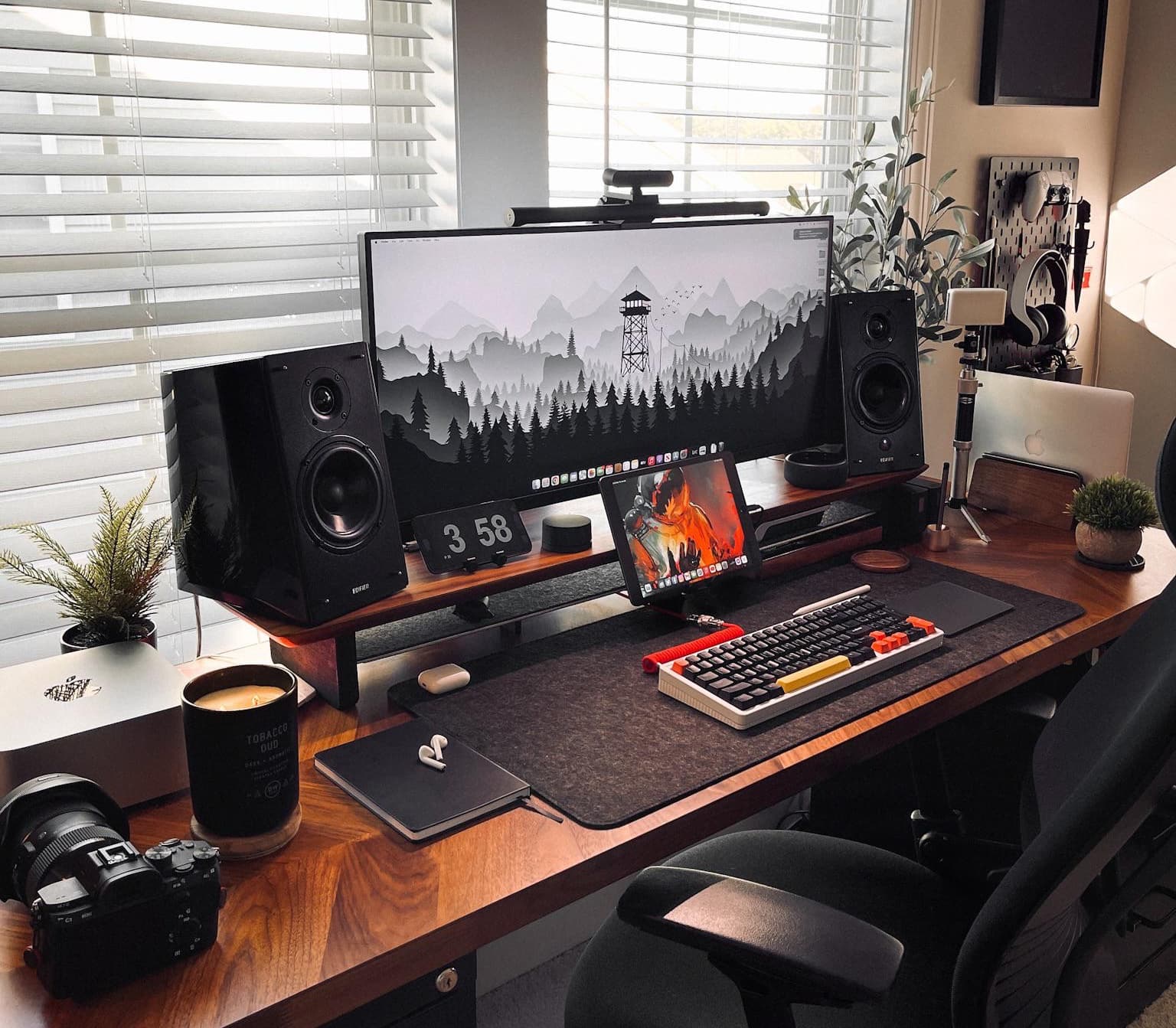
Gaming station sports Mac Studio and ultra-wide 4K display [Setups]

By

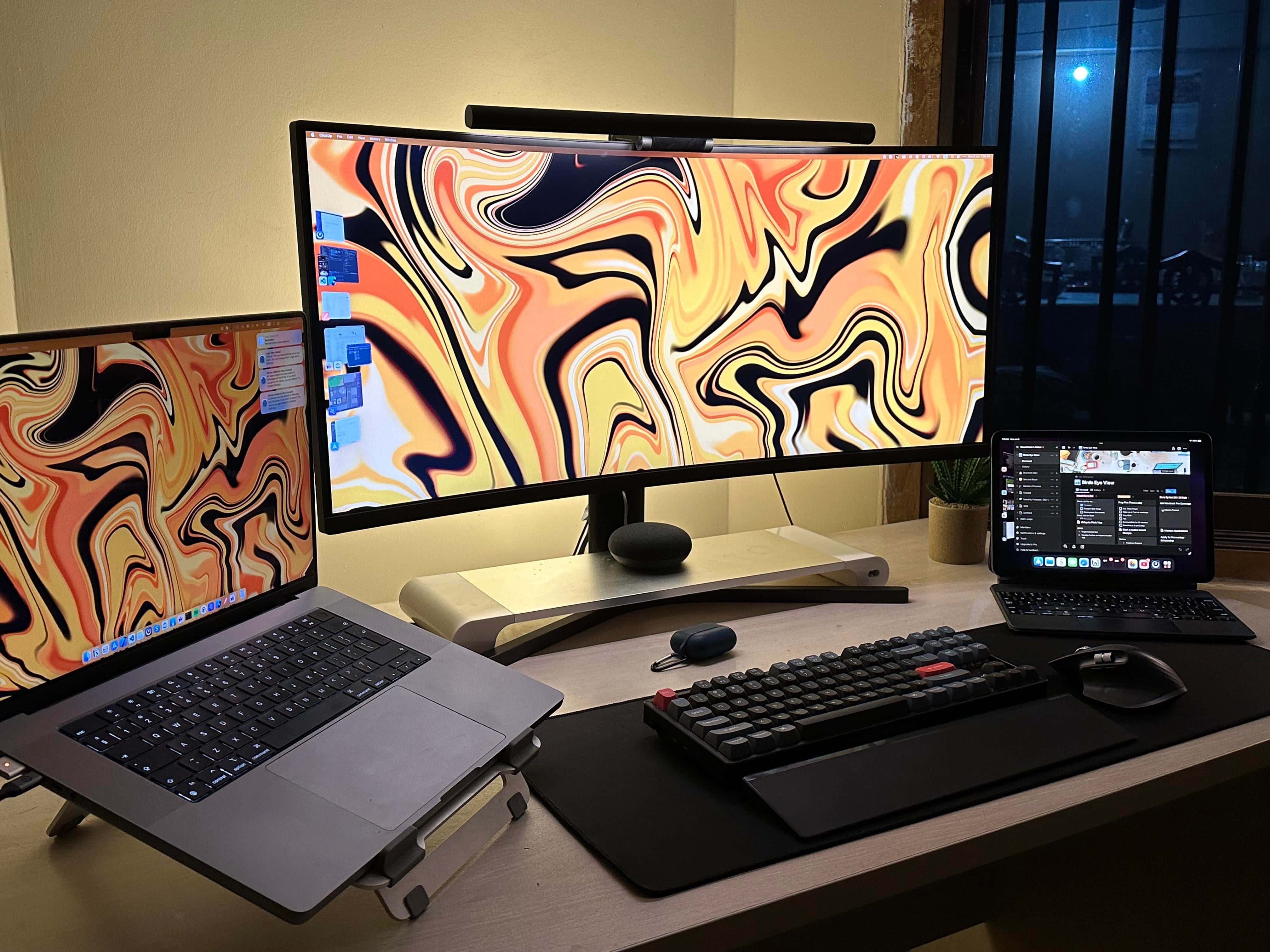
This great-looking setup relies on Mac Studio, MacBook Pro, iPad Pro and a PC.
Photo: [email protected]

In the world of computer setups flaunted on social media, we run across lots of folks who have their cake and eat it, too — in that they’re avid PC gamers who love their Macs, as well. Macs are rarely, if ever, the darlings of hardcore gamers.

Today’s featured setup plays hardball with a PC and Sony PlayStation, but it also covers the Apple bases. In addition to a powerful Mac Studio sharing time on the ultra-wide 4K display with the PC, the workstation boasts a MacBook Pro and an iPad Pro.

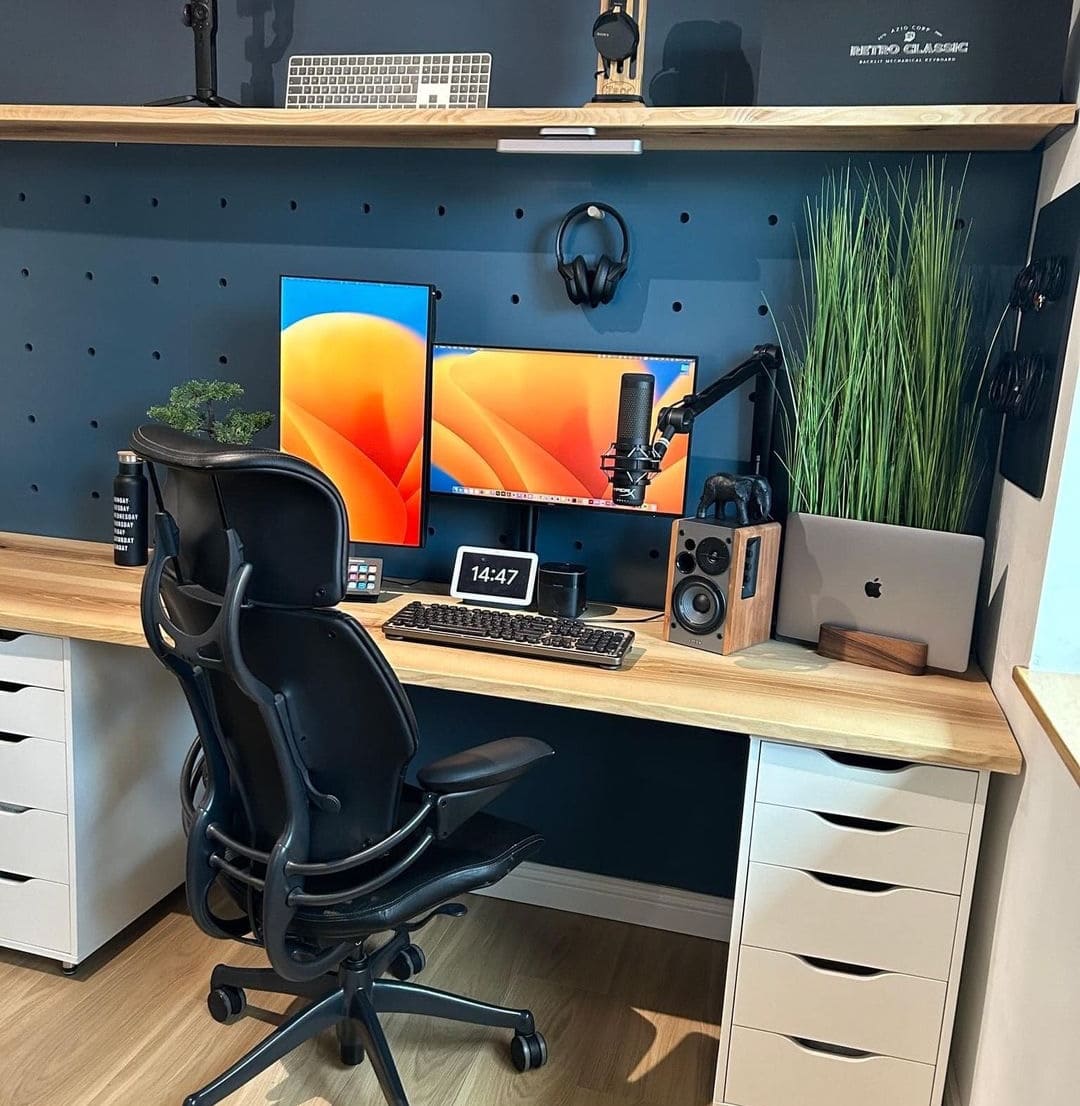
‘Budget’ MacBook Air workstation doesn’t look cheap [Setups]

By

Christian Panea setup
It's a "budget" setup, but it really doesn't look it.
Photo: Christian Panea@Workspace Setups Addict

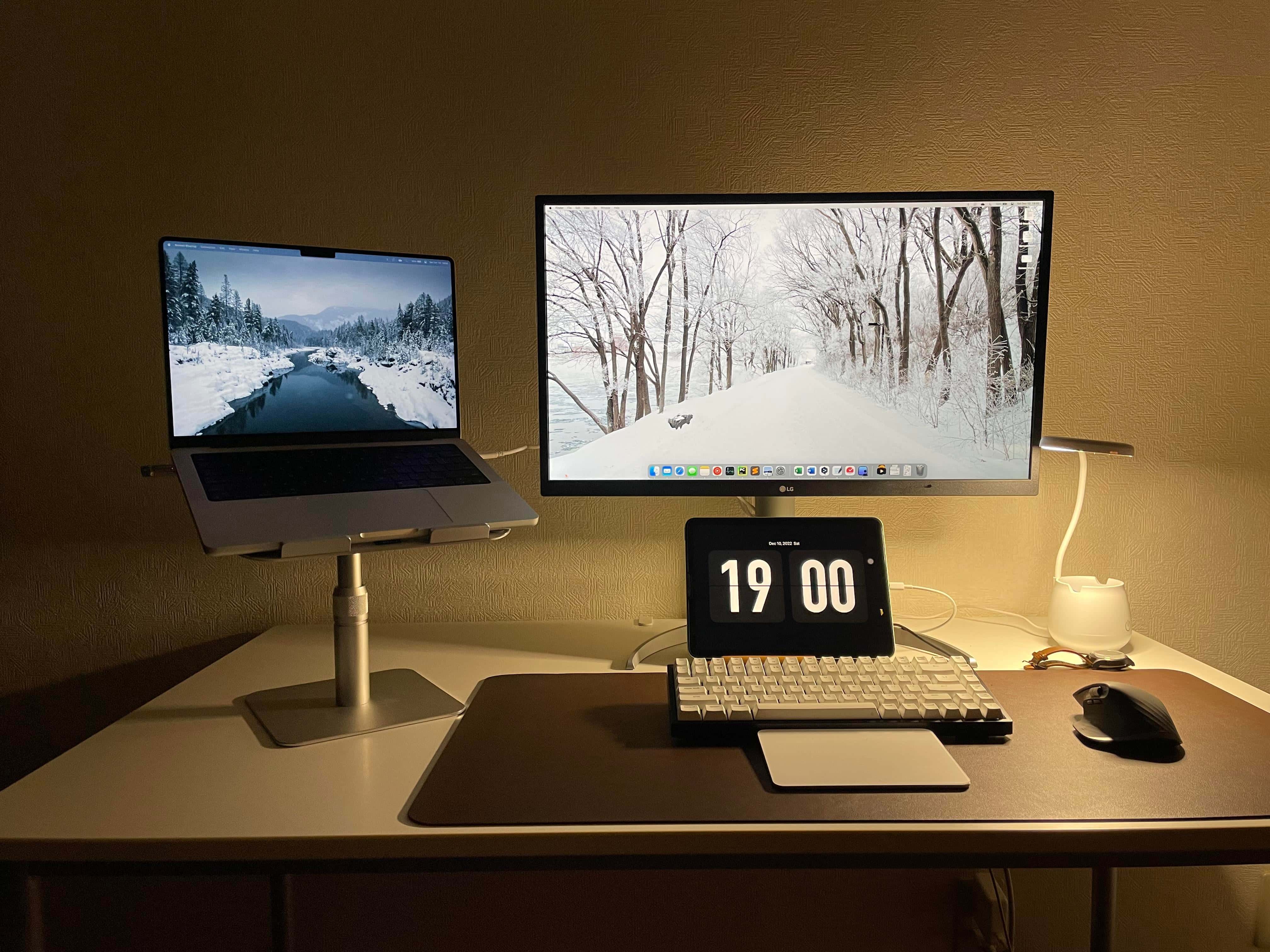
Some budget computer setups look the part — cheap, utilitarian, uninspired, incomplete — and others don’t. Today’s featured setup falls in the latter category. You look at the well-equipped workstation and the word “cheap” doesn’t occur to you.

Against a DIY desk and pegboard, the setup features an M1 MacBook Air, dual Dell displays, some nice AV gear and plenty of nice touches.

Developer craves more pixels in ultra-wide display [Setups]

By

Text renders more clearly on the MacBook Pro's Liquid Retina display than on the ultra-wide monitor.
Text renders more clearly on the MacBook Pro's Liquid Retina XDR display than on the ultra-wide monitor.
Photo: [email protected]

With modern computer displays, you can have brilliant colors, tons of screen real estate and even a cool curve in the screen. But will you be happy reading text on it? That’s not necessarily a sure thing.

In today’s featured MacBook Pro-based computer setup, a developer finds she likes her 34-inch curved ultra-wide display, but not in every possible way. She craves more pixels, having been “ruined” by her MacBook Pro’s crisp display.

Developer makes mobile apps with blazing-fast M1 MacBook Pro [Setups]

By

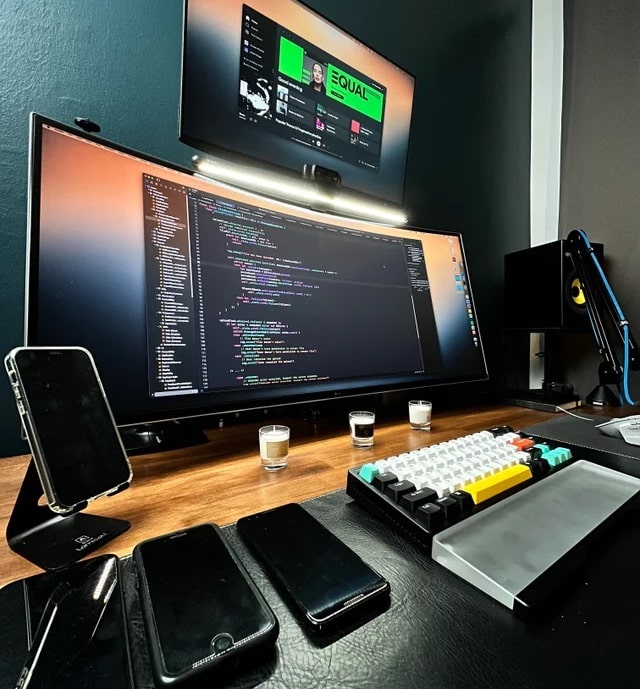
All those smartphones are for testing apps using different OS versions and screen sizes.
Photo: [email protected]

It’s always nice to hear from professionals relying on Apple gear and finding it meets or even exceeds their expectations. That’s a good indicator that Cupertino is going in the right direction.

Today’s featured computer setup shows that enthusiasm. A mobile app developer offers high praise for his M1 MacBook Pro. And his stacked displays and raft of AV gear aren’t bad, either. Let’s take a look.

Drop’s affordable new desktop speakers claim audiophile sound

By

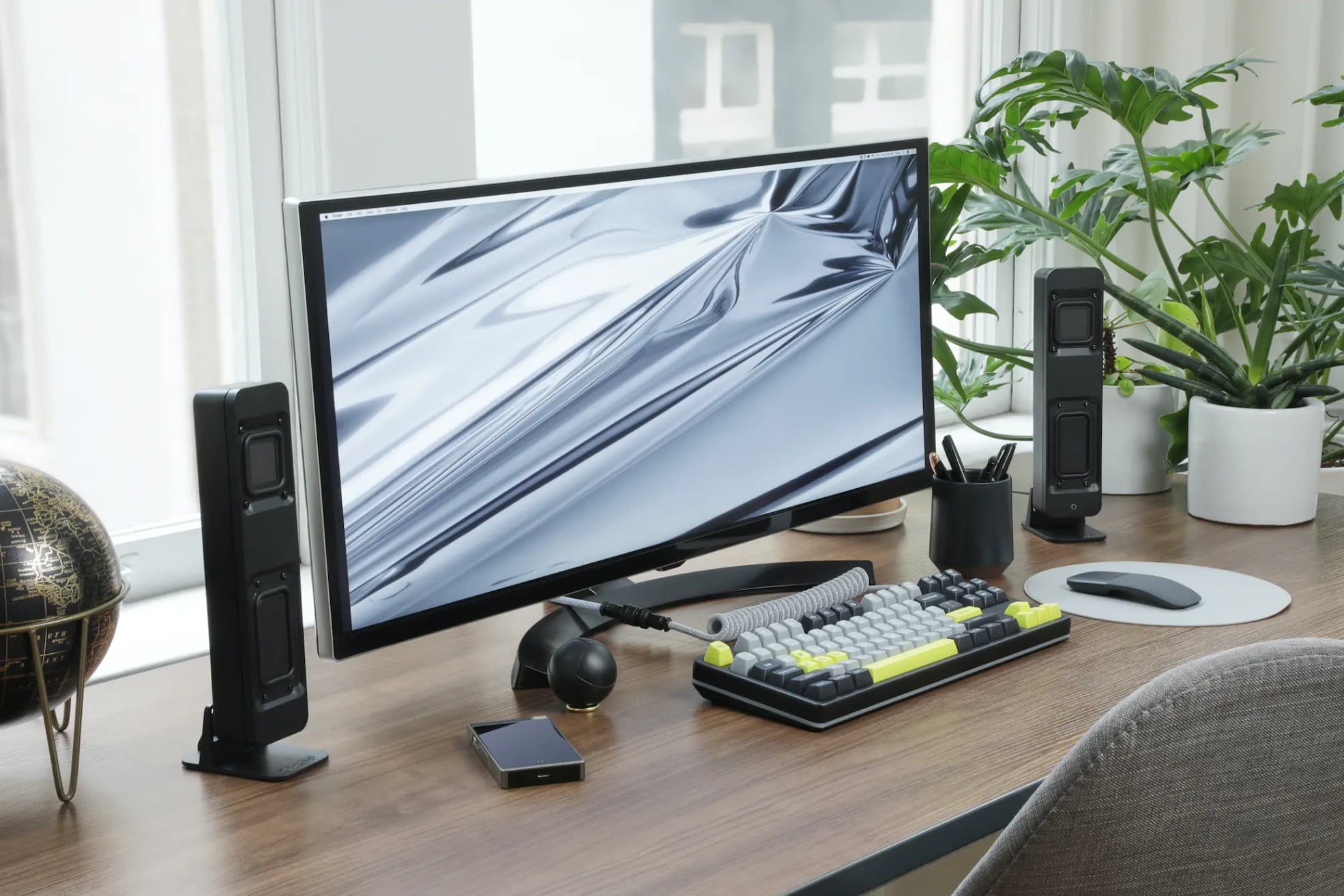
Drop's new desktop speakers are designed to sound great from just 2 or 3 feet away.
Photo: Drop

Drop, known for mechanical keyboards as well as headphones and other audiophile gear, unveiled its first set of desktop speakers Wednesday at CES 2023. The small Drop BMR1 Nearfield Monitors promise big, clear sound in a small footprint for just $129.

If you noticed that’s not an audiophile price tag, you’re right. So if you want more sound than your computer provides, you can preorder the new monitors on January 31.

External monitor, MacBook Pro and iPad all float on one arm [Setups]

By

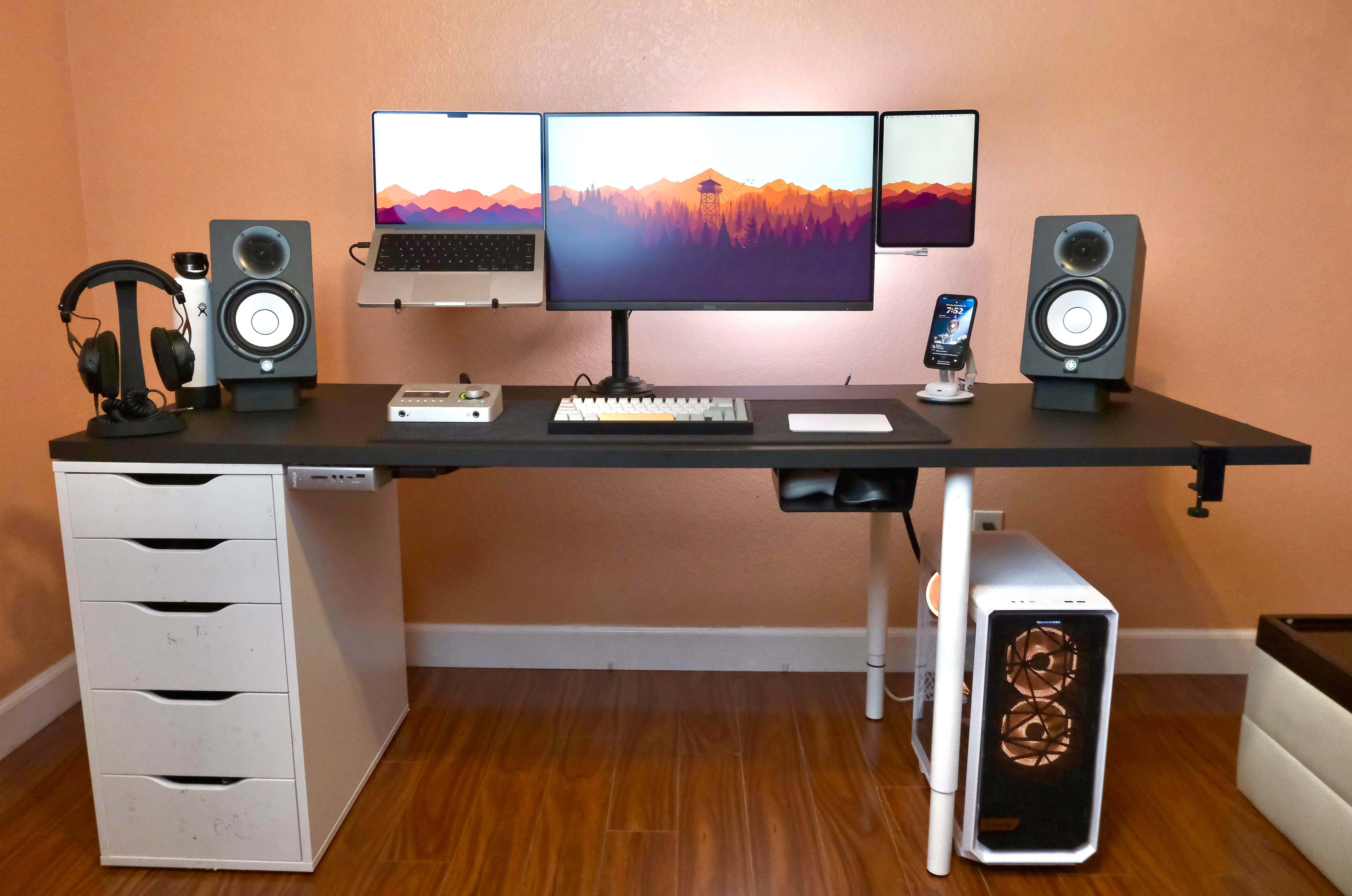
The external display, MacBook Pro and iPad are all lined up on one mount/arm.
Photo: [email protected]

Today’s featured Mac-and-gaming-PC computer setup pulls off a rare feat. It perfectly aligns three displays on one arm. The displays are a substantial external monitor, a MacBook Pro and an iPad Pro mounted vertically (yet running Sidecar).

Read on for tips on how to pull all that off, as well as tricks to using an iPhone as a mounted webcam and more.

Ph.D. student rocks M1 MacBook Pro in whipsmart workstation [Setups]

By

This is what a Ph.D candidate's computer setup looks like.
Photo: [email protected]

A computer setup run by a doctoral degree candidate had better be damned smart, and today’s featured setup doesn’t disappoint. It’s got a powerful M1 MacBook Pro, a recent (but not the latest) iPad Air, a very slick 4K display and a trio of whipsmart input devices boasting plenty of customization options.

And it’s got all that and pretty clever cable management, too. But does the future Ph.D.’s rig smoke a pipe and pretentiously hold forth on esoteric topics? No, it’s actually somewhat modest (down to the nice but not top-shelf headphones).

M1 MacBook Air knows how to have fun [Setups]

By

Lots of toys live in this MacBook Air and gaming PC rig.
Photo: [email protected]

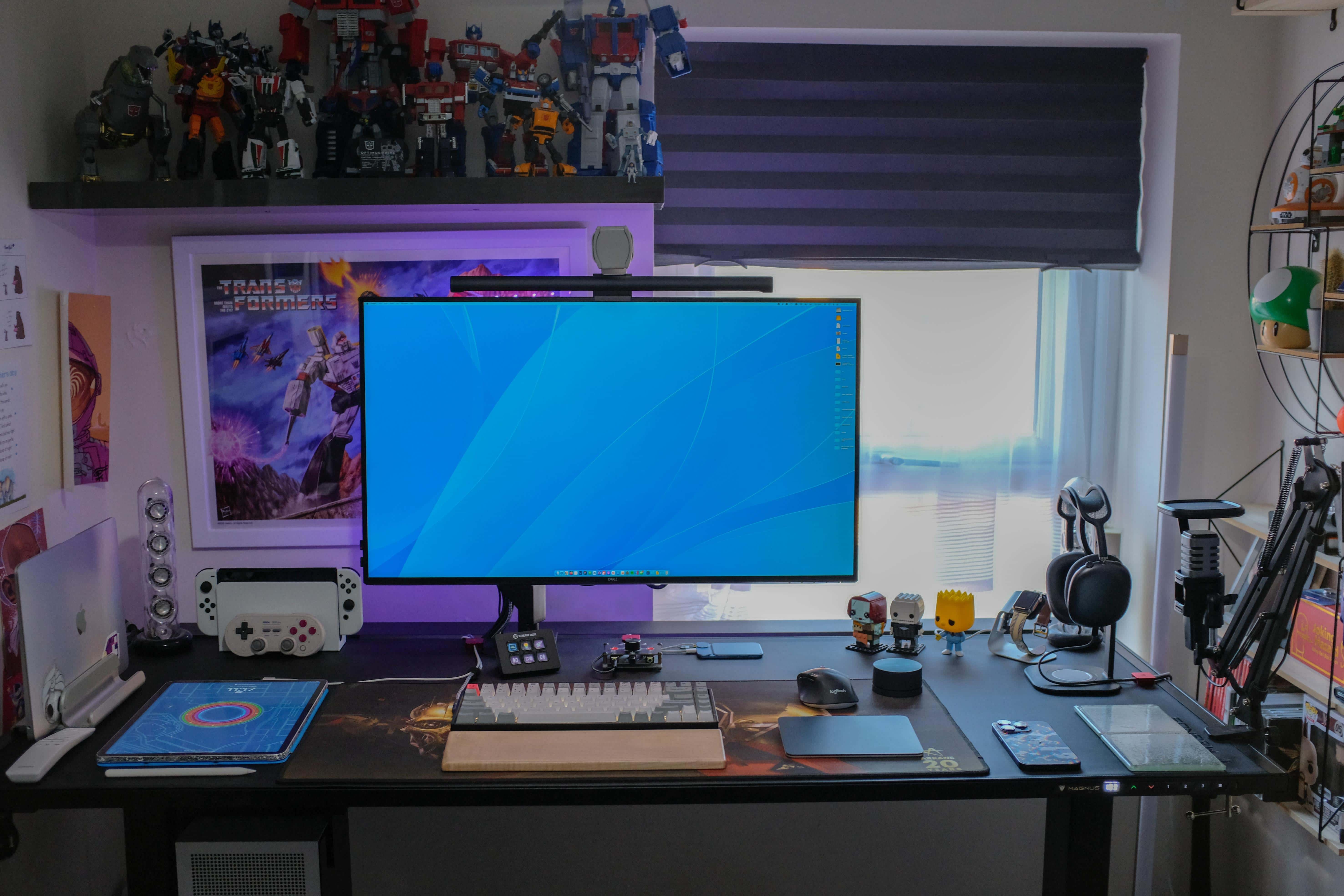
Some setups are no-nonsense, just the facts, ma’am — strictly utilitarian. Others are fanciful and full of toys. Today’s featured setup leans toward the latter, with its burgeoning population of Transformer figures crowding the shelf above the display and even related wall art.

And there’s plenty of gaming going on there, too, via a custom gaming PC and Nintendo Switch OLED in addition to an M1 MacBook Air and 12.9-inch iPad Pro.

Oh, and it has one of the coolest speaker systems ever made, too.

We bet you haven’t seen a 3-display rig quite like this one [Setups]

By

The little monitor at the bottom is the odd bit.
The little display at the bottom of the stack is the unusual bit.
Photo: [email protected]

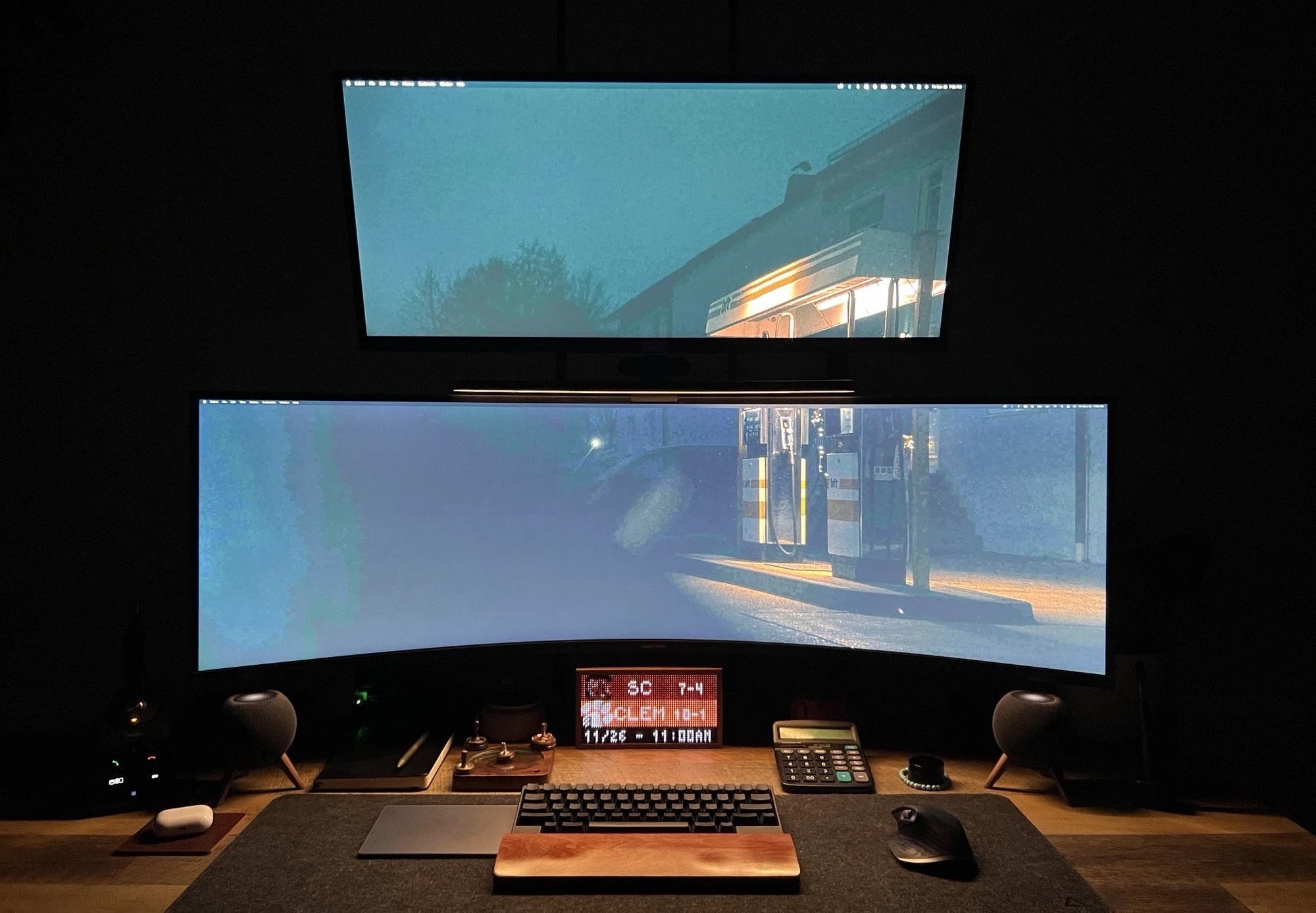
Display towers — when monitors are stacked on top of each other — aren’t super common in computer setups. But they’re not terribly rare, either. From time to time we’ve even seen three stacked horizontally in the middle with two posted vertically on the sides. But today’s featured triple-display MacBook Pro setup sports an unusual choice at its base.

You can’t miss the 49-inch Samsung curved ultra-wide screen in the middle and the nice 34-inch LG 4K display on top. But at the bottom lurks a TidByt, which is a retro display for sports scores, stock prices and more. We don’t recall seeing one featured in a setup.

MacBook Pro drives dynamic, well-mounted displays [Setups]

By

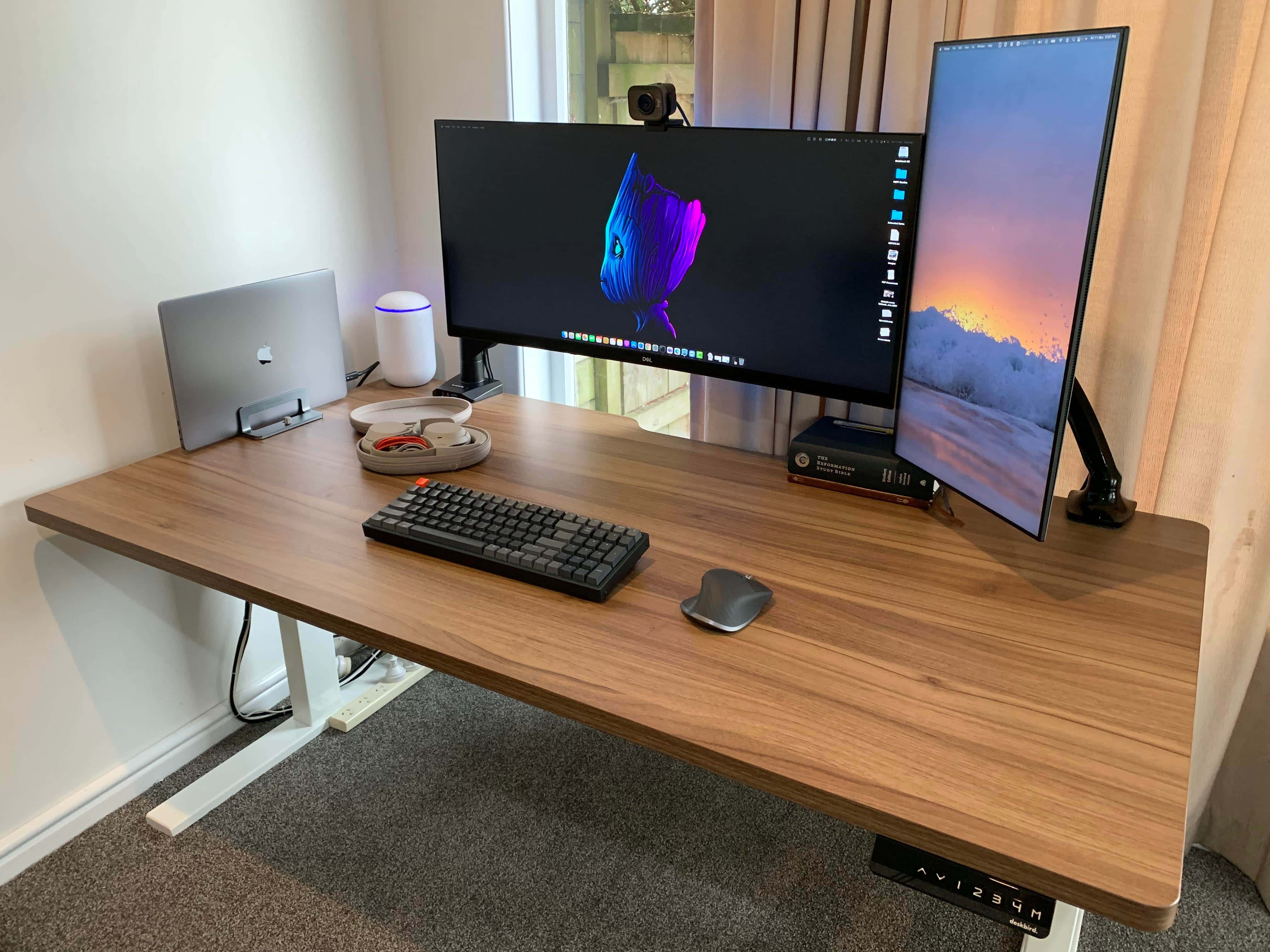
A 34-inch ultra-wide display in landscape mode and a 24-inch monitor in portrait mode make a good combo.
Photo: [email protected]

Powerful MacBook Pro — check. Extremely capable USB dock — check. Dazzling displays properly mounted in different orientations — check. Two of the best input devices you can buy — check.

Today’s featured computer setup seems to have it all without going overboard, and it all rests easily on a solid standing desk from New Zealand.

And the user even recommends deals on truly stellar noise-canceling headphones. Read on for more and don’t miss the gear list at the bottom of the page.

1 26 27 28 29 30 48