Mobile menu toggle

Search results for: apple tv

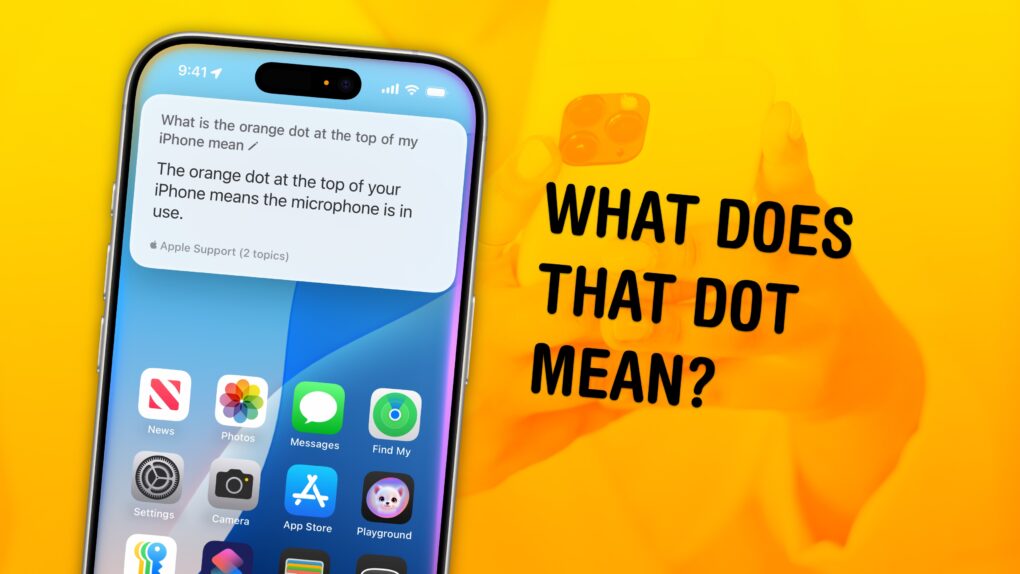
What’s the deal with that orange and green dot on your iPhone?

By

What Does That Dot Mean?
A long-standing mystery solved.
Image: D. Griffin Jones/Cult of Mac

What does the orange dot on your iPhone mean — and while we’re at it, how about the green dot? These mysterious dots can appear in the Dynamic Island of newer iPhones, or in the upper right corner of older models, near the battery icon.

The dots are part of Apple’s vast system of privacy and security features built into the iPhone. Of course, these privacy features only work if you know what they mean and how to use them — so keep reading for the answer below.


visionOS 3 may let you scroll hands-free using your eyes

By

Vision Pro arrives in Asia
visionOS 3 could be a big upgrade.
Photo: Apple

The next major update to visionOS could include eye scrolling, for navigating long lists and webpages entirely hands-free. The Vision Pro already uses eye- and hand-tracking for navigating its interface; if true, this would take it to the next level.

Scrolling is one of the most fundamental interactions with a smartphone. But it hasn’t translated as well to the Vision Pro, where you need to pinch two fingers together and move your hand.

If visionOS 3 lets you scroll simply by looking at the bottom of a window, that could be a powerful new feature of the headset.

iPadOS 19 wish list: 5 features we’re hoping for

By

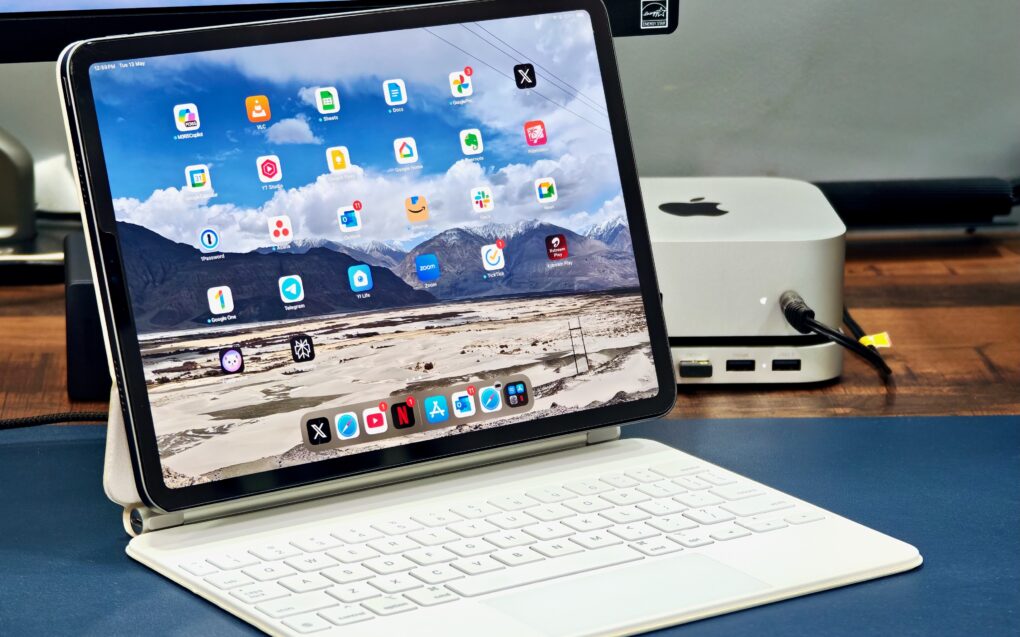
M1 iPad Pro with Magic Keyboard to illustrate an article on iPadOS 19 features wish list
iPadOS 19 must allow the iPad to live up to its full potential.
Photo: Rajesh Pandey/Cult of Mac

Rumors point to iPadOS 19 blurring the line between the iPad and Mac. With Apple reportedly focusing on “productivity, multitasking and app window management,” we put together a very specific iPadOS 19 wish list for features that could unlock the full potential of Apple’s tablets.

With WWDC25 just around the corner, here’s what we want to see in iPadOS 19.

macOS Sequoia 15.5 brings only a few tweaks

By

macOS Sequoia 15.5
macOS Sequoia 15.5 is really more of a patch.
Image: Apple/Cult of Mac

Mac users can now install macOS Sequoia 15.5… but there’s really no hurry. This new version is especially light on new features.

It seems clear that much of Apple’s attention is on upcoming AI features, macOS 16, and other enhancements coming later in the year.

This brilliant portable foldable monitor is like nothing you’ve ever seen [Review] ★★★★★

By

Arovia Splay★★★★★
The Arovia Splay puts a beautiful 25-inch screen anywhere you need one.
Photo: Arovia

The Arovia Splay Portable Foldable Monitor and Projector is a truly remarkable piece of kit. Not only does it promise a 25-inch, 1080p screen that can fold down to the size of a book, it actually delivers… with a surprisingly bright, clear image that doesn’t need a darkened room.

As the name indicates, it can also be used as a small portable projector.

I watched hours of TV shows on the Splay, and used it for work, too. I’m truly impressed with the performance. I’m less pleased about the price, though.

iOS 18.5 will bring satellite connectivity to iPhone 13 series

By

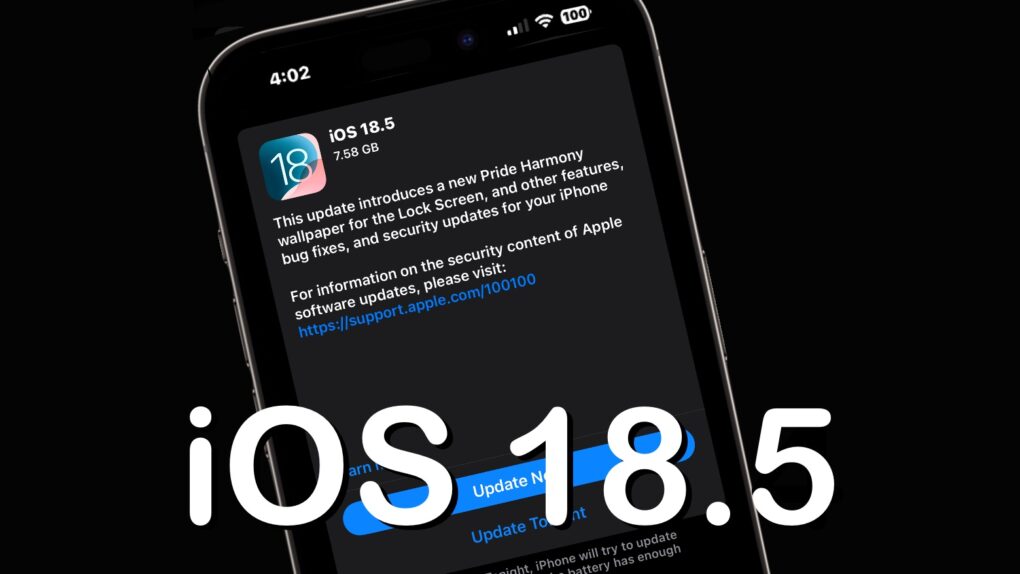
iOS 18.5
iOS 18.5 is probably a week away, with good news for iPhone 13 users.
Image: Ed Hardy/Cult of Mac

Apple sent the iOS 18.5 release candidate out for testing Tuesday and revealed that the update will enable the iPhone 13 series to access carrier-provided satellite features. The new software also will bring other changes and bug fixes for models going back to the iPhone XR.

The release candidates for macOS Sequoia 15.5, iPadOS 18.5, watchOS 11.5, tvOS 18.5 and visionOS 2.5 also went out at the same time.

Backbone Pro makes the best iPhone game controller way, way better [Review] ★★★★★

By

Backbone Pro★★★★★
There’s no better way to improve mobile gaming than with Backbone Pro.
Photo: Ed Hardy/Cult of Mac

The Backbone Pro game controller that launched Tuesday wraps around your iPhone and connects via USB-C, but it can also connect to your Mac or iPad via cable or Bluetooth. Plus, it adds remappable rear buttons to the standard mix of sticks, triggers, D-pad and more.

Backbone already makes the best iPhone game controller, and my hands-on experience with this new premium version found that it takes mobile gaming to a whole new level.

Price drop: This wireless CarPlay adapter lets you watch videos on your car’s screen

By

Add streaming abilities to your car with PlayAIBox, a $90 wireless CarPlay adapter.
The PlayAIBox does CarPlay (and Android Auto) without wires, and also supports streaming services like Apple TV+, Netflix and YouTube.
Photo: Cult of Mac Deals

With the PlayAIBox — a combination wireless CarPlay adapter and car streaming device — you can enjoy Apple’s in-car infotainment system, stream video and more without physically connecting your iPhone to your car. It works with nearly all cars, and puts CarPlay (or whatever you want to mirror from your iPhone or Android device) on your in-car display.

You could listen to your YouTube watchlist on the road, stream a quick episode of Fallout on your lunch break, or let your kids watch a movie while you watch the road. The first step is to get the PlayAIBox while it’s on sale for $74.97 (regularly $129.99).

Don’t let iOS 18’s radically redesigned Photos app throw you for a loop

By

An image of the icon for Apple's new Photos app in iOS 18, along with the words,
The revamped Photos app in iOS 18 is a big change. Learn how to use it now.
Image: D. Griffin Jones/Cult of Mac

Apple’s redesigned Photos app in iOS 18 brings the biggest changes ever to how you browse your pictures, videos and memories on your iPhone. Gone are the separate tabs across the bottom. Now the Photos app delivers a single, scrollable view. Scroll up to see your library; scroll down to sort through albums, people and memories.

It takes some getting used to — and the big changes are driving some people absolutely insane. To get a grip on all the changes, you need to learn where to find your recently saved images, deleted photos and your album of hidden photos.

Here’s how it works.

Meet the greatest con artist of all time

By

Easy Money: The Charles Ponzi Story
The podcast debuts June 23.
Photo: Apple TV+

In 1920, Italian immigrant Charles Ponzi defrauded investors in the Boston area and across the nation of what would today be a quarter of a billion dollars, going from penniless to the high life in no time and giving the classic “Ponzi scheme” its name, Apple TV+ said Thursday. It plans to tell the story of Ponzi’s mercurial rise and devastating fall in Easy Money: The Charles Ponzi Story, an eight-episode docudrama set to premiere on Apple Podcasts June 23.

And to listen, you can hook up your Apple TV+ account to Apple Podcasts to gain full access to the series. I’m betting it’s worth the investment of your time (but keep your money safe).