Mobile menu toggle

Search results for: SSD

Get the brilliant M1 MacBook Pro at its lowest price yet

By

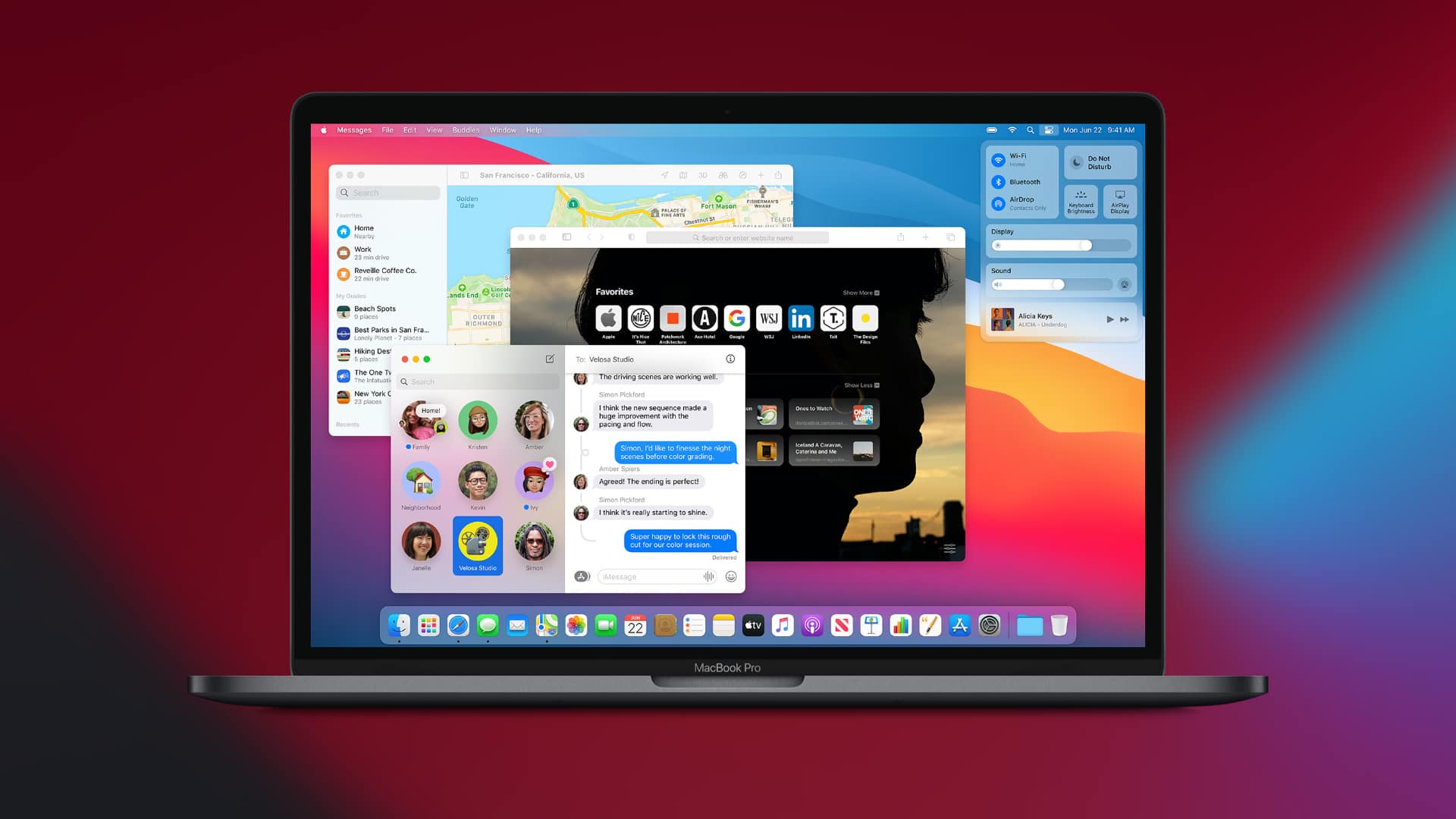
macOS Big Sur on a MacBook Pro
Save $199.01.
Photo: Apple

The newest MacBook Pro with M1 chip is the best Apple laptop you can buy right now, and rumor has it we’ll be waiting longer than anticipated for a larger model. Bag the brilliant 13-inch option today at its lowest price ever.

Amazon is offering $199.01 — the biggest discount yet — off both the 256GB and the 512GB configurations. Enjoy the savings today before they disappear!

Should you put a keyboard cover on a MacBook Pro? [Setups]

By

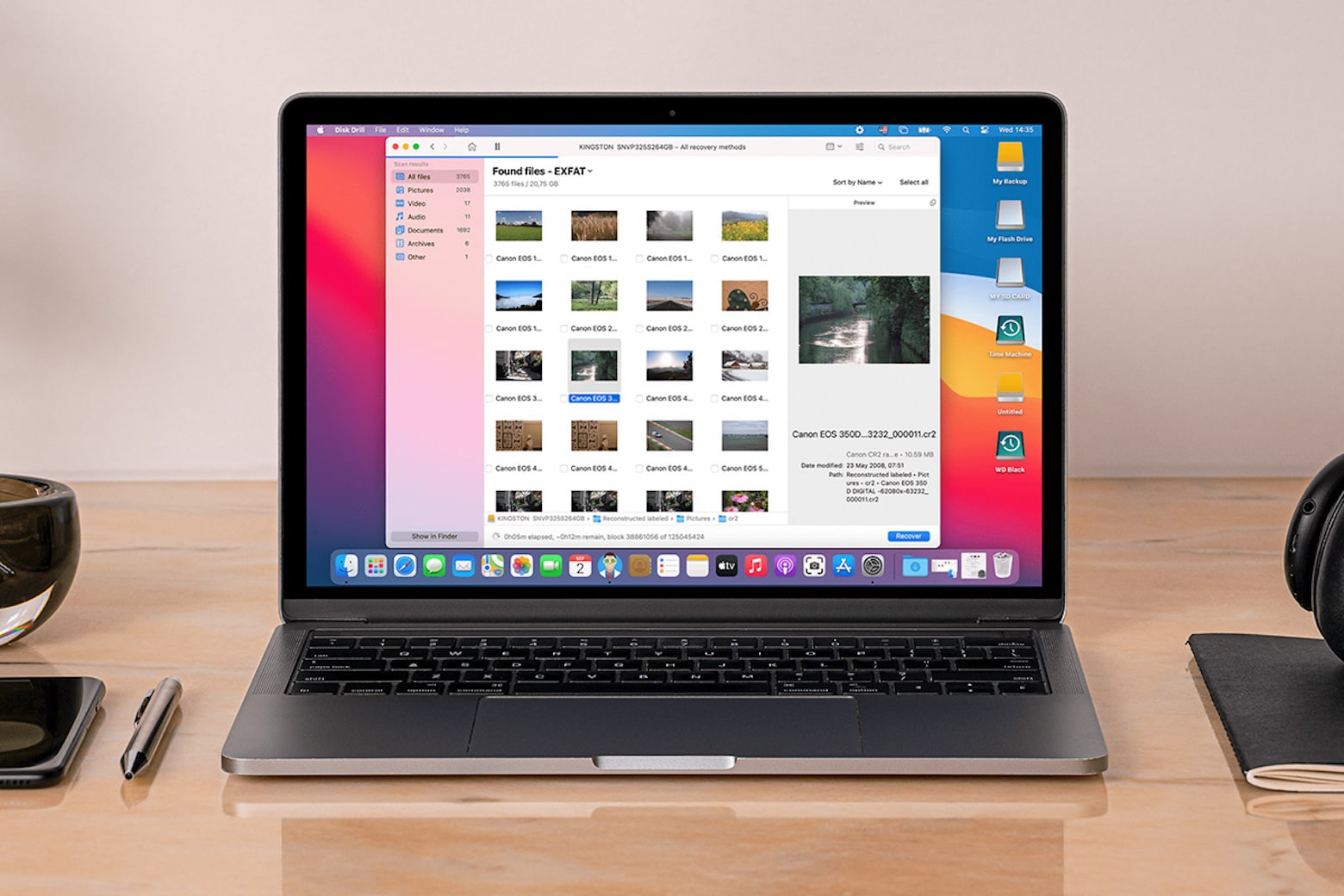
Note the cool-looking keyboard cover on the MaBook pro at left.
Photo: [email protected]

When a computer setup is as clean and spare as Redditor whatsyourname’s, the eye tends to go to the most unusual item. In this case, it’s probably the colorful keyboard cover on the MacBook Pro, making it look like some other model of laptop.

And, of course, what did commenters most want to talk about in the setup? That thing. Naturally, a little bit of a debate ensued. Should you use a keyboard cover on a MacBook at all?

Summertime vibes in the south of Sweden, M1-style [Setups]

By

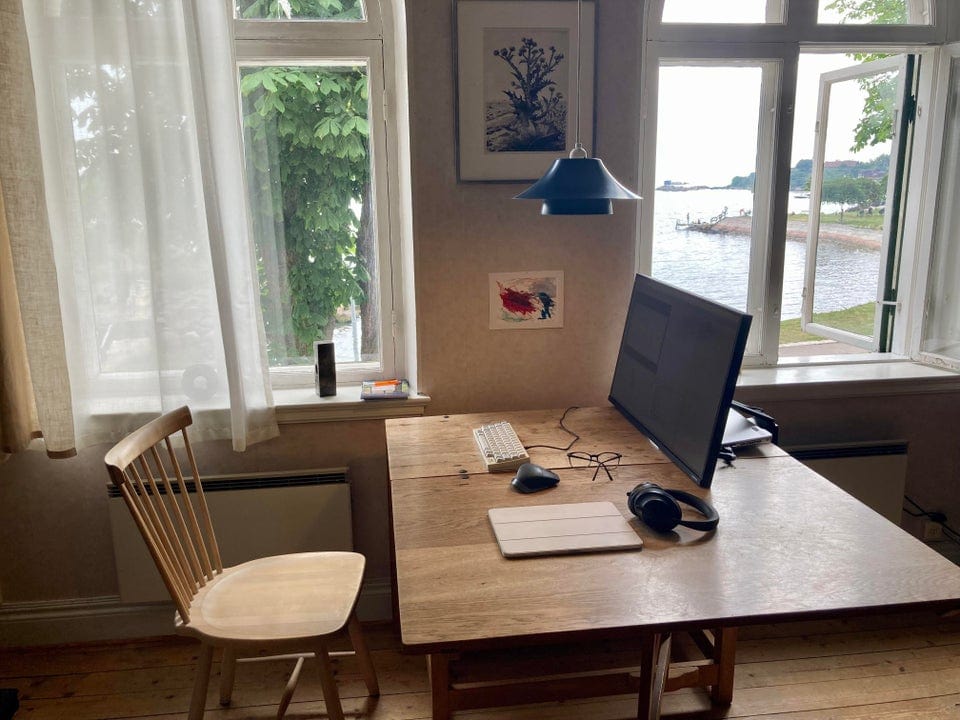
Not summering on the Baltic Sea shoreline in the south of Sweden, are you?
Photo: [email protected]

Redditor N3oPuff drew some attention on the social media platform with a setup photo that flaunts mind-blowing gear not so much as it does natural beauty. It definitely brings to mind the old real estate maxim: “location, location, location.” But an M1 Mac mini always helps.

In fact, it could be the perfect Setup for a summer Friday.

M1 MacBook Air and iPad Air help make a music studio [Setups]

By

Warning, jazz joke ahead:
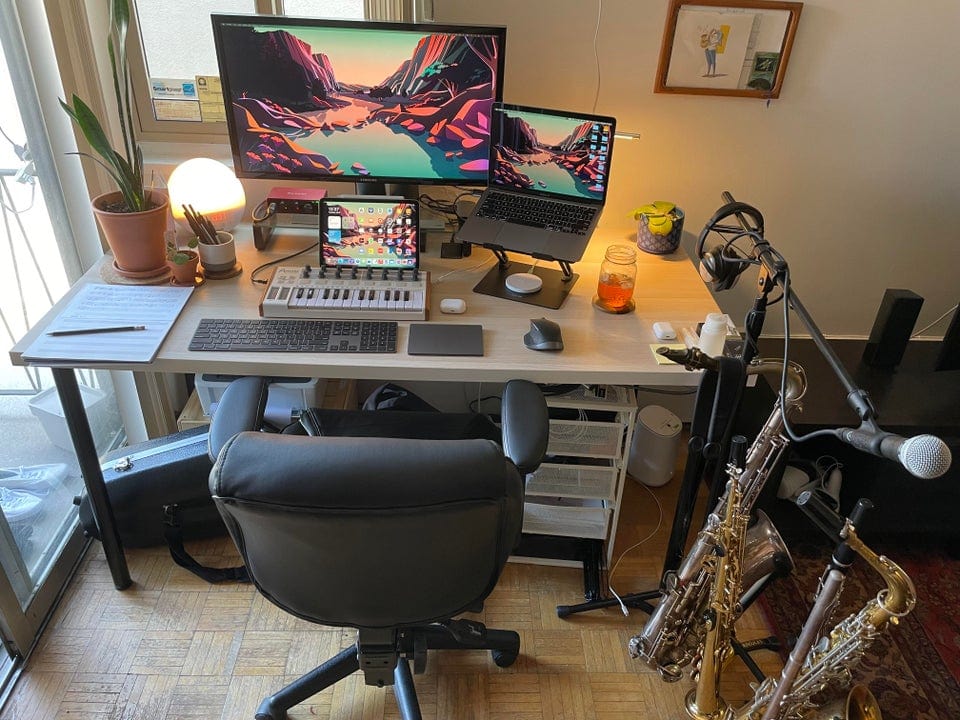
Warning, jazz joke ahead: "Remember to always practice safe Sax," quipped a Redditor.
Photo: [email protected]

Redditor madeitinthewild makes beautiful music up in Canada. Or he makes music, anyway. Jazz music. You can tell by the assortment of saxophones next to his M1 MacBook Air- and iPad Air 4-based mini music studio. That, and he said so.

“Remember to always practice safe Sax,” came the obligatory jazz-joke comment.

“No way I live on the edge,” replied madeitinthewild, kinda true to his Reddit handle.

A Mac mini, a PC and a G4 walk into a podcasting primer … [Setups]

By

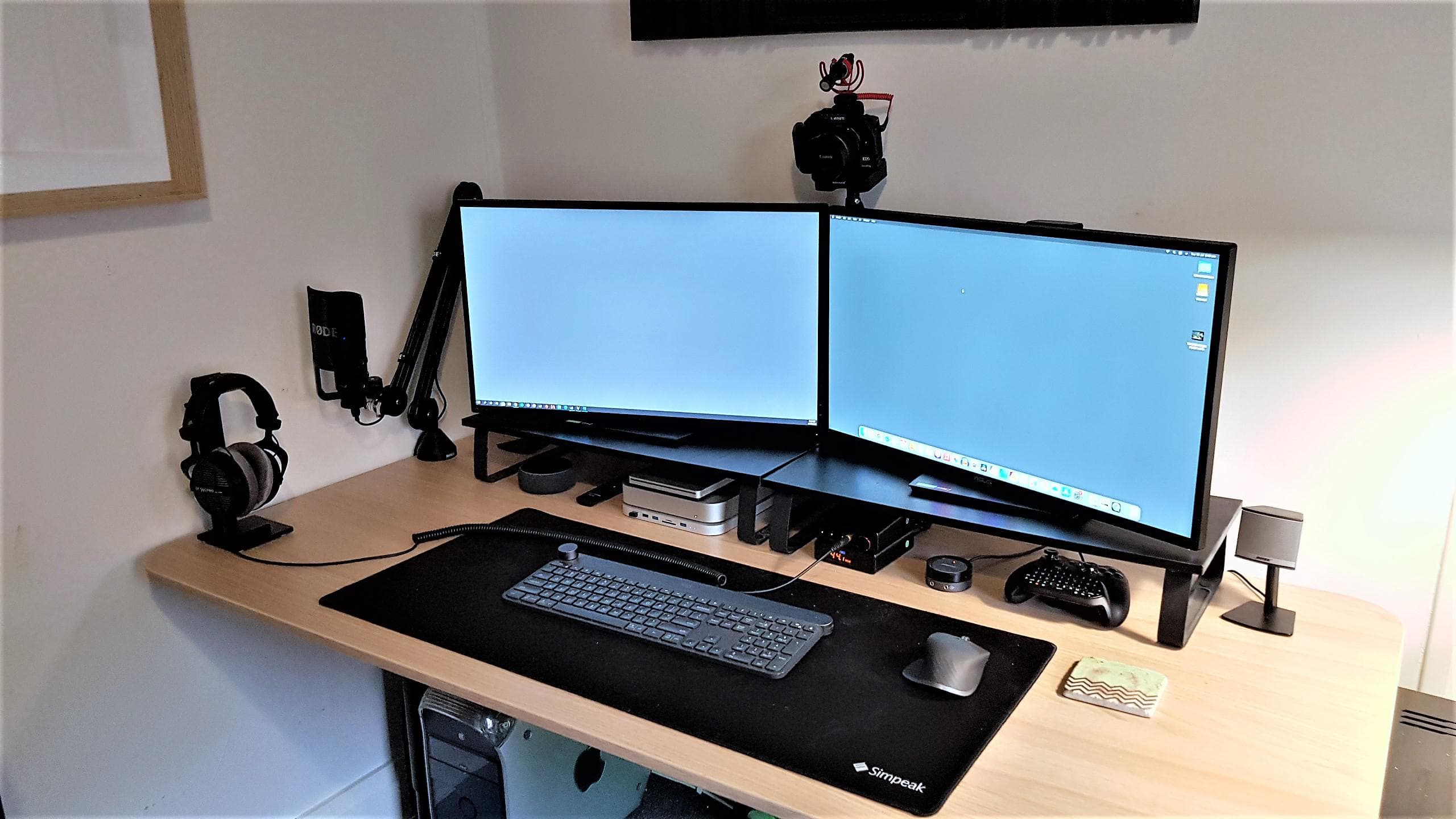
See the G4 peeking out from under the desk? Ah, nostalgia.
Photo: omgaporksword@Reddit

It sounds like the setup to a punchline: A strapping young Mac mini, a yoked gaming PC and an elderly Power Mac G4 walk into a podcasting primer. Then what happens?

Well, if we’re talking about Redditor omgaporksword’s recent setup post, you learn a few OS-switching tricks, share some old-school Mac nostalgia and see how to position your USB microphone using a boom arm.

There is no punchline and there are no laughs. But please, people. Not everything is about humor. Except maybe omgaporksword’s Reddit handle.

A year of effort goes into a clean and balanced look [Setups]

By

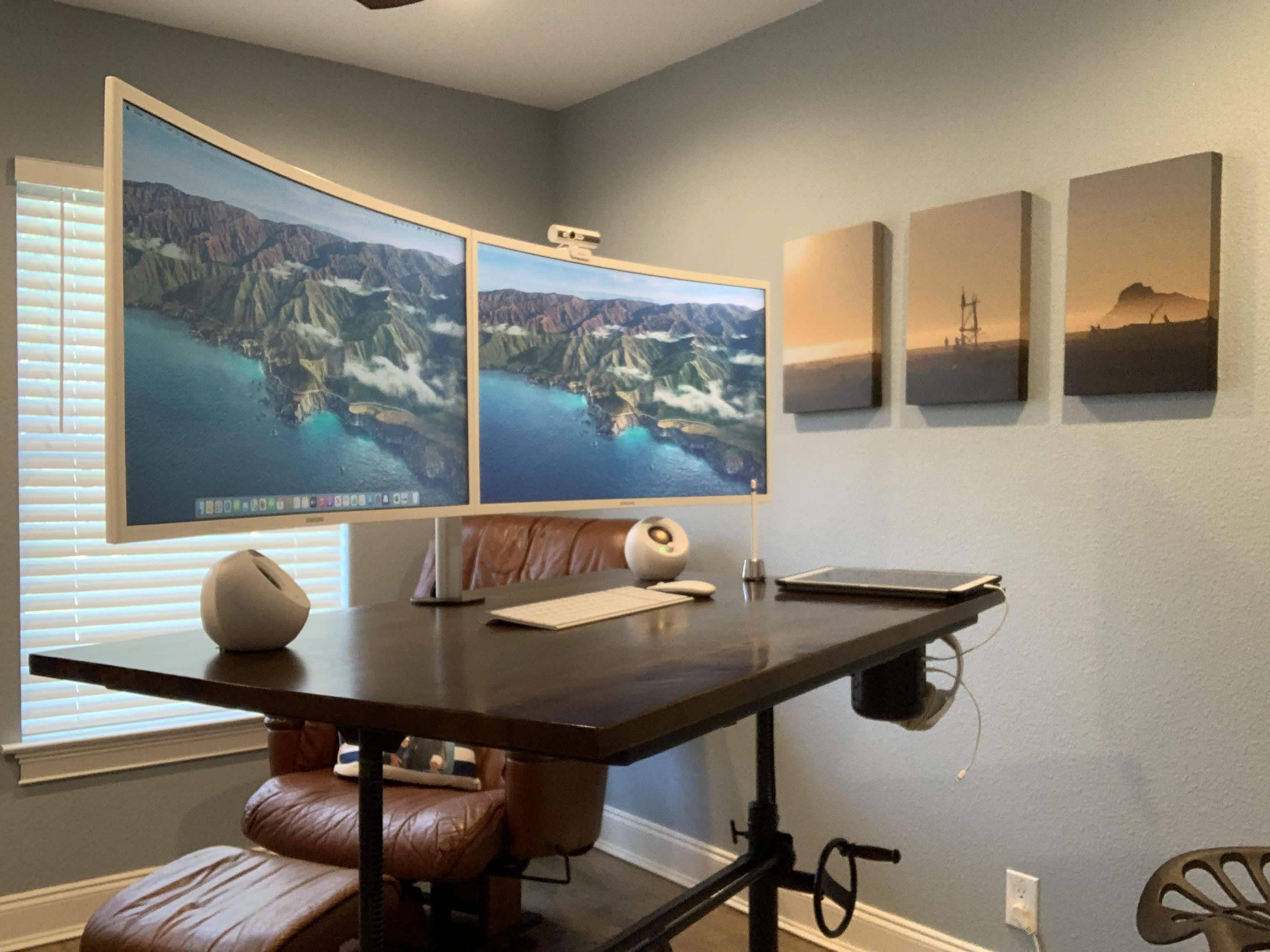
Chris Reed's dual-monitor M1 MacBook Pro setup was a long time in the making.
Photo: Chris Reed

Working student Chris Reed told Cult of Mac he put a year of work into his “slow build” home office and computer setup. In that year he strove to achieve a clean and balanced look, and, judging by his pics and comments, it seems he got there.

Reed said he wanted to go with dual monitors rather than a wide screen display to save some money. He’s pleased with his choice of 32-inch Samsung 1080p curved monitors, run along with his 2020 MacBook Pro and his iPad Pro.

Make your M1 MacBook Air setup as light as, um, air [Setups]

By

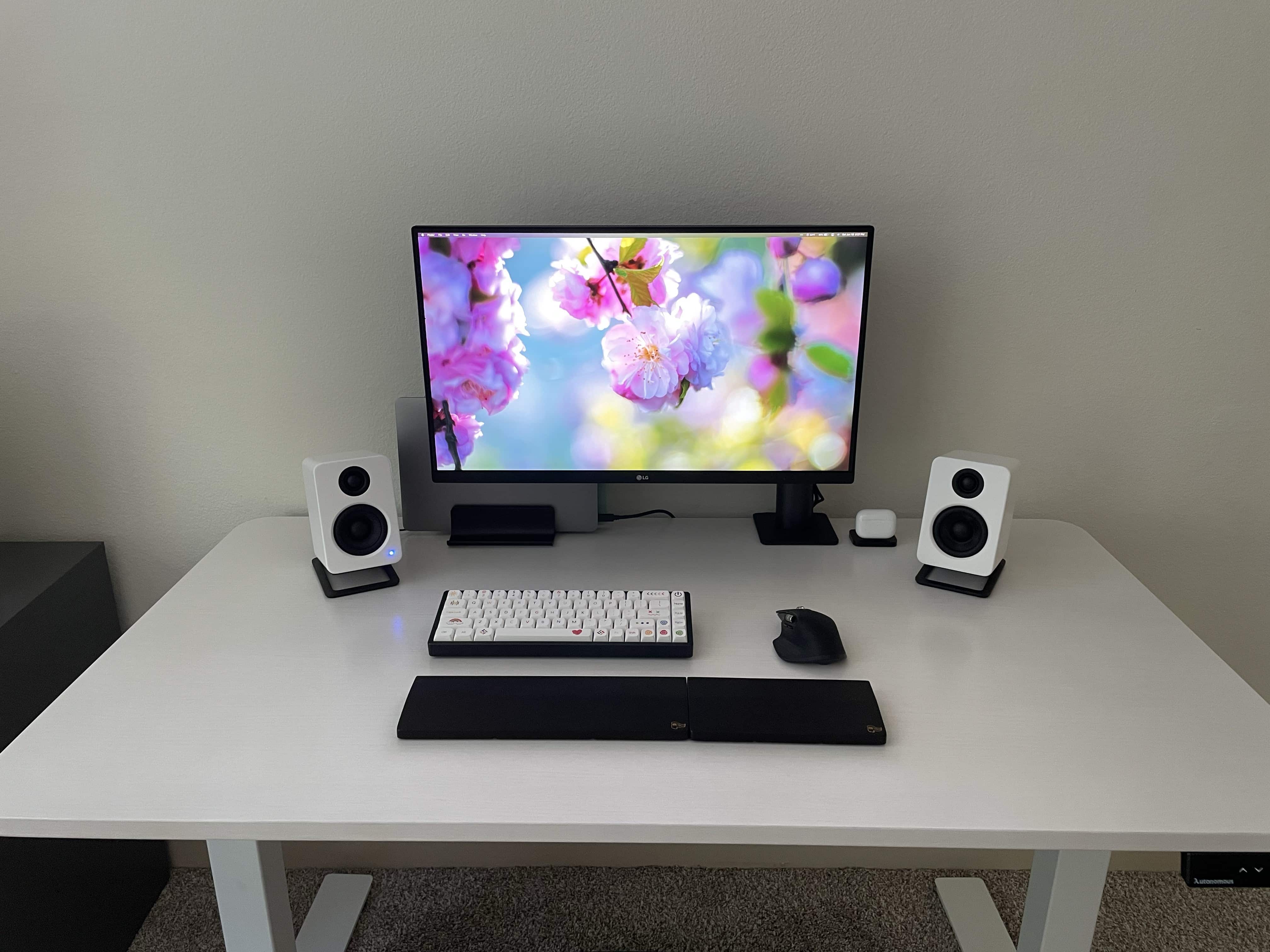
The laptop's not the only thing about this setup that feels light.
Photo: cosmiccrispapple@Reddit

Many people have a thing for clean, simple computer setups where distractions are minimized and productivity — of whatever type — is maximized. Redditor CosmicCrispApple seems to find a Zen-like state simply by emphasizing the color white with some black contrast on the desk.

But it’s really not that simple. You also have to keep things, well, simple. And if you do it right, your setup can look and feel as light as air.

Think you’re productive? Go split-screen ultrawide +1 on the side [Setups]

By

If you would like to see your setup featured on Cult of Mac, send some high-res pictures to info+setups@cultofmac.com. Please provide a detailed list of your equipment. Tell us what you like or dislike about your setup, and fill us in on any special touches or challenges.
If you would like to see your setup featured on Cult of Mac, send some high-res pictures to [email protected]. Please provide a detailed list of your equipment. Tell us what you like or dislike about your setup, and fill us in on any special touches or challenges.
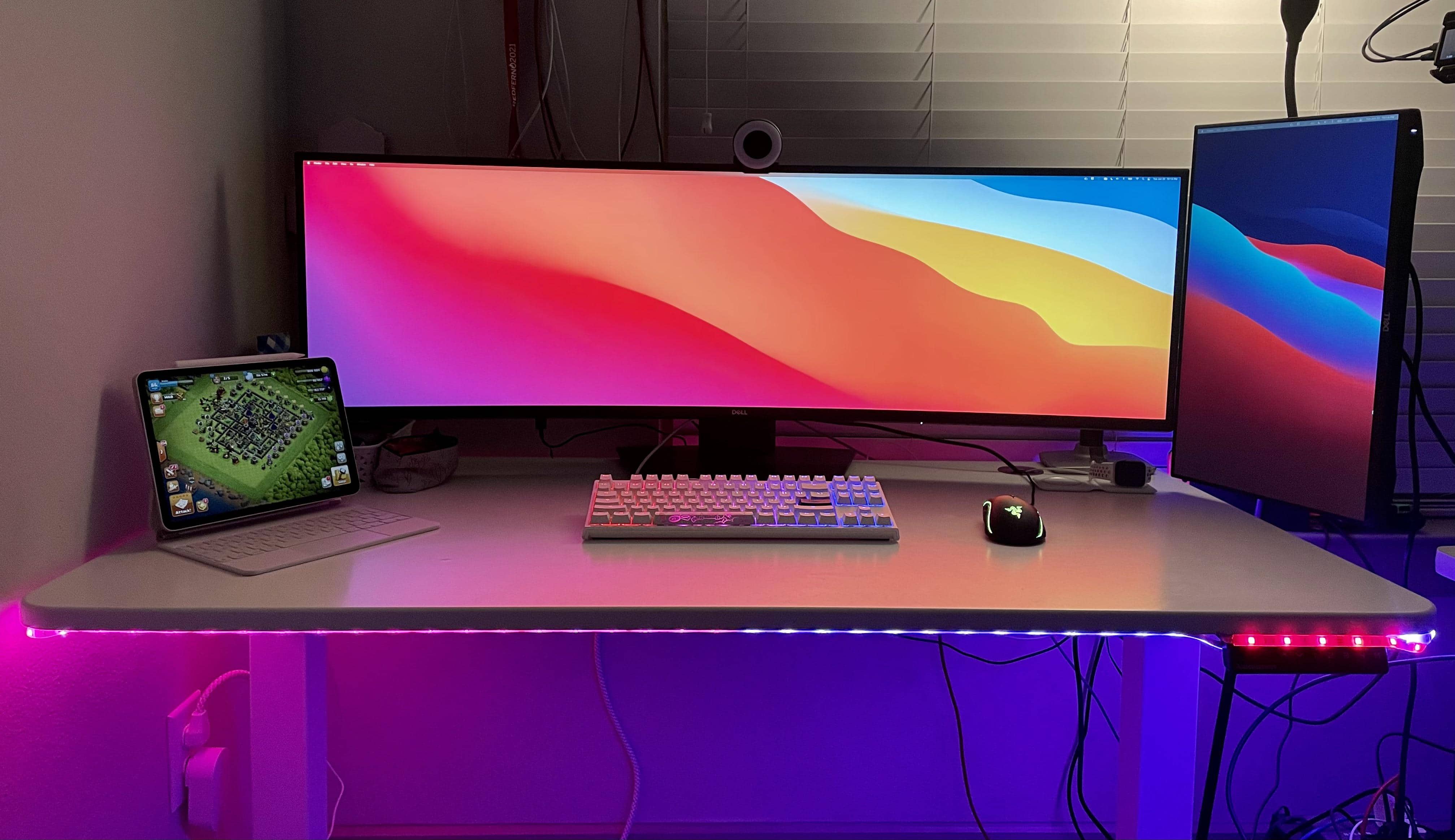
Photo: randomo_redditor@Reddit

Randomo_redditor runs her MacBook Pro and iPad with a monstrously wide Dell monitor, at 49 inches. But even that curved showstopper fails to provide enough real estate for all she does. So she added a 27-inch Dell display in portrait mode on the side. If you’re searching for the best monitors for Mac Mini, you might find this Samsung ultra-wide monitor setup to be a great option.

Now she can fit everything on the screens. And we do mean everything. Randomo already made the most of her widescreen by using an app to split the screen into thirds, for different uses.

1 80 81 82 83 84 144